Customer Ratings & Reviews
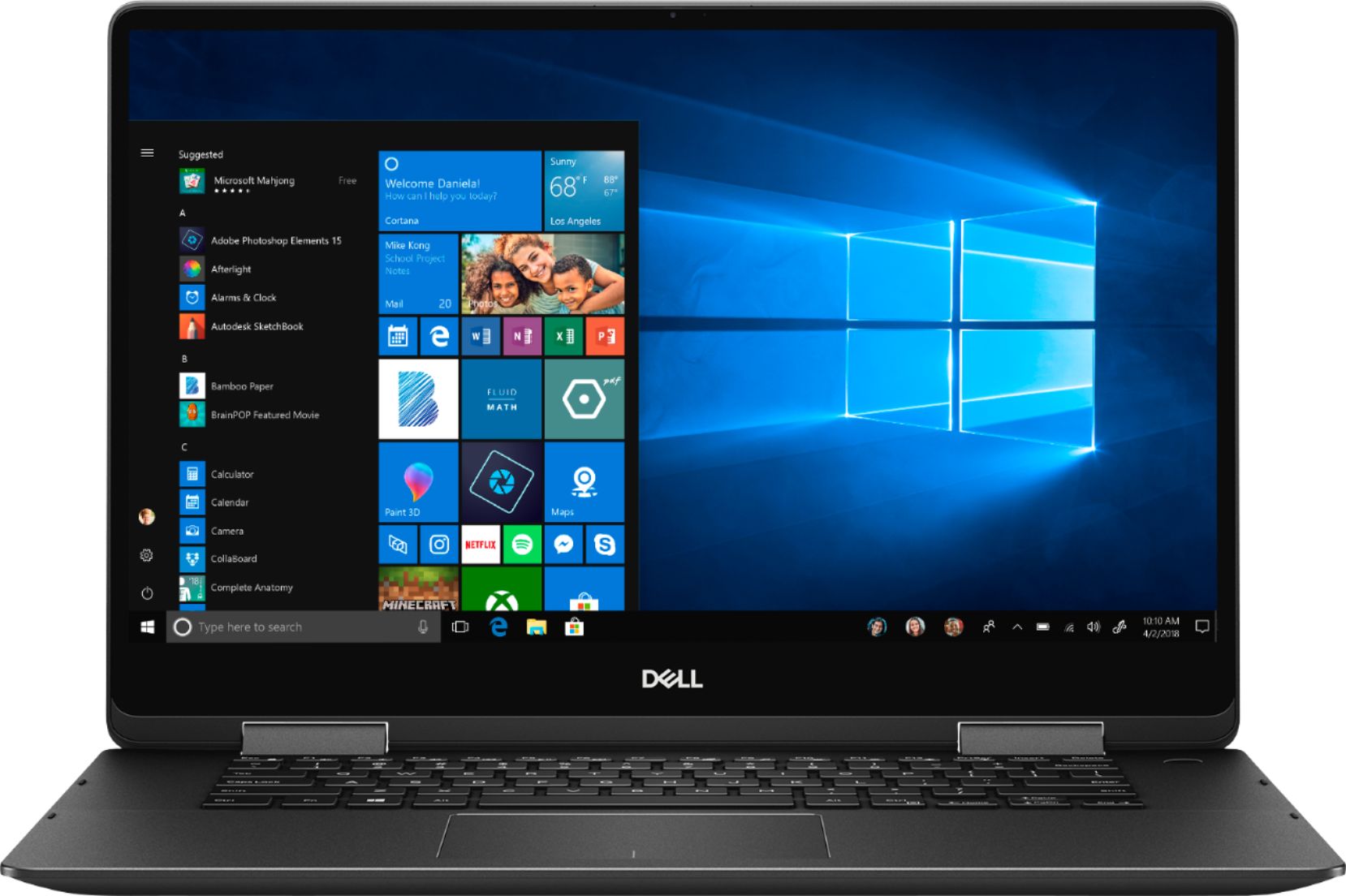
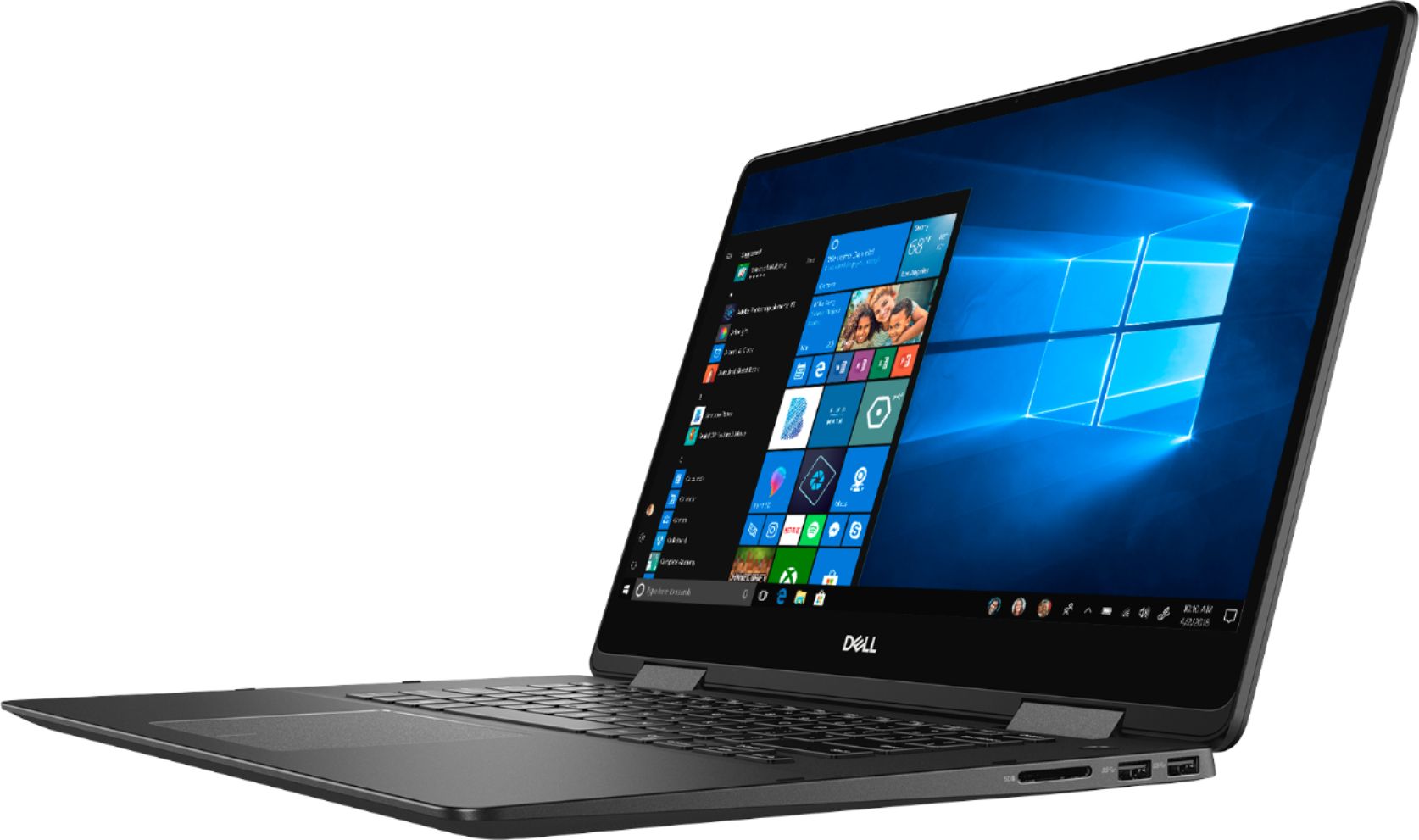
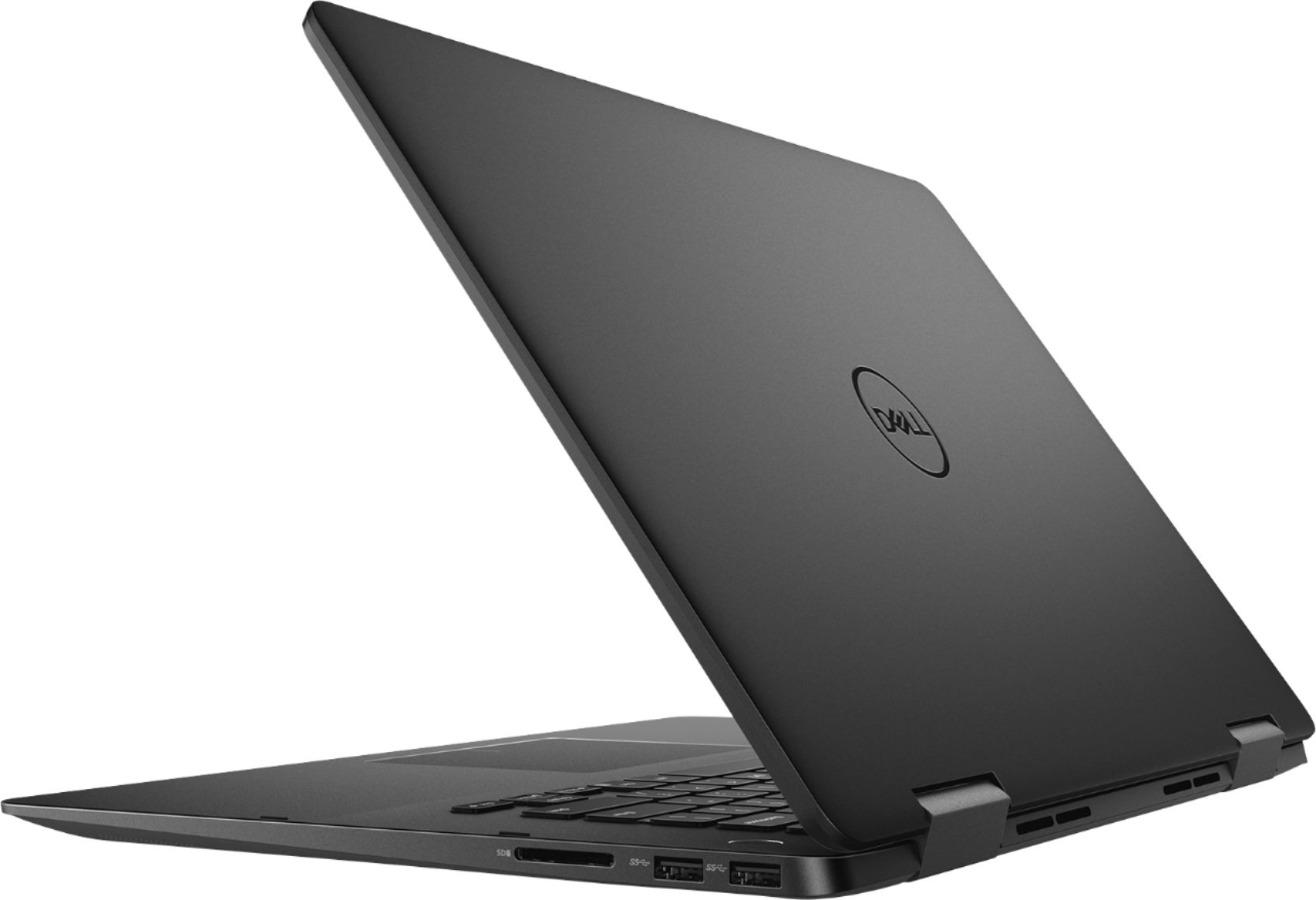
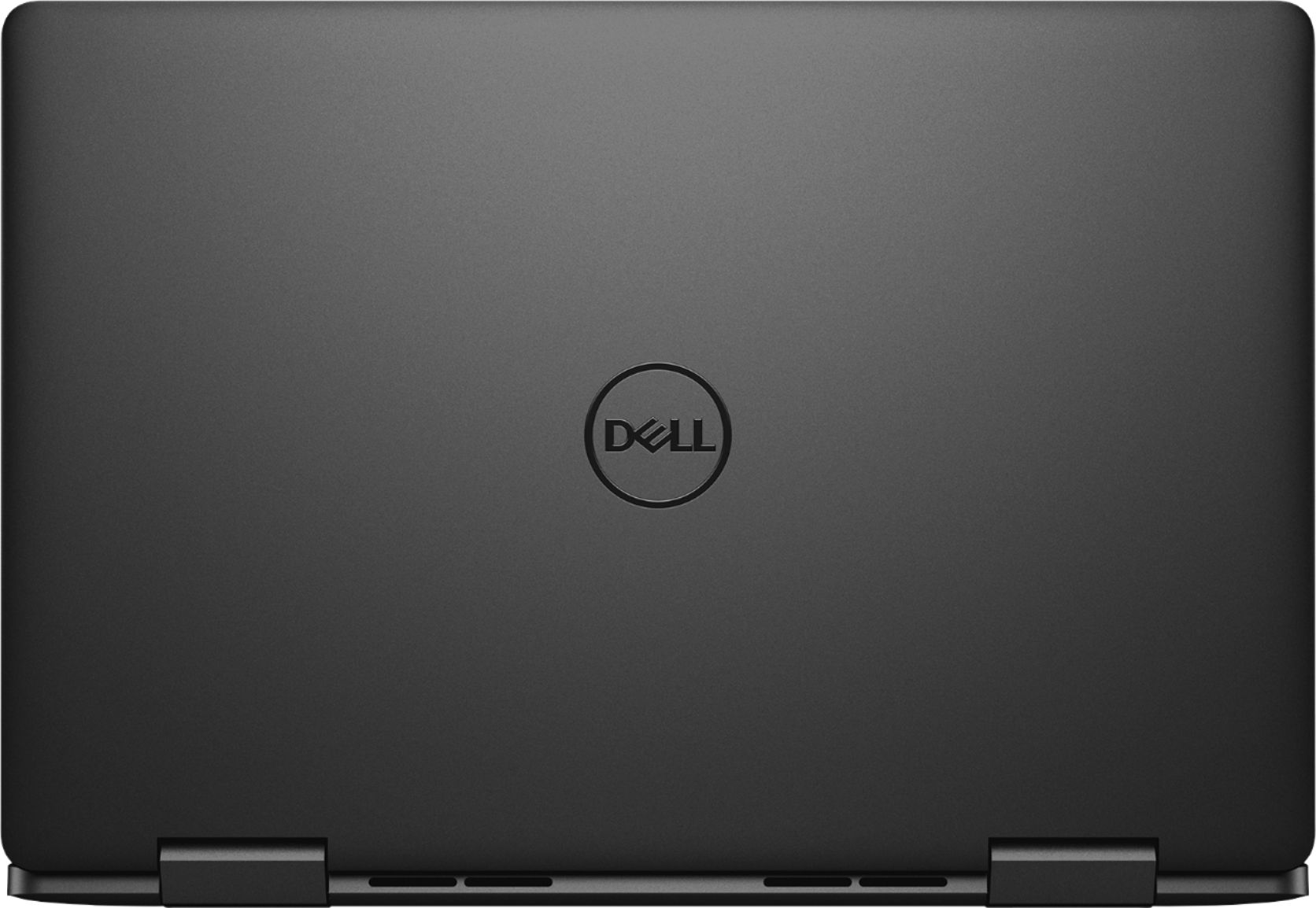
- Model:
- I7586-7205BLK-PUS
- SKU:
- 6295916
Rating by feature
- Value
Rating 4.3 out of 5 stars
- Quality
Rating 4.4 out of 5 stars
- Ease of Use
Rating 4.4 out of 5 stars
Customers are saying
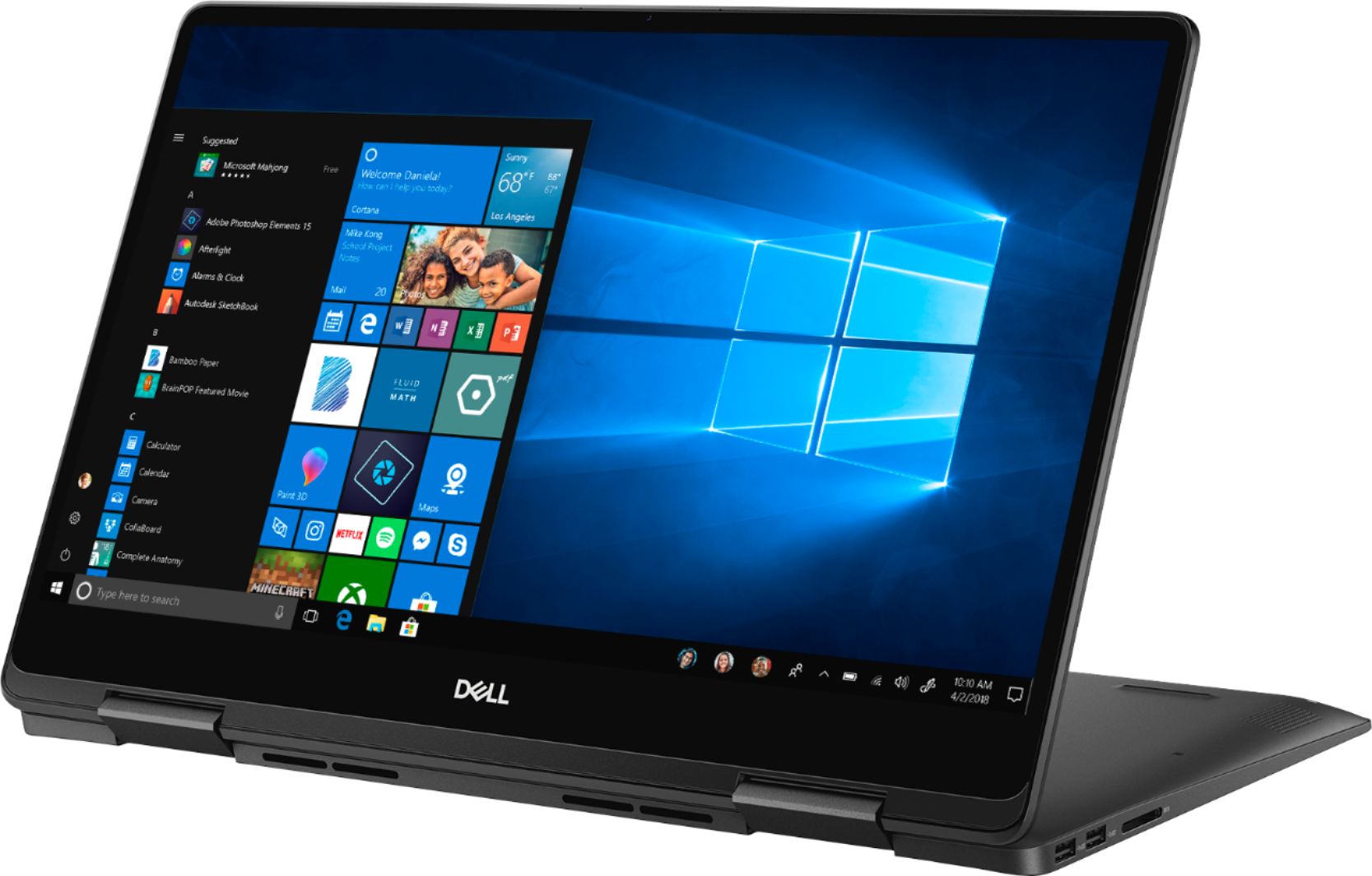
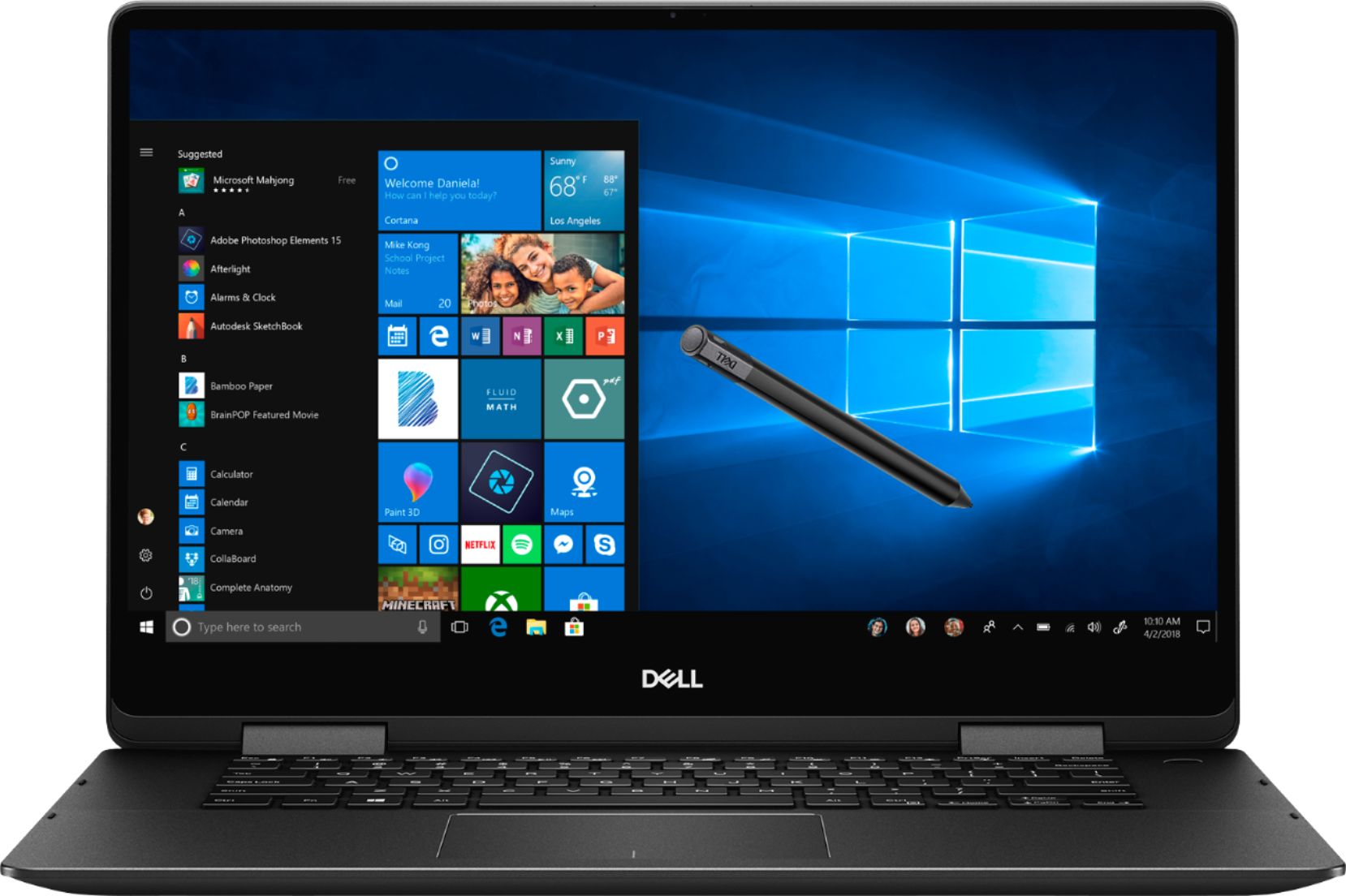
Customers appreciate the Inspiron 2-in-1 laptop's touch screen, 4K display, price, graphics, and performance. They find the touch screen easy to operate and the 4K display a cool bonus. Many customers feel that the quality of the laptop is very good for the price. Some customers also mentioned that they liked the graphics and performance of the laptop. However, some customers have concerns about the battery life, heating issues, build quality, and sleep mode.
This summary was generated by AI based on customer reviews.
No disk drive found
||Posted . Owned for 11 months when reviewed.This reviewer received promo considerations or sweepstakes entry for writing a review.Hadn’t had it a year and after an update it says “no disk drive found” all drives are hidden. This is crazy.
No, I would not recommend this to a friendTrash Laptop
||Posted .This reviewer received promo considerations or sweepstakes entry for writing a review.This laptop had display issues right out the box..
No, I would not recommend this to a friendDon’t buy it
||Posted .This reviewer received promo considerations or sweepstakes entry for writing a review.Returned it a week later System crashed Bought the Mac Pro
No, I would not recommend this to a friend- Pros mentioned:4k display
Great Laptop for student
Posted .This reviewer received promo considerations or sweepstakes entry for writing a review.Great laptop overall. 4K display allows you to open four windows at the same time making it perfect for students. Battery life is good, even though battery seems to randomly change charge level (I'm assuming it still trying to figure out actual battery level). It will show I have 1.5 hours left, but as I use it, it goes up to 7+ hours left. I have not run out of battery using it for school without charging in class. USB-C port allows charging, but it gives you a warning if it's less than 65 Watt. I have a 60 Watt charger and it charges it fast regardless of the warning. The bad: Computer froze during "Dell update" software, I'm hoping this is not a regular thing I can expect from Dell. I had to hard restart it and had to re-start the update, it appears to be running fine now. The bios update also failed using the auto update software that came with the computer, I had to download the bios update from the website. The wifi appears to have a much shorter range than my year old Acer Spin 5. If I'm in the same room as the router, it's fine, but the next room over it is slow and disconnected at least once. My Acer would connect all the way to my driveway since I do have an hi-end router. I may have to switch out the wifi card.
I would recommend this to a friend - Cons mentioned:Battery life, Sleep mode
Felt Slow
Posted .This reviewer received promo considerations or sweepstakes entry for writing a review.While it does have great specs for the money the laptop feels "slow". Even when plugged in and at full performance selection it just felt like there was a delay in everything I did. Also had problems with not being able to turn the laptop on after it went to sleep. Had to keep long pressing power btn to get it to start back up. I also found that the touch pad was very hard to use when tapping on links, buttons, etc. I kept needing to re tap on things. I should have tried it in store first... The 4K display looks great but it does use a lot of battery and I found that I don't need 4K
No, I would not recommend this to a friendBrand response from YourDellTeam
Posted .Hello DoctorStrobe,
Thanks for your feedback. We're sorry that your computer has been performing slowly for you. We'd recommend running the Windows Performance Troubleshooter to see if your computer can run faster:
1. Close all open windows.
2. Press the Windows logo key + X key on the keyboard.
3. Click Control Panel.
4. Click System and Security.
5. Under Security and Maintenance, select Troubleshoot common problems.
6. Under System and Security, click Run maintenance tasks.
7. Follow the on-screen instructions and prompts to complete the process.
8. Restart the PC.
You can read the full article here - http://dell.to/2tSulGV.
Best,
Bryan
1-800-624-9896
- Pros mentioned:Graphics, Touch screen
Amazing laptop for the price!
Posted .This reviewer received promo considerations or sweepstakes entry for writing a review.Hi! I've been using the laptop for 1 month and is has been amazing. It has an outstanding display and is very fast. The battery is capable of 5.5 to 6.5 hours but that is not so bad for having a 4K display and is charged very fast too. The metallic frame is gorgeous and until now the laptop performance has been excellent.
I would recommend this to a friend - Pros mentioned:Touch screenCons mentioned:Battery life
Poor battery life
Posted .This reviewer received promo considerations or sweepstakes entry for writing a review.I bought this laptop a week ago. I was super excited. The touchscreen and displays are fantastic. But, the battery life doesn't last long. I have been using it daily for school. 2 hours here. 2 hours there. I probably use it like 6 hours a day, and by the end of my day, the computer doesn't have any more battery. I have to charge it like twice a day. I think I am going to return it and find another one with better battery life.
No, I would not recommend this to a friendBrand response from YourDellTeam
Posted .Ruben,
Thanks for your review and we're sorry to hear that your battery is not lasting very long for you. We'd recommend the following tips to help extend the life of your computer's battery:
Change the Power Plan:
1. On the notification area of the taskbar, right-click the Battery icon.
2. On the options list, click Power Options.
3. Select a power plan on the battery meter, such as Power Saver or Balanced. Windows 10 has a built in 'Battery Saver' mode that can be activated to extend your system's battery life. The Battery Saver mode will monitor and limit background activity and other features such as push notifications. You do have the option to enable or disable this mode within settings or within advanced Battery Saver settings, you can customize the mode to best suit your needs.
a) Click on the Action Center icon in the taskbar and select the tile for Battery Saver.
b) If running Cortana then type Battery Saver into the search box and select from the results.
Within the Battery Saver settings page, you will be able to turn on and off the feature and customize the feature to best meet your needs.
c) Turn Battery Saver On or Off.
d) Additional settings available via the Battery use and Battery saver settings links.
e) Battery use shows further info on apps and their power usage.
f) Battery Saver Settings screen allows you to customize further Battery Saver feature.
You can read the full article here - http://dell.to/2vfXWf4.
Best,
Bryan
1-800-624-9896
- Cons mentioned:Battery life
Good with Some Issues
Posted .This reviewer received promo considerations or sweepstakes entry for writing a review.It has been 5 weeks since I got it, and it's working more than my expectations but there's some issues I noticed during this period, first is the very small icons I face in some programs because of the 4K display and I don't know the solution yet. Second is the overheating sometimes after being turning the laptop on from sleep. Last is the battery life because the display also. Overall it's a very wonderful Laptop to buy for it's high specs that can last at least for the next 5-6 years.
I would recommend this to a friend - Pros mentioned:Speed
Great affordable computer
Posted .This reviewer received promo considerations or sweepstakes entry for writing a review.I work on my computer all day for a living and use all kinds of software..Extremely happy with this computer! 4K Graphics are incredible as is the speed afforded by the SSD.. Processor is fast as well. Beautiful black satin finish, thin, relatively light, lit keyboard is awesome... Couldn't be happier after about a week of ownership..not a glitch anywhere yet and all at lightning speed. Will update review if I encounter any problems down the road..
I would recommend this to a friend Affordable 4K
Posted .This reviewer received promo considerations or sweepstakes entry for writing a review.I own a Dell 13", 15" and 17" 1080p and wanted a 4k laptop. When it went on sale I snatched one up. Setting up was flawless. Honestly I can't really discern much between a 4k and 1080p resolution. This laptop is set up in RAID and had to convert to AHCI which runs a little faster. One negative is that it doesn't have a volume rocker on the side which is useful in tablet mode. It also doesn't take an PCIe SSD as it takes an NVME m.2 SSD drive and no space for a 2.5" drive either. One memory slot is occupied with 16gb and can take up another 16gb for a total of 32gb like my other Dell laptops. So far so good. The volume is good and loud and I like the nVidia graphics option. Fit and finish is excellent. Upgrading the SSD and memory is simple. Battery life is average. I usually have it on battery saver when on battery and it will last for awhile. You can tone down the resolution to 1080p to save power. Overall I like this laptop.
I would recommend this to a friendLaptop
Posted .This reviewer received promo considerations or sweepstakes entry for writing a review.Great product! Very happy with it. Would recommend for sure.
I would recommend this to a friend- Cons mentioned:Heating
Overheating before i even completed setup...
Posted .This reviewer received promo considerations or sweepstakes entry for writing a review.Apparently this is a common problem according to the internet, the fan kicked into high gear before i could even complete the first time boot up setup and the device got so hot that i could no longer keep it resting on my legs. The device was not stifled for air flow and heated up almost immediately after powering on. Figured hey, i spent over a grand on this thing, let's see if it calms down once we get through the initial setup.... nope, couldn't even open a tab on the internet and type in youtube before it kicked back into high gear. Let me tell you, this thing gets LOUD and it gets HOT. I was so excited to come home from work tonight and get this set up for class in the morning and i couldn't have been more disappointed with the half hour i spent with this machine. No thanks, considering that i specifically wanted this for school there is zero chance I'll be bringing something that gets so loud into a classroom. Having already had a bad experience with an alienware laptop in the past (dell), i think I'll just return this and get something from another brand worth my $1500+ investment. I'm sure it performs well but if it gets so hot and so loud just setting it up i can only imagine what it'll be like having multiple programs and internet tabs open in a silent classroom. 1 star :/
No, I would not recommend this to a friendBrand response from YourDellTeam
Posted .Ryan,
Thanks for your review. We're sorry to hear about the overheating and fan noise that you're experiencing. We'd recommend checking to make sure that all of your software and drivers are up to date: https://dell.to/2OTHnLy.
If you haven't updated the BIOS on your computer, we'd recommend this update to help cut down on the fan noise:
An out-of-date BIOS can cause loud fan noises by having an outdated temperature table for the system. Refer to update BIOS and follow the instructions to update the BIOS on your computer. You can also follow up with our Technical Support Team here - 1-800-624-9896.
You can read the full article here - http://dell.to/2ENlXfz.
Best,
Bryan
1-800-624-9896
Love this machine... NOW
Posted .This reviewer received promo considerations or sweepstakes entry for writing a review.When I first got this, I noticed that the machine was unable to take advantage of my very fast internet speed. First Dell tech guy I got on phone was useless. Second guy figured out that the Smart Bytes app was interfering with the wireless. We deleted that and he tinkered around a little but and now my download speed is very fast! That might be the reason why some found the machine to be slow. I feel like this machine for $1199 on sale is a great deal. I love it and am NOW very happy.
I would recommend this to a friendGreat computer!
Posted .This reviewer received promo considerations or sweepstakes entry for writing a review.This computer was a no regret purchase. It has a great performance, the 4k screen is awesome and for having nvidia GPU it is considerably slim and light.
I would recommend this to a friend- Cons mentioned:Build quality
The cheaper options isn’t always better
Posted .This reviewer received promo considerations or sweepstakes entry for writing a review.As a student, it is absolutely necessary to be able to find a good deal as well as quality in a product. This Dell has the (semi) good deal in comparison to other computers like it, but the quality has fallen WAYYYY short. I’ve had this computer for about 5 months now and I’ve had multiple issues with it not starting up, having a very poor WiFi connection, and running slow. Most recently I plugged in the charger in a spot I’ve charged the computer before and actual SMOKE came from my computer. So this computer that I depend on every day with a very important and expensive program that I use for school needs to be shipped off for repairs while it’s still brand new. Not to mention that it’s impossible to communicate with the people in technically support Bc they all are foreign and reading from a script. While this computer is beautiful and has done some good, i would not choose it if i could go back and do it again. Sometimes the cheaper option isn’t always the best option.
No, I would not recommend this to a friendBrand response from YourDellTeam
Posted .Charlyne,
Thanks for your review and we're very sorry to hear about the interaction that you've had with your computer so far. Once you receive your computer back if you have trouble starting it you can follow these steps:
1. If the computer is displaying the Dell logo and does not move past that point, it has probably failed POST.
2. If the power indicator lights up and it is amber or orange, this is usually an indicator that it has failed POST.
3. If you see text on a black screen, the computer is currently performing the POST. If the computer stays in that condition and does not move past it, it has probably failed POST.
4. If the video screen displayed anything at all during the startup process but is now black, this probably indicates that the computer failed POST.
5. If the computer is beeping or if Caps/Num/Scroll Locks are flashing, note if there is a particular pattern in which it beeps or flashes.
6. If the computer is not beeping and caps/num/scroll locks are not flashing, unplug all connections and remove all media communication devices (e.g. external monitors); reconnect one at a time and check if the computer functions.
7. For a notebook, press and hold the Fn key and then press the power button. This starts the pre-boot testing and will launch ePSA. In case you have a Desktop at the Dell logo screen tap the F12 key to enter One Time Boot Menu and use the arrow keys to highlight Diagnostics and press enter.
You can read the full article here - http://dell.to/2uj1Sby.
If you are still experiencing WIFI issues you can try these steps:
1. Download and install the latest Wireless Card driver. (https://dell.to/2th3Tpe) After updating the driver, re-establish the connection with the Wireless Access Point and check the wireless performance.
2. If the issue persists, proceed to step 3.
3. Power-cycle the local network. Shut down the Dell system, the Wireless Access Point/Router and the Modem. Wait a minimum of 60 seconds before powering up the components in the following order:
4. Power ON the Modem, and wait for it to boot fully.
5. Power ON the Wireless Access Point/Router, and wait for it to boot fully.
6. Power ON the Dell system.
7. Open Network and Sharing Center
8. In the left side navigation pane, click on Change Adapter Settings
9. Right click on the wireless connection icon and select Properties followed by the Configure button
10. Under Wireless Options, select the Wireless N mode
11. For Windows 8 or later systems click the Advanced tab and look for 802.11n Mode on the right you will be given the option to Enable or Disable. If the mode is not visible you may need to update your drivers and firmware.
12. From the drop-down menu, choose Disable followed by Ok
13. This should restore the wireless download and upload speed. Internet speed can be tested at http://speedtest.net.
We hope that your computer will perform better for you once we get it back.
Best,
Bryan
1-800-624-9896
- Cons mentioned:Build quality, Sleep mode
Very poor build quality. Laptop repeatedly freezes
Posted .This reviewer received promo considerations or sweepstakes entry for writing a review.Very poor build quality. Laptop repeatedly freezes. And to make matters worse, this laptop now goes to sleep and you cannot wake it up. When you attempt to awake the laptop from sleep, the screen is black and you can hear a very distinct humming. The laptop doesn't power down and over time, the battery dies which then allows me to recharge the battery and get a few more cycles out of it prior to the laptop going back into failure mode. Wish I had kept the original box so I could return it. I have the receipt but believe you need the original packaging for a full refund.
No, I would not recommend this to a friendBrand response from YourDellTeam
Posted .balancedsolutions,
Thanks for your feedback. We're sorry that your computer is not performing the way you had hoped it would. We'd recommend running the Windows Performance Troubleshooter to see if there are ways to speed up your computer:
1. Close all open windows.
2. Press the Windows logo key + X key on the keyboard.
3. Click Control Panel.
4. Click System and Security.
5. Under Security and Maintenance, select Troubleshoot common problems.
6. Under System and Security, click Run maintenance tasks.
7. Follow the on-screen instructions and prompts to complete the process.
8. Restart the PC.
You can read the full article here - http://dell.to/2tSulGV.
If your computer continues to freeze on you we'd recommend these steps:
1. Run a Computer Diagnostic. To determine if your computer is experiencing a hardware problem, run the Dell Preboot System Assessment (PSA) Diagnostics. For information on how to run Diagnostics, and to determine the issue, refer to Dell Knowledge Base Article: http://dell.to/2iaiujA.
2. Check Safe Mode for Symptoms. To boot into safe mode, please follow the instructions below:
a) Start the computer.
b) Tap 'F8' on the keyboard immediately and every one second until the Dell logo screen disappears. From there you will see the Windows Advanced Options Menu on the screen. (If the Windows Advanced Options Menu does not appear, restart the system and try again.)
c) Select Safe mode with Networking and press Enter.
d) Log on as the administrator or as a user with administrative access.
e) Open applications and test the computer in safe mode. If the symptoms exist in safe mode, please continue the troubleshooting steps in this article. If the symptoms do not exist in safe mode, the issue is likely related to a driver or software and you may wish to complete step 3 to see if you are able to resolve the lockups or freezing.
3. Check for Malware. Malware (Virus, Spyware, etc.) can definitely cause a Windows system to lock up or appear to hang. To check for malware on your system and to ensure that your computer is up to date on security software, visit Dell Knowledge Base Article: http://dell.to/2wWP1zI.
You can read the full article here - http://dell.to/2tW5m33.
Best,
Bryan
1-800-624-9896
- Cons mentioned:Battery life
Started out good.
Posted .This reviewer received promo considerations or sweepstakes entry for writing a review.After having this laptop about 6 months the 4k screen went out, Dell replace it. About 4 months later the battery went bad, luckily Dell replaced that as well. When the laptop was sent in for screen issues the 4k screen was replaced with a fhd screen. I did not realize until recently trying to change resolution. Contacted Dell they were very apologetic and claim they will replace a proper screen this time. Save yourself the headache.
No, I would not recommend this to a friendBrand response from YourDellTeam
Posted .Justhere,
We're sorry to hear about the troubles that you've had with your laptop up to this point. We hope that your monitor is replaced correctly for you. If you have additional questions you can check our Product Support Page here: https://dell.to/2Qt7ydO.
Best,
Bryan
1-800-624-9896
Great
Posted .This reviewer received promo considerations or sweepstakes entry for writing a review.Overall this is one great laptop, and an excellent alternative to the MacBook Air or perfect computer for a previous Mac user. My rating is 4.5/5.
I would recommend this to a friendDell
Posted .This reviewer received promo considerations or sweepstakes entry for writing a review.Bought for Granddaughter, starting college. Loves it.
I would recommend this to a friend- Cons mentioned:Battery life
Don't Buy A Dell!
Posted .This reviewer received promo considerations or sweepstakes entry for writing a review.This computer SUCKS! Get this, the wi-fi function stopped working after owning it for just 3 years. This is my home-office computer that doesn't get used all that often (even during COVID I was able to go to my office in the City and work from there...). Also, I purchased a 3-year warranty that expired 3 FREAKN weeks before my laptop stopped working. Are you kidding me?
No, I would not recommend this to a friend