Customer Ratings & Reviews
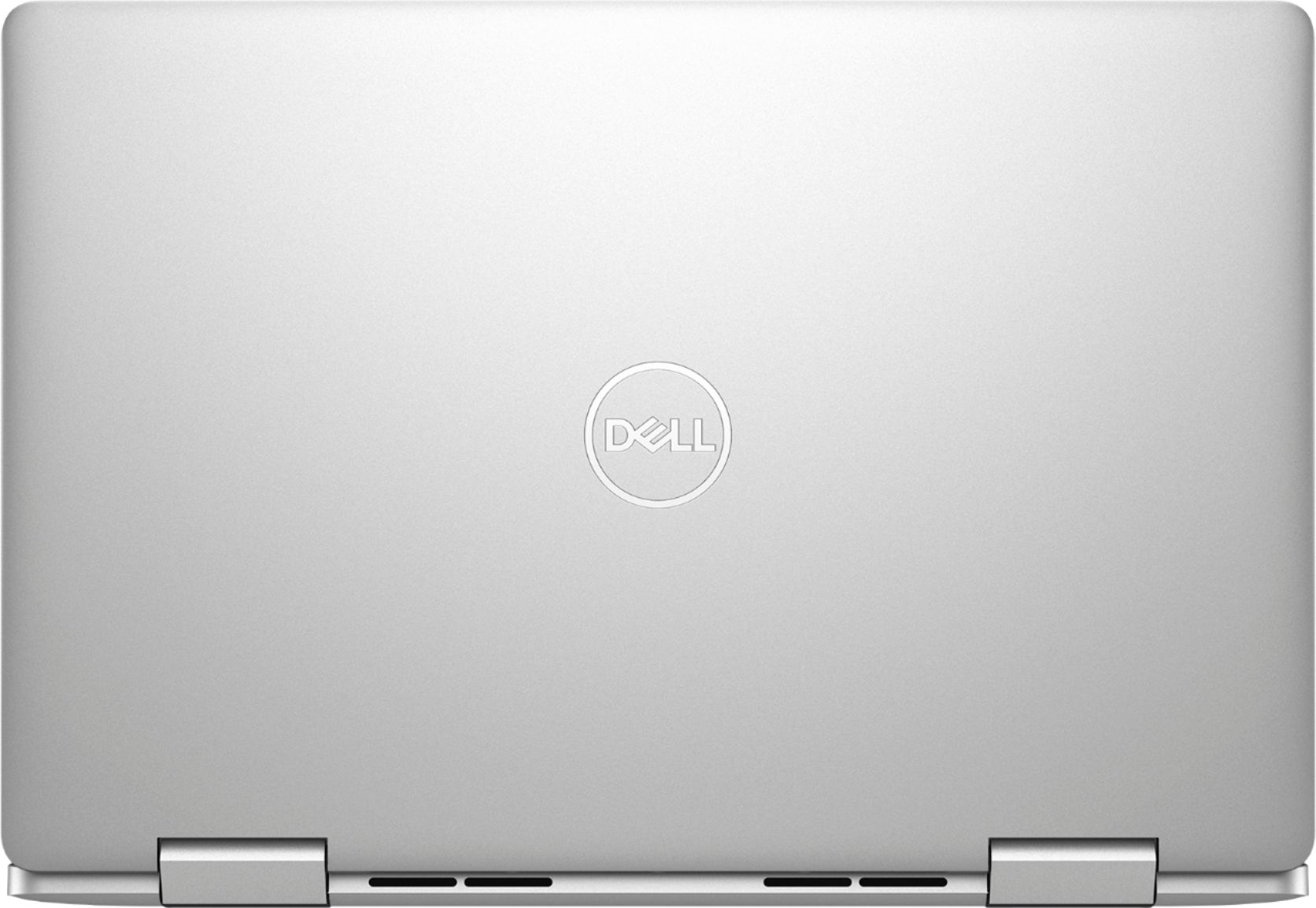
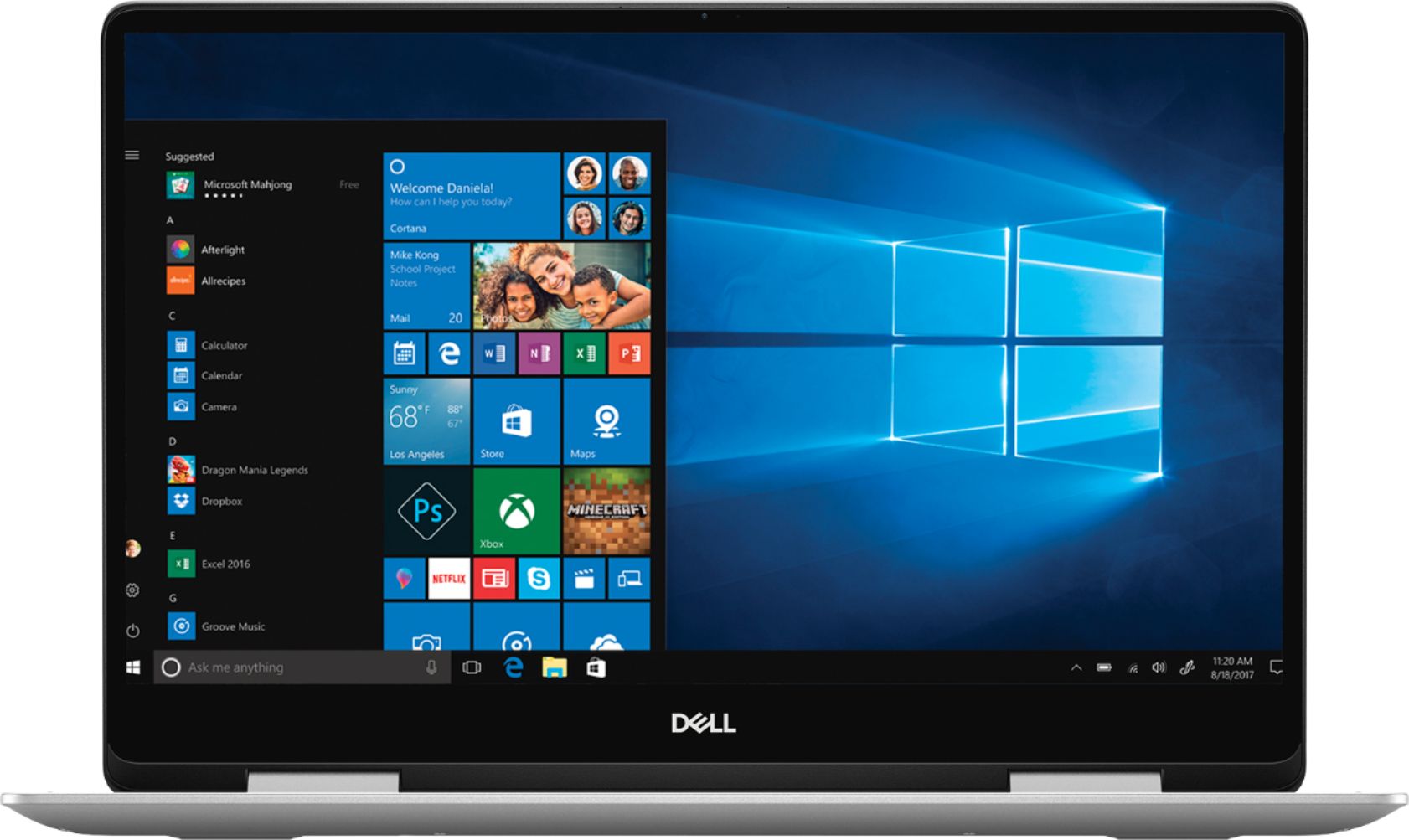
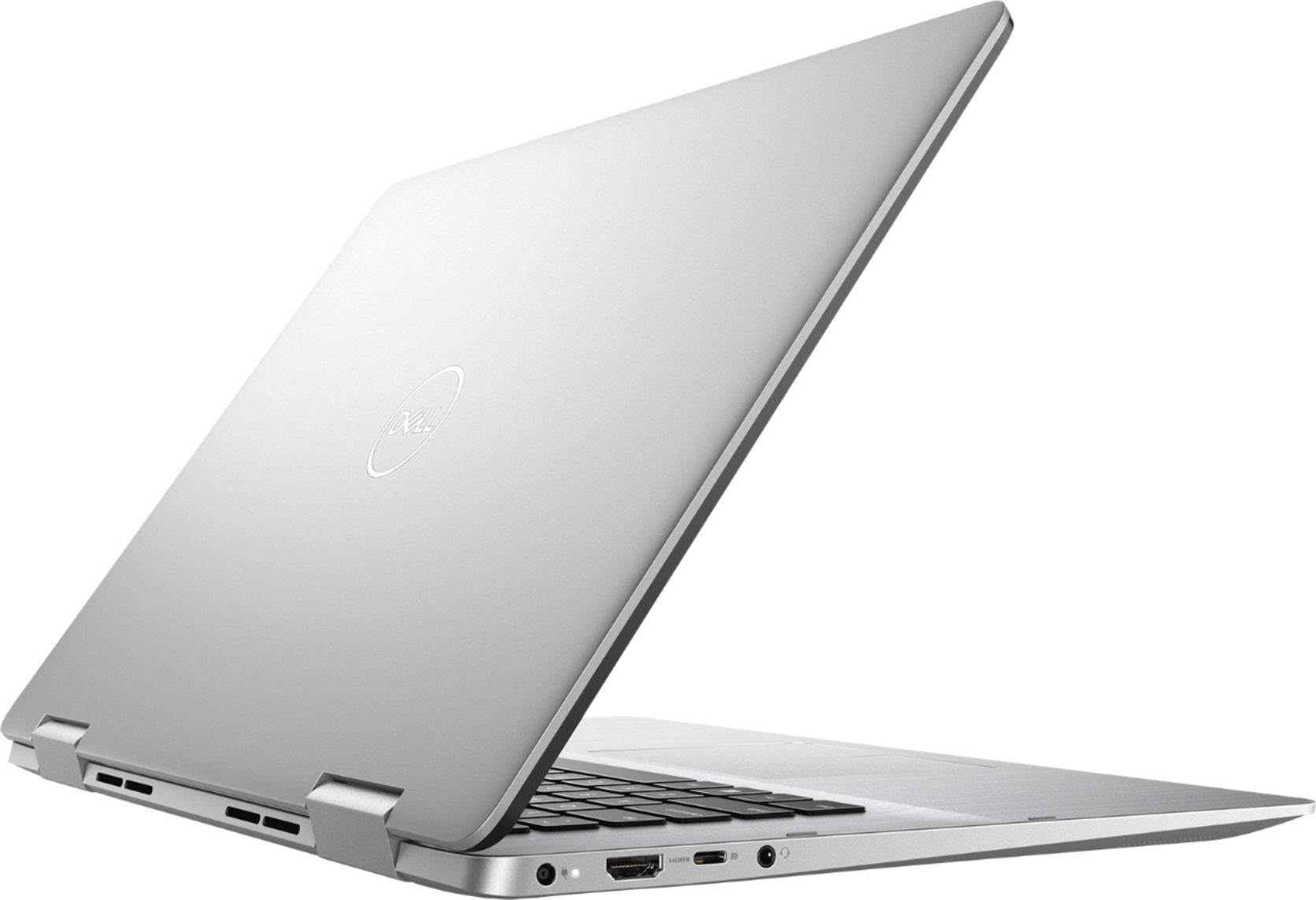
- Model:
- I7586-5045SLV-PUS
- SKU:
- 6295913
Rating by feature
- Battery Life
Rating 3.8 out of 5 stars
- Speed
Rating 4.1 out of 5 stars
- Display
Rating 4.7 out of 5 stars
Customers are saying
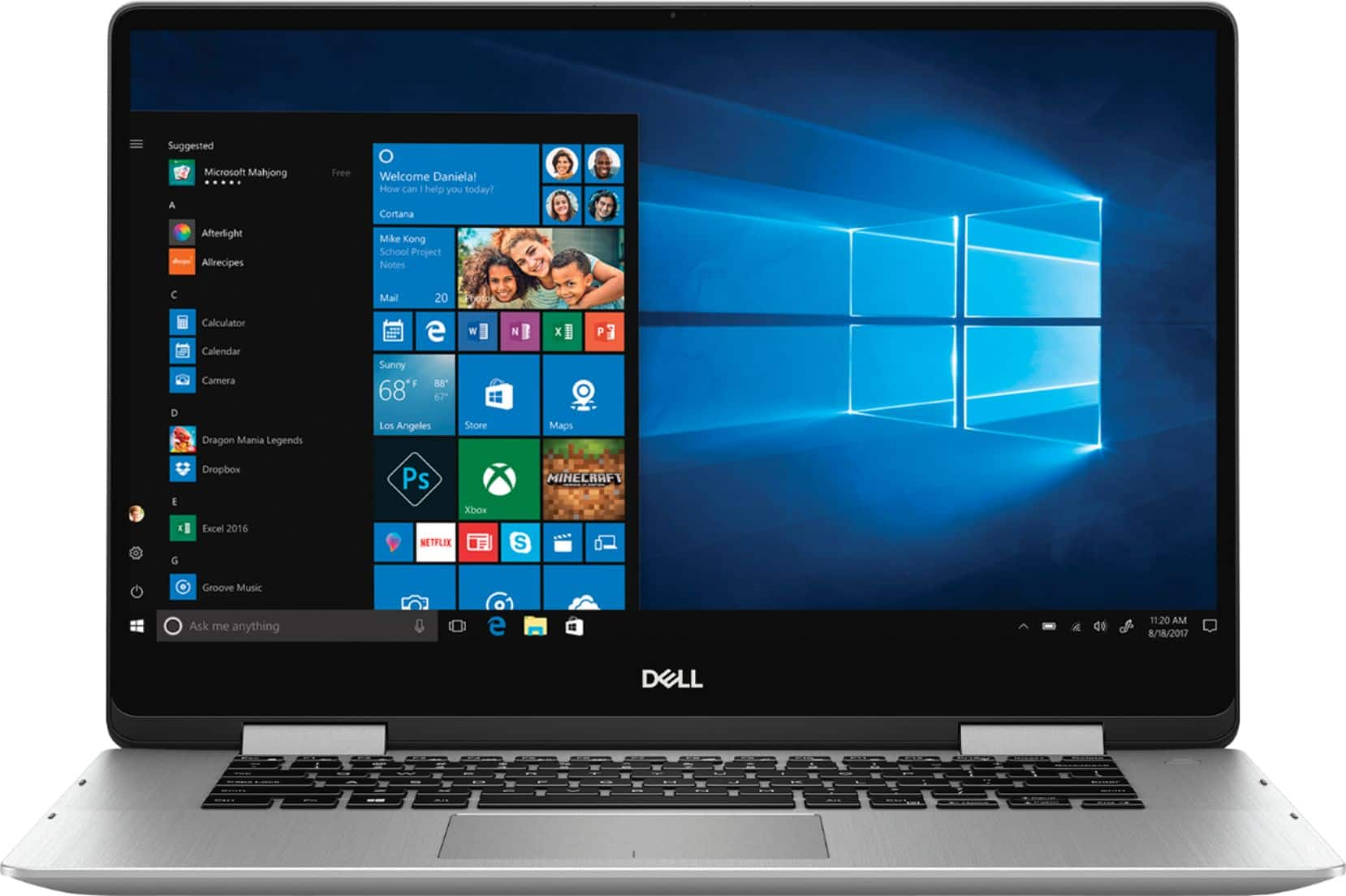
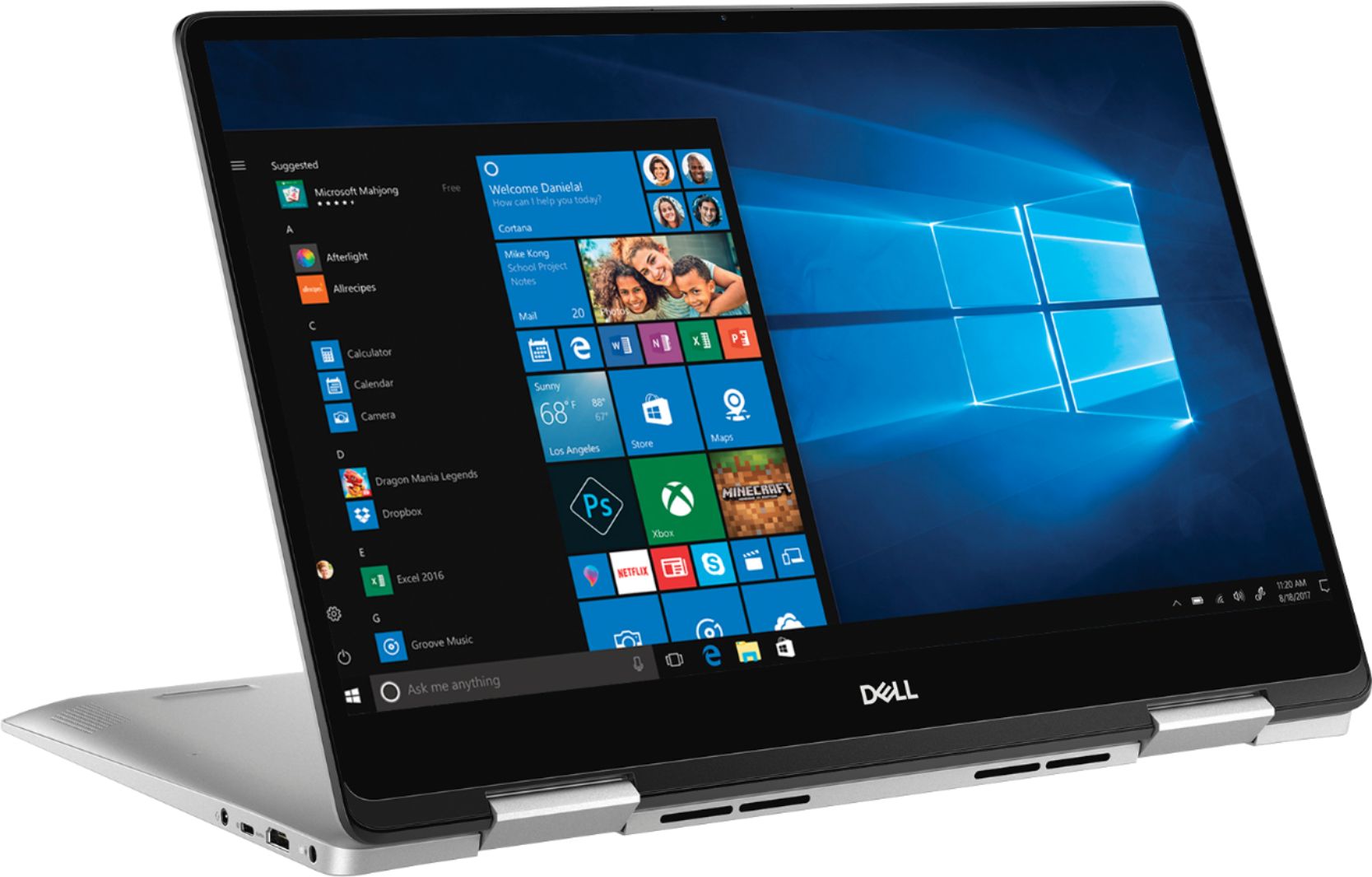
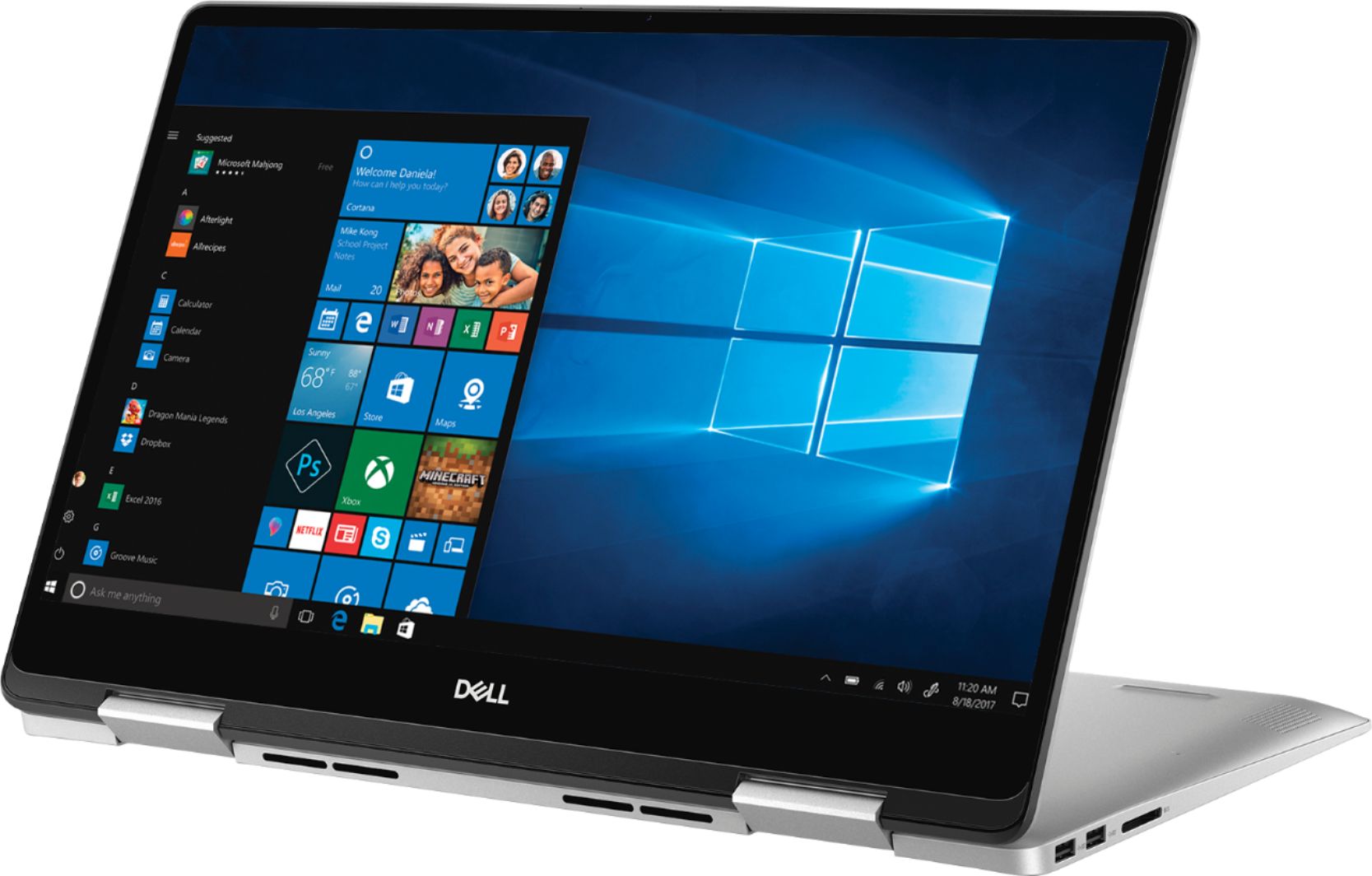
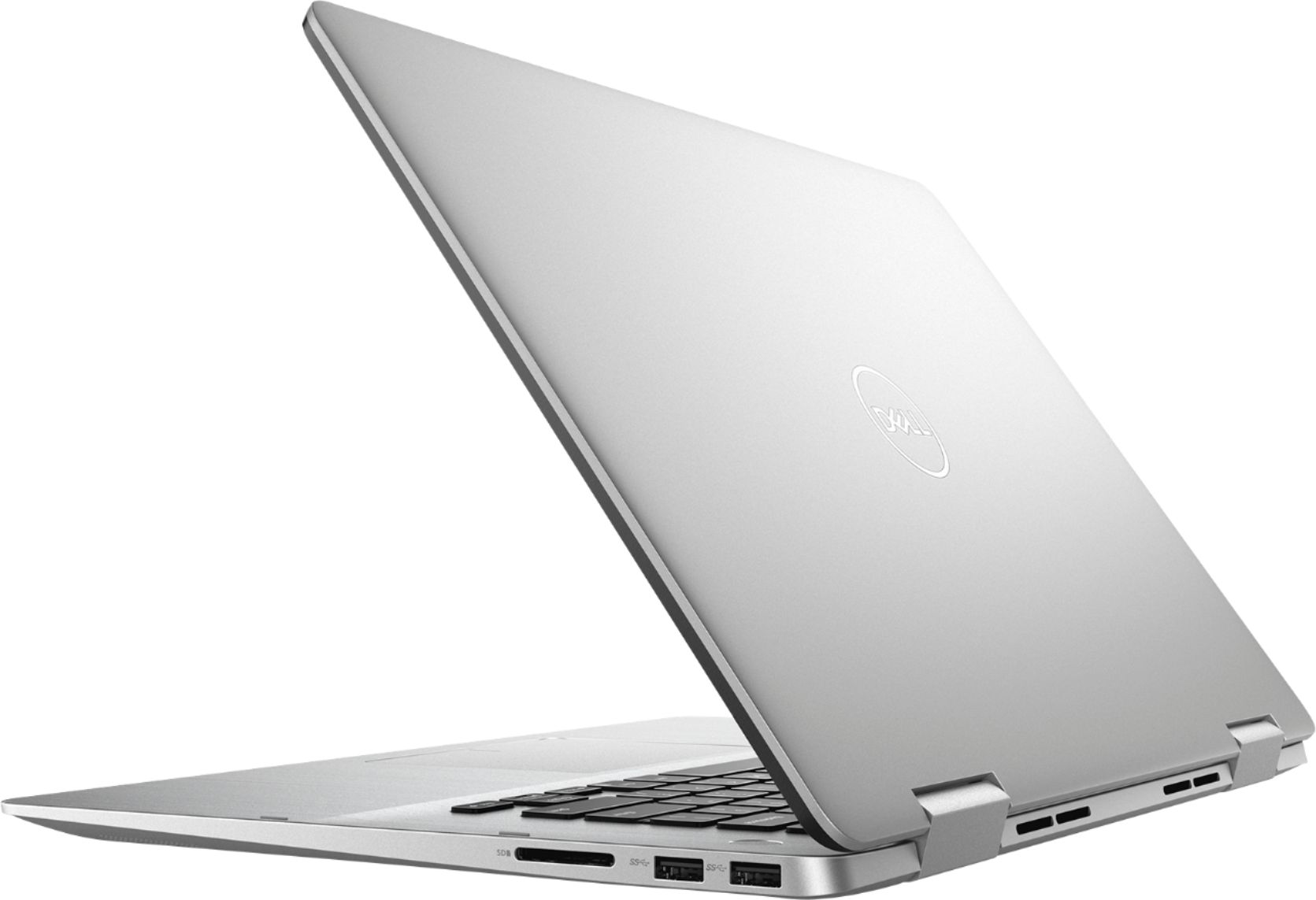
Customers are satisfied with the Inspiron 2-in-1 15.6" Touch-Screen Laptop for its touchscreen capabilities, lightweight design, user-friendly interface, and affordable price. While some users have concerns about battery life, fingerprint scanner reliability, limited port selection, Windows 10 compatibility, and gaming performance, the overall positive feedback suggests that this laptop meets the needs and expectations of many users.
This summary was generated by AI based on customer reviews.
Not a great device
||Posted . Owned for 1 year when reviewed.This reviewer received promo considerations or sweepstakes entry for writing a review.This laptop does not work as effectively as it is meant to. Too big and heavy to use as a tablet, so there's really no reason for it to be a 2-in-1. It works fine as a laptop, but don't buy this looking for a useful tablet function.
No, I would not recommend this to a friendEnjoying them
||Posted .This reviewer received promo considerations or sweepstakes entry for writing a review.doing everything I have asked it to do speedily so far.
I would recommend this to a friendLove
||Posted .This reviewer received promo considerations or sweepstakes entry for writing a review.This system is amazing I would deffinantly recommend.
I would recommend this to a friendGreat Item
||Posted .This reviewer received promo considerations or sweepstakes entry for writing a review.My daughter loves this early graduation present...
I would recommend this to a friendGood computer
||Posted .This reviewer received promo considerations or sweepstakes entry for writing a review.Good computer for value and price for basic computing
I would recommend this to a friendGood for using SQL
||Posted . Owned for 9 months when reviewed.This reviewer received promo considerations or sweepstakes entry for writing a review.Screen could be brighter in daylight. Fast turn on/power up. Enjoy the touch screen. Speaker could be louder but I didn't buy it for sound quality. The speakers are on the bottom, not the side or the back.
I would recommend this to a friendGood labtop
||Posted .This reviewer received promo considerations or sweepstakes entry for writing a review.Great Features, good display, Easy to move around.
I would recommend this to a friendIts decent so far.
||Posted . Owned for 2 months when reviewed.This reviewer received promo considerations or sweepstakes entry for writing a review.I like this computer but I keel getting so nany annoying notifications. And then I swear.it wants me to update stuff every three days or so. So its nice but has minor annoyances.
No, I would not recommend this to a friendBrand response from YourDellTeam
Posted .Cc4321,
Thanks for your review. We're sorry to hear about the pop ups that you're getting from your 2-in-1. We'd recommend running the Windows Performance Troubleshooter to make sure that all of your software and drivers are up to date. If you have additional questions about your computer you can visit our Product Support Page here: https://dell.to/2Qt7ydO.
Best,
Bryan
1-800-624-9896
Not an easy computer for average person
||Posted .This reviewer received promo considerations or sweepstakes entry for writing a review.I was disappointed the sales people didn't tell me the charger for the laptop wasn't included, even when I asked at the desk before leaving the store. No model manual either.
No, I would not recommend this to a friendBrand response from YourDellTeam
Posted .greta,
We're sorry that there was no charger included with your computer. We hope that you now have one so that you can charge your computer. Here's a link for a site where you can view your computer's manual: https://dell.to/2KO2L8c.
Best,
Bryan
1-800-624-9896
Power Button and Random Shut Down Issues
||Posted .This reviewer received promo considerations or sweepstakes entry for writing a review.I returned this and purchased another Dell. Power and finger print button was wonky, mostly worked, but not all the time. When the laptop went into sleep mode, it sometimes rebooted or shutdown. Bought it Thursday, set it up over weekend, returned it Monday. Was not very fast and the graphics were unimpressive. Not recommended. Best Buy was great in how the handled the exchange. Professional, yet personable and did a full data wipe, even though I advised I already did a full reset.
No, I would not recommend this to a friendVery slow starting up
||Posted .This reviewer received promo considerations or sweepstakes entry for writing a review.The 7 series is so much better. If the 5 would have started up as fast as the 7, I would have kept it. I traded it for this 5 because I needed the numeric keypad
No, I would not recommend this to a friendBrand response from YourDellTeam
Posted .Jakes1mom,
Thanks for your review. We're glad that you are happy with your 5 series laptop. If you have any questions about it, please visit our Product Support Page here: https://dell.to/2Qt7ydO.
Best,
Bryan
1-800-624-9896
- Pros mentioned:Touch screen
Returned item for HP
||Posted . Owned for 1 month when reviewed.This reviewer received promo considerations or sweepstakes entry for writing a review.Preferred the speaker quality and sound in the HP. Bothe easy to operate and like the touchscreen.
No, I would not recommend this to a friend Problems with charging.
||Posted . Owned for 1 year when reviewed.This reviewer received promo considerations or sweepstakes entry for writing a review.Love this computer, but unfortunately I've had to replace the charge cord three times. Very frustrating!!!!
No, I would not recommend this to a friendDell
||Posted . Owned for 11 months when reviewed.This reviewer received promo considerations or sweepstakes entry for writing a review.Fingerprint reader (power button) seemed to always have a little issue since i bought it.
No, I would not recommend this to a friendLaptop
||Posted . Owned for 1 year when reviewed.This reviewer received promo considerations or sweepstakes entry for writing a review.Bought this for college student, microphone & camera quit working after a year
No, I would not recommend this to a friendGood laptop
||Posted . Owned for 3 weeks when reviewed.This reviewer received promo considerations or sweepstakes entry for writing a review.Sometimes has trouble switching from tablet mode to laptop mode. Love the cosmetic on it. Has great battery life!
I would recommend this to a friendBrand response from YourDellTeam
Posted .Bambi,
We're glad to hear that your laptop is working well for you. If you have any questions about your computer, you can always check our Product Support Page here: https://dell.to/2Qt7ydO.
Best,
Bryan
1-800-624-9896
Laptop was shipped out
||Posted .This reviewer received promo considerations or sweepstakes entry for writing a review.Laptop was shipped out for third party to repair. It seems after I updated the Bios,the laptop would get very hot, the fan turns on, which normally does not. Then shuts down. Could be a hardware issue too. Anyway, the third party repair changed the motherboard. It worked fine at the store. After using it for a few hours at home, it won't even turn on. Even with power cord in.
No, I would not recommend this to a friendBrand response from YourDellTeam
Posted .John,
Thanks for your review. We're sorry to hear about the issues that your laptop has given you so far. Here are some tips to keep your computer operating at a cooler temperature:
Tips for Proper Usage:
1. Dell does not recommend placing portable systems directly on your lap. Due to reductions in the thickness of modern portable systems, heat transfer can be an issue.
2. Using a portable system (Laptop) on a hard, flat, non-cloth surface will increase airflow and reduce heat from underneath and inside the system.
Using the portable system on a blanket, pillow, or other types of cloth will cover up the fan cause the computer to overheat and can cause permanent damage.
3. It is recommended to use the portable system in a Room temperature of 0°C to 35°C (32°F to 95°F) with a Humidity level no greater than 90%.
4. Use compressed air to clean the vents on a regular basis.
5. Using a cooling pad can decrease heat and increase performance.
6. If you want to know the temperature limitations for your system, go to the Dell Support Website, look up your system model then open the user guide under the manuals link.
You can read the full article here - http://dell.to/2uJ8AdG.
If you are still having trouble turning your computer on, you can follow these steps:
1. If the computer is displaying the Dell logo and does not move past that point, it has probably failed POST.
2. If the power indicator lights up and it is amber or orange, this is usually an indicator that it has failed POST.
3. If you see text on a black screen, the computer is currently performing the POST. If the computer stays in that condition and does not move past it, it has probably failed POST.
4. If the video screen displayed anything at all during the startup process but is now black, this probably indicates that the computer failed POST.
5. If the computer is beeping or if Caps/Num/Scroll Locks are flashing, note if there is a particular pattern in which it beeps or flashes.
6. If the computer is not beeping and caps/num/scroll locks are not flashing, unplug all connections and remove all media communication devices (e.g. external monitors); reconnect one at a time and check if the computer functions.
7. For a notebook, press and hold the Fn key and then press the power button. This starts the pre-boot testing and will launch ePSA. In case you have a Desktop at the Dell logo screen tap the F12 key to enter One Time Boot Menu and use the arrow keys to highlight Diagnostics and press enter.
You can read the full article here - http://dell.to/2uj1Sby.
Best,
Bryan
1-800-624-9896
It's a good laptop
||Posted . Owned for 3 weeks when reviewed.This reviewer received promo considerations or sweepstakes entry for writing a review.It's a good laptop, but the cybersecurity I bought through Best Buy does not seem to be working or effective.
I would recommend this to a friendBrand response from YourDellTeam
Posted .MgSwif,
Thanks for your feedback. We'd recommend reaching out to Best Buy directly regarding the security software that you purchased: http://bit.ly/2v2IVhI.
Best,
Bryan
1-800-624-9896
Nice laptop
||Posted .This reviewer received promo considerations or sweepstakes entry for writing a review.Still learning it so I have a ways to go for me to say I'm completely satisfied . I think a bit pricey but worth it
I would recommend this to a friendBrand response from YourDellTeam
Posted .Tere,
We appreciate your review. We hope that you will continue to find good uses for your laptop. If you have additional questions you can check out our Product Support Page here: https://dell.to/2Qt7ydO.
Best,
Bryan
1-800-624-9896
Good basic laptop
||Posted .This reviewer received promo considerations or sweepstakes entry for writing a review.I’m not much of a techie but I picked this computer because the sales person said it loads quickly and it does.
No, I would not recommend this to a friendBrand response from YourDellTeam
Posted .Hello Zakia,
Thanks for your feedback and we're happy to see that your new computer is working well for you. If you have additional questions about your computer you can check out our Product Support Page here: https://dell.to/2Qt7ydO.
Best,
Bryan
1-800-624-9896