Customer Ratings & Reviews
- Model:
- I7586-5045SLV-PUS
- SKU:
- 6295913
Rating by feature
- Battery Life
Rating 3.8 out of 5 stars
- Speed
Rating 4.1 out of 5 stars
- Display
Rating 4.7 out of 5 stars
Customers are saying
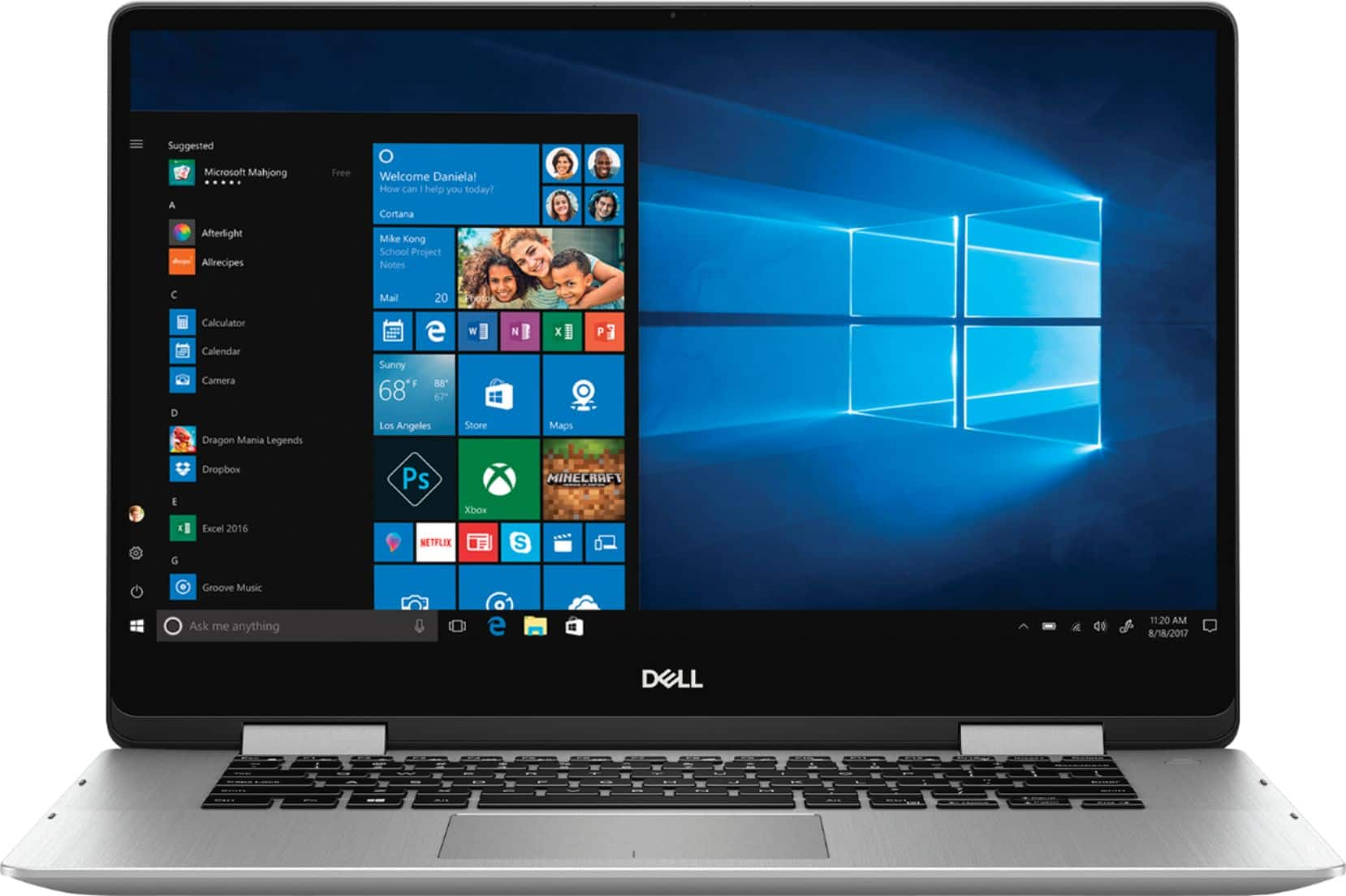
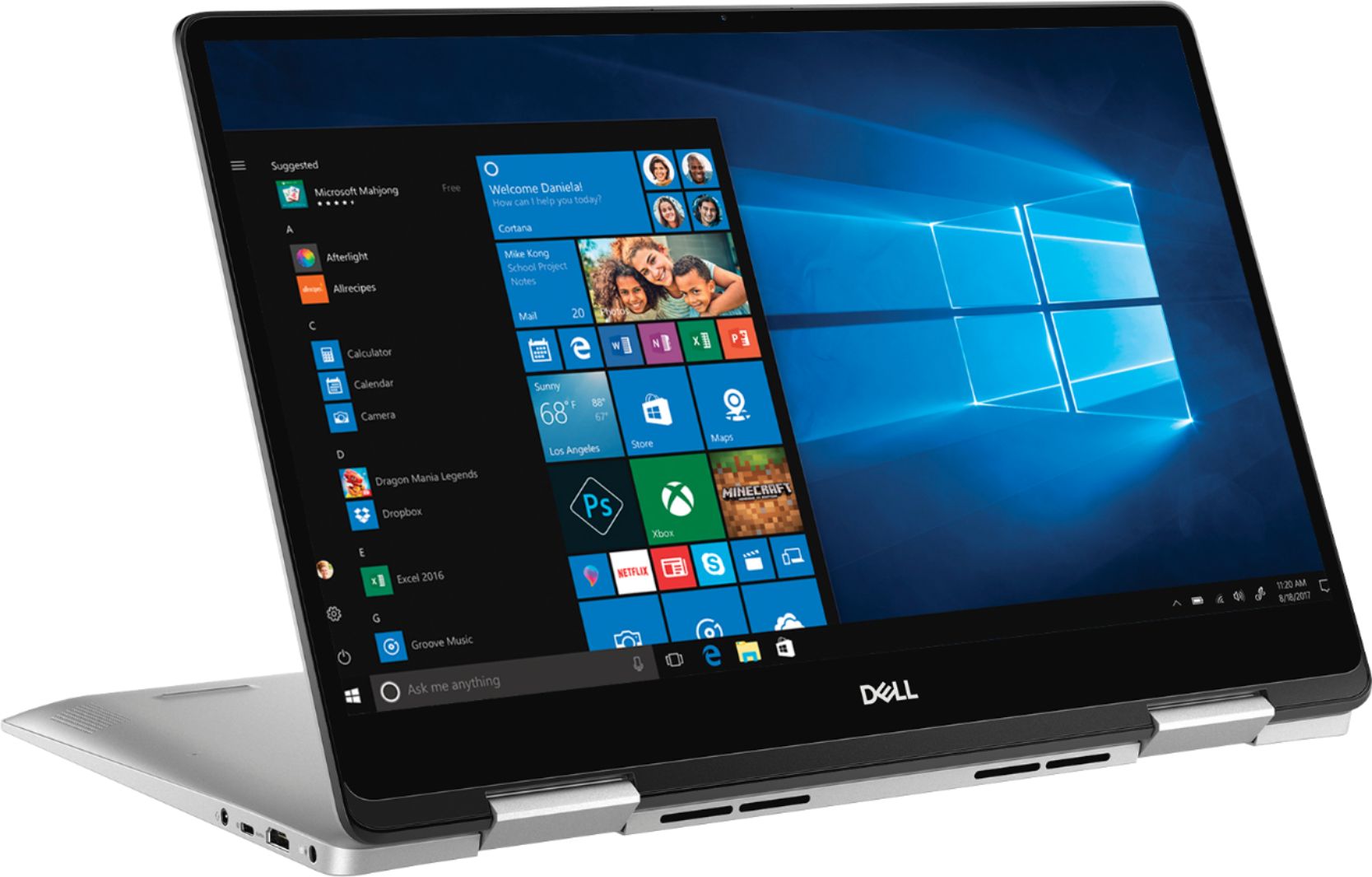
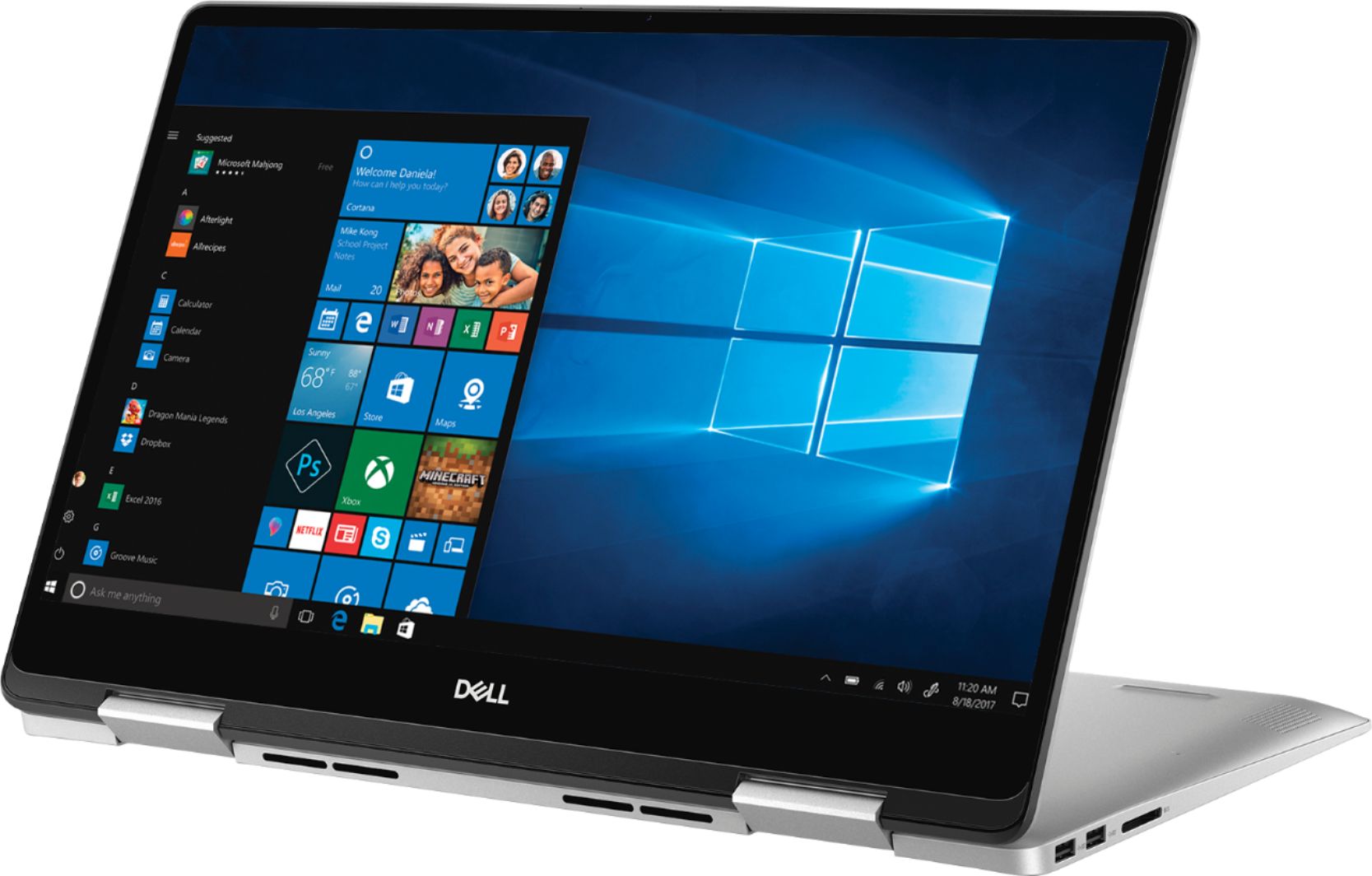
Customers are satisfied with the Inspiron 2-in-1 15.6" Touch-Screen Laptop for its touchscreen capabilities, lightweight design, user-friendly interface, and affordable price. While some users have concerns about battery life, fingerprint scanner reliability, limited port selection, Windows 10 compatibility, and gaming performance, the overall positive feedback suggests that this laptop meets the needs and expectations of many users.
This summary was generated by AI based on customer reviews.
Computer
Posted .This reviewer received promo considerations or sweepstakes entry for writing a review.Good while it lasted due to issues for personal the computer got damaged
I would recommend this to a friendGreat College Laptop
Posted .This reviewer received promo considerations or sweepstakes entry for writing a review.I bought the I7586-5045S laptop last night for a new college student. It's absolutely fast and the screen is wonderful. For the price, it's a high value out there today. The keyboard is backlit and nice for late-night work. I was impressed that even the bios updates are now coming through the standard windows updates (my old PC's didn't do that). The screen is bright and it can be used as a tablet in that mode with the touch screen(I even bought the pen for class notes). Frankly, touch screens are overrated in general as they just don't seem to get a lot of use with a mouse. The metal aluminum case seems really sturdy and should last a long time. The 8gb of ram is in two slots but I doubt I'll need to upgrade in the near future. The 256 SSD drive is wonderfully responsive too. The processor very fast it will pair well with the latest ms office software(if you have a college student, don't buy MSOffice in the store, best buy is pushy here, kids likely can get it free through school edu email account). It probably won't play games (there is a wonderful dell that's on sale for $729 after student discount, in case you need that, but it's $250 more, doesn't really have tablet mode by design, and maybe more costly to replace in case something happens to it, so I decided against it). I am amazed that I can get a very capable machine from DELL for only $479. The 500+ reviews are stellar too and show that the level of satisfaction is high for this popular laptop. I prefer to buy laptops that everyone's buying. It proves to be easier to google answers to future support issues that may arise. It probably means Dell will pay careful attention to support going forward too. Get it if you need it, you won't be disappointed. Stock is low too from what I was told in the store, so you may want to act fast. You can return it before 14 days in case you don't like it for some reason.
I would recommend this to a friend- Cons mentioned:Battery life
Worst piece of electronics I've ever owned
Posted .This reviewer received promo considerations or sweepstakes entry for writing a review.I bought mine several years ago. Immediately after 30d when I can return it, network adapter stopped working. I contacted bestbuy, they were not helpful because 30d warranty expired. Dell wanted $100 for diagnostic because they believed it was software problem, not hardware. Bought a new network adapter on Amazon, replaced and it worked. Then I started to have problems with battery and charging. If not plugged in, the laptop will loose it's charge even if closed and idle. Once fully discharged, it cannot be charged even plugged in. You need to do in and out until it stops glitching. I honestly hate this laptop, Dell for the horrible support and bestbuy for selling this piece of crap. Never again.
No, I would not recommend this to a friend My left speaker is defective.
Posted .This reviewer received promo considerations or sweepstakes entry for writing a review.So I've had this computer for almost 2 weeks now, everything works perfect. EXCEPT my left speaker for some reason likes to go out here and there, its annoying. So I got help from Dell Sr. service tech, and he went above and beyond to help me. he accessed my laptop over the phone and unistalled and reinstalled my audio software and even made my windows 10 a little faster. Than a couple days later same thing happens. left speaker goes out around night time, than in the morning when i turn it on both speakers work perfectly fine. I'm starting to think it might just be a hardware issue not software issue. going to best buy to exchange it for the same laptop and hopefully the new one has ZERO hiccups. other than this annoying left speaker that works when it wants this laptop is everything i want.
I would recommend this to a friend- Pros mentioned:Speed
love my dell- Inspirion
Posted .This reviewer received promo considerations or sweepstakes entry for writing a review.Nothing but a great experience with this laptop. I had a HP and it was shot at 3 years. I have a desk top Dell and I have been extremely happy with it do decided to get a dell laptop too and happy I did! I would recommend this one. It's fast and works great in all areas.
I would recommend this to a friend - Pros mentioned:Speed
Reliable and great quality computer
Posted .This reviewer received promo considerations or sweepstakes entry for writing a review.I purchased this while I was in grad school and it served my purpose. Fast and reliable. Very happy with my purchase and would recommend to others who are looking for a reliable computer.
I would recommend this to a friend - Cons mentioned:Battery life
Nice laptop, good for basic use
Posted .This reviewer received promo considerations or sweepstakes entry for writing a review.I was looking for a mid-line specs, light-weight, mid-price point laptop. This seemed to check all those boxes. I purchased an open-box version in store and 2 days later it wouldn't turn on. My only option was to get a return since they did not have an equivalent open-box item in store. I went to another near by BestBuy and got another open box of it. This one has worked without issue. My biggest complaint is the battery life. Even if I shut down the computer, but leave it unplugged, it is dead the next day when I try to boot it up. I've tried sleep mode, adjusting the power settings, nothing has seemed to help. I hate to leave it plugged in all the time as I know that ruins/shortens battery life, which I guess at this point is irrelevant. If it is fully charged and I am working on it off-charger, it will last me several hours.
I would recommend this to a friendBrand response from YourDellTeam
Posted .jes0802,
Thanks for your review. We're glad that your computer is working the way that you wanted it to now. It's great that you've already tried some ways to preserve your computer's battery life. Here are some additional suggestions and we hope that you'll find something that you may not have tried yet:
Change the Power Plan:
1. On the notification area of the taskbar, right-click the Battery icon.
2. On the options list, click Power Options.
3. Select a power plan on the battery meter, such as Power Saver or Balanced. Windows 10 has a built in 'Battery Saver' mode that can be activated to extend your system's battery life. The Battery Saver mode will monitor and limit background activity and other features such as push notifications. You do have the option to enable or disable this mode within settings or within advanced Battery Saver settings, you can customize the mode to best suit your needs.
a) Click on the Action Center icon in the taskbar and select the tile for Battery Saver.
b) If running Cortana then type Battery Saver into the search box and select from the results.
Within the Battery Saver settings page, you will be able to turn on and off the feature and customize the feature to best meet your needs.
c) Turn Battery Saver On or Off.
d) Additional settings available via the Battery use and Battery saver settings links.
e) Battery use shows further info on apps and their power usage.
f) Battery Saver Settings screen allows you to customize further Battery Saver feature.
You can read the full article here - http://dell.to/2vfXWf4.
Best,
Bryan
1-800-624-9896
- Pros mentioned:Speed
Extremely satisfied
Posted .This reviewer received promo considerations or sweepstakes entry for writing a review.The computer is fast.the battery life is good I like the lighted keyboard. I mainly only use it for on line banking. Ebay shopping &selling. And emails. I don't do no gaming with it.
I would recommend this to a friend - Pros mentioned:Lightweight
Dual benefits
Posted .This reviewer received promo considerations or sweepstakes entry for writing a review.Great laptop for work and play. Used it for completing my online classes.
I would recommend this to a friend - Pros mentioned:Speed
Great product. Great price
Posted .This reviewer received promo considerations or sweepstakes entry for writing a review.I lllllllllllllllllove this laptop! Fast, clear, light, good battery, perfect for those working remotely.
I would recommend this to a friend - Cons mentioned:Battery life
Marginal product
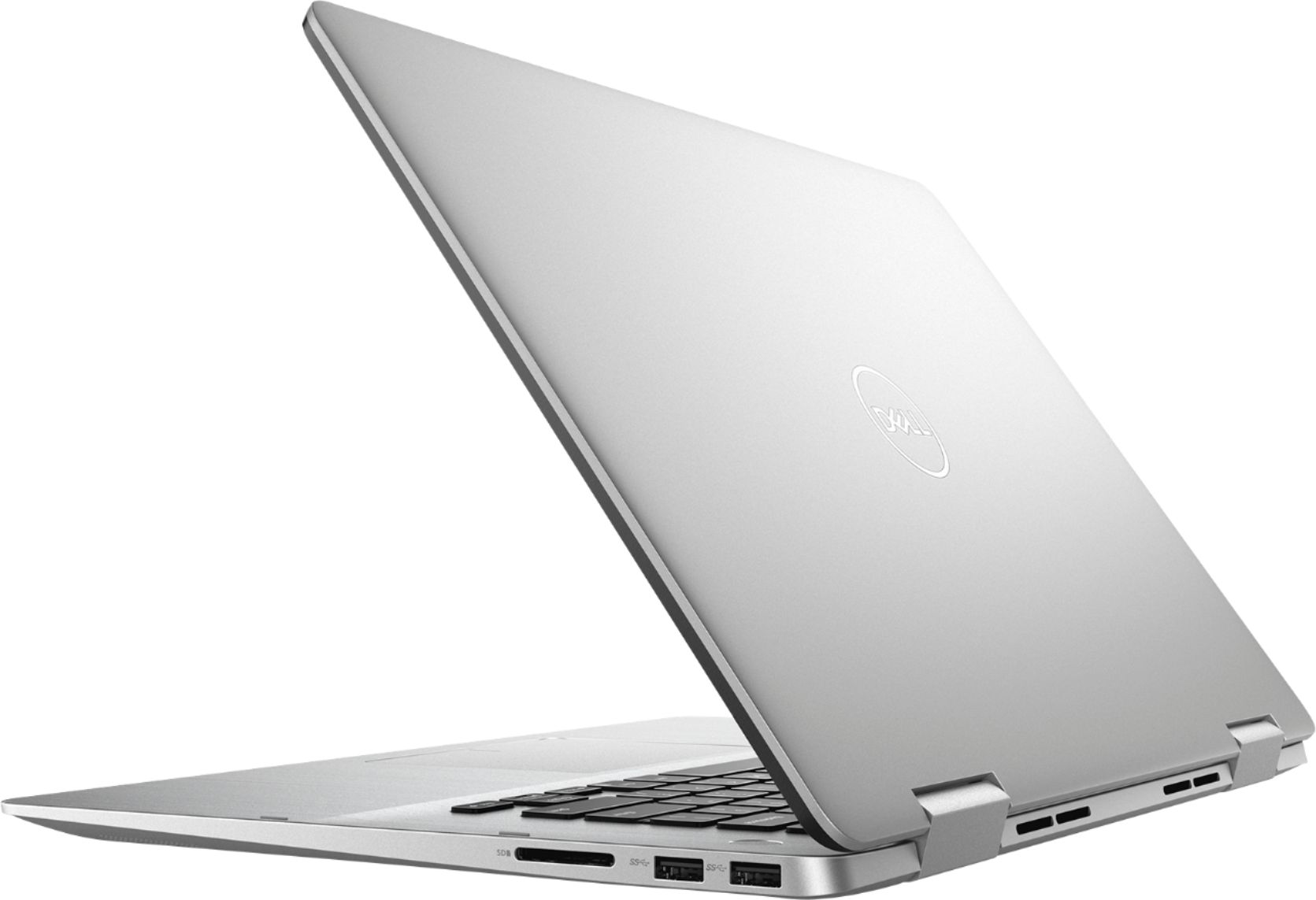
Posted .This reviewer received promo considerations or sweepstakes entry for writing a review.Disappointing. Very limited battery life. Windows "Hello" fingerprint recognition worked sporadically, lately the wireless network adapter could not be recognized. With no ethernet jack, I could not connect to troubleshoot or downoad drivers. Would bkt buy again.
No, I would not recommend this to a friend Unsure about how I feel
Posted .This reviewer received promo considerations or sweepstakes entry for writing a review.So I got this laptop yesterday and overall it's a great laptop, it just has one big problem. Whenever I try to do any kind of light gaming, this laptop has trouble loading games. I don't know why though because this laptop is very fast with everything else. I think it's a wifi issue more than anything else because of the fact that gaming performs better on other wifi connections. But whenever I use my home wifi, the performance is bad. The weird thing is that I don't have this issue with any other laptop in my house even when I used my home wifi. This laptop is the only one I have problems with. Other than that, there's no other problem with this laptop. Everything else is exactly what I would expect from a laptop in this price range. My favorite things about the laptop so far are the speakers and touchscreen. I really hope this laptop might just be defective or there's a solution to my problem.If this laptop really can't handle gaming, I will be returning it for sure which will be disappointing.
I would recommend this to a friendBrand response from YourDellTeam
Posted .Megan,
We're sorry that your computer is not performing well for you. One thing we'd recommend is testing your connection with the following steps:
1. Run the Network Troubleshooter.
a) Touch and hold or right-click the network icon (Available Networks or Network Icon, located in the lower right-hand corner).
b) Touch or click Troubleshoot problems and then follow the prompts.
You can read the full article here - http://dell.to/2sLtwRh.
Best,
Bryan
1-800-624-9896
Great design but loud noise
Posted .This reviewer received promo considerations or sweepstakes entry for writing a review.I brought this on New year 1/1/2019 after a ton of research online. I'd give this laptop five stars but when I turn on the laptop the fan noise was really loud. I'm really disappointed and I'm not sure what cause since it's the brand new laptop.
No, I would not recommend this to a friendBrand response from YourDellTeam
Posted .Mekkala,
Not to worry, the fan noise that you're experiencing probably means that the BIOS on your computer needs to be updated. Please follow these steps:
An out-of-date BIOS can cause loud fan noises by having an outdated temperature table for the system. Refer to update BIOS and follow the instructions to update the BIOS on your computer. You can also follow up with our Technical Support Team here - 1-800-624-9896.
You can read the full article here - http://dell.to/2ENlXfz.
Best,
Bryan
1-800-624-9896
one had bad internet, all poor warranty support
Posted .This reviewer received promo considerations or sweepstakes entry for writing a review.I bought one of these on very good sale price, hoping for a great computer at a reasonable price. The internet connectivity was wonky--after a long online session with Dell support didn't fix it, and the computer continued to lose its connection, they wanted me to mail in for warranty repair. I instead returned it to Best Buy for a simple exchange for the same computer, since I was within the 15 day limit and knew that would be quicker. The second one's internet and general functioning seem fine so far, but either Dell or Windows has stopped supplying the basic drivers for older printers. An old workhorse laser printer that sets up just fine on a 2 year old cheap ASUS computer (I tested this after discovering the Dell wouldn't work with it) can't be run with this Dell. Phone call to Dell support got me chastised for not buying an extra tech warranty to cover such things; if I want help, I'd need to pay for it. But I consider a computer that can't set up a printer, when a different computer can do it just fine, to be a defective computer. "Dell does not support third-party hardware." So, if you don't have a Dell printer, be aware that you're on your own if there's a problem. Whoever left out the basic all purpose printer drivers, whether Dell or Microsoft, it's made for a VERY frustrating experience. I have liked Dells in the past. Between the first faulty one and the missing basic drivers on the second, I'm not at all sure I'll ever buy another. I haven't yet even tried the things others complain about (sound quality is a general complain). I do think the screen looks beautiful, touchpad and screen touch work well, keyboard is good enough for my needs. One tip: as I learned from the support experience with the first, faulty computer (that first support person was very nice, I'll add), even though your computer will start up very simply on purchase, and seem to work fine, you really do need to do a large number of updates on both the Dell site and via Windows if you want your computer to be running with current BIOS and drivers and chips and all the rest. This is probably true for any new computer, but I was surprised it isn't automatic at this point for a new computer to thoroughly update on starting. It needs to be done manually, and if you have any problem, that's the first thing support will need to spend time doing--updating and updating and updating. Do it yourself. (Or if you pay to have Geek Squad set up your computer, make sure that's part of it.)
No, I would not recommend this to a friendBrand response from YourDellTeam
Posted .wishthiswerebetter
We're sorry that this system is not working as well as you hoped it would. If you do need additional drivers and software updates for your computer you can visit our page here: https://dell.to/2OTHnLy.
If you need to reach out to Dell's Technical Support Team with any additional questions, you can reach them here: http://dell.to/2sH7Qlm.
Best,
Bryan
1-800-624-9896
Disappointments all around
Posted .This reviewer received promo considerations or sweepstakes entry for writing a review.I bought this thing and one of the keys sunk the third time I used it. I had it for less than ten days before it broke and Dell’s warranty department wanted me to send it in to them so they could fix it, which would take another 10-12 days. So i’m Literally spending more time waiting for them to fix it than the amount of time I owned it before it broke. Unfortunately for me, I was out of town for a while right after I bought it and by the time I got back, Best Buy’s 15 day return period had expired. I called them and the nice person at the store said “You could try bringing it in, but I wouldn’t get your hopes up”. Awesome. Less than a month in and at this point I have spent more time dealing with problems than actually using the computer. At least Dell’s people told me that if I had bought it directly from them, they would have refunded my money, but no such treatment when you buy things from Best Buy. Lesson learned, don’t shop at Best Buy, don’t buy an Inspiron, make sure you have a ton of extra free time to spend dealing with the hassles of the $830 piece of junk you just bought.
No, I would not recommend this to a friendBrand response from YourDellTeam
Posted .SadFace,
Thanks for your review and we're sorry to hear about the troubles that you've had. We are glad that you spoke with the right people to find out your options for you computer. If you have questions you visit our Product Support Page here: https://dell.to/2Qt7ydO.
Best,
Bryan
1-800-624-9896
Good laptop
Posted .This reviewer received promo considerations or sweepstakes entry for writing a review.Owned this laptop for 3 years so far and it still works great
I would recommend this to a friendHoped for more...
Posted .This reviewer received promo considerations or sweepstakes entry for writing a review.We're 3 years in and over the last year, it has been acting up. Overheating, freezing, running slow, not shutting down, etc.
No, I would not recommend this to a friendShort lifespan
Posted .This reviewer received promo considerations or sweepstakes entry for writing a review.Short lifespan. I purchased this laptop in Nov 2019. In Nov 2021 it stopped connecting to wifi. Bestbuy said the cost of repair (if it could be repaired) is not worth the value of the computer and that 2 or 3 years is about the lifespan. Really? Maybe there are people who can spend $600 every couple of years for a new laptop. I can’t. I bought a $50 usb wifi adapter. I thought I’d found a reasonable solution. But no. The computer connects to wifi for 5 minutes then drops it. I liked this laptop while it worked. Now it’s useless and heading to the electronic recycling pile.
No, I would not recommend this to a friend