Customer Ratings & Reviews



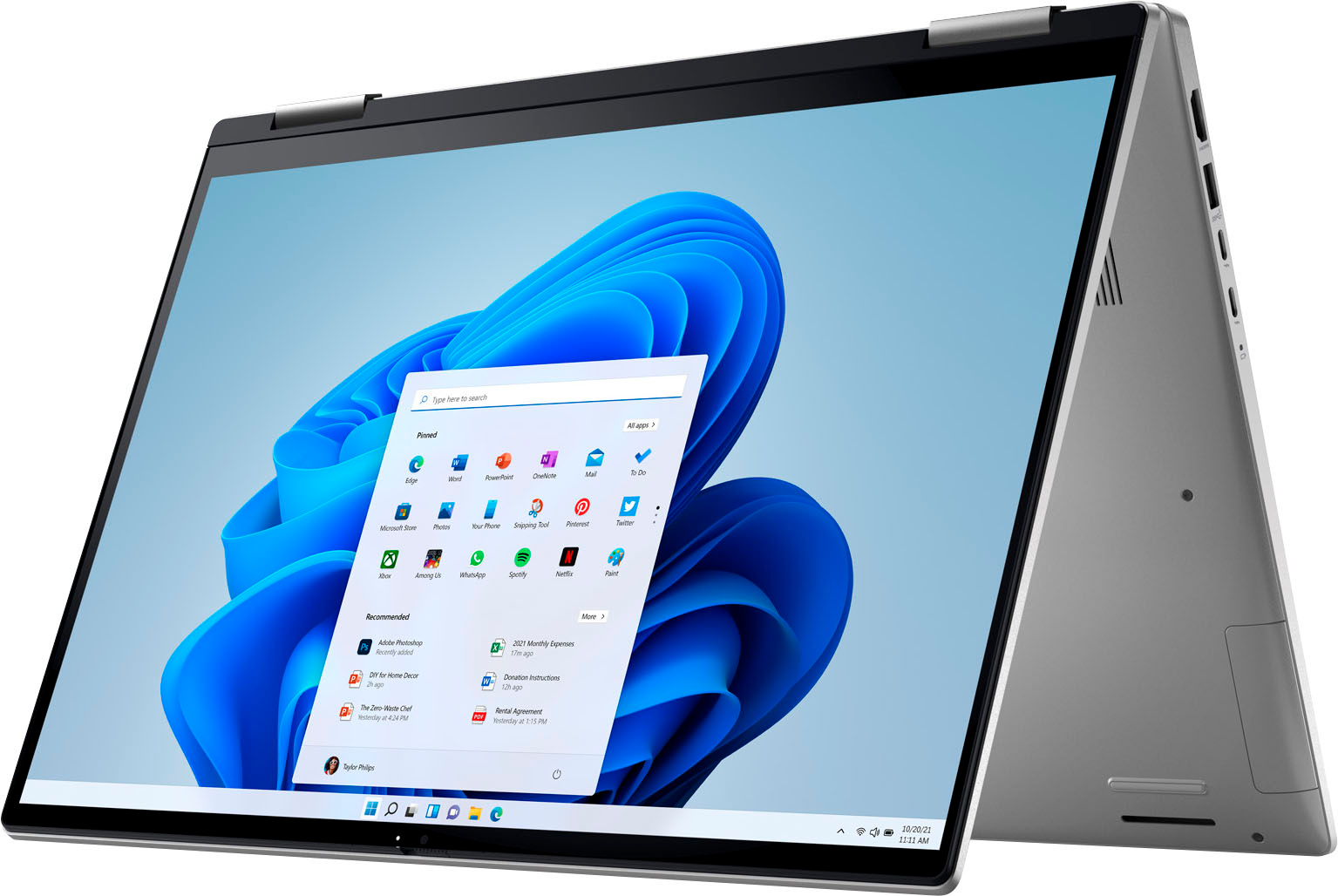
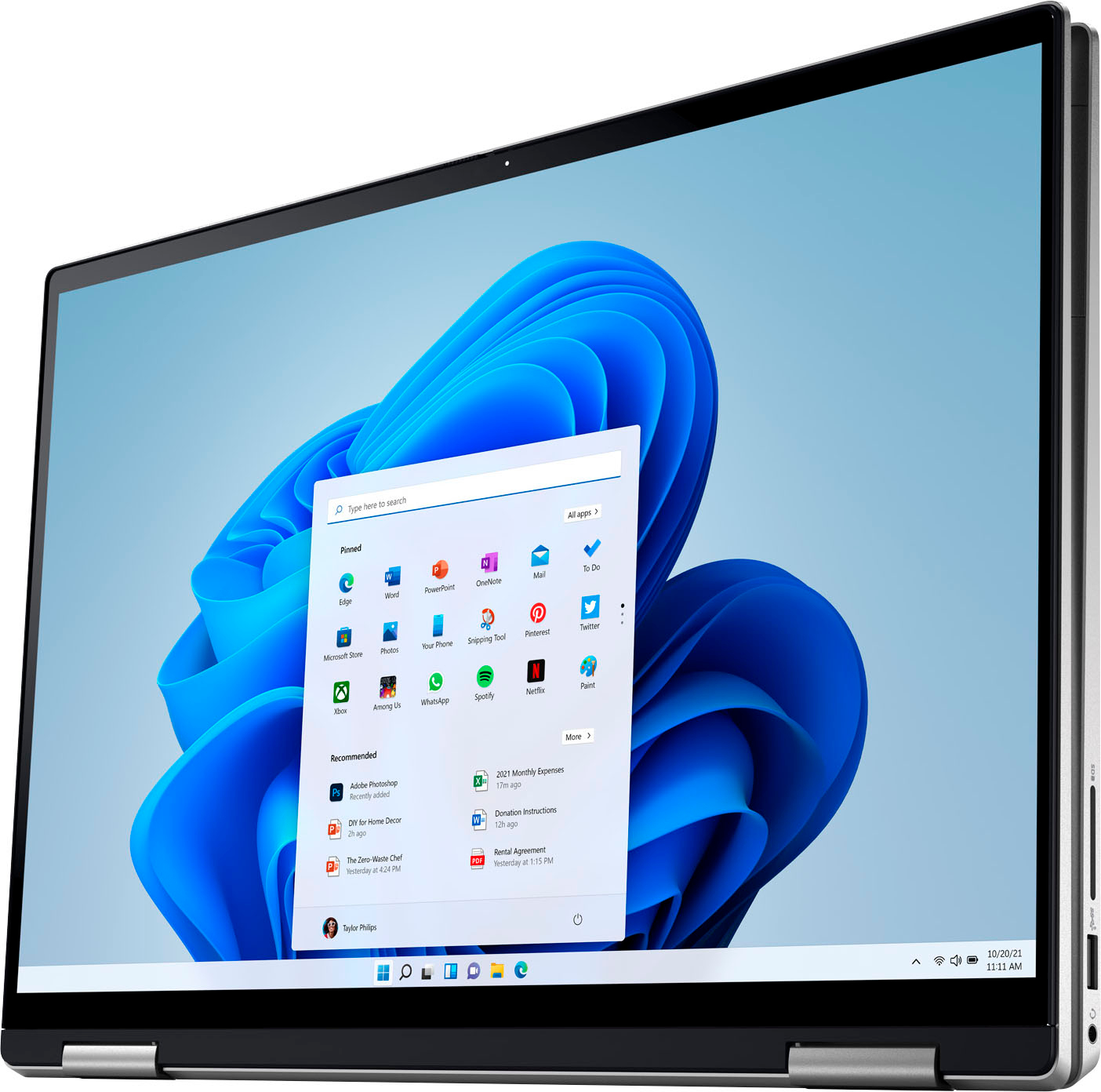

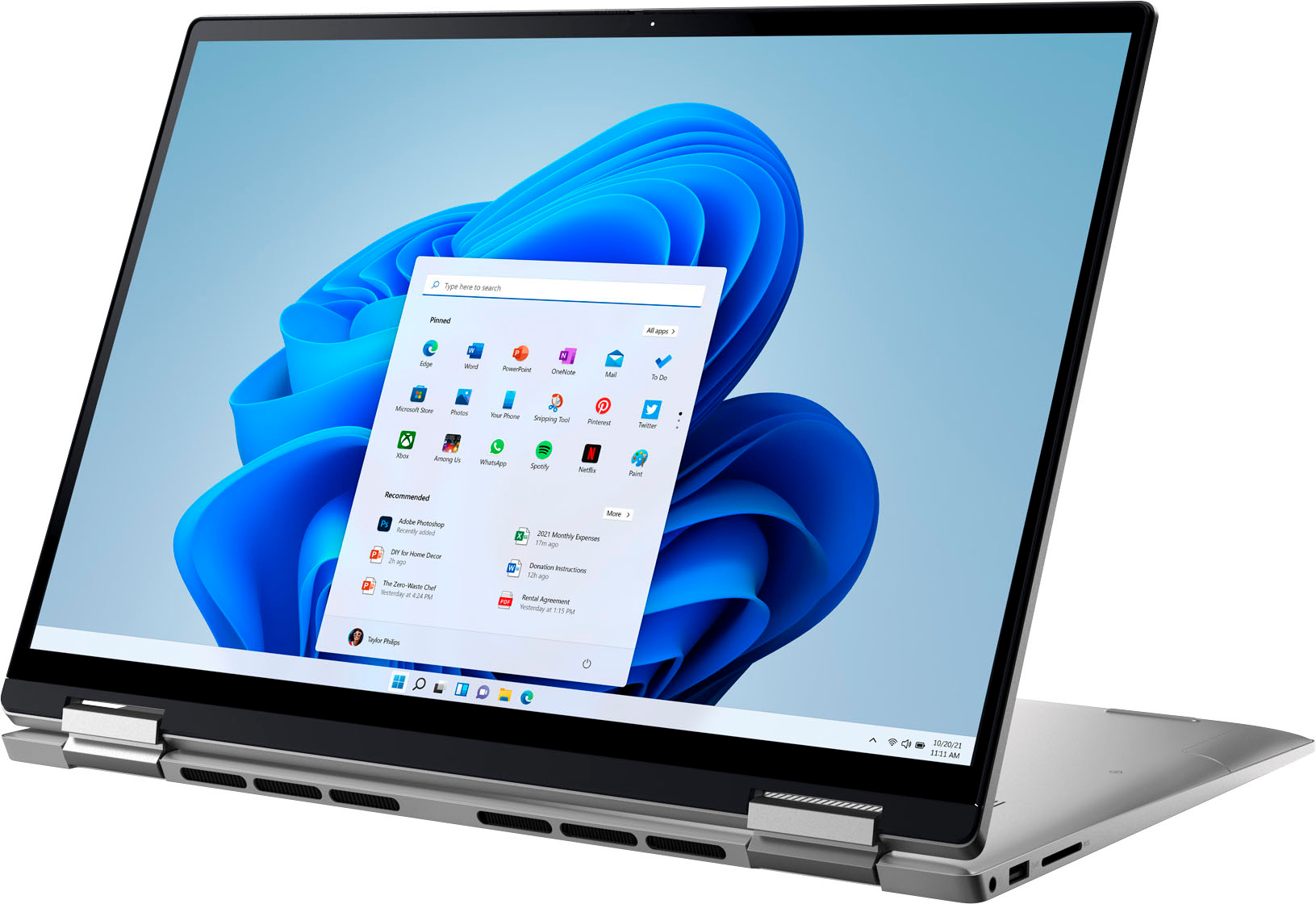
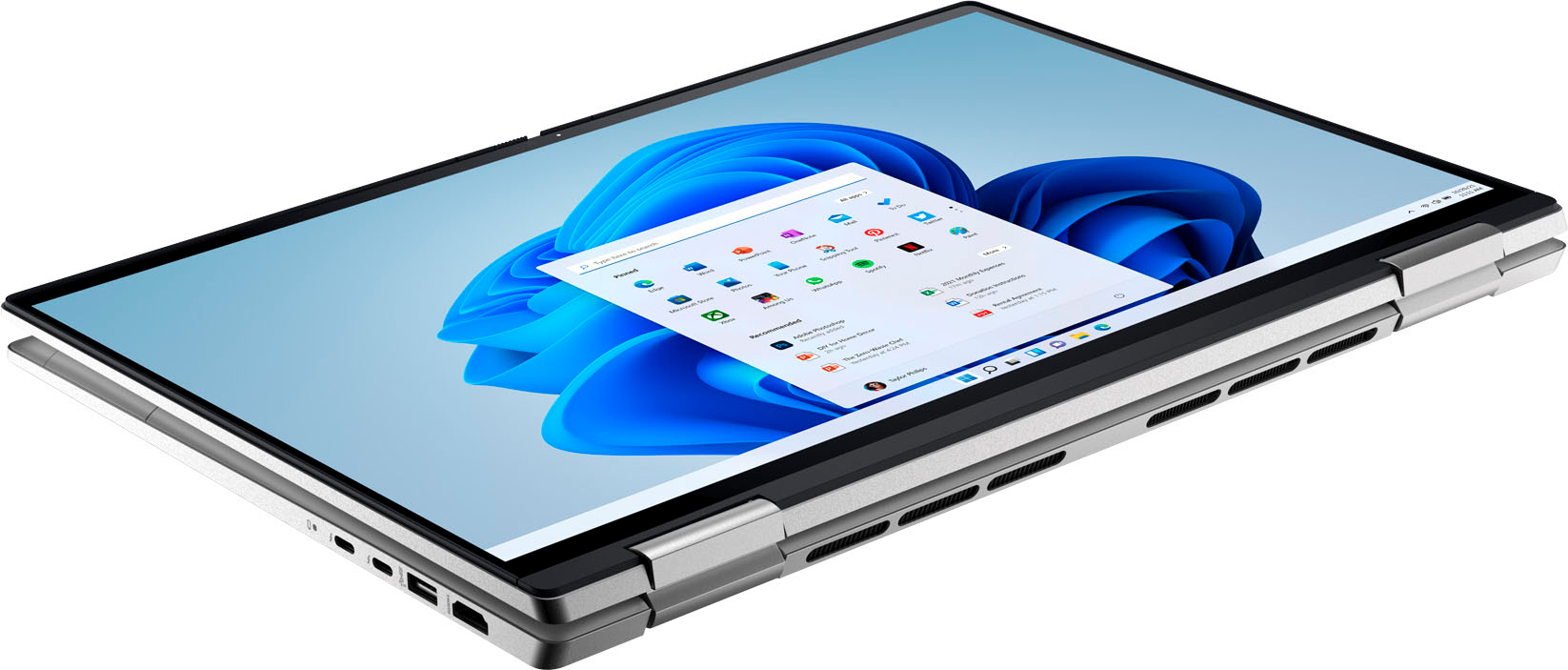



- Model:
- i7620-5624SLV-PUS
- SKU:
- 6504389
Rating by feature
- Battery Life
Rating 4.7 out of 5 stars
- Speed
Rating 4.7 out of 5 stars
- Display
Rating 4.8 out of 5 stars
Customers are saying
Customers are impressed with the Inspiron 2-in-1’s responsive touch screen and its ease of use. Many also praise the laptop's performance and excellent battery life, considering it a great value for the price. However, some customers find the laptop to be heavier than expected, and a few mention the lack of a number pad or the desire for more RAM.
This summary was generated by AI based on customer reviews.
Very disappointed do not buy
||Posted . Owned for 4 months when reviewed.This reviewer received promo considerations or sweepstakes entry for writing a review.I’ve had this laptop for 4 months and the mouse won’t work now. It skips around the screen and starts to randomly click on things! Very disappoint especially for the price I paid.
No, I would not recommend this to a friendBrand response from YourDellTeam
Posted .Hey Sarah,
We want to thank you for taking the time to leave a review of your Inspiron 7620. We are sorry to hear that you are experiencing an issue with your touchpad. That is not the type of feedback we like to hear from our customers, or the type of product Dell intends to deliver. Below I have provided troubleshooting steps to help resolve your issue.
Some Notebooks and Tablets with Keyboards have added gesture features to the touchpad hardware and drivers. A few of these features are two or three finger scrolling, pinch zoom, circle zoom, rotate and swiping. These new features may be the reason for the erratic cursor movement since most are turned on by default. You can disable or modify the way the features work in the touchpad driver properties. Here are some tips to modify these settings:
1. In the Search box, type main.cpl.
2. Touch or click main.cpl in the list of programs.
3. Touch or click the Dell Touchpad tab.
4. Touch or click on the picture of the touchpad.
5. Touch or click Gestures (depending on your computer there may not be a Gestures option).
6. Change the options as preferred.
7. Touch or click Save.
8. Touch or click the X in the upper-right corner to close the Dell Touchpad Utility.
9. Touch or click OK on the Mouse Properties window.
10. If the touchpad still does not work after following the preceding steps, refer to Dell Knowledge Base article - http://dell.to/2iaiujA.
You can read the full article here - http://dell.to/2tqmS02.
Should you need further assistance; we recommend that you contact Dell directly with the information below.
Chat or call: https://bit.ly/DellSupportTeam
Phone number to Dell: 1-800-624-9896.
Best,
Summer@Dell
Not a geek
||Posted . Owned for 1 week when reviewed.This reviewer received promo considerations or sweepstakes entry for writing a review.Works as explained by sales associate. Meets my needs
I would recommend this to a friendDell review
||Posted . Owned for 3 weeks when reviewed.This reviewer received promo considerations or sweepstakes entry for writing a review.Touch pad did not work after purchasing and installing. I was told this was a common theme with this computer. But no one talked to me about this.
No, I would not recommend this to a friendBrand response from YourDellTeam
Posted .Hello KatherineB,
Thank you for taking the time to leave us your review. We are sorry to hear that you are having touchpad sensitivity issues in regard to your Inspiron 7620. This is certainly not the experience that we like to hear from our customers. We will share your concern with our quality team so that improvements can be made to our current and future products and services. Below I have provided troubleshooting instructions with the full article that may be able to resolve the issue.
Here are the steps to help resolve your touchpad issue:
1. Ensure the touchpad and your finger do not have any dirt, grease, liquids, or food on them (the touchpad has to make good contact with your finger to work correctly).
2. Ensure that the touchpad is turned on.
3. Save any data, close any open programs and restart the computer by using a wired USB mouse (if available) or Bluetooth mouse if it is already installed, if not, press hold the power button for at least 15 seconds to turn the computer off.
4. Unplug everything except the power cable.
5. Turn the computer back on and retest the touchpad.
6. When the cursor does work correctly, attach one device at a time, and test the cursor movement to see which one may have caused the issue.
7. Ensure that the BIOS and Chipset drivers are updated to the latest version.
Touchpad Usage and Troubleshooting Guide: https://dell.to/3zwM1rp
If you continue to experience touchpad issues, please reach out to Dell Support directly by using the information provided below.
We recommend that you contact Dell directly with the information below if you need further assistance.
Chat or call: https://bit.ly/DellSupportTeam
Phone number to Dell: 1-800-624-9896.
Best,
Summer@Dell
- Pros mentioned:Battery life, Processor speedCons mentioned:Weight

Great laptop for home
|Posted .This reviewer received promo considerations or sweepstakes entry for writing a review.I will start with the appearance. This laptop has a sleek design. I like the simplicity of it all. It is slightly heavier than expected but still very light for a laptop. It can be used a few different ways. You can fold it back completely to use it as a tablet. You can fold it back slightly and prop it up on your lap and use it like a tablet or you can use it just like a regular laptop. It has an option to set up the fingerprint scanner. I found that it worked out but the setup was a little challenging. You have to have your finger just right. You can also set up a pin number or a standard password. The charging time is fast and the charge lasts for quite a while. The charging cable is a good length too. Not too long and not too short. The screen resolution is amazing. Very sharp and crisp. Its taking me a little while to get used to Windows 11 but that just takes time. The processing speed is fast and multitasking is easy. I would probably keep this one as a home/personal laptop for games and videos versus a work laptop. All in all, a great laptop.
I would recommend this to a friend Why was I sold this dud?. Obviously a return
||Posted .This reviewer received promo considerations or sweepstakes entry for writing a review.Where do I begin? Bought this "new" yesterday. Geek Squad set it up. Got home and both USB ports are dead; the touch pad works well, until it doesn't, and to top it off, I called Tech Support to fix the glitches and by the time they were done four hours later, they had stripped out the functionality from the computer and none of the browsers work. Yeah...not feeling this. Back it goes!
No, I would not recommend this to a friendBrand response from YourDellTeam
Posted .Hi There BarbaraR,
Thank you for your review of your Inspiron 7620. We are sorry to hear that you are experiencing an issue with your device and support was unable to help you. That is not the type of service Dell intends to deliver. However, we would love another opportunity to help you resolve your issue. Below I have provided the toll-free number at chat link to our Dell Support Team. Please reach out to them at your convenience to speak with a different representative so that we can help you.
Should you need further assistance; we recommend that you contact Dell directly with the information below.
Chat or call: https://bit.ly/DellSupportTeam
Phone number to Dell: 1-800-624-9896.
Sincerely,
Summer@Dell
- Pros mentioned:Processor speed, Touch screen
Versatile laptop with a luxury feel
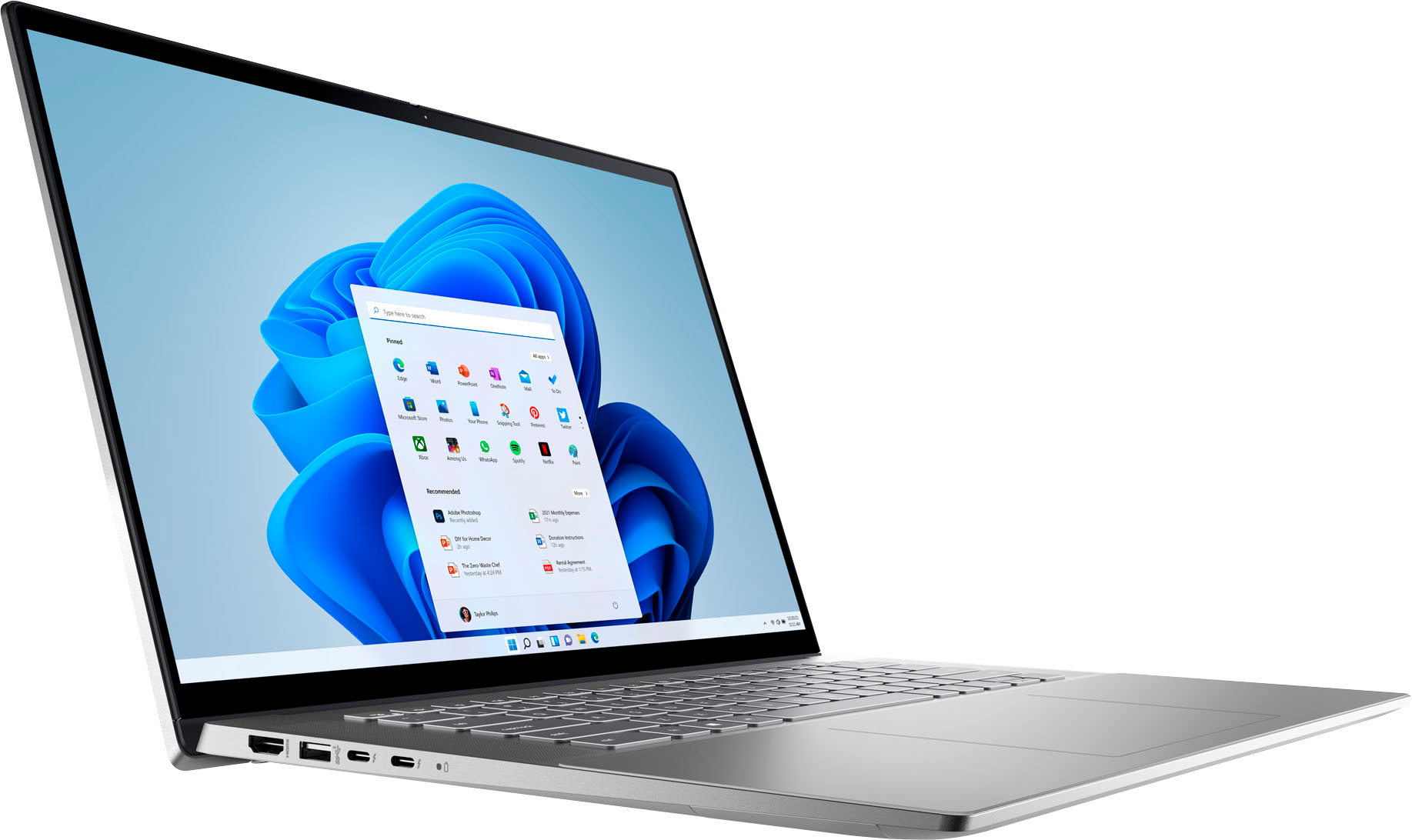
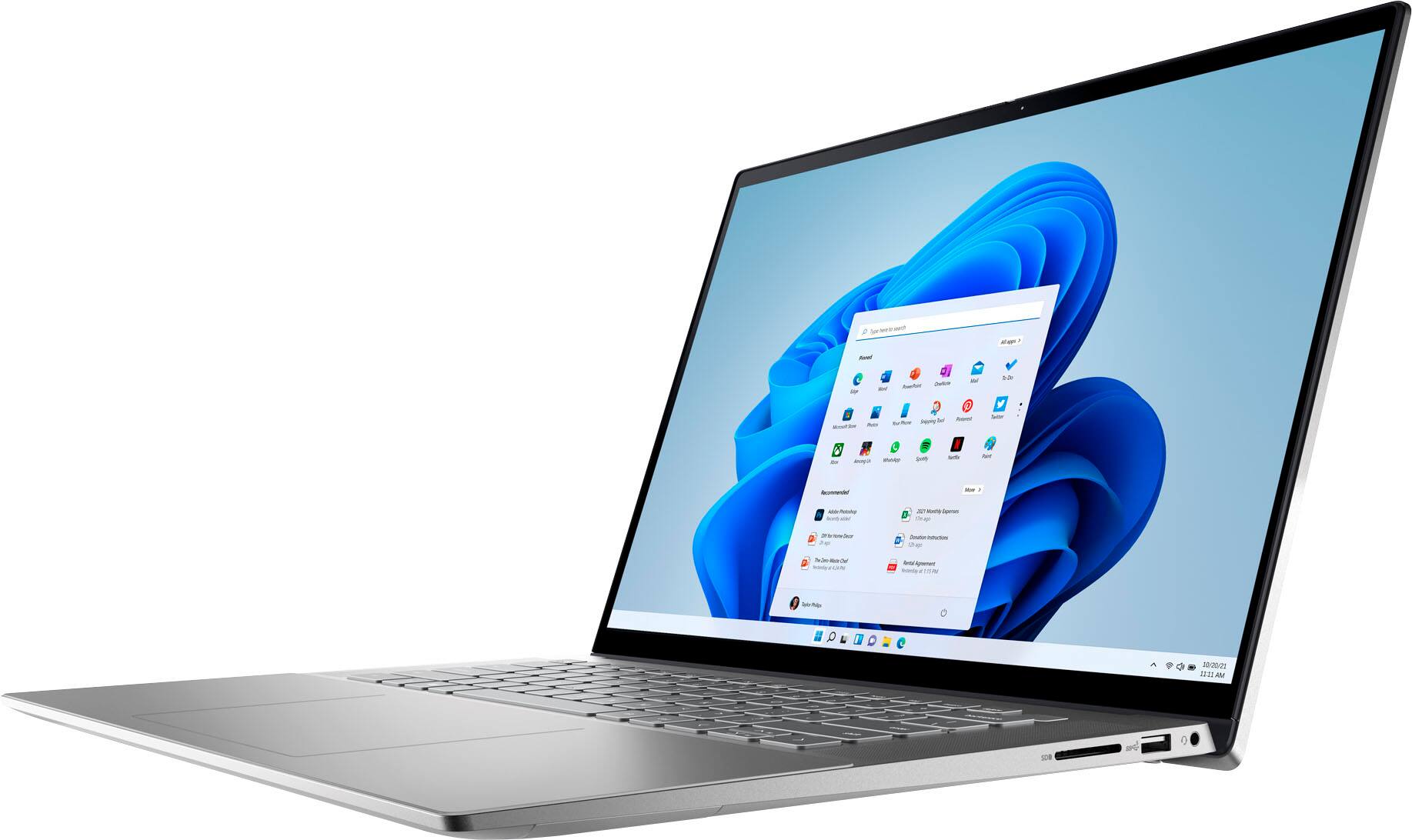
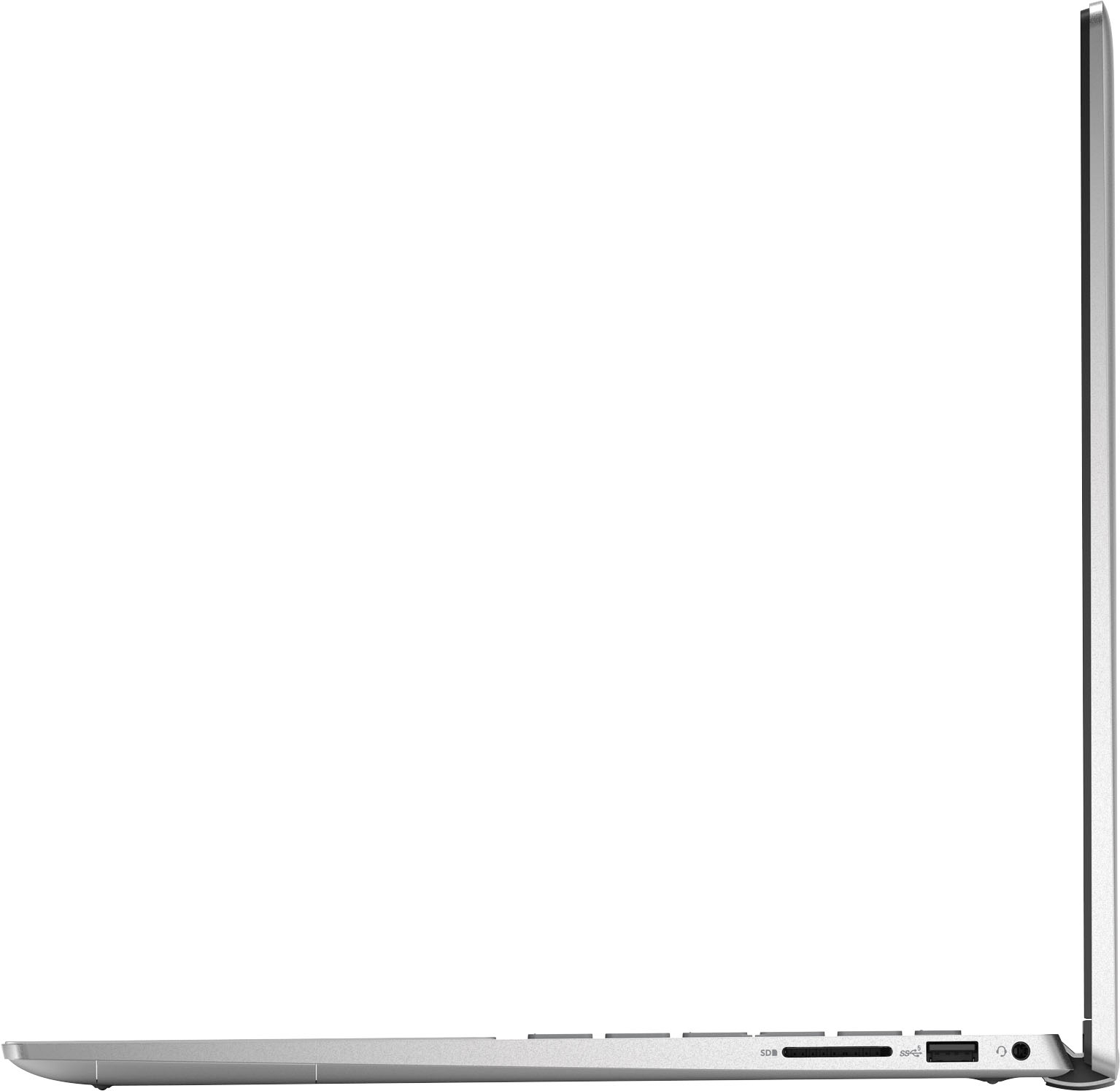
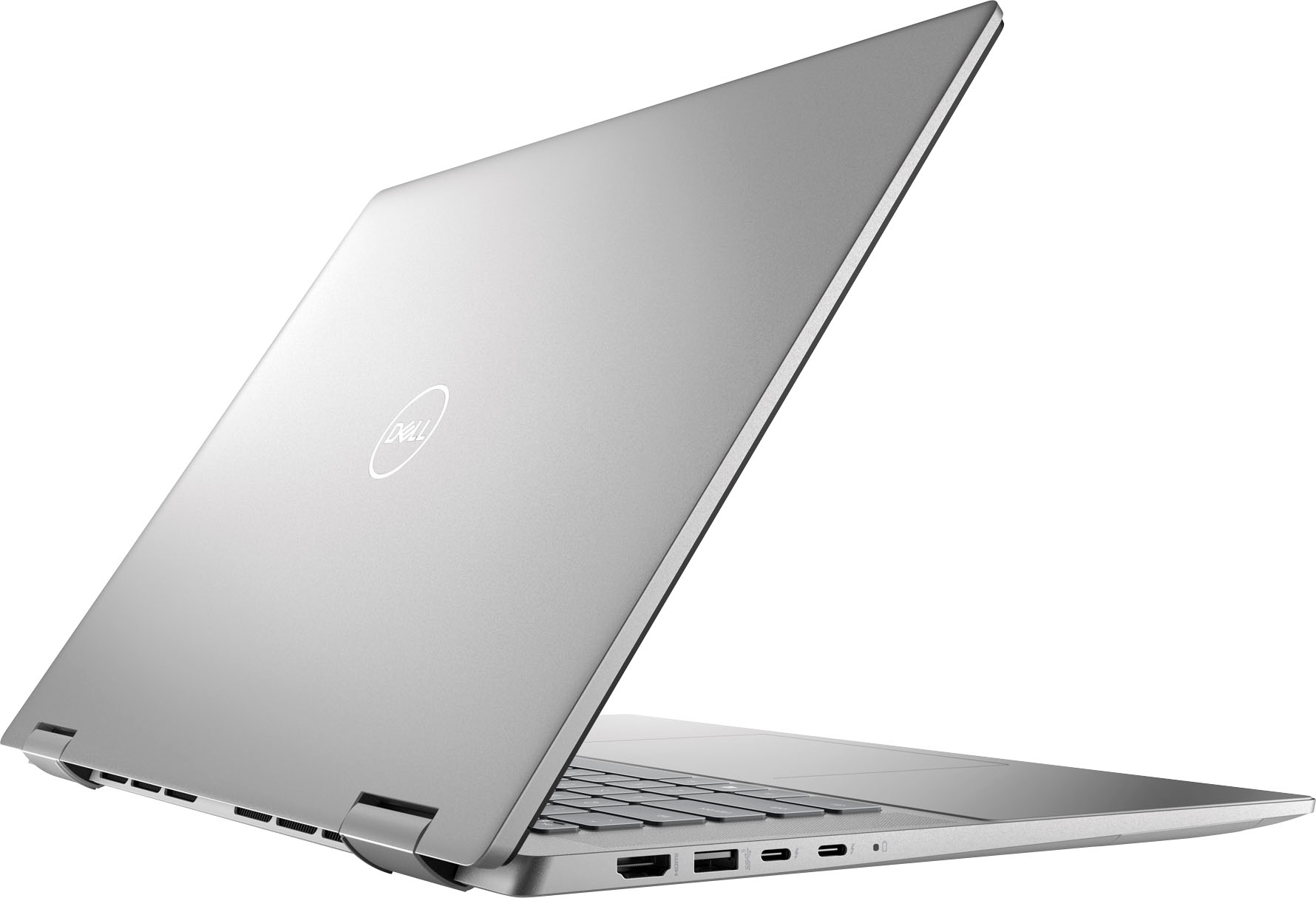
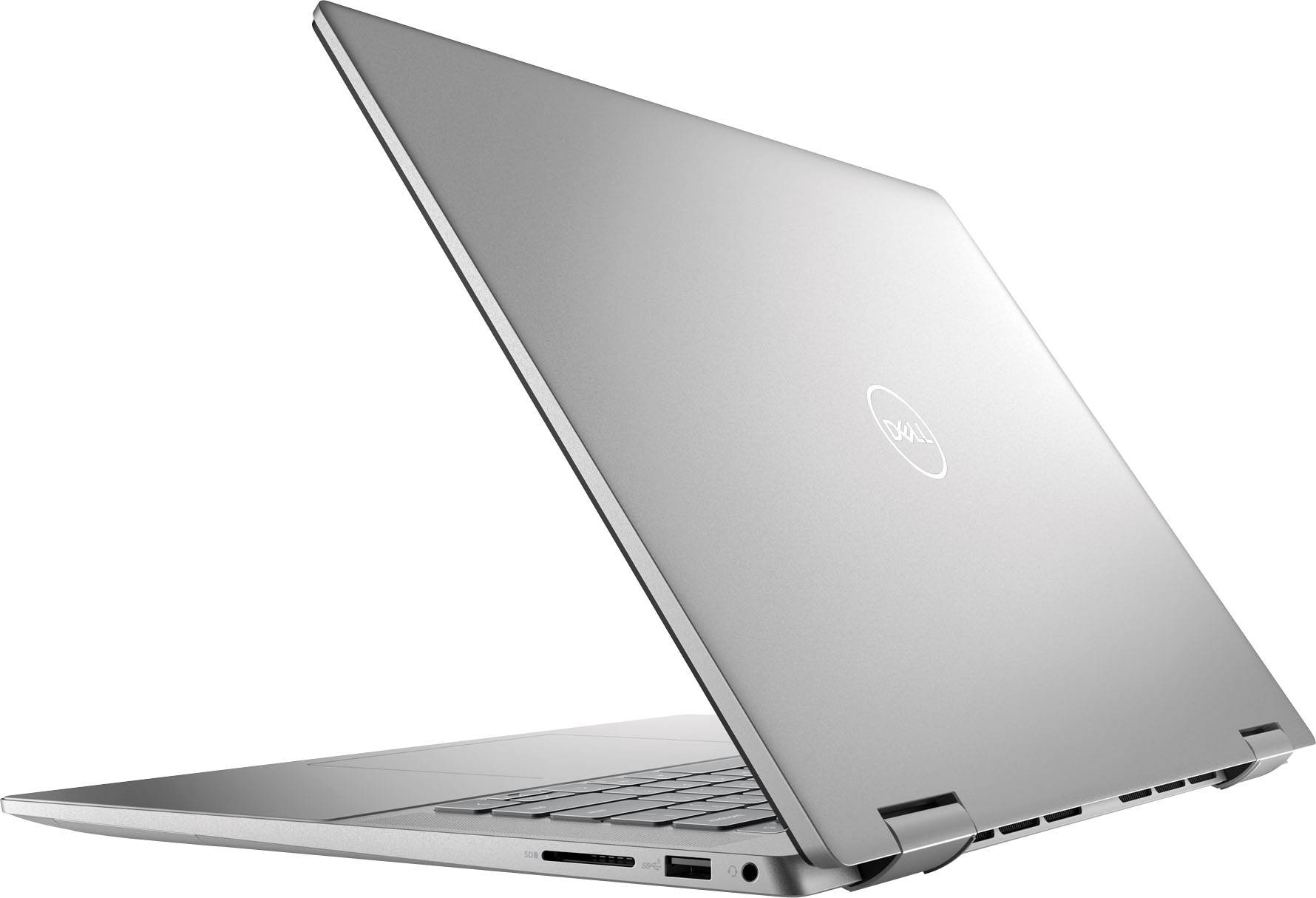
|Posted .This reviewer received promo considerations or sweepstakes entry for writing a review.I have nothing but great things to say about this Dell laptop. To keep this simple, I'll start by itemizing key positives and negatives below. Positives: 1. Simple, fast setup 2. Fingerprint reader for easy login 3. Good sound quality (for a laptop) 4. Processors run multiple windows and programs with ease 5. Aluminum case feels much nicer than plastic 6. Keys are illuminated - so nice! 7. Screen size is good 8. Windows 11 9. Ports galore! Two USB-C, two USB, one HDMI, one headphone jack and an SD card reader. Woot woot! Negatives: 1. McAfee is difficult and annoying to uninstall 2. That's it. Just one thing, and that has more to do with Microsoft than it does with Dell. I use this laptop mainly for online shopping and planning projects. I have had no issues using web-based design programs, having multiple browser tabs open, creating spreadsheets, and keeping Pandora running in the background. This doesn't have the computing power you'd need for serious online gaming, but for just about anything else this is a great purchase. Additionally, the feel of this laptop is far superior to others I've had in the past. I didn't even think about it until I started to set it up, but the aluminum case just feels ... luxe. It's a small detail that has an outsized impact on the overall experience of using it. I was already very happy with this laptop, but this pushes my feelings into "warm fuzzy" territory. One final note. I didn’t expect to use the touchscreen very much but I find it surprisingly handy. It feels intuitive to scroll down the screen by sliding my finger, and you don’t have to actually touch the scroll bar. It’s just like your phone, touch anywhere on the screen and sliding your finger will move the window accordingly. TLDR: This laptop has lots of great features you'll love and none you won't.
I would recommend this to a friend Laptop boy
||Posted . Owned for 1 week when reviewed.This reviewer received promo considerations or sweepstakes entry for writing a review.Still expensive for what it is…product color is blah but better ones “not available” - everything not available these days or won’t arrive for months
No, I would not recommend this to a friendBrand response from YourDellTeam
Posted .Hello Valued Customer,
We would like to thank you for your review. We are sorry to hear that you are not 100% satisfied with your new Dell Inspiron 7620 2-in-1 laptop because of its color and price.
We will share your comments with our quality team to make future improvements.
If you come across any questions or have concerns about this product, please don’t hesitate to contact Dell Support Team at the information provided below.
Best,
Katarina@Dell
Should you need further assistance, you can contact Dell directly with the information below.
Chat or call: https://bit.ly/DellSupportTeam
Phone number to Dell 1-800-624-9896
- Pros mentioned:Touch screenCons mentioned:Weight
A nice, if very large, mid-range laptop/tablet
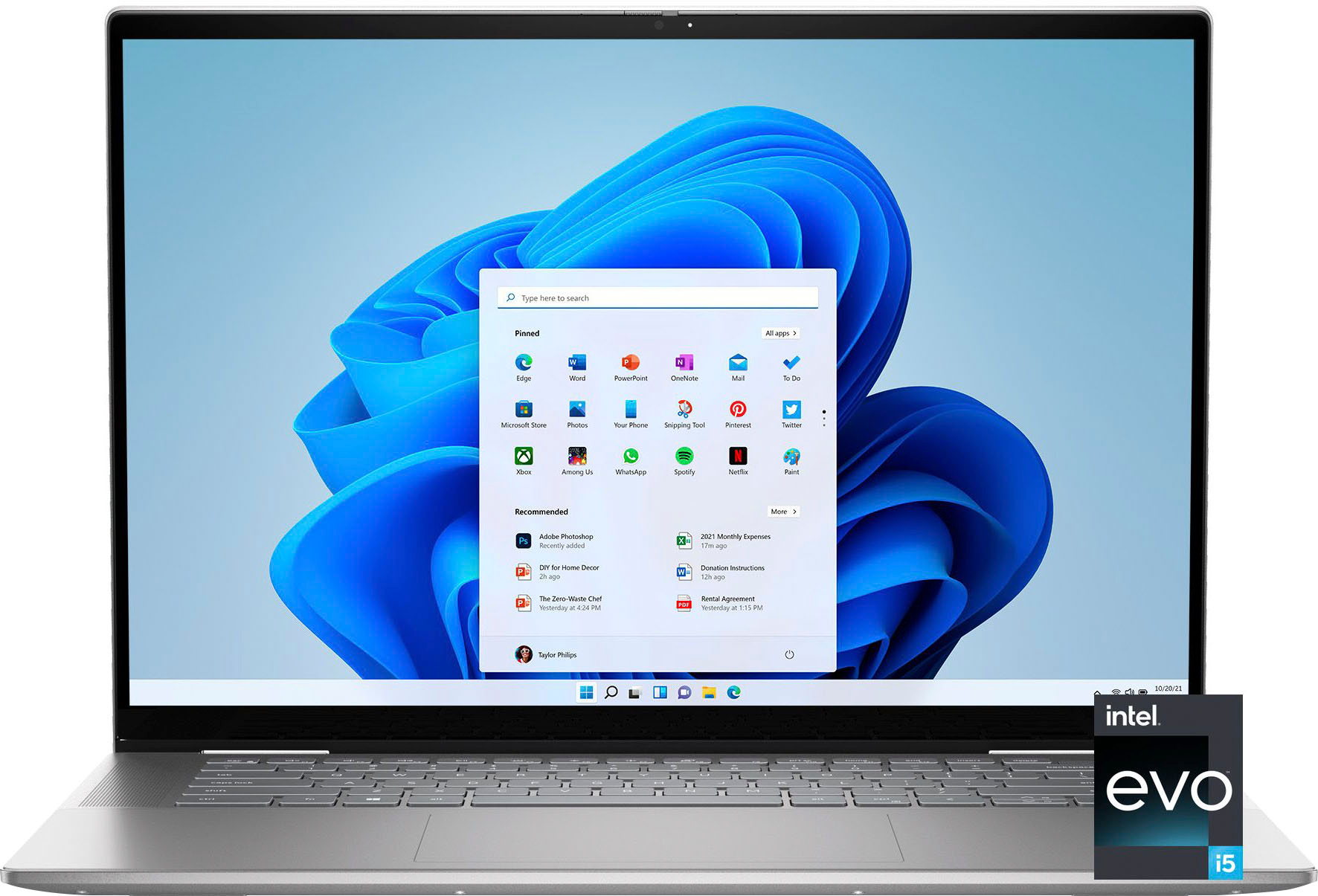
|Posted .This reviewer received promo considerations or sweepstakes entry for writing a review.The Dell Inspiron 2-in-1 16” is an excellent mid-priced convertible tablet. This review covers a fairly basic model, with an Intel Evo i5 processor, 512GB SSD, and 8GB of RAM. The case is solid, with aluminum everywhere and not a hint of the plastic casing you see with lower-priced systems. There is very little flex despite the size, and the entire unit feels quite well-built. The fan is extremely quiet. With a clam shell design, it converts easily to a tablet, and the hinges feel strong enough to take the movement and the unit’s considerable weight. It’s also large (to support the 16” screen) and heavy, weighing in at 4lb 10oz on my scale. While the size makes it easy to use, it does make it a cumbersome travel companion. The weight and size make it difficult to pack, and the unit is too large to safely open in most airplane seats. As with most 15” tablets, the heft also makes it a not-very-portable tablet, as carrying it around in tablet mode gets very tiring. The Inspiron comes with an impressive set of ports, including two Thunderbolt 4 ports, a full-sized SD card reader, a USB-A port, and an HDMI port. The trackpad and palm rests are large and covered in Mylar, making them comfortable and easy to use. The keyboard is nothing special. Travel and feedback is poor, and it has a loud clackety-clack sound. Perhaps the biggest input device disappointment is in the camera. While it comes with a built-in privacy screen (a nice touch), the 720p camera has reasonable clarity but disappoints in color accuracy and saturation. The camera also does not support Windows Hello. The screen is quite nice for the price range. While it does not have the remarkable black depth and refresh rate of the (more expensive) Microsoft Surface Laptop Studio, it is pleasant enough for movies or games. Dell has chosen to leave the speakers on the sides, a departure from the aforementioned Surface, HP Spectre, and other devices which have them on the bottom to save space. There is no clear advantage here, as the sound is good but not exceptional. I have to comment here on a Dell concern I harbor. I also have an XPS-13 and a Precision 5560 for work. Both are quite new, and both have had issues. The XPS repeatedly overheated out of the box, and multiple on-line searched and calls to Dell over several months finally diagnosed it as a BIOS issue – the machine was shipped with a BIOS that was a year out of date. The 5560 sometimes refuses to charge and about once a month reboots and runs a hardware check. The root causes have not been identified yet. While I’ve not had any issues with the Inspiron so far, I would be remiss not to mention these concerns. This is why I took away a star. Overall, this is an excellent mid-range laptop / tablet, and if the sheer size and weight work for what you need, I would definitely recommend it.
I would recommend this to a friend Poor QC
||Posted . Owned for 1 month when reviewed.This reviewer received promo considerations or sweepstakes entry for writing a review.Within a month I’m for warranty because the keyboard had an issue
No, I would not recommend this to a friendBrand response from YourDellTeam
Posted .Hi AllenG,
Thank you for taking the time to leave a review of your Inspiron 7620. We are sorry to hear that you are experiencing an issue with your keyboard. That is not the type of feedback we like to hear from our customers, or the type of product Dell intends to deliver. We have noted the details of your statement and will use them to improve current and future products. Below I have provided the toll-free number and chat link for our support team.
If you continue to experience issues, please reach out to Dell Support directly by using the information provided below.
Chat or call: https://bit.ly/DellSupportTeam
Phone number to Dell: 1-800-624-9896
Best,
Summer@Dell
- Pros mentioned:Processor speed, Touch screen
Very Capable Machine!
|Posted .This reviewer received promo considerations or sweepstakes entry for writing a review.Coming from another Dell laptop (for business) that has much higher specs than this laptop, I was not expecting too very much with respect to performance – and I was proved very wrong. While this is an Intel 12th generation I5 processor and the RAM is 8gb, it performs the daily tasks I need with almost the same speed and smoothness as my other. Having 512 GB drive is plenty for my needs. The aesthetics of the computer are very pleasing, and I appreciate the aluminum build as it feels solid but not too heavy. The keyboard and trackpad have a soft feeling and the keyboard is laid out in a nice manner. The screen, while “just FHD” is very easy on the eyes and I could easily do work outside with increasing the brightness. Connections on this machine are stellar for this range of computer. With the thunderbolt 4.0 USB to the wifi 6 to the Bluetooth 5.2, this will be relevant for quite some time. Connecting my mouse, to the internet and VPN to my office was all very simple and fast. Having the bonus (and hard to find) HDMI port and USB A was a pleasant surprise. My only slight negative is the sound from the speakers seems to be a bit on the anemic side but in my experience, unless you have larger chassis and more expensive specs for the speakers, it is simply difficult to get good sound out of a midrange model. Using this in all three configurations (laptop style, tablet style and tent) was easy and had equal performance. All in all, I would highly recommend this laptop. Has all the specs you could want for daily use / business use. Of course, heavy gamers would not want this but that is not what this machine was made for. You won’t be disappointed in this machine.
I would recommend this to a friend - Pros mentioned:Processor speedCons mentioned:Weight
Productivity's Friend
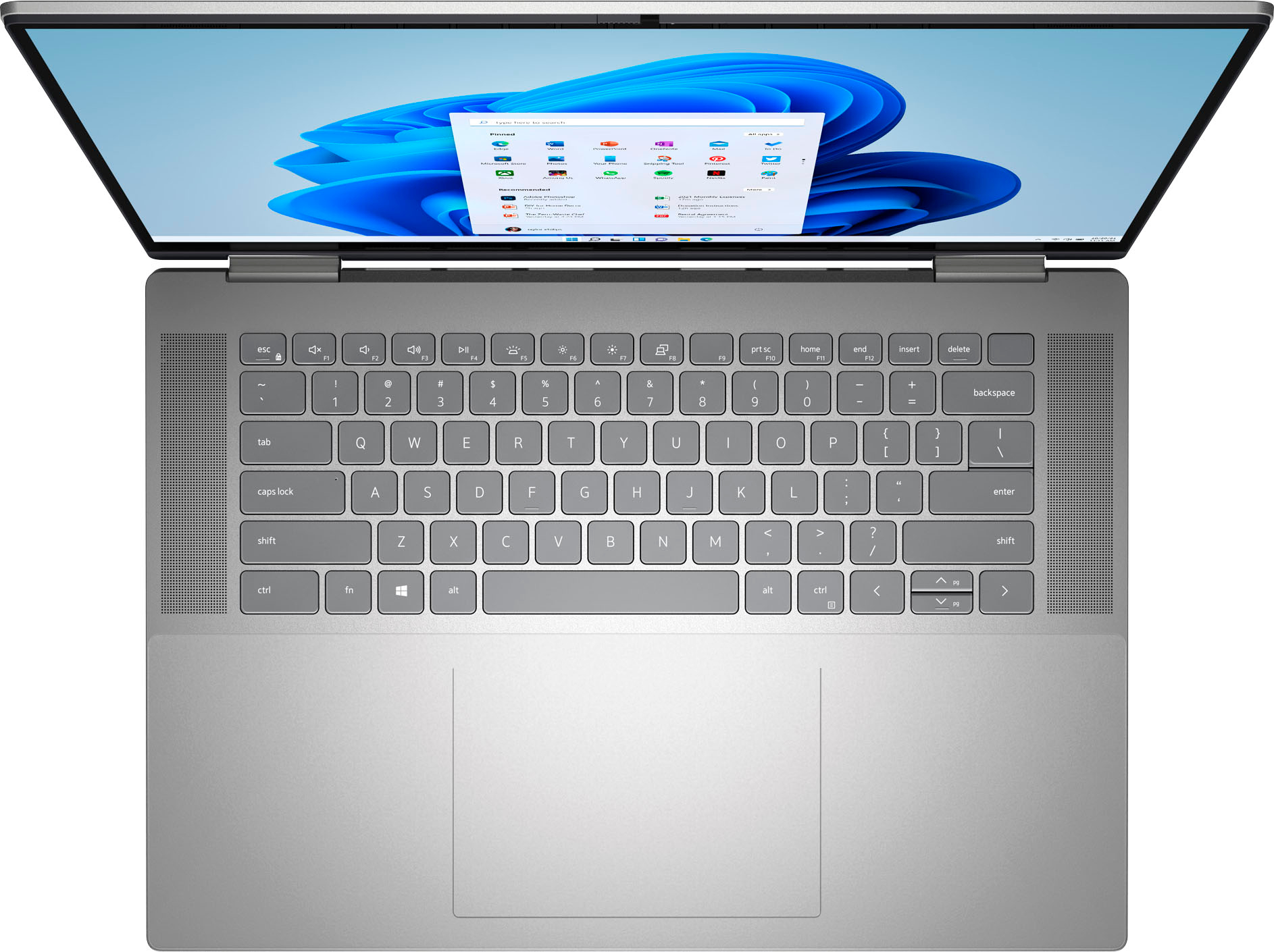
|Posted .This reviewer received promo considerations or sweepstakes entry for writing a review.The Dell Inspiron 16 7620 is a little on the heavier side, but this is to be expected for a laptop of this kind. It's very shiny and bright, and stands out among other devices. The keys feel odd, almost like they have a thin layer of dust. Even after a good amount of use, they feel this way. The touchpad is nice and large, and works really well. This is definitely one of my favorite features of this laptop. This laptop is equipped with two Thunderbolt 4.0 ports, which I think is fantastic. This is a huge plus for a laptop for charging and data transfer. Way to stay up to date. The quad speakers aren’t really a necessity for what I consider a productivity laptop, though the MaxxAudio Pro’s camera tracking feature is kind of neat. Still, I don’t expect I’d use the laptop speakers that much to get any use out of this. The fingerprint reader is very neat and provides quick and easy access. The touch display is a ratio of 16:10, and with this being a 2-in-1 (and it’s Dell, whose been pushing WUXGA on laptop displays), the choice only makes sense. It’s not far from the usual 16:9 that I’ve become accustomed to either. I would've liked to see a 120 Hz refresh rate instead of 60 Hz. And 4GB of VRAM is sufficient. The interior specs are average: 8GB RAM is good, an Intel i5 CPU is okay, and 512GB SSD is good. They get the job done for a lot of different types of applications including photo-editing software. I can't comment on video-editing software as I haven't been able to test that. This could run some simpler games that don't require heavy CPU resources. As a productivity laptop, this performs rather well. It's fast, that's for sure.
I would recommend this to a friend Poor representation of product
||Posted . Owned for 3 weeks when reviewed.This reviewer received promo considerations or sweepstakes entry for writing a review.Comp was lost& had unremoval program sales rep poor
No, I would not recommend this to a friendBrand response from YourDellTeam
Posted .Hi There StephenB,
Thank you for taking the time to leave a review of your Inspiron 7620. We are sorry to hear that you experienced an issue with the delivery of your device. That is not the type of feedback we like to hear from our customers, or the type of product Dell intends to deliver. We have noted the details of your statement and will escalate them to our quality team for improvements on current and future products.
If you continue to experience issues, please reach out to Dell Support directly by using the information provided below.
Chat or call: https://bit.ly/DellSupportTeam
Phone number to Dell: 1-800-624-9896
Best,
Summer@Dell
Dell laptop
||Posted . Owned for 3 weeks when reviewed.This reviewer received promo considerations or sweepstakes entry for writing a review.Good customer service and dell is a good product thx
I would recommend this to a friendBrand response from YourDellTeam
Posted .Hello Valued Customer,
Thank you very much for your valued feedback. We appreciate your kind words and are happy to know you're enjoying your Dell Inspiron 7620 2-in-1 laptop.
In the future, if you come across any questions or have concerns about this product, please don’t hesitate to contact Dell Support Team at the information provided below.
Best,
Katarina@Dell
Should you need further assistance, you can contact Dell directly with the information below.
Chat or call: https://bit.ly/DellSupportTeam
Phone number to Dell 1-800-624-9896
- Pros mentioned:Processor speed, Touch screen
Great multipurpose portable computer / tablet
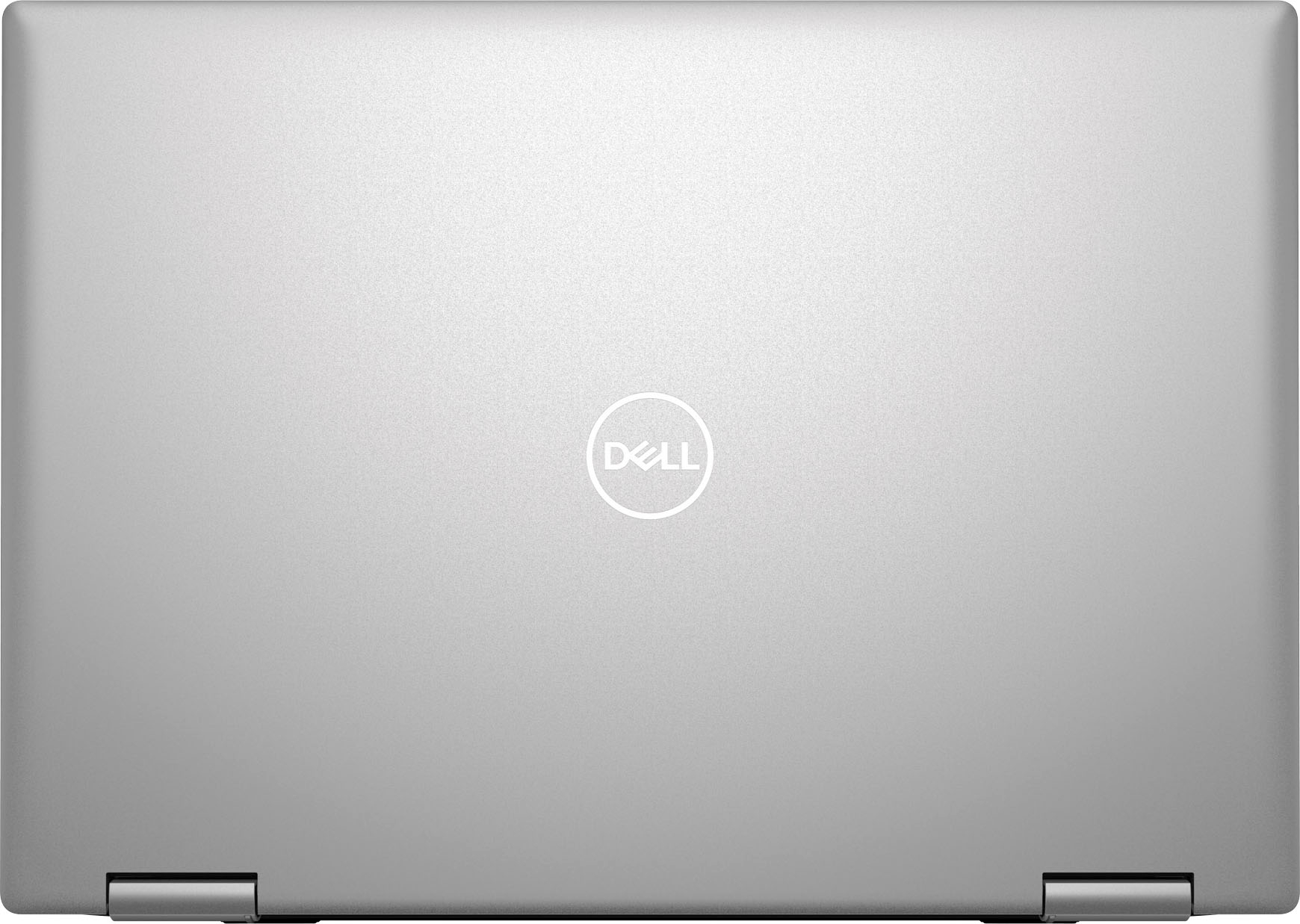
|Posted .This reviewer received promo considerations or sweepstakes entry for writing a review.The Dell Inspiron 2-in-1 16" FHD+ Touch Laptop with 12th Gen Intel Core i5, 8GB Memory, 512GB SSD in Platinum Silver is a big tablet capable 2in1. It has a 16 inch screen that can have the keyboard folded under allowing it to be used as a tablet or it can be used with the keyboard flat and the very capable touch screen monitor panel lilted to the most comfortable viewing angle - from flat to a forward tilt. The case is attractive with a platinum silver aluminum exterior that is not prone to flexing. The keyboard is quiet and comfortable to use in laptop mode. It comes with a much appreciated variety of ports including multiple USB types and HDMI ports. It is not light but the large screen makes up for its weight. The hinges that are responsible for the articulating touch screen are well designed, being attractive, functional and sturdy. The 12th Gen Intel Core i5 along with 8 gigs of memory and an SSD of 512 GB provide you with power and space for even complex office type tasks. I have not experienced data throttling nor have I heard intrusive fan noise. Great 16" touch screen tablet.
I would recommend this to a friend Every problem imaginable
||Posted . Owned for 4 months when reviewed.This reviewer received promo considerations or sweepstakes entry for writing a review.Worst laptop I have ever purchased 1. On day 1, the charger was faulty 2. The track pad no longer worked properly after about a week. Just clicks on random stuff and spazzes out. 3. Then the audio jack stopped working 4. The computer can only run even the simplest of games for about 20 minutes before it freezes completely 5. Now the finger print scanner works about a 3rd of the time I have had this laptop for less than 6 months and it has been an absolute nightmare to deal with
No, I would not recommend this to a friendBrand response from YourDellTeam
Posted .Hello MarkM,
We would like to thank you for taking the time to provide us with your feedback. We are sorry to hear about all the issues you have come across with your Dell Inspiron 7620 2-in-1 computer because its charger is not functioning, the touchpad is not reliable, the audio and fingerprint reader are not working properly, and it is glitchy. This is certainly not the experience that we like to hear from our customers. We appreciate your feedback and will use it to help improve our current and future products.
We recommend making sure drivers for your Inspiron are updated. I have provided a link to the drivers and downloads page where you can check for any applicable updates.
Drivers and Downloads page: https://dell.to/3m0jfty
Some Notebooks and Tablets with Keyboards have added gesture features to the touchpad hardware and drivers. A few of these features are two or three-finger scrolling, pinch zoom, circle zoom, rotation, and swiping. These new features may be the reason for the erratic cursor movement since most are turned on by default. You can disable or modify the way the features work in the touchpad driver properties. Here are some tips to modify these settings:
1. In the Search box, type main.cpl.
2. Touch or click main.cpl in the list of programs.
3. Touch or click the Dell Touchpad tab.
4. Touch or click on the picture of the touchpad.
5. Touch or click Gestures (depending on your computer there may not be a Gestures option).
6. Change the options as preferred.
7. Touch or click Save.
8. Touch or click the X in the upper-right corner to close the Dell Touchpad Utility.
9. Touch or click OK on the Mouse Properties window.
10. If the touchpad still does not work after following the preceding steps, refer to Dell Knowledge Base article - http://dell.to/2iaiujA.
You can read the full article here - http://dell.to/2tqmS02.
Below I have provided the steps to run the Microsoft Sound Troubleshooter which should help with audio issues. I have also included the full article link that has more options if they are needed.
How to run the Windows Sound Troubleshooter
1. Click Start, and then select Settings (gear icon).
2. Click Update & Security and select Troubleshoot.
3. Click Playing Audio and then click Run the troubleshooter.
4. Follow the on-screen instructions to complete the troubleshooting process.
How to Troubleshoot Audio Issues or Sound Playback Issues: https://dell.to/3u4pzmX
I have provided a link below with recommendations on the best way to use the fingerprint reader. I have also included a link to help troubleshoot and resolve the security feature issues.
Fingerprint reader Best Practices: https://dell.to/3Ad6DVG
How to Troubleshoot Fingerprint Reader and Security Issues: https://dell.to/3BwO7rR
If the issues with your Inspiron computer are still not resolved after utilizing the troubleshooting option above, please contact the Dell Support Team at 1-800-624-9896 for further guidance.
Best,
Katarina@Dell
Should you need further assistance, you can contact Dell directly with the information below.
Chat or call: https://bit.ly/DellSupportTeam
Phone number to Dell: 1-800-624-9896
Mouse TouchPad does not work properly.
||Posted . Owned for 3 weeks when reviewed.This reviewer received promo considerations or sweepstakes entry for writing a review.Never had issues like this before. The mouse touch pad will constantly stop working. It will work for 20 minutes and then slow down and lose control. Based on my online research, this appears to be a problem but no solution. I have to use an external mouse, which defeats the purpose of a laptop. It is beyond frustrating to not be able to use this properly.
No, I would not recommend this to a friendBrand response from YourDellTeam
Posted .Dear JAGG,
We would like to thank you for taking the time to provide us with your feedback. We apologize for the issue with the touchpad you are experiencing with your Dell Inspiron 7620 2-in-1 computer. This is certainly not what we like to hear from our valued customers.
We recommend making sure that you have downloaded the latest system update. I have provided a link to the Drivers and Downloads page below, where you can check for any applicable updates for your Inspiron laptop.
Drivers and Downloads page: https://dell.to/3m0jfty
If the issue with the touchpad is still not resolved, please contact the Dell Support Team at 1-800-624-9896 for further guidance.
Best,
Katarina@Dell
Should you need further assistance, you can contact Dell directly with the information below.
Chat or call: https://bit.ly/DellSupportTeam
Phone number to Dell 1-800-624-9896
Unhappy Customer
||Posted .This reviewer received promo considerations or sweepstakes entry for writing a review.Setup was incomplete. Problems with software installation
No, I would not recommend this to a friendBrand response from YourDellTeam
Posted .Dear Valued Customer,
We would like to thank you for taking the time to provide us with your feedback. We are sorry to hear that you have come across some troubles with setting up your Dell Inspiron 7620 2-in-1 computer because some of the software did not load. This is certainly not the experience that we like to hear from our customers. We appreciate your feedback and will use it to help improve our current and future products.
Please take a moment to contact Dell Support Team at the information provided below at your earliest convenience so we can help you to resolve this issue to your satisfaction.
Best,
Katarina@Dell
Should you need further assistance, you can contact Dell directly with the information below.
Chat or call: https://bit.ly/DellSupportTeam
Phone number to Dell: 1-800-624-9896
- Cons mentioned:Weight
Beautiful laptop & solidly built
|Posted .This reviewer received promo considerations or sweepstakes entry for writing a review.Likes: Large, smooth, area for wrists to rest. Stickers on the wrist area are easily removable, which is a definite plus. There’s a fingerprint sensor embedded in the power button, which you can use to login to Windows and other applications that are biometric enabled. USB-C power supply, so you can charge up with just about any fast charger, albeit a bit slower than with the 90W charger that’s included. It has a built-in privacy shutter for the camera, although I do wish they made the shutter more noticeable (make red or some other contrasting color) as it’s difficult to quickly tell if the shutter is closed or not. Dell Support Center software makes it easy to stay up to date with drivers/firmware. The backlit keyboard has a nice feel to it, with good feedback. Dislikes: Speakers don’t have much frequency response and are a bit tinny sounding. The sound also changes when you have something (like your wrists) over the wrist-rest area, almost like there are speakers beneath even though there’s no visible indication of speakers there. Kinda weird. The volume range is decent though. Have to press the ‘fn’ key to activate the page up/down key. It’s a bit heavy for a 2-in-1, but it is a 16 inch device, so I can’t fault it too much for that. Misc: Home & End keys are overridden if you activate the fn lock, but the page up/down keys still require you to press the fn key, even when it’s locked. It’s a decent laptop overall
I would recommend this to a friend - Pros mentioned:Processor speed
Another Dell Winner
|Posted .This reviewer received promo considerations or sweepstakes entry for writing a review.Dell turns out quality products, and this Inspiron 7620 is one of the latest. It looks great and works very well. There are notable features, including but not limited to: • Windows 11: With the latest OS from Microsoft on board, there is a bit of a learning curve. For example, how do I power on and power off. To power on the first time, check the insert that comes with the device. Once you have done that, you only need to open the laptop for automatic power up. To power off, look for the Windows icon located more to the lower middle, no longer in the lower left corner. There’s more to learn, but with a little patience, you should adapt to 11 just fine. • 16” FHD touch screen with 1920 x 1200 WUXGA for great optics • Processing and storage: o Intel Core i5, 12th Gen. I usually go for i7, but trying out the latest i5, I was impressed. I have had as many as six screens going at one time, and nothing felt slow. o 8 GB RAM (upgradeable to 32 GB; processing speeds up to 4.4 GH; 512 GB storage • High speed interface support for external drives for data and HD video • Flip and fold design provides options for usage: laptop, tablet, etc. • Backlit keyboard • Can support one external monitor without need for docking station. • And for folks like me, Alexa is built-in! The Inspiron 7620 is a winner in my view. It looks great, works great, and is comfortable to work with. I would have no problem recommending to a friend. In fact, I already have someone in mind.
I would recommend this to a friend Major issues with the sound/ speakers.
||Posted . Owned for 3 weeks when reviewed.This reviewer received promo considerations or sweepstakes entry for writing a review.Ended up returning this computer.. The sound on it was very distorted and muffled.. Tried to research and fix it, with no luck.. Looking online, seems that many folks experienced the same issues. It’s a shame. Awesome computer otherwise.
No, I would not recommend this to a friendBrand response from YourDellTeam
Posted .Hey RickyW,
Thank you for taking the time to leave a review of your Inspiron 2-in-1 touchscreen laptop. We are sorry to hear that you experience an issue with your audio and made the decision to return your device. That is not the type of product Dell intends to deliver. We have noted the details of your statement and will use them to improve current and future products. In the meantime if you need further assistance we recommend reaching out to a member of our support team with the toll-free number or chat link below.
Should you need further assistance; we recommend that you contact Dell directly with the information below.
Chat or call: https://bit.ly/DellSupportTeam
Phone number to Dell: 1-800-624-9896.
Best,
Summer@Dell