Customer Ratings & Reviews




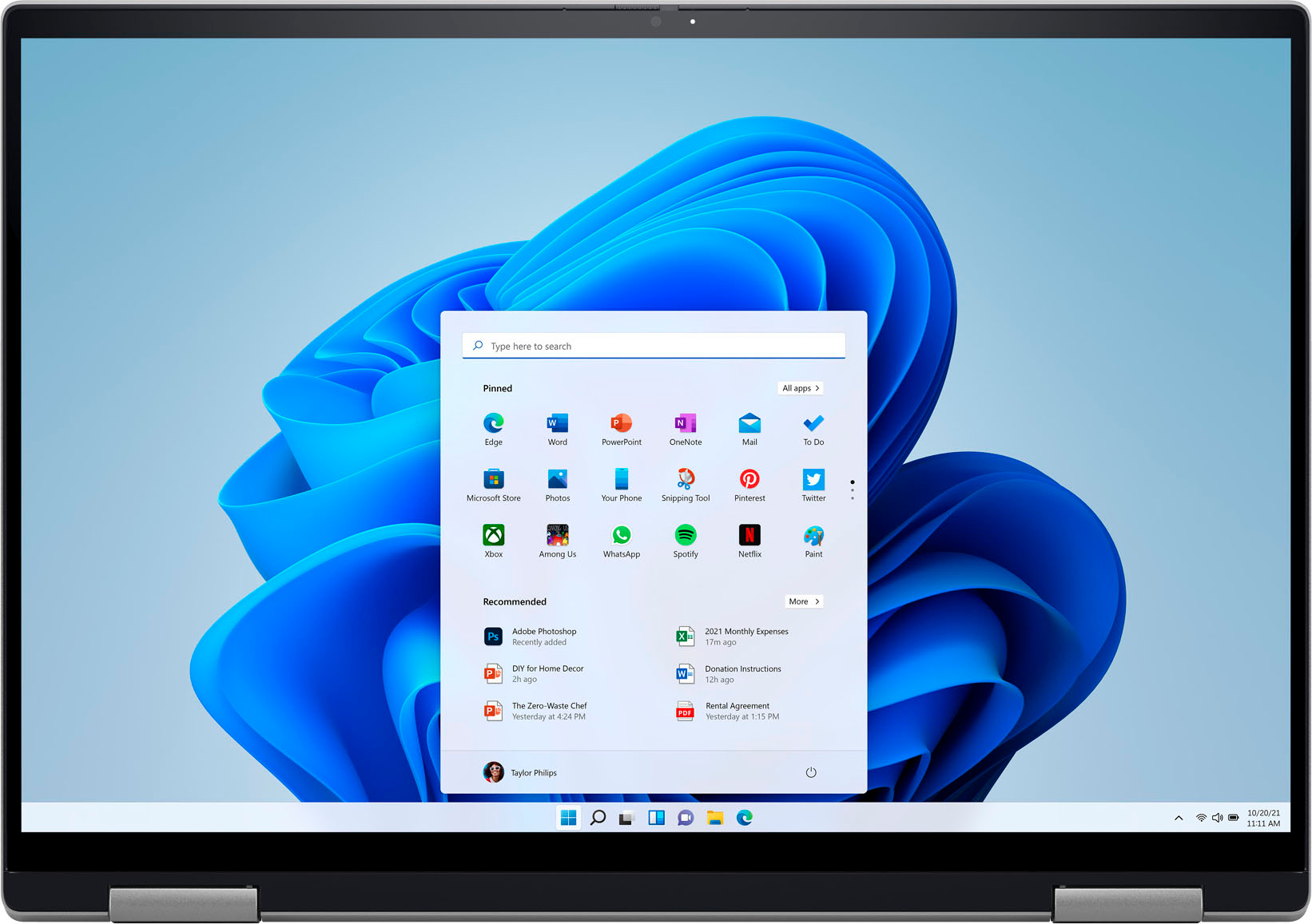






- Model:
- i7620-7631SLV-PUS
- SKU:
- 6504380
Rating by feature
- Battery Life
Rating 4.6 out of 5 stars
- Speed
Rating 4.7 out of 5 stars
- Display
Rating 4.7 out of 5 stars
Customers are saying
Customers have good things to say about the screen size, ease of use, performance, battery life, weight, and price of the Inspiron 2-in-1 laptop. Many appreciate its lightweight design and powerful performance for everyday tasks. However, some users experienced issues with the touchpad and reported occasional excessive fan noise. A few also mentioned problems with the speakers.
This summary was generated by AI based on customer reviews.
Computer
||Posted . Owned for 1 month when reviewed.This reviewer received promo considerations or sweepstakes entry for writing a review.It a good one but it takes me time to know the product.
I would recommend this to a friend- Pros mentioned:Battery life
Excellent choice!
||Posted .This reviewer received promo considerations or sweepstakes entry for writing a review.The Dell Inspiron 2-in-1 is a far better deal the Apple Mack Book Pro for price and capacity. Excellent choice!
I would recommend this to a friend - Pros mentioned:Processor speed
Dell Laptp
||Posted . Owned for 1 week when reviewed.This reviewer received promo considerations or sweepstakes entry for writing a review.Great speed, can run several apps without any slowdown. Screen resolution is good.
I would recommend this to a friend Amazing laptop
||Posted . Owned for less than 1 week when reviewed.This reviewer received promo considerations or sweepstakes entry for writing a review.Hi folks, If I can describe this laptop in one word, I would say:"Amazing!" This laptop has great quality built-in material. The touch pad is so smooth and accurate, but what I love the most in this computer are two things: keyboard and speakers. I just wish the battery life is a bit more. Other than that I don't think this laptop is lacking anything yes get any job done fast!
I would recommend this to a friend- Pros mentioned:Screen size
Great Laptop
||Posted . Owned for 1 month when reviewed.This reviewer received promo considerations or sweepstakes entry for writing a review.I like the screen size but primarily I love the fact that you can use it as a tablet or laptop.
I would recommend this to a friend - Pros mentioned:Performance
Husband computer
||Posted . Owned for 1 month when reviewed.This reviewer received promo considerations or sweepstakes entry for writing a review.Brought this for my husband,who is working from home. He says he is very satisfied with the computer.
I would recommend this to a friend - Cons mentioned:Touchpad
Frustration mouse
||Posted .This reviewer received promo considerations or sweepstakes entry for writing a review.Got this laptop new and the mouse barely clicks or point at anything. Had to use touch feature for the most part which is not conducive for work from home or prolonged use. Wont recommend this product. Very frustrating.
No, I would not recommend this to a friendBrand response from YourDellTeam
Posted .Hey Nelson,
Thank you for taking the time to leave a review of your Inspiron 7620. We are sorry to hear that you are experiencing an issue with your touchpad. That is not the type of feedback we like to hear from our customers. Some Notebooks and Tablets with Keyboards have added gesture features to the touchpad hardware and drivers. A few of these features are two or three finger scrolling, pinch zoom, circle zoom, rotate and swiping. These new features may be the reason for the erratic cursor movement since most are turned on by default. You can disable or modify the way the features work in the touchpad driver properties. Here are some tips to modify these settings:
1. In the Search box, type main.cpl.
2. Touch or click main.cpl in the list of programs.
3. Touch or click the Dell Touchpad tab.
4. Touch or click on the picture of the touchpad.
5. Touch or click Gestures (depending on your computer there may not be a Gestures option).
6. Change the options as preferred.
7. Touch or click Save.
8. Touch or click the X in the upper-right corner to close the Dell Touchpad Utility.
9. Touch or click OK on the Mouse Properties window.
10. If the touchpad still does not work after following the preceding steps, refer to Dell Knowledge Base article - http://dell.to/2iaiujA.
You can read the full article here - http://dell.to/2tqmS02.
Should you need further assistance; we recommend that you contact Dell directly with the information below.
Chat or call: https://bit.ly/DellSupportTeam
Phone number to Dell: 1-800-624-9896.
Best Regards,
Summer@Dell
- Pros mentioned:Processor speed
Fast Processing
||Posted . Owned for 1 month when reviewed.This reviewer received promo considerations or sweepstakes entry for writing a review.Computer works great, very fast when watching videos, building content, and surfing the web.
I would recommend this to a friend - Pros mentioned:Performance
Dell laptop
||Posted . Owned for 3 weeks when reviewed.This reviewer received promo considerations or sweepstakes entry for writing a review.Nothing to say about this item... It works as expected.
I would recommend this to a friend Dell is a good computer but the fingerscan is crap
||Posted . Owned for 3 weeks when reviewed.This reviewer received promo considerations or sweepstakes entry for writing a review.I still can’t get my finger scan to work to sign in.
No, I would not recommend this to a friendBrand response from YourDellTeam
Posted .Hey GingerG,
We want to thank you for taking the time to leave us a review and provide feedback on your Inspiron 7420. We are sorry to hear that you are experiencing an issue with your fingerprint reader. For the fingerprint reader to function you will need to install the drivers and software on our system. The software used for the reader is Dell Data Protection under security tools and can be find on the Drivers & Downloads page, from there, please add your service tag or allow the site to identify your system to ensure the correct driver and software are identified correctly for your system and proceed to the Drivers section from the left-handed menu shown.
I have provided the link for the Drivers and Downloads page below for you. If you have further questions or this does not resolve your issue, we would love to help you at your convenience.
Drivers & Downloads Link: https://dell.to/3mL7WXp
Should you need further assistance; we recommend that you contact Dell directly with the information below.
Chat or call: https://bit.ly/DellSupportTeam
Phone number to Dell: 1-800-624-9896.
Best,
Summer@Dell
- Pros mentioned:Ease of use
Perfect
||Posted . Owned for 1 week when reviewed.This reviewer received promo considerations or sweepstakes entry for writing a review.I do a lotnof work from home and this makes everything so much easier.
I would recommend this to a friend - Pros mentioned:Processor speed
Good laptop
||Posted . Owned for 1 month when reviewed.This reviewer received promo considerations or sweepstakes entry for writing a review.Good laptop. Sturdy and fast. The 2-in-1 laptop tablet is a nice feature
I would recommend this to a friend - Pros mentioned:Processor speed
New Dell Computer and Great Staff!
||Posted . Owned for less than 1 week when reviewed.This reviewer received promo considerations or sweepstakes entry for writing a review.It has so many features that make me want to get my work done! It's sleek and the processor is fast!
I would recommend this to a friend - Pros mentioned:Screen size
Dell Inspiron 16 2-in-1
||Posted . Owned for 3 weeks when reviewed.This reviewer received promo considerations or sweepstakes entry for writing a review.Works excellently! Wanted a somewhat larger screen so I could see it easier than my old, smaller laptop.
I would recommend this to a friend - Cons mentioned:Touchpad
Mouse Never Works Correctly
||Posted . Owned for 11 months when reviewed.This reviewer received promo considerations or sweepstakes entry for writing a review.The mouse had a mind of its own. I have to restart the laptop multiple times to get the mouse to work correctly which causes me issues more so than not. Seems like there is a major lag to it.
No, I would not recommend this to a friendBrand response from YourDellTeam
Posted .Hey There HeatherR,
Thank you for taking the time to leave us your review. We are sorry to hear that you are having touchpad sensitivity issues in regard to your Inspiron 7620. This is certainly not the experience that we like to hear from our customers. We will share your concern with our quality team so that improvements can be made to our current and future products and services. Below I have provided troubleshooting instructions with the full article that may be able to resolve the issue.
Here are the steps to help resolve your touchpad issue:
1. Ensure the touchpad and your finger do not have any dirt, grease, liquids, or food on them (the touchpad has to make good contact with your finger to work correctly).
2. Ensure that the touchpad is turned on.
3. Save any data, close any open programs and restart the computer by using a wired USB mouse (if available) or Bluetooth mouse if it is already installed, if not, press hold the power button for at least 15 seconds to turn the computer off.
4. Unplug everything except the power cable.
5. Turn the computer back on and retest the touchpad.
6. When the cursor does work correctly, attach one device at a time, and test the cursor movement to see which one may have caused the issue.
7. Ensure that the BIOS and Chipset drivers are updated to the latest version.
Touchpad Usage and Troubleshooting Guide: https://dell.to/3zwM1rp
If you continue to experience issues, please reach out to Dell Support directly by using the information provided below.
Chat or call: https://bit.ly/DellSupportTeam
Phone number to Dell: 1-800-624-9896
Best,
Summer@Dell
Good balance of quality and price
||Posted . Owned for 3 weeks when reviewed.This reviewer received promo considerations or sweepstakes entry for writing a review.Great for multitasking. I typically have about 6 to 8 windows are open at a time when I do zoom conferences and the screen never freezes. It also has a much better than typical WebCam and speakers
I would recommend this to a friend- Cons mentioned:Speakers
Satisfied
||Posted .This reviewer received promo considerations or sweepstakes entry for writing a review.Bought 2 computers and speakers didnt work. Third one is working great!!!
I would recommend this to a friend - Pros mentioned:Performance
Nice Computer
||Posted . Owned for 3 weeks when reviewed.This reviewer received promo considerations or sweepstakes entry for writing a review.Bought for my son that is a Sophomore in college and he has said it has been wonderful so far.
I would recommend this to a friend - Cons mentioned:Fan noise
Not Satisfactory!
||Posted . Owned for 3 weeks when reviewed.This reviewer received promo considerations or sweepstakes entry for writing a review.I bought an Open-Box Excellent - Certified one. But just after one week the camera stopped working for whatever reason. Also, the laptop fan was pretty loud.
No, I would not recommend this to a friend - Cons mentioned:Speakers, Touchpad
it was a DUD
||Posted . Owned for less than 1 week when reviewed.This reviewer received promo considerations or sweepstakes entry for writing a review.Bought this device on a Saturday, super excited. The speakers get going in and out. They are keyboard facing and one kept making a popping sound. I contacted Dell, reinstalled the drivers and updated all the settings and still didnt work. I returned this the next day. I was given a replacement option but I declined. If the audio went out right out of the box, then it will happen again in 6 months.
No, I would not recommend this to a friendBrand response from YourDellTeam
Posted .Greetings Needalaptop,
We value your feedback and want to thank you for taking the time to leave a review of your Inspiron 7620. We are sorry to hear that you experienced an issue with your audio and made the ultimate decision to return your device. That is not the type of product Dell intends to deliver. We have noted the details of your statement and will use them to improve current and future products. If you need further assistance, I have provided the toll-free number and chat link below for your convenience.
Should you need further assistance; we recommend that you contact Dell directly with the information below.
Chat or call: https://bit.ly/DellSupportTeam
Phone number to Dell: 1-800-624-9896.
Sincerely,
Summer@Dell