Customer Ratings & Reviews




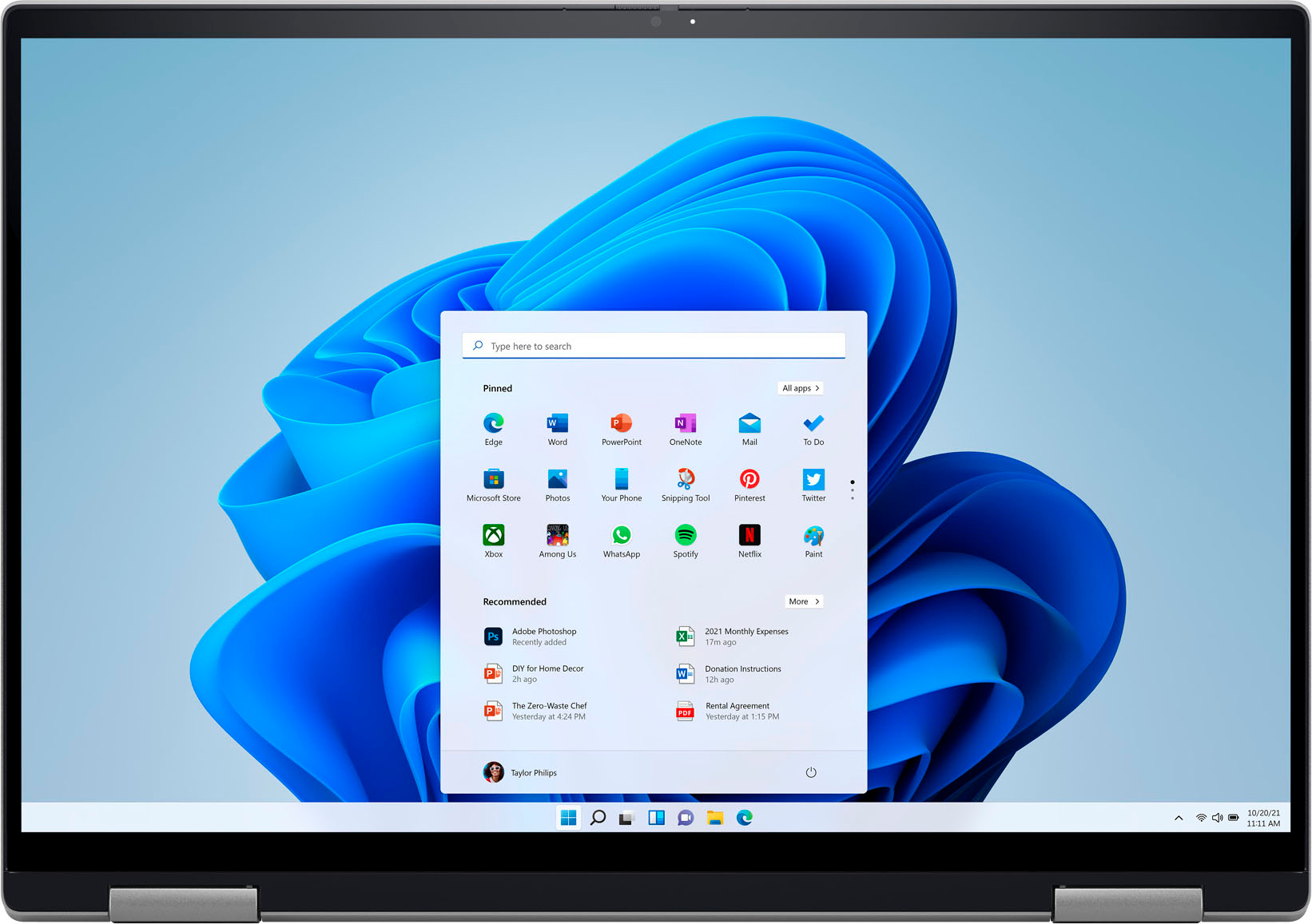






- Model:
- i7620-7631SLV-PUS
- SKU:
- 6504380
Rating by feature
- Battery Life
Rating 4.6 out of 5 stars
- Speed
Rating 4.7 out of 5 stars
- Display
Rating 4.7 out of 5 stars
Customers are saying
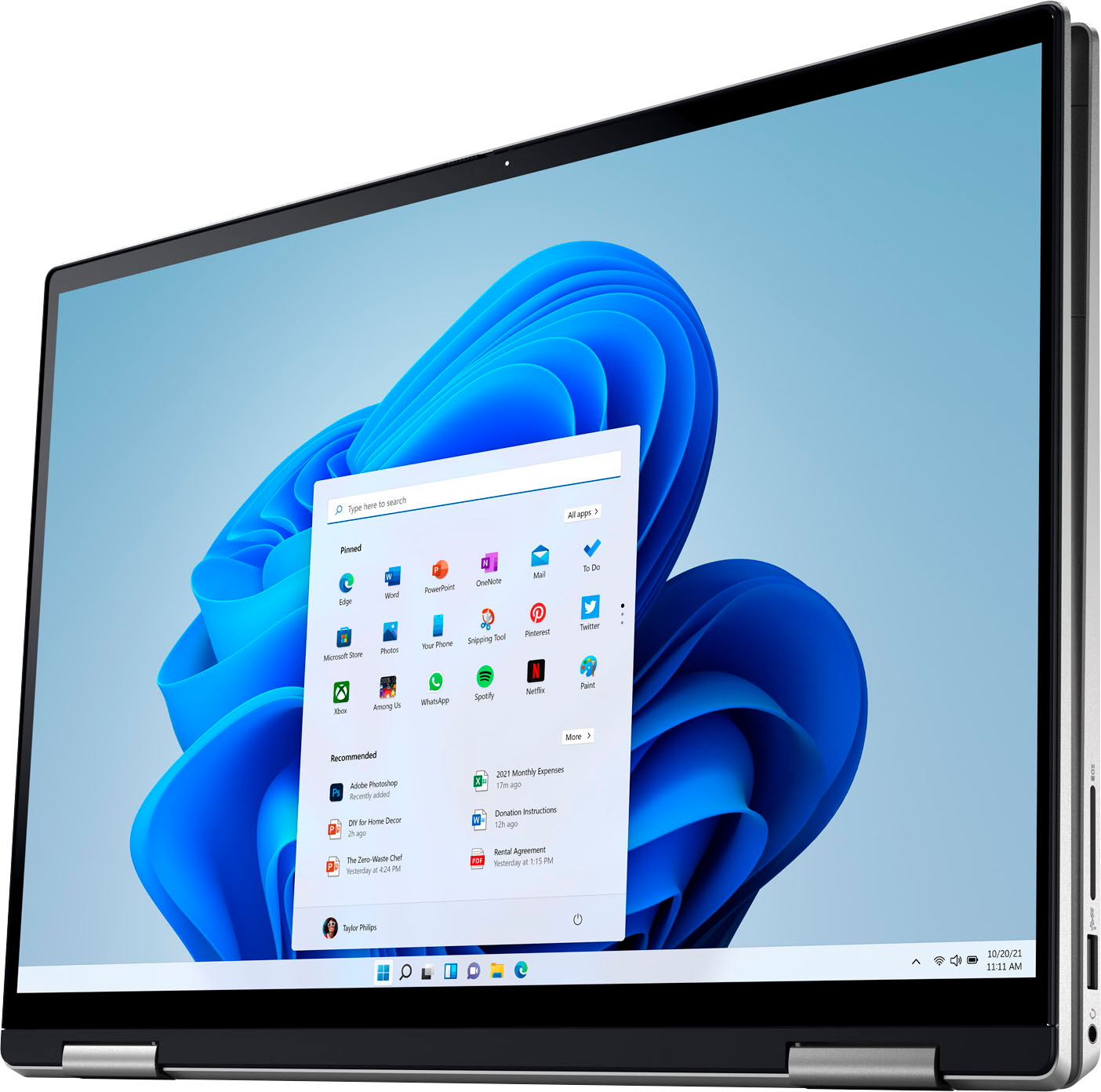
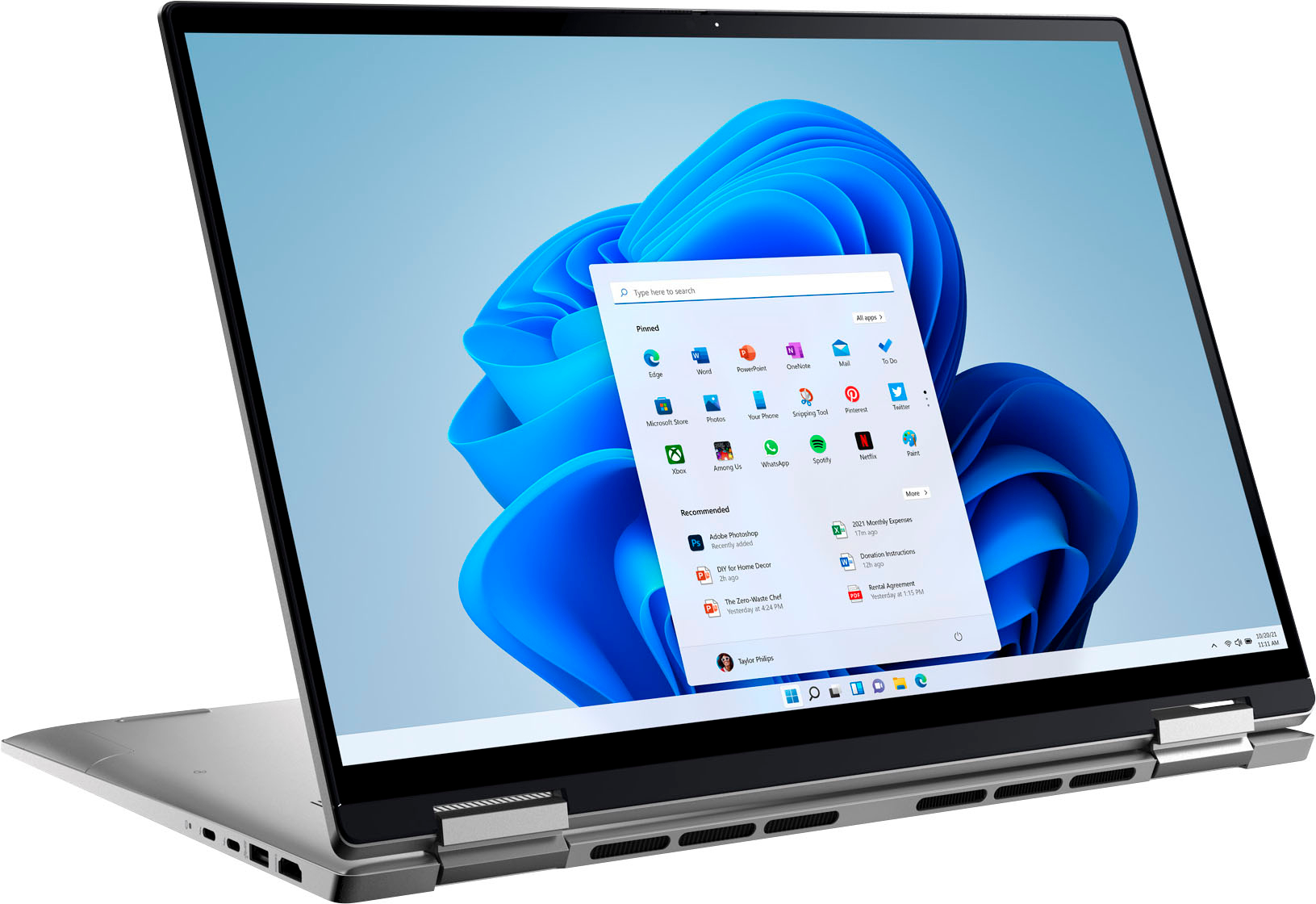
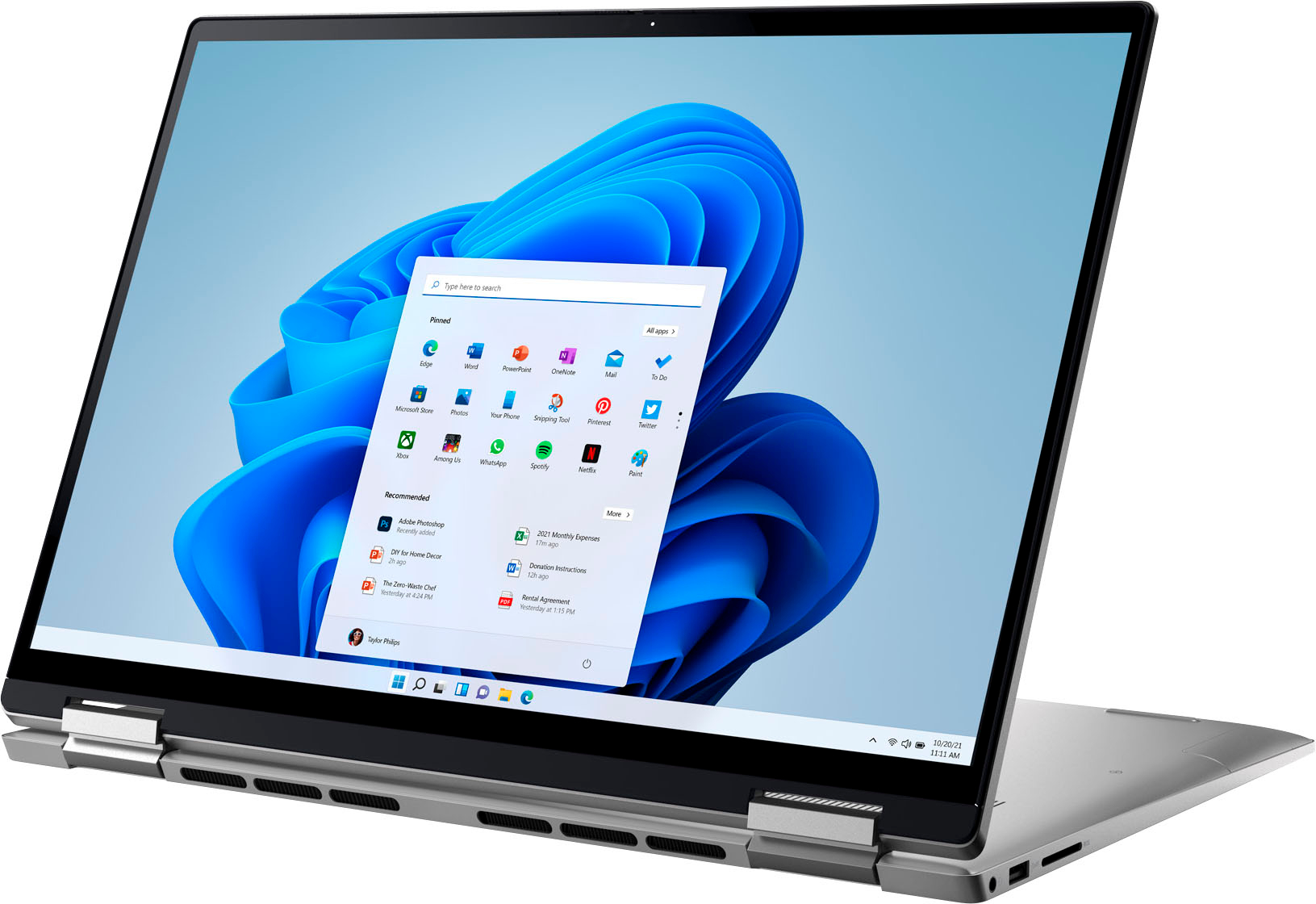
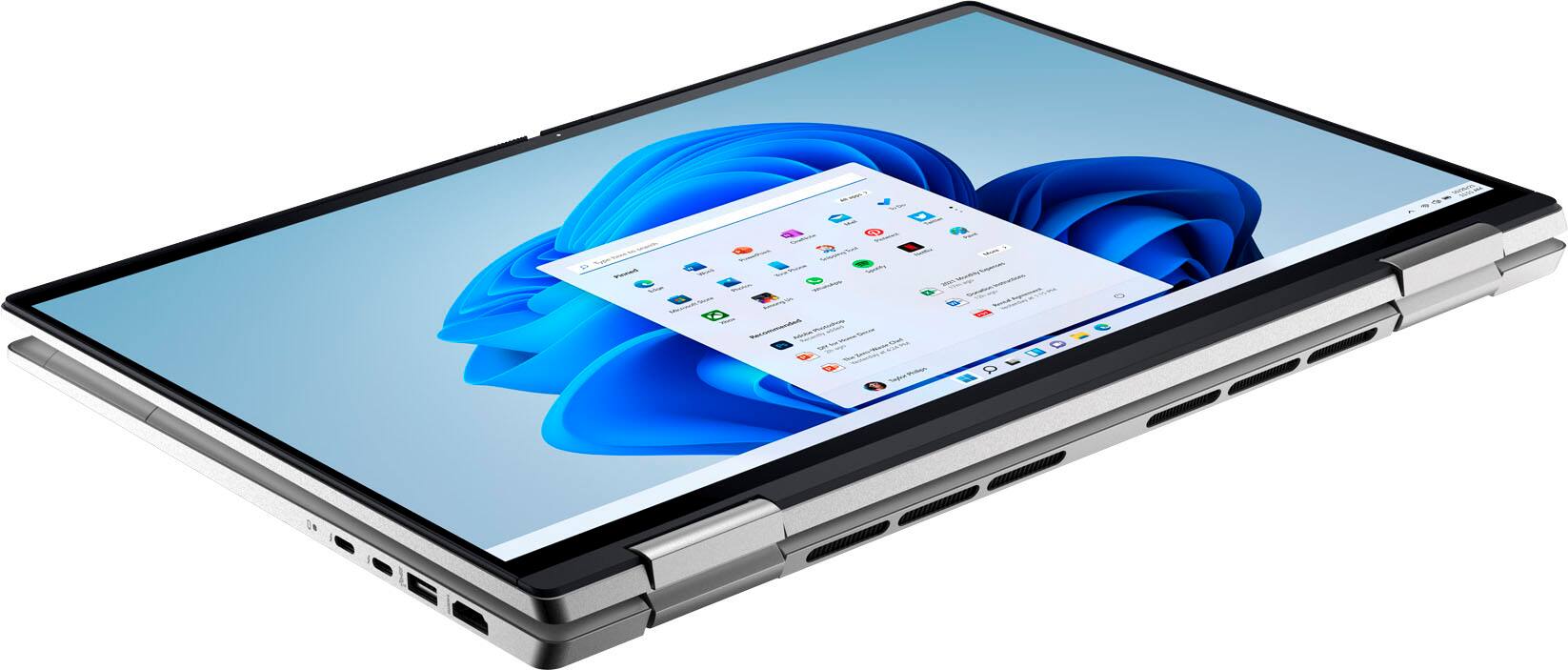
Customers have good things to say about the screen size, ease of use, performance, battery life, weight, and price of the Inspiron 2-in-1 laptop. Many appreciate its lightweight design and powerful performance for everyday tasks. However, some users experienced issues with the touchpad and reported occasional excessive fan noise. A few also mentioned problems with the speakers.
This summary was generated by AI based on customer reviews.
- Pros mentioned:Performance
Dell Laptops
||Posted . Owned for 3 weeks when reviewed.This reviewer received promo considerations or sweepstakes entry for writing a review.This laptop is exactly what I needed, it is much faster than my current laptop!
I would recommend this to a friend - Pros mentioned:Ease of use
Old guy
||Posted . Owned for 3 weeks when reviewed.This reviewer received promo considerations or sweepstakes entry for writing a review.Excellent computer, easy to use . Very pleased with purchase
I would recommend this to a friend - Pros mentioned:Ease of use
Easy
||Posted . Owned for 3 weeks when reviewed.This reviewer received promo considerations or sweepstakes entry for writing a review.Love the product. Easy to use once you figure out that opening the lid turns it on
I would recommend this to a friend - Pros mentioned:Processor speed
A good idea!
||Posted . Owned for 3 weeks when reviewed.This reviewer received promo considerations or sweepstakes entry for writing a review.Upgrade from an older Dell. Couldn't have been easier. New machine is fast and sleek!
I would recommend this to a friend average quality
||Posted . Owned for 8 months when reviewed.This reviewer received promo considerations or sweepstakes entry for writing a review.average laptop. i expected much more from this brand
No, I would not recommend this to a friendBrand response from YourDellTeam
Posted .Greetings Sharif,
We value your feedback and want to thank you for taking the time to leave a review of your Inspiron 7620. We are sorry to hear that you are not completely satisfied with your device. That is not the type of feedback we like to hear from our customers, or the type of product Dell intends to deliver. We have noted the details of your statement and will escalate them to our quality team for improvements on current and future products.
If you continue to experience issues, please reach out to Dell Support directly by using the information provided below.
Chat or call: https://bit.ly/DellSupportTeam
Phone number to Dell: 1-800-624-9896
Best,
Summer@Dell
- Pros mentioned:Processor speed
Laptop
||Posted . Owned for 1 week when reviewed.This reviewer received promo considerations or sweepstakes entry for writing a review.I hate windows 11 but the computer itself is very fast
I would recommend this to a friend - Pros mentioned:Processor speed
Must have it
||Posted . Owned for 2 weeks when reviewed.This reviewer received promo considerations or sweepstakes entry for writing a review.Powerful machine, and very clear and it should last another 3 years.
I would recommend this to a friend - Pros mentioned:Processor speed
Nice computer.
||Posted . Owned for 1 month when reviewed.This reviewer received promo considerations or sweepstakes entry for writing a review.Great computer. Was easy to set up and works great. Fast speed and boot up.
I would recommend this to a friend - Pros mentioned:Performance
Work laptop
||Posted . Owned for 3 weeks when reviewed.This reviewer received promo considerations or sweepstakes entry for writing a review.Great performance and value! The salesperson was excellent and very knowledgeable.
I would recommend this to a friend - Pros mentioned:Processor speed
LOVE MY DELLY
||Posted . Owned for 1 month when reviewed.This reviewer received promo considerations or sweepstakes entry for writing a review.I LOVE MY LAPTOP. THE CLARITY AND SPEED FOR WORKING AND ENJOYMENT IS AWESOME.
I would recommend this to a friend - Pros mentioned:Performance
Dell laptop
||Posted . Owned for 1 month when reviewed.This reviewer received promo considerations or sweepstakes entry for writing a review.Great product capable of everything I need a laptop for. Love it!
I would recommend this to a friend - Pros mentioned:Processor speed
Dell
||Posted .This reviewer received promo considerations or sweepstakes entry for writing a review.so far so good and fast 2 in1 perfect , compact and easy to carry
I would recommend this to a friend - Pros mentioned:Processor speed
Amazing machine!
||Posted . Owned for 1 week when reviewed.This reviewer received promo considerations or sweepstakes entry for writing a review.Amazing machine!!!! Can’t believe how fast it is and you can’t beat the price!
I would recommend this to a friend - Pros mentioned:Ease of use
Dell,the best
||Posted . Owned for 3 weeks when reviewed.This reviewer received promo considerations or sweepstakes entry for writing a review.A great machine..easier to use than I expected. Dell always topnotch
I would recommend this to a friend - Cons mentioned:Touchpad
track pad not working
||Posted . Owned for 6 months when reviewed.This reviewer received promo considerations or sweepstakes entry for writing a review.Got this computer for my son about 8 months ago- track pad stopped working about 1 month after being used. Not good :(
No, I would not recommend this to a friendBrand response from YourDellTeam
Posted .Hi NatalliaM,
Thank you for taking the time to leave us your review. We are sorry to hear that you are having touchpad issues with your Inspiron 7620. This is certainly not the experience that we like to hear from our customers. We will share your concern with our quality team so that improvements can be made to our current and future products and services. Below I have provided troubleshooting instructions with the full article that may be able to resolve the issue.
Here are the steps to help resolve your touchpad issue:
1. Ensure the touchpad and your finger do not have any dirt, grease, liquids, or food on them (the touchpad has to make good contact with your finger to work correctly).
2. Ensure that the touchpad is turned on.
3. Save any data, close any open programs and restart the computer by using a wired USB mouse (if available) or Bluetooth mouse if it is already installed, if not, press hold the power button for at least 15 seconds to turn the computer off.
4. Unplug everything except the power cable.
5. Turn the computer back on and retest the touchpad.
6. When the cursor does work correctly, attach one device at a time, and test the cursor movement to see which one may have caused the issue.
7. Ensure that the BIOS and Chipset drivers are updated to the latest version.
Touchpad Usage and Troubleshooting Guide: https://dell.to/3zwM1rp
If you continue to experience touchpad issues, please reach out to Dell Support directly by using the information provided below.
We recommend that you contact Dell directly with the information below if you need further assistance.
Chat or call: https://bit.ly/DellSupportTeam
Phone number to Dell: 1-800-624-9896.
Best,
Summer@Dell
- Pros mentioned:Screen size
Mrs
||Posted .This reviewer received promo considerations or sweepstakes entry for writing a review.Very efficient. Like larger screen easier for older person vision
I would recommend this to a friend - Pros mentioned:Processor speed
Best lap top yet!
||Posted . Owned for 1 month when reviewed.This reviewer received promo considerations or sweepstakes entry for writing a review.Really happy with this Dell. Money well spent. You will enjoy the speed.
I would recommend this to a friend - Pros mentioned:Screen size
First laptop for me
||Posted . Owned for 3 weeks when reviewed.This reviewer received promo considerations or sweepstakes entry for writing a review.Nice clear screen. Good size to carry with you from toom to room.
I would recommend this to a friend - Cons mentioned:Speakers
Not pleased.
||Posted . Owned for 3 weeks when reviewed.This reviewer received promo considerations or sweepstakes entry for writing a review.Bought brand new. Too slow for gaming. Speakers/Mic malfunction already after two weeks. Sound goes in and out.
No, I would not recommend this to a friendBrand response from YourDellTeam
Posted .Dear AlexanderC,
Thank you very much for your review. We are sorry to hear that you are not 100% satisfied with your Dell Inspiron 16 7620 2-in-1 computer because you are experiencing issues with its audio and slow performance.
Feedback like yours helps us improve our future products and services.
Below I have provided troubleshooting instructions with the full article that can help you troubleshoot and resolve audio issues:
1. Check the audio ports for damage and clean ports.
2. Restart your computer.
3. Check the microphone connection. (external microphone only)
4. Set the default recording device and check the microphone volume.
5. Check the settings in voice communication apps.
6. Run Microsoft Sound Troubleshooter.
7. Troubleshoot Bluetooth devices. (Bluetooth speakers or headphones)
8. Reinstall or Update the chipset driver, audio driver, and BIOS.
9. Run a hardware diagnostic test.
10. Download and install Microsoft Windows updates.
11. Perform Windows System Restore.
12. Restore your computer to factory defaults.
How to Troubleshoot Audio or Sound Recording Issues: https://dell.to/3p73Us3
I have also provided steps with the full article that can help you with slow performance issues with your laptop.
Here are the steps to help you with slow performance issues:
1. Run the automated tools in SupportAssist to ensure that the drivers are up to date and your computer is optimized.
2. Restart the computer
3. Run a hardware diagnostic test
4. Scan your computer for malware
5. Restore the computer using Windows System Restore
6. Restore the computer to factory default settings
You can read the article that can help you with slow performance issues here: https://dell.to/3yqre8r
If you continue to experience issues, please reach out to Dell Support directly by using the information provided below.
We look forward to making this right for you!
Should you need further assistance, you can contact Dell directly with the information below.
Chat or call: https://bit.ly/DellSupportTeam
Phone number to Dell: 1-800-624-9896
Best,
Katarina@Dell
- Pros mentioned:Processor speed
Great laptop
||Posted . Owned for 1 month when reviewed.This reviewer received promo considerations or sweepstakes entry for writing a review.Really nice laptop and fast bought it for school so far so good.
I would recommend this to a friend