Customer Ratings & Reviews










- Model:
- i7620-7631SLV-PUS
- SKU:
- 6504380
Rating by feature
- Battery Life
Rating 4.6 out of 5 stars
- Speed
Rating 4.7 out of 5 stars
- Display
Rating 4.7 out of 5 stars
Customers are saying
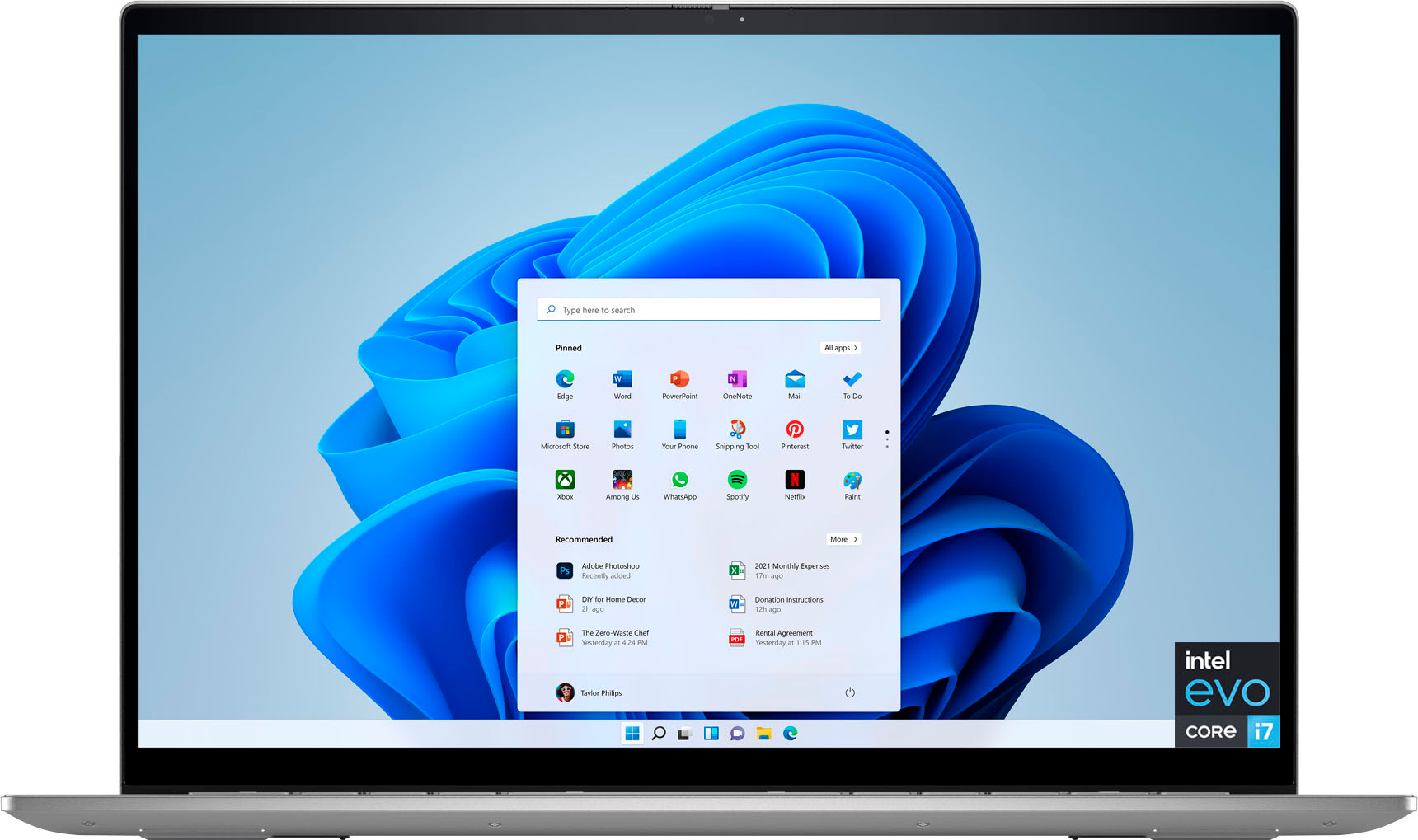
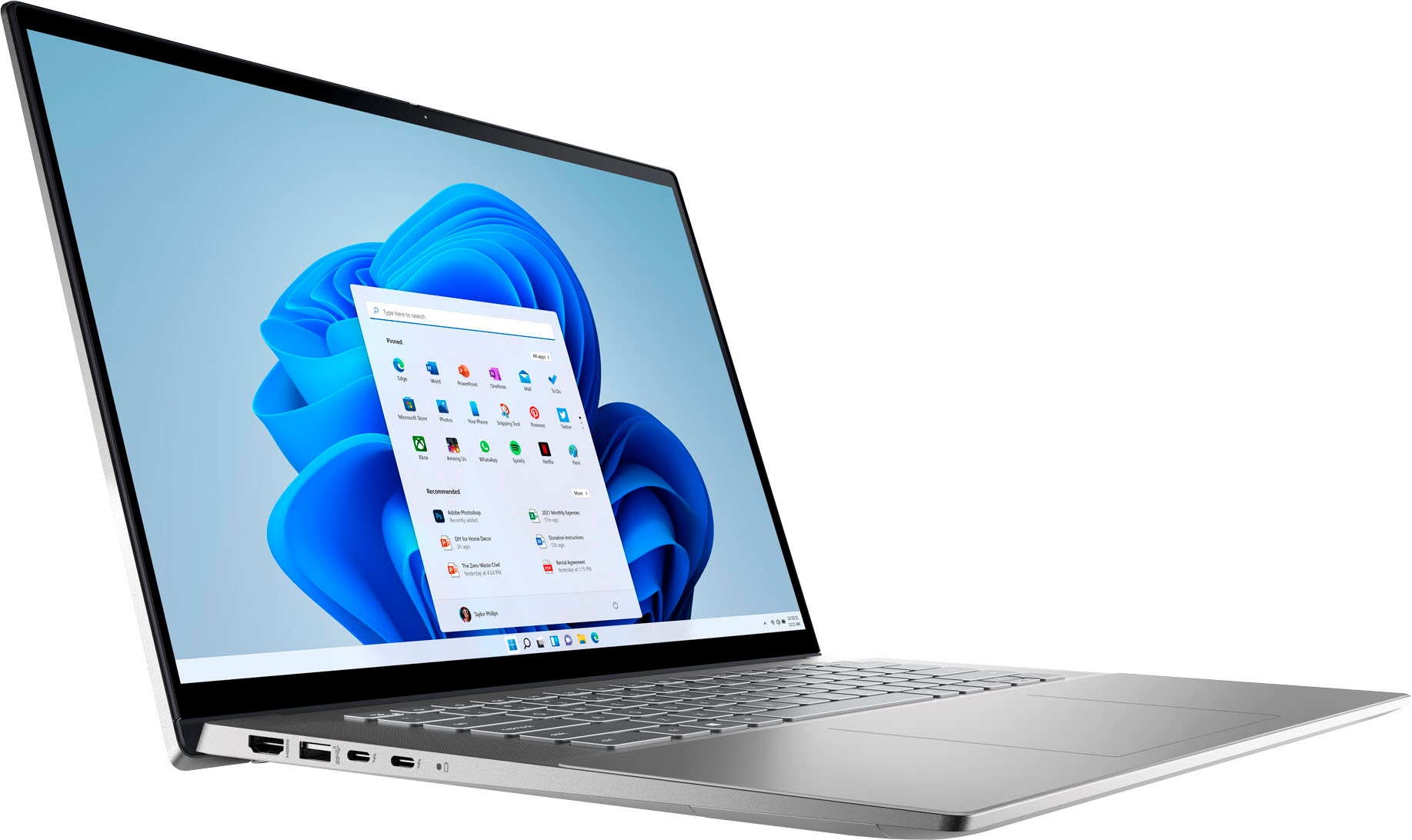
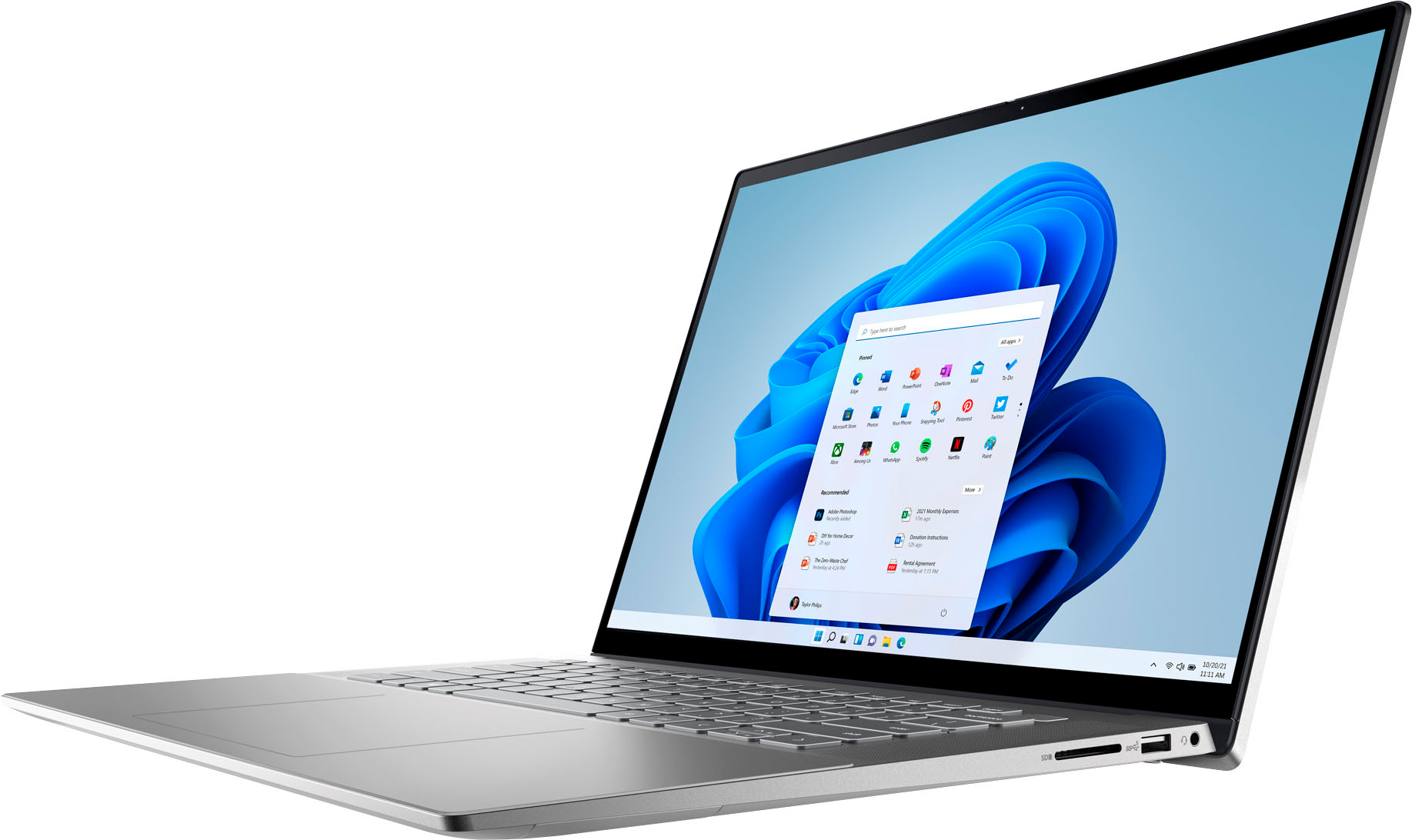
Customers have good things to say about the screen size, ease of use, performance, battery life, weight, and price of the Inspiron 2-in-1 laptop. Many appreciate its lightweight design and powerful performance for everyday tasks. However, some users experienced issues with the touchpad and reported occasional excessive fan noise. A few also mentioned problems with the speakers.
This summary was generated by AI based on customer reviews.
Great price.
||Posted . Owned for 1 month when reviewed.This reviewer received promo considerations or sweepstakes entry for writing a review.Good laptop. Very slim. Not an xps but it gets me by.
I would recommend this to a friendawesome laptop
||Posted .This reviewer received promo considerations or sweepstakes entry for writing a review.This laptop is hella good, I recommend it for multi-purpose use.
I would recommend this to a friendNew laptop
||Posted . Owned for 1 month when reviewed.This reviewer received promo considerations or sweepstakes entry for writing a review.Needed new laptop and decided on this one. So far so good.
I would recommend this to a friendGood deal
||Posted . Owned for less than 1 week when reviewed.This reviewer received promo considerations or sweepstakes entry for writing a review.Open box $800 couldnt pass it up. Like new just no box.
I would recommend this to a friendGreat
||Posted . Owned for 1 month when reviewed.This reviewer received promo considerations or sweepstakes entry for writing a review.Great product. Would buy it again. Works great. No issues.
I would recommend this to a friendAlan02
||Posted . Owned for 1 month when reviewed.This reviewer received promo considerations or sweepstakes entry for writing a review.This item has been very useful in meeting my tech needs.
I would recommend this to a friendpurchaser
||Posted . Owned for 1 month when reviewed.This reviewer received promo considerations or sweepstakes entry for writing a review.my granddaughter loves her new computer and loves school
I would recommend this to a friend- Cons mentioned:Touchpad
Avoid this product at any cost
||Posted . Owned for 3 weeks when reviewed.This reviewer received promo considerations or sweepstakes entry for writing a review.Avoid purchasing this device at any cost. A few keys on the keyboard frequently stop working and start working after multiple restarts. I purchased the product only 3 weeks ago. I am a student, and my productivity has reduced tremendously. I feel cheated and dell should replace my laptop
No, I would not recommend this to a friendBrand response from YourDellTeam
Posted .Dear Pawan,
We appreciate you taking the time to leave us your review. We apologize for the keyboard issues you are experiencing with your Dell Inspiron 7620 2-in-1 computer. This is certainly not the experience that we like to hear from our customers. We appreciate your feedback and will use it to help improve our current and future products.
To help with this issue, please make sure you have downloaded the latest system update. I have provided a link to the Drivers and Downloads Page for your Inspiron where you can check for any applicable downloads.
Drivers and Downloads page: https://dell.to/3m0jfty
If the issue with the keyboard is still not resolved after utilizing the troubleshooting options above, please contact the Dell Support Team at 1-800-624-9896 for further guidance.
Best,
Katarina@Dell
Should you need further assistance, you can contact Dell directly with the information below.
Chat or call: https://bit.ly/DellSupportTeam
Phone number to Dell: 1-800-624-9896
GREAT LAPTOP
||Posted . Owned for 1 week when reviewed.This reviewer received promo considerations or sweepstakes entry for writing a review.I can say that this really is very useful working from home
I would recommend this to a friendPPayton Laptop
||Posted . Owned for 2 weeks when reviewed.This reviewer received promo considerations or sweepstakes entry for writing a review.Fast, Lot of Storage, High quality at a reasonable price!!
I would recommend this to a friendDell
||Posted . Owned for 1 week when reviewed.This reviewer received promo considerations or sweepstakes entry for writing a review.Good Product. Works as intended. No problems with setup.
I would recommend this to a friendDell Laptop
||Posted . Owned for 2 weeks when reviewed.This reviewer received promo considerations or sweepstakes entry for writing a review.Awesome Laptop, well worth every penny. Highly recommend.
I would recommend this to a friendGreat Laptop
||Posted . Owned for 1 week when reviewed.This reviewer received promo considerations or sweepstakes entry for writing a review.Love this Machine. It meets all my needs and then some.
I would recommend this to a friendExcelente
||Posted . Owned for 2 months when reviewed.This reviewer received promo considerations or sweepstakes entry for writing a review.Excelente!!!!!!!!!!!!!!!!!!!!!!!!!!!!!!!!!!!!!!!!!!
I would recommend this to a friendNo excuse for such an expensive laptop
||Posted . Owned for 3 months when reviewed.This reviewer received promo considerations or sweepstakes entry for writing a review.This laptop had to be replaced due to intermittent keyboard lights, as well as an erratic mouse pad in which the cursor would constantly freeze.
No, I would not recommend this to a friendBrand response from YourDellTeam
Posted .Dear Soundguy,
Thank you for taking the time to leave a review of your 7620. We are sorry to hear that your laptop had to be replaced. That is not the type of product Dell intends to deliver. We have noted the details of your statement and will use them to improve current and future products.
Should you need further assistance; we recommend that you contact Dell directly with the information below.
Chat or call: https://bit.ly/DellSupportTeam
Phone number to Dell: 1-800-624-9896.
Best,
Summer@Dell
Good computer
||Posted .This reviewer received promo considerations or sweepstakes entry for writing a review.Great computer no problems. Is is rest for school.
I would recommend this to a friendHow-To Information Would Be Helpful
||Posted .This reviewer received promo considerations or sweepstakes entry for writing a review.This laptop would probably rate "5 stars" - however, there is no information booklet and the sales people in the store say to "call The Geek Squad" and "The Geek Squad" doesn't respond - so we are left "out there"
I would recommend this to a friendBrand response from YourDellTeam
Posted .Hello Valued Customer,
We appreciate you taking the time to leave us your review. We apologize for the trouble you have encountered with trying to find support for your Dell Inspiron 7620 2-in-1 computer because the manual was not included with the purchase, and the support team members were not very helpful.
Below I have included a link to Documentation for your product where manuals and troubleshooting articles can be found:
Documentation (Inspiron 16 7620 2-in-1): https://dell.to/3S3r1lm
If you come across any questions, have concerns about this product, or need technical support please don’t hesitate to contact Dell Support Team at 1-800-624-9896.
Best,
Katarina@Dell
Should you need further assistance, you can contact Dell directly with the information below.
Chat or call: https://bit.ly/DellSupportTeam
Phone number to Dell: 1-800-624-9896
Just get a MacBook
||Posted . Owned for 1.5 years when reviewed.This reviewer received promo considerations or sweepstakes entry for writing a review.Not great. Sadly, I'll be sticking with Apple products for the foreseeable future.
No, I would not recommend this to a friendLaptop
||Posted . Owned for 3 weeks when reviewed.This reviewer received promo considerations or sweepstakes entry for writing a review.Great buy. Cannot complain. Dell is amazing. Good.
I would recommend this to a friendDell Inspiron
||Posted . Owned for 1 week when reviewed.This reviewer received promo considerations or sweepstakes entry for writing a review.Super cool laptop. Great for work. Nice OLED screen.
I would recommend this to a friend