Customer Ratings & Reviews







- Model:
- i7620-5624SLV-PUS
- SKU:
- 6504389
Rating by feature
- Battery Life
Rating 4.7 out of 5 stars
- Speed
Rating 4.7 out of 5 stars
- Display
Rating 4.8 out of 5 stars
Customers are saying
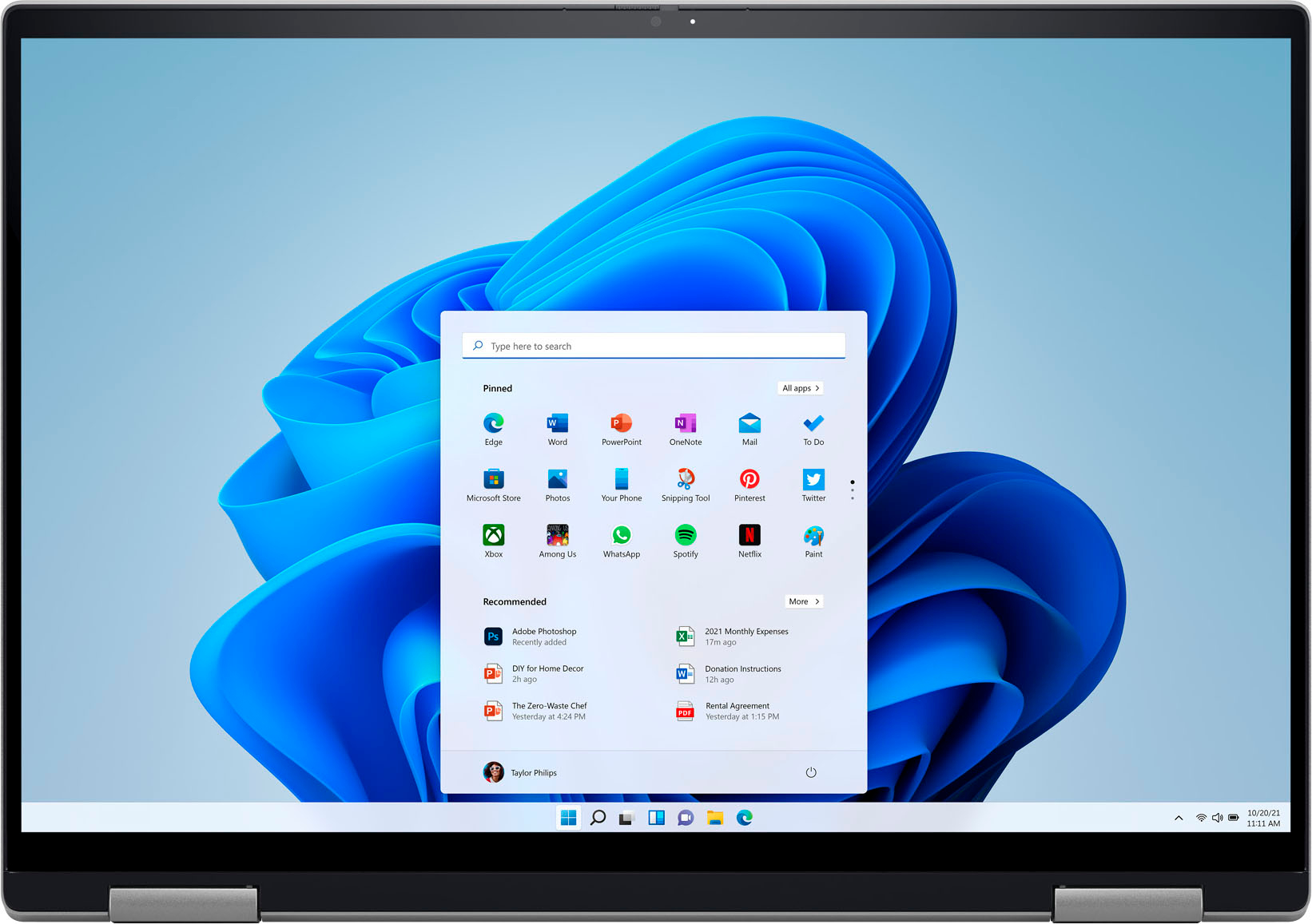
Customers are impressed with the Inspiron 2-in-1’s responsive touch screen and its ease of use. Many also praise the laptop's performance and excellent battery life, considering it a great value for the price. However, some customers find the laptop to be heavier than expected, and a few mention the lack of a number pad or the desire for more RAM.
This summary was generated by AI based on customer reviews.
- Cons mentioned:Number pad
My laptop purchase
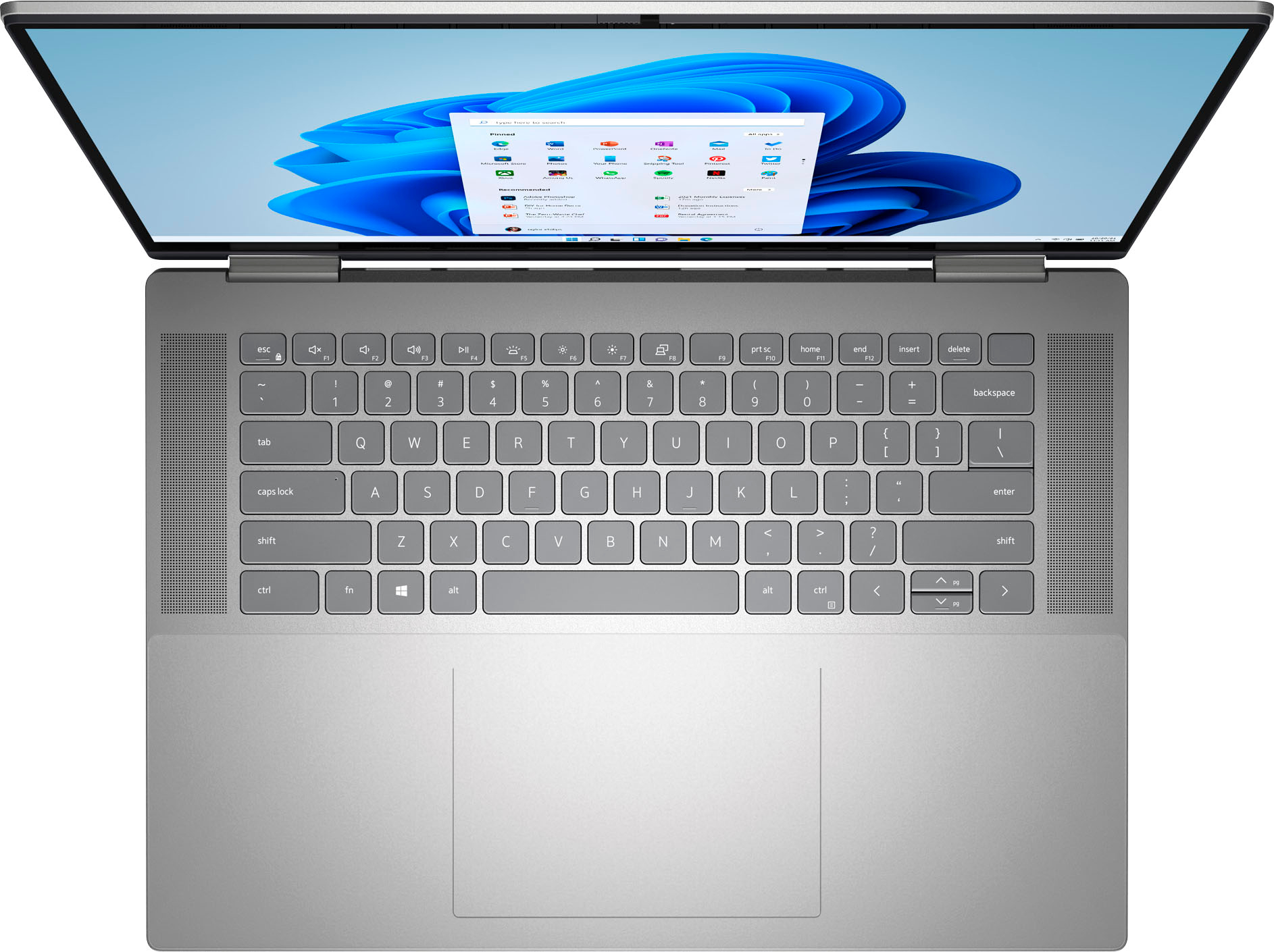
||Posted . Owned for 2 weeks when reviewed.This reviewer received promo considerations or sweepstakes entry for writing a review.Love the lap top but I really miss having a number pad…. Had to rest the mouse pointer.
I would recommend this to a friend - Pros mentioned:Touch screen
Great Product
||Posted .This reviewer received promo considerations or sweepstakes entry for writing a review.Great product & touchscreen is a plus. Cool color option
I would recommend this to a friend - Pros mentioned:Touch screen
Great laptop!
||Posted . Owned for 1 week when reviewed.This reviewer received promo considerations or sweepstakes entry for writing a review.Great laptop! Just miss the number pad. Love my 2 in 1!
I would recommend this to a friend - Pros mentioned:Ease of use
Nice device!
||Posted . Owned for 3 weeks when reviewed.This reviewer received promo considerations or sweepstakes entry for writing a review.It is easy to set up and use. Like the 2-in-1 feature.
I would recommend this to a friend - Pros mentioned:Performance
Great workhorse
||Posted . Owned for 1 week when reviewed.This reviewer received promo considerations or sweepstakes entry for writing a review.Powerful workhorse for the money. Looks really nice too.
I would recommend this to a friend Inpirion
||Posted . Owned for 3 weeks when reviewed.This reviewer received promo considerations or sweepstakes entry for writing a review.The computer does not have a numeric keyboard and often presents the problem with a microphone
I would recommend this to a friendBrand response from YourDellTeam
Posted .Hey RodrigoP,
We value your feedback and want to thank you for taking the time to leave a review of your Inspiron 7620. We are sorry to hear that you are experiencing an issue with your microphone. That is not the type of feedback we like to hear from our customers. We will escalate the details of your statement to our quality team so that improvements can be made to our current and future products. Below I have provided a troubleshooting link to help resolve your issue.
Microphone Troubleshooting Link: https://dell.to/3RhZ4pU
Should you need further assistance; we recommend that you contact Dell directly with the information below.
Chat or call: https://bit.ly/DellSupportTeam
Phone number to Dell: 1-800-624-9896.
Best Regards,
Summer@Dell
computer
||Posted . Owned for 1 month when reviewed.This reviewer received promo considerations or sweepstakes entry for writing a review.so so unit, nothing to get excited about, still better than nothing
No, I would not recommend this to a friendBrand response from YourDellTeam
Posted .Hi Snoopy,
Thank you for taking the time to leave a review of your Inspiron 7620. We value your feedback and hope that you are having a good experience with your device. If you come across any questions or concerns we recommend using the toll-free number or chat link below to reach a member of our Dell Support Team.
If you still experience any issues after you have finished troubleshooting your laptop using the steps above, please reach out to us at: https://bit.ly/DellSupportTeam
Chat or call: https://bit.ly/DellSupportTeam
Phone number to Dell: 1-800-624-9896
Best,
Summer@Dell
- Pros mentioned:Touch screen
School Work
||Posted . Owned for 1 month when reviewed.This reviewer received promo considerations or sweepstakes entry for writing a review.Use mainly for work projects. No problems thus far.
I would recommend this to a friend - Pros mentioned:Performance
OUCH!
||Posted . Owned for less than 1 week when reviewed.This reviewer received promo considerations or sweepstakes entry for writing a review.I'm typing on this Laptop and my lap hurts. Trying to imagine why this deviant design has a sharp convex back edge on the lid which, when opened, extends down into the thighs. Top prize for Diabolical Design! Otherwise, the performance and display are above average.
No, I would not recommend this to a friendBrand response from YourDellTeam
Posted .Hello JohnS,
We appreciate you taking the time to leave a review of your Inspiron laptop. We are sorry that you are not completely satisfied with the design of your product. That is not the type of feedback we like to hear from our customers. We have noted the details of your statement and will use them to help improve our current and future products. If you need further assistance we recommend reaching out to a member of our support team with the contact information below.
Best Regards,
Summer@Dell
Should you need further assistance, you can contact Dell directly with the information below.
Chat or call: https://bit.ly/DellSupportTeam
Phone number to Dell: 1-800-624-9896
Dell Inspiron 16 2 in 1
||Posted . Owned for 1 month when reviewed.This reviewer received promo considerations or sweepstakes entry for writing a review.The laptop freezes often, not clear audio. And too slow
No, I would not recommend this to a friendBrand response from YourDellTeam
Posted .Hey Kitty ,
Thank you for taking the time to leave a review and for your feedback. We are sorry to hear that you are experiencing freezing issues with your Inspiron 7620. It's important for us to hear about inconsistencies in our products for consideration of future development. Below I have provided troubleshooting instructions with the full article that can help resolve this issue.
Here are the steps to help resolve your freezing issue:
1. Search for Windows Error Codes.
2. Run a Computer Diagnostic.
3. Run Routine System Maintenance.
4. Update Drivers and BIOS.
5. Check Air Vents.
6. Check Safe Mode Symptoms.
7. Update Windows.
8. Uninstall, Reinstall and Update Software.
9. Look for Multiple Anti-Virus Programs.
10. Check for Malware.
11. Use System Restore.
12. Factory Install or Reinstall Microsoft Windows.
You can read the full article on solving freezing issues here: https://dell.to/33Y2KFn
I have also added a video link for additional troubleshooting: https://bit.ly/3qzpXZg
If you still experience any issues after you have finished troubleshooting your laptop using the steps above, please reach out to us at: https://bit.ly/DellSupportTeam
We look forward to making this right for you!
If you continue to experience issues, please reach out to Dell Support directly by using the information provided below.
Should you need further assistance, you can contact Dell directly with the information below.
Chat or call: https://bit.ly/DellSupportTeam
Phone number to Dell: 1-800-624-9896
Best,
Summer@Dell
Better Buy a Dell
||Posted . Owned for 1 week when reviewed.This reviewer received promo considerations or sweepstakes entry for writing a review.I did not buy the best processor but the in between. So far happy with it as long as it lasts without problems. But I will never by another HP. I bought one before Christmas and it has been to repair twice already. This seems like a nice little computer and I have a friend that is very happy with hers also.
I would recommend this to a friend- Pros mentioned:Battery life, Touch screenCons mentioned:Size

Good Performance and Aesthetically Pleasing
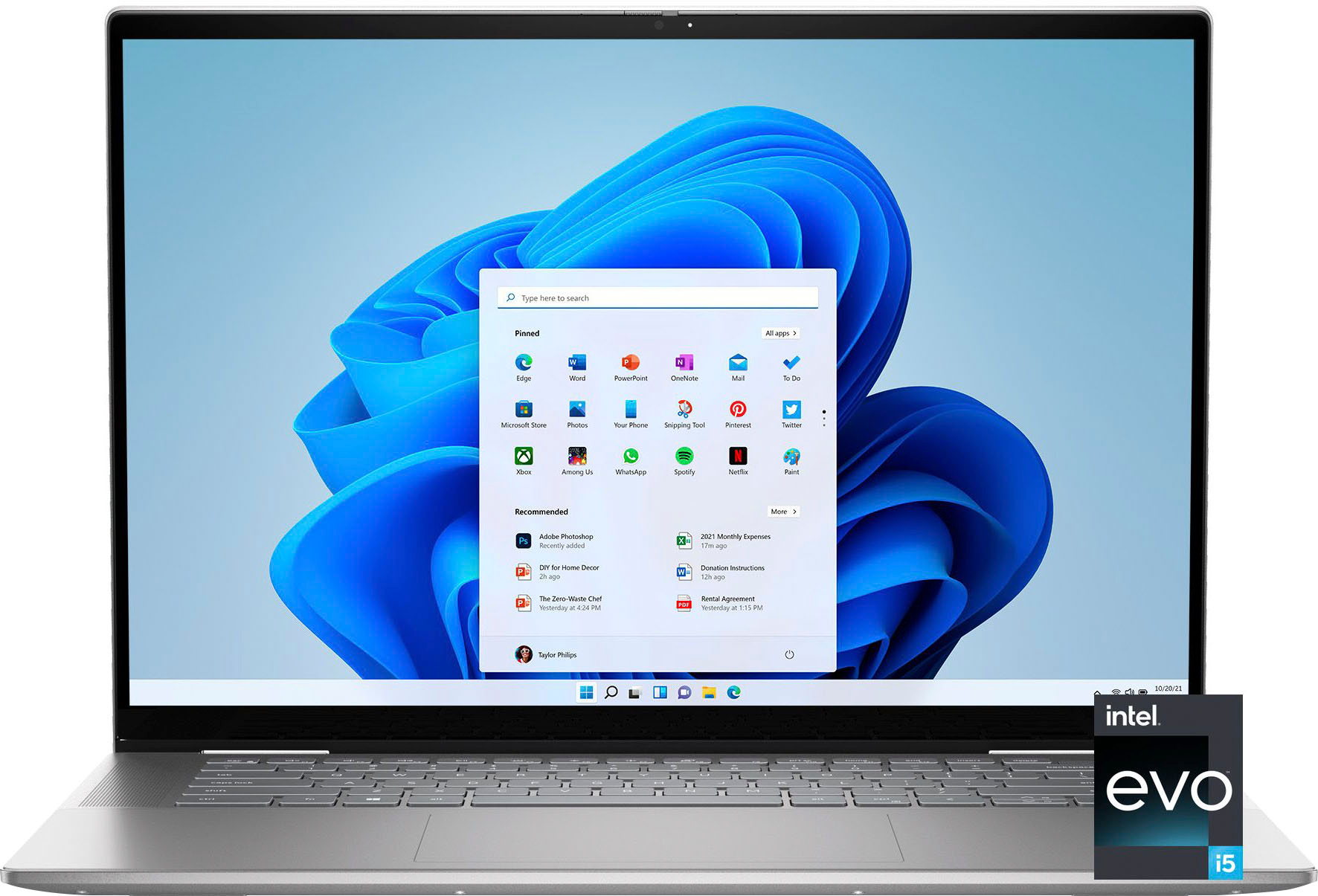
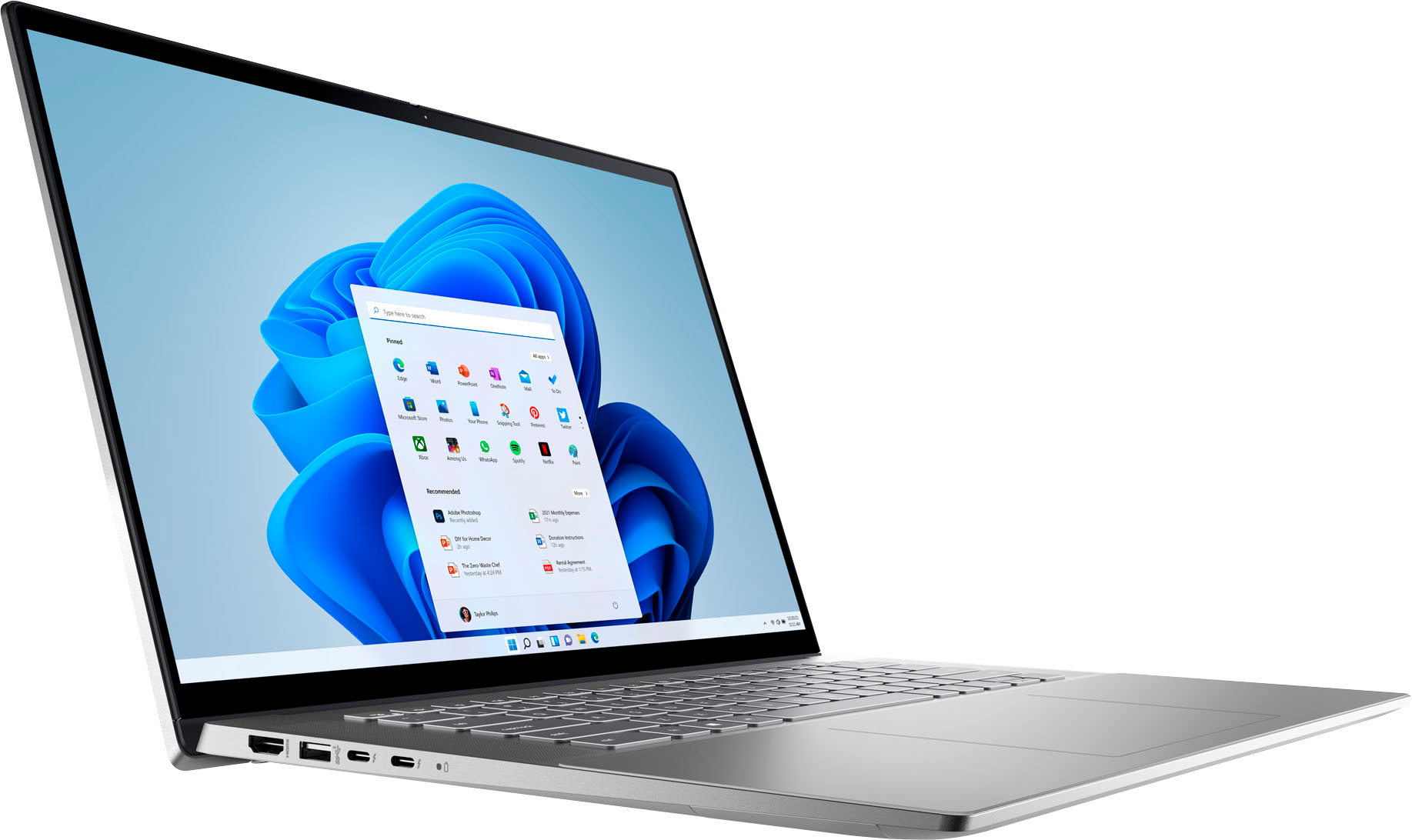
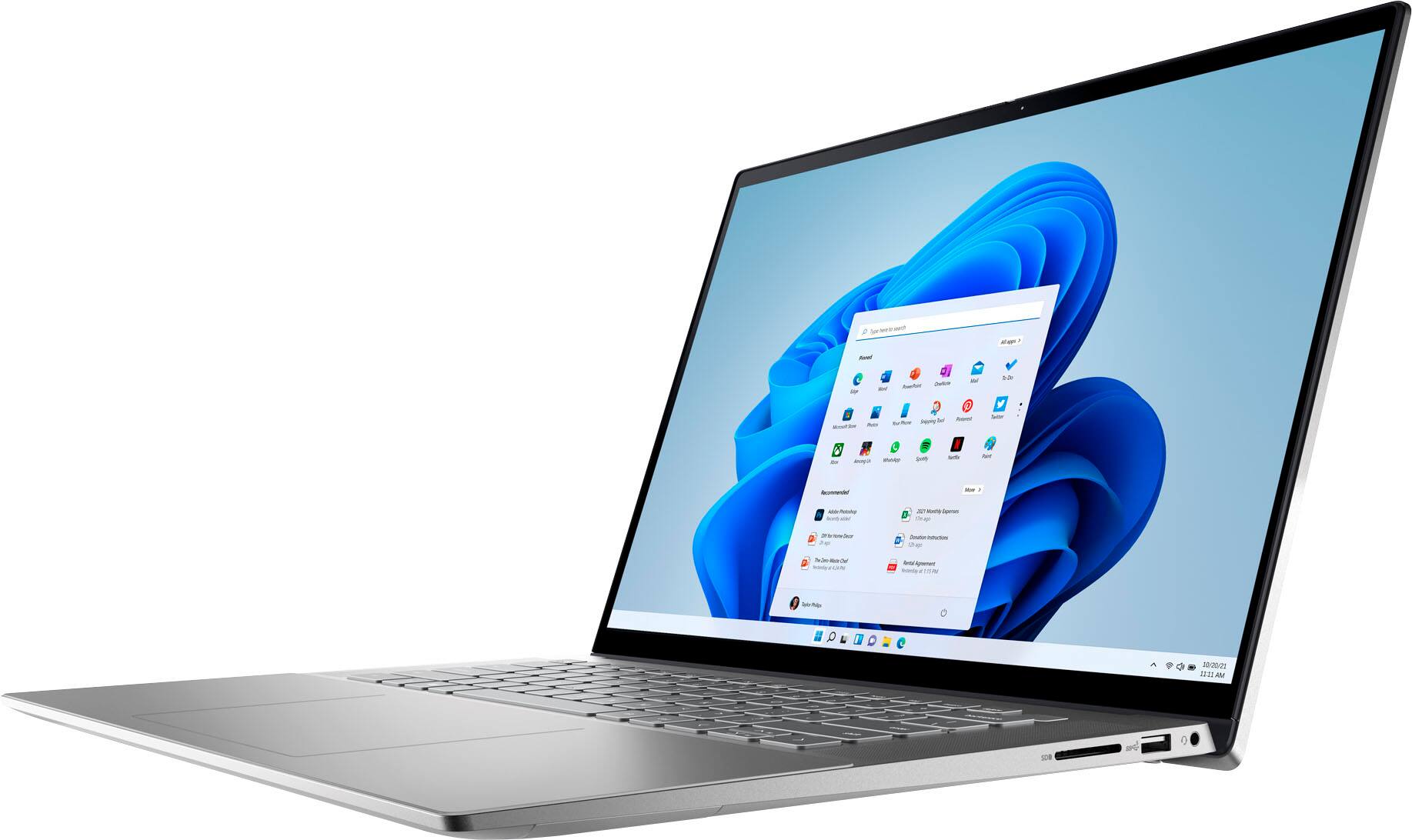
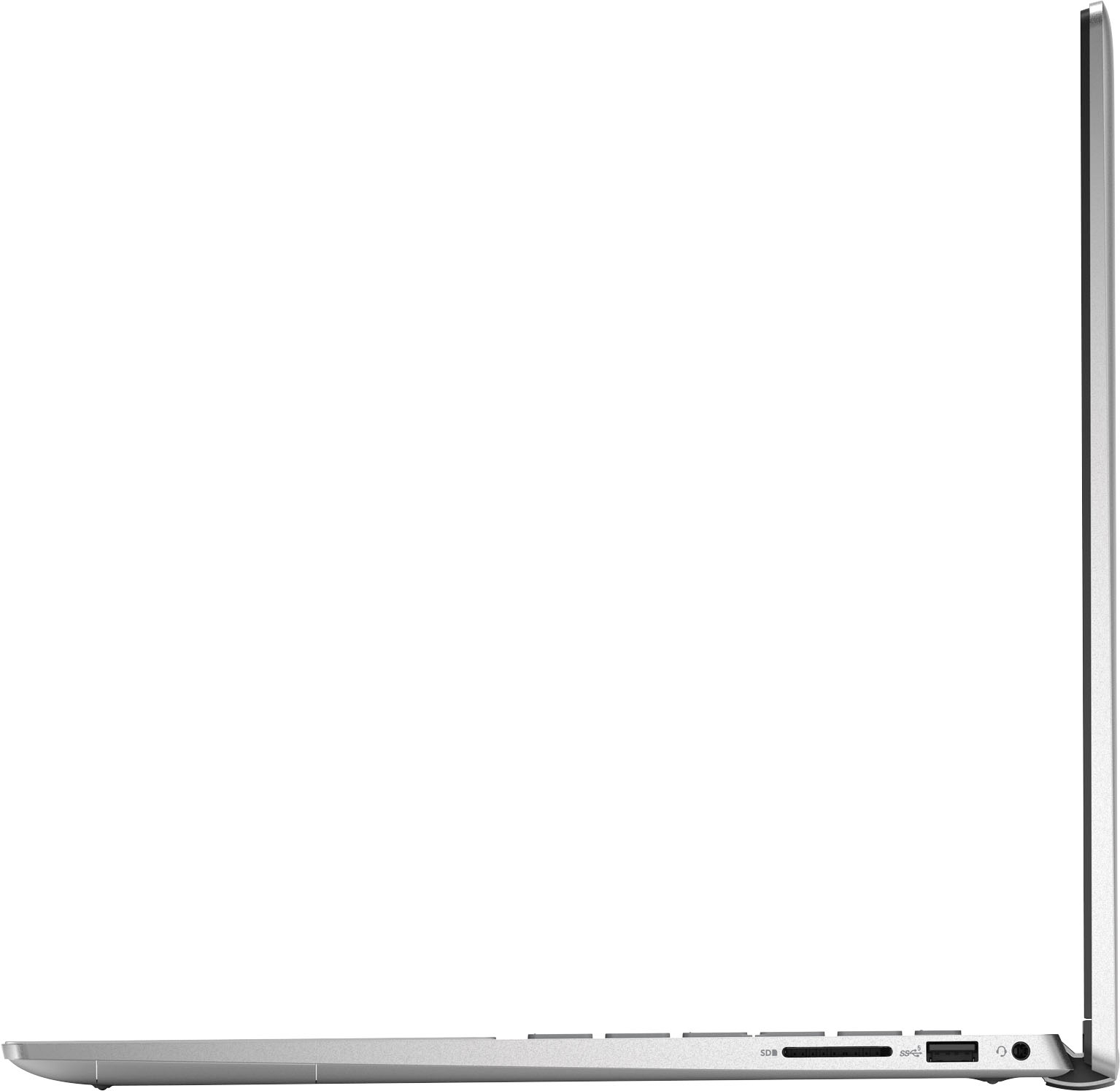
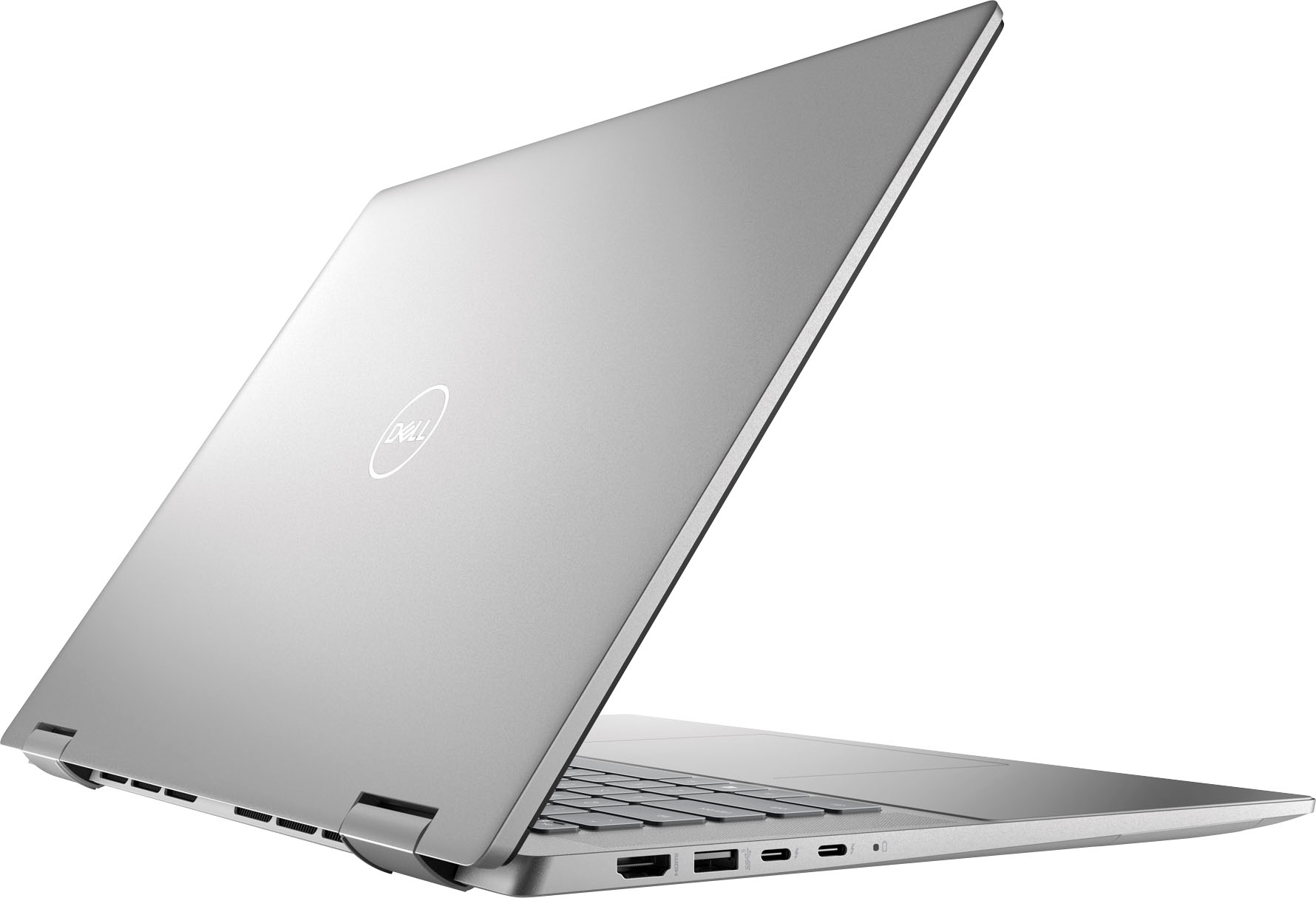
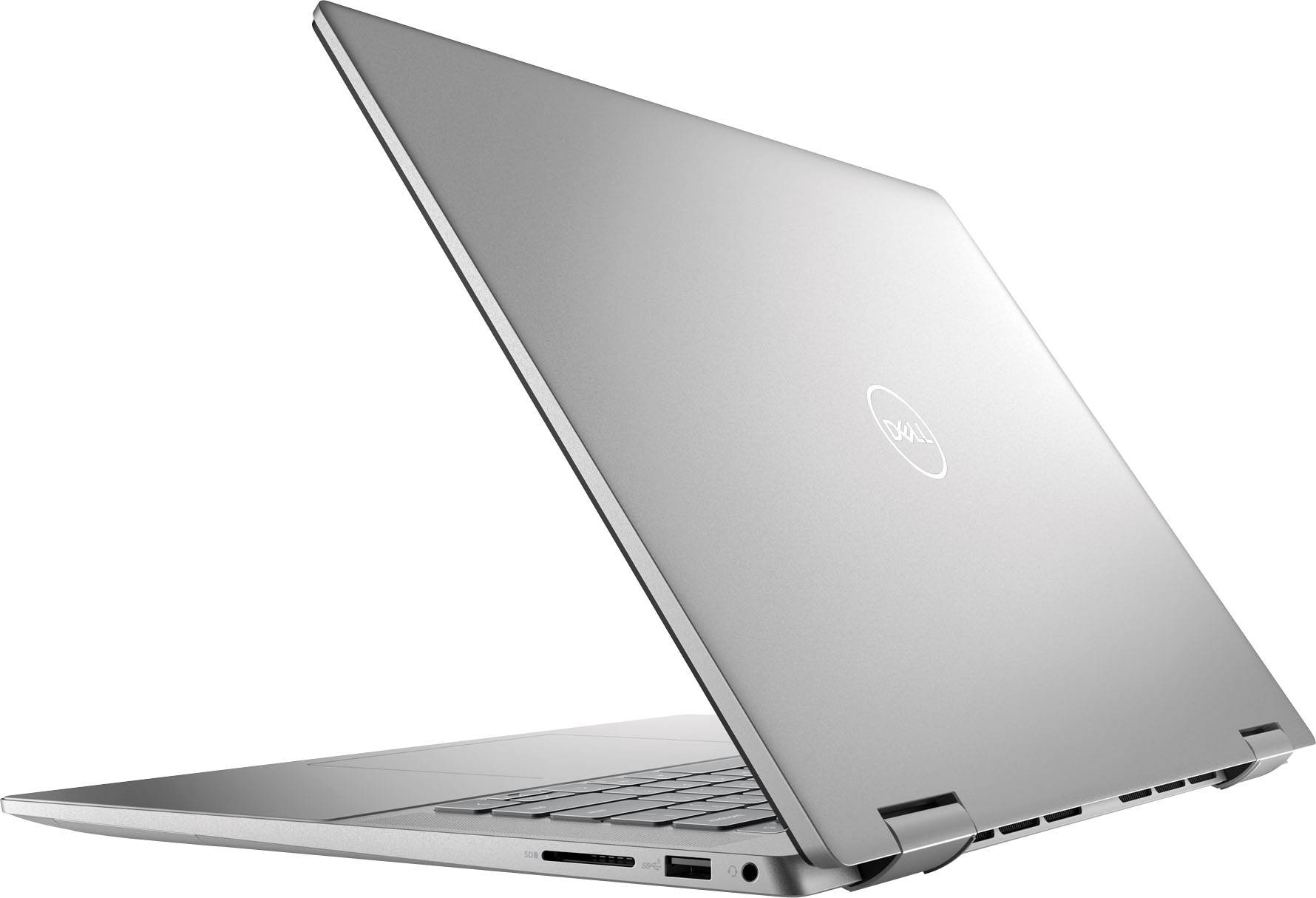
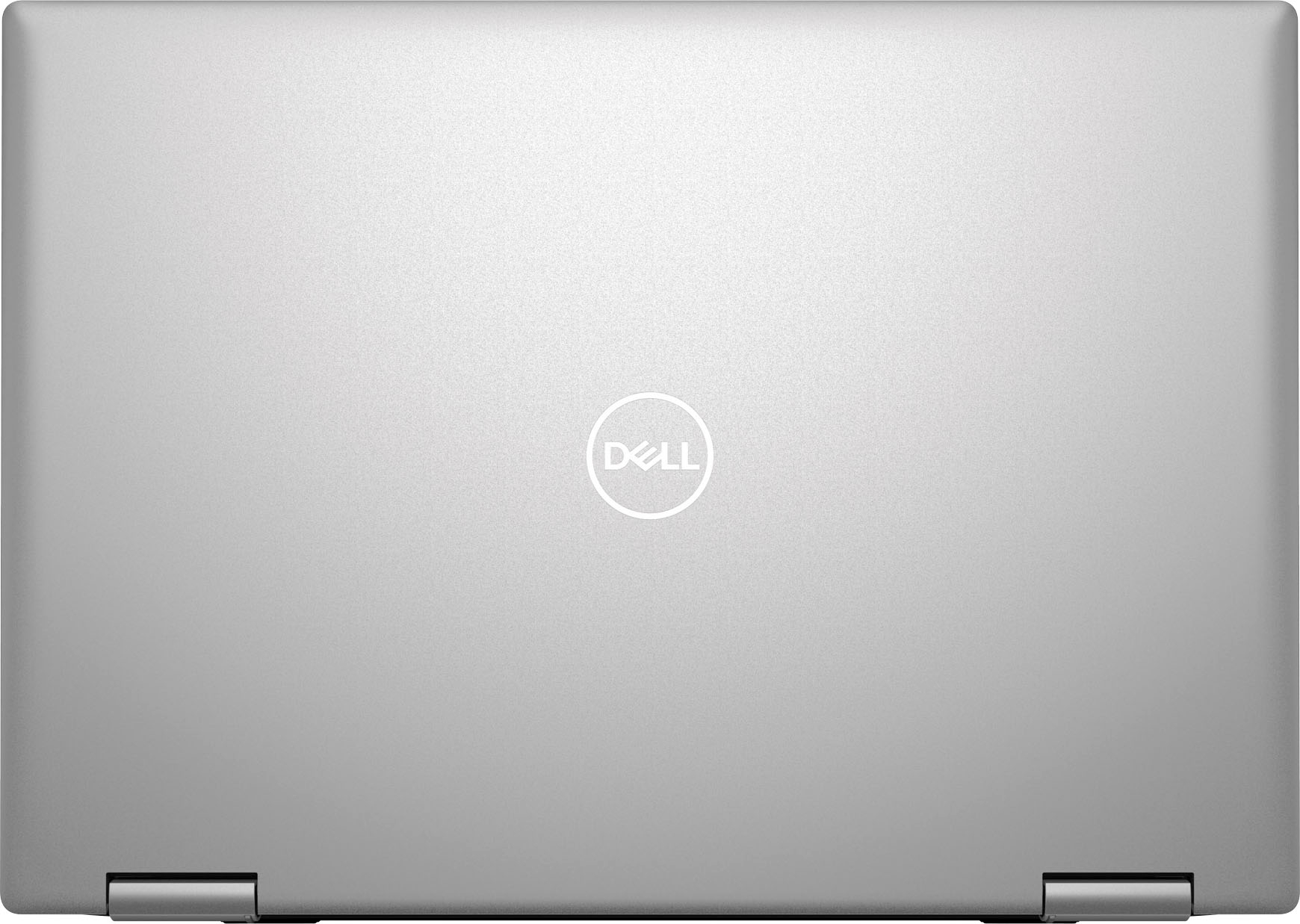
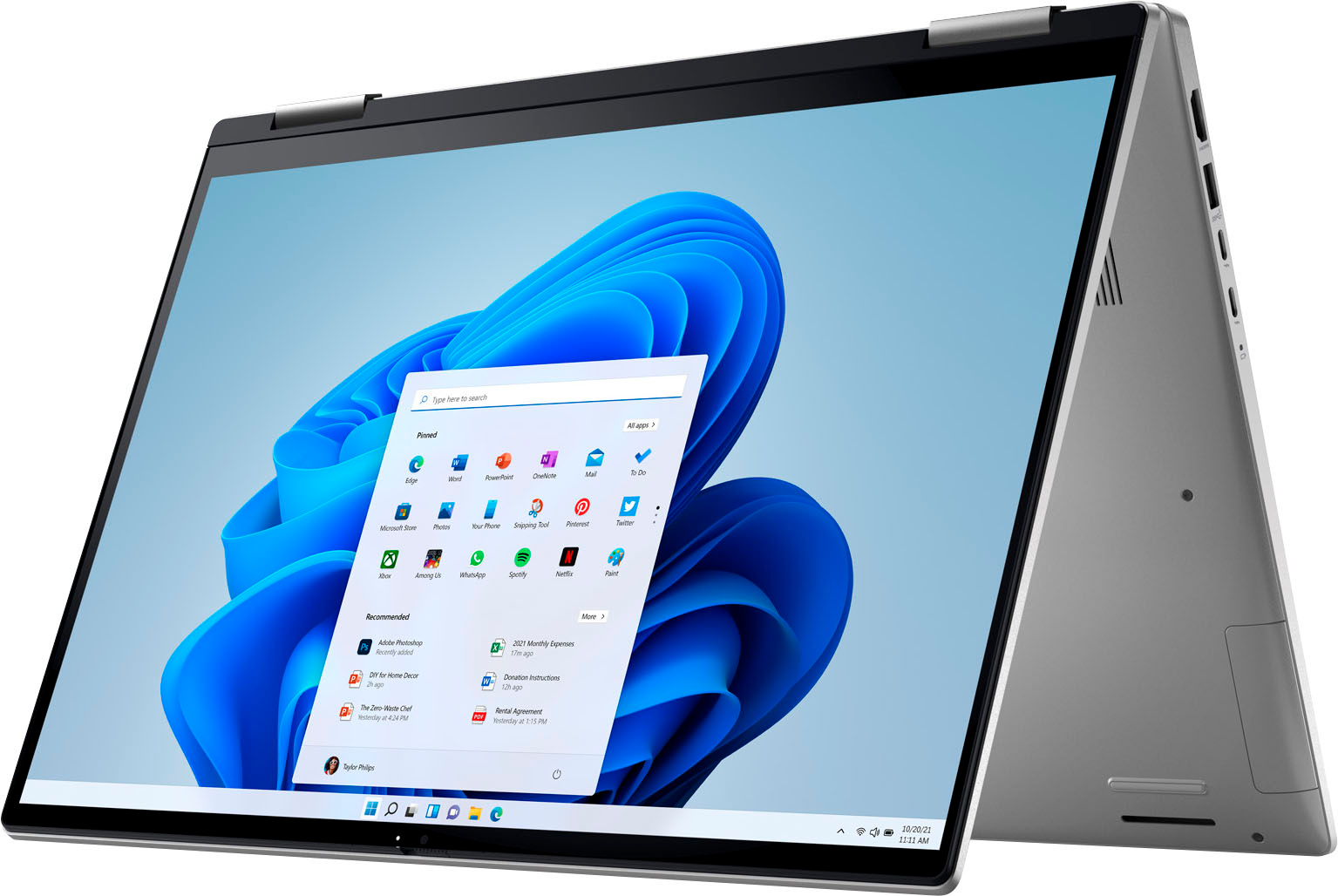
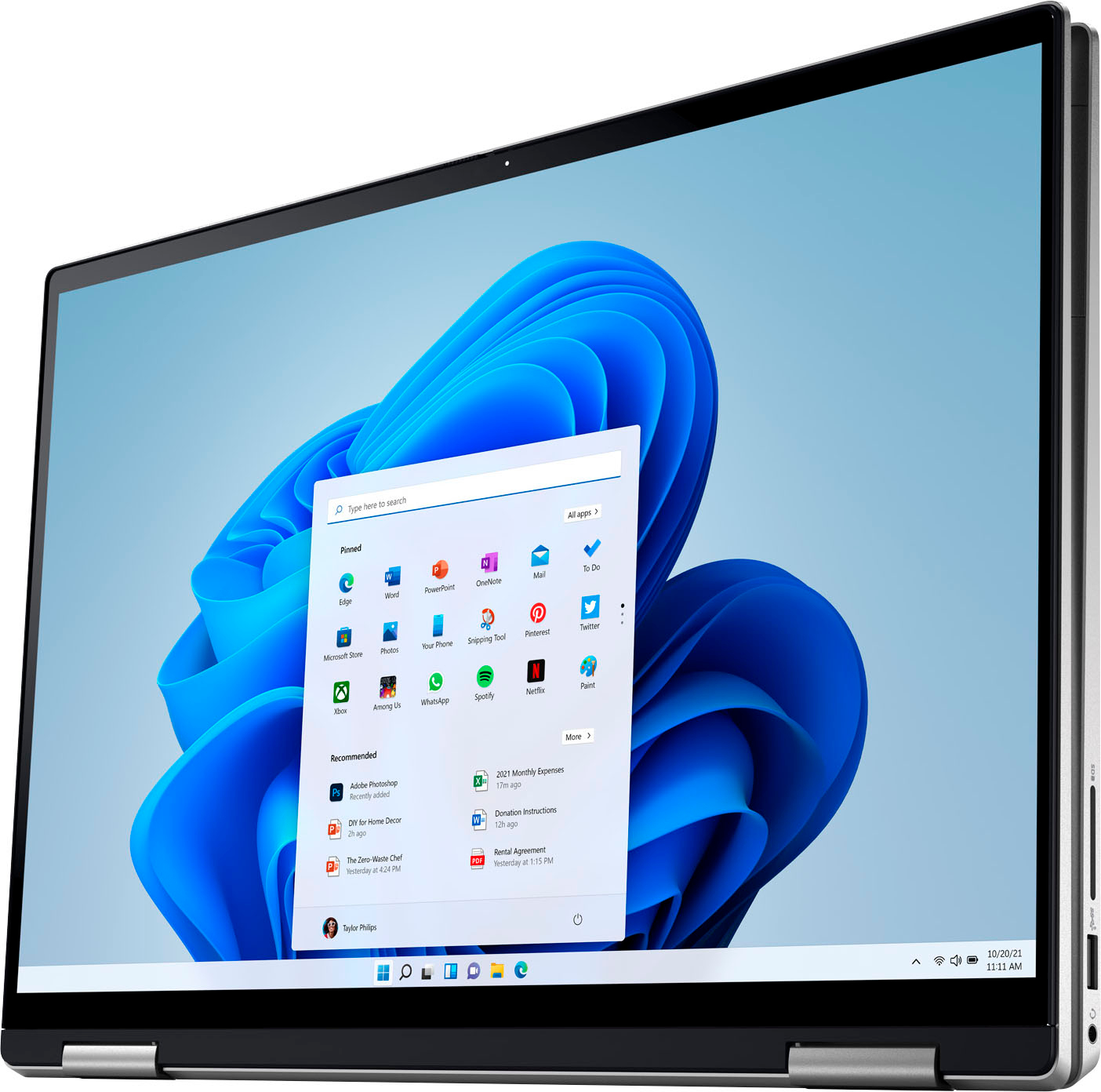
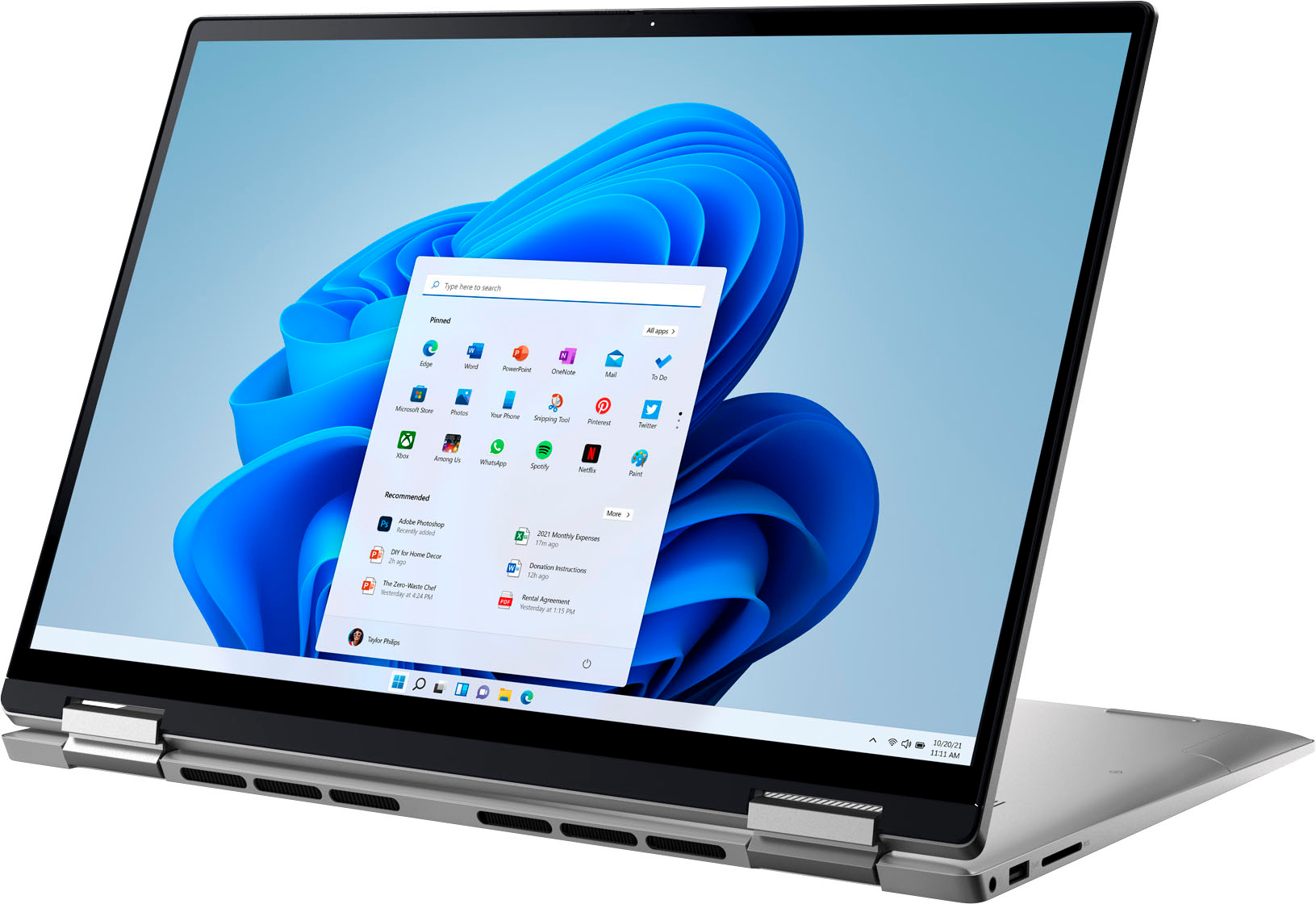
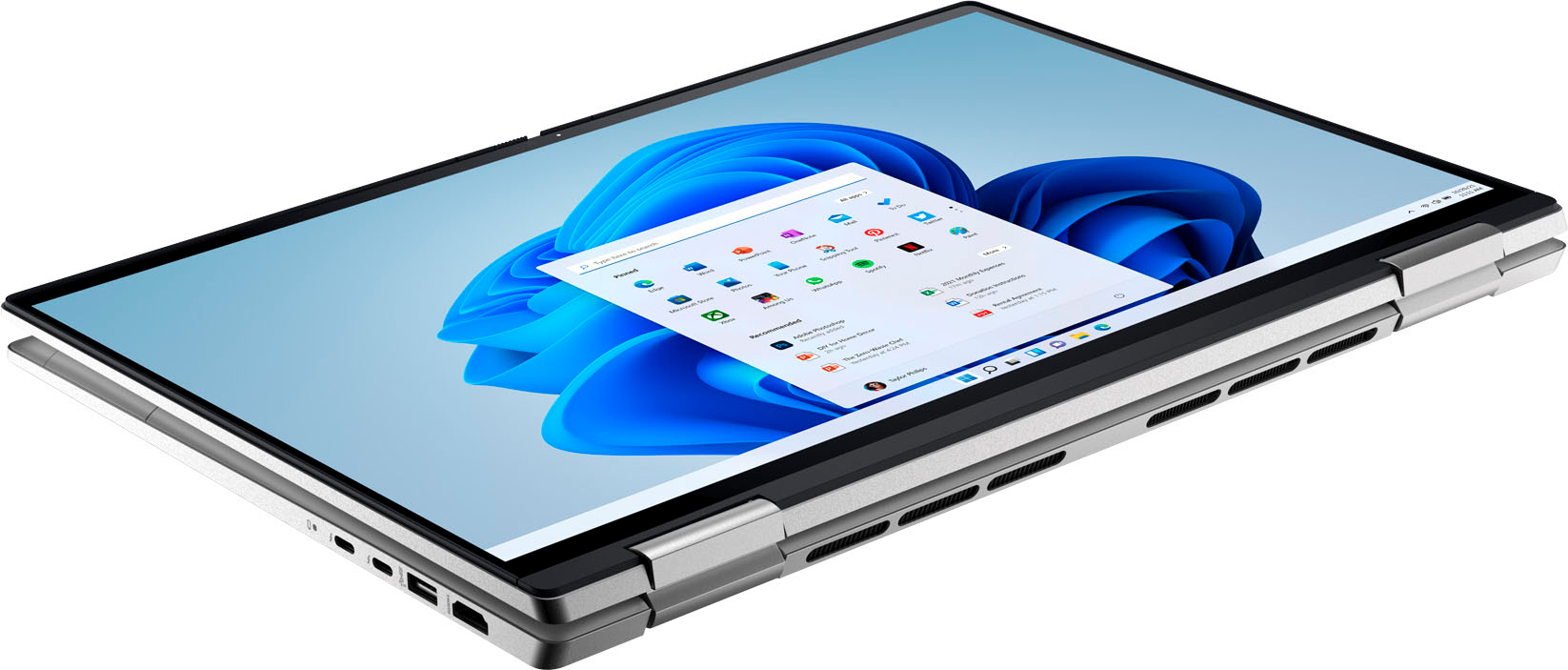
|Posted .This reviewer received promo considerations or sweepstakes entry for writing a review.It was tricky to find the power button. As usual, I try before I read the manual, which was just a small guide that it would have taken less than a minute to read through. It’s not only easy to see once you know where it is, but it is also a fingerprint reader that surprisingly worked without flaws. It’s nice to press the power button and see the laptop recognize who you are and log on to your profile. And all that happens very quickly. When it comes to design, Dell is getting close to Apple’s, although they have a different approach. Instead of trying to “cool”, Dell focuses on aesthetics, which is more appealing to me. This laptop is big, which is great for work although not so much for portability, but it is aesthetically pleasing with its aluminum finish. I haven’t tried to scratch it, but at least I can see that the chassis doesn’t get smudgy easily. The size can be a blessing and a curse. I use it in tablet mode for drawing. For some types of graphics works, it is a good size, especially if you don’t have a bigger Surface Studio-like touch screen, which is considerably expensive. It worked well, using a Surface pen. The only drawback is that it’s a bit heavy to carry. Still, I see myself doing that often just because of the extra real estate to draw graphics on the go. And if you want to use to it to watch something while it’s in a tablet mode, you have a great size screen for that. Bright and responsive touch screen, but I notice in the beginning that something was bugging me. I couldn’t tell exactly what it was. The screen somewhat looked like it was washed out, but it was not unpleasing and at the same time, it was very clear. I only figured out what it was when I saw the TUVRheinland logo printed next to the trackpad. The hardware produces a low blue light. As you probably know, screen blue lights not only cause eye fatigue, but also affect the body’s circadian rhythm, which is responsible for a good night's sleep. A huge health issue addressed by Dell. Here’s hoping other mobile device manufacturers adopt that. Be assured that although I was intrigued at first, it actually makes the screen look better and has a subtle calming effect. It could have a dedicated numeric pad, but I don’t miss that. The trackpad is huge but it’s useful and responsive, and does not get in the way, even when your wrists rest on them. The speakers are better than the ones that come with average laptops. Just don’t plan on throwing a party using only its speakers. USB-C is the future. Dell included two USB-C ports, including Thunderbolt 4. This type of port can get rid of most cables. A compatible external monitor, for instance, needs only one cable for power, video, and data. This laptop charges using one of those ports. But because there are still too many USB-A devices out there, Dell didn’t forget to include a couple of them as well, plus and HDMI port for your TV or older monitors. While I never worked without being connected to power for longer than 4 hours, the remaining battery charge was always between 47 and 51% percent. Thus, I’m guessing that you could use it for 8 hours or more with one charge, depending on what you were doing with it. But again, I can’t say for sure without testing that. Excellent camera, good graphics, with a modern Intel i5 processor, Wi-Fi 6 (802.11ax) makes this a great choice for most types of work. I will use it for some graphics drawing, but for video and heavy photography editing that I need to do sometimes, you would do better with an i7 processor, even if it was a smaller laptop. A higher resolution screen and a 120Hz display would be useful too. But this model is not intended for that purpose, so my rating is based on what I intend to use it for.
I would recommend this to a friend A great laptop for a multitude of uses!!!
||Posted . Owned for 2 months when reviewed.This reviewer received promo considerations or sweepstakes entry for writing a review.Very fast laptop with a fantastic screen display. I love that the whole body is metal. Great sound too, I keep mine around 30 and it is still reasonable loud! I would recommend this for school, home office, and multimedia usage.
I would recommend this to a friendKNOWN TRACKPAD ISSUES, MANY USERS EXPERIENCE SAME
||Posted . Owned for 2 weeks when reviewed.This reviewer received promo considerations or sweepstakes entry for writing a review.I have been using Macs for over a decade now, but I thought I'd finally give a PC a try. In general whatever differences there are between the two types of computers and my opinions on those differences don't really matter in this case. I kind of prefer Macs but I still want to give PCs a try after this. My big problem with this computer is the trackpad. Since the day it arrived the trackpad has entered states of lagginess, glitchiness, erratic movements, and had become unresponsive to clicks OR has been continuously clicking even when I am not trying to click. I adjusted the settings for the touchpad but it didn't do anything, and considering most of the time when I first turn on the computer and it works fine for a while I know that the settings are optimized in an ideal setting. The problem is when it enters this glitch state. I've looked online everywhere for every type of solution, updated the system and the drivers multiple times, run all sorts of diagnostics in BIOS and whatnot, but the problem has been unfixable. I was treating it as a Windows 11 issue at first while doing my internet searches but then I tried framing it as a problem unique to the hardware model and that's when I found out there are dozens and dozens of people who bought this exact laptop and are all having the exact same trackpad issue with no hope of recourse from Dell when they attempt to get some sort of fix. Replacement laptops of the same model that these folks received still had the same trackpad problem. Knowing now that it's most likely a hardware issue shared across every computer of this model makes has made me just want to return it and get something new. It is unusable in its base state like this. I haven't tried using a mouse because I don't own one. I'm not against using one and I might buy one in the future, but I want to know the hardware that comes with the computer itself is functional first. I am very used to using a trackpad and if it doesn't work then the computer is useless to me.
No, I would not recommend this to a friendBrand response from YourDellTeam
Posted .Hi There TrackpadLover,
Thank you for taking the time to leave us your review. We are sorry to hear that you are having touchpad sensitivity issues in regard to your Inspiron 2-in-1 Laptop. This is certainly not the experience that we like to hear from our customers. We will share your concern with our quality team so that improvements can be made to our current and future products and services. Below I have provided troubleshooting instructions with the full article that may be able to resolve the issue.
Here are the steps to help resolve your touchpad issue:
1. Ensure the touchpad and your finger do not have any dirt, grease, liquids, or food on them (the touchpad has to make good contact with your finger to work correctly).
2. Ensure that the touchpad is turned on.
3. Save any data, close any open programs and restart the computer by using a wired USB mouse (if available) or Bluetooth mouse if it is already installed, if not, press hold the power button for at least 15 seconds to turn the computer off.
4. Unplug everything except the power cable.
5. Turn the computer back on and retest the touchpad.
6. When the cursor does work correctly, attach one device at a time, and test the cursor movement to see which one may have caused the issue.
7. Ensure that the BIOS and Chipset drivers are updated to the latest version.
Touchpad Usage and Troubleshooting Guide: https://dell.to/3zwM1rp
If you continue to experience touchpad issues, please reach out to Dell Support directly by using the information provided below.
Should you need further assistance; we recommend that you contact Dell directly with the information below.
Chat or call: https://bit.ly/DellSupportTeam
Phone number to Dell: 1-800-624-9896.
Sincerely,
Summer@Dell
Recurring touchpad issues
||Posted . Owned for 1 year when reviewed.This reviewer received promo considerations or sweepstakes entry for writing a review.When it works, it's a 5-star for the price. Unfortunately, the touchpad intermittently stops functioning properly, resulting in random movements and positioning of the cursor. It makes it nearly impossible to use the laptop for extended periods of time. Dell Support helped to temporarily resolve the issue several times through driver updates. However, it normally resumes after 1-2 months & requires attention. Upon investigation, this appears to be a common issue with this model. Very frustrating.
No, I would not recommend this to a friendBrand response from YourDellTeam
Posted .Hey StevenB,
Thank you for taking the time to leave us your review. We are sorry to hear that you are having touchpad sensitivity issues in regards to your Inspiron 7620. This is certainly not the experience that we like to hear from our customers. We will share your concern with our quality team so that improvements can be made to our current and future products and services. Below I have provided troubleshooting instructions with the full article that may be able to resolve the issue.
Here are the steps to help resolve your touchpad issue:
1. Ensure the touchpad and your finger do not have any dirt, grease, liquids, or food on them (the touchpad has to make good contact with your finger to work correctly).
2. Ensure that the touchpad is turned on.
3. Save any data, close any open programs and restart the computer by using a wired USB mouse (if available) or Bluetooth mouse if it is already installed, if not, press hold the power button for at least 15 seconds to turn the computer off.
4. Unplug everything except the power cable.
5. Turn the computer back on and retest the touchpad.
6. When the cursor does work correctly, attach one device at a time, and test the cursor movement to see which one may have caused the issue.
7. Ensure that the BIOS and Chipset drivers are updated to the latest version.
Touchpad Usage and Troubleshooting Guide: https://dell.to/3zwM1rp
If you continue to experience touchpad issues, please reach out to Dell Support directly by using the information provided below.
We look forward to making this right for you!
If you continue to experience issues, please reach out to Dell Support directly by using the information provided below.
Chat or call: https://bit.ly/DellSupportTeam
Phone number to Dell: 1-800-624-9896
Best,
Summer@Dell
Love the screen size
||Posted . Owned for 1 month when reviewed.This reviewer received promo considerations or sweepstakes entry for writing a review.Overall, I am loving it so far, I wanted more time to fully utilize all the features, but the only con to me is the sensitivity of the mouse pad, causing me to open items I don't intend too, drag screens, etc. That will hopefully change the more I get used to it!
I would recommend this to a friendComputer
||Posted . Owned for 2 weeks when reviewed.This reviewer received promo considerations or sweepstakes entry for writing a review.When I left the store, computer was working, when I got home, it wouldn't work. After another trip back to the store they had to reset the battery and then everything is working. Really like this computer so far.
I would recommend this to a friendReceived a non working laptop as like new products
||Posted . Owned for 2 months when reviewed.This reviewer received promo considerations or sweepstakes entry for writing a review.Be careful buyers when buying like new products from this company or stores. they are not truly as like new. I bought this dell laptop from Best Buy listing as like new but for the first day I had a lot of issues with the laptop. I called dell customer service for help, a very good agent stayed for hours with me on the phone to set up the computer and made it work. However, 20 days later it stop working and not even take any charge. They only give 15 days for return. but now I ended with no computer to use after I spent all this money.
No, I would not recommend this to a friendBrand response from YourDellTeam
Posted .Hello WeslaineF,
We would like to thank you for taking the time to provide us with your feedback. We apologize for the issues you are experiencing with your Dell Inspiron 16 7620 2-in-1 laptop computer because it is having booting/start-up problems, and it is not charging.
We will share your feedback with our quality team so that improvements can be made to our current and future products and services.
Below I have provided troubleshooting instructions with the full article that can help resolve booting/start-up issues:
1. Remove any discs from the disc drive, memory cards from the card reader slot, and USB drives. Incorrect boot settings may cause the computer to boot to one of these devices which may cause startup issues.
NOTE: Do not disconnect the keyboard, mouse, or monitor.
2. Perform a hard reset. A hard reset helps drain static electricity that may cause boot-related issues.
If the computer starts after the hard reset, reconnect the devices one at a time to determine which device is causing the problem.
If the computer fails to startup or boot, go to the next step to reset the BIOS to factory default settings
3. Reset the BIOS or UEFI to factory default settings. Incorrect boot settings in the BIOS or UEFI can cause startup or boot issues.
4. Run a preboot diagnostic test on the computer. A potential hardware failure with the hard drive or system memory (RAM) can cause a boot issue.
5. Run the Windows Startup Repair utility. Windows Startup Repair can fix common issues with corrupt registry entries or system files.
6. Repair or reset the computer using SupportAssist OS Recovery on supported Dell computers. SupportAssist OS Recovery consists of tools to diagnose hardware issues, repair the computer, or restore the computer factory defaults.
Resolve Booting Issues with Your Dell Computer: https://dell.to/3Eu76aR
If you need further assistance, please reach out to Dell Support directly by using the information provided below.
Chat or call: https://bit.ly/DellSupportTeam
Phone number to Dell: 1-800-624-9896
Best,
Katarina@Dell
Very good computer
||Posted . Owned for 2 weeks when reviewed.This reviewer received promo considerations or sweepstakes entry for writing a review.My wife love it n was very happy with the camera n now she could do her job easier with it so it looks like i gave her the right gift for Christmas lets see how much money she will make with it
I would recommend this to a friendDell 12th Gen Intel EVO i5- 8GB Memory - 512GB SSD
||Posted . Owned for 1 week when reviewed.This reviewer received promo considerations or sweepstakes entry for writing a review.I went from a 5th generation i5 processer to the 12th generation processor with EVO and the difference in speeds is amazing. Cannot recommend enough the new computer. The HD screen is incredible.
I would recommend this to a friend