Customer Ratings & Reviews
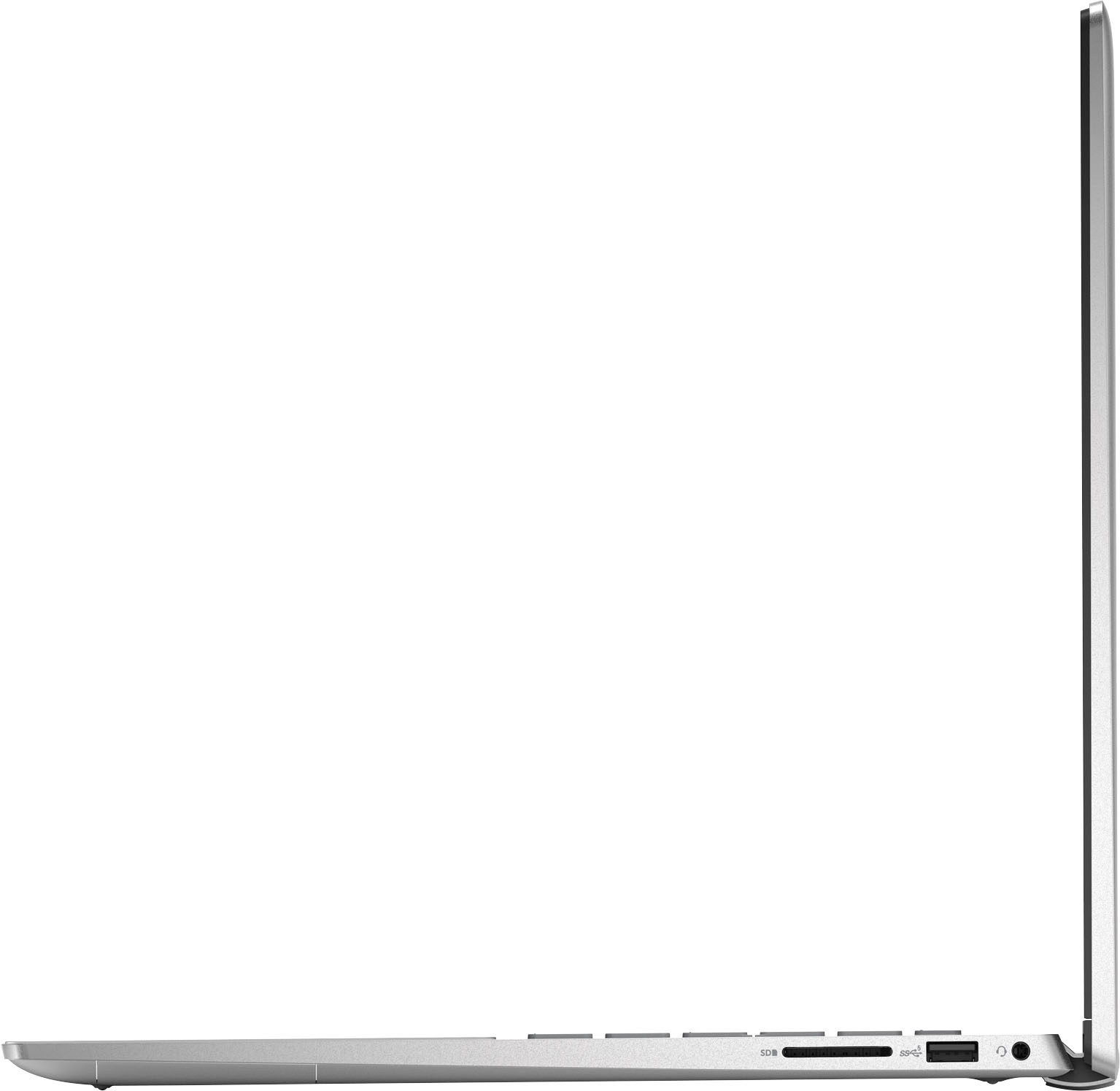
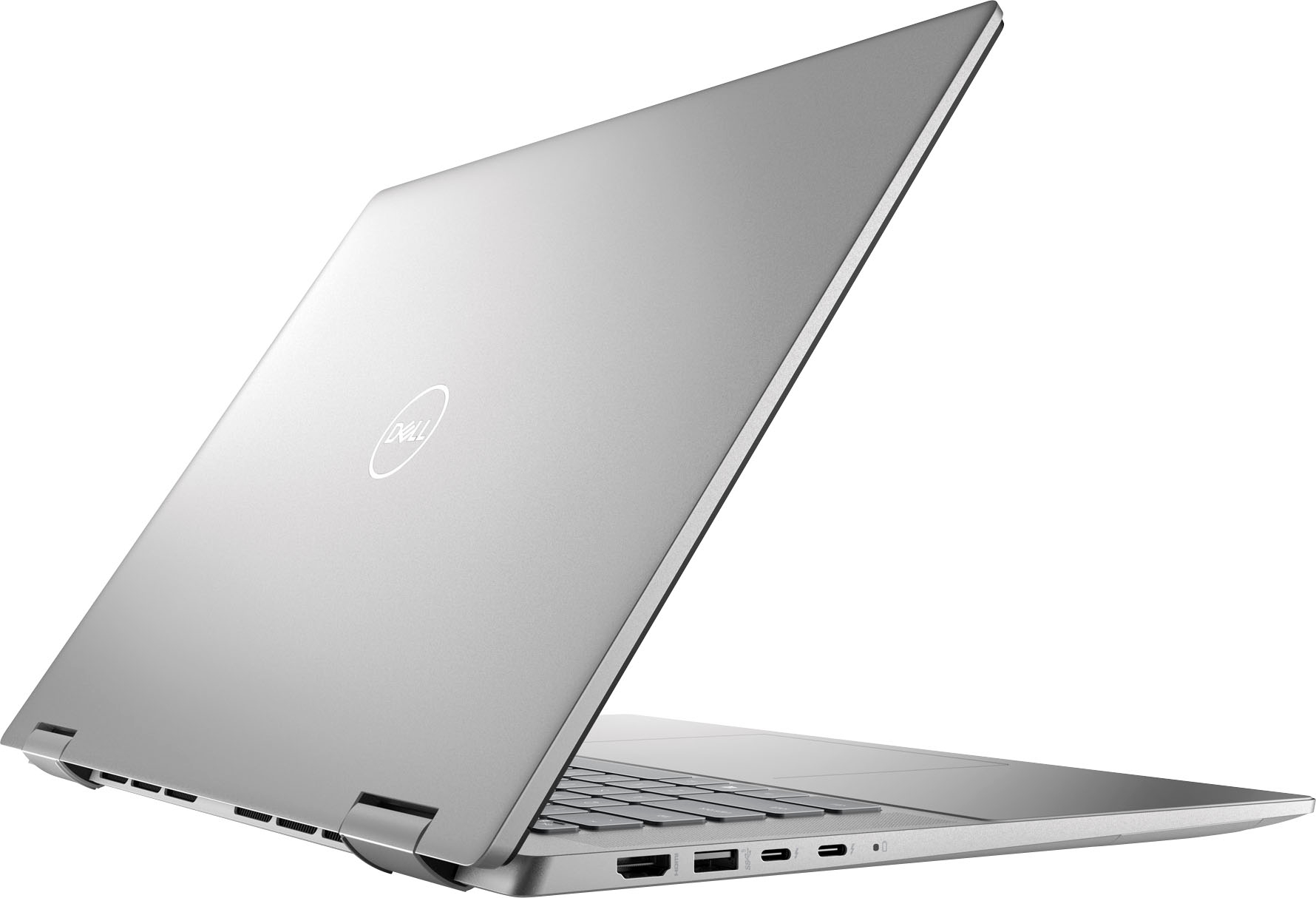
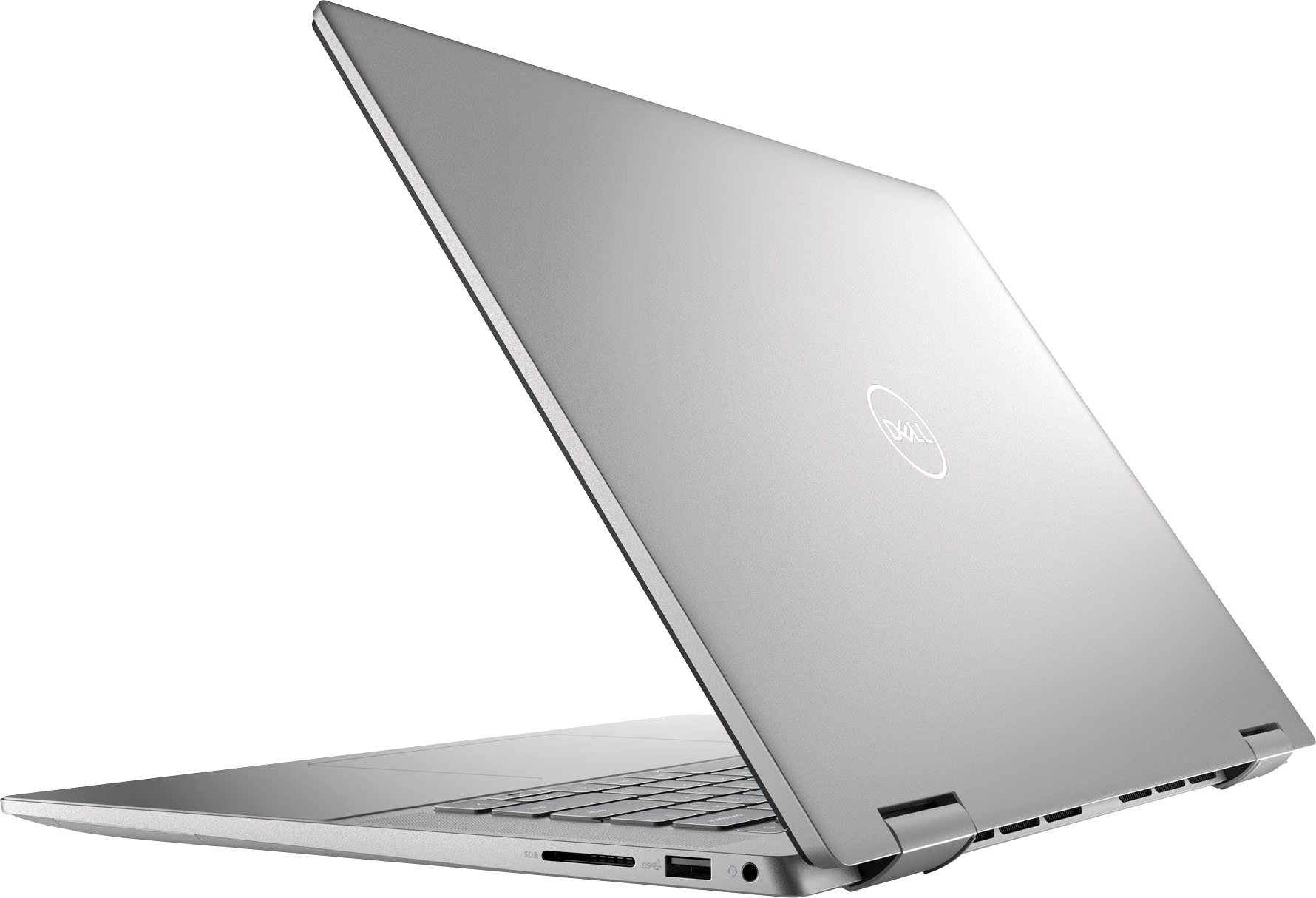


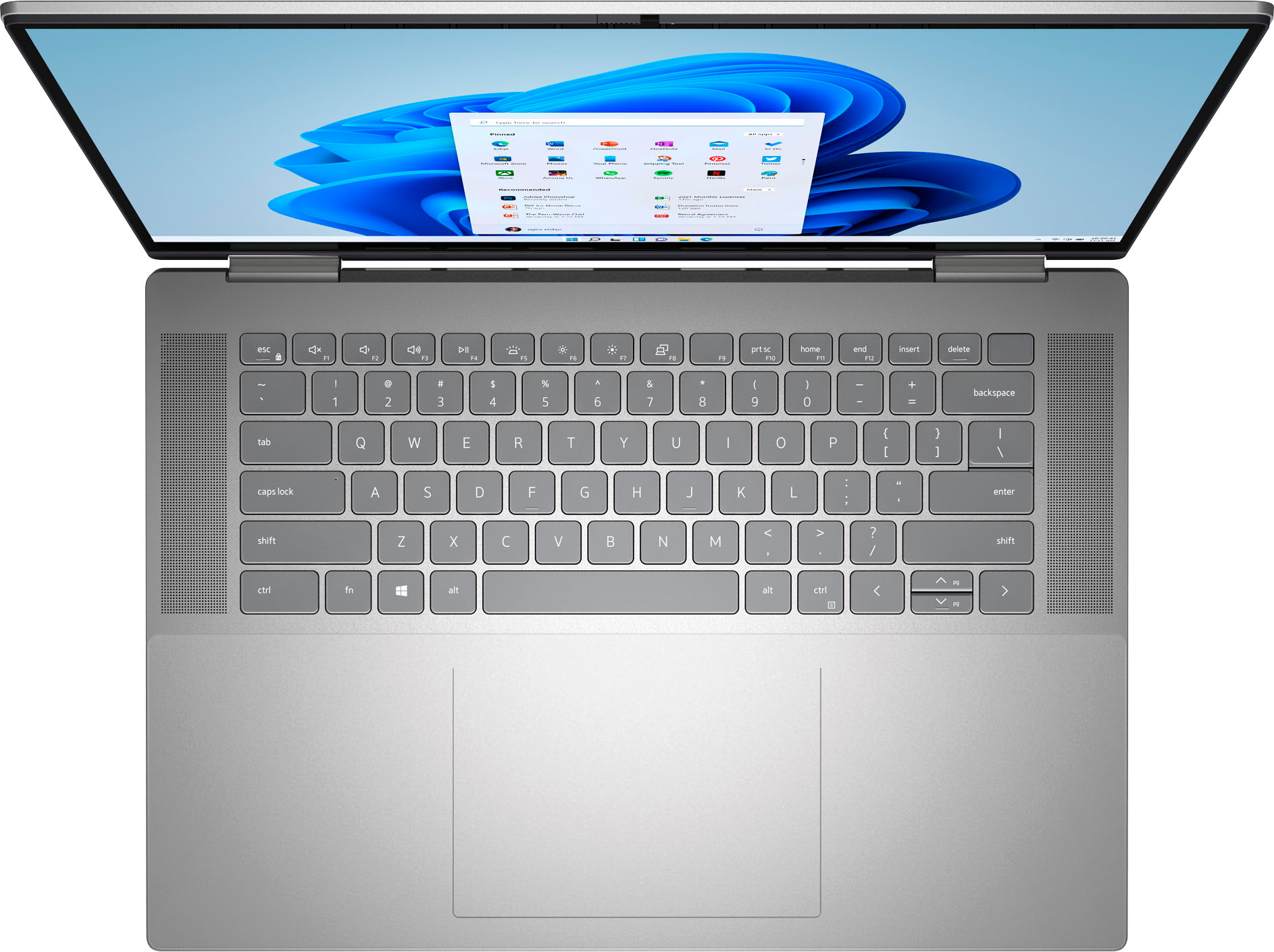


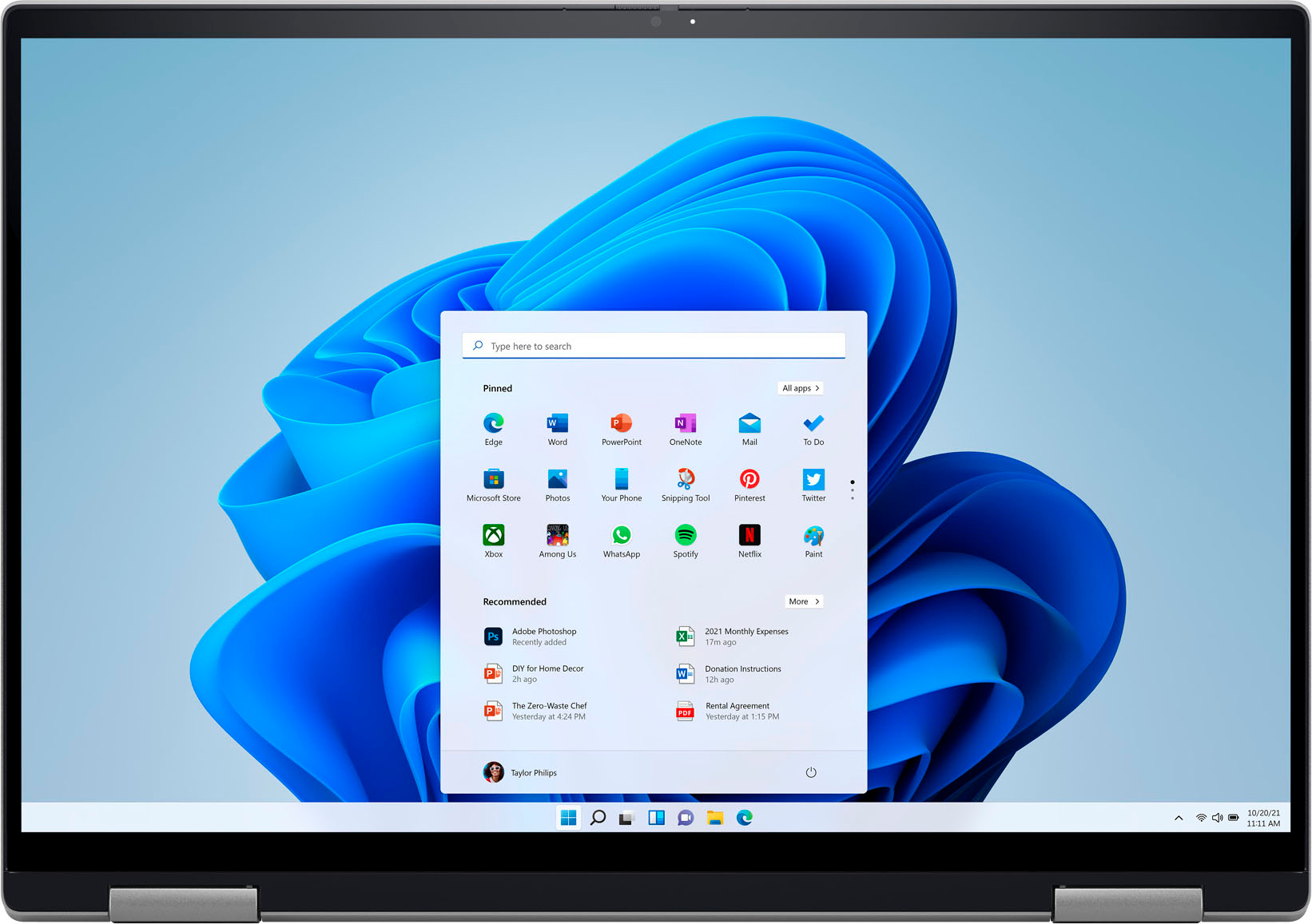






- Model:
- i7620-7631SLV-PUS
- SKU:
- 6504380
Rating by feature
- Battery Life
Rating 4.6 out of 5 stars
- Speed
Rating 4.7 out of 5 stars
- Display
Rating 4.7 out of 5 stars
Customers are saying
Customers have good things to say about the screen size, ease of use, performance, battery life, weight, and price of the Inspiron 2-in-1 laptop. Many appreciate its lightweight design and powerful performance for everyday tasks. However, some users experienced issues with the touchpad and reported occasional excessive fan noise. A few also mentioned problems with the speakers.
This summary was generated by AI based on customer reviews.
- Pros mentioned:Performance
The best store ever
||Posted . Owned for 4 months when reviewed.This reviewer received promo considerations or sweepstakes entry for writing a review.The item Is working great. Best buy did it again. I love you guys!
I would recommend this to a friend - Cons mentioned:Touchpad
Great laptop except for the touch pad
||Posted . Owned for 1 year when reviewed.This reviewer received promo considerations or sweepstakes entry for writing a review.The laptop itself is great, but be prepared to buy a mouse along with it. The trackpad will eventually start to malfunction and you wont be able to use it. It is very annoying and aggravating. There are also several other reviews reporting the same issue.
No, I would not recommend this to a friendBrand response from YourDellTeam
Posted .Hi Katlyn,
Thank you for taking the time to leave us your review. We are sorry to hear that you are having touchpad sensitivity issues in regards to your Inspiron 7620. This is certainly not the experience that we like to hear from our customers. We will share your concern with our quality team so that improvements can be made to our current and future products and services. Below I have provided troubleshooting instructions with the full article that may be able to resolve the issue.
Here are the steps to help resolve your touchpad issue:
1. Ensure the touchpad and your finger do not have any dirt, grease, liquids, or food on them (the touchpad has to make good contact with your finger to work correctly).
2. Ensure that the touchpad is turned on.
3. Save any data, close any open programs and restart the computer by using a wired USB mouse (if available) or Bluetooth mouse if it is already installed, if not, press hold the power button for at least 15 seconds to turn the computer off.
4. Unplug everything except the power cable.
5. Turn the computer back on and retest the touchpad.
6. When the cursor does work correctly, attach one device at a time, and test the cursor movement to see which one may have caused the issue.
7. Ensure that the BIOS and Chipset drivers are updated to the latest version.
Touchpad Usage and Troubleshooting Guide: https://dell.to/3zwM1rp
If you continue to experience touchpad issues, please reach out to Dell Support directly by using the information provided below.
Should you need further assistance, you can contact Dell directly with the information below.
Chat or call: https://bit.ly/DellSupportTeam
Phone number to Dell: 1-800-624-9896
Best,
Summer@Dell
- Pros mentioned:Ease of use
Quality laptop
||Posted . Owned for 2 weeks when reviewed.This reviewer received promo considerations or sweepstakes entry for writing a review.Value for money, got this beast after waiting for full one year. Crisp pic quality and easy to setup.
I would recommend this to a friend - Pros mentioned:Ease of use
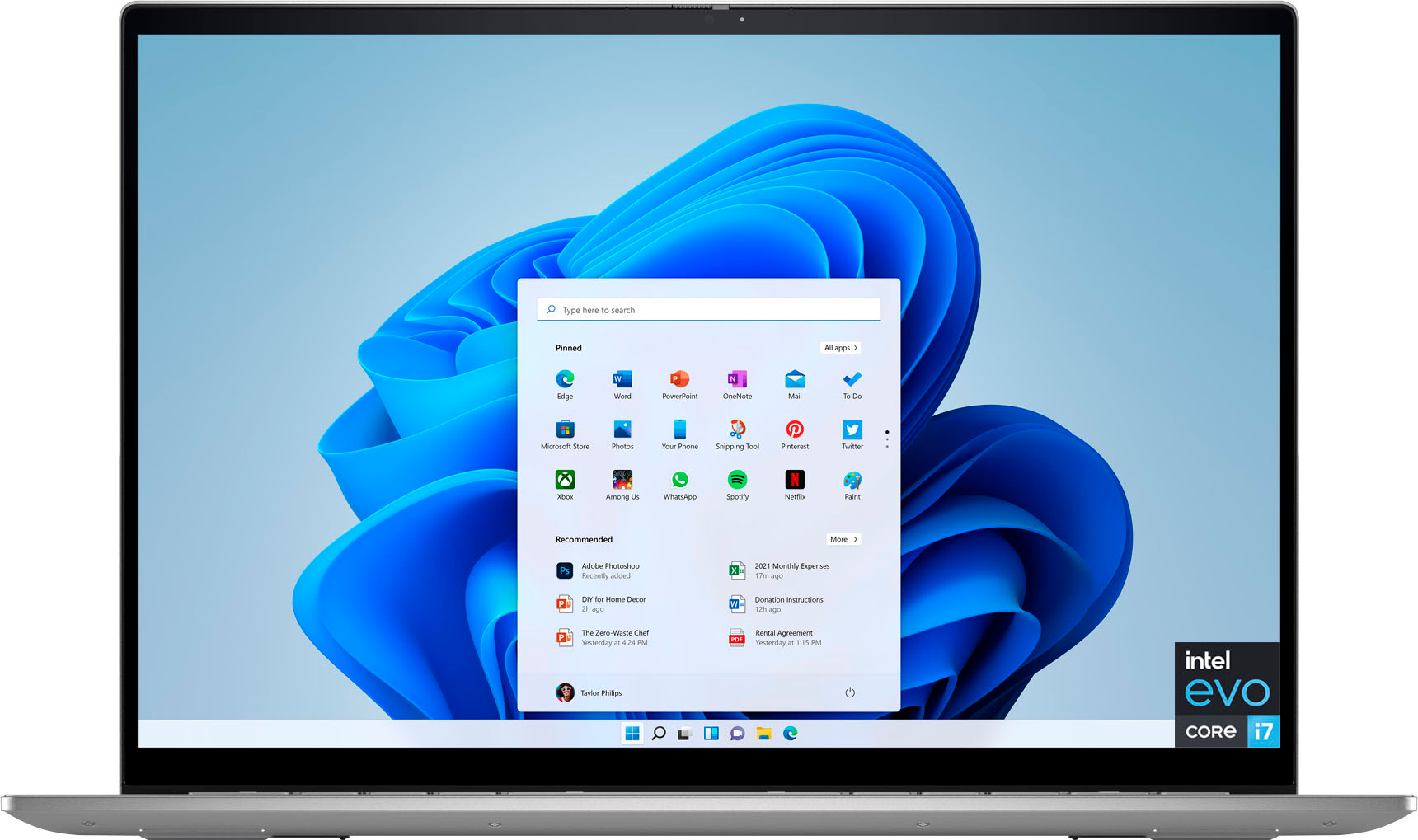
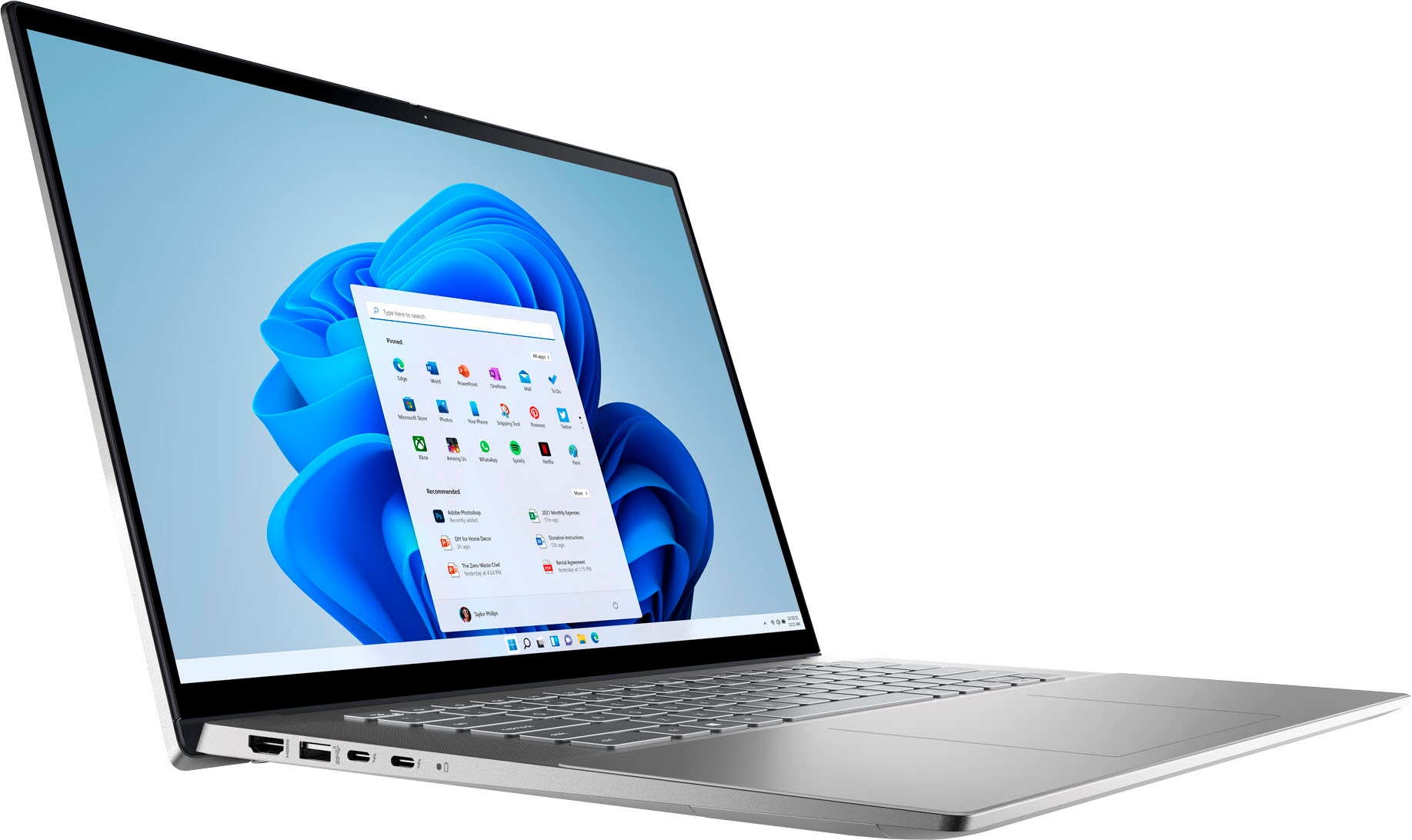
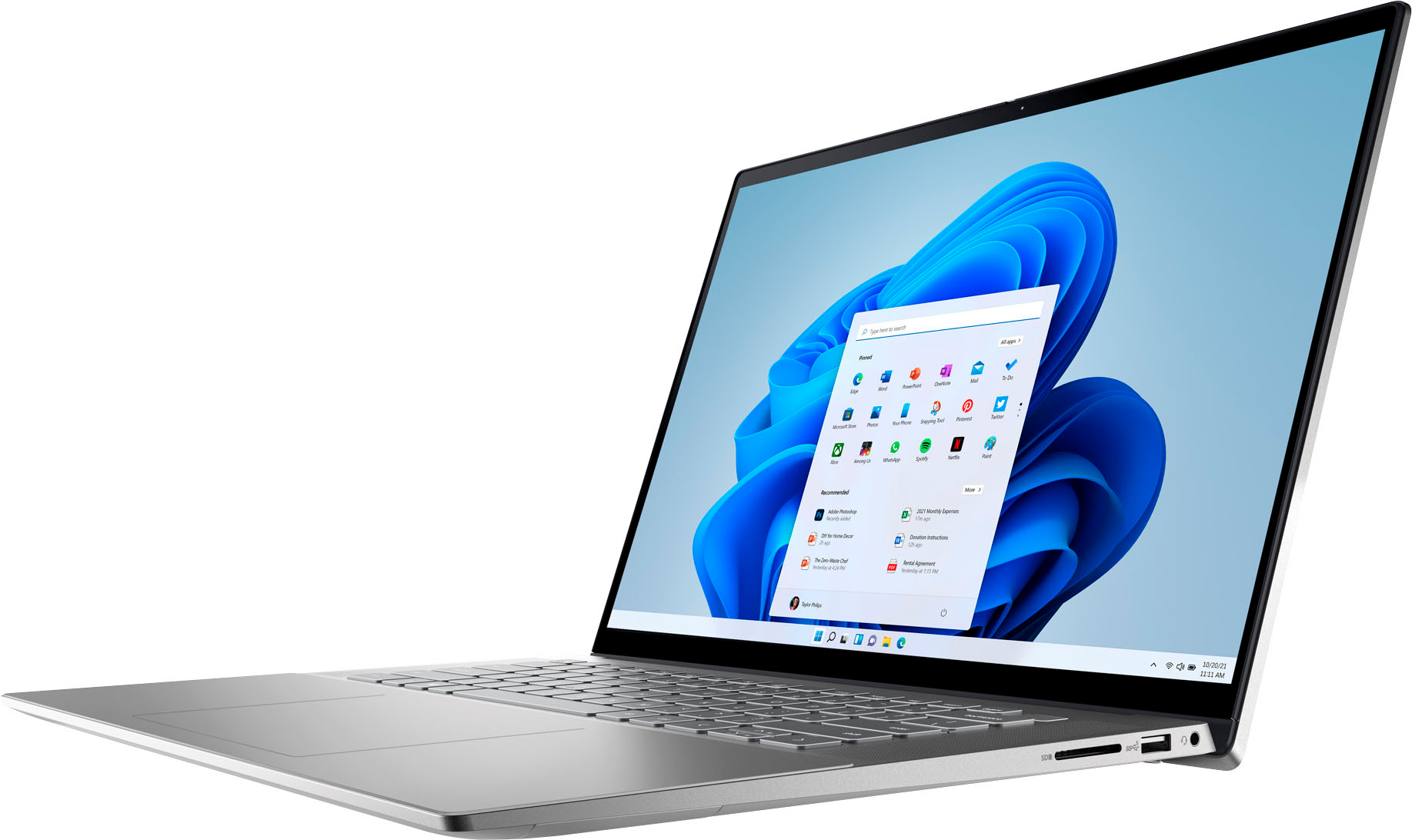
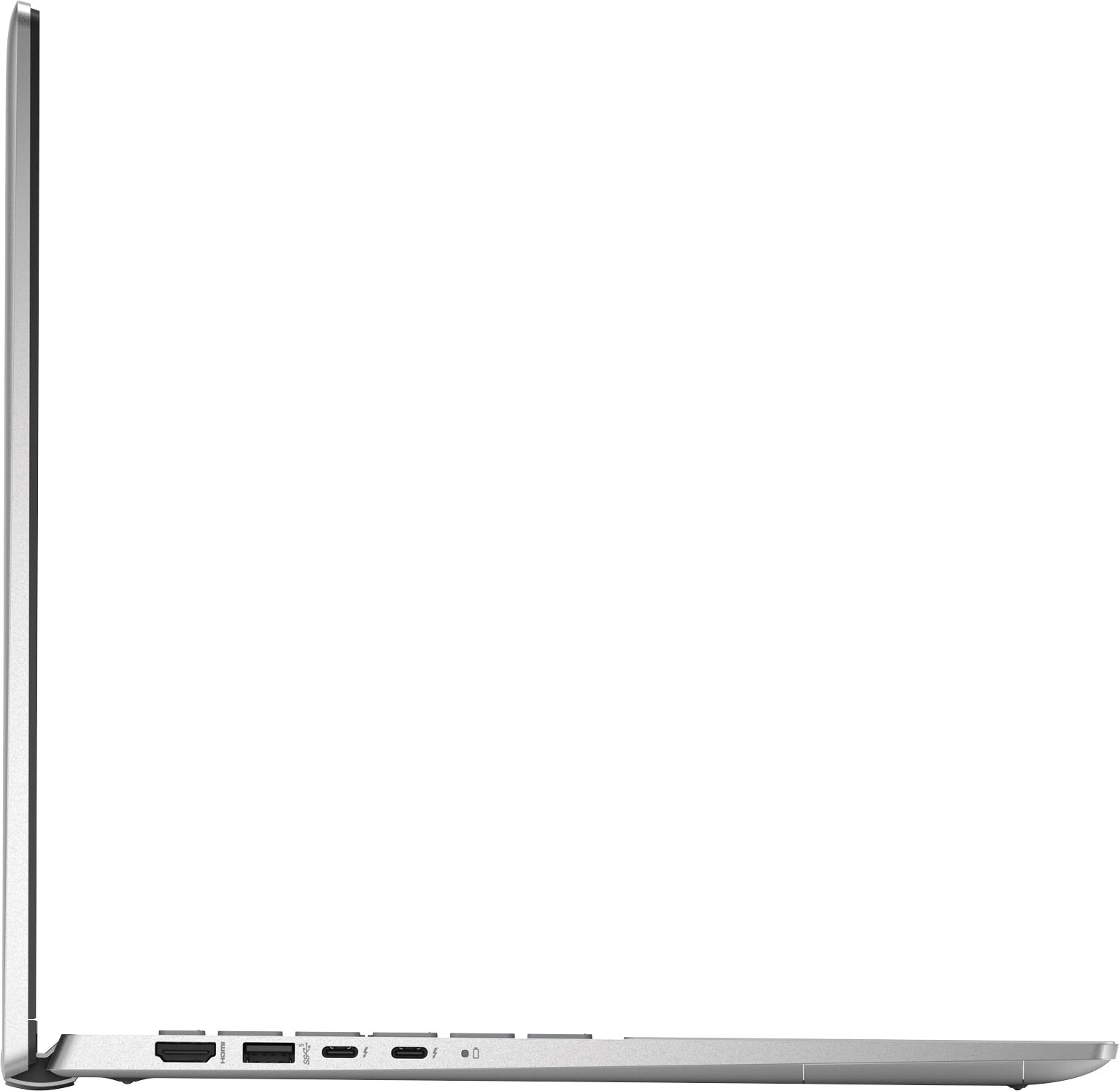
Dell - Inspiron 2-in-1 16” FHD+ Touch Laptop
||Posted . Owned for 10 months when reviewed.This reviewer received promo considerations or sweepstakes entry for writing a review.love the computer easy to use and setup ive bought nothing but dell computers over the years
I would recommend this to a friend - Pros mentioned:Processor speed
New Computer!
||Posted . Owned for 3 weeks when reviewed.This reviewer received promo considerations or sweepstakes entry for writing a review.Love the speed, easy to set up. has all the stuff I need on it. I like the display.
I would recommend this to a friend - Pros mentioned:Battery life
Fantastic
||Posted . Owned for 2 months when reviewed.This reviewer received promo considerations or sweepstakes entry for writing a review.Great speedy laptop with awesome battery life. Great computer to play my sims 4 on !
I would recommend this to a friend dell inspiron
||Posted . Owned for 1 year when reviewed.This reviewer received promo considerations or sweepstakes entry for writing a review.love it really recomended really good price works 100% good
I would recommend this to a friendDell Inspirion
||Posted . Owned for 1 month when reviewed.This reviewer received promo considerations or sweepstakes entry for writing a review.Fantastic laptop at a reasonable price. Everything I need for home computing.
I would recommend this to a friend- Pros mentioned:Processor speed
Great for work or school.
||Posted . Owned for 3 weeks when reviewed.This reviewer received promo considerations or sweepstakes entry for writing a review.I ineeded a laptop real quick to do a few things for work. It does its job well.
I would recommend this to a friend - Pros mentioned:Performance
MyLove
||Posted . Owned for 3 weeks when reviewed.This reviewer received promo considerations or sweepstakes entry for writing a review.I love the performance in my laptop. I would get this laptop for a gift for my son.
I would recommend this to a friend - Pros mentioned:Ease of use
Nice Laptop!
||Posted . Owned for 1 month when reviewed.This reviewer received promo considerations or sweepstakes entry for writing a review.Very nice laptop. Fast and easy to use. Bought for my 72 year old mom and she's enjoying it!
I would recommend this to a friend - Pros mentioned:Processor speed
Great Laptop
||Posted . Owned for 1 month when reviewed.This reviewer received promo considerations or sweepstakes entry for writing a review.Beautiful Dell 2 in 1 evo laptop fast i7 solid. You won’t regret buying it.
I would recommend this to a friend - Pros mentioned:Performance
Dell laptop 2 in 1
||Posted . Owned for 6 months when reviewed.This reviewer received promo considerations or sweepstakes entry for writing a review.This laptop is very good , it works perfectly well . Exceed my expectation.
I would recommend this to a friend - Pros mentioned:Performance
Nice lab top
||Posted . Owned for 10 months when reviewed.This reviewer received promo considerations or sweepstakes entry for writing a review.It is a nice lab top. I like the performance. Also, the design is neat.
I would recommend this to a friend - Cons mentioned:Touchpad
Sticky Keys...
||Posted . Owned for 1 month when reviewed.This reviewer received promo considerations or sweepstakes entry for writing a review.The keys stick when typing and it is very annoying.
I would recommend this to a friend - Pros mentioned:Performance
Great computer!
||Posted . Owned for 1 month when reviewed.This reviewer received promo considerations or sweepstakes entry for writing a review.Great computer to do what is needed on a daily basis. Used for personal and small business.
I would recommend this to a friend - Pros mentioned:Processor speed
New laptop
||Posted . Owned for 3 weeks when reviewed.This reviewer received promo considerations or sweepstakes entry for writing a review.Good speed and good size. Pleased so far with this after upgrading from older laptop.
I would recommend this to a friend - Pros mentioned:Screen size
Dell Touch Screen
||Posted . Owned for 6 months when reviewed.This reviewer received promo considerations or sweepstakes entry for writing a review.I love this laptop. The touch screen is great for kids.
I would recommend this to a friend - Pros mentioned:Performance
dell laptop
||Posted . Owned for 3 weeks when reviewed.This reviewer received promo considerations or sweepstakes entry for writing a review.I have always had good luck with dell and this computer fits the bill.
I would recommend this to a friend - Pros mentioned:Ease of use, Processor speed
Spin the block
||Posted . Owned for 1 month when reviewed.This reviewer received promo considerations or sweepstakes entry for writing a review.The laptop is sleek and very fast considering I have multiple programs and applications running simultaneously. I absolutely love this laptop and its ease of use. This is excellent for my new start up business. I highly recommend this laptop and would spin the block to purchase again if needed.
I would recommend this to a friend