Customer Ratings & Reviews




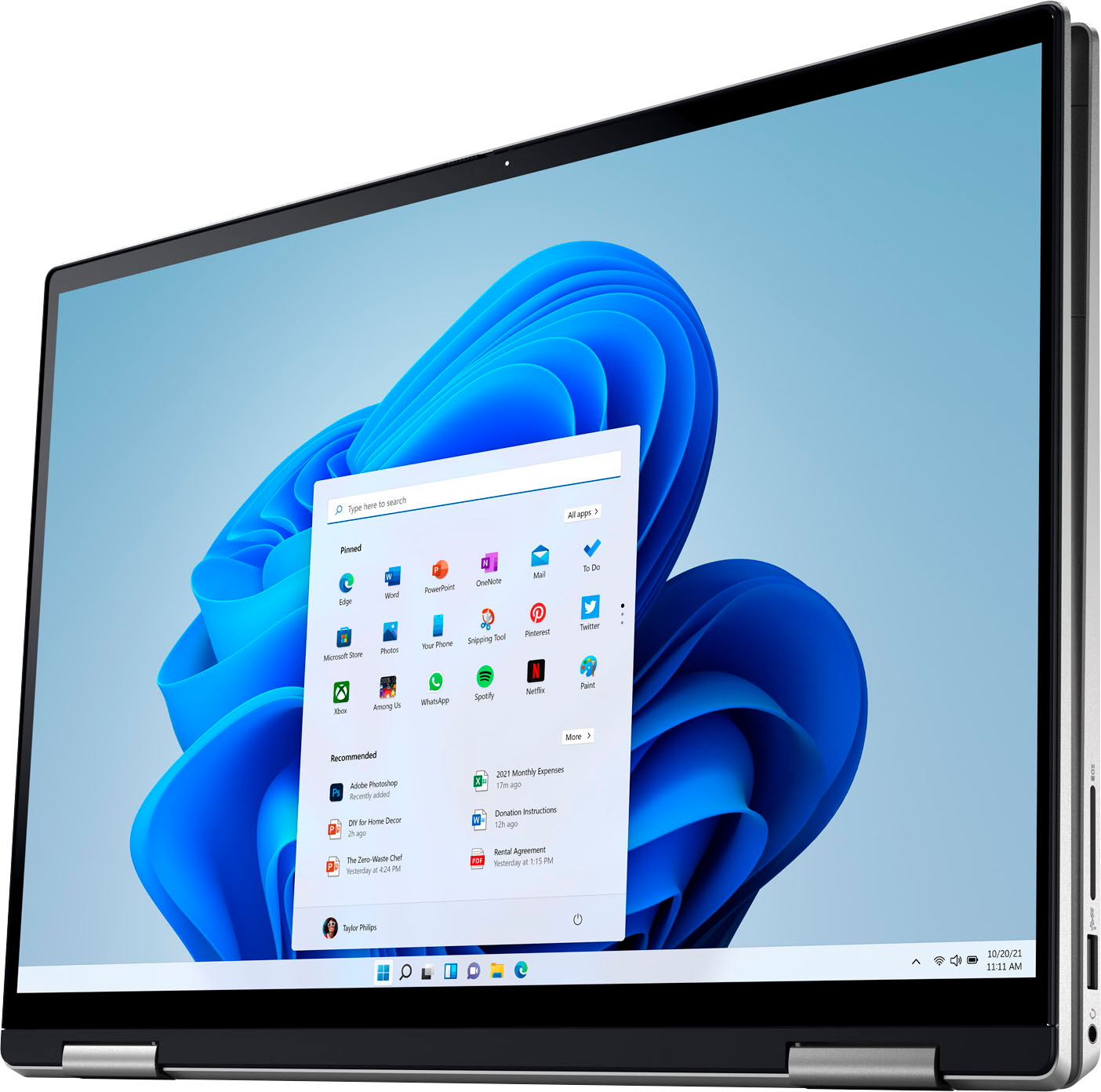
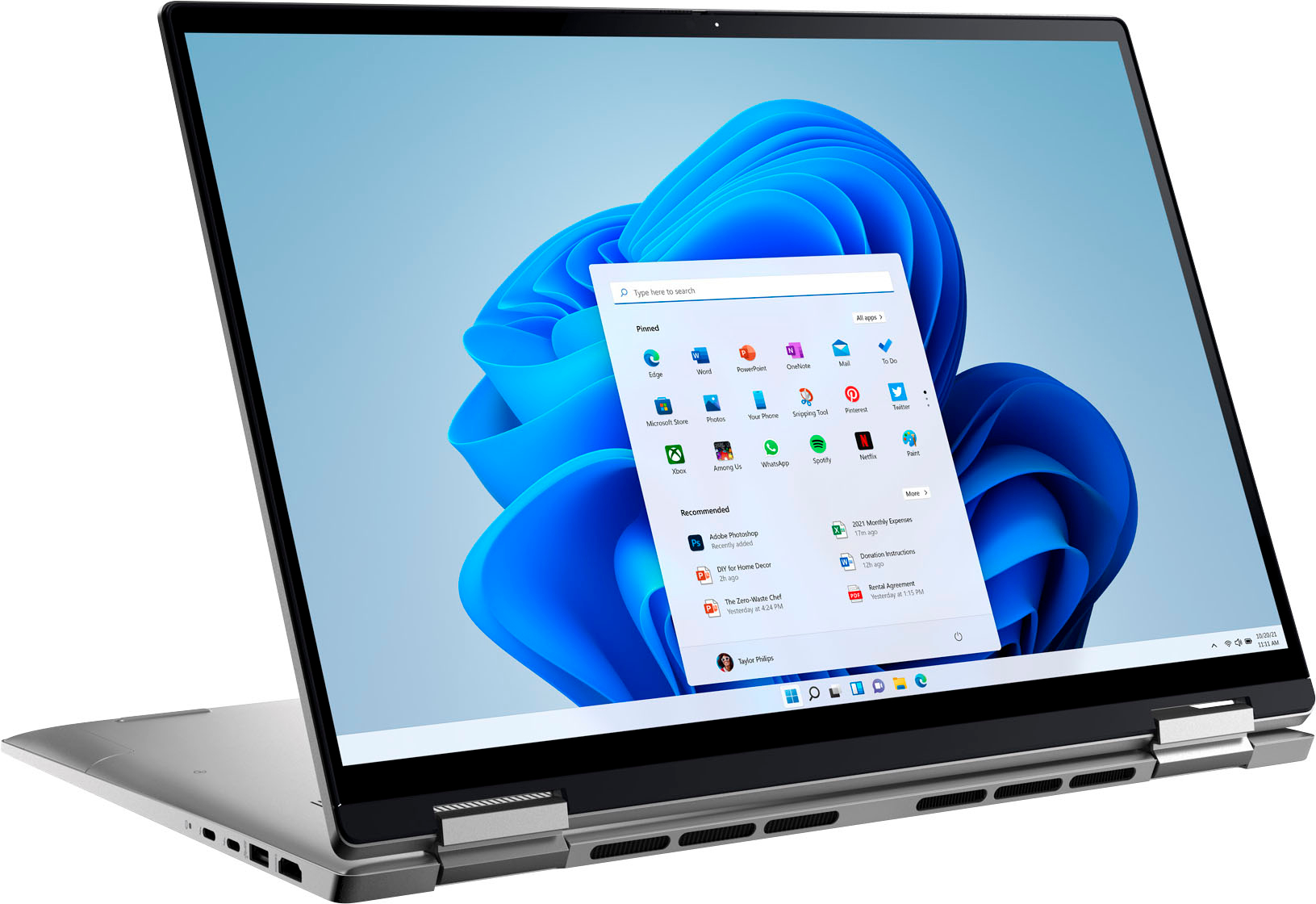
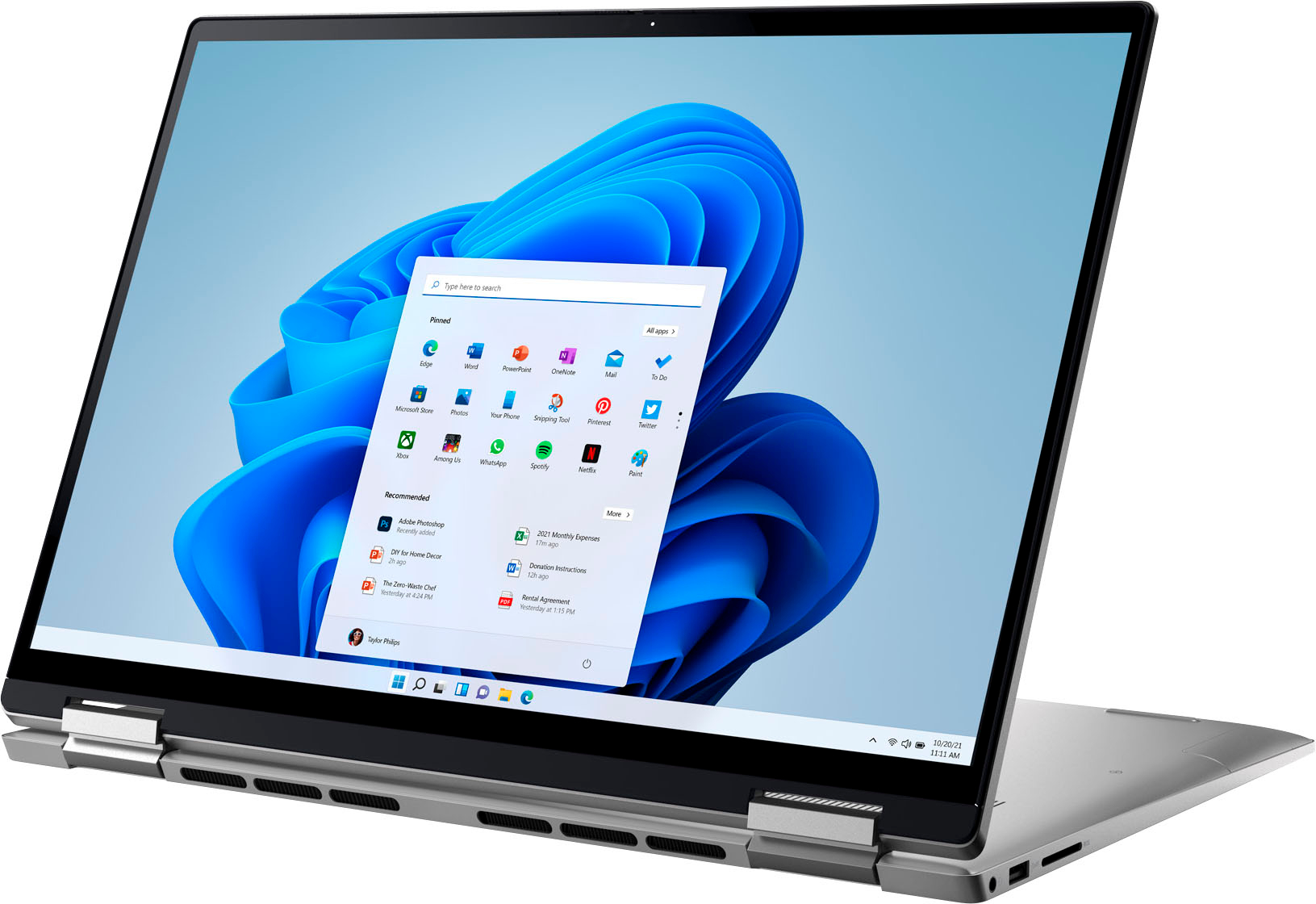
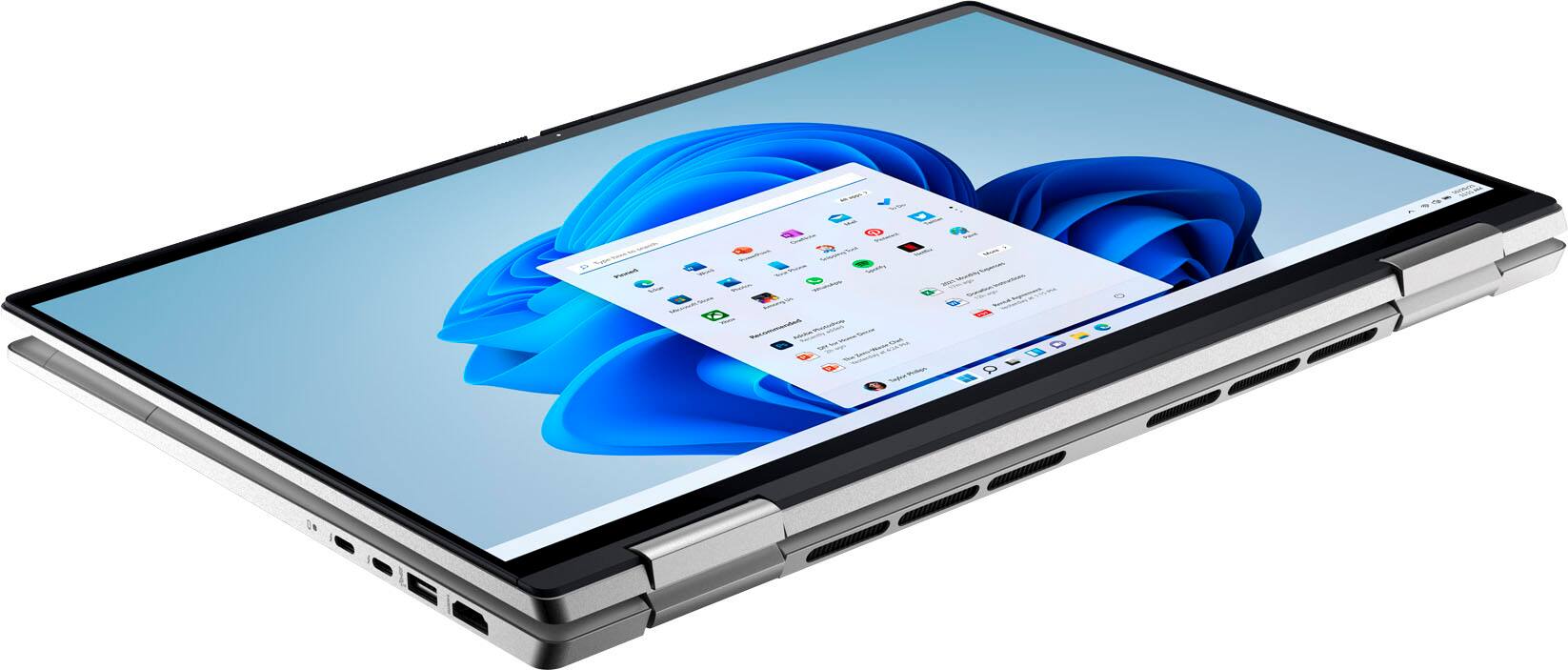






- Model:
- i7620-7631SLV-PUS
- SKU:
- 6504380
Rating by feature
- Battery Life
Rating 4.6 out of 5 stars
- Speed
Rating 4.7 out of 5 stars
- Display
Rating 4.7 out of 5 stars
Customers are saying
Customers have good things to say about the screen size, ease of use, performance, battery life, weight, and price of the Inspiron 2-in-1 laptop. Many appreciate its lightweight design and powerful performance for everyday tasks. However, some users experienced issues with the touchpad and reported occasional excessive fan noise. A few also mentioned problems with the speakers.
This summary was generated by AI based on customer reviews.
Trying to get used to new computer
||Posted . Owned for 3 weeks when reviewed.This reviewer received promo considerations or sweepstakes entry for writing a review.It's taking me awhile to get used to windows 11. Today I received a message to download some drivers and updates but when I tried to do it a message popped up and said it couldn't download some updates
I would recommend this to a friend- Cons mentioned:Touchpad
Very poor opinion
||Posted .This reviewer received promo considerations or sweepstakes entry for writing a review.I bought a Dell Inspiron 2-in-1 Laptop that I loved, other than GeekSquad Protection. I had it almost the full contract when it was damaged beyond repair. The warranty replaced it, this one was the closest they had to the original. Within a couple of weeks, the mouse pointer started doing it's own thing and when I took it in, they could send it off for two to four weeks or replace it. I have had this one for a couple of months and it is now doing the same thing as the last one. TotalTech GeekSquad chat asked if I restarted it and then suggested I bring it into the store.
No, I would not recommend this to a friendBrand response from YourDellTeam
Posted .Hello There TerrieL,
Thank you for taking the time to leave a review and for your feedback. We are truly sorry for the issues you are having with your mouse. It's important for us to hear about inconsistencies in our products for consideration of future development. Below I have provided troubleshooting instructions with the full article that can help resolve this issue.
Here's the steps to help resolve your issue:
1. Run the SupportAssist application.
2. Uninstall the mouse driver, and let Windows reinstall it.
3. Restart the computer.
You can read the full article on how to solve mouse issues here: https://dell.to/2WA1Ij2
If you still experience any issues after you have finished troubleshooting your mouse using the steps above, please reach out to us at: https://bit.ly/DellSupportTeam
We look forward to making this right for you!
Regards,
Summer@Dell
Should you need further assistance, you can contact Dell directly with the information below.
Chat or call: https://bit.ly/DellSupportTeam
Phone number to Dell: 1-800-624-9896
Good so Far - A Bit Expensive
||Posted . Owned for 1 month when reviewed.This reviewer received promo considerations or sweepstakes entry for writing a review.Good Laptop so far. Only had it a few months. Only drawback is the Price and had to settle for this one since Best Buy inventory was low on others we wanted
I would recommend this to a friend- Cons mentioned:Touchpad
Trackpad not working
||Posted . Owned for 1 year when reviewed.This reviewer received promo considerations or sweepstakes entry for writing a review.Trackpad not working. Worst experience. Do not recommend
No, I would not recommend this to a friend Good laptop but a bit heavy
||Posted . Owned for 3 months when reviewed.This reviewer received promo considerations or sweepstakes entry for writing a review.This is a good laptop. I love all the features easy to set up and use but a bit on the heavy side. I'm a college student and I find the weight (heaviness) of this laptop a bit burdensome.
No, I would not recommend this to a friendHORRIBLE. Freezes and clicks on things randomly.
||Posted . Owned for 2 months when reviewed.This reviewer received promo considerations or sweepstakes entry for writing a review.HORRIBLE. I bought more RAM and processing than I should have needed for work and it is constantly freezing and clicks on random spots on the screen even when my hands aren't even on the computer. I use it only to work from home, max 15 tabs, office, and adobe, and it just cannot handle it. Of course, the return policy is only a month and it started doing this after 2 months. Unfortunately, I learned an expensive lesson with this one.
No, I would not recommend this to a friendBrand response from YourDellTeam
Posted .Hi Michelle,
Thank you for taking the time to leave a review and for your feedback. We are sorry to hear that you are experiencing freezing issues with your Dell Inspiron Laptop. It's important for us to hear about inconsistencies in our products for consideration of future development. Below I have provided troubleshooting instructions with the full article that can help resolve this issue.
1. Run a Computer Diagnostic. To determine if your computer is experiencing a hardware problem, run the Dell Preboot System Assessment (PSA) Diagnostics. For information on how to run Diagnostics, and to determine the issue, refer to Dell Knowledge Base Article: http://dell.to/2iaiujA.
2. Check Safe Mode for Symptoms. To boot into safe mode, please follow the instructions below:
a) Start the computer.
b) Tap 'F8' on the keyboard immediately and every one second until the Dell logo screen disappears. From there you will see the Windows Advanced Options Menu on the screen. (If the Windows Advanced Options Menu does not appear, restart the system and try again.)
c) Select Safe mode with Networking and press Enter.
d) Log on as the administrator or as a user with administrative access.
e) Open applications and test the computer in safe mode. If the symptoms exist in safe mode, please continue the troubleshooting steps in this article. If the symptoms do not exist in safe mode, the issue is likely related to a driver or software and you may wish to complete step 3 to see if you are able to resolve the lockups or freezing.
3. Check for Malware. Malware (Virus, Spyware, etc.) can definitely cause a Windows system to lock up or appear to hang. To check for malware on your system and to ensure that your computer is up to date on security software, visit Dell Knowledge Base Article: http://dell.to/2wWP1zI.
If you still experience any issues after you have finished troubleshooting your laptop using the steps above, please reach out to us at: https://bit.ly/DellSupportTeam
Best,
Danielle@Dell
- Cons mentioned:Touchpad
Very disappointed, trackpad broke in three weeks
||Posted . Owned for 2 months when reviewed.This reviewer received promo considerations or sweepstakes entry for writing a review.After two weeks of ownership, the mouse began to intermittently jump and lag as well as clicking randomly. It was so bad that I sent eight blank emails after one glitch. Dell sent out a technician to replace the entire trackpad and mother board, but after two weeks the mouse began to have the same issues again. Apparently, this is a known issue with this version of the trackpad. Very disappointed that Dell is still selling these when there is a known problem. They refuse to refund it or replace it. Please save yourself the headache and buy something else. Very disappointed.
No, I would not recommend this to a friendBrand response from YourDellTeam
Posted .Hi Valued Customer,
We appreciate you taking the time to leave us your review. We apologize for the issues you have experienced with your Dell Inspiron 7620 2-in-1 computer because its touchpad was not working. We are sorry to hear that even the replacement of the motherboard by the technician didn’t help to resolve this issue. We understand how frustrating this could be. We will share your review with our quality team, so future improvements can be made.
Please take a moment to contact Dell Support Team at the information provided below at your earliest convenience so we can help you to resolve this issue to your satisfaction.
Best,
Katarina@Dell
Should you need further assistance, you can contact Dell directly with the information below.
Chat or call: https://bit.ly/DellSupportTeam
Phone number to Dell: 1-800-624-9896
DELL
||Posted . Owned for 1 week when reviewed.This reviewer received promo considerations or sweepstakes entry for writing a review.Dell is a good product and recommend this laptop.one important fact is Dell has support assist that updates drivers for a reasonable yearly fee. But keeps everything up to date others don"t have this feature
I would recommend this to a friendHappy with the purchase of my laptop
||Posted . Owned for 3 weeks when reviewed.This reviewer received promo considerations or sweepstakes entry for writing a review.So far this is a really great laptop. I miss my number pad. Didn't realize how often I use it. I mainly use my laptop for photo editing purposes and it is working really well with photoshop elements.
I would recommend this to a friendDell laptop
||Posted . Owned for 1 month when reviewed.This reviewer received promo considerations or sweepstakes entry for writing a review.Great laptop for anyone especially college students. Purchased it fir my son and he loves it. Takes it to class, library or just in the door room. Highly recommend it and price is reasonable as well.
I would recommend this to a friendCan't go wrong with Dell
||Posted . Owned for 3 weeks when reviewed.This reviewer received promo considerations or sweepstakes entry for writing a review.Overall a good buy! I preferred my previous Dell Inspiron which was cheaper but had a keyboard which lit up and was more comfortable to hold open in my lap.
I would recommend this to a friendLaptop
||Posted . Owned for less than 1 week when reviewed.This reviewer received promo considerations or sweepstakes entry for writing a review.Britton Mitchell and Kyle provided great help and assistance in helping us to choose my son laptop for college. Britton was very knowledgeable and professional. He is a great asset to Best Buy.
I would recommend this to a friendPrinting pictures and articles
||Posted . Owned for 1 week when reviewed.This reviewer received promo considerations or sweepstakes entry for writing a review.It is taking me a little time to get acquainted with Microsoft Edge and Windows 11. I keep trying but have some questions & will review with Geek squad.
I would recommend this to a friendNew Experience
||Posted .This reviewer received promo considerations or sweepstakes entry for writing a review.Computer works great. I just need to get used to the Windows 11 because I have been using Windows 7 for several years so there are differences.
I would recommend this to a friendCrap
||Posted . Owned for 1.5 years when reviewed.This reviewer received promo considerations or sweepstakes entry for writing a review.So I bought this laptop in July 2022. My laptop STOPPED working literally a few months back. Of course, my warranty was expired and I had no geeksquad coverage. So, I had to pay $40 to ship this clunk of junk back to Dell and pay another $127 to get it repaired so no, dont recommend!
No, I would not recommend this to a friendBrand response from YourDellTeam
Posted .Hi Brii,
Thank you for taking the time to leave a review of your Dell Inspiron 2-in-1 touch laptop. We are sorry to hear that your device stopped working. That is not the type of feedback we like to hear from our customers, or the type of product Dell intends to deliver. We would love to help you but will need a little more information. Below I have provided a toll-free number or chat link for our Dell Support Team.
If you need further assistance, please reach out to Dell Support directly by using the information provided below.
Chat or call: https://bit.ly/DellSupportTeam
Phone number to Dell: 1-800-624-9896
Best,
Summer@Dell
Nice computer unable to fully use it.
||Posted . Owned for 1 month when reviewed.This reviewer received promo considerations or sweepstakes entry for writing a review.The computer that I received seems to be okay. It's me that needs more training on how to use it. I'm still basically using my old computer because i'm more confident with using it.
I would recommend this to a friendAwesome Laptop
||Posted . Owned for 3 weeks when reviewed.This reviewer received promo considerations or sweepstakes entry for writing a review.My fiancé and I were looking for a new laptop and this one had great reviews. We’ve only had it a few weeks and so far we have no complaints. Great laptop, definitely worth the money
I would recommend this to a friendWorst laptop
||Posted . Owned for 1 year when reviewed.This reviewer received promo considerations or sweepstakes entry for writing a review.Worst laptop I have ever owned. 3months after I bought this and it went crazy, it would charge, then cursor/ touch screen always malfunctioned. Then it finally broke a couple of months ago. Who life span was just about a year.
No, I would not recommend this to a friendHappy with these computers
||Posted . Owned for 3 weeks when reviewed.This reviewer received promo considerations or sweepstakes entry for writing a review.so for so good been a chrome book person for years because of the surfing speed. this is just as good plus I can run window products when needed also
I would recommend this to a friendGreat laptop
||Posted . Owned for 3 weeks when reviewed.This reviewer received promo considerations or sweepstakes entry for writing a review.Easy set up and great functionality so far. Some of my old programs will not work in Windows 11 is the only drawback but that is not the fault of the computer.
I would recommend this to a friend