Customer Ratings & Reviews
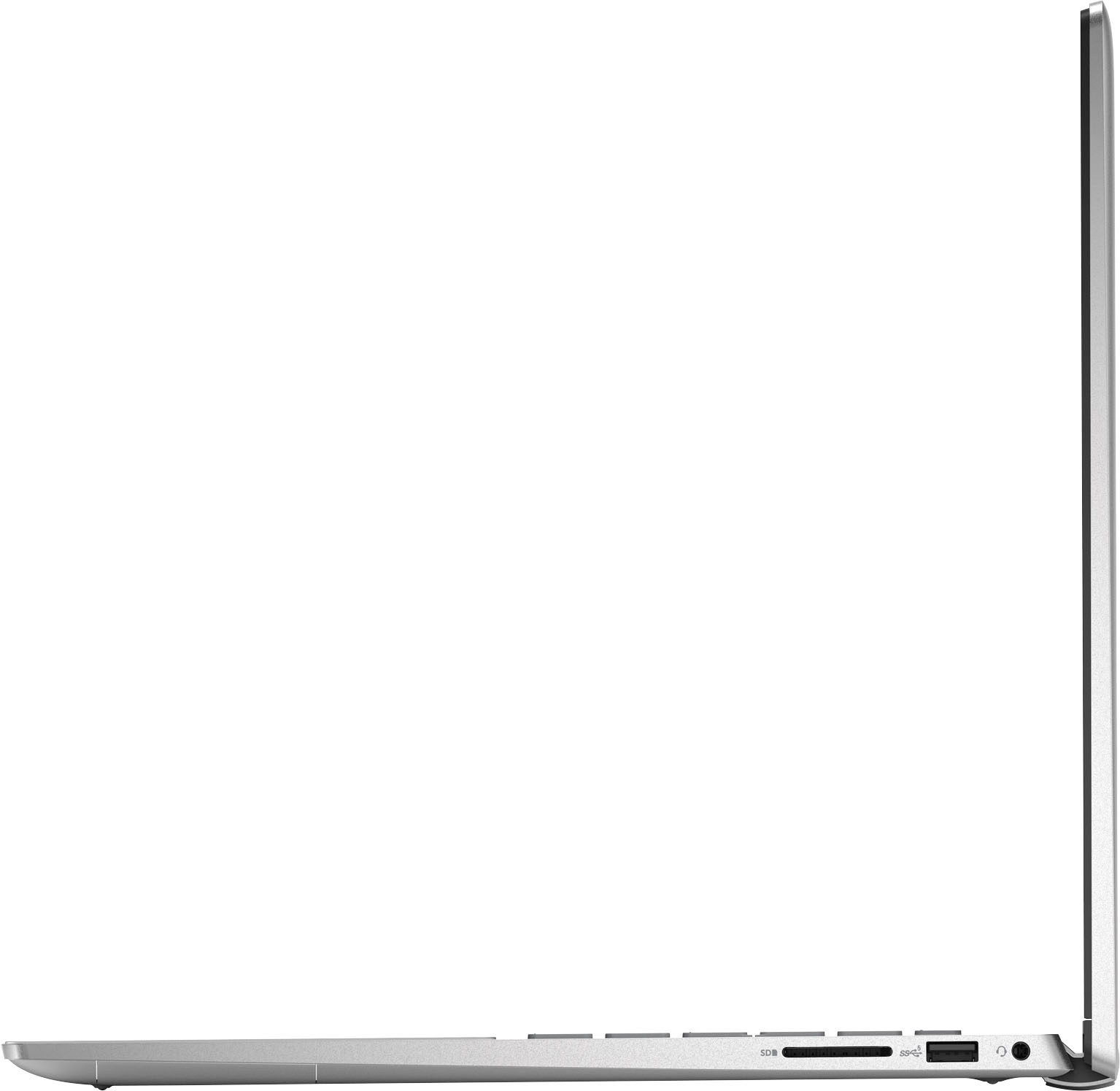
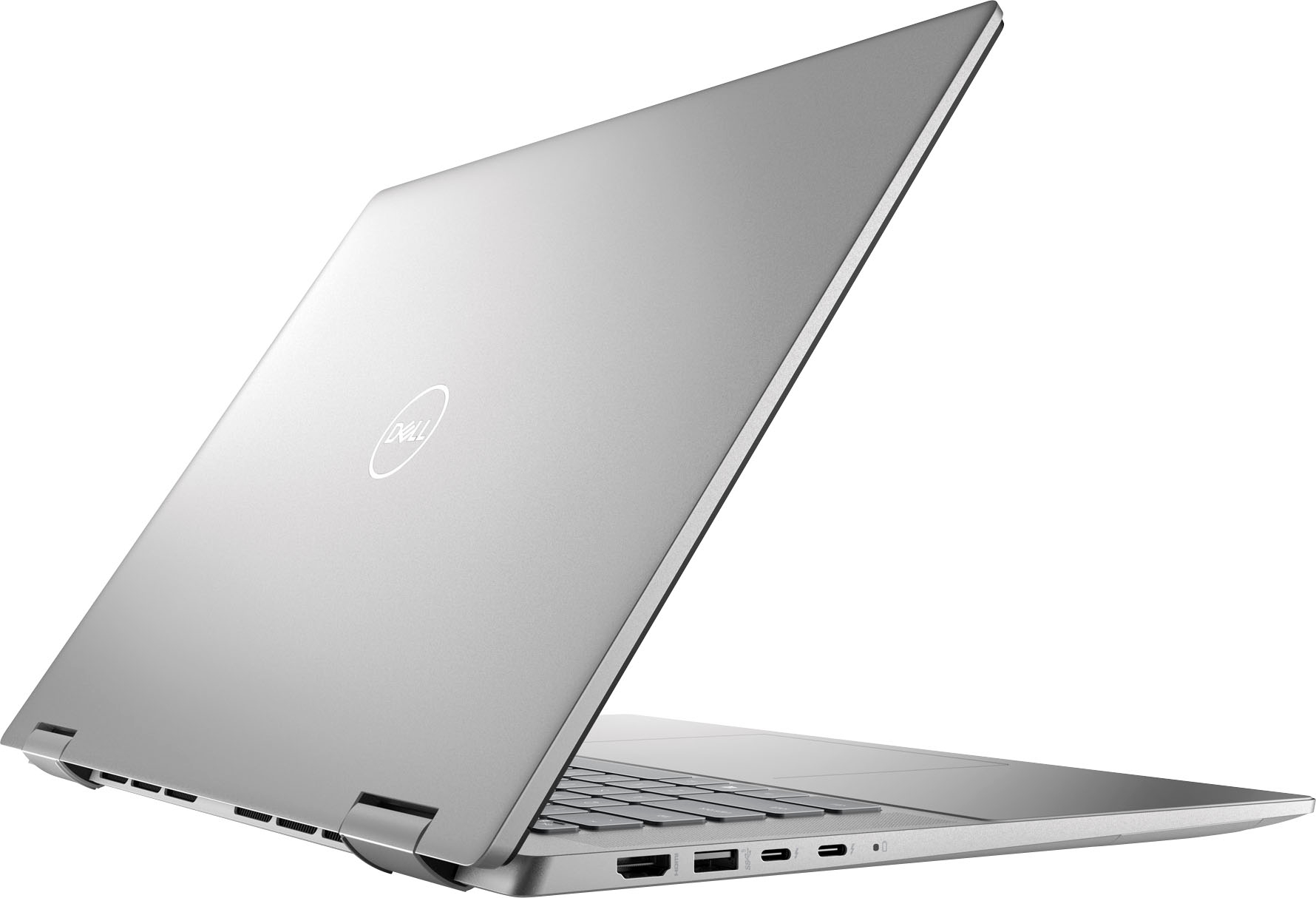
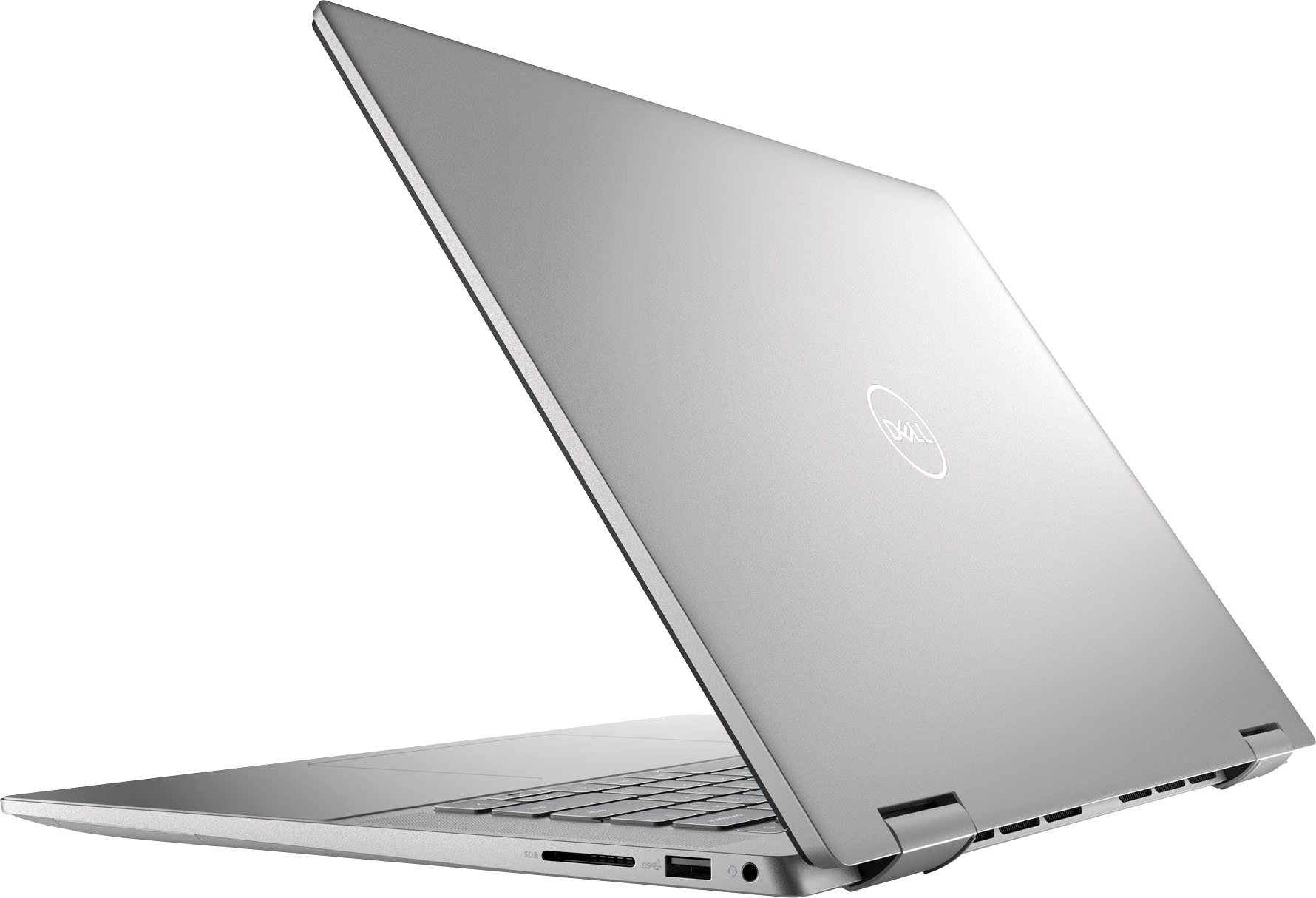


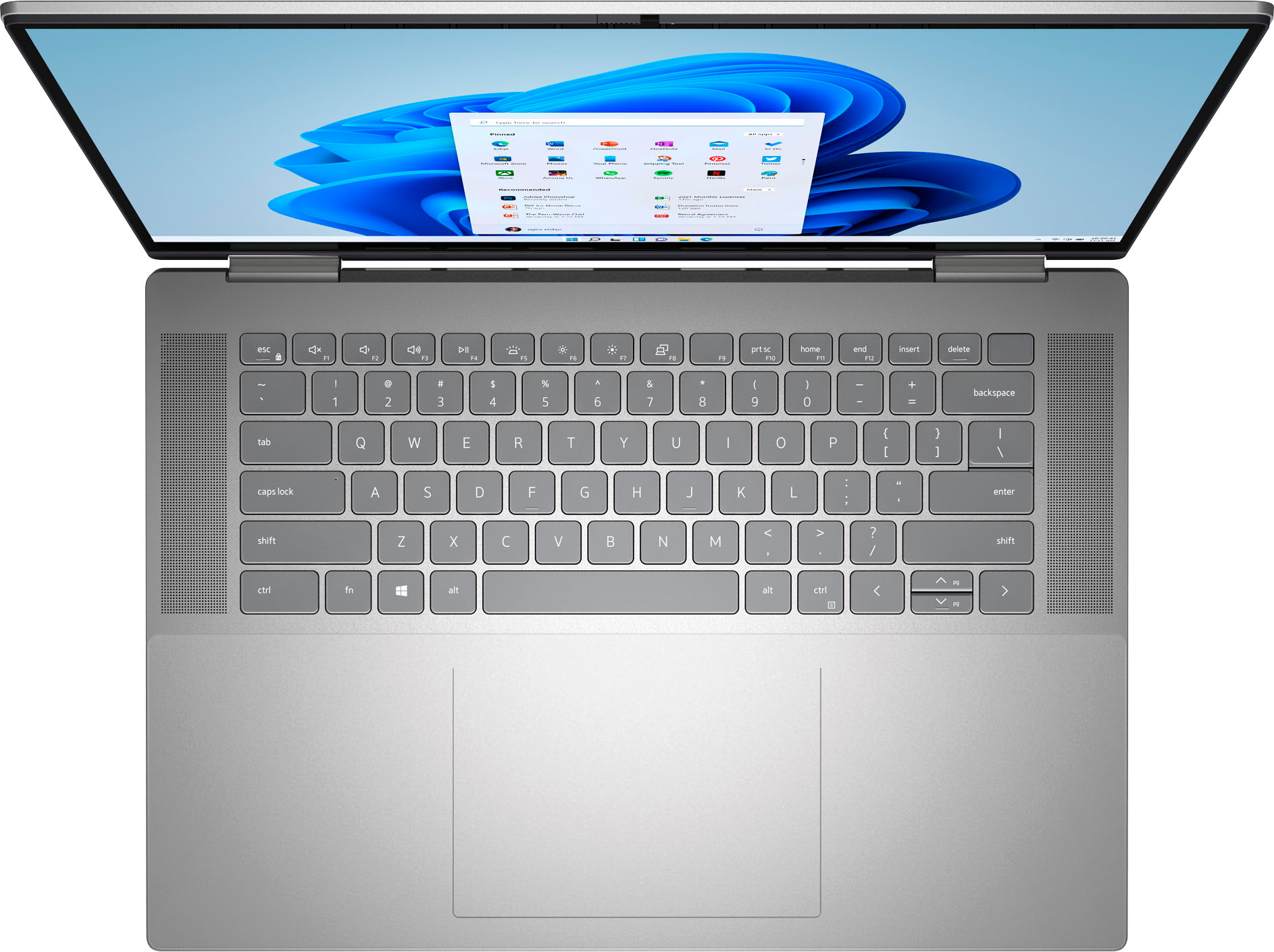


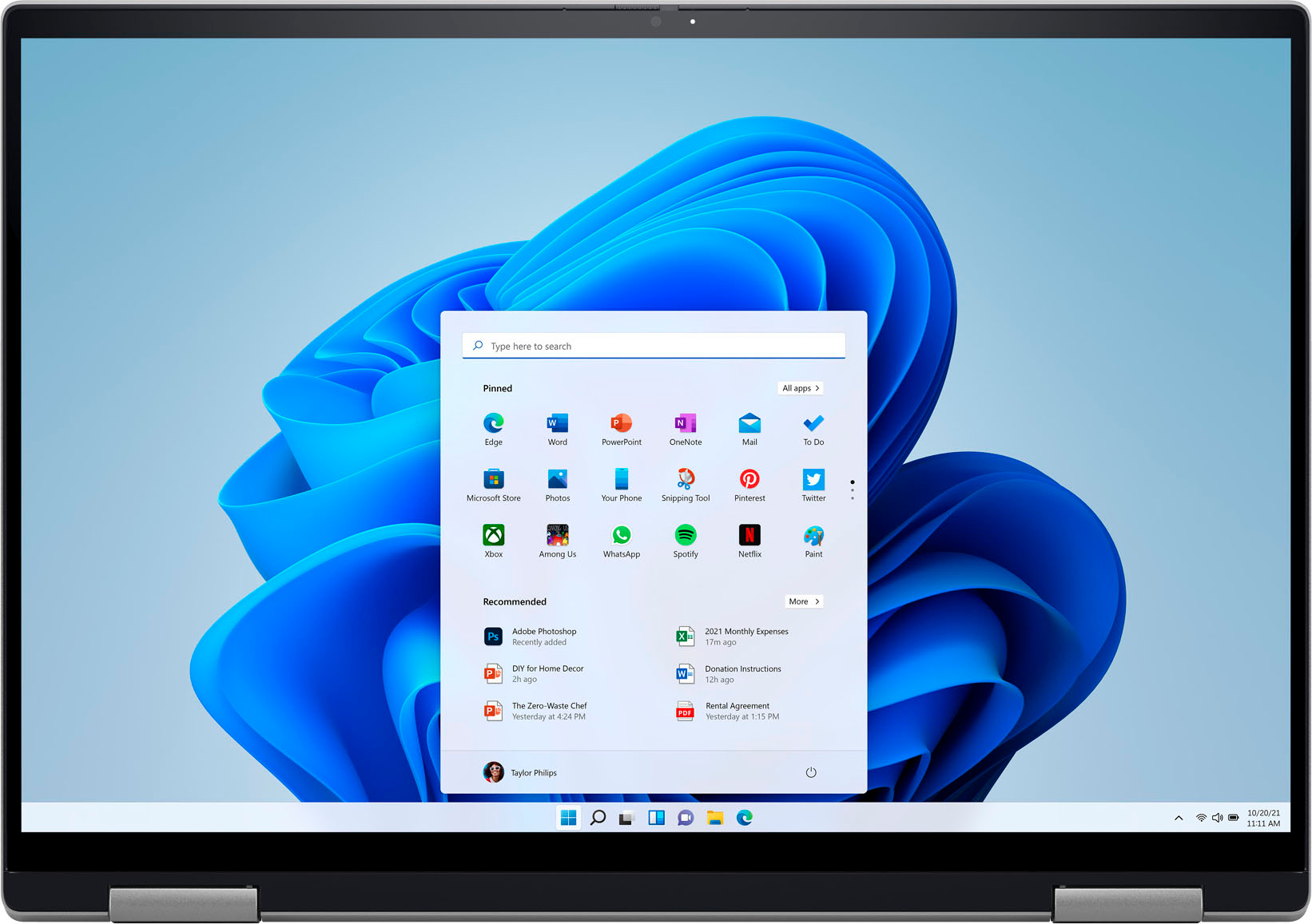






- Model:
- i7620-7631SLV-PUS
- SKU:
- 6504380
Rating by feature
- Battery Life
Rating 4.6 out of 5 stars
- Speed
Rating 4.7 out of 5 stars
- Display
Rating 4.7 out of 5 stars
Customers are saying
Customers have good things to say about the screen size, ease of use, performance, battery life, weight, and price of the Inspiron 2-in-1 laptop. Many appreciate its lightweight design and powerful performance for everyday tasks. However, some users experienced issues with the touchpad and reported occasional excessive fan noise. A few also mentioned problems with the speakers.
This summary was generated by AI based on customer reviews.
H
Posted .This reviewer received promo considerations or sweepstakes entry for writing a review.Jjk Horne fine rn Rn em em Emil rn divine b hhhvfc.
I would recommend this to a friendI felt scammed
Posted .This reviewer received promo considerations or sweepstakes entry for writing a review.I did not get the charger. The computer has a lot of cosmetic damage
No, I would not recommend this to a friendBrand response from YourDellTeam
Posted .Hello There IsaacG,
Thank you for taking the time to leave a review of your Inspiron 7620. We are sorry to hear that you did not receive a charger with your device. That is not the type of product Dell intends to deliver. We would love to help you. Below I have provided the toll-free number and chat link for our support team for your convenience.
If you continue to experience issues, please reach out to Dell Support directly by using the information provided below.
Chat or call: https://bit.ly/DellSupportTeam
Phone number to Dell: 1-800-624-9896
Best,
Summer@Dell
- Cons mentioned:Touchpad
don't buy
Posted .This reviewer received promo considerations or sweepstakes entry for writing a review.touch pad is junk, no matter what updates you do it doesn't work
No, I would not recommend this to a friendBrand response from YourDellTeam
Posted .Hey Spark,
Thank you for taking the time to leave a review of your Inspiron 7620. We are sorry to hear that you are experiencing an issue with your touchpad. I have provided steps below to help resolve your issue. Some Notebooks and Tablets with Keyboards have added gesture features to the touchpad hardware and drivers. A few of these features are two or three finger scrolling, pinch zoom, circle zoom, rotate and swiping. These new features may be the reason for the erratic cursor movement since most are turned on by default. You can disable or modify the way the features work in the touchpad driver properties. Here are some tips to modify these settings:
1. In the Search box, type main.cpl.
2. Touch or click main.cpl in the list of programs.
3. Touch or click the Dell Touchpad tab.
4. Touch or click on the picture of the touchpad.
5. Touch or click Gestures (depending on your computer there may not be a Gestures option).
6. Change the options as preferred.
7. Touch or click Save.
8. Touch or click the X in the upper-right corner to close the Dell Touchpad Utility.
9. Touch or click OK on the Mouse Properties window.
10. If the touchpad still does not work after following the preceding steps, refer to Dell Knowledge Base article - http://dell.to/2iaiujA.
You can read the full article here - http://dell.to/2tqmS02.
If you need further assistance we recommend reaching out to a member of our support team with the toll-free number or chat link below.
Should you need further assistance; we recommend that you contact Dell directly with the information below.
Chat or call: https://bit.ly/DellSupportTeam
Phone number to Dell: 1-800-624-9896.
Best Regards,
Summer@Dell