Customer Ratings & Reviews




- Model:
- i7620-7648GRE-PUS
- SKU:
- 6504388
Rating by feature
- Battery Life
Rating 4.4 out of 5 stars
- Speed
Rating 4.5 out of 5 stars
- Display
Rating 4.7 out of 5 stars
Customers are saying
Customers are pleased with the Inspiron 2-in-1's large screen size, vibrant OLED display, and strong performance. Many appreciate its lightweight design and ease of use for both work and school. However, some users experienced issues with the touchpad's reliability and reported excessive heat and fan noise. The quality of the speakers also received some negative feedback.
This summary was generated by AI based on customer reviews.
- Pros mentioned:Oled display
Great laptop
||Posted . Owned for 1 month when reviewed.This reviewer received promo considerations or sweepstakes entry for writing a review.new to touch screens and what a difference they are !!!!
I would recommend this to a friend My bad mistake buying HP brand instead of Dell
||Posted . Owned for 3 weeks when reviewed.This reviewer received promo considerations or sweepstakes entry for writing a review.I had a Dell when I was working and loved it, My wife decided to buy a laptop for me, my grown son said that HP was the best way to go. For what ever reason I went through three of them. So when the third HP tore up I went back to The Dell and ten minutes with this Dell I new what I have been missing. I feel lake I have the Rolex of PC's with this new Dell.
I would recommend this to a friendDell Laptop Review
||Posted . Owned for 1 month when reviewed.This reviewer received promo considerations or sweepstakes entry for writing a review.Outstanding value, great picture and FAST graphics
I would recommend this to a friend- Cons mentioned:Touchpad
Hands down the worst laptop I've ever purchased.
||Posted . Owned for 7 months when reviewed.This reviewer received promo considerations or sweepstakes entry for writing a review.Absolute garbage laptop. Had problems with it since day one. Windows Desktop Manager uses up 100% of the disk under Task Manager and slows everything to a crawl. Lots of people who purchased this laptop have this problem and there's been no solution. Trackpad doesn't work, people have sent their laptops into Dell and have the entire unit replaced, only to have trackpad problems less than two weeks later. A poorly designed machine that gives people nothing but problems from day one. Hands down the worst laptop I've ever purchased.
No, I would not recommend this to a friendBrand response from YourDellTeam
Posted .Hey JPCPhil,
We appreciate you taking the time to leave a review of your Inspiron 2-in-1 touch laptop. We apologize that you are experiencing an issue with your touchpad. That is not the type of feedback we like to hear from our customers. We have noted the details of your statement and will escalate them to our quality team for improvements on your current and future products. Below I have provided troubleshooting steps to assist you in resolving your issue.
Some Notebooks and Tablets with Keyboards have added gesture features to the touchpad hardware and drivers. A few of these features are two or three finger scrolling, pinch zoom, circle zoom, rotate and swiping. These new features may be the reason for the erratic cursor movement since most are turned on by default. You can disable or modify the way the features work in the touchpad driver properties. Here are some tips to modify these settings:
1. In the Search box, type main.cpl.
2. Touch or click main.cpl in the list of programs.
3. Touch or click the Dell Touchpad tab.
4. Touch or click on the picture of the touchpad.
5. Touch or click Gestures (depending on your computer there may not be a Gestures option).
6. Change the options as preferred.
7. Touch or click Save.
8. Touch or click the X in the upper-right corner to close the Dell Touchpad Utility.
9. Touch or click OK on the Mouse Properties window.
10. If the touchpad still does not work after following the preceding steps, refer to Dell Knowledge Base article - http://dell.to/2iaiujA.
You can read the full article here - http://dell.to/2tqmS02.
Should you need further assistance; we recommend that you contact Dell directly with the information below.
Chat or call: https://bit.ly/DellSupportTeam
Phone number to Dell: 1-800-624-9896.
Regards,
Summer@Dell
- Pros mentioned:Oled displayCons mentioned:Fan noise
Good value for the specs
||Posted . Owned for 1 month when reviewed.This reviewer received promo considerations or sweepstakes entry for writing a review.Good value for the specs. Normally going for XPS but this Inspiron with 16" OLED, 2-in-1 design, price, and ports got my attention and so far it's working well. Fan sometimes makes interesting noise which is the only complaint that I have so far.
I would recommend this to a friend - Pros mentioned:Performance
Dell
||Posted . Owned for 3 weeks when reviewed.This reviewer received promo considerations or sweepstakes entry for writing a review.Very nice laptop. Pleased with the performance and features.
I would recommend this to a friend - Pros mentioned:Performance
great laptop
||Posted .This reviewer received promo considerations or sweepstakes entry for writing a review.only had this for a short time, but the laptop performs great
I would recommend this to a friend - Pros mentioned:Performance
10/10 Best gift for a Doctoral student ever!
||Posted . Owned for 1 month when reviewed.This reviewer received promo considerations or sweepstakes entry for writing a review.I got this, with the help of some awesome Best Buy staff, as a replacement for my sister's previous laptop which randomly died one day after having it less than a year. Long story short, she absolutely LOVES this thing! She is working on her Doctorate and this does everything she could ever need it to do and then some. She also loves to draw and when I first picked it up at the store I hadn't even realized it came with a pen and had drawing capabilities, so that was a nice surprise all around. Would I recommend this laptop? Absolutely! While certainly not cheap, I definitely believe you get exactly what you pay for with this machine.
I would recommend this to a friend - Cons mentioned:Touchpad
Frustratingly Awful
||Posted . Owned for 5 months when reviewed.This reviewer received promo considerations or sweepstakes entry for writing a review.Very disappointed and highly frustrated in this laptop. On the surface, it boasts great specs and hardware. I love the speakers especially. Since day 1 of owning it, it has has an issue where the pen cannot stay connected for longer than 10-15 minutes. It is so frustrating, and in talking to dell there is no apparent solution, although it seems this problem is frequent in other Inspiron's. It is slower than I thought it would be. The battery life is awful. The touchpad intermittently just goes haywire. The speakers often crackle when the computer is under heavy load. The laptop has poor heat management. In my opinion it is defective, but since the issues are intermittent, I'm sure they won't label it as so. I tried getting a trade in at Best-Buy for an HP, and I got an offer of $200 (without mentioning the defects). Bought the new HP somewhere else.
No, I would not recommend this to a friendBrand response from YourDellTeam
Posted .Hello PhilG,
Thank you very much for your review. We are sorry to hear that you were experiencing issues with your Dell Inspiron 7620 2-in-1 computer and that you have decided to return it. Feedback like yours will help us to improve our current and future products and services. We can assure you that Dell takes pride in manufacturing quality products. Even if this particular product was not the right fit for you we hope that you will consider Dell in the future when you make your next system purchase.
If you have any questions regarding Dell products please don’t hesitate to contact the Dell Support Team at the information provided below:
Chat or call: https://bit.ly/DellSupportTeam
Phone number to Dell: 1-800-624-9896.
Best Regards,
Katarina@Dell
- Pros mentioned:Processor speed
Amazing computer!
||Posted . Owned for 3 weeks when reviewed.This reviewer received promo considerations or sweepstakes entry for writing a review.I love this computer, gorgeous screen and super fast.
I would recommend this to a friend - Pros mentioned:Performance
Good computer
||Posted . Owned for 1 month when reviewed.This reviewer received promo considerations or sweepstakes entry for writing a review.Very nice computer. Have had no trouble with it yet
I would recommend this to a friend - Pros mentioned:Processor speed
Great
||Posted . Owned for 2 months when reviewed.This reviewer received promo considerations or sweepstakes entry for writing a review.Great computer nice design and very very very fast
I would recommend this to a friend Gift but now I’m jealous
||Posted . Owned for 2 weeks when reviewed.This reviewer received promo considerations or sweepstakes entry for writing a review.Beautiful and reliable. Easy fast set up. Love Dell
I would recommend this to a friendBeast laptop
||Posted . Owned for 1 year when reviewed.This reviewer received promo considerations or sweepstakes entry for writing a review.Its a very good laptop with top notch specs good for gaming and movies but then had some technical issues the screen would get stuck and restart.
I would recommend this to a friendPretty good
||Posted . Owned for 1 year when reviewed.This reviewer received promo considerations or sweepstakes entry for writing a review.Pretty cool, I wouldn't say it's the best but it's above average.
I would recommend this to a friend- Pros mentioned:Oled display, Processor speed, Screen sizeCons mentioned:Fan noise, Touchpad

Massive size, not too big to handle
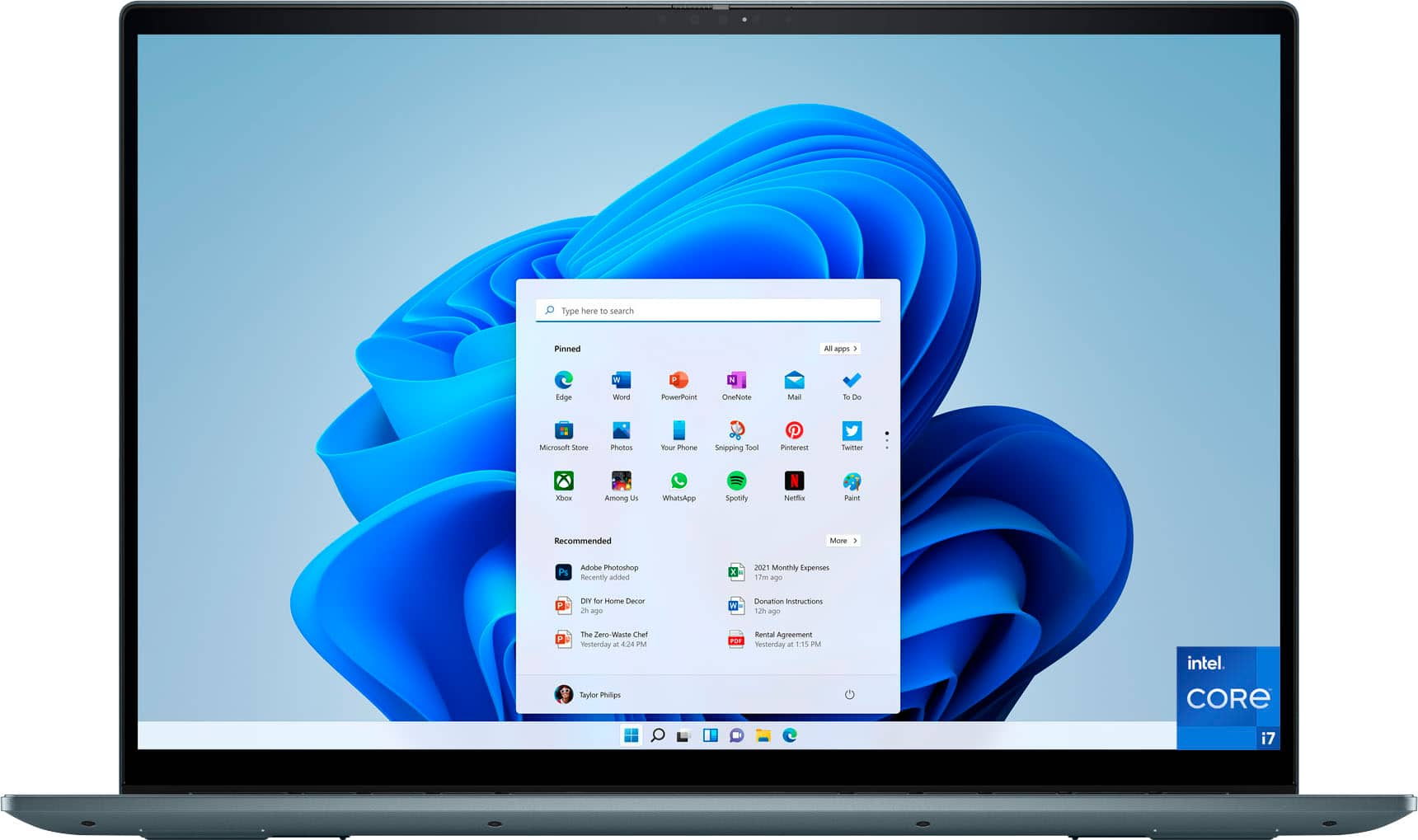
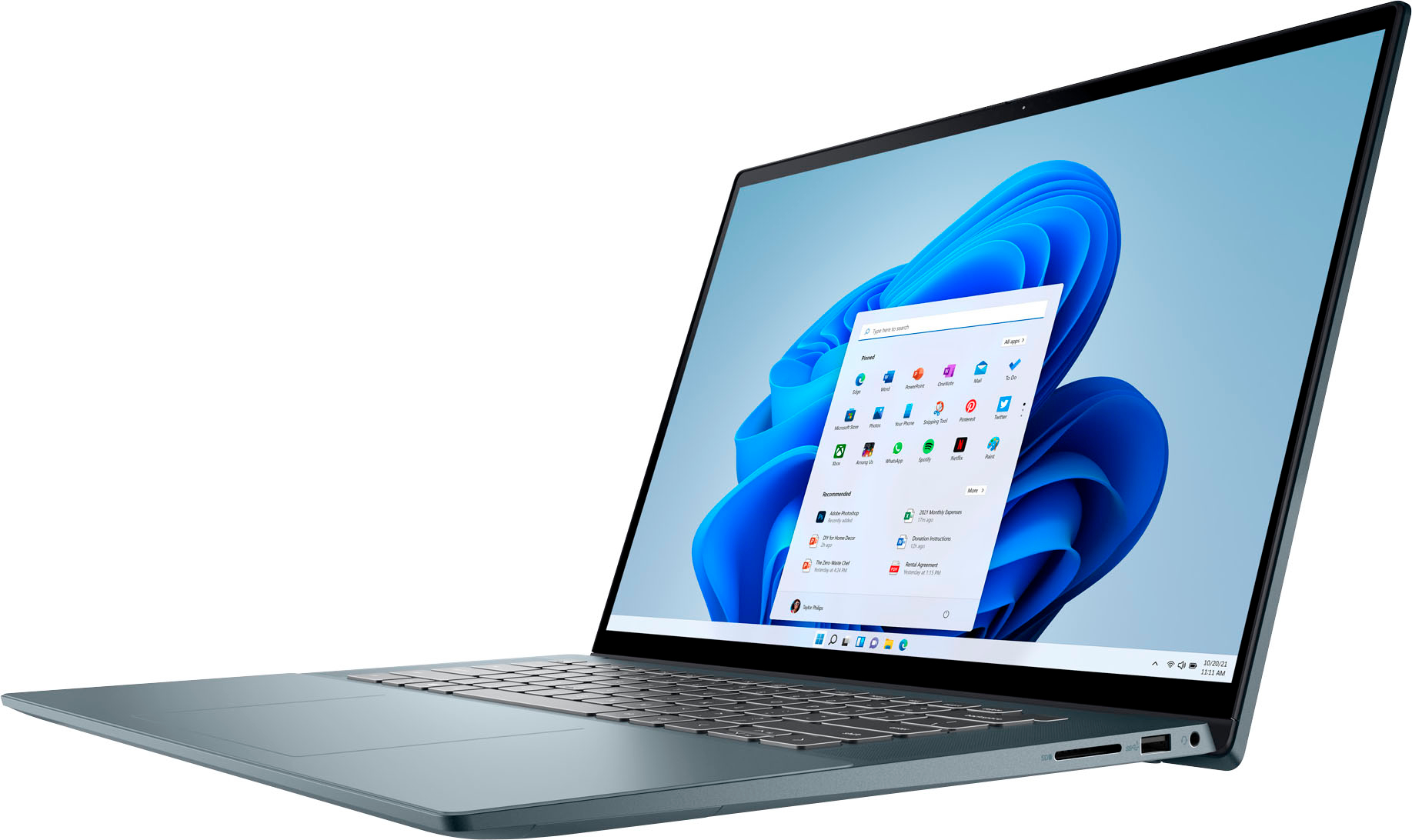
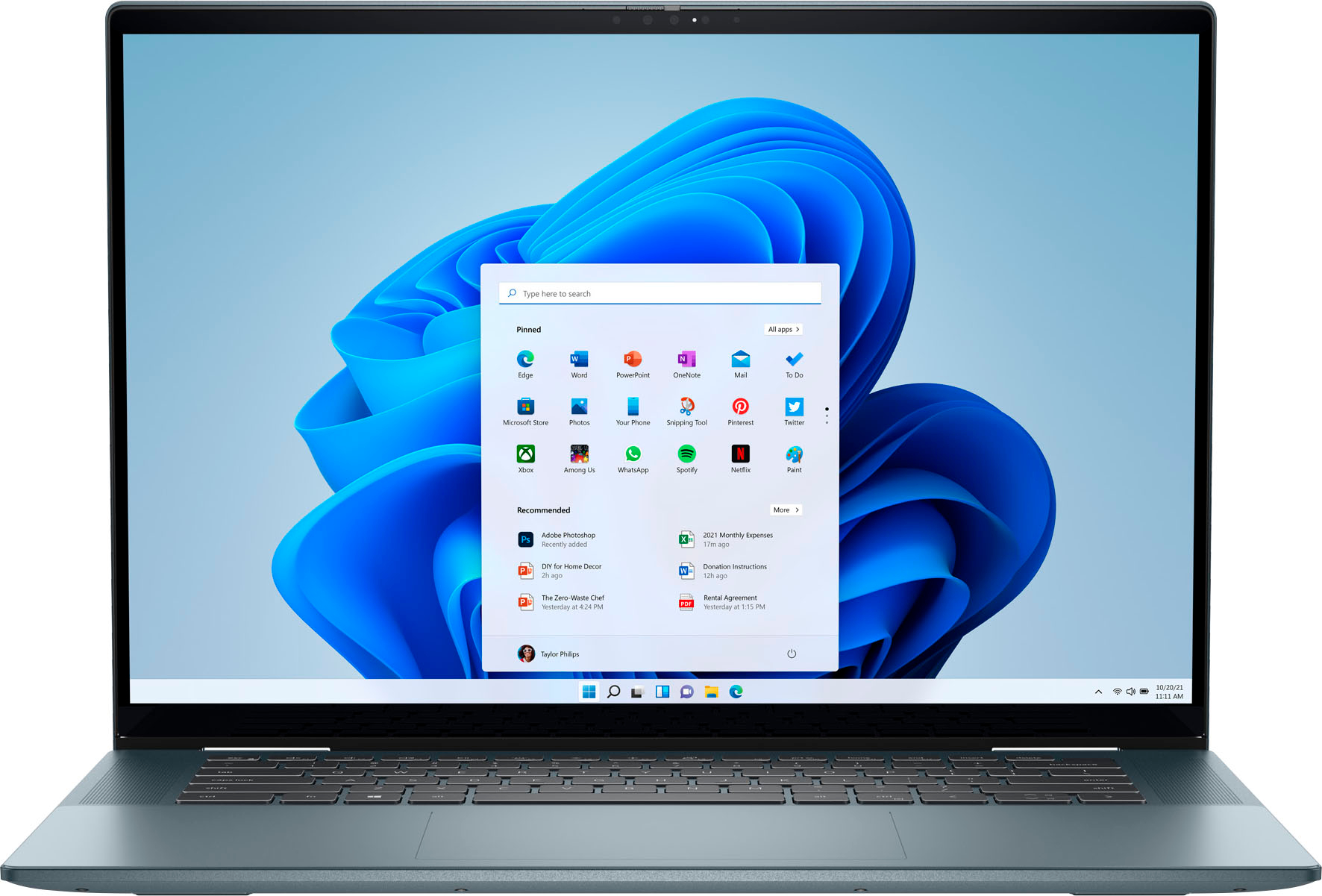
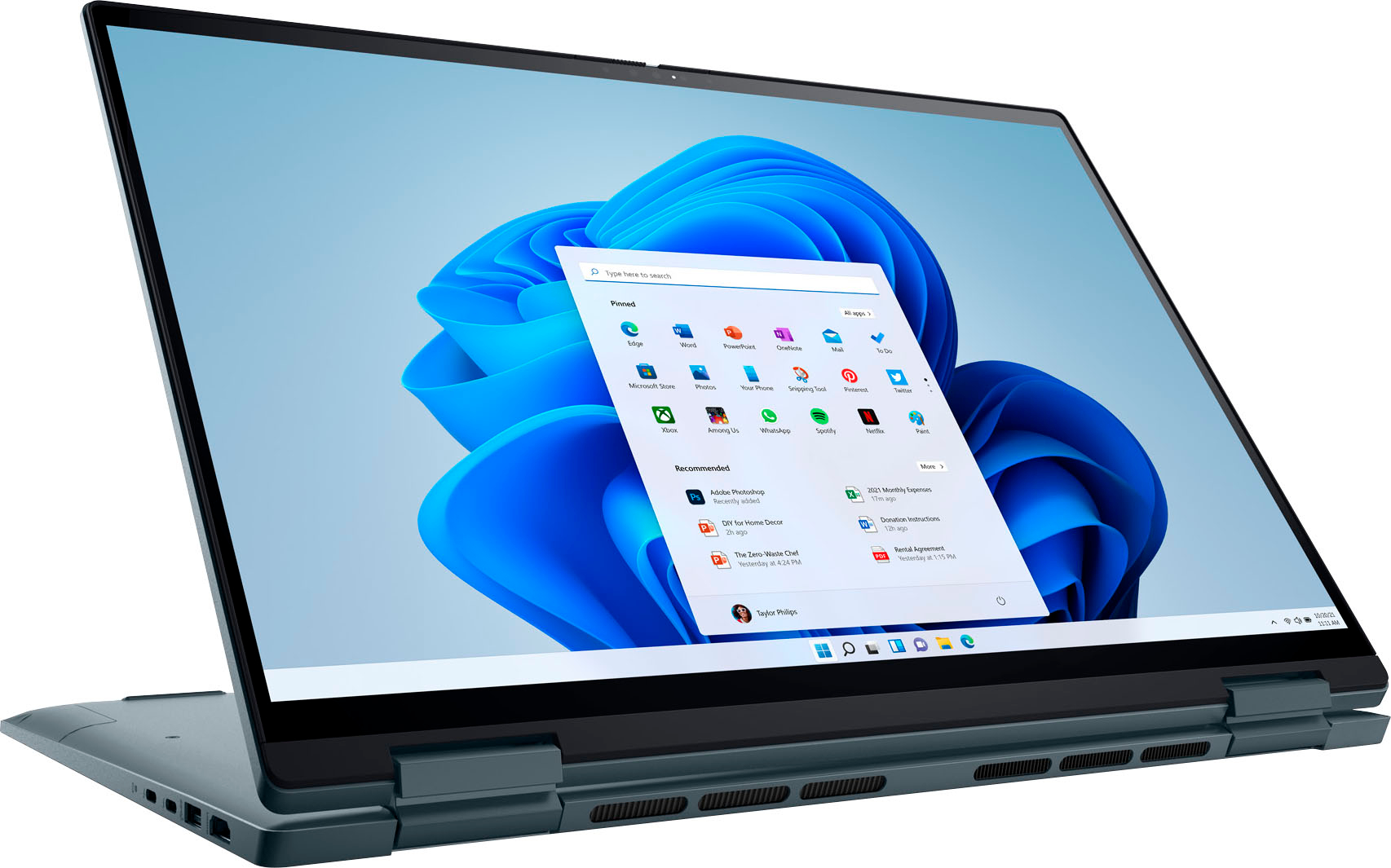
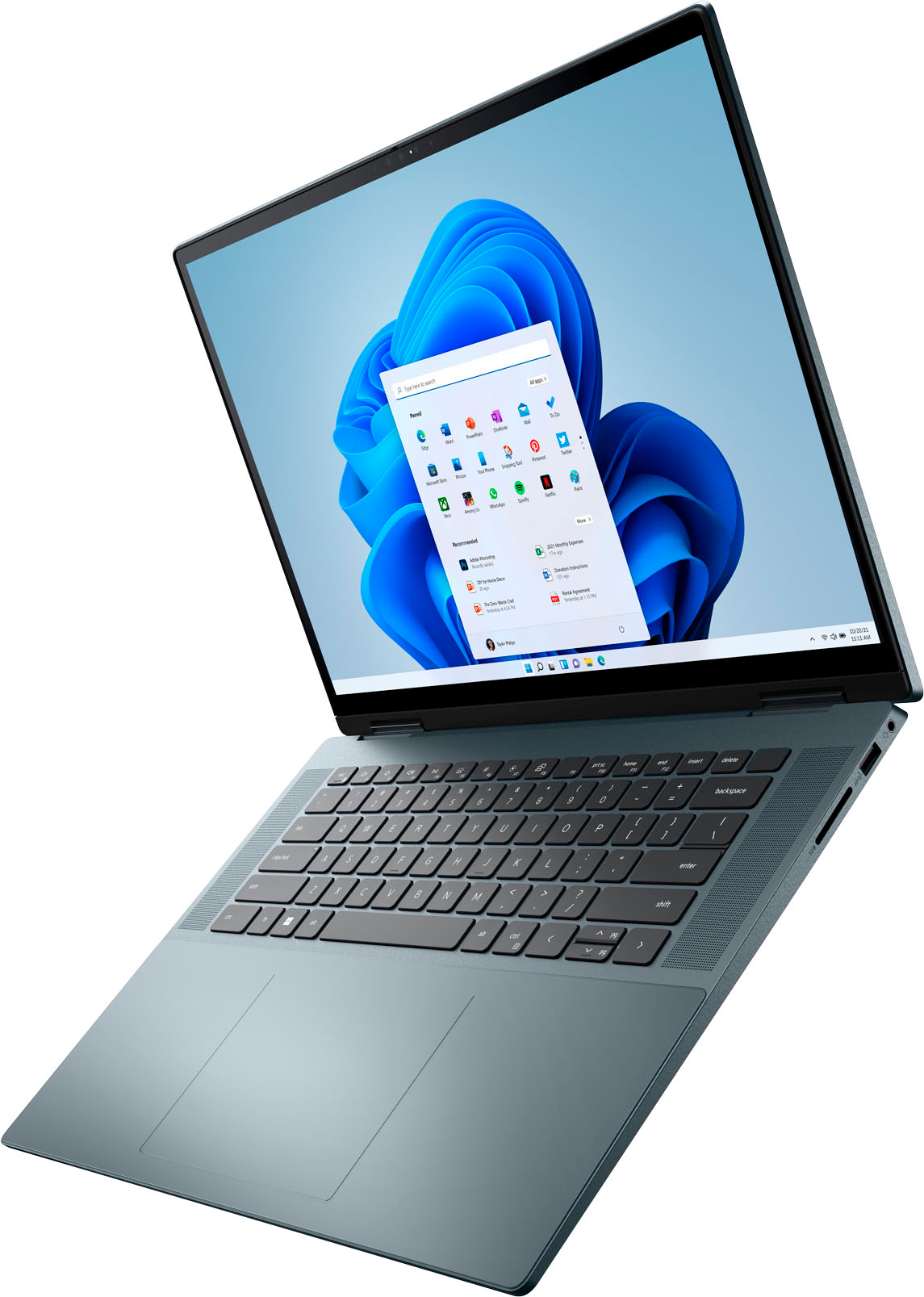
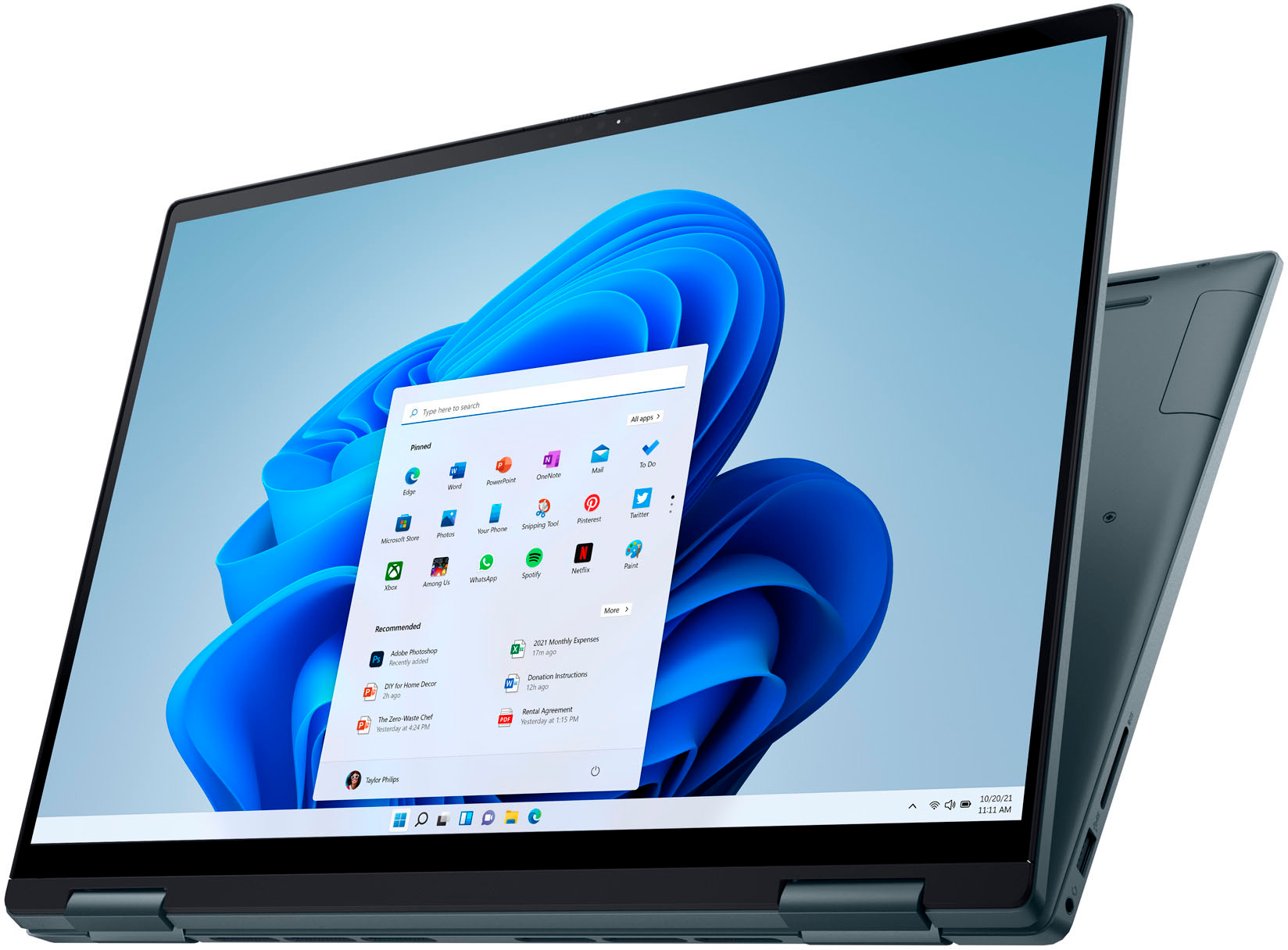
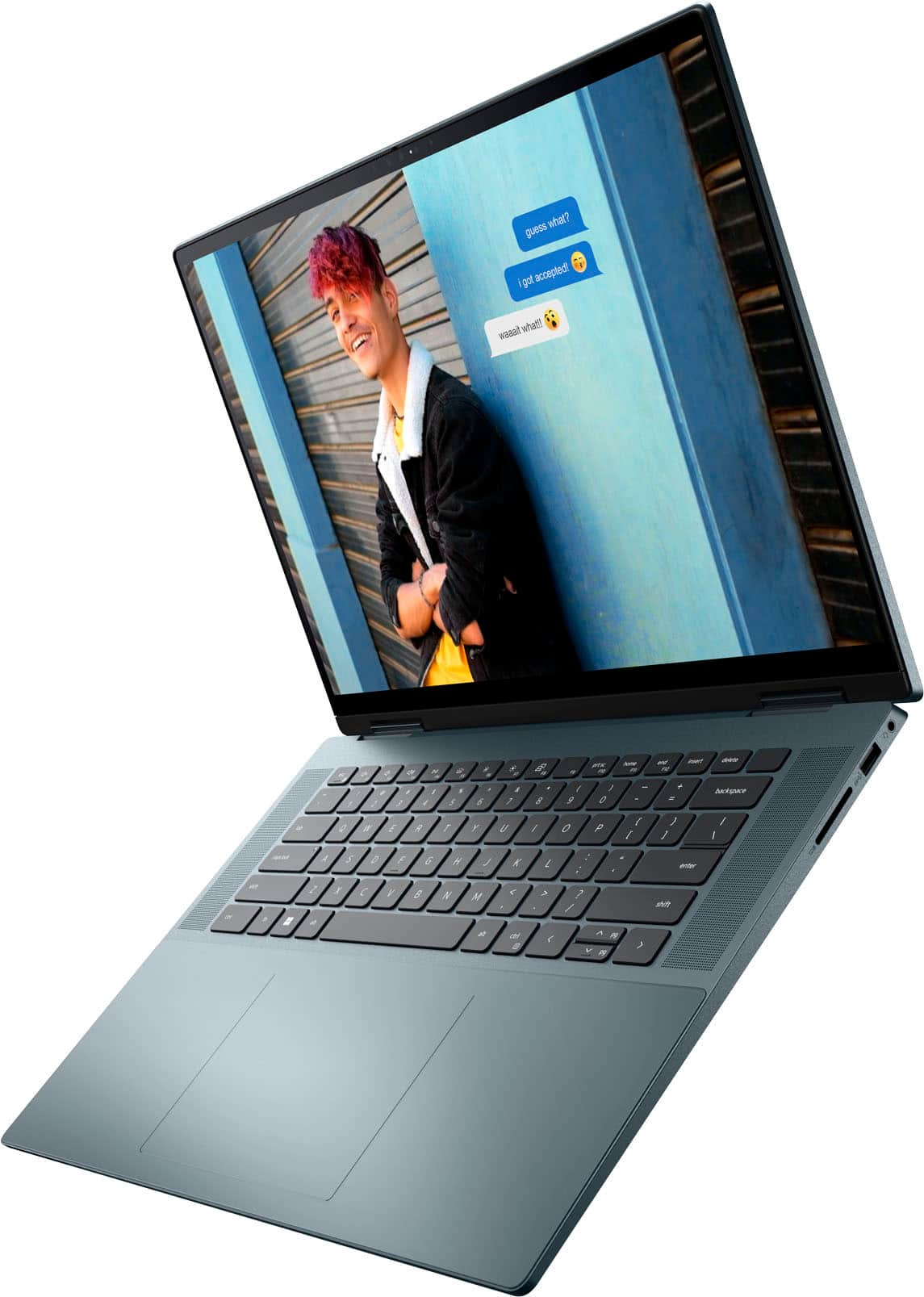
|Posted .This reviewer received promo considerations or sweepstakes entry for writing a review.This review is for a Dell Inspiron 2-in-1 16” OLED Touch Laptop 12th Gen Intel Core i7 16GB Memory 512GB SSD –NVIDIA GeForce MX550 , in Atlantic Green color. At first, when I opened the box, I was a bit concerned at how massive this laptop is; a 16 inch screen in a laptop is not typical, but, after taking this out and opening it up, it was obvious that this was going to be alot easier to deal with than I first thought. I like where the power button is, and, its nice to have USB -C inputs on this thing..so many electronics are still using micro USB, even in 2022! Turning the massive screen on, I was immediately impressed by how clear and sharp this display was; so many laptops have poor displays, even at this price, but you could tell immediately that this was an OLED screen, which I love on my living room tv, and it was similarly impressive here too. The trac pad, although very large, wasnt working the way I expected it too, so it took awhile to go into the control panel and make it right. Once I did, it worked as expected. One of the disappointing things is that on a cutting edge laptop, with a wifi 6E network card, there is no eithernet port to plug a wire into..my home wifi is super fast, but being able to plug an ethernet cable in would have made it more impressive. The specs are all pretty high end, 16 gigs of RAM, a SSD HD, Intel's latest I7 processor, and even the sound from laptop speakers was better than expected The internal fan is a little loud, but nothing that kept me from enjoying everything else about this laptop; full size illuminated keyboard is a nice touch as well Its not perfect, and not the greatest high end laptop out there, but its a solid choice in this price range, and, the display is way above average, as is the feel and the weight isnt as bad as you might think given the size. its worth considering, and I would definitely recommend it!
I would recommend this to a friend - Pros mentioned:Oled displayCons mentioned:Heat
Its okay....
||Posted . Owned for less than 1 week when reviewed.This reviewer received promo considerations or sweepstakes entry for writing a review.-Gets hot even at low clock speeds (only one fan) -Noisy due to one fan cooling a 12 -core CPU and needing to ramp up. -Performance is choppy when unplugged and on battery. Below 1Ghz most of the time. Can be unusable for a power-user. Webcam and OLED screen are great.
No, I would not recommend this to a friendBrand response from YourDellTeam
Posted .Dear Casper,
We would like to thank you for taking the time to provide us with your feedback. We are glad you like the OLED screen and webcam on your Dell Inspiron 7620 2-in-1 laptop but we are sorry to hear that you are not too happy with it because it overheats, the fans are too loud and its performance is not as you expected.
To help with the overheating issue, we would recommend making sure the BIOS is up to date on your PC. I have provided a link to the Drivers and Downloads page so you can check for and do any applicable updates. Dell has also released an Intel Power Management Utility to help with the overheating that you may be experiencing on your computer. For this package to take effect, the system power plan must be set to Balanced under the Additional Power Settings. Also, the Power Mode option that is displayed when you click the battery icon, should be set to Better Performance. This package only takes effect on AC power and not on battery power. The Intel Power Management Utility can be found here - http://dell.to/3tStRgX.
Drivers and Downloads page: https://dell.to/3m0jfty
Below I have also provided steps to run a pre-boot diagnostic test that can help with fan noise:
1. Restart your Dell PC.
2. When the Dell logo appears, press the F12 key to enter One-time Boot Menu.
3. Use the arrow keys to select Diagnostics and press Enter key on the keyboard.
4. Follow the on-screen prompts and respond appropriately to complete the diagnostics.
5. If the test fails, ensure to write down the error code and validation code.
If your issue with fan noise continues, this article can be used to further assist:
How to Troubleshoot Fan Issues: http://dell.to/38XbfCV
I have provided some steps you can take that should help with the slow performance issue.
There are several ways to help improve the performance of your computer if it is running slower than you expected it to. We'd recommend the following steps to help improve your computer's overall performance and speed:
1. Restart your computer regularly.
2. Run the automated tools provided in the SupportAssist Tool.
3. Run a complete hardware diagnostic test.
4. Scan your computer for malware.
5. Restore your Dell computer using Windows System Restore.
6. Reinstall Microsoft Windows.
You can read the full steps associated with each of these recommendations here: https://dell.to/3n29QjE.
If the issues with your Inspiron laptop are still not resolved after utilizing the troubleshooting options above, please contact the Dell Support Team at 1-800-624-9896 for further guidance.
Best,
Katarina@Dell
Should you need further assistance, you can contact Dell directly with the information below.
Chat or call: https://bit.ly/DellSupportTeam
Phone number to Dell 1-800-624-9896
- Pros mentioned:Battery life, Oled display, Screen sizeCons mentioned:Touchpad
Inspiron name but XPS feel
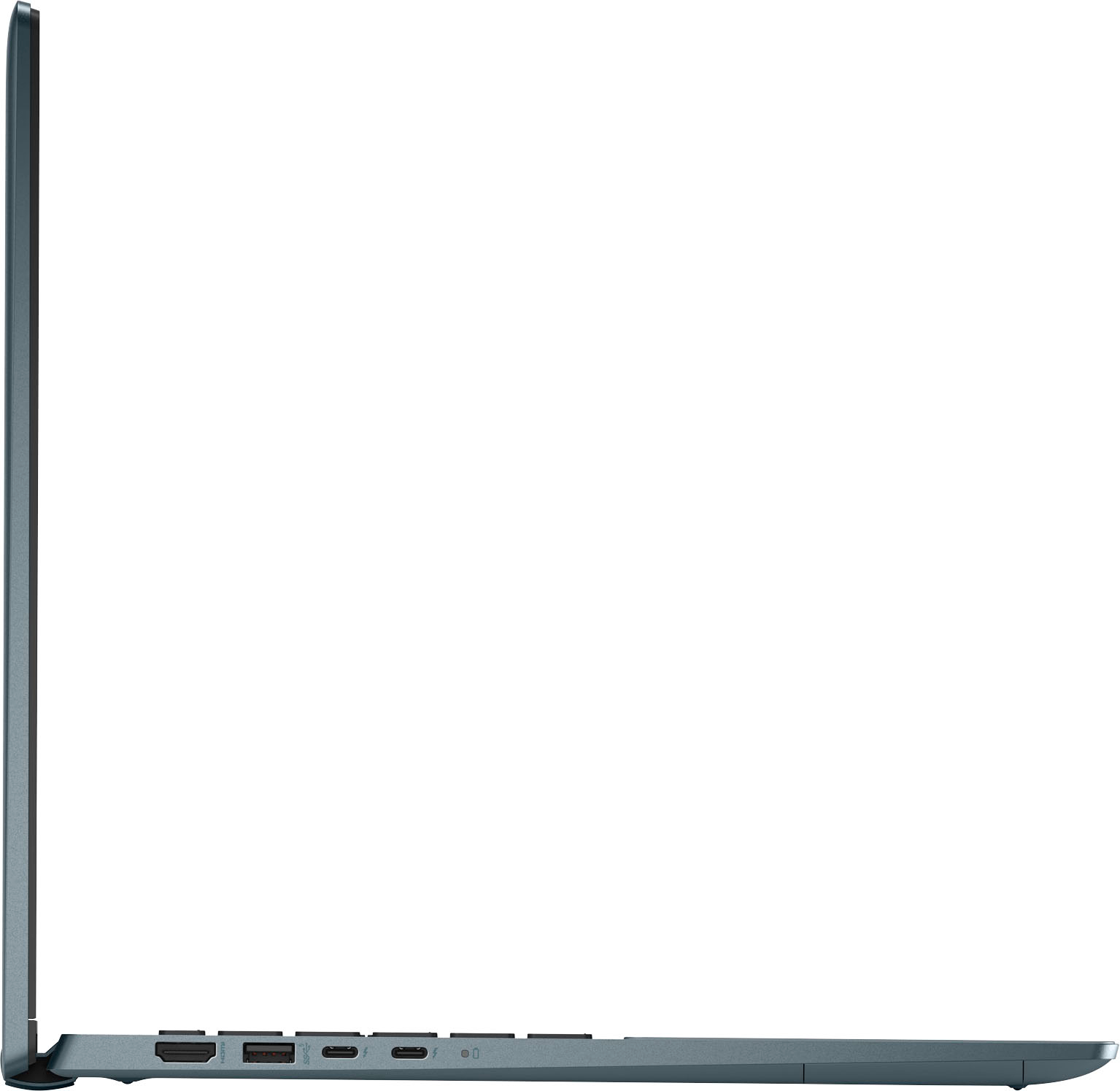
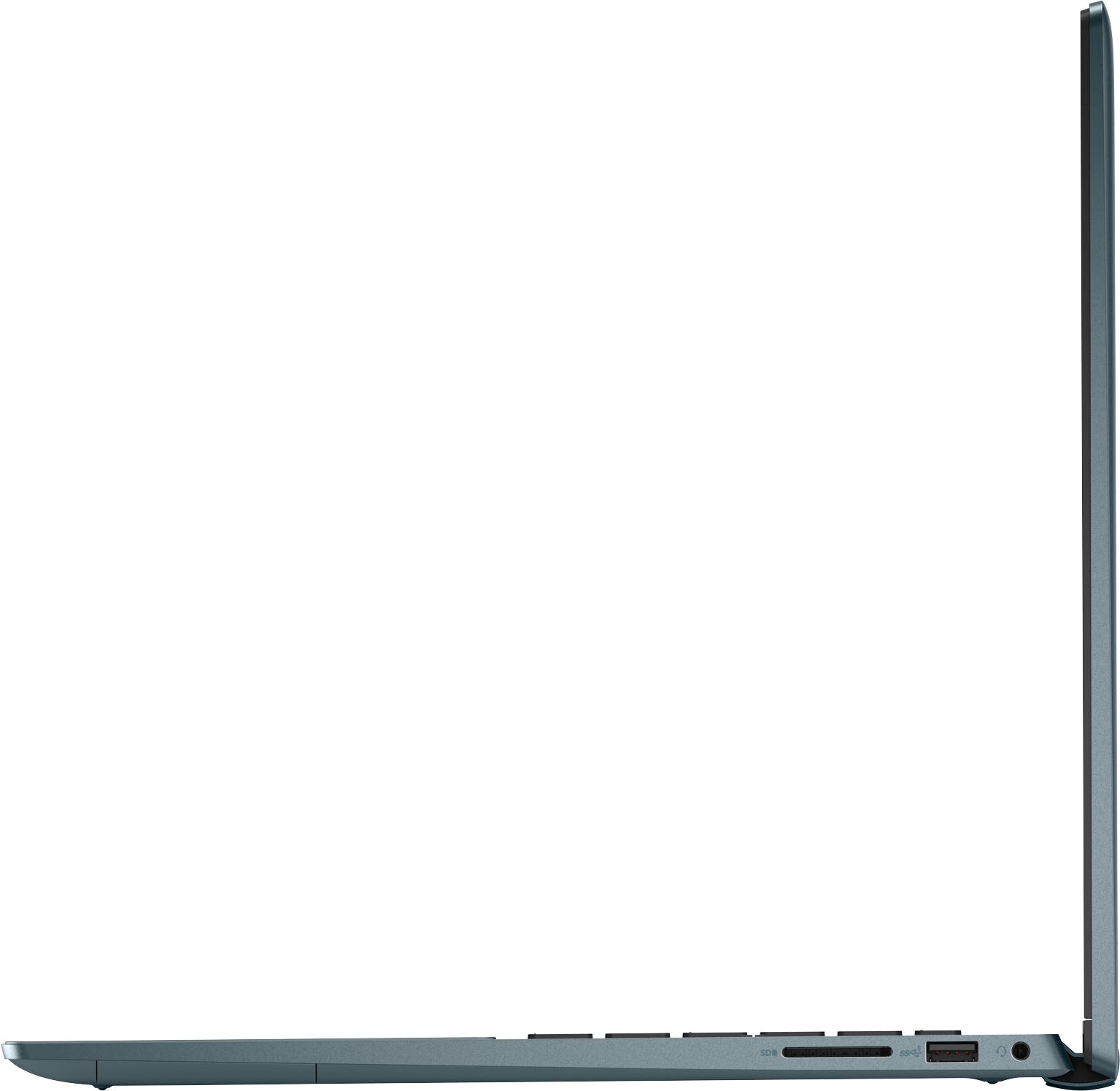
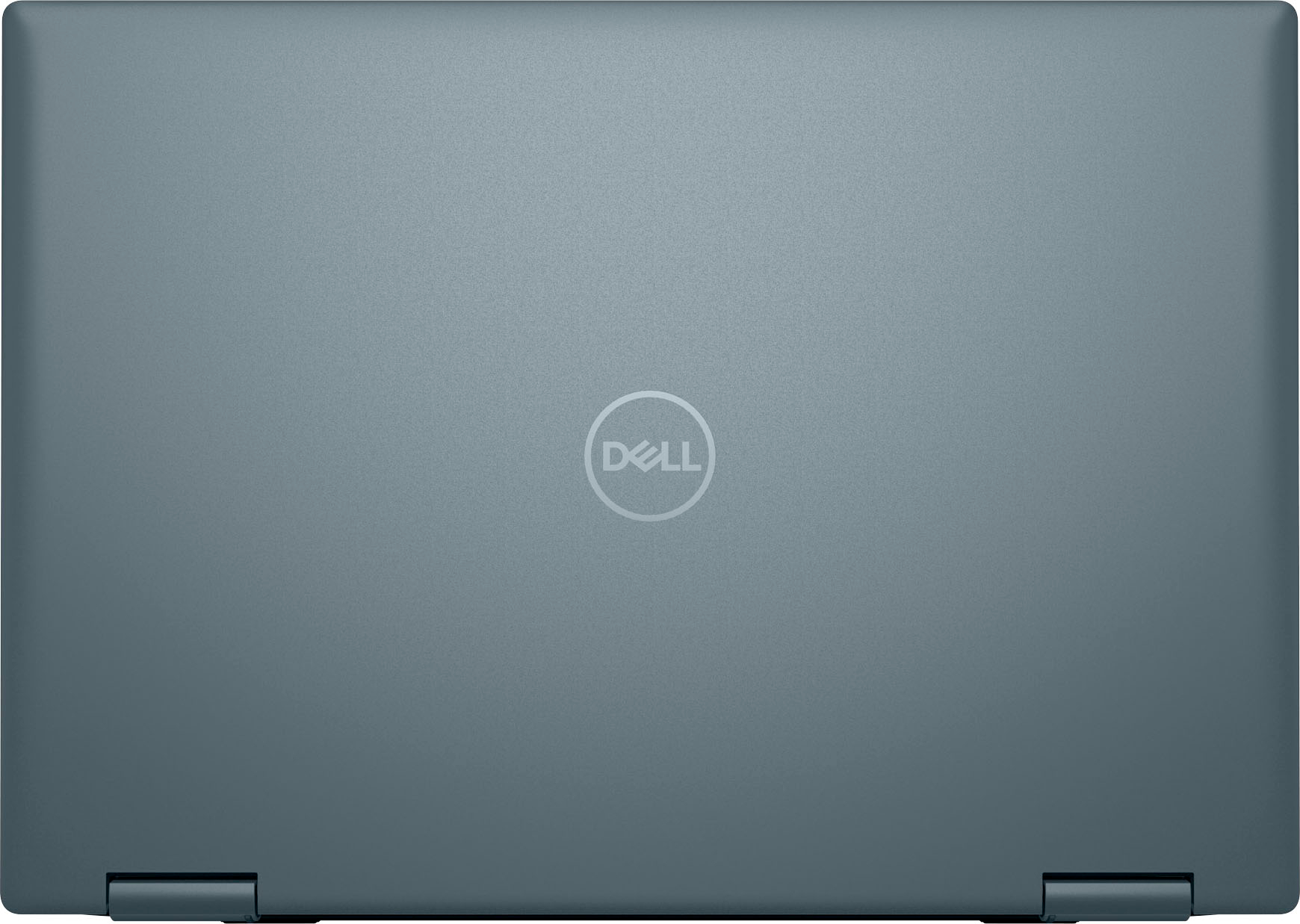
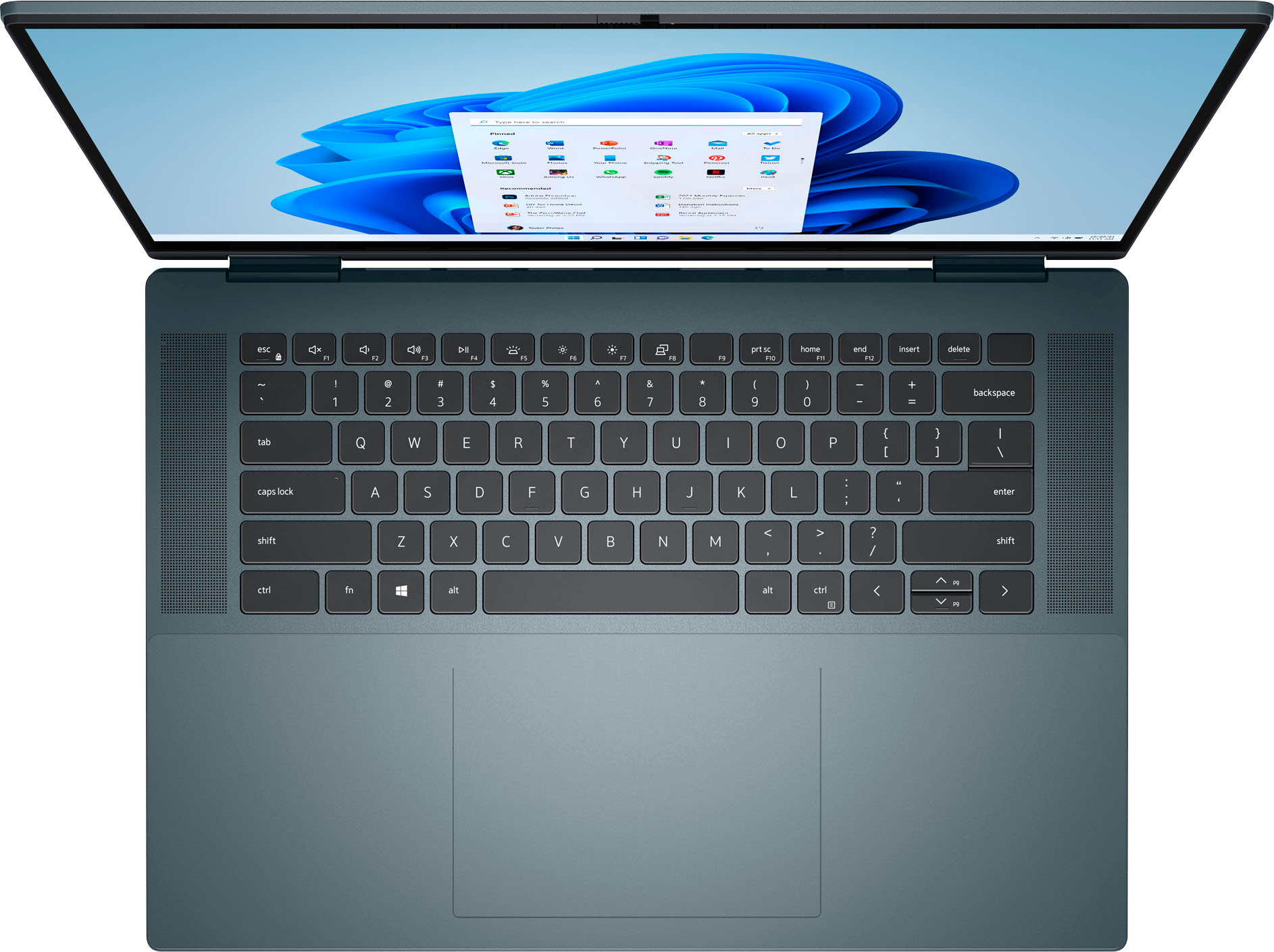
|Posted .This reviewer received promo considerations or sweepstakes entry for writing a review.Right out of the box the first thing that impressed me was the color. This green color is amazing. In low light it can almost seem black, but in the right light, the green really pops, and varies its shade depending on how and where the light hits it. A great departure from the standard silver/grey landscape of most high performance laptops these days. Setup was super simple. The laptop comes with a half charge, as expected, so first thing to do is plug it in, power it up and step through all the Windows 11 welcome screens. This is my first Windows 11 machine, and getting the laptop ready to go was super fast and easy. Everything is straightforward and presented in clear, plain terms – helpful for those out there that might not be so “techy”. Setting up Windows Hello was a breeze and I love the power button fingerprint reader. Seems very responsive and accurate. Then after connecting to my home network, it went out and found any and all necessary updates that were waiting, and actually made quick work of them. I then made sure I charged the laptop up to 100% before daily driving it. The second thing that impressed me with this machine is the screen. It is amazing. Being a 16:10 aspect ratio just feels perfect to my eyes. The OLED panel really steals the show here though. Super bright, full of colors that pop, and deep blacks, make this screen something that just immerses you. Consuming entertainment content is one thing, but even just productivity tasks feel amazing because of the screen. The touchscreen aspect is something that people either love or could do without. For me, having a touchscreen is not a big deal, I never touch my PC screens, but my wife LOVES that it’s a touch screen. Touches were super responsive and accurate. Dell even includes a stylus in the box with extra tips. Again, I can take it or leave it, but my wife has become a dedicated stylus user now. It’s accurate, but does have a wider impact pattern than I would like, but nothing that takes away from the user experience. It’s especially great when you convert the laptop into presentation or tablet mode. Using the stylus for navigation and screen input instead of your fingers is a great way to keep the panel nice and clean. Usability is flawless thanks to the 12th Gen Core i7 and the 16GB of RAM. This thing flies. Couple that with WiFi 6E capability, that’s right, it supports 6E, and you waste no time at all waiting for pages to load, tasks to complete, images or videos to buffer and render, etc. And while I use my machines for Productivity, not really for games, it’s “capable” of some light gaming, thanks to a dedicated 2GB of video memory. Depending on what you’re doing, the Core i7 will start to generate some heat, and this machine does have fans to dissipate that heat. When engaged though, the fan was quiet and not distracting at all. Battery life seems very good also, going multiple days before needing a full recharge. Nice full size keyboard with two stage backlighting feels solid, even though for me, Dell keyboards seem a little mushy to me. Key travel is great, responsiveness is really good, but I’ve found Dell keyboards to almost error on the side of softness. Some people like that, I’m ok with it. Trackpad as well, nice and large, great accuracy, but a little mushy in the clicks. The overall footprint is about the same as a Macbook Pro, but the Dell comes in even a little lighter, even if still over 4lbs. But having the onboard I/O is something I just can’t live without. I can easily run my external 32” QHD Dell monitor with this and the HDMI output, and the dual Thunderbolt 4 ports are a great addition to future proofing. It also has quad speakers array, and can simulate 3D surround sound, but don’t get your hopes up, it still sounds like a laptop, just better than most. The speakers are loud and clear, but won’t replace needing headphones or other connected speakers when viewing entertainment content for the best possible experience. Overall this machine could be an XPS model, it feels that great!
I would recommend this to a friend - Pros mentioned:Oled display, Processor speed
Had to return
||Posted . Owned for 3 weeks when reviewed.This reviewer received promo considerations or sweepstakes entry for writing a review.First off this is a great value for what you get. 12th gen i7 Amazing OLED HDR Screen Great design. I ultimately had to return this after having throttling issues. The laptop would just freeze for up to 15 seconds at a time. Maybe I had a bad unit, but I upgraded to an XPS just to be sure.
No, I would not recommend this to a friendBrand response from YourDellTeam
Posted .Hi Matt,
We appreciate you taking the time to leave us your review. We are sorry to hear that you have come across some issues with your Dell Inspiron 7620 2-in-1 laptop because it was freezing up and that you ultimately decided to return this system. We will share your comment with our quality team, so future improvements can be made. In the future, we would love the opportunity to help troubleshoot any problems you may be facing.
If you come across any questions about the Dell products, please don’t hesitate to contact Dell Support Team at the information provided below.
Best,
Katarina@Dell
Should you need further assistance, you can contact Dell directly with the information below.
Chat or call: https://bit.ly/DellSupportTeam
Phone number to Dell 1-800-624-9896
- Pros mentioned:Screen size
My upgraded computer system.
||Posted . Owned for 1 week when reviewed.This reviewer received promo considerations or sweepstakes entry for writing a review.Product worked fine and met my needs. Had been using DELL computers for many years so was used to its general workings. However it died after three days and geek squad couldn't find problem so gave me a new one. Copied programs already set up in first one and everything seems to be working fine. It connects to wireless keyboard and wireless mouse that were here so big screen can be used for zoom and other large group visual activities easier.
I would recommend this to a friend