Customer Ratings & Reviews

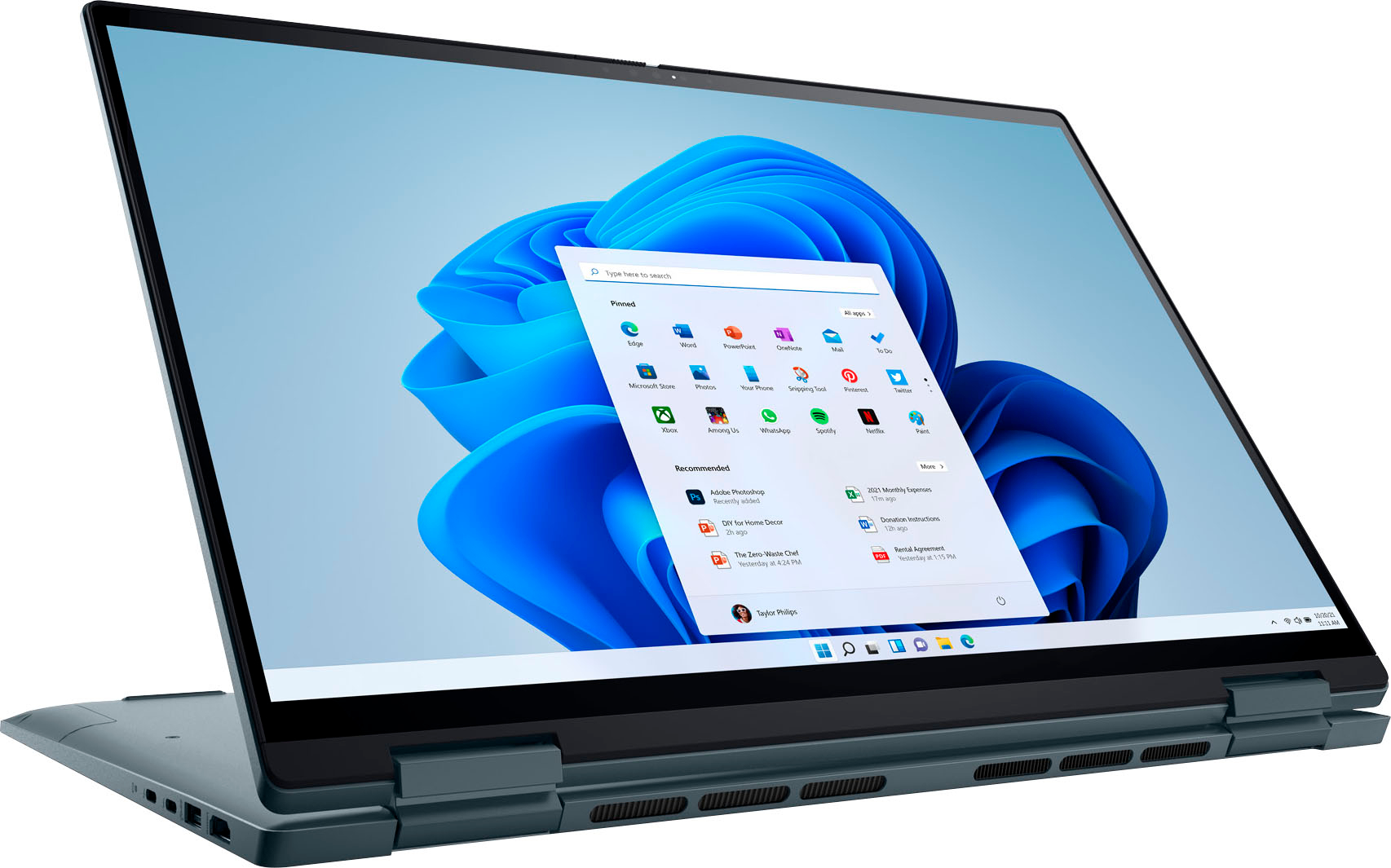
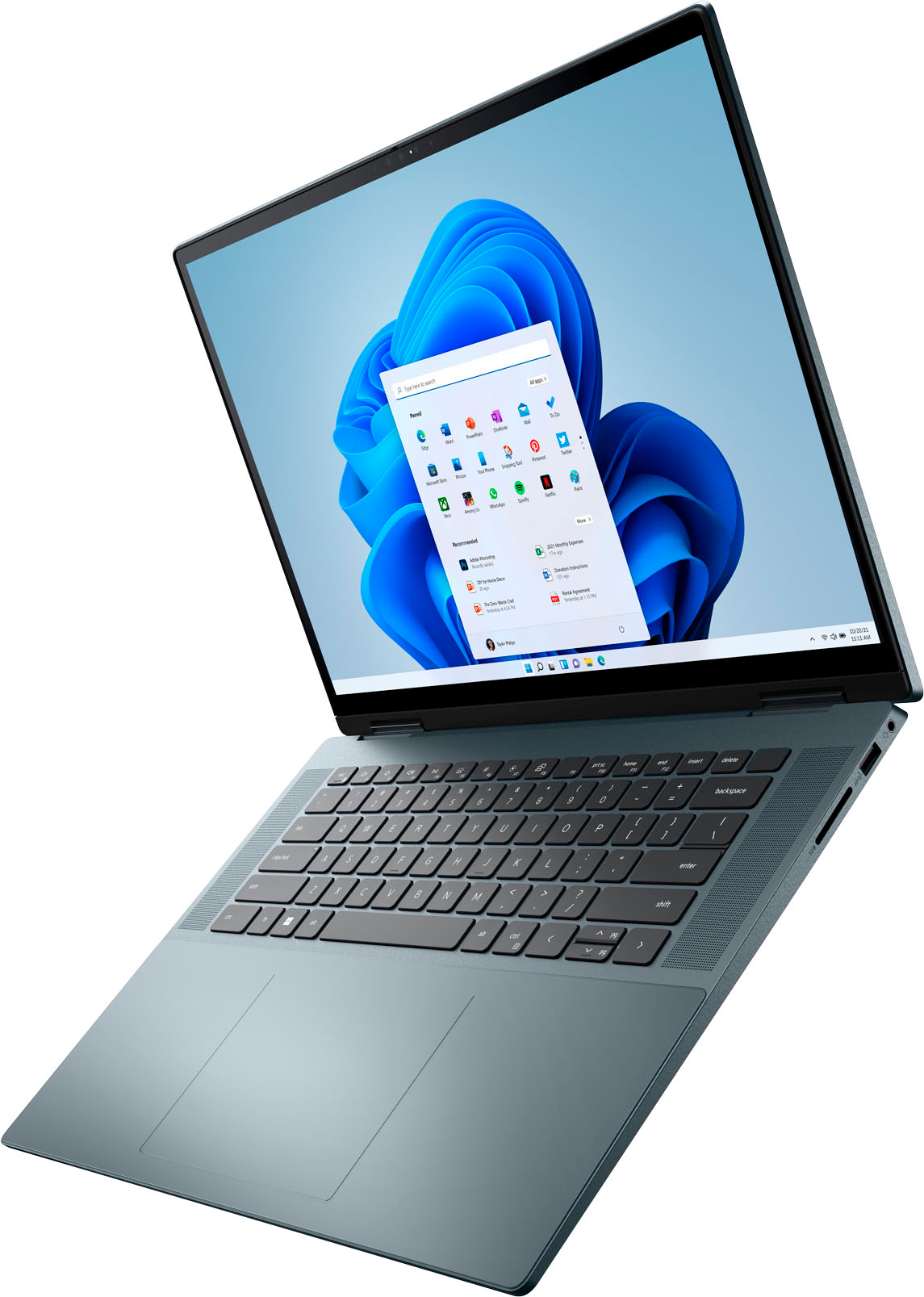
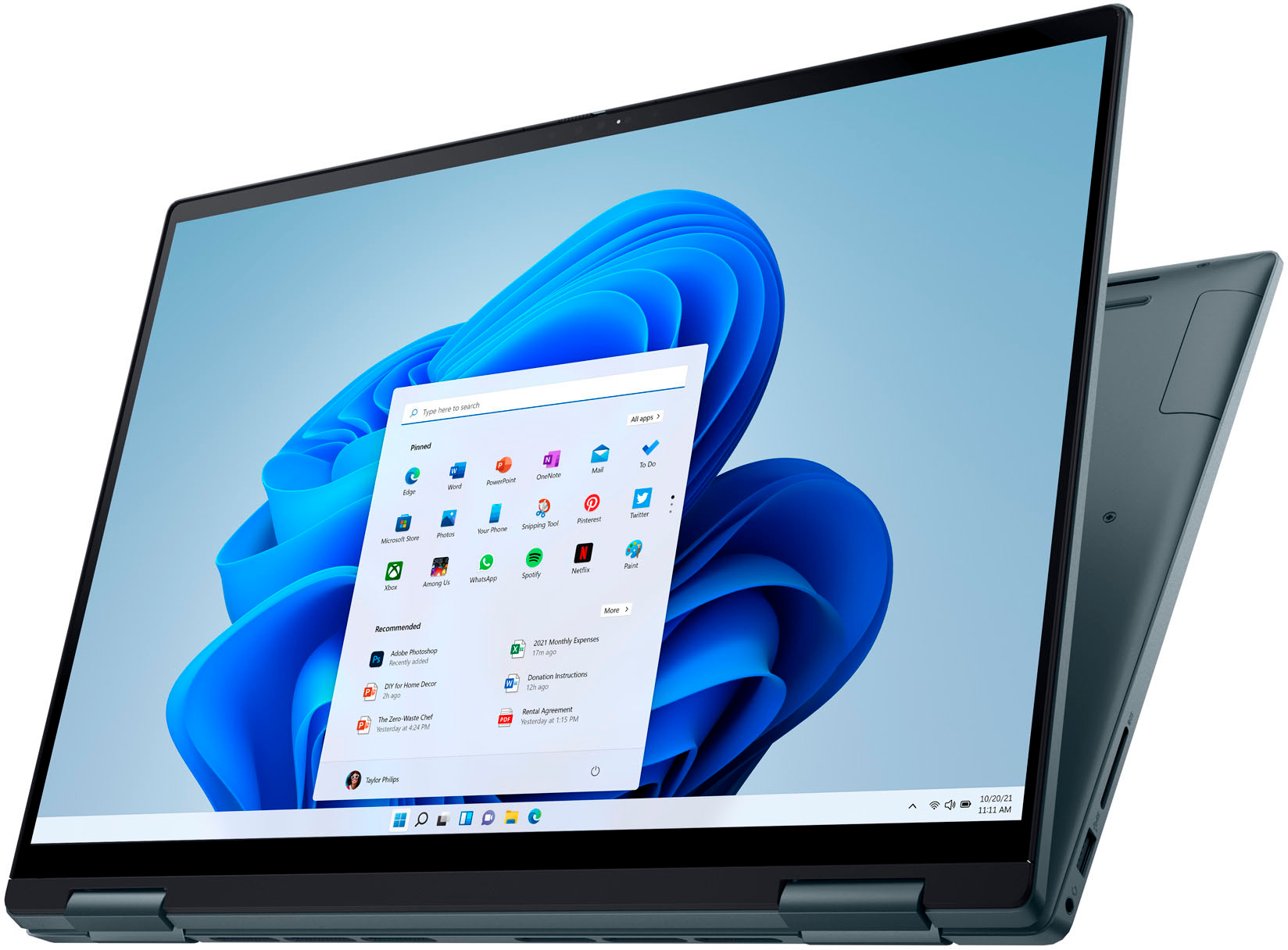
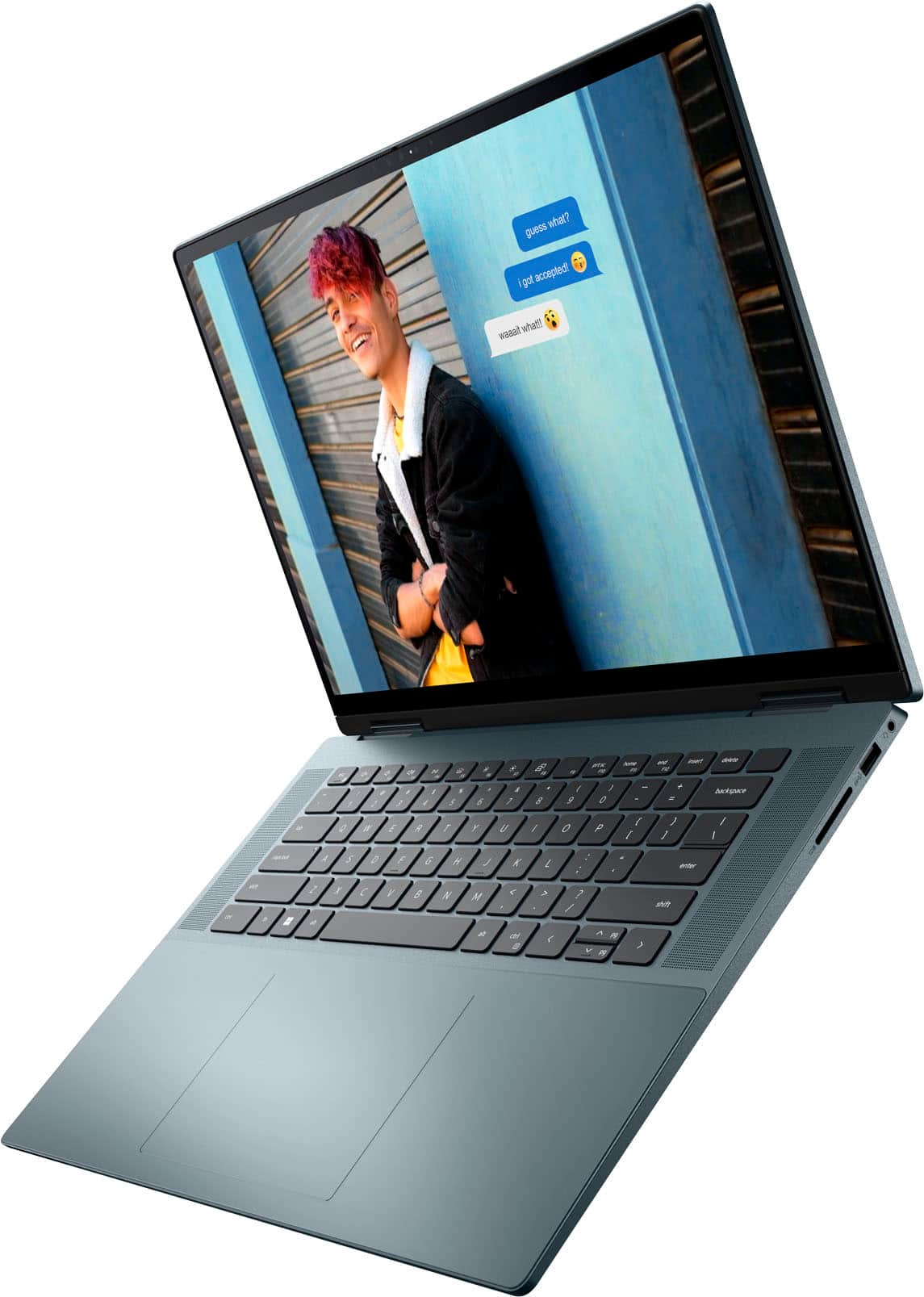



- Model:
- i7620-7648GRE-PUS
- SKU:
- 6504388
Rating by feature
- Battery Life
Rating 4.4 out of 5 stars
- Speed
Rating 4.5 out of 5 stars
- Display
Rating 4.7 out of 5 stars
Customers are saying
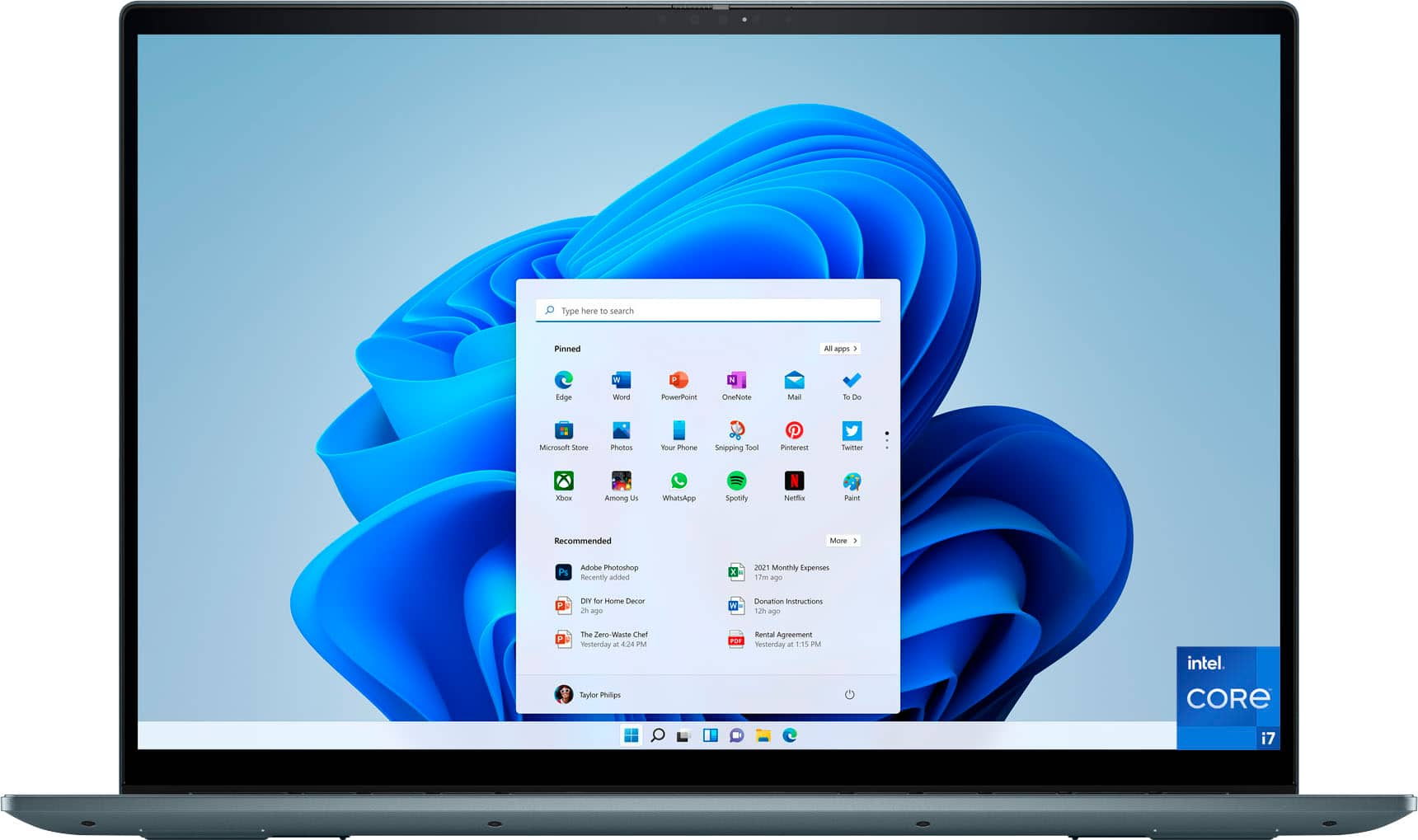
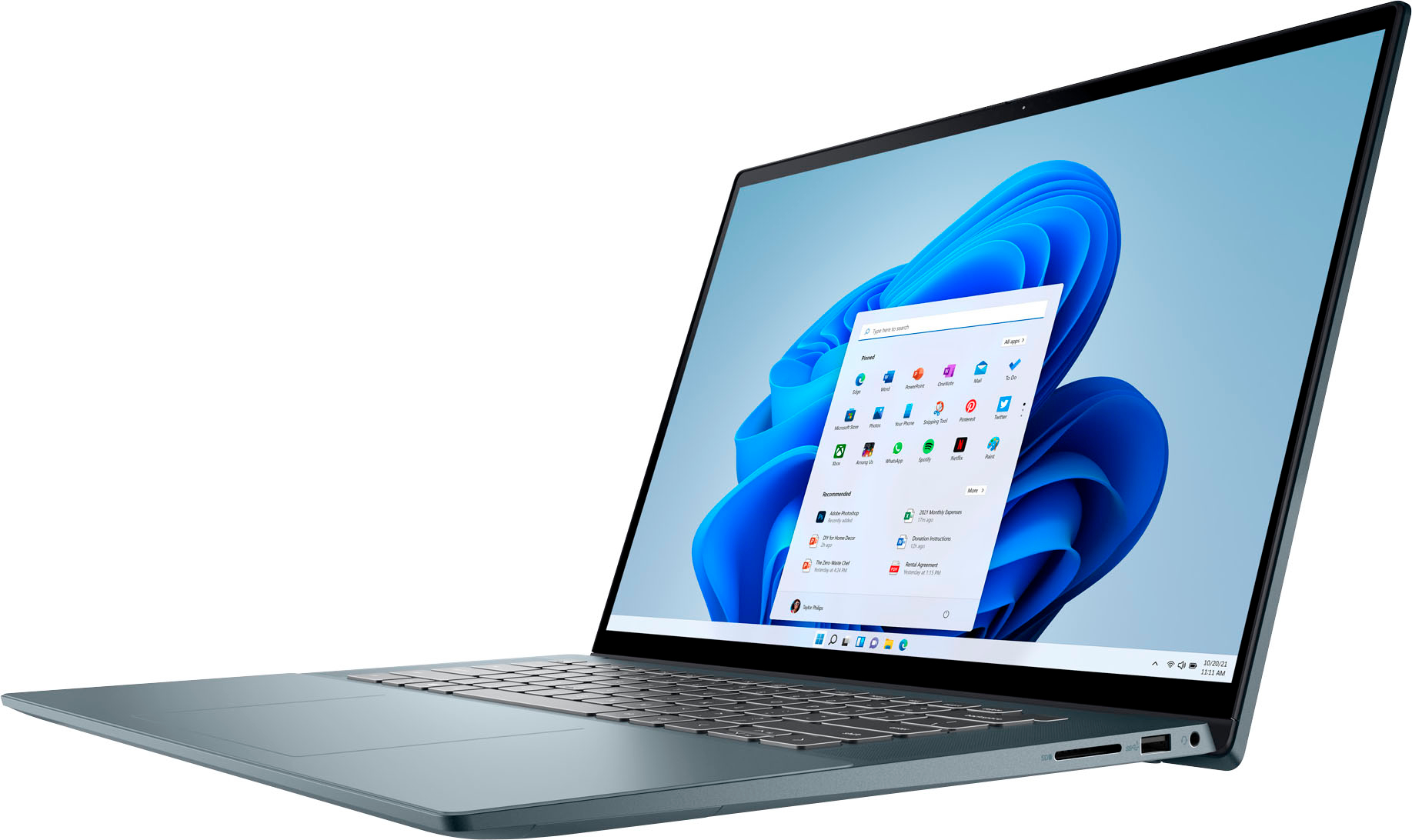
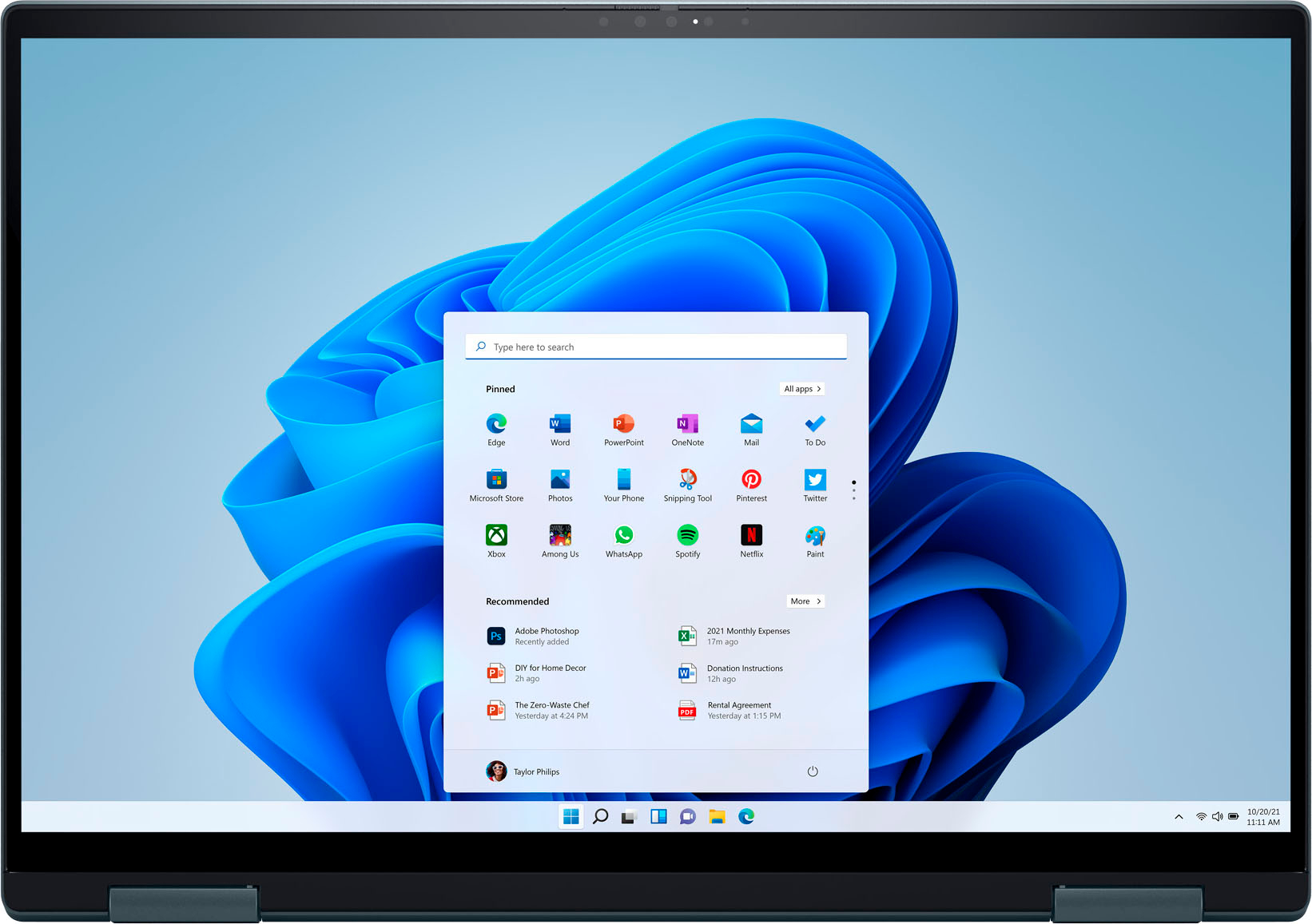
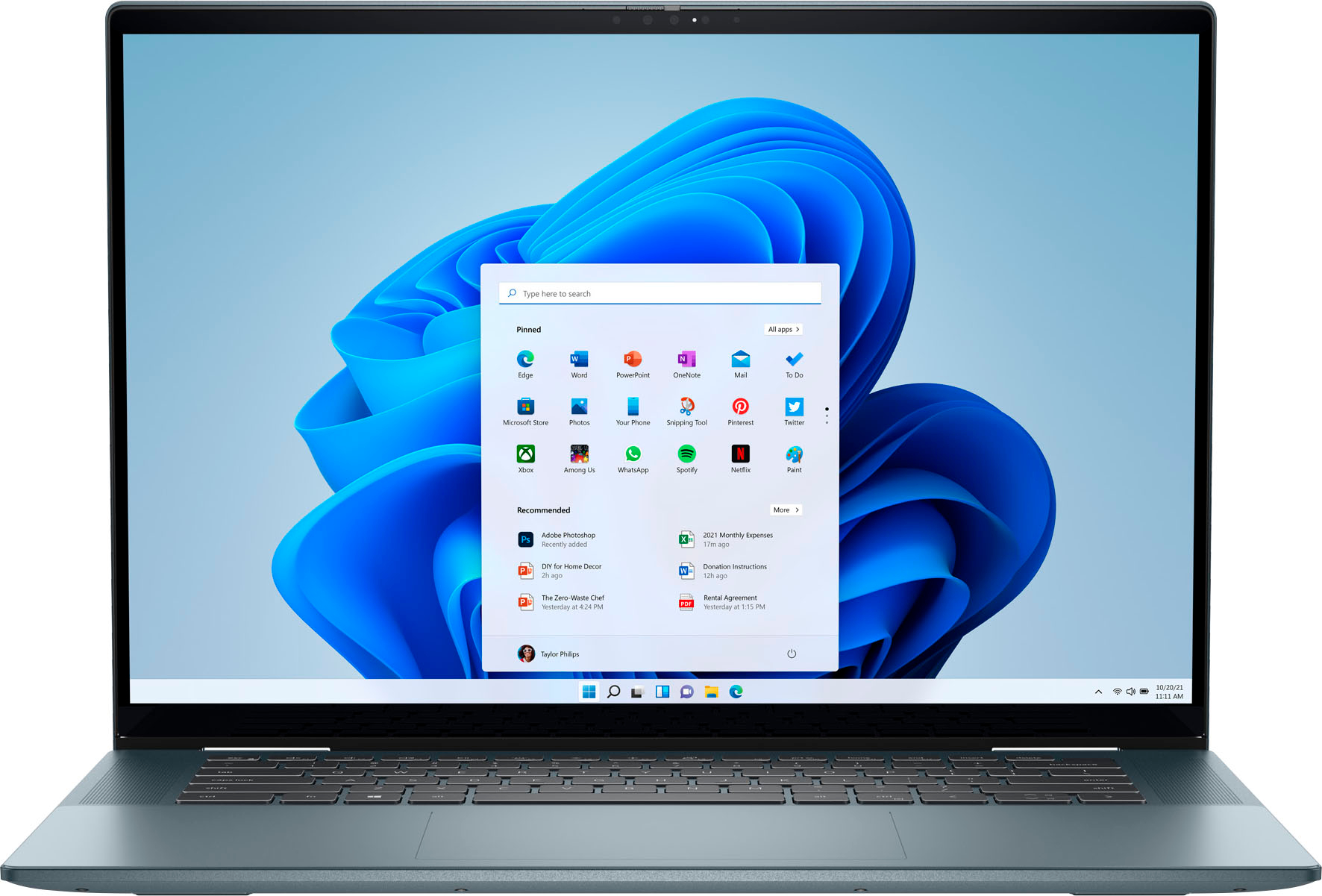
Customers are pleased with the Inspiron 2-in-1's large screen size, vibrant OLED display, and strong performance. Many appreciate its lightweight design and ease of use for both work and school. However, some users experienced issues with the touchpad's reliability and reported excessive heat and fan noise. The quality of the speakers also received some negative feedback.
This summary was generated by AI based on customer reviews.
Back to school
||Posted . Owned for 3 weeks when reviewed.This reviewer received promo considerations or sweepstakes entry for writing a review.Very sleak, big bang for the buck, perfect for my teenager
I would recommend this to a friendDell review
||Posted .This reviewer received promo considerations or sweepstakes entry for writing a review.Very user friendly. Would recommend to purchase for all ages.
I would recommend this to a friendLoving the computer
||Posted . Owned for 1 month when reviewed.This reviewer received promo considerations or sweepstakes entry for writing a review.Loving the computer, pencil is included is a plus!
I would recommend this to a friendSend Off Gift
||Posted . Owned for 3 weeks when reviewed.This reviewer received promo considerations or sweepstakes entry for writing a review.Great computer for our son getting ready for college!
I would recommend this to a friend- Pros mentioned:Battery life, Oled display

Good Dell Laptop
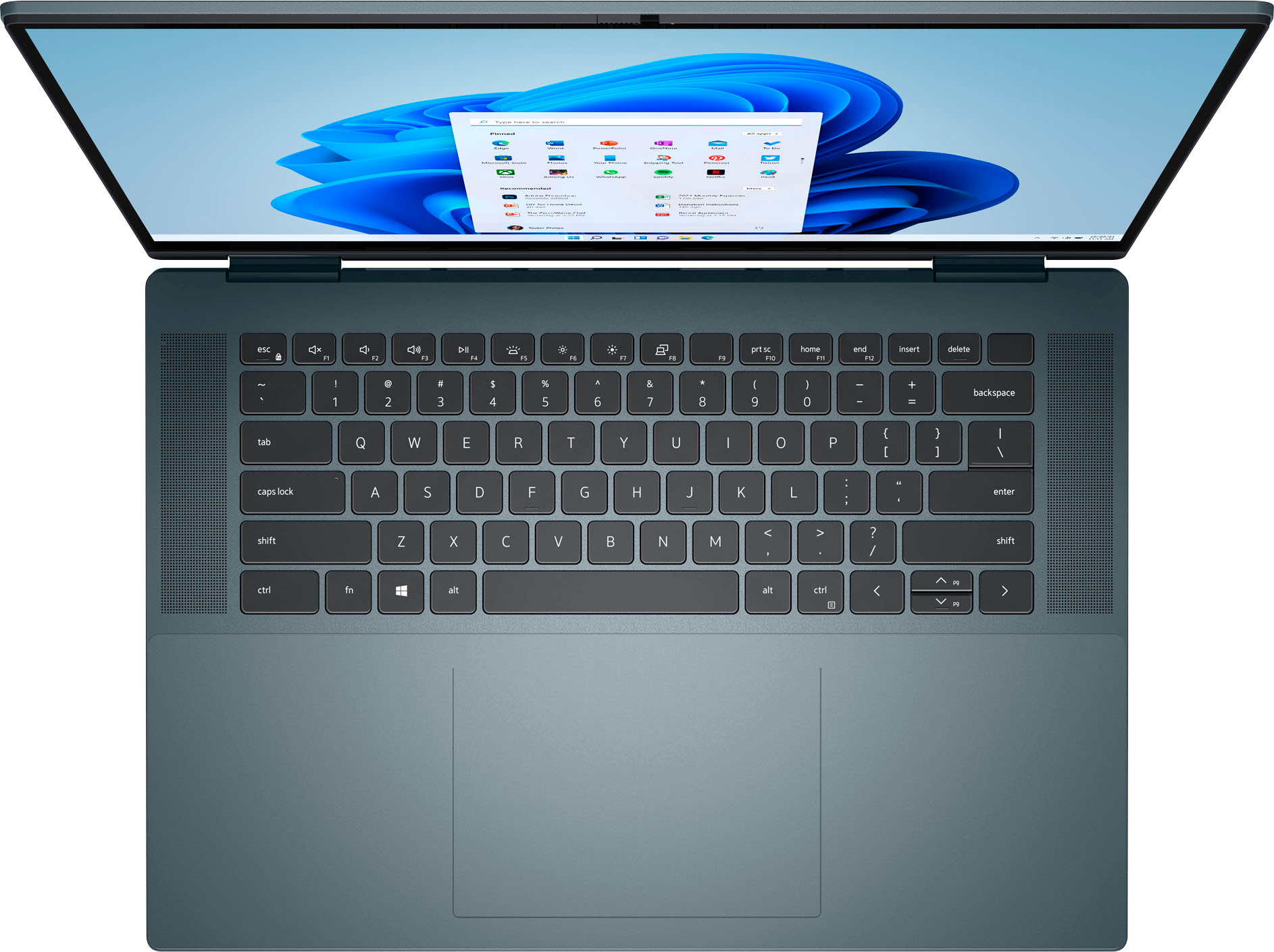
|Posted .This reviewer received promo considerations or sweepstakes entry for writing a review.This laptop is very convenient as a 2 in 1, and it works great. The battery length is pretty good as it lasts for a couple days of moderate use. The touch screen works very quickly and works really well with the stylus, but there is no slot to store the stylus pen in the laptop which I have found mildly inconvenient. The oled screen looks really sharp and clear.The battery can get quite warm while charging, but nothing too extreme. The screen is an odd ratio of 16:10 which overall I actually find quite helpful for writing papers, and it doesn't make a big difference, just something to keep in mind. The side bezels are incredibly small, while the top and bottom are just a bit more noticeable due to the screens ratio. It is very quiet when running, and makes a low amount of noise when doing more demanding tasks. It is moderately heavy compared to other laptops I have used in the past, but for it's size the weight is very reasonable. Its speakers are pretty good because of there location along the side of the keyboard.
I would recommend this to a friend - Pros mentioned:Battery life, Screen size
That Screen !
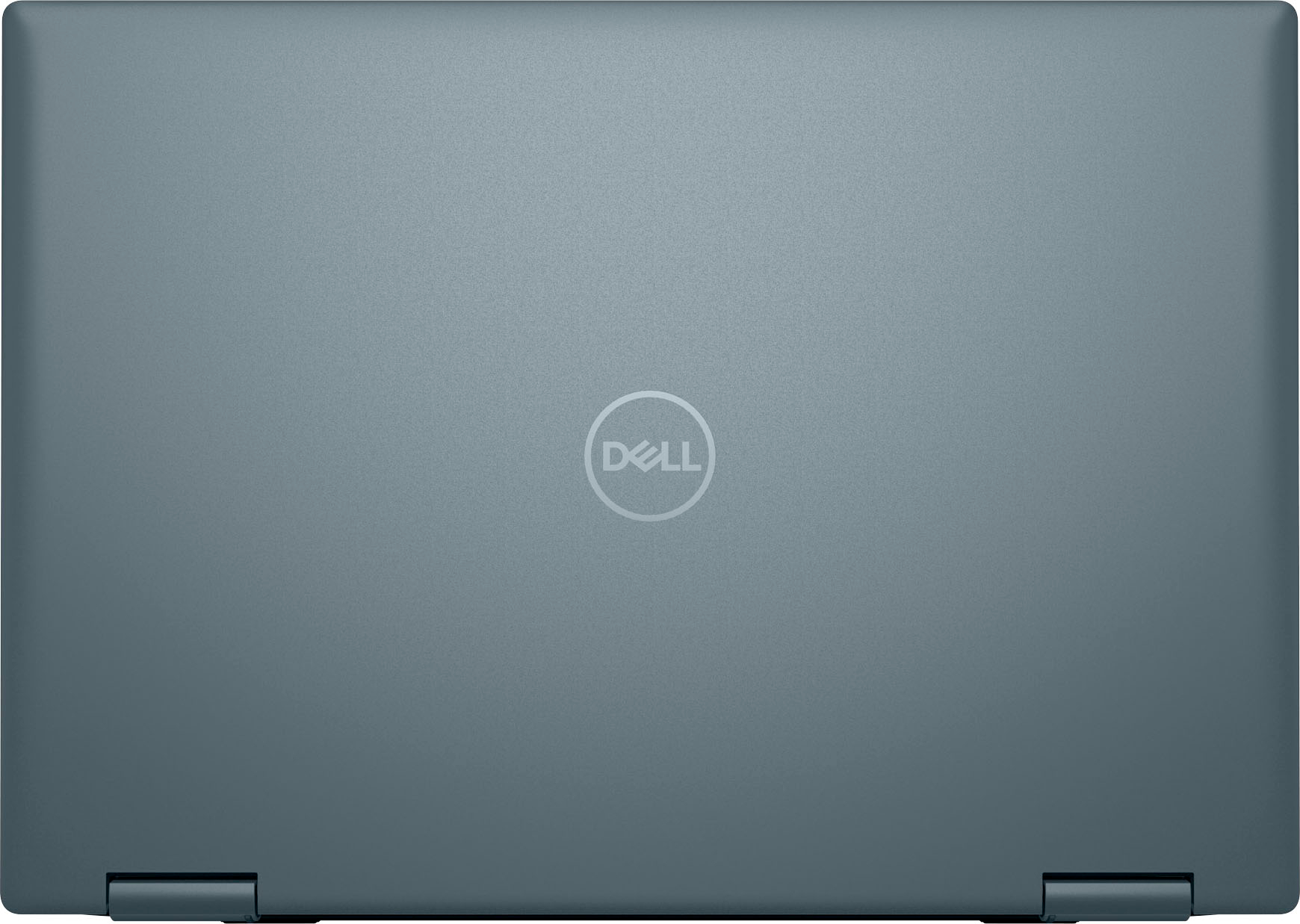
|Posted .This reviewer received promo considerations or sweepstakes entry for writing a review.Starting out I prefer Apple OS, it's been quite a while since I have owned a Windows OS PC for personal use. My work computer is Windows. I have two 13"-14" laptops (MacBook Pros) and several Chromebooks for the kiddos to use in school that are all less than 14" in size, so this being a 16" seems like a movie theatre. AND WOW, that screen! The screen is incredible, brightness, resolution and overall frame size are all showstoppers. Very pleased with the multi function hinge system to make this laptop a true transformer. I don't think I will ever see value from the touch screen as fingerprints are always a consequence. This Laptop comes with above average specs and for the price is very reasonable. This is not your basic internet surfer and can perform some higher demanded functions. I will be using this laptop almost exclusively to run 3D printing software. The high screen resolution will come in handy when trying to visualize the print projects in the software. Unboxing went as expected but I was not prepared for the hours of both Windows updates and BIOS/Firmware updates necessary. This laptop comes with more connection points than I am used to due to the sheer size - plenty of options to connect anything to this device. The keyboard is well laid out and typing is almost identical to my M1 Macbook. The keys are also backlit which is nice. I did compare sound quality and in full disclosure recognize that laptops are not always known for their overwhelming sound quality BUT the volume is there with this laptop just not overall sound quality. I prefer the sound from my M1 Macbook so all of my family when I asked them to compare. Security call out - Not sure if every computer manufacturer is including on their laptops the camera slider to block out the lens but this is a feature I appreciate and this model has that feature. Fan speed is noticeable and if you plan to use this on your lap (kinda heavy), you will notice the temperature this laptop likes to run at. It does get hot! I was able to get the expected battery life but as I tasked the laptop to do more it did start to influence the overall battery run time negatively. It always ran on battery for longer than I needed before I could plug it back into power. Surprise in the box was a stylus that works nice to take notes. I think overall I am excited to use this laptop more in the future and get more familiar again with Windows. Performance, storage and memory are all exceeding my expectations and having USB-C to charge aligns with all the new tech in my household!
I would recommend this to a friend Having Issues
||Posted . Owned for 2 months when reviewed.This reviewer received promo considerations or sweepstakes entry for writing a review.Great computer. Having issues with frequent crashing and mouse spasms. Great computer for college student.
I would recommend this to a friendBrand response from YourDellTeam
Posted .Hello Onlyjas,
We appreciate you taking the time to leave us your review. We are glad you like some of the features of your Dell Inspiron 7620 2-in-1 computer and that you think it’s great for students, but we are sorry to hear that you are having issues with crashing and erratic cursor. This is certainly not the experience that we like to hear from our customers. We appreciate your feedback and will use it to help improve our current and future products.
Please make sure you have downloaded the latest system update from the product page and that software you are using meets all system requirements. I have provided a link to the drivers and downloads page where you can check for any applicable updates.
Drivers and Downloads page: https://dell.to/3m0jfty
For the issues with crashing, I have provided a link below to help troubleshoot and resolve this issue.
Resolutions
1. Run a Computer Diagnostic. To determine if your computer is experiencing a hardware problem, run the Dell Preboot System Assessment (PSA) Diagnostics. For information on how to run Diagnostics, and to determine the issue, refer to Dell Knowledge Base Article: http://dell.to/2iaiujA
2. Check Safe Mode for Symptoms. To boot into safe mode, please follow the instructions below:
a) Start the computer.
b) Tap 'F8' on the keyboard immediately and every one second until the Dell logo screen disappears. From there you will see the Windows Advanced Options Menu on the screen. (If the Windows Advanced Options Menu does not appear, restart the system and try again.)
c) Select Safe mode with Networking and press Enter.
d) Log on as the administrator or as a user with administrative access.
e) Open applications and test the computer in safe mode. If the symptoms exist in safe mode, please continue the troubleshooting steps in this article. If the symptoms do not exist in safe mode, the issue is likely related to a driver or software and you may wish to complete step 3 to see if you are able to resolve the lockups or freezing.
3. Check for Malware. Malware (Virus, Spyware, etc.) can definitely cause a Windows system to lock up or appear to hang. To check for malware on your system and to ensure that your computer is up to date on security software, visit Dell Knowledge Base Article: http://dell.to/2wWP1zI
The computer restarts or shuts down intermittently, locks up, stops responding or an error occurs: https://dell.to/3GX6BVf
If the issues with your computer are still not resolved after utilizing the troubleshooting options above, please contact the Dell Support Team at 1-800-624-9896 for further guidance.
Best,
Katarina@Dell
Should you need further assistance, you can contact Dell directly with the information below.
Chat or call: https://bit.ly/DellSupportTeam
Phone number to Dell: 1-800-624-9896
Defective
||Posted . Owned for 3 weeks when reviewed.This reviewer received promo considerations or sweepstakes entry for writing a review.Unfortunately, it was a defective item. So ill put a rating for a defective item
No, I would not recommend this to a friendBrand response from YourDellTeam
Posted .Hello There Sole65,
Thank you for taking the time to leave a review of your Inspiron 7620. We are sorry to hear that your item is defective. We would love to help you resolve your issue but will need a little more information. Below I have provided the toll-free number and chat link to our Dell Support Team. We recommend reaching out to us so that we can help you resolve any issue that you are experiencing. We look forward to hearing from you.
Should you need further assistance; we recommend that you contact Dell directly with the information below.
Chat or call: https://bit.ly/DellSupportTeam
Phone number to Dell: 1-800-624-9896.
Best,
Summer@Dell
- Cons mentioned:Speakers
don't buy open box
||Posted . Owned for less than 1 week when reviewed.This reviewer received promo considerations or sweepstakes entry for writing a review.the laptop is good.geek team service is bad i buy open box supposed they check everything before thay selling again and the spikers don't working have to download drivers to making work again. don't buy open boxto the pen missing the battery
I would recommend this to a friend I do not recommend this laptop
||Posted . Owned for less than 1 week when reviewed.This reviewer received promo considerations or sweepstakes entry for writing a review.I do not recommend this model. Got the first one and immediately noticed the fans going off and the laptop heating up quite easily. A few minutes later it started lagging, and using it become quite uncomfortable. Took it back to best buy and a Dell guy that happened to be at the store told me it was not a normal situation so I replaced it for a new unit of the same model. Same thing happened. Fans go off and laptop heats up quite high while doing very basic stuff. It also blocked completely and couldn't turn it back on.
No, I would not recommend this to a friendBrand response from YourDellTeam
Posted .Hello Juan,
We appreciate you taking the time to leave us your review. We apologize for the issues you have come across with your first and also the second Dell Inspiron 7620 2-in-1 computer because it is overheating, performing slowly, and not booting up.
To help with overheating issue, we would recommend making sure the BIOS is up to date on your PC. I have provided a link to the Drivers and Downloads page so you can check for and do any applicable updates. Dell has also released an Intel Power Management Utility to help with the overheating that you may be experiencing on your computer. For this package to take effect, the system power plan must be set to Balanced under the Additional Power Settings. Also, the Power Mode option that is displayed when you click the battery icon, should be set to Better Performance. This package only takes effect on AC power and not on battery power. The Intel Power Management Utility can be found here - http://dell.to/3tStRgX.
Drivers and Downloads page: https://dell.to/3m0jfty
There are several ways to help improve the performance of your computer if it is running slower than you expected it to. We'd recommend the following steps to help improve your computer's overall performance and speed:
1. Restart your computer regularly.
2. Run the automated tools provided in the SupportAssist Tool.
3. Run a complete hardware diagnostic test.
4. Scan your computer for malware.
5. Restore your Dell computer using Windows System Restore.
6. Reinstall Microsoft Windows.
You can read the full steps associated with each of these recommendations here: https://dell.to/3n29QjE.
To help with the booting issue, please refer to the link with the article below. On that page, you can choose between, no power, no post, no boot, or no video. Once you choose which issue you are having you can find the options to help troubleshoot and resolve that problem.
Resolve boot-up issues: https://dell.to/3sdfce6
If the issues with your Inspiron laptop are still not resolved after utilizing the troubleshooting options above, please contact the Dell Support Team at 1-800-624-9896 for further guidance.
Best,
Katarina@Dell
Should you need further assistance, you can contact Dell directly with the information below.
Chat or call: https://bit.ly/DellSupportTeam
Phone number to Dell 1-800-624-9896
- Pros mentioned:Processor speed, Screen size
Great Size-Easy Setup
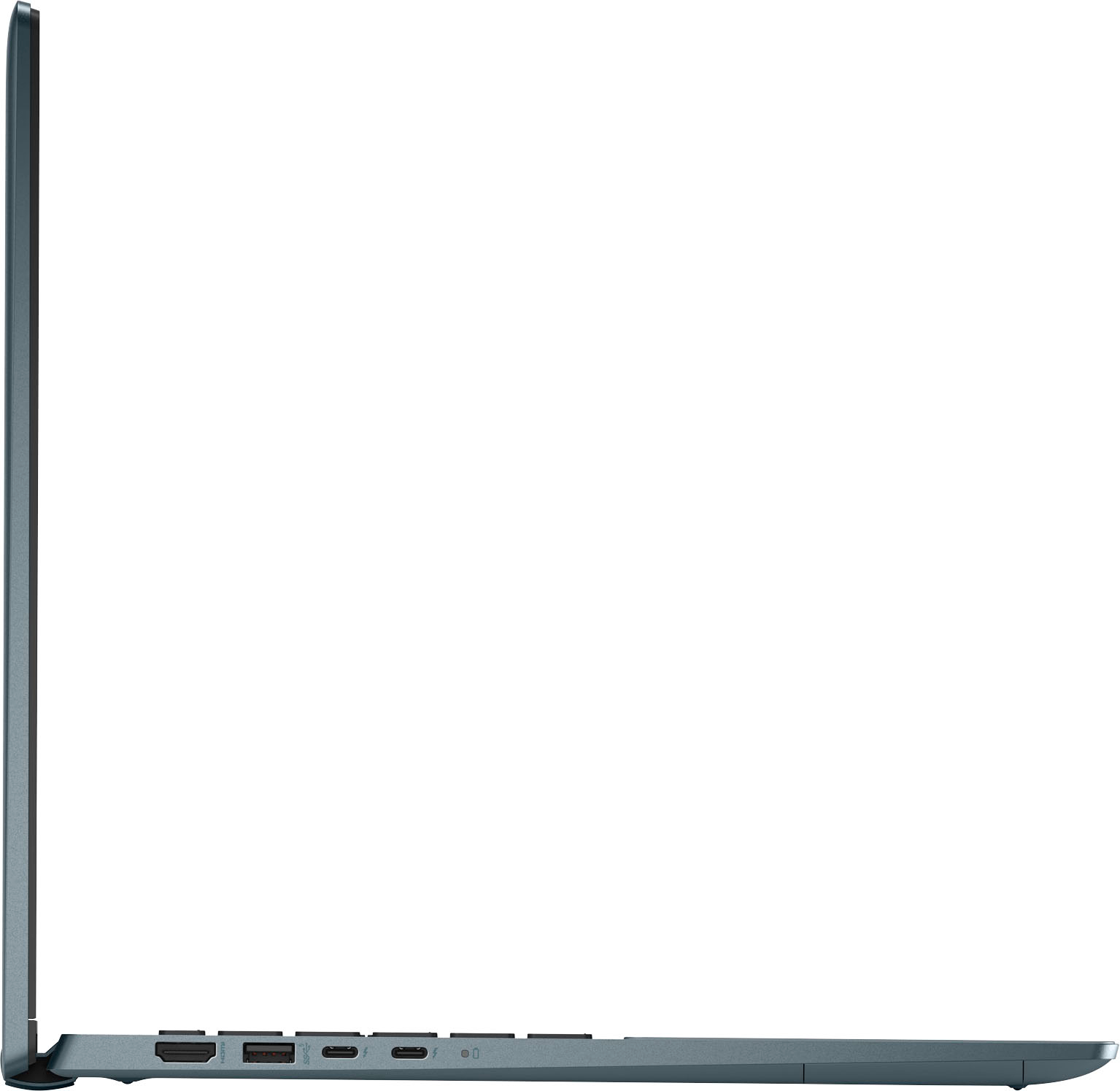
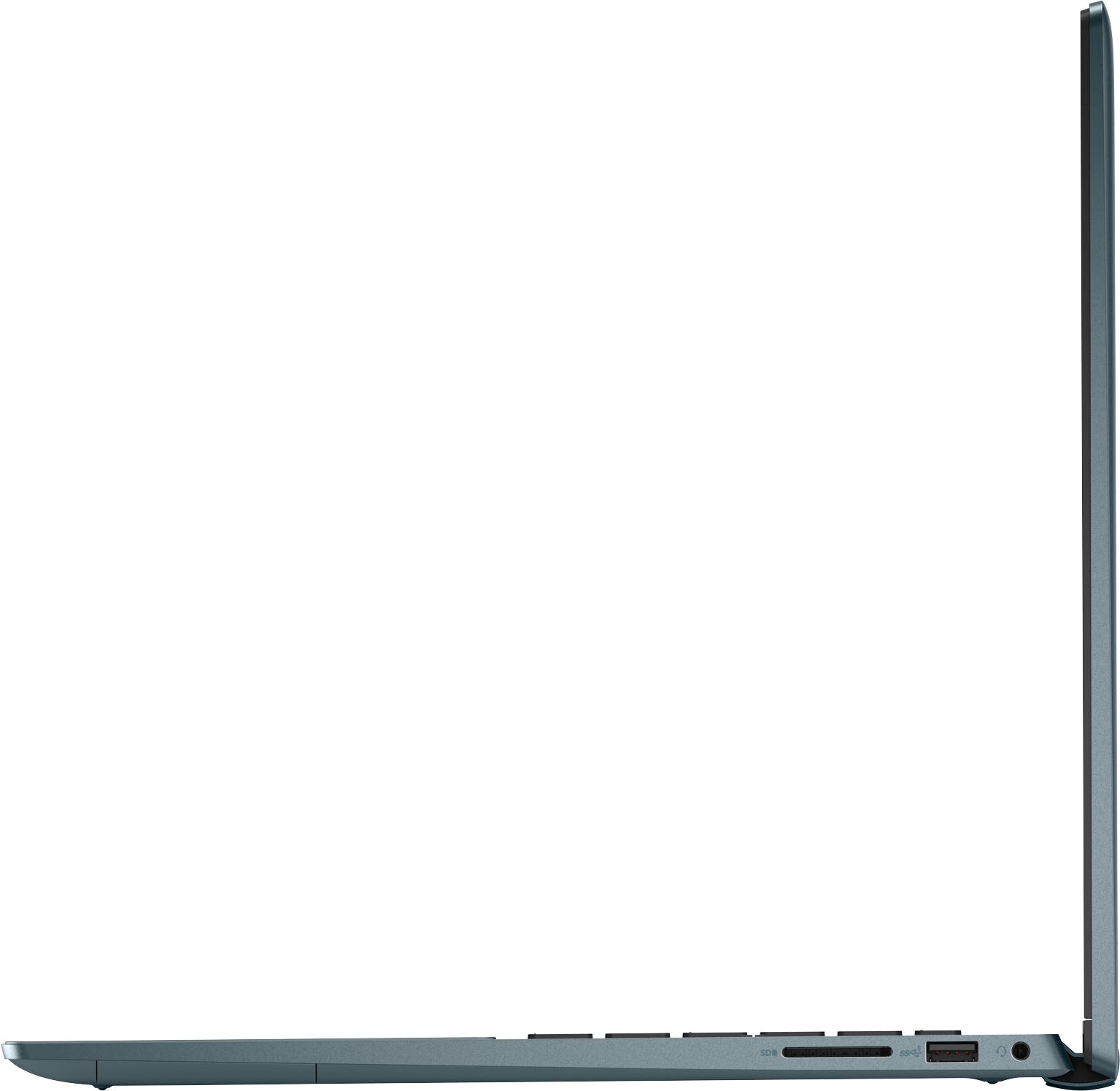
|Posted .This reviewer received promo considerations or sweepstakes entry for writing a review.Laptop was quick and easy to setup out of the box. More of a typical laptop compared to most of the 2in1 tablet style I have seen. Normal size keyboard and key feel compared to the SSD thinner tablet 2in1 laptops (keys press more like regular keyboard and not like tablet case keyboards). Typical Windows MS style setup w/ Cortana instructions. Windows allows you to mirror your desktop from another computer w/ same MS account or setup as a stand-alone device. The included pen was easy to setup but not my favorite to use. It is meant for the touch screen and not the touch pad. The button clicks were not self-explanatory and I did not check the online tutorial yet on how to use. But easy enough to use like a mouse or touch pad and write a little better than your finger. The screen size was nice and larger but small enough to remain portable. The laptop uses USB C charger. audio typical input/output; HDMI(1); USB-A(2); thunderbolt 4(2) Speed and response great so far. I have not tested for any gaming/streaming/video yet. Only web browsing and online schoolwork. Has been great.
I would recommend this to a friend Sold me a defective, previously used laptop
||Posted .This reviewer received promo considerations or sweepstakes entry for writing a review.Returned a defective Inspiron earlier and chose this as my replacement. Big mistake. Item was clearly a defective return, DOA. No longer in protective wrapping. Power cord in two separate pieces and only one wrapped up. Manager tried to pressure me into buying tech-support for an additional $200 plus. So glad I did. This is going back directly to the Novi store, I am done with Best Buy. Two defective laptops in one day, one previously returned and then re-sold to me. Shame on you.
No, I would not recommend this to a friendDude, Don’t get a Dell!!
||Posted . Owned for 1 month when reviewed.This reviewer received promo considerations or sweepstakes entry for writing a review.Do not buy this laptop! Purchased for my son for college. Lasted 35 days and the screen stopped working. Everything else works fine. Still works plugged into a monitor, but he’s not able to carry on to class.
No, I would not recommend this to a friendBrand response from YourDellTeam
Posted .Hello CollegeMom,
We would like to thank you for taking the time to provide us with your feedback. We apologize for the troubles your son has encountered with his Inspiron 7620 2-in-1 laptop because its display is not working.
Below I have provided the steps to run a diagnostic test on the display and the full article link, which has more options if they are needed. We also suggest making sure all video drivers are up to date on your PC. I have given you a link to the Drivers and Downloads page for your computer below.
Method 1
1. Power off the Dell Laptop PC.
2. Disconnect any peripherals that are connected to the PC, and connect the AC Adapter (charger) to the PC.
3. Make sure that the LCD screen is clean (no dust particles are on the surface of the screen).
4. Press and hold D key and power on the PC to enter LCD built-in self test (BIST) mode.
Continue to hold the D key until you see the entire screen change colors.
5. The screen changes colors to black, white, red, green, and blue.
6. Carefully inspect the screen for abnormalities.
7. Press Esc key to exit.
How to Troubleshoot Display Issues: https://dell.to/2O1UnnF
Drivers and Downloads page: https://dell.to/3m0jfty
Please use the steps above to run a diagnostic test on the display of your PC, and if the problem persists, please contact our support team here: https://bit.ly/DellSupportTeam.
Best,
Katarina@Dell
Should you need further assistance, you can contact Dell directly with the information below.
Chat or call: https://bit.ly/DellSupportTeam
Phone number to Dell: 1-800-624-9896
good price but would shut off for no reason
||Posted . Owned for 3 weeks when reviewed.This reviewer received promo considerations or sweepstakes entry for writing a review.It was an open box unit that just had issues i didn't think i wanted to try to fix. heck it was brand new to me
No, I would not recommend this to a friend- Pros mentioned:Screen size
Very simple for the average person.
|Posted .This reviewer received promo considerations or sweepstakes entry for writing a review.This is a very good laptop for the average user, and you'll find the whole family can use it. I was happy to finally have this in my possession after some issues with FedEx and the delivery. I love that it's a two-in-one touch screen, with a really nice picture! The only thing I really didn't like about this laptop was the fact that during setup, you can't go any further without having a Microsoft email address. I haven't used mine in forever and had to go through the process of resetting my password just so I can continue with the setup. I think it would be nice if you could just skip that part in the future. After that, the set of process was extremely smooth with no hiccups. After connecting to the internet and using it for at least 3 days, I will be using this from now on as my main computer for when I travel. I love the simplified features it has for the average person, but even my grandson can use it without asking for much help. I love the picture it's Crystal clear and the colors are great! And has pretty decent sound from the speakers for a laptop! I definitely recommend this to anyone who needs a simple but efficient laptop that everyone in the household can use!
I would recommend this to a friend Hardware didn’t work with window 11
||Posted . Owned for 1 month when reviewed.This reviewer received promo considerations or sweepstakes entry for writing a review.Returned, system kept malfunction with windows 11, Geek squad contact twice and still got blue screen and error messages concerning windows. Geek consultant said it was a hardware issue. Returned for complete refund and replaced with a MAC which is working great
No, I would not recommend this to a friendBrand response from YourDellTeam
Posted .Hello Valued Customer,
We appreciate you taking the time to leave us your review. We are sorry to hear that you have come across some issues with your Dell Inspiron 7620 2-in-1 laptop because you were experiencing blue screen errors and Windows 11 errors and that you ultimately decided to return this system. We will share your comment with our quality team, so future improvements can be made. In the future, we would love the opportunity to help troubleshoot any problems you may be facing.
If you come across any questions about the Dell products, please don’t hesitate to contact Dell Support Team at the information provided below.
Best,
Katarina@Dell
Should you need further assistance, you can contact Dell directly with the information below.
Chat or call: https://bit.ly/DellSupportTeam
Phone number to Dell 1-800-624-9896
- Pros mentioned:Screen size
Love this for college!
Posted .This reviewer received promo considerations or sweepstakes entry for writing a review.I really enjoy this laptop. The graphics are amazing, I always get compliments on the unique color, and the trackpad is super sick and large. There is plenty of space for my wrists to lie while typing too. I only gave 4 stars instead of 5 because it seems to overheat a bit if not placed on a proper table. Yes it's a "laptop" but you can't lay on your bed with it without a proper lap desk to lay it on (compared to a MacBook you can do that but this computer is way better than a MacBook). Plus it has 2 processors so of course its going to get a little hot when being used. The touch screen is super useful and I didn't know this when I bought it but it comes with a stylus that I use to right notes for college. Overall 9/10.
I would recommend this to a friend King George
||Posted . Owned for 1 month when reviewed.This reviewer received promo considerations or sweepstakes entry for writing a review.System takes forever to start up. Keeps looking for unnecessary updates.
No, I would not recommend this to a friendBrand response from YourDellTeam
Posted .Hey Richardk,
Thank you for taking the time to leave us a review of your Inspiron 7620. We are sorry to hear that you are experiencing an issue starting up your device. That is not the type of product Dell intends to deliver. We would love to help you. Below, I have provided troubleshooting steps to help resolve your issue.
Here are the steps to help you with slow performance issues:
1. Run the automated tools in SupportAssist to ensure that the drivers are up to date and your computer is optimized.
2. Restart the computer
3. Run a hardware diagnostic test
4. Scan your computer for malware
5. Restore the computer using Windows System Restore
6. Restore the computer to factory default settings
You can read the article that can help you with slow performance issues here: https://dell.to/3yqre8r
Should you need further assistance; we recommend that you contact Dell directly with the information below.
Chat or call: https://bit.ly/DellSupportTeam
Phone number to Dell: 1-800-624-9896.
Best,
Summer@Dell
- Pros mentioned:Screen size
would buy again!
|Posted .This reviewer received promo considerations or sweepstakes entry for writing a review.The Del Inspiron 2-in-1 is one of my favorite laptops of all times. I use one in my home office, but needed another for my husband to have. he has really liked it so far! He loves that it is both a touch screen and a normal laptop. this helps him get certain things done quickly. The Dell Active Pen is amazing as always. my daughter uses it to draw on the screen for her zoom class and my husband uses it when he is without a mouse on the go. although there is no pen holder on the laptop like my 7591 has. But the face that the speakers are next to the key board almost makes up for it. the sound is SO much better and he can use it without external speakers. we also love love love that the camera has a built in blocker. you just push the switch and it is blacked out. the finger print start button makes turning it on quick and easy, no pesky passwords to remember. Dell is a grreat reliable brand and I would buy again and again from them! the 16:10 size is perfect, not to big and not too small!
I would recommend this to a friend - Pros mentioned:Oled displayCons mentioned:Touchpad
Poor quality control and worse support from Dell
Posted .This reviewer received promo considerations or sweepstakes entry for writing a review.I've been dealing with a faulty laptop since I bought it January. Speakers seem have some sort of pulsing audio issue. It's sounds like a static noise that is pulsing in and out of the front speakers. I've done everything from using Dell's support site, the virtual assistant, updating drivers, getting remote support, Dell sending techs out to 3 times (2 speaker replacements, a freshly flashed hard-drive, and motherboard replacement), and still the audio issue persists. Because the troubleshooting process took so long and they don't track using the virtual assistant as real support, I no longer qualified for a new replacement and was going to be sent a refurbished laptop instead. Its unacceptable to be sent a used laptop when I bought a new faulty laptop that they couldn't fix (and can we stop pretending that a refurbished laptop is something other than used laptop that had broken parts replaced and its supposed issues fixed to be resold). I then went to Best Buy to see if I could exchange it for a new one. I had restart the same support process I went through with Dell by having it get sent out twice. It was inconvenient to be without my laptop for a few weeks but it was understandable. After they couldn't fix it, they exchanged it with a new one so shout out to Best Buy and Geek Squad for the excellent service. Now the new laptop doesn't seem to have the same audio issues but the build quality on this one is terrible. The back of the laptop on the right had side seems to be splitting at the seam like its not fully screwed down or snapped in place correctly. Because of that, half the keys on the key board are sunk in. I will be going back to Best Buy to exchange this new one as well. Unfortunately this laptop had the configuration of features I was looking for without being $2000. I was looking for a laptop that's 4k, oled, i7/ryzen 7, while preferably being a 2in1. If Best Buy will allow me, I plan to find a non-Dell laptop with those features and swap to that instead. I'll never buy Dell again. Absolutely terrible experience.
No, I would not recommend this to a friendBrand response from YourDellTeam
Posted .Hey Jacob,
Thank you for taking the time to leave a review of your Inspiron 7620. We are sorry to hear that you have encountered so many issues with your device. That is not the type of feedback we like to hear from our customers, or the type of product Dell intends to deliver. We have noted the details of your statement and will escalate them to our quality team for improvements on current and future products. We would love to help you resolve any issues you are still having. Below I have provided the toll-free number and chat link to our support team. We recommend reaching out to them at your convenience.
We recommend that you contact Dell directly with the information below if you need further assistance.
Chat or call: https://bit.ly/DellSupportTeam
Phone number to Dell: 1-800-624-9896.
Best,
Summer@Dell