Customer Ratings & Reviews




- Model:
- i7620-7648GRE-PUS
- SKU:
- 6504388
Rating by feature
- Battery Life
Rating 4.4 out of 5 stars
- Speed
Rating 4.5 out of 5 stars
- Display
Rating 4.7 out of 5 stars
Customers are saying
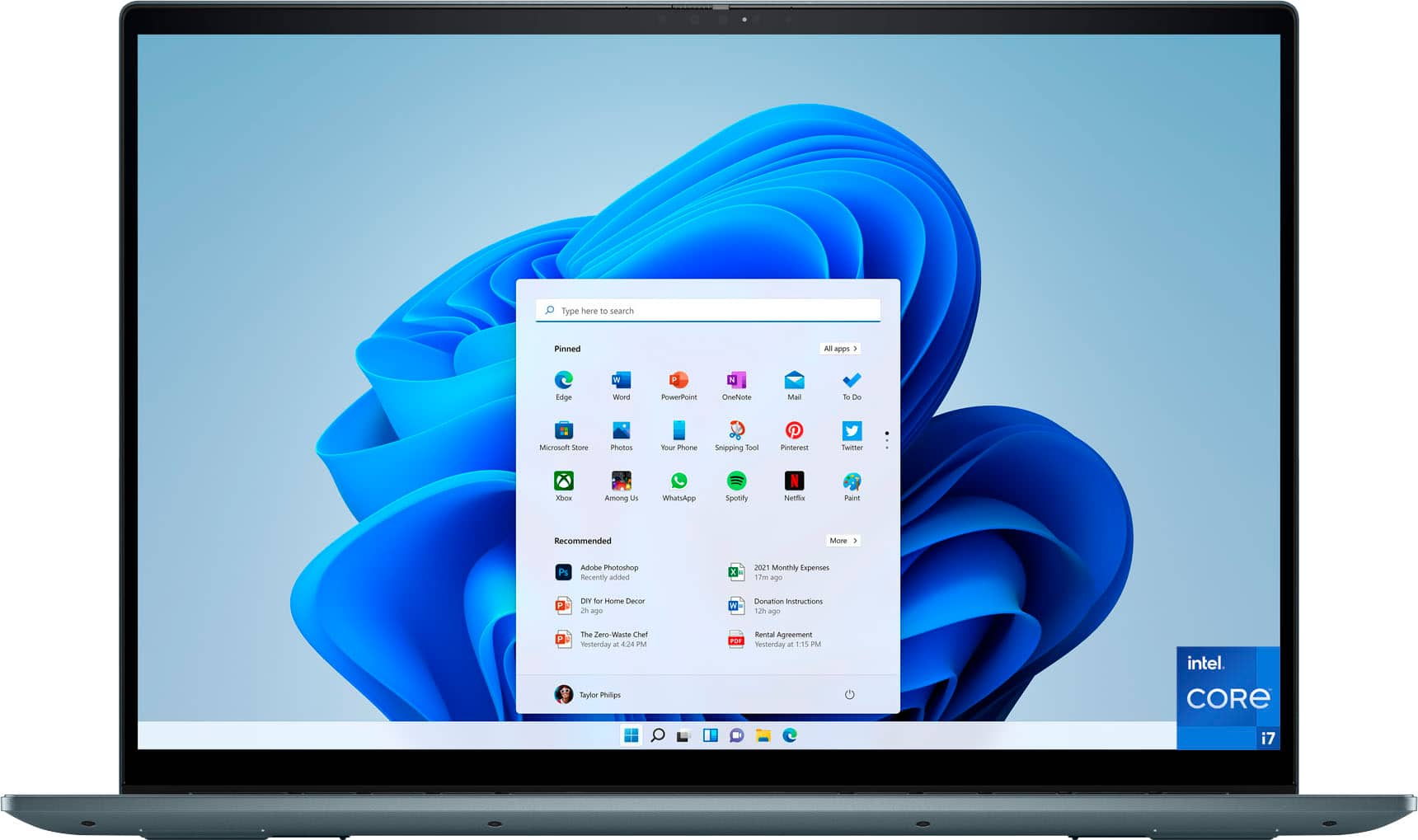
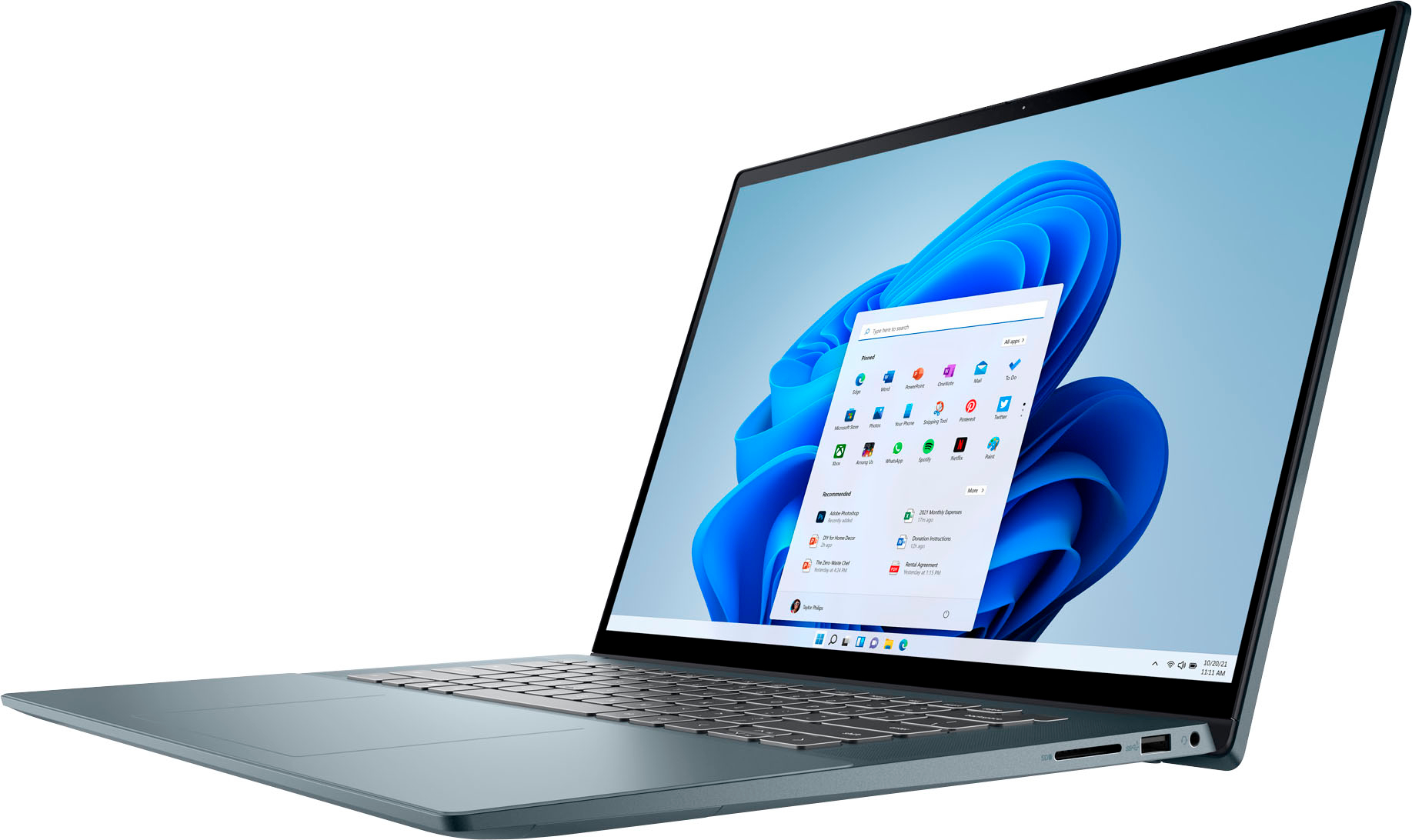
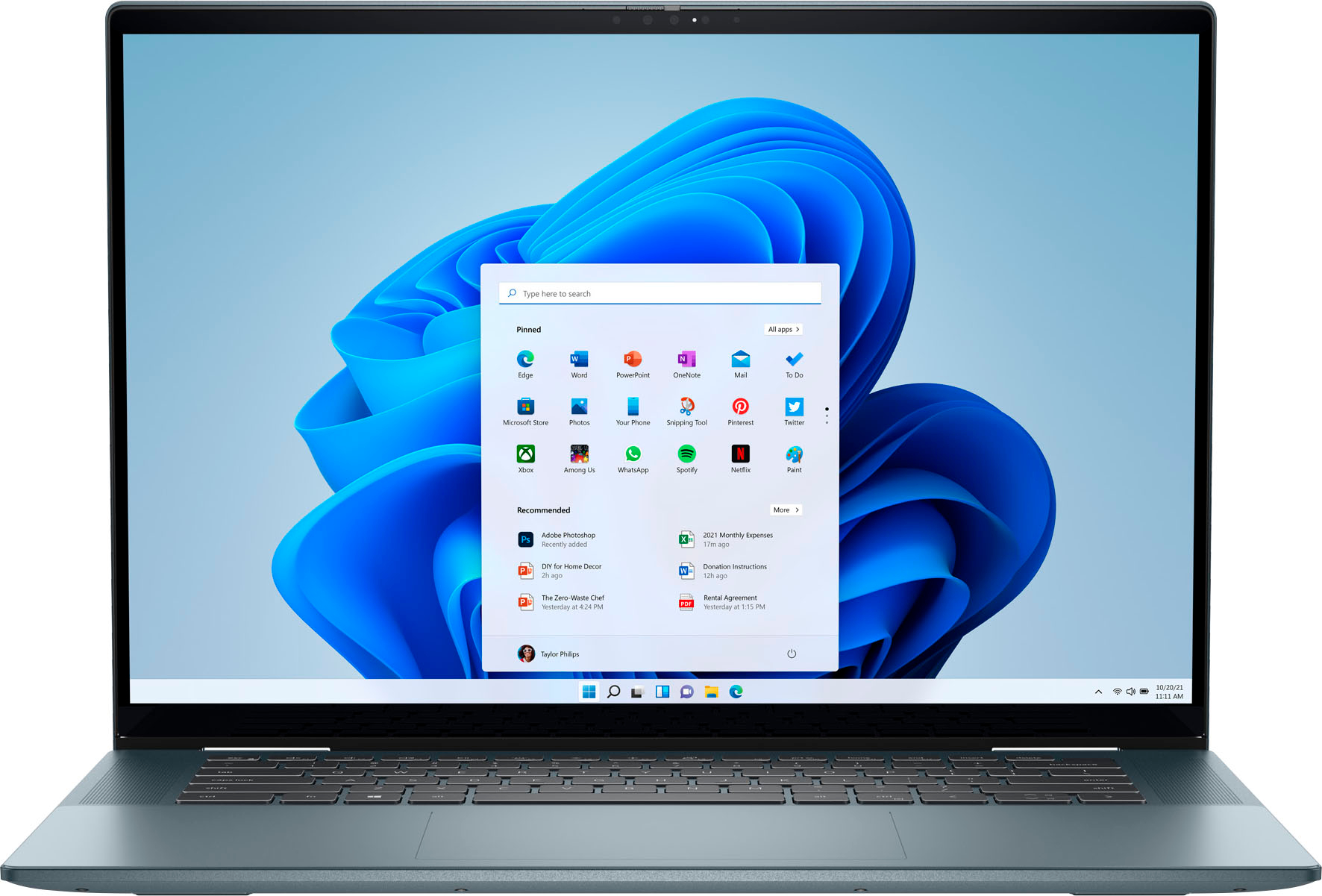
Customers are pleased with the Inspiron 2-in-1's large screen size, vibrant OLED display, and strong performance. Many appreciate its lightweight design and ease of use for both work and school. However, some users experienced issues with the touchpad's reliability and reported excessive heat and fan noise. The quality of the speakers also received some negative feedback.
This summary was generated by AI based on customer reviews.
- Cons mentioned:Touchpad
Second Dell to be a Disappointment.
Posted .This reviewer received promo considerations or sweepstakes entry for writing a review.Taking this computer back tomorrow. My second Dell Inspiron that has been glitchy since purchasing it. It will randomly restart, force quitting what I'm working on and losing work. Today the trackpad has started being glitchy and spazzing out. I know other people that love theirs, so maybe I just got two lemons in a row, but I won't be trying another.
No, I would not recommend this to a friendBrand response from YourDellTeam
Posted .Dear dayleecay,
We value your feedback and want to thank you for taking the time to leave a review of your Inspiron 7620. We are sorry to hear that you are experiencing an issue with your touchpad. That is not the type of feedback we like to hear from our customers, or the type of product Dell intends to deliver. We have noted the details of your statement and will use them to improve current and future products.
If you continue to experience issues, please reach out to Dell Support directly by using the information provided below.
Chat or call: https://bit.ly/DellSupportTeam
Phone number to Dell: 1-800-624-9896
Best,
Summer@Dell
- Pros mentioned:Oled display, Screen size
I'm home
Posted .This reviewer received promo considerations or sweepstakes entry for writing a review.New release... machine is awesome. I need a touchscreen... Macbooks can't deliver that feature, and it's why I returned mine. Despite their needs, OLED screens are gorgeous and this machine delivers. Love the screen real estate... and I get Windows. This machine feels like home.
I would recommend this to a friend - Pros mentioned:Performance
Dell pc
Posted .This reviewer received promo considerations or sweepstakes entry for writing a review.Very nice pc, performers very well. Very nice screen
I would recommend this to a friend - Pros mentioned:Processor speed
the best
Posted .This reviewer received promo considerations or sweepstakes entry for writing a review.Very good deal very fast, good quality, I recommended..
I would recommend this to a friend - Cons mentioned:Fan noise

All I Can Say Is...Listen To That Fan!!
|Posted .This reviewer received promo considerations or sweepstakes entry for writing a review.Excessive Fan Noise...Who Wants That! I have been in sparce communication with Dell Tech Support via email, two to be exact. They stated I should perform all Windows, Dell, and Firmware updates and run a Dell Diagnostic. All of these items have been performed and the excessive fan noise continues. I am STILL waiting on Dell to address my last communication telling them their suggested solutions did not solve the fan noise. I believe their tech suggestions were just to prevent the fan from running as much as a potentially defective fan cannot be resolved with software updates. I am looking for BestBuy TIN to step in here to aid in pushing Dell for resolution. I also am asking BestBuy TIN if there have been any other excessive fan noise complaints as if this is can be classified as a "normal operating concern". I can not imagine streaming a moving while having to listen to this fan chatter as you would be forced to wear noise canceling headphones. I am in fear of using this laptop for an extended period of time. I am unsure if the fan is properly cooling the device all leading to premature hardware failure.
No, I would not recommend this to a friendBrand response from YourDellTeam
Posted .Hi Mdh4pennstate,
We would like to thank you for taking the time to provide us with your feedback. We apologize for the issues you have come across with your Dell 7620 2-in-1 laptop because its fan is too noisy.
Below I have provided steps to run a pre-boot diagnostic test that can help with fan noise:
1. Restart your Dell PC.
2. When the Dell logo appears, press F12 key to enter One-time Boot Menu.
3. Use the arrow keys to select Diagnostics and press Enter key on the keyboard.
4. Follow the on-screen prompts and respond appropriately to complete the diagnostics.
5. If the test fails, ensure to write down the error code and validation code.
If your issue with fan noise continues this article can be used to further assist: http://dell.to/38XbfCV
If the issues with your Inspiron are still not resolved after utilizing the troubleshooting options above, please contact the Dell Support Team at 1-800-624-9896 for further guidance. We hope that the next representative you speak with can help you to resolve this issue to your satisfaction.
Best,
Katarina@Dell
Should you need further assistance, you can contact Dell directly with the information below.
Chat or call: https://bit.ly/DellSupportTeam
Phone number to Dell 1-800-624-9896
- Cons mentioned:Touchpad
Wish I wouldve bought ANYTHING else
Posted .This reviewer received promo considerations or sweepstakes entry for writing a review.DO NOT buy this laptop. As soon as my return date was over, boom, all these issues arose. First of all, the trackpad started acting TERRIBLY. You could not do anything with it without it being spastic. So I ended up turning off the trackpad and having to buy a separate Bluetooth mouse (which sucks because I am a college student and I don't have room in lecture halls for a mouse). Then, as I kept using it, the laptop randomly shut off and gave me the blue screen of death. Anyways, I would do anything to get rid of this laptop, but oh well.. I definitely would recommend an Apple laptop because before I switched to a windows laptop, I never had any trouble.
No, I would not recommend this to a friendBrand response from YourDellTeam
Posted .Hi There AmeliaS,
Thank you for taking the time to leave us your review. We are sorry to hear that you are having touchpad sensitivity issues in regards to your Inspiron 7620. This is certainly not the experience that we like to hear from our customers. We will share your concern with our quality team so that improvements can be made to our current and future products and services. Below I have provided troubleshooting instructions with the full article that may be able to resolve the issue.
Here are the steps to help resolve your touchpad issue:
1. Ensure the touchpad and your finger do not have any dirt, grease, liquids, or food on them (the touchpad has to make good contact with your finger to work correctly).
2. Ensure that the touchpad is turned on.
3. Save any data, close any open programs and restart the computer by using a wired USB mouse (if available) or Bluetooth mouse if it is already installed, if not, press hold the power button for at least 15 seconds to turn the computer off.
4. Unplug everything except the power cable.
5. Turn the computer back on and retest the touchpad.
6. When the cursor does work correctly, attach one device at a time, and test the cursor movement to see which one may have caused the issue.
7. Ensure that the BIOS and Chipset drivers are updated to the latest version.
Touchpad Usage and Troubleshooting Guide: https://dell.to/3zwM1rp
If you continue to experience touchpad issues, please reach out to Dell Support directly by using the information provided below.
If you need further assistance, we recommend using the toll-free number or chat link below to reach a member of our Dell Support Team.
Chat or call: https://bit.ly/DellSupportTeam
Phone number to Dell: 1-800-624-9896
Best,
Summer@Dell
Awesome - Dell Inspiron
Posted .This reviewer received promo considerations or sweepstakes entry for writing a review.using the Dell Inspiron last couple of weeks and really happy with the product. 5 * to best buy for wondaful purchase experience
I would recommend this to a friendEntry level
Posted .This reviewer received promo considerations or sweepstakes entry for writing a review.It has the specs that i want for in the laptop and it great for my goals
I would recommend this to a friendDell Inspirion
Posted .This reviewer received promo considerations or sweepstakes entry for writing a review.Previous Dell inspirion is still working...and i bought it back in 2011...
I would recommend this to a friendgreat for college
Posted .This reviewer received promo considerations or sweepstakes entry for writing a review.Wonderful laptop for my daughter at college. Great purchase
I would recommend this to a friendExcellent
Posted .This reviewer received promo considerations or sweepstakes entry for writing a review.Excellent productExcellent productExcellent product
I would recommend this to a friend- Cons mentioned:Heat
Never Could Rely on This System to do its Job
Posted .This reviewer received promo considerations or sweepstakes entry for writing a review.Since I bought this system over a year ago I have never been able to rely on it. I only need it when I am away from home and that isn't often. I just got it back because the fan wasn't working. Even now that it has come back it still runs hot with the fan and there are graphics card issues intermittently. When I get back home I will be taking it back again because what I said was wrong was never fixed. Don't waste your money. Dell used to be reliable. Apparently not anymore.
No, I would not recommend this to a friendBrand response from YourDellTeam
Posted .Hey DirkDM,
Thank you for your review of your Inspiron 7620. We are sorry that you are experiencing an issue with your system running hot and your fan. Below I have provided troubleshooting steps to help resolve your issue.
Here are the steps to help resolve your overheating issue:
1. Inspect and clean the air vents and fans.
2. Restart the computer.
3. Update the BIOS and Chipset driver.
4. Download and install Microsoft Windows updates.
5. Run a hardware diagnostic test.
6. Use Dell Power Manager to manage thermal performance.
7. Improve efficiency to reduce heat.
8. Perform a Windows System Restore.
9. Restore the computer to factory settings.
How to Troubleshoot Overheating, Shutdown, or Thermal Issue on a Dell Computer: https://dell.to/3oAEYsV
Fan Noise Diagnostics: http://dell.to/38XbfCV
Should you need further assistance; we recommend that you contact Dell directly with the information below.
Chat or call: https://bit.ly/DellSupportTeam
Phone number to Dell: 1-800-624-9896.
Regards,
Summer@Dell
Chronic overheating
Posted .This reviewer received promo considerations or sweepstakes entry for writing a review.Chronic overheating issues. Within the first 90 days, I had to spend over 10 hours on with technical support, and it required three major replacements -- including the motherboard. The new motherboard began melting down within four days. Dell sent a replacement, which immediately overheated. They won't take it back (replacement follows warranty of original purchase, and you are out of luck after 30 days), so I am left with an unusable $1500 mistake. It sits on a flat desk and runs only office software, so it is not user error. This is a terrible product. Do not buy.
No, I would not recommend this to a friendBrand response from YourDellTeam
Posted .Hi JJD7620,
We appreciate you taking the time to leave us your review. We apologize for all the issues you have experienced with your Dell Inspiron 7620 2-in-1 computer and that even the motherboard replacement did not help. This is certainly not the experience that we like to hear from our customers. We appreciate your feedback and will use it to help improve our current and future products.
To help with overheating issue, we would recommend making sure the BIOS is up to date on your PC. I have provided a link to the Drivers and Downloads page so you can check for and do any applicable updates. Dell has also released an Intel Power Management Utility to help with the overheating that you may be experiencing on your computer. For this package to take effect, the system power plan must be set to Balanced under the Additional Power Settings. Also, the Power Mode option that is displayed when you click the battery icon, should be set to Better Performance. This package only takes effect on AC power and not on battery power. The Intel Power Management Utility can be found here - http://dell.to/3tStRgX.
Drivers and Downloads page: https://dell.to/3m0jfty
If the overheating issue with your Inspiron laptop is still not resolved after utilizing the troubleshooting options above, please contact the Dell Support Team at 1-800-624-9896 for further guidance. We hope that the next representative you speak with can help you to resolve this issue to your satisfaction.
Best,
Katarina@Dell
Should you need further assistance, you can contact Dell directly with the information below.
Chat or call: https://bit.ly/DellSupportTeam
Phone number to Dell: 1-800-624-9896