Customer Ratings & Reviews
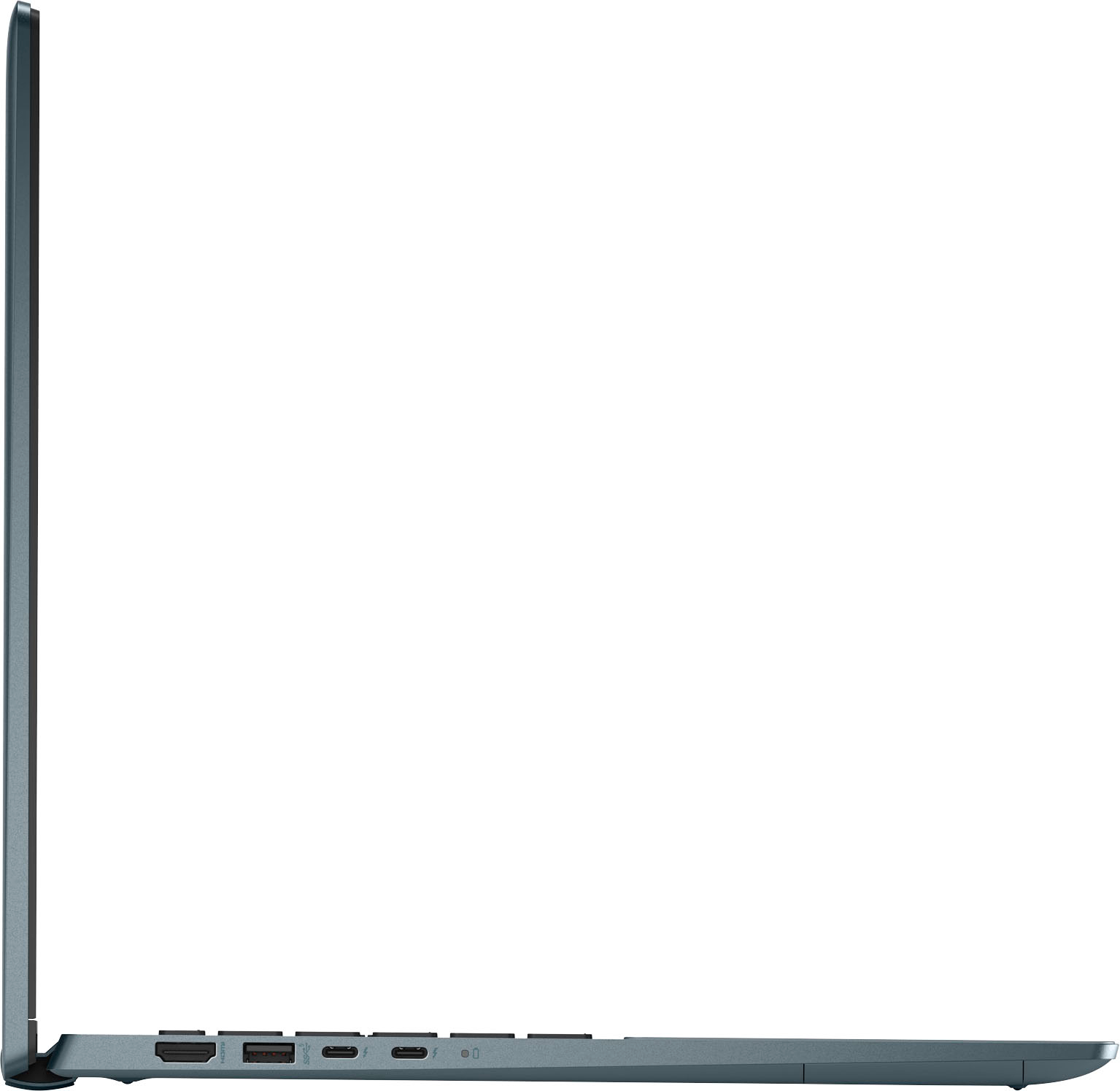
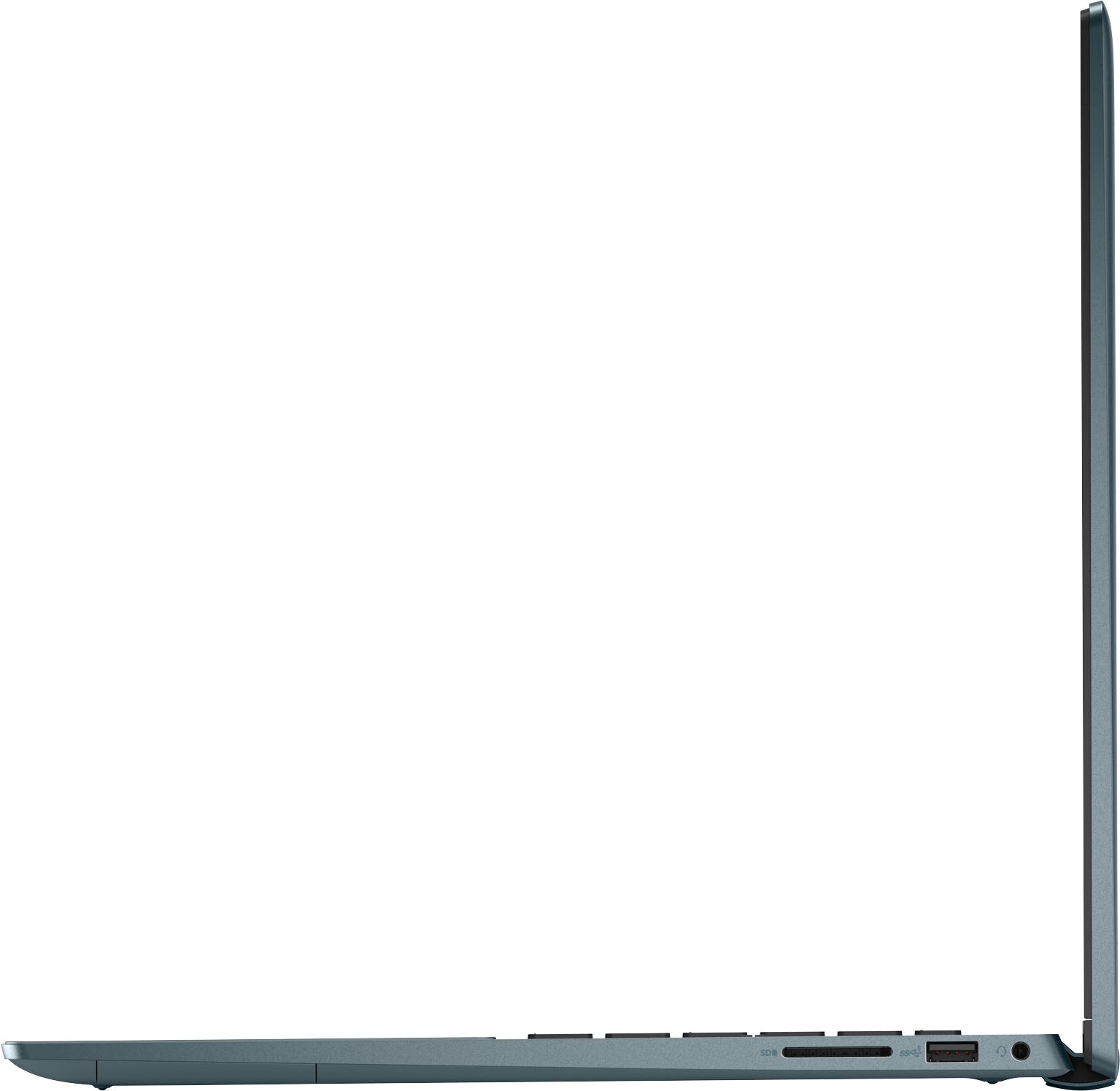

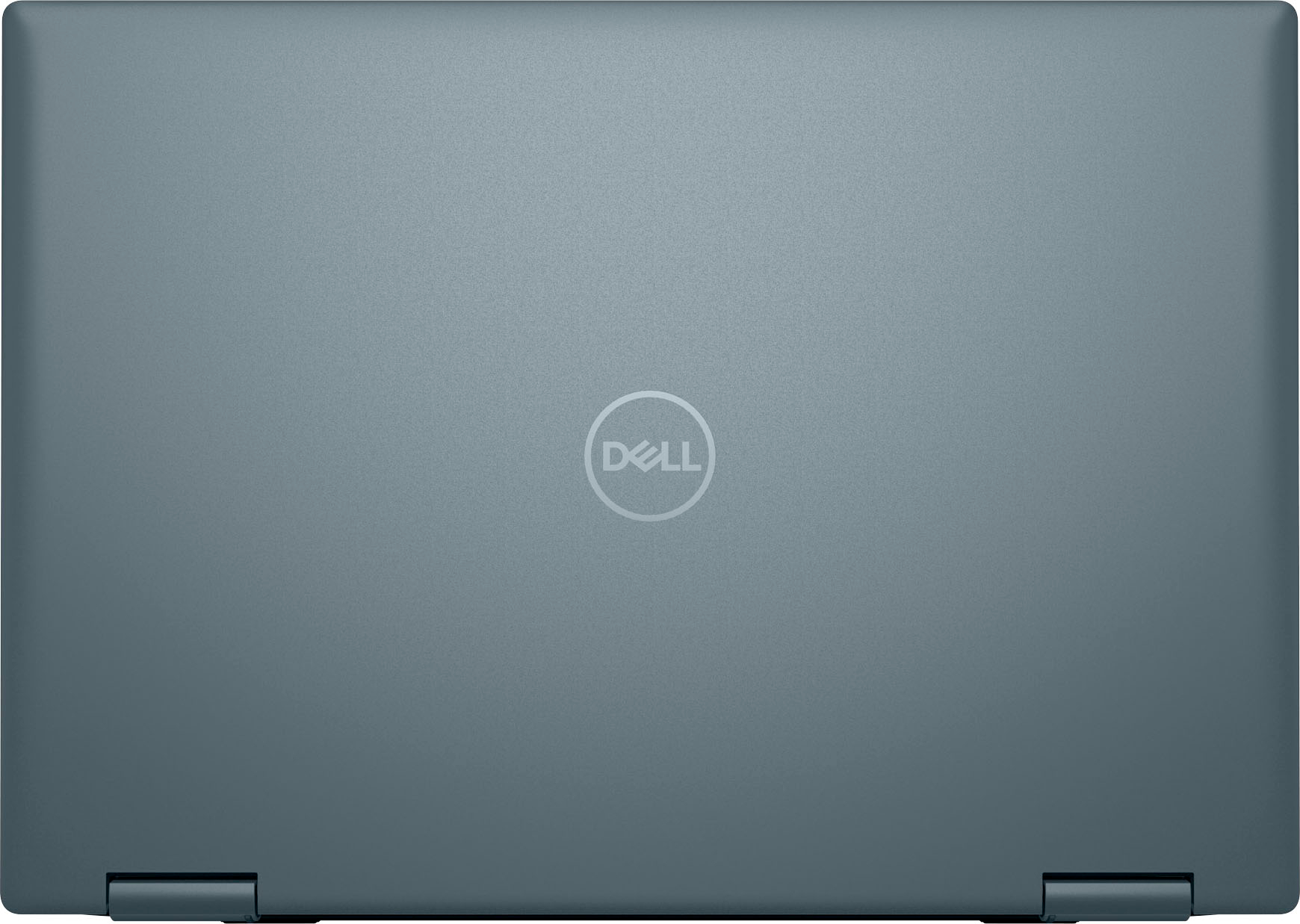
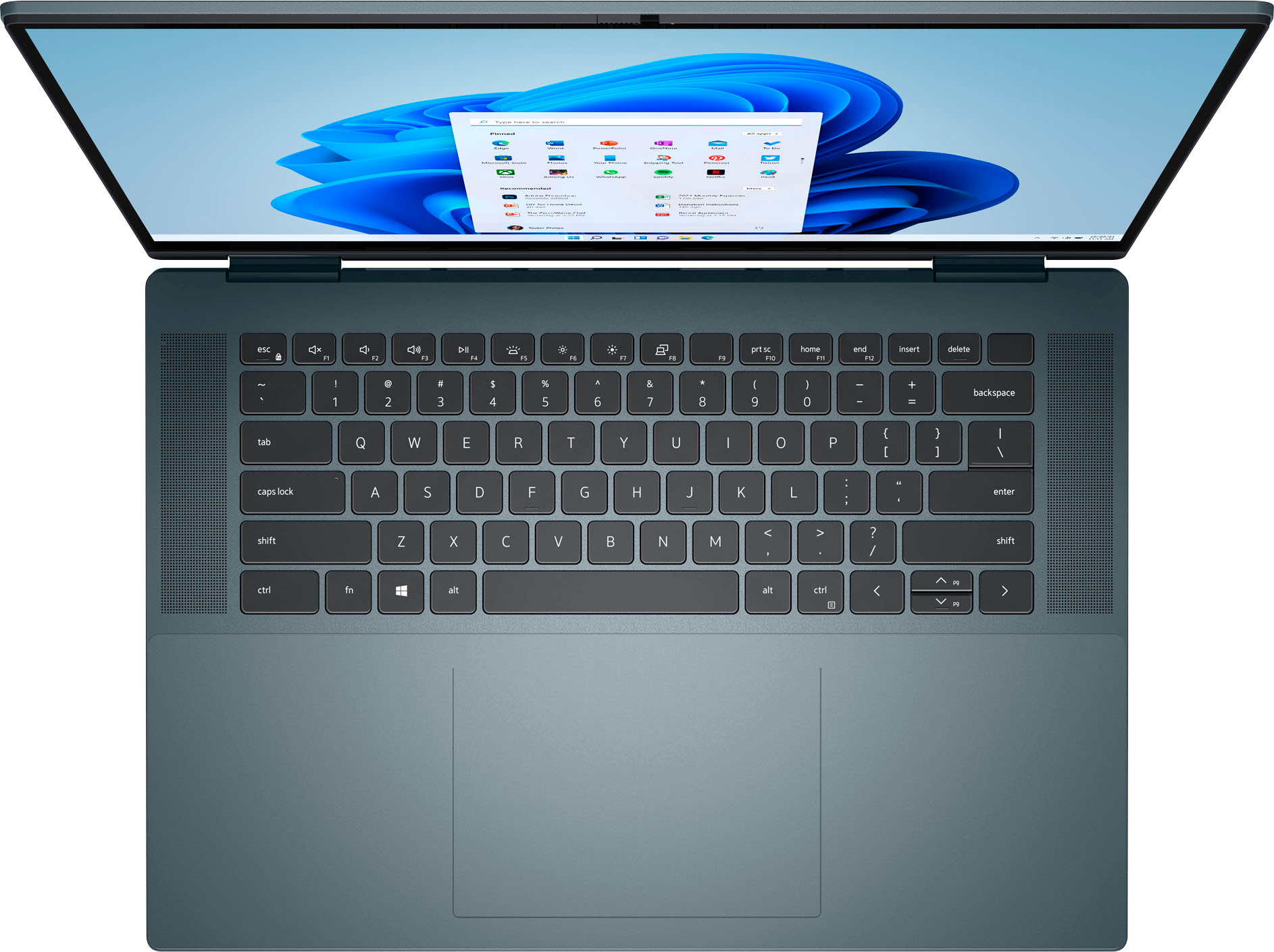



- Model:
- i7620-7648GRE-PUS
- SKU:
- 6504388
Rating by feature
- Battery Life
Rating 4.4 out of 5 stars
- Speed
Rating 4.5 out of 5 stars
- Display
Rating 4.7 out of 5 stars
Customers are saying
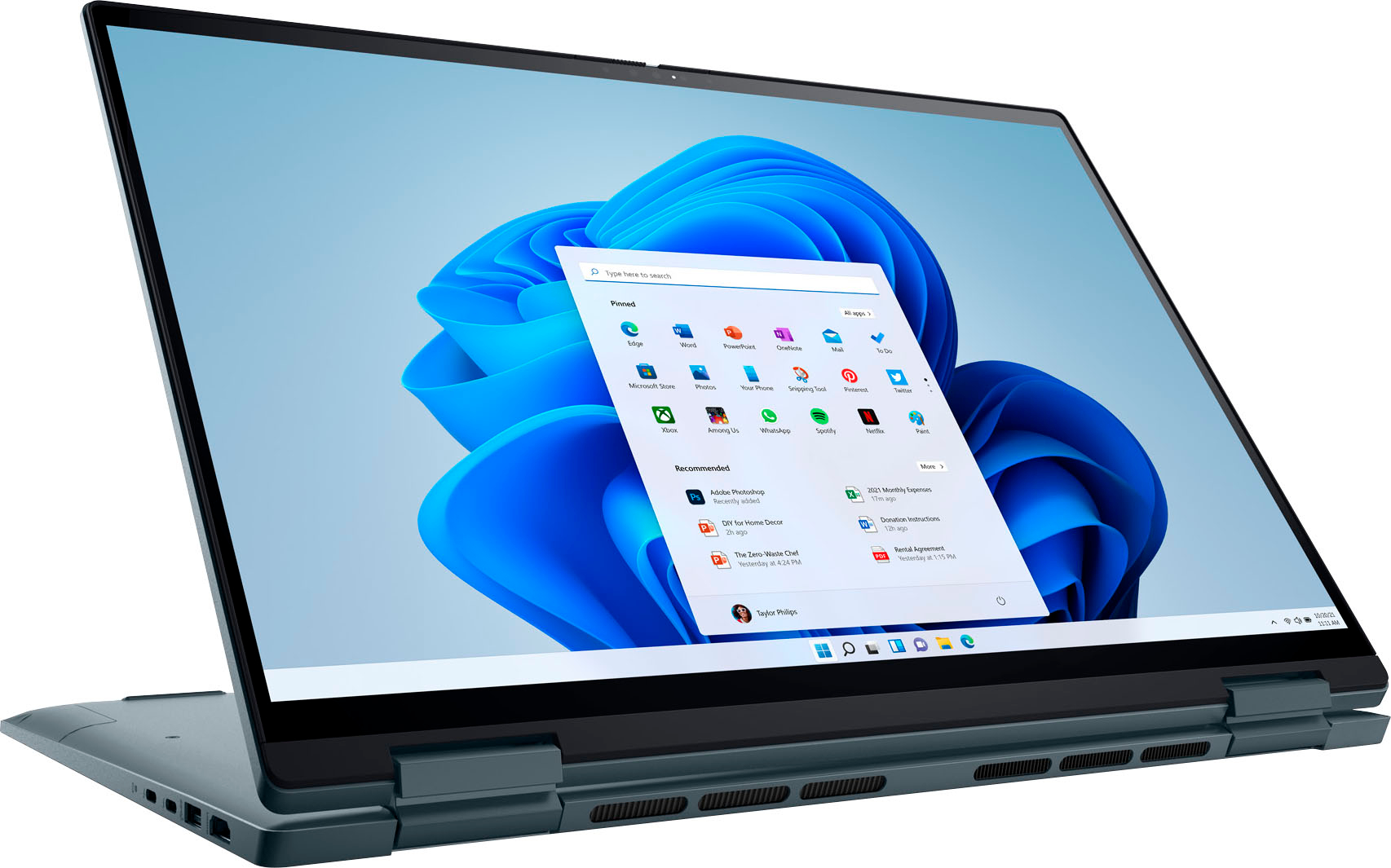
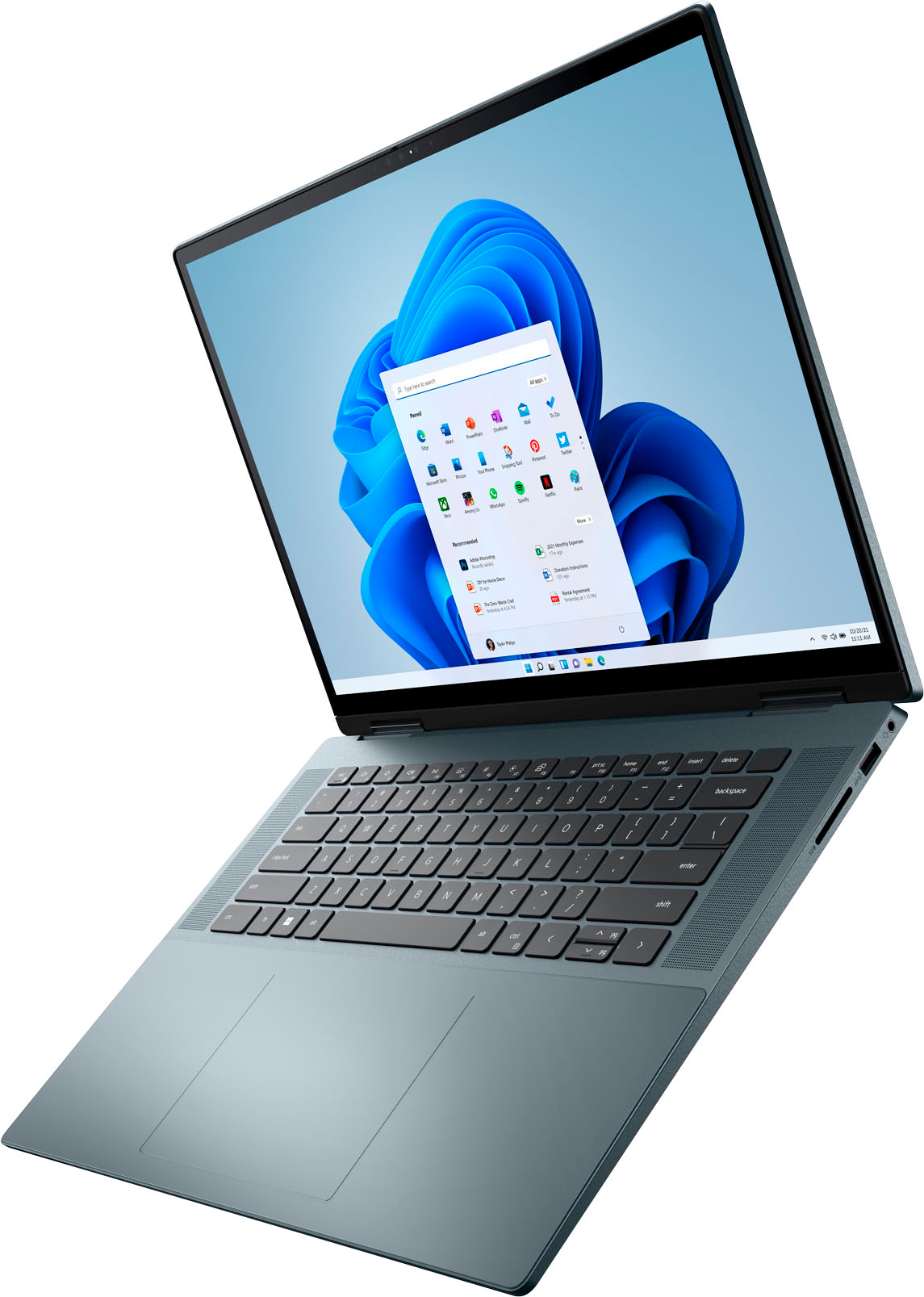
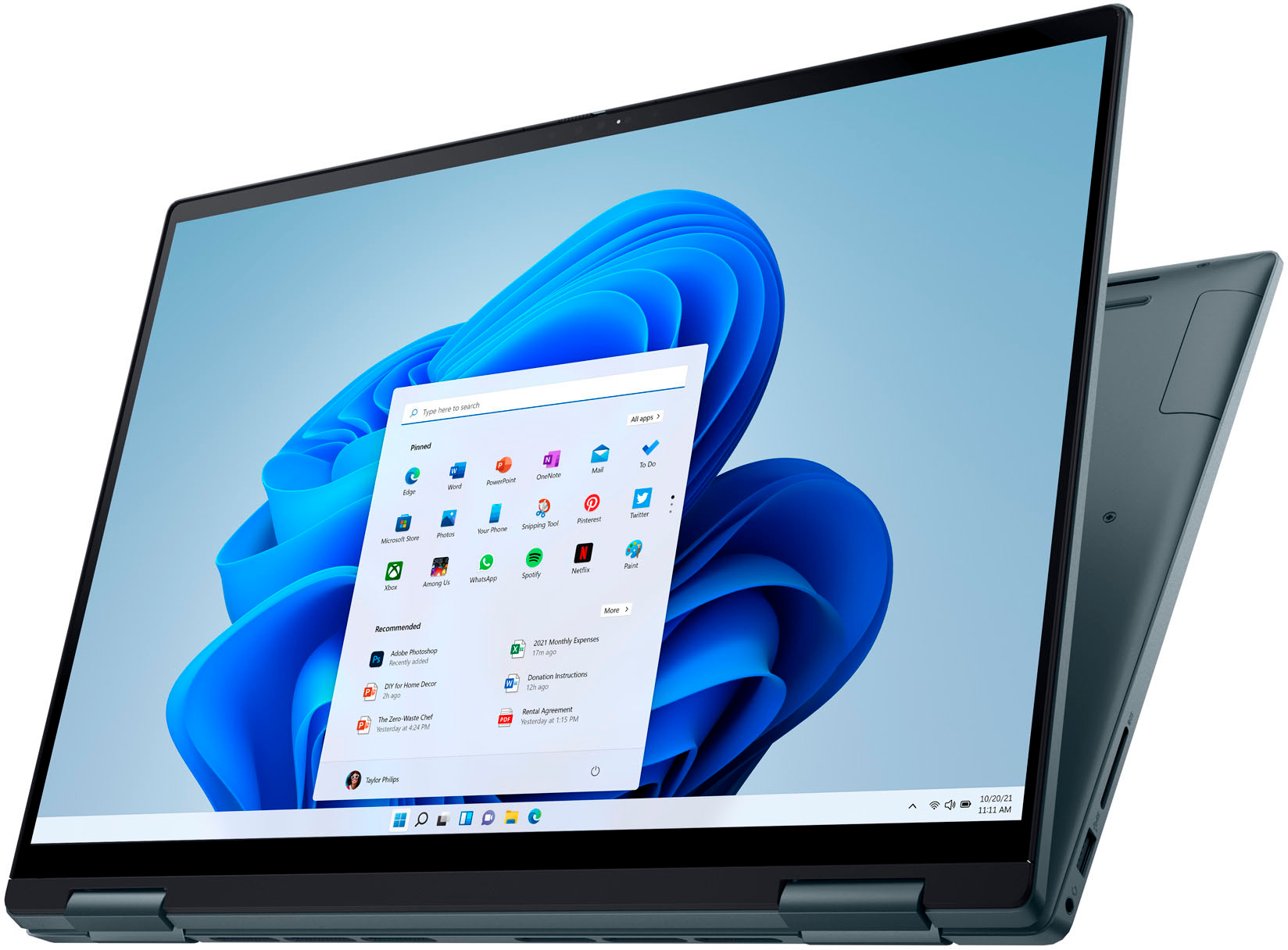
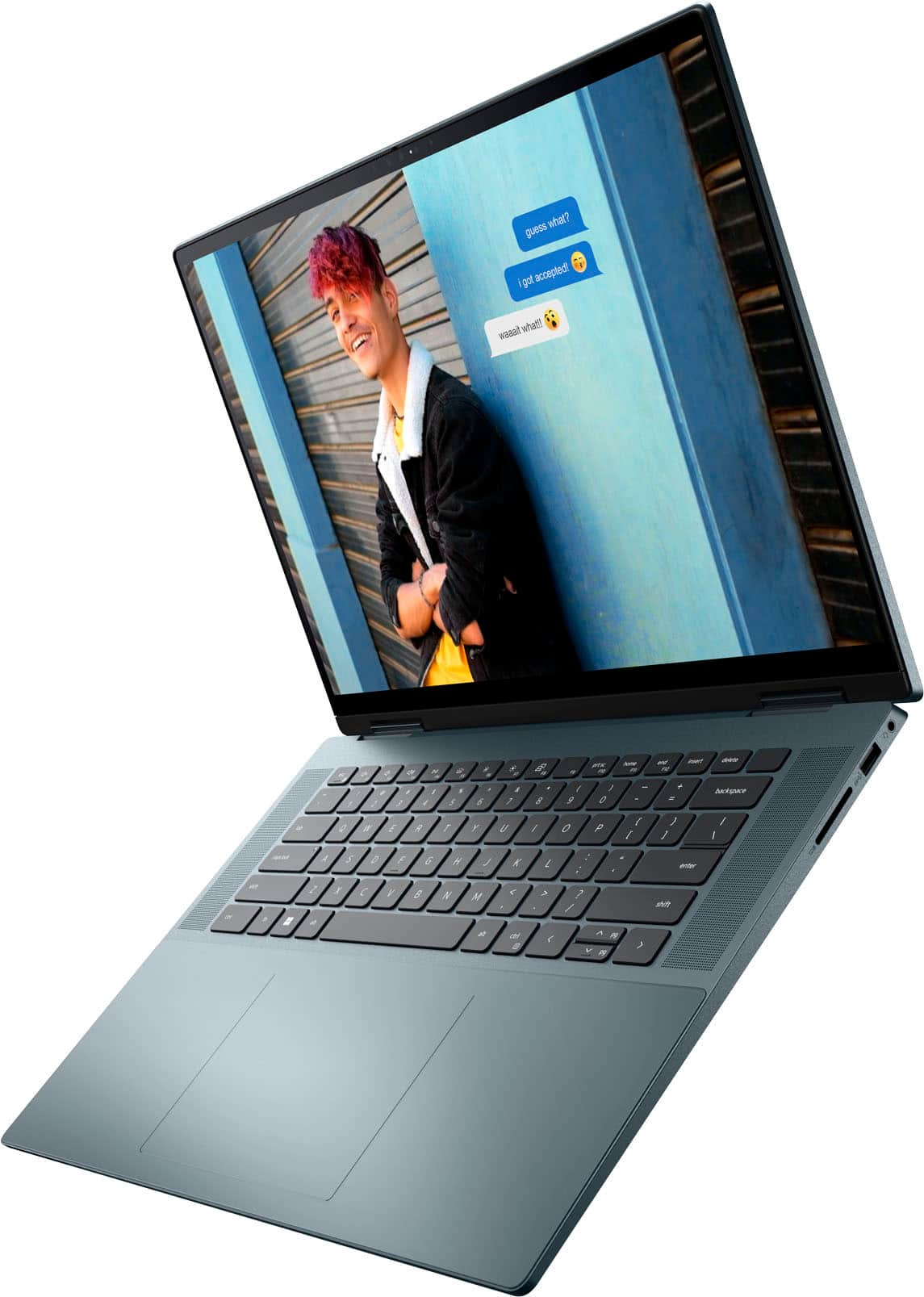
Customers are pleased with the Inspiron 2-in-1's large screen size, vibrant OLED display, and strong performance. Many appreciate its lightweight design and ease of use for both work and school. However, some users experienced issues with the touchpad's reliability and reported excessive heat and fan noise. The quality of the speakers also received some negative feedback.
This summary was generated by AI based on customer reviews.
- Pros mentioned:Battery life, Oled displayCons mentioned:Touchpad

You can't go wrong with this excellent laptop
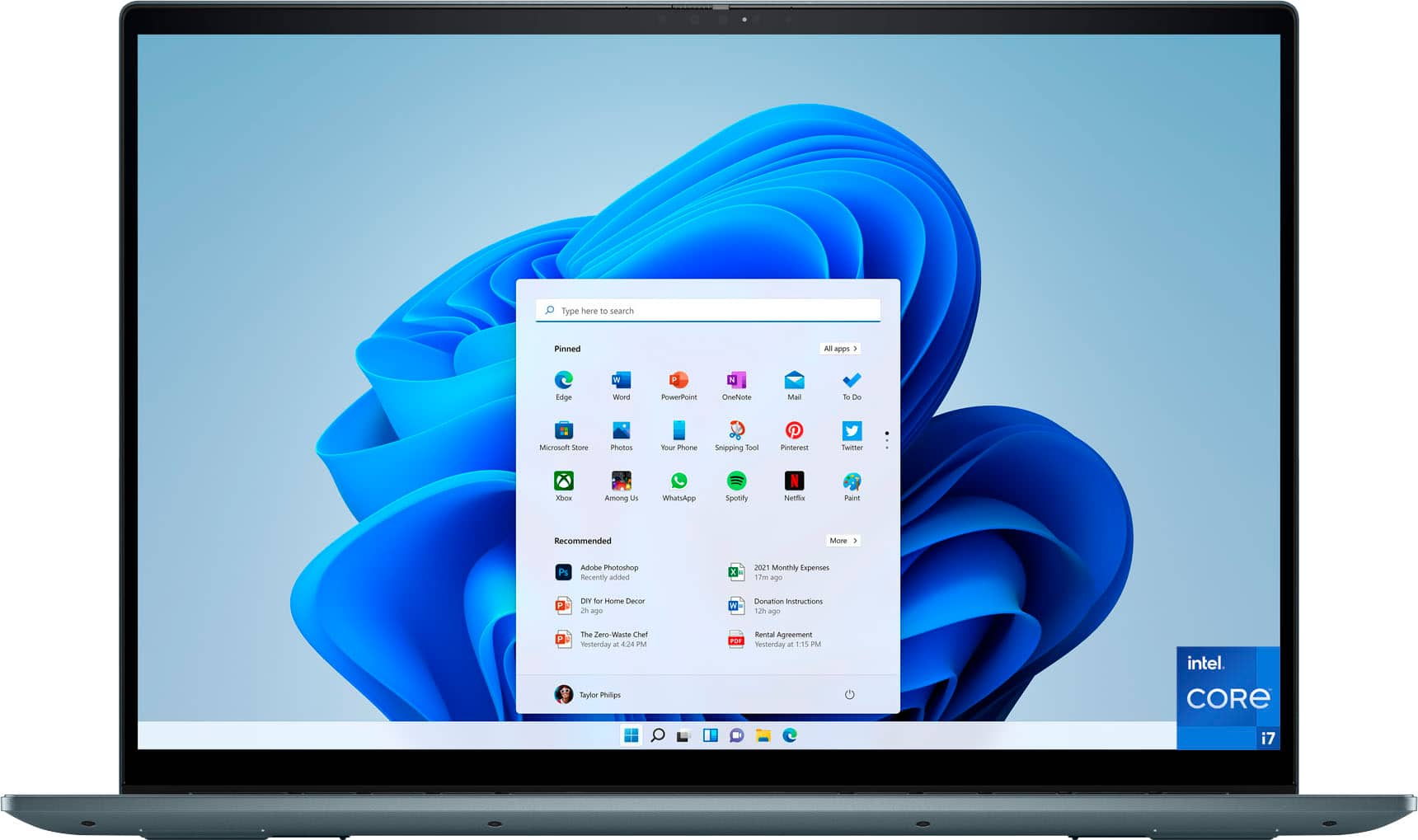
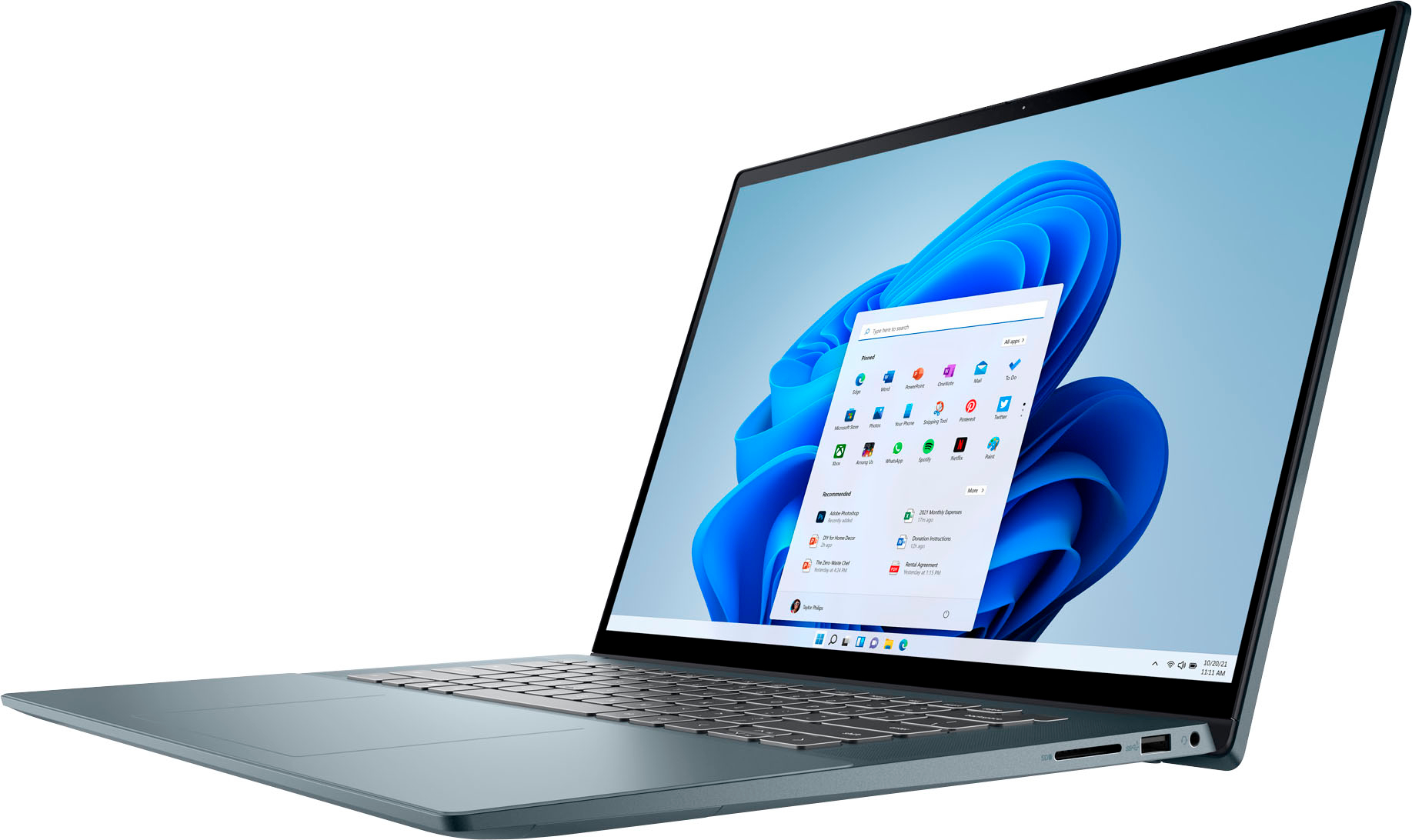
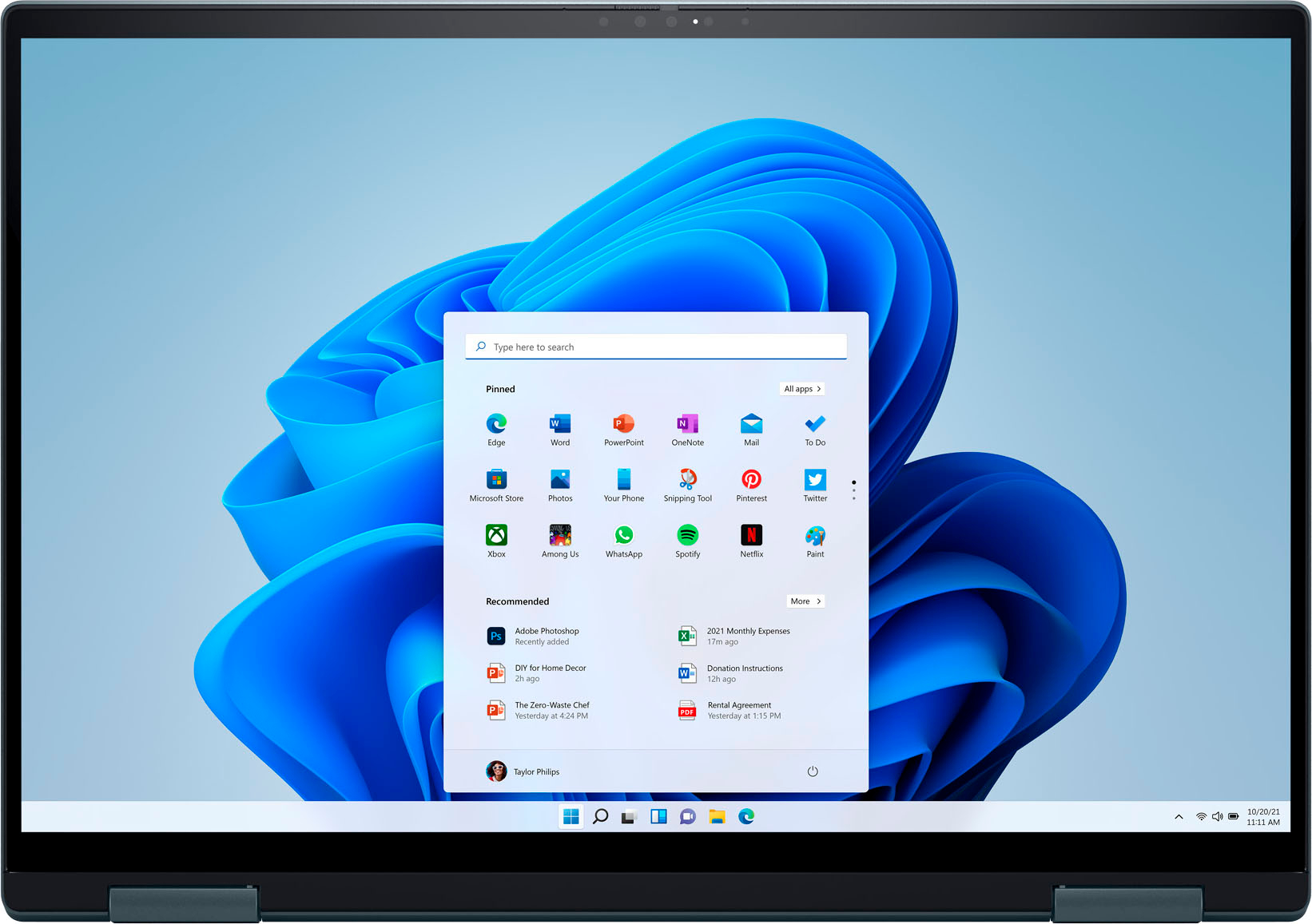
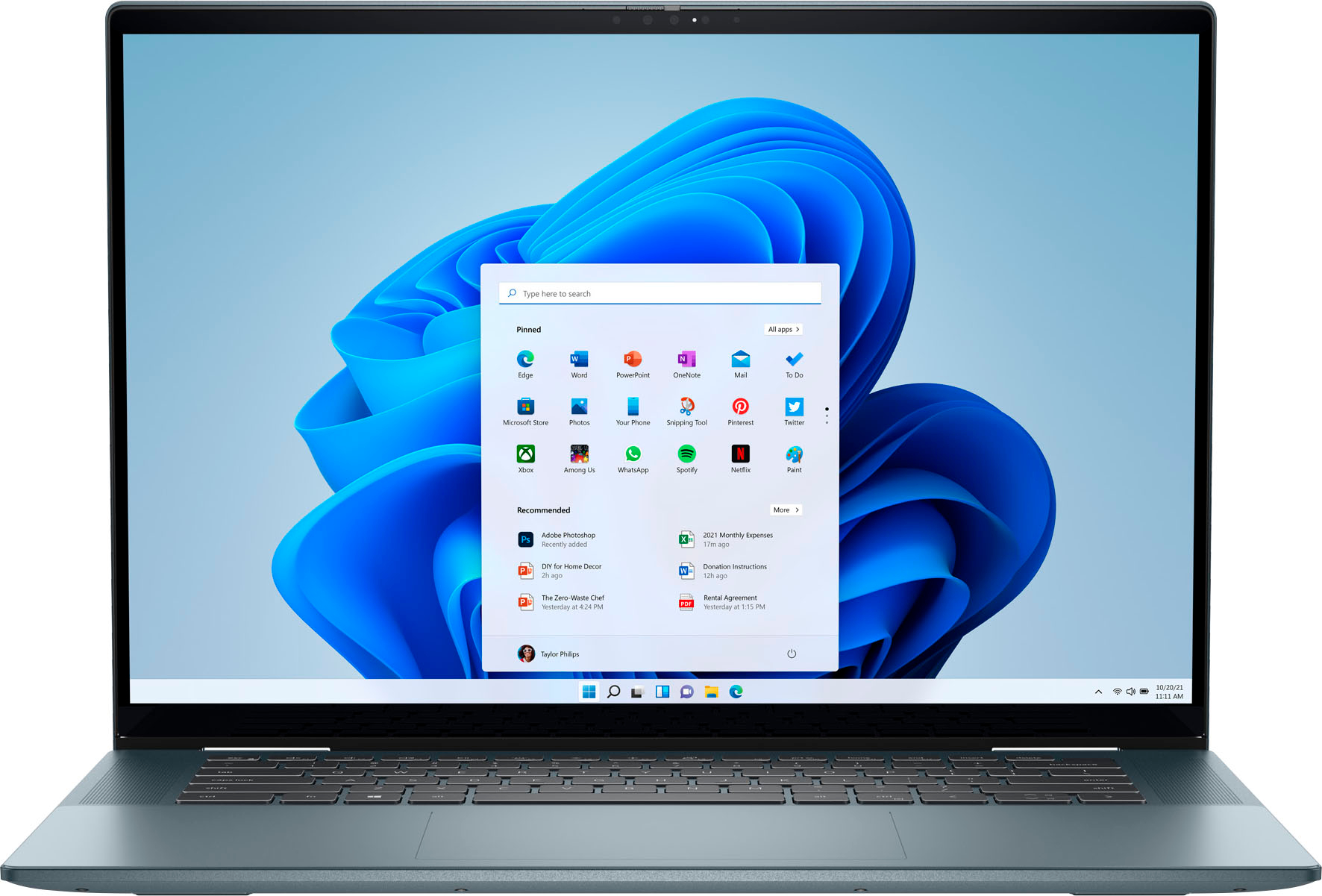
|Posted .This reviewer received promo considerations or sweepstakes entry for writing a review.First, this doesn’t affect the quality or use of the laptop, but I do want to mention that the Dell laptop’s retail packaging box is inadequate for use as a primary shipping container. When my laptop arrived, the box it was shipped in was a bit beat up. But to my surprise the laptop was undamaged. The retail box should have been packaged inside of a slightly larger primary shipping box. I have been happy with Dell products for years. In fact, our last Dell laptop lasted for over 10 years and so we have high hopes for this one. During the setup process, this Dell Inspiron 16 connected easily to my home’s WiFi. It found my WiFi and all I had to do was provide the password. It has reliably reconnected each time I booted up the laptop. Also, during the laptop’s initial setup, I set up facial recognition, fingerprint recognition, and a 4-digit PIN. The facial recognition works so well that I can barely get the clamshell fully open before I’m logged into Windows 11. I’m talking less than one to two seconds. I have a disability with my hands that affects my hand strength, fine motor control, and dexterity. Consequently, I found the touchpad on this new Dell Inspiron to be much too slick for me to accurately control it with my messed-up hands. This is my problem, not Dell’s. However, if the surface was even mildly textured, I could probably use it more accurately. Anyway, I dug out an extra wireless mouse I own, plugged its RF dongle into this laptop and I was in business. I do want to mention that my wife thinks the touchpad is wonderful and she finds the slick surface to her liking. So, each to his or her own. I like touch screen laptops very much, but I do wish the Inspiron’s keyboard was about one inch farther away from the screen. Once touch screen laptops hit the market years ago, I, along many others I spoke with, found it very frustrating using the upper half of the keyboard because we accidently bump the screen with our fingers and knuckles. This causes the cursor location to jump down the screen where we insert, overtype, or delete in the wrong location in a document. This is only a minor complaint, but not everyone types on a keyboard the way we were all taught in typing class in high school. I, for example, can only type with the outside of my left thumb due to my disability. I had hoped that laptop manufacturers might have engineered in that change by now, but they haven’t. This is my first OLED display and I found it to be vibrant and quick. Truly an excellent display. When using the touchscreen display it seems to be well engineered because the screen only shakes slightly to my touches even up near the top like when you’re using the ribbon menu in Office products. This means the display has a well engineered hinge, yet it’s not too stiff. I’m still able to open the clam shell lid easily. There’s no need for me to pry open the laptop with a crowbar. Dell’s backlit keyboard is a godsend when using the Inspiron in a lowlight environment. I absolutely love that feature and also the fact that I can easily turn it on/off with the F5 key only. The Dell Active Pen accessory will undoubtedly be more useful to someone with fully able hands. However, I’m still able to use it for executing precise clicks on very small icons and screen controls at high screen resolutions. As time goes on, I expect I will find more ways to use it. The sound from the Dell Inspiron speakers is fairly decent for a laptop. Understand that no laptops have incredible sound. For quality sound you’re expected to use external speakers. Next, I wanted to test the laptop’s Bluetooth capability. So, I got out a Bluetooth speaker and it connected effortlessly. Music played beautifully with no lag, skips, or other issues. The life of this laptop's battery charge is excellent taking 8 ½ hours to drop from 100% down to 2% at which point the laptop shut itself down. During most of this time I was streaming music videos and listening with an external Bluetooth speaker while I did other tests on this laptop and wrote my review. Overall, the Dell Inspiron 16 7620 2-in-1 Laptop is an excellent computer that I can recommend to anyone without reservation.
I would recommend this to a friend - Pros mentioned:Oled display, Processor speedCons mentioned:Touchpad
5g
|Posted .This reviewer received promo considerations or sweepstakes entry for writing a review.Dell Inspiron 16 7620 2-in1 TL:DR For the average laptop user, this model is a solid choice with only one flaw discovered so far. First let me say that I am not too tech savvy when it comes to laptop and I consider myself an average user. My needs are not the same as a heavy gamer or programmer. That being said, I am enjoy this laptop so far. Unboxing was a breeze, the picture shows what was included in the minimalist packaging. It has been years since I've purchased a laptop so I am comparing this to the huge box you might have gotten 7-8 years ago. In addition to the 2-in1 itself, there was a two-piece USB-C power cord and what they called a Dell active pen with a AAAA battery and two extra nubs. I thought this was convenient since this was considered an extra accessory on other electronics I've purchased. There wasn't much in the way of directions and none were needed. Once the computer was turned on it walked me through the setup process that took less than 5 minutes. This also gave me the first chance to interact with the touchscreen and I found it to be very responsive with no lag. I did discover one thing that I did not like while going through set up. The faceplate for the keyboard is somewhat bent resulting in the keys in the middle being almost flush with the covering. It is not a solid keyboard with holes for the keys, rather it seems they keys were put in place and then a very thing plastic covering was placed over it to hide the inner workings. Not very user friendly. Because the covering was flush with the keys it was difficult to find where I would normally position my fingers and this led to many mistakes while typing. I haven't figured out a way to get the covering to stay where it should be as of yet. Processing was extremely fast. I've only downloaded MS Office Professional so far so I am not using much memory. The 2-in-1 feature is nice to have although it does make for a huge tablet. I'm not sure I'll be using that function much but it is nice to have. The hinges are sturdy and hold the screen in place no matter what angle you choose. And the green color is very unique. I didn't think I would enjoy it at first but it is so dark that it almost looks black in certain light. No complaints on the color at all. Overall, I am very happy with this model. It will replace the older, slower Dell I am currently using. I would recommend it to anyone looking for a laptop or a 2-in-1.
I would recommend this to a friend Deall 2-1 Inspiron 16"
||Posted .This reviewer received promo considerations or sweepstakes entry for writing a review.It was time for a new laptop. Got a great deal from Best Buy, especially since I got the tech support package (which I love). Good quality and does what I need it to do!!
I would recommend this to a friend- Pros mentioned:Oled display
It is ok.
||Posted . Owned for 3 weeks when reviewed.This reviewer received promo considerations or sweepstakes entry for writing a review.Beautiful screen. Normal machine. Hard to use mouse pad.
I would recommend this to a friendBrand response from YourDellTeam
Posted .Dear Mrhand,
Thank you very much for your valued feedback. We are glad you the screen of your new Dell Inspiron 7620 2-in-1 laptop but we are sorry to hear that you are not 100% satisfied with it because the touchpad is hard to use.
Some Notebooks and Tablets with Keyboards have added gesture features to the touchpad hardware and drivers. A few of these features are two or three-finger scrolling, pinch zoom, circle zoom, rotate, and swiping. These new features may be the reason for the erratic cursor movement since most are turned on by default. You can disable or modify the way the features work in the touchpad driver properties. Here are some tips to modify these settings:
1. In the Search box, type main.cpl.
2. Touch or click main.cpl in the list of programs.
3. Touch or click the Dell Touchpad tab.
4. Touch or click on the picture of the touchpad.
5. Touch or click Gestures (depending on your computer there may not be a Gestures option).
6. Change the options as preferred.
7. Touch or click Save.
8. Touch or click the X in the upper-right corner to close the Dell Touchpad Utility.
9. Touch or click OK on the Mouse Properties window.
10. If the touchpad still does not work after following the preceding steps, refer to Dell Knowledge Base article - http://dell.to/2iaiujA.
You can read the full article here - http://dell.to/2tqmS02.
If you are still experiencing issues with your touchpad after utilizing the troubleshooting options above, please contact the Dell Support Team at 1-800-624-9896 for further guidance.
Best,
Katarina@Dell
Should you need further assistance, you can contact Dell directly with the information below.
Chat or call: https://bit.ly/DellSupportTeam
Phone number to Dell: 1-800-624-9896
Worse computer ever
||Posted . Owned for 10 months when reviewed.This reviewer received promo considerations or sweepstakes entry for writing a review.Worst computer I have ever had, I have had this computer less than a year and I have already had to have two technicians come by to fix the mouse. It takes more than thirty minutes to turn on or longer to turnon.
No, I would not recommend this to a friendReturned
||Posted . Owned for 11 months when reviewed.This reviewer received promo considerations or sweepstakes entry for writing a review.When I turned it on I realized it was slightly broken(malfunctioning screen). I ended up returning it for an Asus Zenbook with no issue. I much prefer the Asus and it was $500 less expensive than the dell.
No, I would not recommend this to a friendBrand response from YourDellTeam
Posted .Hello Lucky,
We would like to thank you for taking the time to provide us with your feedback. We are sorry to hear that you have come across the issues with your Dell Inspiron 16 2-in-1 computer because its screen was broken.
Feedback like yours will help us to improve our current and future products and services. We can assure you that Dell takes pride in manufacturing quality products.
Even if this particular product is not the right fit for you, we hope that you will consider Dell in the future when you make your next system purchase.
Should you need further assistance, please contact Dell directly with the information below.
Chat or call: https://bit.ly/DellSupportTeam
Phone number to Dell: 1-800-624-9896
Best,
Katarina@Dell
MS projects
||Posted . Owned for 1 month when reviewed.This reviewer received promo considerations or sweepstakes entry for writing a review.Windows 10 works for us and it can be used for any Microsoft word, Microsoft excel or Microsoft outlook you want to use
I would recommend this to a friendMy sons college computer
||Posted . Owned for 3 weeks when reviewed.This reviewer received promo considerations or sweepstakes entry for writing a review.Great product really love the touch screen it was what made the choice rasier
I would recommend this to a friendDO NOT PURCHASE SAVE YOUR MONEY
||Posted . Owned for 2 months when reviewed.This reviewer received promo considerations or sweepstakes entry for writing a review.Laptop is slow for its price. Not very good. The dell Active Pen that comes with it is very faulty and not very compatable with the laptop itself. Can’t be detected for more than half the time.
No, I would not recommend this to a friendBrand response from YourDellTeam
Posted .Hello IvanC,
We would like to thank you for taking the time to provide us with your feedback. We are sorry to hear that you are experiencing performance issues with your Inspiron 7620 2-in1 computer and that the included Dell active pen is not working with this system.
We recommend making sure drivers for this product are updated. I have provided a link to the drivers and downloads page where you can check for any applicable updates.
Drivers and Downloads page: https://dell.to/3m0jfty
There are several ways to help improve the performance of your computer if it is running slower than you expected it to. We'd recommend the following steps to help improve your computer's overall performance and speed:
1. Restart your computer regularly.
2. Run the automated tools provided in the SupportAssist Tool.
3. Run a complete hardware diagnostic test.
4. Scan your computer for malware.
5. Restore your Dell computer using Windows System Restore.
6. Reinstall Microsoft Windows.
7. Ensure Windows Update and BIOS is up-to-date.
8. Run Windows Task Manager to check if any device usage is over 90%. If yes, try to End Task to some processes which use higher resources.
You can read the full steps associated with each of these recommendations here: https://dell.to/3n29QjE.
If the issues with your computer are still not resolved after utilizing the troubleshooting options above, please contact the Dell Support Team at 1-800-624-9896 for further guidance.
Best,
Katarina@Dell
Should you need further assistance, you can contact Dell directly with the information below.
Chat or call: https://bit.ly/DellSupportTeam
Phone number to Dell: 1-800-624-9896
Nice laptop
||Posted . Owned for 3 weeks when reviewed.This reviewer received promo considerations or sweepstakes entry for writing a review.I purchased as an open box item. I had a BSD problem and found it was a Dell software issue. Once I removed the Dell service software it has been perfect.
I would recommend this to a friendWell... its already broken...
||Posted . Owned for 1 month when reviewed.This reviewer received promo considerations or sweepstakes entry for writing a review.Already broken... wont turn on... less than 2 months old and not starting up... wsiting to get to location where it was purchased to have it worked on... but need it and it quit working...
No, I would not recommend this to a friendBrand response from YourDellTeam
Posted .Dear RobyII,
We appreciate you taking the time to leave a review of your Inspiron 2-in-1 laptop. We are sorry to hear that you are experiencing an issue with no power. That is not the type of product Dell intends to deliver or the type of feedback we like to hear from our customers. Below I have provided a troubleshooting link to help resolve your issue.
How to troubleshoot computer power issues: https://rb.gy/r9bco
After visiting the troubleshooting link if you need further assistance we recommend using the toll-free number or chat link below to reach a member of our support team.
We recommend that you contact Dell directly with the information below if you need further assistance.
Chat or call: https://bit.ly/DellSupportTeam
Phone number to Dell: 1-800-624-9896.
Best,
Summer@Dell
Faulty Computer
||Posted . Owned for 2 months when reviewed.This reviewer received promo considerations or sweepstakes entry for writing a review.I hope that I was merely delivered a faulty computer, since it was slow, had bad battery life, and crashed constantly when running programs such as adobe illustrator. The touchscreen was not as useful as I thought either.
No, I would not recommend this to a friendBrand response from YourDellTeam
Posted .Dear NicoE
Thank you for taking the time to leave us your review. We are sorry to hear that you are experiencing issues with your Inspiron 16 7620 2-in-1 laptop computer because, it crashes, it is performing slower than you expected, and its battery life is not very good. You are also not too happy with its touchscreen, because it is not very useful.
It's important for us to hear about inconsistencies in our products for consideration of future development.
Below I have included steps with the full article that can help you with slow performance issues with your laptop:
1. Run the automated tools in SupportAssist to ensure that the drivers are up to date and your computer is optimized.
2. Restart the computer
3. Run a hardware diagnostic test
4. Scan your computer for malware
5. Restore the computer using Windows System Restore
6. Restore the computer to factory default settings
You can read the article that can help you with slow performance issues here: https://dell.to/3yqre8r
Battery operating time varies depending on operating conditions and can be significantly reduced under certain power-intensive conditions. Below I have provided steps with the full article that can help you improve the battery performance of your laptop:
1. On the notification area of the taskbar, right-click the Battery icon.
2. On the options list, click Power Options.
3. Select a power plan on the battery meter, such as Power Saver or Balanced. Windows 11 has a built-in 'Battery Saver' mode that can be activated to extend your system's battery life. The Battery Saver mode will monitor and limit background activity and other features such as push notifications. You do have the option to enable or disable this mode within settings or within advanced Battery Saver settings, you can customize the mode to best suit your needs.
a) Click on the Action Center icon in the taskbar and select the tile for Battery Saver.
b) If running Cortana then type Battery Saver into the search box and select from the results.
Within the Battery Saver settings page, you will be able to turn on and off the feature and customize the feature to best meet your needs.
c) Turn Battery Saver On or Off.
d) Additional settings available via the Battery use and Battery saver settings links.
e) Battery use shows further info on apps and their power usage.
f) The Battery Saver Settings screen allows you to customize further Battery Saver features.
How to Improve the Performance of a Dell Laptop Battery: http://dell.to/2vfXWf4
To help with the crashing issues, please follow these troubleshooting steps:
1. At the screen, click the Search the Web and Windows box and type "problem reports".
2. Select View all problem reports viewing a list of errors that have occurred on your computer and possible solutions for them, such as updating drivers, flashing your system BIOS, or checking for updates to the software.
3. Under the Source column, look for Windows, and under Summary, look for Shut Down unexpectedly.
4. Right-click the line item and select Check for a solution.
We'd also suggest checking to make sure that your software and drivers are up to date on Dell's Product Page here: https://dell.to/44wWqTE
You can read the full article on solving PC crashing issues here: http://dell.to/2u98Cct
If you continue to experience issues, please reach out to Dell Support directly by using the information provided below.
Chat or call: https://bit.ly/DellSupportTeam
Phone number to Dell: 1-800-624-9896
Best,
Katarina@Dell
N/a
||Posted . Owned for 3 weeks when reviewed.This reviewer received promo considerations or sweepstakes entry for writing a review.I like the product and had help from your associate. I have always had good luck when shopping in Best Buy. From employees and purchases
I would recommend this to a friendDell is killing it
||Posted . Owned for 2 weeks when reviewed.This reviewer received promo considerations or sweepstakes entry for writing a review.Love this laptop, Dell really seems to be churning out great devices. Very happy I switched over from Lenovo and gave Dell a try.
I would recommend this to a friendGreat sales associate
||Posted . Owned for 1 month when reviewed.This reviewer received promo considerations or sweepstakes entry for writing a review.We had a fabulous salesperson who walked us through all of our questions. Left with exactly what we needed. Always love Dell products.
I would recommend this to a friendBest buy visit
||Posted . Owned for 1 month when reviewed.This reviewer received promo considerations or sweepstakes entry for writing a review.Everyone I interacted with was helpful, knowledgeable and kind
I would recommend this to a friendBroke within 6 months
||Posted . Owned for 1.5 years when reviewed.This reviewer received promo considerations or sweepstakes entry for writing a review.This garbage broke not even 6 months after purchase and of course the time I don’t buy the warranty too. Straight garbage.
No, I would not recommend this to a friendmine
||Posted . Owned for 3 weeks when reviewed.This reviewer received promo considerations or sweepstakes entry for writing a review.So far it's been a good purchase and worth the price I paid
I would recommend this to a friendRecommend
||Posted . Owned for 1 month when reviewed.This reviewer received promo considerations or sweepstakes entry for writing a review.Overall a good Notebook...........................
I would recommend this to a friendDecent
||Posted . Owned for 1 month when reviewed.This reviewer received promo considerations or sweepstakes entry for writing a review.Phenomenal device , employees were more concerned with their social life so it took over an hour to complete the purchase
I would recommend this to a friend