Customer Ratings & Reviews
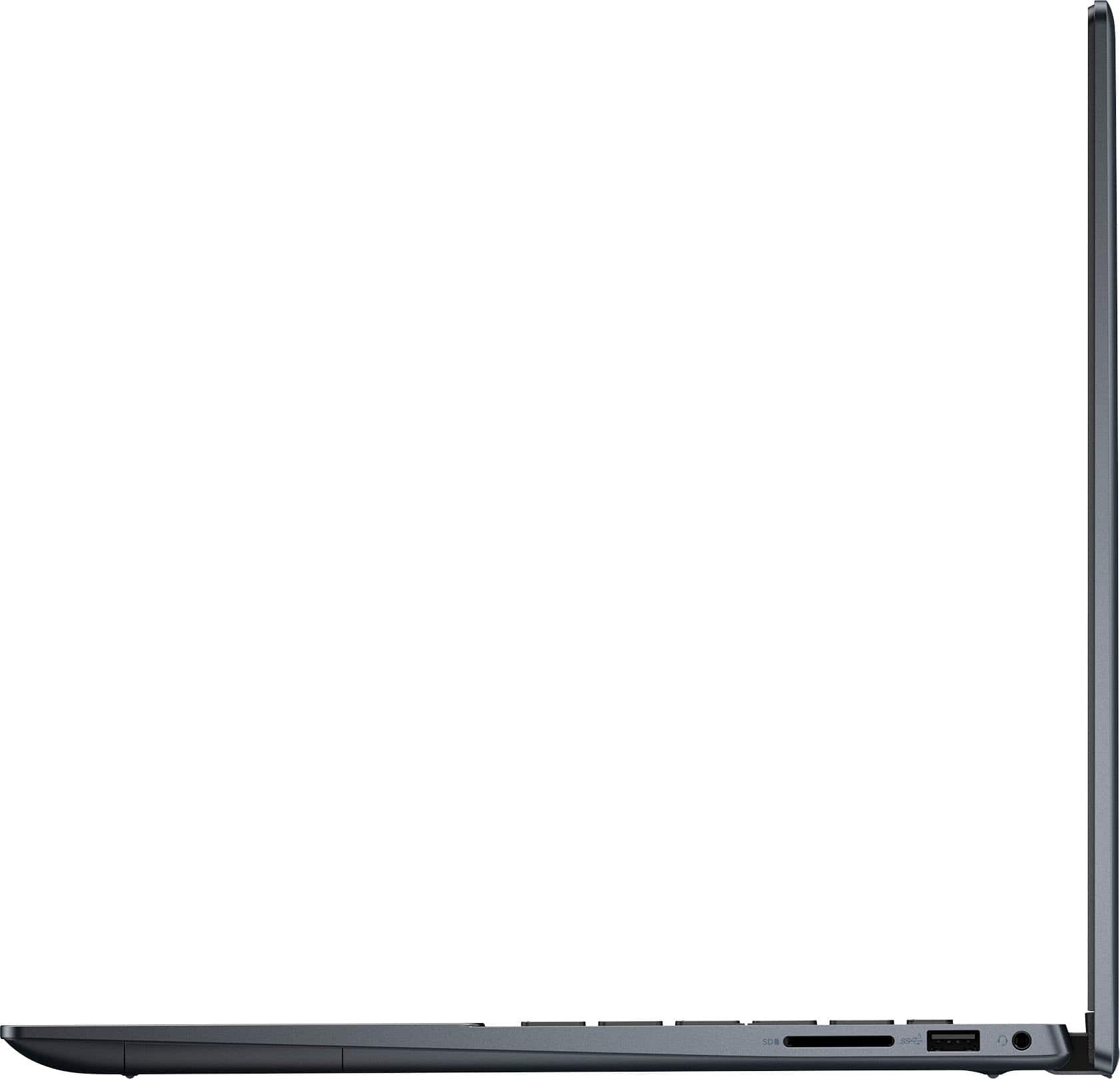

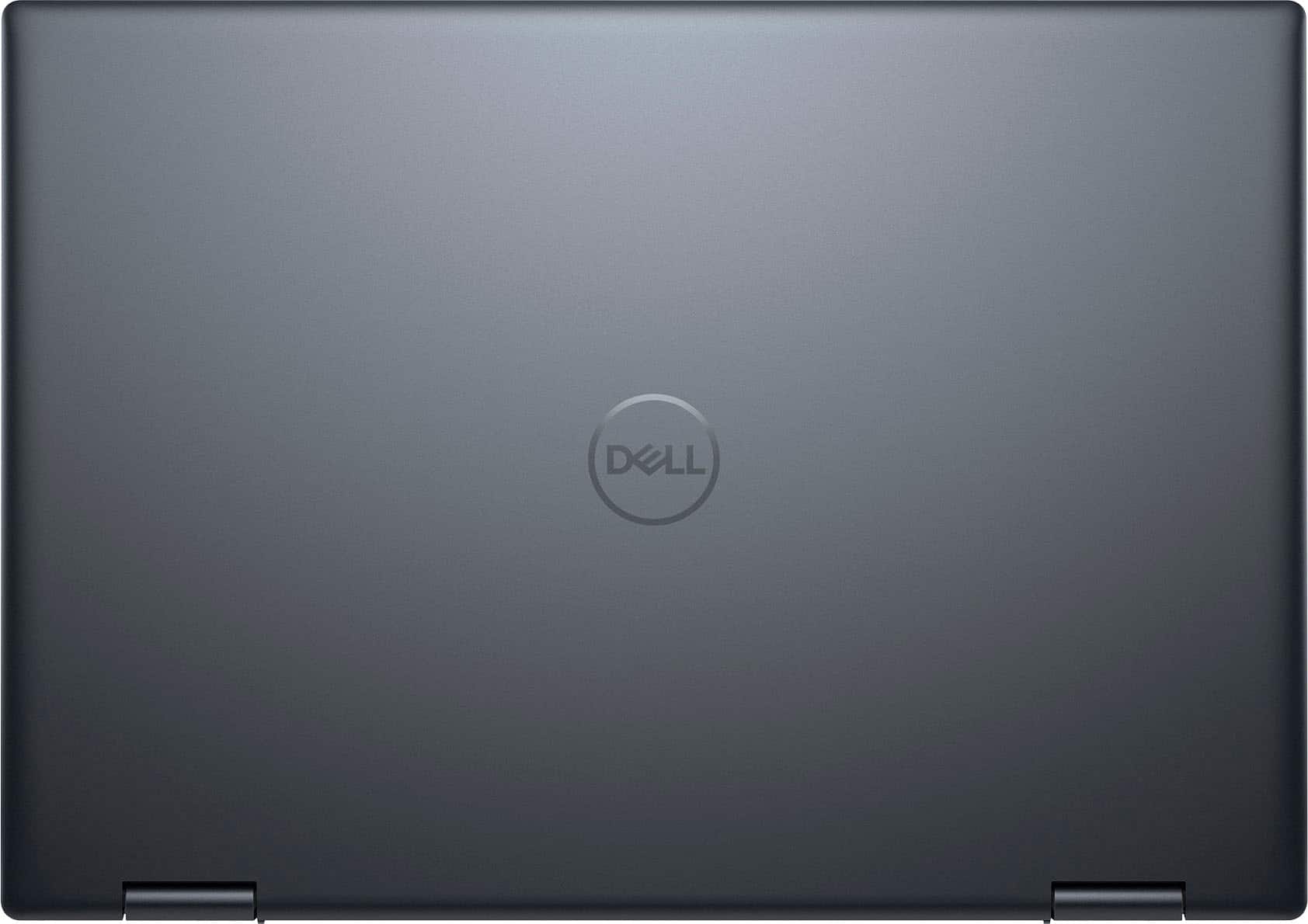
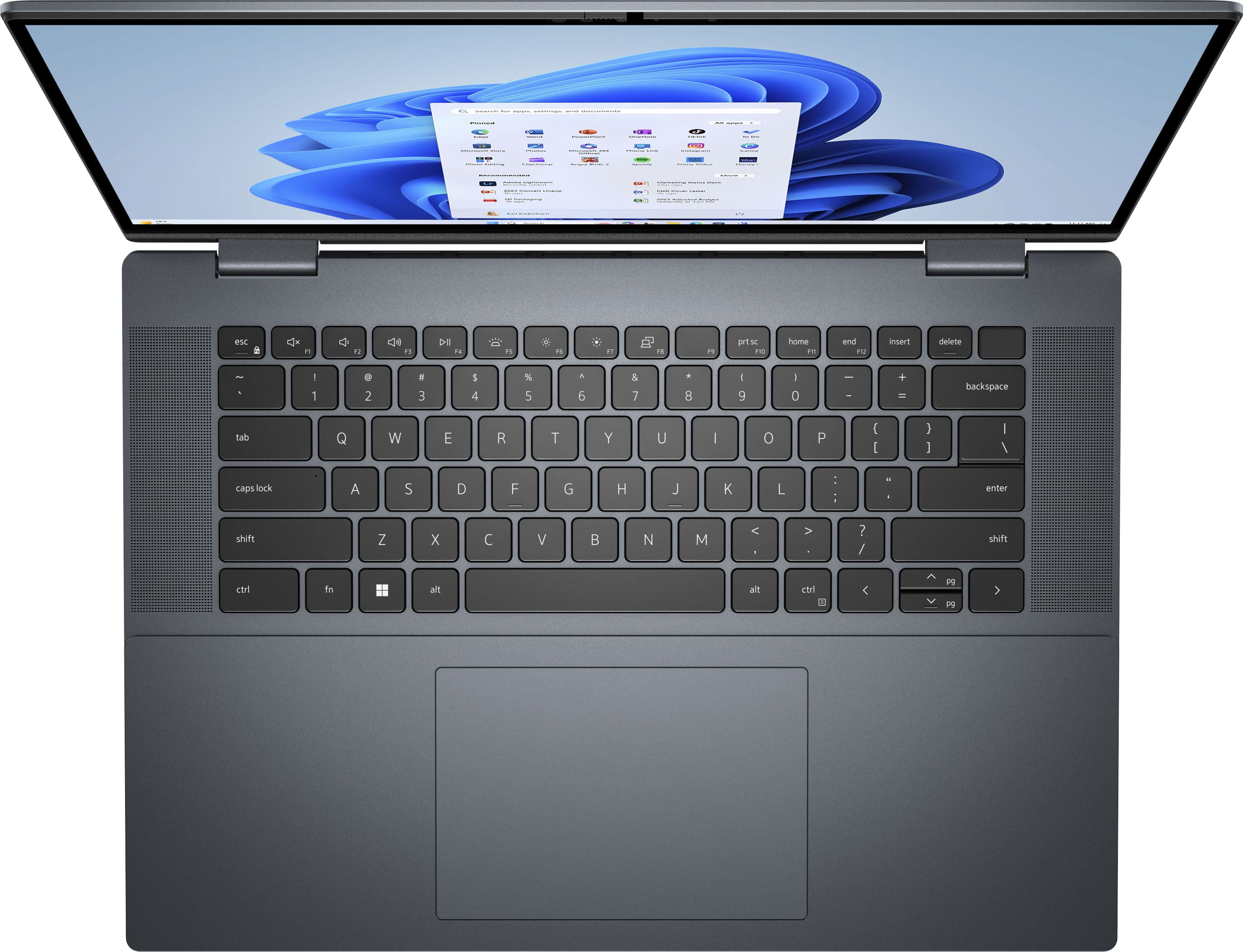
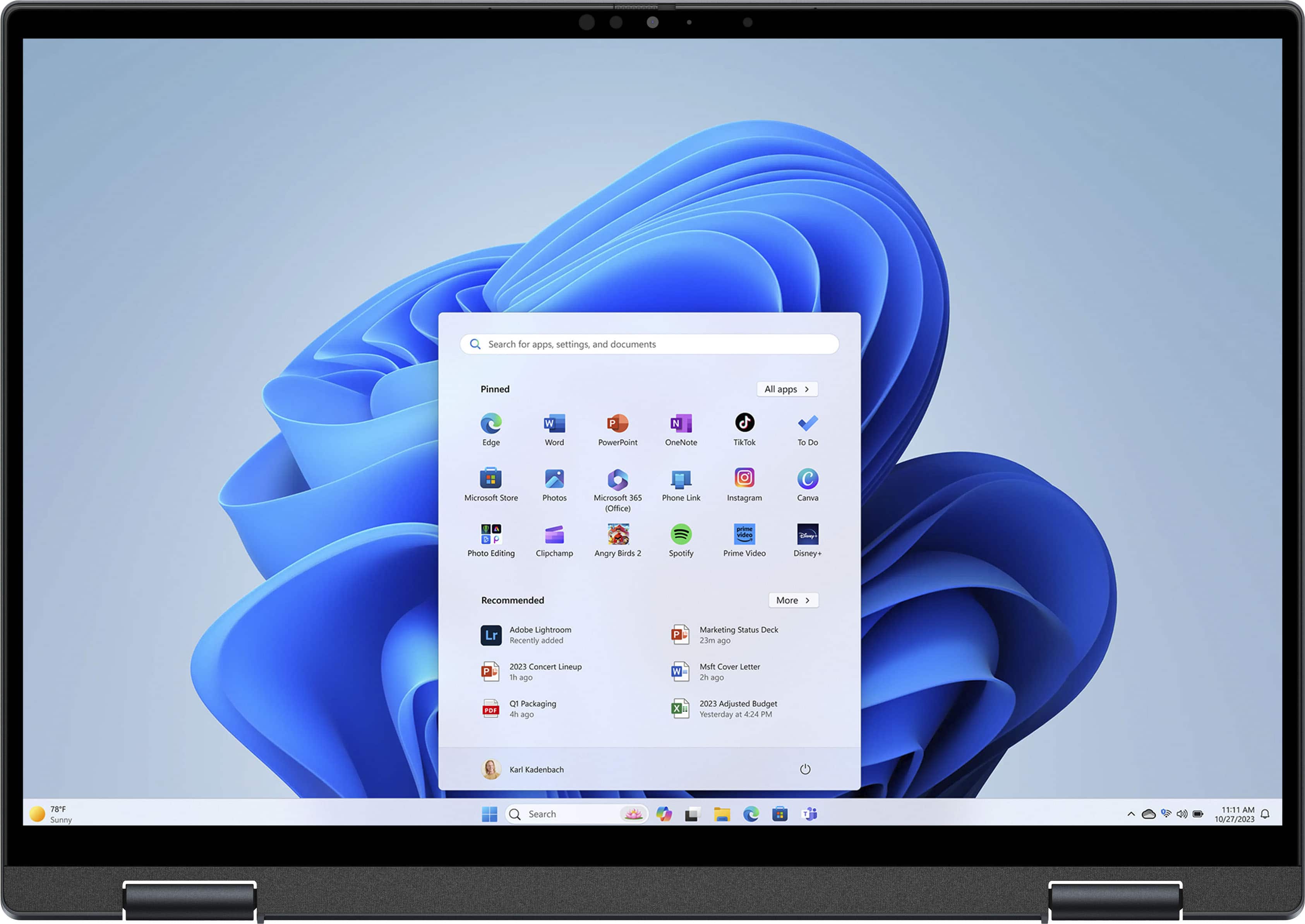
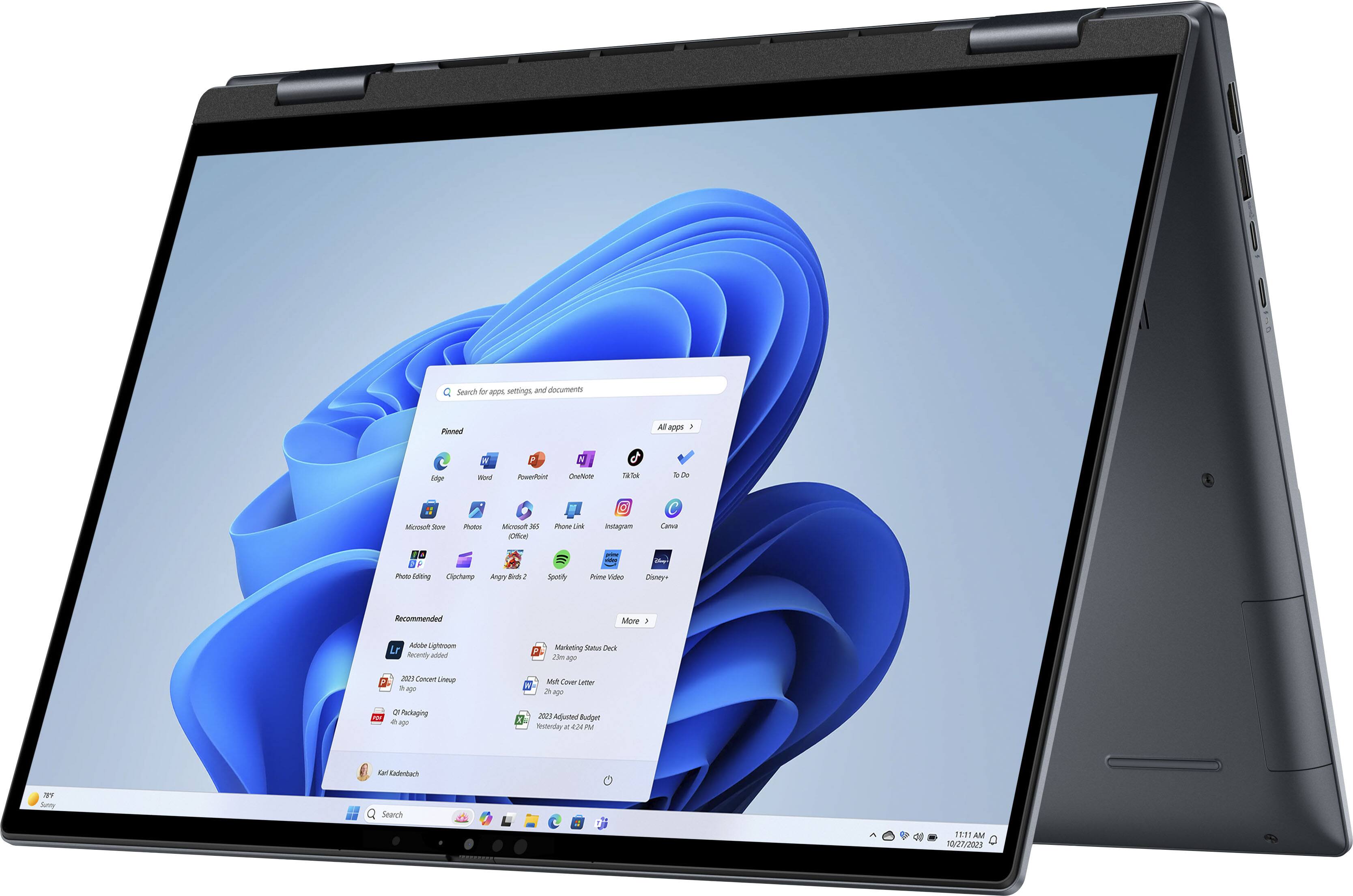
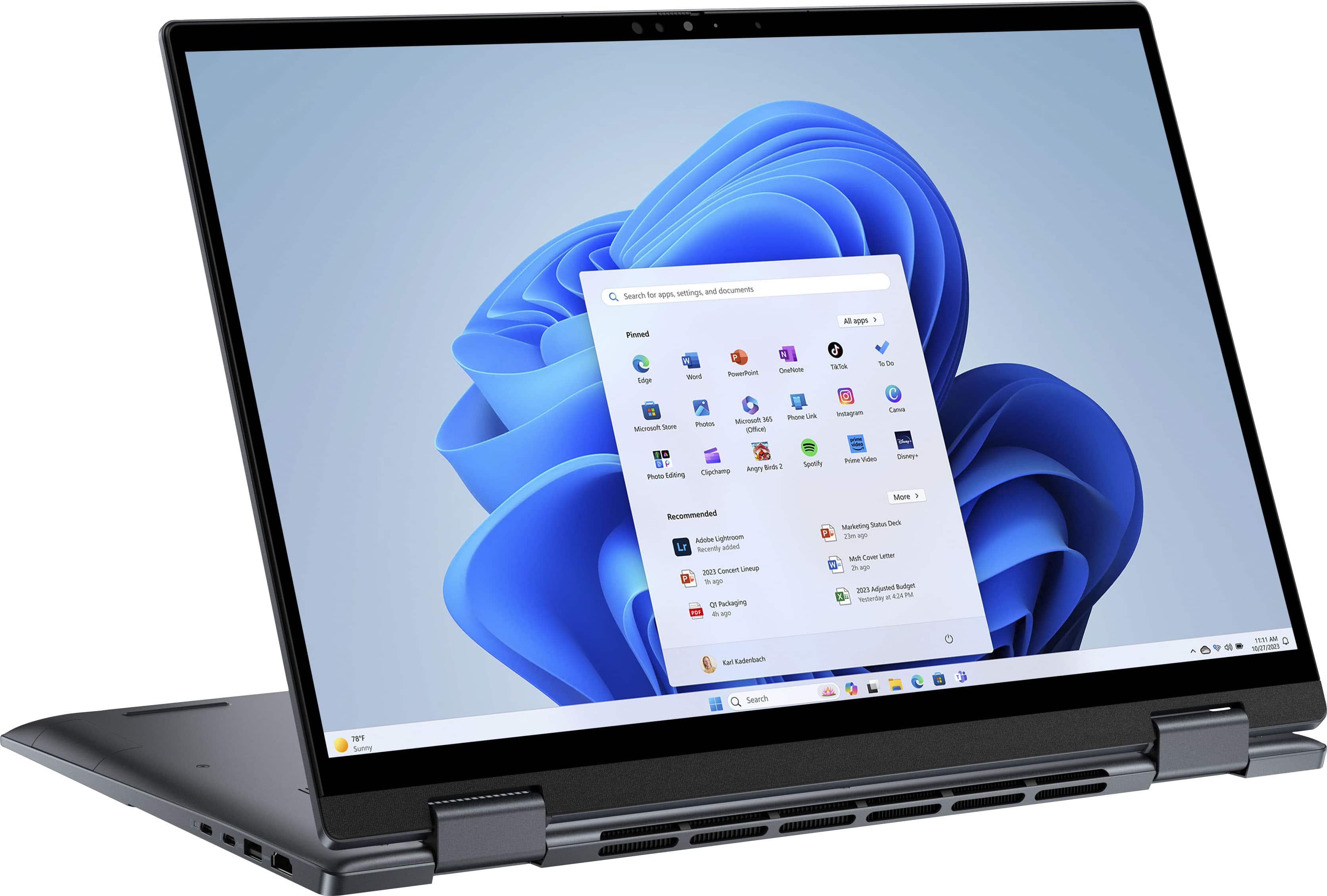
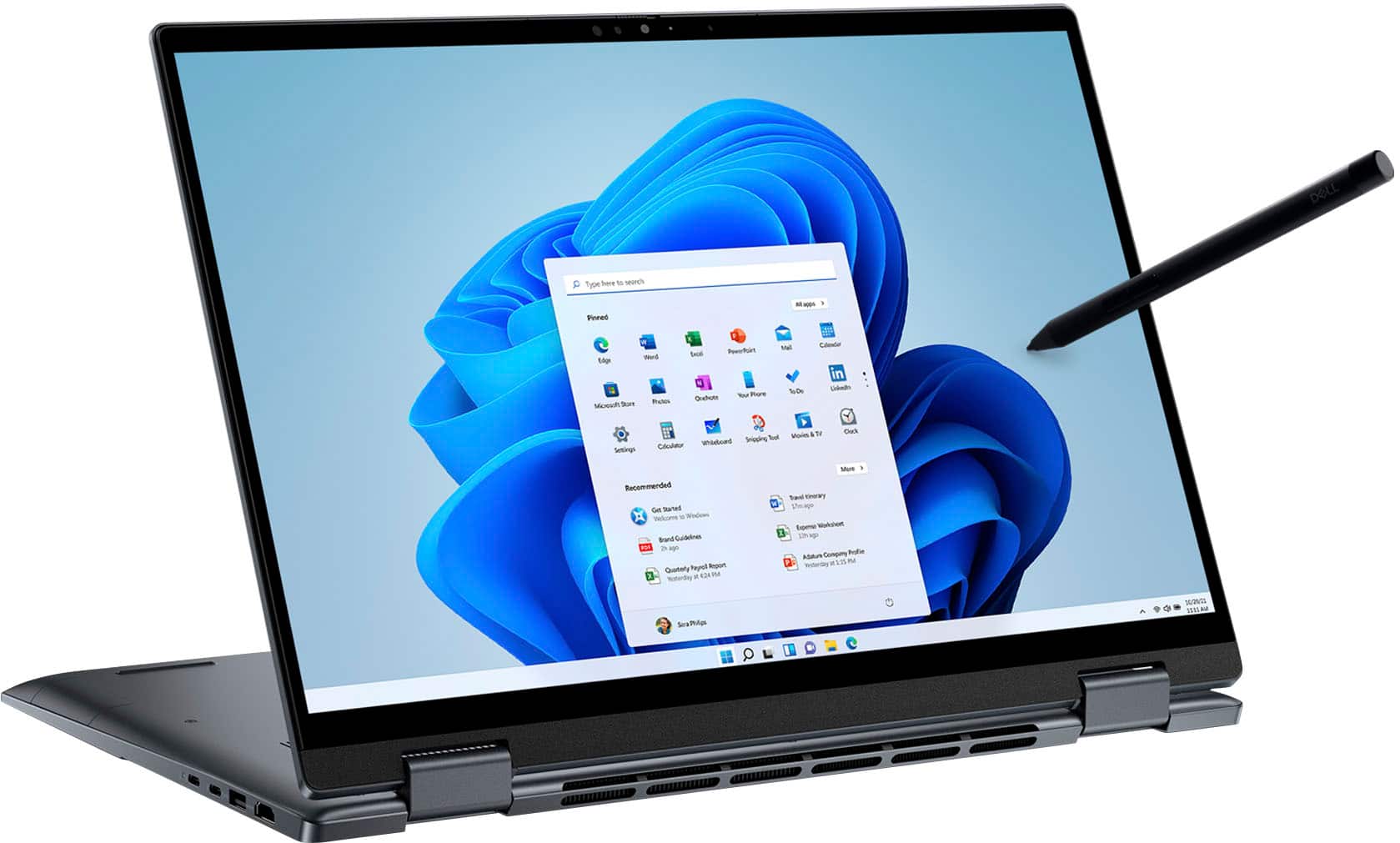




- Model:
- i7630-7305BLU-PUS
- SKU:
- 6539903
Rating by feature
- Battery Life
Rating 4.6 out of 5 stars
- Speed
Rating 4.7 out of 5 stars
- Display
Rating 4.8 out of 5 stars
Customers are saying
Customers regard the Inspiron 2-in-1 laptop's screen quality and performance as exceptional, with many praising its vibrant display and speed. The ease of use and battery life also receive positive feedback, although some find the weight a bit heavy and miss a number pad. While most are satisfied with the storage and price, a few users expressed concerns about the operating system.
This summary was generated by AI based on customer reviews.
Beautiful 2-in-1 Laptop
||Posted . Owned for 1 week when reviewed.This reviewer received promo considerations or sweepstakes entry for writing a review.Beautiful PC with 2-in-1 touchscreen capability and a stylus pen.
I would recommend this to a friendplug and play laptop
||Posted . Owned for 1 week when reviewed.This reviewer received promo considerations or sweepstakes entry for writing a review.out of the box and into the network... as expected!
I would recommend this to a friendBest laptop.
||Posted . Owned for less than 1 week when reviewed.This reviewer received promo considerations or sweepstakes entry for writing a review.Incredible laptop. Clear screen and all around best laptop.
I would recommend this to a friendDell opened box
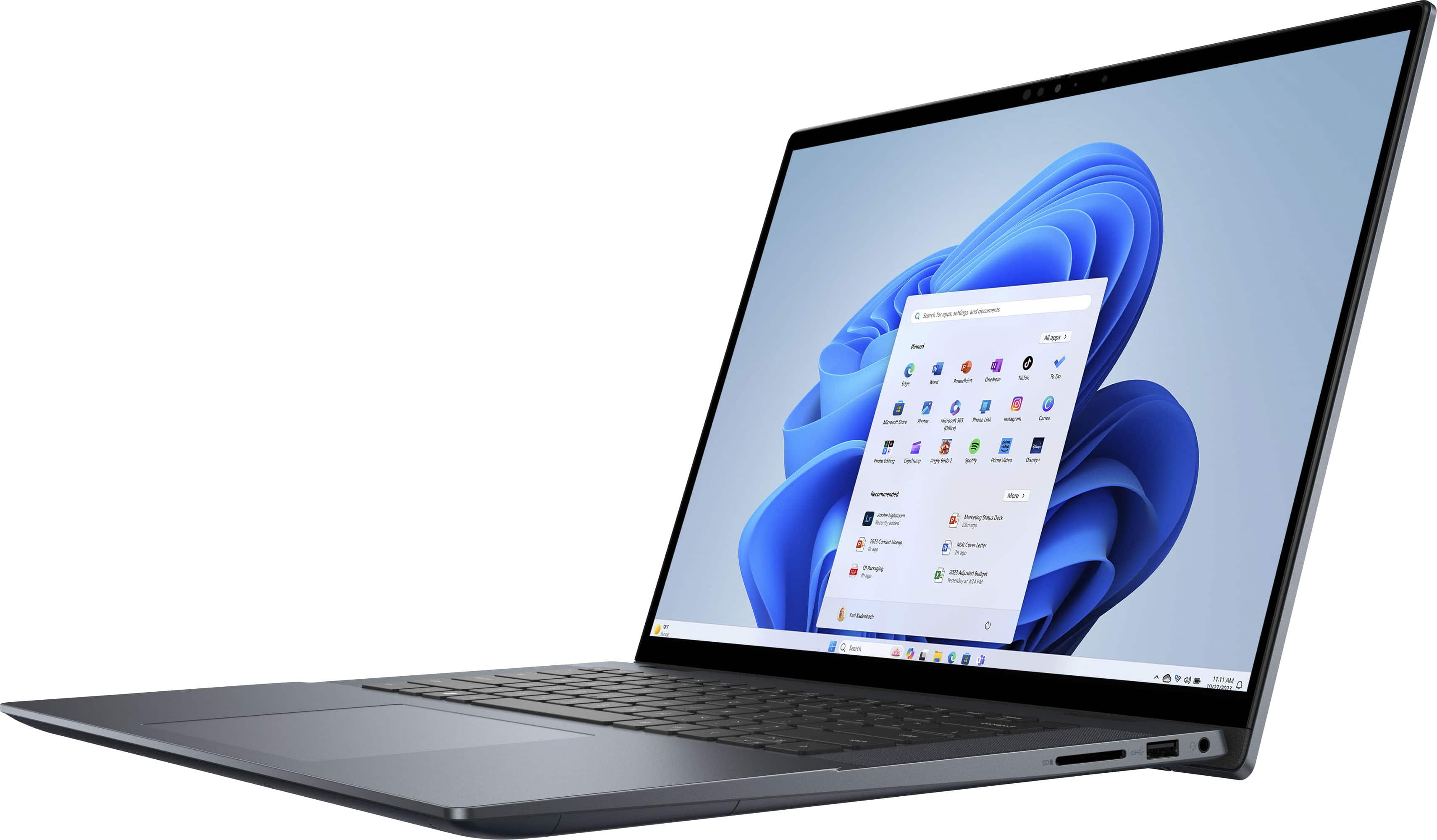
||Posted . Owned for 1 week when reviewed.This reviewer received promo considerations or sweepstakes entry for writing a review.small damage in the USB port and pen is missing part. I need to recieve 6 month free internet security which haven't recieved.
I would recommend this to a friend- Pros mentioned:Processor speed
USB issue
||Posted . Owned for 3 weeks when reviewed.This reviewer received promo considerations or sweepstakes entry for writing a review.Initially I loved the product. The Oled screen was fanamal. System was fast. Wanted to load files on the the machine and the system did not recognize my external hard drives via any of the USB ports. The USB ports recognized fat formatted. This is not an uncommon issue as reading on the internet and Dells site. I tried to resolve the issue but was unsuccessful. I regrettably returned the product.
No, I would not recommend this to a friendBrand response from YourDellTeam
Posted .Hello Peb3,
Thank you for taking the time to leave us your review. We are sorry you have decided to return your Dell Inspiron 16.0"" 2-in-1 OLED Touch Laptop. We can assure you that Dell takes pride in manufacturing quality products. This is certainly not the experience we like to hear from our valued customers.
Feedback like yours helps us improve our current and future products. Even if this particular product was not the right fit for you, we hope that you will consider Dell in the future when you make your next purchase.
If you still need assistance or come across any other issues or concerns, please call, or chat with a Dell Support Representative at your earliest convenience: https://bit.ly/DellSupportTeam.
Chat or call: https://bit.ly/DellSupportTeam
Phone number to Dell 1-800-624-9896
Best,
Minhaj@Dell
Sold a product to me they did not have.
||Posted . Owned for 3 weeks when reviewed.This reviewer received promo considerations or sweepstakes entry for writing a review.I orered this product in November 2024 on Black Friday. They assured me it would be delivered on December 20 2024 and it never came the app said it was delayed until December 24 and it still hasnot arrived. When I went to the store in Tulsa Ok that I purchased the item from they said that when I purchased the laptop it was available but others also bought the laptop and now they dont have anymore in stock. Ai asked them to match the price with another laptop in the store that met all the specifications of the laptop I bought and they told me they could not due that. Inmy opinion this is consumer fraud. How cam you sell something you dont have to your Customer. That is absolutely unacceptable. I will never shop at Best Buy again.
No, I would not recommend this to a friendDell S*cks!
||Posted . Owned for 8 months when reviewed.This reviewer received promo considerations or sweepstakes entry for writing a review.This is the worst purchase I’ve ever ordered from Best Buy. Would not recommend this product to anyone. It was slow and lagging since the first day I bought it. I wish I had returned it the same day instead of giving it a shot and now the latent damage is costing me $342 to repair with Dell. Apparently, there are plastics and silicone is melting. The motherboard, some keyboards, and other miscellaneous parts needs replacement and none of which is covered under warranty. mostly frustrated with Dell, but Best Buy should have confirmed the product quality is good to sell because now I’m upset with Best Buy as well for selling this garbage. No wonder Dell isn’t selling this particular laptop anymore, it sucks and they know it but they’re too cheap and unethical to compensate for their crappy work!!!
No, I would not recommend this to a friendslow at times
||Posted . Owned for 3 weeks when reviewed.This reviewer received promo considerations or sweepstakes entry for writing a review.sporadically have to wait for much longer time before getting the password/pin box to load
No, I would not recommend this to a friendBrand response from YourDellTeam
Posted .Hello TomH,
Thank you for taking the time to leave us your review. We are sorry to hear that you are not 100% satisfied with your Dell Inspiron 16 2-in-1 OLED Touch Laptop. We can assure you that Dell takes pride in manufacturing quality products. This is certainly not the experience we like to hear from our valued customers. Feedback like yours helps us improve our current and future products.
There are a number of ways to help improve the performance of your computer if it is running slower than you expected it to. We'd recommend the following steps to help improve your computer's overall performance and speed:
1. Restart your computer regularly.
2. Run the automated tools provided in the SupportAssist Tool.
3. Run a complete hardware diagnostic test.
4. Scan your computer for malware.
5. Restore your Dell computer using Windows System Restore.
6. Reinstall Microsoft Windows.
You can read the full steps associated with each of these recommendations here: https://dell.to/3n29QjE
If you are still experiencing any issues or have any concerns or questions, please do not hesitate to get in touch with Dell using the information provided below so that we can help you resolve the issue to your satisfaction.
Chat or call: https://bit.ly/DellSupportTeam
Phone number to Dell: 1-800-624-9896
Best,
Minhaj@Dell
Shuts down automatically
||Posted . Owned for 3 weeks when reviewed.This reviewer received promo considerations or sweepstakes entry for writing a review.The laptop doesn’t boots up fastly also it automatically shuts down
No, I would not recommend this to a friendBrand response from YourDellTeam
Posted .Hi Kumar,
We value your feedback and want to thank you for taking the time to leave a review of your Inspiron 7630. We are sorry to hear that you are experiencing an issue with your device intermittently shutting down. That is not the type of feedback we like to hear from our customers, or the type of product Dell intends to deliver. We have noted the details of your statement and will use them to improve current and future products. Below I have provided a troubleshooting link to help resolve your issue.
System Intermittently Freezes & Locks up Troubleshooting Link: https://bit.ly/3VT3g40
If you need further assistance, please reach out to us at: https://bit.ly/DellSupportTeam.
Chat or call: https://bit.ly/DellSupportTeam
Phone number to Dell: 1-800-624-9896
Best,
Summer@Dell
Dell and Dell Customer Service are CRAP
||Posted . Owned for 3 weeks when reviewed.This reviewer received promo considerations or sweepstakes entry for writing a review.I would not buy another Dell product ever again. I have had this laptop for less than 1 month and my internet connect drops multiple times per day, each time requiring a restart to reconnect. I have spoken to Dell, they remoted into my machines and updated all drivers and it still isn't working. Now Dell wants me to pay for "advanced" services to fix a software problem on a breand new laptop.....RIDICULOUS!!!!!!!!!!!!!!!!!!
No, I would not recommend this to a friendBrand response from YourDellTeam
Posted .Hey There MarkG,
We appreciate you for taking the time to leave us your review. We apologize for the Wi-Fi connection issues you are experiencing with your Inspiron 7630. Your feedback about discrepancies in our products helps us improve with future developments. Below I have provided troubleshooting instructions with the full article that can help resolve this issue.
Here are the steps to help resolve your wifi connection issue:
1. Download and install the latest Wireless Card driver. After updating the driver, re-establish the connection with the Wireless Access Point and check the wireless performance.
2. If the issue persists, proceed to step 3.
3. Power-cycle the local network. Shut down the Dell system, the Wireless Access Point/Router, and the Modem. Wait a minimum of 60 seconds before powering up the components in the following order:
4. Power ON the Modem, and wait for it to boot fully.
5. Power ON the Wireless Access Point/Router, and wait for it to boot fully.
6. Power ON the Dell system.
7. Open Network and Sharing Center
8. In the left-side navigation pane, click on Change Adapter Settings
9. Right-click on the wireless connection icon and select Properties followed by the Configure button
10. Under Wireless Options, select the Wireless N mode.
11. For Windows 8 or later systems click the Advanced tab and look for 802.11n Mode on the right you will be given the option to Enable or Disable. If the mode is not visible you may need to update your drivers and firmware.
12. From the drop-down menu, choose Disable followed by Ok
13. This should restore the wireless download and upload speed. Internet speed can be tested at http://speedtest.net.
Wireless Networking Usage and Troubleshooting Guide: https://dell.to/2RefLVN
If you continue to experience issues, please reach out to Dell Support directly by using the information provided below.
If you continue to experience issues, please reach out to Dell Support directly by using the information provided below.
Chat or call: https://bit.ly/DellSupportTeam
Phone number to Dell: 1-800-624-9896
Best,
Summer@Dell
Worst laptoo, Don"t buy it!!!
||Posted .This reviewer received promo considerations or sweepstakes entry for writing a review.It is the worst computer I have ever bought. I bought one in July and had to return it because I didn't have the driver for the headphones installed. Geek squad installed the driver and the headphones worked but when I disconnected and reconnected them, they stopped working. After 3 repairs, I decided to exchange it for another identical laptop. This time I bought 2 Dell inspiron 16 and both had audio problems, bluetooth connection problems, blue screen, usb stop working unexpected. Suddenly it stopped recognizing usb external memory, stopped responding frequently and I had to restart it constantly. All this happened in less than 1 month after purchasing them. So, after having had 3 of these Dell laptops, I do not recommend buying it.
No, I would not recommend this to a friendBrand response from YourDellTeam
Posted .Hi ReyD,
We value your feedback and want to thank you for taking the time to leave a review of your Inspiron 2-in-1 laptop. We are sorry to hear that you are experiencing an issue with your audio, Bluetooth connection, bluescreen issues and USB ports not working properly. That is not the type of feedback we like to hear from our customers, or the type of product Dell intends to deliver. We have noted the details of your statement and will use them to improve current and future products. Below I have provided troubleshooting links to help resolve your issue.
How to Troubleshoot Audio or Sound Recording Issues: https://dell.to/3p73Us3
Bluetooth Connectivity Troubleshooting Link: https://rb.gy/rkf6r
You can read the full article on solving PC blue screen issues here: http://dell.to/2u98Cct
USB Port Troubleshooting Link: https://rb.gy/9l68o
If you continue to experience issues, please reach out to Dell Support directly by using the information provided below.
Chat or call: https://bit.ly/DellSupportTeam
Phone number to Dell: 1-800-624-9896
Best,
Summer@Dell
Avoid Bestbuy
||Posted .This reviewer received promo considerations or sweepstakes entry for writing a review.Bestbuy is a horrible store avoid them shoo somewhere else
No, I would not recommend this to a friendDell Inspiron OLED
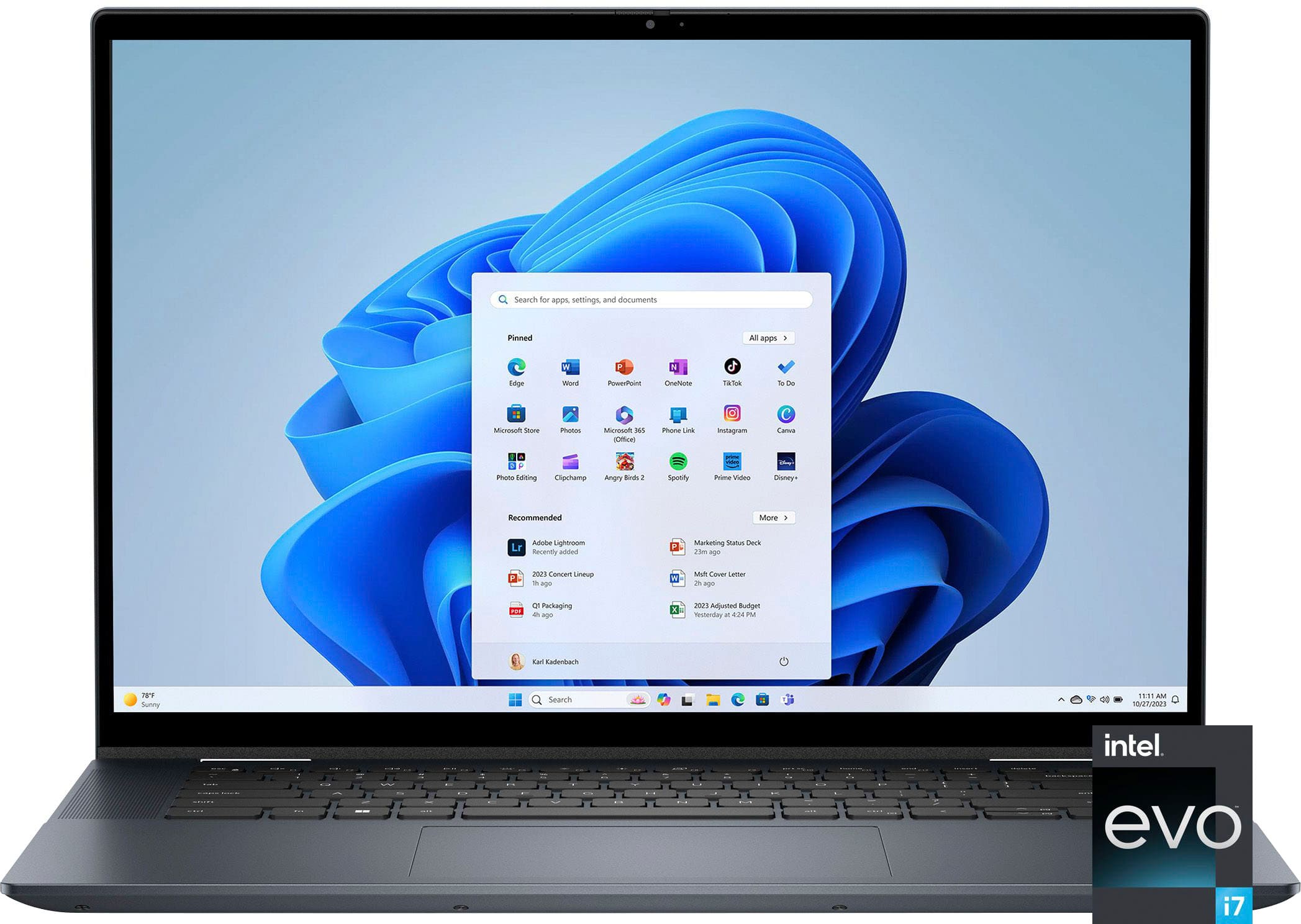
||Posted . Owned for less than 1 week when reviewed.This reviewer received promo considerations or sweepstakes entry for writing a review.They are not providing Intel EVO Core i7 laptop instead they provided me Intel Core i7. I returned the product since it was not intel EVO Core i7 based on the website description.
No, I would not recommend this to a friendBrand response from YourDellTeam
Posted .Hi SumanthS
We are sorry to hear that you have decided to return your Inspiron 16.0 2-in-1 OLED Touch Laptop. We can assure you that Dell takes pride in manufacturing quality products. Even if this particular product was not the right fit for you we hope that you will consider Dell in the future when you make your next purchase.
If you still experience any issues, please reach out to us at: https://bit.ly/DellSupportTeam
Chat or call: https://bit.ly/DellSupportTeam
Phone number to Dell: 1-800-624-9896
Best,
Jay@Dell
cheap products.
||Posted . Owned for 3 weeks when reviewed.This reviewer received promo considerations or sweepstakes entry for writing a review.I just buy it, the laptop is running too slow. even I do not open any softwires and apps. the Ram always preform high percent. I asked for help from BestBuy supports. but not at all. they said, I need to buy support plan to check my device. It is terrible. I will never buy again. This is my second time for second laptops.
No, I would not recommend this to a friendBrand response from YourDellTeam
Posted .Hello Nytruong,
Thank you for taking the time to leave us your review. We are sorry to hear that you are experiencing slow performance issues with your Inspiron 7630. It's important for us to hear about inconsistencies in our products for consideration of future development. Below I have provided steps with the full article that can help you with slow performance issues with your laptop.
Here are the steps to help you with slow performance issues:
1. Run the automated tools in SupportAssist to ensure that the drivers are up to date and your computer is optimized.
2. Restart the computer
3. Run a hardware diagnostic test
4. Scan your computer for malware
5. Restore the computer using Windows System Restore
6. Restore the computer to factory default settings
You can read the article that can help you with slow performance issues here: https://dell.to/3yqre8r
If you continue to experience issues, please reach out to Dell Support directly by using the information provided below.
Chat or call: https://bit.ly/DellSupportTeam
Phone number to Dell: 1-800-624-9896
Best,
Summer@Dell
Poor choice
||Posted . Owned for 1 week when reviewed.This reviewer received promo considerations or sweepstakes entry for writing a review.This computer is glitchy. The fan runs all the time and it occasionally locks up. Dell should leave ALL of their software off of their computers.
No, I would not recommend this to a friendBrand response from YourDellTeam
Posted .Hey Fuzzy,
Thank you for taking the time to leave us your review. We apologize for the fan noise you are having with your Inspiron 7630 . It's important for us to hear about discrepancies in our products for consideration of future development. Below I have provided troubleshooting instructions with the full articles that can help resolve this issue.
Here's the steps to help resolve your fan noise issue:
1. Use Dell Power Manager to adjust the thermal settings on the box to an option that suits you best. This tool adjusts the fans and processor power to make the system cooler, quieter, or more powerful.
2. Update the BIOS and device drivers.
3. Run a hardware diagnostic test.
4. Download and install Microsoft Windows Updates.
6. Run optimize my computer using Dell Support Assist.
7. Scan your computer for malware.
How to use Dell Power Manager: https://bit.ly/48MAxRY
How to Troubleshoot Fan Issues: https://dell.to/33NYLLE
If you continue to experience issues, please reach out to Dell Support directly by using the information provided below.
Chat or call: https://bit.ly/DellSupportTeam
Phone number to Dell: 1-800-624-9896
Best,
Summer@Dell
Don’t trust open box categories
||Posted . Owned for 1 month when reviewed.This reviewer received promo considerations or sweepstakes entry for writing a review.The touch screen didn’t work, and the stylus wasn’t in the box. I spent hours trying to get it resolved, and when I returned it, they didn’t give me the full refund, even though it was within my return period. This was an open box item labeled as excellent, like new condition.
No, I would not recommend this to a friendResolution issue
||Posted . Owned for 1 week when reviewed.This reviewer received promo considerations or sweepstakes entry for writing a review.The performance is good but scream resolution is reflect on my eyes and does not feel comfortable 
I would recommend this to a friendBrand response from YourDellTeam
Posted .Hey James,
We appreciate you taking the time to leave us your review. We are sorry you are experiencing display issues with your Inspiron 7630. It's important for us to hear about discrepancies in our products for consideration of future development. To help you with the display that you are experiencing, I have provided troubleshooting steps with the full article that can resolve the issue.
Here's the steps to help resolve your issue:
1. Verify display or video issues on an external monitor.
2. Check for physical damage on the LCD screen.
3. Run hardware diagnostics on the LCD screen.
4. Verify the display or video issue in Windows Safe Mode.
5. Update the video card (GPU) driver, monitor driver, chipset driver, and BIOS.
6. Download and install Microsoft Windows Updates.
7. Change the video or display settings, and adjust the brightness.
8. Touch screen troubleshooting.
9. Run a Video Stress Test using Dell SupportAssist.
10. Perform a Windows System Restore.
11. Restore the computer to factory defaults.
You can read the full article on solving display issues here: https://dell.to/2Sx1VkZ
If you need further assistance, please reach out to Dell Support directly by using the information provided below.
Chat or call: https://bit.ly/DellSupportTeam
Phone number to Dell: 1-800-624-9896
Best,
Summer@Dell
lied too
||Posted . Owned for 2 weeks when reviewed.This reviewer received promo considerations or sweepstakes entry for writing a review.i bought this laptop believing i could upgrade the ram in it later as this is what one of there "experts" told me and now i have a laptop that the ram can not be upgraded and a useless ssdr5 so I'm pretty content on never shopping at best buy again in my life
No, I would not recommend this to a friendUnable to Upgrade Memory
||Posted . Owned for 1 week when reviewed.This reviewer received promo considerations or sweepstakes entry for writing a review.This laptop is not able to take a memory upgrade and 16GB is much more "entry level" with today's operating systems. Only until getting the service tag and talking with Dell was that clear.
No, I would not recommend this to a friendBrand response from YourDellTeam
Posted .Hey There Penguin,
Thank you for your review. We are sorry the RAM availability of your Inspiron 7630 did not meet your expectations. We will share your feedback with our quality team so that we can continue to grow and do better. Should you need further assistance we recommend using the toll-free number or chat link below at your convenience.
If you continue to experience issues, please reach out to Dell Support directly by using the information provided below.
Chat or call: https://bit.ly/DellSupportTeam
Phone number to Dell: 1-800-624-9896
Best,
Summer@Dell
Don’t Buy
||Posted . Owned for less than 1 week when reviewed.This reviewer received promo considerations or sweepstakes entry for writing a review.I bought this laptop, within few weeks it’s not turning on and i just returned and bought the new one. That laptop is overheating and automatically turning off. Will return this laptop also.
No, I would not recommend this to a friendBrand response from YourDellTeam
Posted .Hello Sudar,
We appreciate you taking the time to leave us your review. We are sorry to hear you are experiencing overheating issues with your Inspiron 7630. Feedback like yours helps us improve our current and future products. Before making the decision to return your device we suggest following the troubleshooting steps provided below to help resolve this issue.
Here's the steps to help resolve your overheating issue:
1. Use Dell Power Manager to adjust the thermal settings on the box to an option that suits you best. This tool adjusts the fans and processor power to make the system cooler, quieter, or more powerful.
2. Update the BIOS and Chipset driver.
3. Download and install Microsoft Windows updates.
4. Run a hardware diagnostic test.
5. Perform a Windows System Restore.
6. Restore the computer to factory settings.
How to use Dell Power Manager: https://bit.ly/48MAxRY
How to Troubleshoot Overheating, Shutdown, or Thermal Issue on a Dell Computer: https://dell.to/3oAEYsV
If you continue to experience issues, please reach out to Dell Support directly by using the information provided below.
Chat or call: https://bit.ly/DellSupportTeam
Phone number to Dell: 1-800-624-9896
Best,
Summer@Dell