Customer Ratings & Reviews
- Model:
- I7779-1684GRY
- SKU:
- 5606700
Rating by feature
- Value
Rating 3.4 out of 5 stars
- Quality
Rating 3.5 out of 5 stars
- Ease of Use
Rating 3.6 out of 5 stars
Customers are saying
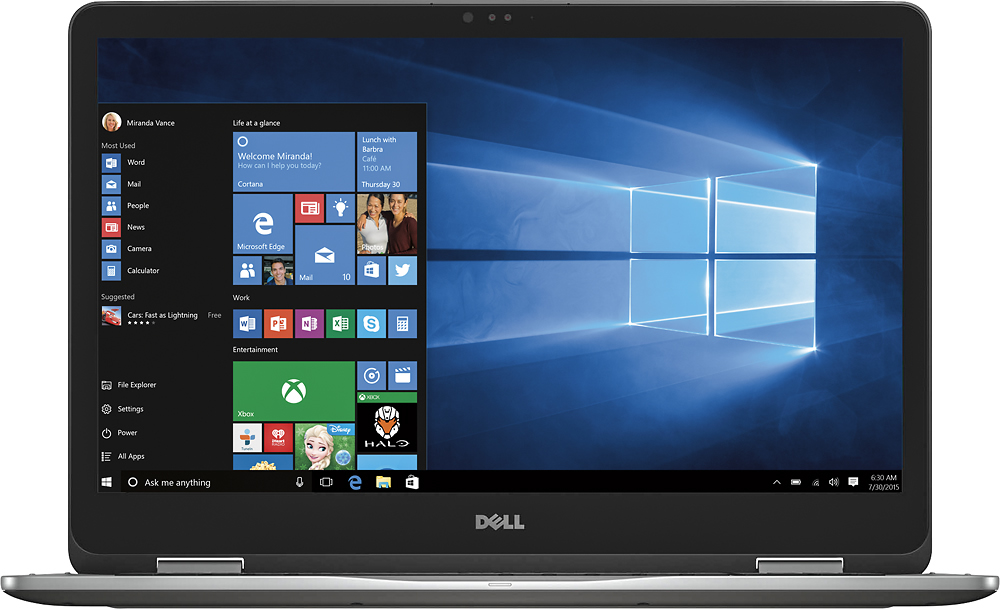
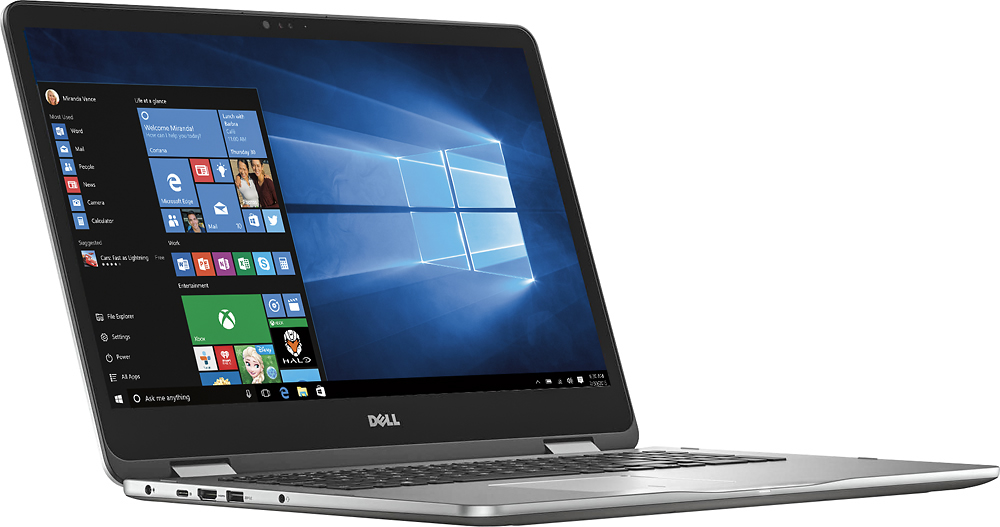
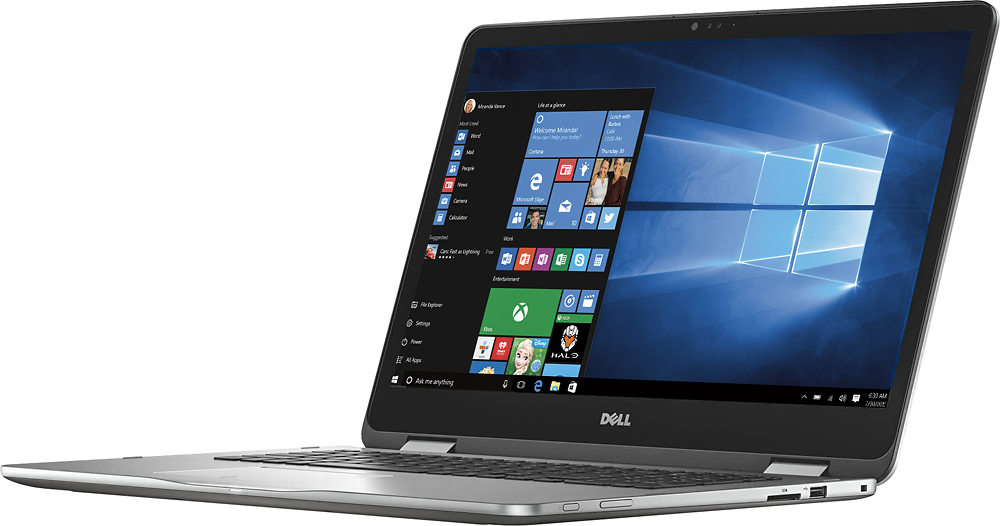
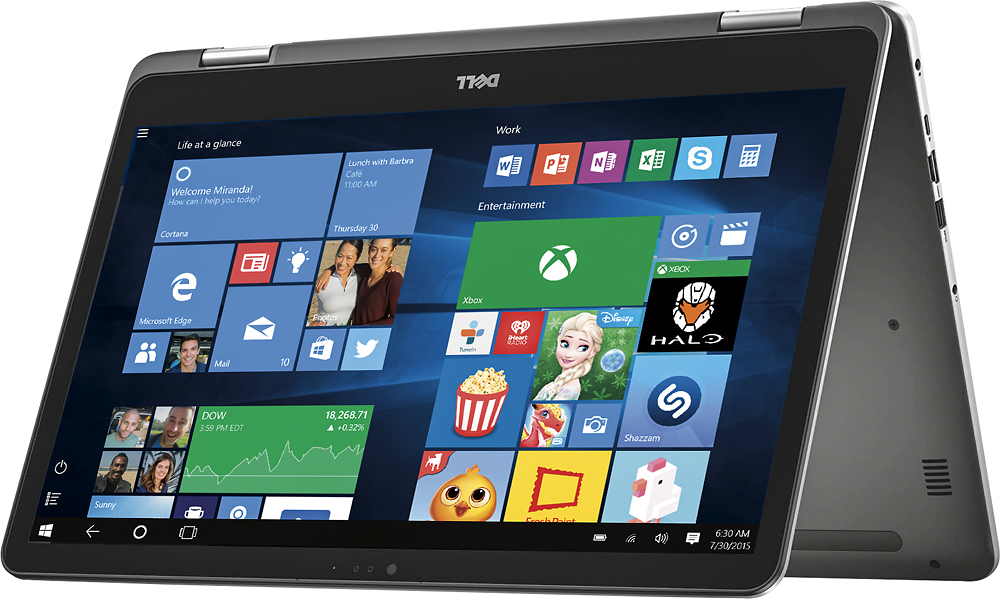
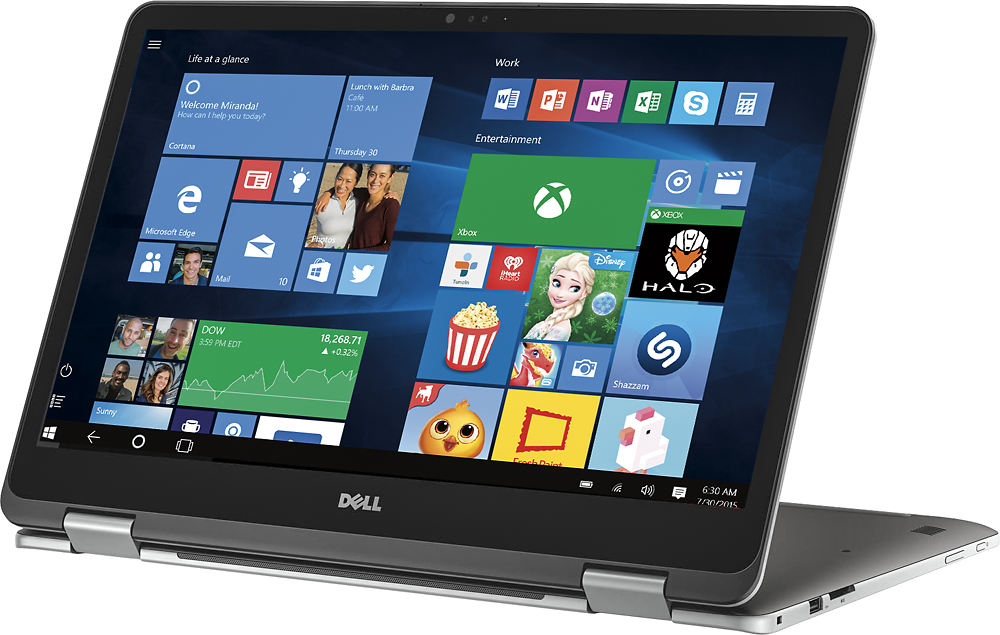
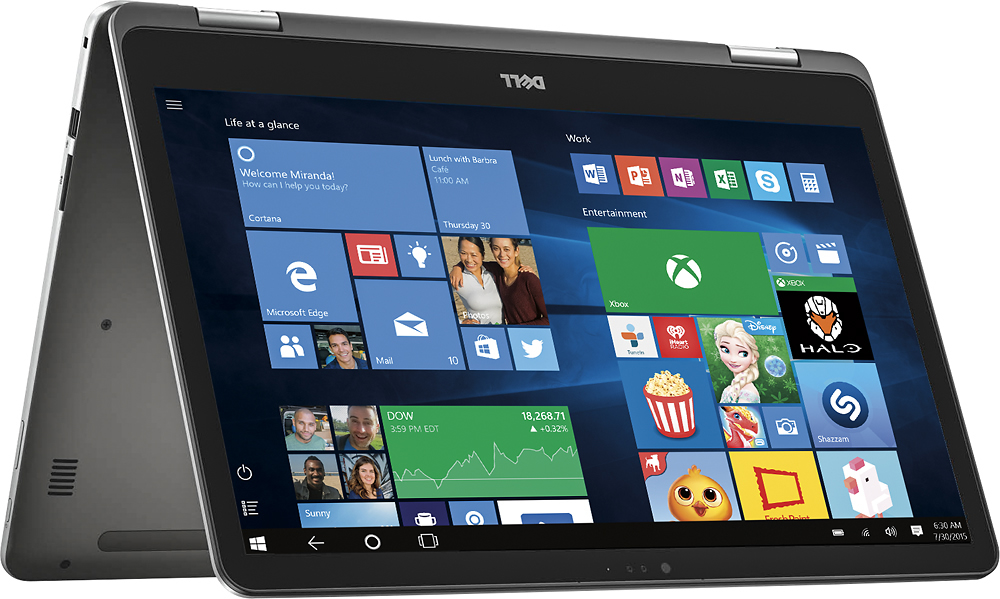
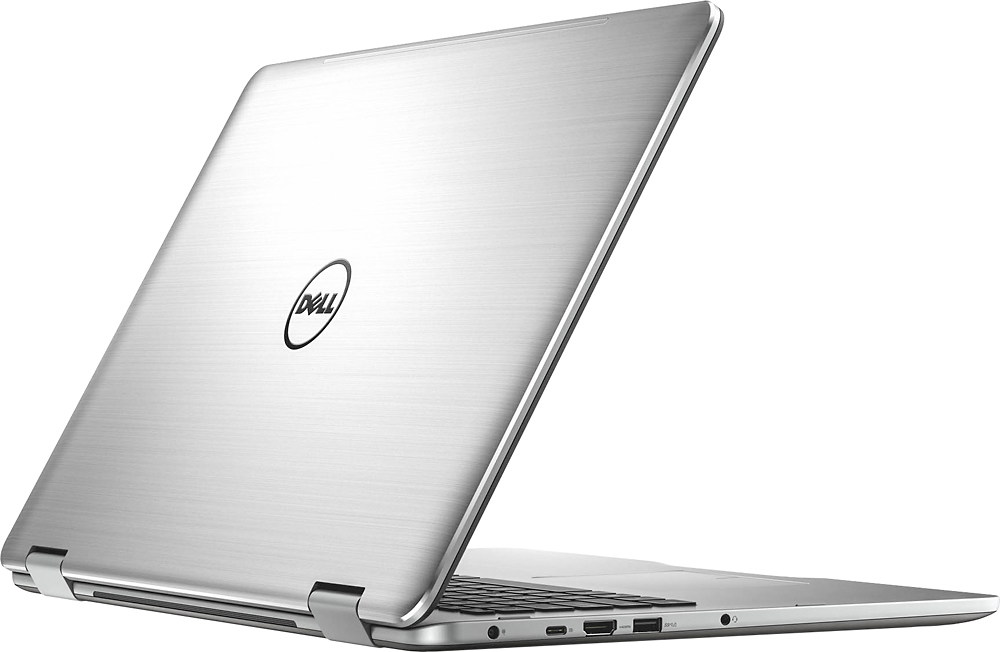
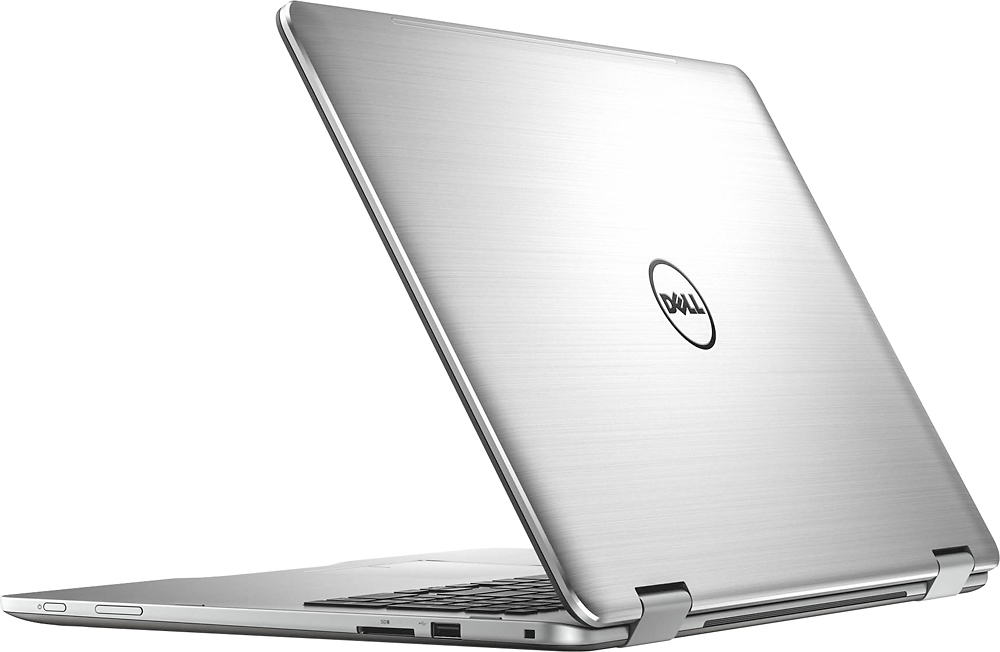
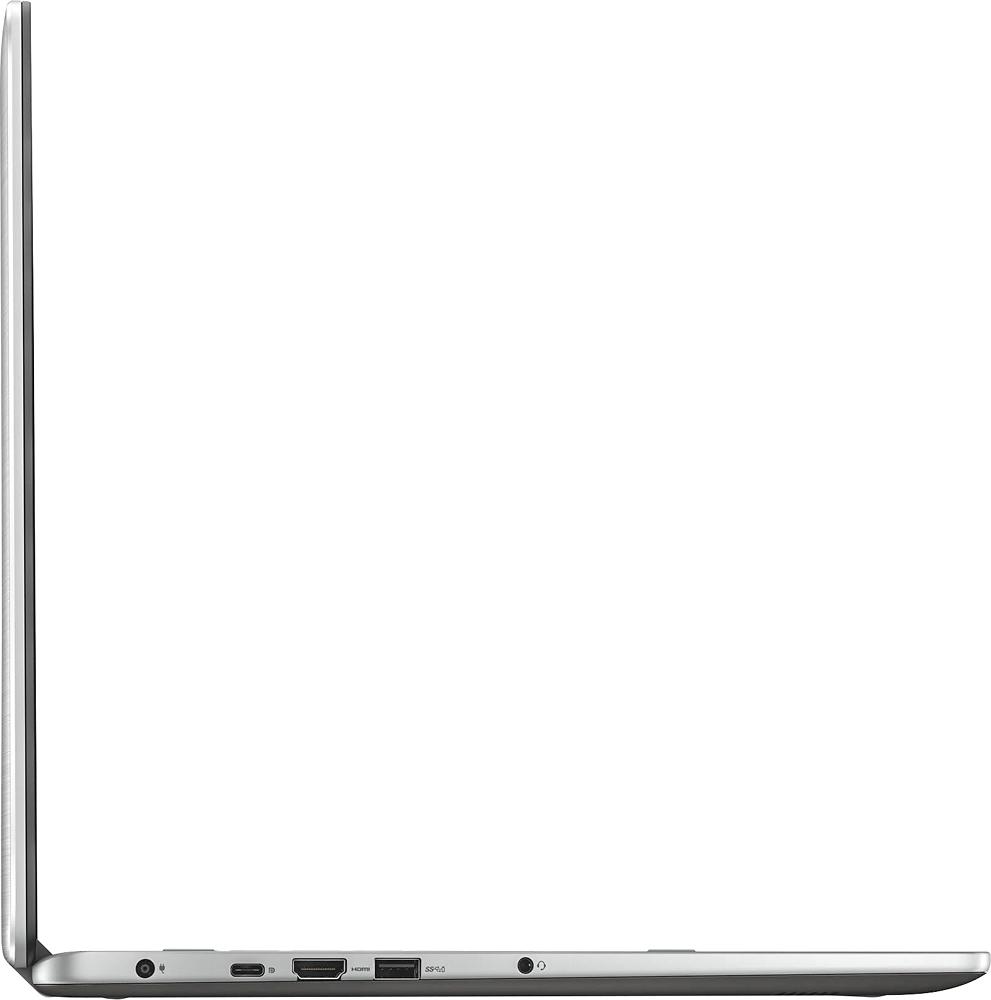
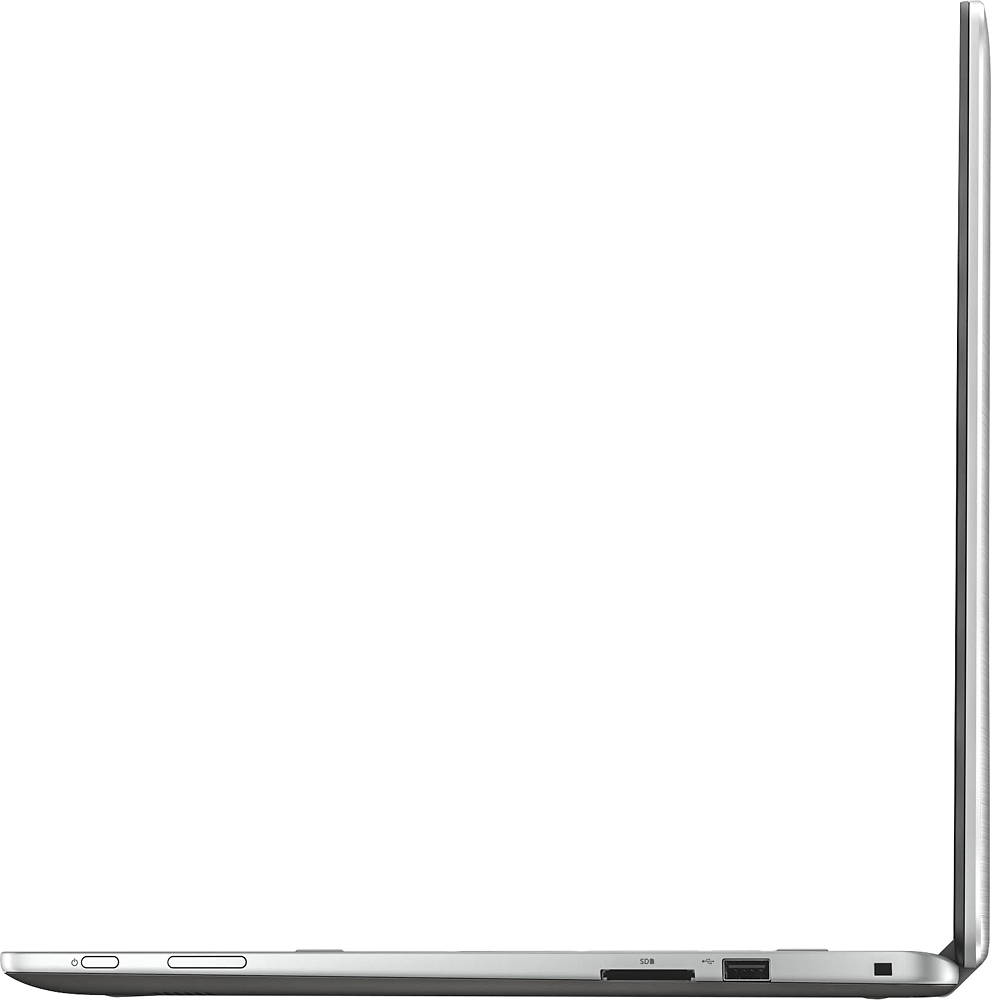
Customers regard the Inspiron 2-in-1 17.3" Touch-Screen Laptop's large screen size and performance as significant strengths, frequently praising its ease of use and responsive touchscreen. However, some users expressed concerns about the hard drive speed and battery life. A few also mentioned the limited number of USB ports and the placement of the power button as potential drawbacks.
This summary was generated by AI based on customer reviews.
Computer Review 17.3" SizeToo Big
||Posted .This reviewer received promo considerations or sweepstakes entry for writing a review.This review is only for the size. The computer was for my wife. She is petite and found the placement of the keys to be too far back making it uncomfortable to use. She was happy with the Dell 15".
I would recommend this to a friendGreat Laptop, Just wish it had a quad core
||Posted .This reviewer received promo considerations or sweepstakes entry for writing a review.Overall, this laptop is awesome, but there are drawbacks. As with all laptops the bigger the heavier. This is fairly light for its size but the battery wouldn't warn you that. Dual core i7 is a draw back but not too much of an issue for sure.
I would recommend this to a friendGreat Laptop
||Posted .This reviewer received promo considerations or sweepstakes entry for writing a review.This is a durable and dependable and compact PC. It is capable of handling a large amount of electronic streaming data real time. I have utilized this PC for 3 years running, replacing once.
I would recommend this to a friendDell Computer
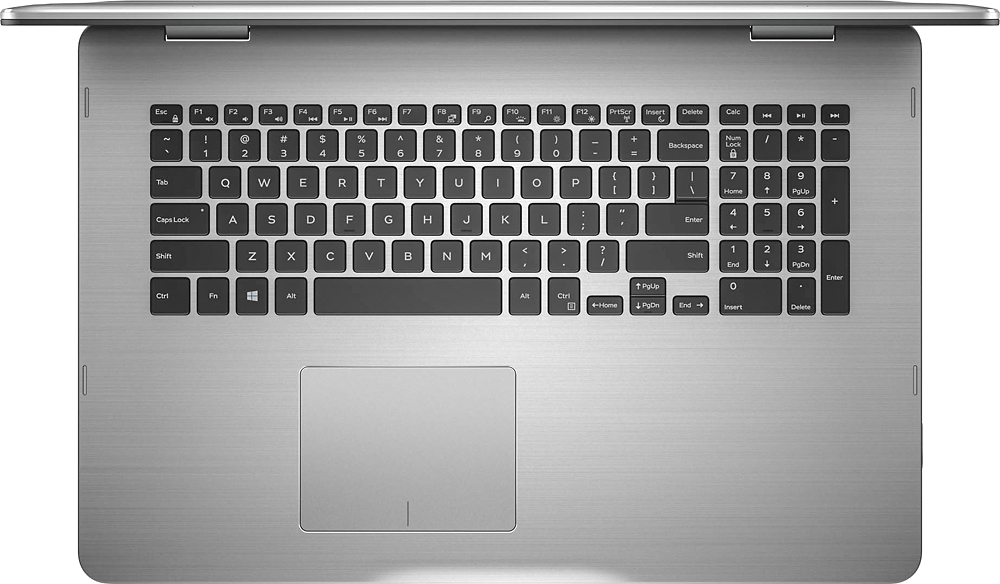
||Posted .This reviewer received promo considerations or sweepstakes entry for writing a review.This is my first Dell computer as I've always used HP's. So far, it has been good and has a great battery life. The right side number keys make it easy when having to input several numbers at a time. It's convenience of a laptop or a tablet makes it useful.
I would recommend this to a friendOverall great system
||Posted .This reviewer received promo considerations or sweepstakes entry for writing a review.The only complaint I have is the location of the power button. It is on the right side near the front, right where I normally pick it up. Very annoying. Other than that, it works just fine.
I would recommend this to a friendDecent Computer
||Posted .This reviewer received promo considerations or sweepstakes entry for writing a review.It is a good computer. It is fast and light-weighted considering that it comes with a 17" monitor. The design is very pretty. I have nothing to complain. However I have replaced my hard drive with a SSD.
I would recommend this to a friendGreat laptop
||Posted .This reviewer received promo considerations or sweepstakes entry for writing a review.My husband decided this was the best choice for his needs. Hes a application developer and this laptop was top notch. I love the touch screen and the ablity to turn it into a tablet with a huge screen. It was a little pricey but worth the money.
I would recommend this to a friendGood laptop for the price!
||Posted .This reviewer received promo considerations or sweepstakes entry for writing a review.It's good laptop for the price. The only issue i see with this laptop with graphic design. The screen resolution, it's more yellowish tone to it compare to other laptops I have.
I would recommend this to a friendBig change from my Windows 7
||Posted .This reviewer received promo considerations or sweepstakes entry for writing a review.Was disappointed with the difficulty in changing all my files and data from a Windows 7 environment. Computer seems to be OK, but unhappy with the complexity of the change.
No, I would not recommend this to a friendBrand response from YourDellTeam
Posted .Dear Surprised, We're sorry to hear that you've found Windows 10 to be an adjustment from what you were used to. Dell has created a website to help users transition from earlier Windows versions to Windows 10 - http://dell.to/2wMZqyx. We hope that these tips will help the process go a little smoother for you. - Bryan

Great
||Posted .This reviewer received promo considerations or sweepstakes entry for writing a review.Works great so far, I bought it to have a updated laptop, as my older one was running Vista. Will be using it for my photography work. I like that it already has a good graphics card in it so didn't have to upgrade it. And I got it as a open box item.
I would recommend this to a friendvery good computer
||Posted .This reviewer received promo considerations or sweepstakes entry for writing a review.this dell lap top is a power full machine. i run programs such as pro e creo and mastercam and simplify3d. all of which run very good.also the Aesthetics are nice.
I would recommend this to a friendGreat portable home computer
||Posted .This reviewer received promo considerations or sweepstakes entry for writing a review.I bought this laptop for the 17" screen and the portability it gives me within my residence. It is heavy if you are going to travel with it. I do love it. It's processor is quick and the keyboard and built in mouse is easy to navigate with.
I would recommend this to a friendNot Impressed
||Posted .This reviewer received promo considerations or sweepstakes entry for writing a review.This laptop actually rattles while it's on. I had to exchange it twice, but the new one rattles too. There is a slight, but unmistakable and very worrisome rattling sound when it runs and all throughout the day. I had an older, much older version (from 2011) that never ever rattled or had any problems. But when I spilled water underneath it, I had to replace it with this one and this one is defective. I am disappointed that I had to spend so much money and effort, at this store, and this is what I got.
No, I would not recommend this to a friend- Cons mentioned:Battery life
Slow
||Posted .This reviewer received promo considerations or sweepstakes entry for writing a review.Though the laptop looks great but it has only one CPU which makes the initial loading and overall performance very slow. Also, the wifi disconnects frequently. The tablet mode is by default locked and we thought the feature was not working. However, on research we went to the action center and enabled it. The battery drains out quickly as well. Overall, for a $1050 laptop, Dell should have thought better.
No, I would not recommend this to a friendBrand response from YourDellTeam
Posted .EmbeddedMind, It sounds like there's a lot of frustration surrounding your new touch-screen laptop. Here are a few Dell Support articles related to some of the issues you are facing. Hopefully they will help troubleshoot the issues that you outlined in your review. Computer slowness - http://dell.to/2tSulGV, WIFI / Connectivity Issues - http://dell.to/2sLtwRh and Battery performance - http://dell.to/2sNfZ7b. We hope these will help you in some way.
Agreat computer
||Posted .This reviewer received promo considerations or sweepstakes entry for writing a review.We were looking at a surface Pro for my son, but needed more power for engineering classes. This was perfect. Has a solid feel, the faster i7 processor, and on sale.
I would recommend this to a friend- Cons mentioned:Hard drive
On my third one
||Posted .This reviewer received promo considerations or sweepstakes entry for writing a review.First one crashed during setup, second one lasted a month before hard drive went bad, and the 3rd one is working but not as good as the s cond one was before the drive went out.
No, I would not recommend this to a friend Tablet/Laptop
||Posted .This reviewer received promo considerations or sweepstakes entry for writing a review.Great purchase but after 3yrs of use, I noticed it began to lag when loading. It can also be used as a tablet.
I would recommend this to a friendDell 2 in 1
||Posted .This reviewer received promo considerations or sweepstakes entry for writing a review.This 2 in 1 can replace or be your gaming laptop. I went to purchase a different 2 in 1 but left with this one. It doesn't have windows ink but the better hard ware made up the difference besides getting a good open box price.
I would recommend this to a friendGood Laptop
||Posted .This reviewer received promo considerations or sweepstakes entry for writing a review.Got this laptop for work, pretty good so far. One issue i have and i'm trying to look for answers is when i use cortana she responds spotty. Anybody have any ideas?
No, I would not recommend this to a friendGood Computer, but annoying...
||Posted .This reviewer received promo considerations or sweepstakes entry for writing a review.It runs games really well and the battery life is decent. It's great for surfing the web and watching videos. Just note that, tablet form is like holding a tv. However, it can be really slow restarting and booting up. It gets really annoying. Also, my keys get stuck often and I'll have to put some pressure on it to fix it. This is troublesome while playing a game or surfing the web.
No, I would not recommend this to a friendBrand response from YourDellTeam
Posted .RonDawg312 - Thanks for your honest review of your new 2-in-1 device. We're sorry to hear that you're experiencing some slowness at startup with your device. We'd recommend following these tips to help speed up your device:
Delete temporary files and directories
1. Click Start, then in the search bar type "disk". Disk Cleanup should appear on the menu above the search box.
2. Run disk cleanup and eliminate unneeded temporary files (Search results, Internet Cache and other windows temp files you may no longer need)
3. Select files you want to delete then click OK to start the cleanup process. Uninstall applications you no longer use 1. Open the Programs and Features application in Control Panel. 2. Scan the list of applications installed for ones that you no longer use. 3. Highlight any application you no longer use and then click the uninstall button at the top of the list. Follow the prompts to uninstall.
4. Repeat for each application you want to uninstall.
5. Move large files and/or seldom used files to backup media (Photos, Music you seldom listen to, application downloads after the application has been installed etc.).
6. Empty the Recycle Bin.
You can read the full article here - http://dell.to/2tSulGV.
We hope these tips help speed up your 2-in-1. - Bryan