Customer Ratings & Reviews
- Model:
- I7779-1684GRY
- SKU:
- 5606700
Rating by feature
- Value
Rating 3.4 out of 5 stars
- Quality
Rating 3.5 out of 5 stars
- Ease of Use
Rating 3.6 out of 5 stars
Customers are saying
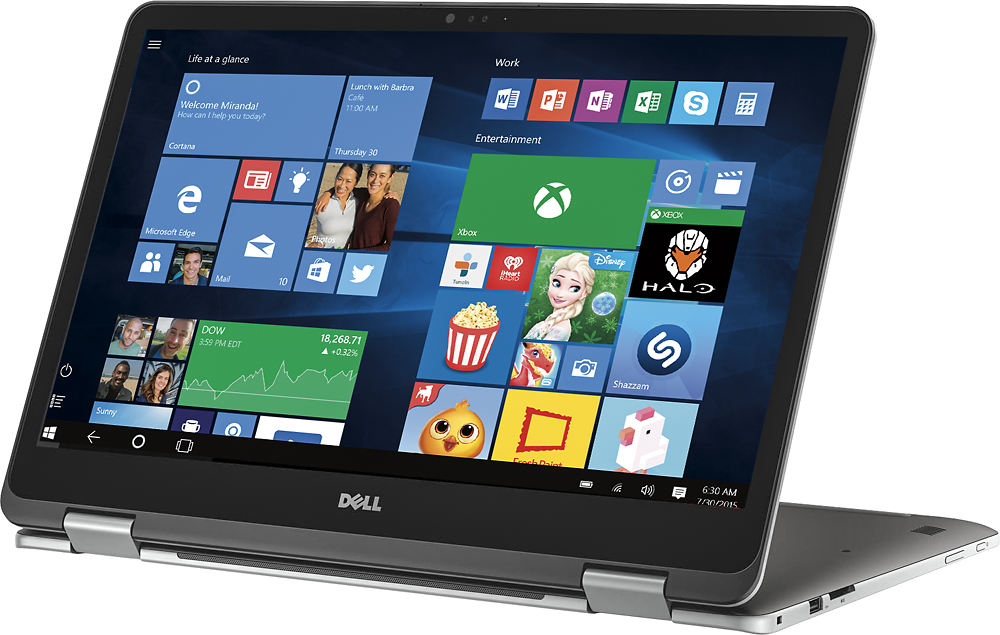
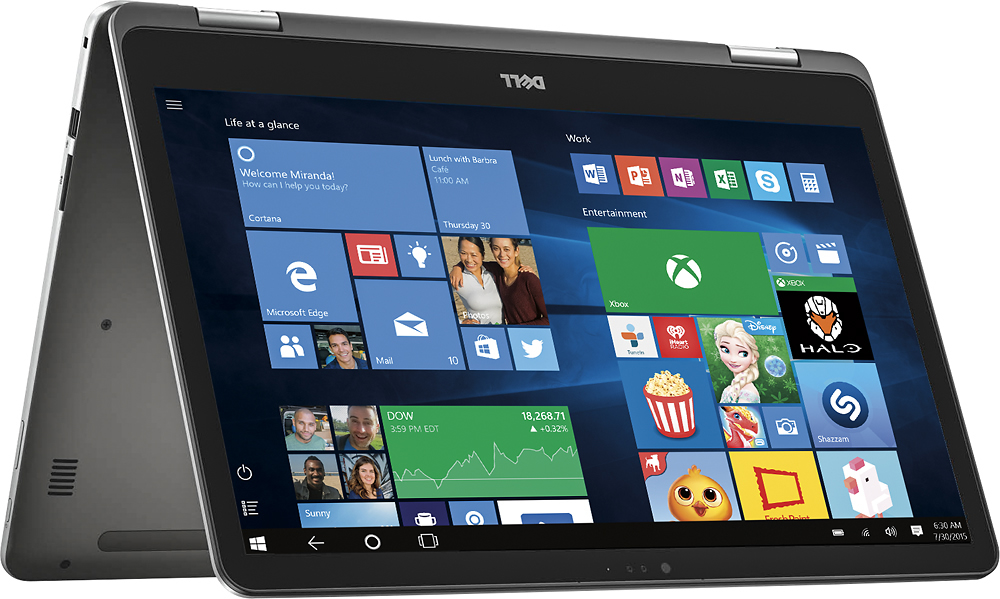
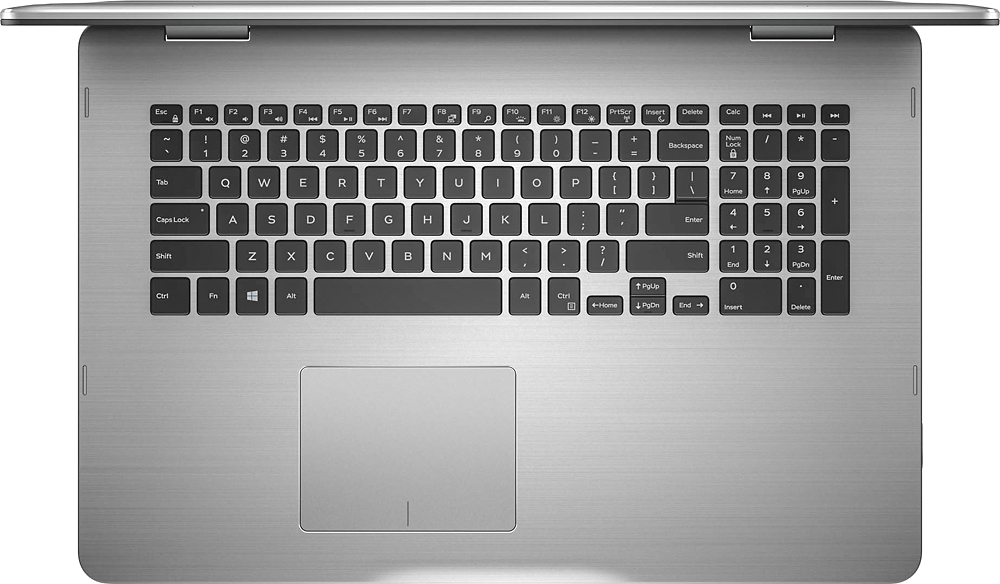
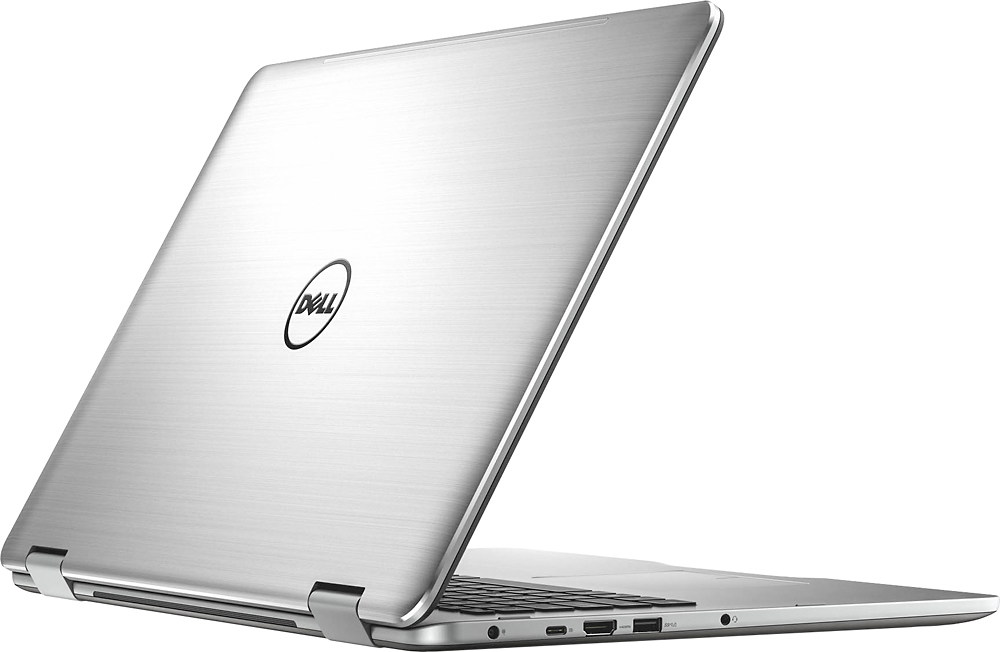
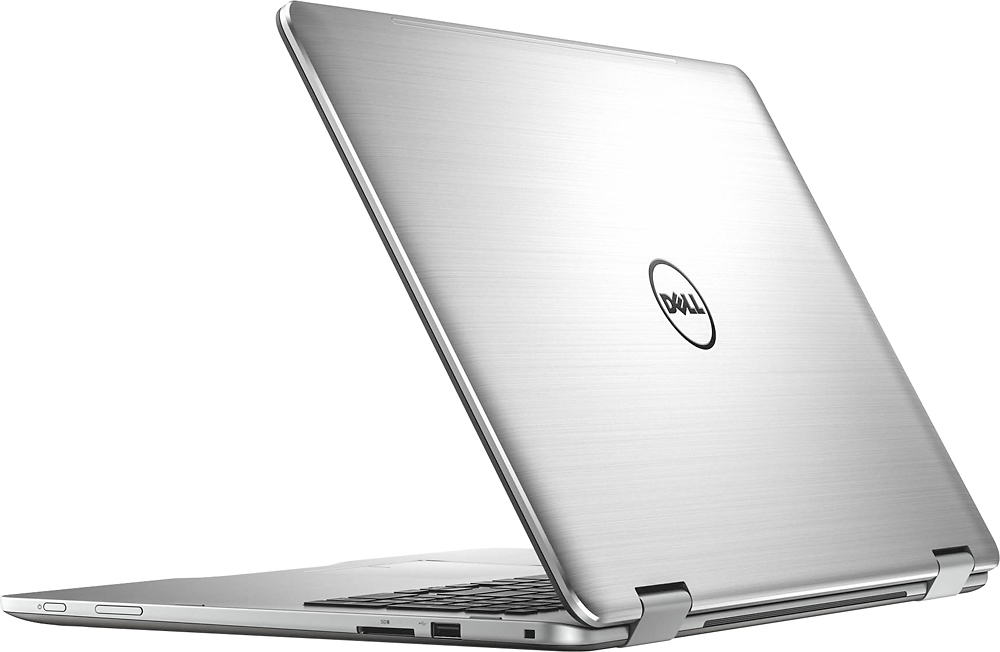
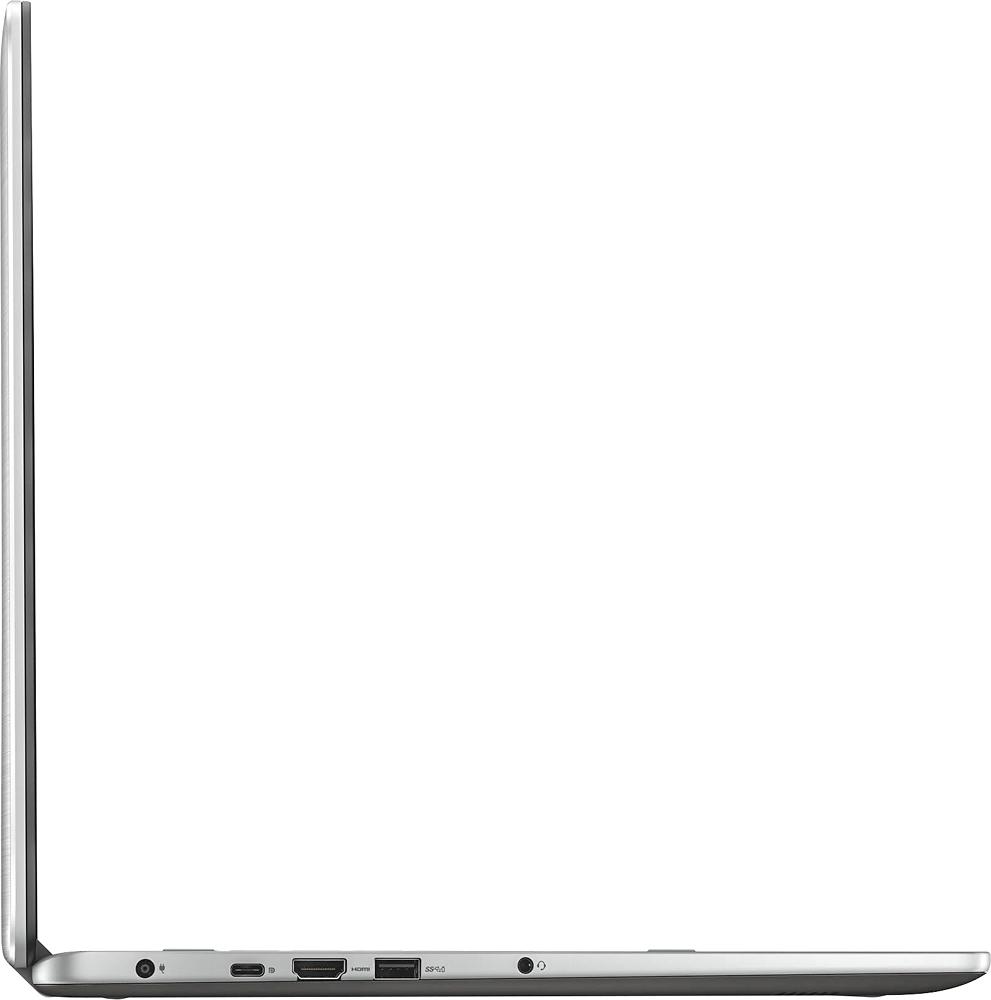
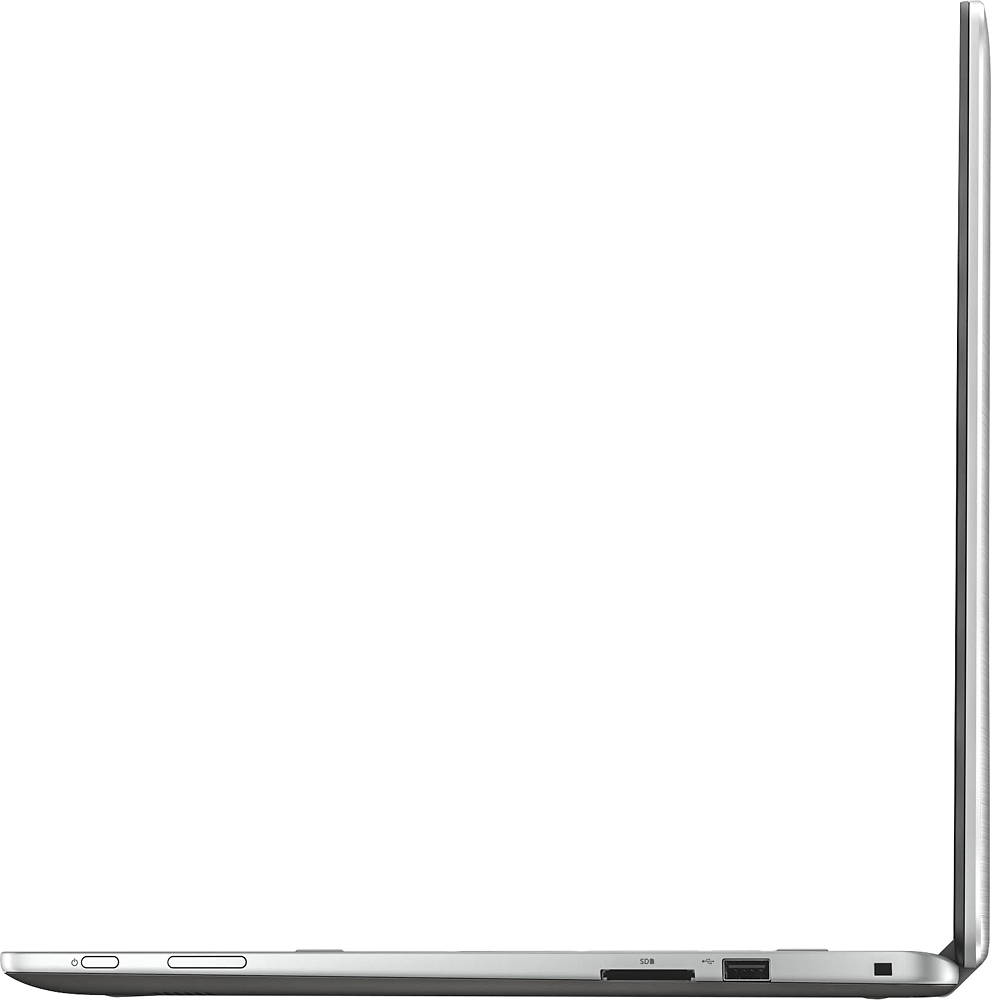
Customers regard the Inspiron 2-in-1 17.3" Touch-Screen Laptop's large screen size and performance as significant strengths, frequently praising its ease of use and responsive touchscreen. However, some users expressed concerns about the hard drive speed and battery life. A few also mentioned the limited number of USB ports and the placement of the power button as potential drawbacks.
This summary was generated by AI based on customer reviews.
I had problems just to bring it up.
||Posted .This reviewer received promo considerations or sweepstakes entry for writing a review.Never got it to display the desktop. Even the geeksquard could not get this resolved. Had to return and I bought another laptop
No, I would not recommend this to a friendDell Computer
||Posted .This reviewer received promo considerations or sweepstakes entry for writing a review.I am working on this computer via a docking station and monitor and the screen goes blank, then back to working mode.
No, I would not recommend this to a friendThis is a good laptop
||Posted .This reviewer received promo considerations or sweepstakes entry for writing a review.Overall, a nice laptop. i don't use it as a tablet at all. the speakers are worthless so use an outside source.
No, I would not recommend this to a friend- Cons mentioned:Hard drive
computer was defective
||Posted .This reviewer received promo considerations or sweepstakes entry for writing a review.I can't really speak for all Starlords, but the one I purchased was defective right out of the box. It seemed to have a bad hard drive or bad memory module. It constantly would lock up. I returned it the next day and got a Samsung Spin 7.
No, I would not recommend this to a friend nice, but limited graphics
||Posted .This reviewer received promo considerations or sweepstakes entry for writing a review.Seemed perfect, but nvidia 9xx series graphics is second string. Need 10xx series to run latest games.
No, I would not recommend this to a friendBrand response from YourDellTeam
Posted .Dear ArmyDoc, Thanks for your review. We are constantly looking for new ways to enhance our products. We hope that your new 2-in-1 will meet your gaming needs. If you ever need to troubleshoot anything on your computer you can visit our product support page here - http://dell.to/2eUmUa7. - Bryan

User friendly
||Posted .This reviewer received promo considerations or sweepstakes entry for writing a review.Not a bad computer, expected slightly better for the price. I was disappointed that it did not a cd rom.
I would recommend this to a friendI did not buy this
||Posted .This reviewer received promo considerations or sweepstakes entry for writing a review.Someone is using my account and I’d like to know who! Please contact me immediately.
No, I would not recommend this to a friendmy 1st laptop
||Posted .This reviewer received promo considerations or sweepstakes entry for writing a review.Hard to get used to . Keyboard jumps around when I type . It's ok . God a good price.
I would recommend this to a friendBrand response from YourDellTeam
Posted .Wiggle - Thanks for your recent Dell laptop purchase and for your review. If you are having issues with your keyboard it may be related to your touchpad. Here are some tips to help you calibrate your touchpad:
Some Notebooks and Tablets with Keyboards have added gesture features to the touchpad hardware and drivers. A few of these features are two or three finger scrolling, pinch zoom, circle zoom, rotate and swiping. These new features may be the reason for the erratic cursor movement since most are turned on by default. You can disable or modify the way the features work in the touchpad driver properties. Here are some tips to modify these settings:
1. In the Search box, type main.cpl.
2. Touch or click main.cpl in the list of programs.
3. Touch or click the Dell Touchpad tab.
4. Touch or click on the picture of the touchpad.
5. Touch or click Gestures (depending on your computer there may not be a Gestures option).
6. Change the options as preferred.
7. Touch or click Save.
8. Touch or click the X in the upper-right corner to close the Dell Touchpad Utility.
9. Touch or click OK on the Mouse Properties window.
10. If the touchpad still does not work after following the preceding steps, refer to Dell Knowledge Base article - http://dell.to/2iaiujA.
We hope this helps you - Bryan.
Incompatible
||Posted .This reviewer received promo considerations or sweepstakes entry for writing a review.Hardware incompatible with windows. They couldn’t fix so I returned it
No, I would not recommend this to a friendNice Screen
||Posted .This reviewer received promo considerations or sweepstakes entry for writing a review.I expected it to be much faster than it really is.
No, I would not recommend this to a friendA Total Waste
||Posted .This reviewer received promo considerations or sweepstakes entry for writing a review.I bought this laptop thinking it looked good and I wanted a larger screen than my old one. It was fine the first day, then on the second it started freezing for no reason. After only five days, the hard drive started dying. I could turn it on and do anything that didn't relate to the Internet, but that was all.
No, I would not recommend this to a friendBrand response from YourDellTeam
Posted .@cherrypie, Thanks for your recent Dell laptop purchase. We're sorry to hear that you're having issues with your device freezing on you. Here are some tips to help with this issue:
1. Run a Computer Diagnostic. To determine if your computer is experiencing a hardware problem, run the Dell Preboot System Assessment (PSA) Diagnostics. For information on how to run Diagnostics, and to determine the issue, refer to Dell Knowledge Base Article: http://dell.to/2iaiujA.
2. Check Safe Mode for Symptoms. To boot into safe mode, please follow the instructions below: 1) Start the computer. 2) Tap 'F8' on the keyboard immediately and every one second until the Dell logo screen disappears. From there you will see the Windows Advanced Options Menu on the screen. (If the Windows Advanced Options Menu does not appear, restart the system and try again.) 3) Select Safe mode with Networking and press Enter. 4) Log on as the administrator or as a user with administrative access. 5) Open applications and test the computer in safe mode. If the symptoms exist in safe mode, please continue the troubleshooting steps in this article. If the symptoms do not exist in safe mode, the issue is likely related to a driver or software and you may wish to complete steps 6 and 7 to see if you are able to resolve the lock ups or freezing.
3. Check for Malware. Malware (Virus, Spyware, etc.) can definitely cause a Windows system to lock up or appear to hang. To check for malware on your system and to ensure that your computer is up to date on security software, visit Dell Knowledge Base Article: http://dell.to/2wWP1zI.
You can view the full article here - http://dell.to/2tW5m33.
We hope these tips help and that your issues will be resolved soon. - Bryan
Overheating
||Posted .This reviewer received promo considerations or sweepstakes entry for writing a review.My laptop worked perfect, until about the 2nd day I had it, it started to overhear, shut down on its own, and close out of stuff I was doing. Other than that the laptop was great, I returned it and got my money back.
No, I would not recommend this to a friendAbsolutely aweful. The worst experience.
||Posted . Owned for 1.5 years when reviewed.This reviewer received promo considerations or sweepstakes entry for writing a review.While it took me long to get feedback from my parents, but my parents told me that the laptop was extremely slow from the beginning and they needed to fix the mainboard twice already. I bought this laptop as a thanksgiving gift for my parents for them to email and read online news. When I visited their home last weekend, I tried to read my emails through this laptop, and it took approximately 7 minutes to boot. My parents told me that it was like this from the beginning, and they just did not want to tell me about it since it was a gift from me.
No, I would not recommend this to a friendSize
||Posted .This reviewer received promo considerations or sweepstakes entry for writing a review.It worked like I figured it would. The thing was it is to large for a tablet mode laptop. Also the keyboard is to small for all the space that is available. I returned it, it just didn't work for my needs.
No, I would not recommend this to a friendToo touchy
||Posted .This reviewer received promo considerations or sweepstakes entry for writing a review.Touchy and doesn't always respond to command sometimes I have to hit the keys several times before it responds. Other times it jumps around to places that puts data in the wrong spot.
No, I would not recommend this to a friendReturned/exchanged it
||Posted .This reviewer received promo considerations or sweepstakes entry for writing a review.No CD drive, not even a cat5 receptacle and wireless only works at one end of our house, so I returned it and exchanged it for a desktop that had the capabilities I need.
No, I would not recommend this to a friend- Cons mentioned:Battery life
Won’t stay on
||Posted .This reviewer received promo considerations or sweepstakes entry for writing a review.After only 2 months of ownership, the thing randomly turns off over and over after only a few minutes of being on.
No, I would not recommend this to a friend - Pros mentioned:Speed
over heating
||Posted .This reviewer received promo considerations or sweepstakes entry for writing a review.This machine is very fast but its over heating alot and alot of applications are not gonna work because of 4k graphic.
No, I would not recommend this to a friendBrand response from YourDellTeam
Posted .- Azim thanks for your recent Dell laptop purchase. We're sorry to hear that your device is overheating more than you would expect it to. Please take a moment to read this Dell Support article related to overheating issues on your device - http://dell.to/2uJ8AdG. We hope this helps your device not run as hot as it has been for you.
- Cons mentioned:Hard drive
Lasted 3 days
||Posted .This reviewer received promo considerations or sweepstakes entry for writing a review.I had to return this laptop computer because the hard drive was defective
No, I would not recommend this to a friend Terrible, buggy-- DO NOT BUY
||Posted .This reviewer received promo considerations or sweepstakes entry for writing a review.Bought this based on some awesome specs. First night the screen started blacking out. We returned it for another, thinking it might be a one-off for a computer of this "higher end". Second computer not only started blacking out a few days later, the sound of a video would start in and then fade out. Waste of money and time. Went with an HP and a few weeks later it's doing way better than this crapper ever did.
No, I would not recommend this to a friend