Customer Ratings & Reviews
- Model:
- I7786-7199SLV-PUS
- SKU:
- 6299538
Rating by feature
- Value
Rating 4.1 out of 5 stars
- Quality
Rating 4.2 out of 5 stars
- Ease of Use
Rating 4.1 out of 5 stars
Customers are saying
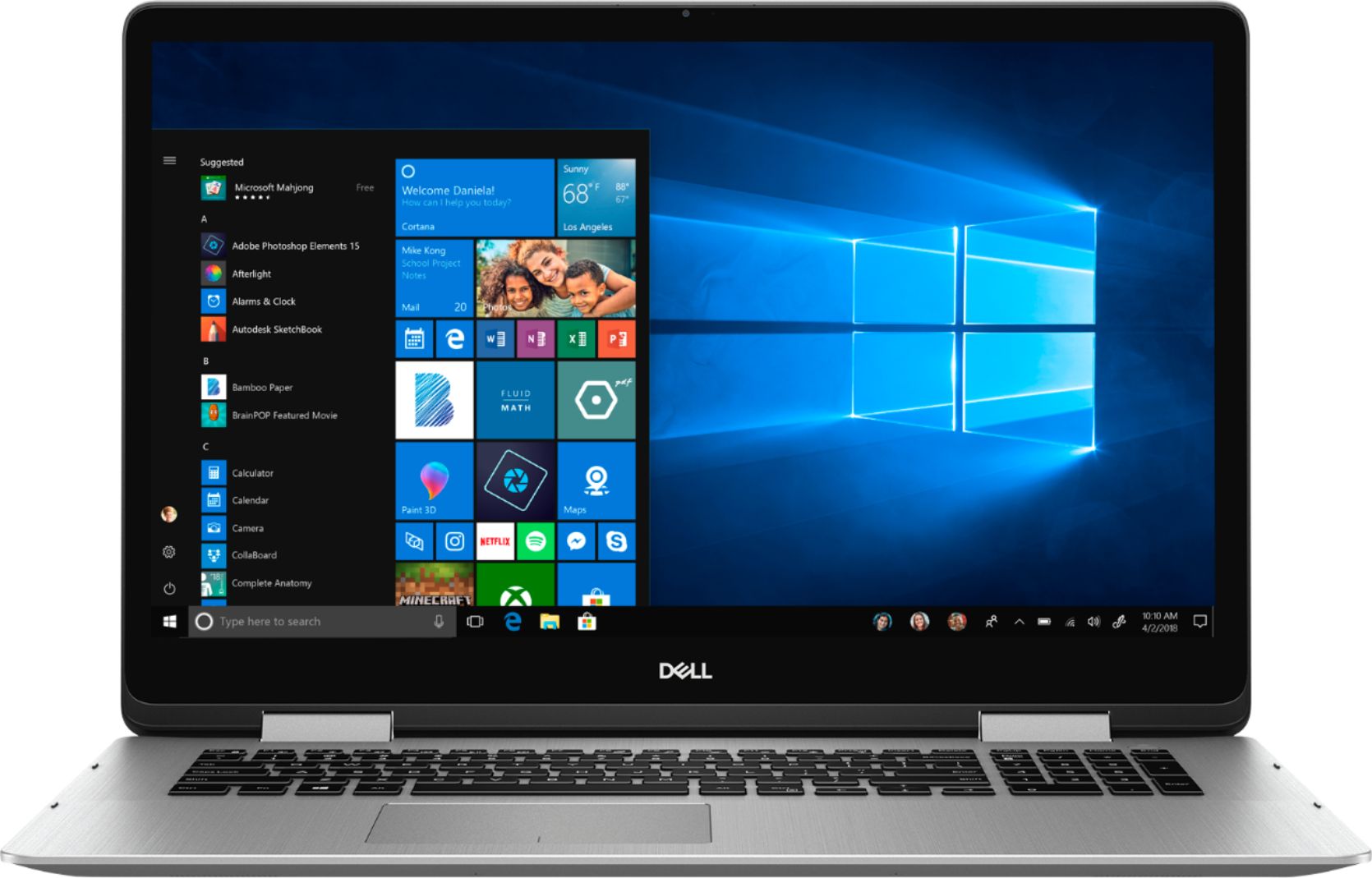
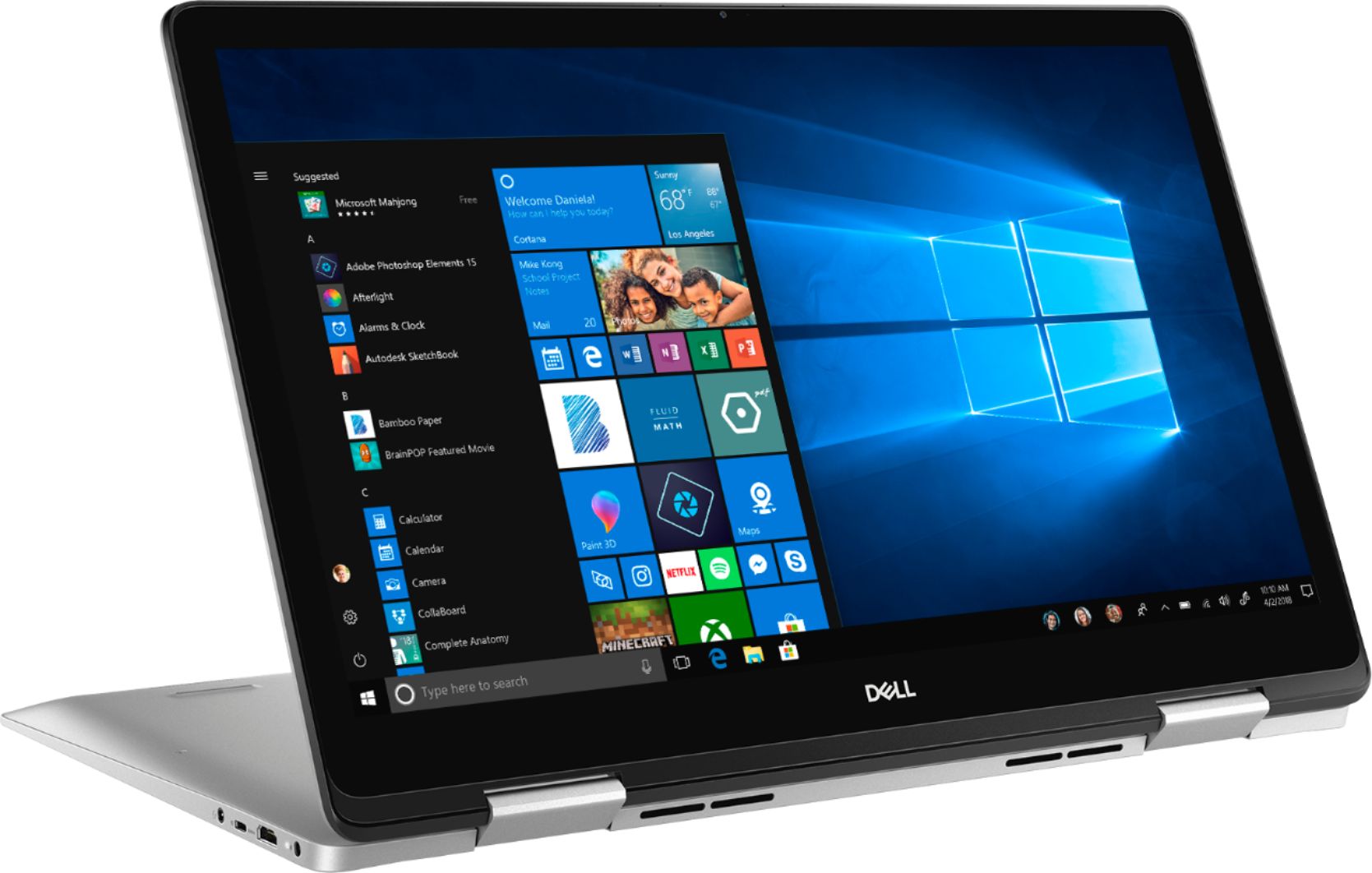
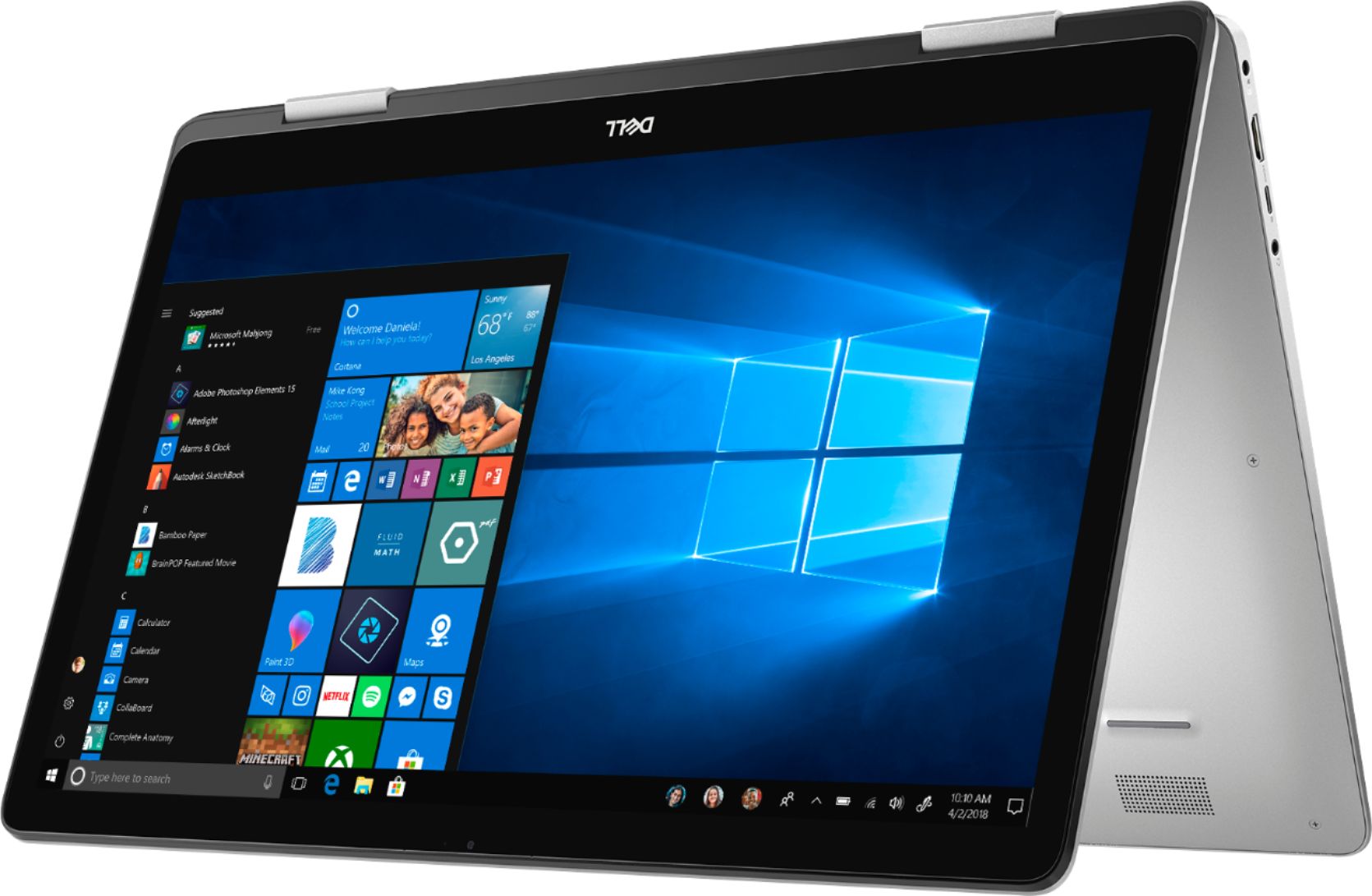
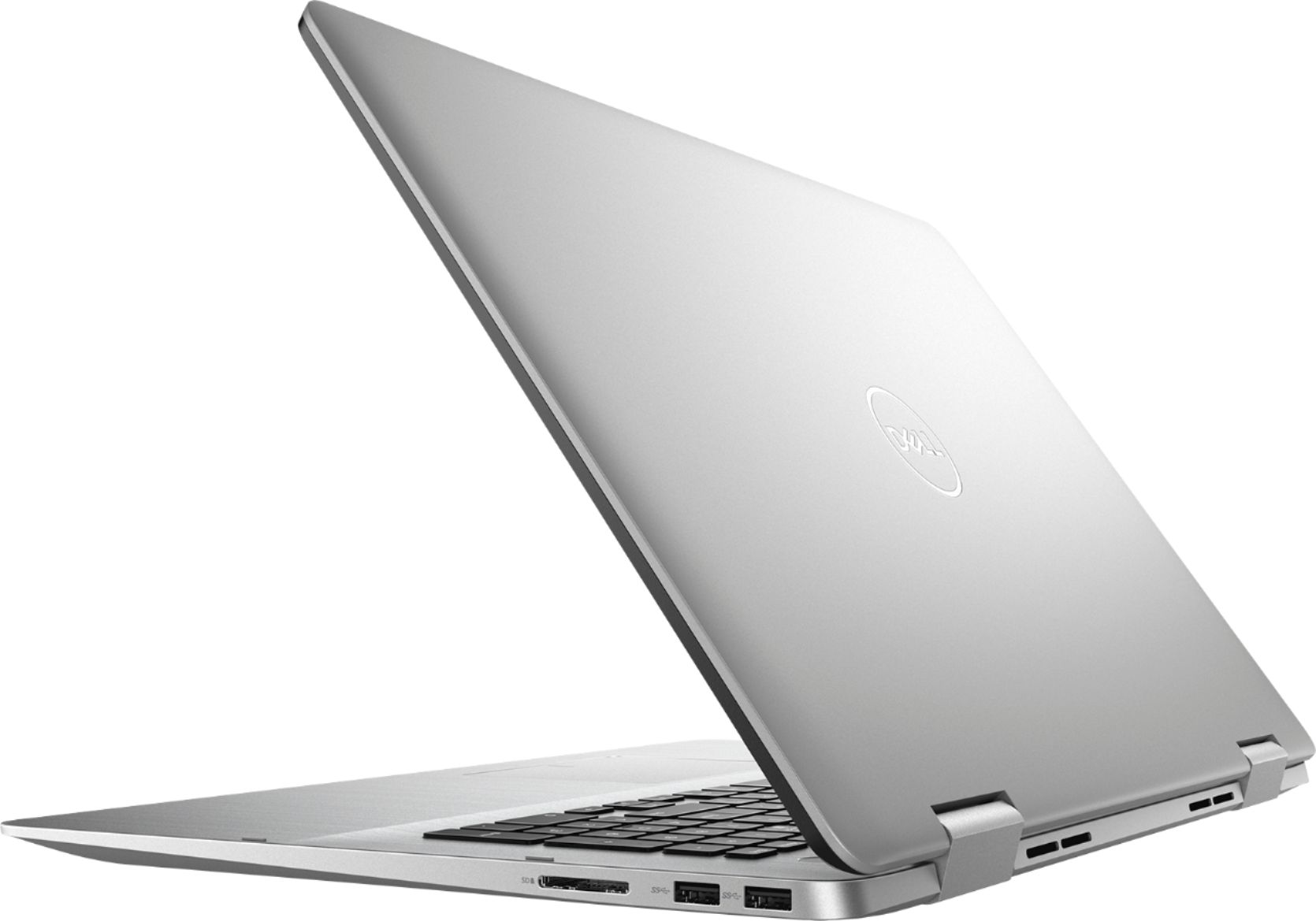
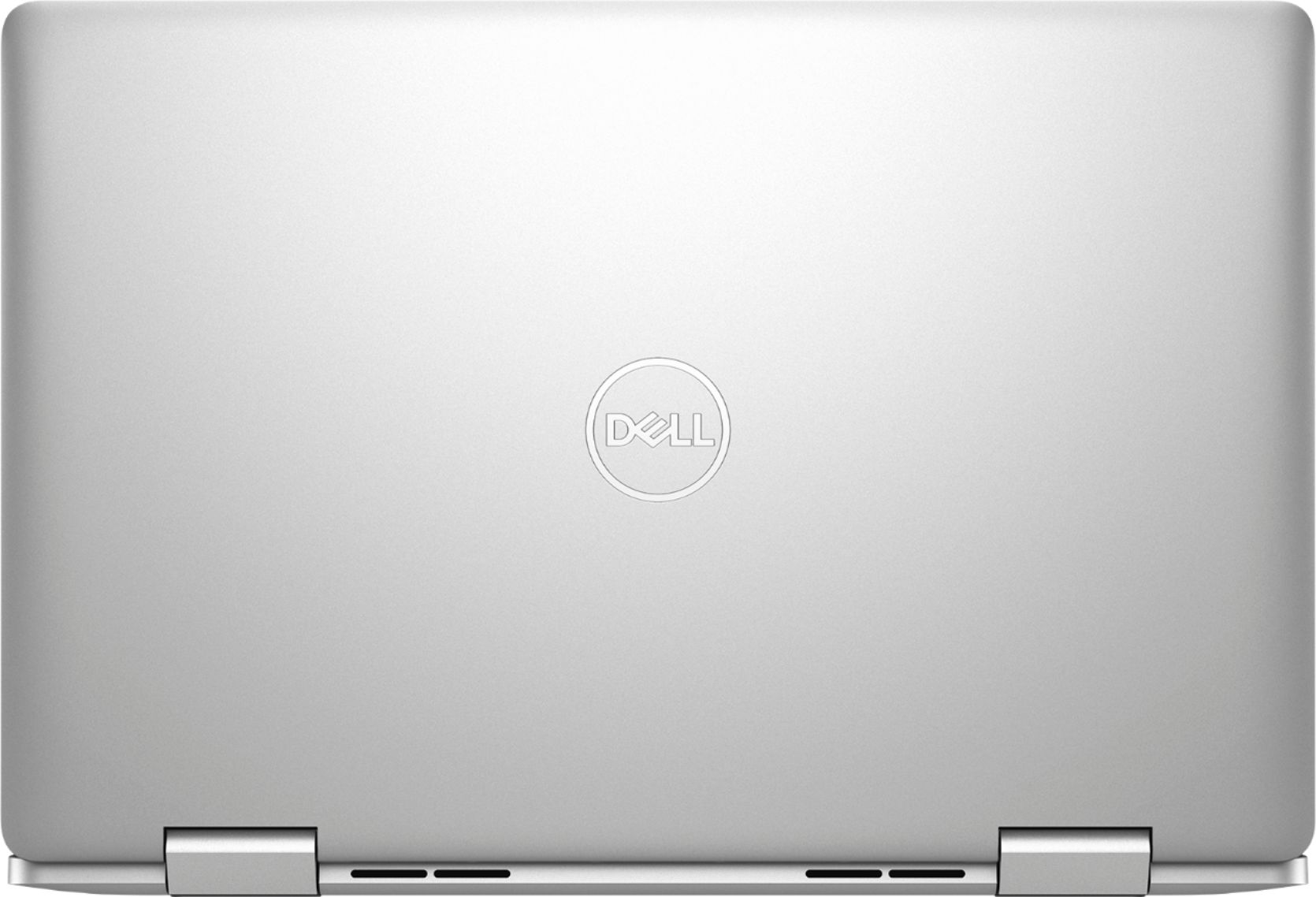
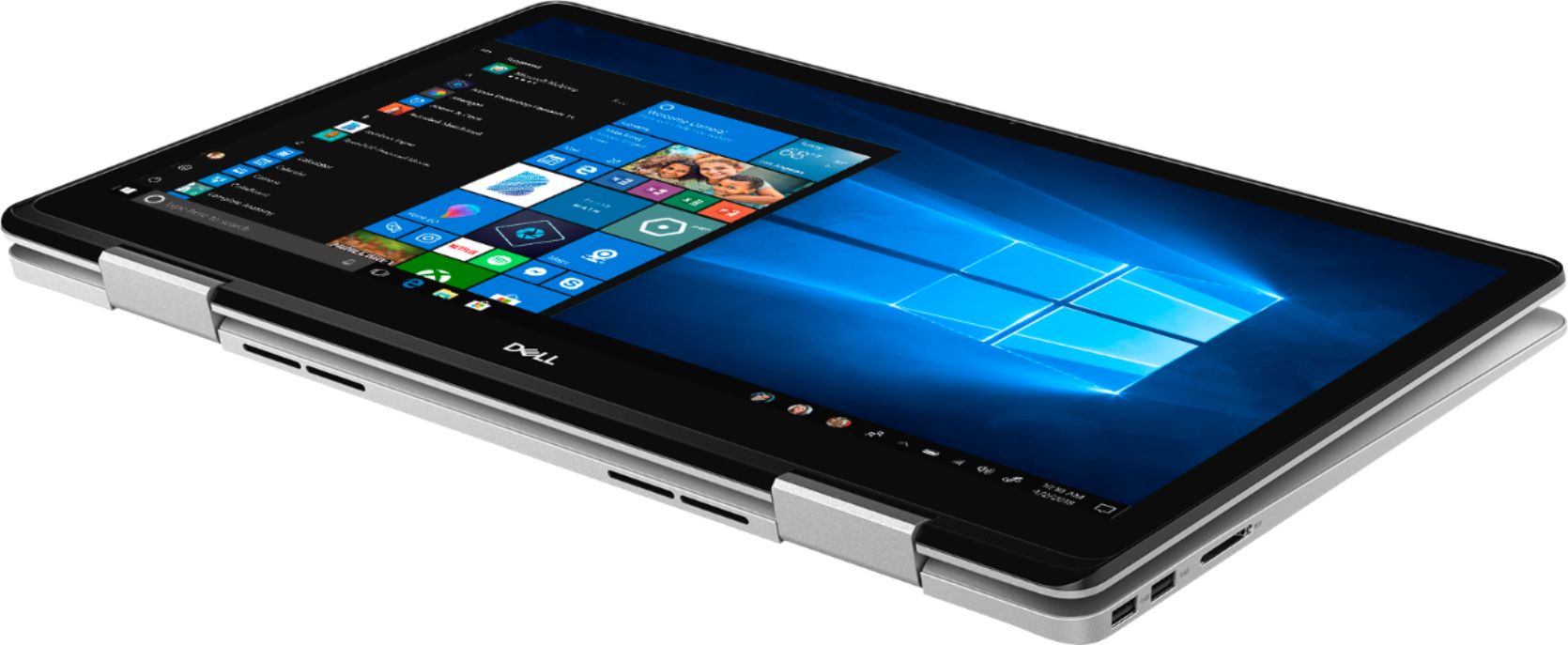
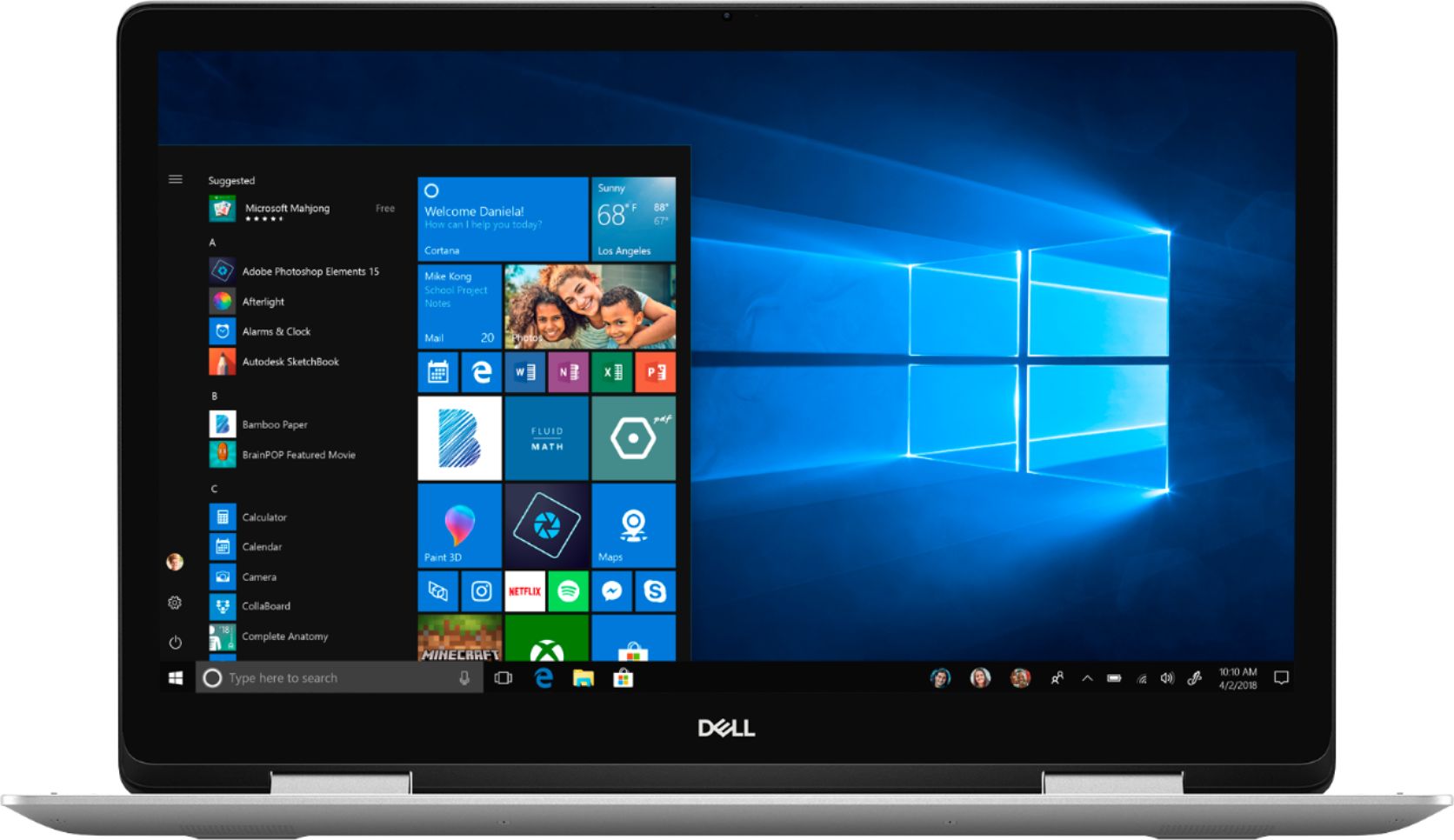
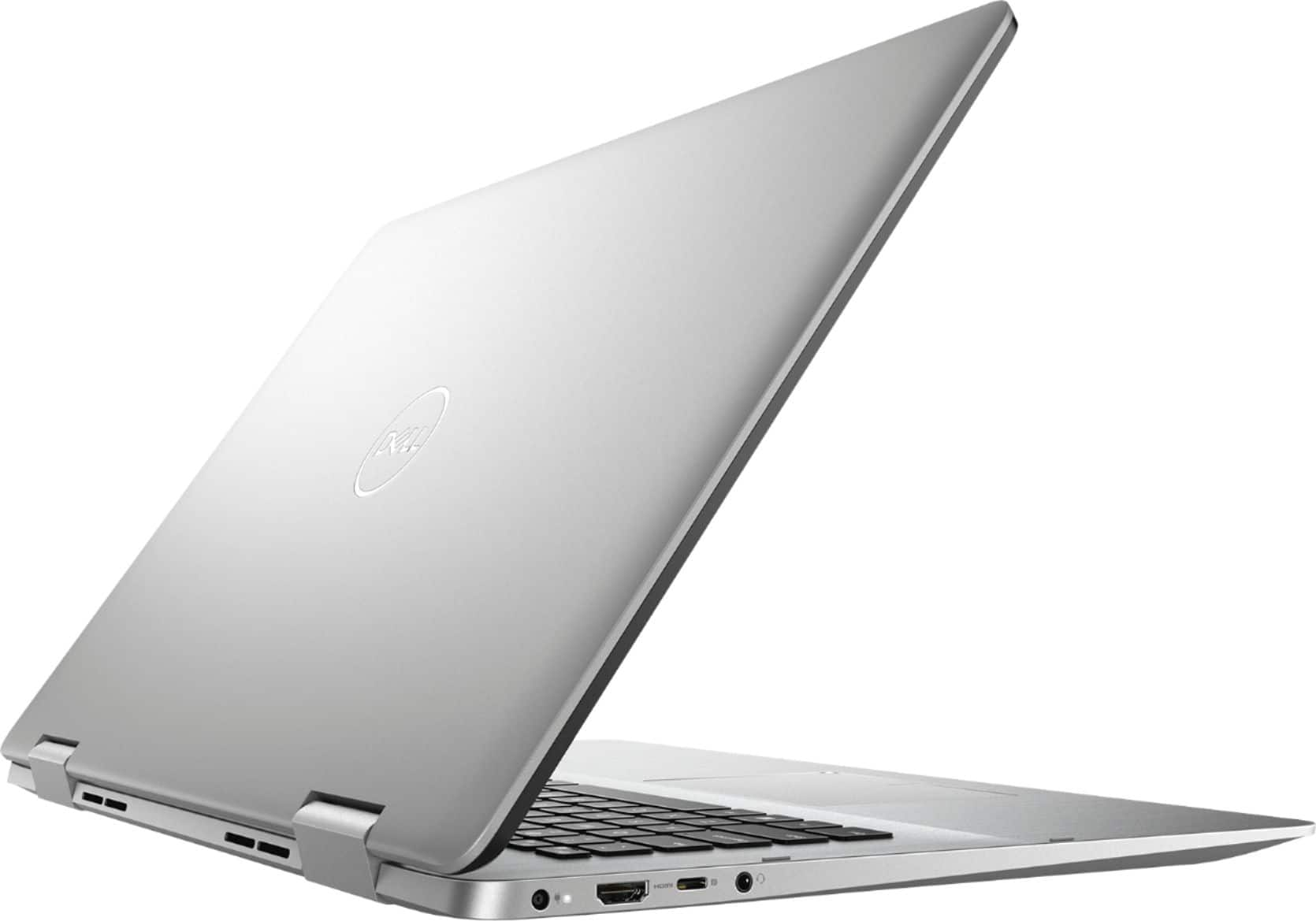
Customers commend the Inspiron 2-in-1 17.3" Touch-Screen Laptop for its large and impressive screen, as well as its fast performance. Many reviewers also find that it offers great value for the price. On the downside, some customers complain about its weight and battery life, while a few others mention issues with boot-up, speakers, and Windows 10.
This summary was generated by AI based on customer reviews.
Great laptop
||Posted .This reviewer received promo considerations or sweepstakes entry for writing a review.I got a great deal and love my laptop and the case.
I would recommend this to a friendGreat
||Posted .This reviewer received promo considerations or sweepstakes entry for writing a review.Really great, lots of features, love it, remarkable
I would recommend this to a friendgreat deal
||Posted .This reviewer received promo considerations or sweepstakes entry for writing a review.w/ upgraded 32GB RAM and EVO SSD - laptop screams.
I would recommend this to a friendAwesome computer
||Posted .This reviewer received promo considerations or sweepstakes entry for writing a review.Awesome computer. Love it. High speed processor!!!
I would recommend this to a friendGreat tv
||Posted .This reviewer received promo considerations or sweepstakes entry for writing a review.Great tv. The picture is clear. Sound is wonderful.
I would recommend this to a friendDell Inspiron 776
||Posted .This reviewer received promo considerations or sweepstakes entry for writing a review.A real powerful laptop. I'm glad I spent the money
I would recommend this to a friendGreat product
||Posted .This reviewer received promo considerations or sweepstakes entry for writing a review.Dell is one of my favorite products!!!!!!!!!!!!!!!!
I would recommend this to a friendPoor Choice
||Posted .This reviewer received promo considerations or sweepstakes entry for writing a review.I've had problems with this laptop since I first fired it up. I keep getting "Fatal Error", and "PC ran into a problem and needs to restart. We're collecting some error information. It freezes up and or freaks out and I have no control. $1,000 computer acts like a $50 computer. I should have taken it back immediately, but waited too long .
No, I would not recommend this to a friendBrand response from YourDellTeam
Posted .Shanny19,
We're sorry that your computer is not performing the way that you'd like it to. We'd recommend diagnosing some of the errors with the following steps:
1. At the desktop, click the Search the web and Windows box and type "problem reports".
2. Select View all problem reports to view a list of errors that have occurred on your computer and possible solutions for them, such as updating drivers, flashing your system BIOS, or checking for updates to the software.
3. Under the Source column, look for Windows and under Summary, look for Shut down unexpectedly.
4. Right-click the line item and select Check for a solution.
We'd also suggest checking to make sure that your software and drivers are up to date on Dell's Product Page - https://dell.to/2rZ7Zlo.
You can read the full article here - http://dell.to/2u98Cct.
We hope that these errors do not continue to affect the performance of your computer. If you'd like to reach out to Dell's Technical Support Team you can reach them here: http://dell.to/2sH7Qlm.
Best,
Bryan
1-800-624-9896
Check for SSD first
||Posted .This reviewer received promo considerations or sweepstakes entry for writing a review.Nice design but in 2019 few make hard drive/octane 2-in-1. Hard drive is 5400rpm with Octane boost. Result slow, unresponsive, slow hard drive drags down system even with Octane. Solution put in a 1tb NVME ssd kick out the Octane. More cost but made a terrible 2-in-1 usable. Best Buy don’t sell ssd configurations with this model. No choice. Had to go with 1tb 5400 drive if you want 2-in-1 17” Dell
No, I would not recommend this to a friendBrand response from YourDellTeam
Posted .Comparison,
Thanks for your review and for the solutions that you mentioned for the speed concerns that you have had. If you have additional questions about your computer you can always check our Product Support Page here: https://dell.to/2SmMxSN.
Best,
Bryan
1-800-624-9896
Okay computer
||Posted .This reviewer received promo considerations or sweepstakes entry for writing a review.Not sure about this computer. It is slow. I am very very frustrated with it. I cannot load the Microsoft Windows 10 Office and Student. It goes extremely slow and runs down the battery before it gets to the point of where I can load Windows-and that is a whole other story. Not happy with this computer or Best Buy
No, I would not recommend this to a friendBrand response from YourDellTeam
Posted .Grammy,
We appreciate your feedback. We're sorry to hear about the performance issues that you've been having. If you have questions about Windows 10 you can visit our support page here: http://dell.to/2wMZqyx.
If you'd like to extend the life of your battery, we'd suggest the following tips:
Change the Power Plan:
1. On the notification area of the taskbar, right-click the Battery icon.
2. On the options list, click Power Options.
3. Select a power plan on the battery meter, such as Power Saver or Balanced. Windows 10 has a built in 'Battery Saver' mode that can be activated to extend your system's battery life. The Battery Saver mode will monitor and limit background activity and other features such as push notifications. You do have the option to enable or disable this mode within settings or within advanced Battery Saver settings, you can customize the mode to best suit your needs.
a) Click on the Action Center icon in the taskbar and select the tile for Battery Saver.
b) If running Cortana then type Battery Saver into the search box and select from the results.
Within the Battery Saver settings page, you will be able to turn on and off the feature and customize the feature to best meet your needs.
c) Turn Battery Saver On or Off.
d) Additional settings available via the Battery use and Battery saver settings links.
e) Battery use shows further info on apps and their power usage.
f) Battery Saver Settings screen allows you to customize further Battery Saver feature.
You can read the full article here - http://dell.to/2vfXWf4.
Best,
Bryan
1-800-624-9896
2nd time a charm
||Posted . Owned for 3 weeks when reviewed.This reviewer received promo considerations or sweepstakes entry for writing a review.Purchased as open box buy, had to use the warranty to have it repaired. Was issue with hard drive and video card
I would recommend this to a friendBrand response from YourDellTeam
Posted .Timl,
Thanks for your review. We're sorry to hear about the trouble that you had with your computer early on. We hope that it's working better for you now. If you have any questions about your computer you can check our Product Support Page here: https://dell.to/2SmMxSN.
Best,
Bryan
1-800-624-9896
- Cons mentioned:Boot issues
I would not buy this laptop!
||Posted .This reviewer received promo considerations or sweepstakes entry for writing a review.Do not buy!! I bought one in November 2018 and by January 2019 had to exchange it due to hardware failure. It would not boot. I am headed to Best Buy now (February 2019) with the second one. It will not boot. THIS MODEL HAS ISSUES!!
No, I would not recommend this to a friendBrand response from YourDellTeam
Posted .Your frustration is understanding with hardware failure with your second model. Our team wants to assist you on the booting situation with the steps provided below:
1. Power off your Dell PC.
2. Disconnect the AC adapter or power cord and remove the battery (for Dell laptop PCs).
3. Disconnect all external devices or peripherals like USB drives, printer cables and media cards (SD/xD).
4. Press and hold the power button for 15-20 seconds to drain residual power.
5. Connect the AC adapter or power cord and the battery (for Dell laptop PCs).
If your Dell PC still does not power on or boot into the operating system, follow the guide below based on the symptoms that you are experiencing on your Dell PC. You can also follow instructions below to run a hardware diagnostic check on your Dell PC.
For additional support, please reach out to our tech support at 1 (800) 999-3355 and thanks for taking the time to write about your experience.
Best,
Chris
ok
||Posted . Owned for 1 month when reviewed.This reviewer received promo considerations or sweepstakes entry for writing a review.very nice device would buy this again recommend this product to owner user
I would recommend this to a friendBrand response from YourDellTeam
Posted .mkhdoc,
We're glad to hear that you're happy with your new Dell laptop purchase. If you do have questions about your laptop's performance you can check our Product Support Page here: https://dell.to/2SmMxSN.
Best,
Bryan
1-800-624-9896
Somewhat glitchy
||Posted . Owned for 1 year when reviewed.This reviewer received promo considerations or sweepstakes entry for writing a review.Can be slow at startup, but still runs great. Patience needed.
I would recommend this to a friendSound is Horrible
||Posted .This reviewer received promo considerations or sweepstakes entry for writing a review.The computer functions fine, but the sound is extremely crackly and spotty. Something is wrong with the device. I do not listen to all that many things through my computer, so I didn't realize until after the short return period ended.
No, I would not recommend this to a friendBrand response from YourDellTeam
Posted .Dear Valued Customer,
We're sorry to hear that your computer's sound is not what you were hoping it would be. We'd recommend checking to make sure that all of the software and drivers on your computer are up to date: https://dell.to/2rZ7Zlo.
We hope that by updating your drivers that your computer's sound improves.
Best,
Bryan
1-800-624-9896
new computer
||Posted . Owned for 1 month when reviewed.This reviewer received promo considerations or sweepstakes entry for writing a review.i like it, it works great so far. ii would recommend it to my friend
I would recommend this to a friendBrand response from YourDellTeam
Posted .swetakhatau,
We're happy to hear that your computer is working well for you. We'd recommend checking out our Product Support Page if you have questions about your computer: https://dell.to/2SmMxSN.
Best,
Bryan
1-800-624-9896
Don't waste your time or money
||Posted .This reviewer received promo considerations or sweepstakes entry for writing a review.I bought this laptop on 12/5/18 and returned it on 12/19/18. At first the laptop appeared to be working just fine. After about a week of use the sound started to pop and crack. I restarted the laptop in hopes of that fixing it but that just made it worse. The customer service with Best Buy was top notch and the process of returning it was very smooth. I now own the HP Envy and will never buy another Dell product.
No, I would not recommend this to a friendBrand response from YourDellTeam
Posted .TLCastle,
We're sorry to hear that this was your experience with your new Dell computer. There is a driver update available through Dell's website that most likely would have resolved the sound card issues that you were experiencing: https://dell.to/2rZ7Zlo.
Best,
Bryan
1-800-624-9896
Great laptop
||Posted . Owned for 2 weeks when reviewed.This reviewer received promo considerations or sweepstakes entry for writing a review.Great laptop and just right for what I want it for.
I would recommend this to a friendBrand response from YourDellTeam
Posted .Shiki,
Thanks for your feedback. We're happy that your computer is performing well for you. We'd recommend checking out our Product Support Page if you have questions: https://dell.to/2SmMxSN.
Best,
Bryan
1-800-624-9896
- Cons mentioned:Battery life
Not worth the money
||Posted . Owned for 1.5 years when reviewed.This reviewer received promo considerations or sweepstakes entry for writing a review.I appreciate the attempt at a multi interface laptop but it is clunky. It doesn’t fit in most brief cases and the battery drains quickly. I actually threw it in the trash.
No, I would not recommend this to a friend Maybe mine was just a lemon
||Posted . Owned for 1 year when reviewed.This reviewer received promo considerations or sweepstakes entry for writing a review.Was great until it wasn’t. It last one year and ten months before the mother board died. Frustrating as a Toshiba I bought for half the price over ten years ago is still going strong.
No, I would not recommend this to a friend