Customer Ratings & Reviews

- Model:
- I7773-7855GRY-PUS
- SKU:
- 6114305
Rating by feature
- Value
Rating 4.3 out of 5 stars
- Quality
Rating 4.3 out of 5 stars
- Ease of Use
Rating 4.4 out of 5 stars
Customers are saying
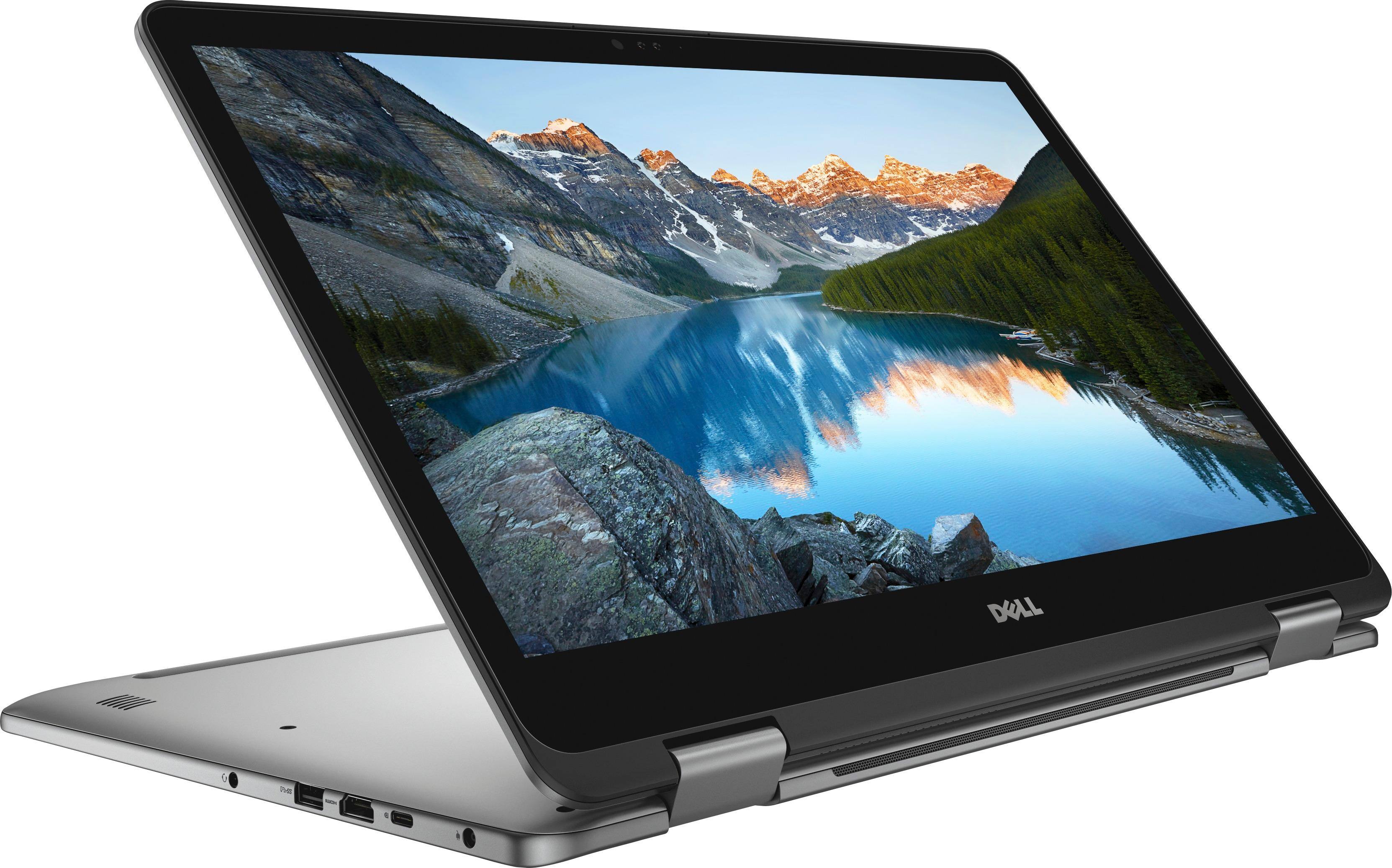
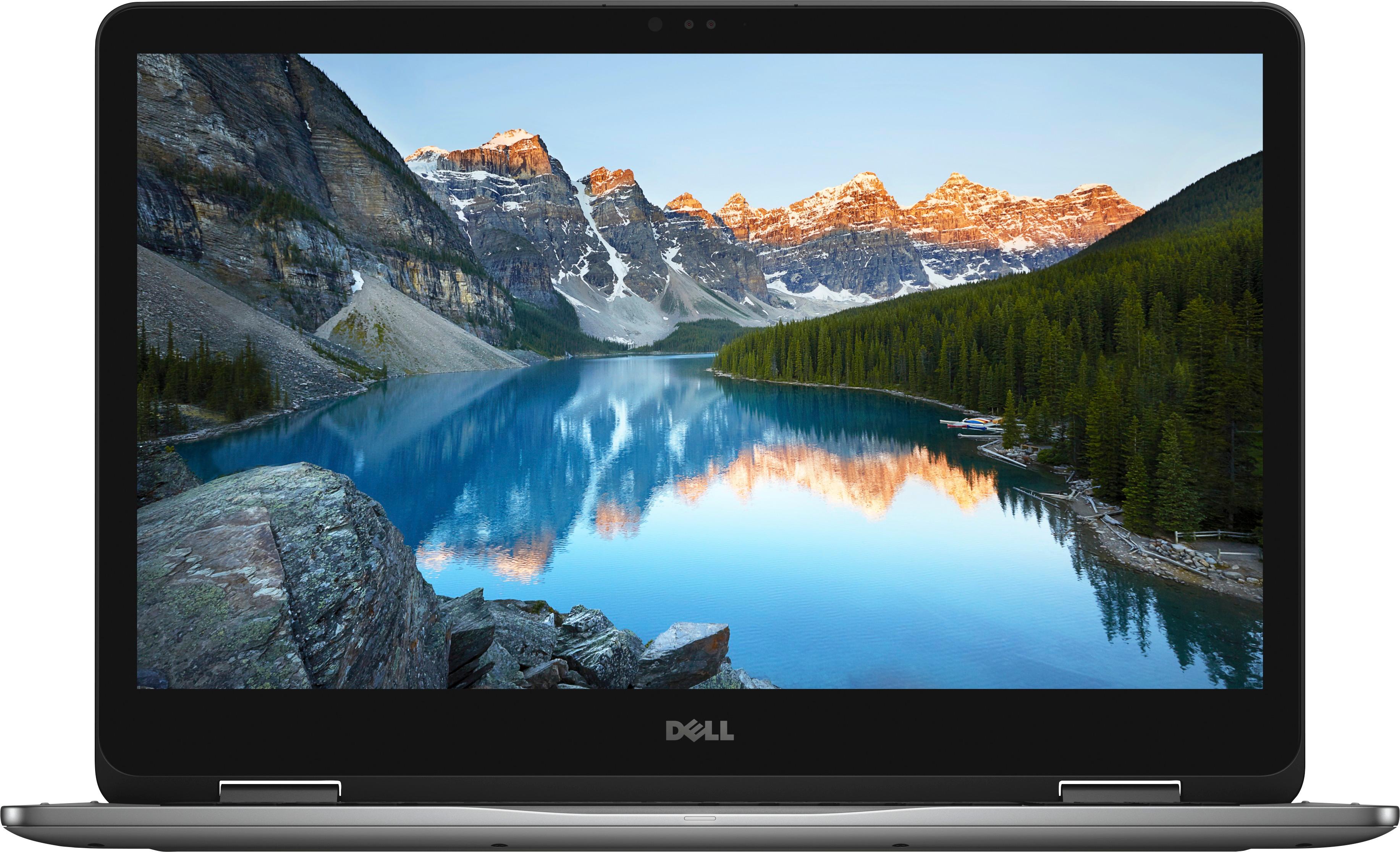
Customers are impressed with the Inspiron 2-in-1 17.3" Touch-Screen Laptop's large screen, affordable price, and ample storage. They also appreciate its user-friendly interface and gaming capabilities. However, some users have expressed concerns about its battery life, weight, limited number of USB ports, facial recognition login issues, and overheating.
This summary was generated by AI based on customer reviews.
Missing a key feature
||Posted .This reviewer received promo considerations or sweepstakes entry for writing a review.Cannot use Windows Ink or a pen with this laptop! Very disappointed with Dell for not making this common feature available. With options on other laptops, would consider another brand that does offer this feature.
No, I would not recommend this to a friendBrand response from YourDellTeam
Posted .Willowlark77 - We understand your frustrations but Dell does offer several models that are compatible with Windows Ink and that are sold by Best Buy. Here is a link to these models if this is a feature that you are still looking for in a new computer - http://bit.ly/2DHgmHj. We hope this helps with the functionality that you are looking for. - Bryan

Too high tech for an old lady
||Posted .This reviewer received promo considerations or sweepstakes entry for writing a review.I bought this to upgrade my old laptop. The windows 10 program is way above my skill level, so am not happy with that, but the laptop is very light weight, lighted keyboard...a very nice piece of equipment.
I would recommend this to a friendBrand response from YourDellTeam
Posted .Hi Jomama - Thanks for checking out our Dell touchscreen laptop. Dell has created a website to help people transition to Windows 10 - http://dell.to/2wMZqyx.
We hope that some of the tips on this site will help you better understand the Windows 10 operating system. - Bryan
Nice laptop for a limited user.
||Posted .This reviewer received promo considerations or sweepstakes entry for writing a review.Wanted win 10 pro couldnt get it. Wanted 32 gb of ram couldnt get it. As a matter of fact the ram they did get was for a desk top. Humm. The ram I need your stores dont sell. Nice laptop for the money.
No, I would not recommend this to a friend- Pros mentioned:Large screenCons mentioned:Battery life, Weight
Great But...
Posted .This reviewer received promo considerations or sweepstakes entry for writing a review.Its a great laptop, however if you want to use a active pen this laptop isnt for you. A ssd is a must have. don't let the 2TB hard drive fool you. Its a cheap seagate 5200 rpm drive. You won't get good performance out of this laptop with the cheap junk seagate drive. One of the first things i did was install a 500 gig WD blue ssd that i have. while it is still sata based you will notice even with a sata based ssd you will notice a huge speed difference. compared to the junk 2TB drive. This laptop also supports M.2 drives/ PCIE NVME ssd's. So it has the ability to run even faster or contain two drives. truth be told. spend the money and pick up a pcie nvme ssd and clone the 2TB drive to the ssd and keep the slower drive to hold all of your data if cost and space is important. or you can pick up a pcie and sata ssd's and have drives fairly quick. however at that point you are better paying a bit more for the ssd model. It does also have a limited amount of IO, however it works for me. I wanted a larger screen, i didnt really need a 2 n 1 however it was a nice touch. battery life is so so, ive been getting around 4 to 5 hours. This laptop works, however it all depends on what you want it to do. Do your research first before you pick out what you want and check the specs, i see negative reviews because this laptop doesnt have stuff people want. well simple just take it back and get your money back for something else. one thing i wish it had was a gigabit LAN port. I havent tried the usb c adapter yet to see how that will work out if it will. This laptop really to me isnt something to be completely portable, it is somewhat to me a laptop that is set up for a table top or travel to a friends or something of that nature. Not so much for on the go out in public. It is a bit heavy, however not so much to shock me. it has a great build quality, the display is nice and bright and crisp. be mindful of the power button on the side because you can accidentally bump it. I suggest setting the power button setting to only put it to sleep so at least if you hit it, you wont lose your work and can simply get right back to where you were. otherwise its a solid machine.
I would recommend this to a friend Great labtop, but had problems
||Posted .This reviewer received promo considerations or sweepstakes entry for writing a review.It could just be my laptop, but a couple weeks into using it appeared that a hardware problem occurred. Best buy is working on fixing it, but it isn't a quick process
No, I would not recommend this to a friendBrand response from YourDellTeam
Posted .@Michael - Thanks for your Dell laptop purchase. We're sorry to hear that your computer needed some work done on it. If you continue to experience problems we'd recommend calling Dell's Customer Support team here - http://dell.to/2sH7Qlm. We hope that when you get your computer back it operates the way you intended it to. - Bryan
Poor quality hard drive
||Posted . Owned for 1 year when reviewed.This reviewer received promo considerations or sweepstakes entry for writing a review.1 year and 4 months old, the hard drive died, replaced it with an SSD. The other parts of the computer are as advertised
No, I would not recommend this to a friendUseful but not exciting
||Posted . Owned for 1.5 years when reviewed.This reviewer received promo considerations or sweepstakes entry for writing a review.This laptop functions well but it is not as fast as my HP. Also not a fan of Dell Tech Support. Will get another HP next time...
No, I would not recommend this to a friendGood computer
||Posted .This reviewer received promo considerations or sweepstakes entry for writing a review.This computer works well, but I need to take it to the geek squad cause it is loud when it is running. Also doesn't have a cd/DVD slot
I would recommend this to a friendBrand response from YourDellTeam
Posted .Betseywetsy,
Thanks for your feedback and we're sorry that your computer is making more noise than you are used to. Many of our users have found that updating the BIOS on their computer has helped with noise concerns:
An out-of-date BIOS can cause loud fan noises by having an outdated temperature table for the system. Refer to update BIOS and follow the instructions to update the BIOS on your computer. You can also follow up with our Technical Support Team here - 1-800-624-9896.
You can read the full article here - http://dell.to/2ENlXfz.
We hope this helps the noises that you're experiencing.
Best,
Bryan
1-800-624-9896
avoid it
||Posted . Owned for more than 2 years when reviewed.This reviewer received promo considerations or sweepstakes entry for writing a review.Nothing Special after a while it starts to run slow. the brightness sucks. overall not great
No, I would not recommend this to a friendI had more problems than should be allowed
||Posted .This reviewer received promo considerations or sweepstakes entry for writing a review.First the speakers didn't work then the headphone jack didn't work. Also, computer not as fast as I expected it to be.
No, I would not recommend this to a friendBrand response from YourDellTeam
Posted .tanker,
We're sorry to hear about the performance issues you've been experiencing. We'd recommend that you update the software and drivers on your computer for increased performance: http://dell.to/2hwh0gB.
Best,
Bryan
1-800-624-9896
Dont buy it
||Posted . Owned for more than 2 years when reviewed.This reviewer received promo considerations or sweepstakes entry for writing a review.Not amazing, runs super slow, for what this thing cost I expected so much more
No, I would not recommend this to a friendOk computer
||Posted .This reviewer received promo considerations or sweepstakes entry for writing a review.Love this computers look and features. However, it’s very slow and I have barely anything on it.
I would recommend this to a friendBrand response from YourDellTeam
Posted .Hello Happy - Thanks for your review and for your recent Dell 2-in-1 purchase. We're sorry to hear that it's running a little slower than you would like. We'd recommend the following tips that have helped other users speed up their computers - Delete temporary files and directories
1. Click Start, then in the search bar type "disk". Disk Cleanup should appear on the menu above the search box.
2. Run disk cleanup and eliminate unneeded temporary files (Search results, Internet Cache and other windows temp files you may no longer need)
3. Select files you want to delete then click OK to start the cleanup process.
Uninstall applications you no longer use
1) Open the Programs and Features application in Control Panel.
2) Scan the list of applications installed for ones that you no longer use.
3) Highlight any application you no longer use and then click the uninstall button at the top of the list. Follow the prompts to uninstall.
4. Repeat for each application you want to uninstall.
5. Move large files and/or seldom used files to backup media (Photos, Music you seldom listen to, application downloads after the application has been installed etc.).
6. Empty the Recycle Bin.
You can read the full article here - http://dell.to/2tSulGV.
We hope this helps speed up your computer a little more for you. - Bryan
Great computer for me so far.
||Posted .This reviewer received promo considerations or sweepstakes entry for writing a review.So far so good, no problem with this computer but wish it was alot faster than what it is.
I would recommend this to a friendBrand response from YourDellTeam
Posted .omar1234,
We're sorry that your new Dell computer is a little slower than you had hoped it would be. We'd recommend running the Windows Performance Troubleshooter to see if there are ways that you can speed up your computer:
1. Close all open windows.
2. Press the Windows logo key + X key on the keyboard.
3. Click Control Panel.
4. Click System and Security.
5. Under Security and Maintenance, select Troubleshoot common problems.
6. Under System and Security, click Run maintenance tasks.
7. Follow the on-screen instructions and prompts to complete the process.
8. Restart the PC.
You can read the full article here - http://dell.to/2tSulGV.
Best,
Bryan
1-800-624-9896
So far good computer
||Posted .This reviewer received promo considerations or sweepstakes entry for writing a review.Bought for business, so far still getting used to it, but seems like a very good computer.
I would recommend this to a friendBrand response from YourDellTeam
Posted .@Soot77, Thanks for your review and we're so happy to hear that you decided to use Dell for your business needs. We hope that it's still working out well for you. If you do have any questions or concerns about your new device you can look at our Product Support page here - http://dell.to/2BkPUQX. We hope this helps answer any questions that you have. - Bryan
Not what I expected
||Posted .This reviewer received promo considerations or sweepstakes entry for writing a review.I thought it was going to be better than it is. Slow browsing but I have fast internet
No, I would not recommend this to a friendBrand response from YourDellTeam
Posted .Hi George,
Thanks for your review, we're sorry to hear that your computer is running slower than you had hoped it would. We'd recommend running this connectivity test to see what may be causing the slowdown:
1. Run the Network Troubleshooter.
a) Touch and hold or right-click the network icon (Available Networks or Network Icon, located in the lower right-hand corner).
b) Touch or click Troubleshoot problems and then follow the prompts.
You can read the full article here - http://dell.to/2sLtwRh.
We hope that this diagnosis will help speed up your computer.
Best,
Bryan
1-800-624-9896
Not worth it
||Posted .This reviewer received promo considerations or sweepstakes entry for writing a review.I do not recommend this laptop. It's sluggish, the touch pad is slowly responsive at best.
No, I would not recommend this to a friendBrand response from YourDellTeam
Posted .Dear Adnan - Thanks for your Dell laptop purchase and for your review. We're sorry to hear that it's a bit slower than you had hoped but we'd recommend that you check to make sure that all of your software and drivers are up to date - http://dell.to/2hwh0gB. With regards to your touchpad, we'd recommend that you try the following: Some Notebooks and Tablets with Keyboards have added gesture features to the touchpad hardware and drivers. A few of these features are two or three finger scrolling, pinch zoom, circle zoom, rotate and swiping. These new features may be the reason for the erratic cursor movement since most are turned on by default. You can disable or modify the way the features work in the touchpad driver properties. Here are some tips to modify these settings:
1. In the Search box, type main.cpl.
2. Touch or click main.cpl in the list of programs.
3. Touch or click the Dell Touchpad tab.
4. Touch or click on the picture of the touchpad.
5. Touch or click Gestures (depending on your computer there may not be a Gestures option).
6. Change the options as preferred.
7. Touch or click Save.
8. Touch or click the X in the upper-right corner to close the Dell Touchpad Utility.
9. Touch or click OK on the Mouse Properties window.
10. If the touchpad still does not work after following the preceding steps, refer to Dell Knowledge Base article - http://dell.to/2iaiujA.
You can read the full article here - http://dell.to/2tqmS02. - Bryan
The hard drive went out after three weeks.
||Posted .This reviewer received promo considerations or sweepstakes entry for writing a review.Not happy with this purchase. Would not recommend.
No, I would not recommend this to a friendBrand response from YourDellTeam
Posted .Hi Matt, Thanks for your review. We're sorry to hear that the hard drive did not perform the way you had hoped it would. We'd recommend checking out Dell's Product Support page for your computer here - http://dell.to/2BkPUQX. Dell's Technical Support Team can also be reached here if you have additional concerns - http://dell.to/2sH7Qlm. We hope this helps you. - Bryan
ok laptop
||Posted .This reviewer received promo considerations or sweepstakes entry for writing a review.Laptop is ok for ease of moving it around., I would have preferred a desktop.
I would recommend this to a friendBrand response from YourDellTeam
Posted .lumper59 - Thanks for your review and for your Dell laptop purchase. If you do have questions about your device you can always check our Product Support Page here - http://dell.to/2BkPUQX. Thanks again and enjoy! - Bryan
Nice Looking, a bit slower than expected.
||Posted .This reviewer received promo considerations or sweepstakes entry for writing a review.Good looking device, but even with an I7 Processor, it is a bit clunky.
No, I would not recommend this to a friendBrand response from YourDellTeam
Posted .Hello tbrenneman,
Thank you for your review. We're happy that you are satisfied with the look of your new Dell computer. We'd recommend that you check the Windows Performance Troubleshooter to see if there are ways that your computer can run faster for you:
1. Close all open windows.
2. Press the Windows logo key + X key on the keyboard.
3. Click Control Panel.
4. Click System and Security.
5. Under Security and Maintenance, select Troubleshoot common problems.
6. Under System and Security, click Run maintenance tasks.
7. Follow the on-screen instructions and prompts to complete the process.
8. Restart the PC.
You can read the full article here - http://dell.to/2tSulGV.
Best,
Bryan
1-800-624-9896
- Cons mentioned:Battery life
After two years with this it has already bad
||Posted . Owned for more than 2 years when reviewed.This reviewer received promo considerations or sweepstakes entry for writing a review.This only lasted about 2 years and there are already problems with charging and battery life. Overall this dell product is not a worthwhile investment and should go with a better computer.
No, I would not recommend this to a friend