Customer Ratings & Reviews

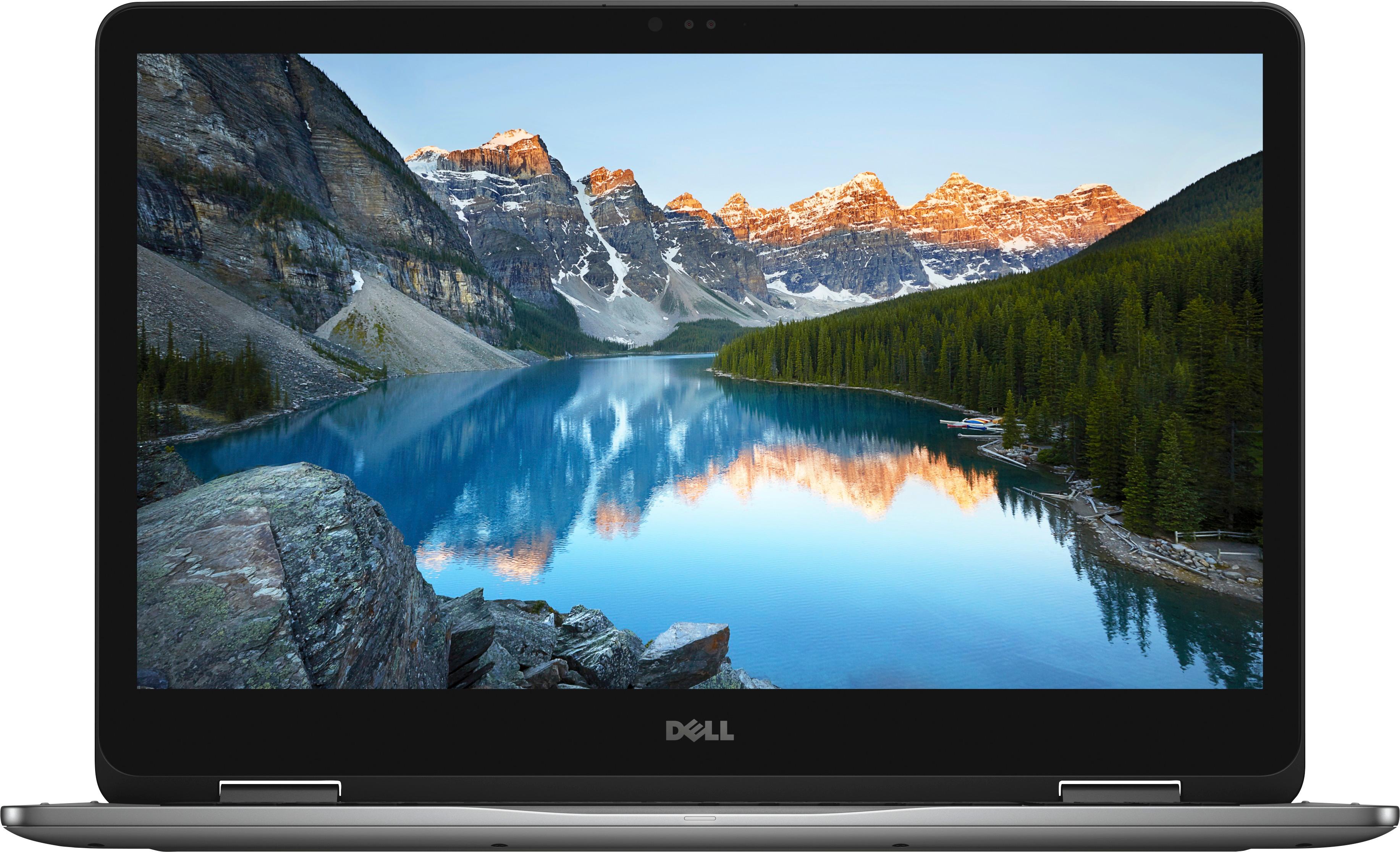

- Model:
- I7773-7855GRY-PUS
- SKU:
- 6114305
Rating by feature
- Value
Rating 4.3 out of 5 stars
- Quality
Rating 4.3 out of 5 stars
- Ease of Use
Rating 4.4 out of 5 stars
Customers are saying
Customers are impressed with the Inspiron 2-in-1 17.3" Touch-Screen Laptop's large screen, affordable price, and ample storage. They also appreciate its user-friendly interface and gaming capabilities. However, some users have expressed concerns about its battery life, weight, limited number of USB ports, facial recognition login issues, and overheating.
This summary was generated by AI based on customer reviews.
Disappointed
||Posted .This reviewer received promo considerations or sweepstakes entry for writing a review.This was my first laptop after coming to USA. I was very much excited to get this laptop for my graduate studies. I was excited to get a big screen laptop with the top configuration and FACE ID as well. But from day 1 the laptop was very very slow than my 6 year old dell laptop. I trusted the website and the so much to spend around 900$(75000rupees in indian currency,which is considered as very expensive) for a laptop. But now i am depressed as the laptop is not even working. I'm disappointed and depressed for the purchase.
No, I would not recommend this to a friendBrand response from YourDellTeam
Posted .Myni,
We're sorry to hear about your experience with your Dell laptop so far. We'd recommend running the Windows Performance Troubleshooter to see if there are ways to speed up your computer:
1. Close all open windows.
2. Press the Windows logo key + X key on the keyboard.
3. Click Control Panel.
4. Click System and Security.
5. Under Security and Maintenance, select Troubleshoot common problems.
6. Under System and Security, click Run maintenance tasks.
7. Follow the on-screen instructions and prompts to complete the process.
8. Restart the PC.
You can read the full article here - http://dell.to/2tSulGV.
You can also reach out to Dell's Technical Support Team for additional assistance: http://dell.to/2sH7Qlm.
We hope these tips help your computer perform better for you.
Best,
Bryan
1-800-624-9896
Hasn't been set up
||Posted .This reviewer received promo considerations or sweepstakes entry for writing a review.I don't know yet. Need to take it back to store to set up.
I would recommend this to a friendBrand response from YourDellTeam
Posted .Shelley,
Thanks for your feedback. If you'd like to reach out to Dell's Technical Support Team you can reach them here - http://dell.to/2sH7Qlm.
If you have questions about your computer you can view our Product Support Page here - http://dell.to/2BkPUQX.
We hope that your computer works the way you intended it to soon.
Best,
Bryan
1-800-624-9896
- Pros mentioned:Large screen
Great Computer-More than I expected
||Posted .This reviewer received promo considerations or sweepstakes entry for writing a review.I've always had DELL for my home computer but and the previous one was such a good unit that I kept it for 9 years (obviously became very outdated) I love Windows 10, the 2-in-1 feature, screen size, and more.
I would recommend this to a friendBrand response from YourDellTeam
Posted .Kandy,
Thanks for your review and we're happy that your new computer is working well for you. If you need assistance learning more about Windows 10, you can view our support site here - http://dell.to/2wMZqyx.
Best,
Bryan
1-800-624-9896
It would have been a great computer - if it worked
||Posted .This reviewer received promo considerations or sweepstakes entry for writing a review.This should have been a great computer purchased for my wife. The computer started out very fast and we were pleased with the purchase. However it started slowing down the second day after we set the computer up. I spent more time online with tech services than we ever did using the computer. Bottom line we had a choice of returning the computer or being charged an additional fee to fix the NEW computer. I believe it was a connectivity issue with our internet service but our other computers had no problem hooking up and I was not going to pay any extra fees for making a new computer work. Best Buy was great about understanding the issue and allowing us to return the computer. Dell however????
No, I would not recommend this to a friend- Pros mentioned:Large screen
ease of use
||Posted .This reviewer received promo considerations or sweepstakes entry for writing a review.I am pleased with the 2 in 1 touch screen. I like the 17 in screen also and the ease of using the computer
I would recommend this to a friendBrand response from YourDellTeam
Posted .1959,
Thank you for your review. We're happy to see that you are pleased with the functionality of your new computer. If you have questions about your computer you can always visit our Product Support Page here: http://dell.to/2BkPUQX.
Best,
Bryan
1-800-624-9896
Camera doesn’t work for facial recognition
||Posted .This reviewer received promo considerations or sweepstakes entry for writing a review.Loud noise after turned on for the second time. Hacked or bought broken. Dell recalled something and Best Buy still sold it to me. A year later
No, I would not recommend this to a friendBrand response from YourDellTeam
Posted .Katiebugs,
Thanks for your review and we're sorry that your computer is not performing the way that it should. We'd recommend contacting Dell's Technical Support Team for additional assistance: http://dell.to/2sH7Qlm.
Best,
Bryan
1-800-624-9896
Slow after 1 year, not usable after 2
||Posted .This reviewer received promo considerations or sweepstakes entry for writing a review.After a year it run slow and after 2 years this laptop is running waaaaay too slow.. this is the worst laptop I’ve ever owned.. will not buy again and will tell people that do not buy this laptop.. I mainly used this laptop for photoshop and lightroom so I don’t really know how it became slow.. will They give me my money back? No!
No, I would not recommend this to a friendIssues with keyboard
||Posted . Owned for more than 2 years when reviewed.This reviewer received promo considerations or sweepstakes entry for writing a review.No one can tell me why my keyboard delays entering letters if the site I am looking for. Sucks
No, I would not recommend this to a friendGreat Machine for the price
Posted .This reviewer received promo considerations or sweepstakes entry for writing a review.I purchased this as a new laptop for myself. It has the latest i7 processor and a good graphics card as long as you're not doing serious gaming. I did add a SSD card to boot and launch apps from but the boot times were not bad as it came. Referring to a previous review. It was slow when I first turned it on. It was doing updates and the Dell support software was doing a system/drive scan. Once it rebooted a couple of times it has been great. This process did take over an hour though. I have been using it over a week now and performance has been very good. All in all I am very happy with this purchase.
I would recommend this to a friendDid not work for me, lemon?
||Posted .This reviewer received promo considerations or sweepstakes entry for writing a review.I think I had a "lemon". Some times I could not get it to start up for hours. no matter what, even after spending hours on the phone with Dell (great customer service). With a big pending deadline, this was quite frustrating. I think Dell is a great brand, but since I have to have a reliable computer, I went back to a trusty HP Envy. I did not want to chance it ...
No, I would not recommend this to a friendNot a long life product from Dell.
||Posted .This reviewer received promo considerations or sweepstakes entry for writing a review.Motherboard died on mine just 3 months after 3 years were up.
No, I would not recommend this to a friendExpensive
||Posted .This reviewer received promo considerations or sweepstakes entry for writing a review.Expensive. Difficult to use and learn how to use. Buy an apple
No, I would not recommend this to a friendBrand response from YourDellTeam
Posted .Hello Brian,
Thanks for your review. We're sorry to hear that you're having trouble learning about using your new computer. We'd recommend taking a look at our Product Support Page here - http://dell.to/2BkPUQX. We hope that these articles will help with any questions that you may have.
You can also view Dell's page related to learning Windows 10 so that you can transition easier - http://dell.to/2wMZqyx.
We hope this will help you get more out of using your new computer.
Best,
Bryan
1-800-624-9896
Disappointing
||Posted .This reviewer received promo considerations or sweepstakes entry for writing a review.Dell has some serious programing issues that make this laptop run slow. Screen kept freezing up and videos would run.Turns out the computer doesn't know what system to use. It wasn't a start up and use computer. It took over 10 hours to load windows 10 and it never ran right.
No, I would not recommend this to a friendBrand response from YourDellTeam
Posted .Hi Jrob,
Thanks for your review. We hope that now that your computer has fully loaded Windows 10 that it is working properly for you. If you have questions about using Windows 10 on your new computer we'd recommend that you visit the following site - http://dell.to/2wMZqyx.
We hope these tips will help your computer run better for you.
Best,
Bryan
1-800-624-9896
Not great
||Posted .This reviewer received promo considerations or sweepstakes entry for writing a review.This computer has had so many issues right from the beginning. The touch screen freaks out and opens everything. I had to disable it. The right speaker is not working. It just crackles. So upset about this. I spent a lot for something that is this crappy
No, I would not recommend this to a friendBrand response from YourDellTeam
Posted .Nate,
We're sorry that your computer is having issues. We'd recommend re-calibrating the touchscreen by following these steps:
Below are the steps required to calibrate your Touchscreen.
1. Restart the Computer and the Monitor
2. Recalibrate the touch-screen. Steps to calibrate touch-screen:
3. Go to Control Panel and select Tablet PC Settings.
4. Under Display tab, select Calibrate.
5. Choose Pen or Touch input.
6. Perform the point calibration that appears on the screen to correct the linearity problems.
7. Save the calibrated data.
You can read the full article here - http://dell.to/2uLztub.
If you'd like to see if there are updated drivers for your computer audio you can check this page: http://dell.to/2hwh0gB.
Best,
Bryan
1-800-624-9896
Don’t buy
||Posted .This reviewer received promo considerations or sweepstakes entry for writing a review.I bought this for my sister in law and it was awful! The day we set it it we had to take it to geek squad and she paid $340 to get a new hard drive put in it.
No, I would not recommend this to a friendVery slow not good for photos
||Posted . Owned for 1 year when reviewed.This reviewer received promo considerations or sweepstakes entry for writing a review.Biggest waste of money I’ve ever spent. Doesn’t do anything we want in a timely fashion even tho we told the associate what we were looking for.
No, I would not recommend this to a friendTerrible
||Posted .This reviewer received promo considerations or sweepstakes entry for writing a review.The computer was terrible. It ran slow and the disk was at 100% all the time. Even when it wasn't downloading or running anything.
No, I would not recommend this to a friendBrand response from YourDellTeam
Posted .riverl12,
We appreciate your feedback and we're sorry that your computer is not running faster for you. We'd recommend running the Windows Performance Troubleshooter to see if your computer can run faster:
1. Close all open windows.
2. Press the Windows logo key + X key on the keyboard.
3. Click Control Panel.
4. Click System and Security.
5. Under Security and Maintenance, select Troubleshoot common problems.
6. Under System and Security, click Run maintenance tasks.
7. Follow the on-screen instructions and prompts to complete the process.
8. Restart the PC.
You can read the full article here - http://dell.to/2tSulGV.
Best,
Bryan
1-800-624-9896
Garbage
||Posted .This reviewer received promo considerations or sweepstakes entry for writing a review.Worst piece of crap laptop I've ever seen. Slow and glitchy out of the box. Returned it the day after i got it.
No, I would not recommend this to a friendNot for me
||Posted .This reviewer received promo considerations or sweepstakes entry for writing a review.Thought this was fully Windows Ink compatible and it isn't. I returned it and swapped it for another laptop.
No, I would not recommend this to a friendNot great
||Posted .This reviewer received promo considerations or sweepstakes entry for writing a review.Too slow for a new lap top. Couldn’t hook up internet. Something was wrong. Geek Squad recommended return it.
No, I would not recommend this to a friendBrand response from YourDellTeam
Posted .DB6363,
Thanks for your review. We're sorry to hear about the internet connection issues that your new computer was having. In the future you can diagnose connectivity concerns with these steps:
1. Download and install the latest Wireless Card driver. (https://dell.to/2th3Tpe) After updating the driver, re-establish the connection with the Wireless Access Point and check the wireless performance.
2. If the issue persists, proceed to step 3.
3. Power-cycle the local network. Shut down the Dell system, the Wireless Access Point/Router and the Modem. Wait a minimum of 60 seconds before powering up the components in the following order:
4. Power ON the Modem, and wait for it to boot fully.
5. Power ON the Wireless Access Point/Router, and wait for it to boot fully.
6. Power ON the Dell system.
7. Open Network and Sharing Center
8. In the left side navigation pane, click on Change Adapter Settings
9. Right click on the wireless connection icon and select Properties followed by the Configure button
10. Under Wireless Options, select the Wireless N mode
11. For Windows 8 or later systems click the Advanced tab and look for 802.11n Mode on the right you will be given the option to Enable or Disable. If the mode is not visible you may need to update your drivers and firmware.
12. From the drop-down menu, choose Disable followed by Ok
13. This should restore the wireless download and upload speed. Internet speed can be tested at http://speedtest.net.
Best,
Bryan
1-800-624-9896