Customer Ratings & Reviews
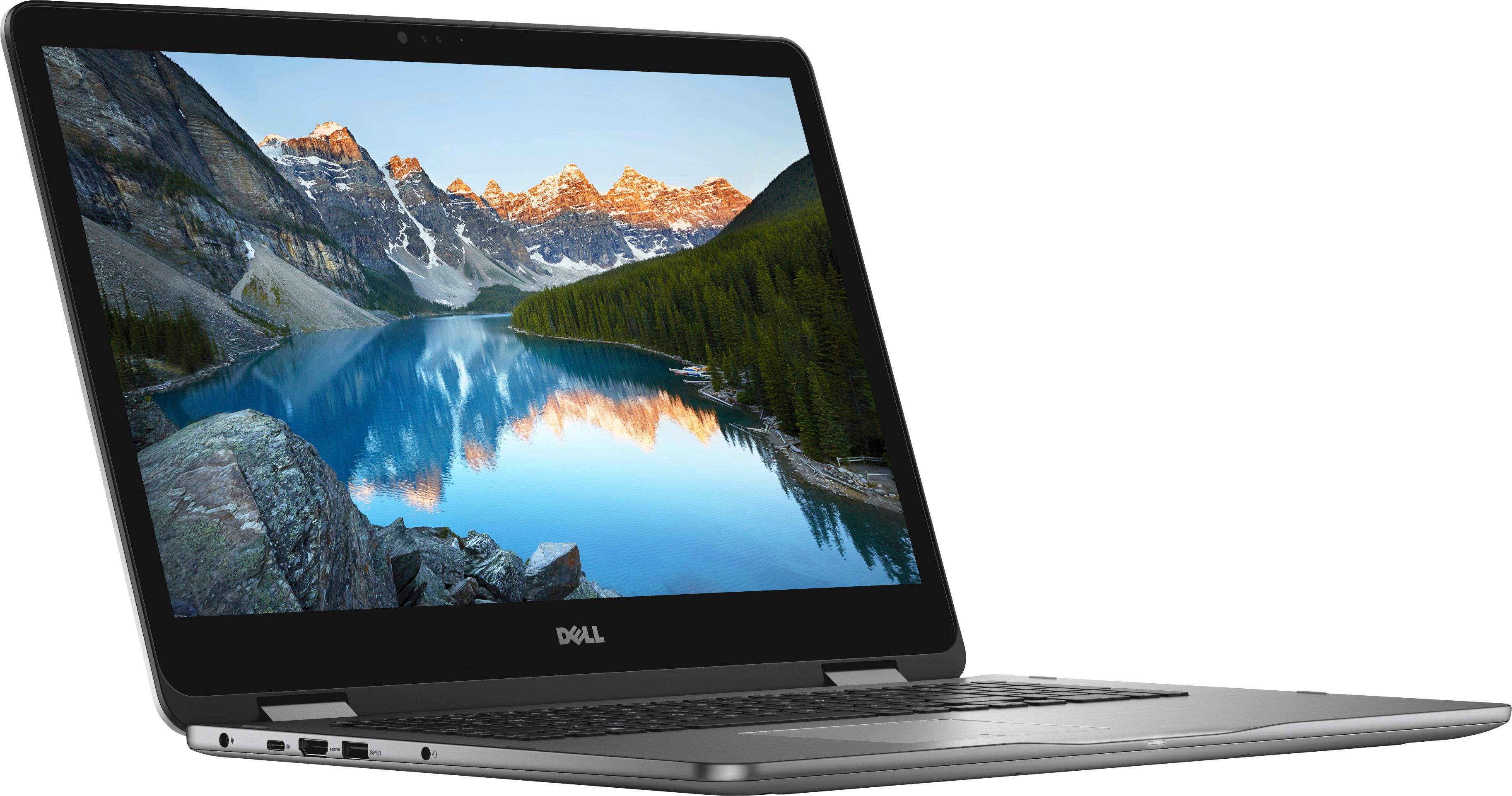
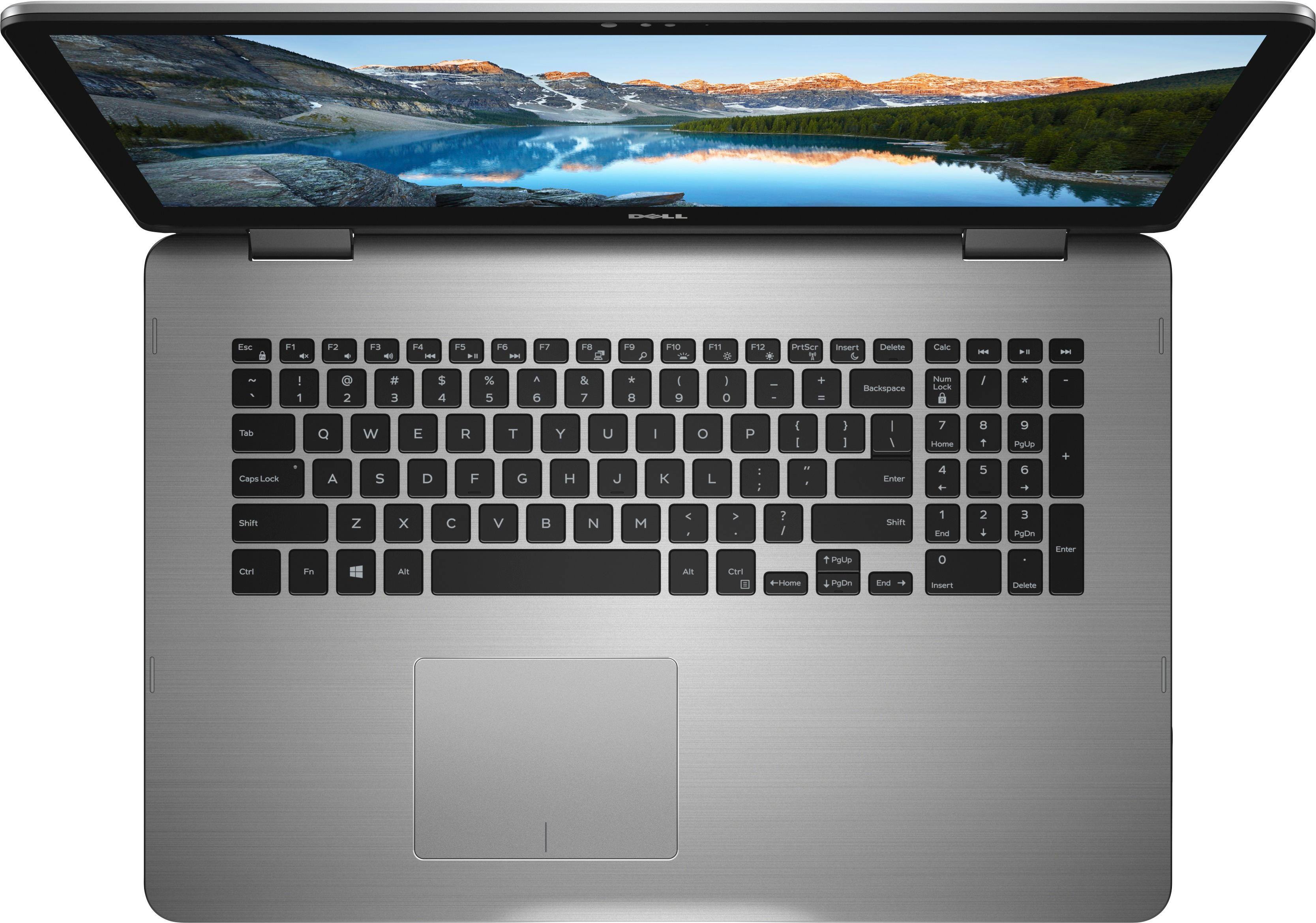
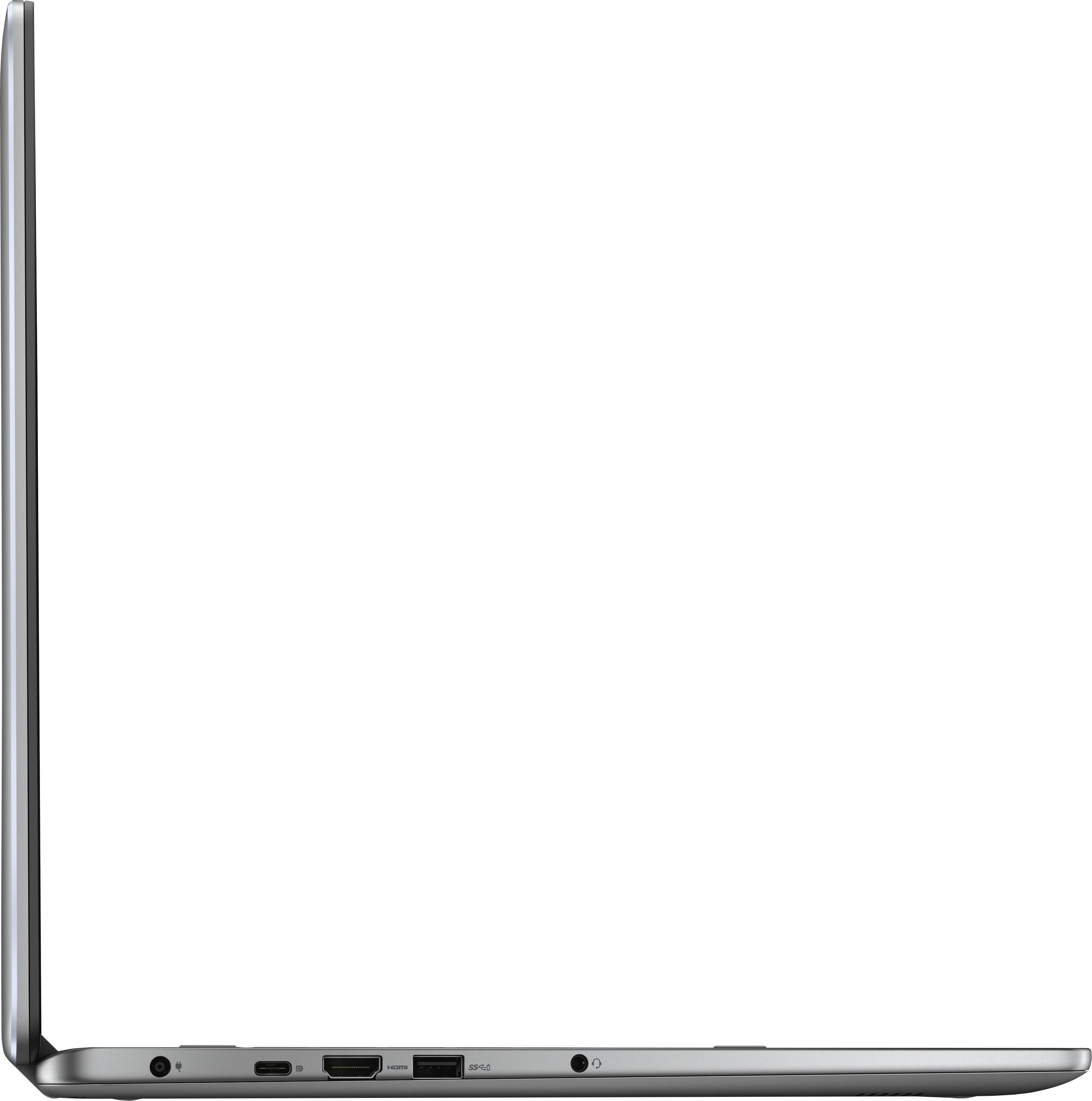
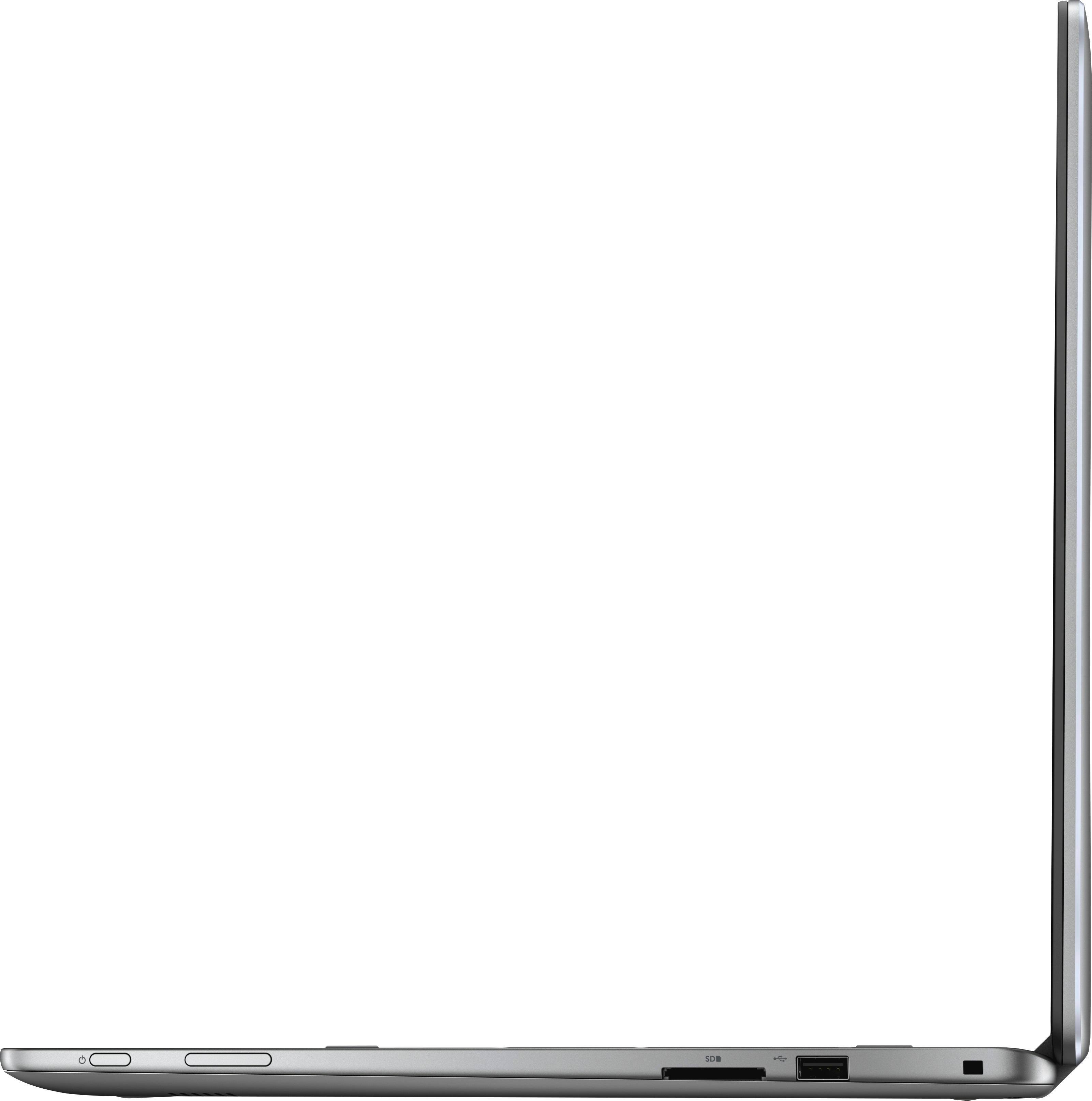

- Model:
- I7773-7855GRY-PUS
- SKU:
- 6114305
Rating by feature
- Value
Rating 4.3 out of 5 stars
- Quality
Rating 4.3 out of 5 stars
- Ease of Use
Rating 4.4 out of 5 stars
Customers are saying
Customers are impressed with the Inspiron 2-in-1 17.3" Touch-Screen Laptop's large screen, affordable price, and ample storage. They also appreciate its user-friendly interface and gaming capabilities. However, some users have expressed concerns about its battery life, weight, limited number of USB ports, facial recognition login issues, and overheating.
This summary was generated by AI based on customer reviews.
- Cons mentioned:Facial recognition
Don't bother. Wast of time.
Posted .This reviewer received promo considerations or sweepstakes entry for writing a review.This would be a ZERO star rating if that was possible. Do not waste your time with this machine. Please learn from my mistake. I spent more than I had budgeted to get a so called "better unit". I have had nothing but problems for the last 2 weeks since bringing it home. It takes an unusually long time to boot up and downloads/installs large updates regularly that seriously compromise it's performance. I've had a large number of screen freeze scenarios that were only remedied by a reboot. Facial recognition login will not work properly and keeps prompting me to retake the picture. Default web browser is painfully slow and riddled with a ridiculous amount of irrelevant ads. All of these issues have been annoying and very frustrating but I've been dealing with them. Today after booting it up I noticed the back lighting for the keyboard is not working. Spent some time troubleshooting and lights will not come back on. This is the last straw for this giant heap of trash. I have been considering returning or exchanging this for a different brand and this has solidified it for me.
No, I would not recommend this to a friendBrand response from YourDellTeam
Posted .BrianD,
We're very sorry to hear about the issues that you have had with your new computer. We'd recommend that you reduce the number of programs that launch at startup with the following steps:
1. Close all open windows.
2. Press CTRL + Shift + ESC key together on the keyboard.
3. In the Task Manager window, click Startup tab.
4. Select the program or application that you want to disable from loading during startup.
5. Right-click and select Disable.
6. Repeat Step 4 & 5 for all the programs or applications that you want to disable from loading during startup.
7. Restart your PC.
You can read the full article here - http://dell.to/2tSulGV. If your computer continues to perform slowly for you we'd recommend that you run the Windows Performance Troubleshooter by following these steps:
1. Close all open windows.
2. Press the Windows logo key + X key on the keyboard.
3. Click Control Panel.
4. Click System and Security.
5. Under Security and Maintenance, select Troubleshoot common problems.
6. Under System and Security, click Run maintenance tasks.
7. Follow the on-screen instructions and prompts to complete the process.
8. Restart the PC.
You can read the full article here - http://dell.to/2tSulGV.
We hope that these tips help your computer run better for you.
Best,
Bryan
1-800-624-9896
Remember its a Dell
Posted .This reviewer received promo considerations or sweepstakes entry for writing a review.When I bought this computer the Dell rep was there. had my second thoughts on it. Talked to the Rep for a bit about the past Dell problems from 5 years plus. Showed me what they have changed and I thought well why not give them a chance. Fast-forward 7 months and now the problems are starting to show. The hard drive had a nice number 2TB but cant handle the work. Speed isn't there. For a 1200$ computer when I got it big let down. I was always a HP guy tried Dell and now I will move onto apple.
No, I would not recommend this to a friendBrand response from YourDellTeam
Posted .Cory,
Thanks for your review. We're sorry that you've been having some speed issues with your new Dell laptop. We'd recommend running the Windows Performance Troubleshooter to see if there are ways for your computer to perform faster:
1. Close all open windows.
2. Press the Windows logo key + X key on the keyboard.
3. Click Control Panel.
4. Click System and Security.
5. Under Security and Maintenance, select Troubleshoot common problems.
6. Under System and Security, click Run maintenance tasks.
7. Follow the on-screen instructions and prompts to complete the process.
8. Restart the PC.
You can read the full article here - http://dell.to/2tSulGV.
Best,
Bryan
1-800-624-9896
Could have been a Great Laptop
Posted .This reviewer received promo considerations or sweepstakes entry for writing a review.I have never given any product a 1 star, if I could give this a zero star rating I would. This is the slowest, buggiest computer I have ever had the displeasure of owning. It shuts down or locks up about every 15 minutes. It is near impossible to even write an email, because its response time on typing is up to 30 seconds. I can't believe BestBuy would even sell this piece of garbage. While writing this email I had to switch to my cell phone because said laptop locked up twice.DO NOT BUY THIS LAPTOP!!!!!
No, I would not recommend this to a friendBrand response from YourDellTeam
Posted .Hello Mcwhite, Thanks for your review and for your Dell purchase. We're sorry to hear that you've had trouble with your computer locking up on you. We'd recommend the following steps if your computer continues to lock up on you:
1. Run a Computer Diagnostic. To determine if your computer is experiencing a hardware problem, run the Dell Preboot System Assessment (PSA) Diagnostics. For information on how to run Diagnostics, and to determine the issue, refer to Dell Knowledge Base Article: http://dell.to/2iaiujA.
2. Check Safe Mode for Symptoms. To boot into safe mode, please follow the instructions below:
1) Start the computer.
2) Tap 'F8' on the keyboard immediately and every one second until the Dell logo screen disappears. From there you will see the Windows Advanced Options Menu on the screen. (If the Windows Advanced Options Menu does not appear, restart the system and try again.)
3) Select Safe mode with Networking and press Enter.
4) Log on as the administrator or as a user with administrative access.
5) Open applications and test the computer in safe mode. If the symptoms exist in safe mode, please continue the troubleshooting steps in this article. If the symptoms do not exist in safe mode, the issue is likely related to a driver or software and you may wish to complete steps 6 and 7 to see if you are able to resolve the lock ups or freezing.
3. Check for Malware. Malware (Virus, Spyware, etc.) can definitely cause a Windows system to lock up or appear to hang. To check for malware on your system and to ensure that your computer is up to date on security software, visit Dell Knowledge Base Article: http://dell.to/2wWP1zI.
You can read the full article here - http://dell.to/2tW5m33.
We hope these tips help your computer to freeze less for you. - Bryan
Poor location for power button
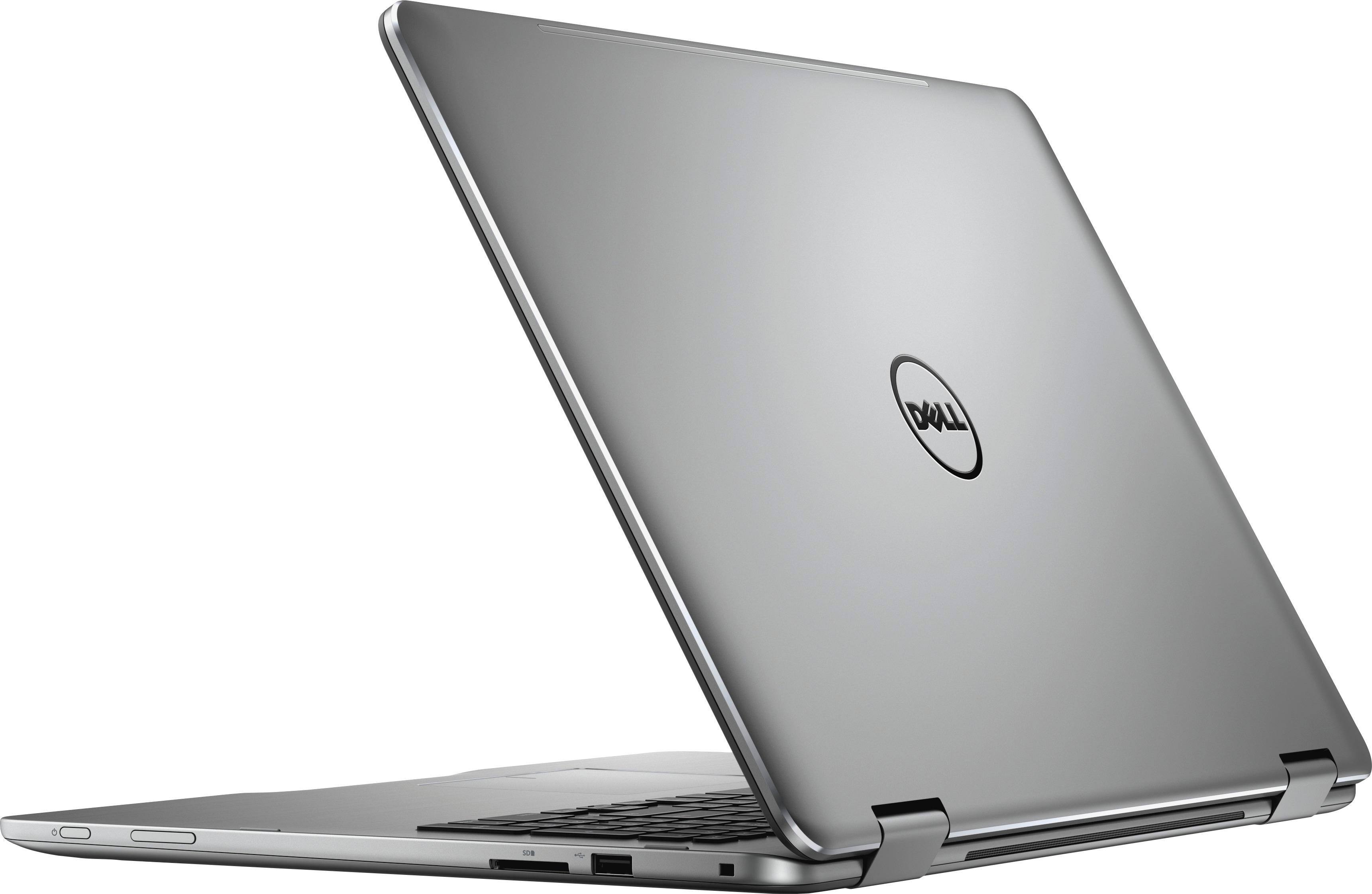
Posted .This reviewer received promo considerations or sweepstakes entry for writing a review.The laptop is fine, but I can't figure out how anyone would think that placing the power button at the front of the right hand side would be a good idea. That is where right-handed people go to pick up laptop. And the only way to make the location worse is to place the volume button right next to it. The number of times that I accidentally power down my Dell laptop is ridiculous and frustrating. I can't believe that anyone tested this model out before release. It's enough to turn me off to Dell permanently. If Dell can make such an big mistake with something so simple, I have to wonder what else they botched with this laptop.
No, I would not recommend this to a friendBrand response from YourDellTeam
Posted .Hello Rich, Thanks for your review and for your feedback about the power button location. If there is anything related to the technical aspects of your computer that you need help with you can view our Product Support Page here - http://dell.to/2BkPUQX. -Bryan
- Cons mentioned:Overheating
Computer Overheated
Posted .This reviewer received promo considerations or sweepstakes entry for writing a review.After 5 months, the computer has overheated during finals and presentations week. This is unacceptable as computer is only 5 months old. I would not purchase another Dell nor would I purchase another computer at Best Buy. Best Buy needs to stand behind products which they sell. They can send it out but will take 2-3 weeks. Can not finish my senior year without a computer and can not be without a computer as my major is Computer Science. Wish quality products were still made.
No, I would not recommend this to a friendBrand response from YourDellTeam
Posted .Emily,
Thanks for your review and we're sorry to hear about the overheating that you are experiencing with your 5 month old Dell computer. Here are some tips that we'd recommend to help with the overheating that you're experiencing:
Tips for Proper Usage:
1. Dell does not recommend placing portable systems directly on your lap. Due to reductions in the thickness of modern portable systems, heat transfer can be an issue.
2. Using a portable system (Laptop) on a hard, flat, non-cloth surface will increase airflow and reduce heat from underneath and inside the system.
Using the portable system on a blanket, pillow, or other types of cloth will cover up the fan cause the computer to overheat and can cause permanent damage.
3. It is recommended to use the portable system in a Room temperature of 0°C to 35°C (32°F to 95°F) with a Humidity level no greater than 90%.
4. Use compressed air to clean the vents on a regular basis.
5. Using a cooling pad can decrease heat and increase performance.
6. If you want to know the temperature limitations for your system, go to the Dell Support Website, look up your system model then open the user guide under the manuals link.
You can read the full article here - http://dell.to/2uJ8AdG.
We hope this helps your computer perform better for you.
Best,
Bryan
1-800-624-9896
Very solid build.
Posted .This reviewer received promo considerations or sweepstakes entry for writing a review.Was very slow until I installed a SSD drive. Then this thing really came to life. It’s heavy but I knew that before purchasing and really use like a desktop PC.
I would recommend this to a friendQuestionable quality, should have been recalled
Posted .This reviewer received promo considerations or sweepstakes entry for writing a review.Questionable quality and workability. Like others have said, had "Battery Issue" boxes from the start. It doesn't have a removable battery, so constantly having to clear those and keep the laptop plugged in at all times, as if it were a desk top. It's unfortunate that a computer with such a large screen and and a touch screen to boot isn't quite functional. Very disappointed!
No, I would not recommend this to a friendHard drive poor quality
Posted .This reviewer received promo considerations or sweepstakes entry for writing a review.Without any physical damage the hard drive failed after 1year 9months. System is slowing down too. Not worthy of buying.
No, I would not recommend this to a friendBrand response from YourDellTeam
Posted .Monica,
We're sorry that your computer is not working as well as it should be. We'd recommend running the Windows Performance Troubleshooter to see if there are ways that your computer can run better for you:
1. Close all open windows.
2. Press the Windows logo key + X key on the keyboard.
3. Click Control Panel.
4. Click System and Security.
5. Under Security and Maintenance, select Troubleshoot common problems.
6. Under System and Security, click Run maintenance tasks.
7. Follow the on-screen instructions and prompts to complete the process.
8. Restart the PC.
You can read the full article here - http://dell.to/2tSulGV.
Best,
Bryan
1-800-624-9896