Customer Ratings & Reviews


- Model:
- I3275-A356BLK-PUS
- SKU:
- 6334303
Rating by feature
- Value
Rating 3.7 out of 5 stars
- Quality
Rating 3.7 out of 5 stars
- Ease of Use
Rating 3.8 out of 5 stars
Customers are saying
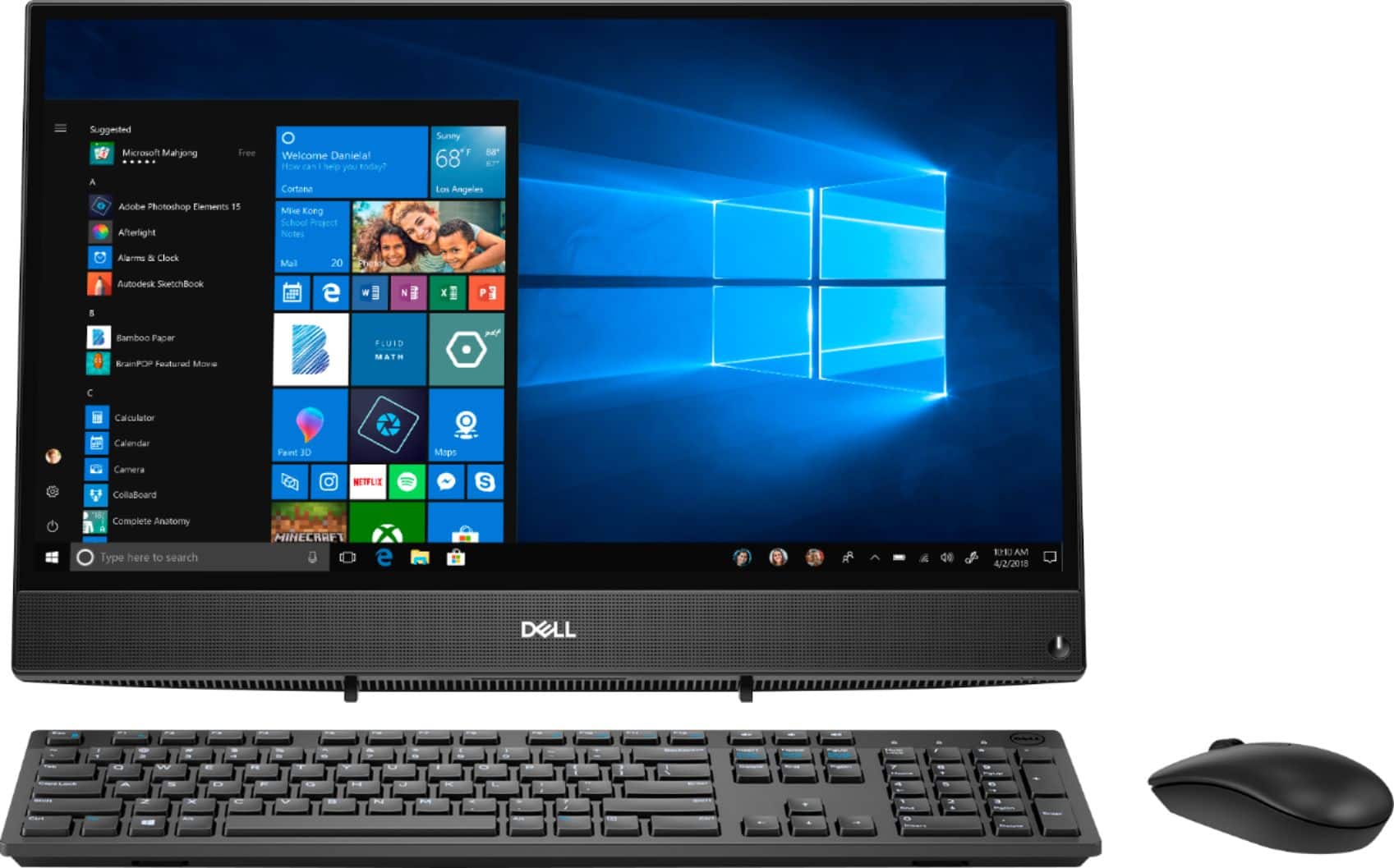
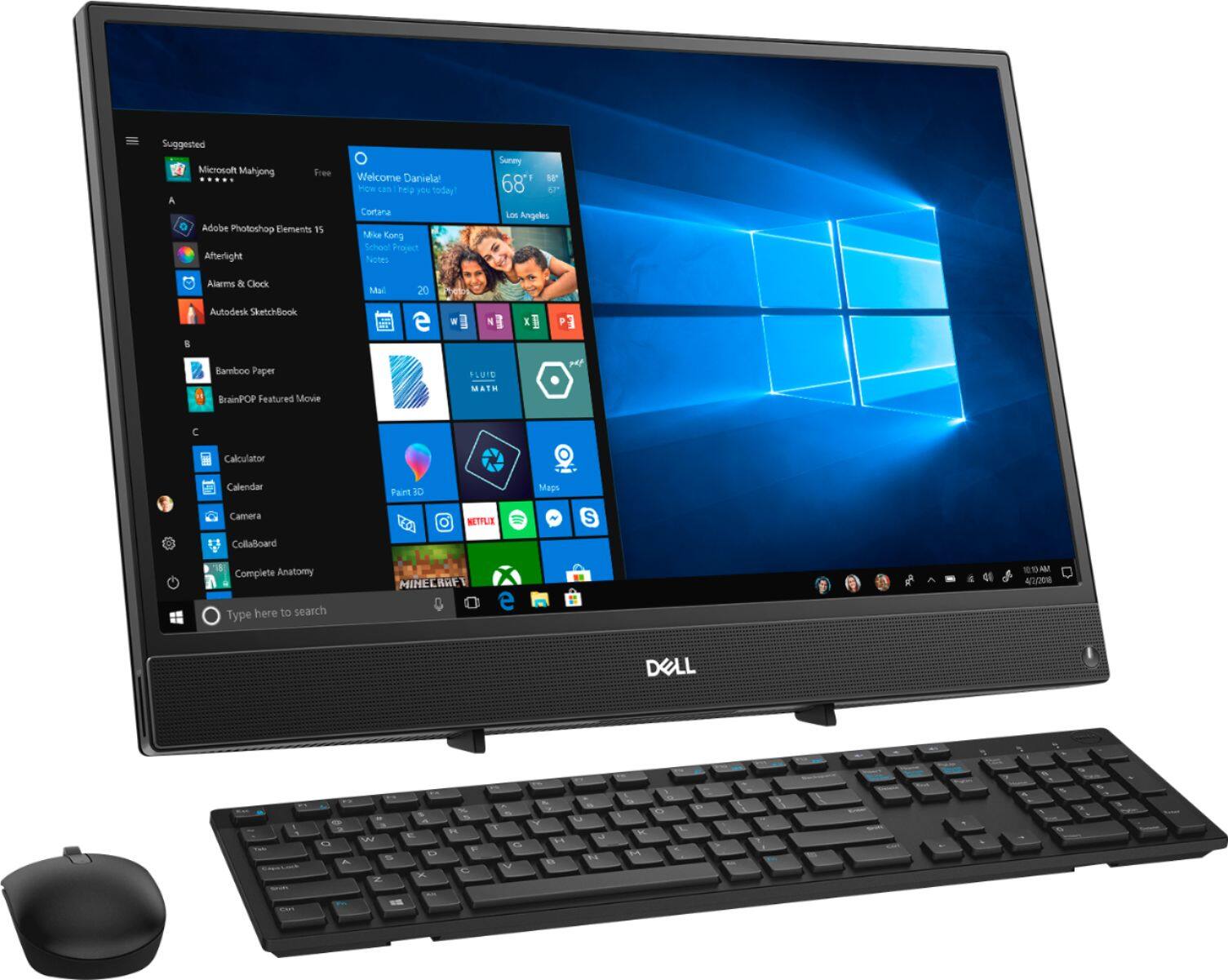
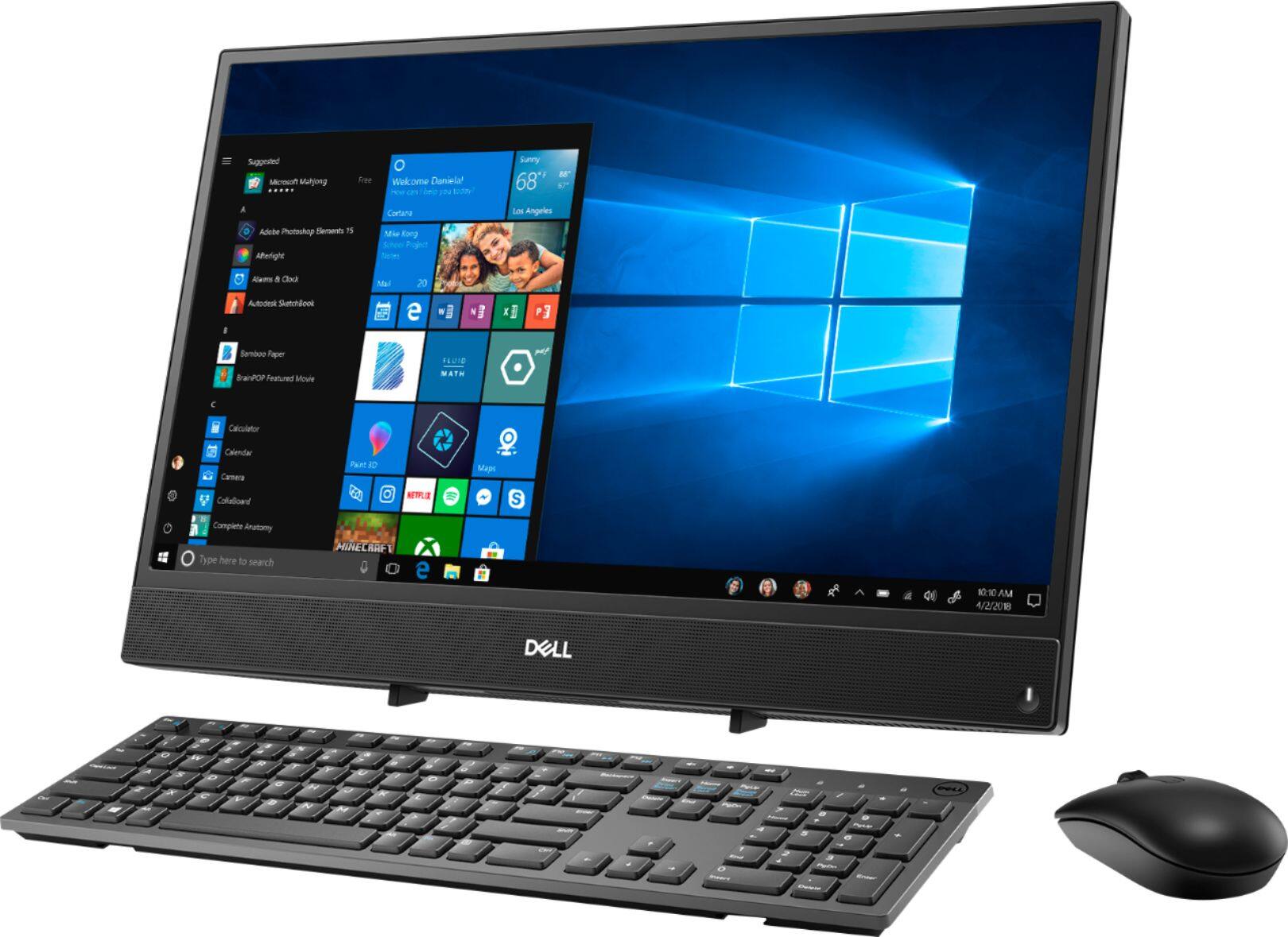
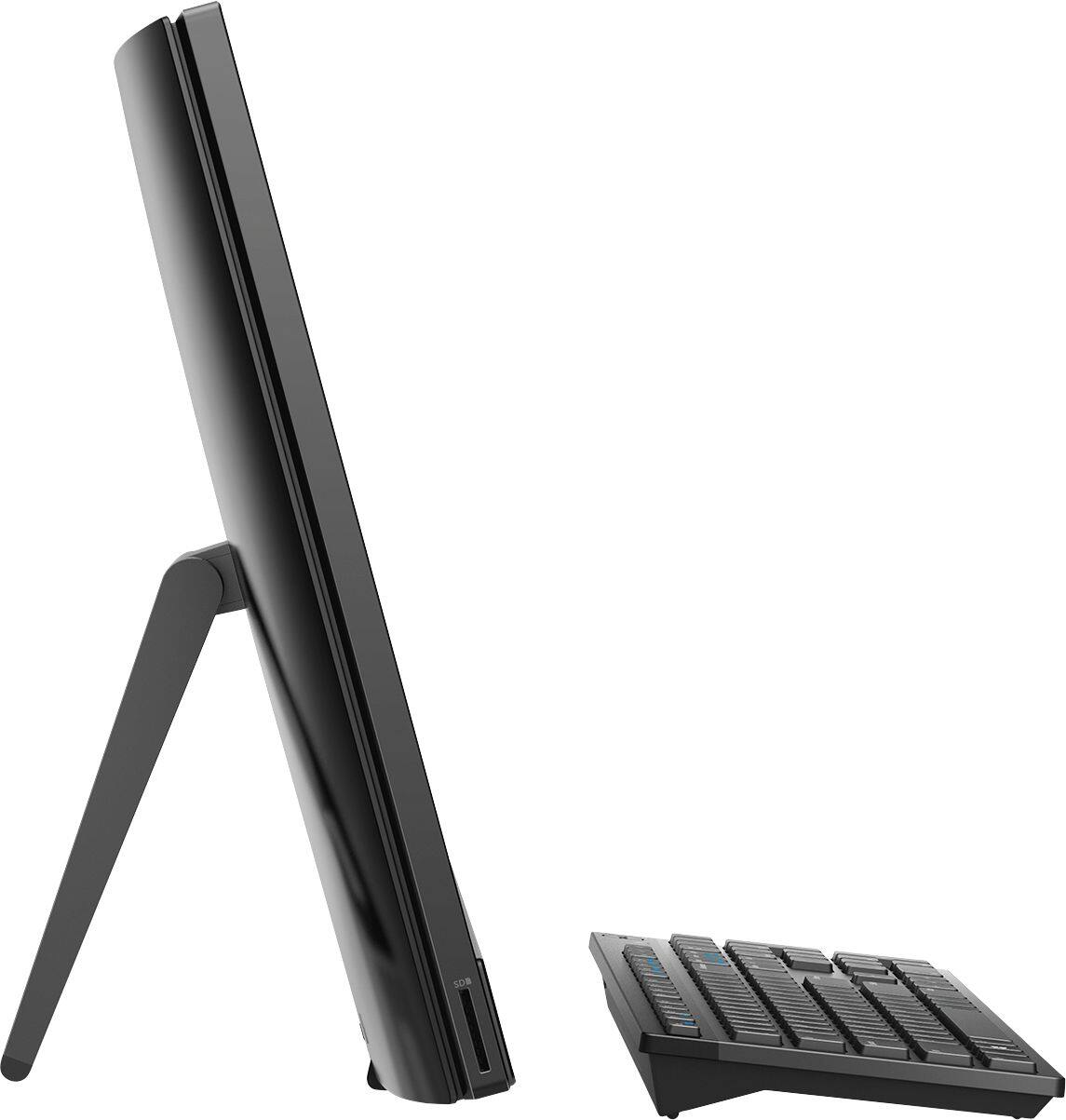
Customers highly value the ease of use and touch screen functionality of the Inspiron 21.5" All-in-One, with many praising its user-friendly design and responsive touch capabilities. The affordable price point is also frequently cited as a positive aspect. However, some users express concerns regarding the system's performance and limited RAM, suggesting potential limitations for demanding tasks. A few also mention issues with the included mouse and the absence of a built-in camera.
This summary was generated by AI based on customer reviews.
- Cons mentioned:Speed
address.
||Posted .This reviewer received promo considerations or sweepstakes entry for writing a review.Have high speed internet and this product take long time to load internet file.or web adrress.
No, I would not recommend this to a friendBrand response from YourDellTeam
Posted .Hello Dell,
Thank you for sharing your experience. We are sorry to hear that the network performance of your system is not quite meeting expectations. We recommend you run the suite of tools found within the SupportAssist application regularly to ensure you have the latest experiences to date. SupportAssist will not only optimize your network connectivity but also update your firmware and drivers, delete junk files, and run diagnostics. If the issue persists, you are more than welcome to contact Dell support at 1-800-624-9896 for further assistance.
Best regards,
Wendy C.
- Cons mentioned:Speed
very slow
||Posted . Owned for 3 months when reviewed.This reviewer received promo considerations or sweepstakes entry for writing a review.This is a nice looking computer but it is VERY slow loading pages. I've tried everything. Very disappointed.
No, I would not recommend this to a friendBrand response from YourDellTeam
Posted .Lisa,
Thanks for your review. We're sorry that your computer is slower than you hoped it would be. We'd recommend running the Windows Performance Troubleshooter to see if there is a way for your computer to perform faster for you:
1. Close all open windows.
2. Press the Windows logo key + X key on the keyboard.
3. Click Control Panel.
4. Click System and Security.
5. Under Security and Maintenance, select Troubleshoot common problems.
6. Under System and Security, click Run maintenance tasks.
7. Follow the on-screen instructions and prompts to complete the process.
8. Restart the PC.
You can read the full article here - http://dell.to/2tSulGV.
Best,
Bryan
1-800-624-9896
- Cons mentioned:Speed
Not the best
||Posted . Owned for 5 months when reviewed.This reviewer received promo considerations or sweepstakes entry for writing a review.My 8 year old HP Pc ran better than this. When I set it up, it kept freezing and I kept having to restart it in order for the computer to somewhat function. It’s worth the buy if you have the patience of a Chinese master monk. If you want a good pc with windows ten, budget should be around 1,299 and it would be even better if you learned how to build your own pc.
No, I would not recommend this to a friendBrand response from YourDellTeam
Posted .Martini,
Thank you for your review. I am sorry to hear that your computer has had freeze up issues. Here are some steps you may take to further troubleshoot this concern,
1. Run a Computer Diagnostic. To determine if your computer is experiencing a hardware problem, run the Dell Preboot System Assessment (PSA) Diagnostics. For information on how to run Diagnostics, and to determine the issue, refer to Dell Knowledge Base Article: http://dell.to/2iaiujA.
2. Check Safe Mode for Symptoms. To boot into safe mode, please follow the instructions below:
a) Start the computer.
b) Tap 'F8' on the keyboard immediately and every one second until the Dell logo screen disappears. From there you will see the Windows Advanced Options Menu on the screen. (If the Windows Advanced Options Menu does not appear, restart the system and try again.)
c) Select Safe mode with Networking and press Enter.
d) Log on as the administrator or as a user with administrative access.
e) Open applications and test the computer in safe mode. If the symptoms exist in safe mode, please continue the troubleshooting steps in this article. If the symptoms do not exist in safe mode, the issue is likely related to a driver or software and you may wish to complete step 3 to see if you are able to resolve the lockups or freezing.
3. Check for Malware. Malware (Virus, Spyware, etc.) can definitely cause a Windows system to lock up or appear to hang. To check for malware on your system and to ensure that your computer is up to date on security software, visit Dell Knowledge Base Article: http://dell.to/2wWP1zI.
You can read the full article here - http://dell.to/2tW5m33.
If you need further troubleshooting assistance, please feel free to reach out to Dell Support directly.
http://dell.to/2sH7Qlm
Best,
Meridith 1-800-624-9896
- Pros mentioned:Price
Works great for the price
||Posted . Owned for 1 month when reviewed.This reviewer received promo considerations or sweepstakes entry for writing a review.Thus is a great computer for the price. Go get one
I would recommend this to a friend - Pros mentioned:Ease of use
Excellent pc
||Posted . Owned for 3 weeks when reviewed.This reviewer received promo considerations or sweepstakes entry for writing a review.Very easy to set up and use. Exceeding my expectations
I would recommend this to a friend - Cons mentioned:Speed
Super slow
||Posted . Owned for 1 year when reviewed.This reviewer received promo considerations or sweepstakes entry for writing a review.I wish I would’ve purchased something different. This computer is VERY slow and freezes all the time.
No, I would not recommend this to a friendBrand response from YourDellTeam
Posted .Skeenyyyy,
Thanks for your review and we're sorry to hear that your All-In-One is freezing and slower than you hoped it would be. We'd recommend running the Windows Performance Troubleshooter to see if there are ways to help your computer perform faster for you:
1. Close all open windows.
2. Press the Windows logo key + X key on the keyboard.
3. Click Control Panel.
4. Click System and Security.
5. Under Security and Maintenance, select Troubleshoot common problems.
6. Under System and Security, click Run maintenance tasks.
7. Follow the on-screen instructions and prompts to complete the process.
8. Restart the PC.
You can read the full article here - http://dell.to/2tSulGV.
We'd also recommend the following steps to diagnose the freezes on your computer:
1. Run a Computer Diagnostic. To determine if your computer is experiencing a hardware problem, run the Dell Preboot System Assessment (PSA) Diagnostics. For information on how to run Diagnostics, and to determine the issue, refer to Dell Knowledge Base Article: http://dell.to/2iaiujA.
2. Check Safe Mode for Symptoms. To boot into safe mode, please follow the instructions below:
a) Start the computer.
b) Tap 'F8' on the keyboard immediately and every one second until the Dell logo screen disappears. From there you will see the Windows Advanced Options Menu on the screen. (If the Windows Advanced Options Menu does not appear, restart the system and try again.)
c) Select Safe mode with Networking and press Enter.
d) Log on as the administrator or as a user with administrative access.
e) Open applications and test the computer in safe mode. If the symptoms exist in safe mode, please continue the troubleshooting steps in this article. If the symptoms do not exist in safe mode, the issue is likely related to a driver or software and you may wish to complete step 3 to see if you are able to resolve the lockups or freezing.
3. Check for Malware. Malware (Virus, Spyware, etc.) can definitely cause a Windows system to lock up or appear to hang. To check for malware on your system and to ensure that your computer is up to date on security software, visit Dell Knowledge Base Article: http://dell.to/2wWP1zI.
You can read the full article here - http://dell.to/2tW5m33.
Best,
Bryan
1-800-624-9896
- Cons mentioned:Performance
Freezing up dont work to good
||Posted . Owned for 2 weeks when reviewed.This reviewer received promo considerations or sweepstakes entry for writing a review.Didnt do the job my son was upset it keep freezing all bad I wouldnt by it again I order hp hope its better
No, I would not recommend this to a friendBrand response from YourDellTeam
Posted .Latashab,
Thanks for your review. We're sorry to hear about the freezing issues that the computer has been having. Here are some steps to diagnose the freezes:
1. Run a Computer Diagnostic. To determine if your computer is experiencing a hardware problem, run the Dell Preboot System Assessment (PSA) Diagnostics. For information on how to run Diagnostics, and to determine the issue, refer to Dell Knowledge Base Article: http://dell.to/2iaiujA.
2. Check Safe Mode for Symptoms. To boot into safe mode, please follow the instructions below:
a) Start the computer.
b) Tap 'F8' on the keyboard immediately and every one second until the Dell logo screen disappears. From there you will see the Windows Advanced Options Menu on the screen. (If the Windows Advanced Options Menu does not appear, restart the system and try again.)
c) Select Safe mode with Networking and press Enter.
d) Log on as the administrator or as a user with administrative access.
e) Open applications and test the computer in safe mode. If the symptoms exist in safe mode, please continue the troubleshooting steps in this article. If the symptoms do not exist in safe mode, the issue is likely related to a driver or software and you may wish to complete step 3 to see if you are able to resolve the lockups or freezing.
3. Check for Malware. Malware (Virus, Spyware, etc.) can definitely cause a Windows system to lock up or appear to hang. To check for malware on your system and to ensure that your computer is up to date on security software, visit Dell Knowledge Base Article: http://dell.to/2wWP1zI.
You can read the full article here - http://dell.to/2tW5m33.
Best,
Bryan
1-800-624-9896
- Cons mentioned:Performance
Invest in a better computer
||Posted . Owned for 7 months when reviewed.This reviewer received promo considerations or sweepstakes entry for writing a review.I wasn’t expecting much for the price, but it was actually unbearable as soon as I took it out of the box. Performing any function takes an eternity if it even happens at all. I’m usually not the type of person to leave reviews but I actually wish I had seen someone say this before I bought it; spend the extra money to invest in something better. I promise.
No, I would not recommend this to a friendBrand response from YourDellTeam
Posted .Neel,
We're sorry to hear that your computer is not performing the way you hoped it would. We'd recommend running the Windows Performance Troubleshooter to see if there are ways to speed up your computer:
1. Close all open windows.
2. Press the Windows logo key + X key on the keyboard.
3. Click Control Panel.
4. Click System and Security.
5. Under Security and Maintenance, select Troubleshoot common problems.
6. Under System and Security, click Run maintenance tasks.
7. Follow the on-screen instructions and prompts to complete the process.
8. Restart the PC.
You can read the full article here - http://dell.to/2tSulGV.
Best,
Bryan
1-800-624-9896
Nice, easy to use computer
||Posted . Owned for 1 month when reviewed.This reviewer received promo considerations or sweepstakes entry for writing a review.This computer, an all-in-one, is great. It's basically a screen that has a computer component with it. Although there is no CD/DVD drive, you really don't need one. This computer starts and loads fast when powered on. It opens programs fast, has nice resolution and a sharp picture. It's perfect for what we needed at home.
I would recommend this to a friend- Pros mentioned:Picture quality
Works well, easy to hook to my lap top, great pic
||Posted .This reviewer received promo considerations or sweepstakes entry for writing a review.Works well, easy to hook to my lap top, great picture
I would recommend this to a friend - Pros mentioned:Price
Very easy to set up.
||Posted . Owned for 1 month when reviewed.This reviewer received promo considerations or sweepstakes entry for writing a review.Great product and excellent price. Thanks Best Buy
I would recommend this to a friend - Pros mentioned:Ease of use
Nice computer for the price
||Posted . Owned for 1 month when reviewed.This reviewer received promo considerations or sweepstakes entry for writing a review.Great purchase. Affordable easy for kids to learn
I would recommend this to a friend - Cons mentioned:Speed
Slower than slow
||Posted . Owned for 1 week when reviewed.This reviewer received promo considerations or sweepstakes entry for writing a review.Anyone would think i had been using this PC for 10 years, but instead its been 1 week. Everything runs slowly, even writing emails has lag before the words appear on the screen. My sub $200 HP Chromebook laptop runs faster than this. If you are looking to do anything quickly this is no the PC for you.
No, I would not recommend this to a friendBrand response from YourDellTeam
Posted .EW7127,
Thanks for your review. We're sorry to hear how slowly your computer has been performing for you. We'd recommend running the Windows Performance Troubleshooter to see if there are ways for your computer to perform faster:
1. Close all open windows.
2. Press the Windows logo key + X key on the keyboard.
3. Click Control Panel.
4. Click System and Security.
5. Under Security and Maintenance, select Troubleshoot common problems.
6. Under System and Security, click Run maintenance tasks.
7. Follow the on-screen instructions and prompts to complete the process.
8. Restart the PC.
You can read the full article here - http://dell.to/2tSulGV.
Best,
Bryan
1-800-624-9896
- Pros mentioned:Touch screen
fantastic pc!!!!
||Posted . Owned for 3 weeks when reviewed.This reviewer received promo considerations or sweepstakes entry for writing a review.loving and the touchscreen!! the bigger screen!!!
I would recommend this to a friend - Cons mentioned:Speed
Slower than my 10 year old HP
||Posted . Owned for 1 week when reviewed.This reviewer received promo considerations or sweepstakes entry for writing a review.This computer is really slow, I haven't even had it for a month, it now wants me to buy driver update
No, I would not recommend this to a friendBrand response from YourDellTeam
Posted .Jerr,
Thanks for your review. We're sorry to hear that your computer is not operating as fast as you'd like it to. We'd recommend running the Windows Performance Troubleshooter to see if there are ways for your computer to run faster:
1. Close all open windows.
2. Press the Windows logo key + X key on the keyboard.
3. Click Control Panel.
4. Click System and Security.
5. Under Security and Maintenance, select Troubleshoot common problems.
6. Under System and Security, click Run maintenance tasks.
7. Follow the on-screen instructions and prompts to complete the process.
8. Restart the PC.
You can read the full article here - http://dell.to/2tSulGV.
Best,
Bryan
1-800-624-9896
- Cons mentioned:Speed
Do not buy!
||Posted . Owned for 1 year when reviewed.This reviewer received promo considerations or sweepstakes entry for writing a review.Worst computer I could have ever purchased. Extremely slow and constant error messages. Only a year old and can't even stand to use it. Should have returned it right away when it started showing problems but with already paying for programs on it I was hesitant on getting them refunded if I returned it. Kicking myself now.
No, I would not recommend this to a friendBrand response from YourDellTeam
Posted .JoeC,
We're sorry to hear about the performance issues that you're having on your computer. Here are some suggestions that may help your computer perform better for you:
1. Restart your computer regularly.
2. Run the automated tools provided in the SupportAssist Tool.
3. Run a complete hardware diagnostic test.
4. Scan your computer for malware.
5. Restore your Dell computer using Windows System Restore.
6. Reinstall Microsoft Windows.
You can read the full steps associated with each of these recommendations here: https://dell.to/3n29QjE.
Best,
Bryan
1-800-624-9896
Great No Issues *****
||Posted . Owned for 3 weeks when reviewed.This reviewer received promo considerations or sweepstakes entry for writing a review.All Good ***** With Dell ***** Not good had to return the new Epsom printer this Monday which was purchased same day as Dell computer. It never came back from it's vacation !!!!! Your IT kept trying remotely but it never woke up. Exchanged the Epsom for a HP printer. Staff very helpful
I would recommend this to a friend- Cons mentioned:Speed
very unhappy with it
||Posted . Owned for 1 month when reviewed.This reviewer received promo considerations or sweepstakes entry for writing a review.I should never have purchased it; it was very, very slow along with other negative issues. I purchased a Lenovo on the 12th and returned the Dell on the 14th. I am finally happy! Best Buy did their part in satisfying a customer.
No, I would not recommend this to a friend Good value, serves my needs well.
||Posted . Owned for 1 month when reviewed.This reviewer received promo considerations or sweepstakes entry for writing a review.This is as n excellent computer for the price. Ample memory and storage.
I would recommend this to a friendOkay computer
||Posted .This reviewer received promo considerations or sweepstakes entry for writing a review.This computer is okay if you just need for basic computer use, but if you need to multi task I’d invest in another computer
I would recommend this to a friendBrand response from YourDellTeam
Posted .Crojas86,
We're sorry that your computer does not have the speed that you were hoping for. We'd recommend running the Windows Performance Troubleshooter to see if there are ways to speed up your computer:
1. Close all open windows.
2. Press the Windows logo key + X key on the keyboard.
3. Click Control Panel.
4. Click System and Security.
5. Under Security and Maintenance, select Troubleshoot common problems.
6. Under System and Security, click Run maintenance tasks.
7. Follow the on-screen instructions and prompts to complete the process.
8. Restart the PC.
You can read the full article here - http://dell.to/2tSulGV.
Best,
Bryan
1-800-624-9896