Customer Ratings & Reviews


- Model:
- I3275-A356BLK-PUS
- SKU:
- 6334303
Rating by feature
- Value
Rating 3.7 out of 5 stars
- Quality
Rating 3.7 out of 5 stars
- Ease of Use
Rating 3.8 out of 5 stars
Customers are saying
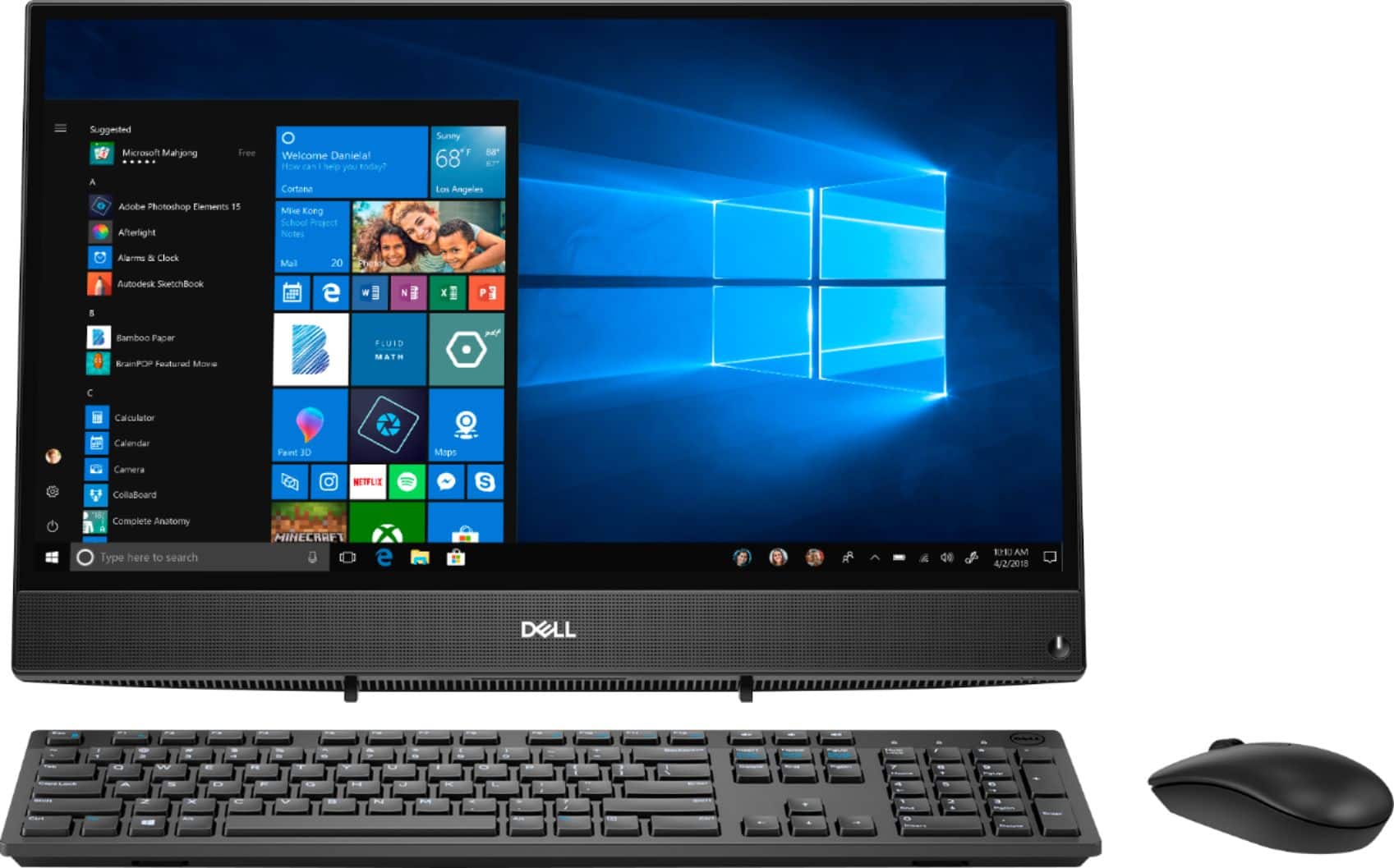
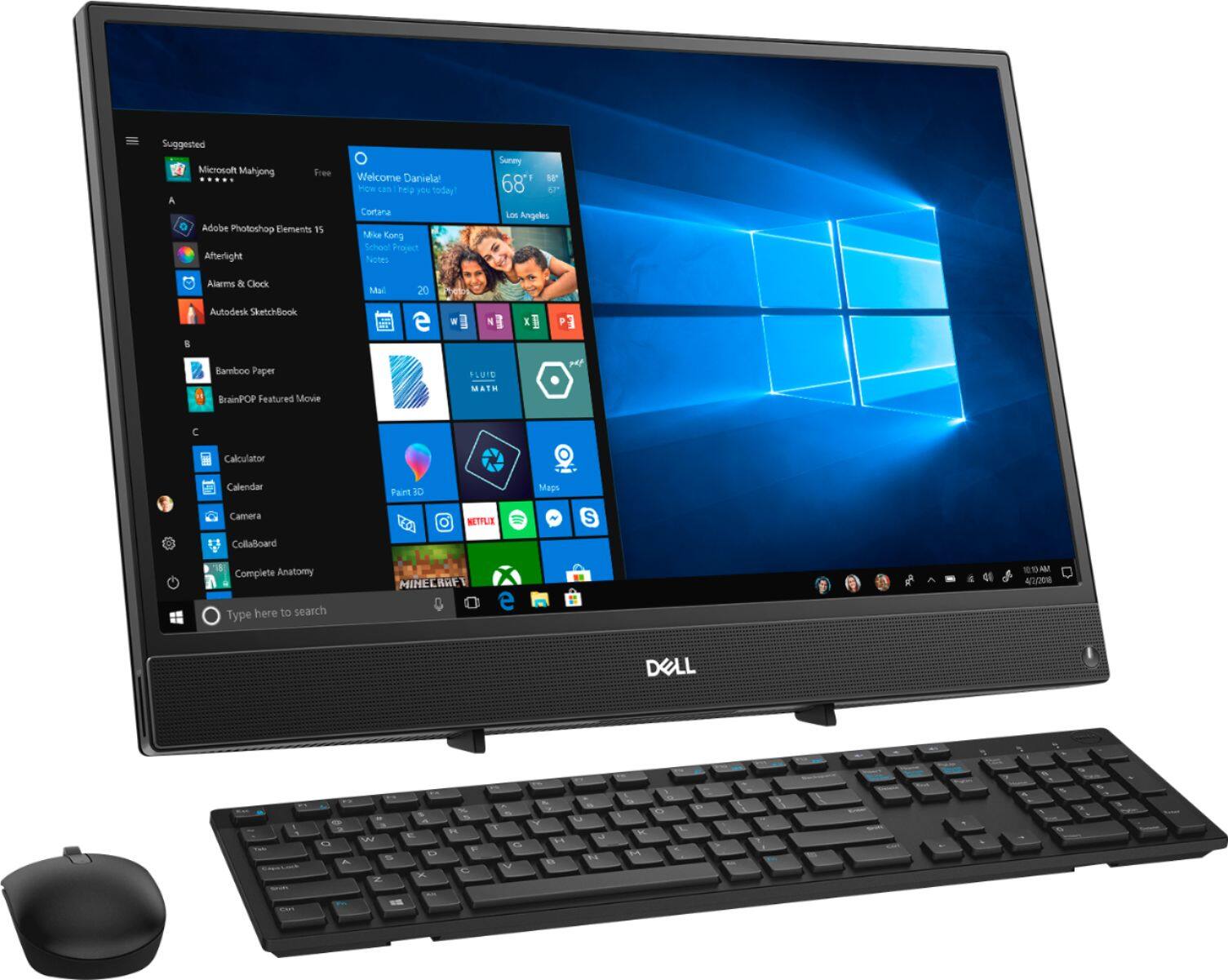
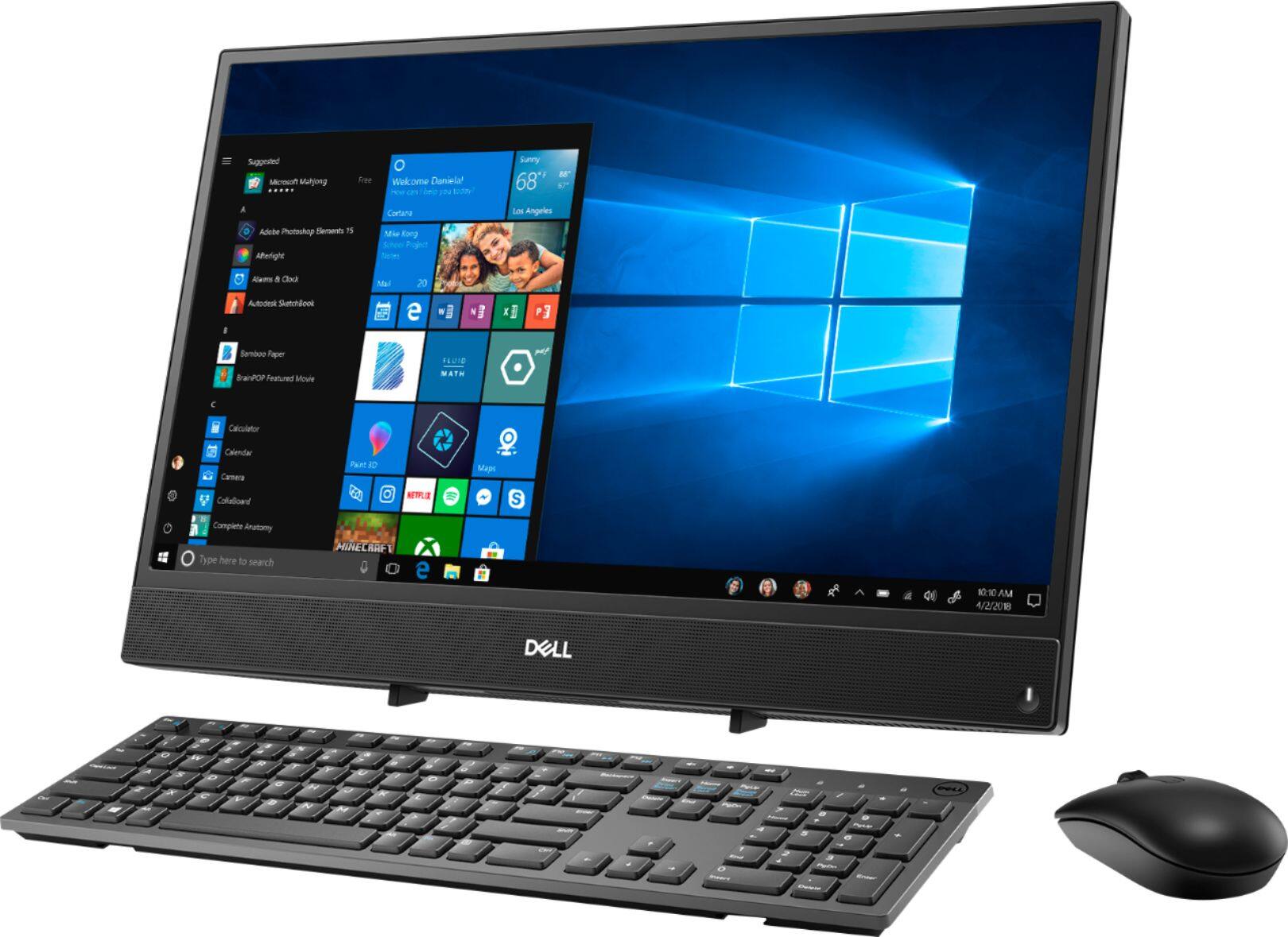
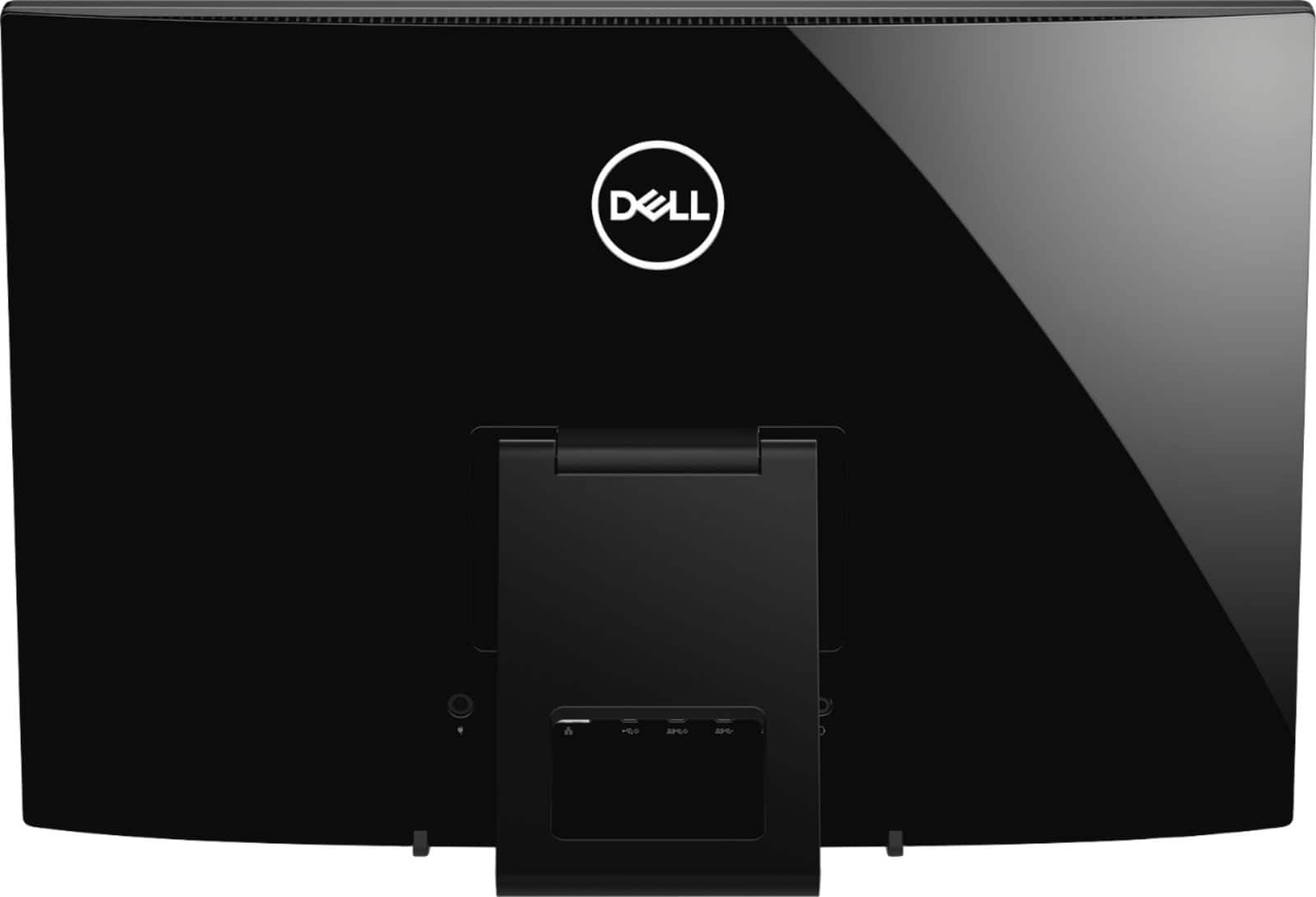
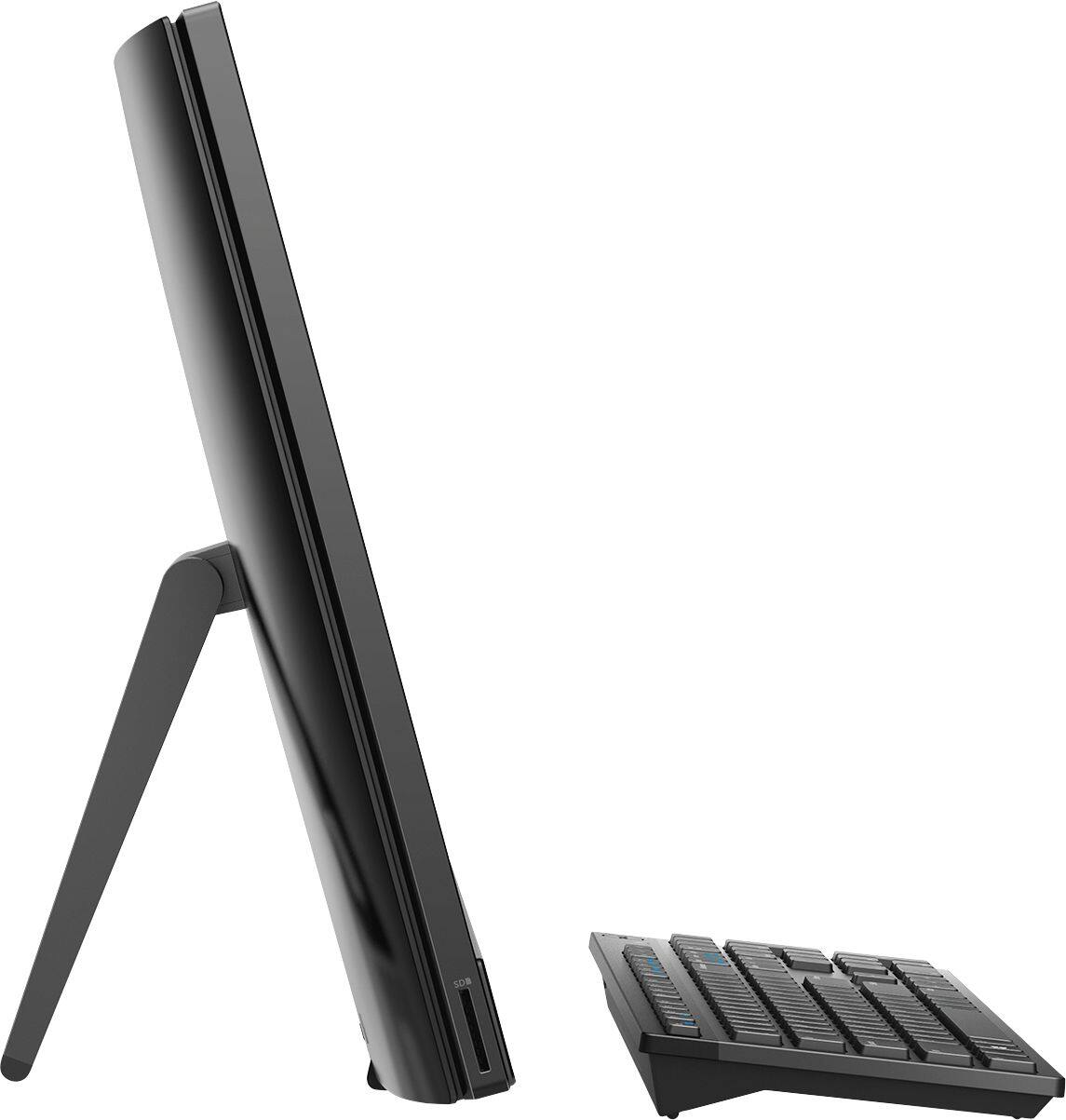
Customers highly value the ease of use and touch screen functionality of the Inspiron 21.5" All-in-One, with many praising its user-friendly design and responsive touch capabilities. The affordable price point is also frequently cited as a positive aspect. However, some users express concerns regarding the system's performance and limited RAM, suggesting potential limitations for demanding tasks. A few also mention issues with the included mouse and the absence of a built-in camera.
This summary was generated by AI based on customer reviews.
Not for online gaming at all
||Posted . Owned for less than 1 week when reviewed.This reviewer received promo considerations or sweepstakes entry for writing a review.Bought as a gift for our son, who was using a 2 ye old laptop previously. New system, even with added memory, is not sufficient for basic online gameplay. Assuming this has to do directly with all-in-one style build. Tried it twice. Will be returning for a better system.
No, I would not recommend this to a friendBrand response from YourDellTeam
Posted .First, we'd like to thank you for taking the time to write about your Inspiron. Next, we regret to learn the computer hasn't met your standards. However, this model wasn't created for the gamer. We'd love to chat with you and help you find a system that will fit you and your sons' needs.
We welcome you - at your convenience - to call us at 1 (800) 624-9897 and thanks for taking the time to write a review.
Best,
Chris
- Cons mentioned:Speed
Below average computer
||Posted . Owned for 1 year when reviewed.This reviewer received promo considerations or sweepstakes entry for writing a review.Computer is very slow and not functional well I use for very simple trask
No, I would not recommend this to a friendBrand response from YourDellTeam
Posted .Techboy,
Thanks for your review and we're sorry that your All-In-One is not performing as well as you hoped it would. We'd recommend the following tips to try to help your computer's overall performance: We'd recommend the following steps to help improve your computer's overall performance and speed:
1. Restart your computer regularly.
2. Run the automated tools provided in the SupportAssist Tool.
3. Run a complete hardware diagnostic test.
4. Scan your computer for malware.
5. Restore your Dell computer using Windows System Restore.
6. Reinstall Microsoft Windows.
You can read the full steps associated with each of these recommendations here: https://dell.to/3n29QjE.
Best,
Bryan
1-800-624-9896
OK
||Posted . Owned for 1 month when reviewed.This reviewer received promo considerations or sweepstakes entry for writing a review.Never got my money when I got new credit card 48 dollars
No, I would not recommend this to a friendgood computergood
||Posted . Owned for 3 weeks when reviewed.This reviewer received promo considerations or sweepstakes entry for writing a review.this computer is very easy to use once I ha a geek to install it
I would recommend this to a friend- Cons mentioned:Speed
Dell
||Posted . Owned for 8 months when reviewed.This reviewer received promo considerations or sweepstakes entry for writing a review.Very small , kind of slow. But I guess you get what you pay.
No, I would not recommend this to a friendBrand response from YourDellTeam
Posted .Hello Ness,
Thank you for your review. We're sorry about the trouble you have encountered with the performance of your PC. There are a number of ways to help improve the performance of your Inspiron if it is running slower than you expected it to. We'd recommend the following steps to help improve your computer's overall performance and speed:
1. Restart your computer regularly.
2. Run the automated tools provided in the SupportAssist Tool.
3. Run a complete hardware diagnostic test.
4. Scan your computer for malware.
5. Restore your Dell computer using Windows System Restore.
6. Reinstall Microsoft Windows.
You can read the full steps associated with each of these recommendations here: https://dell.to/3n29QjE.
Best regards,
Wendy C.
For further assistance, you can contact Dell directly with the information below Chat or Call:
https://bit.ly/DellSupportTeam.
Phone number to Dell: 1-800-264-9896.
working from home
||Posted . Owned for less than 1 week when reviewed.This reviewer received promo considerations or sweepstakes entry for writing a review.keys on key board are too small need better keyboard
I would recommend this to a friendSuits my needs perfect
||Posted . Owned for 1 month when reviewed.This reviewer received promo considerations or sweepstakes entry for writing a review.In this ever changing virus apocalyptic world, I had to transition to working from home. This has handled everything I’ve needed it to do. Slick, fast enough (not gamer-fast, just office fast) and only taking up a small piece of real estate on my desk.
I would recommend this to a friendHave had Dell before.
||Posted . Owned for 3 weeks when reviewed.This reviewer received promo considerations or sweepstakes entry for writing a review.I hope this computer lasts longer than my last one..
I would recommend this to a friendPC and laptop very good value.
||Posted .This reviewer received promo considerations or sweepstakes entry for writing a review.Great value. Shipping not the best. When these two items were ordered told the order girl to ship to home address but instead went to P O Box. Took much longer to receive items. Was told items would arrive next day. Didn't arrive for three days.
No, I would not recommend this to a friendGood computer
||Posted . Owned for 1 month when reviewed.This reviewer received promo considerations or sweepstakes entry for writing a review.This is a good computer for someone like my husband. He isn't very computer literate (neither am I), but he can send e-mails and look stuff up. The screen is clear and easy to read and adjust. He's happy with it and that's all that matters.
I would recommend this to a friendI LIKE IT SO FAR
||Posted . Owned for 1 month when reviewed.This reviewer received promo considerations or sweepstakes entry for writing a review.I haven't spent a lot of time on the new Dell computer yet but so far, so good. The video and audio work well. I just had a video conference and was pleased with the ease of using it. I just got it connected this week and am happy so far.
I would recommend this to a friendIt was slow for me
||Posted . Owned for 2 months when reviewed.This reviewer received promo considerations or sweepstakes entry for writing a review.I ended up returning the computer I felt as tho it was slow but I needed a faster one for work..
I would recommend this to a friend- Cons mentioned:Performance
Very Slow
||Posted . Owned for 3 weeks when reviewed.This reviewer received promo considerations or sweepstakes entry for writing a review.The computer is Extremely slow , it hangs and is very frustrating
No, I would not recommend this to a friendBrand response from YourDellTeam
Posted .Mecourtney,
Thanks for your review. We're sorry that your computer is performing slower than you'd like it to. We'd recommend running the Windows Performance Troubleshooter to see if there are ways to speed up your computer's performance.
Best,
Bryan
1-800-624-9896
Not for work
||Posted . Owned for 3 months when reviewed.This reviewer received promo considerations or sweepstakes entry for writing a review.This computer is very slow, I used for 2 weeks and the WiFi adapter stop working (returned).
No, I would not recommend this to a friend- Cons mentioned:Speed
Dell - Inspired 21.5
||Posted . Owned for 5 months when reviewed.This reviewer received promo considerations or sweepstakes entry for writing a review.This is a horrible computer, I purchased the computer for school and is super slow. I have called Dell for help, and I am on hold for ever and transferred from department to department. If you are looking at this for your children's school don't do it.
No, I would not recommend this to a friendBrand response from YourDellTeam
Posted .Amota,
Thanks for your review and we're sorry to hear that your computer is slower than you hoped it would be. We'd recommend running the Windows Performance Troubleshooter to see if there are ways for your computer to perform faster:
1. Close all open windows.
2. Press the Windows logo key + X key on the keyboard.
3. Click Control Panel.
4. Click System and Security.
5. Under Security and Maintenance, select Troubleshoot common problems.
6. Under System and Security, click Run maintenance tasks.
7. Follow the on-screen instructions and prompts to complete the process.
8. Restart the PC.
You can read the full article here - http://dell.to/2tSulGV.
Best,
Bryan
1-800-624-9896
- Cons mentioned:Performance
Expensive,7 weeks and no longer starts up!
||Posted . Owned for 1 month when reviewed.This reviewer received promo considerations or sweepstakes entry for writing a review.COMPUTER STOPPED WORKING ON THE LAST DAY I COULD HAVE RETURNED IT? I am bringing this back the the store I purchased it and someone better help get it working again. 500 dollars for a computer for a month.
No, I would not recommend this to a friendBrand response from YourDellTeam
Posted .Sonny,
We're sorry that your computer stopped working. Here are some steps to try to start your computer again:
1. If the computer is displaying the Dell logo and does not move past that point, it has probably failed POST.
2. If the power indicator lights up and it is amber or orange, this is usually an indicator that it has failed POST.
3. If you see text on a black screen, the computer is currently performing the POST. If the computer stays in that condition and does not move past it, it has probably failed POST.
4. If the video screen displayed anything at all during the startup process but is now black, this probably indicates that the computer failed POST.
5. If the computer is beeping or if Caps/Num/Scroll Locks are flashing, note if there is a particular pattern in which it beeps or flashes.
6. If the computer is not beeping and caps/num/scroll locks are not flashing, unplug all connections and remove all media communication devices (e.g. external monitors); reconnect one at a time and check if the computer functions.
7. For a notebook, press and hold the Fn key and then press the power button. This starts the pre-boot testing and will launch ePSA. In case you have a Desktop at the Dell logo screen tap the F12 key to enter One Time Boot Menu and use the arrow keys to highlight Diagnostics and press enter.
You can read the full article here - http://dell.to/2uj1Sby.
Best,
Bryan
1-800-624-9896
Not the best
||Posted . Owned for 1 year when reviewed.This reviewer received promo considerations or sweepstakes entry for writing a review.The quality of the screen isn’t the best I feel it is very pixaly
No, I would not recommend this to a friendBrand response from YourDellTeam
Posted .Mike,
Thanks for your review and we're sorry to hear that your screen's resolution is not what you were hoping it would be. We'd recommend the following support article to help with adjustments to your monitor display: https://dell.to/2CLF6yC.
Best,
Bryan
1-800-624-9896
Won't connect to WiFi
||Posted . Owned for 3 weeks when reviewed.This reviewer received promo considerations or sweepstakes entry for writing a review.Impossible to connect WiFi.Also instructions that comes with it not very clear.
No, I would not recommend this to a friendBrand response from YourDellTeam
Posted .Angryman,
We're sorry that your All-In-One is not connecting the way that it should be. Here are some steps that you can try:
1. Download and install the latest Wireless Card driver. (https://dell.to/2th3Tpe) After updating the driver, re-establish the connection with the Wireless Access Point and check the wireless performance.
2. If the issue persists, proceed to step 3.
3. Power-cycle the local network. Shut down the Dell system, the Wireless Access Point/Router and the Modem. Wait a minimum of 60 seconds before powering up the components in the following order:
4. Power ON the Modem, and wait for it to boot fully.
5. Power ON the Wireless Access Point/Router, and wait for it to boot fully.
6. Power ON the Dell system.
7. Open Network and Sharing Center
8. In the left side navigation pane, click on Change Adapter Settings
9. Right click on the wireless connection icon and select Properties followed by the Configure button
10. Under Wireless Options, select the Wireless N mode
11. For Windows 8 or later systems click the Advanced tab and look for 802.11n Mode on the right you will be given the option to Enable or Disable. If the mode is not visible you may need to update your drivers and firmware.
12. From the drop-down menu, choose Disable followed by Ok
13. This should restore the wireless download and upload speed. Internet speed can be tested at http://speedtest.net.
Best,
Bryan
1-800-624-9896
- Cons mentioned:Mouse
Didn’t work
||Posted . Owned for 1 month when reviewed.This reviewer received promo considerations or sweepstakes entry for writing a review.As soon as I put it together and turned it on the computer told me the mouse and keyboard could not be found. The Geeks said, “Oh” so I gave it back and had them refund the money for it.
No, I would not recommend this to a friend Not good for video conferencing
||Posted . Owned for 1 month when reviewed.This reviewer received promo considerations or sweepstakes entry for writing a review.Not a great PC for streaming. Videos buffer using wifi and direct.
No, I would not recommend this to a friendBrand response from YourDellTeam
Posted .Lamar21,
Thanks for your review. We're sorry to hear that your computer's performance is not what you hoped it would be. We'd recommend running the Windows Performance Troubleshooter to see if there are ways for your computer to perform better for you:
1. Close all open windows.
2. Press the Windows logo key + X key on the keyboard.
3. Click Control Panel.
4. Click System and Security.
5. Under Security and Maintenance, select Troubleshoot common problems.
6. Under System and Security, click Run maintenance tasks.
7. Follow the on-screen instructions and prompts to complete the process.
8. Restart the PC.
You can read the full article here - http://dell.to/2tSulGV.
Best,
Bryan
1-800-624-9896