Customer Ratings & Reviews
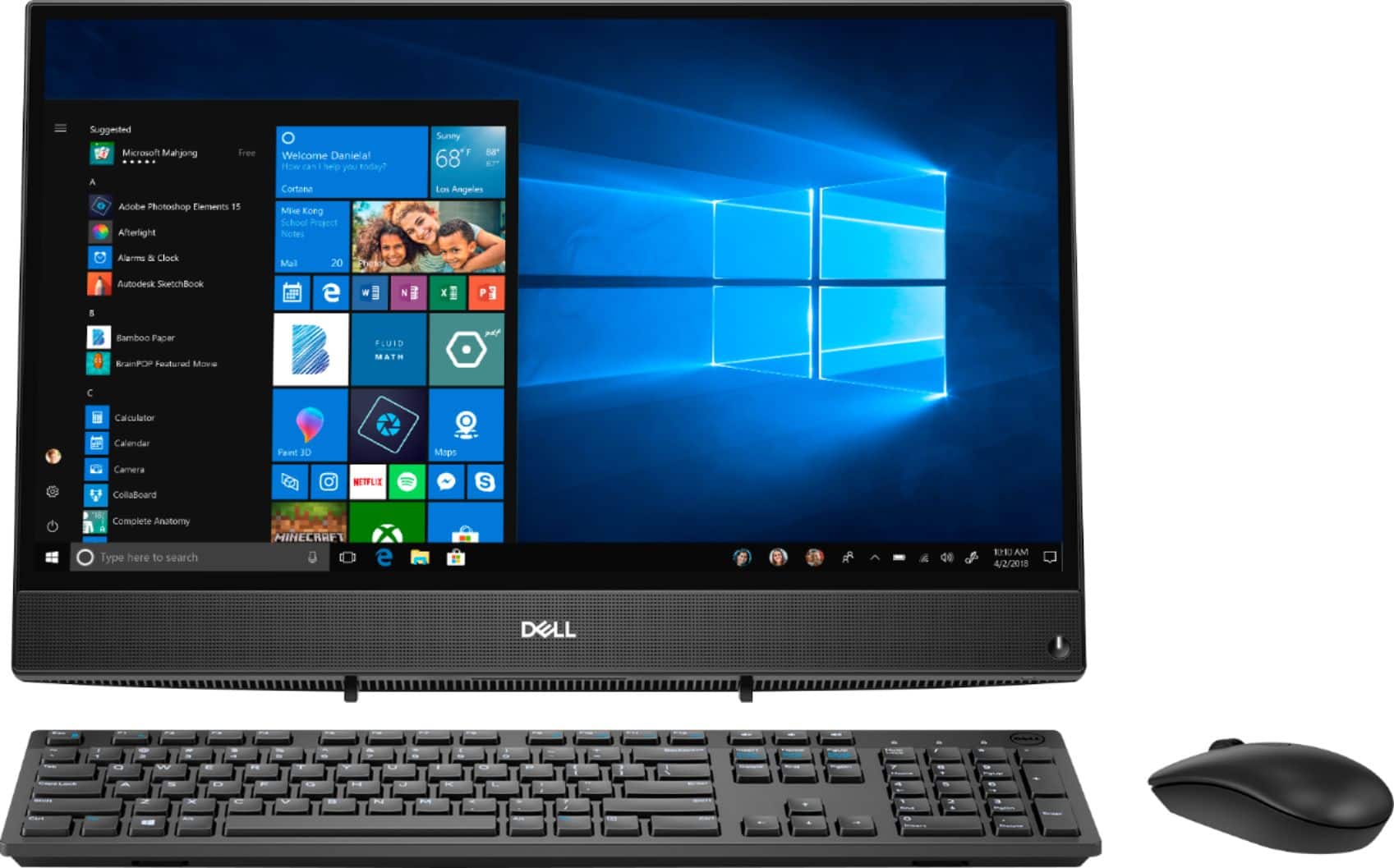
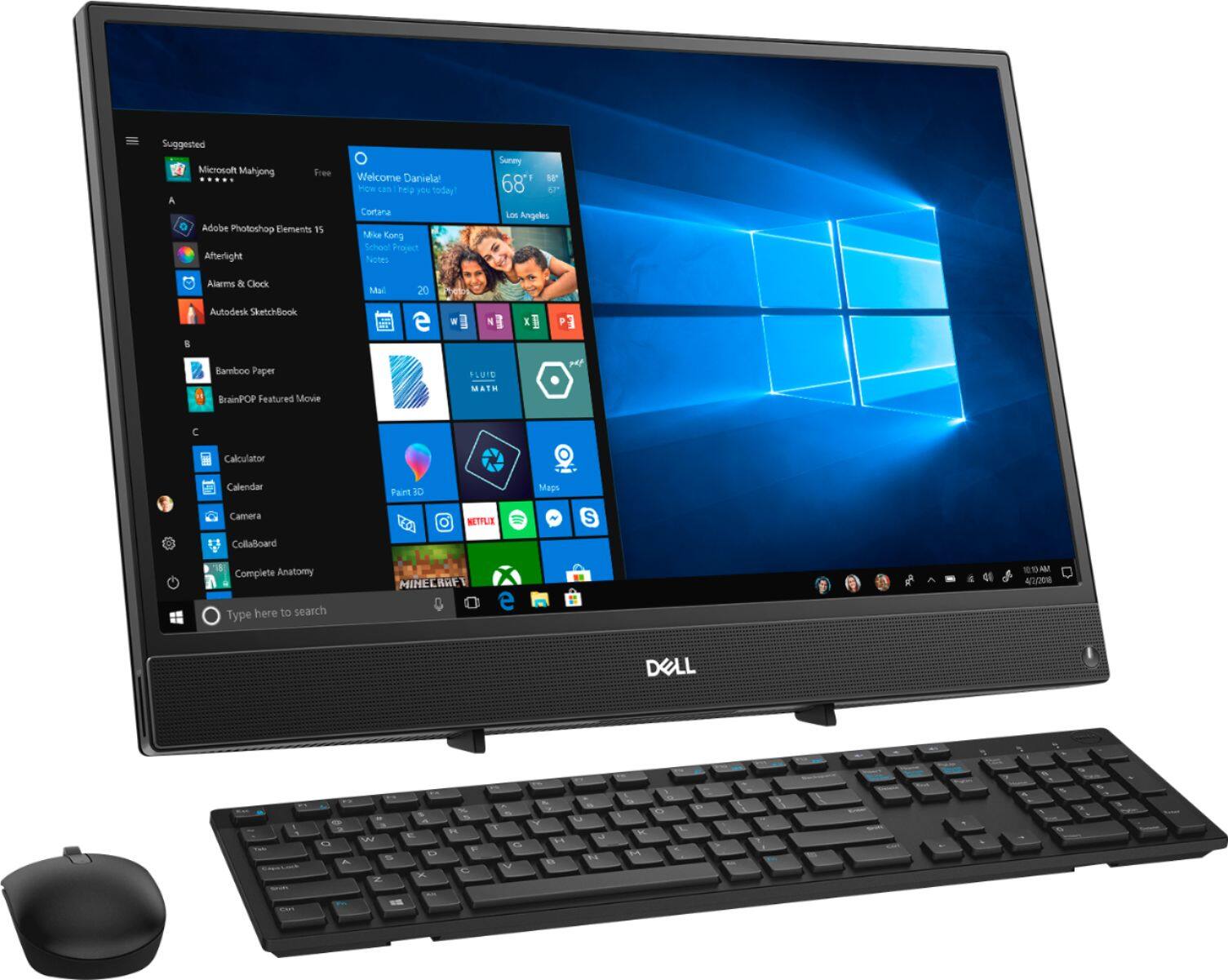
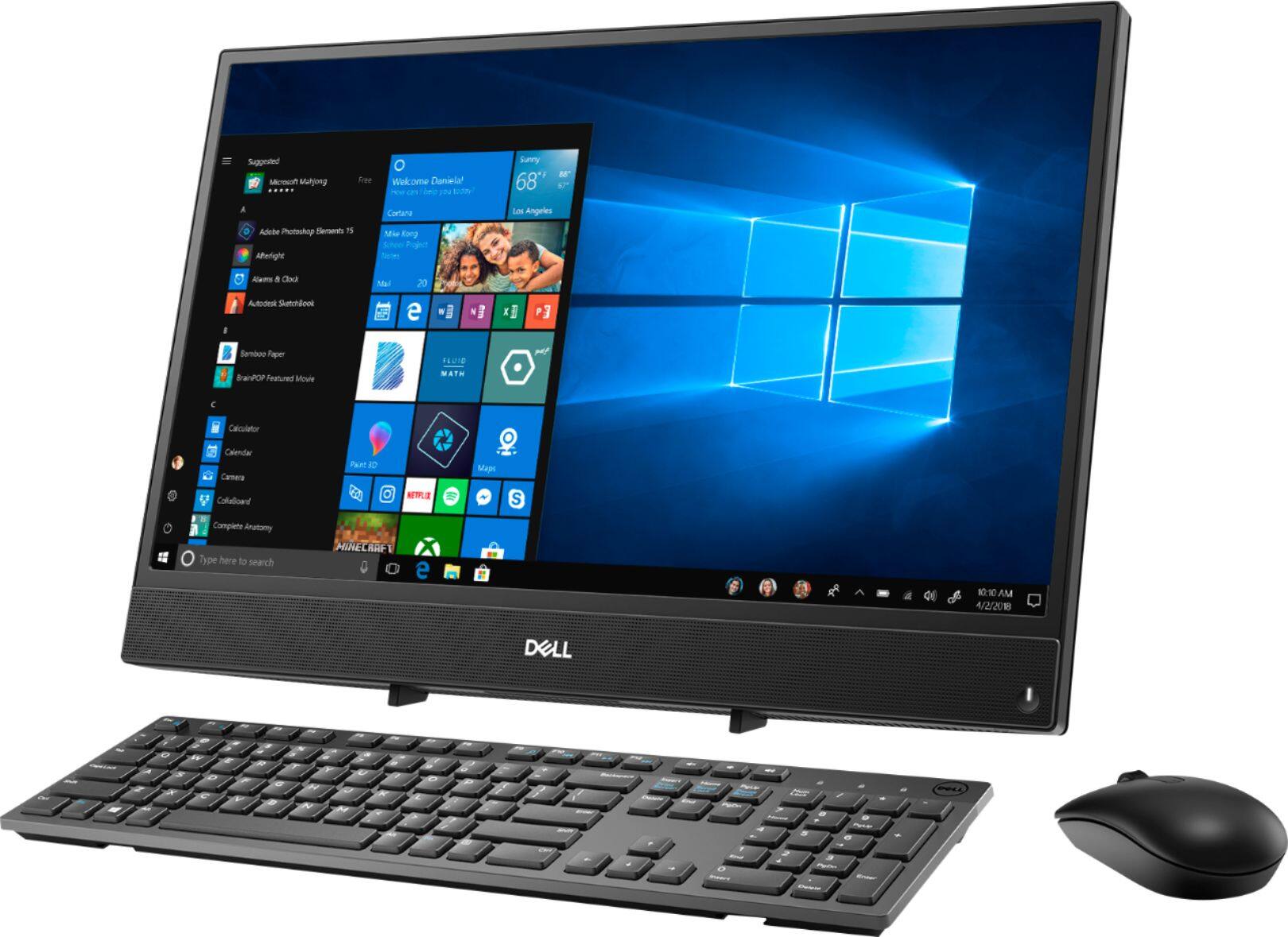
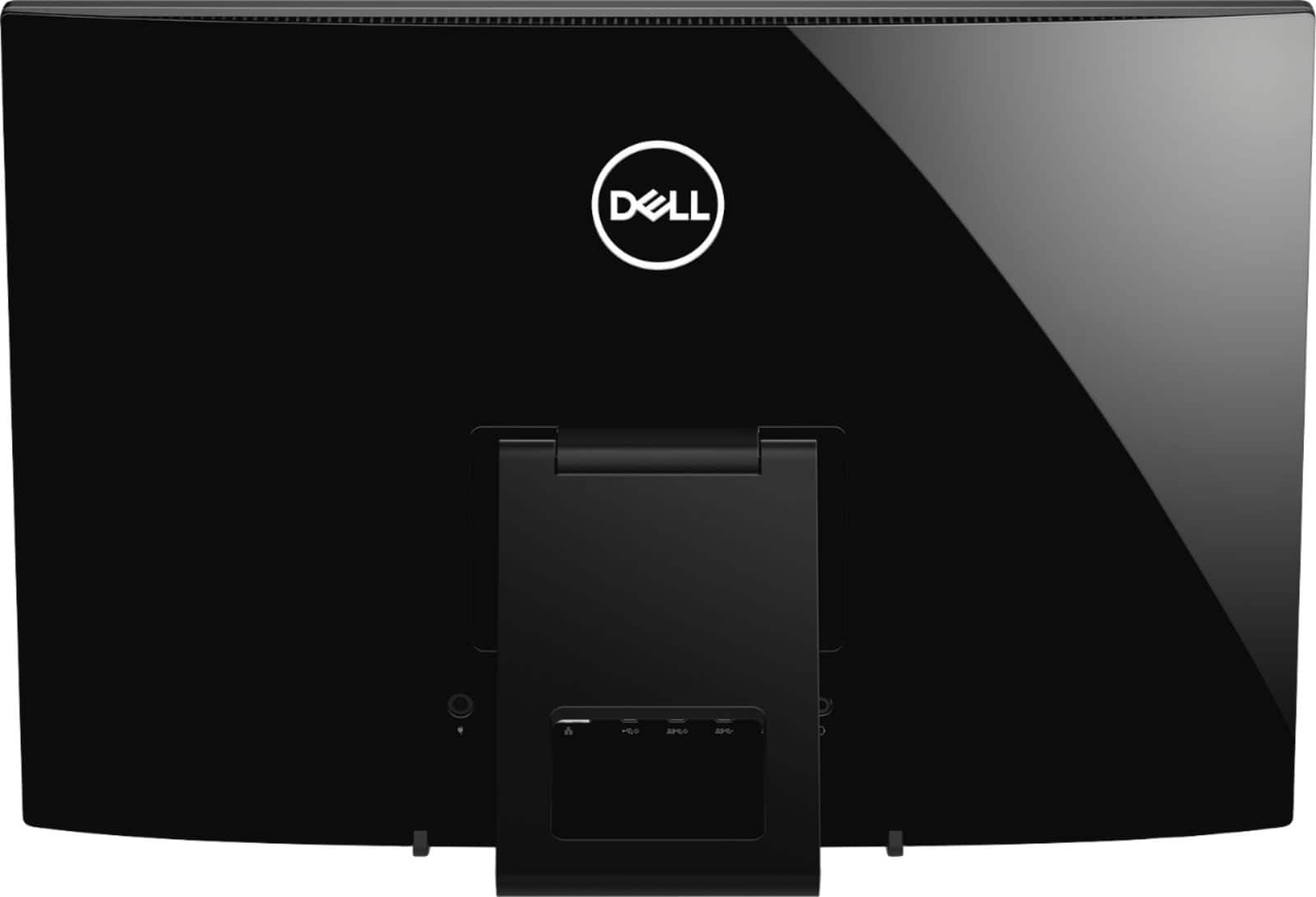


- Model:
- I3275-A356BLK-PUS
- SKU:
- 6334303
Rating by feature
- Value
Rating 3.7 out of 5 stars
- Quality
Rating 3.7 out of 5 stars
- Ease of Use
Rating 3.8 out of 5 stars
Customers are saying
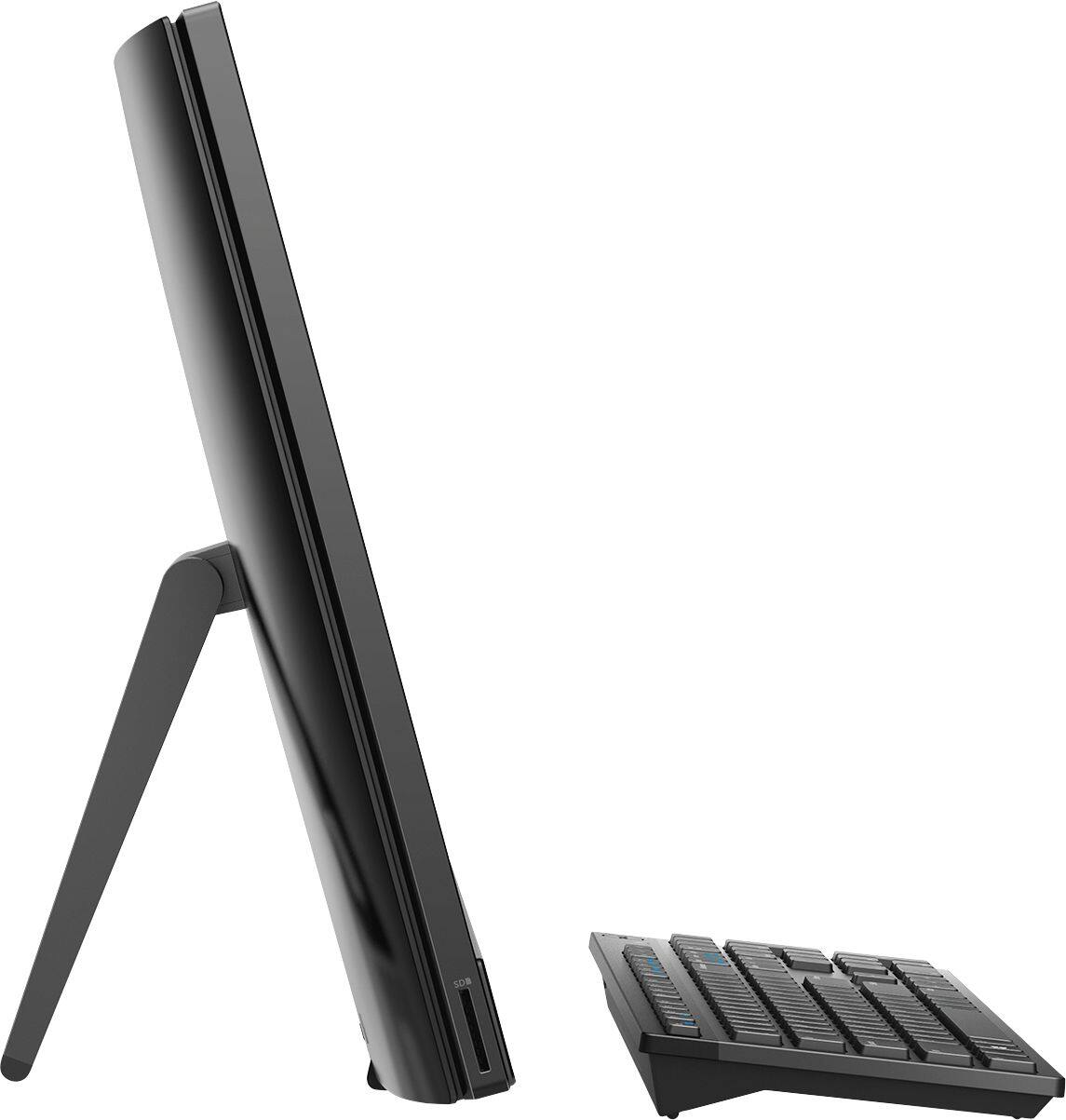
Customers highly value the ease of use and touch screen functionality of the Inspiron 21.5" All-in-One, with many praising its user-friendly design and responsive touch capabilities. The affordable price point is also frequently cited as a positive aspect. However, some users express concerns regarding the system's performance and limited RAM, suggesting potential limitations for demanding tasks. A few also mention issues with the included mouse and the absence of a built-in camera.
This summary was generated by AI based on customer reviews.
Good
||Posted . Owned for 1 year when reviewed.This reviewer received promo considerations or sweepstakes entry for writing a review.Awesome, great addition to the house. Makes things more convenient.
I would recommend this to a friendAwesome Computer
||Posted . Owned for 3 weeks when reviewed.This reviewer received promo considerations or sweepstakes entry for writing a review.This is an excellent computer. It has served its purpose and has done everything it has needed to do.
I would recommend this to a friendGreat gift
||Posted . Owned for 1 month when reviewed.This reviewer received promo considerations or sweepstakes entry for writing a review.Ordered as xmas gift shipping was fast was really happy about that
I would recommend this to a friendServed its purpose
||Posted . Owned for 1 month when reviewed.This reviewer received promo considerations or sweepstakes entry for writing a review.Love that it’s All in one, was just right for working from home in short notice due to COVID-19
I would recommend this to a friend- Cons mentioned:Speed
Bought new and very slow
||Posted . Owned for 1 month when reviewed.This reviewer received promo considerations or sweepstakes entry for writing a review.Very slow computer. The computer is slow since the start it takes time to open an app and slow to close or type something
No, I would not recommend this to a friendBrand response from YourDellTeam
Posted .Queen,
Thanks for your review. We're sorry that your computer is slower than you hoped it would be. We'd recommend running the Windows Performance Troubleshooter to see if there's a way to speed up your computer:
1. Close all open windows.
2. Press the Windows logo key + X key on the keyboard.
3. Click Control Panel.
4. Click System and Security.
5. Under Security and Maintenance, select Troubleshoot common problems.
6. Under System and Security, click Run maintenance tasks.
7. Follow the on-screen instructions and prompts to complete the process.
8. Restart the PC.
You can read the full article here - http://dell.to/2tSulGV.
If you'd like your computer to start up faster we'd recommend limiting the number of programs that launch at startup:
1. Close all open windows.
2. Press CTRL + Shift + ESC key together on the keyboard.
3. In the Task Manager window, click Startup tab.
4. Select the program or application that you want to disable from loading during startup.
5. Right-click and select Disable.
6. Repeat Step 4 & 5 for all the programs or applications that you want to disable from loading during startup.
7. Restart your PC.
You can read the full article here - http://dell.to/2tSulGV.
Best,
Bryan
1-800-624-9896
- Cons mentioned:Speed
slow
||Posted . Owned for 1 month when reviewed.This reviewer received promo considerations or sweepstakes entry for writing a review.As a senior I do not do gaming but this is very slow has about a 10 second lag after you enter a command before it changes
No, I would not recommend this to a friendBrand response from YourDellTeam
Posted .grandma,
We're sorry to hear that something is slowing down your computer. We'd recommend running the Windows Performance Troubleshooter to see if there is a way to speed up your computer's performance:
1. Close all open windows.
2. Press the Windows logo key + X key on the keyboard.
3. Click Control Panel.
4. Click System and Security.
5. Under Security and Maintenance, select Troubleshoot common problems.
6. Under System and Security, click Run maintenance tasks.
7. Follow the on-screen instructions and prompts to complete the process.
8. Restart the PC.
You can read the full article here - http://dell.to/2tSulGV.
If you have any technical questions about your computer you can check our Product Support Page here: https://dell.to/2u32zX8.
Best,
Bryan
1-800-624-9896
Dell
||Posted . Owned for more than 2 years when reviewed.This reviewer received promo considerations or sweepstakes entry for writing a review.very slow computer, i purchase it for online schooling, but couldnt keep up with the task.
No, I would not recommend this to a friendGREAT
||Posted . Owned for 3 weeks when reviewed.This reviewer received promo considerations or sweepstakes entry for writing a review.I WAS TRYNG TO GET LESS EXPENSIVE BUT I DID NOT GET IT, NOW THAN I HAVE IT. IM SO EXITED.....
I would recommend this to a friendComputer
||Posted . Owned for 1 month when reviewed.This reviewer received promo considerations or sweepstakes entry for writing a review.I purchased for my son whose's in 3rd grade.Hoping to return this computer. Very slow with lots of issues. Pls buy something better,pls is not a good computer.
No, I would not recommend this to a friendBrand response from YourDellTeam
Posted .Hello,
Thank you for your review. We really value our customers feedback. I am sorry to hear that this computer has not met all your needs. Here are some steps you may take to help improve the speed of your unit,
Delete temporary files and directories
1. Click Start, then in the search bar type "disk". Disk Cleanup should appear on the menu above the search box.
2. Run disk cleanup and eliminate unneeded temporary files (Search results, Internet Cache and other windows temp files you may no longer need)
3. Select files you want to delete then click OK to start the cleanup process. Uninstall applications you no longer use 1. Open the Programs and Features application in Control Panel. 2. Scan the list of applications installed for ones that you no longer use. 3. Highlight any application you no longer use and then click the uninstall button at the top of the list. Follow the prompts to uninstall.
4. Repeat for each application you want to uninstall.
5. Move large files and/or seldom used files to backup media (Photos, Music you seldom listen to, application downloads after the application has been installed etc.).
6. Empty the Recycle Bin.
Best,
Meridith 1-800-624-9896
BAD SERVICE NO KNOWLEDGE FROM SALES
||Posted . Owned for 1 month when reviewed.This reviewer received promo considerations or sweepstakes entry for writing a review.YOU SOLD ME A COMPUTER I HAD NO KNOWLEDGE AB0UT SO THEY SOLD ME A GEEK SQUAD PROGRAM SO YOU WOULD COME TO MY HOUSE AND SET IT UP. THAT DID NOT HAPPEN, WHEN I CALLED THE GEEK squad they told me to set it up myself and they would help me over the phone. I told him I do not know how to and I bought your program so you would come to my house and set it up. he told me he could put me on your waiting list for next month. I could not wait so it is still screwed up. my last purchase fromyou
No, I would not recommend this to a friendBrand response from YourDellTeam
Posted .screwed,
We are sorry to hear about your purchase experience and that the setup process has not gone well so far. If you'd like to start with running the Dell SupportAssist App on your computer this will help ensure that all of your software and drivers are up to date. You can always reach out to Dell's Technical Support Team here: http://dell.to/2sH7Qlm.
Best,
Bryan
1-800-624-9896
- Cons mentioned:Performance
Purchase
||Posted . Owned for 11 months when reviewed.This reviewer received promo considerations or sweepstakes entry for writing a review.I have the computer less then a year and it doesn’t work, and we only used it 4 times since we got it.
No, I would not recommend this to a friendBrand response from YourDellTeam
Posted .Hello Mother,
We are sorry to hear that you are experiencing difficulties with your Inspiron. Provided the issue is hardware related, it may be repaired/replaced if covered under its limited warranty. We recommend contacting Dell Support for further assistance in this case. They are available online, over the phone, or via email for your convenience.
Best Regards,
Anthony P.
1-800-624-9896
slow
||Posted . Owned for 3 weeks when reviewed.This reviewer received promo considerations or sweepstakes entry for writing a review.I brought this computer because i wanted to work form home, but it is so slow turning on, and slow on it's search engine. Overall appointment on how slow it is.
No, I would not recommend this to a friendBrand response from YourDellTeam
Posted .LULU,
If your computer is continuing to run slower than you would like it to we'd recommend limiting the number of programs that launch at start-up:
1. Close all open windows.
2. Press CTRL + Shift + ESC key together on the keyboard.
3. In the Task Manager window, click Startup tab.
4. Select the program or application that you want to disable from loading during startup.
5. Right-click and select Disable.
6. Repeat Step 4 & 5 for all the programs or applications that you want to disable from loading during startup.
7. Restart your PC.
You can read the full article here - http://dell.to/2tSulGV.
You can also run the Windows Performance Troubleshooter to see if there are ways to help your computer's performance:
1. Close all open windows.
2. Press the Windows logo key + X key on the keyboard.
3. Click Control Panel.
4. Click System and Security.
5. Under Security and Maintenance, select Troubleshoot common problems.
6. Under System and Security, click Run maintenance tasks.
7. Follow the on-screen instructions and prompts to complete the process.
8. Restart the PC.
You can read the full article here - http://dell.to/2tSulGV.
Best,
Bryan
1-800-624-9896
Great Dell - Inspiron 21.5" Touch-Screen
||Posted . Owned for 3 weeks when reviewed.This reviewer received promo considerations or sweepstakes entry for writing a review.So far so good. Set up with easy, walk thru instructions. So far, happy with purchase.
I would recommend this to a friendHad great experience all around. Thank you Best Bu
||Posted . Owned for 1 month when reviewed.This reviewer received promo considerations or sweepstakes entry for writing a review.Product is satisfactory, easy set up. Bought for my mom as a Christmas present. I love it!
I would recommend this to a friendgood computer for novices
||Posted . Owned for 1 month when reviewed.This reviewer received promo considerations or sweepstakes entry for writing a review.Had a problem a month after purchase. Solved through telephone hook-up. Excellent service!
I would recommend this to a friendOut of the box
||Posted . Owned for 1 year when reviewed.This reviewer received promo considerations or sweepstakes entry for writing a review.I loved the item & the price out of the box was great
I would recommend this to a friendFits my needs perfectly.
||Posted .This reviewer received promo considerations or sweepstakes entry for writing a review.I just use it to check my e-mail and catch up with friends on facebook. Do not do any gaming.
I would recommend this to a friend- Cons mentioned:Performance
Is that's extremely slow poor quality only good th
||Posted . Owned for 1 month when reviewed.This reviewer received promo considerations or sweepstakes entry for writing a review.Do not recommend this to anyone old or young . I returned it and got a better one vehicle are temperature
No, I would not recommend this to a friend Good for school
||Posted . Owned for 1.5 years when reviewed.This reviewer received promo considerations or sweepstakes entry for writing a review.This all in one computer was awesome for my school work.
I would recommend this to a friend- Cons mentioned:Speed
Don't by to slow
||Posted . Owned for 10 months when reviewed.This reviewer received promo considerations or sweepstakes entry for writing a review.Hate it!! My 10 yer old laptop is faster than this thing. I never should have bought it!!
No, I would not recommend this to a friendBrand response from YourDellTeam
Posted .Hello Annie,
Thank you for your review. We are sorry to hear you are experiencing an issue with the performance of your PC. We recommend limiting your start-up programs and uninstalling any unwanted applications. I have provided steps on how to do both below.
Limit startup programs:
1. Close all open windows.
2. Press CTRL + Shift + ESC key together on the keyboard.
3. In the Task Manager window, click the Startup tab.
4. Select the program or application that you want to disable from loading during startup.
5. Right-click and select Disable.
6. Repeat Steps 4 & 5 for all the programs or applications that you want to disable from loading during startup.
7. Restart your PC.
Uninstalling or removing software or applications that you do not use or do not need from your PC can help speed up your PC. Applications may include background processes, system services, context menu entries, and other things that can slow down your PC. Uninstall applications you no longer need using Programs and Features (previously called Add/Remove Programs). Unnecessary applications occupy space on your hard disk drive. I have provided the steps on how to uninstall applications below.
1. Press the Windows logo key + R on the keyboard.
2. In the Run dialog box, type appwiz.CPL and press the Enter key.
3. In the list, select a program and click Uninstall.
Additional Performance Troubleshooting: http://dell.to/2tSulGV
For additional support, please call Dell directly at 1-800-624-9896
Best,
Lexy@Dell
Chat or Call:
https://bit.ly/DellSupportTeam