Customer Ratings & Reviews


- Model:
- I3275-A356BLK-PUS
- SKU:
- 6334303
Rating by feature
- Value
Rating 3.7 out of 5 stars
- Quality
Rating 3.7 out of 5 stars
- Ease of Use
Rating 3.8 out of 5 stars
Customers are saying
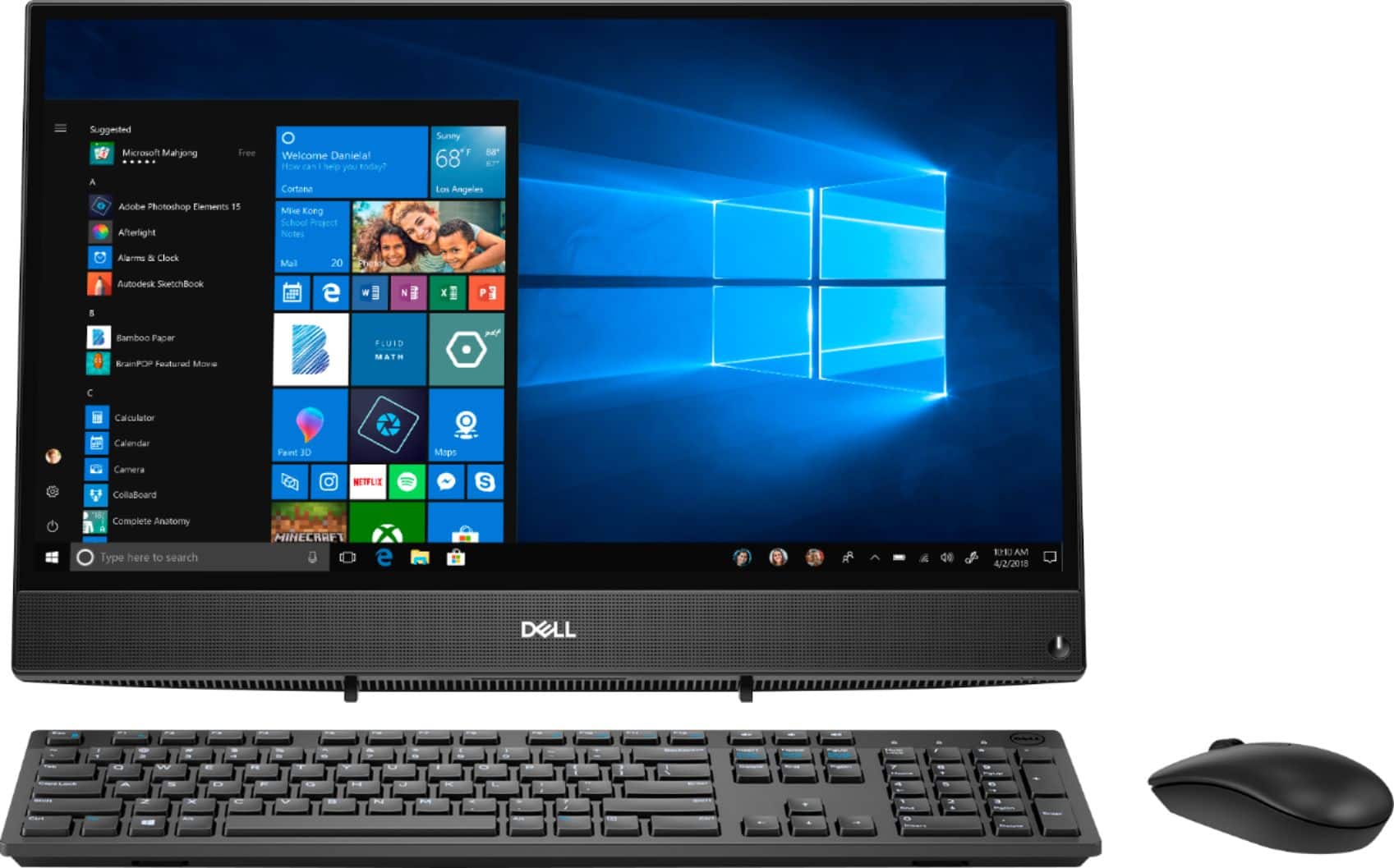
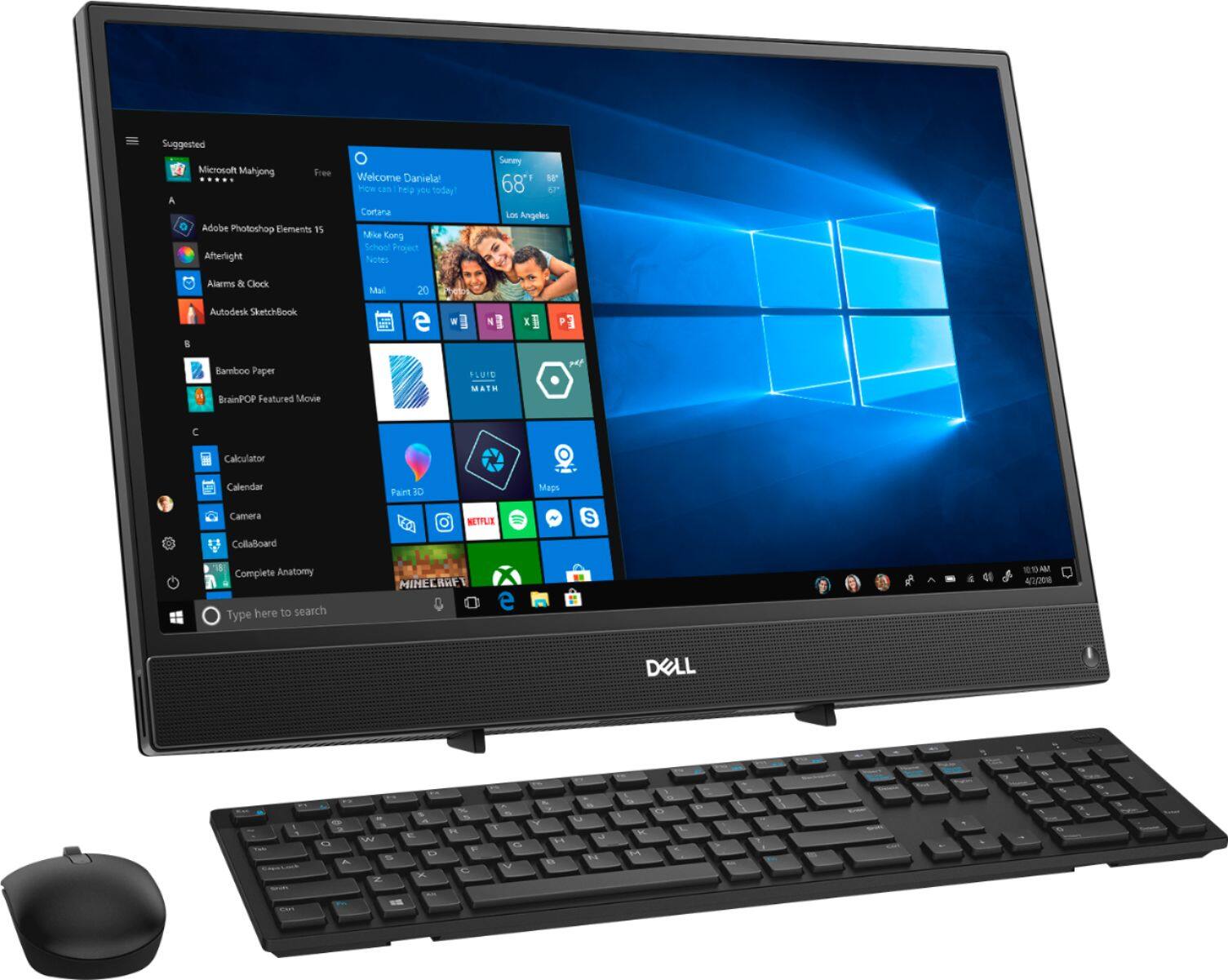
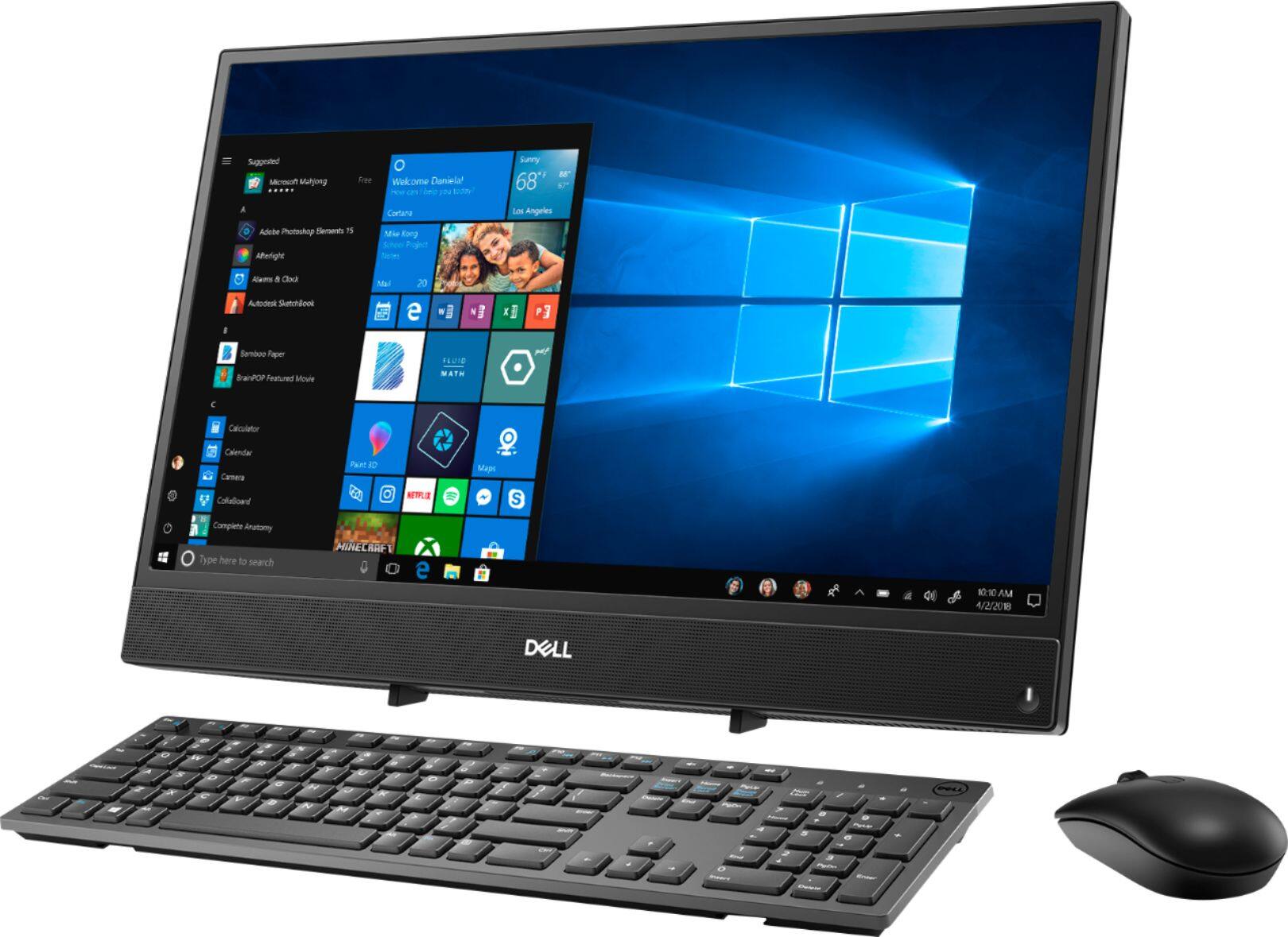
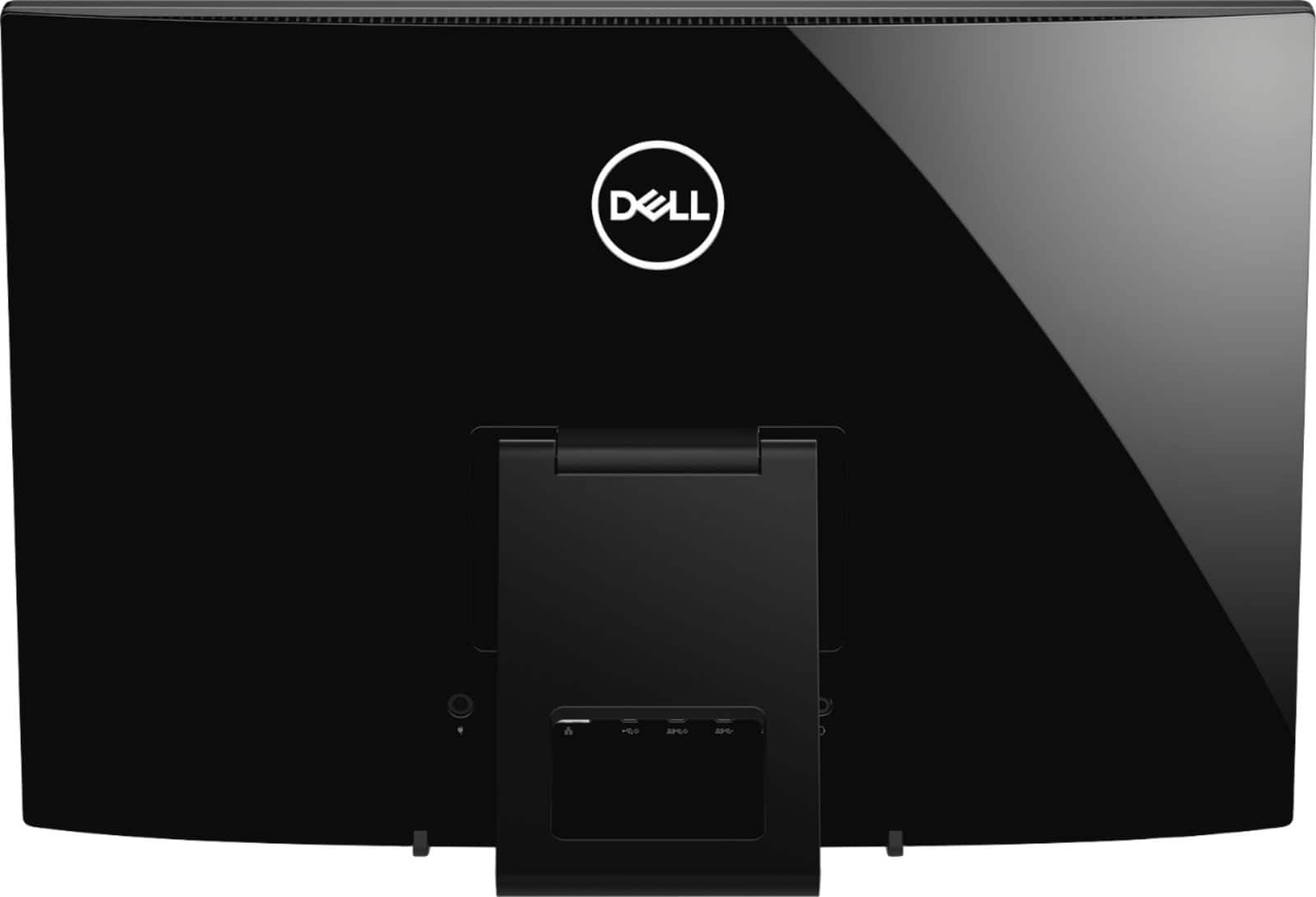
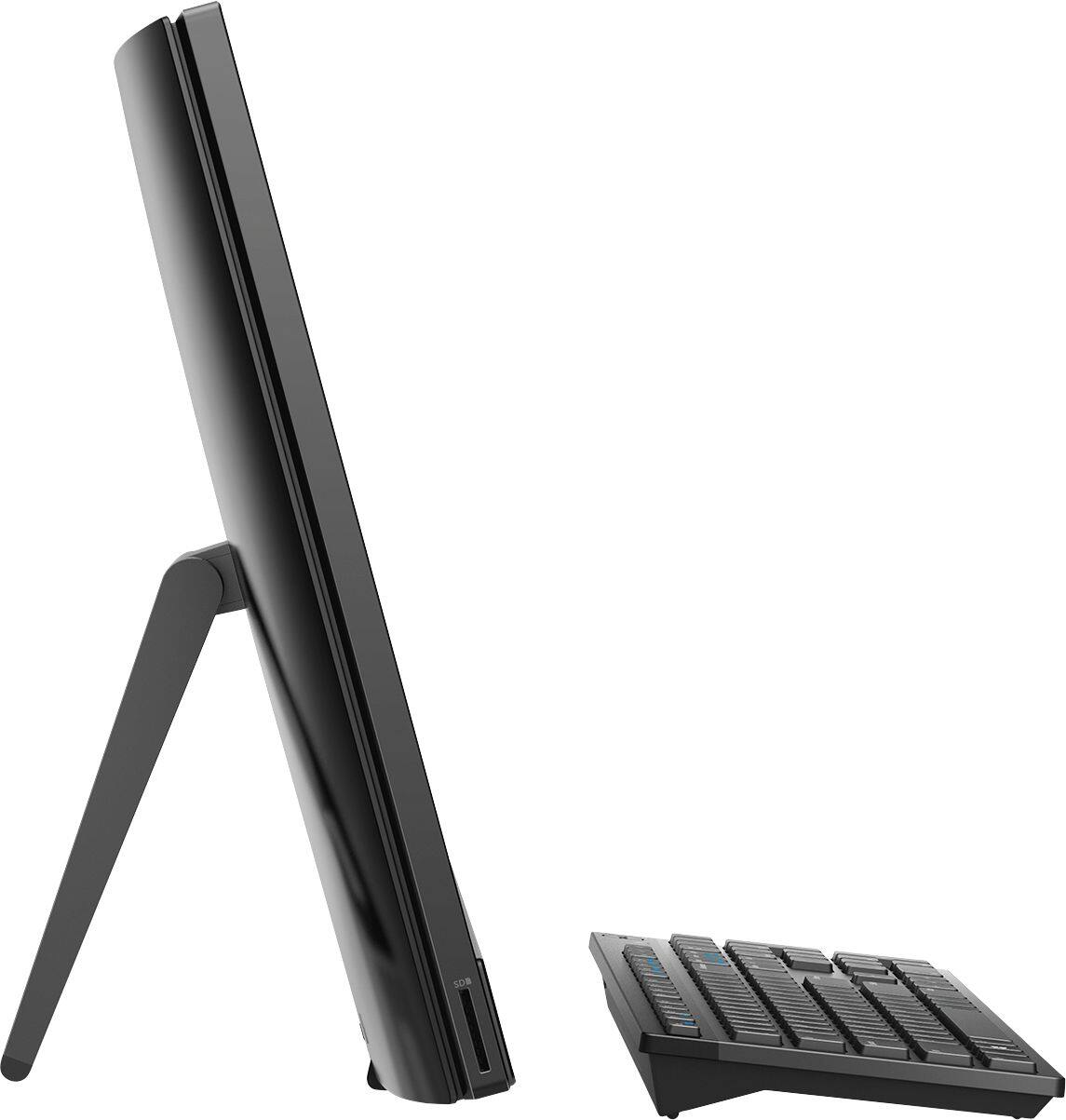
Customers highly value the ease of use and touch screen functionality of the Inspiron 21.5" All-in-One, with many praising its user-friendly design and responsive touch capabilities. The affordable price point is also frequently cited as a positive aspect. However, some users express concerns regarding the system's performance and limited RAM, suggesting potential limitations for demanding tasks. A few also mention issues with the included mouse and the absence of a built-in camera.
This summary was generated by AI based on customer reviews.
no cd or dvd drive
||Posted . Owned for 6 months when reviewed.This reviewer received promo considerations or sweepstakes entry for writing a review.This computer has no dvd or cd drive.I returned it for that reason.
No, I would not recommend this to a friendNo computer
||Posted . Owned for 3 weeks when reviewed.This reviewer received promo considerations or sweepstakes entry for writing a review.Never got the computer. Very disappointed about that.
No, I would not recommend this to a friendBrand response from YourDellTeam
Posted .Nocomputer,
Thanks for your review and we're sorry that your computer has not arrived yet. Please follow up with Best Buy directly in order to find out the status of your order: http://bit.ly/2v2IVhI.
Best,
Bryan
1-800-624-9896
Great picture, Horrible response time.
||Posted . Owned for 1 month when reviewed.This reviewer received promo considerations or sweepstakes entry for writing a review.Very slow with downloading sites. Not happy with the processor
No, I would not recommend this to a friendBrand response from YourDellTeam
Posted .Rocky,
We're sorry to hear about the slow speeds that you're experiencing. We'd recommend running the Windows Performance Troubleshooter to see if there are ways for your computer to run faster:
1. Close all open windows.
2. Press the Windows logo key + X key on the keyboard.
3. Click Control Panel.
4. Click System and Security.
5. Under Security and Maintenance, select Troubleshoot common problems.
6. Under System and Security, click Run maintenance tasks.
7. Follow the on-screen instructions and prompts to complete the process.
8. Restart the PC.
You can read the full article here - http://dell.to/2tSulGV.
Best,
Bryan
1-800-624-9896
No power adapter and cord
||Posted . Owned for less than 1 week when reviewed.This reviewer received promo considerations or sweepstakes entry for writing a review.Exchanged for a new pc. No power adapter and cord.
No, I would not recommend this to a friendBrand response from YourDellTeam
Posted .Bent,
We're sorry to hear that your Dell All-In-One was missing necessary components. We're glad that you were able to exchange your computer for a new one.
Best,
Bryan
1-800-624-9896
- Pros mentioned:Touch screenCons mentioned:Speed
Painfully Slow
Posted .This reviewer received promo considerations or sweepstakes entry for writing a review.Pros: Nice screen. Looks nice. Cons: Slow, painfully slow. For example, today I had 3 tabs open, turbo tax, and excel. I was playing music on YouTube while trying to do some online shopping. Beyond irritating as the sound kept stopping on the music and the ability to navigate between browsers kept freezing up. It's brand new. Bought the computer 30+ days or so ago. I mean I guess you get what you pay for, but it's like come on, the computer should be able to do basic things like I was doing without freezing up. Our wireless connection is fine so it's not that. Probably should have just bucked up and bought a Mac or something that doesn't have reviews saying that speed is an issue. I'd stay away.
No, I would not recommend this to a friendBrand response from YourDellTeam
Posted .RKS121915,
We're sorry to hear that your computer has been freezing on you. We'd recommend the following steps to help diagnose the freezes:
1. Run a Computer Diagnostic. To determine if your computer is experiencing a hardware problem, run the Dell Preboot System Assessment (PSA) Diagnostics. For information on how to run Diagnostics, and to determine the issue, refer to Dell Knowledge Base Article: http://dell.to/2iaiujA.
2. Check Safe Mode for Symptoms. To boot into safe mode, please follow the instructions below:
a) Start the computer.
b) Tap 'F8' on the keyboard immediately and every one second until the Dell logo screen disappears. From there you will see the Windows Advanced Options Menu on the screen. (If the Windows Advanced Options Menu does not appear, restart the system and try again.)
c) Select Safe mode with Networking and press Enter.
d) Log on as the administrator or as a user with administrative access.
e) Open applications and test the computer in safe mode. If the symptoms exist in safe mode, please continue the troubleshooting steps in this article. If the symptoms do not exist in safe mode, the issue is likely related to a driver or software and you may wish to complete step 3 to see if you are able to resolve the lockups or freezing.
3. Check for Malware. Malware (Virus, Spyware, etc.) can definitely cause a Windows system to lock up or appear to hang. To check for malware on your system and to ensure that your computer is up to date on security software, visit Dell Knowledge Base Article: http://dell.to/2wWP1zI.
You can read the full article here - http://dell.to/2tW5m33.
Best,
Bryan
1-800-624-9896
- Cons mentioned:Speed
Unbelievably slow computer
Posted .This reviewer received promo considerations or sweepstakes entry for writing a review.Bought this for my wife, she wanted a PC to use in her craft room to run a Cricut Machine and surf the web...youtube, pintrest and other websites along those lines. No plas on using it for gaming or anything out of the ordinary. This computer is so slow that I am probably going to resell it. It was slow out of the box without any software added to it. No kidding, it feels like I jumped back in time and bought a PC from the late 90s. I have tried all of the self diagnositcs, resets and all of the tips and tricks that I could find on the Dell website. For something this new this is a VERY VERY slow computer. I do not recommend this platform of mother board and hardware for anyone.
No, I would not recommend this to a friendBrand response from YourDellTeam
Posted .Kiatech,
Thanks for your review and we're sorry that your new computer is performing slower than you hoped it would. There are a number of ways to help improve the performance of your computer if it is running slower than you expected it to. We'd recommend the following steps to help improve your computer's overall performance and speed:
1. Restart your computer regularly.
2. Run the automated tools provided in the SupportAssist Tool.
3. Run a complete hardware diagnostic test.
4. Scan your computer for malware.
5. Restore your Dell computer using Windows System Restore.
6. Reinstall Microsoft Windows.
You can read the full steps associated with each of these recommendations here: https://dell.to/3n29QjE.
Best,
Bryan
1-800-624-9896
- Cons mentioned:Speed
It's very good computer
Posted .This reviewer received promo considerations or sweepstakes entry for writing a review.I really liked it when I recently bought it but after a big while when you have it.. it slows down alot and it takes for ever to use the internet...
No, I would not recommend this to a friendBrand response from YourDellTeam
Posted .Chatita1,
We're sorry to hear that your computer started running slower than you wanted it to. We'd recommend running the Windows Performance Troubleshooter to see if there are ways to improve your computer's performance:
1. Close all open windows.
2. Press the Windows logo key + X key on the keyboard.
3. Click Control Panel.
4. Click System and Security.
5. Under Security and Maintenance, select Troubleshoot common problems.
6. Under System and Security, click Run maintenance tasks.
7. Follow the on-screen instructions and prompts to complete the process.
8. Restart the PC.
You can read the full article here - http://dell.to/2tSulGV.
Here are some additional tips that may help you:
Delete temporary files and directories
1. Click Start, then in the search bar type "disk". Disk Cleanup should appear on the menu above the search box.
2. Run disk cleanup and eliminate unneeded temporary files (Search results, Internet Cache and other windows temp files you may no longer need)
3. Select files you want to delete then click OK to start the cleanup process.
Uninstall applications you no longer use
1. Open the Programs and Features application in Control Panel.
2. Scan the list of applications installed for ones that you no longer use.
3. Highlight any application you no longer use and then click the uninstall button at the top of the list. Follow the prompts to uninstall.
4. Repeat for each application you want to uninstall.
5. Move large files and/or seldom used files to backup media (Photos, Music you seldom listen to, application downloads after the application has been installed etc.).
6. Empty the Recycle Bin. You can read the full article here: http://dell.to/2tSulGV.
Best,
Bryan
1-800-624-9896
- Cons mentioned:Speed
Crazy slow
Posted .This reviewer received promo considerations or sweepstakes entry for writing a review.Purchased this cpu and am highly disappointed in how slow it is while using the internet. Would not recommend as even checking email takes ten times longer than it would on my phone.
No, I would not recommend this to a friendBrand response from YourDellTeam
Posted .Pedro,
Thanks for your review. We're sorry that your computer is working slower than you hoped it would. We'd recommend running the Windows Performance Troubleshooter to see if there are ways for your computer to run faster:
1. Close all open windows.
2. Press the Windows logo key + X key on the keyboard.
3. Click Control Panel.
4. Click System and Security.
5. Under Security and Maintenance, select Troubleshoot common problems.
6. Under System and Security, click Run maintenance tasks.
7. Follow the on-screen instructions and prompts to complete the process.
8. Restart the PC.
You can read the full article here - http://dell.to/2tSulGV.
Best,
Bryan
1-800-624-9896
- Cons mentioned:Performance
Slower than molasses
Posted .This reviewer received promo considerations or sweepstakes entry for writing a review.I bought this computer for the sole purpose of running Remote Desktop so that I could work from home during this pandemic...and it couldn’t handle even that. The computer was slow from the beginning. Even when I would try to write emails, I would get five words in before the first word would finish showing up. Do not buy this.
No, I would not recommend this to a friendBrand response from YourDellTeam
Posted .Britt,
We're sorry to hear that your new All-In-One is not performing the way that you hoped it would. Please try Dell's SupportAssist App to make sure that you are running all of the current software and drivers. We'd also recommend running the Windows Performance Troubleshooter to see if it helps speed up your computer:
1. Close all open windows.
2. Press the Windows logo key + X key on the keyboard.
3. Click Control Panel.
4. Click System and Security.
5. Under Security and Maintenance, select Troubleshoot common problems.
6. Under System and Security, click Run maintenance tasks.
7. Follow the on-screen instructions and prompts to complete the process.
8. Restart the PC.
You can read the full article here - http://dell.to/2tSulGV.
Best,
Bryan
1-800-624-9896
- Cons mentioned:Performance
Absolutely horrible
Posted .This reviewer received promo considerations or sweepstakes entry for writing a review.Bought this computer for my kids. They don't need much. They watch YouTube and play Roblox. Listen to Spotify. This computer will not even run a single game on Roblox. The lag is insane. For $500+ I expected a lot more. I'm even having trouble getting it to factory reset. It's so slow!! Will be returning this tomorrow.
No, I would not recommend this to a friendBrand response from YourDellTeam
Posted .Hello Randa,
Our team is saddened to learn about running a game and experiencing lag. Thi Inspiron isn't a gaming model and we'd love to chat with you on a product that will match your and childrens' needs.
At your convenience, please give us a call at 1 (800) 624-9897 and thanks for taking the time to write a review. - Chris
- Cons mentioned:Performance
This is trash.
Posted .This reviewer received promo considerations or sweepstakes entry for writing a review.I bought brand new one in january 2020 Computers so so so...slow. not at all new condition. Performs much worse than my ipad. THIS IS JUNK!!
No, I would not recommend this to a friendBrand response from YourDellTeam
Posted .Thanks4,
We appreciate your feedback. We'd recommend running the Windows Performance Troubleshooter to see if there are ways to speed up your All In One:
1. Close all open windows.
2. Press the Windows logo key + X key on the keyboard.
3. Click Control Panel.
4. Click System and Security.
5. Under Security and Maintenance, select Troubleshoot common problems.
6. Under System and Security, click Run maintenance tasks.
7. Follow the on-screen instructions and prompts to complete the process.
8. Restart the PC.
You can read the full article here - http://dell.to/2tSulGV.
Best,
Bryan
1-800-624-9896
Not worth the money
Posted .This reviewer received promo considerations or sweepstakes entry for writing a review.Possibly one of the worst computers I've ever purchased. an old 2010 Dell laptop was better than this. Tried to game and it would only go to certain graphics, much expected with something that has 4 GB of ram. It's a computer where people don't really need to do much but in my opinion, I think it's worth $300 maximum. If you need to do a lot of stuff, don't buy this.
No, I would not recommend this to a friendBrand response from YourDellTeam
Posted .Hi David,
We appreciate you taking the time to leave us your valued feedback. We are sorry to hear your Inspiron 3275 All In One did not meet your gaming needs. We will share your comments with our quality team so improvements can be made now and in the future. If you should have any further questions or concerns, please reach out to our support team here: https://bit.ly/DellSupportTeam.
Respectfully,
Ashley@Dell
Should you need further assistance, you can contact Dell directly with the information below.
Chat or call: https://bit.ly/DellSupportTeam
Phone number to Dell 1-800-624-9896
- Cons mentioned:Performance
Worst Computer Don’t purchase
Posted .This reviewer received promo considerations or sweepstakes entry for writing a review.My computer just went blank. It kept trying to diagnostic and repair. Just bought on April 9.
No, I would not recommend this to a friendBrand response from YourDellTeam
Posted .Sample1029,
We're sorry to hear about the issues that you're having with your computer. We'd recommend the following tips to try to start your computer again:
1. If the computer is displaying the Dell logo and does not move past that point, it has probably failed POST.
2. If the power indicator lights up and it is amber or orange, this is usually an indicator that it has failed POST.
3. If you see text on a black screen, the computer is currently performing the POST. If the computer stays in that condition and does not move past it, it has probably failed POST.
4. If the video screen displayed anything at all during the startup process but is now black, this probably indicates that the computer failed POST.
5. If the computer is beeping or if Caps/Num/Scroll Locks are flashing, note if there is a particular pattern in which it beeps or flashes.
6. If the computer is not beeping and caps/num/scroll locks are not flashing, unplug all connections and remove all media communication devices (e.g. external monitors); reconnect one at a time and check if the computer functions.
7. For a notebook, press and hold the Fn key and then press the power button. This starts the pre-boot testing and will launch ePSA. In case you have a Desktop at the Dell logo screen tap the F12 key to enter One Time Boot Menu and use the arrow keys to highlight Diagnostics and press enter.
You can read the full article here - http://dell.to/2uj1Sby.
Best,
Bryan
1-800-624-9896
Great laptop for Business use
Posted .This reviewer received promo considerations or sweepstakes entry for writing a review.Best piece of Computer nice speed and more then expected !!!!!
I would recommend this to a friendWorst Computer Ever Purchased
Posted .This reviewer received promo considerations or sweepstakes entry for writing a review.This didn't work for my Accounting Firm. These computers slowed down our efficiency and productivity. We added more RAM and that still didn't work. I contacted total tech support and they were shocked that the sales rep in Best Buy recommended this product for our operations. They stated this could be used more as a kiosk or for minor gaming.
No, I would not recommend this to a friendBrand response from YourDellTeam
Posted .Knub,
We're sorry to hear that your computers did not work the way you hoped they would. We'd recommend running the Windows Performance Troubleshooter to see if there are ways to speed up your computers:
1. Close all open windows.
2. Press the Windows logo key + X key on the keyboard.
3. Click Control Panel.
4. Click System and Security.
5. Under Security and Maintenance, select Troubleshoot common problems.
6. Under System and Security, click Run maintenance tasks.
7. Follow the on-screen instructions and prompts to complete the process.
8. Restart the PC.
You can read the full article here - http://dell.to/2tSulGV.
Best,
Bryan
1-800-624-9896