Customer Ratings & Reviews
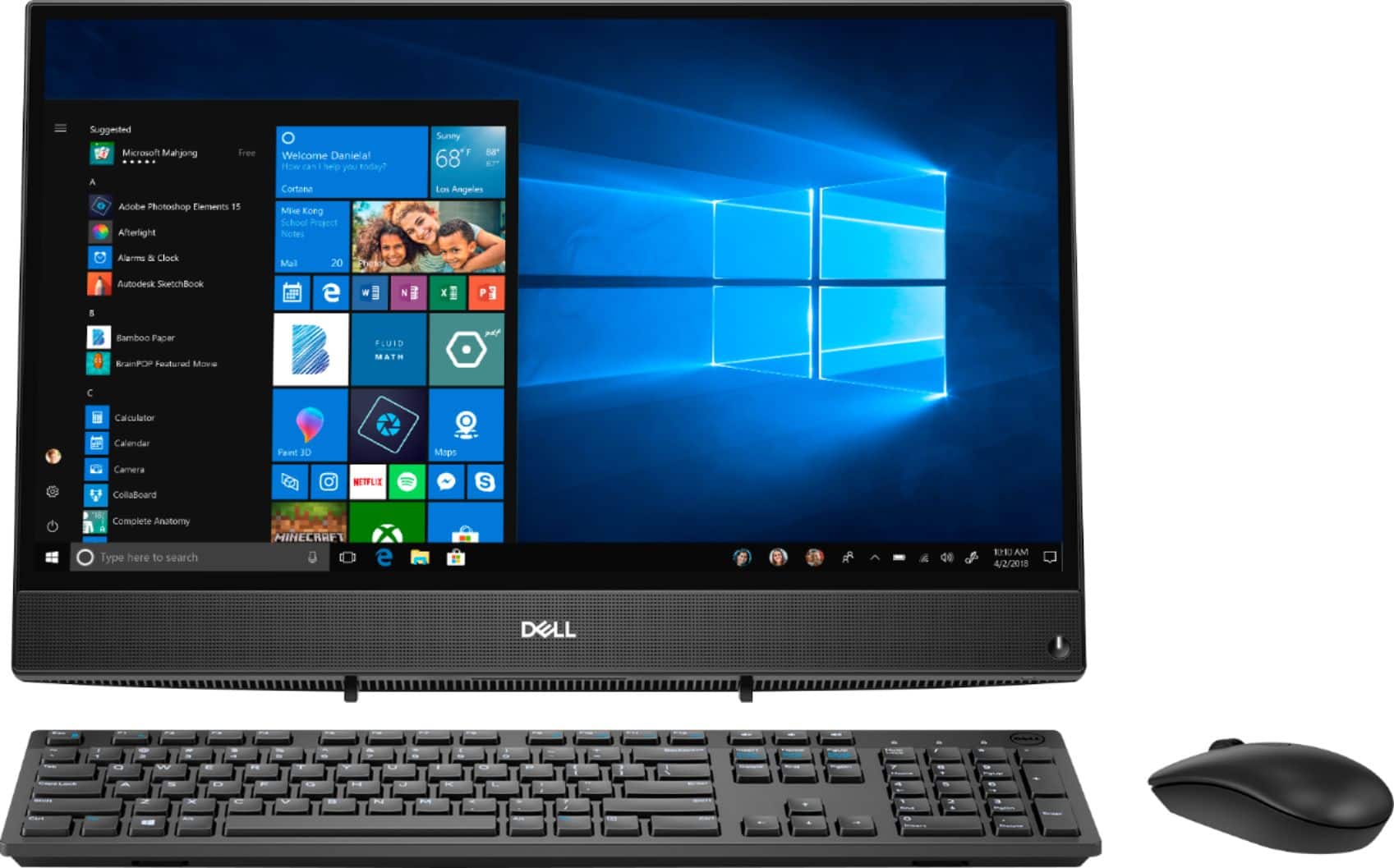
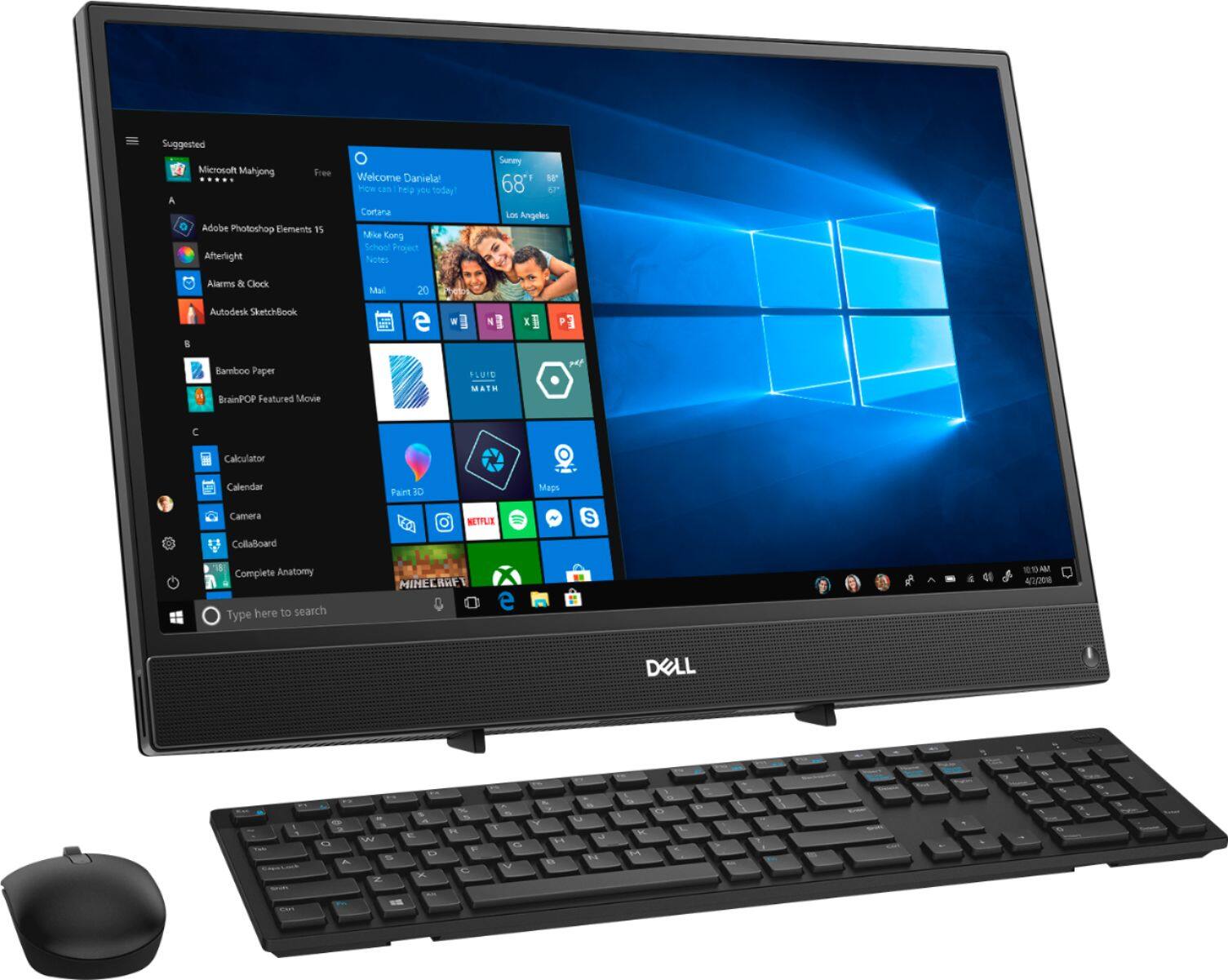
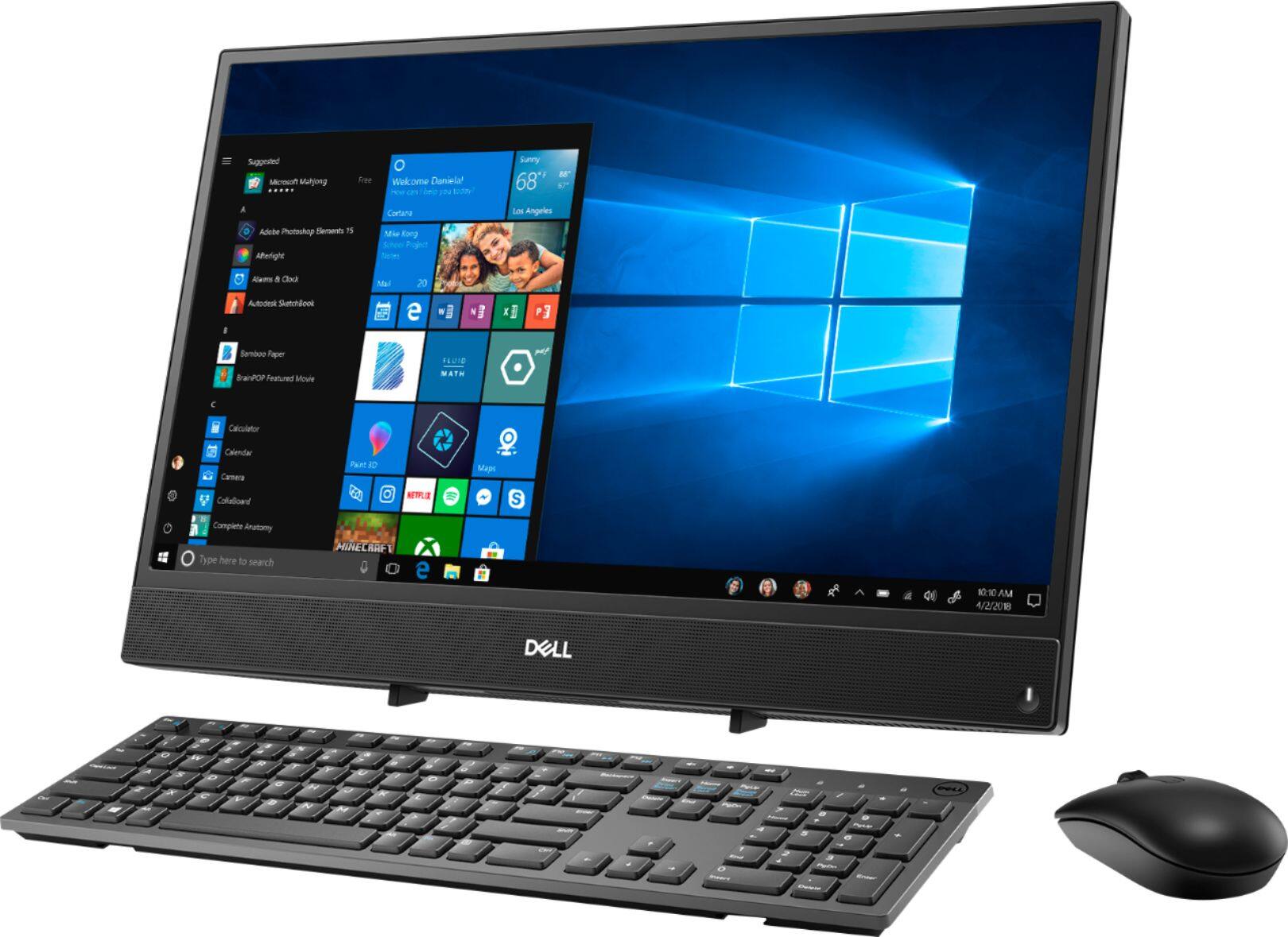
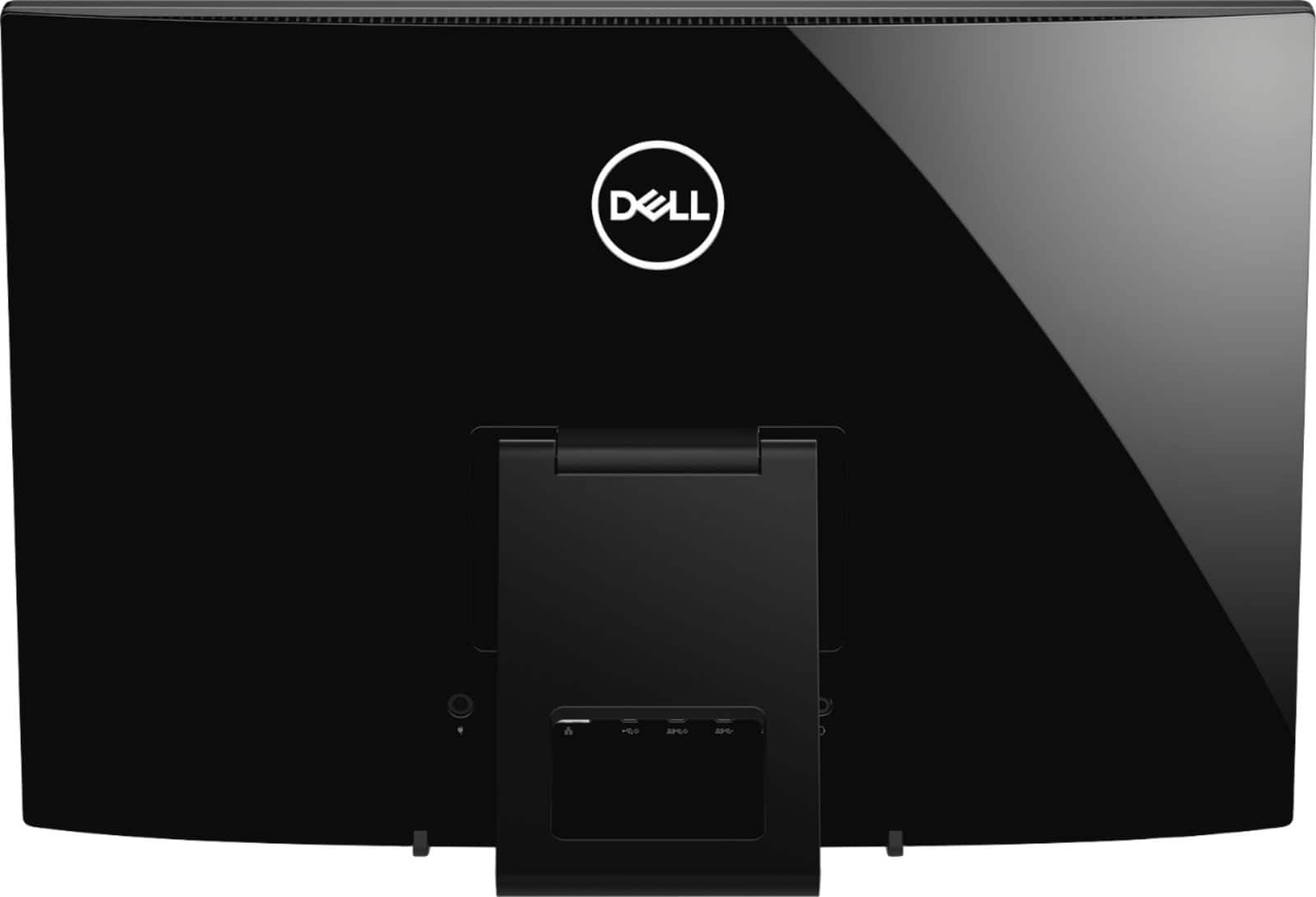


- Model:
- I3275-A356BLK-PUS
- SKU:
- 6334303
Rating by feature
- Value
Rating 3.7 out of 5 stars
- Quality
Rating 3.7 out of 5 stars
- Ease of Use
Rating 3.8 out of 5 stars
Customers are saying
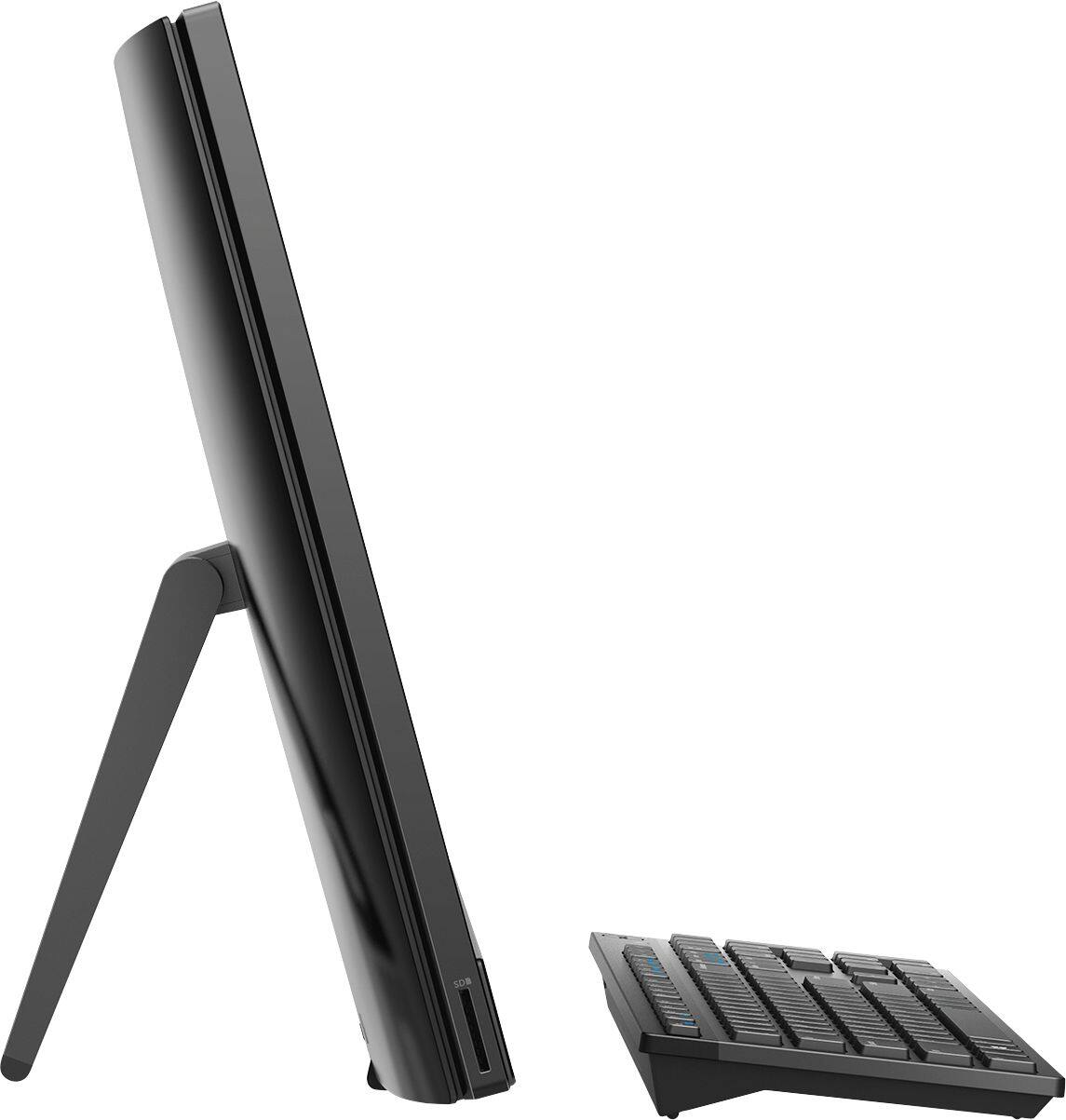
Customers highly value the ease of use and touch screen functionality of the Inspiron 21.5" All-in-One, with many praising its user-friendly design and responsive touch capabilities. The affordable price point is also frequently cited as a positive aspect. However, some users express concerns regarding the system's performance and limited RAM, suggesting potential limitations for demanding tasks. A few also mention issues with the included mouse and the absence of a built-in camera.
This summary was generated by AI based on customer reviews.
- Cons mentioned:Speed
Piece of junk I ordered this based off the 4.0
||Posted . Owned for less than 1 week when reviewed.This reviewer received promo considerations or sweepstakes entry for writing a review.Piece of junk I ordered this based off the 4.0 review I should’ve read all the comments below this is slower than the tiny laptop I have that cost half the amount of this computer has got a gorgeous screen color but pretty much everything else is for crap this will be returned as soon as I get to the store but given we’re practicing stay at home it may take a few days I got this for a crafting computer as well as the ability to work remote not able to do either if it takes five minutes to load everything.
No, I would not recommend this to a friendBrand response from YourDellTeam
Posted .Alley,
Thanks for your review. We're sorry that your new computer is slower than you hoped it would be. One thing you could try to run is the Windows Performance Troubleshooter to see if there are ways to speed up your computer:
1. Close all open windows.
2. Press the Windows logo key + X key on the keyboard.
3. Click Control Panel.
4. Click System and Security.
5. Under Security and Maintenance, select Troubleshoot common problems.
6. Under System and Security, click Run maintenance tasks.
7. Follow the on-screen instructions and prompts to complete the process.
8. Restart the PC.
You can read the full article here - http://dell.to/2tSulGV.
Best,
Bryan
1-800-624-9896
- Pros mentioned:Price
Great Computer excellent price
||Posted . Owned for 9 months when reviewed.This reviewer received promo considerations or sweepstakes entry for writing a review.Excellent Computer!! Very reasonable price, efficient and economic! Great bargain!
I would recommend this to a friend - Pros mentioned:Price
Nice for the price.
||Posted . Owned for 1 month when reviewed.This reviewer received promo considerations or sweepstakes entry for writing a review.I wanted an all in one computer and this a nice on for the price.
I would recommend this to a friend - Pros mentioned:Price
Great laptop computer
||Posted . Owned for 1 month when reviewed.This reviewer received promo considerations or sweepstakes entry for writing a review.I'm a fan of Dell computer and this laptop is the best option for me for a person on a budget.
I would recommend this to a friend - Pros mentioned:Touch screen
Good computer.
||Posted . Owned for 3 weeks when reviewed.This reviewer received promo considerations or sweepstakes entry for writing a review.Purchased this for myself and my daughter to work and do projects. Love the touchscreen aspect.
I would recommend this to a friend - Cons mentioned:Speed
dell
||Posted . Owned for 11 months when reviewed.This reviewer received promo considerations or sweepstakes entry for writing a review.this was purchased as a work station at our auto parts company. It is not a very good computer. So very slow
No, I would not recommend this to a friend - Pros mentioned:Touch screen
I love my new computer
||Posted . Owned for 1 month when reviewed.This reviewer received promo considerations or sweepstakes entry for writing a review.Its so awesome . so much better then my lap top.. I am constantly learning more about it!
I would recommend this to a friend - Cons mentioned:Ram
Great sale price
||Posted . Owned for 2 months when reviewed.This reviewer received promo considerations or sweepstakes entry for writing a review.Nice easy setup upgraded my internet maybe 4gb of ram isn't as much but gets the job done.
I would recommend this to a friend Great value
||Posted . Owned for 1 month when reviewed.This reviewer received promo considerations or sweepstakes entry for writing a review.We bought this computer to replace a laptop. Works great for internet browsing and email!
I would recommend this to a friend- Pros mentioned:Touch screen
great basics
||Posted . Owned for 3 weeks when reviewed.This reviewer received promo considerations or sweepstakes entry for writing a review.great computer for basic use, works good, looks very nice, easy to use thanks to the touch screen
I would recommend this to a friend - Pros mentioned:Ease of use
Excellent computer well worth the money.
||Posted . Owned for 1 month when reviewed.This reviewer received promo considerations or sweepstakes entry for writing a review.This does every thing I need, easy set-up This I had. I would recommend this computer.
I would recommend this to a friend - Cons mentioned:Performance, Speed
Junk
||Posted . Owned for 10 months when reviewed.This reviewer received promo considerations or sweepstakes entry for writing a review.This computer is very slow, and freezes all of the time, do not waste your time and money on this computer.
No, I would not recommend this to a friendBrand response from YourDellTeam
Posted .Tazoconnor2007,
Thanks for your review. We're sorry that your computer is running slower than you hoped it would. If you'd like to diagnose the freezes that you're experiencing you can follow these steps:
1. Run a Computer Diagnostic. To determine if your computer is experiencing a hardware problem, run the Dell Preboot System Assessment (PSA) Diagnostics. For information on how to run Diagnostics, and to determine the issue, refer to Dell Knowledge Base Article: http://dell.to/2iaiujA.
2. Check Safe Mode for Symptoms. To boot into safe mode, please follow the instructions below:
a) Start the computer.
b) Tap 'F8' on the keyboard immediately and every one second until the Dell logo screen disappears. From there you will see the Windows Advanced Options Menu on the screen. (If the Windows Advanced Options Menu does not appear, restart the system and try again.)
c) Select Safe mode with Networking and press Enter.
d) Log on as the administrator or as a user with administrative access.
e) Open applications and test the computer in safe mode. If the symptoms exist in safe mode, please continue the troubleshooting steps in this article. If the symptoms do not exist in safe mode, the issue is likely related to a driver or software and you may wish to complete step 3 to see if you are able to resolve the lockups or freezing.
3. Check for Malware. Malware (Virus, Spyware, etc.) can definitely cause a Windows system to lock up or appear to hang. To check for malware on your system and to ensure that your computer is up to date on security software, visit Dell Knowledge Base Article: http://dell.to/2wWP1zI.
You can read the full article here - http://dell.to/2tW5m33.
If you'd like to try to speed up your computer's performance we'd recommend the following tips:
1. Restart your computer regularly.
2. Run the automated tools provided in the SupportAssist Tool.
3. Run a complete hardware diagnostic test.
4. Scan your computer for malware.
5. Restore your Dell computer using Windows System Restore.
6. Reinstall Microsoft Windows.
You can read the full steps associated with each of these recommendations here: https://dell.to/3n29QjE.
Best,
Bryan
1-800-624-9896
- Pros mentioned:Picture quality
Easy to use!
||Posted . Owned for 1 month when reviewed.This reviewer received promo considerations or sweepstakes entry for writing a review.State of the art! Compact! Excellent options! Performs excellent! Beautiful pictures!
I would recommend this to a friend - Cons mentioned:Speed
Horrible
||Posted . Owned for 1 month when reviewed.This reviewer received promo considerations or sweepstakes entry for writing a review.Once I got this computer I connected it to internet my internet is 1 gig by the way the computer was so slow it couldn’t perform opening google or anything
No, I would not recommend this to a friendBrand response from YourDellTeam
Posted .Maryam,
We're sorry that your system's performance is not what you were hoping it would be. Please follow these steps to help troubleshoot your connection:
1. Download and install the latest Wireless Card driver. (https://dell.to/2th3Tpe) After updating the driver, re-establish the connection with the Wireless Access Point and check the wireless performance.
2. If the issue persists, proceed to step 3.
3. Power-cycle the local network. Shut down the Dell system, the Wireless Access Point/Router and the Modem. Wait a minimum of 60 seconds before powering up the components in the following order:
4. Power ON the Modem, and wait for it to boot fully.
5. Power ON the Wireless Access Point/Router, and wait for it to boot fully.
6. Power ON the Dell system.
7. Open Network and Sharing Center
8. In the left side navigation pane, click on Change Adapter Settings
9. Right click on the wireless connection icon and select Properties followed by the Configure button
10. Under Wireless Options, select the Wireless N mode
11. For Windows 8 or later systems click the Advanced tab and look for 802.11n Mode on the right you will be given the option to Enable or Disable. If the mode is not visible you may need to update your drivers and firmware.
12. From the drop-down menu, choose Disable followed by Ok
13. This should restore the wireless download and upload speed. Internet speed can be tested at http://speedtest.net.
Best,
Bryan
1-800-624-9896
- Pros mentioned:Ease of use
Love that its touch screen!
||Posted .This reviewer received promo considerations or sweepstakes entry for writing a review.Dell computer makes it easier for the kids to do their online work. Thanks so much!!!
I would recommend this to a friend - Pros mentioned:Size
Great all in one. Perfect for my needs
||Posted . Owned for 1 month when reviewed.This reviewer received promo considerations or sweepstakes entry for writing a review.Just the right size and power for my needs. The included software was also perfect for my needs
I would recommend this to a friend - Pros mentioned:Ease of use
Great for tech novices
||Posted . Owned for 1 month when reviewed.This reviewer received promo considerations or sweepstakes entry for writing a review.Got this for my parents & they Love it. It’s user friendly & just what they needed.
I would recommend this to a friend - Cons mentioned:Speed
DO NOT BUY THIS
||Posted . Owned for 1 year when reviewed.This reviewer received promo considerations or sweepstakes entry for writing a review.This is the worst computer I have ever purchased. I bought it to be able to use one excel spreadsheet and it takes me over an hour just to get the computer to open each time I use the sheet. Which is about twice a month. My laptop that is 10 years old works better than this piece of crap.I bought this during covid and could not return it since everything ended up closing and I have been stuck with it since.
No, I would not recommend this to a friendBrand response from YourDellTeam
Posted .Hello Melissa,
Thank you for taking the time to share your review. We're sorry about the trouble you have encountered with the performance of your Inspiron. To make sure we can help, there are steps below that can be used to improve performance overall.
1. Restart your computer regularly
2. Run the automated tools provided in the SupportAssist tool
3. Run a complete hardware diagnostic test
4. Scan your computer for malware
5. Restore your Dell computer using Windows System Restore
6. Reinstall Microsoft Windows
If you require further assistance, here is the link to the full article to assist with your performance issue: https://dell.to/32wo0Ss.
Best,
Wendy C.
https://bit.ly/DellSupportTeam.
Phone number to Dell: 1-800-264-9896.
- Pros mentioned:Size
Great computer
||Posted . Owned for 1 month when reviewed.This reviewer received promo considerations or sweepstakes entry for writing a review.Great computer for the price. All-in-one is very compact, doesn't take up a lot of room.
I would recommend this to a friend - Pros mentioned:Touch screen
dell all in one
||Posted . Owned for 7 months when reviewed.This reviewer received promo considerations or sweepstakes entry for writing a review.Very happy with the Dell Inspiron All in one. Love the screen size!
I would recommend this to a friend