Customer Ratings & Reviews
- Model:
- I3265-A067BLK-PUS
- SKU:
- 6111242
Rating by feature
- Value
Rating 4.8 out of 5 stars
- Quality
Rating 4.7 out of 5 stars
- Ease of Use
Rating 4.5 out of 5 stars
Customers are saying
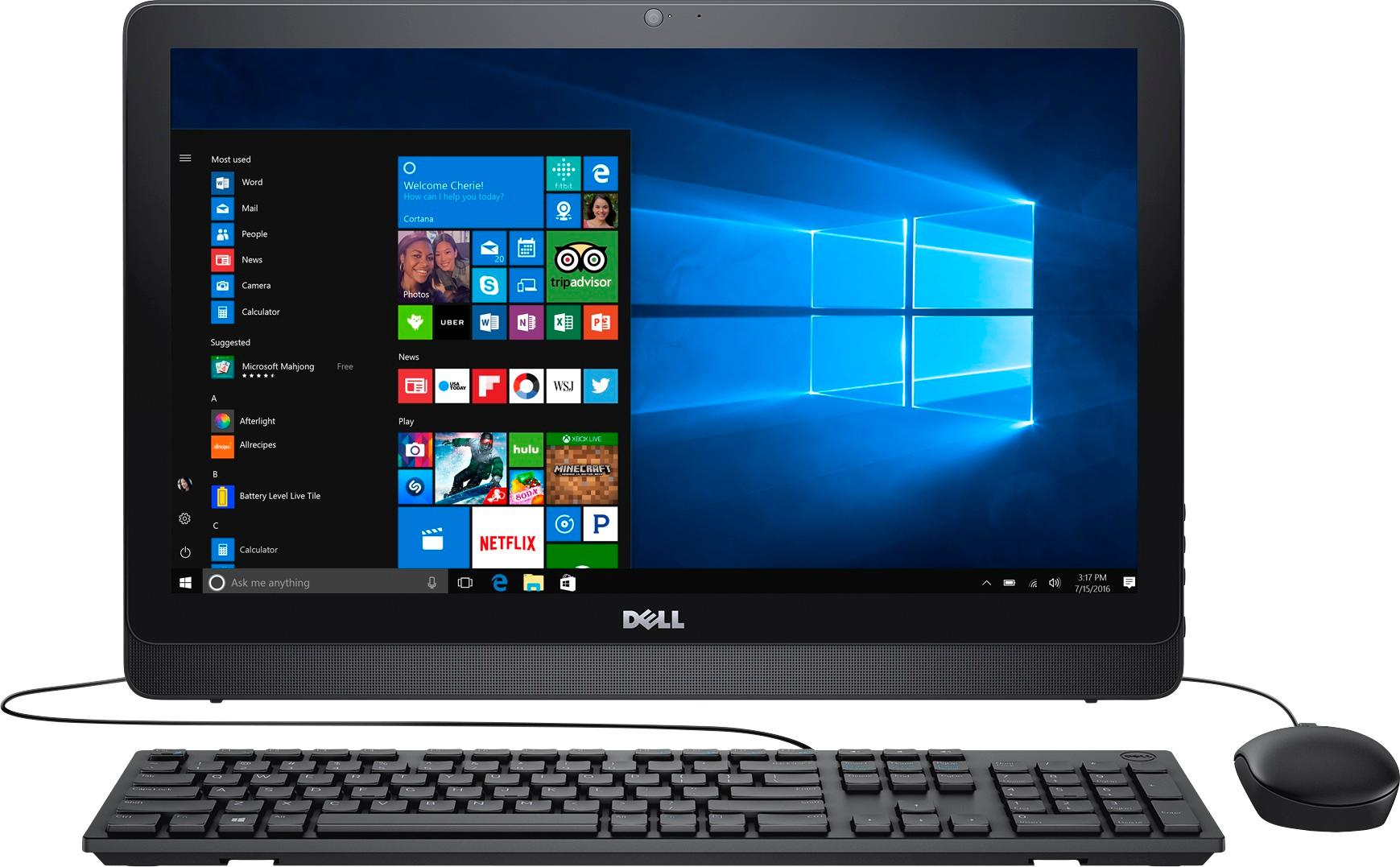
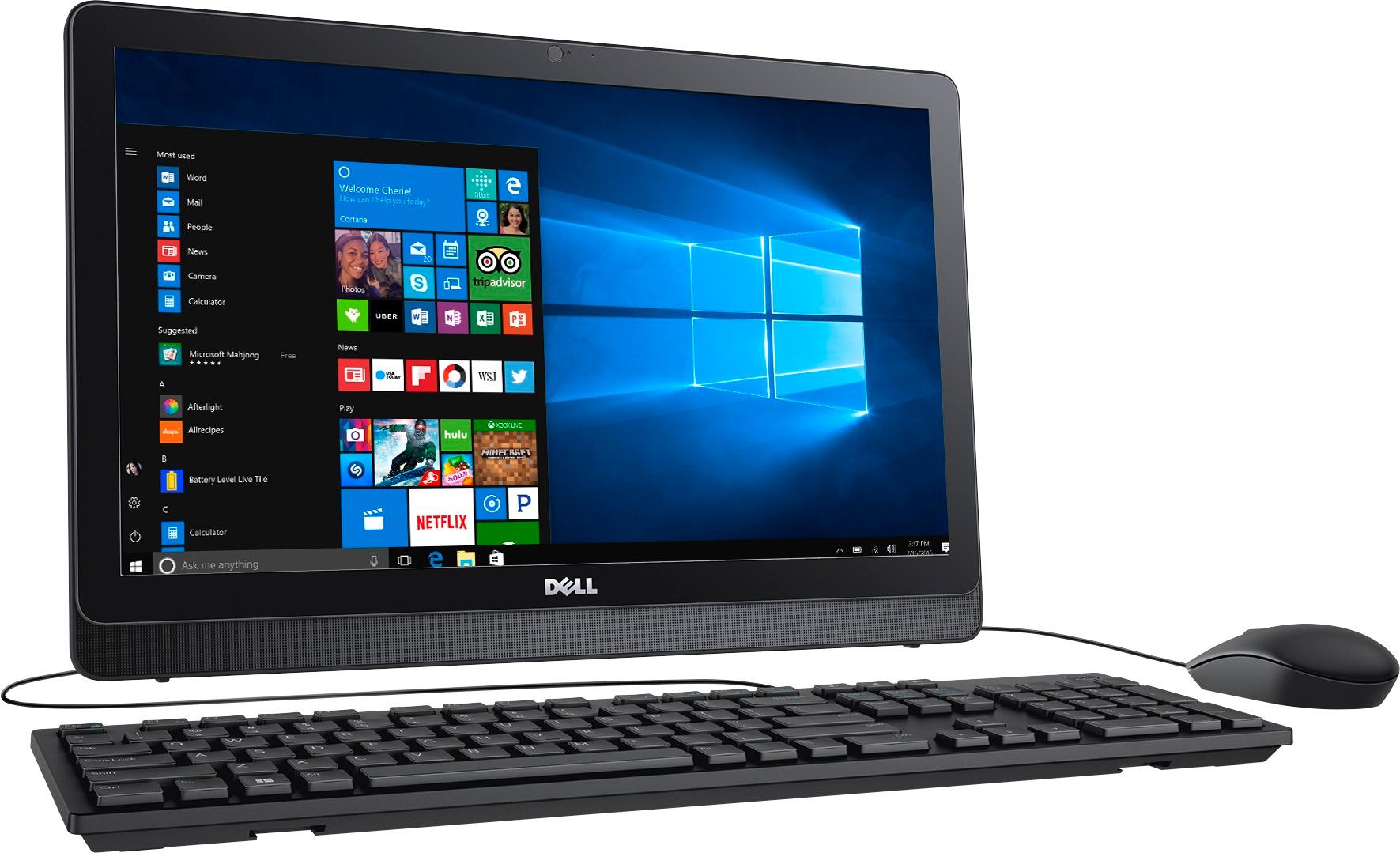
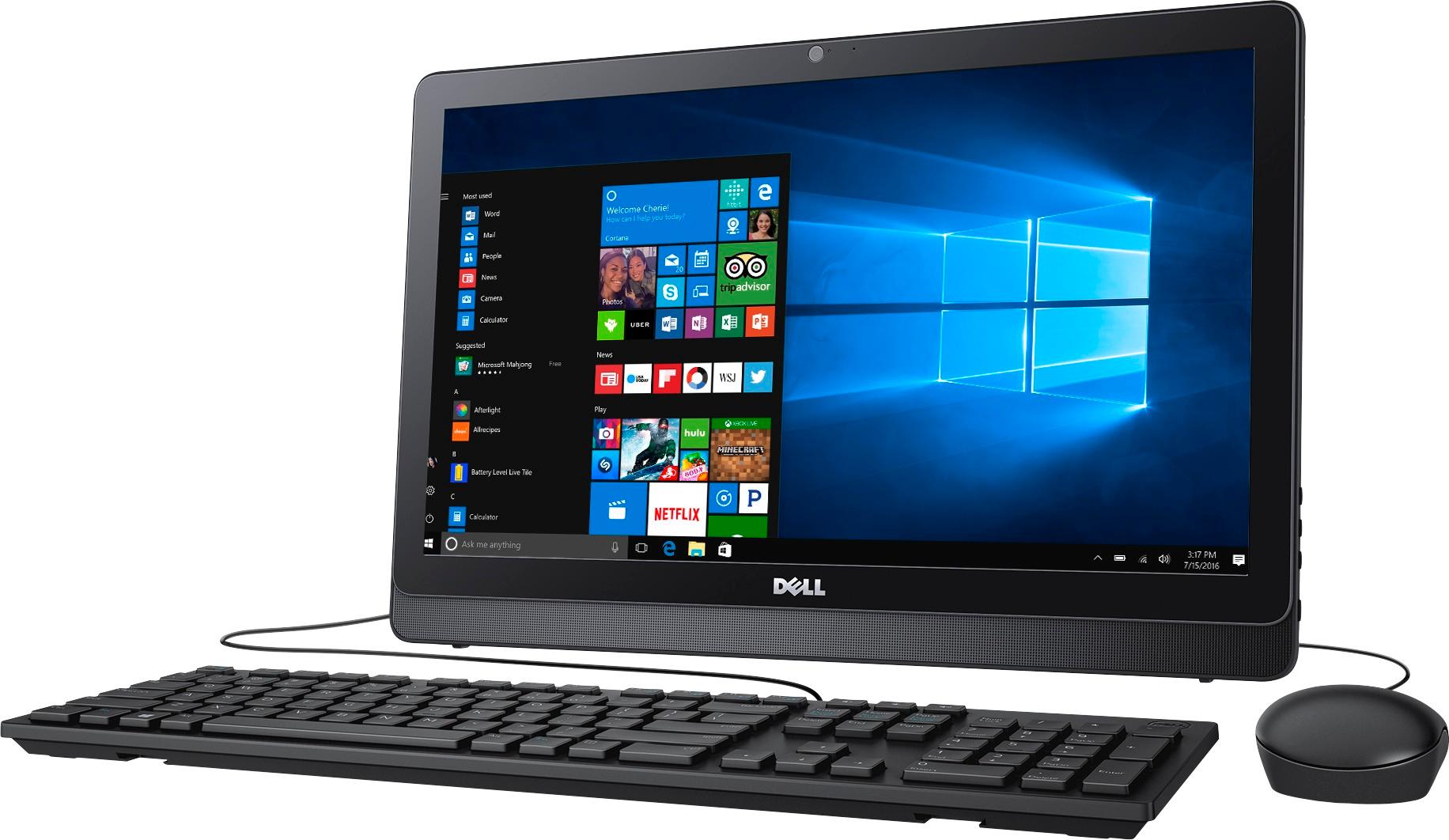
Customers express satisfaction with the touch screen, ease of use, and price of the Inspiron 21.5" All-in-One. Many appreciate its compact size and find it easy to set up and use. However, some customers point out limitations in processing speed and RAM, finding the system struggles with multitasking and demanding applications. The overall experience appears to be positive for basic tasks, but users may need to consider the system's performance limitations before purchase.
This summary was generated by AI based on customer reviews.
- Cons mentioned:Speed
Moves a little slow but good for the kids
||Posted .This reviewer received promo considerations or sweepstakes entry for writing a review.Moves. A little slow but good for the kids to useo
No, I would not recommend this to a friendBrand response from YourDellTeam
Posted .Der Valued Customer - Thanks for your review. We're sorry that your computer is running a little slower than you had hoped it would. Here are some tips that some of our customers have had success with in order to speed up their computer:
Delete temporary files and directories
1. Click Start, then in the search bar type "disk". Disk Cleanup should appear on the menu above the search box.
2. Run disk cleanup and eliminate unneeded temporary files (Search results, Internet Cache and other windows temp files you may no longer need)
3. Select files you want to delete then click OK to start the cleanup process.
Uninstall applications you no longer use
1) Open the Programs and Features application in Control Panel.
2) Scan the list of applications installed for ones that you no longer use.
3) Highlight any application you no longer use and then click the uninstall button at the top of the list. Follow the prompts to uninstall.
4. Repeat for each application you want to uninstall.
5. Move large files and/or seldom used files to backup media (Photos, Music you seldom listen to, application downloads after the application has been installed etc.).
6. Empty the Recycle Bin.
You can read the full article here - http://dell.to/2tSulGV.
We hope this helps add speed to your computer. - Bryan
Good basic computer
||Posted .This reviewer received promo considerations or sweepstakes entry for writing a review.Great for searching the web but does get a little slow at start up.
No, I would not recommend this to a friendHaving problems .... already
||Posted .This reviewer received promo considerations or sweepstakes entry for writing a review.Computer is malfunctioning.... already ... bought as a gift for Christmas and monitor is blank .... i guess I’ll have to sit on the phone for hours to resolve this issue...
No, I would not recommend this to a friendBrand response from YourDellTeam
Posted .Hello Razzy - Thanks for your review. We're sorry to hear that your monitor is already not performing well for you. Here's a link to your computer's Product Driver Page so you can make sure everything is up to date - http://dell.to/2AGWQYe. -Bryan
Extremely slow
||Posted .This reviewer received promo considerations or sweepstakes entry for writing a review.It took overnight to update windows 10. Returned it and bought 23 inch dell
No, I would not recommend this to a friend- Pros mentioned:Touch screenCons mentioned:Speed
Slow and Extended Warranty needed
Posted .This reviewer received promo considerations or sweepstakes entry for writing a review.Although it was really slow, I had bought it for my younger son. He complained a little about it but it was easy for him to use and he really liked the touchscreen feature. Be sure to buy an extended warranty. I bought this computer Nov. 27th, 2017 and the motherboard went bad Oct. 2020.
No, I would not recommend this to a friend - Cons mentioned:Performance
Very Slow
Posted .This reviewer received promo considerations or sweepstakes entry for writing a review.Nice value but unbearably slow. I've read the Dell recommendations and it really shouldn't be necessary since the pc is brand new and the drives and registries should be as clean as they will ever be. Thought it may be me at first, but every one of my family members complained without me ever saying anything. Gonna need to return this...
No, I would not recommend this to a friend - Cons mentioned:Speed
Junk
Posted .This reviewer received promo considerations or sweepstakes entry for writing a review.Computer is junk. Will only connect to microsoft sites. slow. geek squad also a joke. beware of best buy and this computer especially.
No, I would not recommend this to a friendBrand response from YourDellTeam
Posted .- dkl236, Thanks for your review and for your Dell All-In-One purchase. We're sorry to hear that your computer is running slower than you'd like and that it's not connecting to all of the sites that you'd like it to. We'd recommend some of the following steps to help speed up your computer:
Delete temporary files and directories
1. Click Start, then in the search bar type "disk". Disk Cleanup should appear on the menu above the search box.
2. Run disk cleanup and eliminate unneeded temporary files (Search results, Internet Cache and other windows temp files you may no longer need)
3. Select files you want to delete then click OK to start the cleanup process.
Uninstall applications you no longer use
1) Open the Programs and Features application in Control Panel.
2) Scan the list of applications installed for ones that you no longer use.
3) Highlight any application you no longer use and then click the uninstall button at the top of the list. Follow the prompts to uninstall.
4. Repeat for each application you want to uninstall.
5. Move large files and/or seldom used files to backup media (Photos, Music you seldom listen to, application downloads after the application has been installed etc.).
6. Empty the Recycle Bin.
You can read the full article here - http://dell.to/2tSulGV. - Bryan