Customer Ratings & Reviews


- Model:
- I3275-A821BLK-PUS
- SKU:
- 6196006
Rating by feature
- Value
Rating 3.4 out of 5 stars
- Quality
Rating 3.2 out of 5 stars
- Ease of Use
Rating 3.5 out of 5 stars
Customers are saying
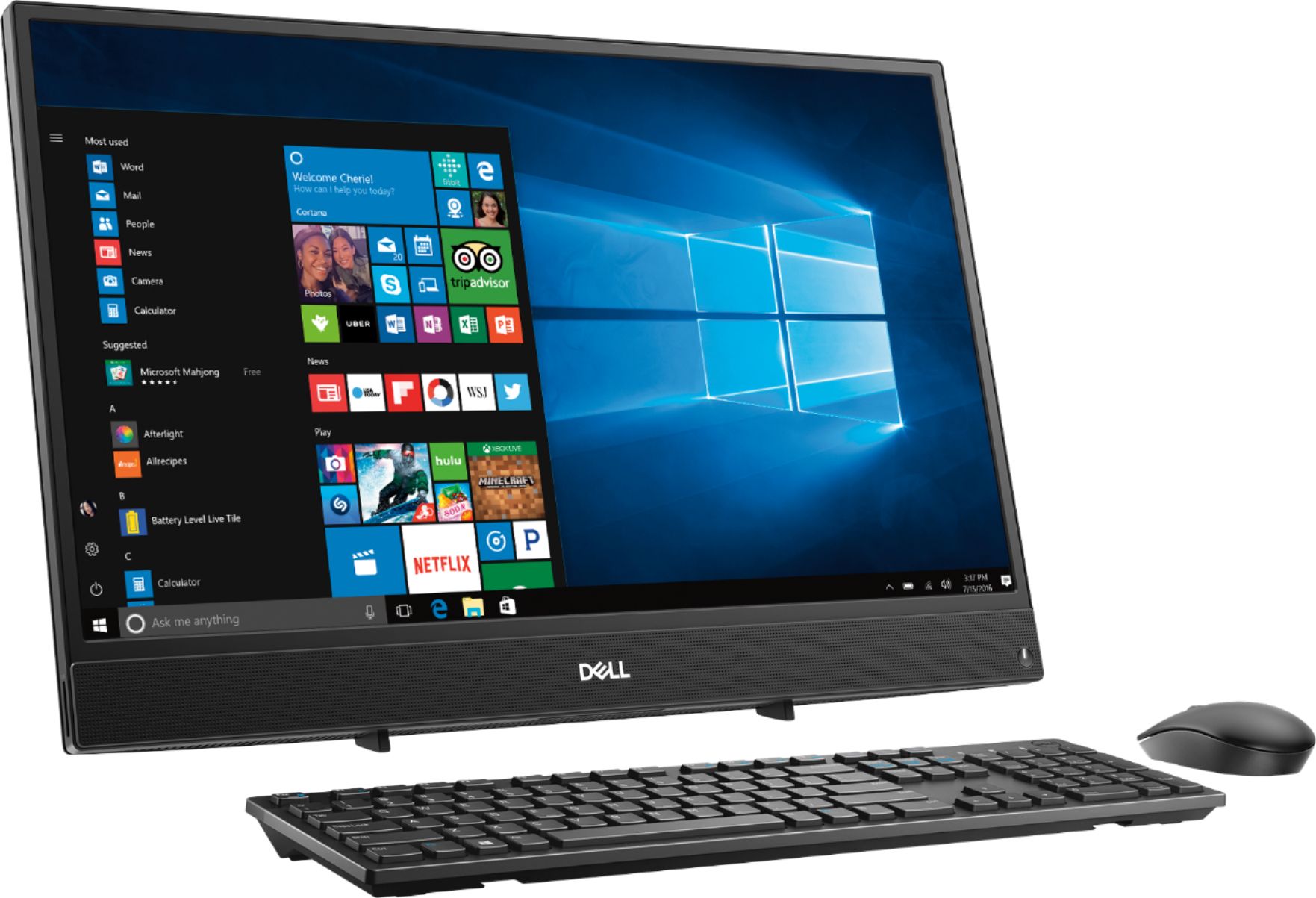
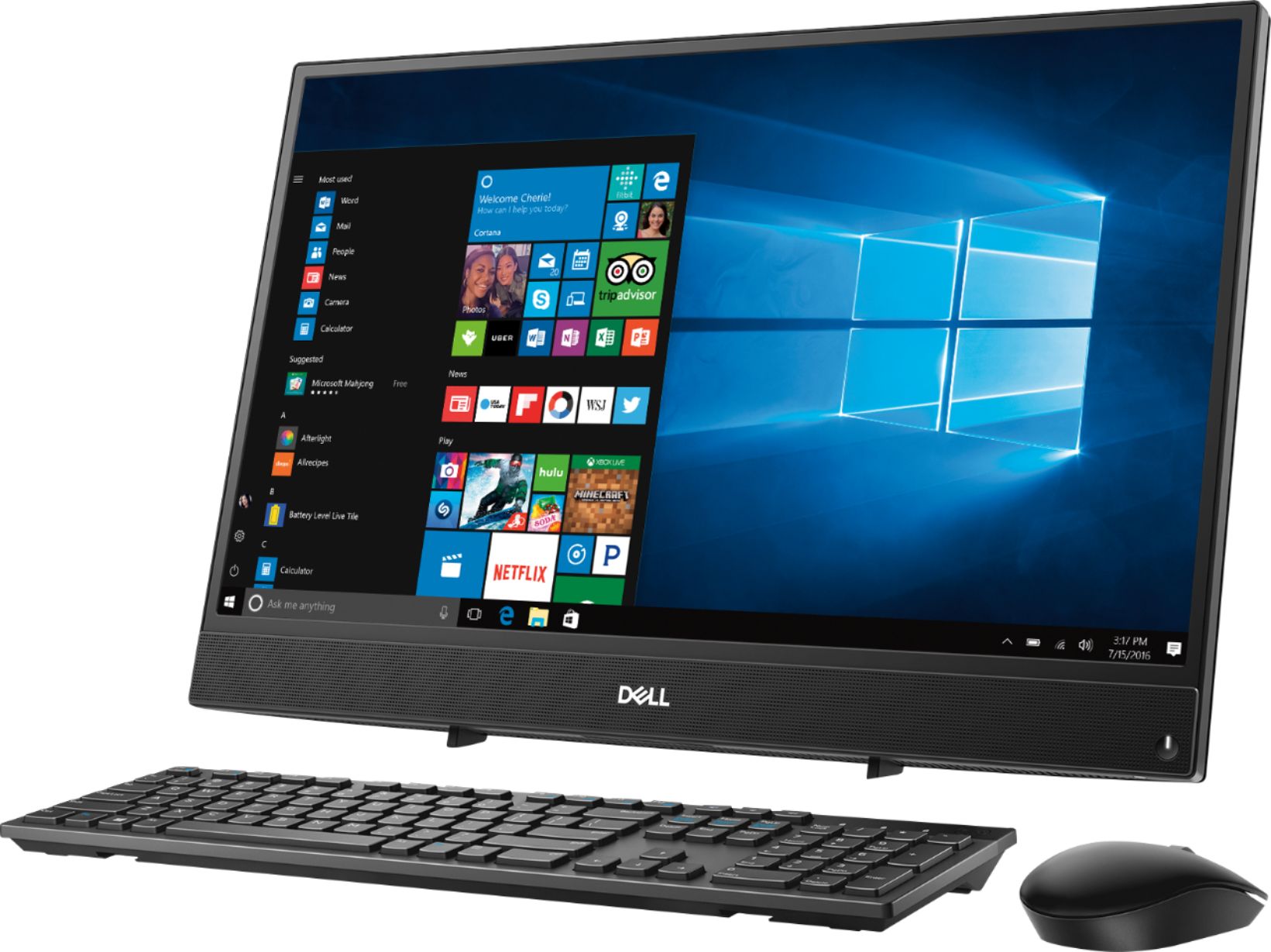
Customers commend the Inspiron 21.5" All-in-One's touch screen, ease of use, and affordable price, finding it compact and attractive. However, some users experienced slow performance and noted limitations in RAM and hard drive speed, suggesting that the system may not be suitable for demanding tasks.
This summary was generated by AI based on customer reviews.
- Cons mentioned:Performance
Solid and convenient.
||Posted .This reviewer received promo considerations or sweepstakes entry for writing a review.This product is excellent for basic business use. It saves space due to its form factor and, everything is wireless so it does not create clutter. We have bought over 10 units in the last few months. This is not a high performance machine it is basic and it is meant to only process basic operations. In our environment it is used for web enabled applications primarily and does a great job at handling the workload.
I would recommend this to a friend - Pros mentioned:Ease of use, Touch screen
Great product!
||Posted .This reviewer received promo considerations or sweepstakes entry for writing a review.I love my new PC! Easy to use, great screen. Thank you for your assistance in my purchase.
I would recommend this to a friend - Pros mentioned:Price
can't beat the price of $200
||Posted . Owned for 3 weeks when reviewed.This reviewer received promo considerations or sweepstakes entry for writing a review.scored this item as a clearance so about $200 including tax! still working fine so hopefully many more months to come....
I would recommend this to a friend - Pros mentioned:Ease of use, Touch screen
Great computer
||Posted . Owned for 9 months when reviewed.This reviewer received promo considerations or sweepstakes entry for writing a review.This has been a good computer. It is easy to use and I love that it is a touch screen.
I would recommend this to a friend - Cons mentioned:Speed
Slow
||Posted .This reviewer received promo considerations or sweepstakes entry for writing a review.I keep having to get someone to try to fix this computer. It takes forever to download anything. Slowest computer I have ever owned.
No, I would not recommend this to a friendBrand response from YourDellTeam
Posted .Upears,
We're sorry that your computer is performing slower than you had hoped it would. We'd recommend running the Windows Performance Troubleshooter to see if there are ways for your computer to perform faster:
1. Close all open windows.
2. Press the Windows logo key + X key on the keyboard.
3. Click Control Panel.
4. Click System and Security.
5. Under Security and Maintenance, select Troubleshoot common problems.
6. Under System and Security, click Run maintenance tasks.
7. Follow the on-screen instructions and prompts to complete the process.
8. Restart the PC.
You can read the full article here - http://dell.to/2tSulGV.
Best,
Bryan
1-800-624-9896
- Pros mentioned:Ease of use, Touch screen
Love this computer
||Posted .This reviewer received promo considerations or sweepstakes entry for writing a review.It was extremely easy to set up. It has a large screen and fits my purposes very adequately.
I would recommend this to a friend Good, basic computer.
||Posted . Owned for 3 weeks when reviewed.This reviewer received promo considerations or sweepstakes entry for writing a review.I bought this all-in-one for a simple, minimal-wire setup to perform basic tasks. It fits the bill. I’ve had no problems with the mouse or keyboard wireless connections and although Windows 10 does take while to boot, the computer has been functioning well. As long as you don’t need rapid rebooting, can keep the computer on between uses (screen saver and sleep functions wake with keyboard or mouse) and you don’t require a high speed processor, this machine should do well for you.
I would recommend this to a friend- Cons mentioned:Performance
Great Entry Level All-In-One PC
||Posted .This reviewer received promo considerations or sweepstakes entry for writing a review.This is a good Entry Level All-In-One PC. If your doing E-mail, Web Surfing, Word, Excel, Etc it's a great light duty PC.
I would recommend this to a friend - Cons mentioned:Speed
A little slow
||Posted .This reviewer received promo considerations or sweepstakes entry for writing a review.A good basic computer, a little slow and if you are used to a faster one it takes some patience for programs to open.
No, I would not recommend this to a friend - Cons mentioned:Speed
Good Computer
||Posted .This reviewer received promo considerations or sweepstakes entry for writing a review.This new computer works well; not as fast as I expected it to be, however, it gets me there and I get the job done.
I would recommend this to a friend - Cons mentioned:Ram
Dell computer
||Posted . Owned for 1.5 years when reviewed.This reviewer received promo considerations or sweepstakes entry for writing a review.Good Computer, just wish it came with more Ram than what it comes with, overall its okay
I would recommend this to a friend - Cons mentioned:Speed
Ssloooow
||Posted .This reviewer received promo considerations or sweepstakes entry for writing a review.I liked the all in one set up but I found several shortcomings In it’s operation. The speed was much slower than my laptop, I ended up returning it.
No, I would not recommend this to a friend - Pros mentioned:Space
Great price.
||Posted .This reviewer received promo considerations or sweepstakes entry for writing a review.Had exchange problems for package damage, but machine is terrific, fast and space saving. Like all the wireless funtions also. But the units footprint is great, so much more room on my desk and wires everyware. Of course Dell quality is plus.
I would recommend this to a friend - Cons mentioned:Speed
Ehhhhh. Could be better
||Posted . Owned for 1.5 years when reviewed.This reviewer received promo considerations or sweepstakes entry for writing a review.Computer was great for about 3 weeks. Internet has always been slow from the start. Even with Comcast. Overall 7 out of 10.
No, I would not recommend this to a friend - Cons mentioned:Speed
Unaware it wld be so slow
||Posted .This reviewer received promo considerations or sweepstakes entry for writing a review.I like it but its slower than a turtle, very frustrating, disappointed. My hP all in one was much better. cAN ANYTHING BE DONE TO IMPROVE SPEED??
No, I would not recommend this to a friendBrand response from YourDellTeam
Posted .Hello Wilton57,
Thanks four your review and we're sorry to hear about the slow performance of your computer. We'd recommend running the Windows Performance Troubleshooter to see if there are ways to speed up your computer:
1. Close all open windows.
2. Press the Windows logo key + X key on the keyboard.
3. Click Control Panel.
4. Click System and Security.
5. Under Security and Maintenance, select Troubleshoot common problems.
6. Under System and Security, click Run maintenance tasks.
7. Follow the on-screen instructions and prompts to complete the process.
8. Restart the PC.
You can read the full article here - http://dell.to/2tSulGV.
You can also look through your pre-installed programs to see if there are any programs that you do not plan to use that you can uninstall: Uninstalling or removing software or applications that you do not use or do not need from your PC can help speed up your PC. Applications may include background processes, system services, context menu entries and other things that can slow down your PC.
Uninstall applications you no longer need using Programs and Features (previously called Add/Remove Programs). Unnecessary applications occupy space on your hard disk drive.
1. Press the Windows logo key + R on the keyboard.
2. In the Run dialog box, type appwiz.cpl and press the Enter key.
3. In the list, select a program and click Uninstall.
You can read the full article here - http://dell.to/2tSulGV.
Best,
Bryan
1-800-624-9896
- Pros mentioned:Ease of use, Touch screen
Great computer
||Posted .This reviewer received promo considerations or sweepstakes entry for writing a review.Very good screen quality and vary fast. Easy to install and connect.
I would recommend this to a friend - Pros mentioned:Ease of use
functional computer for work
||Posted . Owned for 2 months when reviewed.This reviewer received promo considerations or sweepstakes entry for writing a review.bought this as a replacement computer for my office. it easy to use, speed is good and looks nice
I would recommend this to a friend - Pros mentioned:Ease of use
Computer is great
||Posted . Owned for 1 year when reviewed.This reviewer received promo considerations or sweepstakes entry for writing a review.The computer is easy to use and has a very slick design .
No, I would not recommend this to a friend - Cons mentioned:Speed
Perfect gift
||Posted .This reviewer received promo considerations or sweepstakes entry for writing a review.For it for my daughter as a birthday gift. It ran slow at first but it's running well now.
I would recommend this to a friend - Cons mentioned:Performance
Software/Hardware Ussues
||Posted .This reviewer received promo considerations or sweepstakes entry for writing a review.I had this desktop for a month and a half. When I tried to use it for work, it would not load. Tried everything - finally called Dell. 3 hours later, it still will not reload Windows. I have to FedEx them their product and should receive it back in 7-12 days. In the meantime, I have to find another way to teach my online course. All in all, a lot of inconvenience for a product I am not certain will work after it is returned to me.
No, I would not recommend this to a friendBrand response from YourDellTeam
Posted .Annie,
We're sorry to hear about the troubles that your new laptop has given you. We're glad that you reached out to Dell's Technical Support Team and we hope that when you get your computer back it is working the way you had hoped it would. We'd recommend checking out our Product Support Page with any additional questions that you may have - https://dell.to/2u32zX8.
Best,
Bryan
1-800-624-9896