Customer Ratings & Reviews
- Model:
- I5488-7536SLV-PUS
- SKU:
- 5775303
Rating by feature
- Value
Rating 4.2 out of 5 stars
- Quality
Rating 4.3 out of 5 stars
- Ease of Use
Rating 4.4 out of 5 stars
Customers are saying
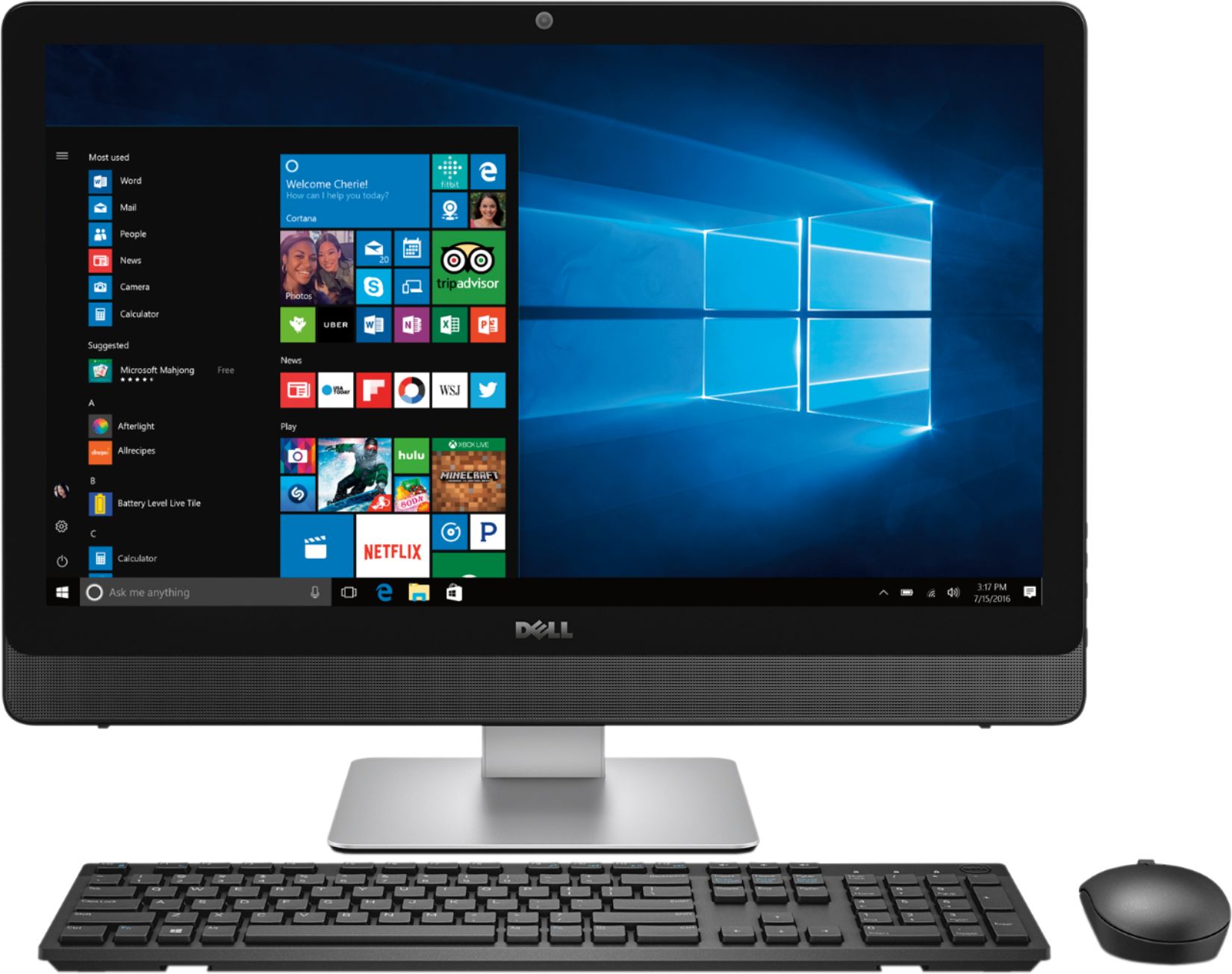
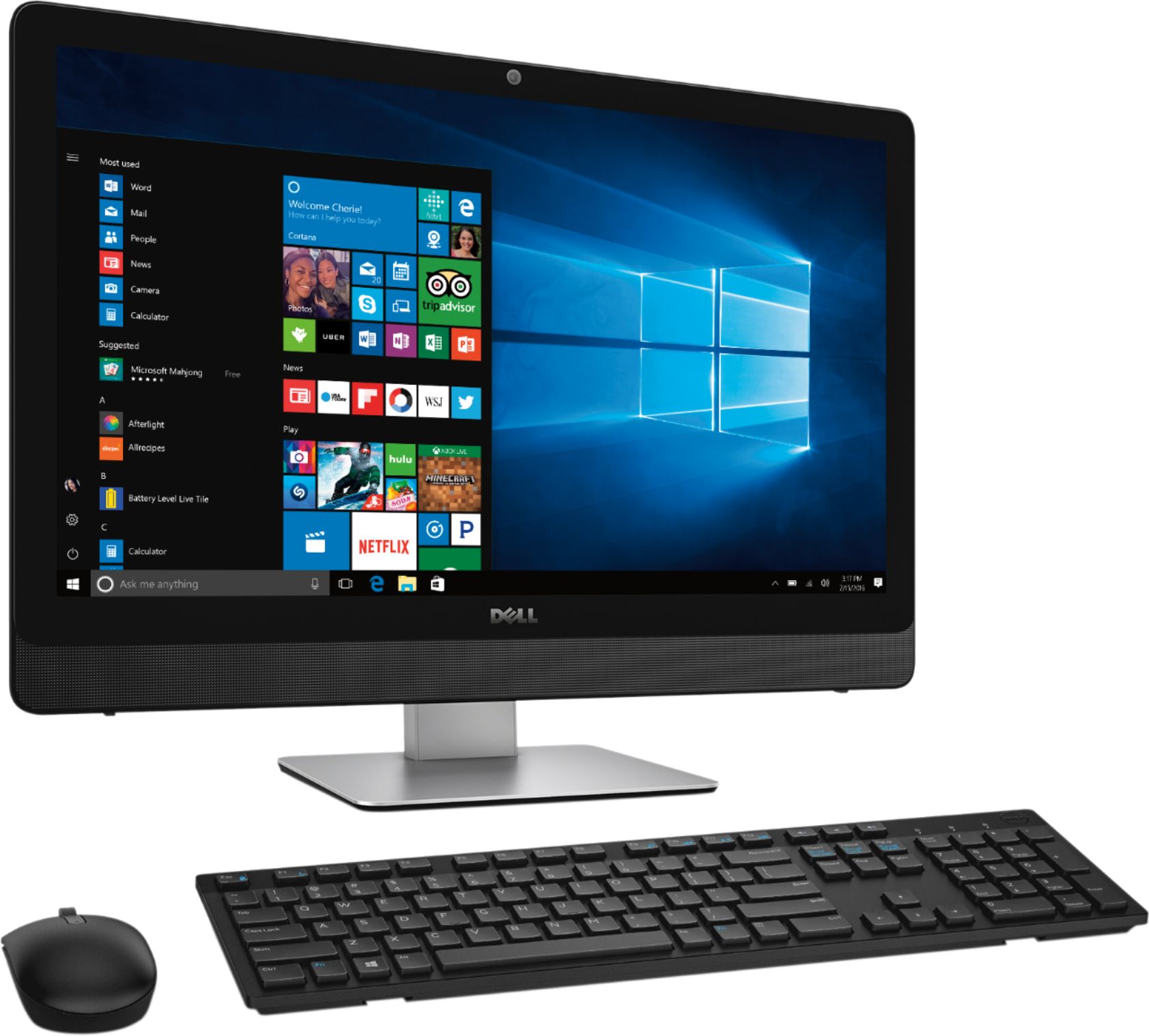
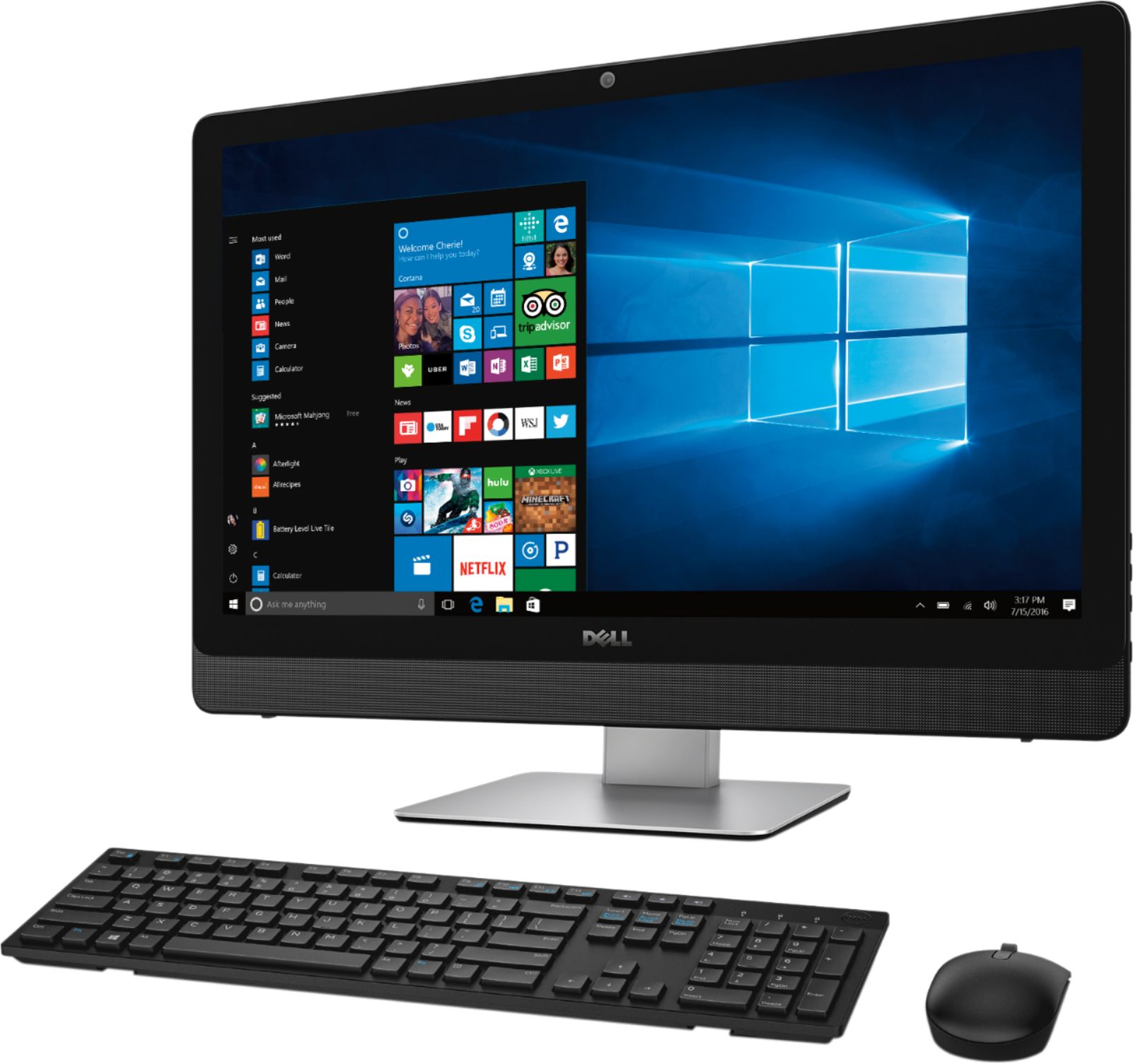
Customers regard the Inspiron 23.8" Touch-Screen All-in-One as having a large, user-friendly screen and generally easy to use. Positive feedback also highlights its performance and ample storage, although some users wish for a solid-state drive. A few customers noted concerns about fan noise and occasional issues with the hard drive or operating system.
This summary was generated by AI based on customer reviews.
I love Dell
||Posted .This reviewer received promo considerations or sweepstakes entry for writing a review.Inspiron is by far the best I have owned.It is great
I would recommend this to a friendGreat desk top for business and my kids homework
||Posted .This reviewer received promo considerations or sweepstakes entry for writing a review.This has been by far the best desk top I've owned.
I would recommend this to a friendnot real user friendly
||Posted .This reviewer received promo considerations or sweepstakes entry for writing a review.set up and activation not simple. Found instructions and information hard to follow and harder to work. Had a Dell all in one before this and loved it, this one is a little more completed and not as user friendly.
No, I would not recommend this to a friendBrand response from YourDellTeam
Posted .darling,
We're sorry that you've been having some trouble with your new Dell All-In-One. We'd recommend running Dell's SupportAssist App to make sure that you have all of the current drivers and software installed.
Here's a Dell Support site where you can also learn more about using Windows 10 - http://dell.to/2wMZqyx.
Best,
Bryan
1-800-624-9896
Dell is a great computer
||Posted .This reviewer received promo considerations or sweepstakes entry for writing a review.The computer hardware is great but the operating system crashed 2 weeks after I installed the computer. Dell tech was great and was able to reinstall the operating system but it took about 4 to 5 hours.
I would recommend this to a friendBrand response from YourDellTeam
Posted .@Peer - Thanks for your review. We're sorry to hear about the crash that your computer had. We're happy that Dell's Support team was able to help you reinstall the operating system. If you do have additional questions you can check our Product Support Page here - http://dell.to/2eLrOcQ. - Bryan
Good specs
||Posted .This reviewer received promo considerations or sweepstakes entry for writing a review.I picked this computer to replace an old laptop running vista. I expected the new computer to be faster and to run better than the old laptop but so far that doesn't seem to be the case.
No, I would not recommend this to a friendBrand response from YourDellTeam
Posted .Hello RobinP,
We appreciate your review and we're sorry to hear that so far your new computer is not meeting your needs. We'd recommend running Windows Performance Troubleshooter:
1. Close all open windows.
2. Press the Windows logo key + X key on the keyboard.
3. Click Control Panel.
4. Click System and Security.
5. Under Security and Maintenance, select Troubleshoot common problems.
6. Under System and Security, click Run maintenance tasks.
7. Follow the on-screen instructions and prompts to complete the process.
8. Restart the PC.
You can read the full article here - http://dell.to/2tSulGV.
We hope this helps identify some of the slowness that you are experiencing.
Best,
Bryan
1-800-624-9896
Functional computer
||Posted .This reviewer received promo considerations or sweepstakes entry for writing a review.For my needs, I would buy computer with more powerful processor than this all-in-one has.
No, I would not recommend this to a friendProbkems with OS crash
||Posted .This reviewer received promo considerations or sweepstakes entry for writing a review.Love it except the os crashes when i use internet. Have to take it back to get fixed.
I would recommend this to a friendBrand response from YourDellTeam
Posted .- Elkel, We're sorry to hear that your system recently crashed on you. Please consider the following steps to look into your problem and hopefully find a solution - 1. At the desktop, click the Search the web and Windows box and type "problem reports". 2. Select View all problem reports to view a list of errors that have occurred on your computer and possible solutions for them, such as updating drivers, flashing your system BIOS, or checking for updates to the software. 3. Under the Source column, look for Windows and under Summary, look for Shut down unexpectedly. 4. Right-click the line item and select Check for a solution. For additional troubleshooting tips please view the following article - http://dell.to/2u98Cct. We hope these tips help to get your computer up and running again soon!
Worst computer for a business
||Posted .This reviewer received promo considerations or sweepstakes entry for writing a review.Worst experience trying to get a computer to run a business. Not reliable at all.
No, I would not recommend this to a friendBrand response from YourDellTeam
Posted .@Rebel, We're sorry to hear that you are having trouble with your new All-in-One. We'd recommend taking a look at the Dell Product Support page for this product so that you can troubleshoot the issues that you are facing - http://dell.to/2eLrOcQ. We hope that some of these articles will help you to troubleshoot the problems that you are having. - Bryan
all in one
||Posted .This reviewer received promo considerations or sweepstakes entry for writing a review.cant say much, it's been in the shop getting fixed, only got to use it for a week.
No, I would not recommend this to a friendComputer not as fast as advertised
||Posted .This reviewer received promo considerations or sweepstakes entry for writing a review.Computer did not work as well as it did when I tried it in the store
No, I would not recommend this to a friendBrand response from YourDellTeam
Posted .Rizeguy - Thanks for your Dell All-in-One purchase. We hope that some of these steps will help your computer perform closer to the speed you had hoped for:
Delete temporary files and directories
1. Click Start, then in the search bar type "disk". Disk Cleanup should appear on the menu above the search box.
2. Run disk cleanup and eliminate unneeded temporary files (Search results, Internet Cache and other windows temp files you may no longer need)
3. Select files you want to delete then click OK to start the cleanup process. Uninstall applications you no longer use 1. Open the Programs and Features application in Control Panel. 2. Scan the list of applications installed for ones that you no longer use. 3. Highlight any application you no longer use and then click the uninstall button at the top of the list. Follow the prompts to uninstall.
4. Repeat for each application you want to uninstall.
5. Move large files and/or seldom used files to backup media (Photos, Music you seldom listen to, application downloads after the application has been installed etc.).
6. Empty the Recycle Bin.
Please also take a moment to read the full support article here - http://dell.to/2tSulGV.
We hope these tips help your device perform closer to the speed of the one in the store that you tried.
only poor quality so far is the disc drive
||Posted .This reviewer received promo considerations or sweepstakes entry for writing a review.overall good but disc drive is noisy. rest of system seems ok
I would recommend this to a friendDo not like windows 10
||Posted .This reviewer received promo considerations or sweepstakes entry for writing a review.Do not like windows 10 the computer hardware is fibe
No, I would not recommend this to a friendBrand response from YourDellTeam
Posted .Ukie - Thanks for your review. We'd like to let you know that Dell offers a website to help people learn more about Windows 10 - http://dell.to/2wMZqyx. We hope these tips help your transition to Windows 10. - Bryan
Slow internet card. needs updating
||Posted .This reviewer received promo considerations or sweepstakes entry for writing a review.An OK machine but I had hoped for faster response.
No, I would not recommend this to a friendBrand response from YourDellTeam
Posted .Hello JUDA - Thanks for your review. We're sorry to hear that your computer is running a little slower than you'd like. Some of our customers have had success speeding up their computer with the following steps:
Delete temporary files and directories
1. Click Start, then in the search bar type "disk". Disk Cleanup should appear on the menu above the search box.
2. Run disk cleanup and eliminate unneeded temporary files (Search results, Internet Cache and other windows temp files you may no longer need)
3. Select files you want to delete then click OK to start the cleanup process.
Uninstall applications you no longer use
1) Open the Programs and Features application in Control Panel.
2) Scan the list of applications installed for ones that you no longer use.
3) Highlight any application you no longer use and then click the uninstall button at the top of the list. Follow the prompts to uninstall.
4. Repeat for each application you want to uninstall.
5. Move large files and/or seldom used files to backup media (Photos, Music you seldom listen to, application downloads after the application has been installed etc.).
6. Empty the Recycle Bin.
You can read the full article here - http://dell.to/2tSulGV.
We hope these tips help speed up your computer for you. - Bryan
myeh
||Posted .This reviewer received promo considerations or sweepstakes entry for writing a review.takes too long to do anything...always so very slow
No, I would not recommend this to a friendBrand response from YourDellTeam
Posted .Whynot - We're sorry to hear that your new All-In-One is not performing at the speed you'd like it to. Please take a moment to read the following Dell Support article related to slowness on your device - http://dell.to/2tSulGV. Hopefully these tips will get your device working at the speed you intended it to have.
It broke in 3 days
||Posted .This reviewer received promo considerations or sweepstakes entry for writing a review.I was very disappointed with my purchase of Dell - Inspiron 23.8" Touch-Screen All-In-One computer. It ceased working correctly in only 3 days after I purchased it. When I contacted the store, the electronics department associates recommended that I return it to the store as there had been a number of complaints about the Dell model.malfunctioning shortly after purchase. The first thing wrong was an error message appearing stating that the AC connector was not working. The second thing was the symbol for non connection to the WiFi kept coming on when the computer was actually connected. Best Buy did refund my money for the computer without any problems.
No, I would not recommend this to a friend- Pros mentioned:Ease of use, Storage
Great Computer
Posted .This reviewer received promo considerations or sweepstakes entry for writing a review.I am a long time Del user both for work and home. I have always been skeptical of All-in-one-Computers. I have always purchased Tower computer to get the power and feature I wanted. This system has changed my opinion. This system has all the power Intel i7, storage 1TB and memory I needed. It was extremely easy to setup. It runs much quieter than the Tower I had (Dell XPS 8300).
I would recommend this to a friend Worse Purchase Ever
||Posted .This reviewer received promo considerations or sweepstakes entry for writing a review.I have had this computer about 4 weeks and it has been set up less than 3. It has crashed every single day I have tried to use it. If I didn't still have my fabulous 6 year old I7 Sony Vaio, which is faster and works like a charm, I would be out of business. Of course, I had 15 days with Best Buy and due to surgery could not return in that timeframe, so I am stuck with a piece of that I guess will have to be sent back to Dell.
No, I would not recommend this to a friendBrand response from YourDellTeam
Posted .@Dawgirl - Thanks for your recent Dell All-in-One purchase. We're sorry to hear that it is not working the way you had hoped it would. If you'd like help troubleshooting the crashes on your computer please read the following article - http://dell.to/2u98Cct. If you'd like more information about Dell's One Year Limited Warranty on our products please visit - http://dell.to/2tNsVOs. We hope these tips help you get your computer up and running.
- Cons mentioned:Hard drive
HD failed
||Posted .This reviewer received promo considerations or sweepstakes entry for writing a review.Hard drive failed after 3 days beware. Geek Squad says it is good I beg to differ
No, I would not recommend this to a friendBrand response from YourDellTeam
Posted .@Terrible, we're sorry to hear about the hard drive on your new All-in-One. Here's a Dell Support article that we'd suggest you read because it's related to troubleshooting your Hard Drive - http://dell.to/2felIlg. Please feel free to reach out to Dell's Support team if you need additional assistance as Dell offers a One Year Limited Warranty on its products - http://dell.to/2sH7Qlm.
Not too happy with this product
||Posted . Owned for 1 year when reviewed.This reviewer received promo considerations or sweepstakes entry for writing a review.Returned and purchased an Apple desktop computer. The quality of Dell is not as good as Apple
No, I would not recommend this to a friendgreat computer
||Posted .This reviewer received promo considerations or sweepstakes entry for writing a review.+need help nobody answer phone at store or put on hold forever never can get GEEk on phone
I would recommend this to a friendBrand response from YourDellTeam
Posted .- Sunshine, Thanks so much for your recent Dell All-in-One purchase. We're so happy to hear that you are happy with how your new device is performing. If you'd like to speak with a member of Dell's Customer Support team you can reach them here - http://dell.to/2sH7Qlm. We hope that our team will be able to help you with your new All-in-One. Good luck!