Customer Ratings & Reviews
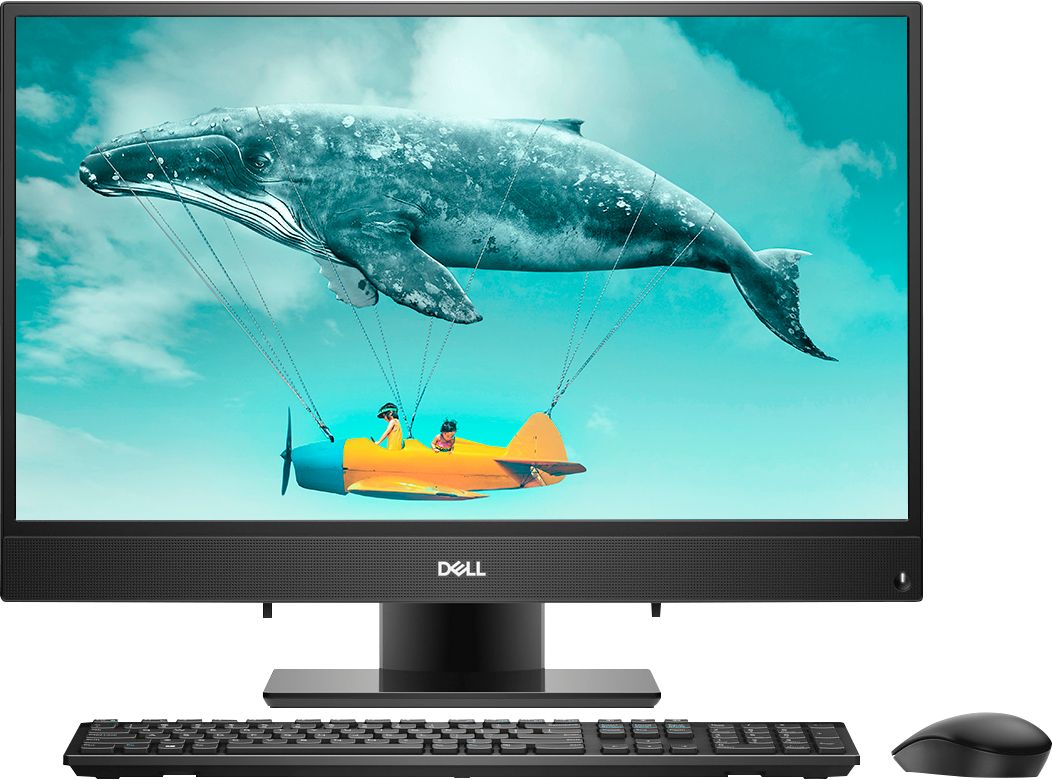
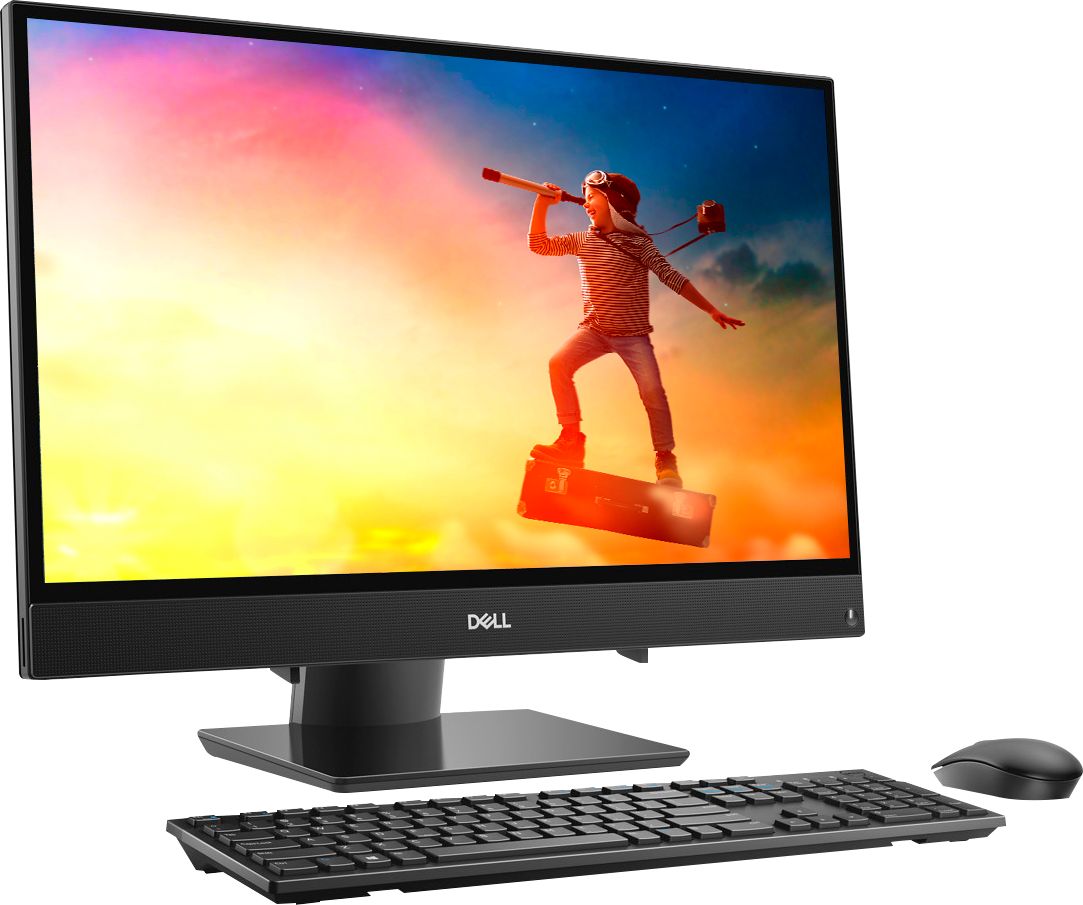
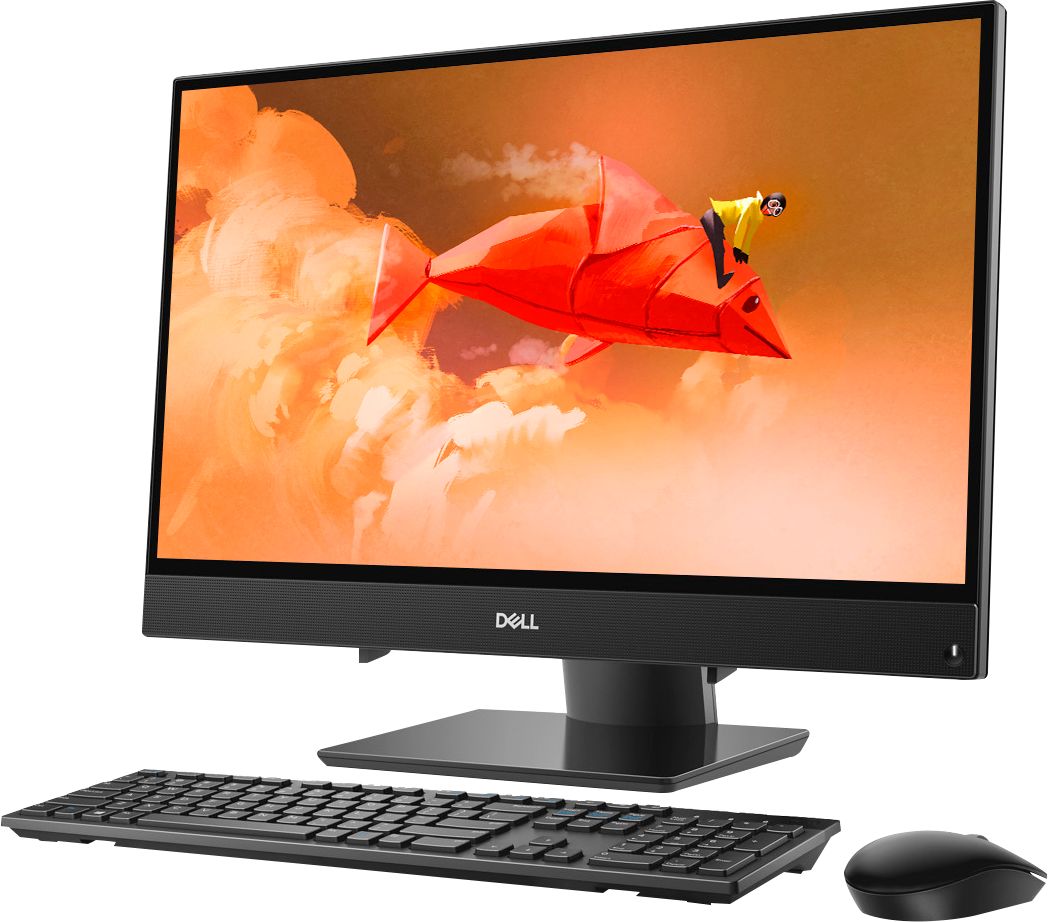
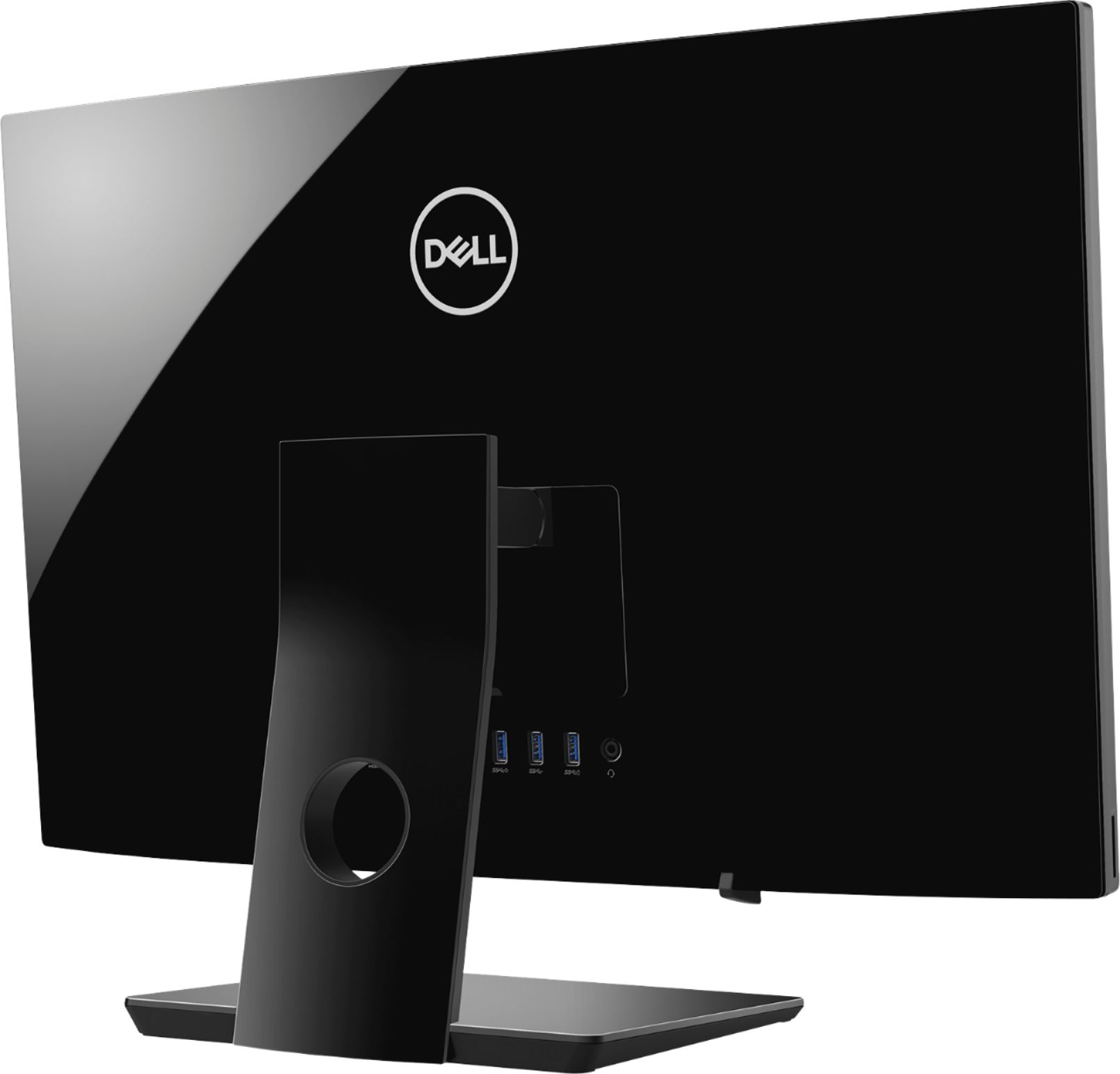

- Model:
- I3475-A509BLK-PUS
- SKU:
- 6334300
Rating by feature
- Value
Rating 4.3 out of 5 stars
- Quality
Rating 4.3 out of 5 stars
- Ease of Use
Rating 4.4 out of 5 stars
Customers are saying
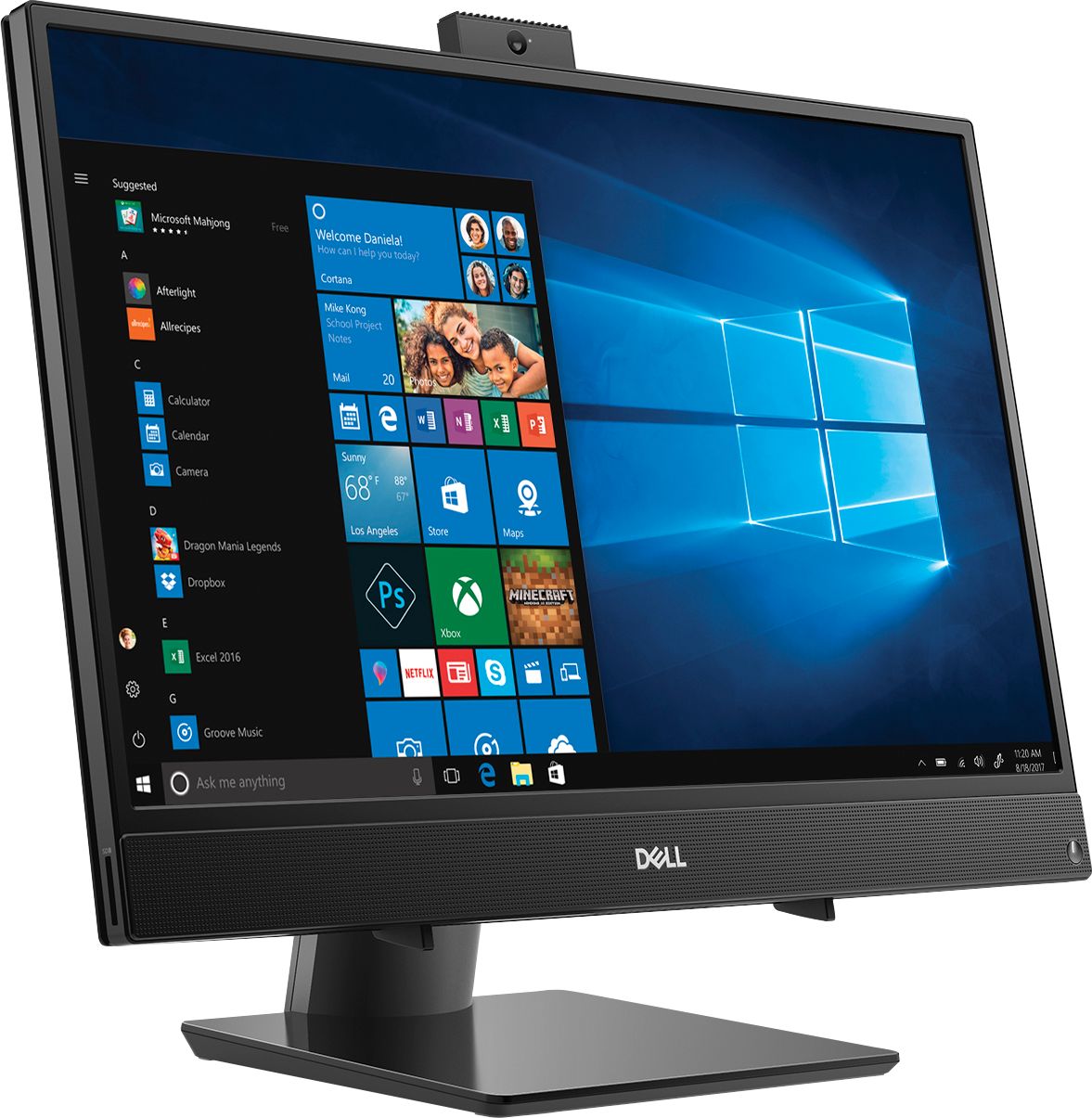
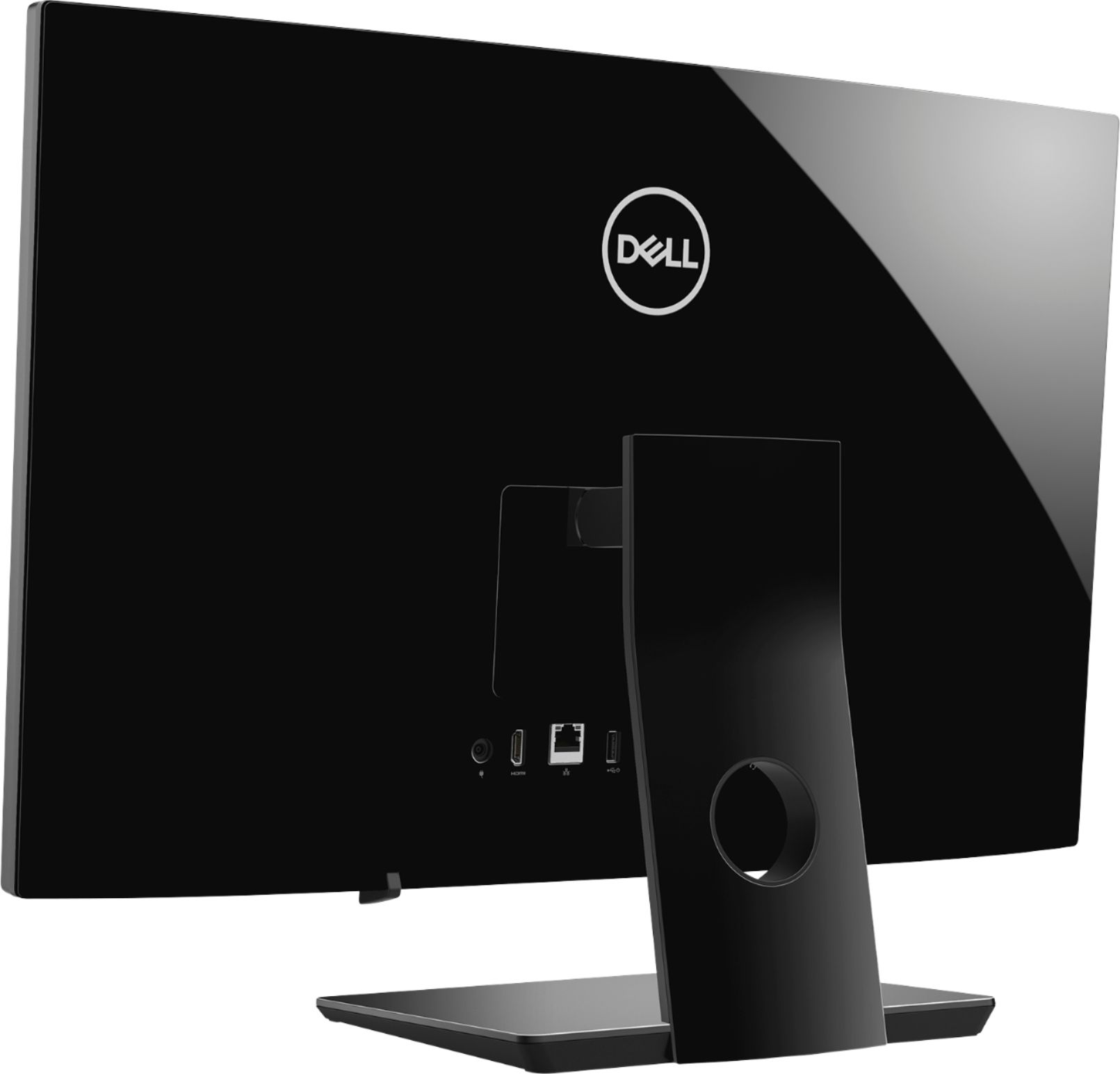
Customers are positive about the Inspiron 24" All-in-One's large screen size, ease of use, and performance. Many appreciate its affordability and the convenience of the touchscreen and built-in camera. However, some customers expressed dissatisfaction with the limited number of USB ports and occasional issues with the included mouse. The lack of a CD drive was also noted as a drawback by a few users.
This summary was generated by AI based on customer reviews.
Terribly slow
||Posted . Owned for 4 months when reviewed.This reviewer received promo considerations or sweepstakes entry for writing a review.I almost can't do any work with this desktop. I am not very computer savvy, so I can't tell what the problem is. Using this PC has been a nightmare.
No, I would not recommend this to a friendBrand response from YourDellTeam
Posted .Cyrus,
Thanks for your review. We're sorry that your computer is performing slower than you hoped it would. We'd recommend running the Windows Performance Troubleshooter to see if it helps your computer run better:
1. Close all open windows.
2. Press the Windows logo key + X key on the keyboard.
3. Click Control Panel.
4. Click System and Security.
5. Under Security and Maintenance, select Troubleshoot common problems.
6. Under System and Security, click Run maintenance tasks.
7. Follow the on-screen instructions and prompts to complete the process.
8. Restart the PC.
You can read the full article here - http://dell.to/2tSulGV.
Best,
Bryan
1-800-624-9896
SLOWEST THING EVER
||Posted . Owned for less than 1 week when reviewed.This reviewer received promo considerations or sweepstakes entry for writing a review.I bought this computer and returned after 5 days. It's slower than my 4 year old laptop. Don't waste your money and buy something else.
No, I would not recommend this to a friendAwful
||Posted . Owned for 1 month when reviewed.This reviewer received promo considerations or sweepstakes entry for writing a review.We have had it less than 8 weeks and the screen is not working. Best Buy in Greenville NC refuses to fix it.
No, I would not recommend this to a friendBrand response from YourDellTeam
Posted .Cindy,
We're sorry to hear about the issues that you're having with your new All-In-One. Here are the terms of Dell's One Year Limited Warranty if you think that your computer meets the requirements to have the screen worked on: http://dell.to/2tNsVOs.
Best,
Bryan
1-800-624-9896
Piece of junk
||Posted . Owned for 1 month when reviewed.This reviewer received promo considerations or sweepstakes entry for writing a review.Had to return it, never worked from the beginning. Best buy was great about returning it. Got an HP instead
No, I would not recommend this to a friendVery poor computer
||Posted . Owned for 1 month when reviewed.This reviewer received promo considerations or sweepstakes entry for writing a review.The computer stopped working after two weeks. I was really disappointed in the quality of the computer.
No, I would not recommend this to a friendBrand response from YourDellTeam
Posted .Kev87,
We're sorry to hear that your computer is no longer working the way that it should. We'd recommend the following steps if your computer is no longer turning on for you:
1. If the computer is displaying the Dell logo and does not move past that point, it has probably failed POST.
2. If the power indicator lights up and it is amber or orange, this is usually an indicator that it has failed POST.
3. If you see text on a black screen, the computer is currently performing the POST. If the computer stays in that condition and does not move past it, it has probably failed POST.
4. If the video screen displayed anything at all during the startup process but is now black, this probably indicates that the computer failed POST.
5. If the computer is beeping or if Caps/Num/Scroll Locks are flashing, note if there is a particular pattern in which it beeps or flashes.
6. If the computer is not beeping and caps/num/scroll locks are not flashing, unplug all connections and remove all media communication devices (e.g. external monitors); reconnect one at a time and check if the computer functions.
7. For a notebook, press and hold the Fn key and then press the power button. This starts the pre-boot testing and will launch ePSA. In case you have a Desktop at the Dell logo screen tap the F12 key to enter One Time Boot Menu and use the arrow keys to highlight Diagnostics and press enter.
You can read the full article here - http://dell.to/2uj1Sby.
Best,
Bryan
1-800-624-9896
Lack clear instructions.
||Posted . Owned for 3 weeks when reviewed.This reviewer received promo considerations or sweepstakes entry for writing a review.Computer starts on its own after you turn it off. Lacks a receptacle for disks.
No, I would not recommend this to a friendBrand response from YourDellTeam
Posted .jjrm1,
Thanks for your feedback. If you'd like the view the instructions for your All In One you can visit our site here: https://dell.to/2KL6vmk.
If you'd like an external drive for your computer you can buy one from Best Buy here: http://bit.ly/2N8c7bq.
Best,
Bryan
1-800-624-9896
garbage. Don't buy
||Posted . Owned for 10 months when reviewed.This reviewer received promo considerations or sweepstakes entry for writing a review.my wife hated this...she gave it a chance but then returned for lenovo
No, I would not recommend this to a friendbox came without keyboard or mouse and I returned
||Posted . Owned for 3 weeks when reviewed.This reviewer received promo considerations or sweepstakes entry for writing a review.The box came without keyboard or mouse and I returned it the next morning.
No, I would not recommend this to a friendHad to return because it wouldn't hold any updates
||Posted . Owned for 2 weeks when reviewed.This reviewer received promo considerations or sweepstakes entry for writing a review.Computer would not hold updates that were loaded by the best buy techs.
No, I would not recommend this to a friendHorrible computer
||Posted . Owned for 8 months when reviewed.This reviewer received promo considerations or sweepstakes entry for writing a review.HORRIBLE. Dissatisfied. Got scammed completely....
No, I would not recommend this to a friendBrand response from YourDellTeam
Posted .Bruh,
We're sorry that your computer is not working as well as you hoped it would. Please consider reaching out to Dell's Technical Support Team for additional assistance: http://dell.to/2sH7Qlm.
Best,
Bryan
1-800-624-9896
Did not work
||Posted . Owned for 1 week when reviewed.This reviewer received promo considerations or sweepstakes entry for writing a review.Set up the computer and it worked for maybe two hours and then died.
No, I would not recommend this to a friendBrand response from YourDellTeam
Posted .Sativa,
We're sorry that your computer is not working the way that it should. If you need help getting your computer to start again, you can try these steps:
1. If the computer is displaying the Dell logo and does not move past that point, it has probably failed POST.
2. If the power indicator lights up and it is amber or orange, this is usually an indicator that it has failed POST.
3. If you see text on a black screen, the computer is currently performing the POST. If the computer stays in that condition and does not move past it, it has probably failed POST.
4. If the video screen displayed anything at all during the startup process but is now black, this probably indicates that the computer failed POST.
5. If the computer is beeping or if Caps/Num/Scroll Locks are flashing, note if there is a particular pattern in which it beeps or flashes.
6. If the computer is not beeping and caps/num/scroll locks are not flashing, unplug all connections and remove all media communication devices (e.g. external monitors); reconnect one at a time and check if the computer functions.
7. For a notebook, press and hold the Fn key and then press the power button. This starts the pre-boot testing and will launch ePSA. In case you have a Desktop at the Dell logo screen tap the F12 key to enter One Time Boot Menu and use the arrow keys to highlight Diagnostics and press enter.
You can read the full article here - http://dell.to/2uj1Sby.
Best,
Bryan
1-800-624-9896
Did not work! H~P was first one.
||Posted . Owned for 1 month when reviewed.This reviewer received promo considerations or sweepstakes entry for writing a review.Dell still has a lot of problems. Freezes up all the time.
No, I would not recommend this to a friendBrand response from YourDellTeam
Posted .Louie,
Thanks for your review. We're sorry to hear about the freezes that you're experiencing with your computer. We'd recommend the following steps to help resolve your issue:
1. Turn off your Chromebook, then turn it back on.
2. Close all your apps and browser windows.
3. If a specific tab in your browser causes your Chromebook to crash or freeze, hard refresh the page: Ctrl + Shift + r.
4. If you've installed any new apps or extensions recently, uninstall them.
5. Reset your Chromebook.
6. Recover your Chromebook.
You can read the full article here: http://bit.ly/2XkwjwG.
Best,
Bryan
1-800-624-9896
- Pros mentioned:Screen size
Great investment
Posted .This reviewer received promo considerations or sweepstakes entry for writing a review.Purchased this back in 2019 when we opened the business, It's been 5 years and I've never had a problem with it. I was going through my old purchases because I need a second one! So it deserves the review!
I would recommend this to a friend - Pros mentioned:Screen sizeCons mentioned:Speed
Just Awful - Should be zero Stars
Posted .This reviewer received promo considerations or sweepstakes entry for writing a review.I bought this PC for school. Went into the store explaining that I was going back to school and told them that used my laptop on my current all-in-one (ACER), but from time to time the screen froze. One of the requirements was that the PC be able to be used as an HDMI monitor so I could have bigger pictures/fonts (I don't see well). I buy the PC (open box) and there is no plug - which I did not notice on the receipt because I could not read it. Tried to set it up and did not find cord. Was told at store it could not be returned because outside of 15 days. Bought a cord, then not MS Office (which was supposed to be included at a discount), which was later purchased. Then, I am finally connecting up my laptop and I learned that my new PC only functions as output using the HDMI port (spent an hour trying to find the settings). Then I call Dell and I am told that there is no way to input (HOLY CRAP)!!!!!! This is one of my primary uses to study. Why in the would you need only output on a 24 inch screen? Dell suggests I buy a whole monitor. As none of their motherboards support input. What a technology setback, I feel like I bought a scrapped down piece of crap. Did I mention how SSSSSSSLLLLLLLLOOOOOOWWWWWWW it is? Well, it is slow. I had an Acer all-in-one that was seven years old. It was way faster, and all I had to do was plug in the HDMI cord and my small laptop screen would appear. First, I will never by another DELL. I had stopped buying them. Don't know why I went back. It just seems like input should be standard with HDMI ports. Second, I will never buy another PC from Best Buy, because the main things I needed were not included.
No, I would not recommend this to a friend great value for price
Posted .This reviewer received promo considerations or sweepstakes entry for writing a review.great computer works great for my needs. great value for price.
I would recommend this to a friendLove it
Posted .This reviewer received promo considerations or sweepstakes entry for writing a review.Use it for office. Best Computer I have gotten in years
I would recommend this to a friendGreat for gaming
Posted .This reviewer received promo considerations or sweepstakes entry for writing a review.This is the best all in one for gaming and editing
I would recommend this to a friendWorst computer I’ve ever purchased
Posted .This reviewer received promo considerations or sweepstakes entry for writing a review.Wow, never experienced anything like this. I’ve owned at least 10 computers in my lifetime and heard good things about this one- Geek squad set it up so I thought everything would be good, but straight out of the box CPU running at 100% with just one web browser open. Nothing changed anything fan constantly running and could not print a document to save our life because the print screen took 20 minutes to open. Geek squad just kept telling us that its a general problem with AMD and that I should always go Intel. Thanks for the advice, but why does Best Buy sell them then? In the end, I showed them while in the store that their diagnostics and work hadn’t fixed anything and they agreed to give me store credit to buy a new computer. Thank God. STAY AWAY!!
No, I would not recommend this to a friendBrand response from YourDellTeam
Posted .NoAMD,
We're sorry that this was your experience with your new Dell All-In-One. We have let our team know about the situation and we will work to resolve this better in the future.
Best,
Bryan
1-800-624-9896
Save your money!
Posted .This reviewer received promo considerations or sweepstakes entry for writing a review.Purchased this PC to use as a basic home computer. Setup was easy and things were going well until...the hard drive decided to die less than 4 months after purchase. This computer was very lightly used - mostly for web browsing and printing. It wasn't overloaded with software or excessive downloads. There were no signs that a hard drive failure was imminent. It just happened out of the blue. This should NOT be the case for a brand new machine that gets minimal use. I was hesitant to purchase a Dell after my previous experiences working tech support and I should have trusted my instincts. Never again!
No, I would not recommend this to a friendBrand response from YourDellTeam
Posted .juliewoo,
We're sorry to hear about your frustration with your All-In-One purchase. We'd recommend reaching out to Dell's Technical Support team for additional help: http://dell.to/2sH7Qlm.
Dell's products have a One Year Limited Warranty that you can read more about here: http://dell.to/2tNsVOs.
Best,
Bryan
1-800-624-9896
Speakers are junk!
Posted .This reviewer received promo considerations or sweepstakes entry for writing a review.I don't mind the computer, but all I get from the speakers is crackling. I just bought the computer, was on the phone with a non-English speaking DELL customer service rep, and after 2 hours, still no solution. They want to call me back tomorrow. Very frustrated!
No, I would not recommend this to a friendBrand response from YourDellTeam
Posted .Hello Shannan,
Thanks for your review. We're sorry to hear about the speaker problems that you've been having. We'd recommend checking to make sure that the audio drivers on your computer are up to date: https://dell.to/2L2lF6Z.
Best,
Bryan
1-800-624-9896