Customer Ratings & Reviews


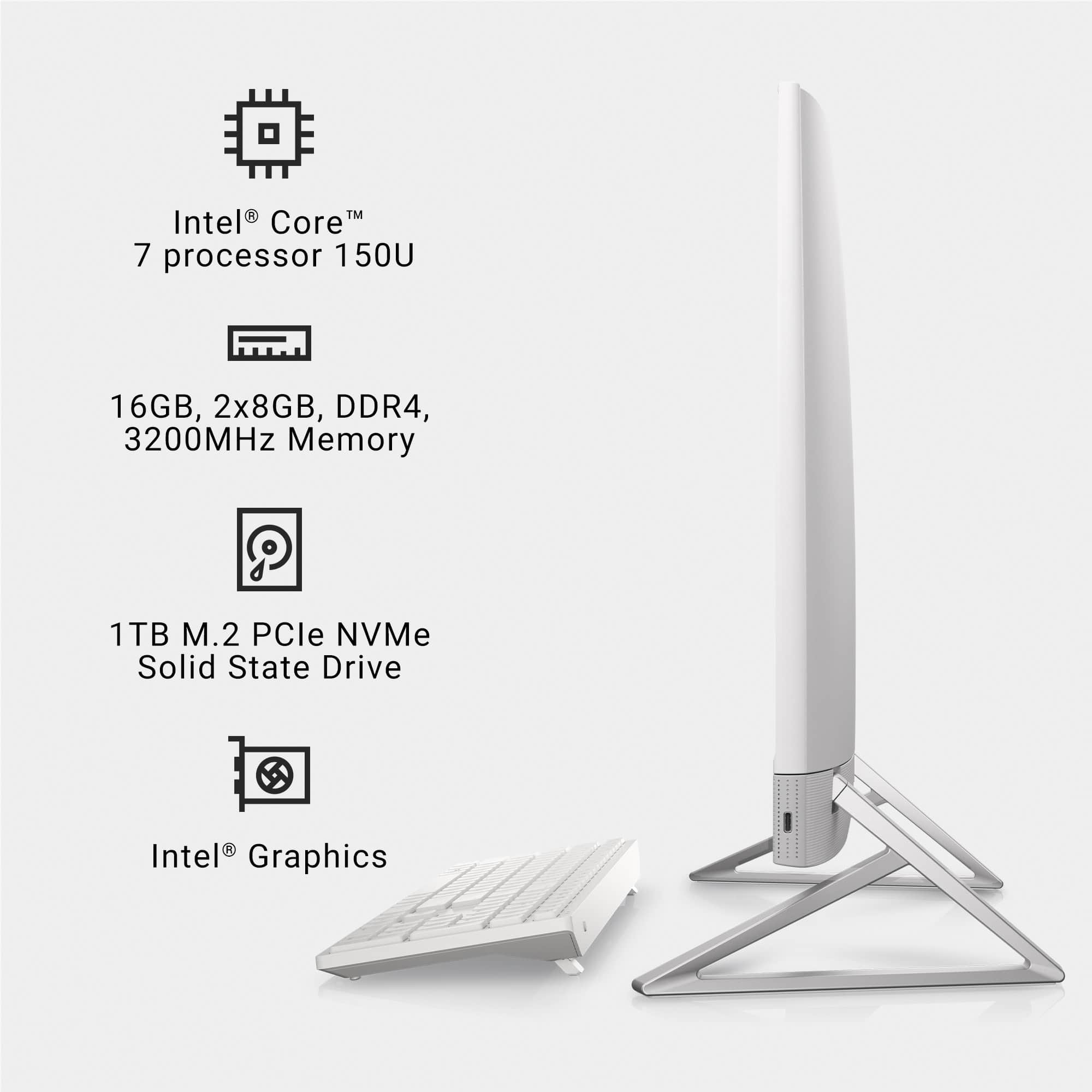
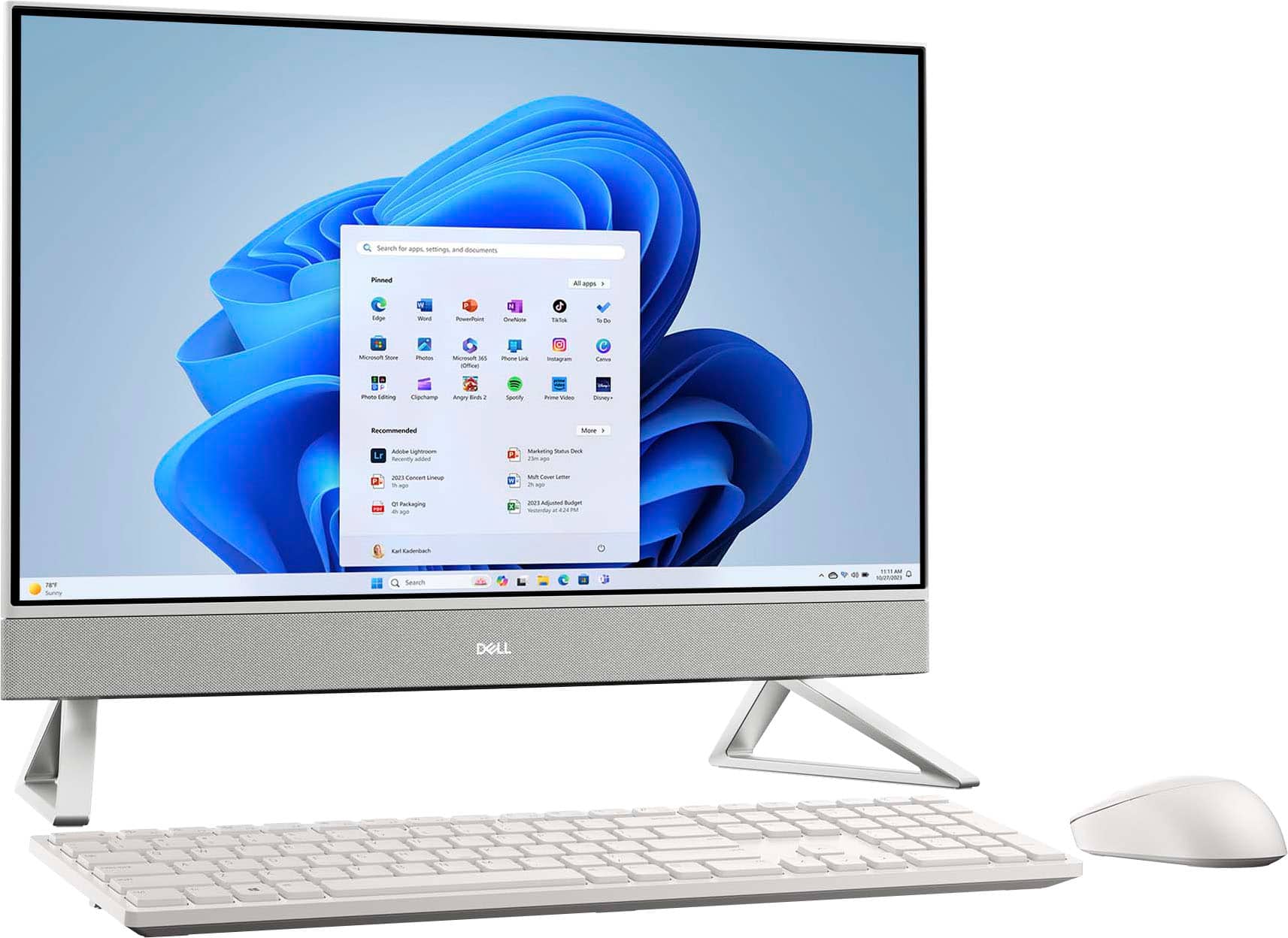
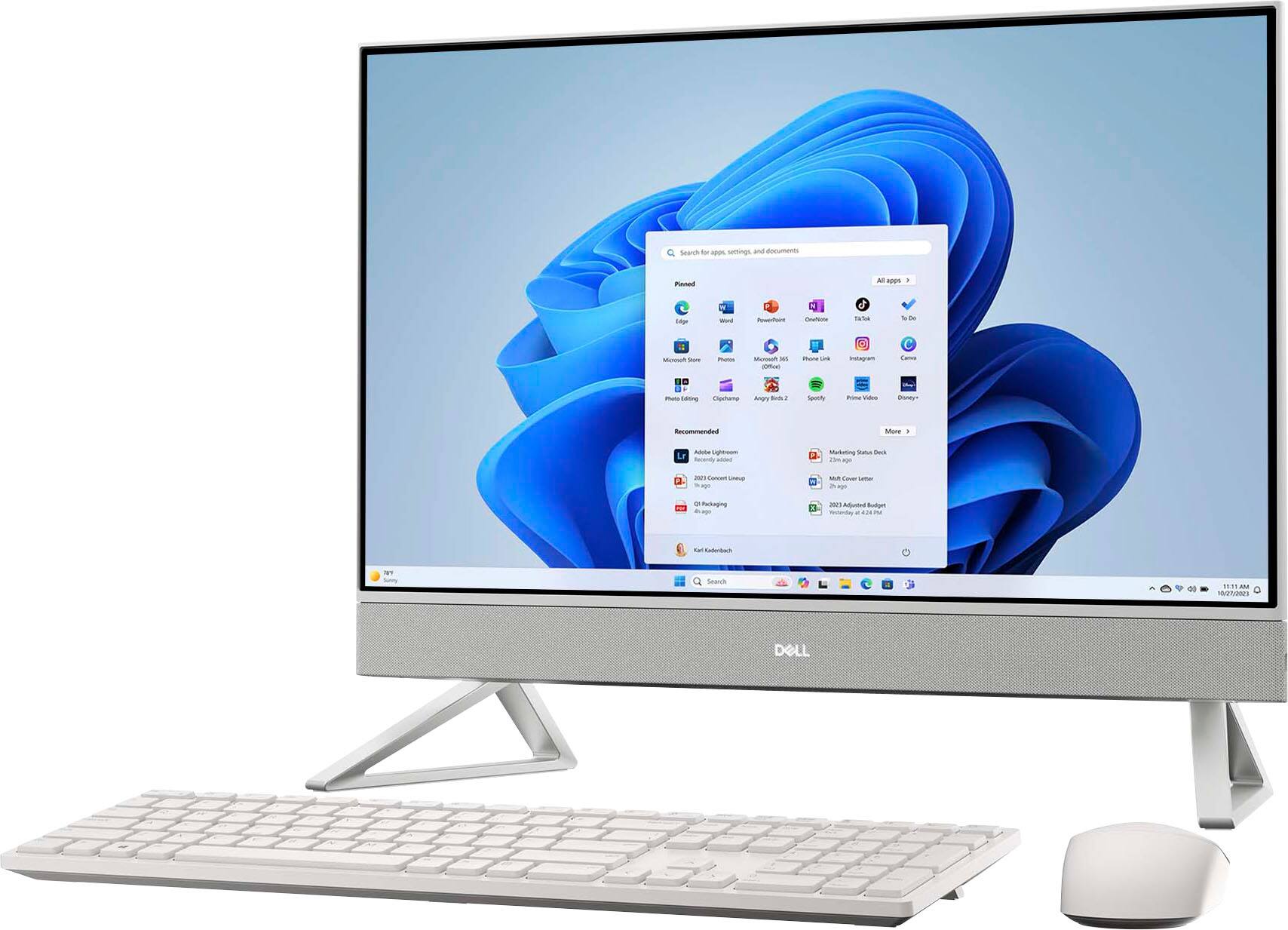
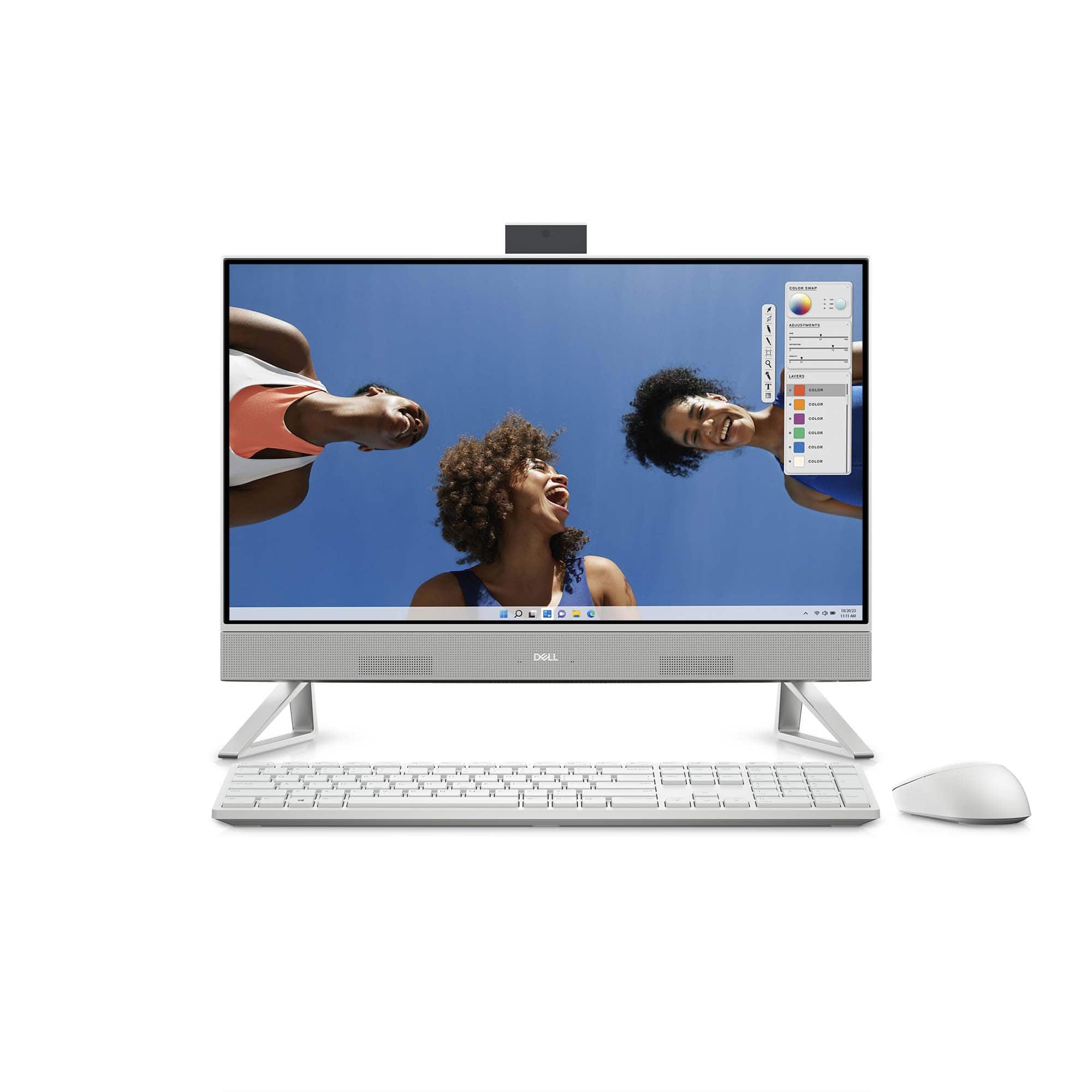
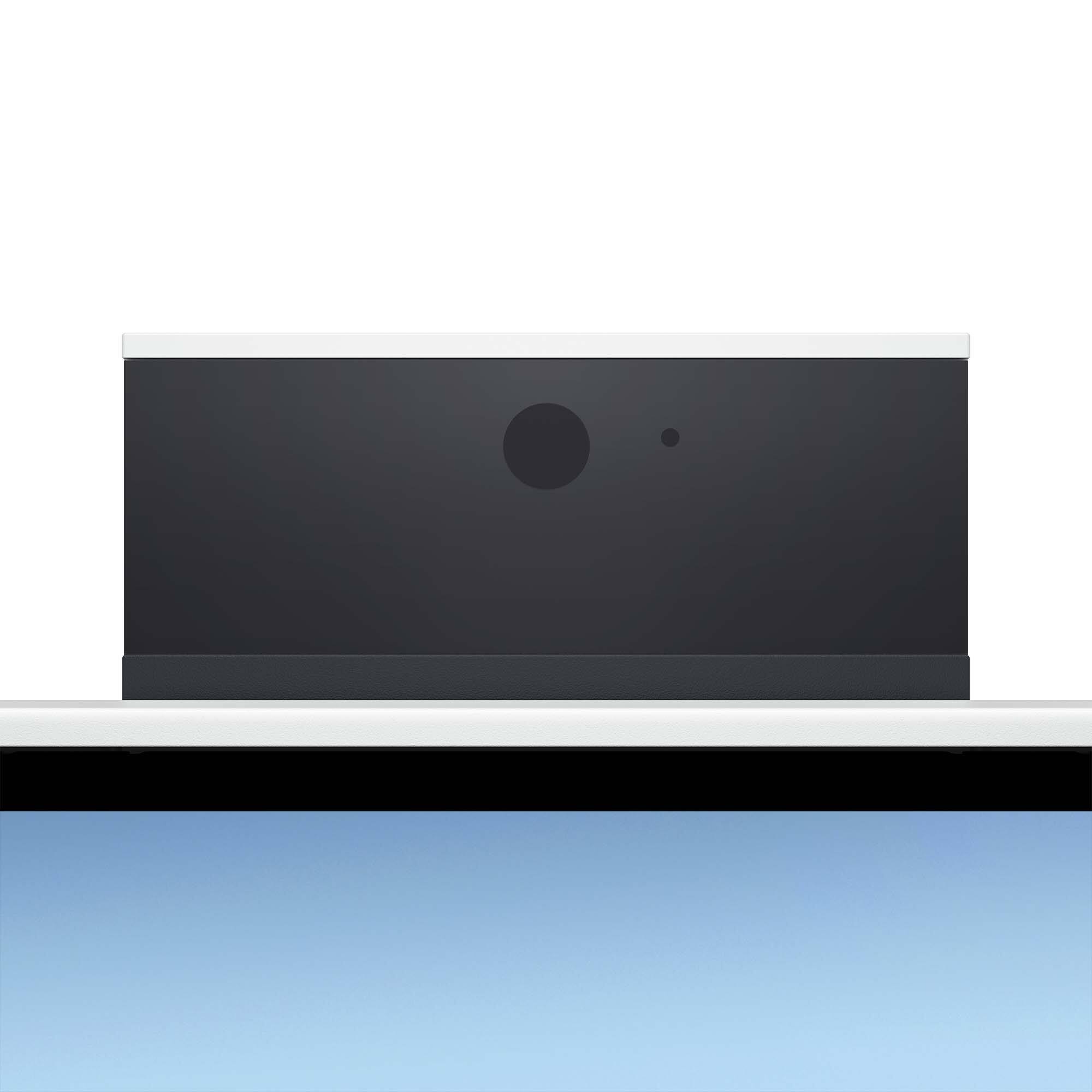
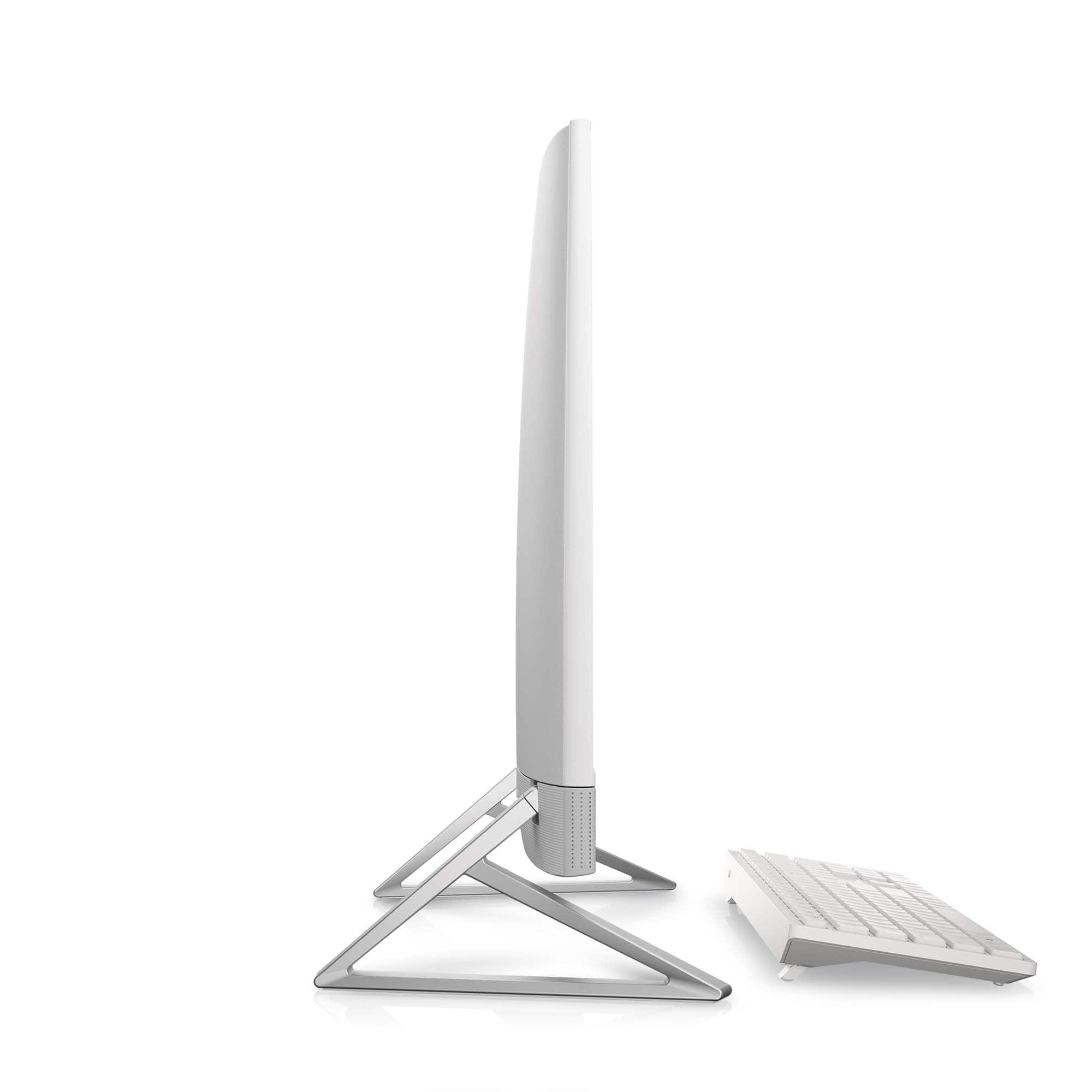
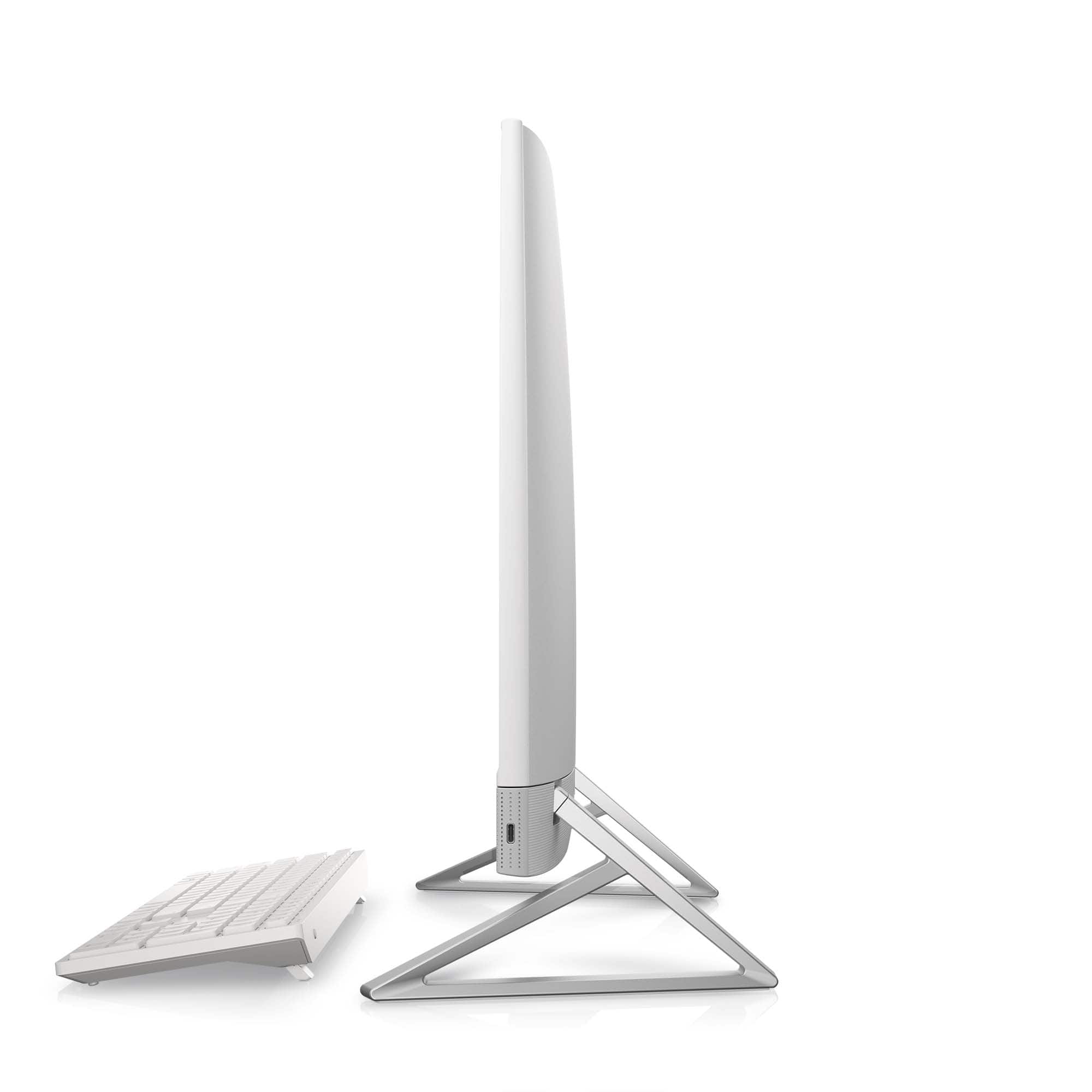
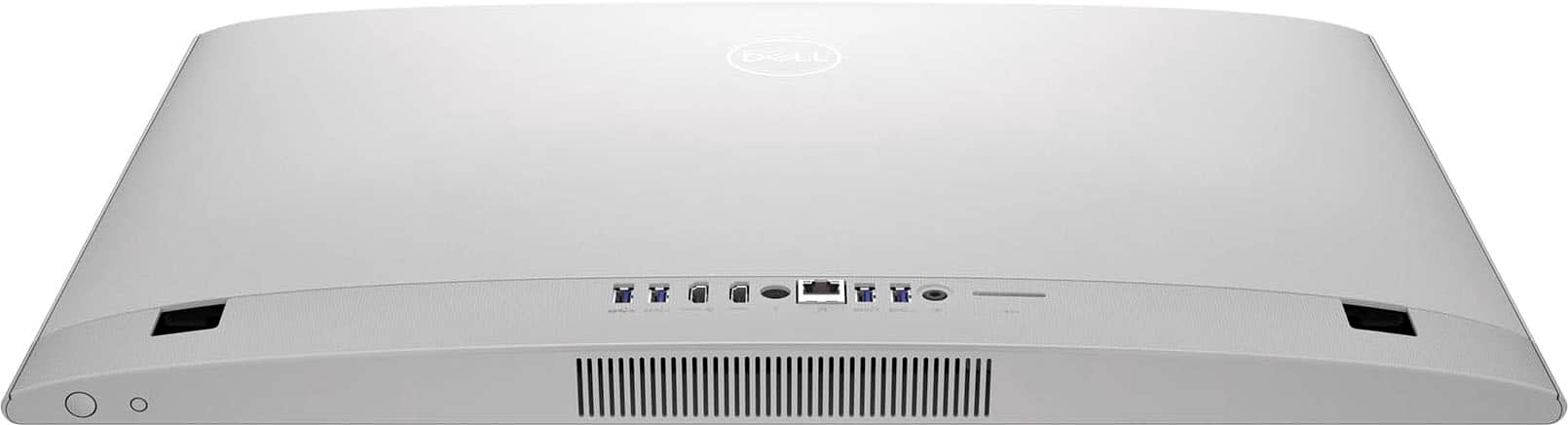


- Model:
- i5430-7111WHT-PUS
- SKU:
- 6577187
Rating by feature
- Value
Rating 4.6 out of 5 stars
- Quality
Rating 4.7 out of 5 stars
- Ease of Use
Rating 4.7 out of 5 stars
Customers are saying
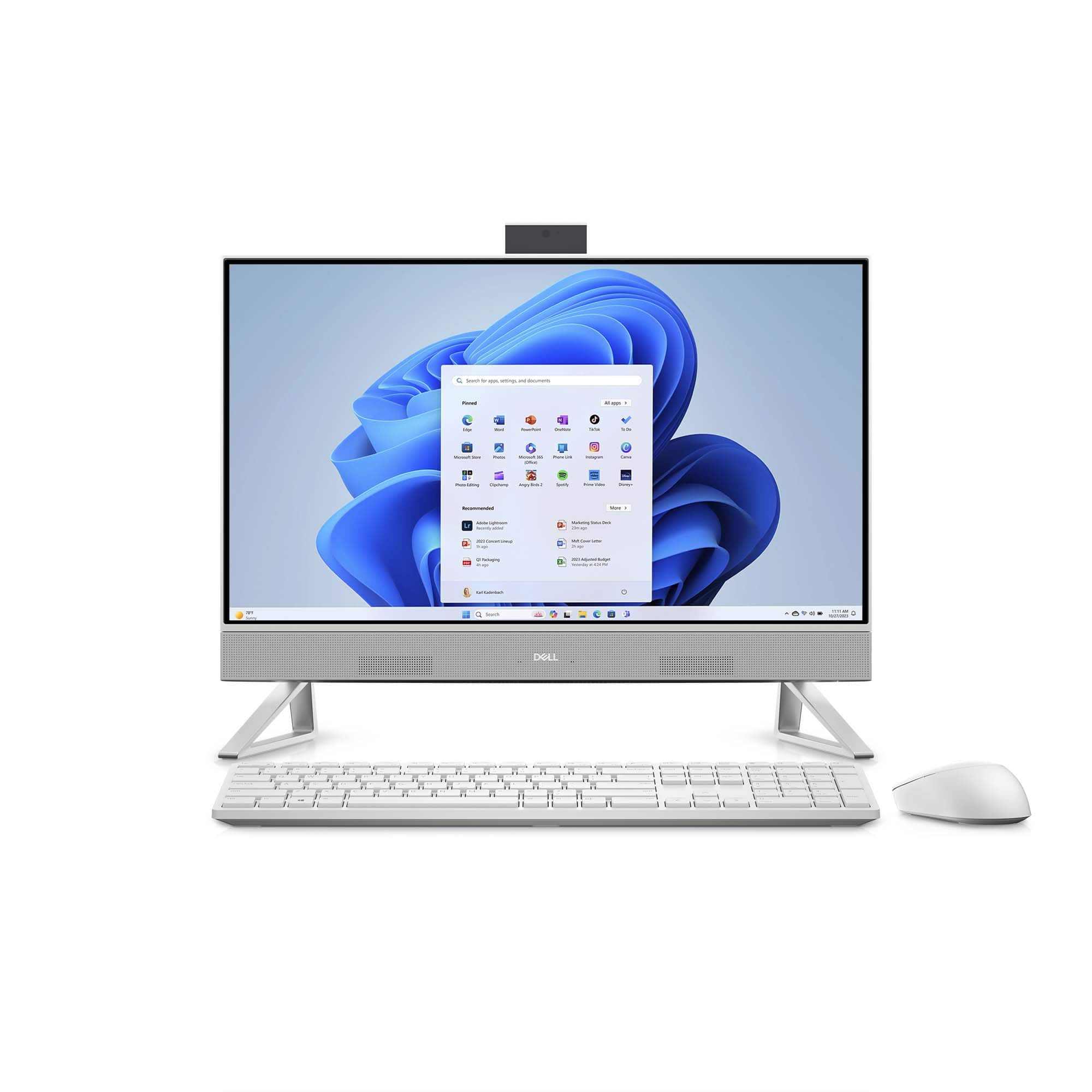
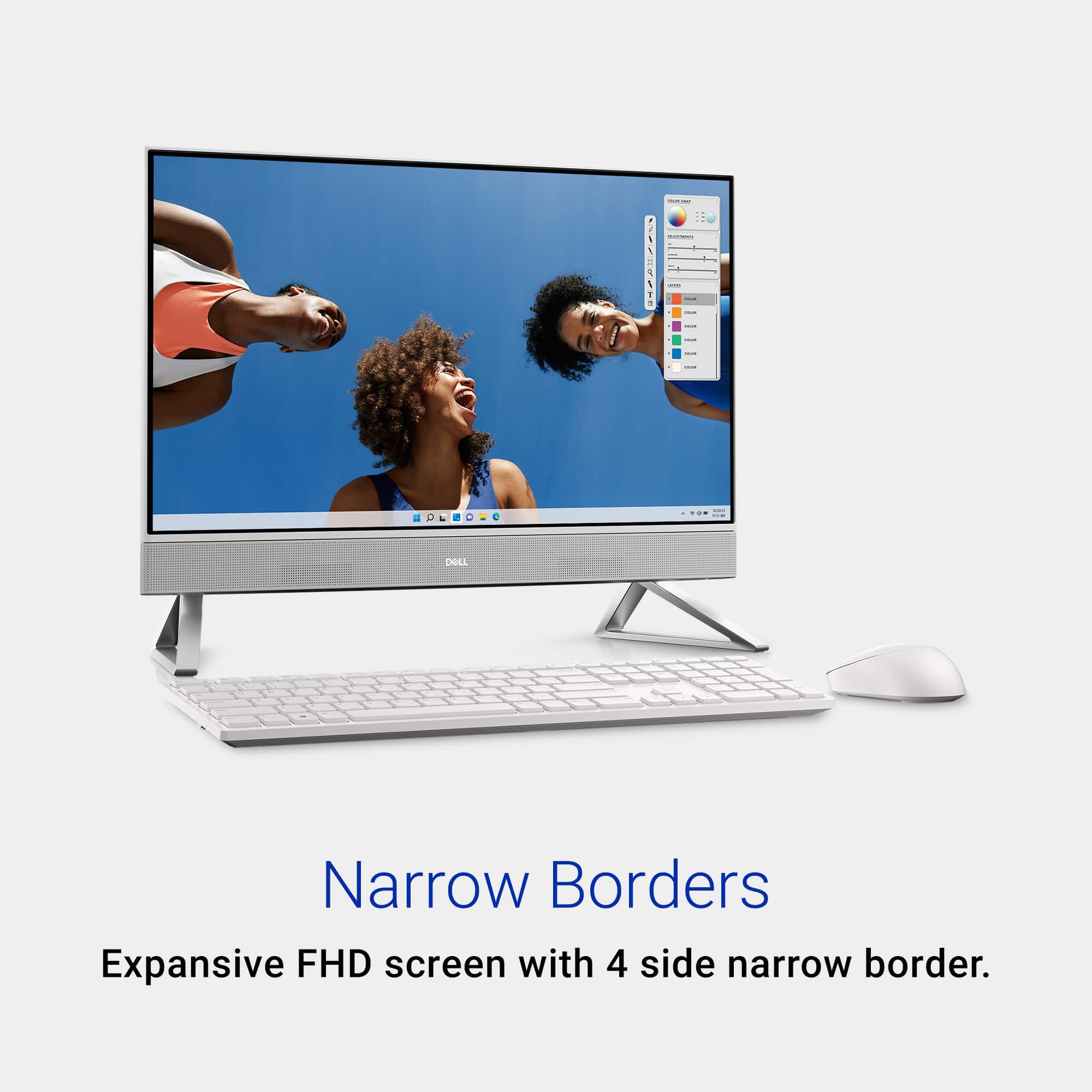
Customers are enthusiastic about the Inspiron 24" All-in-One's overall performance, ease of use, and large screen size, frequently praising its sleek design and convenient touchscreen functionality. Many appreciate the straightforward setup process and ample storage. However, some users experienced connectivity issues with the included keyboard and mouse.
This summary was generated by AI based on customer reviews.
Bloated with Junk - Don't Buy
Posted .This reviewer received promo considerations or sweepstakes entry for writing a review.Bought two of these for the office - they come so bloated with garbage it took me an hour and a half just to make it ready for staff. I had to restart it multiple times to get it to do anything. Will be avoiding Dell at all costs moving forward
No, I would not recommend this to a friendBrand response from YourDellTeam
Posted .Dear William,
We appreciate you taking the time to leave a review of your Dell Inspiron 24 All In One Desktop. We are sorry to hear that you are experiencing an issue with bloatware on your device. That is not the type of feedback we like to hear from our valued customers. We have noted the details of your statement and will use them to improve current and future products and services. Uninstalling or removing software or applications that you do not use or do not need from your PC can help speed up your PC. Applications may include background processes, system services, context menu entries and other things that can slow down your PC.
Uninstall applications you no longer need using Programs and Features (previously called Add/Remove Programs).
1. Press the Windows logo key + R on the keyboard.
2. In the Run dialog box, type appwiz.cpl and press the Enter key.
3. In the list, select a program and click Uninstall.
You can read the full article here — http://dell.to/2tSulGV.
If you are experiencing any issues or have any concerns or questions, please do not hesitate to get in touch with a Dell representative using the information provided below so that we can help you to your satisfaction.
Chat or call: https://bit.ly/DellSupportTeam
Phone number to Dell: 1-800-624-9896
Best,
Minhaj@Dell