Customer Ratings & Reviews
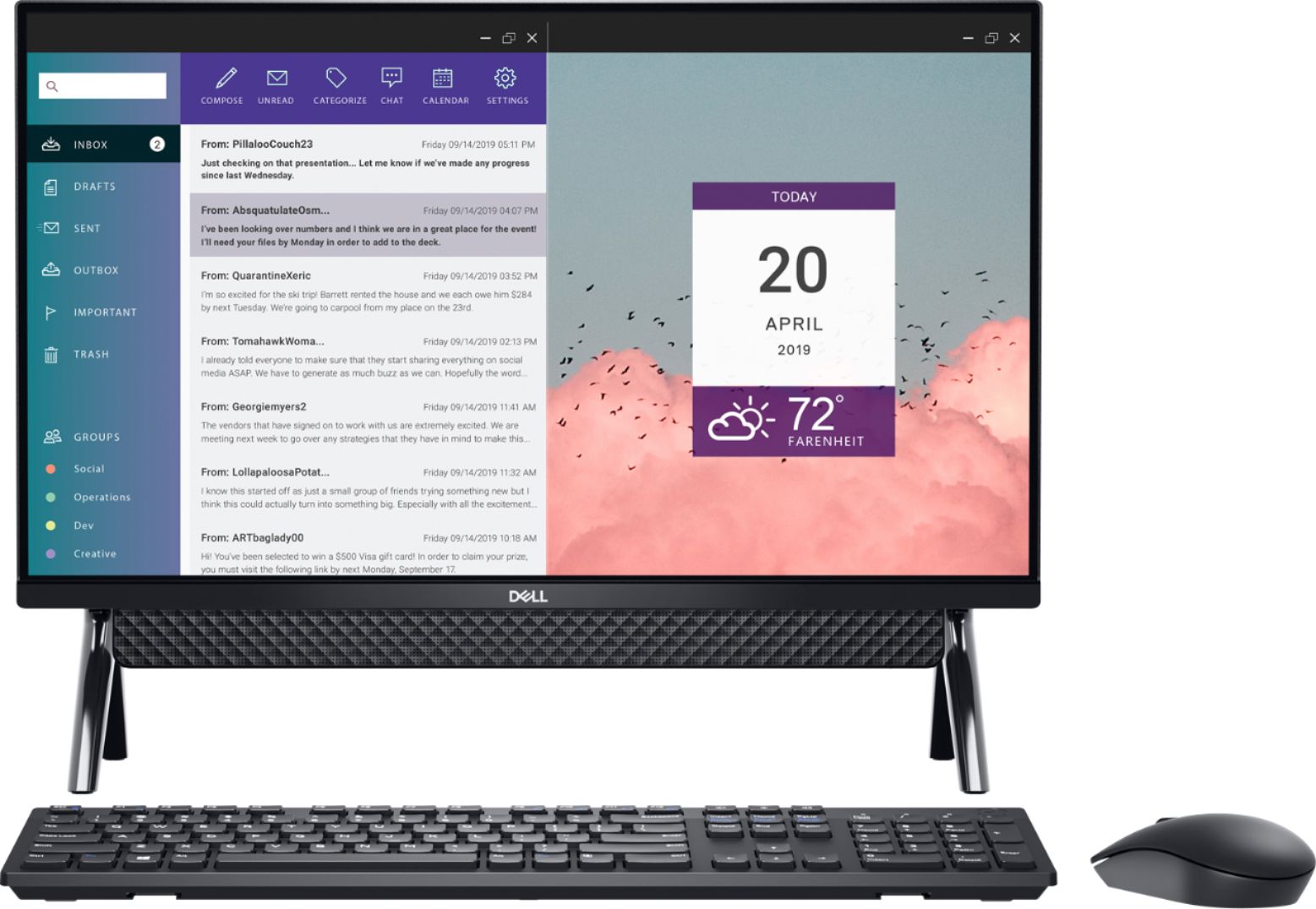
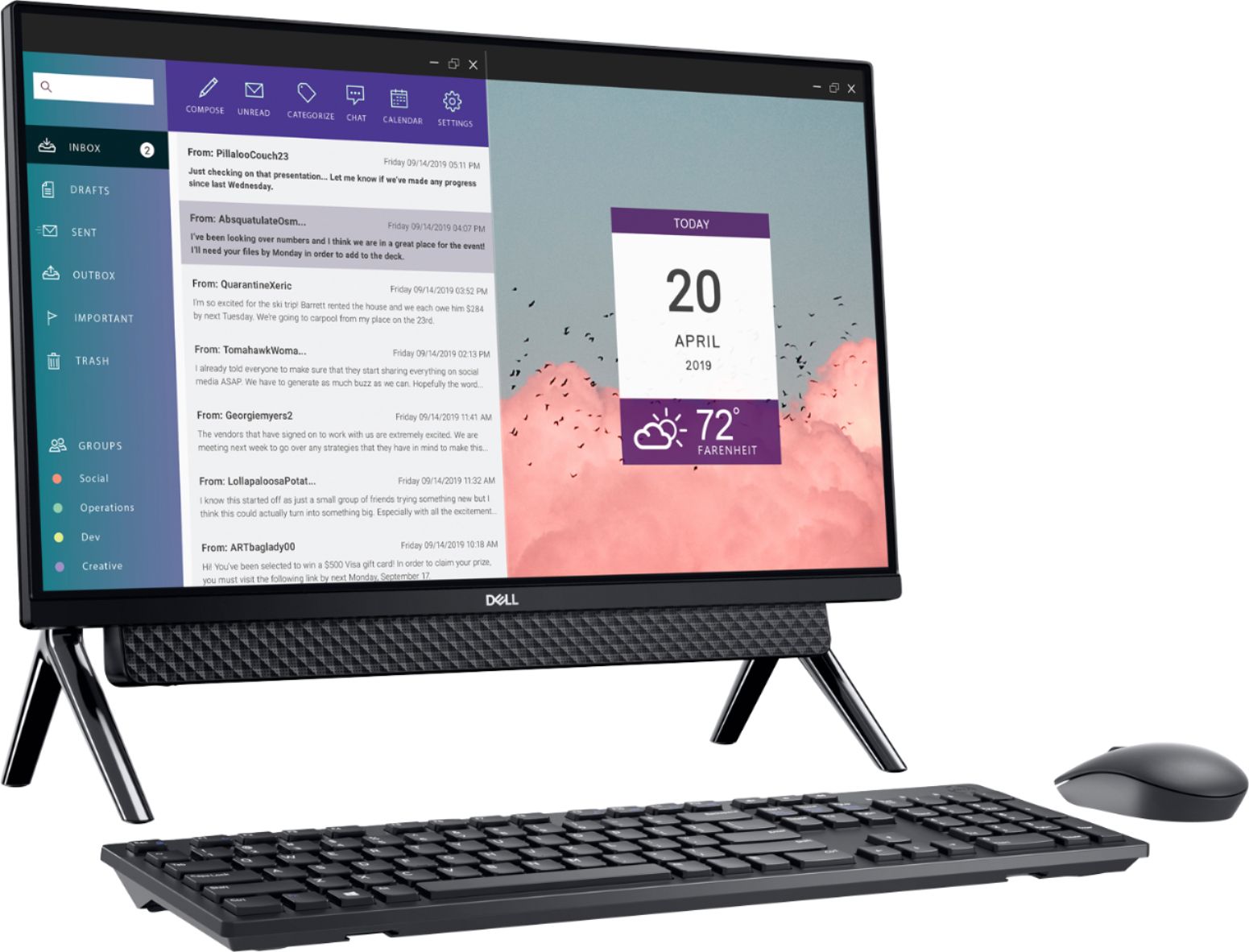
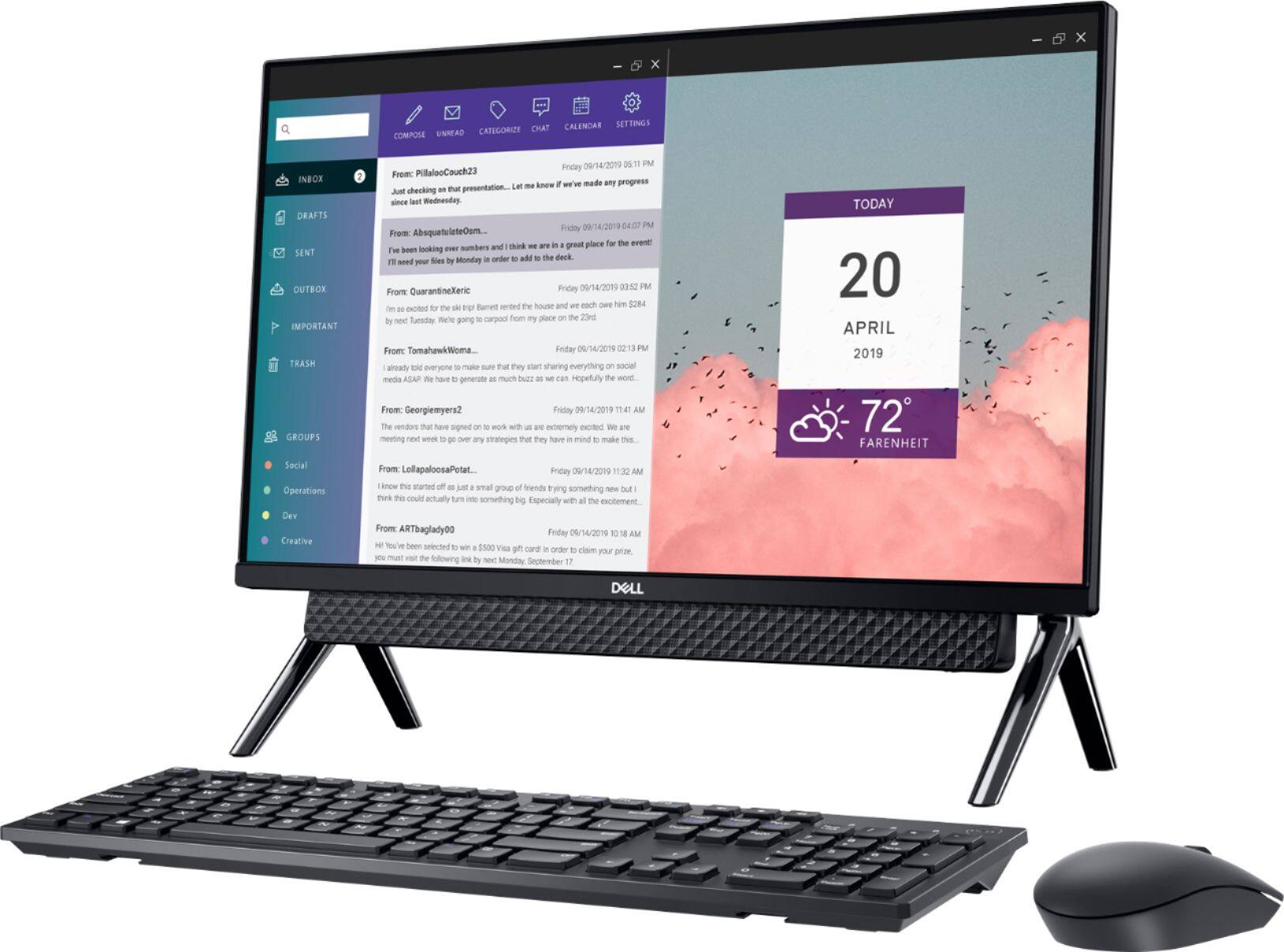
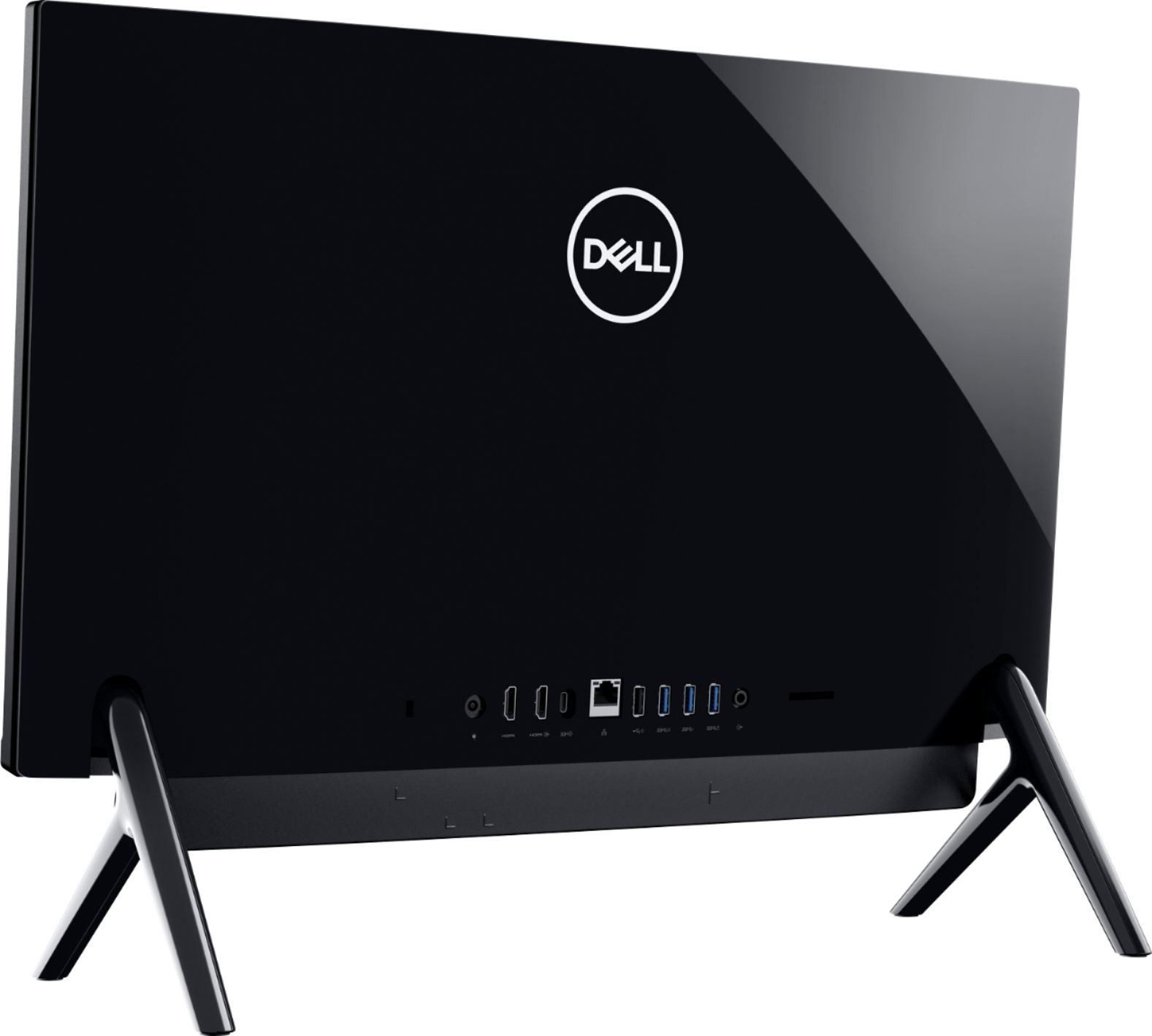
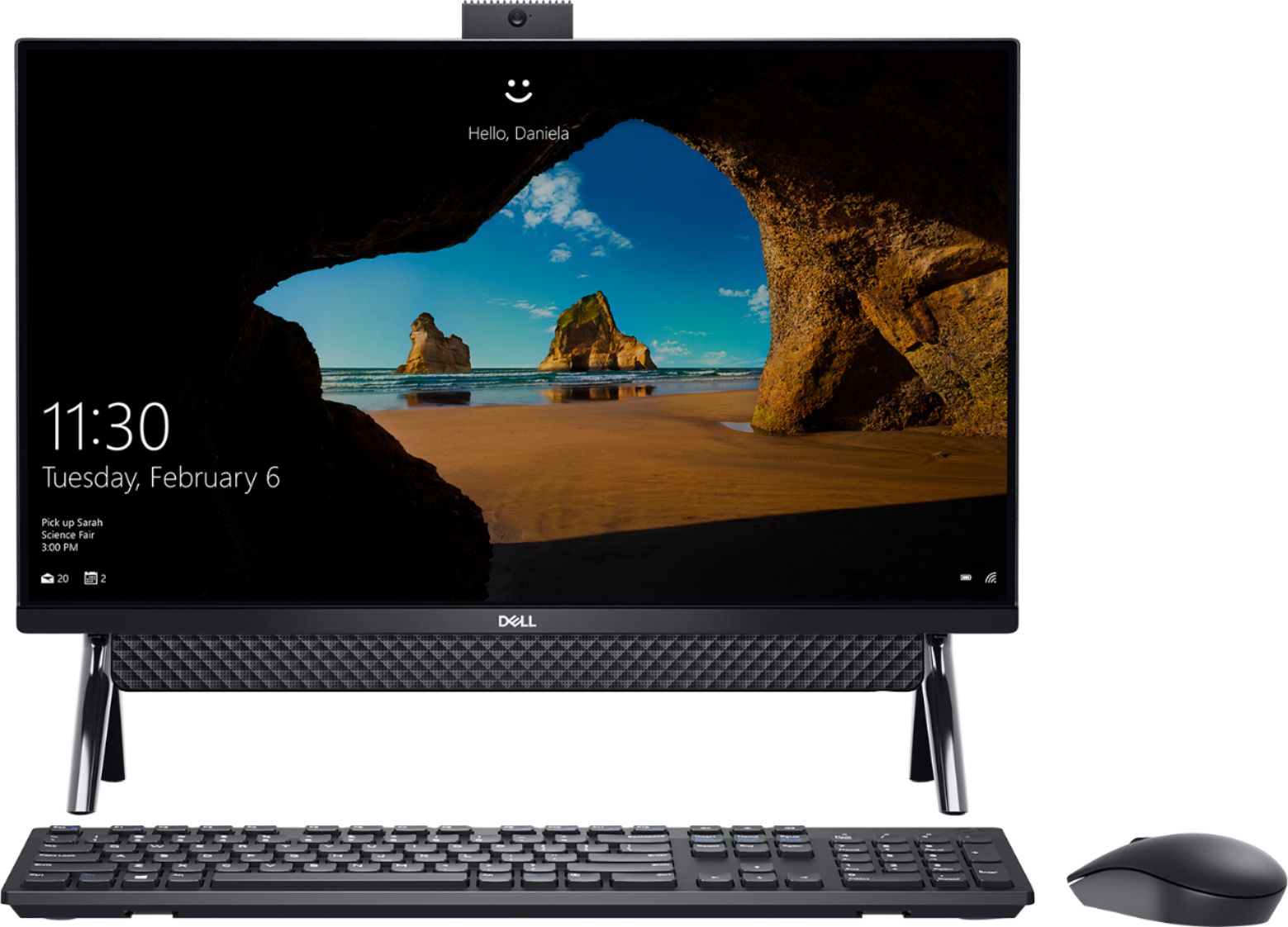
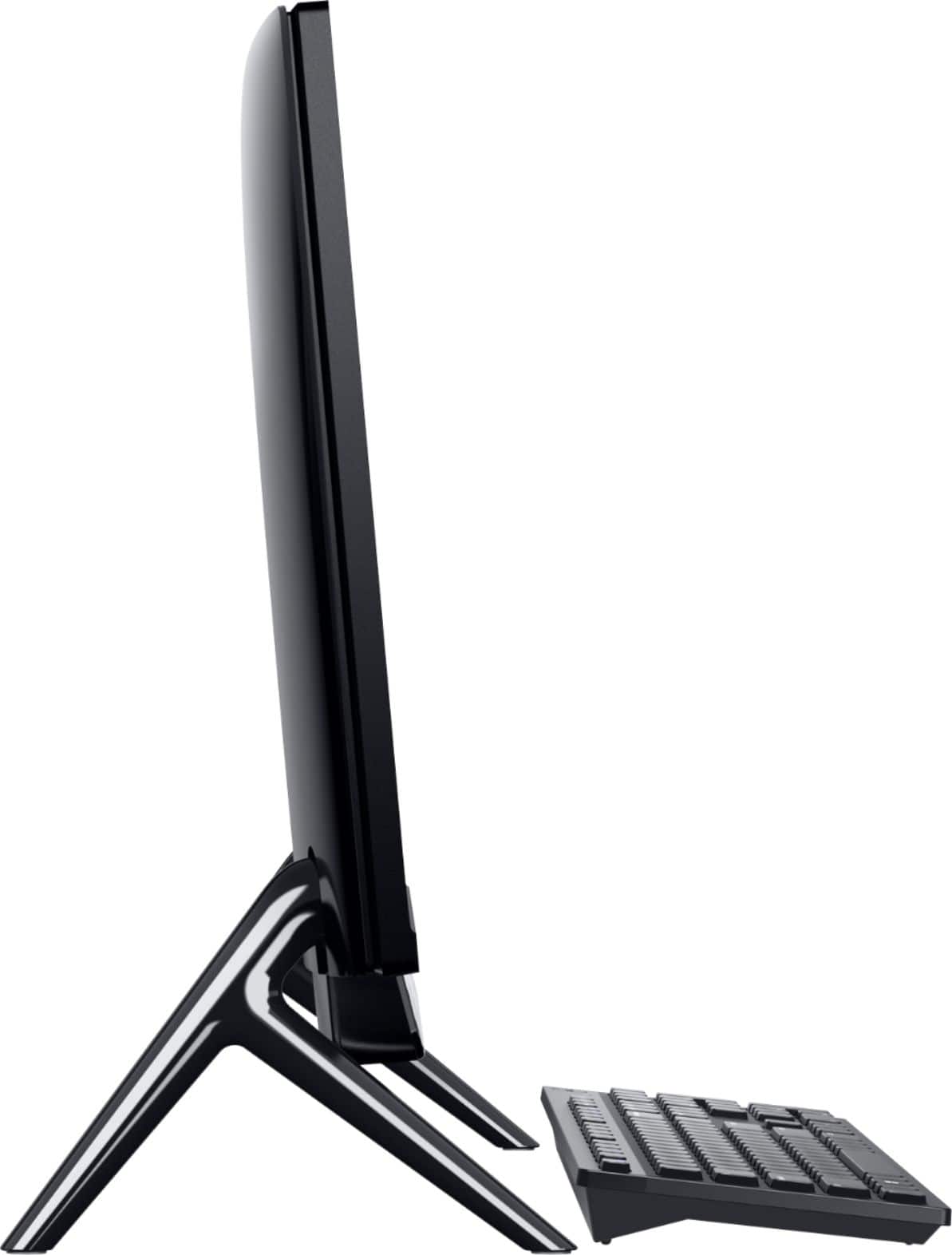
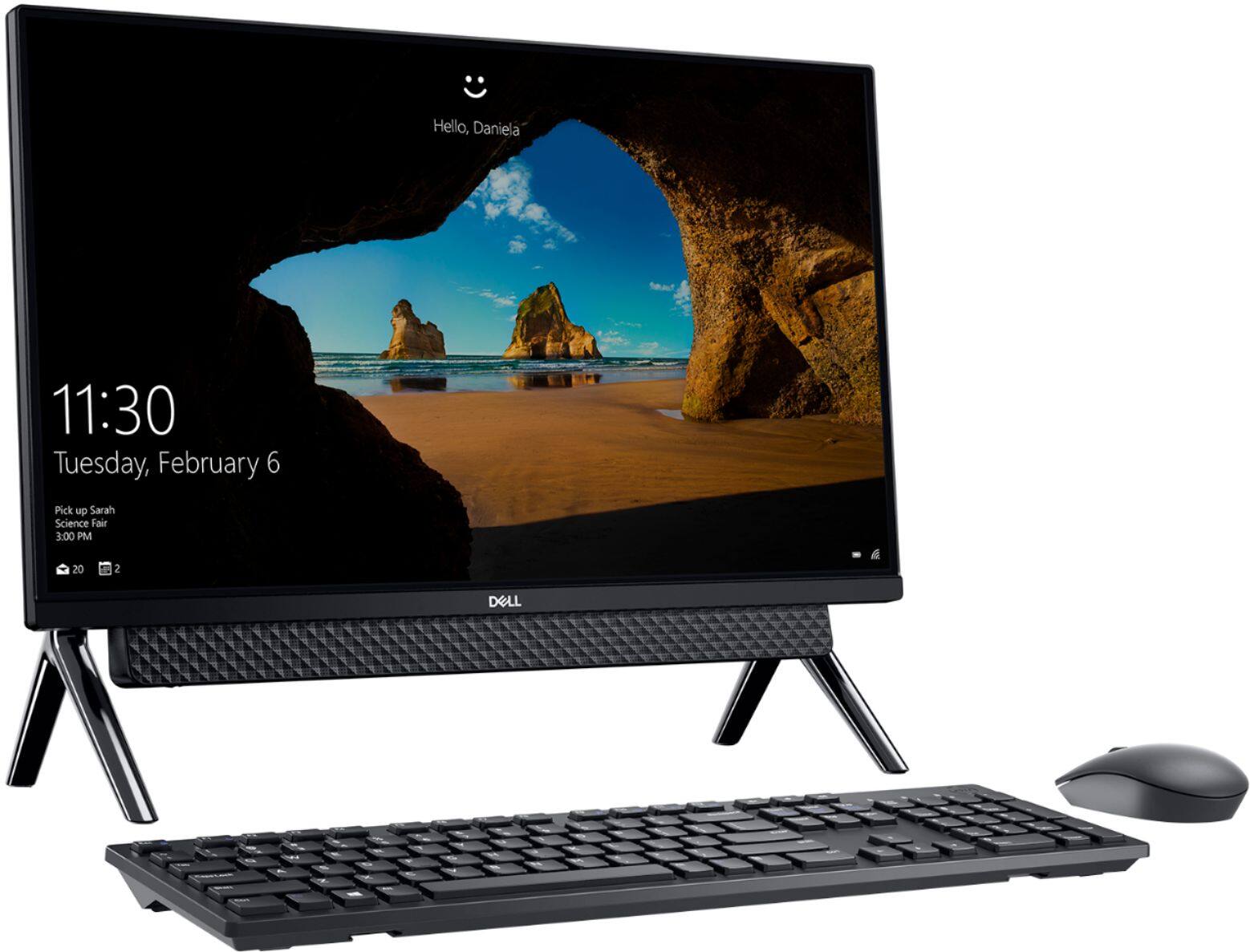
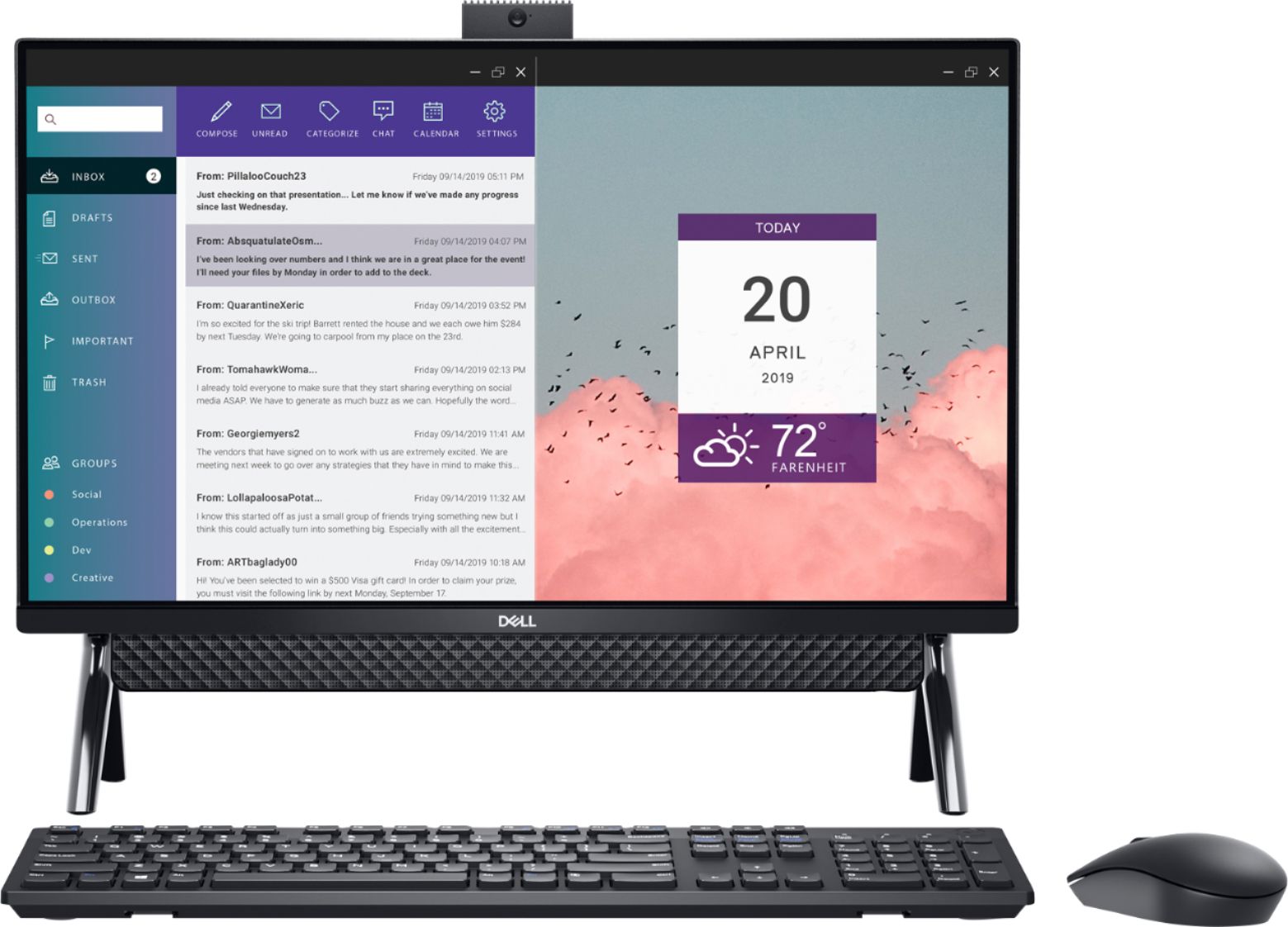

- Model:
- I5490-3930BLK-PUS
- SKU:
- 6398974
Rating by feature
- Value
Rating 4.6 out of 5 stars
- Quality
Rating 4.6 out of 5 stars
- Ease of Use
Rating 4.6 out of 5 stars
Customers are saying
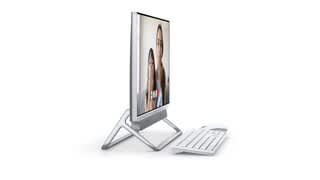
Customers highly value the ease of use and responsive touch screen of the Inspiron 24" All-in-One. Many appreciate the good picture quality from the camera and the overall system performance. While some users wish it included a CD drive, the positive feedback on usability and features outweighs this minor drawback. The compact size and reasonable price point are also frequently praised.
This summary was generated by AI based on customer reviews.
Dell desktop issues
||Posted . Owned for 1.5 years when reviewed.This reviewer received promo considerations or sweepstakes entry for writing a review.Broke after 12 months, spent another 200 getting it repaired. software issues were constant.
No, I would not recommend this to a friend- Pros mentioned:Touch screen
Do buy
||Posted . Owned for 3 weeks when reviewed.This reviewer received promo considerations or sweepstakes entry for writing a review.It was slow and had a bad camera but the touch screen was cool took it back and got the m1 imac
No, I would not recommend this to a friendBrand response from YourDellTeam
Posted .Hello,
Thank you for your review. We are glad to hear that you were pleased with the the touchscreen feature. We're sorry about the trouble you have encountered with the performance of your computer and the camera. To make sure we can help in the future there are steps below that can be used to improve performance overall.
1. Restart your computer regularly
2. Run the automated tools provided in the SupportAssist tool
3. Run a complete hardware diagnostic test
4. Scan your computer for malware
5. Restore your Dell computer using Windows System Restore
6. Reinstall Microsoft Windows
7. We'd also suggest checking to make sure that your software and drivers are up to date on Dell's Product Page - http://dell.to/3hmUpRy. This will ensure you have the best experience your system offers to date.
Here is the link to the full article to assist with your performance issue: https://dell.to/32wo0Ss. If you come across any further questions, or concerns, please visit the Support Page of your Inspiron.
Sincerely,
Wendy C.
https://bit.ly/DellSupportTeam.
Phone number to Dell: 1-800-264-9896.
Dismissive and unhelpful staff
||Posted . Owned for 3 weeks when reviewed.This reviewer received promo considerations or sweepstakes entry for writing a review.I believe the product may be fine, but the package I purchased the computer out of box (with the "protection package) which included an underpowered (read non original) power supply and a non functioning key board. Tried to get a quick exchange for an appropriate power supply and working key board, but staff was not helpful at all. Left the store and came back the next day with the entire unit and returned it. It has been over two weeks and I still remember the lack of problem solving from the staff. Being told that I should go purchase a new power cord (while I had also purchased the "protection package" was the icing on the cake. I usually do not bother to send a negative review but you asked. Highly unlikely to ever darken Best Buy's door after years of purchases. I have purchased the same machine from the manufacturer where they were actually helpful and not dismissive.
No, I would not recommend this to a friendReturned it
||Posted . Owned for 3 weeks when reviewed.This reviewer received promo considerations or sweepstakes entry for writing a review.Returned it Was not what I expected as far as the keyboard didn’t work and the mouse didn’t work just didn’t like it
No, I would not recommend this to a friendlooks good
||Posted . Owned for 3 weeks when reviewed.This reviewer received promo considerations or sweepstakes entry for writing a review.looks good but after a week of use had to have it repaired by the geeks, runs very very slow with nothing on it.
No, I would not recommend this to a friendBrand response from YourDellTeam
Posted .jjksr,
Thanks for your review. We're sorry to hear that your computer is running slower than you hoped it would. We'd recommend running the Windows Performance Troubleshooter to see if there are ways to speed up your computer's performance:
1. Close all open windows.
2. Press the Windows logo key + X key on the keyboard.
3. Click Control Panel.
4. Click System and Security.
5. Under Security and Maintenance, select Troubleshoot common problems.
6. Under System and Security, click Run maintenance tasks.
7. Follow the on-screen instructions and prompts to complete the process.
8. Restart the PC.
You can read the full article here - http://dell.to/2tSulGV.
Best,
Bryan
1-800-624-9896
Disappointed
||Posted . Owned for less than 1 week when reviewed.This reviewer received promo considerations or sweepstakes entry for writing a review.Disappointed!!! I was in the market for a new computer since my old Dell was beginning to freeze, unfortunately this new one does the same thing. It is super slow and pages take a long time to load, its as if all i did was upgrade the monitor and kept the old computer. My internet speed says i have 114 Mbps yet it still takes a page like 20 seconds to load? It has a bunch of stuff running that slow the computer down, and I couldnt prevent them from running.. The mouse is crap. I usually move the mouse on my leg because having your hand on top of the desk is very uncomfortable, and with this mouse I cant do that. The screen is nice because its not as bright as my old one so its easier on the eyes. Im having seconds thoughts about this and im actually thinking of returning it
No, I would not recommend this to a friendBrand response from YourDellTeam
Posted .Hello William909,
Thank you for sharing your experience. We are sorry to hear that the network performance of your system is not quite meeting expectations. We recommend you run the suite of tools found within the SupportAssist application regularly to ensure you have the latest experiences to date. SupportAssist will not only optimize your network connectivity but also update your firmware and drivers, delete junk files, and run diagnostics. If the issue persists, you are more than welcome to contact Dell support for further assistance.
Best Regards,
Anthony P.
Did not have a disc drive
||Posted . Owned for 2 weeks when reviewed.This reviewer received promo considerations or sweepstakes entry for writing a review.We use several programs that use disc drives n addons accessory used up to much space on the desk and ports
No, I would not recommend this to a friendBrand response from YourDellTeam
Posted .Norma,
We're sorry to hear that your new All-In-One is not completely meeting your needs. If you have any technical questions about your computer please check out our Product Support Page here: https://dell.to/3k7cFQ1.
Best,
Bryan
1-800-624-9896
Satisfied
||Posted . Owned for 2 weeks when reviewed.This reviewer received promo considerations or sweepstakes entry for writing a review.Not as easy to set up as the HP Pavilion, but for the price I like it and am so far satisfied.
I would recommend this to a friendBrand response from YourDellTeam
Posted .Jmfd,
Thanks for your review and we're glad that your computer is working well so far. If you have any technical questions about your computer you can check our Product Support Page here: https://dell.to/3k7cFQ1.
Best,
Bryan
1-800-624-9896
hate it
||Posted . Owned for less than 1 week when reviewed.This reviewer received promo considerations or sweepstakes entry for writing a review.I just got this computer and I hate it already!!! The keyboard and mouse don't work to start with. It won't accept my printer or my wireless router. Good thing I had my old ones! I have been trying to set this thing up for 2 1/2 days now and the only thing I am getting is aggravated. My old one will be up and running by the end of today.
No, I would not recommend this to a friendBrand response from YourDellTeam
Posted .pattireck,
Thanks for your review and we're sorry to hear about the struggles that you're having. We'd recommend running the Dell SupportAssist app to help with setting up your computer so that all of the current drivers and software are installed. Please check to see if there are drivers that need to be installed for your printer and for your wireless router also.
If you have any questions about your computer you can check our Product Support Page here: https://dell.to/3k7cFQ1.
Best,
Bryan
1-800-624-9896
Dell
||Posted . Owned for 1 month when reviewed.This reviewer received promo considerations or sweepstakes entry for writing a review.This is product is not a simple setup. I am still working on some of the bugs.
No, I would not recommend this to a friendBrand response from YourDellTeam
Posted .Oscar54,
Thanks for your review and we're sorry to hear about the difficulty that you've had setting up your new All-In-One. We'd recommend that you use Dell's Support Assist App in order to ensure that you have all of the most up to date Drivers and Software installed on your computer.
If you need additional assistance setting up your computer we'd recommend checking the setup guide for your computer here: https://dell.to/3iUJJJ2.
Best,
Bryan
1-800-624-9896
It does what it need to do... BASIC
||Posted . Owned for 1 month when reviewed.This reviewer received promo considerations or sweepstakes entry for writing a review.This is my first desktop, I am adjusting to it. It has it perks...
No, I would not recommend this to a friendBrand response from YourDellTeam
Posted .Hello Median,
Thank you for your review. We really do appreciate it. If you come across any further questions, issues or concerns, please use the information below to contact Dell Support at your earliest convenience.
Best regards,
Wendy C.
For further assistance, you can contact Dell directly with the information below Chat or Call:
https://bit.ly/DellSupportTeam.
Phone number to Dell: 1-800-264-9896.
trouble shooting
||Posted . Owned for 3 weeks when reviewed.This reviewer received promo considerations or sweepstakes entry for writing a review.still had problems. spoke to rueben, got issue resolved. as of 10-17
I would recommend this to a friendBrand response from YourDellTeam
Posted .marquis11,
Thanks for your review. We're glad that the issues that you were having have been resolved. If you have any further issues with your computer please check our Product Support Page here: https://dell.to/2Baf8r4.
Best,
Bryan
1-800-624-9896
Not good at all
||Posted . Owned for 1 month when reviewed.This reviewer received promo considerations or sweepstakes entry for writing a review.Not a good quality want to send it bsck and get a different one
No, I would not recommend this to a friendBrand response from YourDellTeam
Posted .Jaws,
We're sorry to hear that you're not happy with your computer's performance so far. We'd recommend checking out our Product Support Page if you have any questions about your computer: https://dell.to/3k7cFQ1.
Best,
Bryan
1-800-624-9896
Speakers Didn't Work Properly
||Posted . Owned for 1 month when reviewed.This reviewer received promo considerations or sweepstakes entry for writing a review.Returned because we kept having issues with speakers.
No, I would not recommend this to a friendBrand response from YourDellTeam
Posted .Hello CSACC,
We are sorry to hear that you experienced difficulties with your Inspiron and apologize for the inconvenience. For reference, Dell Support is available over the phone, online, and via email to provide further assistance should you ever need it.
We do thank you for your purchase and hope you will reconsider us in the future.
Best Regards,
Anthony P.
1-800-624-9896
power problem in less than 2 months
||Posted . Owned for 2 months when reviewed.This reviewer received promo considerations or sweepstakes entry for writing a review.I bought this online less than 2 months ago, the computer is turning itself off in the middle of the night on a regular basis and becomes completely unresponsive in anyway. The only way to get it back on is to pull the AC power and do a hard reset. This is for a home office that was a result of the pandemic, very disheartening as something is wrong and now will have to try and track down a service location, and be without a PC when I need it most.
No, I would not recommend this to a friendBrand response from YourDellTeam
Posted .David,
We're sorry to hear about the power issues that you've been having on your computer. If you are having issues with your computer turning off when it's asleep you may want to try the steps on the following page: https://intel.ly/2BlmpED. Please consider unchecking the box in the Power Management tab that allows the computer to turn off the device to save power.
Best,
Bryan
1-800-624-9896
1st and 2nd one both horrible!!
||Posted . Owned for 1 week when reviewed.This reviewer received promo considerations or sweepstakes entry for writing a review.This computer is horrible!!! First one the screen was all messed up with lines! The 2nd is worse!!! It has lines across it, all foggy and flickers non-stop! Hope I have time to return it tomorrow!! Done with this computer!! Don’t waste your money
No, I would not recommend this to a friendBrand response from YourDellTeam
Posted .Heather,
We are sorry to hear about the issues that you've had with your new computer. Here are some tips to help with your screen flickering: https://dell.to/37eDXPV.
If you'd like to make adjustments to your display you can read this article: https://dell.to/2J2BoVV.
Best,
Bryan
1-800-624-9896
I dont remember buying this
||Posted . Owned for 1 year when reviewed.This reviewer received promo considerations or sweepstakes entry for writing a review.I dont rem3emger buying thisa computer. I must have gifted it to someone
No, I would not recommend this to a friendDell computers are garbage!
||Posted . Owned for more than 2 years when reviewed.This reviewer received promo considerations or sweepstakes entry for writing a review.This is the worst computer I have ever had! Just crashed and every time I used it it was super slow and always had an issue wether I had to restarted it or took for ever to load! Very slow computer! Not worth the purchase!
No, I would not recommend this to a friendBrand response from YourDellTeam
Posted .Hey JoeyV,
We want to thank you for taking the time to leave us a review of your Inspiron 24” all-in-one touchscreen. We value your feedback and want to help you resolve your issue. We are sorry to hear that you are experiencing an issue with the performance of your device. Below I have provided steps to help resolve your issue.
Here are the steps to help you with slow performance issues:
1. Run the automated tools in SupportAssist to ensure that the drivers are up to date and your computer is optimized.
2. Restart the computer
3. Run a hardware diagnostic test
4. Scan your computer for malware
5. Restore the computer using Windows System Restore
6. Restore the computer to factory default settings
You can read the article that can help you with slow performance issues here: https://dell.to/3yqre8r
How to Improve the Performance of a Dell Laptop Battery: http://dell.to/2vfXWf4
Should you need further assistance; we recommend that you contact Dell directly with the information below.
Chat or call: https://bit.ly/DellSupportTeam
Phone number to Dell: 1-800-624-9896.
Best,
Summer@Dell
Meh
||Posted . Owned for 3 weeks when reviewed.This reviewer received promo considerations or sweepstakes entry for writing a review.Product worked great and completely broke down a week later.
No, I would not recommend this to a friendBrand response from YourDellTeam
Posted .Hello John,
Thank you for sharing your experience. We are sorry to hear that your Inspiron stopped working so abruptly. We understand how frustrating this can be. We would love to assist you with any troubleshooting needs but would need a little more information. Please feel free to reach out to Dell Support directly using the information below via Chat or Call.
Best,
Wendy C.
https://bit.ly/DellSupportTeam.
Phone number to Dell: 1-800-264-9896.
Dont Buy Dell Inspiron 24"
||Posted . Owned for 1.5 years when reviewed.This reviewer received promo considerations or sweepstakes entry for writing a review.I never give bad review! I bought this computer on 2/4/21 and on 8/22 it stop working. I took it back to Best Buy and the lady said it wasn't worth fixing. The first time using Dell I would not recommended.
No, I would not recommend this to a friendBrand response from YourDellTeam
Posted .Dear LilliamE,
We appreciate you taking the time to leave us your review. We apologize for the troubles you have encountered with your Dell Inspiron 5490 AIO computer. This is certainly not the experience that we like to hear from our customers. We appreciate your feedback and will use it to help improve our current and future products.
I have provided a link to help resolve the booting issue (power issues). On that page, you can choose between, no power, no post, no boot, or no video. Once you choose you can find the options to help troubleshoot and resolve that issue. We would also suggest making sure all your drivers and downloads are up to date on your PC. I have also given you a link below to the Drivers and Downloads page for your computer.
Resolve Boot Up Issues: https://dell.to/3sdfce6
Drivers and Downloads Page: https://dell.to/38F1UTM
If the issue with your computer is still not resolved after utilizing the troubleshooting options above, please contact the Dell Support Team at 1-800-624-9896 for further guidance.
Best,
Katarina@Dell
Should you need further assistance, you can contact Dell directly with the information below.
Chat or call: https://bit.ly/DellSupportTeam
Phone number to Dell: 1-800-624-9896