Customer Ratings & Reviews
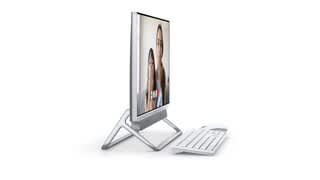

- Model:
- I5490-3930BLK-PUS
- SKU:
- 6398974
Rating by feature
- Value
Rating 4.6 out of 5 stars
- Quality
Rating 4.6 out of 5 stars
- Ease of Use
Rating 4.6 out of 5 stars
Customers are saying
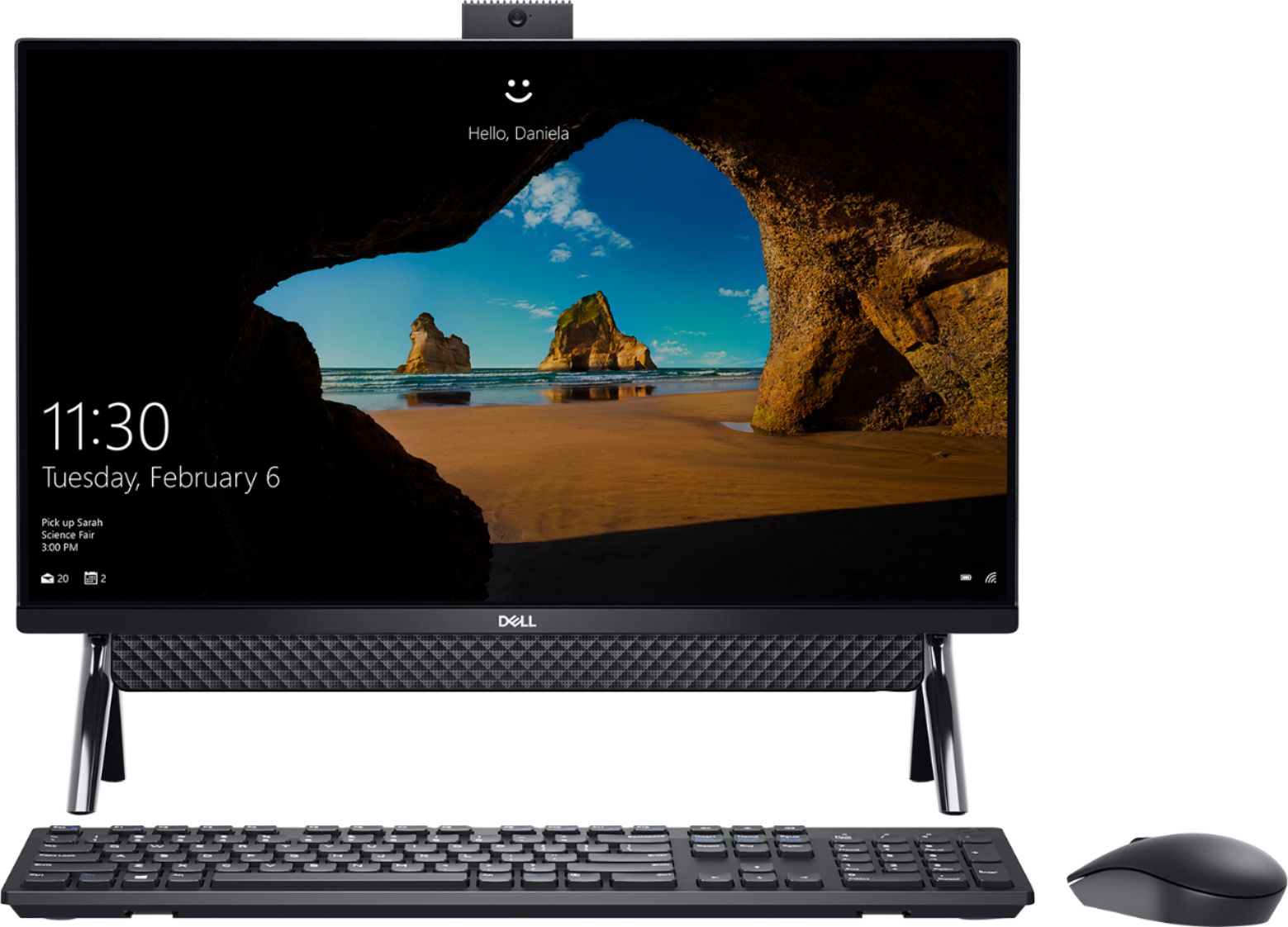
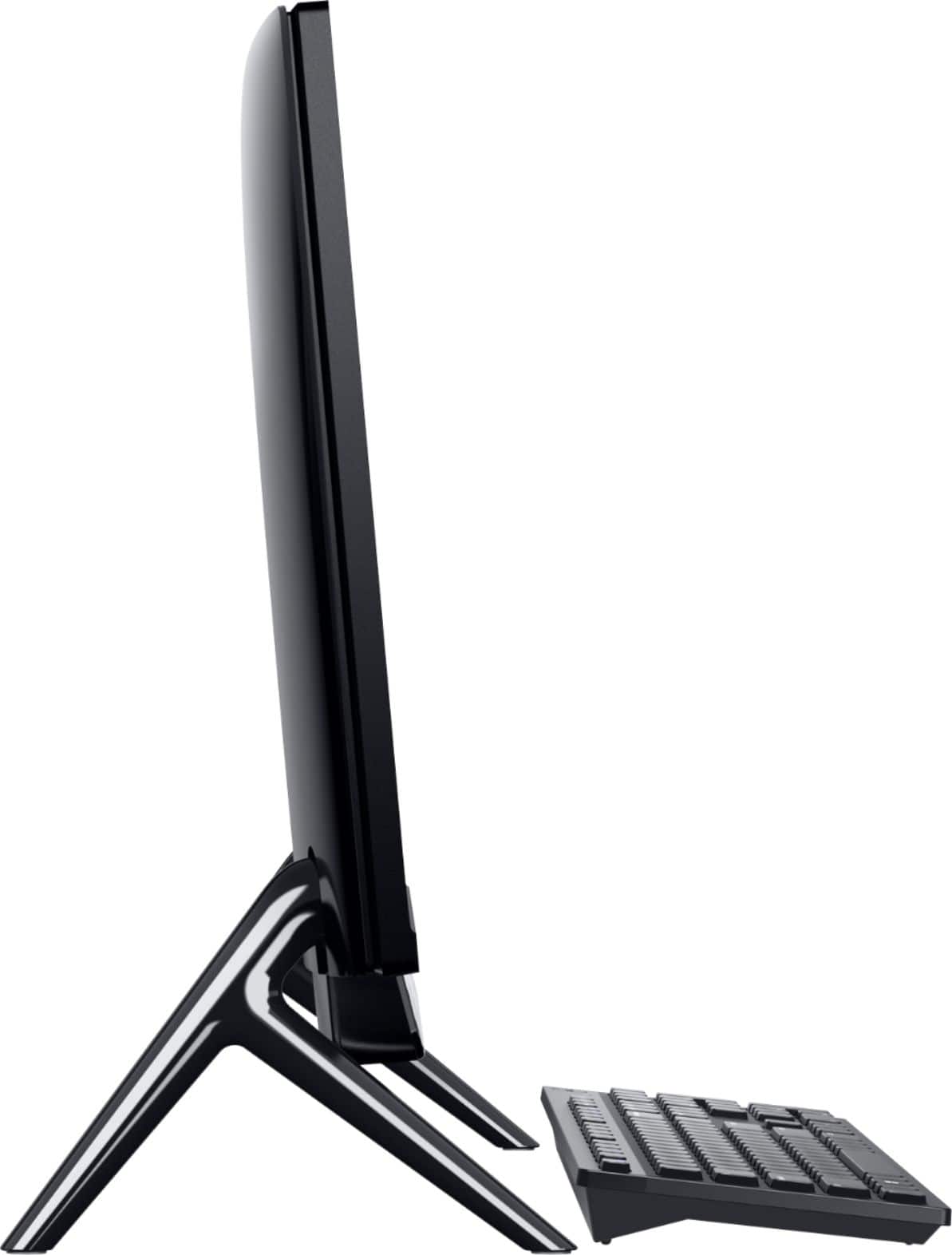
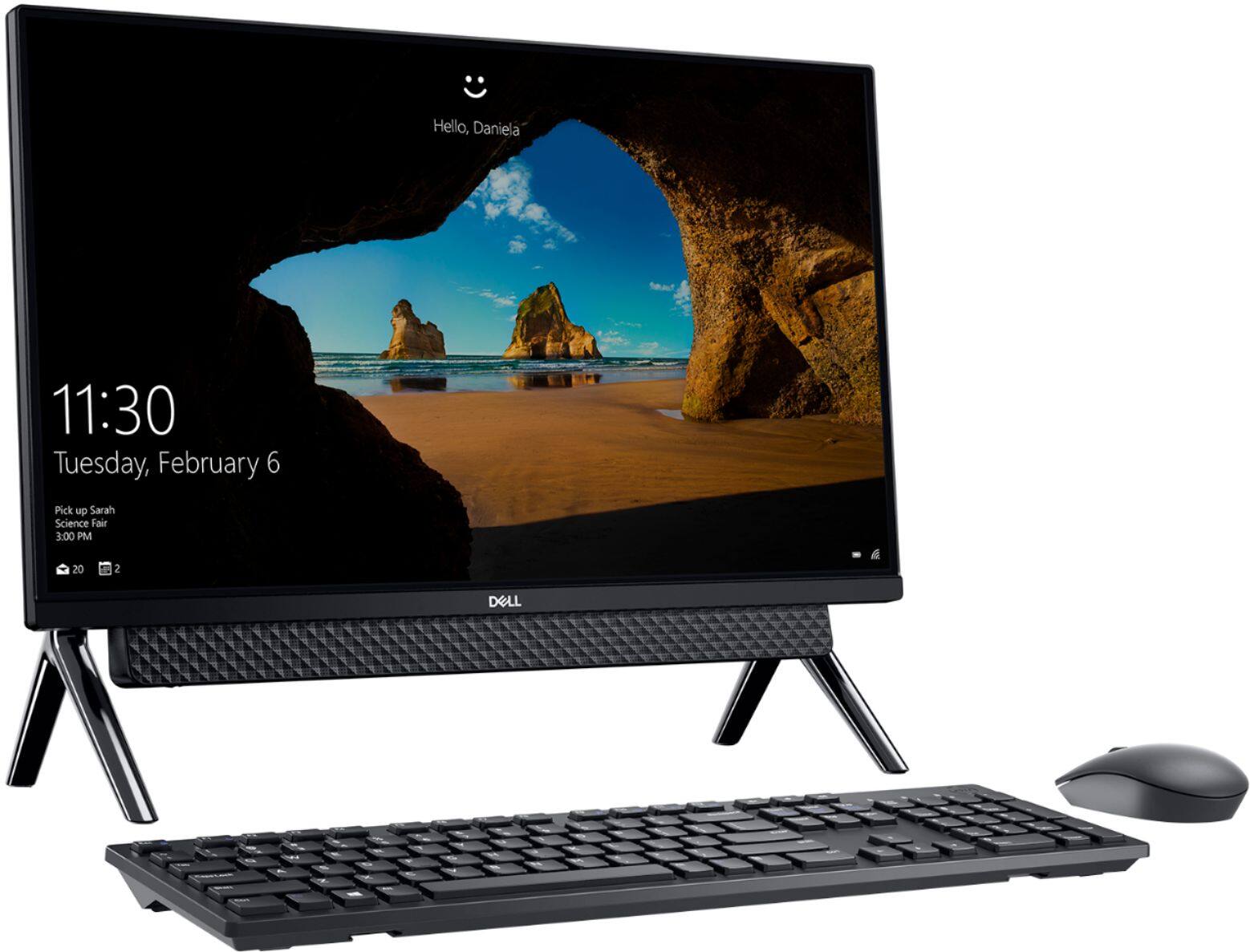
Customers highly value the ease of use and responsive touch screen of the Inspiron 24" All-in-One. Many appreciate the good picture quality from the camera and the overall system performance. While some users wish it included a CD drive, the positive feedback on usability and features outweighs this minor drawback. The compact size and reasonable price point are also frequently praised.
This summary was generated by AI based on customer reviews.
Disappointed
||Posted . Owned for 9 months when reviewed.This reviewer received promo considerations or sweepstakes entry for writing a review.Blue screen at 10 months of light use. Dell said it is a software issue, but all testing says it is a CPU and/ or SSD issue. I won't get another Dell if this requires hardware repair. Dell also wants me to spend $99 for software support.
No, I would not recommend this to a friendBrand response from YourDellTeam
Posted .Dear Healthadmin,
Thank you for your valued feedback. We sincerely apologize for your experience. This is certainly not what we like to hear from our loyal customers. I have provided some steps to a solution to help resolve the Blue Screen issue. I have also given you a link to the full article, which has more information if it is needed.
Solution
1. At the desktop, click the Search the web and Windows box and type "problem reports".
2. Select View all problem reports to view a list of errors that have occurred on your computer and possible solutions for them, such as updating drivers, flashing your system BIOS, or checking for updates to the software.
3. Under the Source column, look for Windows and under Summary, look for Shut down unexpectedly.
4. Right-click the line item and select Check for a solution.
We'd also suggest checking to make sure that your software and drivers are up to date on Dell's Product Page: https://dell.to/3jI94Jx.
You can read the full article here - http://dell.to/2u98Cct.
If you still experience this issue after you have finished troubleshooting your system, please feel free to contact our support team here: 1-800-624-9896.
If you require further assistance, you can contact Dell directly with the information below.
Chat or call: https://bit.ly/DellSupportTeam
Phone number to Dell 1-800-624-9896
Best,
Ashley@Dell
Returned it went into standby mode
||Posted . Owned for 3 weeks when reviewed.This reviewer received promo considerations or sweepstakes entry for writing a review.Computer originally was set up and working fine. I then shut it down and did not attempt to use it for about a week. When I tried to boot the system the result indicated that the computer was in stand by mode. Called Dell they were not very helpful. So I decided to return it.
No, I would not recommend this to a friendHorrible experience!!!!
||Posted . Owned for 1 week when reviewed.This reviewer received promo considerations or sweepstakes entry for writing a review.Don’t buy these computer the cámara never work correctly and the system was damaged when I went to return it they gave me a horrible excuse and never recognized the computer was in bad shape and in top of that they charge 106 dollars more when I pick the other computer
No, I would not recommend this to a friendAlready have to sent it out for repair
||Posted . Owned for 1 month when reviewed.This reviewer received promo considerations or sweepstakes entry for writing a review.According to geek squad it is a manufacturer issue.
No, I would not recommend this to a friendBrand response from YourDellTeam
Posted .Nancy,
Thank you for your review. I am sorry to hear that you have had to send your computer in to get serviced already. If you need further assistance when your computer is returned to you, please feel free to contact Dell Support directly.
http://dell.to/2sH7Qlm
Thank you for your continued patience.
Best,
Meridith 1-800-624-9896
Poor Product
||Posted .This reviewer received promo considerations or sweepstakes entry for writing a review.Returned to get my money back. If you have issues with Dell Computers why sell them to unsuspecting people. Computer drive quit on the second day I owned it.
No, I would not recommend this to a friendBrand response from YourDellTeam
Posted .Hello ChrissyP,
Thank you for your review. We apologize for the issues you have come across with your Inspiron. We really do appreciate your feedback. If you come across any further questions, issues or concerns, please use the information below to contact Dell Support at your earliest convenience.
Best regards,
Wendy C.
If you have any questions or concerns, you can contact Dell directly with the information below Chat or Call:
https://bit.ly/DellSupportTeam.
Phone number to Dell: 1-800-264-9896.
Product sucks
||Posted .This reviewer received promo considerations or sweepstakes entry for writing a review.The instructions were convoluted. It does not help that the Best Buy people were unfriendly And have an attitude problem.
No, I would not recommend this to a friendBrand response from YourDellTeam
Posted .chr1sty,
We're sorry to hear about the issues that you've been having with your new computer. We'd recommend running the Dell SupportAssist App which will help you with setting up your computer and ensure that you have all of the most up to date software and drivers on your computer. If you have specific technical questions about your computer you can check our Product Support Page here: https://dell.to/3k7cFQ1.
Best,
Bryan
1-800-624-9896
Hyped up
||Posted . Owned for 1 month when reviewed.This reviewer received promo considerations or sweepstakes entry for writing a review.just a piece of garbage for the price...sluggish response no dvd player or burner its not what was promised
No, I would not recommend this to a friendBrand response from YourDellTeam
Posted .magicsmo3,
We're sorry that you're not more satisfied with your new All-In-One. We'd recommend an external drive like this one if you'd still like a CD / DVD drive: http://bit.ly/2N8c7bq.
If you'd like to see if you can improve your computer's speed you can run the Windows Performance Troubleshooter: 1. Close all open windows.
2. Press the Windows logo key + X key on the keyboard.
3. Click Control Panel.
4. Click System and Security.
5. Under Security and Maintenance, select Troubleshoot common problems.
6. Under System and Security, click Run maintenance tasks.
7. Follow the on-screen instructions and prompts to complete the process.
8. Restart the PC.
You can read the full article here - http://dell.to/2tSulGV.
Best,
Bryan
1-800-624-9896
- Pros mentioned:Ease of use
GREAT BUY
Posted .This reviewer received promo considerations or sweepstakes entry for writing a review.GREAT PRODUCT EASY TO USE LIGHTWEIGHT TAKES UP LITTLE SPACE
I would recommend this to a friend Too bad
||Posted . Owned for 1 month when reviewed.This reviewer received promo considerations or sweepstakes entry for writing a review.Only one month computer can not be used and No power
No, I would not recommend this to a friendBrand response from YourDellTeam
Posted .Simon,
Thanks for your review. We're sorry to hear that the power is no longer working on your computer. If you'd like to read the terms of Dell's One Year Limited Warranty you can read it here: http://dell.to/2tNsVOs.
You can also feel free to reach out to Dell's Technical Support Team: http://dell.to/2tNsVOs.
Best,
Bryan
1-800-624-9896
Not completely satisfied
||Posted .This reviewer received promo considerations or sweepstakes entry for writing a review.This computer system is a challenge to set up. Cannot make use of applications
No, I would not recommend this to a friendBrand response from YourDellTeam
Posted .Difficult,
We're sorry to hear about the trouble that you've had setting up your new computer. We'd recommend using Dell's SupportAssist App to help you set up the computer and ensure that you have all of the most up to date drivers and software on your computer.
Best,
Bryan
1-800-624-9896
- Pros mentioned:Camera quality
Good purchases of a PC
Posted .This reviewer received promo considerations or sweepstakes entry for writing a review.This all in One PC has great pictures and fast download speed. By farbone of my top PC picks still in good use 4 years later
I would recommend this to a friend - Pros mentioned:Performance
Good computer
Posted .This reviewer received promo considerations or sweepstakes entry for writing a review.Very Good computer I have been using this for like 3 years . And now I’m working from home and still working perfectly fine .
I would recommend this to a friend - Pros mentioned:Camera quality
Love it
Posted .This reviewer received promo considerations or sweepstakes entry for writing a review.Great product still have it and it’s in great shape to be two years old.
I would recommend this to a friend - Pros mentioned:Ease of use
Good Desktop option
Posted .This reviewer received promo considerations or sweepstakes entry for writing a review.Very good computer!!! Used it for working from home!
I would recommend this to a friend - Pros mentioned:Speed, Touch screen
Could be better
Posted .This reviewer received promo considerations or sweepstakes entry for writing a review.Bought this and realized there's no cd-rom so I can't upload some games I have. Plus the mouse doesn't keep in communication all the time. It slows me down waiting on it to move where I need it. I do like the touch screen, speed(everything but the mouse) and look.
No, I would not recommend this to a friendBrand response from YourDellTeam
Posted .Lillykins,
Thanks for your review and we're sorry that your new computer is not completely meeting your needs. If you'd like a CD drive for your computer you can consider an external drive like this one: http://bit.ly/2N8c7bq.
If you'd like to re-calibrate your touchpad you can follow these steps: Some Notebooks and Tablets with Keyboards have added gesture features to the touchpad hardware and drivers. A few of these features are two or three finger scrolling, pinch zoom, circle zoom, rotate and swiping. These new features may be the reason for the erratic cursor movement since most are turned on by default. You can disable or modify the way the features work in the touchpad driver properties. Here are some tips to modify these settings:
1. In the Search box, type main.cpl.
2. Touch or click main.cpl in the list of programs.
3. Touch or click the Dell Touchpad tab.
4. Touch or click on the picture of the touchpad.
5. Touch or click Gestures (depending on your computer there may not be a Gestures option).
6. Change the options as preferred.
7. Touch or click Save.
8. Touch or click the X in the upper-right corner to close the Dell Touchpad Utility.
9. Touch or click OK on the Mouse Properties window.
10. If the touchpad still does not work after following the preceding steps, refer to Dell Knowledge Base article - http://dell.to/2iaiujA.
You can read the full article here - http://dell.to/2tqmS02.
Best,
Bryan
1-800-624-9896
Ehhh
Posted .This reviewer received promo considerations or sweepstakes entry for writing a review.Overall a decent product. Haven't experience anything wrong at the moment and my friend seems to be enjoying it. The only annoying side of this is that you'll need batteries for the keyboard and mouse. Such a dumb flaw for this computer and the design. They could've just used wifi keyboard and mouse or at least wires. Again, nothing wrong with it YET! I'll give it a few months and see what comes up.
No, I would not recommend this to a friendBrand response from YourDellTeam
Posted .WaoooReallyeallyman1,
We're glad to see that your new All-In-One is working well for you. If you have any questions about your computer you can check our Product Support Page here: https://dell.to/2Baf8r4.
Best,
Bryan
1-800-624-9896
Died in 14 months
Posted .This reviewer received promo considerations or sweepstakes entry for writing a review.Not worth the money. Quality is poor if the computer died within 14 months of purchase. Convenient that its outside the manufatcurers warranty.
No, I would not recommend this to a friendBrand response from YourDellTeam
Posted .Hello Reena,
We appreciate you taking the time to leave us your review. We are sorry to hear about the troubles you have come across with your Dell Inspiron 5490 AIO computer because it stopped working.
Below I have provided a link to help resolve the booting issue. On that page, you can choose between, no power, no post, no boot, or no video. Once you choose you can find the options to help troubleshoot and resolve that issue. We would also suggest making sure all your drivers and downloads are up to date on your PC. I have also given you a link below to the Drivers and Downloads page for your computer.
Resolve Boot Up Issues: https://dell.to/3sdfce6
Drivers and Downloads Page: https://dell.to/38F1UTM
After utilizing the troubleshooting options provided, if the problem is not resolved, please contact our support team at 1-800-624-9896 for further guidance.
Best,
Katarina@Dell
Should you need further assistance, you can contact Dell directly with the information below.
Chat or call: https://bit.ly/DellSupportTeam
Phone number to Dell: 1-800-624-9896