Customer Ratings & Reviews
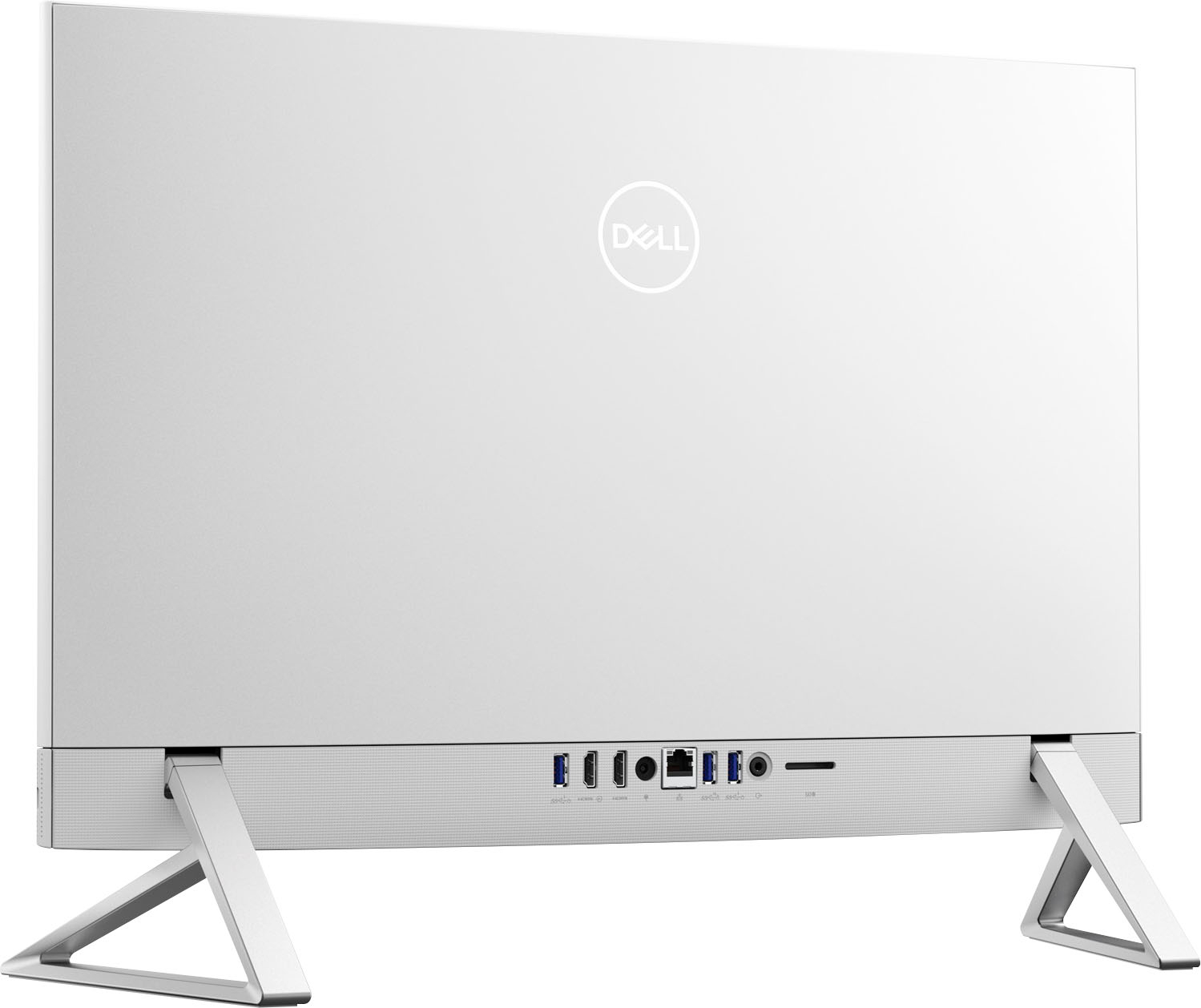
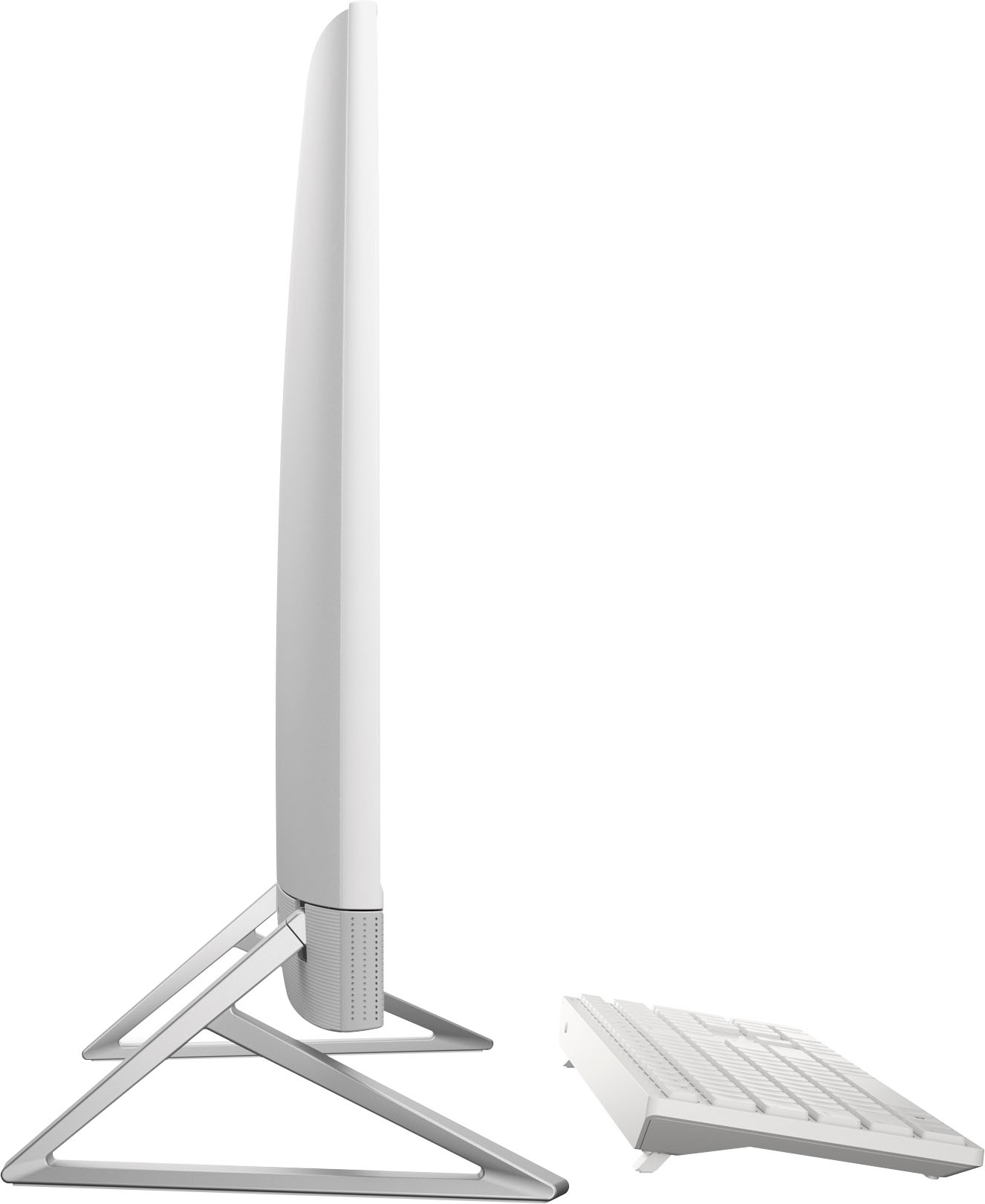
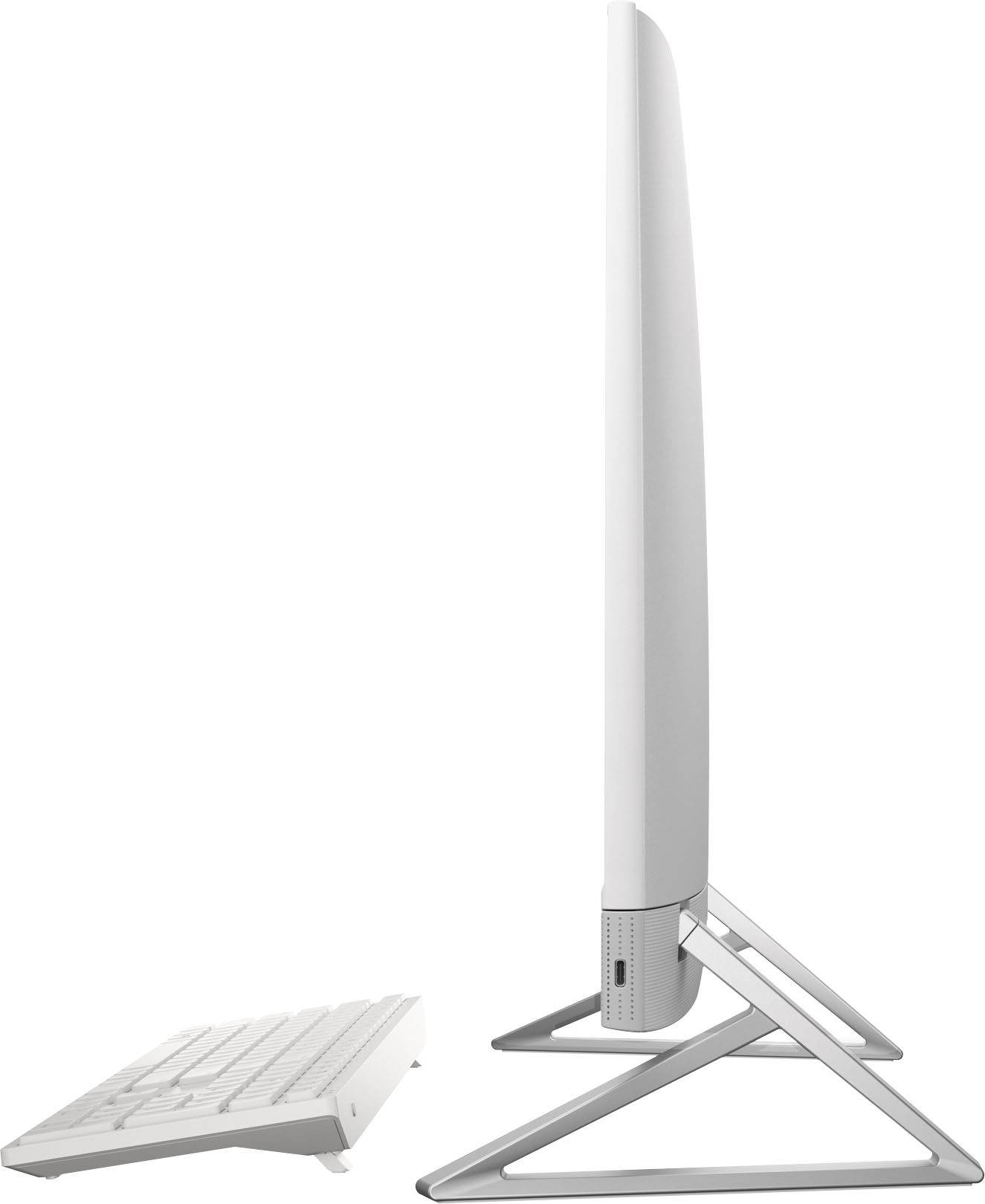
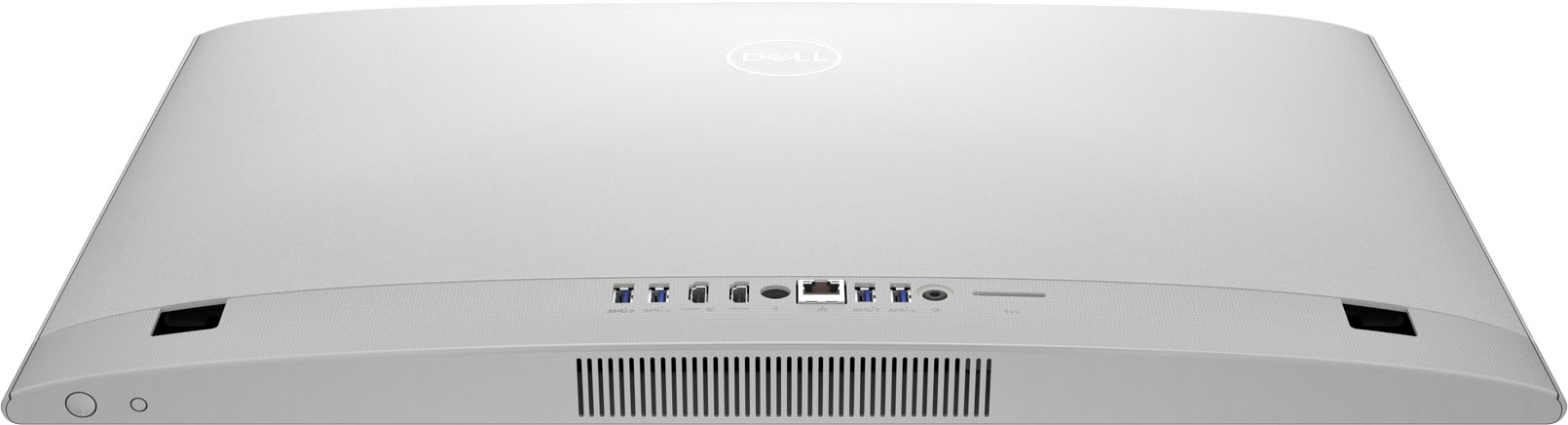

- Model:
- i5410-7096WHT-PUS
- SKU:
- 6502917
Rating by feature
- Value
Rating 4.6 out of 5 stars
- Quality
Rating 4.6 out of 5 stars
- Ease of Use
Rating 4.7 out of 5 stars
Customers are saying
Customers regard the Inspiron 24" Touchscreen All-in-One as an easy-to-use and high-performing computer, frequently praising its responsive touchscreen and smooth operation. Many appreciate its compact size and straightforward setup process. Positive feedback also highlights the excellent graphics and ample RAM, contributing to a satisfying user experience. The overall impression is one of a well-designed and efficient machine.
This summary was generated by AI based on customer reviews.
Review
||Posted . Owned for 1 week when reviewed.This reviewer received promo considerations or sweepstakes entry for writing a review.Keyboard a little disappointing and unlike other computers the USB port does not shut off on computer shut down. This leaves external hard drive activated. Dell has been unable to help.
I would recommend this to a friendBrand response from YourDellTeam
Posted .Dear DARNK,
We would like to thank you for taking the time to provide us with your feedback. We are sorry to hear that you are not too happy with your Dell Inspiron 5410 AIO computer because its keyboard is not as good as you expected and the USB port doesn’t shut off. We will share your comments about these issues with our quality team, so future improvements can be made.
I have provided a link to the USB troubleshooting article below:
How to Troubleshoot USB Port: https://dell.to/3AG06Wk
If the issue with the USB port is still not resolved after utilizing the troubleshooting options above, please contact the Dell Support Team at 1-800-624-9896 for further guidance. We hope that the next representative you speak with can help you to resolve this issue to your satisfaction.
Best,
Katarina@Dell
Should you need further assistance, you can contact Dell directly with the information below.
Chat or call: https://bit.ly/DellSupportTeam
Phone number to Dell: 1-800-624-9896
Sound does not work for Zoom
||Posted . Owned for 11 months when reviewed.This reviewer received promo considerations or sweepstakes entry for writing a review.I purchased this specifically for Zoom meetings. The audio problems are terrible! The sound cuts out for any Zoom meeting and Geek squad says they cannot find a problem. I am very unhappy with both Best Buy and Dell. What a waste of my money.
No, I would not recommend this to a friendBrand response from YourDellTeam
Posted .Hi SusanS,
We value your feedback and want to thank you for taking the time to leave a review of your Inspiron 24” touch screen all in one. We are sorry to hear that you are experiencing an issue with your audio. That is not the type of feedback we like to hear from our customers, or the type of product Dell intends to deliver. We have noted the details of your statement and will use them to improve current and future products. Below I have provided troubleshooting steps to help resolve your issue.
Here are the steps to help resolve your audio issue:
1. Check the audio ports for damage, and clean the ports.
2. Restart your Dell computer.
3. Check the connection. (external speakers, headphones, or earphones)
4. Check volume settings and set the default playback device.
5. Run the Microsoft Sound Troubleshooter.
6. Reinstall or update the chipset, audio, and BIOS drivers.
7. Run a hardware diagnostic test.
8. Download and install Microsoft Windows updates.
9. Perform Windows System Restore.
10. Restore the computer to factory default settings.
You can read the full article on solving audio issues here: https://dell.to/3sDPguh
If you still experience any issues, please reach out to us at: https://bit.ly/DellSupportTeam
Chat or call: https://bit.ly/DellSupportTeam
Phone number to Dell: 1-800-624-9896
Best,
Summer@Dell
Stay clear of this all in one
||Posted . Owned for 1.5 years when reviewed.This reviewer received promo considerations or sweepstakes entry for writing a review.Probally the worst product I have ever purchased. Worked one day then would never turn on again.
No, I would not recommend this to a friendbuy it you wont be sorry
||Posted . Owned for 3 weeks when reviewed.This reviewer received promo considerations or sweepstakes entry for writing a review.I had fun and the fast of the internet is wonderful
I would recommend this to a friendTerrible
||Posted .This reviewer received promo considerations or sweepstakes entry for writing a review.This is Terrible support, I did not get what I ordered, do not make on-line orders, they fool you with it.
No, I would not recommend this to a friendBrand response from YourDellTeam
Posted .Greetings JignasukumaP,
We want to thank you for taking the time to leave a review of your Inspiron all-in-one touchscreen. We are sorry that you did not receive the item that you ordered. That is not the type of product Dell intends to deliver or the type of feedback we like to hear from our customers. We have noted the details of your statement and will use them to improve current and future products. If you need further assistance, I have provided the toll-free number and chat link below to reach a member of our support team.
We recommend that you contact Dell directly with the information below if you need further assistance.
Chat or call: https://bit.ly/DellSupportTeam
Phone number to Dell: 1-800-624-9896.
Regards,
Summer@Dell
Bad choice!!
||Posted . Owned for 1 month when reviewed.This reviewer received promo considerations or sweepstakes entry for writing a review.Microsoft store wont open!!! HOURS with Best Buy Totaltech and NO fix!! Hours with Microsoft and NO fix!!
No, I would not recommend this to a friendBrand response from YourDellTeam
Posted .Dear RobertIF,
We appreciate you taking the time to leave a review of your Inspiron 5410 all in one touch screen. We are sorry to hear that you are experiencing an issue with the Microsoft store opening on your device. Below I have provided a link with the contact information to reach Microsoft directly to resolve your issue. If you need further assistance, we recommend using the toll-free number or chat link below to reach a member of our support team.
Microsoft Support: http://bit.ly/36ClDzK
Should you need further assistance; we recommend that you contact Dell directly with the information below.
Chat or call: https://bit.ly/DellSupportTeam
Phone number to Dell: 1-800-624-9896.
Best,
Summer@Dell
Not happy with this purchase
||Posted . Owned for 3 weeks when reviewed.This reviewer received promo considerations or sweepstakes entry for writing a review.Had to wait 3 weeks to get it installed And it is a lemon
No, I would not recommend this to a friendBrand response from YourDellTeam
Posted .Hi ColetteL,
Thank you for taking the time to leave a review of your Inspiron 24” touchscreen all in one. We are sorry to hear that you are not completely satisfied with your purchase. That is not the type of feedback we like to hear from our customers, or the type of product Dell intends to deliver. We have noted the details of your statement and will use them to improve current and future products.
We recommend that you contact Dell directly with the information below if you need further assistance.
Chat or call: https://bit.ly/DellSupportTeam
Phone number to Dell: 1-800-624-9896.
Regards,
Summer@Dell
not pleased
||Posted . Owned for 3 weeks when reviewed.This reviewer received promo considerations or sweepstakes entry for writing a review.It was suppose to be fast it was the slowest computer ever
No, I would not recommend this to a friendBrand response from YourDellTeam
Posted .Hi KathleenG,
Thank you for taking the time to leave us your review. We are sorry to hear that you are experiencing slow performance issues with your Inspiron 5410. It's important for us to hear about inconsistencies in our products for consideration of future development. Below I have provided steps with the full article that can help you with slow performance issues with your laptop.
Here are the steps to help you with slow performance issues:
1. Run the automated tools in SupportAssist to ensure that the drivers are up to date and your computer is optimized.
2. Restart the computer
3. Run a hardware diagnostic test
4. Scan your computer for malware
5. Restore the computer using Windows System Restore
6. Restore the computer to factory default settings
You can read the article that can help you with slow performance issues here: https://dell.to/3yqre8r
If you continue to experience issues, please reach out to Dell Support directly by using the information provided below.
We recommend that you contact Dell directly with the information below if you need further assistance.
Chat or call: https://bit.ly/DellSupportTeam
Phone number to Dell: 1-800-624-9896.
Best,
Summer@Dell
Cheap Build and Too Slow for My Needs
||Posted . Owned for 1 month when reviewed.This reviewer received promo considerations or sweepstakes entry for writing a review.This computer was too slow to handle Premiere Pro, and the build quality is cheap, especially the peripherals. I returned it for an HP i7 that is much faster, and the mouse and keyboard are much higher quality.
No, I would not recommend this to a friendBrand response from YourDellTeam
Posted .Hello JasonDaniels,
Thank you for taking the time to leave us your review. We are sorry to hear that the Dell Inspiron 24" Touch Screen AIO did not meet your expectations in build quality. We will share your valuable feedback with our quality team so that improvements can be made to our current and future products and services. For further assistance, please take a moment to call or chat with a Dell Support Representative at your earliest convenience so that they can help address any concerns you may have: https://bit.ly/DellSupportTeam.
Best,
Danielle@Dell
- Pros mentioned:Touch screen
110% Excellent computer
Posted .This reviewer received promo considerations or sweepstakes entry for writing a review.We took a chance a bought this computer as open-box. It has been a fantastic purchase! It literally had no packaging so we were somewhat worried but this has certainly exceeded expectations. We paid around $650 for it and typically it’s about $1200. We had a Lenovo all in one before that turned out to be a lemon. We love this Dell. We appreciate open-box working out well too.
I would recommend this to a friend - Pros mentioned:Ease of use, Processor speed
My 2023 Desktop Computer
Posted .This reviewer received promo considerations or sweepstakes entry for writing a review.So far this machine is Excellent! Runs fast, a lot of space, easy to use...
I would recommend this to a friend - Pros mentioned:Touch screen
New computer
Posted .This reviewer received promo considerations or sweepstakes entry for writing a review.I just love my new computer and the salesperson was so knowledgeable and patient with me. This was my first time buying a computer on my own. My husband recently died, and I had to buy on my own.
I would recommend this to a friend - Pros mentioned:Processor speed
Excellent value. Very fast and great aesthetics
Posted .This reviewer received promo considerations or sweepstakes entry for writing a review.Very fast and beautiful machine. Love the aesthetic look and display size and quality. I am very pleased with my purchase
I would recommend this to a friend - Pros mentioned:Processor speed
Dell All In One
Posted .This reviewer received promo considerations or sweepstakes entry for writing a review.I love All-in One Intel Core i7. I would recommend to all my friends needing to purchase a new computer.
I would recommend this to a friend Dell - Inspiron 24" Touch screen All-In-One
Posted .This reviewer received promo considerations or sweepstakes entry for writing a review.Only used computers at work in the past but haven't used one in 11yrs I figured this one wouldn't take up space (No tower) since it's just a monitor with everything built in like a giant tablet. I'm overwhelmed by its capabilities. Dell - Inspiron 24" Touch screen All-In-One - Intel Core i7 - 16GB Memory - 512GB SSD - White Purchase Date: 01/06/2024
I would recommend this to a friendsri
Posted .This reviewer received promo considerations or sweepstakes entry for writing a review.nice item, only keyboard part missing other than that all good
I would recommend this to a friendDell system
Posted .This reviewer received promo considerations or sweepstakes entry for writing a review.Geek Squad did an awesome job upgrading our system!
I would recommend this to a friendGood - Time will Tell
Posted .This reviewer received promo considerations or sweepstakes entry for writing a review.My first all in one, I like not having the tower on the floor. It has freed up space in my office. Wish it had more capacity. I had to get an external drive to fit all my stuff on it. Like that it is white for a change.
I would recommend this to a friend- Pros mentioned:Touch screen
Computer
Posted .This reviewer received promo considerations or sweepstakes entry for writing a review.Efficient and good quality. Touch screen makes it easy to use.
I would recommend this to a friend Multiple exchanges power issues
Posted .This reviewer received promo considerations or sweepstakes entry for writing a review.I bought a few of these 6 weeks ago. I've had quite a few power problems. Already exchanged one and today one will not power on at all. Purposely went with Dell thinking it would last a bit. But 2 computers not working within 6 weeks is unacceptable and it's now beyond exchange rate.
No, I would not recommend this to a friendBrand response from YourDellTeam
Posted .Hello CarolL,
We would like to thank you for taking the time to provide us with your feedback. We are sorry to hear about the power issues you are having with your Dell Inspiron 24 AIO computers.
This is certainly not the experience we like to hear from our valued customers. We will share your review with our quality team, so improvements can be made in the future.
Below I have provided troubleshooting instructions with the full article that can help resolve this issue:
1. Remove any discs from the disc drive, memory cards from the card reader slot, and USB drives. Incorrect boot settings may cause the computer to boot to one of these devices which may cause startup issues.
NOTE: Do not disconnect the keyboard, mouse, or monitor.
2. Perform a hard reset. A hard reset helps drain static electricity that may cause boot-related issues.
If the computer starts after the hard reset, reconnect the devices one at a time to determine which device is causing the problem.
If the computer fails to startup or boot, go to the next step to reset the BIOS to factory default settings
3. Reset the BIOS or UEFI to factory default settings. Incorrect boot settings in the BIOS or UEFI can cause startup or boot issues.
4. Run a preboot diagnostic test on the computer. A potential hardware failure with the hard drive or system memory (RAM) can cause a boot issue.
5. Run the Windows Startup Repair utility. Windows Startup Repair can fix common issues with corrupt registry entries or system files.
6. Repair or reset the computer using SupportAssist OS Recovery on supported Dell computers. SupportAssist OS Recovery consists of tools to diagnose hardware issues, repair the computer, or restore the computer factory defaults.
Resolve No Boot issues with your Dell Computer: https://dell.to/3Eu76aR
If you still experience any issues after you have finished troubleshooting your laptop using the steps above, please reach out to us at the information provided below:
Chat or call: https://bit.ly/DellSupportTeam
Phone number to Dell: 1-800-624-9896.
Best Regards,
Katarina@Dell