Customer Ratings & Reviews
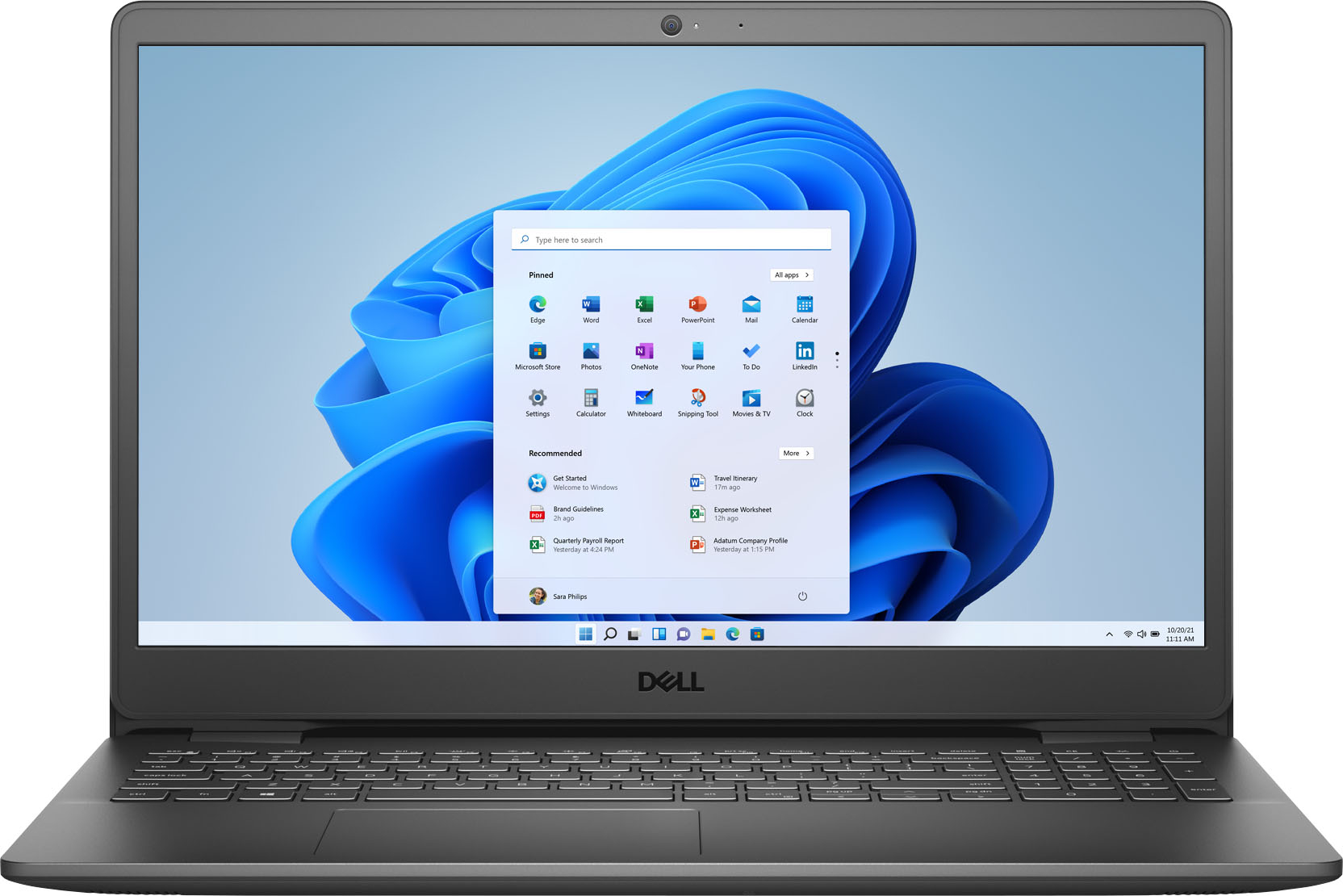
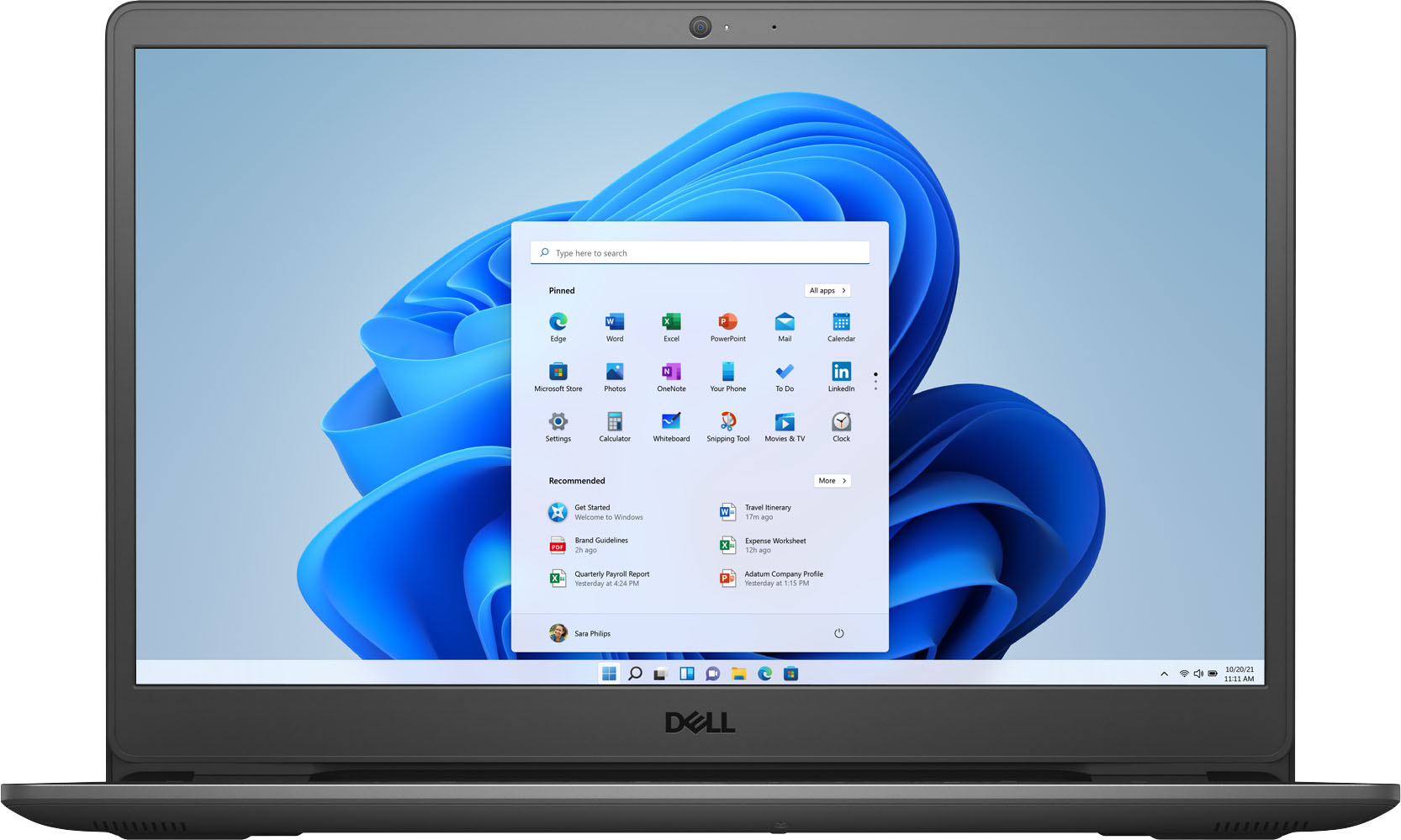
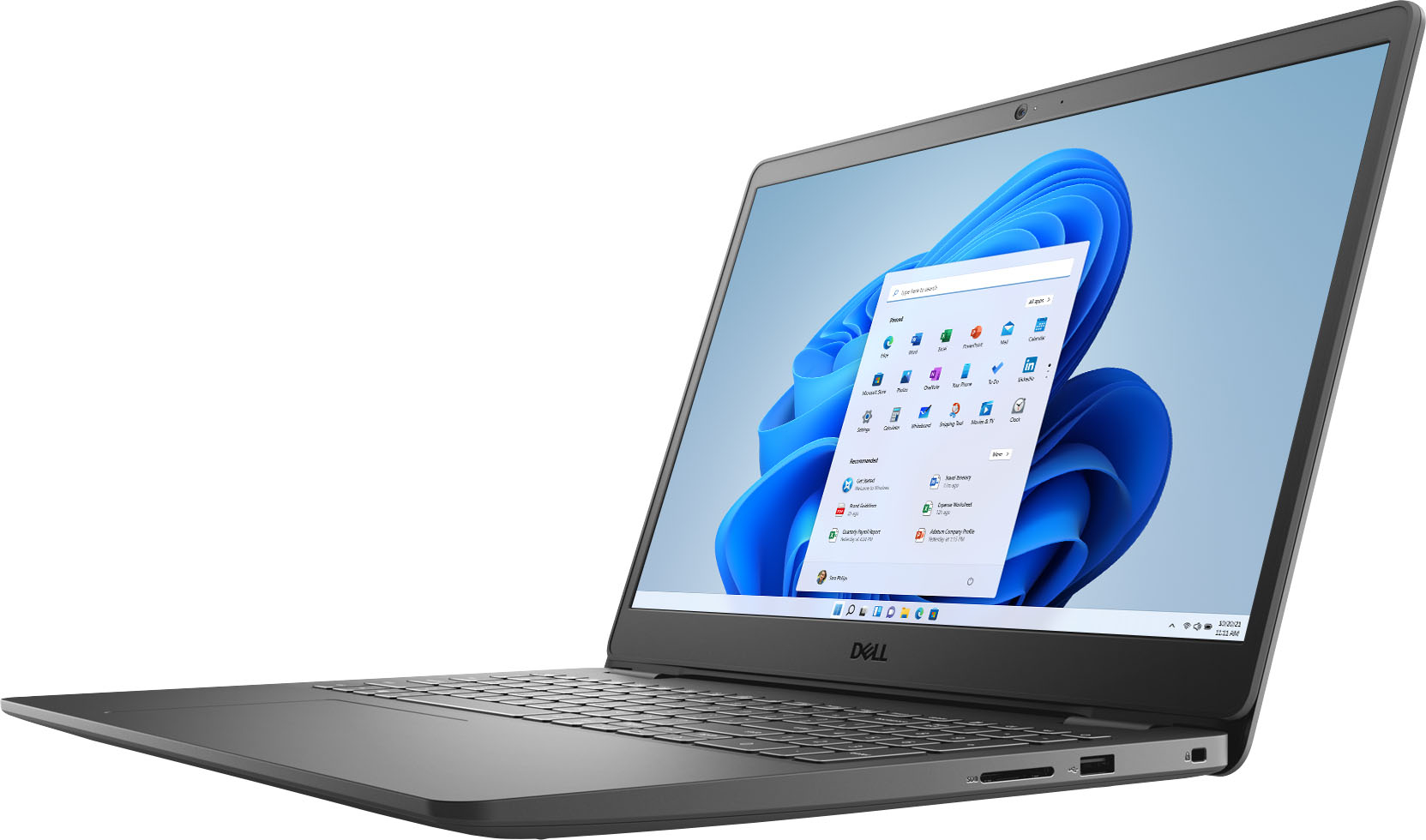
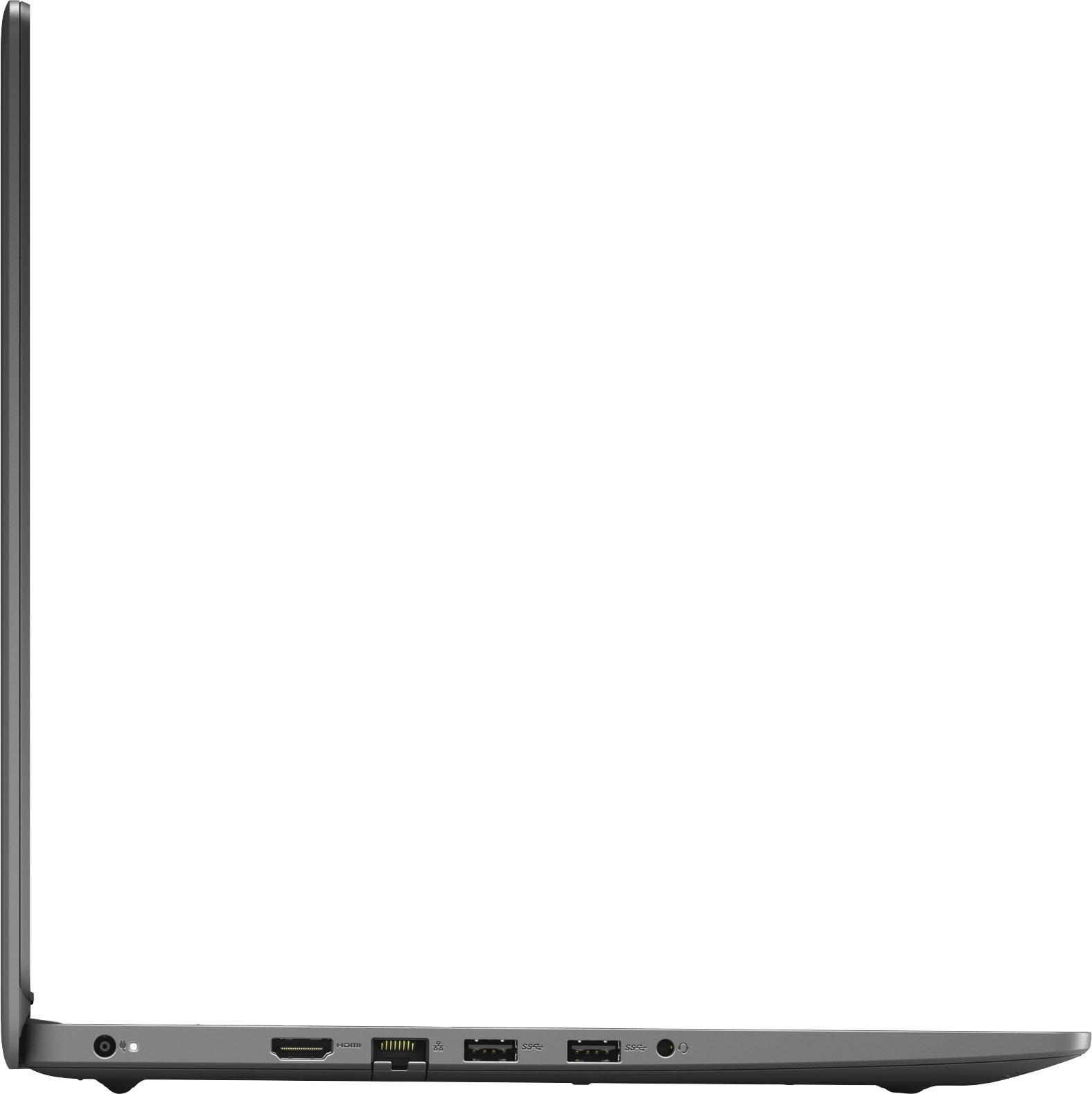
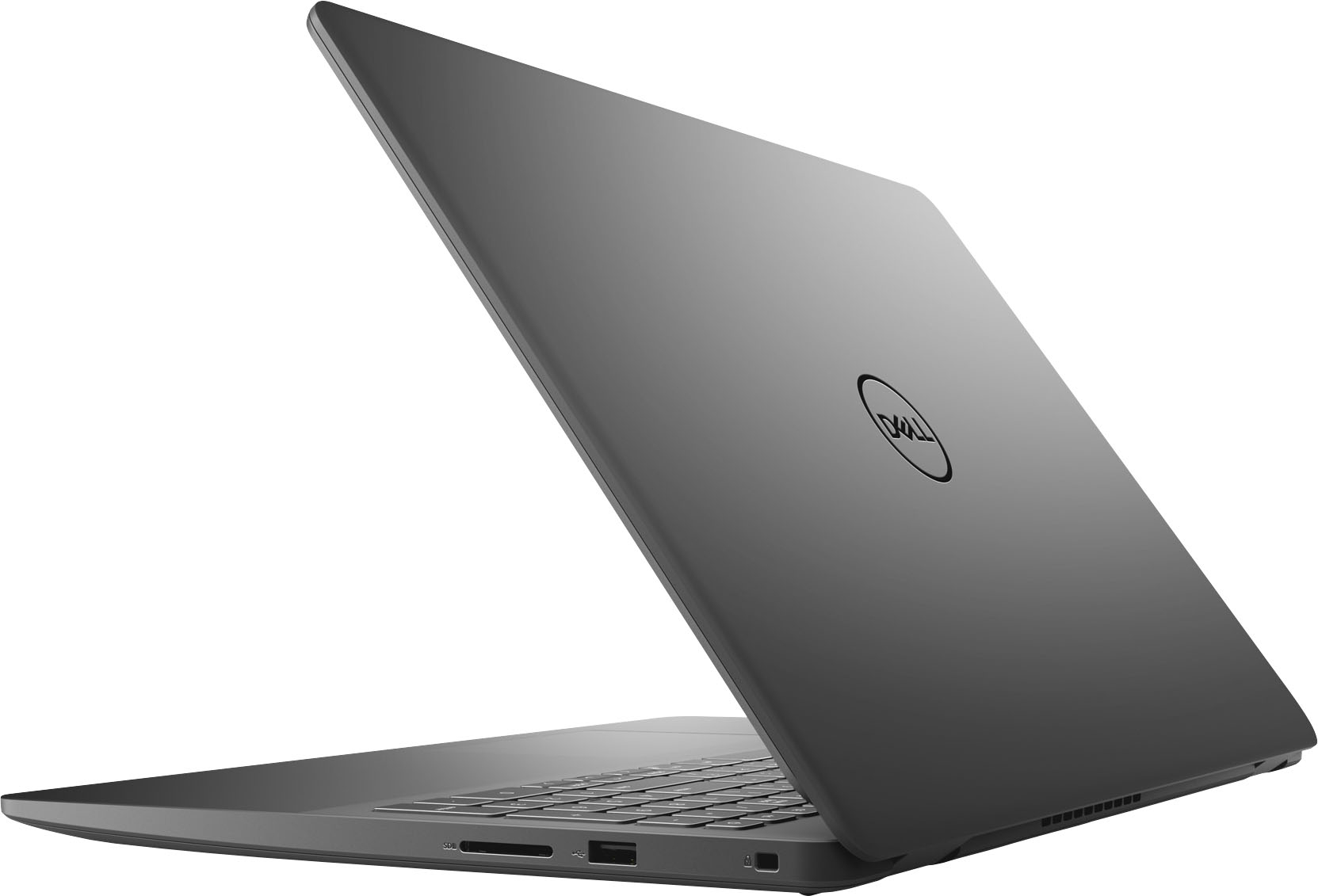
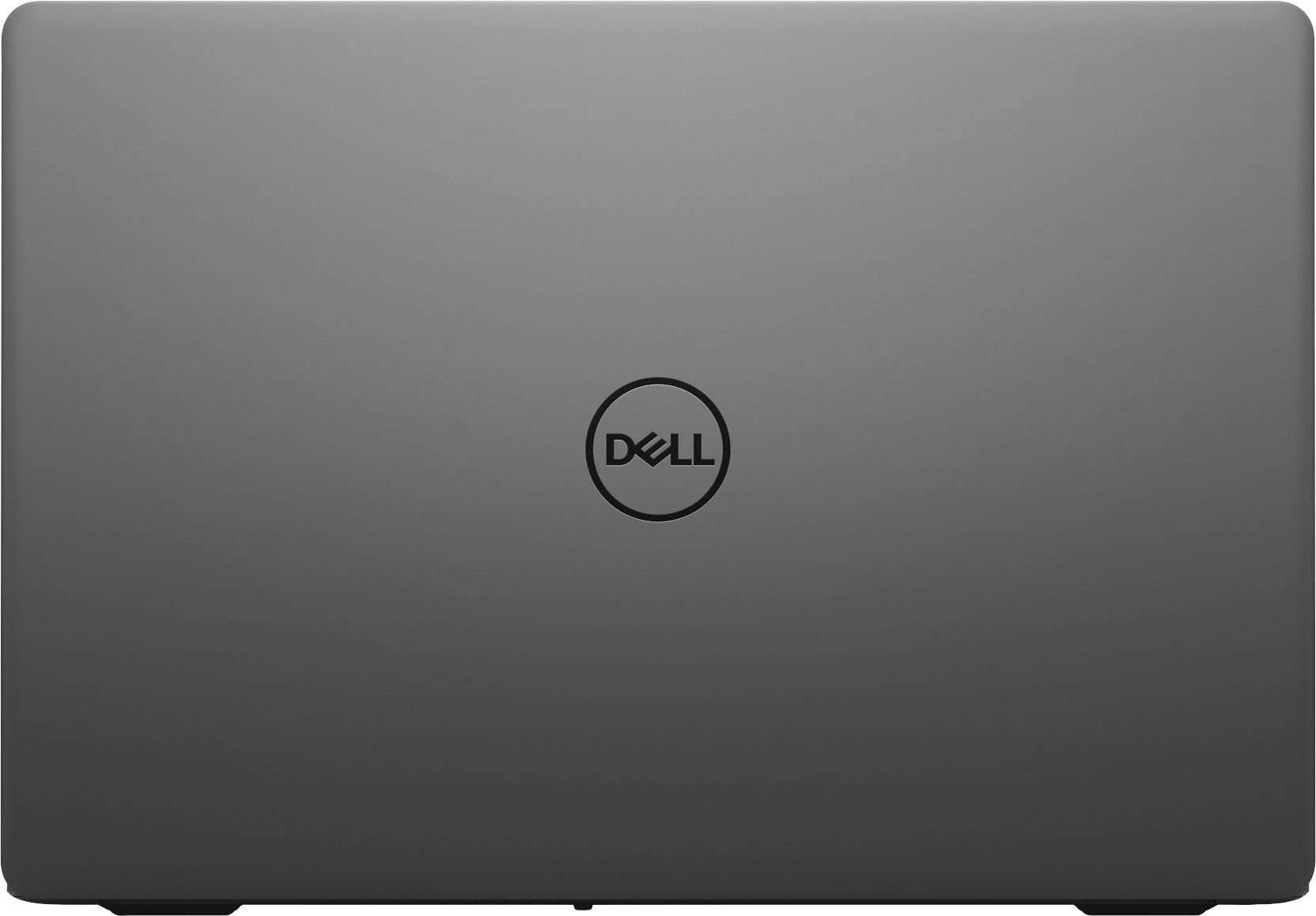
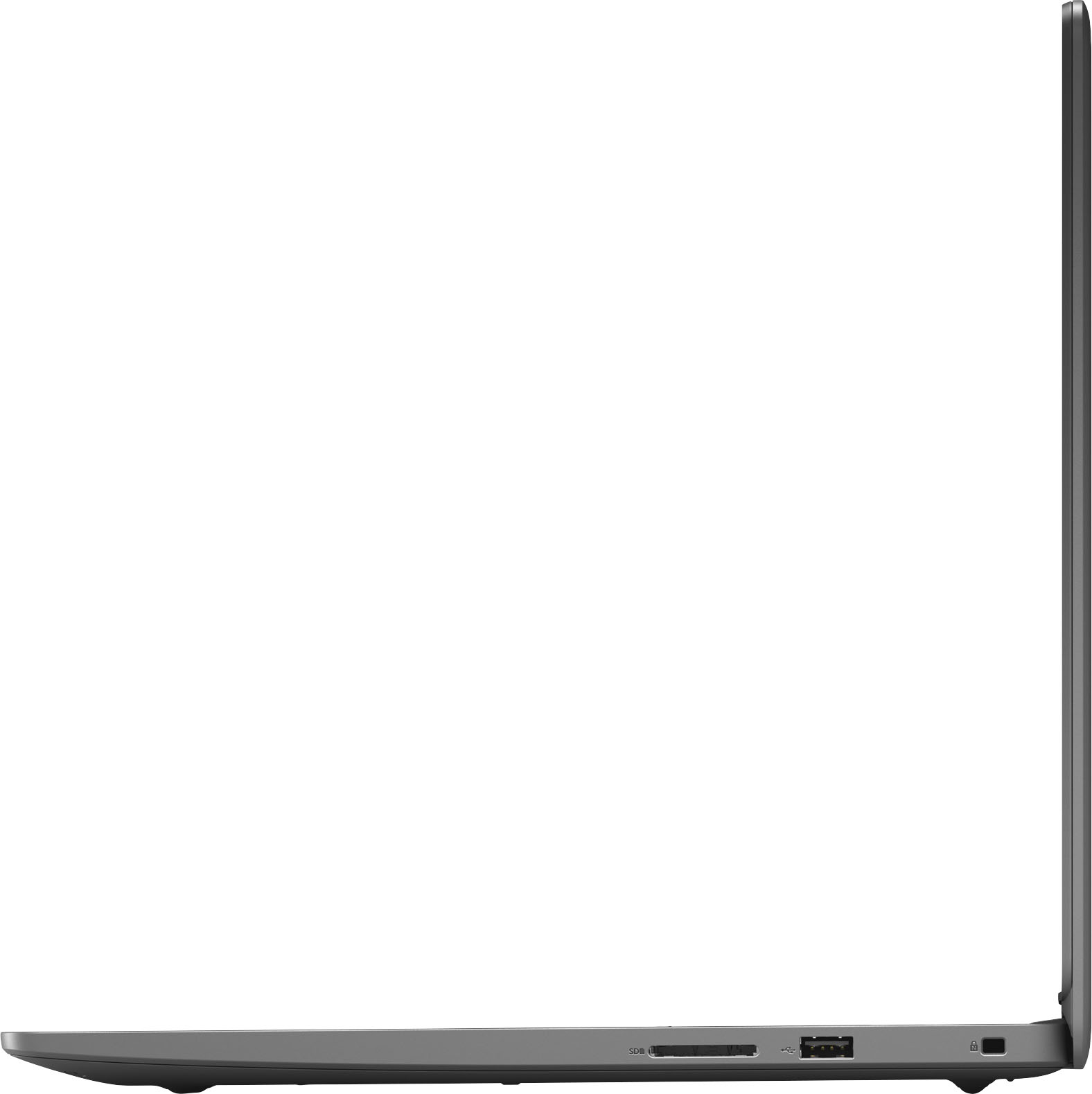

- Model:
- i3501-3692BLK-PUS
- SKU:
- 6477410
Rating by feature
- Battery Life
Rating 4.4 out of 5 stars
- Speed
Rating 4.5 out of 5 stars
- Display
Rating 4.6 out of 5 stars
Customers are saying
Customers enjoy the fast performance, touchscreen capabilities, and lightweight design of the Inspiron 3000 laptop. They appreciate its affordability and find it suitable for work and home office tasks. While some users have experienced issues with the speakers, overall, customers are pleased with their purchase.
This summary was generated by AI based on customer reviews.
Excellent for online work
||Posted . Owned for 1 month when reviewed.This reviewer received promo considerations or sweepstakes entry for writing a review.This Dell laptop is excellent. Very glad I purchased it!
I would recommend this to a friendGreat
||Posted . Owned for 2 weeks when reviewed.This reviewer received promo considerations or sweepstakes entry for writing a review.This computer its the best thing i ever bought i like it
I would recommend this to a friendWork Computer
||Posted . Owned for 3 weeks when reviewed.This reviewer received promo considerations or sweepstakes entry for writing a review.Great computer for work. Easy set up and move around.
I would recommend this to a friendI’m pleased with my purchase
||Posted . Owned for 1 month when reviewed.This reviewer received promo considerations or sweepstakes entry for writing a review.Work just fine..no problems so far with my laptop!
I would recommend this to a friendDissatisried wtih support
||Posted .This reviewer received promo considerations or sweepstakes entry for writing a review.While the laptop is nice 1 week after I purchased this I had issues with installing a Dell app. Reached out to Dell and going back and forth with support for over a week, issue was never resolved and only option was to totally uninstall everything and start over. Was offered to take it somewhere to get it fixed but would have left me w/o a laptop for who knows how long. Shouldn't have had this issue in the first place especially when only having it for a week before issues started. Giving it 2 stars just because of this issue.
No, I would not recommend this to a friendBrand response from YourDellTeam
Posted .Hello Jules,
Thank you very much for your feedback. We are sorry to hear about the issues you have experienced with your new Inspiron 3501 laptop and that a Dell support team member wasn’t able to help you. This is certainly not what we like to hear from our valued customers. We will share your comment with our quality team, so future improvements can be made.
Please contact the Dell Support Team at the information below at your earliest convenience. We hope that the next representative can help you resolve the issues with your computer.
Best,
Katarina@Dell
Should you need further assistance, you can contact Dell directly with the information below.
Chat or call: https://bit.ly/DellSupportTeam
Phone number to Dell 1-800-624-9896
- Cons mentioned:Size
Disappointed.
||Posted . Owned for 1 month when reviewed.This reviewer received promo considerations or sweepstakes entry for writing a review.It is not what I wanted but it will do for now. It is bigger than I thought it would be and not that easy to use.
No, I would not recommend this to a friendBrand response from YourDellTeam
Posted .Dear Unsatisfied,
We want to thank you for your valued feedback. We are sorry to hear you are not completely satisfied with your Inspiron 3501. I have provided a link to the Setup and Specifications Guide for your PC below. As for the comments about the size of your system, we will share those comments with our quality team so improvements can be made to current and future products.
Setup and Specifications Guide: https://dell.to/3fuJVzt
Should you need further assistance, you can contact Dell directly with the information below.
Chat or call: https://bit.ly/DellSupportTeam
Phone number to Dell 1-800-624-9896
Best,
Ashley@Dell
Don’t buy
||Posted . Owned for 1 year when reviewed.This reviewer received promo considerations or sweepstakes entry for writing a review.LCD screen faulty went out after a year would not buy again
No, I would not recommend this to a friendDell lap top
||Posted . Owned for 3 weeks when reviewed.This reviewer received promo considerations or sweepstakes entry for writing a review.Works well have had no issues easy to set up all necessary accesories were included
I would recommend this to a friendBrand response from YourDellTeam
Posted .Hello Radar,
We appreciate you taking the time to leave us your review. We are happy to hear you are enjoying your Inspiron 3501 and the set up went smoothly for you. This is what we like to hear from our valued customers. Should you need technical service in the future for your system, I have provided a link to the support page.
Support Page Link: https://dell.to/3fxXq1v
If you should require further assistance, you can contact Dell directly with the information below.
Chat or call: https://bit.ly/DellSupportTeam
Phone number to Dell 1-800-624-9896
Best,
Ashley@Dell
Laptop
||Posted . Owned for 1 month when reviewed.This reviewer received promo considerations or sweepstakes entry for writing a review.No big deal jus another laptop, my laptop crashed and we wanted another one
I would recommend this to a friendBrand response from YourDellTeam
Posted .Hello Valued Customer,
Thank you very much for your valued feedback. We are sorry to hear about the troubles you came across with your initial Inspiron laptop because it was crashing. We hope that this replacement will make things better for you and ensure the quality Dell always intends to deliver.
If you come across any other questions, issues, or concerns, please use the information below to contact Dell Support directly.
Best,
Katarina@Dell
Should you need further assistance, you can contact Dell directly with the information below.
Chat or call: https://bit.ly/DellSupportTeam
Phone number to Dell 1-800-624-9896
Dell Laptop
||Posted . Owned for 1 month when reviewed.This reviewer received promo considerations or sweepstakes entry for writing a review.The price was reasonable. The verdict is still out on functionality.
I would recommend this to a friendBrand response from YourDellTeam
Posted .Hi Mary,
We would like to thank you for taking the time to provide us with your feedback. We understand that it is early to request a review. We are glad to hear that you feel like the price for your Inspiron 3501 laptop was reasonable.
If you come across any questions or have concerns about this product, please don’t hesitate to contact Dell Support Team at the information provided below.
Best,
Katarina@Dell
Should you need further assistance, you can contact Dell directly with the information below.
Chat or call: https://bit.ly/DellSupportTeam
Phone number to Dell 1-800-624-9896
- Cons mentioned:Size
Not a fan
||Posted . Owned for 1 month when reviewed.This reviewer received promo considerations or sweepstakes entry for writing a review.Unfortunately had to return this almost immediately. Not sure if it was just a fluke or if other people have had this problem, but the screen would randomly go black anytime you touched the keyboard. It’s also pretty clunky.
No, I would not recommend this to a friendBrand response from YourDellTeam
Posted .Dear Lindsey,
Thank you very much for your review. We are sorry to hear that you have decided to return your Inspiron 3000 because you have experienced issues with its screen. We can assure you that Dell takes pride in manufacturing quality products. Even if this particular product was not the right fit for you we hope that you will consider Dell in the future when you make your next system purchase.
If you come across any questions or have concerns about the Dell product, please don’t hesitate to contact Dell Support Team at the information provided below.
Best,
Katarina@Dell
Should you need further assistance, you can contact Dell directly with the information below.
Chat or call: https://bit.ly/DellSupportTeam
Phone number to Dell 1-800-624-9896
Decent
||Posted . Owned for 3 weeks when reviewed.This reviewer received promo considerations or sweepstakes entry for writing a review.For the price you can’t expect to get golden device.
I would recommend this to a friendBrand response from YourDellTeam
Posted .Dear Umair,
We appreciate you taking the time to leave us your review. We are glad that your Inspiron 3000 met your expectation.
If you come across any questions or have concerns about this product, please don’t hesitate to contact Dell Support Team at the information provided below.
Best,
Katarina@Dell
Should you need further assistance, you can contact Dell directly with the information below.
Chat or call: https://bit.ly/DellSupportTeam
Phone number to Dell 1-800-624-9896
Be aware
||Posted . Owned for 3 months when reviewed.This reviewer received promo considerations or sweepstakes entry for writing a review.I’m would not recommend this product. I’ve had the product since Christmas. However I did not open the product until 1/22/22. I have used it a couple of times and the display is already giving me issues. I called Dell technical support and it’s not going well. I’m an loyal Dell purchaser but this will make me rethink future purchases.
No, I would not recommend this to a friendBrand response from YourDellTeam
Posted .Dear Shell,
We would like to thank you for taking the time to provide us with your feedback. We apologize for the issues you have come across with your Inspiron 3501 laptop because its display is not working well.
Below I have provided the steps to run a diagnostic test on the display and the full article link, which has more options if they are needed. We also suggest making sure all video drivers are up to date on your PC. I have given you a link to the Drivers and Downloads page for your computer below.
Method 1
1. Power off the Dell Laptop PC.
2. Disconnect any peripherals that are connected to the PC, and connect the AC Adapter (charger) to the PC.
3. Make sure that the LCD screen is clean (no dust particles are on the surface of the screen).
4. Press and hold the D key and power on the PC to enter LCD built-in self-test (BIST) mode.
Continue to hold the D key until you see the entire screen change colors.
5. The screen changes colors to black, white, red, green, and blue.
6. Carefully inspect the screen for abnormalities.
7. Press the Esc key to exit.
How to Troubleshoot Display Issues: https://dell.to/2O1UnnF
Drivers and Downloads Page: https://dell.to/3semNMY
Please use the steps above to run a diagnostic test on the display of your PC, and if the problem persists, please contact our support team here: https://bit.ly/DellSupportTeam for further guidance.
Best,
Katarina@Dell
Should you need further assistance, you can contact Dell directly with the information below.
Chat or call: https://bit.ly/DellSupportTeam
Phone number to Dell: 1-800-624-9896
Beware of TPM error
||Posted . Owned for 2 weeks when reviewed.This reviewer received promo considerations or sweepstakes entry for writing a review.Terrible computer! I wound up returning TWO of them (original purchase and replacement) within the six weeks of purchase for the same TPM error. It even stumped the local store's Geek Squad manager. After the second dud, I wound up exchange for an HP
No, I would not recommend this to a friend- Pros mentioned:Ease of use, Performance, Speed
Great computer
Posted .This reviewer received promo considerations or sweepstakes entry for writing a review.very good. I like the way it performs. It is very fast. Easy to use. Battery lasts a long time. It is the best computer that I have owned.
I would recommend this to a friend Unhappy Customer
||Posted . Owned for 3 months when reviewed.This reviewer received promo considerations or sweepstakes entry for writing a review.Purchased 1/25/2022 and now it's completely gone. It was going to cost more to repair than i paid for the computer. i was already having problems with the touch screen and the keys. I also had a cover over the keys to protect them.ll
No, I would not recommend this to a friendBrand response from YourDellTeam
Posted .Dear BStew,
We would like to thank you for taking the time to provide us with your feedback. We are sorry to hear about the issues you experienced with your Dell Inspiron 3501 laptop and that it is no longer working. This is certainly not what we like to hear from our loyal customers. We understand how frustrating this could be. We would like to help you resolve the issues with your computer as soon as possible.
Please contact Dell Support Team at the information provided below at your earliest convenience for further guidance.
Best,
Katarina@Dell
Should you need further assistance, you can contact Dell directly with the information below.
Chat or call: https://bit.ly/DellSupportTeam
Phone number to Dell 1-800-624-9896
Unexpectedly poor
||Posted . Owned for 1 week when reviewed.This reviewer received promo considerations or sweepstakes entry for writing a review.With a heavy heart i want to inform all not to waste money on this piece of junk. The screen starting goes blank every 5 mins. I dont do alot on my laptop. If it cant fulfill the basics, you should trash this product.
No, I would not recommend this to a friendBrand response from YourDellTeam
Posted .Dear Nadia,
Thank you very much for your valued feedback. We are sorry to hear you are having issues with a black screen on your new Inspiron 3000. Below I have provided tips to help resolve this problem, along with the full article link, which has more options if they are needed.
*Ensure that the display is connected to the correct port and powered on.
*Ensure that the display data cable is not damaged and replaced if necessary.
*Ensure that the correct Input Source on the display is correctly selected.
*Remove the data cable from the system. A Self-Test box should appear on the display.
*If the Self-Test box does not appear on the display, replace the display with a verified working unit.
*If there is still no display showing, check if the video was shown during the POST routine.
*If the video was shown during POST, the display or graphics driver could be the cause.
*Restart the system into Safe Mode. To load Safe Mode, press and hold the F8 key as your system restarts.
*This loads the Advanced Boot Menu. Select Safe Mode. Install the current versions of the display and graphics card drivers. Restart the system, and check for video.
*If available, replace the graphics card with a verified working card.
*If both graphics card and monitor work ok on another PC, then contact technical support to resolve the problem.
No Boot or No Video Issue: https://dell.to/3sdfce6
If you are still experiencing issues with your black screen after applying the troubleshooting tips above, please contact the Dell Support Team for further guidance at 1-800-624-9896.
Best,
Katarina@Dell
Should you need further assistance, you can contact Dell directly with the information below.
Chat or call: https://bit.ly/DellSupportTeam
Phone number to Dell 1-800-624-9896
Terrible
||Posted . Owned for 3 weeks when reviewed.This reviewer received promo considerations or sweepstakes entry for writing a review.I’ve had this computer 3 weeks and it’s glitching and powering off randomly. Worst $600 I’ve ever spent.
No, I would not recommend this to a friendBrand response from YourDellTeam
Posted .Dear Bwilliams5791,
Thank you for taking the time to leave us your review. We apologize for the glitching and random shutdown issues you are experiencing with your Inspiron 3501. This is certainly not the experience we like to hear from our valued customers. I have provided a link to help troubleshoot the system restarts you are encountering. We do recommend making sure all drivers and downloads are up to date on your system, the BIOS in particular. I have also given you a link to the Drivers and Downloads Page for your PC below so you can check for and do any applicable updates.
System restarts: https://dell.to/31Tk6Ci
Drivers and Downloads Page: https://dell.to/33aHZG9
After utilizing the troubleshooting options provided, if the problems are not resolved, please reach out to our support team here: https://bit.ly/DellSupportTeam.
Best Regards,
Ashley@Dell
Should you need further assistance, you can contact Dell directly with the information below.
Chat or call: https://bit.ly/DellSupportTeam
Phone number to Dell 1-800-624-9896
Wish I didn’t purchase
||Posted .This reviewer received promo considerations or sweepstakes entry for writing a review.Terrible, had it for three weeks and it crashed. Had to be sent back to Dell and I’m still waiting for it to be returned
No, I would not recommend this to a friendBrand response from YourDellTeam
Posted .Dear Valued Customer,
Thank you very much for your valued feedback. We apologize for the issues you have come across with your Inspiron 3501 laptop because it was crashing and you had to send it back. We understand how frustrating this could be. We are glad to hear that the Dell Tech Team is working on your computer and hope that it will be returned to you soon and repair will be satisfactory.
If you have any questions or concerns about this product, please use the information below to contact Dell at your earliest convenience.
Best,
Katarina@Dell
Should you need further assistance, you can contact Dell directly with the information below.
Chat or call: https://bit.ly/DellSupportTeam
Phone number to Dell 1-800-624-9896
Broken in 3 weeks
||Posted . Owned for 3 weeks when reviewed.This reviewer received promo considerations or sweepstakes entry for writing a review.It broke after 3 weeks,Had to return to manufacture because Best Buy’s return policy is only for 2 weeks after purchase
No, I would not recommend this to a friendBrand response from YourDellTeam
Posted .Dear Phil,
Thank you for your valued feedback. We apologize for the performance issues you had with your Inspiron 3501 laptop and ultimately decided to return the system. This is certainly not what we like to hear from our loyal customers. We will share your comments with our quality team so improvements can be made now and in the future. In the future, we would love the opportunity to help troubleshoot any problems you may be facing.
Best,
Katarina@Dell
Should you need further assistance, you can contact Dell directly with the information below.
Chat or call: https://bit.ly/DellSupportTeam
Phone number to Dell 1-800-624-9896