Customer Ratings & Reviews

- Model:
- i3501-3692BLK-PUS
- SKU:
- 6477410
Rating by feature
- Battery Life
Rating 4.4 out of 5 stars
- Speed
Rating 4.5 out of 5 stars
- Display
Rating 4.6 out of 5 stars
Customers are saying
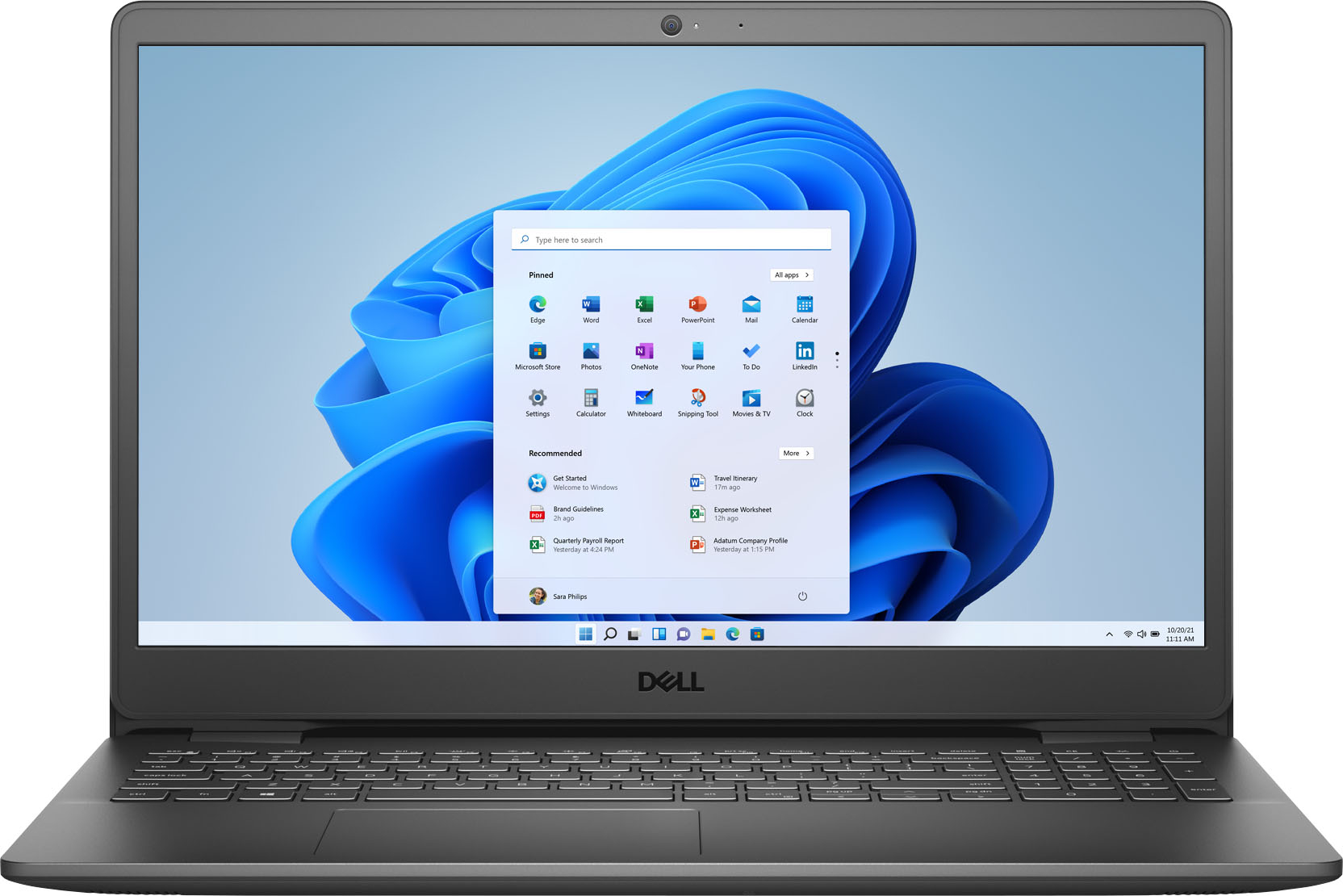
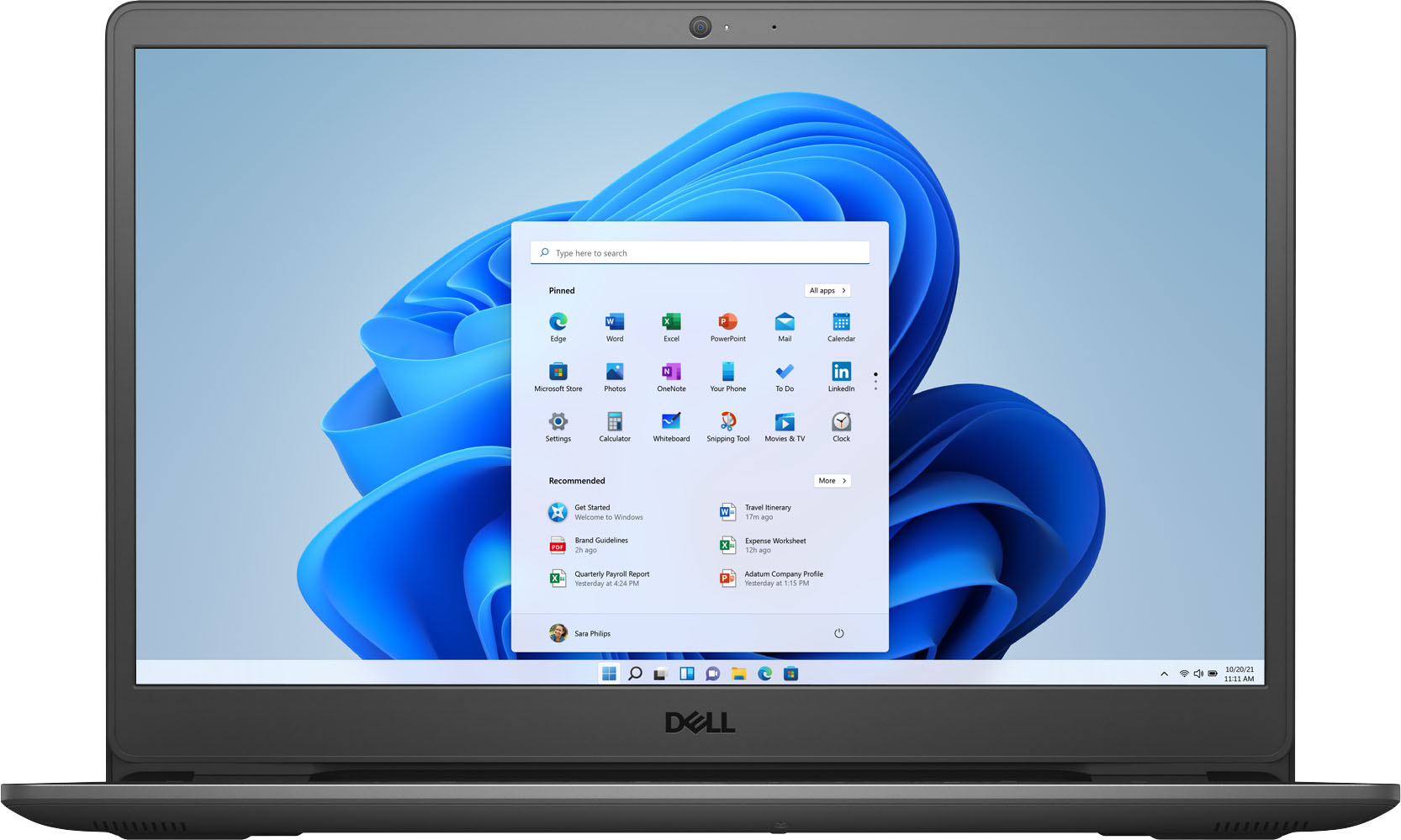
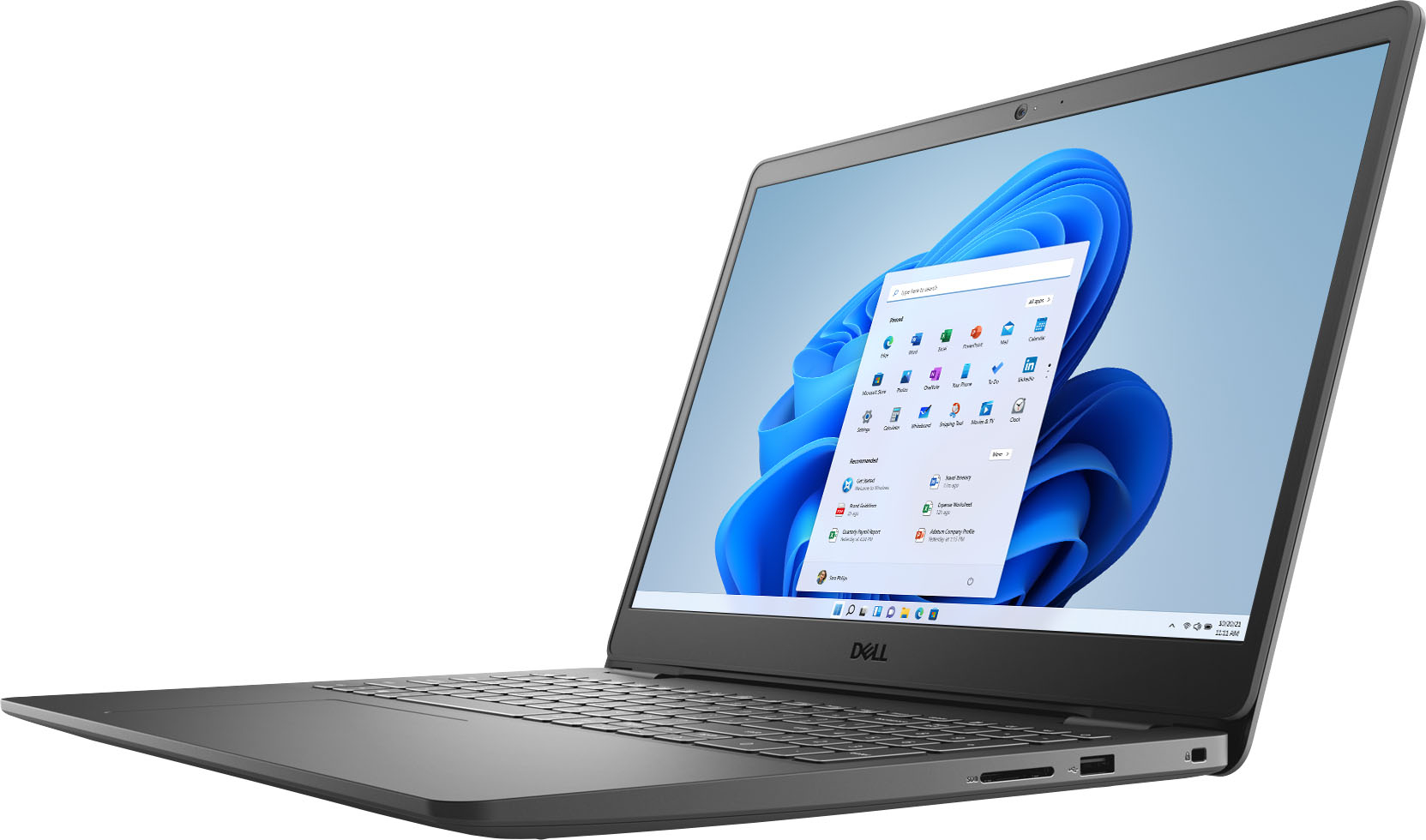
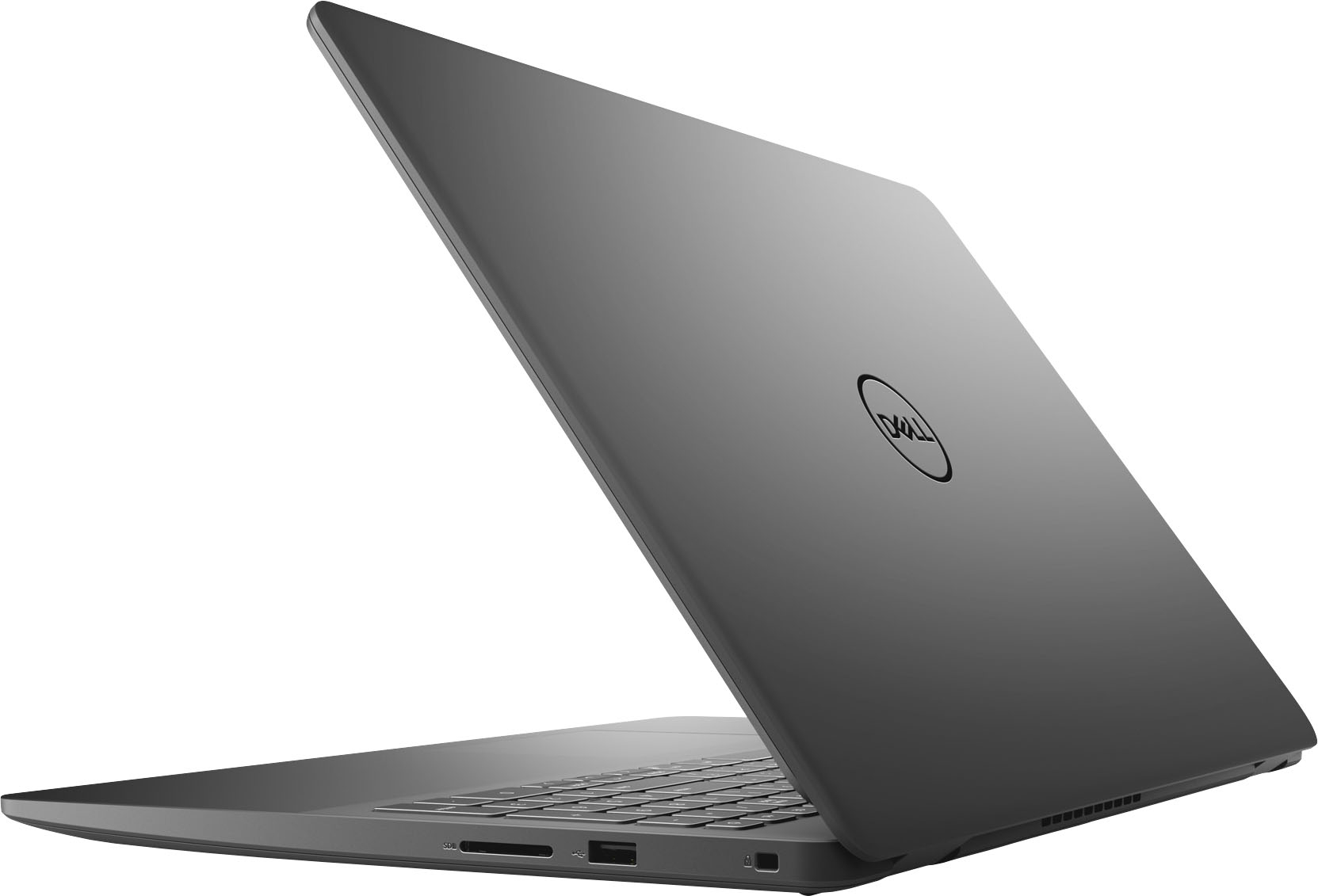
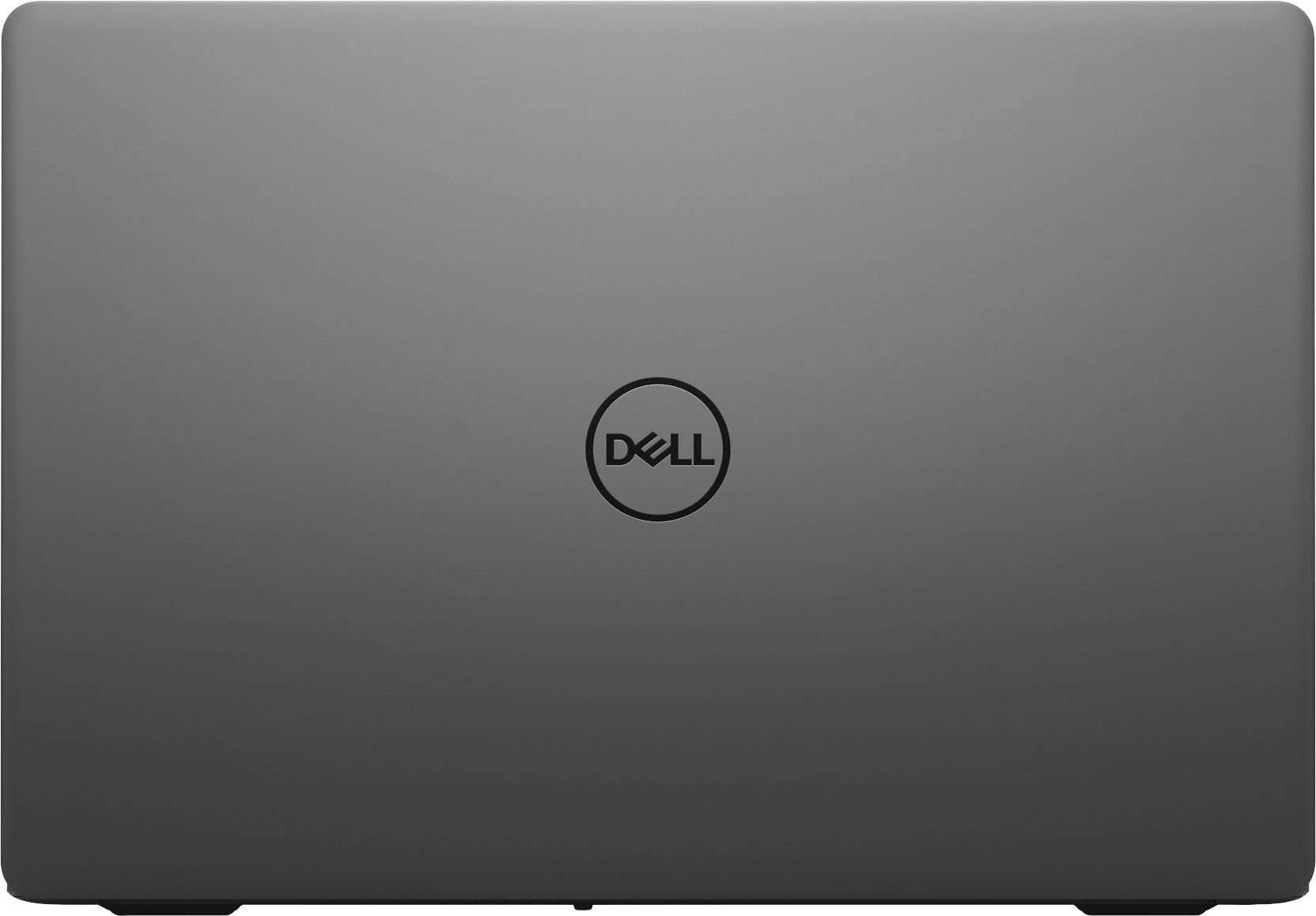
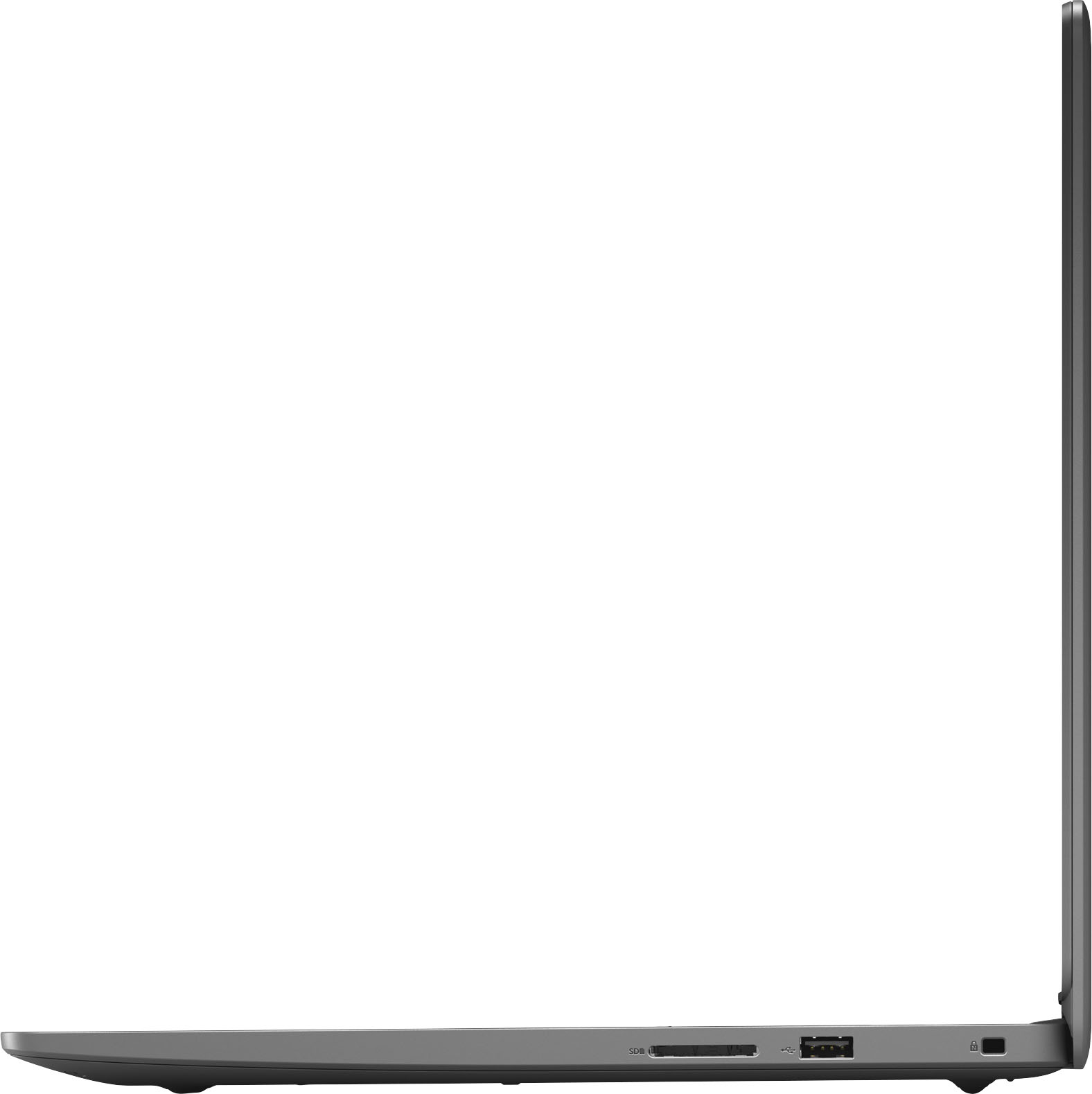
Customers enjoy the fast performance, touchscreen capabilities, and lightweight design of the Inspiron 3000 laptop. They appreciate its affordability and find it suitable for work and home office tasks. While some users have experienced issues with the speakers, overall, customers are pleased with their purchase.
This summary was generated by AI based on customer reviews.
Dell Inspiron 3000
||Posted . Owned for 11 months when reviewed.This reviewer received promo considerations or sweepstakes entry for writing a review.Did NOT work from Day 1. Returned it to store and found out it had internal problems.
No, I would not recommend this to a friendPoor operation system
||Posted . Owned for 3 weeks when reviewed.This reviewer received promo considerations or sweepstakes entry for writing a review.This laptop failed after three days with a internal programming error. Unable to perform any operation.
No, I would not recommend this to a friendBrand response from YourDellTeam
Posted .Dear Scott,
We appreciate you taking the time to leave us your review. We sincerely apologize for the programming errors you are encountering with your Inspiron 3501. Below I have provided a link to the Service Manual for your system. On this page, you will find a list of the system diagnostic lights to help troubleshoot.
Inspiron 3501 Service Manual: https://dell.to/34G1cUo
After utilizing the troubleshooting options provided, if the issue is not resolved, please contact our support team here: 1-800-624-9896.
Best,
Ashley@Dell
Should you need further assistance, you can contact Dell directly with the information below.
Chat or call: https://bit.ly/DellSupportTeam
Phone number to Dell 1-800-624-9896
WHAT A RIPOFF!!!
||Posted . Owned for 1 month when reviewed.This reviewer received promo considerations or sweepstakes entry for writing a review.THIS LAPTOP "OPEN BOX" STARTED FAILING WITHIN A WEEK!
No, I would not recommend this to a friend- Pros mentioned:Performance
Very good laptop
Posted .This reviewer received promo considerations or sweepstakes entry for writing a review.Had one before good performance like shopping best buy
I would recommend this to a friend - Pros mentioned:Speed
Dell Inspirion 15 3000 laptop
Posted .This reviewer received promo considerations or sweepstakes entry for writing a review.I am very happy with my new Dell Inspiron 15.6 Full HD WVA Touch Display. It is much faster than the previous laptop I had. I would definitely recommend to anyone needing a new laptop. Great product.
I would recommend this to a friend - Pros mentioned:Performance
Computer review
Posted .This reviewer received promo considerations or sweepstakes entry for writing a review.So far i havent had any issues, the computer has done well for what i brought it for. I will give it a thumb up
I would recommend this to a friend Total Blackout
Posted .This reviewer received promo considerations or sweepstakes entry for writing a review.Lost power and never came back on. Replaced the power cord and still no success. Taking back to the stores Geek Squad to see whats next.
No, I would not recommend this to a friend- Pros mentioned:Performance
Why titles
Posted .This reviewer received promo considerations or sweepstakes entry for writing a review.Its got lots of options to use. Very fast, good camera and digital optiins to create cards and pictures , video
I would recommend this to a friend - Pros mentioned:Price
Bang for the money
Posted .This reviewer received promo considerations or sweepstakes entry for writing a review.Impressive for the money. I'm happy I purchased three of these for work.
I would recommend this to a friend - Pros mentioned:Price
Good value
Posted .This reviewer received promo considerations or sweepstakes entry for writing a review.No problems with it so far. Does what I need at a reasonable price.
I would recommend this to a friend - Cons mentioned:Operating system
NOT HAPPY
Posted .This reviewer received promo considerations or sweepstakes entry for writing a review.Nothing wrong with the operation of the computer but it is in Microsoft S mode which means that you cannot upload any app that is not microsoft. I am unable to use Chrome or any other browser. It is a clipped version of Microsoft 10. I know the basics about computers and didn't know this even existed. There was nothing in the ad that indicated it. Not happy. Have a local tech seeing if full windows can be installed. Otherwise back it goes.
No, I would not recommend this to a friendBrand response from YourDellTeam
Posted .Hi Lynnied2,
Thank you for taking the time to leave us your review. We apologize for the trouble you are having with the operating system of your Inspiron 3501. Below I have provided a link to an article to help switch out of Microsoft S Mode.
Switching Out of S Mode in Windows: https://bit.ly/3I1Sz4Q
After troubleshooting your system, if the problem is not resolved, please feel free to reach out to our support team here at your earliest convenience: https://bit.ly/DellSupportTeam.
If you should require further assistance, you can contact Dell directly with the information below.
Chat or call: https://bit.ly/DellSupportTeam
Phone number to Dell 1-800-624-9896
Best,
Ashley@Dell
Dell reliability at a GREAT price
Posted .This reviewer received promo considerations or sweepstakes entry for writing a review.Great Buy for a basic laptop; does everything I need in a laptop. A great brand, this is my second Dell-Inspiron, and at a great price!
I would recommend this to a friendDoes what I need.
Posted .This reviewer received promo considerations or sweepstakes entry for writing a review.My computer meets my needs well. I was pleased with the overall selection process.
I would recommend this to a friendGood to Buy
Posted .This reviewer received promo considerations or sweepstakes entry for writing a review.Good for my daily routine personal works. only problem is not having the antivirus installed.
I would recommend this to a friendTry it yourself
Posted .This reviewer received promo considerations or sweepstakes entry for writing a review.Overall this is a great product however the battery life sucks
I would recommend this to a friendLaptop
Posted .This reviewer received promo considerations or sweepstakes entry for writing a review.So far I love it. It's just what I wanted for work.
I would recommend this to a friendJust Terrible Don’t buy this one
Posted .This reviewer received promo considerations or sweepstakes entry for writing a review.I have only had this laptop for four months and it constantly overheats. I can’t even close the lid and put it in sleep mode for more than a couple of hours without it shutting off. Sometimes I’ll walk away to get a cup of tea and it will just shut off on me. That plus the mouse off to the left is so awkward that’s screens are always bouncing up that I have to keep closing. It took almost a month to transfer everything over and get it working only to find out that this machine overheats as much as my 12 year old laptop that I had and I have to now attach a fan to make it work Also the speakers are so low you have to add additional speakers to be able to hear at a reasonable volume. This comes into play if I want to use my laptop to follow a work out. I can’t hear what they’re saying when I’m standing away from the laptop. If that weren’t enough, the power plug keeps coming undone and even when it’s in insecure, sometimes it doesn’t make connection to the battery runs low and it shuts off for that reason to. This laptop is a complete disaster.
No, I would not recommend this to a friendBrand response from YourDellTeam
Posted .Dear BookGirl,
We want to thank you for your valued feedback. We apologize for the overheating problem you are experiencing with your Inspiron 3501. This is certainly not what we like to hear from our loyal customers. We do recommend making sure all drivers and downloads are up to date on your PC, especially the BIOS. I have provided a link to the Drivers and Downloads Page for your system, so you can check for and do any applicable updates. As for the speaker issue you are having, I have provided the steps to running the Microsoft Sound Troubleshooter on your PC. I have also provided the full article link that has more helpful options if they are needed.
Drivers and Downloads Page: https://dell.to/33aHZG9
How to run Windows Troubleshooter in Microsoft Windows 10?
1. Click Start, then select Settings (gear icon).
2. Click Update & Security and select Troubleshoot.
3. Click Playing Audio and then click Run the troubleshooter.
4. Follow the on-screen instructions to complete the troubleshooting process.
Troubleshoot audio or sound playback issues: https://dell.to/3u4pzmX
After utilizing the troubleshooting options provided, if the problem is not resolved, please contact our support team here: 1-800-624-9896.
Best Regards,
Ashley@Dell
Should you need further assistance, you can contact Dell directly with the information below.
Chat or call: https://bit.ly/DellSupportTeam
Phone number to Dell 1-800-624-9896
Terrible
Posted .This reviewer received promo considerations or sweepstakes entry for writing a review.Had this for not even 6 months and the charging port went bad. If you decide to get this, GET THE GEEK SQUAD WARRANTY. Estimated 3-4 weeks to get it out to Kentucky to get it fixed. Not only that but its unbearably slow more times than not. Wouldn't recommend.
No, I would not recommend this to a friendBrand response from YourDellTeam
Posted .Hello Sean,
Thank you very much for your valuable feedback. We apologize for the troubles you have experienced with your Dell Inspiron 3000 laptop because its charging port is not functioning and it is performing slowly. We will share your comments about these issues with our quality team, so future improvements can be made.
I have provided some steps you can take that should help with the slow performance issue.
There are several ways to help improve the performance of your computer if it is running slower than you expected it to. We'd recommend the following steps to help improve your computer's overall performance and speed:
1. Restart your computer regularly.
2. Run the automated tools provided in the SupportAssist Tool.
3. Run a complete hardware diagnostic test.
4. Scan your computer for malware.
5. Restore your Dell computer using Windows System Restore.
6. Reinstall Microsoft Windows.
You can read the full steps associated with each of these recommendations here: https://dell.to/3n29QjE.
If the performance issue with your Inspiron is still not resolved after utilizing the troubleshooting options above, please contact the Dell Support Team at 1-800-624-9896 for further guidance.
Best,
Katarina@Dell
Should you need further assistance, you can contact Dell directly with the information below.
Chat or call: https://bit.ly/DellSupportTeam
Phone number to Dell 1-800-624-9896
30 days and laptop is in hole.
Posted .This reviewer received promo considerations or sweepstakes entry for writing a review.30 days post purchase I have a laptop with an unresponsive keyboard or monitor that appears to have a battery issue. It seems to be swelling within the laptop housing, maybe causing the other issues. Very warm and it's not been used for 2 days.
No, I would not recommend this to a friendBrand response from YourDellTeam
Posted .Dear Valued Customer,
Thank you very much for your feedback. We are sorry to hear you are experiencing problems with your Dell Inspiron 3501 laptop. To help with an unresponsive keyboard, please make sure you have downloaded the latest system update. I have provided a link to the drivers and downloads page where you can check for any applicable updates.
Drivers and Downloads Page: https://dell.to/3semNMY
To help with swollen battery, please contact Dell Support Team at the information provided below for further guidance.
Best,
Katarina@Dell
Should you need further assistance, you can contact Dell directly with the information below.
Chat or call: https://bit.ly/DellSupportTeam
Phone number to Dell 1-800-624-9896
Poor build quality
Posted .This reviewer received promo considerations or sweepstakes entry for writing a review.I loved this laptop while it worked. Unfortunately, the hinge broke after 7 months of use and dell wont fix it under warranty.
No, I would not recommend this to a friendBrand response from YourDellTeam
Posted .Hello Abpa1975,
We would like to thank you for taking the time to provide us with your feedback. We are sorry to hear that you have come across some troubles with your Inspiron 3501 because its hinges broke. This is certainly not what we like to hear from our valued customers. We will share your comments with our quality team so improvements can be made now and in the future.
Please contact the Dell Support Team at the information provided below for further guidance.
Best,
Katarina@Dell
Should you need further assistance, you can contact Dell directly with the information below.
Chat or call: https://bit.ly/DellSupportTeam
Phone number to Dell 1-800-624-9896