Customer Ratings & Reviews
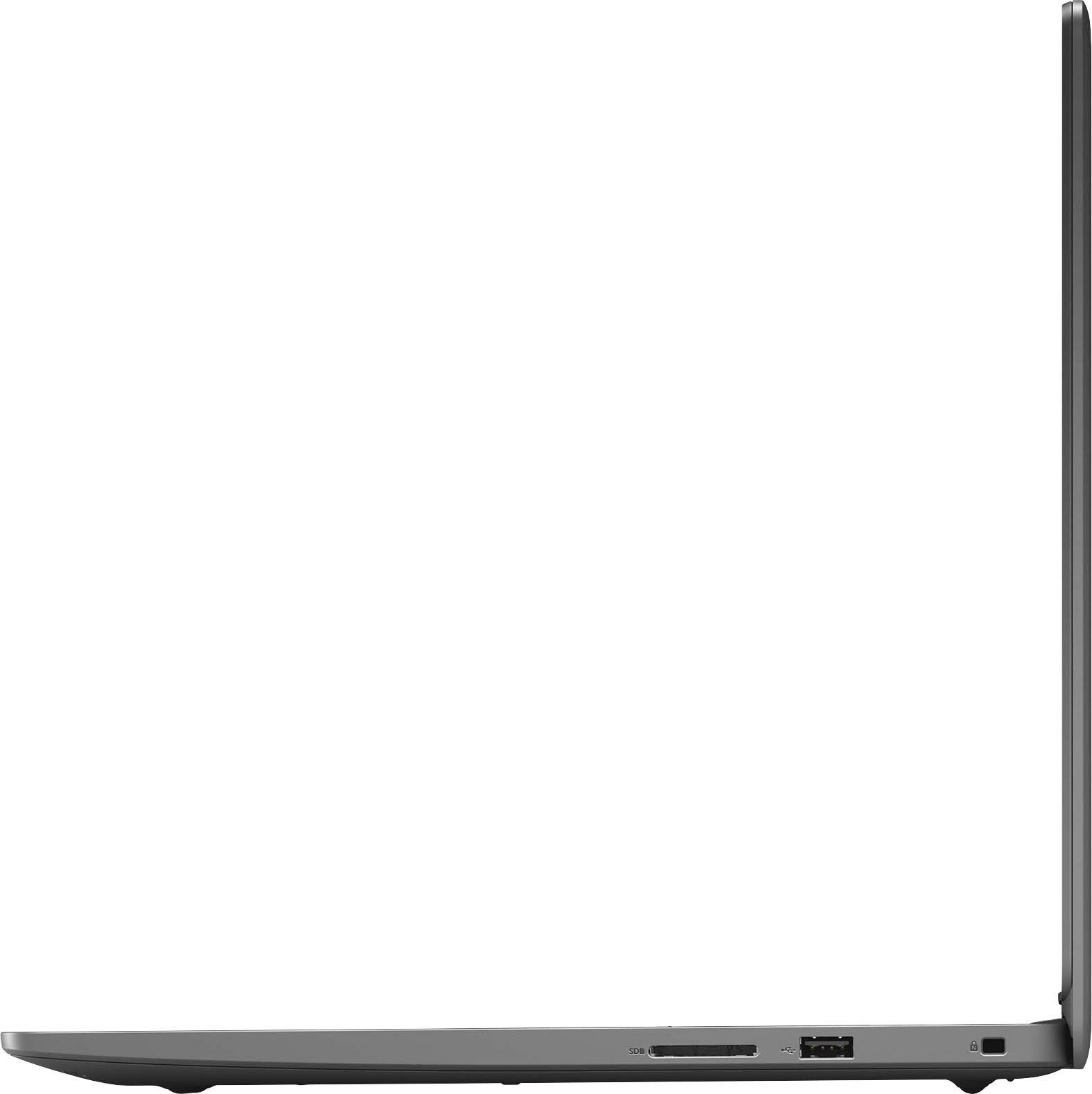
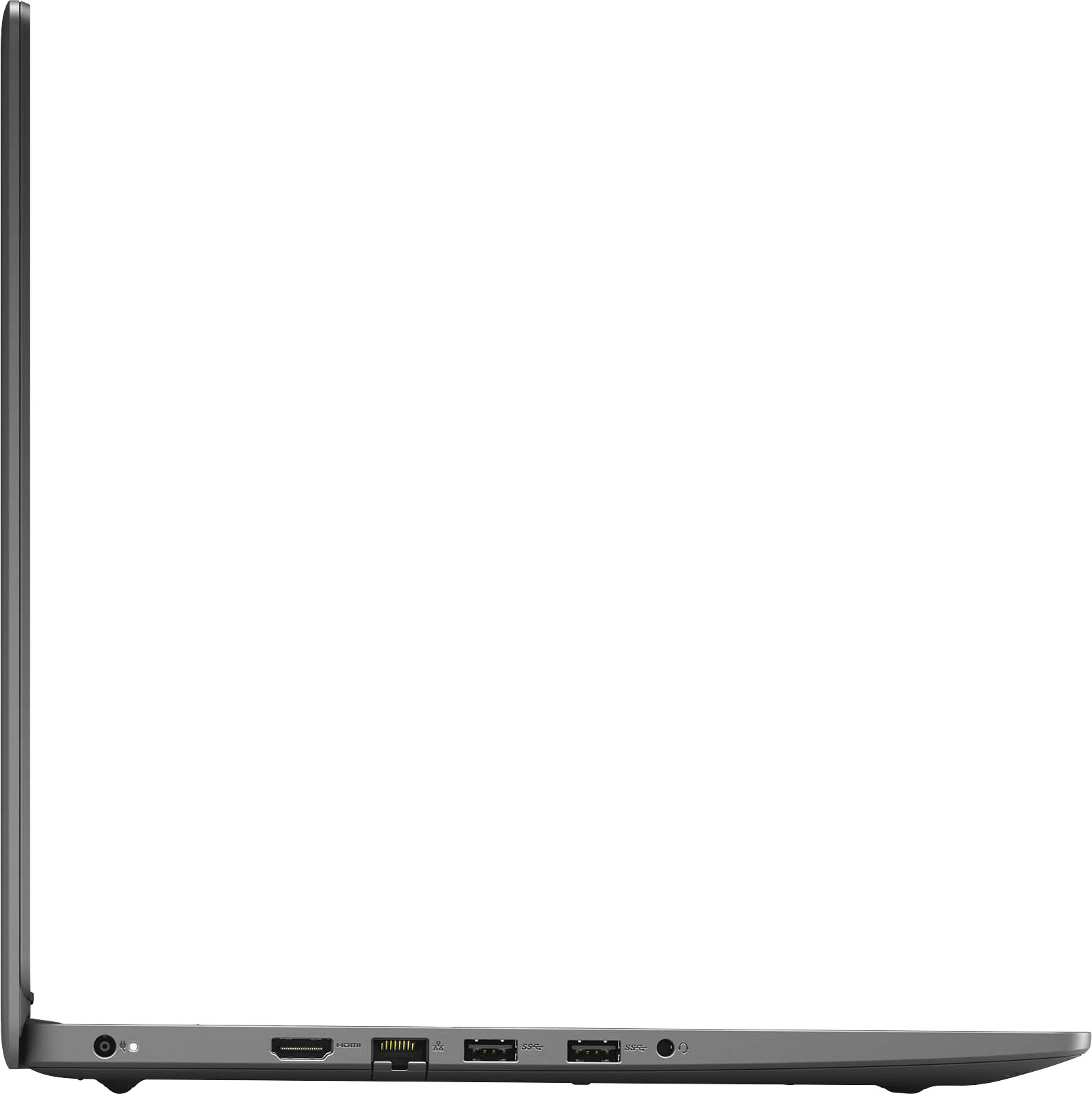
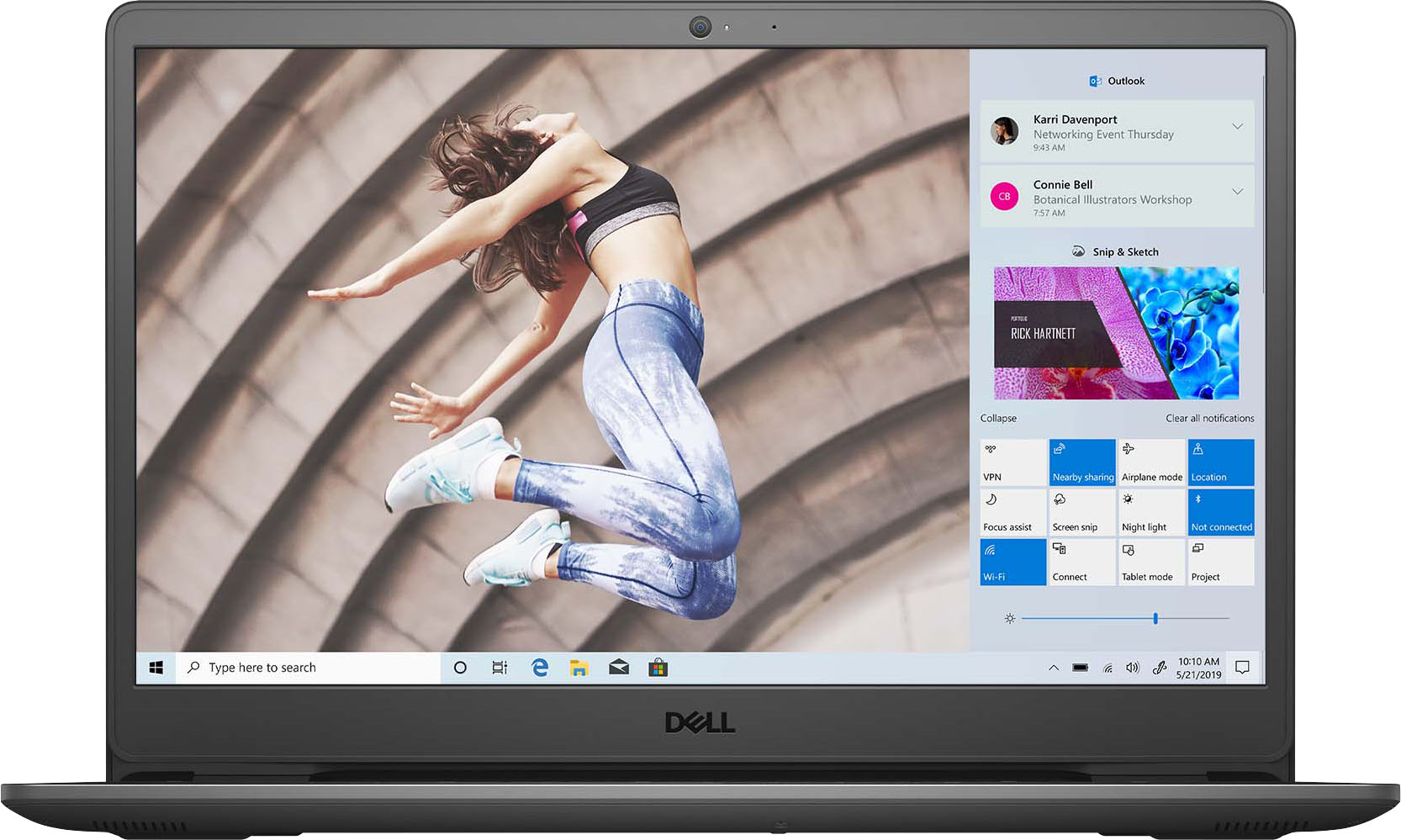

- Model:
- i3501-5075BLK-PUS
- SKU:
- 6455737
Rating by feature
- Battery Life
Rating 4.5 out of 5 stars
- Speed
Rating 4.5 out of 5 stars
- Display
Rating 4.4 out of 5 stars
Customers are saying
Customers value the Inspiron 3501 laptop for its budget-friendly price, fast performance, and long battery life. It is considered a great entry-level gaming computer with decent specifications for the price. However, some customers have expressed concerns about the screen resolution and limited storage capacity.
This summary was generated by AI based on customer reviews.
Very poor
||Posted .This reviewer received promo considerations or sweepstakes entry for writing a review.Very slow and function poorly. I would like to return it
No, I would not recommend this to a friendWent downhill before three months
||Posted . Owned for 2 months when reviewed.This reviewer received promo considerations or sweepstakes entry for writing a review.Screen starting going out before three months of use. Get a warranty plan.
No, I would not recommend this to a friendBrand response from YourDellTeam
Posted .Dear Jojopug,
We appreciate you taking the time to leave us your valued feedback. We apologize for the problems you have encountered with the display of your Inspiron 3501. Below I have provided the steps to run a diagnostic test on the display and the full article link, which has more options if they are needed. We also suggest making sure all video drivers are up to date on your PC. I have given you a link to the Drivers and Downloads page for your computer below.
Method 1
1. Power off the Dell Laptop PC.
2. Disconnect any peripherals that are connected to the PC, and connect the AC Adapter (charger) to the PC.
3. Make sure that the LCD screen is clean (no dust particles are on the surface of the screen).
4. Press and hold D key and power on the PC to enter LCD built-in self test (BIST) mode.
Continue to hold the D key until you see the entire screen change colors.
5. The screen changes colors to black, white, red, green, and blue.
6. Carefully inspect the screen for abnormalities.
7. Press Esc key to exit.
How to troubleshoot display issues: https://dell.to/2O1UnnF
Drivers and Downloads Page: https://dell.to/3fvqZRg
After utilizing the troubleshooting options, if the problem persists, please contact our support team here at your earliest convenience: https://bit.ly/DellSupportTeam.
Should you require further assistance, you can contact Dell directly with the information below.
Chat or call: https://bit.ly/DellSupportTeam
Phone number to Dell 1-800-624-9896
Best,
Ashley@Dell
Not so excellent
||Posted . Owned for 1 month when reviewed.This reviewer received promo considerations or sweepstakes entry for writing a review.Missing a very important component, had to exchange another laptop.
No, I would not recommend this to a friendI was told to never buy Dell, I found that out
||Posted . Owned for 3 months when reviewed.This reviewer received promo considerations or sweepstakes entry for writing a review.This stopped working 15 minutes before my return window closed.
No, I would not recommend this to a friendBrand response from YourDellTeam
Posted .Hello Sadpanda,
Thank you very much for your feedback. We apologize for the issues you have come across with your Inspiron 3501 because it stopped working. With more information, we would like to help you as soon as possible. Please contact the Dell Support Team directly at 1-800-624-9896 at your earliest convenience so we can help resolve your issue.
Best,
Katarina@Dell
Should you need further assistance, you can contact Dell directly with the information below.
Chat or call: https://bit.ly/DellSupportTeam
Phone number to Dell 1-800-624-9896
Don't Buy Dell - Poor quality and support
||Posted . Owned for 3 months when reviewed.This reviewer received promo considerations or sweepstakes entry for writing a review.Worked 1 month. Been at Dell 1 month. Computerless
No, I would not recommend this to a friendDoesn’t support dual monitors in the extended view
||Posted .This reviewer received promo considerations or sweepstakes entry for writing a review.Does not support dual monitors in the extended view.
No, I would not recommend this to a friendBrand response from YourDellTeam
Posted .Dear Buggs,
Thank you for your valued feedback. We are sorry to hear you are having trouble setting up multiple monitors with your Inspiron 3501. Below I have provided a link to an article to help troubleshoot the issues you are facing.
How to Troubleshoot Multiple Monitor Issues: https://dell.to/3HJUiM1
After utilizing the troubleshooting options provided, if the problem is not resolved, please reach out to our support team here: https://bit.ly/DellSupportTeam.
Should you require further assistance, you can contact Dell directly with the information below.
Chat or call: https://bit.ly/DellSupportTeam
Phone number to Dell 1-800-624-9896
Best,
Ashley@Dell
- Pros mentioned:Battery lifeCons mentioned:Screen resolution
Really Good!
Posted .This reviewer received promo considerations or sweepstakes entry for writing a review.1 day Review: I've been using this laptop all day today for: browsing the web, light gaming, and more. Battery life is really good (If your not gaming). Tasks like: Browsing the internet, editing documents, etc. is very satisfying and smooth thanks to the intel core i5-1135G7 chip. One thing that may turn people away is screen brightness. This laptop screen gets bright, but in the sun is where it lacks. Definitely recommend!
I would recommend this to a friend - Pros mentioned:Price
Very Satisfied.
Posted .This reviewer received promo considerations or sweepstakes entry for writing a review.Good product at a good price. I have no complaints with the product or with the purchase process.
I would recommend this to a friend NA
Posted .This reviewer received promo considerations or sweepstakes entry for writing a review.Dell much improved over the last time I bought Dell...at that time resolved never to purchase another dell, that was 10 years ago. .however,def NOT impressed with Microsoft as an operating/brower system. I would have kept looking for something "other' then the current updated MS. if I knew of the non-improvements that they made
No, I would not recommend this to a friendBrand response from YourDellTeam
Posted .Hi Menotomy,
We want to thank you for taking the time to leave us your review. We apologize for the trouble you have had with the operating system of your Inspiron 3501. I have provided a link to help with understanding and troubleshooting Windows 10.
Windows 10 support: https://dell.to/3t4GLqQ
After utilizing the troubleshooting options provided, if the problem persists, please reach out to our support team here: https://bit.ly/DellSupportTeam.
If you require further assistance, you can contact Dell directly with the information below.
Chat or call: https://bit.ly/DellSupportTeam
Phone number to Dell 1-800-624-9896
Best,
Ashley@Dell
Dell 15.6 Laptop with Intel Core i5
Posted .This reviewer received promo considerations or sweepstakes entry for writing a review.Very good computer for what I need to do: Social media, email. pay bills, stream TV/movies and search the web. The speakers/sound quality is mediocre and I cannot provide any feedback about gaming.
I would recommend this to a friend