Customer Ratings & Reviews
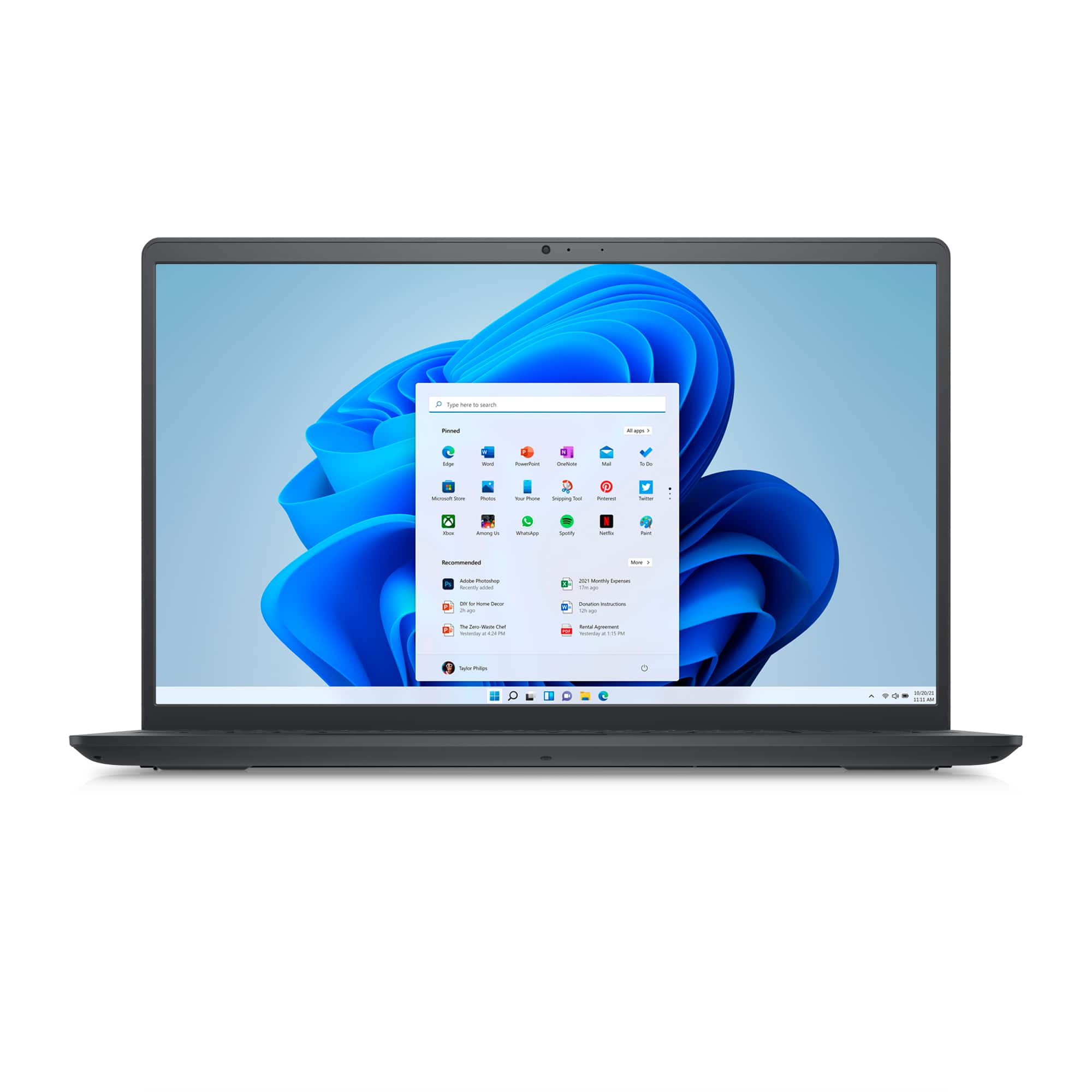
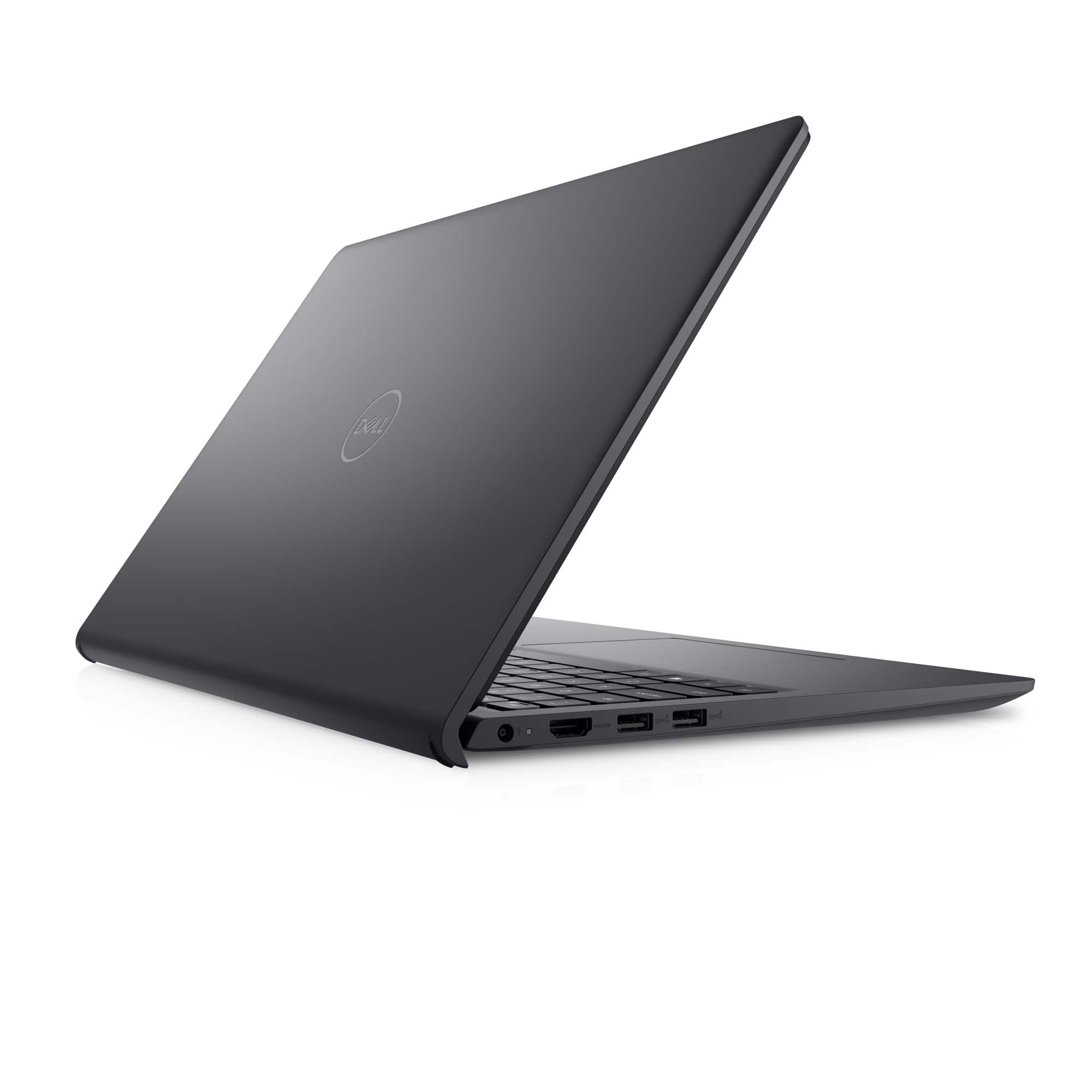
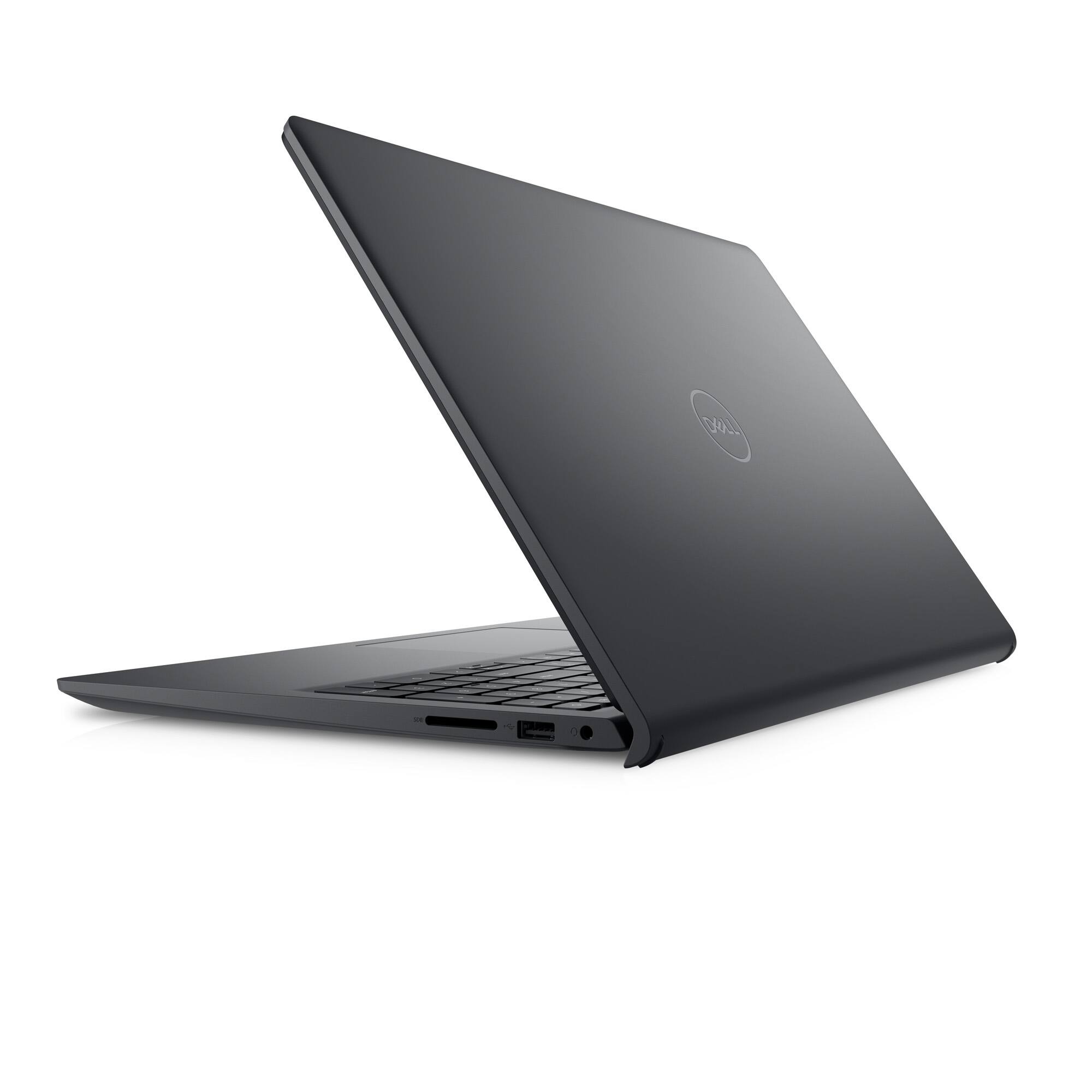
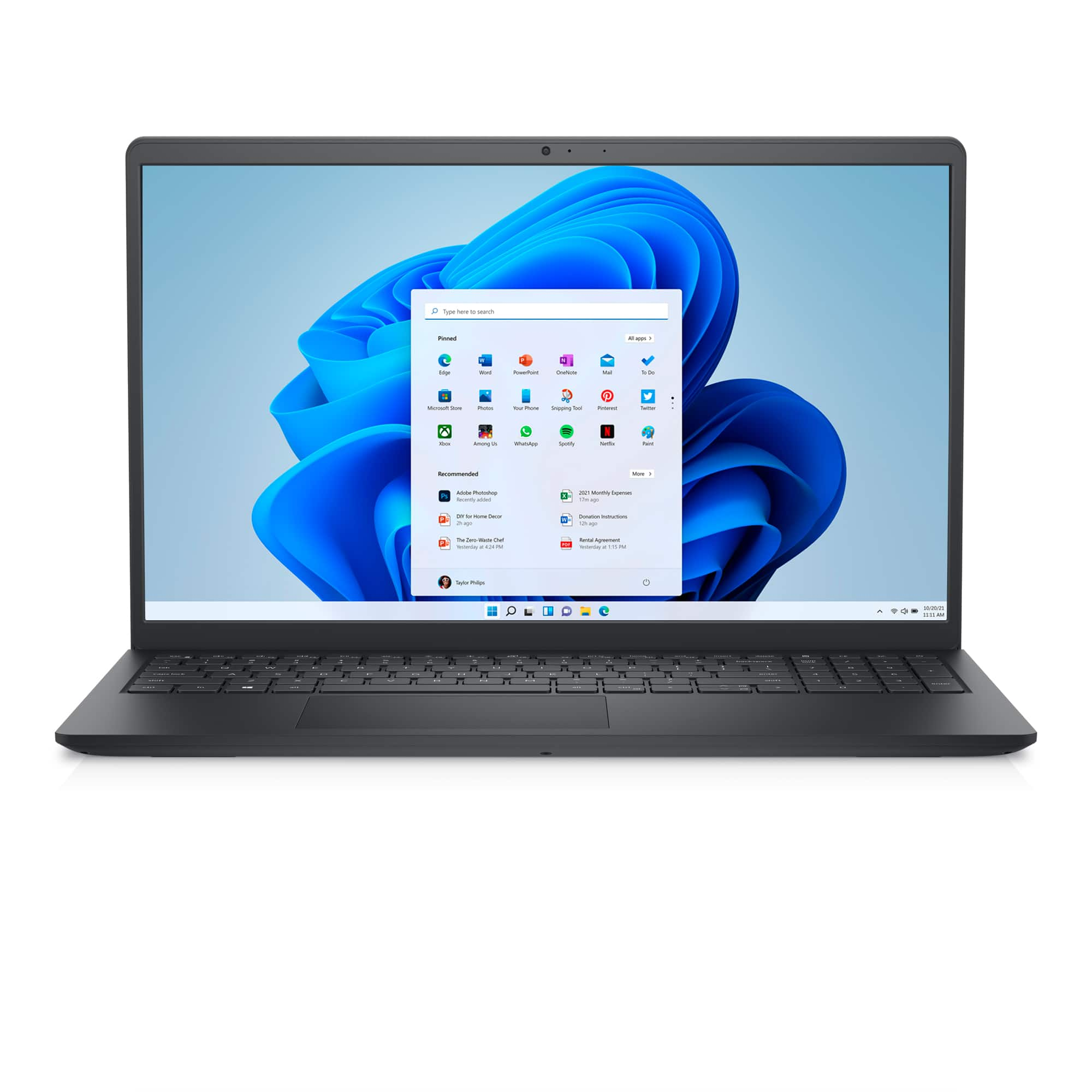
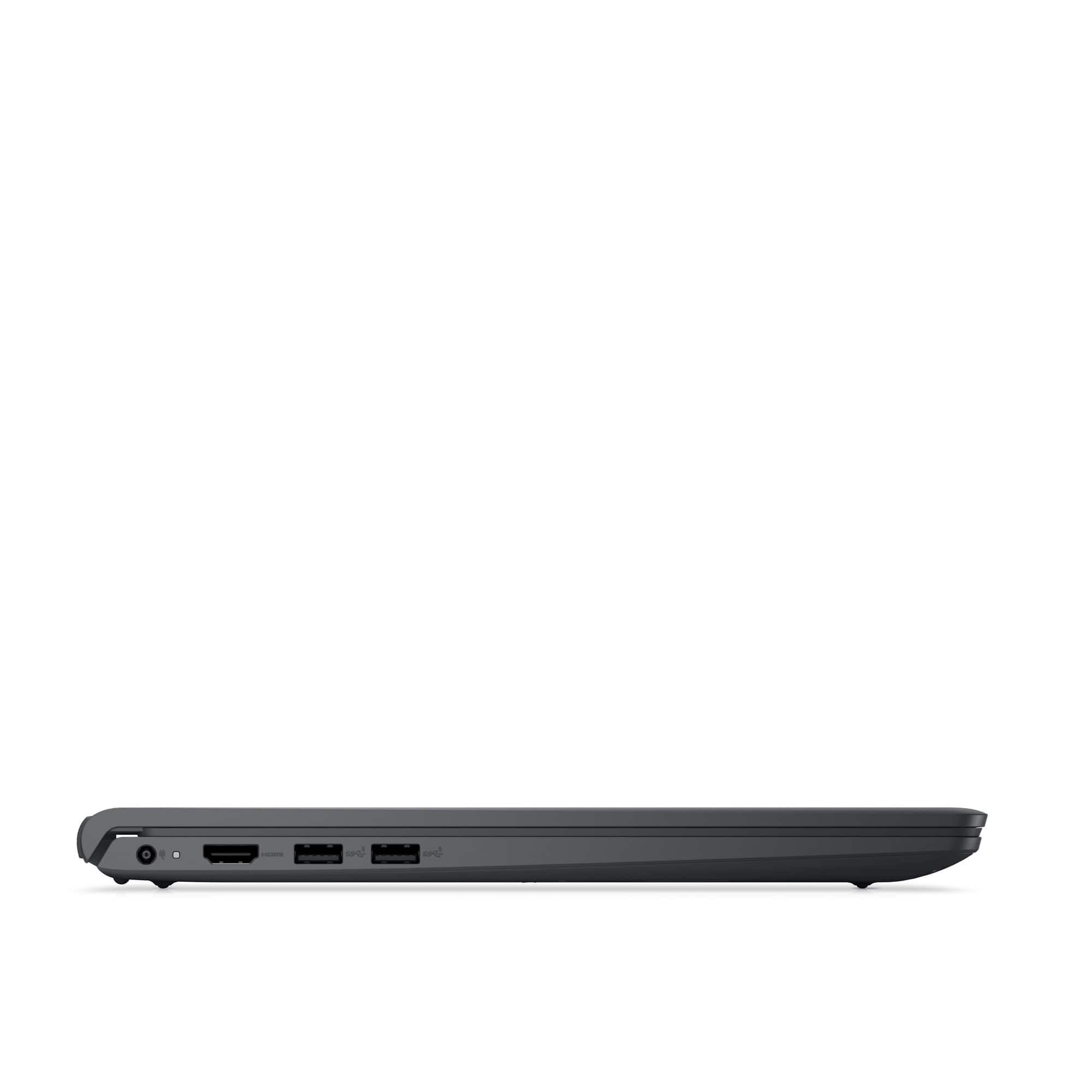

- Model:
- i3511-5174BLK-PUS
- SKU:
- 11411148
Rating by feature
- Battery Life
Rating 4.3 out of 5 stars
- Speed
Rating 4.5 out of 5 stars
- Display
Rating 4.6 out of 5 stars
to a friend
Laptops
||Posted . Owned for 1 month when reviewed.This reviewer received promo considerations or sweepstakes entry for writing a review.I like this product, very easy to use, a great product.
I would recommend this to a friendGreat gift!
||Posted . Owned for 1 month when reviewed.This reviewer received promo considerations or sweepstakes entry for writing a review.Got as a Christmas gift and it was just what I needed!
I would recommend this to a friendGood Laptop, Great Price
||Posted . Owned for 1 month when reviewed.This reviewer received promo considerations or sweepstakes entry for writing a review.A Good laptop, great price. Very light and durable.
I would recommend this to a friendNot good design and good product
||Posted . Owned for 1 year when reviewed.This reviewer received promo considerations or sweepstakes entry for writing a review.Not that geat size is too big and key board had lot of extra button not useful and charger battery is less not for long use on single charge.
No, I would not recommend this to a friendBrand response from YourDellTeam
Posted .Dear AnuragJ,
Thank you for taking the time to leave a review. We apologize for the battery performance issues you are experiencing with your Inspiron 3511. It's important for us to hear about inconsistencies in our products for consideration of future development. Below I have provided steps with the full articles that can help you improve the battery performance of your laptop.
Here are the steps to help improve the battery performance of your laptop:
1. On the notification area of the taskbar, right-click the Battery icon.
2. On the options list, click Power Options.
3. Select a power plan on the battery meter, such as Power Saver or Balanced. Windows 10 has a built-in 'Battery Saver' mode that can be activated to extend your system's battery life. The Battery Saver mode will monitor and limit background activity and other features such as push notifications. You do have the option to enable or disable this mode within settings or within advanced Battery Saver settings, you can customize the mode to best suit your needs.
a) Click on the Action Center icon in the taskbar and select the tile for Battery Saver.
b) If running Cortana, type Battery Saver into the search box and select from the results.
Within the Battery Saver settings page, you will be able to turn on and off the feature and customize the feature to best meet your needs.
c) Turn the Battery Saver On or Off.
d) Additional settings are available via the Battery use and Battery saver settings links.
e) Battery use shows further info on apps and their power usage.
f) Battery Saver Settings screen allows you to customize further the Battery Saver feature.
How to Improve the Performance of a Dell Laptop Battery: http://dell.to/2vfXWf4
If you still experience any issues after you have finished troubleshooting your laptop using the steps above, please reach out to us at: https://bit.ly/DellSupportTeam
We recommend that you contact Dell directly with the information below if you need further assistance.
Chat or call: https://bit.ly/DellSupportTeam
Phone number to Dell: 1-800-624-9896.
Sincerely,
Summer@Dell
Great computer
||Posted . Owned for 3 weeks when reviewed.This reviewer received promo considerations or sweepstakes entry for writing a review.The Dell laptop is a great computer for the money.
I would recommend this to a friendBest laptop of the year
||Posted . Owned for 3 weeks when reviewed.This reviewer received promo considerations or sweepstakes entry for writing a review.I honesty love my laptop its great and easy to use .
I would recommend this to a friendExcellent choice
||Posted . Owned for 1 month when reviewed.This reviewer received promo considerations or sweepstakes entry for writing a review.Excellent laptop for the price we coud'nt have better
I would recommend this to a friendDell laptop
||Posted .This reviewer received promo considerations or sweepstakes entry for writing a review.This is a great laptop. The touchscreen works great!
I would recommend this to a friendSolid Laptop
||Posted . Owned for 1.5 years when reviewed.This reviewer received promo considerations or sweepstakes entry for writing a review.Good quality computer. Quick, good memory capacity, nice casing and keyboard. Good for school, business, light gaming, and streaming.
I would recommend this to a friendDell
||Posted . Owned for 3 weeks when reviewed.This reviewer received promo considerations or sweepstakes entry for writing a review.Good computer for basic needs. Bought for reports.
I would recommend this to a friendGreat computer
||Posted . Owned for 1 month when reviewed.This reviewer received promo considerations or sweepstakes entry for writing a review.I love it. Works great,easy setup and its it's just what I was looking for. All my computers have been Dell and for me they are the best. I still have my old Dell that still works after more than then 10 year just not as fast
I would recommend this to a friendServiceable
||Posted . Owned for 1 month when reviewed.This reviewer received promo considerations or sweepstakes entry for writing a review.This is a backup/craft room computer. I am an Apple user and it is much slower than my MacBook Air. It is a nice, basic machine, and I’m sure it will do the job for the use and price I intend%
I would recommend this to a friendBrand response from YourDellTeam
Posted .Hey MarlaE,
We value your feedback and want to thank you for taking the time to leave a review of your Inspiron 3511. We are sorry to hear that you are experiencing an issue with the performance of your device. We have noted the details of your statement and will use them to improve current and future products. Below I have provided troubleshooting steps to help resolve your issue.
Here are the steps to help you with slow performance issues:
1. Run the automated tools in SupportAssist to ensure that the drivers are up to date and your computer is optimized.
2. Restart the computer
3. Run a hardware diagnostic test
4. Scan your computer for malware
5. Restore the computer using Windows System Restore
6. Restore the computer to factory default settings
You can read the article that can help you with slow performance issues here: https://dell.to/3yqre8r
Should you need further assistance; we recommend that you contact Dell directly with the information below.
Chat or call: https://bit.ly/DellSupportTeam
Phone number to Dell: 1-800-624-9896.
Best,
Summer@Dell
Inspiron 15
||Posted . Owned for 1 month when reviewed.This reviewer received promo considerations or sweepstakes entry for writing a review.I purchased a Dell Inspiron 15 model 3511. It was exactly what I was wanting. It has the touch screen with webcam which I use all the time. It was easy to to get started and was using it within a hour. A great purchase.
I would recommend this to a friendBest price with good futures
||Posted . Owned for 2 weeks when reviewed.This reviewer received promo considerations or sweepstakes entry for writing a review.I used for a while and no issue at this point. But dell is always a good laptop compared to ho and lenovo. I bought a laptop in 2014 can you believe it is still working with on issue and i bought another laptop hp it didn’t last morethan 3 year.
I would recommend this to a friendperfect laptop for everyday use
||Posted .This reviewer received promo considerations or sweepstakes entry for writing a review.This Dell Inspiron works fast, has a very clear display and is lightweight. Battery lasts a while which is great for me, as I use it for long periods of time. I got it cuz someone recommended it, and the price was great.
I would recommend this to a friendGreat Value and Specs
||Posted . Owned for 1 month when reviewed.This reviewer received promo considerations or sweepstakes entry for writing a review.Laptop was great specs for the price. Fast startup and fast response while using. Fan can get a little loud but only under heavy use. So far I am very pleased.
I would recommend this to a friendGood for what it is
||Posted . Owned for 1.5 years when reviewed.This reviewer received promo considerations or sweepstakes entry for writing a review.Does everything I need as a general psychology student. I'm not sure how it does with harder programs but it could handle my course load pretty well and lasted with pretty consistent use.
I would recommend this to a friendNot happy
||Posted . Owned for 3 weeks when reviewed.This reviewer received promo considerations or sweepstakes entry for writing a review.Battery longevity is not good. I use it for 45 minutes in class after a full charge and the battery is down to 47%. This has happen all 3 times I have used it to teach my class.
No, I would not recommend this to a friendBrand response from YourDellTeam
Posted .Hello Happy,
Thank you for taking the time to leave us a review of your Inspiron 3511. We are sorry to hear that you are experiencing an issue with the performance of your battery. That is not the type of product Dell intends to deliver. We have noted the details of your statement and will use them to improve current and future products. Below I have provided troubleshooting steps to help resolve your issue.
Here are the steps to help improve the battery performance of your laptop:
1. On the notification area of the taskbar, right-click the Battery icon.
2. On the options list, click Power Options.
3. Select a power plan on the battery meter, such as Power Saver or Balanced. Windows 10 has a built-in 'Battery Saver' mode that can be activated to extend your system's battery life. The Battery Saver mode will monitor and limit background activity and other features such as push notifications. You do have the option to enable or disable this mode within settings or within advanced Battery Saver settings, you can customize the mode to best suit your needs.
a) Click on the Action Center icon in the taskbar and select the tile for Battery Saver.
b) If running Cortana, type Battery Saver into the search box and select from the results.
Within the Battery Saver settings page, you will be able to turn on and off the feature and customize the feature to best meet your needs.
c) Turn the Battery Saver On or Off.
d) Additional settings are available via the Battery use and Battery saver settings links.
e) Battery use shows further info on apps and their power usage.
f) Battery Saver Settings screen allows you to customize further the Battery Saver feature.
How to Improve the Performance of a Dell Laptop Battery: http://dell.to/2vfXWf4
Should you need further assistance; we recommend that you contact Dell directly with the information below.
Chat or call: https://bit.ly/DellSupportTeam
Phone number to Dell: 1-800-624-9896.
Best,
Summer@Dell
I bought it but I don't feel that I own it
||Posted . Owned for 1 month when reviewed.This reviewer received promo considerations or sweepstakes entry for writing a review.I bought this laptop because my old 32 bit HP laptop could not be upgraded to a modern O/S. I liked the specs and the price. With no demo model to check out I had it shipped to my house. After I got it and unpacked it I found it has no ethernet connection. Wifi only. My main complaint is its like its not really my computer but Microsoft is letting me use it with restrictions. Tried to install Firefox blocked, tried to download a game blocked alway with a message I need to go through the Microsoft store or convert this version of Windows 11 to the S mode (what ever that is) saying if I do I would loose some security. So buyer beware.
No, I would not recommend this to a friendBrand response from YourDellTeam
Posted .Greetings Stan,
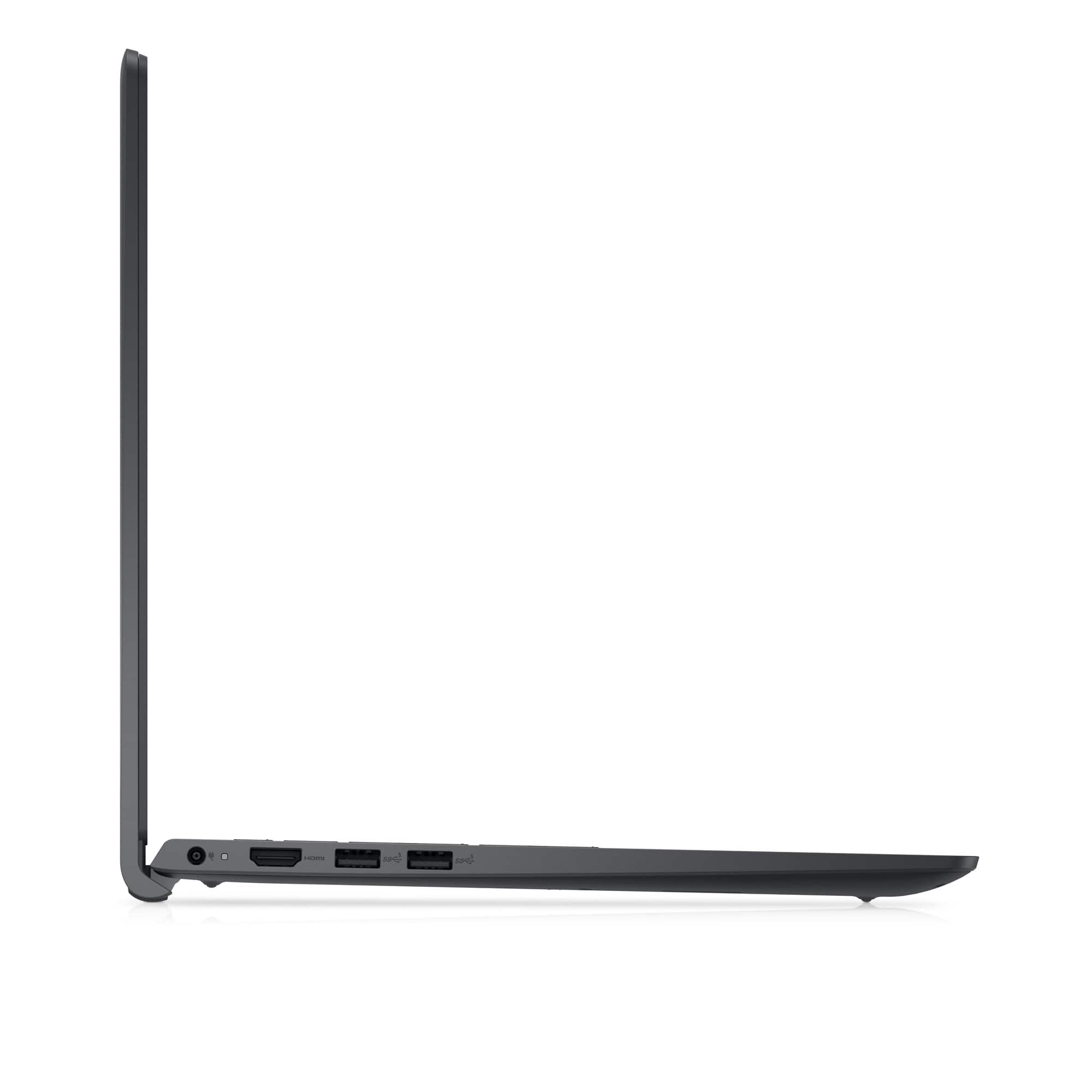
We value your feedback and want to thank you for taking the time to leave a review of your Dell Inspiron 3511 laptop. We are sorry to hear that you were not aware there was not an ethernet port on your device. That is not the type of feedback we like to hear from our customers. We have noted the details of your statement and will use them to improve current and future products.
Should you need further assistance; we recommend that you contact Dell directly with the information below.
Chat or call: https://bit.ly/DellSupportTeam
Phone number to Dell: 1-800-624-9896.
Regards,
Summer@Dell
Good buy for the price
||Posted . Owned for 1 month when reviewed.This reviewer received promo considerations or sweepstakes entry for writing a review.I use this computer for college and it is great. Only thing is I wish it had a longer battery life. But overall I’m pleased with my purchase. Love the touchscreen feature!
I would recommend this to a friend