Customer Ratings & Reviews
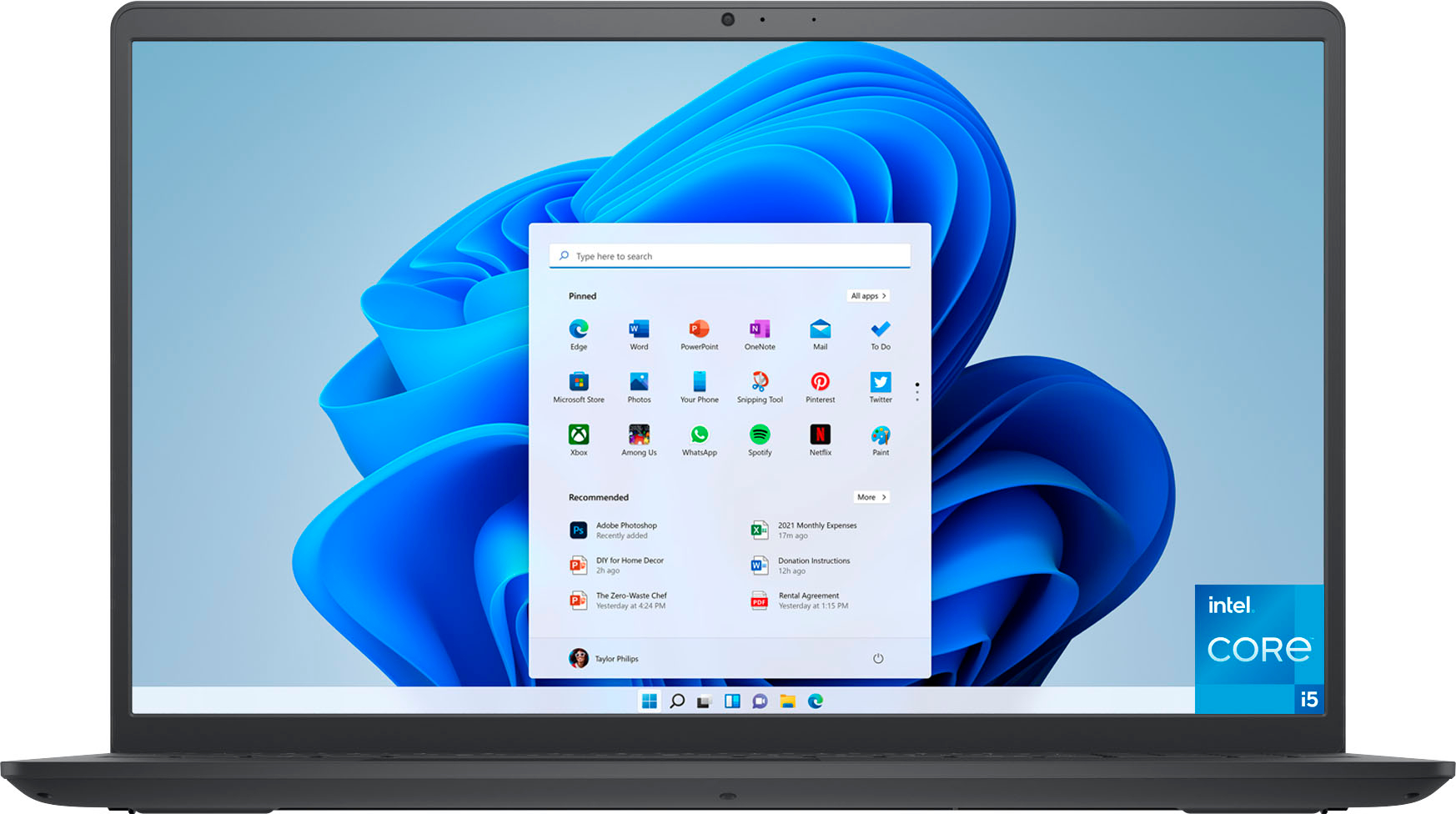
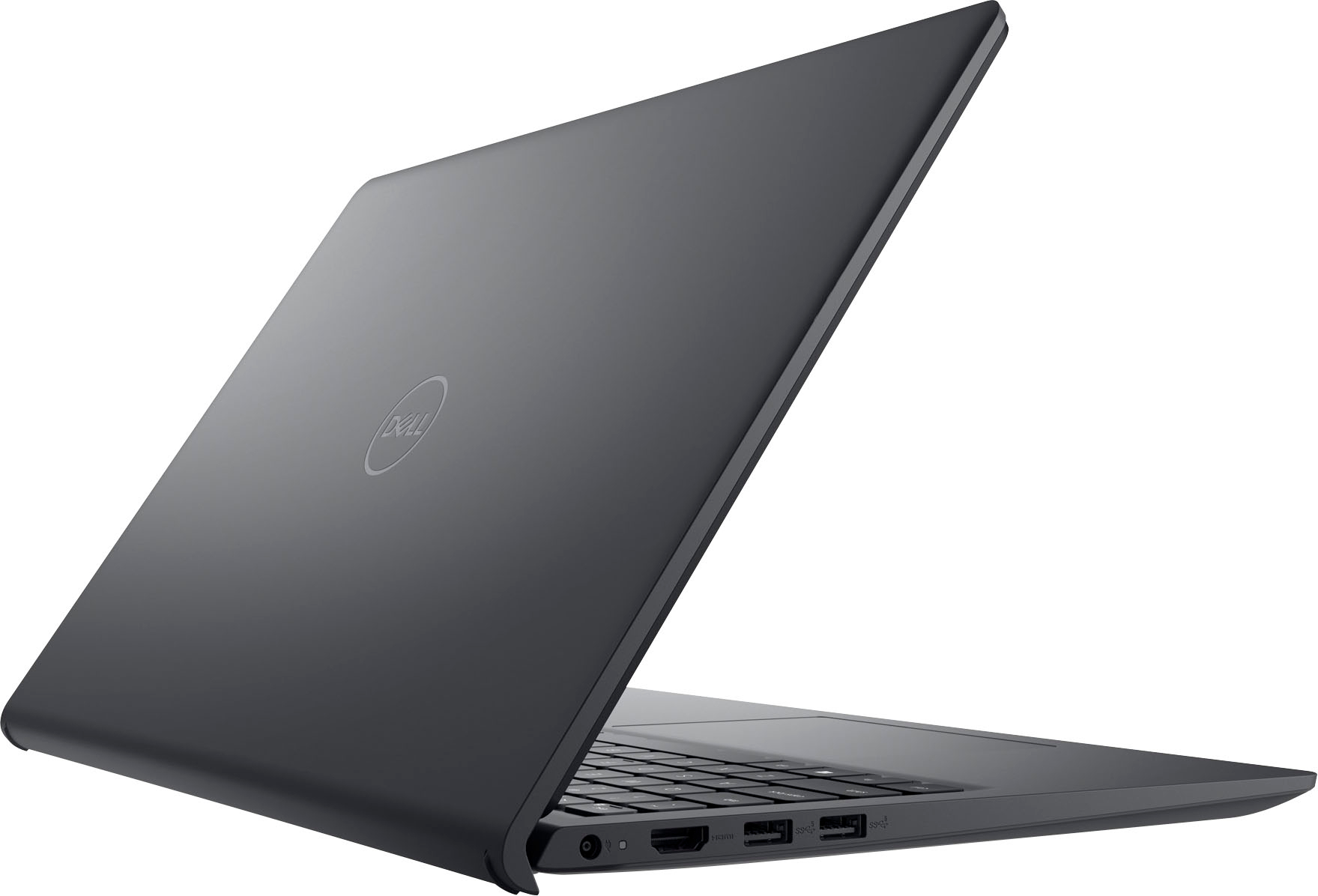
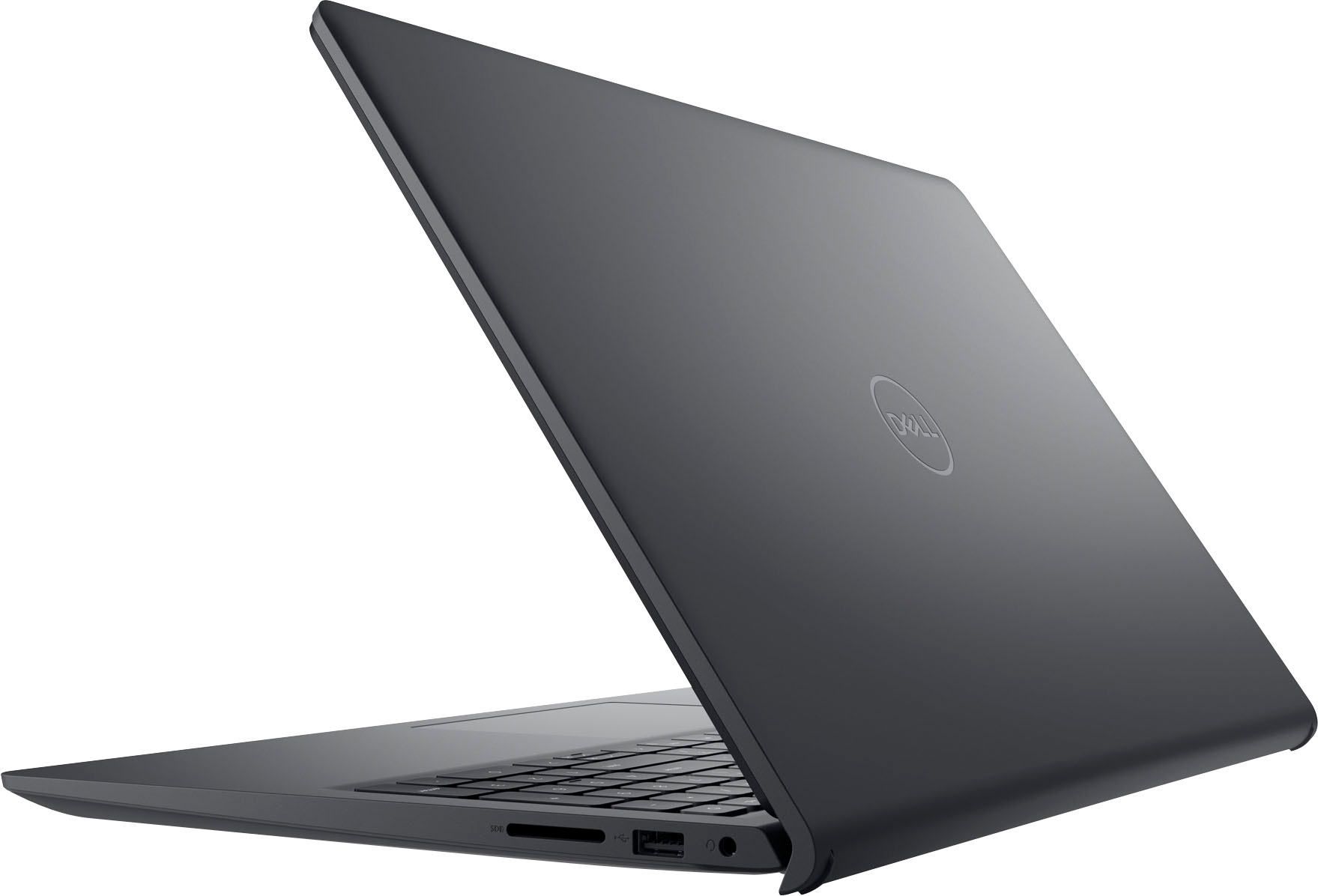
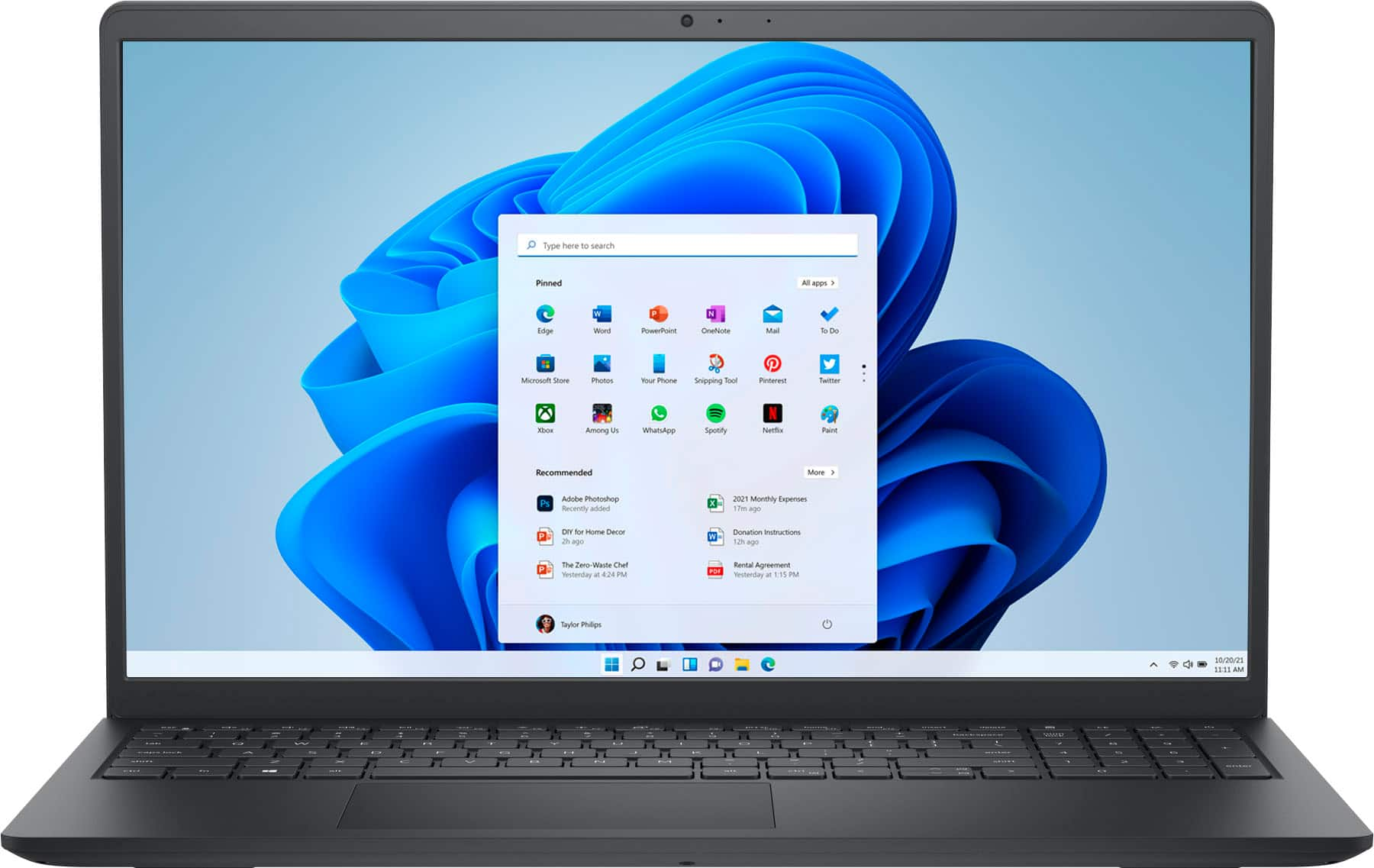



- Model:
- i3511-5174BLK-PUS
- SKU:
- 11411148
Rating by feature
- Battery Life
Rating 4.3 out of 5 stars
- Speed
Rating 4.5 out of 5 stars
- Display
Rating 4.6 out of 5 stars
to a friend
Screen didn't work that long
||Posted . Owned for 10 months when reviewed.This reviewer received promo considerations or sweepstakes entry for writing a review.This was an excellent Laptop until the screen went out.. I never dropped it or anything. Since I opened the box the laptop has been on my desk.
No, I would not recommend this to a friendBrand response from YourDellTeam
Posted .Hey DJROD,
Thank you for taking the time to leave a review of your Inspiron 3511. We are sorry to hear that you are experiencing an issue with your screen. That is not the type of feedback we like to hear from our customers, or the type of product Dell intends to deliver. Below I have provided a troubleshooting link to help resolve your issue.
Display Troubleshooting Link: https://rb.gy/1wq47
We recommend that you contact Dell directly with the information below if you need further assistance.
Chat or call: https://bit.ly/DellSupportTeam
Phone number to Dell: 1-800-624-9896.
Best,
Summer@Dell
Good little laptop!
||Posted . Owned for 3 weeks when reviewed.This reviewer received promo considerations or sweepstakes entry for writing a review.Super happy with this little laptop! I didn't need anything with extra features and high usage. Just something basic, and this fit the bill! I haven't used it long enough to comment on the specifics, but the first few usages have been great!
I would recommend this to a friendA Laptop to Fill the Gap
||Posted . Owned for 3 weeks when reviewed.This reviewer received promo considerations or sweepstakes entry for writing a review.I needed a Windows pc to fill the gap where certain devices I own will not work with my Macbook Pro. This one did that very well. It seems to be very capable for what I need it for.
I would recommend this to a friendBest Buy, reasonable prices and quality products.
||Posted .This reviewer received promo considerations or sweepstakes entry for writing a review.I have always purchased my electronics at BEST BUY. a large assortment of great quality electronics at excellent prices and excellent Customer Service. If I need answers to questions they are always ready to engage with answers.
I would recommend this to a friendChristmas Gift for Wife
||Posted . Owned for 1 month when reviewed.This reviewer received promo considerations or sweepstakes entry for writing a review.A new computer was something my wife wanted, but just would not buy for herself. It was a very reasonable price. Arrived in excellent condition as well. This is a gift so I did not completely open it or turn it on.
I would recommend this to a friendDecent Laptop
||Posted . Owned for 1 month when reviewed.This reviewer received promo considerations or sweepstakes entry for writing a review.Since I've bought it, it's been mostly a month, and so far, so good, but occasionally I have to push the power button harder or press it twice or three times to get it to start.
I would recommend this to a friendGood, but Bluetooth needs improvement
||Posted . Owned for less than 1 week when reviewed.This reviewer received promo considerations or sweepstakes entry for writing a review.Good computer for the price. But it’s having issues with the Bluetooth. I’ll connect it to my Bluetooth speaker at work, play music on YouTube thru Edge or Chrome and randomly it will disconnect from my speaker. Sometimes it will reconnect by turning BT off then back on but a good many of times I’ll have to either restart the computer or/& the speaker. This is ridiculous. Comped is freshly updated when an update comes thru. And I’ve only had it for about a week now. Dell, u need to work on more of ur system.
I would recommend this to a friendBrand response from YourDellTeam
Posted .Hello There Tjtech,
We appreciate you taking the time to leave us your review of your Inspiron 3511 Laptop. We are sorry to hear that you are having issues with your audio quality in regards to your Bluetooth speaker. It's important for us to hear about any inconsistencies in our products for consideration of future development. Below, I have provided troubleshooting instructions with the full article that can help you troubleshoot and resolve this issue.
Here are the steps to help resolve your audio issue:
1. Check the audio ports for damage and clean ports.
2. Restart your computer.
3. Check the microphone connection. (external microphone only)
4. Set the default recording device and check the microphone volume.
5. Check the settings in voice communication apps.
6. Run Microsoft Sound Troubleshooter.
7. Troubleshoot Bluetooth devices. (Bluetooth speakers or headphones)
8. Reinstall or Update the chipset driver, audio driver, and BIOS.
9. Run a hardware diagnostic test.
10. Download and install Microsoft Windows updates.
11. Perform Windows System Restore.
12. Restore your computer to factory defaults.
How to Troubleshoot Audio or Sound Recording Issues: https://dell.to/3p73Us3
If you continue to experience issues, please reach out to Dell Support directly by using the information provided below.
Best,
Danielle@Dell
Ok product
||Posted . Owned for 1 year when reviewed.This reviewer received promo considerations or sweepstakes entry for writing a review.Son loves this but one of the keys broke 6 months in. Not sure if it’s because it’s recyclable or not
No, I would not recommend this to a friendDell Inspirion laptop
||Posted . Owned for 3 weeks when reviewed.This reviewer received promo considerations or sweepstakes entry for writing a review.I purchased a Dell laptop because I know the quality of the Dell. Best Buy was extremely helpful when I had an issue with downloading the Webroot security system. The gentleman in the Geek Squad got me fixed right up!
I would recommend this to a friendDell Inspiron is not inspiring.
||Posted . Owned for 1 month when reviewed.This reviewer received promo considerations or sweepstakes entry for writing a review.I wish that I could have actually navigated between a few programs before I had made the purchase. Then I would've known that this model is not efficiently fast enough. It is slow from powering on and while changing between opened programs. Secondly the camera quality is an embarrassment. I just spent money for an external mounted webcam. We are all communicating face to face and this laptops camera is inferior.
No, I would not recommend this to a friendBrand response from YourDellTeam
Posted .Hi Reivin,
Thank you very much for your valuable feedback. We are sorry to hear that you are not too happy with your Dell Inspiron 3511 because it is performing slowly and its camera is not of good quality.
I have provided some steps you can take that should help with the slow performance issue.
There are several ways to help improve the performance of your computer if it is running slower than you expected it to. We'd recommend the following steps to help improve your computer's overall performance and speed:
1. Restart your computer regularly.
2. Run the automated tools provided in the SupportAssist Tool.
3. Run a complete hardware diagnostic test.
4. Scan your computer for malware.
5. Restore your Dell computer using Windows System Restore.
6. Reinstall Microsoft Windows.
You can read the full steps associated with each of these recommendations here: https://dell.to/3n29QjE.
I have included a link to an article, which includes troubleshooting tips that should help your camera to perform better. I have also provided a link to the camera setup and specifications.
Using, Troubleshooting and Resolving Driver Issues on your Dell Webcam: https://dell.to/32ccZIG
Camera Set-Up and Specification (Inspiron 15 3511): https://dell.to/3mdr4MZ
If the problems with your camera and slow performance are not resolved after applying the troubleshooting tips above, please reach out to our support team here for further guidance: 1-800-624-9896.
Best,
Katarina@Dell
Should you need further assistance, you can contact Dell directly with the information below.
Chat or call: https://bit.ly/DellSupportTeam
Phone number to Dell 1-800-624-9896
Dell Computer
||Posted . Owned for 1 month when reviewed.This reviewer received promo considerations or sweepstakes entry for writing a review.The Geeksquad representative helped me as scheduled and recommended a new computer. It took me a while to find a sales representative to help me with finding a new computer.
I would recommend this to a friendHorrible experience
||Posted . Owned for 2 weeks when reviewed.This reviewer received promo considerations or sweepstakes entry for writing a review.This computer is terrible. It is slow, the battery life is almost non existent. I would take it back but my family member accidentally tossed out the box and I was told there would be a HUGE amount taken out of the return. I will never purchase the brand again, and am hesitant to purchase from Best Buy because of this ridiculous return policy. I highly DO NOT recommend this piece of junk.
No, I would not recommend this to a friendBrand response from YourDellTeam
Posted .Hello Kimberlydero,
We would like to thank you for taking the time to provide us with your feedback. We are sorry to hear that you are experiencing slow performance and battery issues with your Inspiron 3511 computer. This is certainly not the experience that we like to hear from our customers. We appreciate your feedback and will use it to help improve our current and future products.
There are several ways to help improve the performance of your computer if it is running slower than you expected it to. We'd recommend the following steps to help improve your computer's overall performance and speed:
1. Restart your computer regularly.
2. Run the automated tools provided in the SupportAssist Tool.
3. Run a complete hardware diagnostic test.
4. Scan your computer for malware.
5. Restore your Dell computer using Windows System Restore.
6. Reinstall Microsoft Windows.
7. Ensure Windows Update and BIOS is up-to-date.
8. Run Windows Task Manager to check if any device usage over 90%. If yes, try to End Task to some processes which use higher resource.
You can read the full steps associated with each of these recommendations here: https://dell.to/3n29QjE.
Drivers and Downloads page: https://dell.to/3hLXbku
To help your battery perform better, we recommend changing the Power Plan:
1. On the taskbar’s notification area, right-click the Battery icon.
2. On the options list, click Power Options.
3. Select a power plan on the battery meter, such as Power Saver or Balanced. Windows 10 has a built-in 'Battery Saver' mode that can be activated to extend your system's battery life. The Battery Saver mode will monitor and limit background activity and other features such as push notifications. You do have the option to enable or disable this mode within settings or within advanced Battery Saver settings, you can customize the mode to best suit your needs.
a) Click on the Action Center icon in the taskbar and select the tile for Battery Saver.
b) If running Cortana, type Battery Saver into the search box and select from the results.
Within the Battery Saver settings page, you will be able to turn on and off the feature and customize the feature to best meet your needs.
c) Turn Battery Saver On or Off.
d) Additional settings available via the Battery use and Battery saver settings links.
e) Battery use shows further info on apps and their power usage.
f) Battery Saver Settings screen allows you to customize further Battery Saver features.
You can read the full article here - http://dell.to/2vfXWf4
If the issues with your Inspiron are still not resolved after utilizing the troubleshooting options above, please contact the Dell Support Team at 1-800-624-9896 for further guidance.
Best,
Katarina@Dell
Should you need further assistance, you can contact Dell directly with the information below.
Chat or call: https://bit.ly/DellSupportTeam
Phone number to Dell: 1-800-624-9896
CHIHUAHUA MOM
||Posted . Owned for 3 weeks when reviewed.This reviewer received promo considerations or sweepstakes entry for writing a review.LOVE MY NEW LAPTOP! CHRIS WAS VERY HELPFUL SHOWING ME WHAT I NEEDED. MARIA HELPED WITH CHECKOUT. WILLIAM HAD ME UP AND RUNNING IN A SHORT TIME FROM GEEK SQUAD. SHEDRA ASSISTED ME WITH A PROBLEM. SHE WAS VERY EFFICIENT!
I would recommend this to a friendDon’t hold charge
||Posted . Owned for 11 months when reviewed.This reviewer received promo considerations or sweepstakes entry for writing a review.I have trouble getting the charger to work, I have tried different chargers still don’t work
No, I would not recommend this to a friendOK BUT
||Posted .This reviewer received promo considerations or sweepstakes entry for writing a review.Good basic PC but the case and key board looks flimsy . If key board lighting provided would have been better. In Twilight power on switch is not noticeable
I would recommend this to a friendGreat value. Great Price.
||Posted . Owned for 3 weeks when reviewed.This reviewer received promo considerations or sweepstakes entry for writing a review.Loved this laptop. Great value for the price I paid for it. Quick boot and tons of space for what it will be used for. Came with windows 11 so that took some getting used to, but now handles seamlessly.
I would recommend this to a friendGreat
||Posted . Owned for 3 weeks when reviewed.This reviewer received promo considerations or sweepstakes entry for writing a review.This is an excellent dell computer and it is very fast. It's much better than my previous convertible mini dell laptop. The battery life is superb!
I would recommend this to a friendGood deal
||Posted .This reviewer received promo considerations or sweepstakes entry for writing a review.So good so far. My only complaint is that it leaves fingerprints and though the screen is 15.6”, the screen still seems smaller than my previous 15” laptops.
I would recommend this to a friendDell computer
||Posted . Owned for 3 weeks when reviewed.This reviewer received promo considerations or sweepstakes entry for writing a review.Every thing is good. I do wish it they still had the dvd player. That is the only thing I would change.
I would recommend this to a friendExcellent Laptop
||Posted . Owned for 3 weeks when reviewed.This reviewer received promo considerations or sweepstakes entry for writing a review.This Dell laptop was just perfect in every way. I bought this as a gift for my sister to be able to do transcription services and she's very pleased with it and can do everything that needs to be done properly
I would recommend this to a friend