Customer Ratings & Reviews



- Model:
- i3511-5174BLK-PUS
- SKU:
- 6500646
Rating by feature
- Battery Life
Rating 4.3 out of 5 stars
- Speed
Rating 4.5 out of 5 stars
- Display
Rating 4.6 out of 5 stars
Customers are saying
Customers commend the Inspiron 3511 for its touchscreen, ease of use, and affordability, frequently praising its performance and lightweight design. However, some users reported concerns regarding battery life and occasional overheating. A few also mentioned issues with fan noise and storage capacity.
This summary was generated by AI based on customer reviews.
Dell inspirion
||Posted . Owned for 1 month when reviewed.This reviewer received promo considerations or sweepstakes entry for writing a review.Definitely a learning curve, neededhelp from a friend. I was able to finally sync my printer via HP website.
No, I would not recommend this to a friendPops NEW Laptop
||Posted . Owned for 1 month when reviewed.This reviewer received promo considerations or sweepstakes entry for writing a review.So far this has been a great laptop computer. I like the thickness vs old laptop. Easy to carry. I would recommend this to anyone looking for a new laptop.
I would recommend this to a friendmy laptop from best
||Posted . Owned for 3 weeks when reviewed.This reviewer received promo considerations or sweepstakes entry for writing a review.well my item is in a good shape and wen to the gurus and they were great on solving my problem with no cost.
I would recommend this to a friendDell Office Laptop
||Posted . Owned for 1 month when reviewed.This reviewer received promo considerations or sweepstakes entry for writing a review.So far, so good. The computer seems to be working out great for my office assistant. No big issues. Seems like a nice computer and it works as expected.
I would recommend this to a friendGood laptop
||Posted . Owned for 3 weeks when reviewed.This reviewer received promo considerations or sweepstakes entry for writing a review.Good solid laptop. Replaced a much older one so a definite improvement. Geek squad had me up and running in no time.
I would recommend this to a friendMeh Laptop, if I could would definitely return it.
||Posted . Owned for 2 months when reviewed.This reviewer received promo considerations or sweepstakes entry for writing a review.It worked fine for the first week I used it but then it started being weird. It would disconnect from the wifi and I would have to restart it to get connected again, the sound would just turn off and not work and I would have to shut down the computer and leave it for a while then come back and try it again. It can barely run Youtube videos at 720p kinda a pain.
No, I would not recommend this to a friendBrand response from YourDellTeam
Posted .Hello MalachiK,
We would like to thank you for taking the time to provide us with your feedback. We apologize for the issues you have come across with your Dell Inspiron 3511 computer because it is often disconnecting from the WIFI, its audio is not reliable, and you are not happy with the display resolution.
Below I have provided some solutions to WIFI issues. I have also provided the full article link, which has more options if they are needed. I have also included a link to the Drivers and Downloads page for your PC so you can check for applicable updates to the WIFI drivers.
1. Download and install the latest Wireless Card driver. (https://dell.to/2th3Tpe) After updating the driver, re-establish the connection with the Wireless Access Point and check the wireless performance.
2. If the issue persists, proceed to step 3.
3. Power-cycle the local network. Shut down the Dell system, the Wireless Access Point/Router, and the Modem. Wait a minimum of 60 seconds before powering up the components in the following order:
4. Power ON the Modem and wait for it to boot fully.
5. Power ON the Wireless Access Point/Router and wait for it to boot fully.
6. Power ON the Dell system.
7. Open Network and Sharing Center
8. In the left-side navigation pane, click on Change Adapter Settings
9. Right-click on the wireless connection icon and select Properties followed by the Configure button
10. Under Wireless Options, select the Wireless N mode
11. For Windows 8 or later systems click the Advanced tab and look for 802.11n Mode on the right you will be given the option to Enable or Disable. If the mode is not visible you may need to update your drivers and firmware.
12. From the drop-down menu, choose Disable followed by Ok
13. This should restore the wireless download and upload speed. Internet speed can be tested at http://speedtest.net
Full article link: https://dell.to/2RefLVN
Drivers and Downloads page: https://dell.to/3hLXbku
I also have provided the steps to run the Microsoft Sound Troubleshooter, which should help resolve audio issues. I have also included the full article link that has more options if they are needed.
How to run the Windows Sound Troubleshooter in Microsoft Windows 10
1. Click Start, and then select Settings (gear icon).
2. Click Update & Security and select Troubleshoot.
3. Click Playing Audio and then click Run the troubleshooter.
4. Follow the on-screen instructions to complete the troubleshooting process.
How to Troubleshoot Audio Issues or Sound Playback Issues: https://dell.to/3u4pzmX
To help with display issues, please run a diagnostic test on the display:
Method 1
1. Power off the Dell Laptop PC.
2. Disconnect any peripherals that are connected to the PC, and connect the AC Adapter (charger) to the PC.
3. Make sure that the LCD screen is clean (no dust particles are on the surface of the screen).
4. Press and hold D key and power on the PC to enter LCD built-in self test (BIST) mode.
Continue to hold the D key until you see the entire screen change colors.
5. The screen changes colors to black, white, red, green, and blue.
6. Carefully inspect the screen for abnormalities.
7. Press Esc key to exit.
How to Troubleshoot Display Issues: https://dell.to/2O1UnnF
If the issues with your computer are still not resolved after utilizing the troubleshooting options above, please contact the Dell Support Team at 1-800-624-9896 for further guidance.
Best,
Katarina@Dell
Should you need further assistance, you can contact Dell directly with the information below.
Chat or call: https://bit.ly/DellSupportTeam
Phone number to Dell: 1-800-624-9896
Very nice laptop!
||Posted . Owned for 3 weeks when reviewed.This reviewer received promo considerations or sweepstakes entry for writing a review.I just needed something to pay bills on, check my email and internet searches. Perfect for my needs. It has a clear display and easy touch keyboard.
I would recommend this to a friendVery Good for the price
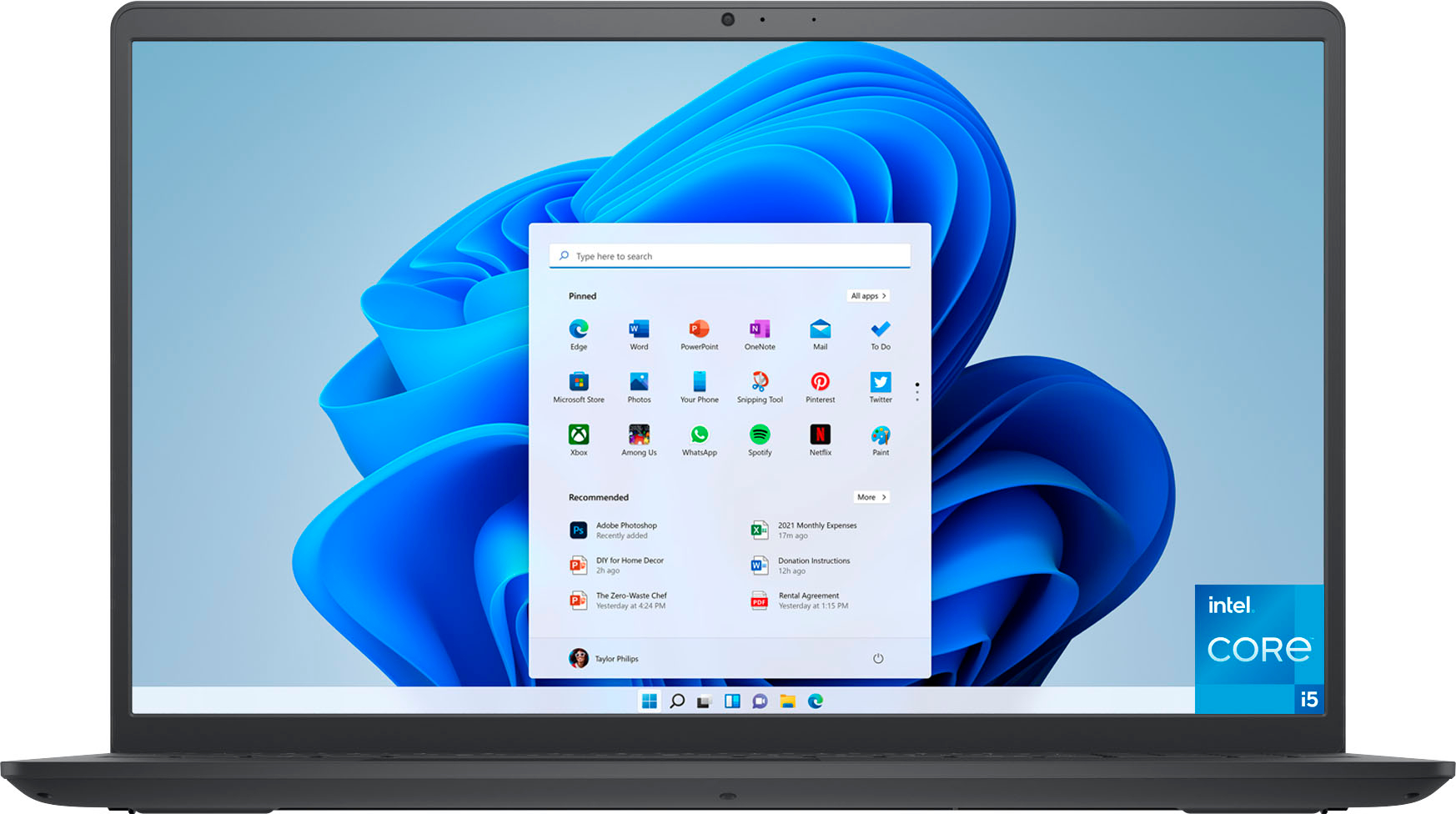
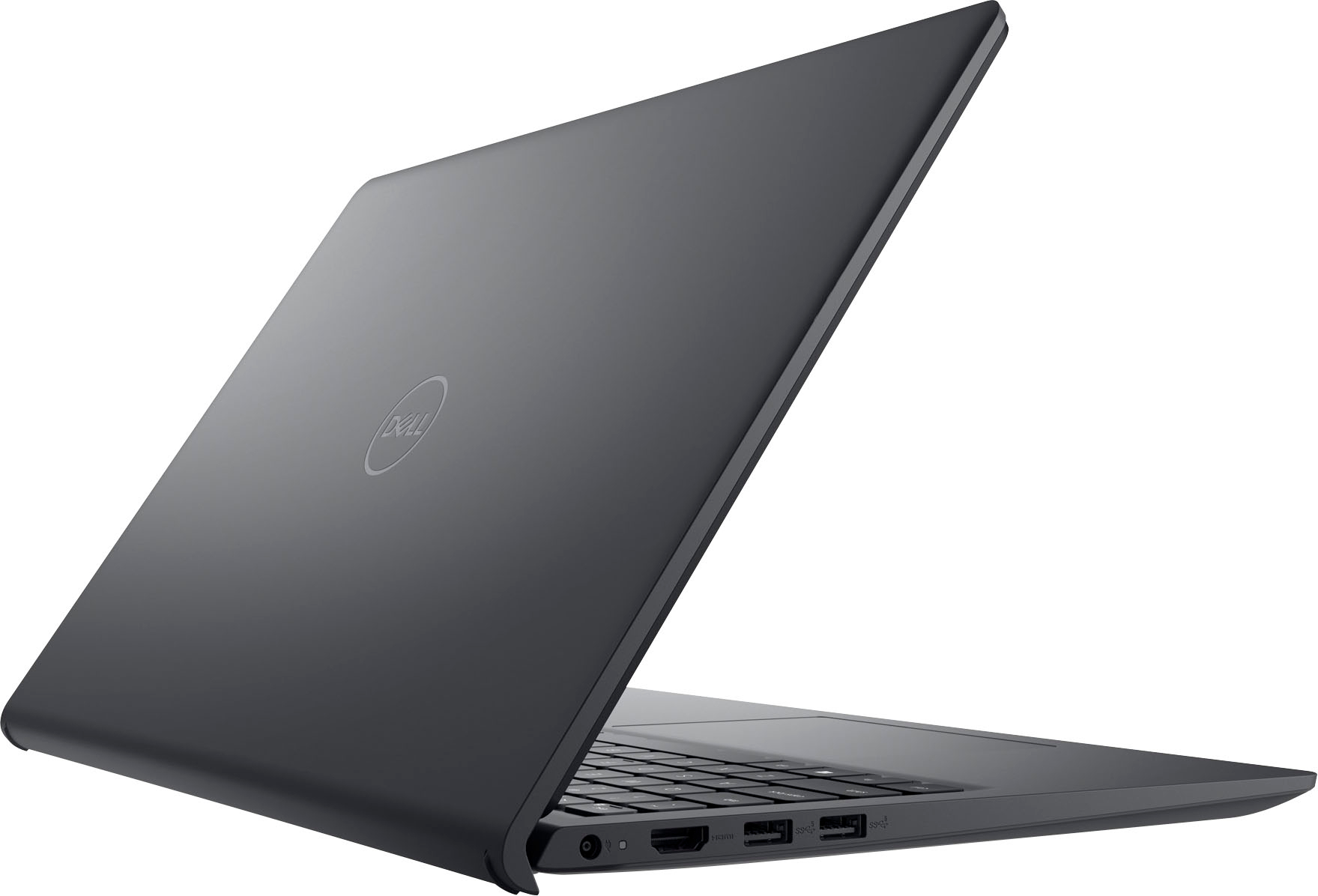
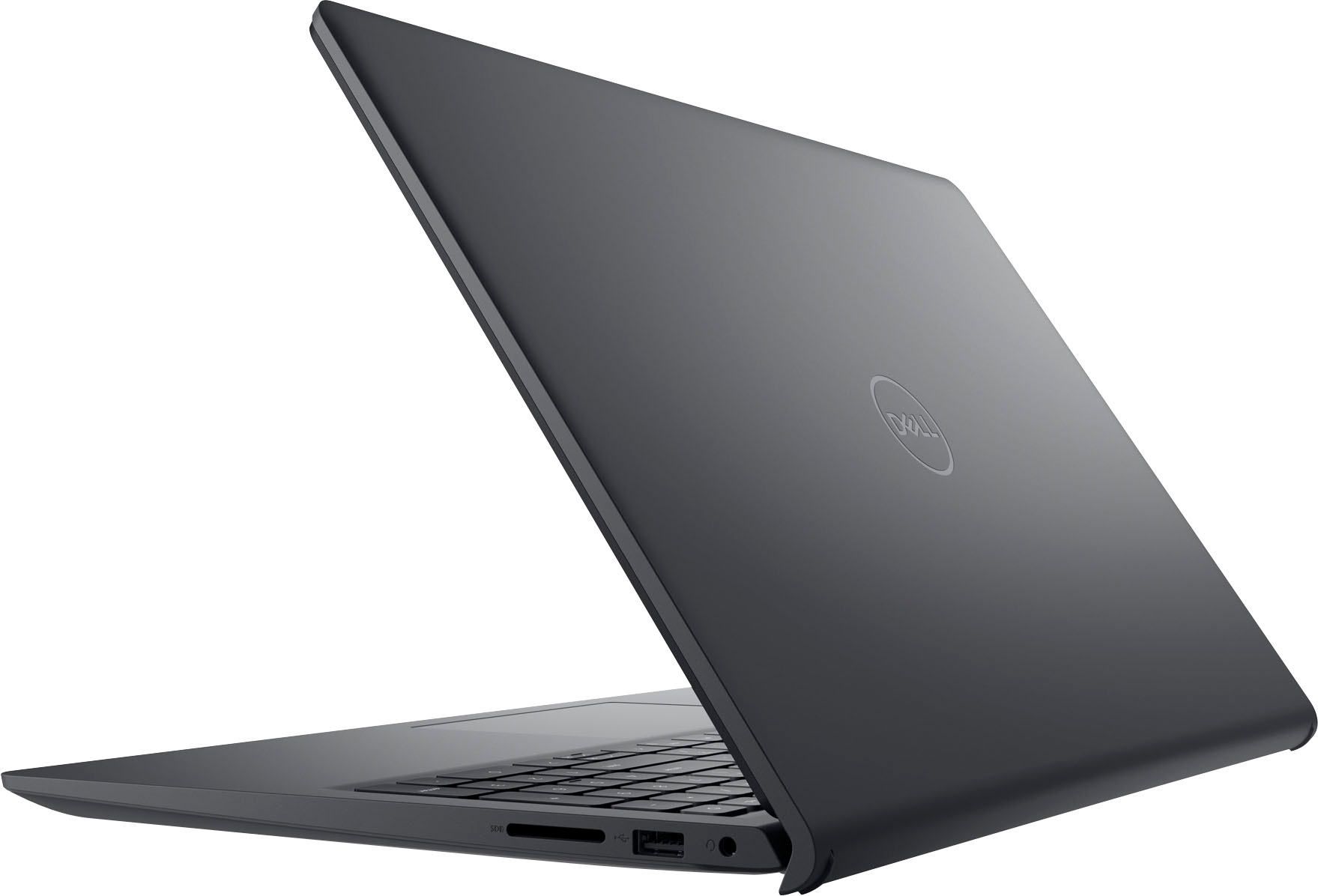
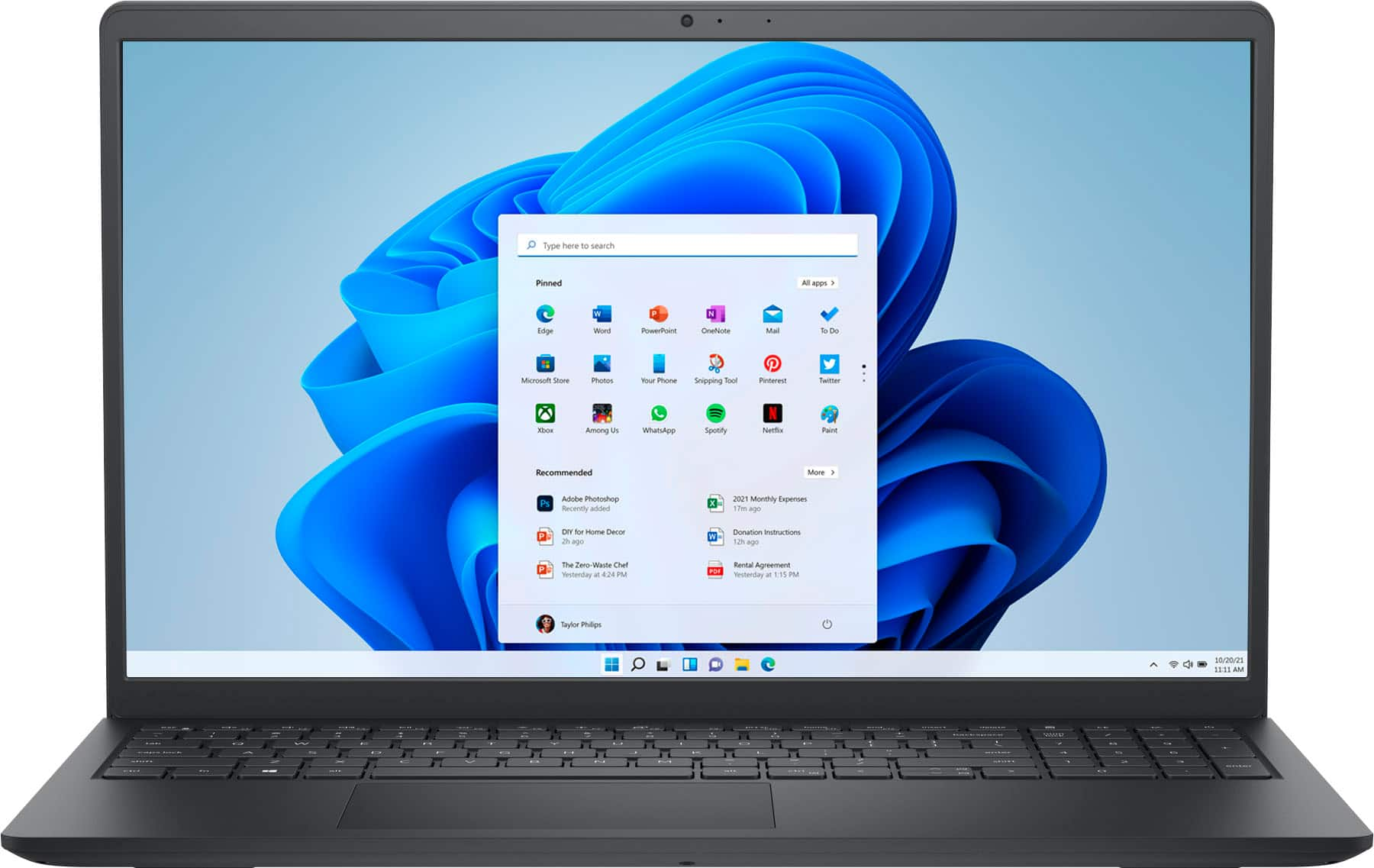
||Posted . Owned for 1 month when reviewed.This reviewer received promo considerations or sweepstakes entry for writing a review.Dell - Inspiron 3511 15.6" Touch Laptop - Intel Core i5 - 8GB Memory - 256GB Solid State Drive - Black
I would recommend this to a friendNew laptop
||Posted . Owned for 1 month when reviewed.This reviewer received promo considerations or sweepstakes entry for writing a review.Great service and customer assistance.they were prompt and offered all the options. They set it up with geek squad and transferred all data from old laptop
I would recommend this to a friendLove my laptop
||Posted . Owned for 3 weeks when reviewed.This reviewer received promo considerations or sweepstakes entry for writing a review.loving my new computer and the help that Jacob, the computer tech and the department gave me was amazing learning something new all the time
I would recommend this to a friendbad drive
||Posted . Owned for 3 weeks when reviewed.This reviewer received promo considerations or sweepstakes entry for writing a review.not up to dell stdrs. SSD drive failed after one week
No, I would not recommend this to a friendBrand response from YourDellTeam
Posted .Hey Ronaldk,
We appreciate you taking the time to leave a review of your Inspiron 3511. We are sorry to hear that you are not completely satisfied with your laptop and that your SSD failed. That is not the type of product Dell intends to deliver or the type of feedback we like to hear from our customers. We have noted the details of your statement and will use them to improve current and future products.
Should you need further assistance; we recommend that you contact Dell directly with the information below.
Chat or call: https://bit.ly/DellSupportTeam
Phone number to Dell: 1-800-624-9896.
Best Regards,
Summer@Dell
Review
||Posted . Owned for 3 weeks when reviewed.This reviewer received promo considerations or sweepstakes entry for writing a review.The item works as expected for the price, however the display could be built with a built more quality
No, I would not recommend this to a friendDell lap top
||Posted . Owned for 1 month when reviewed.This reviewer received promo considerations or sweepstakes entry for writing a review.does what I needed and the price was right. Wish is had biometric ability. Was not informed tht is didn't
I would recommend this to a friendDell Inspiron 3511 and poor customer service
||Posted . Owned for 1 month when reviewed.This reviewer received promo considerations or sweepstakes entry for writing a review.We received our computer less than 30 days ago and it won't even stay on. Called best buy and because it was an open box item purchased (since there weren't any available in store) they can only charge us to fix it in store. We received the computer 29 days ago and can't even use it. Very upset with the outcome.
No, I would not recommend this to a friendDell Laptop
||Posted . Owned for 3 weeks when reviewed.This reviewer received promo considerations or sweepstakes entry for writing a review.Pretty good Dell Laptop. Couldn't connect to Wi-Fi at the first attempt, needed Geek-Squad help.
I would recommend this to a friendIs dell a good brand
||Posted . Owned for 4 months when reviewed.This reviewer received promo considerations or sweepstakes entry for writing a review.I don’t think it lets u add Bluetooth devices or download google chrome?
No, I would not recommend this to a friendBrand response from YourDellTeam
Posted .Greetings ShannonJ,
We value your feedback and want to thank you for taking the time to leave a review of your Inspiron 3511. We are sorry to hear that you are experiencing an issue with Bluetooth pairing. That is not the type of feedback we like to hear from our customers. Below I have provided a troubleshooting link to help resolve your issue.
Bluetooth Connectivity: https://dell.to/3bHojMR
If you continue to experience issues, please reach out to Dell Support directly by using the information provided below.
We recommend that you contact Dell directly with the information below if you need further assistance.
Chat or call: https://bit.ly/DellSupportTeam
Phone number to Dell: 1-800-624-9896
Best,
Summer@Dell
MY NEW DELL
||Posted . Owned for 3 weeks when reviewed.This reviewer received promo considerations or sweepstakes entry for writing a review.VERY HAPPY WITH MY NEW DELL. IT IS SMALLER THAN MY OTHER COMPUTER. EASY TO USE. WHEN I HAVE PROBLEMS, JUST CALL GEEK SQUAD, THEY ALWAYS HELP.
I would recommend this to a friendNo light
||Posted . Owned for 1 month when reviewed.This reviewer received promo considerations or sweepstakes entry for writing a review.Greg computer only downside is no backlit keyboard other than that is awesome great computer
I would recommend this to a friendThis is a Dell?
||Posted . Owned for 3 weeks when reviewed.This reviewer received promo considerations or sweepstakes entry for writing a review.Not the computer I thought i was getting.My mistake
No, I would not recommend this to a friendBrand response from YourDellTeam
Posted .Hi There ArleneKontos,
Thank you for your review of your Inspiron 3511. We are sorry to hear that you did not get the device that you thought you were getting. We would love to help you resolve this issue but will need a little more information. Below I have provided the chat link and toll-free number to reach our support team directly.
Should you need further assistance; we recommend that you contact Dell directly with the information below.
Chat or call: https://bit.ly/DellSupportTeam
Phone number to Dell: 1-800-624-9896.
Best Regards,
Summer@Dell
Decent laptop, but terrible bluetooth
||Posted . Owned for less than 1 week when reviewed.This reviewer received promo considerations or sweepstakes entry for writing a review.Not sure why no one else has noticed the exceptionally poor bluetooth quality. I bought this laptop twice and BOTH of them had terrible bt quality. It sounds echo-y and it cuts out all the time. I can't even walk away too far from it without it completely going out. I've never had that happen before with any of my other devices. I've tried multiple different bt headsets, all with the same results. The audio jack on this laptop is also really bad. It always plays static, and I know it's not my headphones, because I never hear it on my other devices. I've tried everything to get it to work, uninstalling and reinstalling drivers to no avail. Ultimately, I think it's a hardware issue, as I've had this issue on both of the laptops I purchased. If you use this laptop for writing up documents and don't plan to use audio much, then this isn't a huge deal. However, I bought this laptop to watch tv and films on the go and audio quality is a big deal for me, so this is a huge disappointment.
No, I would not recommend this to a friendBrand response from YourDellTeam
Posted .Hello Lily,
Thank you for taking the time to leave us your review. We are sorry to hear that the Dell Inspiron 3511 Laptop did not meet your expectations in Bluetooth quality. We will share your valuable feedback with our quality team so that improvements can be made to our current and future products and services. For further assistance, please take a moment to call or chat with a Dell Support Representative at your earliest convenience so that they can help address any concerns you may have: https://bit.ly/DellSupportTeam.
Best,
Danielle@Dell