Customer Ratings & Reviews






- Model:
- I7391-5537SLV-PUS
- SKU:
- 6373036
Rating by feature
- Battery Life
Rating 4.0 out of 5 stars
- Speed
Rating 4.4 out of 5 stars
- Display
Rating 4.4 out of 5 stars
Customers are saying
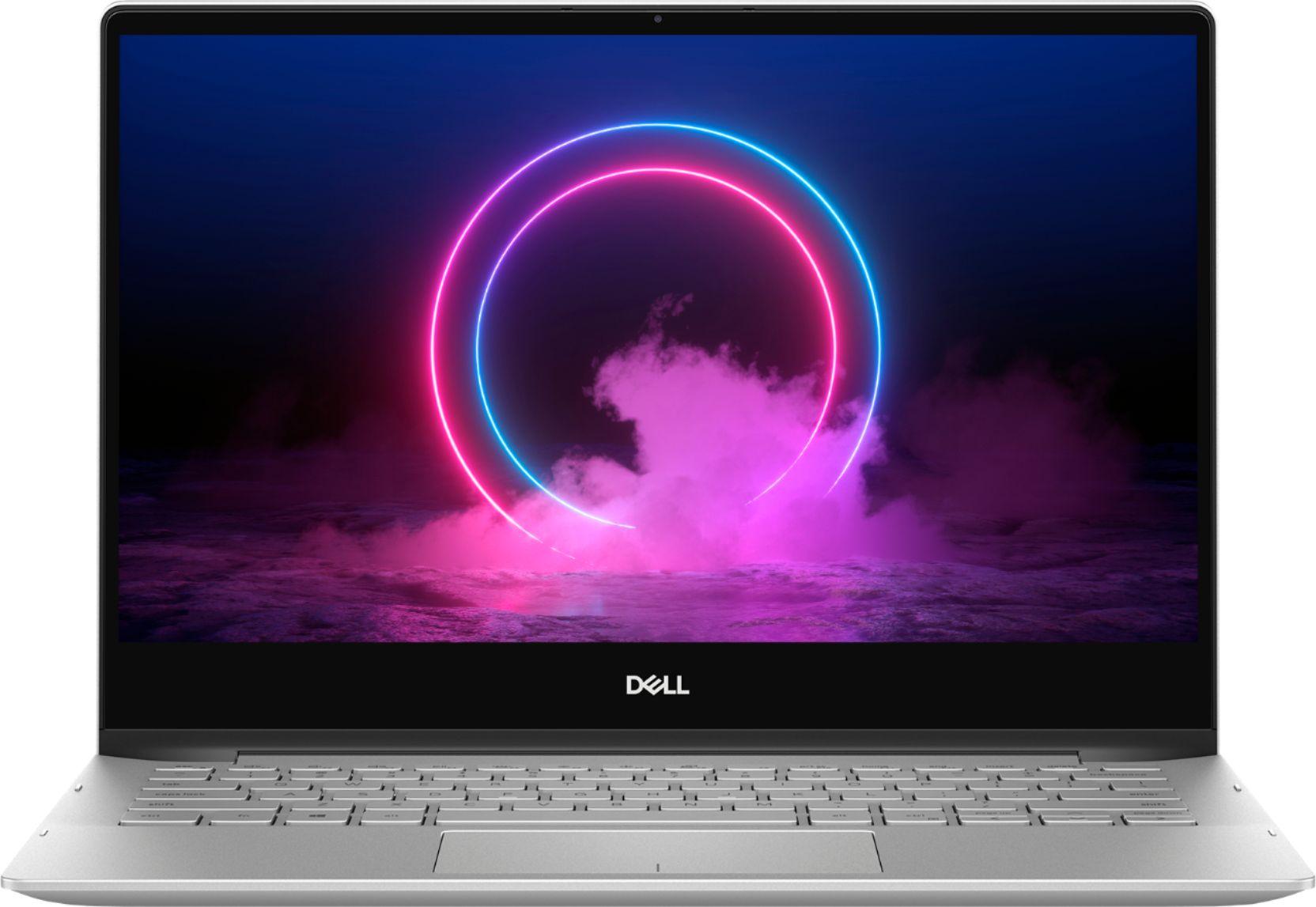
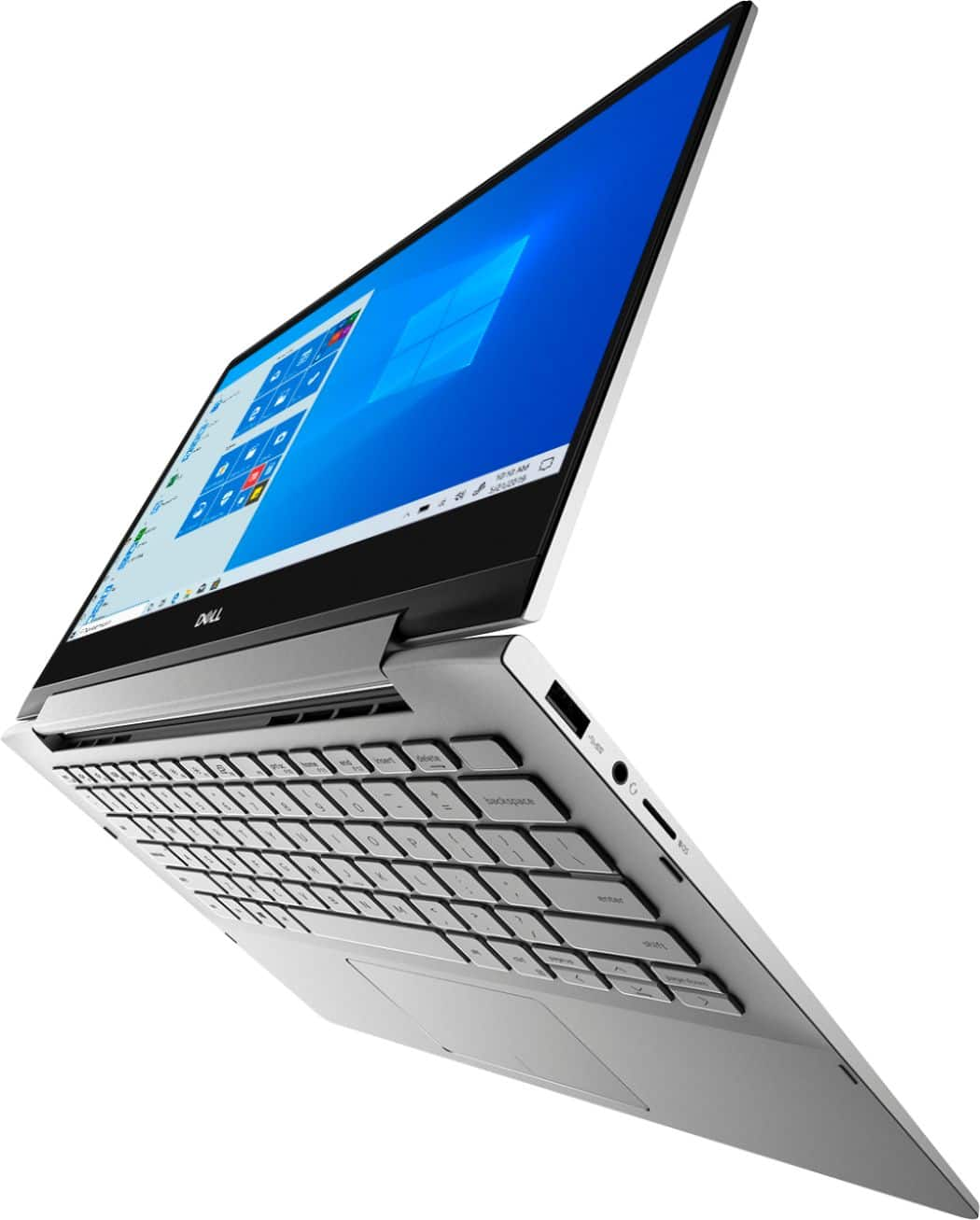
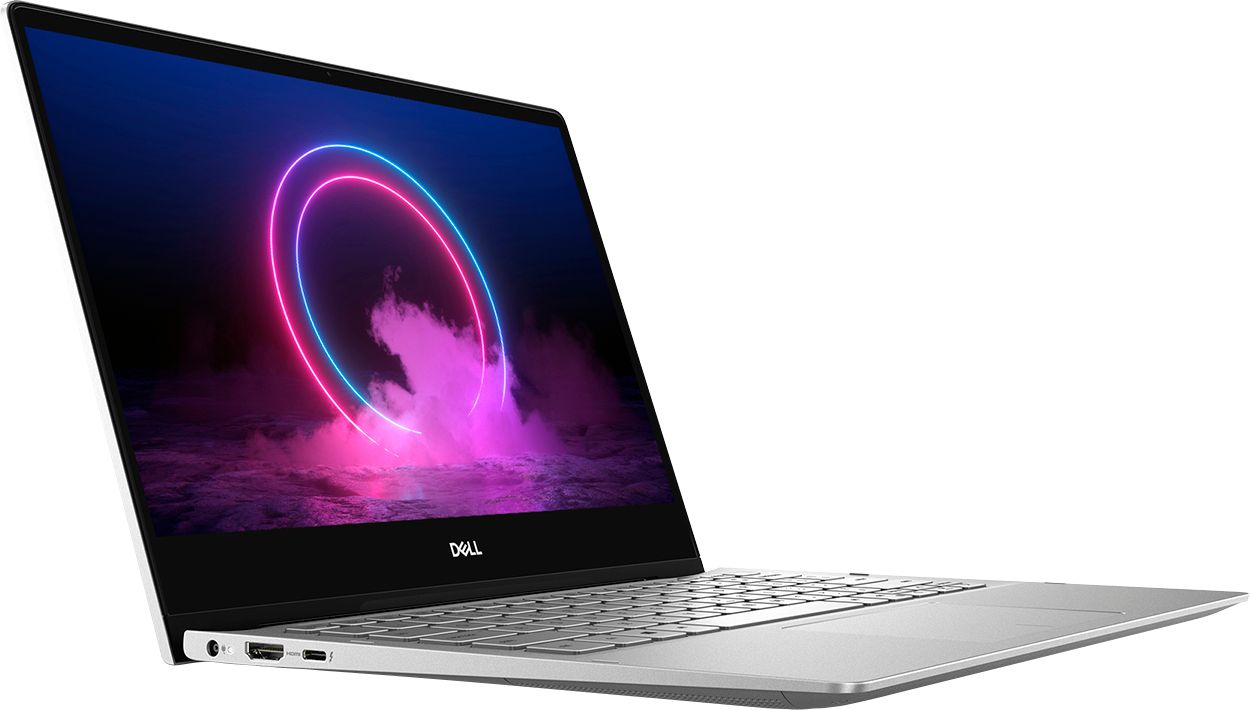
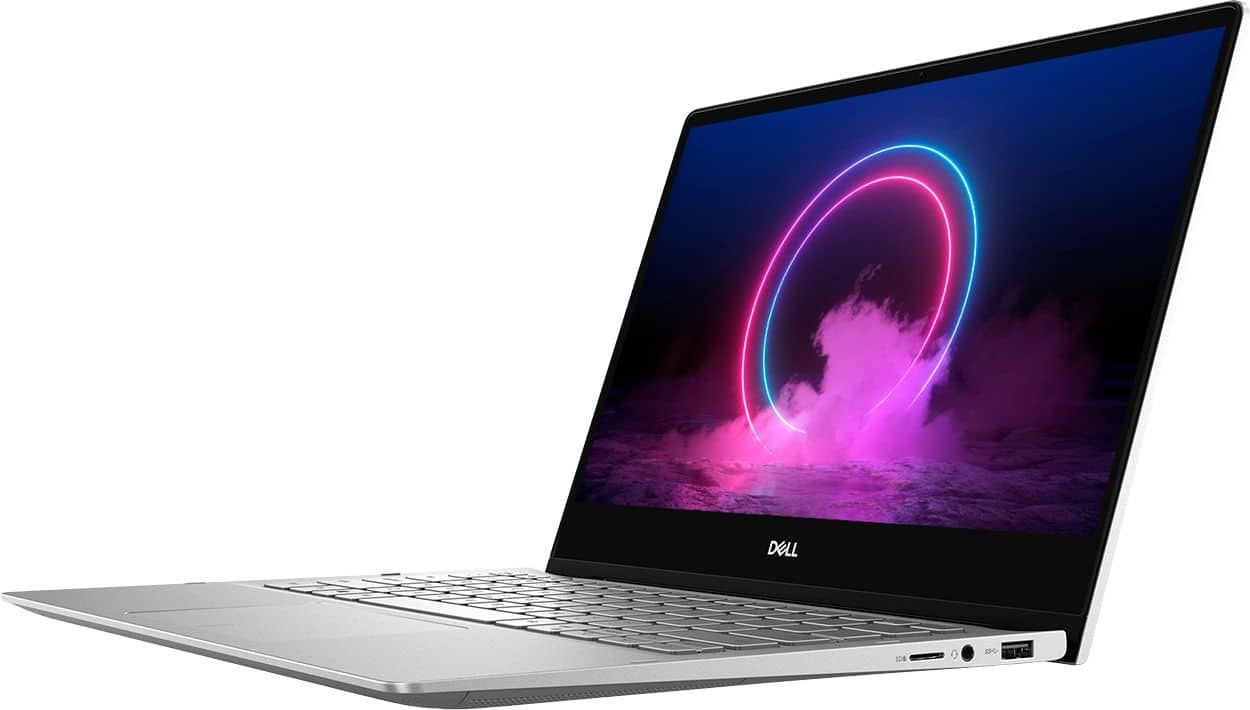
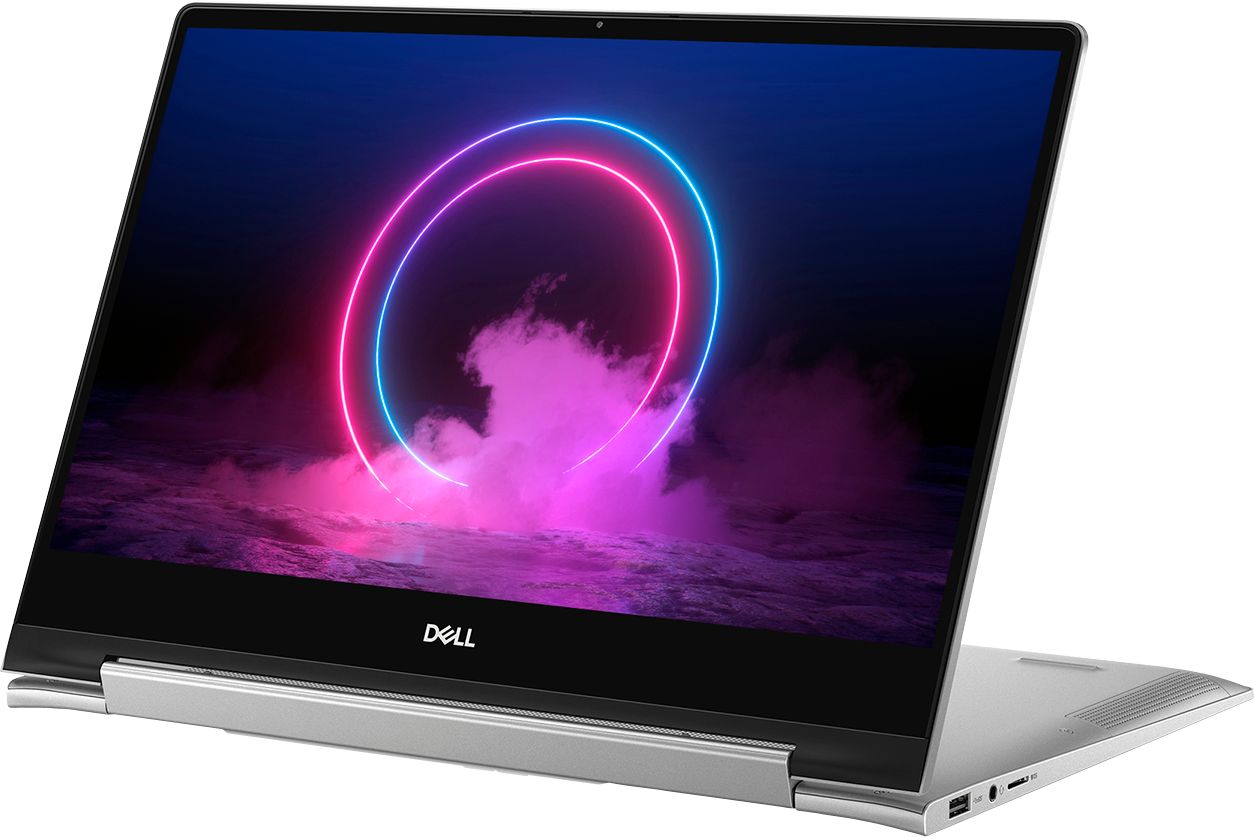
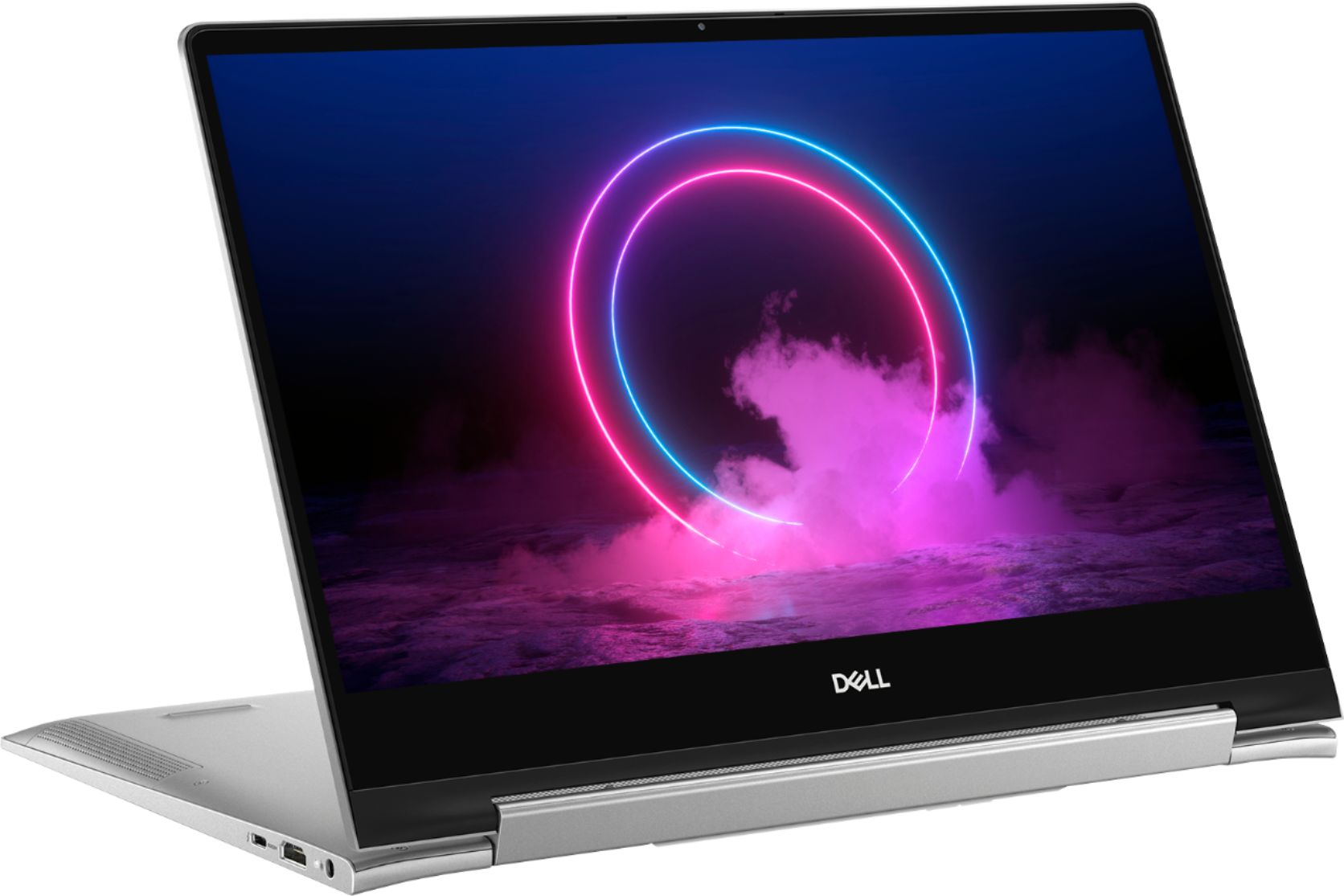
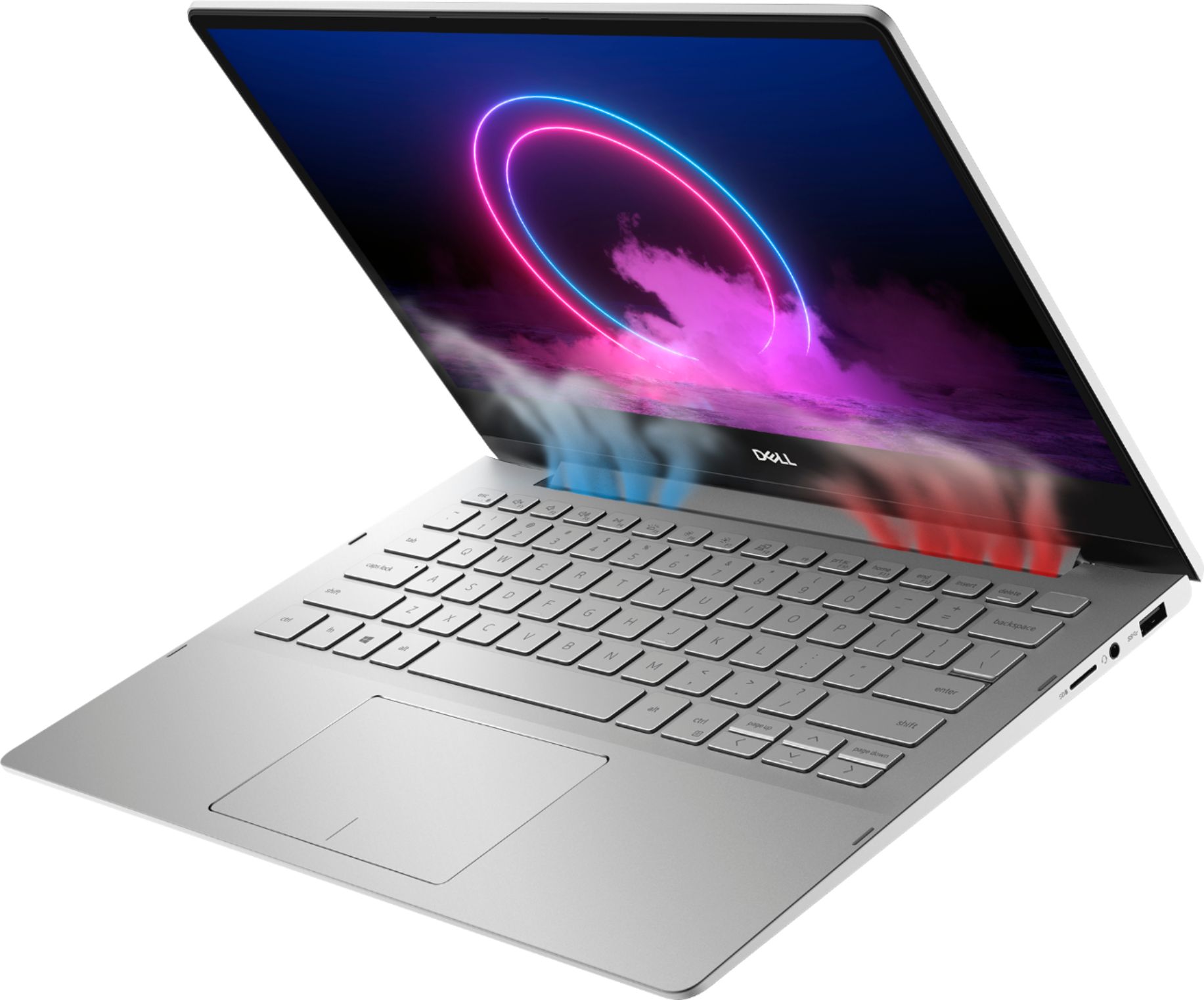
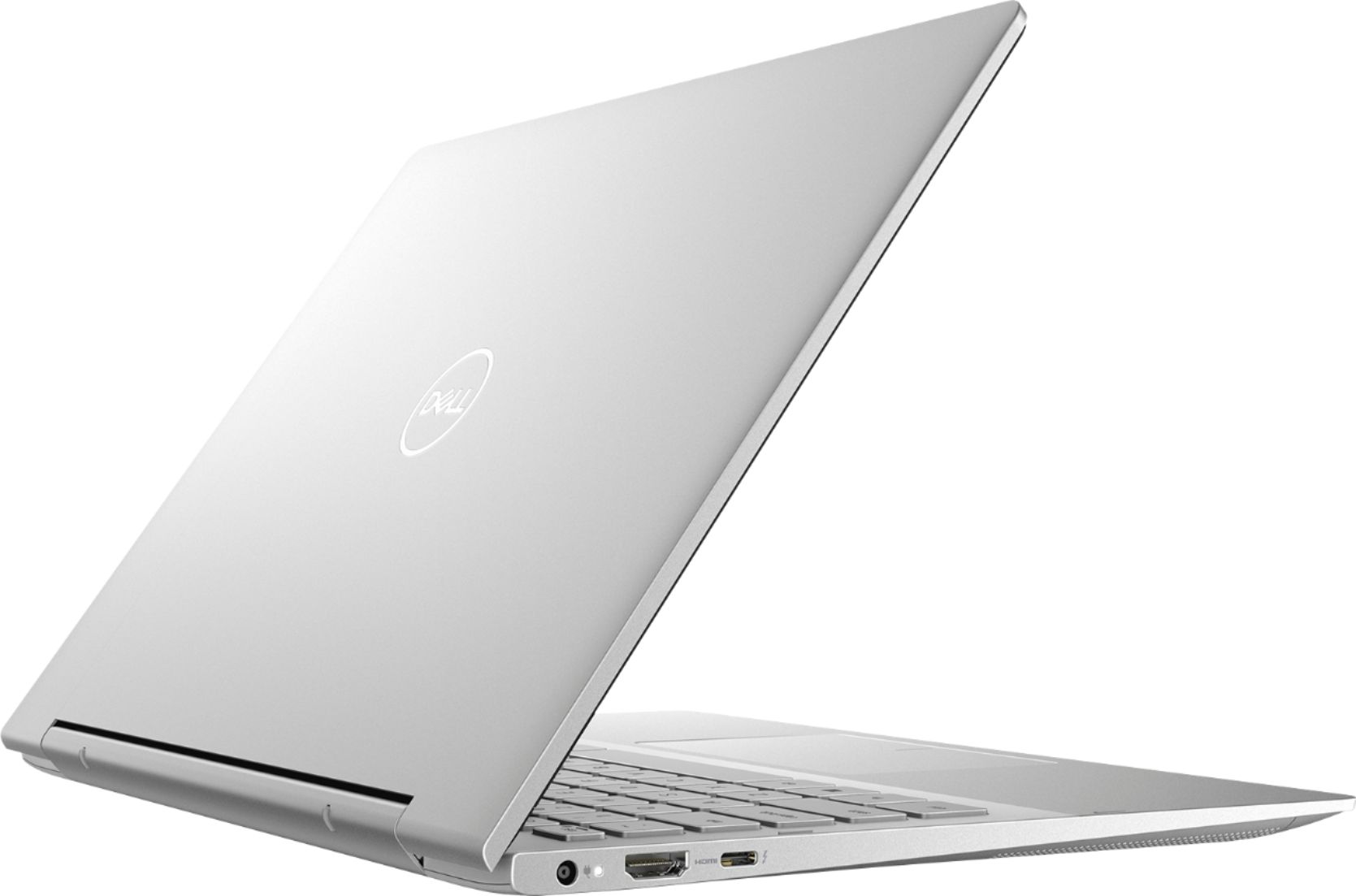
Customers find value in the Inspiron 7000's ease of use, light weight, touchscreen functionality, and size. Many appreciate its performance and consider it a good value for the price, noting the sleek design. However, some customers reported issues with heat generation, battery life, and fan noise, while others wished for more USB ports and expressed concerns about hinge durability.
This summary was generated by AI based on customer reviews.
- Pros mentioned:Speed
great
||Posted . Owned for 1 month when reviewed.This reviewer received promo considerations or sweepstakes entry for writing a review.i really love it and it work nice and perfectly . with speed
I would recommend this to a friend - Pros mentioned:Touch screen
Good Dell Value
||Posted .This reviewer received promo considerations or sweepstakes entry for writing a review.Good price for full feature set. Lightweight with touchscreen
I would recommend this to a friend - Pros mentioned:Ease of use
good basic computer with ease of use.
||Posted . Owned for 1 month when reviewed.This reviewer received promo considerations or sweepstakes entry for writing a review.Good basic computer, easy to use. Nice grafics. A bit pricey
I would recommend this to a friend - Pros mentioned:Ease of use
great for college
||Posted . Owned for 1 month when reviewed.This reviewer received promo considerations or sweepstakes entry for writing a review.lightweight, easy to use. fast cpu and good storage size
I would recommend this to a friend - Pros mentioned:Size
Side doesn’t matter
||Posted . Owned for 1 year when reviewed.This reviewer received promo considerations or sweepstakes entry for writing a review.Love the size, I didn’t need anything to big because all I do is pay bills, Facebook , e mails and purchase different items on line.
I would recommend this to a friend - Cons mentioned:Battery life, Fan noise
Don't buy it
||Posted . Owned for 2 weeks when reviewed.This reviewer received promo considerations or sweepstakes entry for writing a review.keyboard easily gets hot super loud fan noise and can last for 10 minutes, making you embarrassed in the public place. Insensitive touchpad the system shuts down when idle for hours very bad user experience! DO NOT BUT IT!
No, I would not recommend this to a friendBrand response from YourDellTeam
Posted .Shella,
Thanks for your review. We're sorry to hear that your computer is operating warmer than you thought it would. Here are some tips to help your computer operate at a cooler temperature:
Tips for Proper Usage:
1. Dell does not recommend placing portable systems directly on your lap. Due to reductions in the thickness of modern portable systems, heat transfer can be an issue.
2. Using a portable system (Laptop) on a hard, flat, non-cloth surface will increase airflow and reduce heat from underneath and inside the system.
Using the portable system on a blanket, pillow, or other types of cloth will cover up the fan cause the computer to overheat and can cause permanent damage.
3. It is recommended to use the portable system in a Room temperature of 0°C to 35°C (32°F to 95°F) with a Humidity level no greater than 90%.
4. Use compressed air to clean the vents on a regular basis.
5. Using a cooling pad can decrease heat and increase performance.
6. If you want to know the temperature limitations for your system, go to the Dell Support Website, look up your system model then open the user guide under the manuals link.
You can read the full article here - http://dell.to/2uJ8AdG.
If you'd like to try to lower the fan noise on your computer you can try to update the BIOS: An out-of-date BIOS can cause loud fan noises by having an outdated temperature table for the system. Refer to update BIOS and follow the instructions to update the BIOS on your computer.
You can also follow up with our Technical Support Team here - 1-800-624-9896.
You can read the full article here - http://dell.to/2ENlXfz.
Lastly, here are the steps to re-calibrate your touchpad:
Some Notebooks and Tablets with Keyboards have added gesture features to the touchpad hardware and drivers. A few of these features are two or three finger scrolling, pinch zoom, circle zoom, rotate and swiping. These new features may be the reason for the erratic cursor movement since most are turned on by default. You can disable or modify the way the features work in the touchpad driver properties. Here are some tips to modify these settings:
1. In the Search box, type main.cpl.
2. Touch or click main.cpl in the list of programs.
3. Touch or click the Dell Touchpad tab.
4. Touch or click on the picture of the touchpad.
5. Touch or click Gestures (depending on your computer there may not be a Gestures option).
6. Change the options as preferred.
7. Touch or click Save.
8. Touch or click the X in the upper-right corner to close the Dell Touchpad Utility.
9. Touch or click OK on the Mouse Properties window.
10. If the touchpad still does not work after following the preceding steps, refer to Dell Knowledge Base article - http://dell.to/2iaiujA.
You can read the full article here - http://dell.to/2tqmS02.
Best,
Bryan
1-800-624-9896
- Cons mentioned:Battery life, Heat
Laptop was defective.
||Posted . Owned for 3 weeks when reviewed.This reviewer received promo considerations or sweepstakes entry for writing a review.Nice looking laptop. I loved the aesthetic of it especially since I didn't need it for any high tech stuff. Unfortunately, after three days, it became defective. It was glitching and freezing a lot. The battery which was supposed to last 4 hours was barely lasting 2 hours. It would also get unbearably hot, and turn on and off by itself. It definitely put me off towards Dell. Doubt I would be ever buying a dell product ever again. Unfortunate as i really liked it. Too bad it doesn't work.
No, I would not recommend this to a friendBrand response from YourDellTeam
Posted .Onyeoma,
Thanks for your review. We're sorry to hear about the freezes that your computer is experiencing. Here are some steps to resolve the freezes:
1. Run a Computer Diagnostic. To determine if your computer is experiencing a hardware problem, run the Dell Preboot System Assessment (PSA) Diagnostics. For information on how to run Diagnostics, and to determine the issue, refer to Dell Knowledge Base Article: http://dell.to/2iaiujA.
2. Check Safe Mode for Symptoms. To boot into safe mode, please follow the instructions below:
a) Start the computer.
b) Tap 'F8' on the keyboard immediately and every one second until the Dell logo screen disappears. From there you will see the Windows Advanced Options Menu on the screen. (If the Windows Advanced Options Menu does not appear, restart the system and try again.)
c) Select Safe mode with Networking and press Enter.
d) Log on as the administrator or as a user with administrative access.
e) Open applications and test the computer in safe mode. If the symptoms exist in safe mode, please continue the troubleshooting steps in this article. If the symptoms do not exist in safe mode, the issue is likely related to a driver or software and you may wish to complete step 3 to see if you are able to resolve the lockups or freezing.
3. Check for Malware. Malware (Virus, Spyware, etc.) can definitely cause a Windows system to lock up or appear to hang. To check for malware on your system and to ensure that your computer is up to date on security software, visit Dell Knowledge Base Article: http://dell.to/2wWP1zI.
You can read the full article here - http://dell.to/2tW5m33.
If you'd like to increase your computer's battery runtime, we'd recommend the following tips:
Change the Power Plan:
1. On the notification area of the taskbar, right-click the Battery icon.
2. On the options list, click Power Options.
3. Select a power plan on the battery meter, such as Power Saver or Balanced. Windows 10 has a built in 'Battery Saver' mode that can be activated to extend your system's battery life. The Battery Saver mode will monitor and limit background activity and other features such as push notifications. You do have the option to enable or disable this mode within settings or within advanced Battery Saver settings, you can customize the mode to best suit your needs.
a) Click on the Action Center icon in the taskbar and select the tile for Battery Saver.
b) If running Cortana then type Battery Saver into the search box and select from the results.
Within the Battery Saver settings page, you will be able to turn on and off the feature and customize the feature to best meet your needs.
c) Turn Battery Saver On or Off.
d) Additional settings available via the Battery use and Battery saver settings links.
e) Battery use shows further info on apps and their power usage.
f) Battery Saver Settings screen allows you to customize further Battery Saver feature.
You can read the full article here - http://dell.to/2vfXWf4.
Lastly, for tips on operating your computer at a lower temperature, here are some suggestions:
Tips for Proper Usage:
1. Dell does not recommend placing portable systems directly on your lap. Due to reductions in the thickness of modern portable systems, heat transfer can be an issue.
2. Using a portable system (Laptop) on a hard, flat, non-cloth surface will increase airflow and reduce heat from underneath and inside the system.
Using the portable system on a blanket, pillow, or other types of cloth will cover up the fan cause the computer to overheat and can cause permanent damage.
3. It is recommended to use the portable system in a Room temperature of 0°C to 35°C (32°F to 95°F) with a Humidity level no greater than 90%.
4. Use compressed air to clean the vents on a regular basis.
5. Using a cooling pad can decrease heat and increase performance.
6. If you want to know the temperature limitations for your system, go to the Dell Support Website, look up your system model then open the user guide under the manuals link.
You can read the full article here - http://dell.to/2uJ8AdG.
Best,
Bryan
1-800-624-9896
- Pros mentioned:Touch screen
Very satisfied with Dell touch-screen Laptop
||Posted . Owned for 3 weeks when reviewed.This reviewer received promo considerations or sweepstakes entry for writing a review.So nice to have a new up to date computer. Just need to figure out my printing situation. I have an old HP printer. Looking forward to checking it out.
I would recommend this to a friend Good
||Posted . Owned for 3 weeks when reviewed.This reviewer received promo considerations or sweepstakes entry for writing a review.This laptop is great for my work with affordable price
I would recommend this to a friend- Pros mentioned:Ease of use
Love the computer.
||Posted . Owned for 2 months when reviewed.This reviewer received promo considerations or sweepstakes entry for writing a review.Really like the use of this computer. It's been so easy to use and navigate. I'm sure it can do a whole lot more that I haven't even learned about.
I would recommend this to a friend - Cons mentioned:Heat
It's ok.
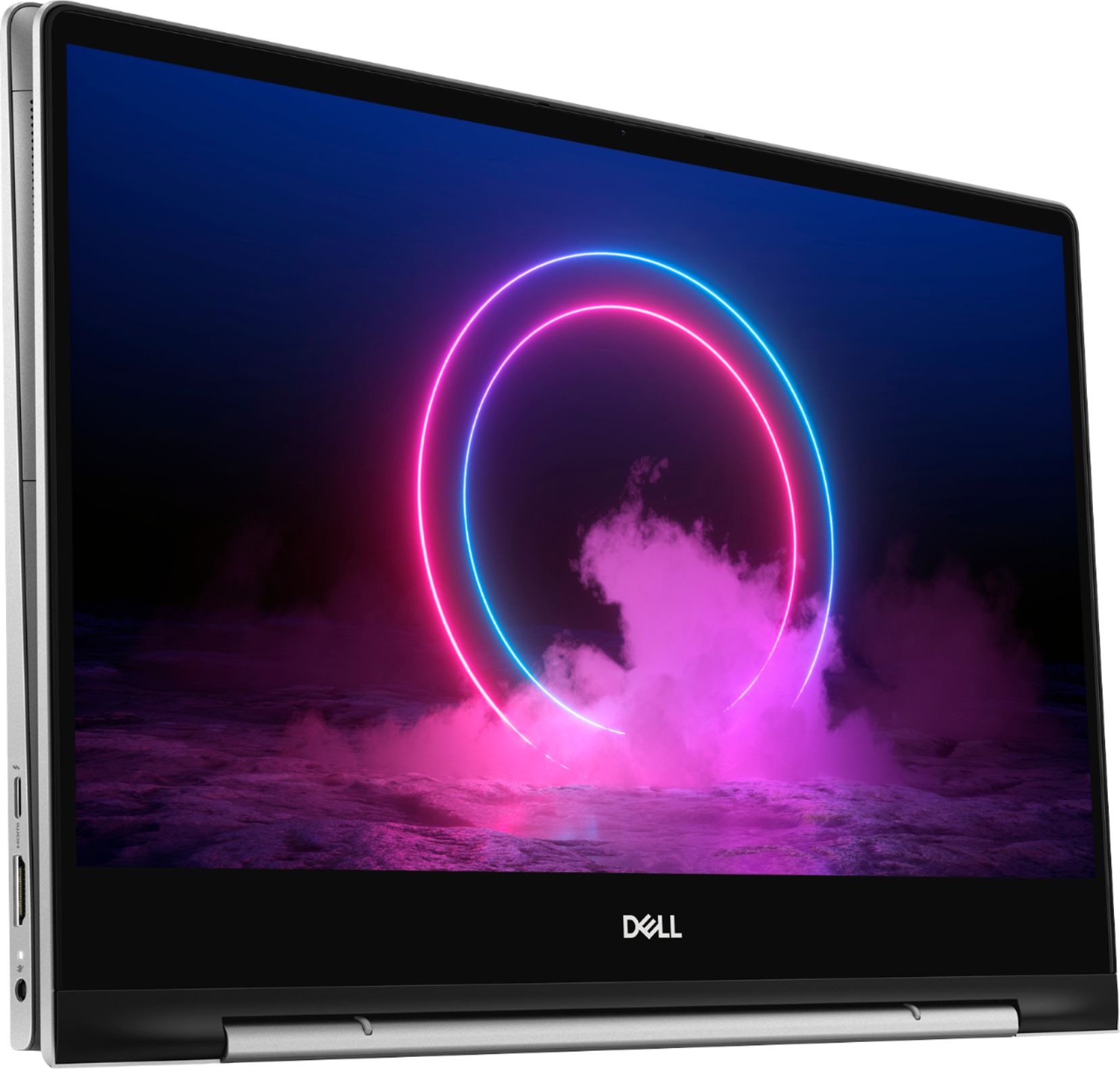
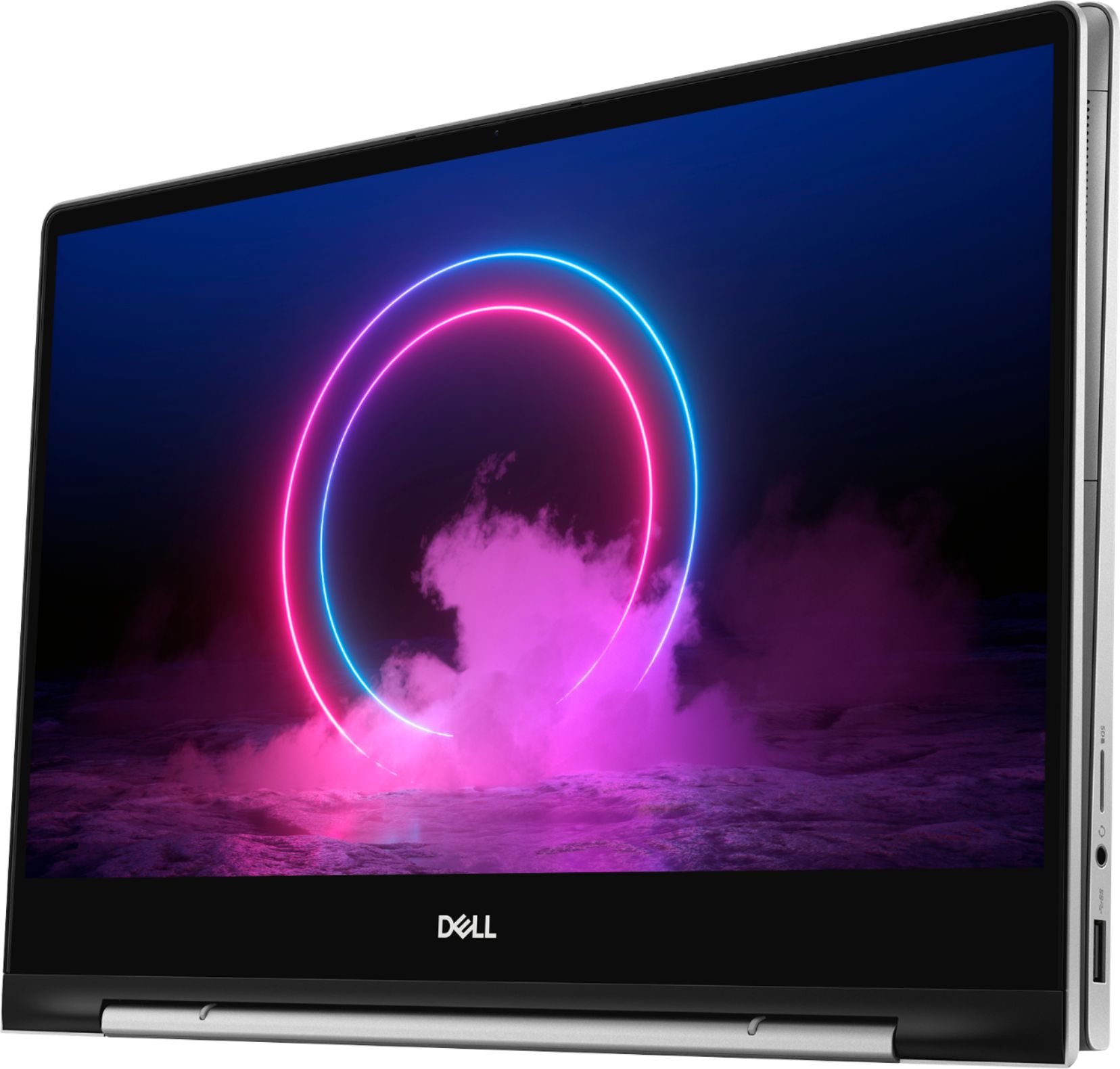
||Posted . Owned for 1 year when reviewed.This reviewer received promo considerations or sweepstakes entry for writing a review.I think the memory is questionable. But it's has been reliable for about a year. They screen is separated a bit and I never dropped or damaged it. It gets too hot as well. What I like is that it can turn into a tablet.
I would recommend this to a friend - Pros mentioned:Weight
Good laptop
||Posted .This reviewer received promo considerations or sweepstakes entry for writing a review.A good laptop overall. Looks sleek and light weight.
I would recommend this to a friend - Pros mentioned:Ease of use
It’s nice
||Posted .This reviewer received promo considerations or sweepstakes entry for writing a review.It’s a nice laptop ~ came quickly. Easy to use. Thank you
I would recommend this to a friend - Pros mentioned:Weight
Checks all the boxes
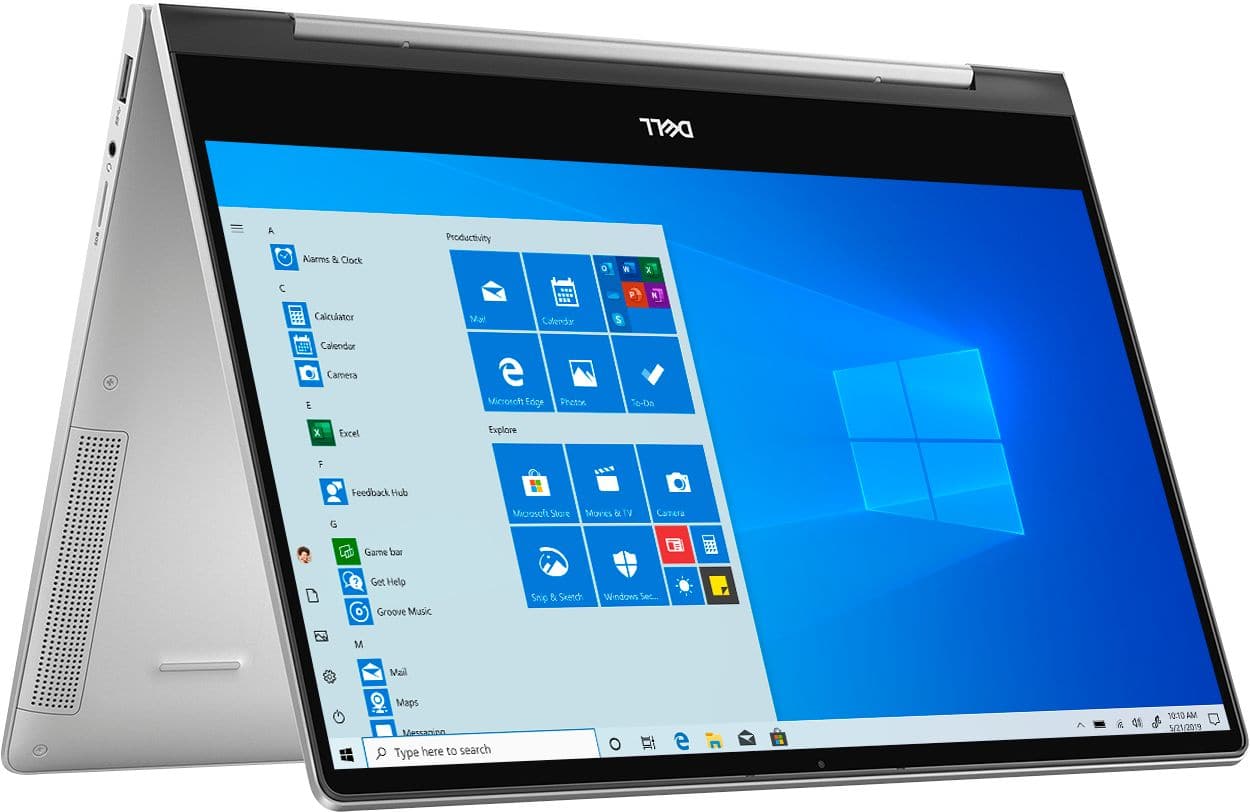
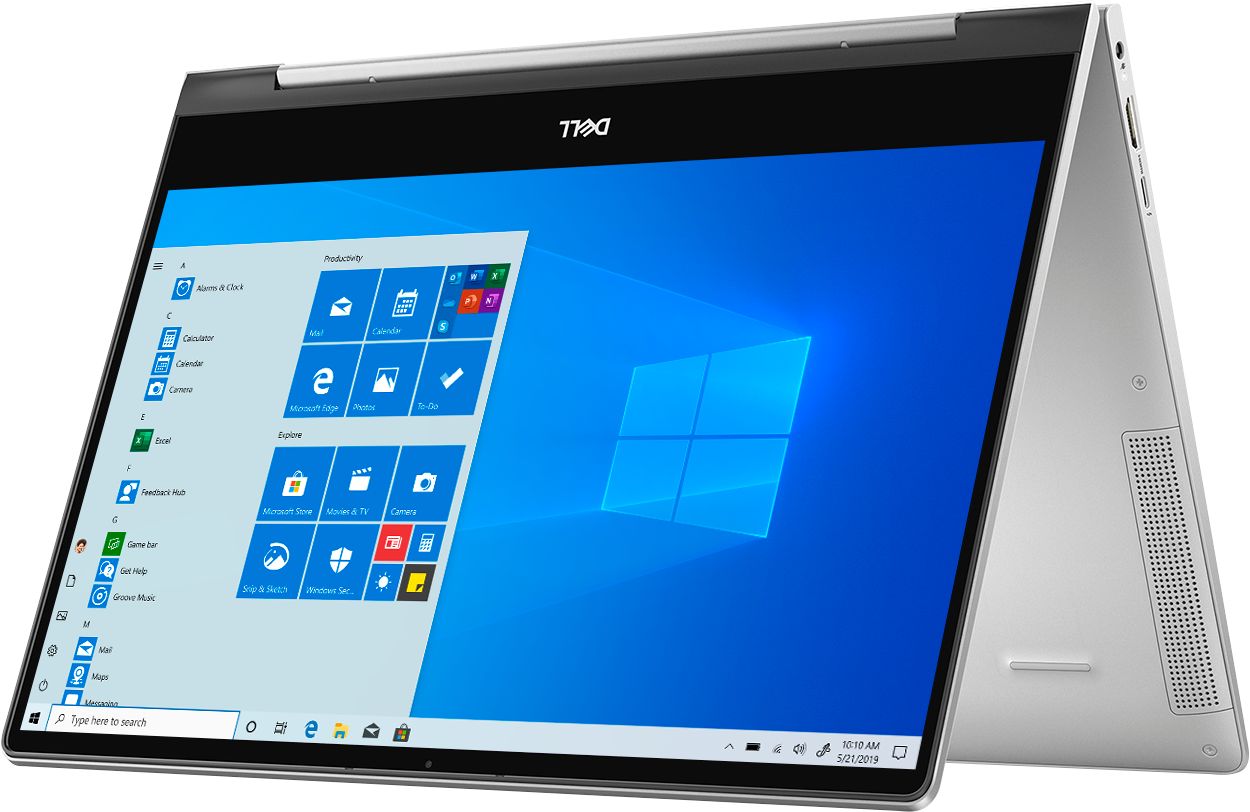
||Posted .This reviewer received promo considerations or sweepstakes entry for writing a review.Lightweight and convenient. Love the features, esp tablet mode. Always get compliments
I would recommend this to a friend light and handy for working people and students.
||Posted . Owned for 1 month when reviewed.This reviewer received promo considerations or sweepstakes entry for writing a review.Quite confusing for the setting. There's 1 outlet that i don't know what it is. It would be more helpful for me if brochure for this Dell Inspiron 13.3 laptop was included in the package so, the instructions in the brochure will really guide me how to use it. Overall, I like it. I just need more familiarization.
I would recommend this to a friendGood for the price.
||Posted . Owned for 3 weeks when reviewed.This reviewer received promo considerations or sweepstakes entry for writing a review.Nice for the price. Need to hace free office software.
I would recommend this to a friendGood laptop for my son.
||Posted . Owned for 1 month when reviewed.This reviewer received promo considerations or sweepstakes entry for writing a review.I think this laptop is good. I would have gave it a better rating if it weren't for two things. 1. The keys are to bright in color for me to see, granted I'm a middle aged man and wear glasses . 2. the keys are too sensitive and when trying to move the cursor it deleted my content. Nonetheless the overall is good.
I would recommend this to a friend- Pros mentioned:Ease of use
Great Product and Good Product
||Posted . Owned for 1 month when reviewed.This reviewer received promo considerations or sweepstakes entry for writing a review.As a student, this works great for everyday usage and for class assignments. So far I haven't had any problems, therefore, no complains.
I would recommend this to a friend - Pros mentioned:Weight
Great Laptop for travellers
||Posted . Owned for 1 month when reviewed.This reviewer received promo considerations or sweepstakes entry for writing a review.Light weight & Sleek. God for all basic operations.
I would recommend this to a friend - Pros mentioned:Speed
Very good laptop, quick
||Posted . Owned for 2 weeks when reviewed.This reviewer received promo considerations or sweepstakes entry for writing a review.Very nice, quick and good value computer. This one replaced my old Dell and it is faster, handles to do a various task at the same time
I would recommend this to a friend