Customer Ratings & Reviews






- Model:
- I7391-5537SLV-PUS
- SKU:
- 6373036
Rating by feature
- Battery Life
Rating 4.0 out of 5 stars
- Speed
Rating 4.4 out of 5 stars
- Display
Rating 4.4 out of 5 stars
Customers are saying
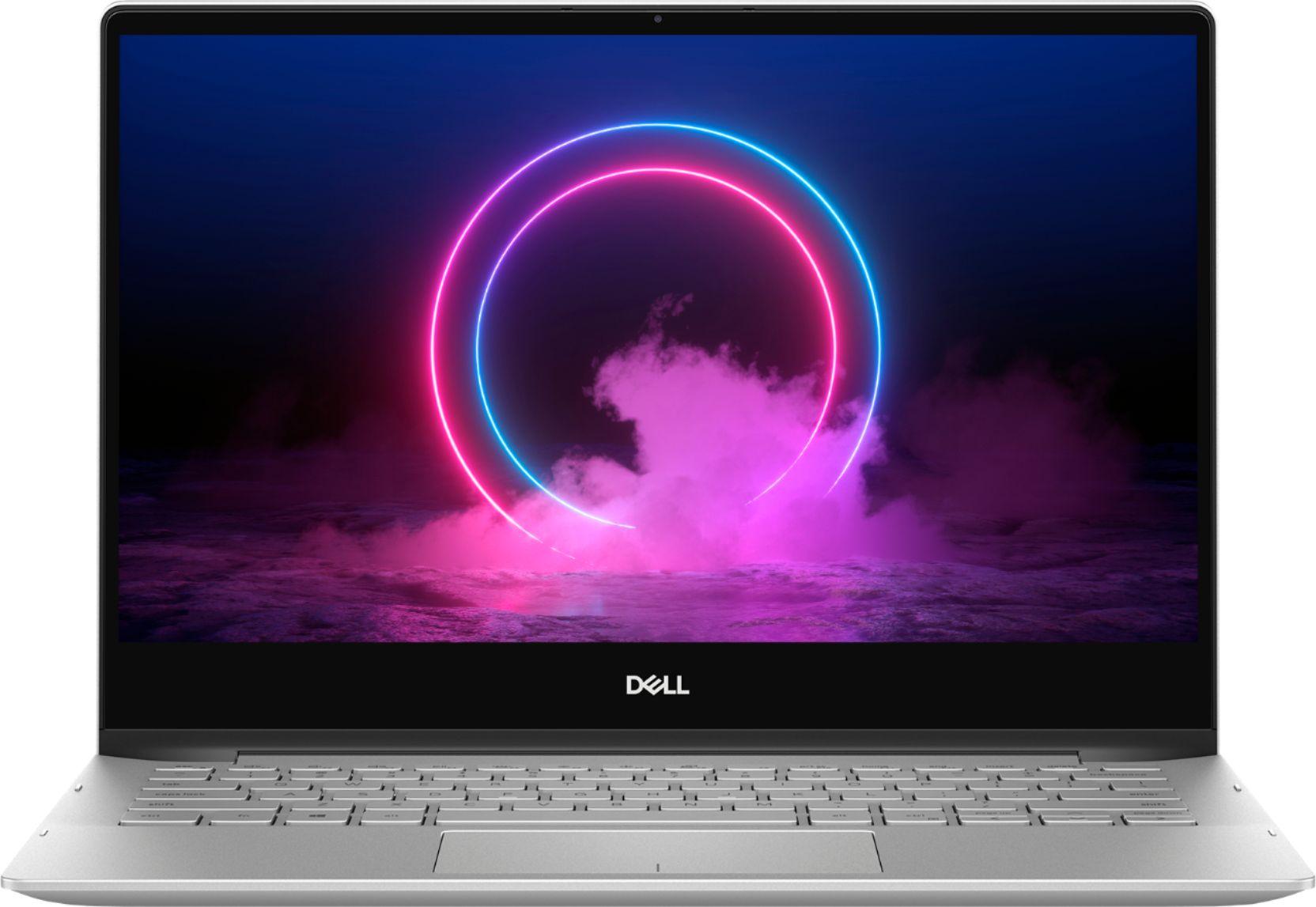
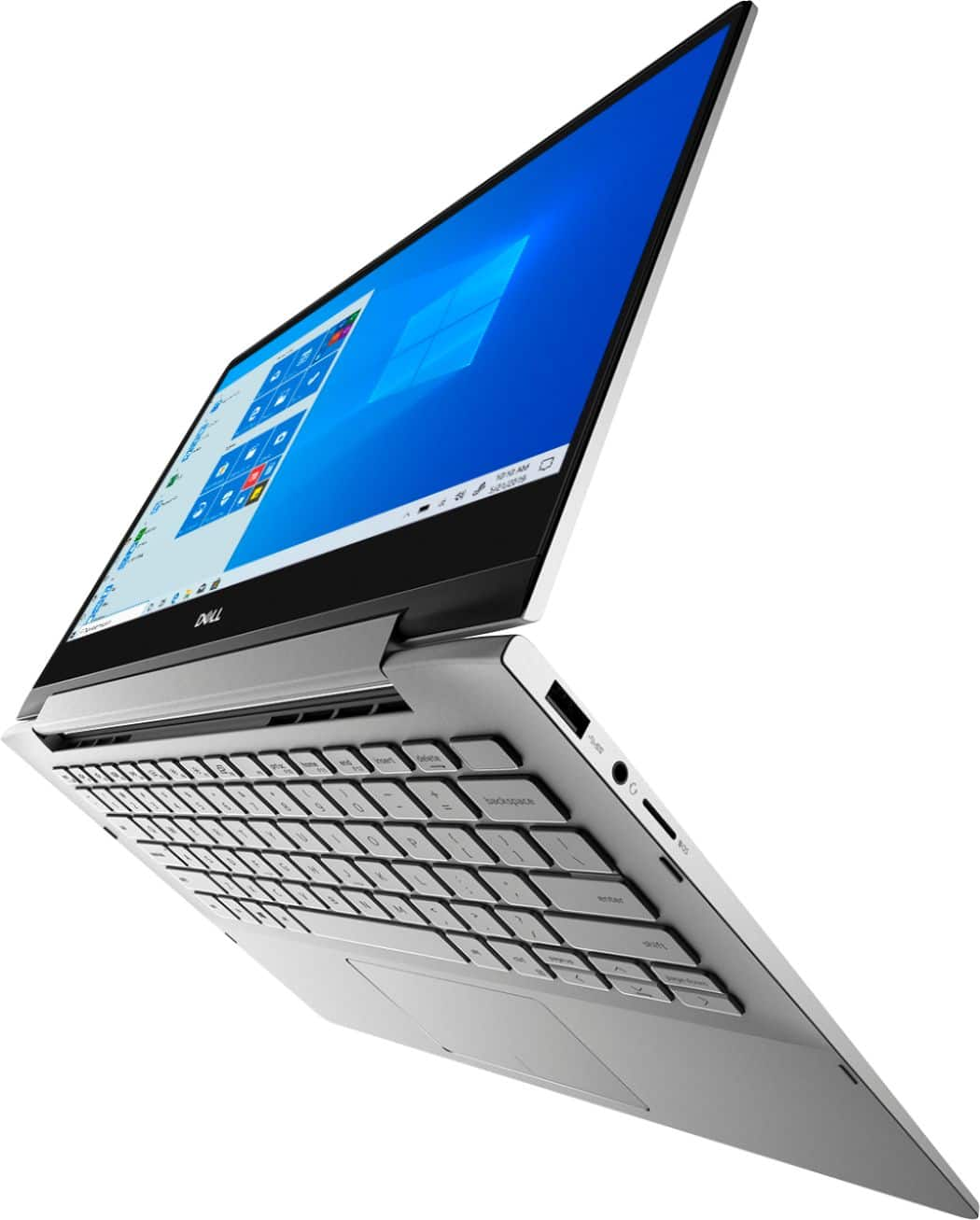
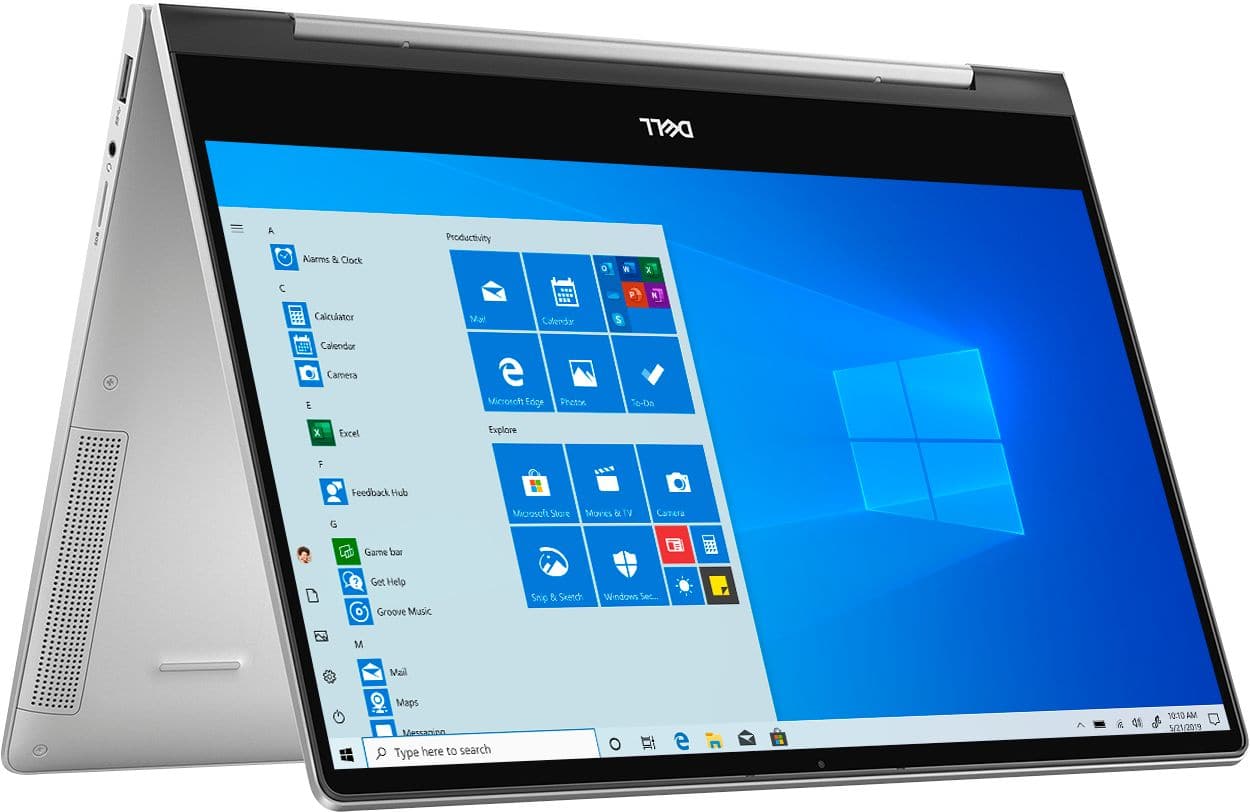
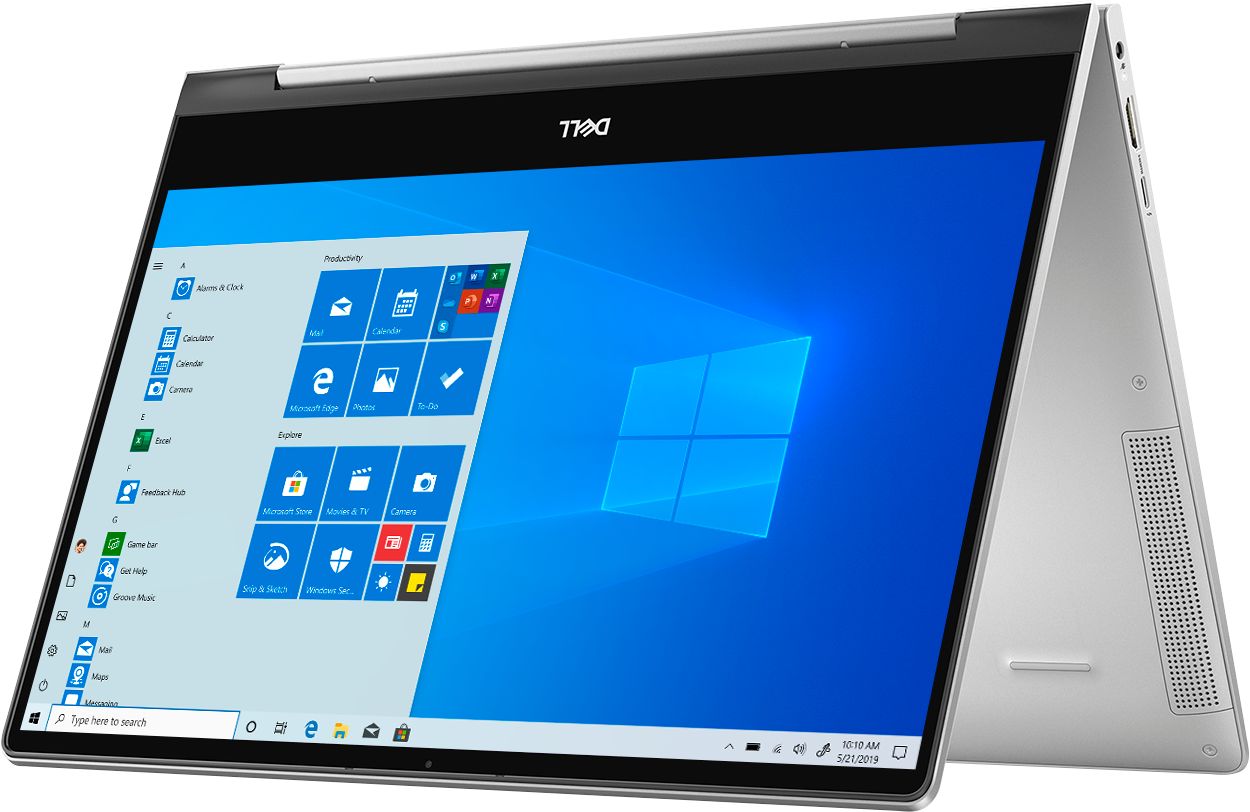
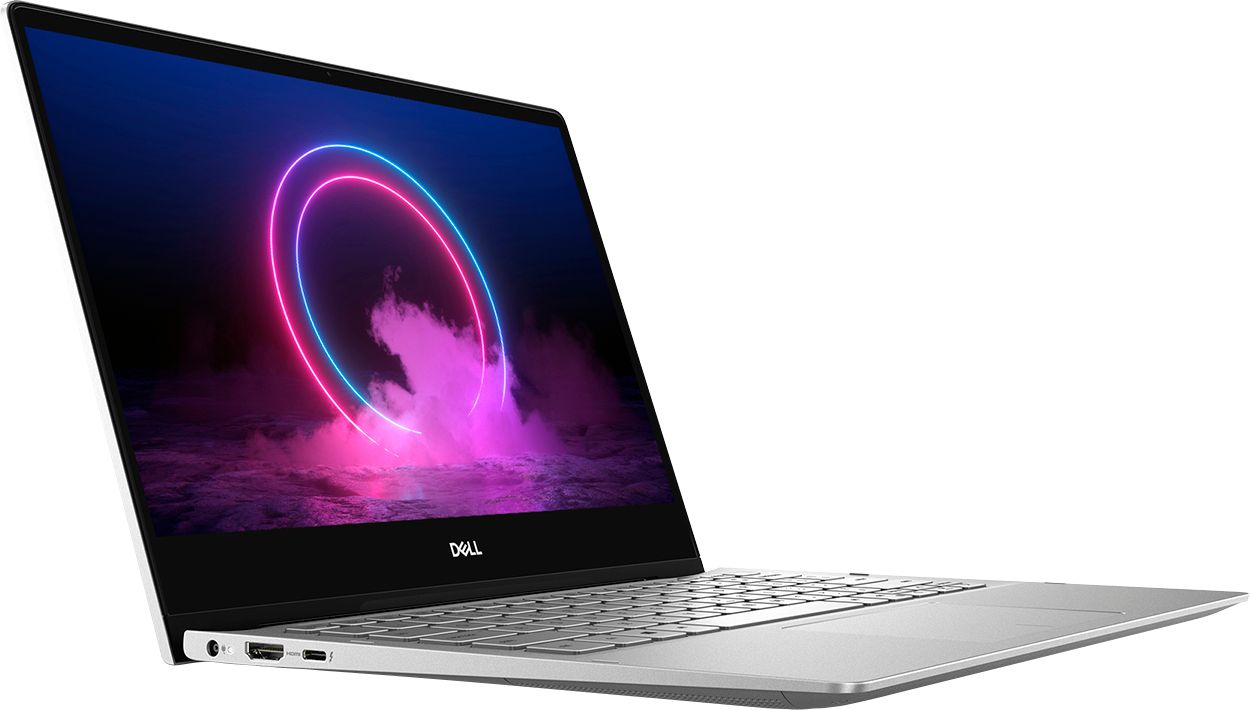
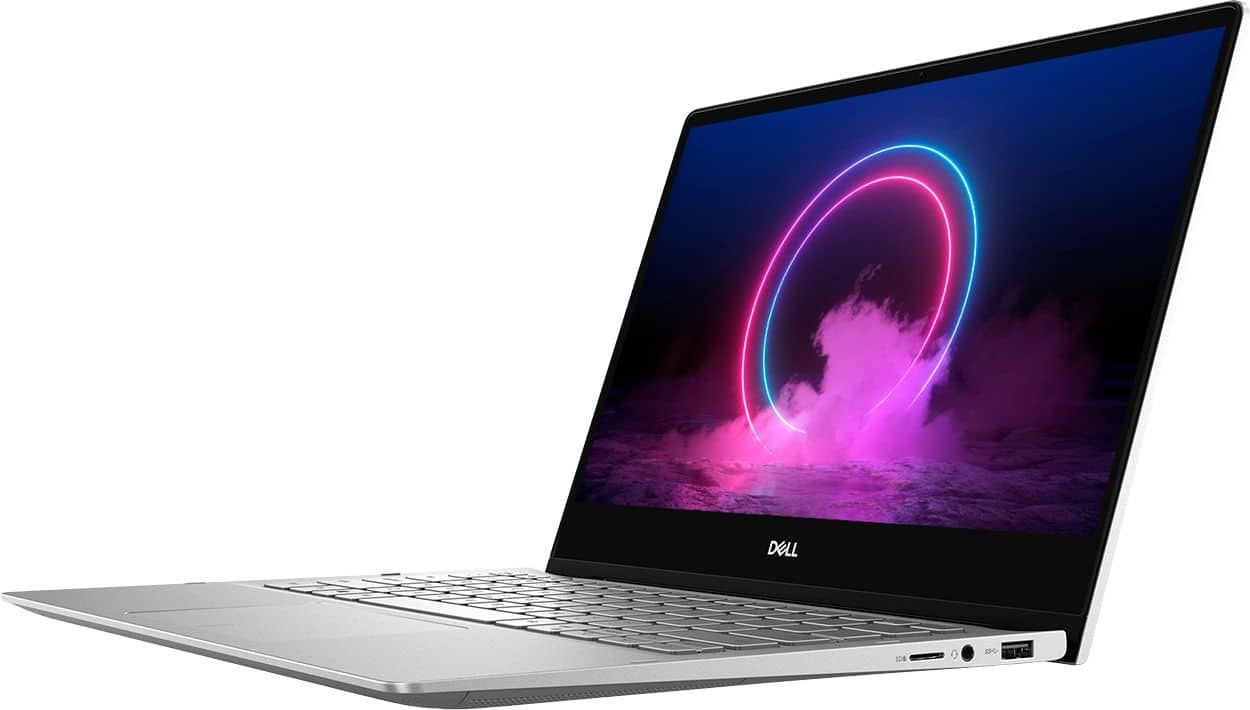
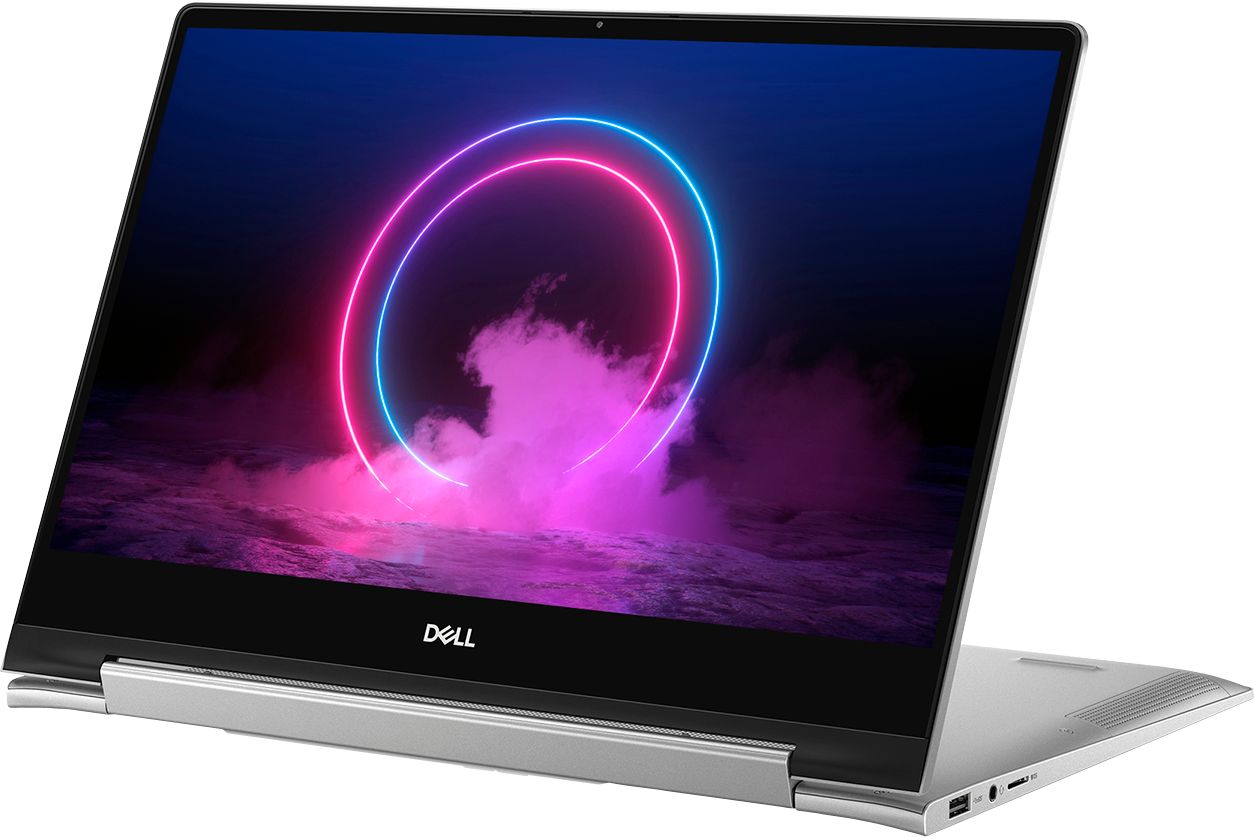
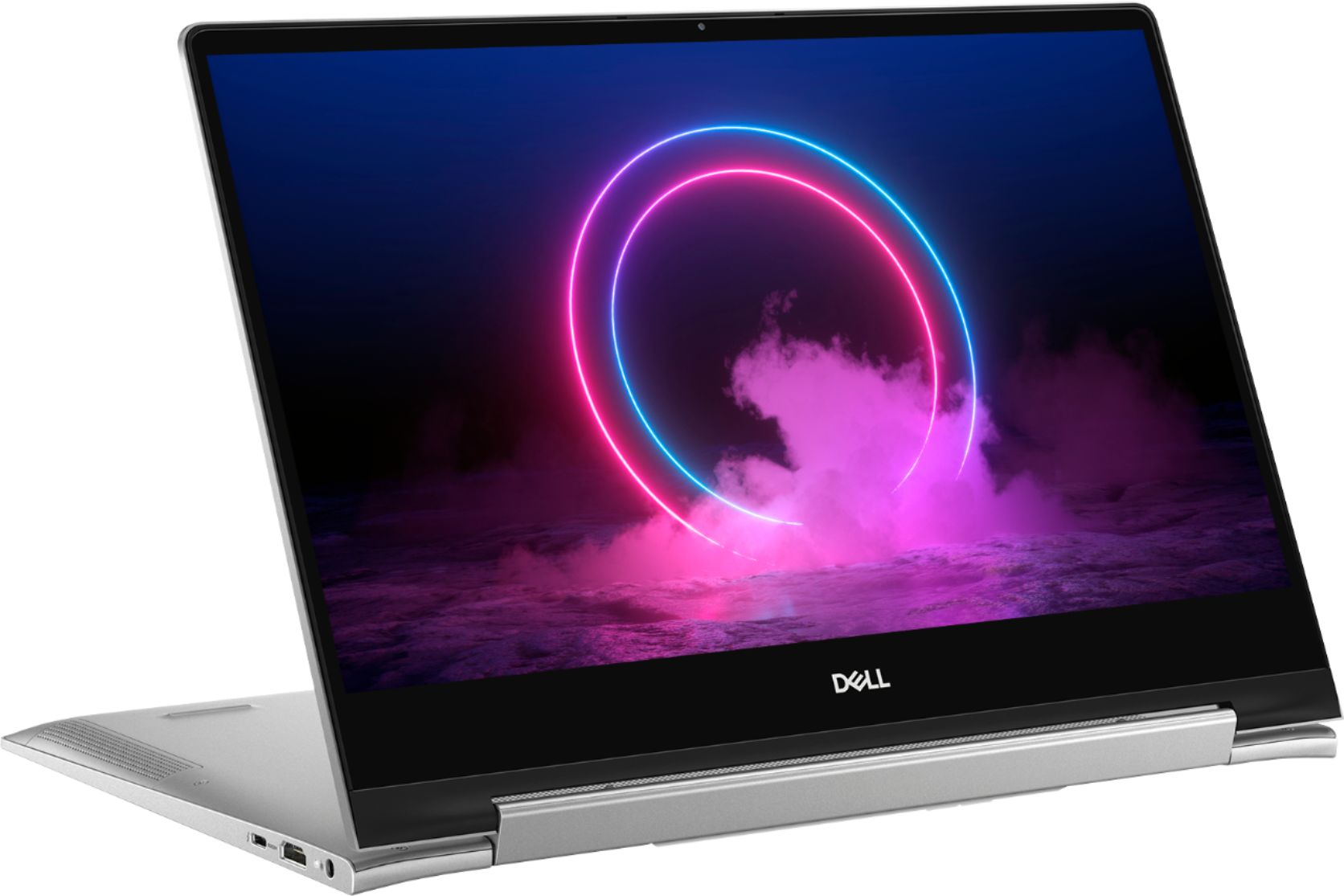
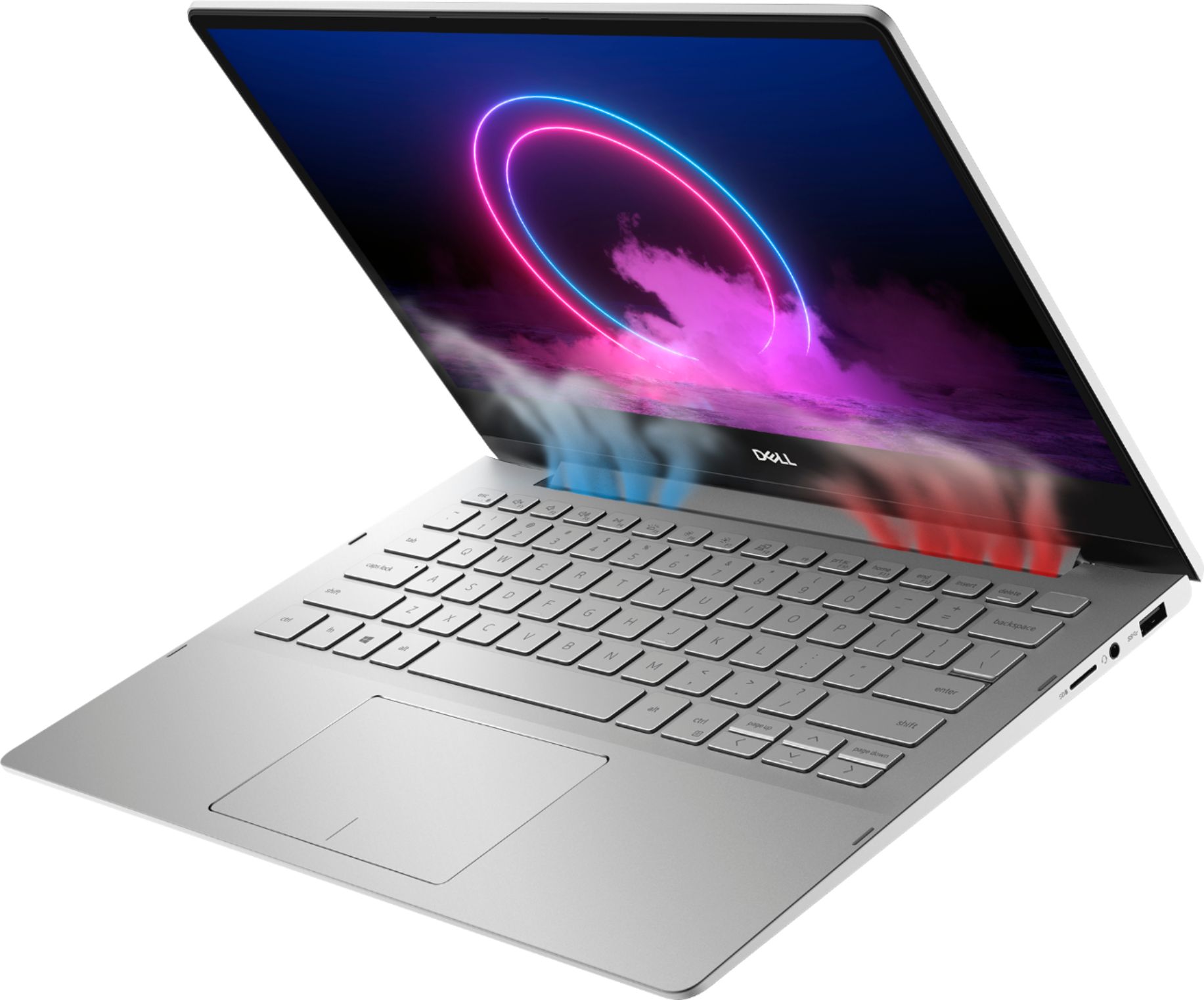
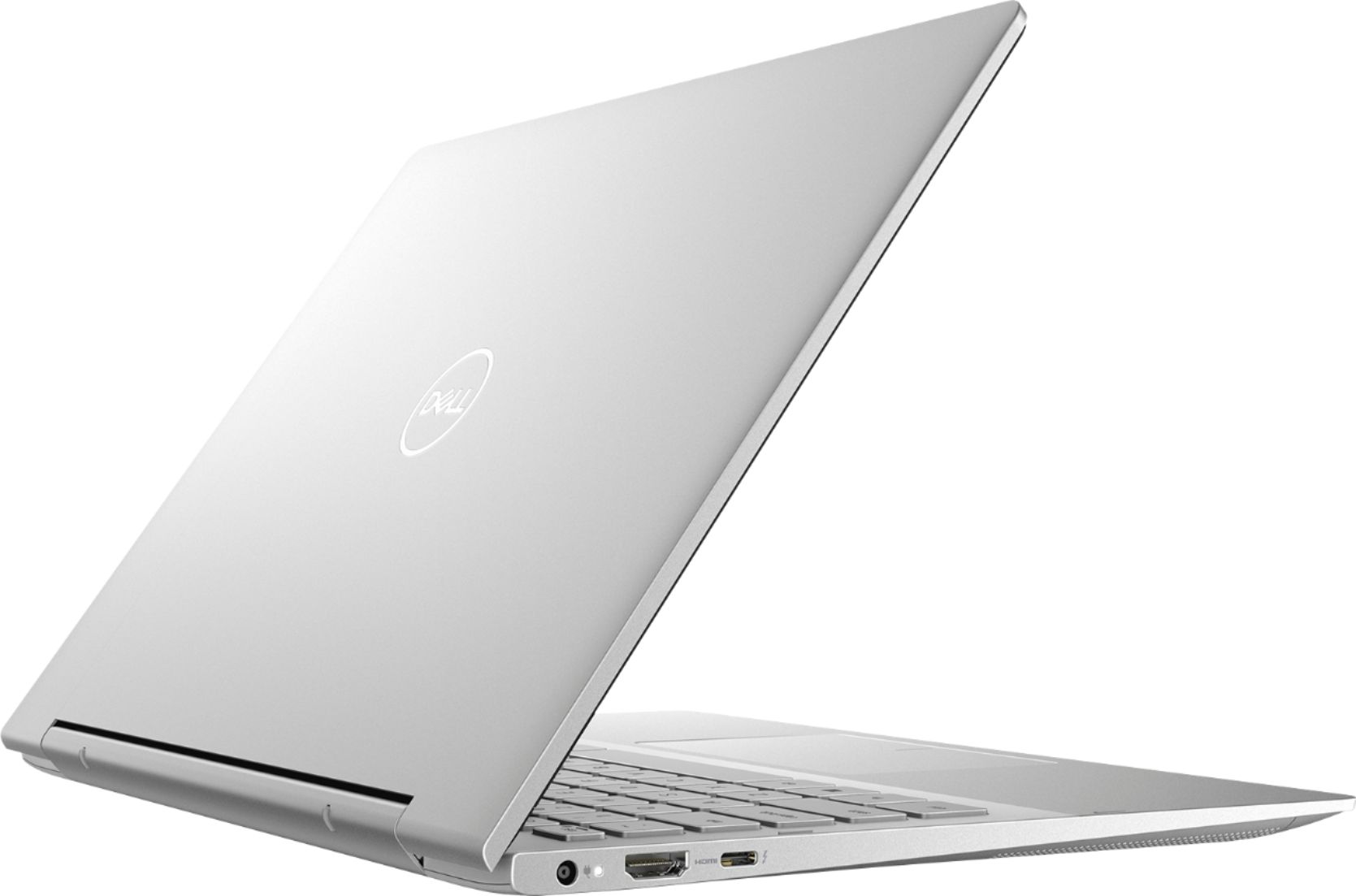
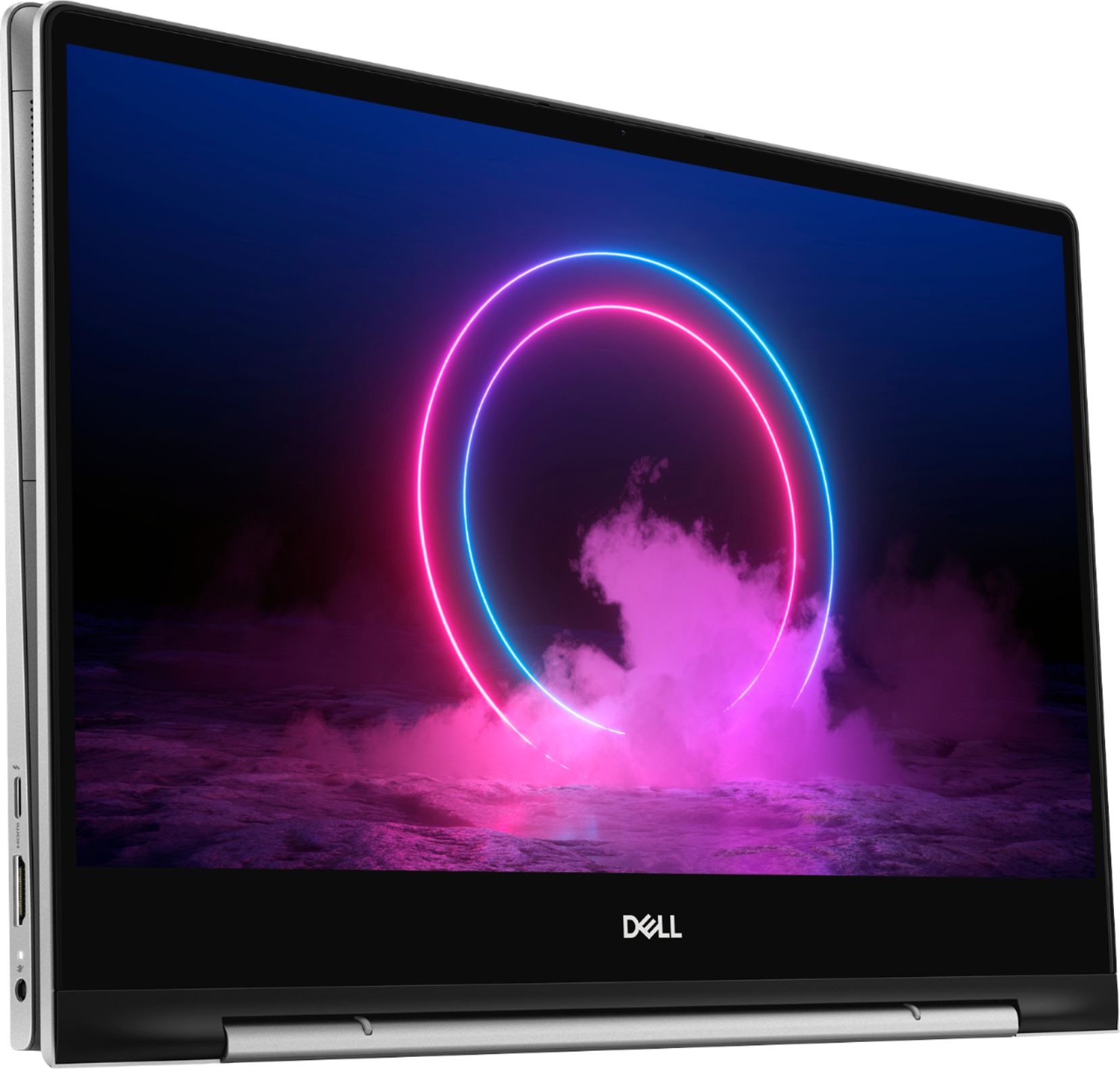
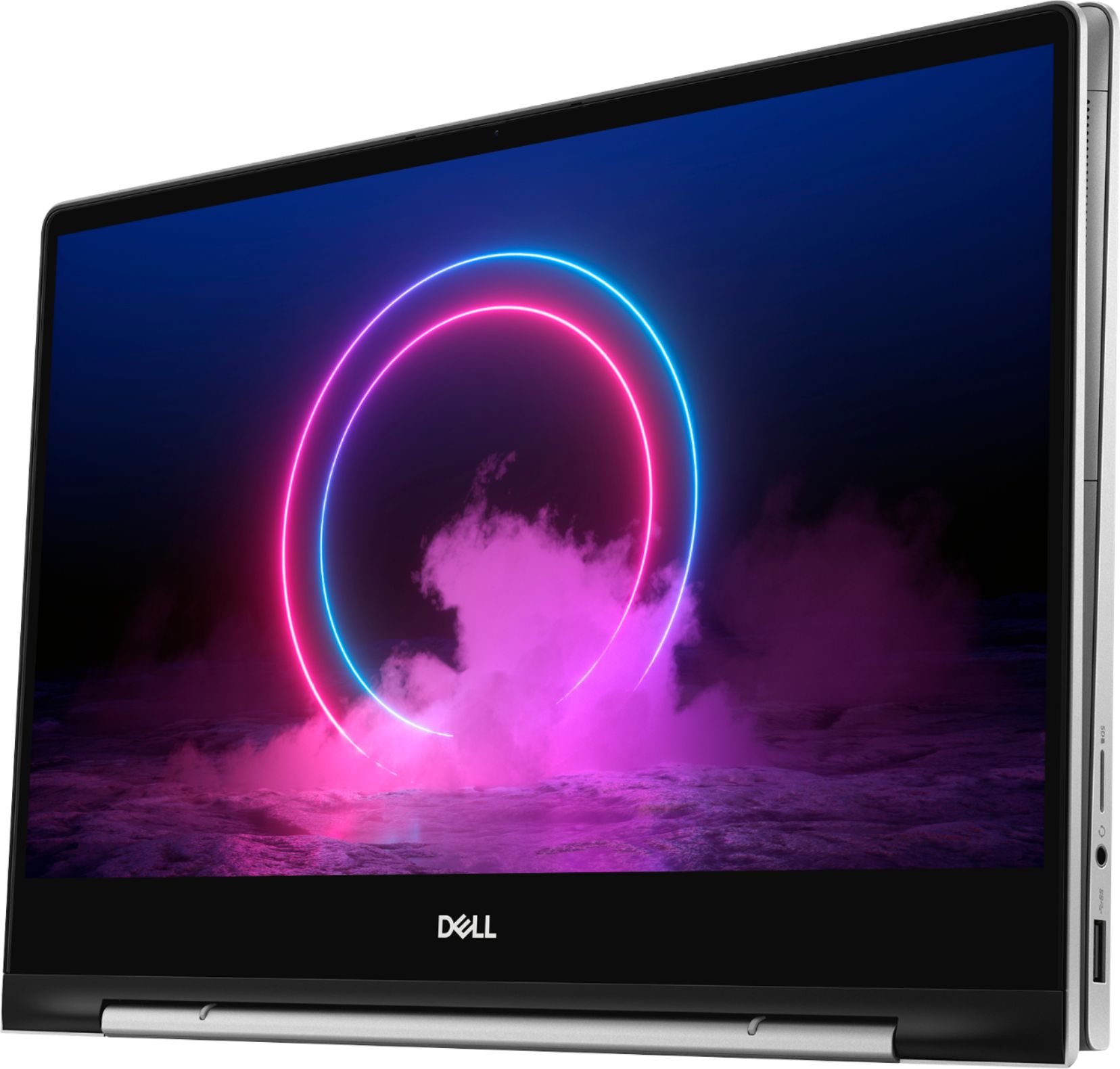
Customers find value in the Inspiron 7000's ease of use, light weight, touchscreen functionality, and size. Many appreciate its performance and consider it a good value for the price, noting the sleek design. However, some customers reported issues with heat generation, battery life, and fan noise, while others wished for more USB ports and expressed concerns about hinge durability.
This summary was generated by AI based on customer reviews.
this is the best for beginners lap top
||Posted . Owned for 1 month when reviewed.This reviewer received promo considerations or sweepstakes entry for writing a review.it took me 3 times to get it right. The first 2 times was with HP. found it impossible to get on line.
I would recommend this to a friend- Cons mentioned:Battery life
Great until it woild take a charge
||Posted . Owned for 1 week when reviewed.This reviewer received promo considerations or sweepstakes entry for writing a review.Well, the returned computer we had purchsed 14 days before and the picking out of a new Dell went well, however, yesterday at 11:00 pm or so, that new Dell has decided not to take a charge. The store was closed and today is day 15, will let you know how this is going to go as it is not 10 am yet, store not open yet.
No, I would not recommend this to a friendBrand response from YourDellTeam
Posted .Kathy,
Thanks for your feedback. We're sorry to hear that your computer is not taking a charge.
We'd recommend checking the following causes of possible AC Adapter Error Messages:
1. Are you using a 3rd party or is a non-Dell branded AC adapter is connected to the PC or docking station?
2. Are you using an AC adapter with a lower wattage?
3. Is the AC adapter is not fully connected to the PC?
4. Check to see if the wall power cord is not fully connected to the AC adapter.
5. The AC adapter or PC's AC adapter port could be damaged.
6. The AC adapter is not recognized in BIOS (System Setup).
You can read the full article here: http://dell.to/2xQTan2.
Best,
Bryan
1-800-624-9896
Great laptop for office and personal work use.
||Posted . Owned for 3 weeks when reviewed.This reviewer received promo considerations or sweepstakes entry for writing a review.I purchased an "open-box" laptop. It has met all my expectations. The tech geeks made it "just like new".
I would recommend this to a friendLaptop
||Posted . Owned for 1 year when reviewed.This reviewer received promo considerations or sweepstakes entry for writing a review.Love it best non apple thing I own could only be better if it can with the windows programs
I would recommend this to a friendruns fast and have enough storage space
||Posted . Owned for 7 months when reviewed.This reviewer received promo considerations or sweepstakes entry for writing a review.I use this computer for my personal use. It is small and convenient. the storage space it enough.
I would recommend this to a friendGood
||Posted . Owned for 8 months when reviewed.This reviewer received promo considerations or sweepstakes entry for writing a review.Loved the product and good price match by best buy compared to the competitors in the market
I would recommend this to a friendWould not recommend
||Posted . Owned for 1 month when reviewed.This reviewer received promo considerations or sweepstakes entry for writing a review.Its been over a month since I bought this laptop and from the beginning to now the battery life sucks.. The fan noise makes it feel like a helicopter is landing in my room. I still don’t understand why it takes forever for it to restart. I miss my macbook pro it was so fast. I don’t know why I bought this laptop and now the return window is past due so I am stuck.
No, I would not recommend this to a friendBrand response from YourDellTeam
Posted .Zee93,
hanks for your feedback. We're sorry to hear that your laptop is not working the way you hoped it would. If you'd like help extending the life of your battery we'd suggest these tips:
Change the Power Plan:
1. On the notification area of the taskbar, right-click the Battery icon.
2. On the options list, click Power Options.
3. Select a power plan on the battery meter, such as Power Saver or Balanced. Windows 10 has a built in 'Battery Saver' mode that can be activated to extend your system's battery life. The Battery Saver mode will monitor and limit background activity and other features such as push notifications. You do have the option to enable or disable this mode within settings or within advanced Battery Saver settings, you can customize the mode to best suit your needs.
a) Click on the Action Center icon in the taskbar and select the tile for Battery Saver.
b) If running Cortana then type Battery Saver into the search box and select from the results.
Within the Battery Saver settings page, you will be able to turn on and off the feature and customize the feature to best meet your needs.
c) Turn Battery Saver On or Off.
d) Additional settings available via the Battery use and Battery saver settings links.
e) Battery use shows further info on apps and their power usage.
f) Battery Saver Settings screen allows you to customize further Battery Saver feature.
You can read the full article here - http://dell.to/2vfXWf4.
If you'd like to see if you can lower the fan noise we'd suggest updating the BIOS on your computer:
An out-of-date BIOS can cause loud fan noises by having an outdated temperature table for the system. Refer to update BIOS and follow the instructions to update the BIOS on your computer. You can also follow up with our Technical Support Team here - 1-800-624-9896.
You can read the full article here - http://dell.to/2ENlXfz.
Lastly, if you'd like your computer to start up faster we'd recommend limiting the number of programs that launch at start up:
1. Close all open windows.
2. Press CTRL + Shift + ESC key together on the keyboard.
3. In the Task Manager window, click Startup tab.
4. Select the program or application that you want to disable from loading during startup.
5. Right-click and select Disable.
6. Repeat Step 4 & 5 for all the programs or applications that you want to disable from loading during startup.
7. Restart your PC.
You can read the full article here - http://dell.to/2tSulGV.
Best,
Bryan
1-800-624-9896
Amazing
||Posted . Owned for 1 month when reviewed.This reviewer received promo considerations or sweepstakes entry for writing a review.Love this laptop Worth the money I paid Is useful to due school class work and homework on it
I would recommend this to a friendAmazing
||Posted . Owned for 1 week when reviewed.This reviewer received promo considerations or sweepstakes entry for writing a review.Really good condition the open box laptop Definitely great customer service at computer department
I would recommend this to a friendGreat pick
||Posted . Owned for 4 months when reviewed.This reviewer received promo considerations or sweepstakes entry for writing a review.Awesome! Its everything I wanted in a 2 n 1. Great memory storage for college students.
I would recommend this to a friendLaptop
||Posted .This reviewer received promo considerations or sweepstakes entry for writing a review.Great service great quality and product with in time.
I would recommend this to a friendGood
||Posted . Owned for 1 month when reviewed.This reviewer received promo considerations or sweepstakes entry for writing a review.Best Buy is the best store in the world . I get my laptop is easy way on online.now I am use it.
I would recommend this to a friendGreat mid price computer
||Posted . Owned for less than 1 week when reviewed.This reviewer received promo considerations or sweepstakes entry for writing a review.You get a lot of bang for your buck. Great laptop features plus the versatility of a tablet use.
I would recommend this to a friendVery thin
||Posted . Owned for 2 weeks when reviewed.This reviewer received promo considerations or sweepstakes entry for writing a review.the best thing about this laptop is that it is very light and the battery life is the best
No, I would not recommend this to a friendDon't buy. It's not worth.
||Posted .This reviewer received promo considerations or sweepstakes entry for writing a review.I bought this computer because of one offer. I am returning 1 day after buying it. 1. Don't be fooled by the 10th Core i5, it's a U type processor, drinks less energy but is slower, and you will realize it. 2. The screen frame has many imperfections, including asymmetries. 3. The plastic is really of low quality. You will feel it with your fingers. 4. The pad is not friendly at all, the surface is rough. 5. The product I got, it's in theory a brand-new. However, is has many scratches. 6. The quality of the screen is average to low.
No, I would not recommend this to a friendGreat product. Great value.
||Posted . Owned for 1 month when reviewed.This reviewer received promo considerations or sweepstakes entry for writing a review.Great product. Great value. I would buy another. It is a Dell, so very respectable.
I would recommend this to a friendLove it
||Posted .This reviewer received promo considerations or sweepstakes entry for writing a review.We bought this for our daughter for high school. Good quality. She loves it
I would recommend this to a friend- Cons mentioned:Heat
Gets very hot
||Posted . Owned for 3 weeks when reviewed.This reviewer received promo considerations or sweepstakes entry for writing a review.I had to return because it got VERY hot. Looks like it would have been a nice computer except for that issue. Disappointed with Dell.
No, I would not recommend this to a friendBrand response from YourDellTeam
Posted .JYNWFTX,
Thanks for your review. In the future we'd recommend the following tips to help keep your computer operating at a cooler temperature:
Tips for Proper Usage:
1. Dell does not recommend placing portable systems directly on your lap. Due to reductions in the thickness of modern portable systems, heat transfer can be an issue.
2. Using a portable system (Laptop) on a hard, flat, non-cloth surface will increase airflow and reduce heat from underneath and inside the system.
Using the portable system on a blanket, pillow, or other types of cloth will cover up the fan cause the computer to overheat and can cause permanent damage.
3. It is recommended to use the portable system in a Room temperature of 0°C to 35°C (32°F to 95°F) with a Humidity level no greater than 90%.
4. Use compressed air to clean the vents on a regular basis.
5. Using a cooling pad can decrease heat and increase performance.
6. If you want to know the temperature limitations for your system, go to the Dell Support Website, look up your system model then open the user guide under the manuals link.
You can read the full article here - http://dell.to/2uJ8AdG.
Best,
Bryan
1-800-624-9896
good
||Posted . Owned for 3 weeks when reviewed.This reviewer received promo considerations or sweepstakes entry for writing a review.battery life is good maybe not as long as ad. 6..7 hours easy to carry for on the go work....
I would recommend this to a friendGreat laptop
||Posted . Owned for 3 weeks when reviewed.This reviewer received promo considerations or sweepstakes entry for writing a review.This is a great laptop. Keyboard back lighting is okay but otherwise a solid PC for the price.
I would recommend this to a friend