Customer Ratings & Reviews
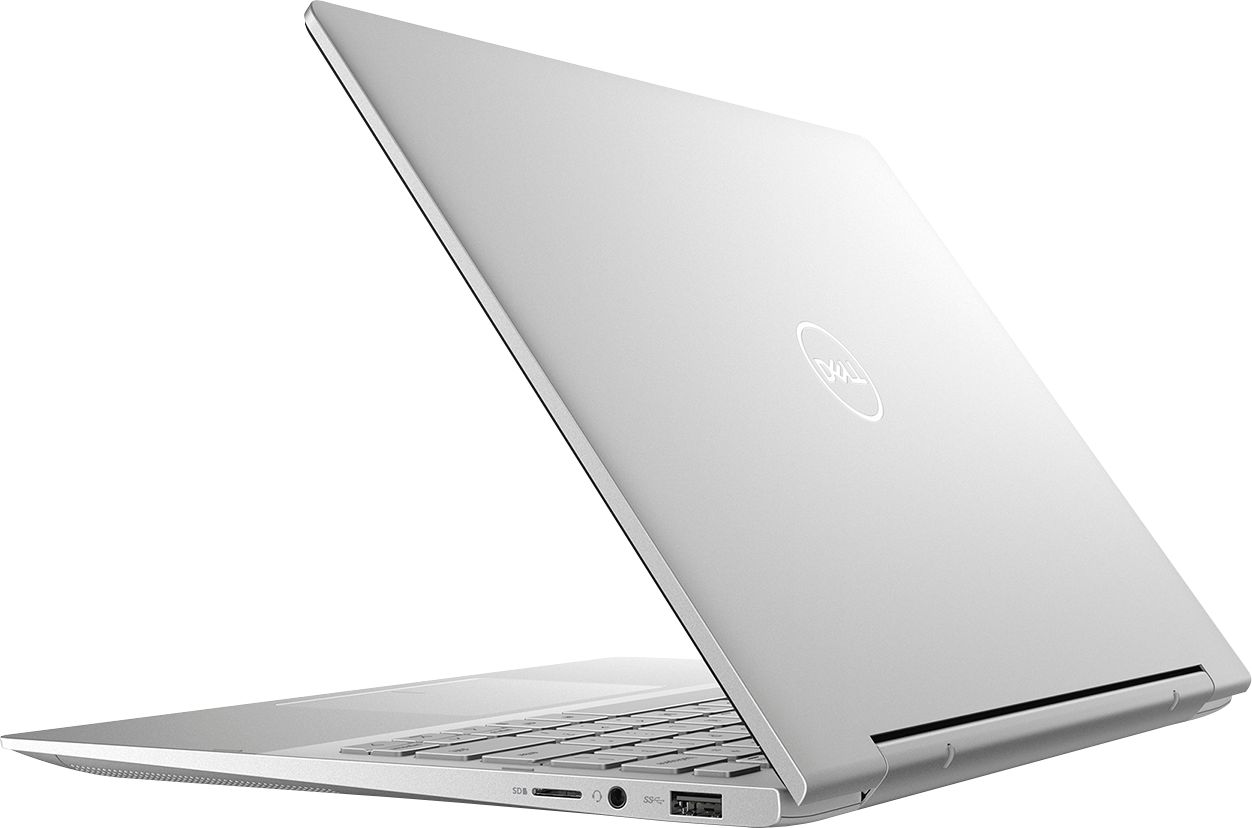
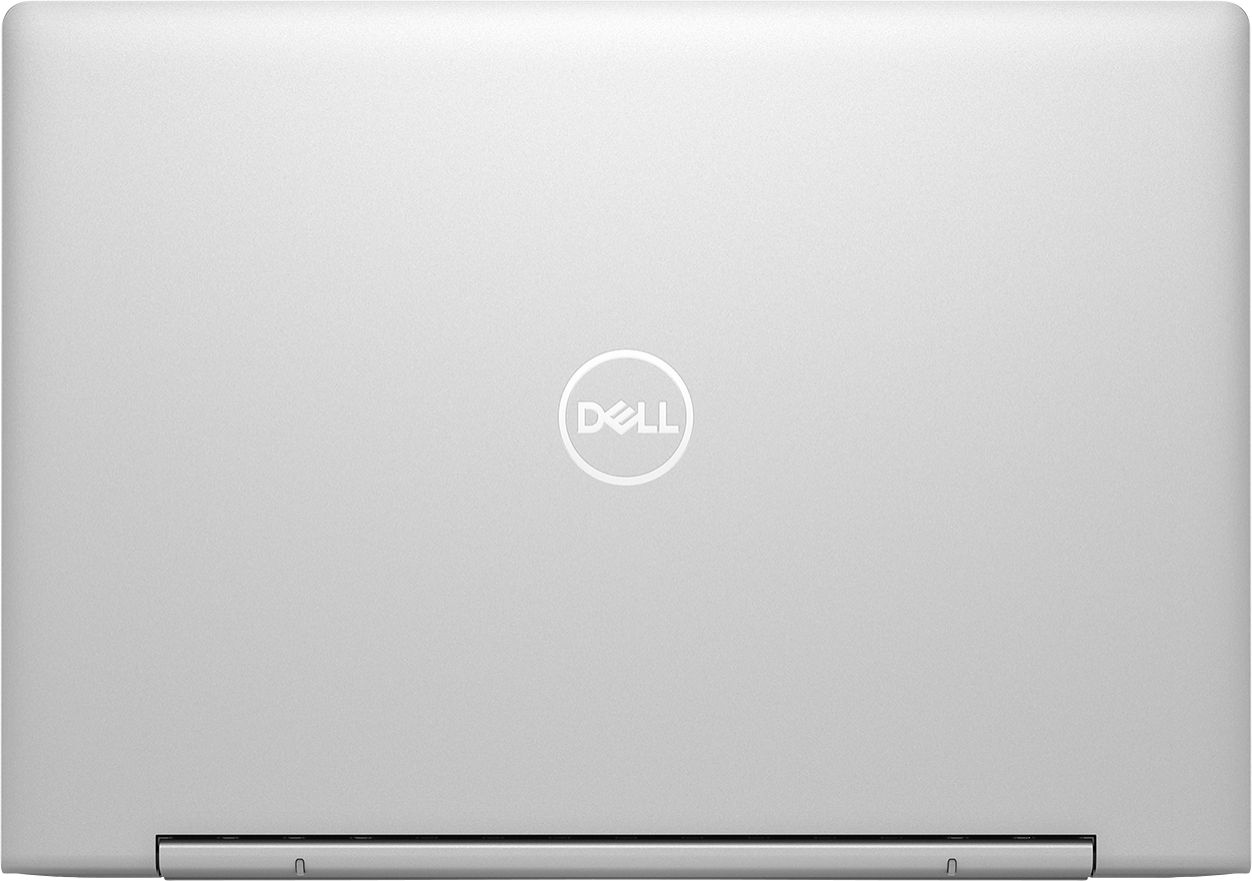
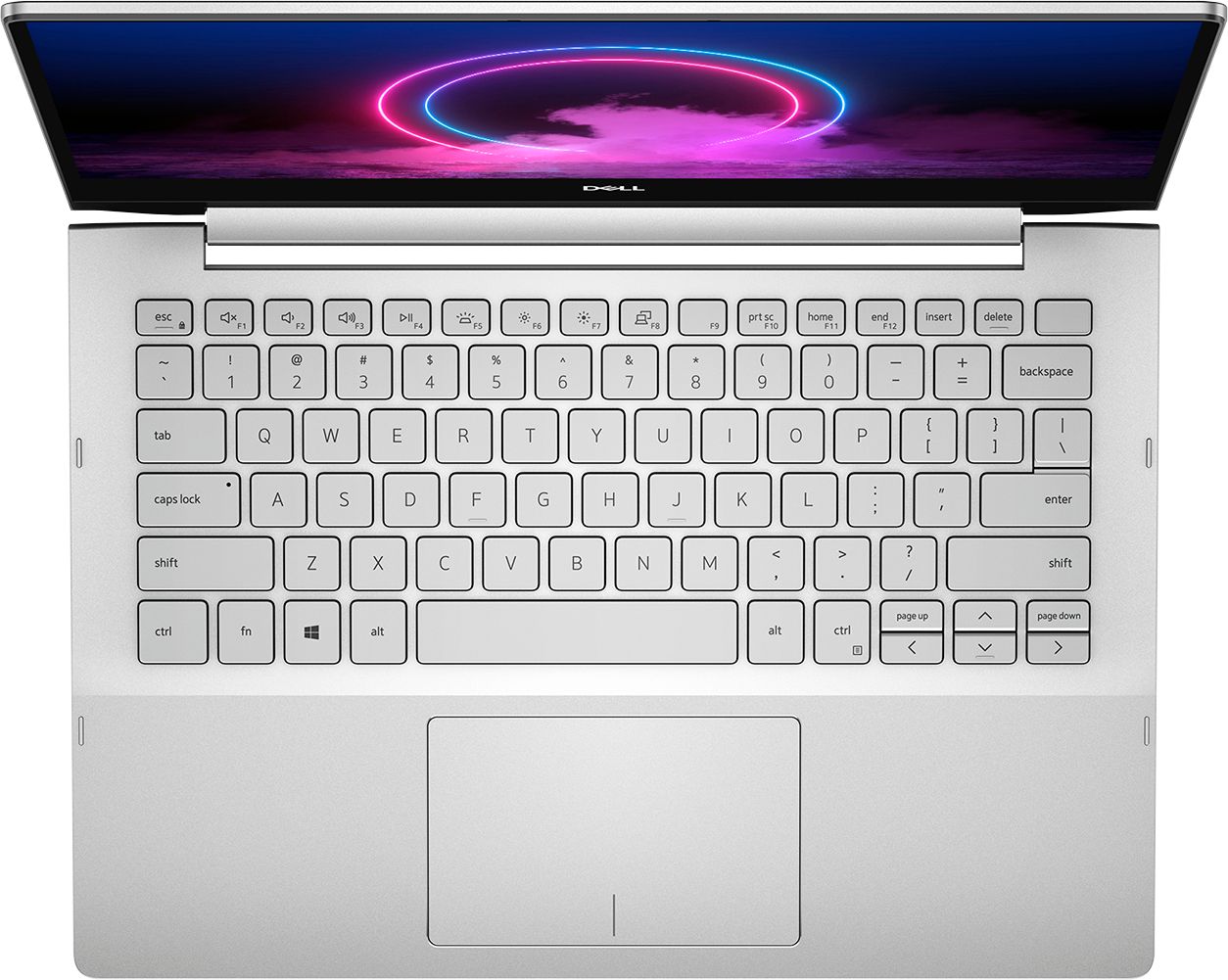

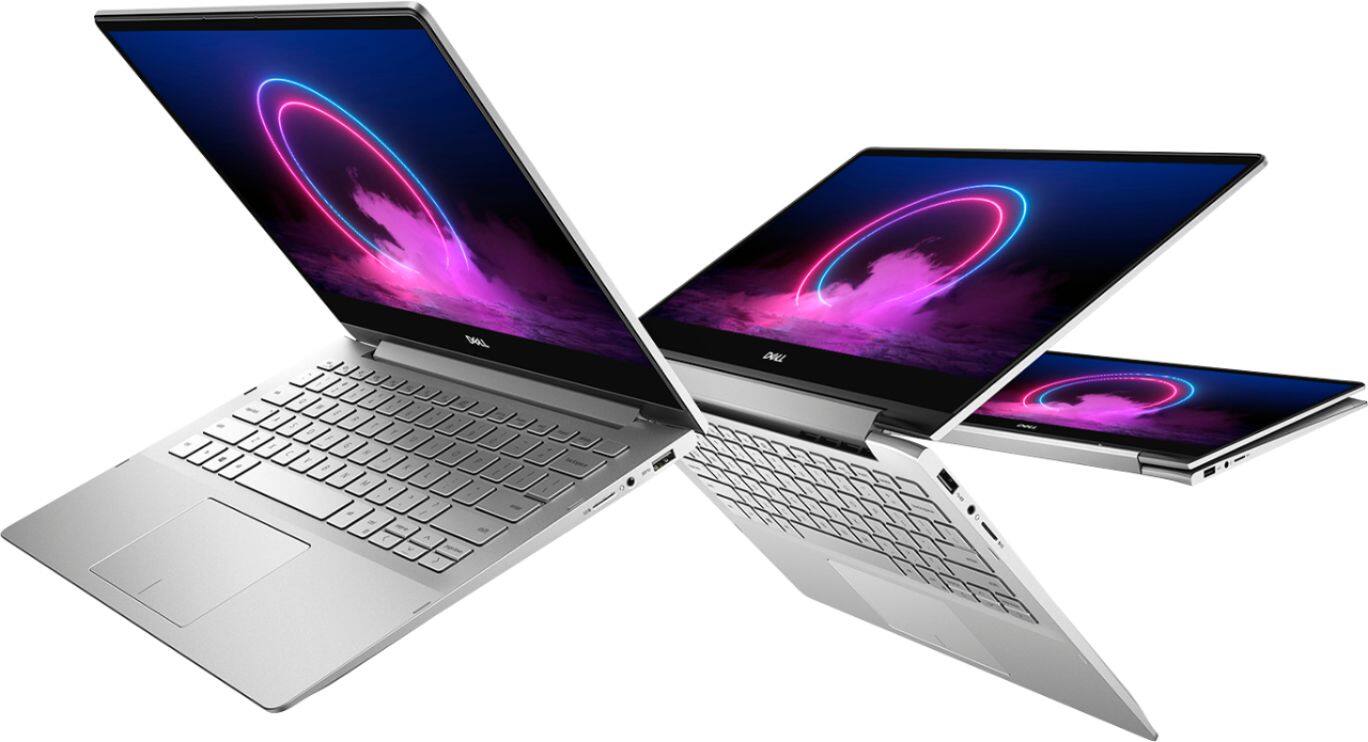





- Model:
- I7391-5537SLV-PUS
- SKU:
- 6373036
Rating by feature
- Battery Life
Rating 4.0 out of 5 stars
- Speed
Rating 4.4 out of 5 stars
- Display
Rating 4.4 out of 5 stars
Customers are saying
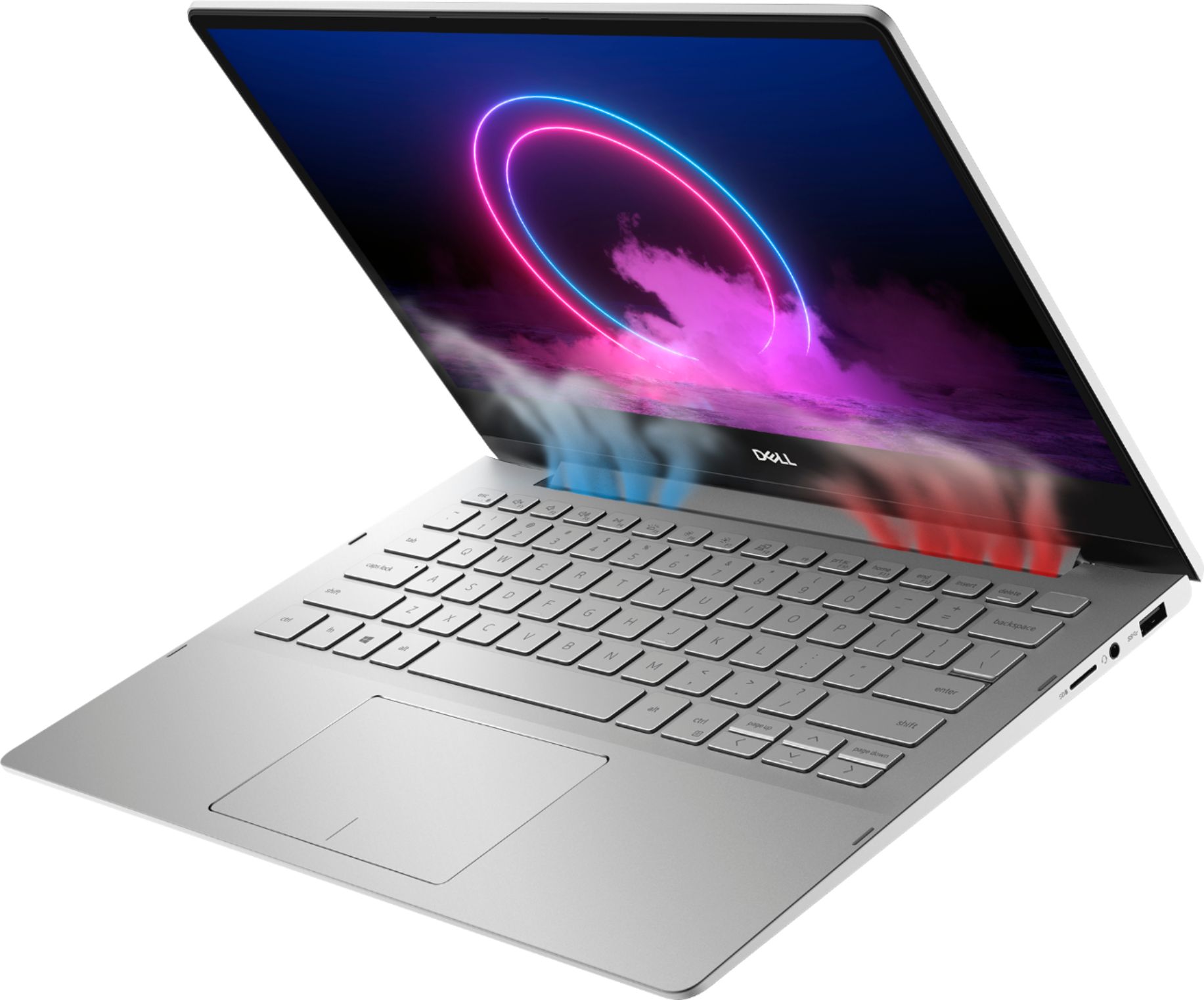
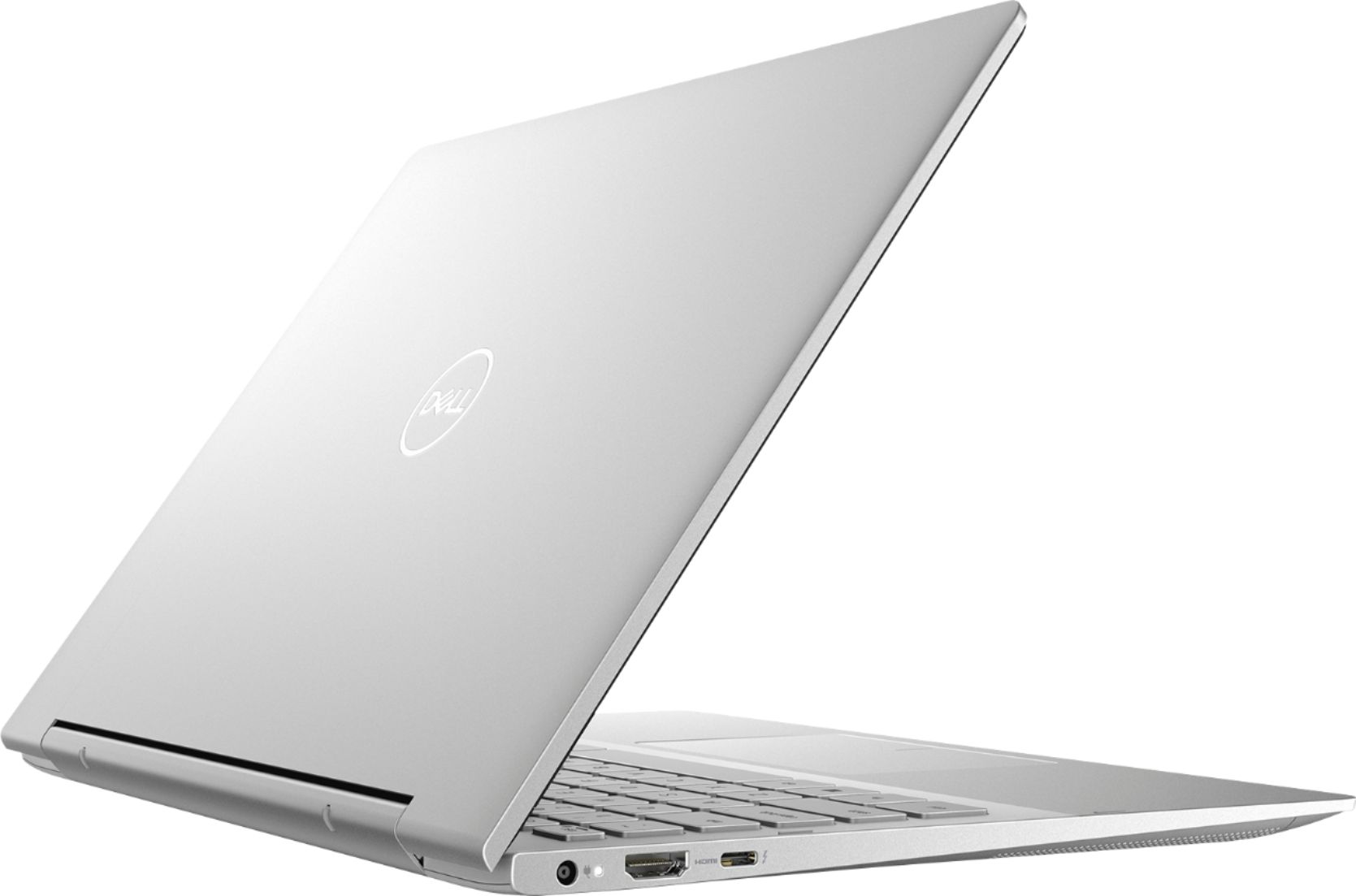
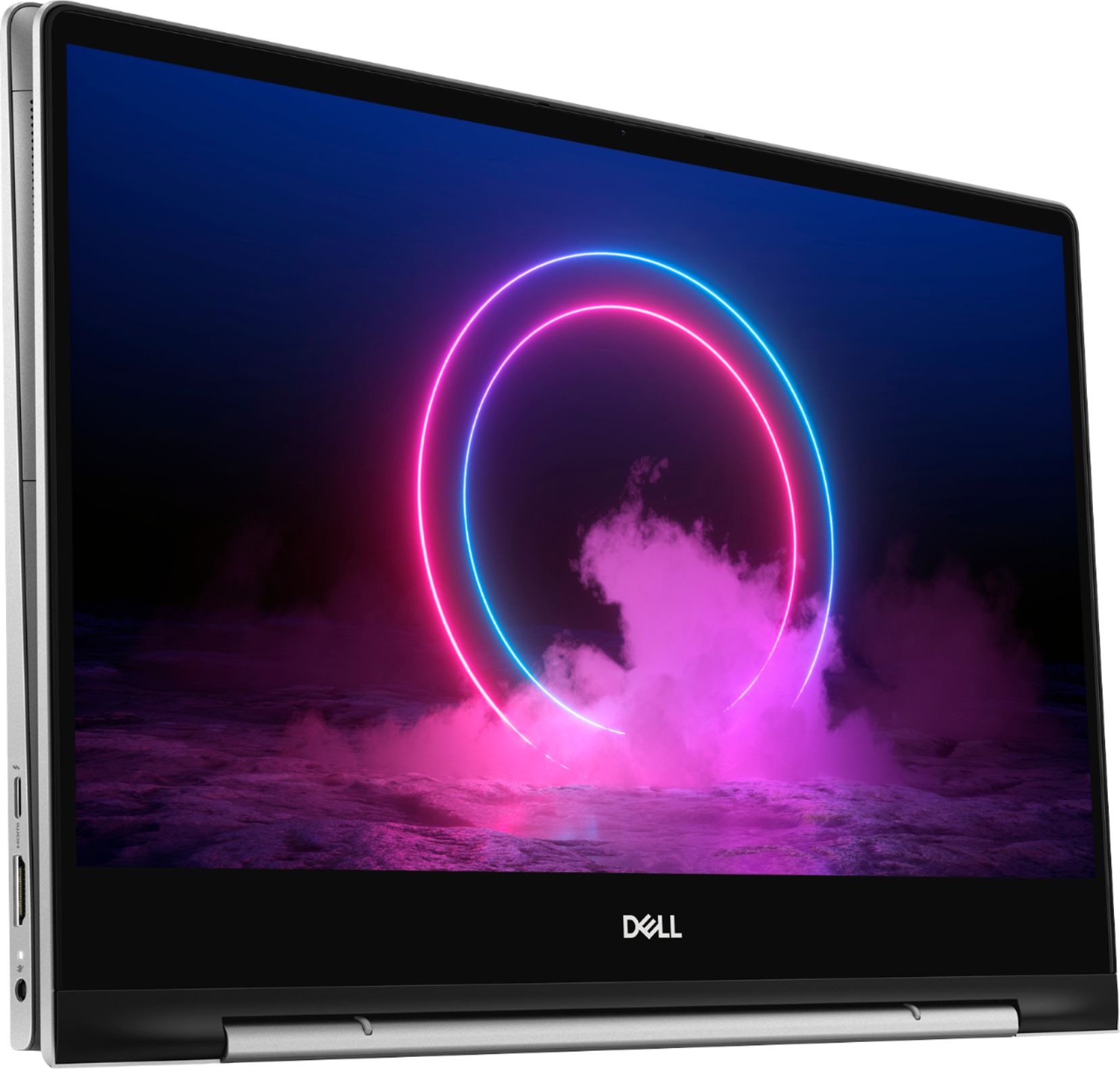
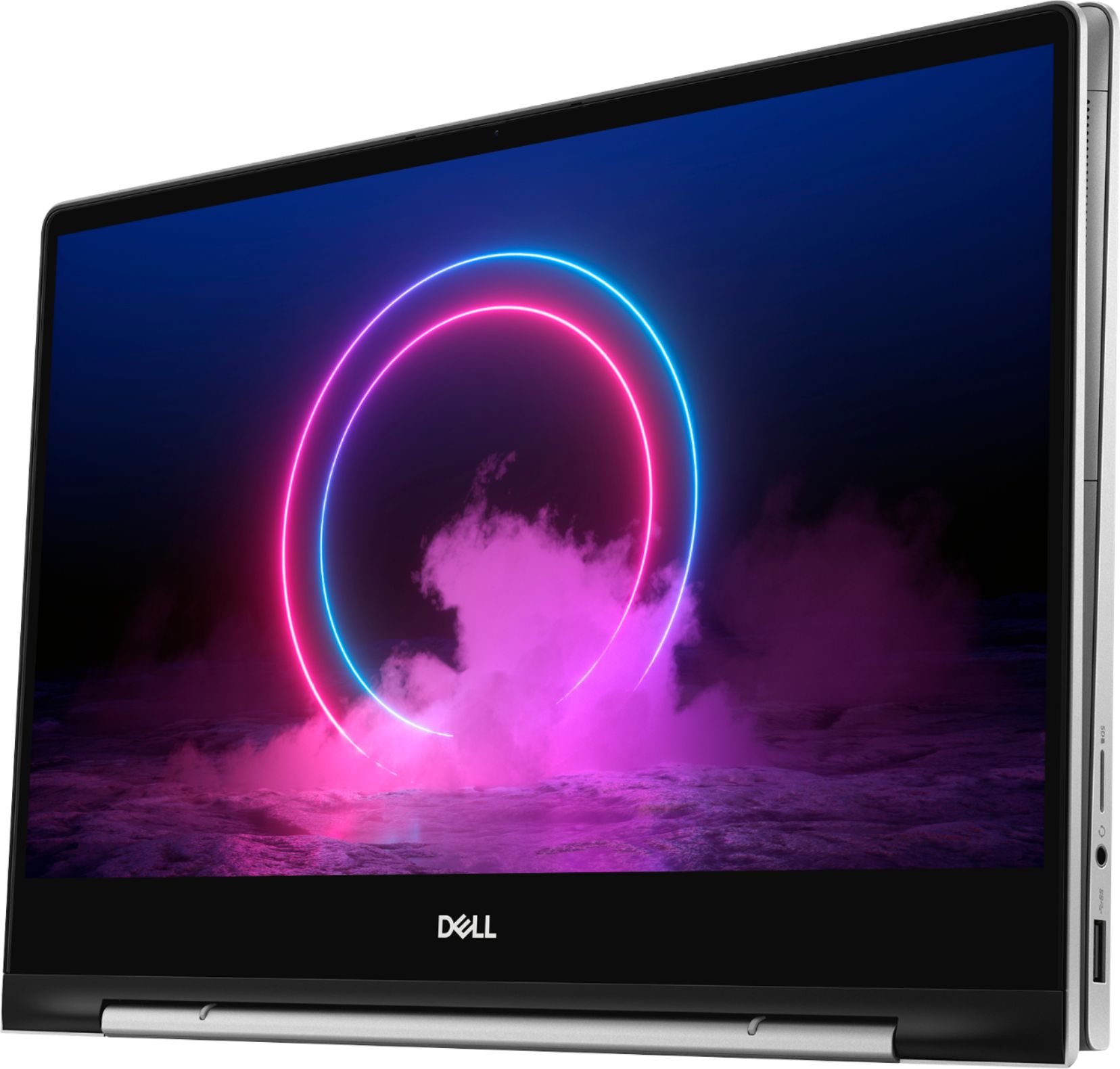
Customers find value in the Inspiron 7000's ease of use, light weight, touchscreen functionality, and size. Many appreciate its performance and consider it a good value for the price, noting the sleek design. However, some customers reported issues with heat generation, battery life, and fan noise, while others wished for more USB ports and expressed concerns about hinge durability.
This summary was generated by AI based on customer reviews.
Often shut down for unknown reasons.
||Posted . Owned for 3 weeks when reviewed.This reviewer received promo considerations or sweepstakes entry for writing a review.A nice-looking machine that simply failed to perform. Would shut down for no apparent reason. Other times refused to boot up at all. I returned it to the store after bit bit more than a week of struggling with it. It is possible that I just had an individual lemon, maybe someone on the production line had a bad moment and made a crucial mistake.
No, I would not recommend this to a friend- Cons mentioned:Fan noise
Unhappy
||Posted . Owned for 3 weeks when reviewed.This reviewer received promo considerations or sweepstakes entry for writing a review.New laptop. Already making some fan noises! Not pleased.
No, I would not recommend this to a friendBrand response from YourDellTeam
Posted .Scott,
Thanks for your review. We're sorry to hear about the fan noise that your computer is making. We'd recommend updating the BIOS on your computer to see if this helps reduce the noise:
An out-of-date BIOS can cause loud fan noises by having an outdated temperature table for the system. Refer to update BIOS and follow the instructions to update the BIOS on your computer. You can also follow up with our Technical Support Team here - 1-800-624-9896.
You can read the full article here - http://dell.to/2ENlXfz.
Best,
Bryan
1-800-624-9896
Screen Cracked after couple months
||Posted . Owned for 4 months when reviewed.This reviewer received promo considerations or sweepstakes entry for writing a review.I got this laptop in March 2020, everything was good initially. Suddenly one day I notice a crack at the lower right end of the screen and am pretty sure I didn't drop it. Called Dell Support and they considered it as accidental damage and said I have to pay for it. I noticed there are couple other threads going on about the same issue and their screen also cracked at the same lower right end part. Not sure what's causing this issue but definitely its a disappointment.
No, I would not recommend this to a friendBrand response from YourDellTeam
Posted .SunilK,
We're sorry to hear about the crack that you noticed on your computer screen. If you'd like to review the terms of Dell's One Year Limited Warranty you can find it here: http://dell.to/2tNsVOs.
Best,
Bryan
1-800-624-9896
the camera is blurring
||Posted . Owned for 2 months when reviewed.This reviewer received promo considerations or sweepstakes entry for writing a review.ever since i got this laptop i have not had good experience with it during my doctors virtual appointment i could see the doctor but he can't see me it was terrible and i have been calling the frederick office no one is giving me a good response please can i get someone answer me and assist me with this issue thank you
No, I would not recommend this to a friendBrand response from YourDellTeam
Posted .Hello,
Thank you for your feedback. I am sorry that your webcam is not functioning properly. I know how important that is right now. It looks as though there is a Bios update on this model. Please feel free to use this link to update your Bios. Please follow the steps on this page,
https://dell.to/2zkbkT7
If this does not resolve your issue please feel free to reach out to Dell Support directly,
http://dell.to/2sH7Qlm
Best,
Meridith 1-800-624-9896
Microsoft crapper out
||Posted . Owned for less than 1 week when reviewed.This reviewer received promo considerations or sweepstakes entry for writing a review.This is the only way I could get any help. Bought it and a couple days later anything Microsoft that was pre-set up doesn't work. Office suite which was downloaded separately works. But the set-up from purchase stopped working. Can't access any help from microsoft because the pre-set Microsoft set up doesn't work. Computer and security scans are all normal. Please help me.
No, I would not recommend this to a friendBrand response from YourDellTeam
Posted .Chey,
We're sorry to hear that setting up your computer has not been easy for you. We'd recommend running the Dell SupportAssist App to ensure that your computer has the most up to date software and drivers. If you have questions about your computer you can check our Product Support Page here: https://dell.to/2Qk5Uh7.
Best,
Bryan
1-800-624-9896
Worst camera resolution
||Posted . Owned for 2 months when reviewed.This reviewer received promo considerations or sweepstakes entry for writing a review.I got this product in March and realized today that the camera resolution is extremely bad. In fact worst. And the surface near camera from the inside looks damaged. Highly disappointed. I already got office 365 purchased and installed. Not sure if I can return/ exchange it by deferring to the other device.
No, I would not recommend this to a friendBrand response from YourDellTeam
Posted .Farheen,
Thanks for your review. We're sorry that your camera is not meeting your needs. Please feel free to reach out to Best Buy directly to find out about their return and exchange policy if you'd like to consider either of those options: http://bit.ly/2v2IVhI.
Best,
Bryan
1-800-624-9896
Dell Laptop
||Posted . Owned for 1 year when reviewed.This reviewer received promo considerations or sweepstakes entry for writing a review.I bought the computer a little over a year ago and I’m already having issues and it won’t even turn on part of the time.
No, I would not recommend this to a friendThe fan is broken in 20 days.
||Posted . Owned for 1 month when reviewed.This reviewer received promo considerations or sweepstakes entry for writing a review.This laptop is neat and looks good. We bought it when Best buy has promotion on this model. Everything looks until 20 days past. The exhaust fan made big noises and we can hear the broken part inside the laptop if we shake it. I am going to return this one back to Best Buy. Our friend has the same model and she also returned this one back because the same issue.
No, I would not recommend this to a friendBrand response from YourDellTeam
Posted .Tiger888,
We're sorry to hear about the issues that your computer is having with the fan. It's possible that you just need to update the BIOS on your computer: An out-of-date BIOS can cause loud fan noises by having an outdated temperature table for the system. Refer to update BIOS and follow the instructions to update the BIOS on your computer. You can also follow up with our Technical Support Team here - 1-800-624-9896.
You can read the full article here - http://dell.to/2ENlXfz.
If you believe that the issues with your computer are covered under warranty you can read our One Year Limited Warranty policy here: http://dell.to/2tNsVOs.
Best,
Bryan
1-800-624-9896
Speakers
||Posted . Owned for less than 1 week when reviewed.This reviewer received promo considerations or sweepstakes entry for writing a review.I just got my laptop today, and was super excited. However I was very disappointed when I started getting things set up because the speaker was making a high pitch buzzing noise whenever I played anything on it. Other then that it was good although I'm not a huge fan of the material used on the keyboard and track pad it is grainy and not very comfortable.
No, I would not recommend this to a friendBrand response from YourDellTeam
Posted .Grandmaster,
We're sorry that the sound on your new laptop is not what you were hoping for. We'd recommend checking for a driver update that may help with the high pitch buzzing sound that you're hearing: https://dell.to/2PPb4BI.
If you have additional questions about your computer you can check our Product Support Page here: https://dell.to/2Qk5Uh7.
Best,
Bryan
1-800-624-9896
Difficult to use.
||Posted . Owned for 1 month when reviewed.This reviewer received promo considerations or sweepstakes entry for writing a review.This machine is very sensitive to the touch. I am always losing my place by simply holding the machine and touching something unintentially.
No, I would not recommend this to a friendBrand response from YourDellTeam
Posted .Glassman,
We're sorry that your computer is sensitive. Here are the steps to re-calibrate your touchpad:
Some Notebooks and Tablets with Keyboards have added gesture features to the touchpad hardware and drivers. A few of these features are two or three finger scrolling, pinch zoom, circle zoom, rotate and swiping. These new features may be the reason for the erratic cursor movement since most are turned on by default. You can disable or modify the way the features work in the touchpad driver properties. Here are some tips to modify these settings:
1. In the Search box, type main.cpl.
2. Touch or click main.cpl in the list of programs.
3. Touch or click the Dell Touchpad tab.
4. Touch or click on the picture of the touchpad.
5. Touch or click Gestures (depending on your computer there may not be a Gestures option).
6. Change the options as preferred.
7. Touch or click Save.
8. Touch or click the X in the upper-right corner to close the Dell Touchpad Utility.
9. Touch or click OK on the Mouse Properties window.
10. If the touchpad still does not work after following the preceding steps, refer to Dell Knowledge Base article - http://dell.to/2iaiujA.
You can read the full article here - http://dell.to/2tqmS02.
If your touchscreen is experiencing similar issues, you can re-calibrate your touchscreen with these steps:
1. Restart the Computer and the Monitor
2. Go to Control Panel and select Tablet PC Settings.
3. Under Display tab, select Calibrate.
4. Choose Pen or Touch input.
5. Perform the point calibration that appears on the screen to correct the linearity problems.
6. Save the calibrated data.
You can read the full article here - http://dell.to/2uLztub.
Best,
Bryan
1-800-624-9896
- Cons mentioned:Heat
Overheating
||Posted . Owned for less than 1 week when reviewed.This reviewer received promo considerations or sweepstakes entry for writing a review.This laptop over heated like crazy right out of the box.
No, I would not recommend this to a friendBrand response from YourDellTeam
Posted .Praj,
Thanks for your response and we're sorry to hear that your laptop has been overheating. Here are some tips to help operate your laptop at a cooler temperature:
Tips for Proper Usage:
1. Dell does not recommend placing portable systems directly on your lap. Due to reductions in the thickness of modern portable systems, heat transfer can be an issue.
2. Using a portable system (Laptop) on a hard, flat, non-cloth surface will increase airflow and reduce heat from underneath and inside the system.
Using the portable system on a blanket, pillow, or other types of cloth will cover up the fan cause the computer to overheat and can cause permanent damage.
3. It is recommended to use the portable system in a Room temperature of 0°C to 35°C (32°F to 95°F) with a Humidity level no greater than 90%.
4. Use compressed air to clean the vents on a regular basis.
5. Using a cooling pad can decrease heat and increase performance.
6. If you want to know the temperature limitations for your system, go to the Dell Support Website, look up your system model then open the user guide under the manuals link.
You can read the full article here - http://dell.to/2uJ8AdG.
Best,
Bryan
1-800-624-9896
Heating up too much
||Posted . Owned for 2 weeks when reviewed.This reviewer received promo considerations or sweepstakes entry for writing a review.The laptop is heating up too much that you can't keep it on your legs while seating on the bed . I'm really disappointed.
No, I would not recommend this to a friendBrand response from YourDellTeam
Posted .Shail,
Thanks for your review. We're sorry that your computer has been operating too hot for you. Here are Dell's suggested tips for keeping your computer operating at a cooler temperature:
Tips for Proper Usage:
1. Dell does not recommend placing portable systems directly on your lap. Due to reductions in the thickness of modern portable systems, heat transfer can be an issue.
2. Using a portable system (Laptop) on a hard, flat, non-cloth surface will increase airflow and reduce heat from underneath and inside the system.
Using the portable system on a blanket, pillow, or other types of cloth will cover up the fan cause the computer to overheat and can cause permanent damage.
3. It is recommended to use the portable system in a Room temperature of 0°C to 35°C (32°F to 95°F) with a Humidity level no greater than 90%.
4. Use compressed air to clean the vents on a regular basis.
5. Using a cooling pad can decrease heat and increase performance.
6. If you want to know the temperature limitations for your system, go to the Dell Support Website, look up your system model then open the user guide under the manuals link.
You can read the full article here - http://dell.to/2uJ8AdG.
Best,
Bryan
1-800-624-9896
- Pros mentioned:Ease of use, Size, Touch screen
It's a good computer for a first time user
Posted .This reviewer received promo considerations or sweepstakes entry for writing a review.The computer has a good processor and the color are very bright when doing your everyday thing. The computer runs very smooth when performing tasks. The amount of features it has is outstanding such as the touch screen, the ability to go into tablet mode, and most importantly the size if the computer. This computer is one the most easiest laptops to be travel with.
I would recommend this to a friend Not worth the money
||Posted . Owned for 3 weeks when reviewed.This reviewer received promo considerations or sweepstakes entry for writing a review.Terrible keyboard color, all beige including keys makes it hard to read. Poor backlighting does not help.
No, I would not recommend this to a friendBrand response from YourDellTeam
Posted .Bobo,
Thanks for your feedback about your keyboard key colors. If you have any technical questions about your computer you can visit our Product Support Page here: https://dell.to/2Qk5Uh7.
Best,
Bryan
1-800-624-9896
Overall not happy
||Posted . Owned for 3 weeks when reviewed.This reviewer received promo considerations or sweepstakes entry for writing a review.I am very unhappy with the quality of my computer. It is difficult to use and definitely not worth the money.
No, I would not recommend this to a friendBrand response from YourDellTeam
Posted .Gale,
We're sorry to hear that you're unhappy with the performance of your new laptop. Here's a link to the support documents for your computer if you have technical questions: https://dell.to/2Qk5Uh7.
Best,
Bryan
1-800-624-9896
Bad experience
||Posted . Owned for 2 weeks when reviewed.This reviewer received promo considerations or sweepstakes entry for writing a review.I bought this computer thinking I was getting a good deal. 1st computer would not turn on. Returned after a bit of run around. 2nd computer seemed ok but the microphone did not work which is a vital component of today’s life and computers in general. 2 defects in a row. Not a good look for any product. Also every level of troubleshooting is worthless.
No, I would not recommend this to a friendBrand response from YourDellTeam
Posted .Bestguy,
Thanks for your review and we're sorry to hear that your computers have not been working the way you hoped they would. If you have issues with your computer in the future we'd recommend checking to see if there are any driver and software updates available: https://dell.to/2PPb4BI.
If you have any additional questions about your computer you can check our Product Support Page here: https://dell.to/2Qk5Uh7.
Best,
Bryan
1-800-624-9896
Not worth it.
||Posted . Owned for 3 months when reviewed.This reviewer received promo considerations or sweepstakes entry for writing a review.I purchased this laptop almost 4 months ago and already started heating while using.
No, I would not recommend this to a friendnot easy to use
||Posted . Owned for 3 weeks when reviewed.This reviewer received promo considerations or sweepstakes entry for writing a review.I found very difficult to use it I have not able to do it by myself i need technical support
No, I would not recommend this to a friendBrand response from YourDellTeam
Posted .noteaasy1,
We're sorry to hear about the issues that you've had using your new 2-in-1 laptop. We'd recommend using the SupportAssist App to make sure that you have all of the most up to date drivers and software installed on your computer.
Here's a link to the set up manuals for your computer: https://dell.to/2Qk5Uh7.
If you require additional assistance you can reach out to Dell's Technical Support Team here: http://dell.to/2sH7Qlm.
Best,
Bryan
1-800-624-9896
- Cons mentioned:Heat
Running Hot
||Posted . Owned for 1 month when reviewed.This reviewer received promo considerations or sweepstakes entry for writing a review.Had computer less than a week and it kept overheating.
No, I would not recommend this to a friendBrand response from YourDellTeam
Posted .Okay,
Thanks for your review. We're sorry to hear that your computer has been overheating. Here are some tips to keep it operating at a cooler temperature:
Tips for Proper Usage:
1. Dell does not recommend placing portable systems directly on your lap. Due to reductions in the thickness of modern portable systems, heat transfer can be an issue.
2. Using a portable system (Laptop) on a hard, flat, non-cloth surface will increase airflow and reduce heat from underneath and inside the system.
Using the portable system on a blanket, pillow, or other types of cloth will cover up the fan cause the computer to overheat and can cause permanent damage.
3. It is recommended to use the portable system in a Room temperature of 0°C to 35°C (32°F to 95°F) with a Humidity level no greater than 90%.
4. Use compressed air to clean the vents on a regular basis.
5. Using a cooling pad can decrease heat and increase performance.
6. If you want to know the temperature limitations for your system, go to the Dell Support Website, look up your system model then open the user guide under the manuals link.
You can read the full article here - http://dell.to/2uJ8AdG.
Best,
Bryan
1-800-624-9896
Disappointed & returned. Dell you can do better!!!
||Posted . Owned for 7 months when reviewed.This reviewer received promo considerations or sweepstakes entry for writing a review.Purchased this for everyday use and was expecting to have it for a few years. Right out of the box I noticed the screen was dim and not as bright as my 6 year old Dell XPS 12. Also the speakers sounded worse and tinny. Packed it up and took it back. I realize this is a mid tier laptop but Dell needs to do better.
No, I would not recommend this to a friendBrand response from YourDellTeam
Posted .BubbaGump,
Thanks for your review and we're sorry to hear that you decided to return your computer. In the future we'd recommend checking for software and driver updates in order to ensure that everything is up to date and you are getting the most out of your computer.
We'd also recommend the following article for help with display concerns that you have: https://dell.to/2CLF6yC.
Best,
Bryan
1-800-624-9896