Customer Ratings & Reviews
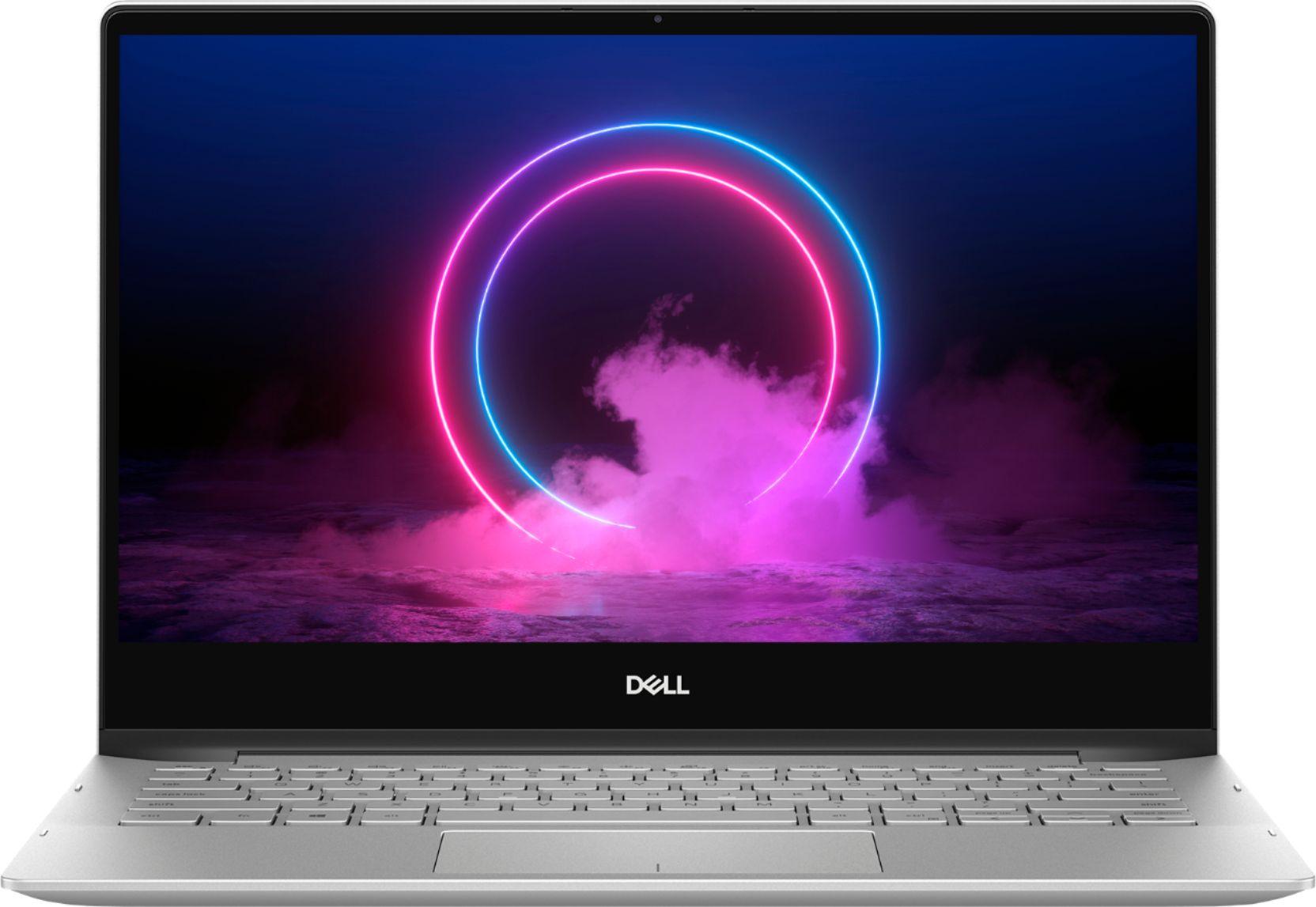
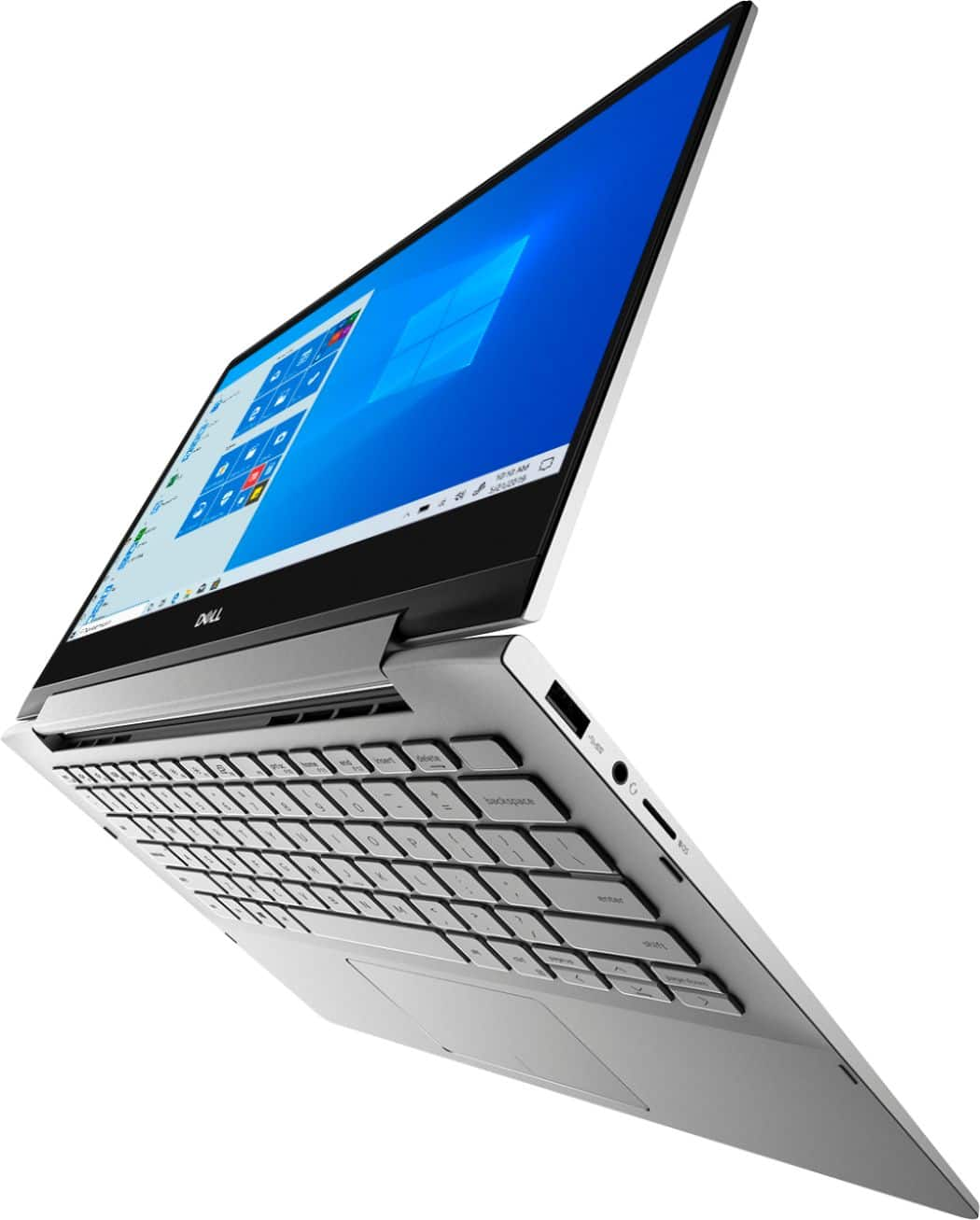
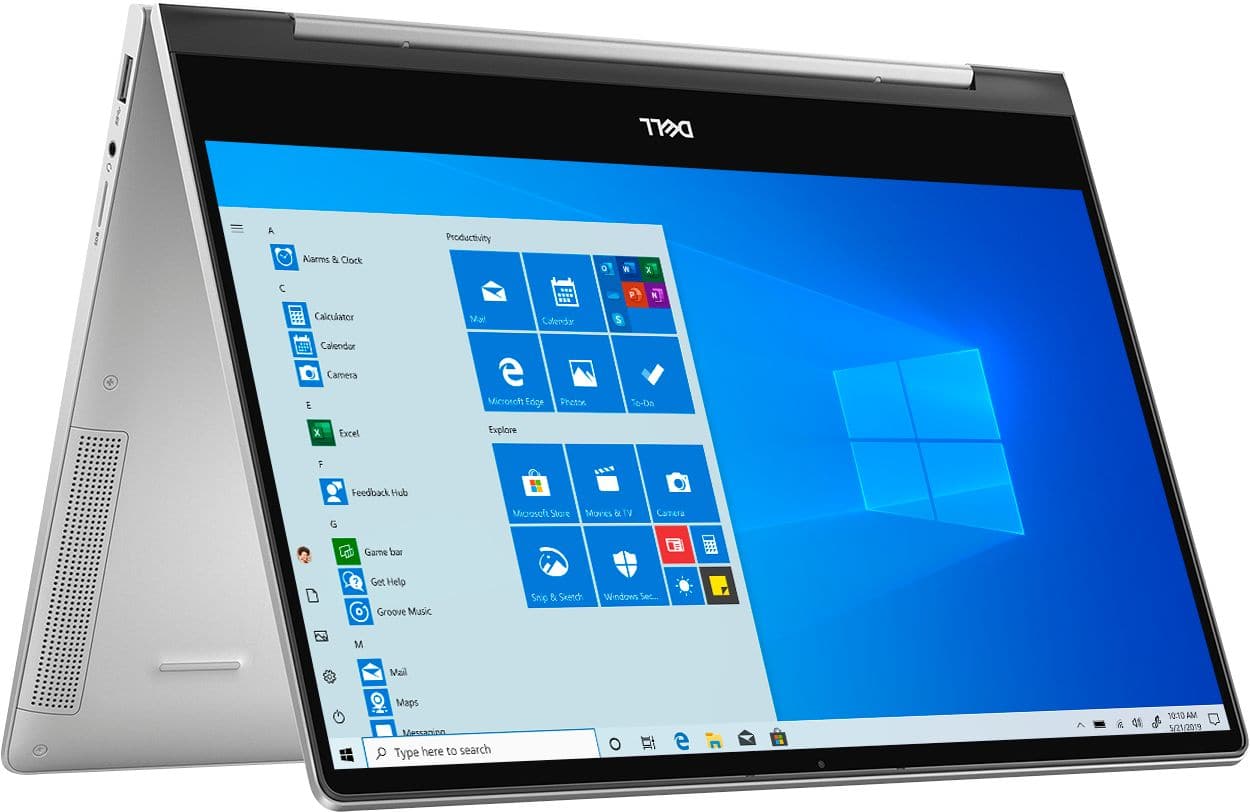
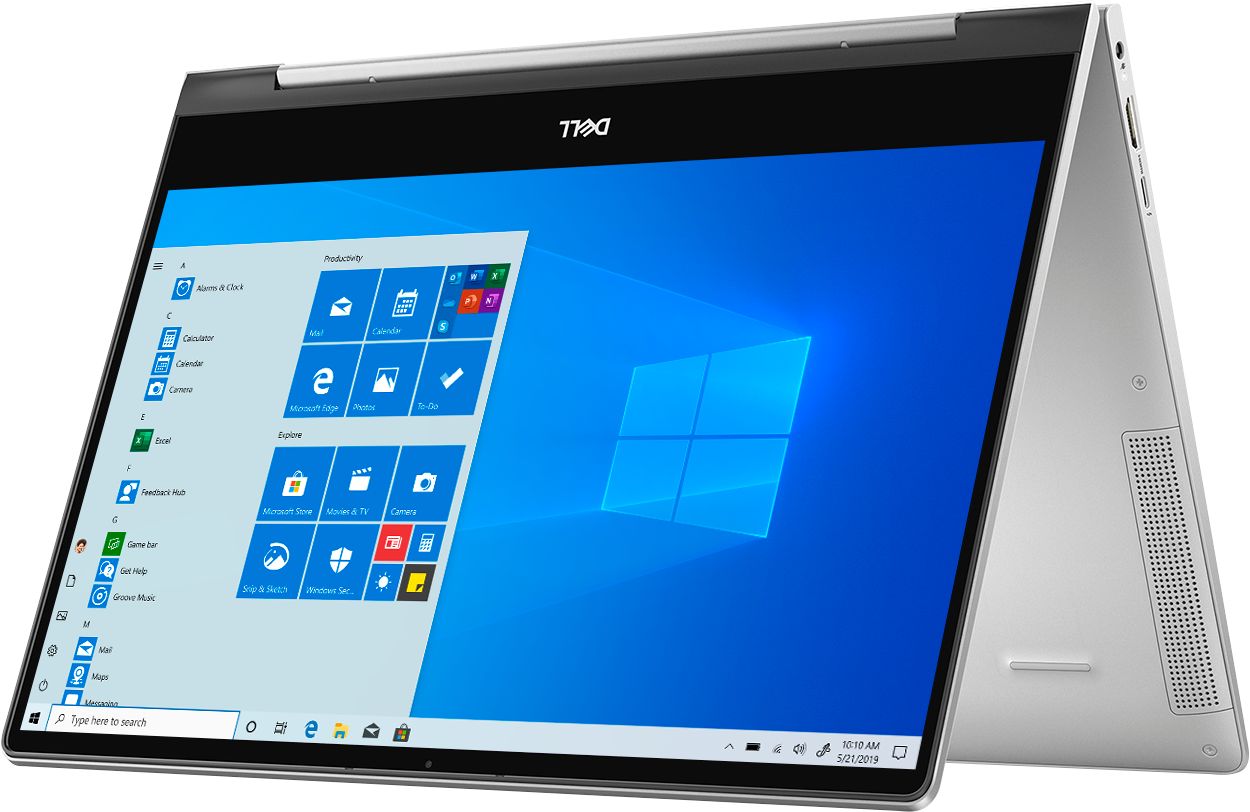

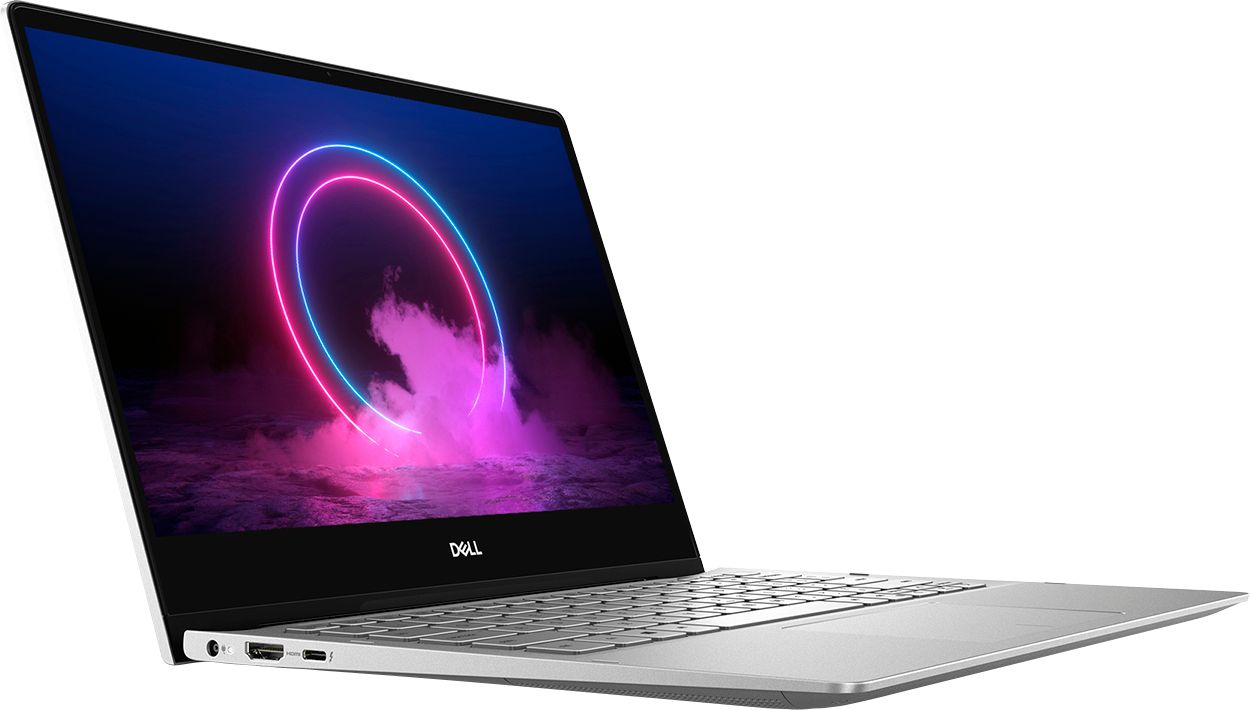
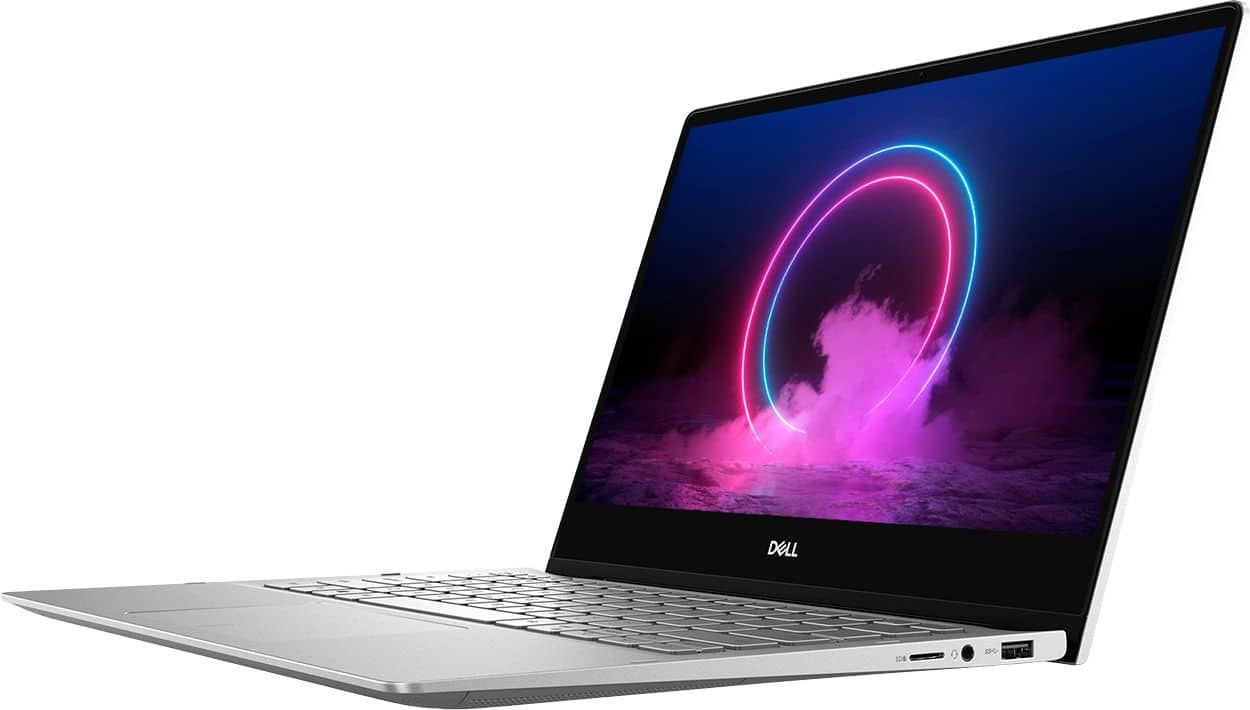


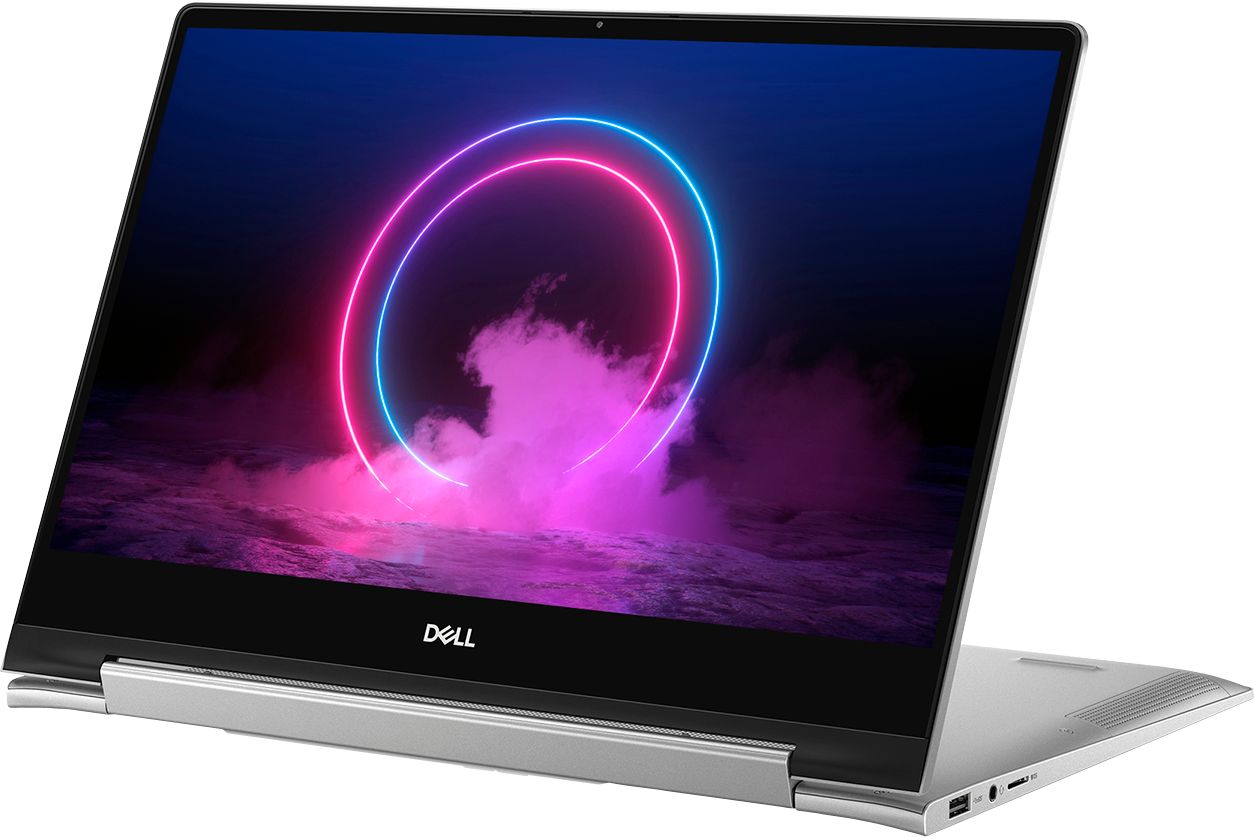
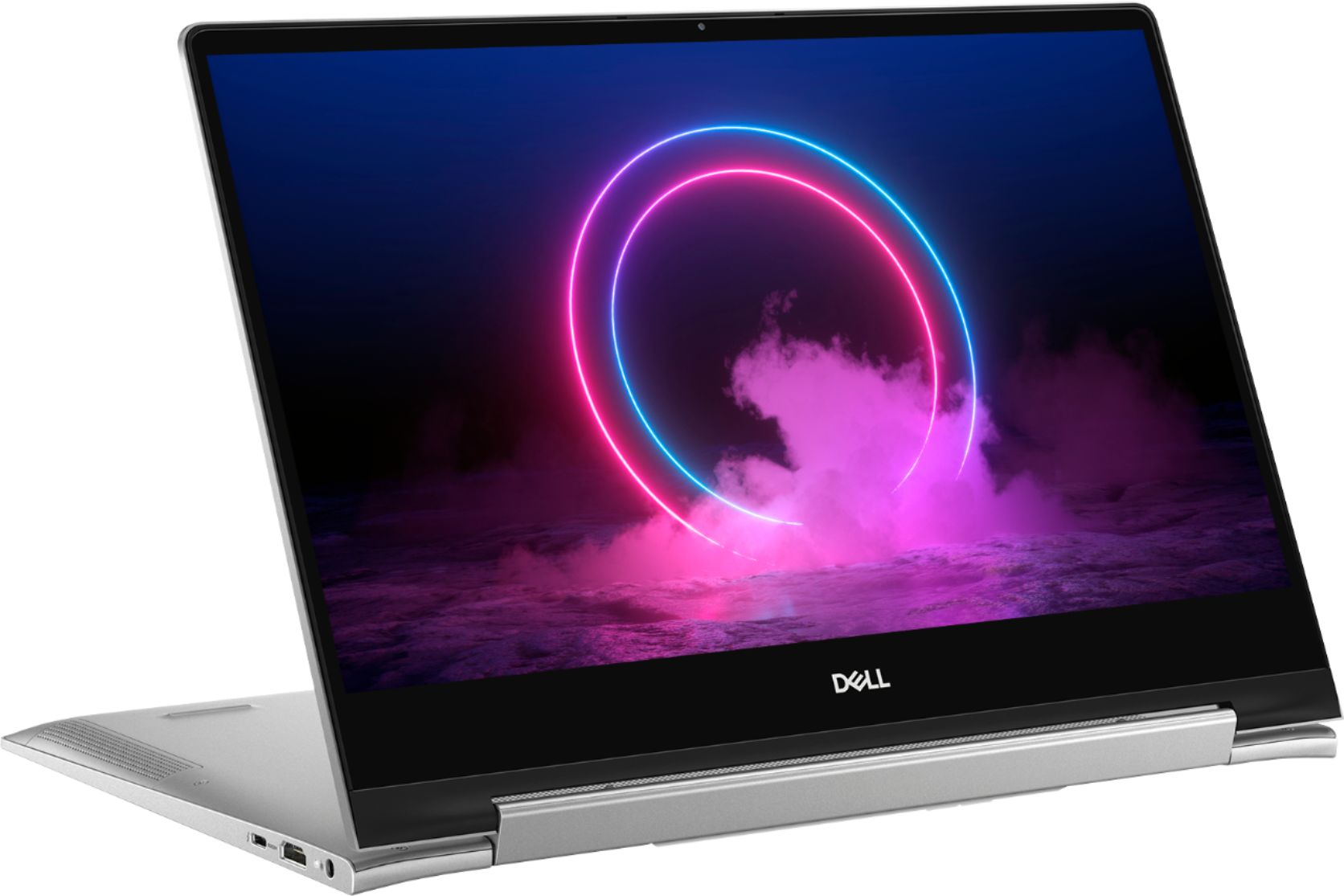
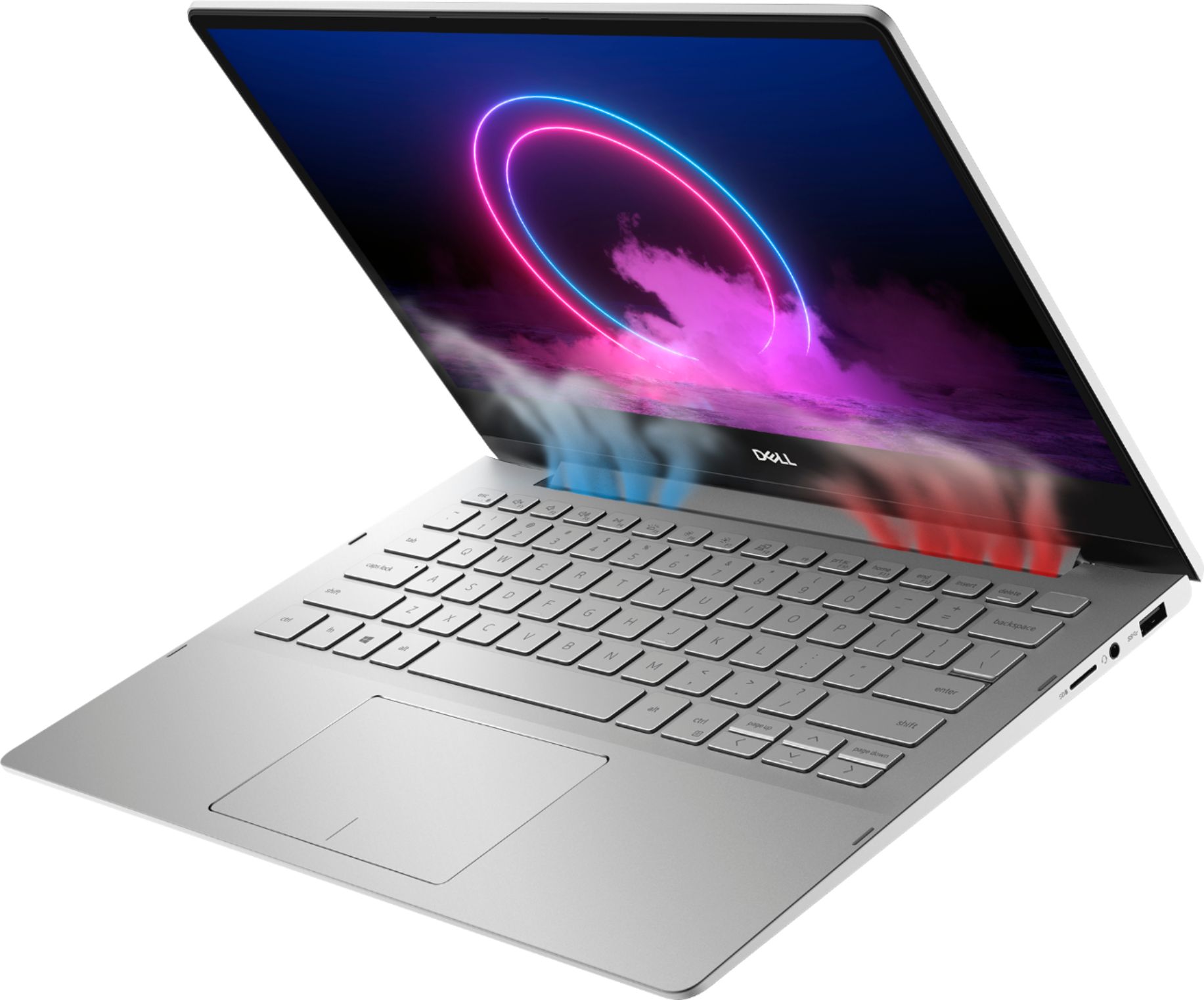
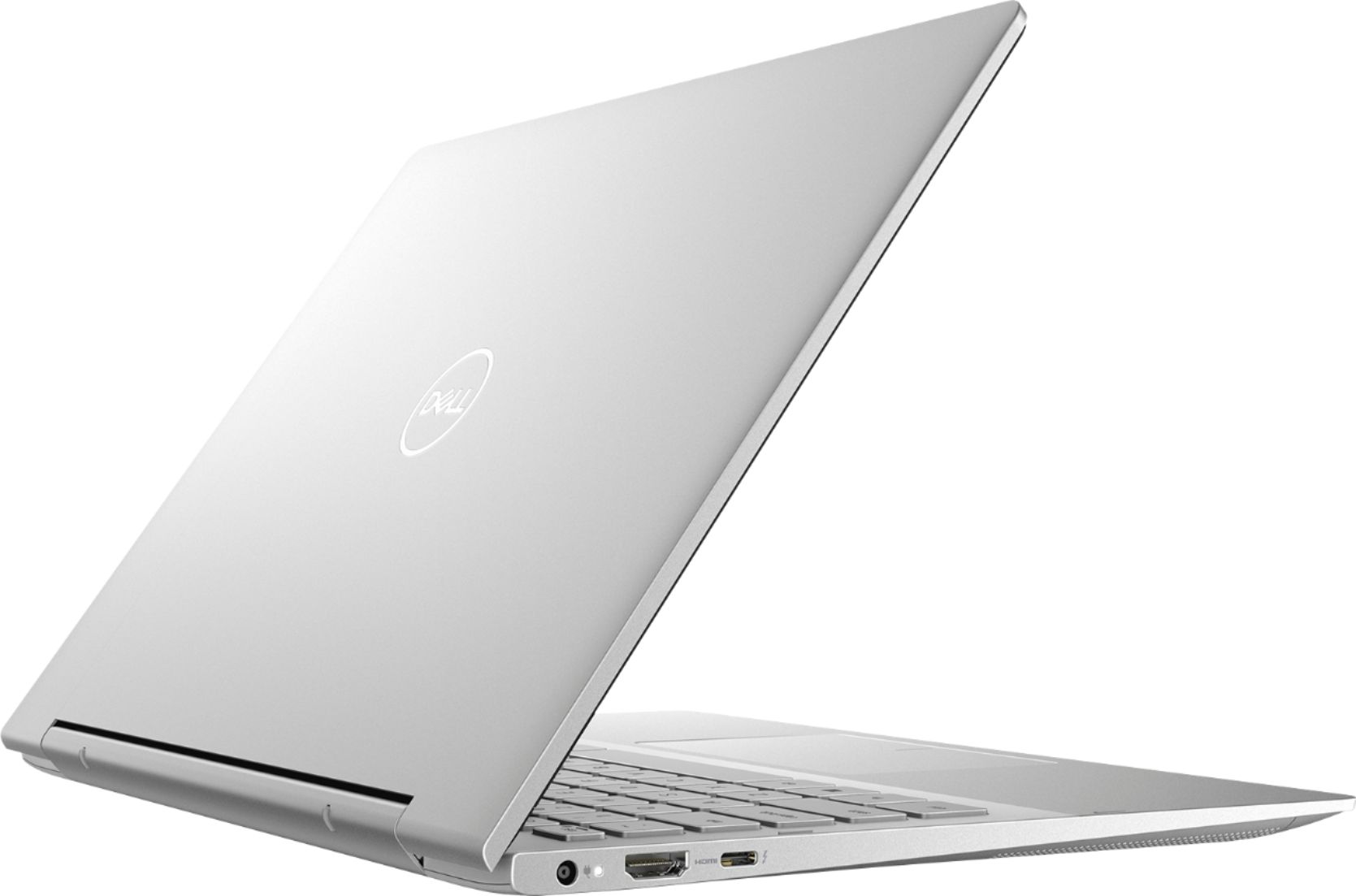
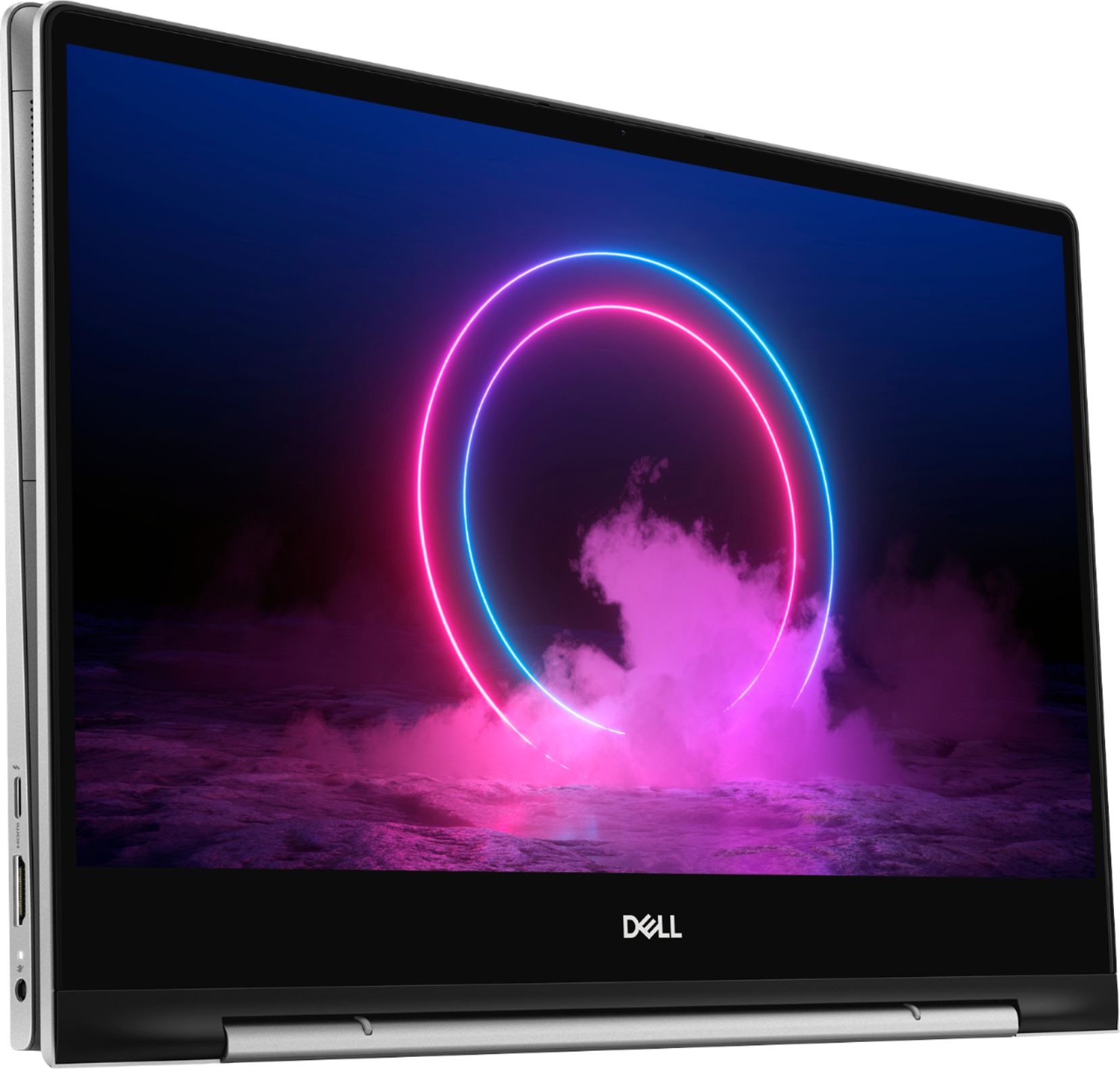
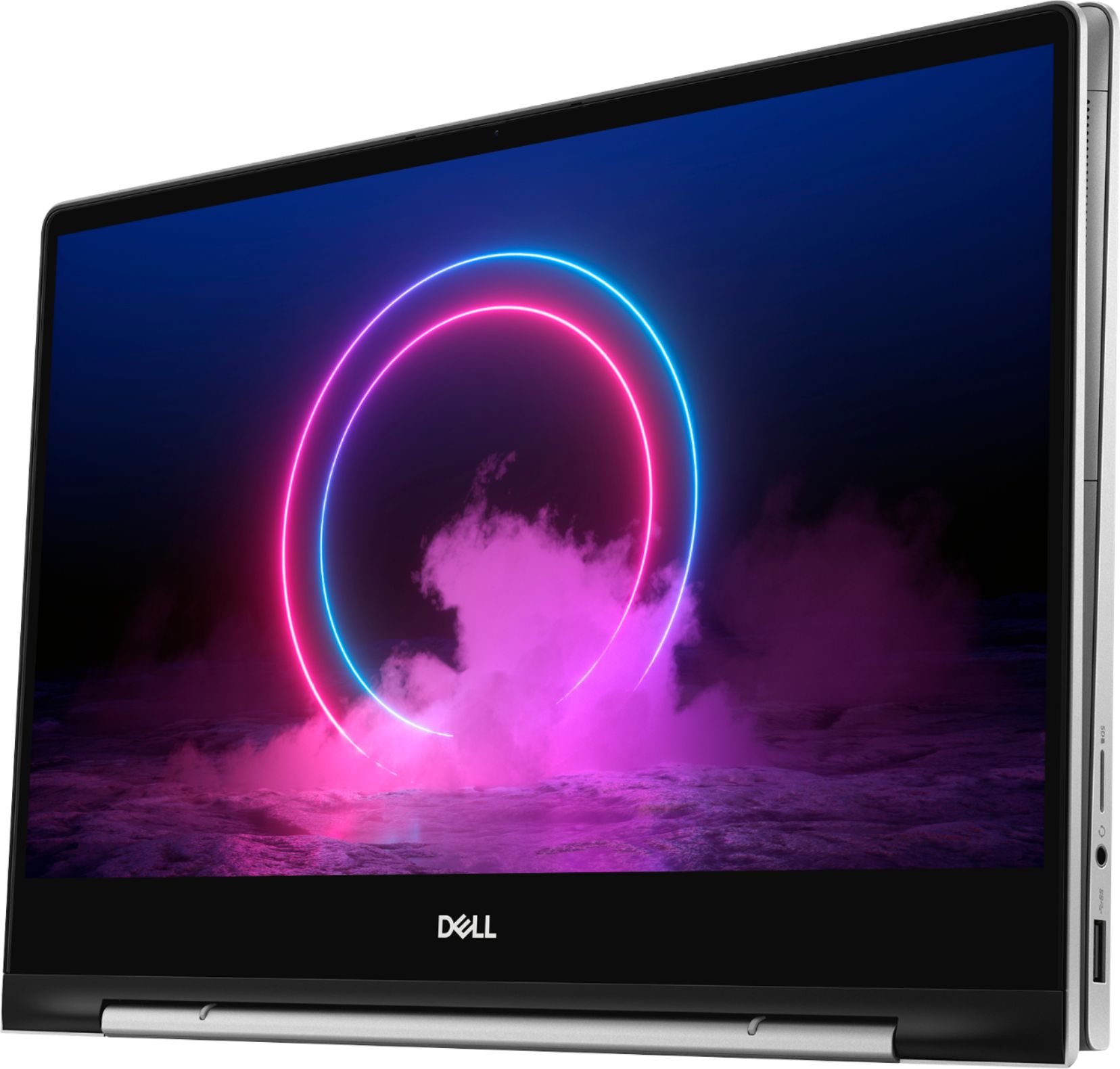



- Model:
- I7391-5537SLV-PUS
- SKU:
- 6373036
Rating by feature
- Battery Life
Rating 4.0 out of 5 stars
- Speed
Rating 4.4 out of 5 stars
- Display
Rating 4.4 out of 5 stars
Customers are saying
Customers find value in the Inspiron 7000's ease of use, light weight, touchscreen functionality, and size. Many appreciate its performance and consider it a good value for the price, noting the sleek design. However, some customers reported issues with heat generation, battery life, and fan noise, while others wished for more USB ports and expressed concerns about hinge durability.
This summary was generated by AI based on customer reviews.
Worst
||Posted .This reviewer received promo considerations or sweepstakes entry for writing a review.HORRIBLE EXPERIENCE. Would give a zero if possible. I have had this for almost two years and only got six months of use because it no longer works and overheats. Geek squads coverage and best buy service department did not help what so ever.
No, I would not recommend this to a friendSlow machine, lots of ADware
||Posted . Owned for 1 month when reviewed.This reviewer received promo considerations or sweepstakes entry for writing a review.Waste of money. Slow machine, lots of Adware. Pop ups just don't stop.
No, I would not recommend this to a friendBrand response from YourDellTeam
Posted .KUKA,
Thanks for your feedback and we're sorry that you're not more satisfied with your new Dell computer. If you'd like to see if there are ways to speed up your computer you can run the Windows Performance Troubleshooter:
1. Close all open windows.
2. Press the Windows logo key + X key on the keyboard.
3. Click Control Panel.
4. Click System and Security.
5. Under Security and Maintenance, select Troubleshoot common problems.
6. Under System and Security, click Run maintenance tasks.
7. Follow the on-screen instructions and prompts to complete the process.
8. Restart the PC.
You can read the full article here - http://dell.to/2tSulGV.
We hope that you're able to remove the adware programs that you do not plan on using. Here are the steps to remove programs: Uninstalling or removing software or applications that you do not use or do not need from your PC can help speed up your PC. Applications may include background processes, system services, context menu entries and other things that can slow down your PC.
Uninstall applications you no longer need using Programs and Features (previously called Add/Remove Programs). Unnecessary applications occupy space on your hard disk drive.
1. Press the Windows logo key + R on the keyboard.
2. In the Run dialog box, type appwiz.cpl and press the Enter key.
3. In the list, select a program and click Uninstall.
You can read the full article here - http://dell.to/2tSulGV.
We hope that these tips help your computer perform better for you.
Best,
Bryan
1-800-624-9896
Bad open box laptop
||Posted . Owned for 3 weeks when reviewed.This reviewer received promo considerations or sweepstakes entry for writing a review.Was an open box I knew and staff gave me all assurances that it works like new but when I got it home touch screen did not work, power was defective and kept giving me error messages it was not charging properly Not happy with “So called Like New condition” took it back for refund
No, I would not recommend this to a friendWeb cam didn't work
||Posted .This reviewer received promo considerations or sweepstakes entry for writing a review.Returned and got a different computer. The camera did not work.
No, I would not recommend this to a friendNot the quality I expected
||Posted . Owned for 1 month when reviewed.This reviewer received promo considerations or sweepstakes entry for writing a review.I was expecting better from Dell , should have bought an HP
No, I would not recommend this to a friendBrand response from YourDellTeam
Posted .Gunsnchickens,
Thanks for your review and we're sorry that your computer's performance is not meeting your needs. If you have specific questions about your computer you can check our Product Support Page here: https://dell.to/2Qk5Uh7.
You can also reach out to Dell's Technical Support Team here: http://dell.to/2sH7Qlm.
Best,
Bryan
1-800-624-9896
Not user friendly
||Posted . Owned for 1 month when reviewed.This reviewer received promo considerations or sweepstakes entry for writing a review.Hard to navigate system and programs. Easily switches apps unintentionally. Keys are impossible to read when backlight comes on because the light is the same color as the keys. No light would be better. Not happy with it.
No, I would not recommend this to a friendBrand response from YourDellTeam
Posted .Orbit42,
We're sorry to hear about the issues that you've had with your computer so far. Here's a page that will go over the steps to turn off the backlighting on your keyboard if you're interested: https://dell.to/2RHKgTj.
If you have additional questions about your computer you can always check our Product Support Page here: https://dell.to/2Qk5Uh7.
Best,
Bryan
1-800-624-9896
what a joke
||Posted . Owned for 11 months when reviewed.This reviewer received promo considerations or sweepstakes entry for writing a review.biggest piece of crap best buy sells for about a 1000 breaks 2 months after the manufacture warranty expires so nobody can help you unless you pay another 500 kind of really messed up bottom line don't buy dell and don't buy from BestBuy
No, I would not recommend this to a friendThe cursor moves on its own often and is not depen
||Posted . Owned for 1 month when reviewed.This reviewer received promo considerations or sweepstakes entry for writing a review.The cursor moves on its own often and is not dependable or reliable. The visibility of the letters and numbers on the computer are poor.
No, I would not recommend this to a friendNot easy to use
||Posted . Owned for 3 weeks when reviewed.This reviewer received promo considerations or sweepstakes entry for writing a review.Got it hooked up to the internet. It worked a couple of days, but now the screen is frozen black. Black screen and the curser arrow is all I have. I tried escape, control/alt/delete- nothing
I would recommend this to a friendBrand response from YourDellTeam
Posted .Toddzilla,
We're sorry that your computer is not working the way that it should. We'd recommend restarting your computer with the following steps:
1. If the computer is displaying the Dell logo and does not move past that point, it has probably failed POST.
2. If the power indicator lights up and it is amber or orange, this is usually an indicator that it has failed POST.
3. If you see text on a black screen, the computer is currently performing the POST. If the computer stays in that condition and does not move past it, it has probably failed POST.
4. If the video screen displayed anything at all during the startup process but is now black, this probably indicates that the computer failed POST.
5. If the computer is beeping or if Caps/Num/Scroll Locks are flashing, note if there is a particular pattern in which it beeps or flashes.
6. If the computer is not beeping and caps/num/scroll locks are not flashing, unplug all connections and remove all media communication devices (e.g. external monitors); reconnect one at a time and check if the computer functions.
7. For a notebook, press and hold the Fn key and then press the power button. This starts the pre-boot testing and will launch ePSA. In case you have a Desktop at the Dell logo screen tap the F12 key to enter One Time Boot Menu and use the arrow keys to highlight Diagnostics and press enter.
You can read the full article here - http://dell.to/2uj1Sby.
If you have additional questions for your computer, we'd recommend that you look at our Product Support Page here: https://dell.to/2Qk5Uh7.
Best,
Bryan
1-800-624-9896
Open Box Dell Inspiron 13.3" 2-in-1 Touch screen
||Posted . Owned for 5 months when reviewed.This reviewer received promo considerations or sweepstakes entry for writing a review.I bought this product open box. It was ok, up and running when I brought it home. Within 24 hours it start messing up not sure how it passed open box test but I had to return it and purchase another laptop.
No, I would not recommend this to a friendNo stars
||Posted . Owned for 1 month when reviewed.This reviewer received promo considerations or sweepstakes entry for writing a review.No stars. I was not happy and still not happy with this purchase. To slow , it rents to shut down on you in middle of project or after less then 5min.. I only got this laptop because first one i purchase had a defect. No this
No, I would not recommend this to a friendBrand response from YourDellTeam
Posted .Mona,
Thanks for your review and we're sorry that your computer is running slower than you hoped it would. We'd recommend running the Windows Performance Troubleshooter:
1. Close all open windows.
2. Press the Windows logo key + X key on the keyboard.
3. Click Control Panel.
4. Click System and Security.
5. Under Security and Maintenance, select Troubleshoot common problems.
6. Under System and Security, click Run maintenance tasks.
7. Follow the on-screen instructions and prompts to complete the process.
8. Restart the PC.
You can read the full article here - http://dell.to/2tSulGV.
Best,
Bryan
1-800-624-9896
Never buy Dell
||Posted . Owned for 11 months when reviewed.This reviewer received promo considerations or sweepstakes entry for writing a review.Started to make big noise of the cooling fan nly after 1 year. Called Dell - a long unpleasant wasting of my time. Bringing this back to Bestbuy.
No, I would not recommend this to a friend- Pros mentioned:Size, SpeedCons mentioned:Battery life
Good Price Powerful laptop
Posted .This reviewer received promo considerations or sweepstakes entry for writing a review.Not a bad laptop for the price but could be better, Speed is quick and has plenty of memory for most jobs and love the idea of it being a convertible and small enough to use on the plane while on my business trips. Just wish Windows would get more airline apps because I usually use them to get internet and watch the free movies available. Office is free for 90 days, worthless, I went ahead and deleted most programs from the get go including McAfee, games and the trial office that usually come with all computers. I went ahead and installed the full version of Microsoft Office myself instead of 365 which requires yearly payments Positives SSD Drive is perfect for what I need Processor Speed Memory Good size Negatives Keyboard backlighting makes it difficult to see the keys in certain lighting. You can shut off Finger print reader for sign in worthless, doesn't work most of time. Battery life could be better 3-4 hours on a good day
I would recommend this to a friendBrand response from YourDellTeam
Posted .smitz327,
Thanks for your review. We're glad to hear that there is a lot that you like about your new computer. If you'd like some tips on how to extend the life of your computer's battery you can try these:
Change the Power Plan:
1. On the notification area of the taskbar, right-click the Battery icon.
2. On the options list, click Power Options.
3. Select a power plan on the battery meter, such as Power Saver or Balanced. Windows 10 has a built in 'Battery Saver' mode that can be activated to extend your system's battery life. The Battery Saver mode will monitor and limit background activity and other features such as push notifications. You do have the option to enable or disable this mode within settings or within advanced Battery Saver settings, you can customize the mode to best suit your needs.
a) Click on the Action Center icon in the taskbar and select the tile for Battery Saver.
b) If running Cortana then type Battery Saver into the search box and select from the results.
Within the Battery Saver settings page, you will be able to turn on and off the feature and customize the feature to best meet your needs.
c) Turn Battery Saver On or Off.
d) Additional settings available via the Battery use and Battery saver settings links.
e) Battery use shows further info on apps and their power usage.
f) Battery Saver Settings screen allows you to customize further Battery Saver feature.
You can read the full article here - http://dell.to/2vfXWf4.
If you have technical questions about your computer you can visit our Product Support Page here: https://dell.to/2Qk5Uh7.
Best,
Bryan
1-800-624-9896
to fragile
||Posted . Owned for 1 year when reviewed.This reviewer received promo considerations or sweepstakes entry for writing a review.I hate this lap-top! I paid for one computer, (this one) but was given a different one with stickersover the origanal ones!!!!
No, I would not recommend this to a friendI don't know - Returned Product
||Posted . Owned for 3 weeks when reviewed.This reviewer received promo considerations or sweepstakes entry for writing a review.There was a mixup with the delivery of my purchase. I didn't receive it as promised so I had to purchase another laptop.
No, I would not recommend this to a friendNot the CPU for me.
||Posted . Owned for 5 months when reviewed.This reviewer received promo considerations or sweepstakes entry for writing a review.Returned it. I got a better option in a Lenovo computer. It was a better purchase for the price.
No, I would not recommend this to a friendStop working
||Posted . Owned for more than 2 years when reviewed.This reviewer received promo considerations or sweepstakes entry for writing a review.It stopped working in a year. I’m not happy with this item
No, I would not recommend this to a friendOverheating
||Posted . Owned for 10 months when reviewed.This reviewer received promo considerations or sweepstakes entry for writing a review.Overheating and Charging system collapsed and I can’t use laptop anymore.
No, I would not recommend this to a friendFire ball
||Posted . Owned for 4 months when reviewed.This reviewer received promo considerations or sweepstakes entry for writing a review.Title says it all. It literally melts away after using barely 50% of resources.
No, I would not recommend this to a friendBrand response from YourDellTeam
Posted .Daxt,
Thanks for your feedback and we're sorry to hear that your computer is overheating. Here are some tips to keep your computer operating at a cooler temperature:
Tips for Proper Usage:
1. Dell does not recommend placing portable systems directly on your lap. Due to reductions in the thickness of modern portable systems, heat transfer can be an issue.
2. Using a portable system (Laptop) on a hard, flat, non-cloth surface will increase airflow and reduce heat from underneath and inside the system.
Using the portable system on a blanket, pillow, or other types of cloth will cover up the fan cause the computer to overheat and can cause permanent damage.
3. It is recommended to use the portable system in a Room temperature of 0°C to 35°C (32°F to 95°F) with a Humidity level no greater than 90%.
4. Use compressed air to clean the vents on a regular basis.
5. Using a cooling pad can decrease heat and increase performance.
6. If you want to know the temperature limitations for your system, go to the Dell Support Website, look up your system model then open the user guide under the manuals link.
You can read the full article here - http://dell.to/2uJ8AdG.
Best,
Bryan
1-800-624-9896
Not good
||Posted . Owned for 3 weeks when reviewed.This reviewer received promo considerations or sweepstakes entry for writing a review.My laptop I send for repair for two weeks and still white
No, I would not recommend this to a friendBrand response from YourDellTeam
Posted .Hi Chino,
Thank you for your review. I am sorry to hear that your computer is still being repaired. Please feel free to reach out to Dell Support as they would be able to assist you with discovering the stage your computer is in with it's repair.
http://dell.to/2sH7Qlm
Best,
Meridith 1-800-624-9896