Customer Ratings & Reviews



- Model:
- I7590-7117BLK-PUS
- SKU:
- 6339275
Rating by feature
- Battery Life
Rating 4.1 out of 5 stars
- Speed
Rating 4.3 out of 5 stars
- Display
Rating 4.3 out of 5 stars
Customers are saying
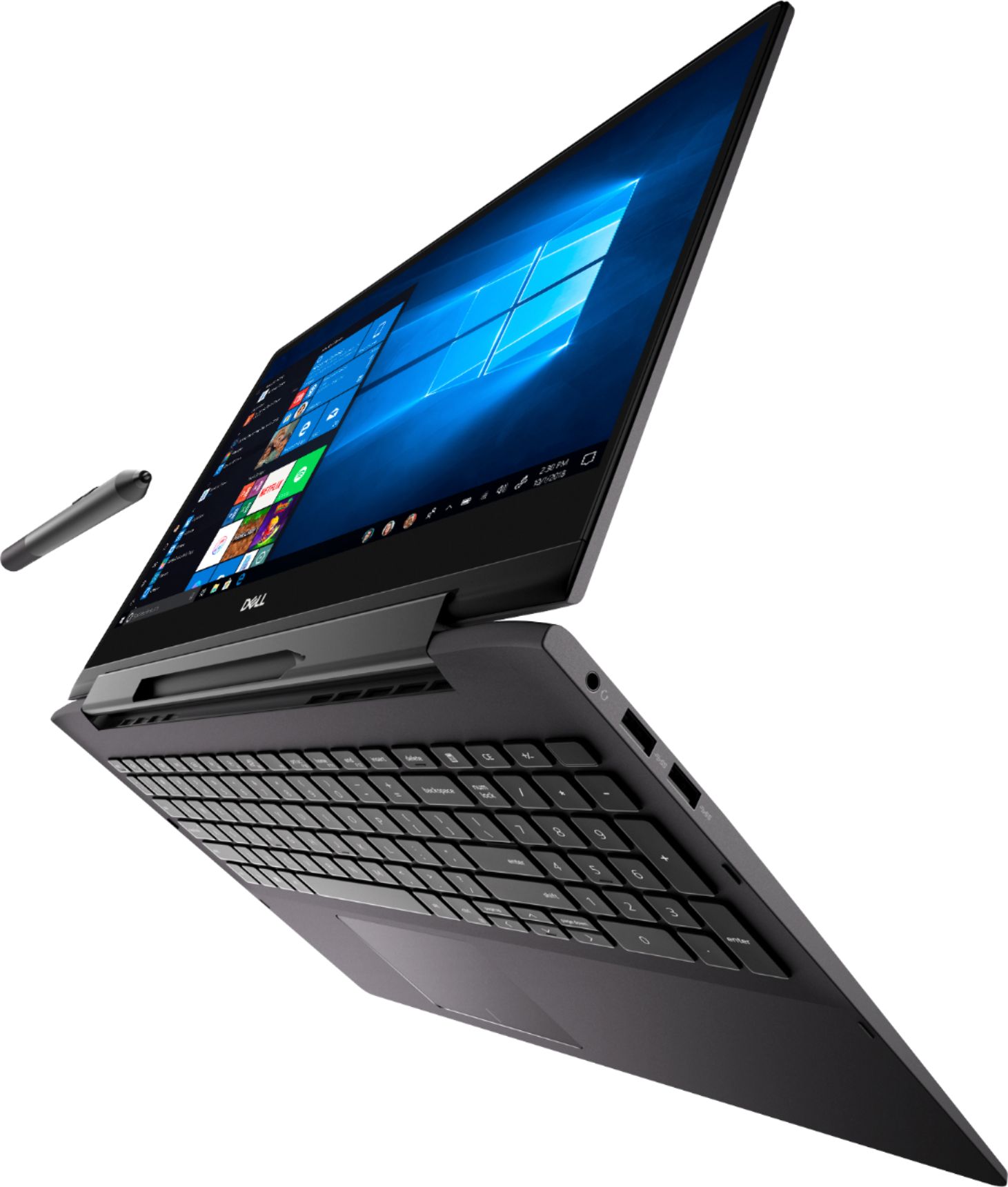
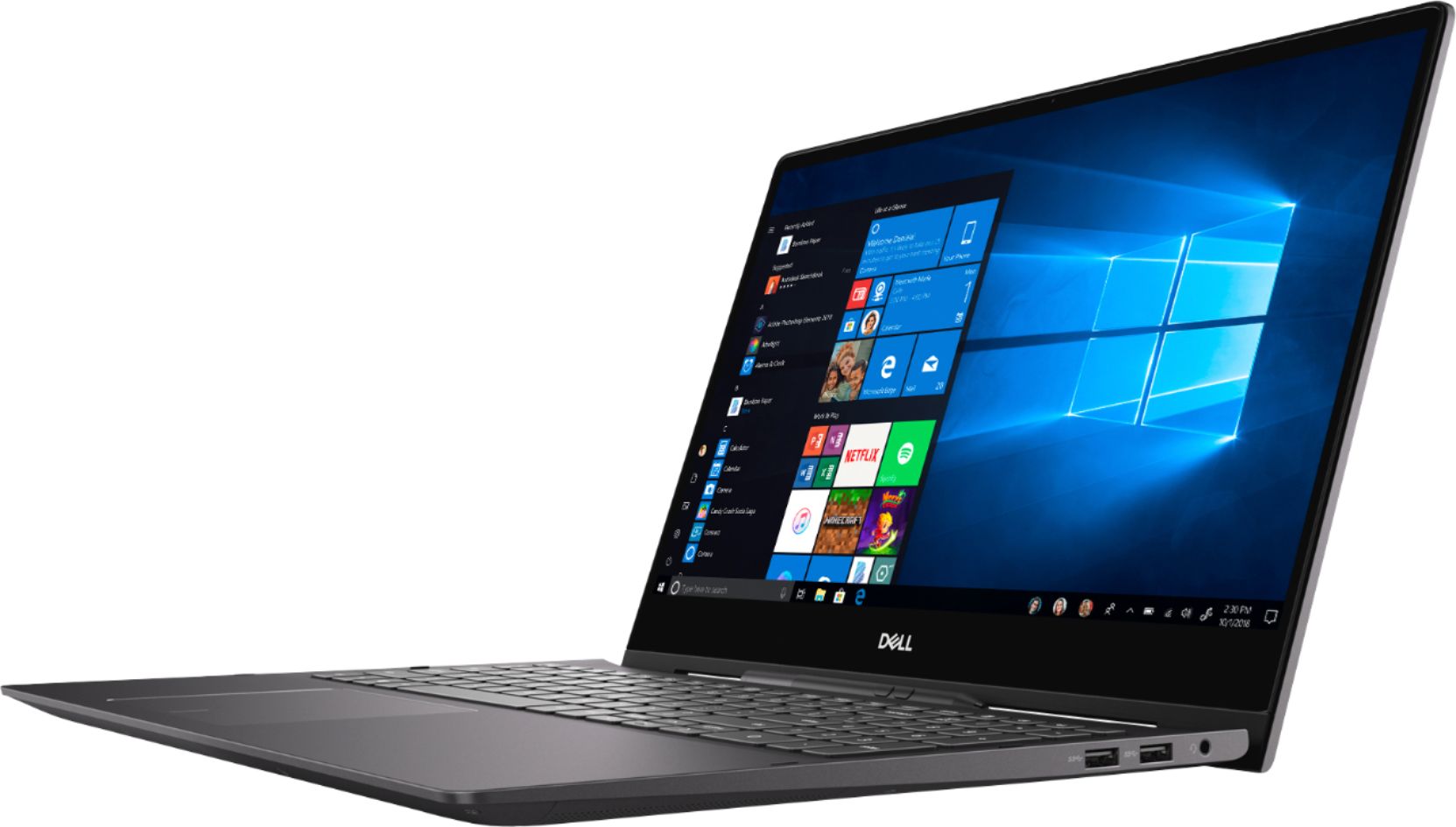
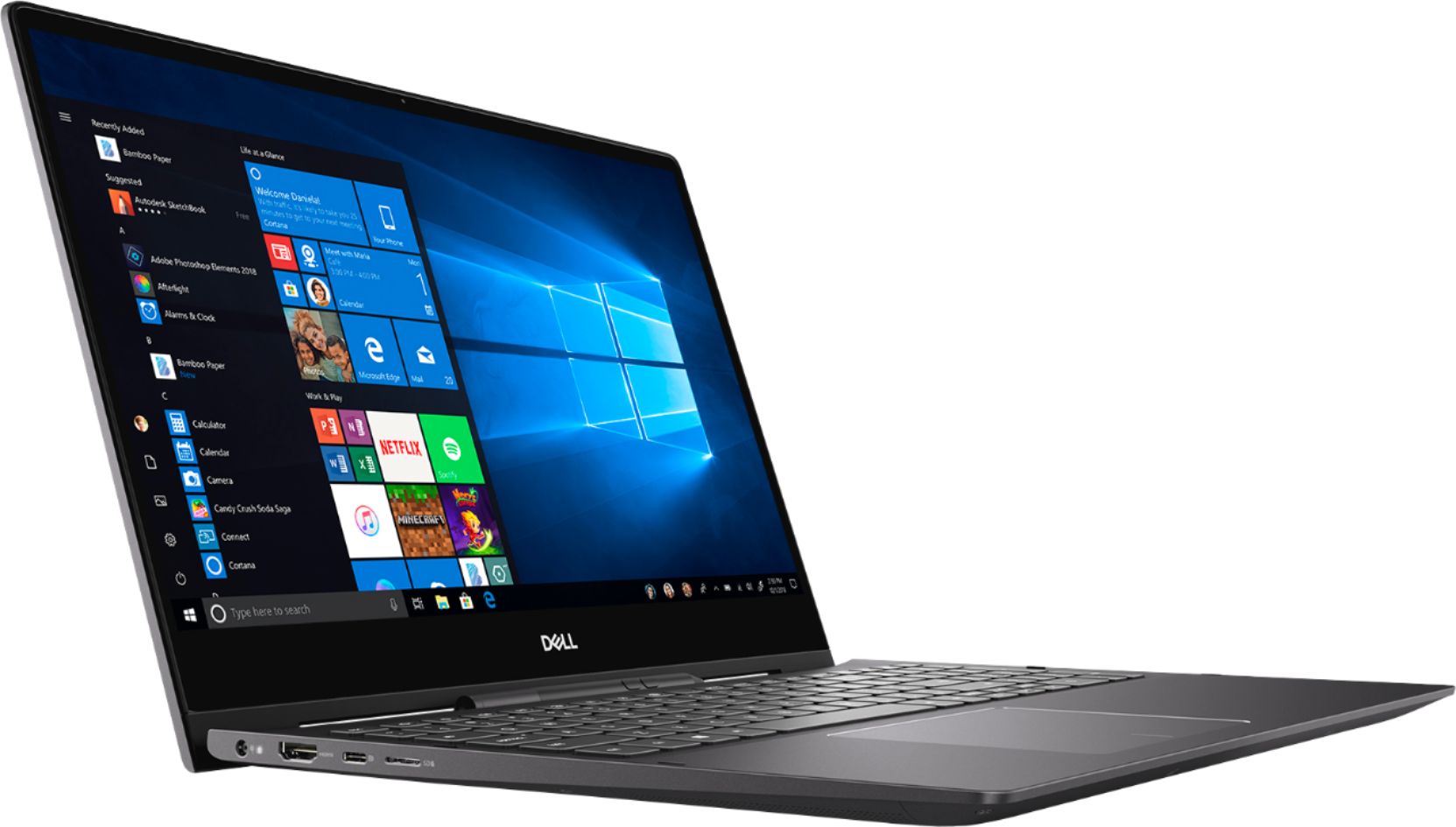
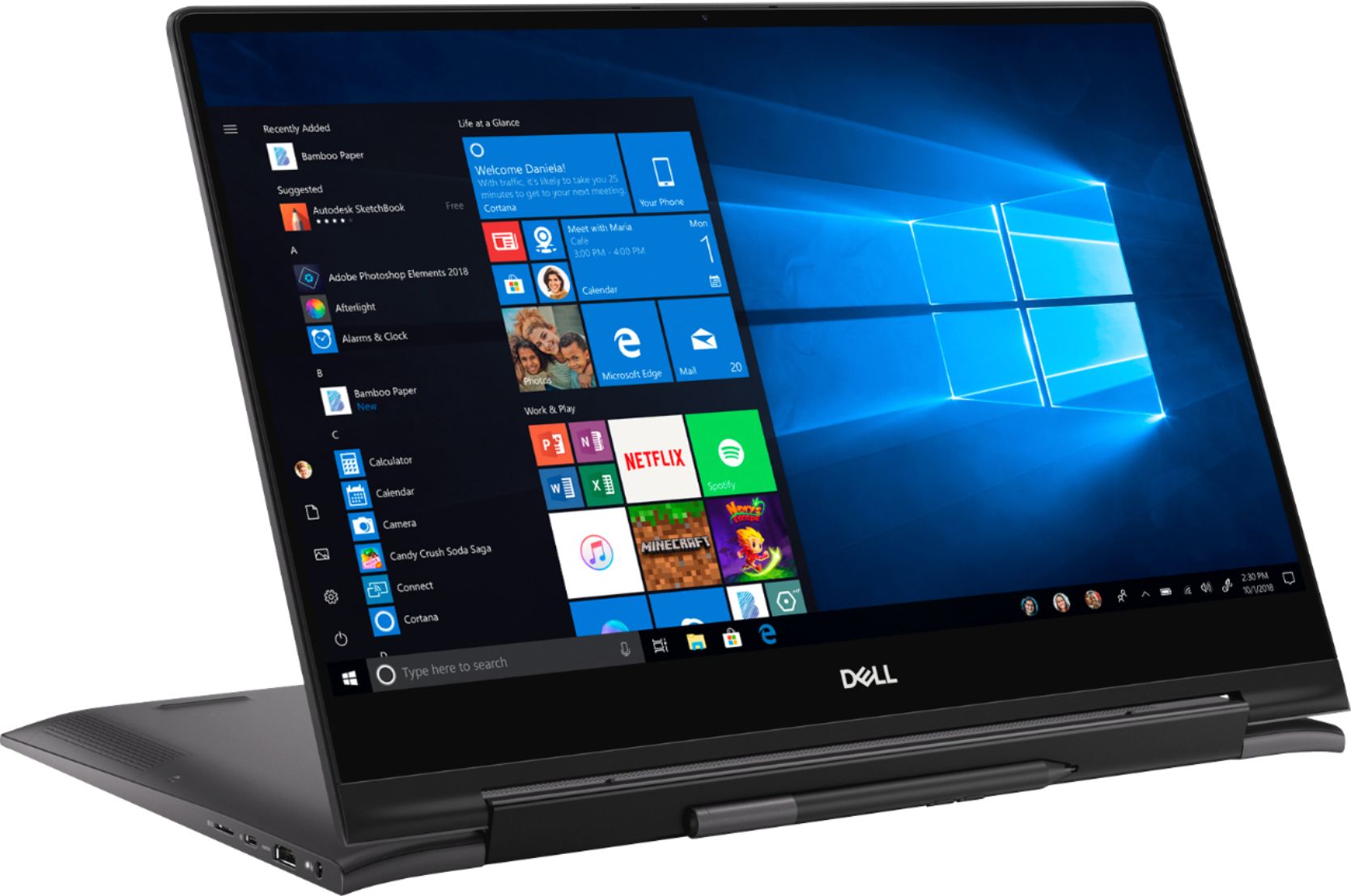
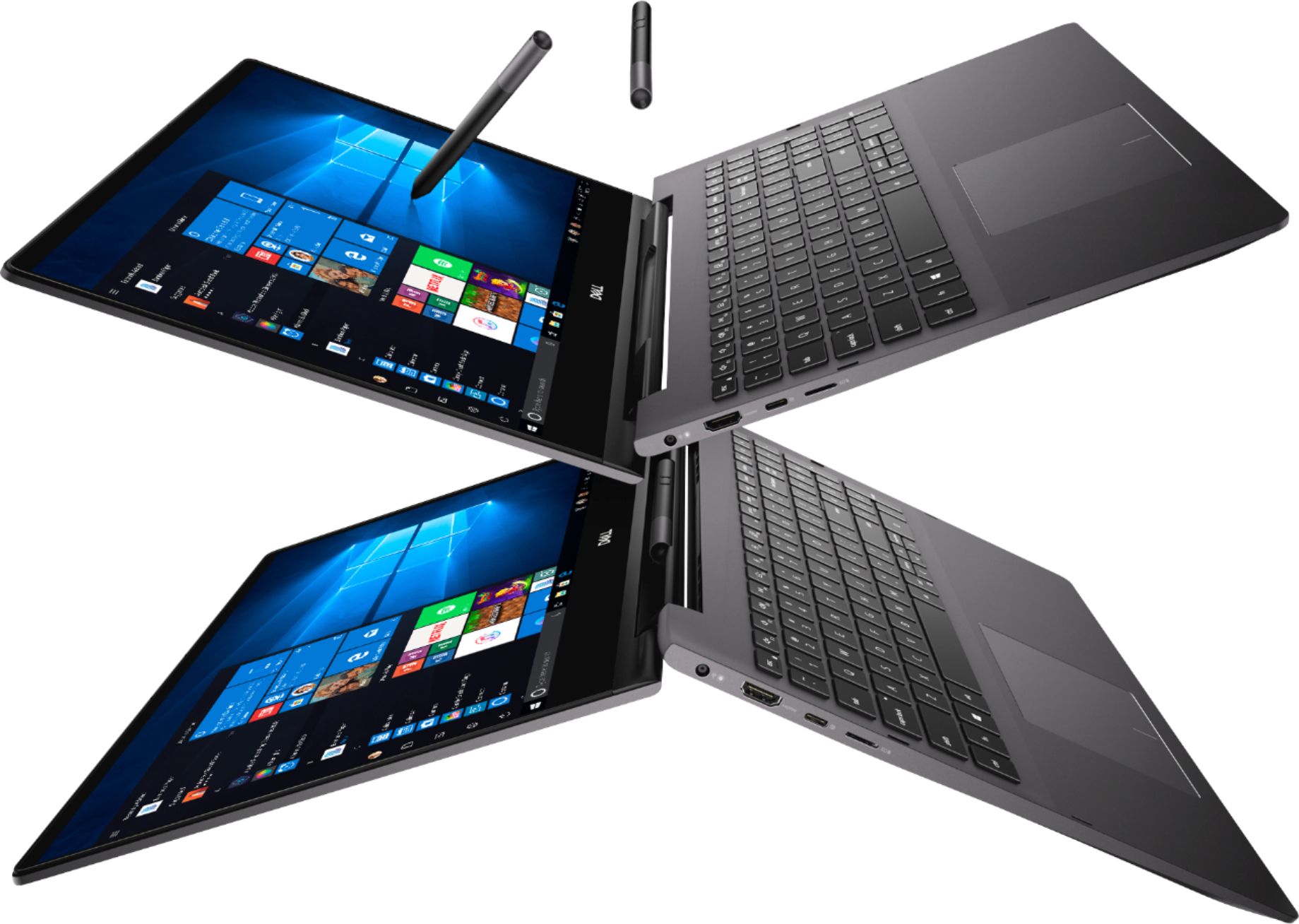
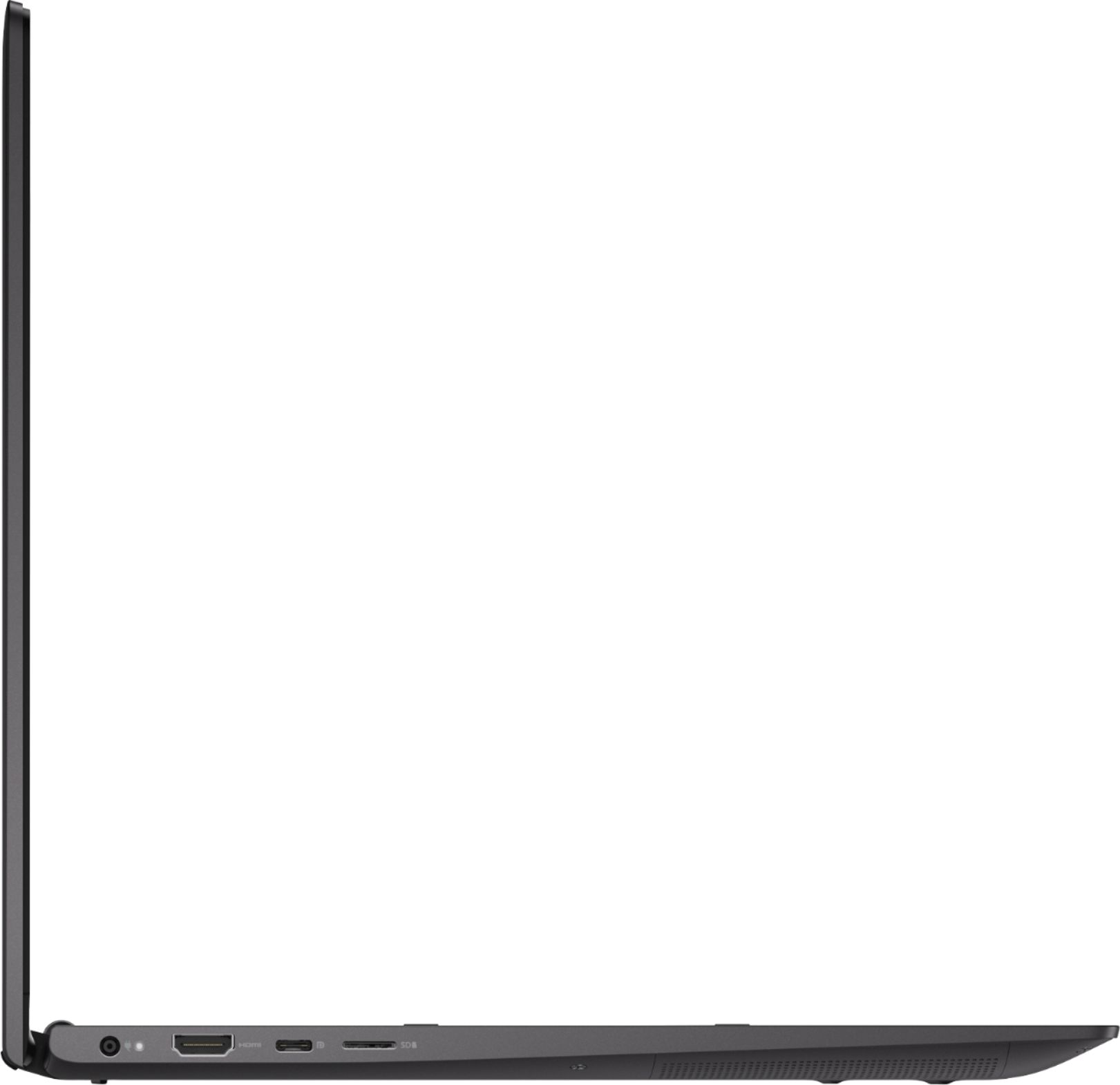
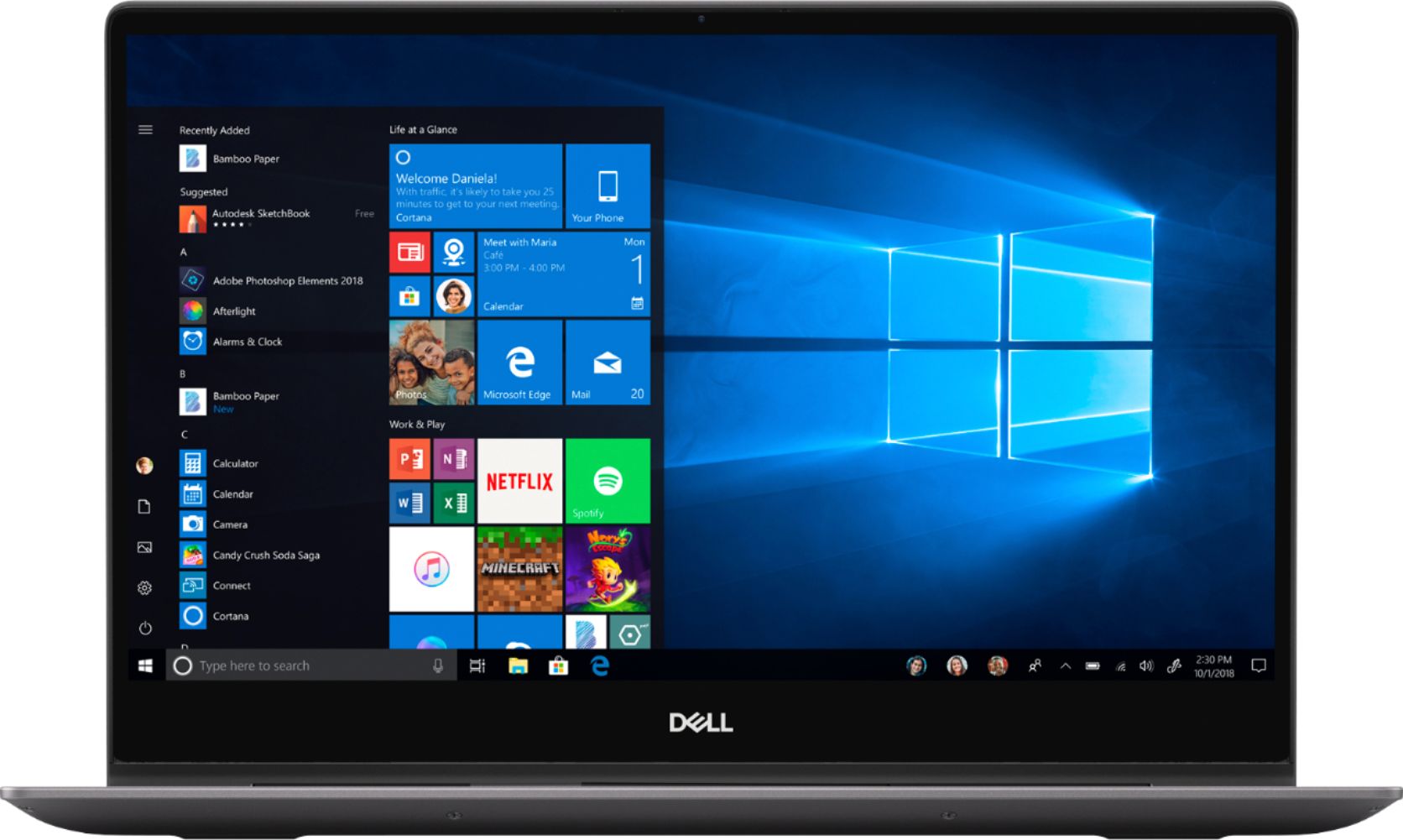
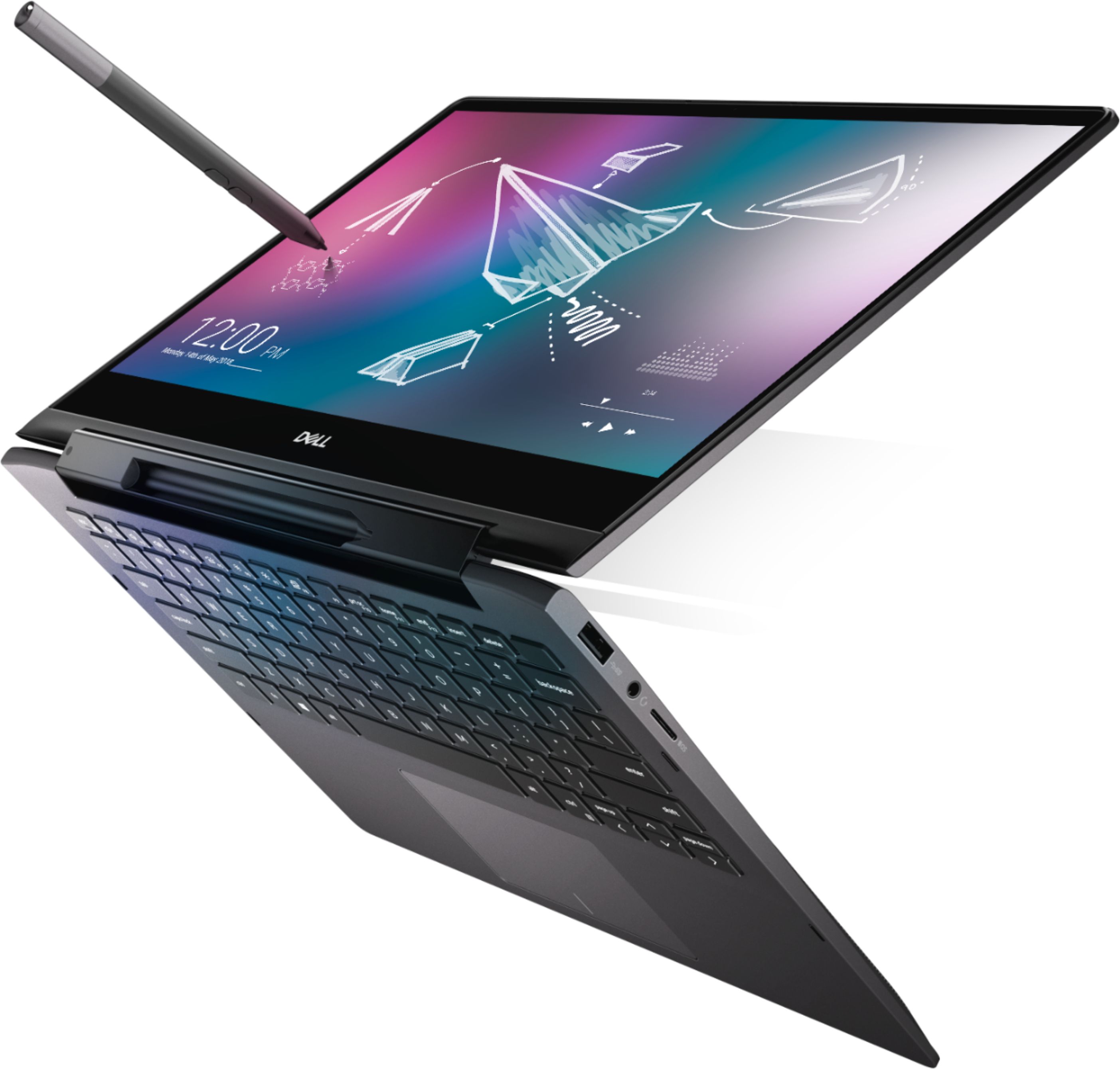
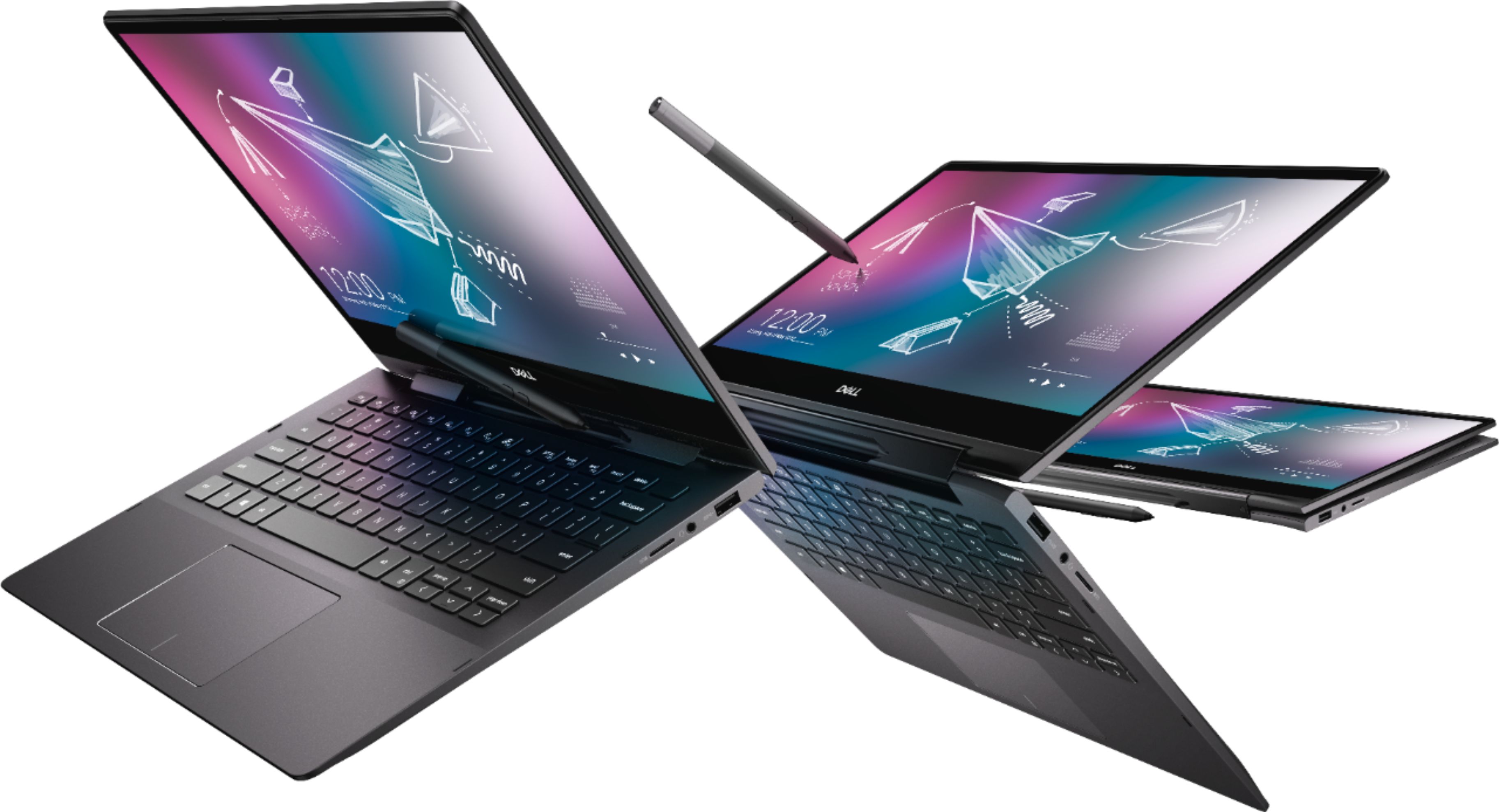
Customers are pleased with the Inspiron 15.6" 7000 2-in-1 laptop's 4K display, touchscreen, and long battery life. They also appreciate its user-friendly design, solid performance, and reasonable price point. However, some users have concerns about its weight, noise, and tendency to overheat.
This summary was generated by AI based on customer reviews.
- Pros mentioned:Battery life, Touch screen
Excellent windows machine!
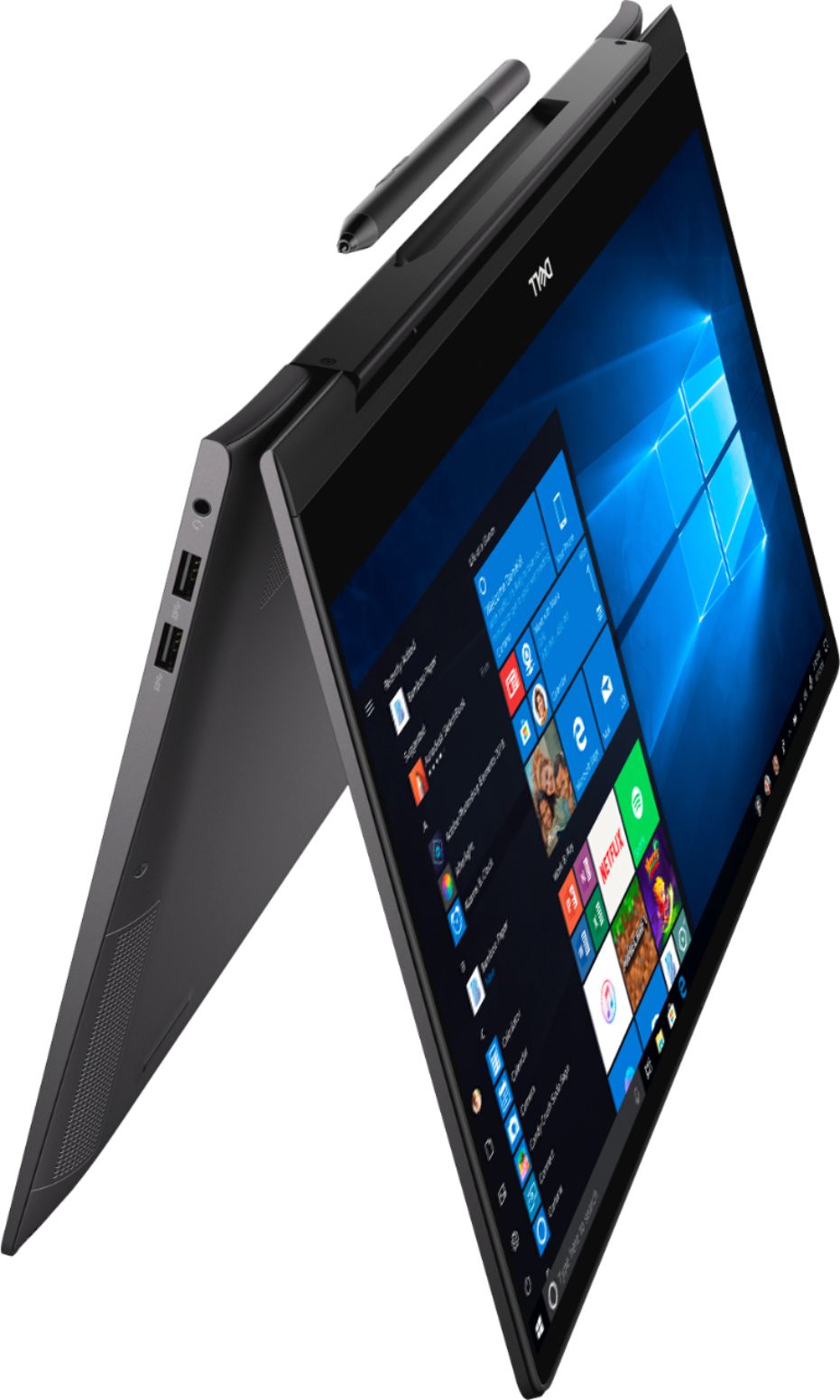
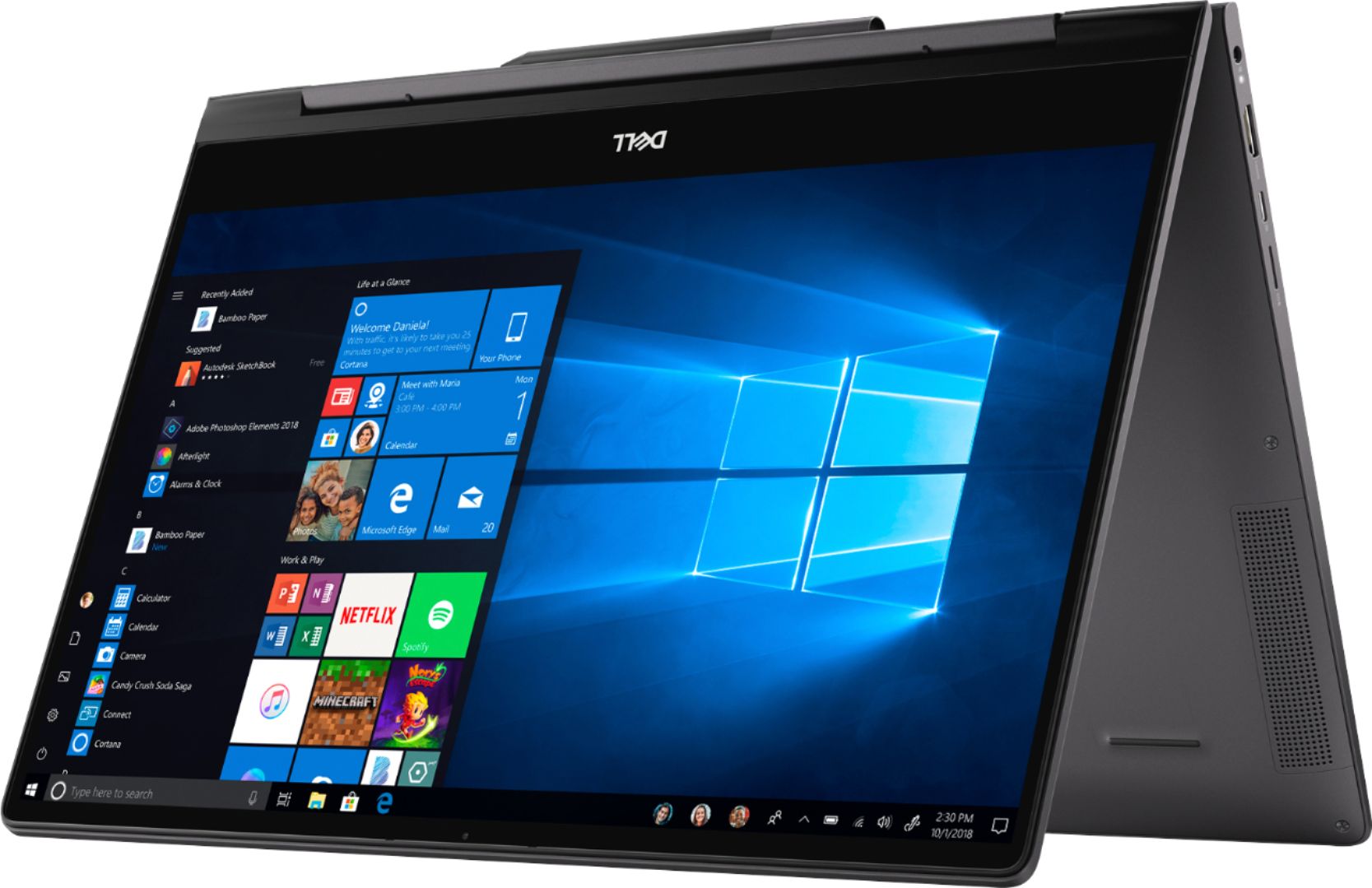
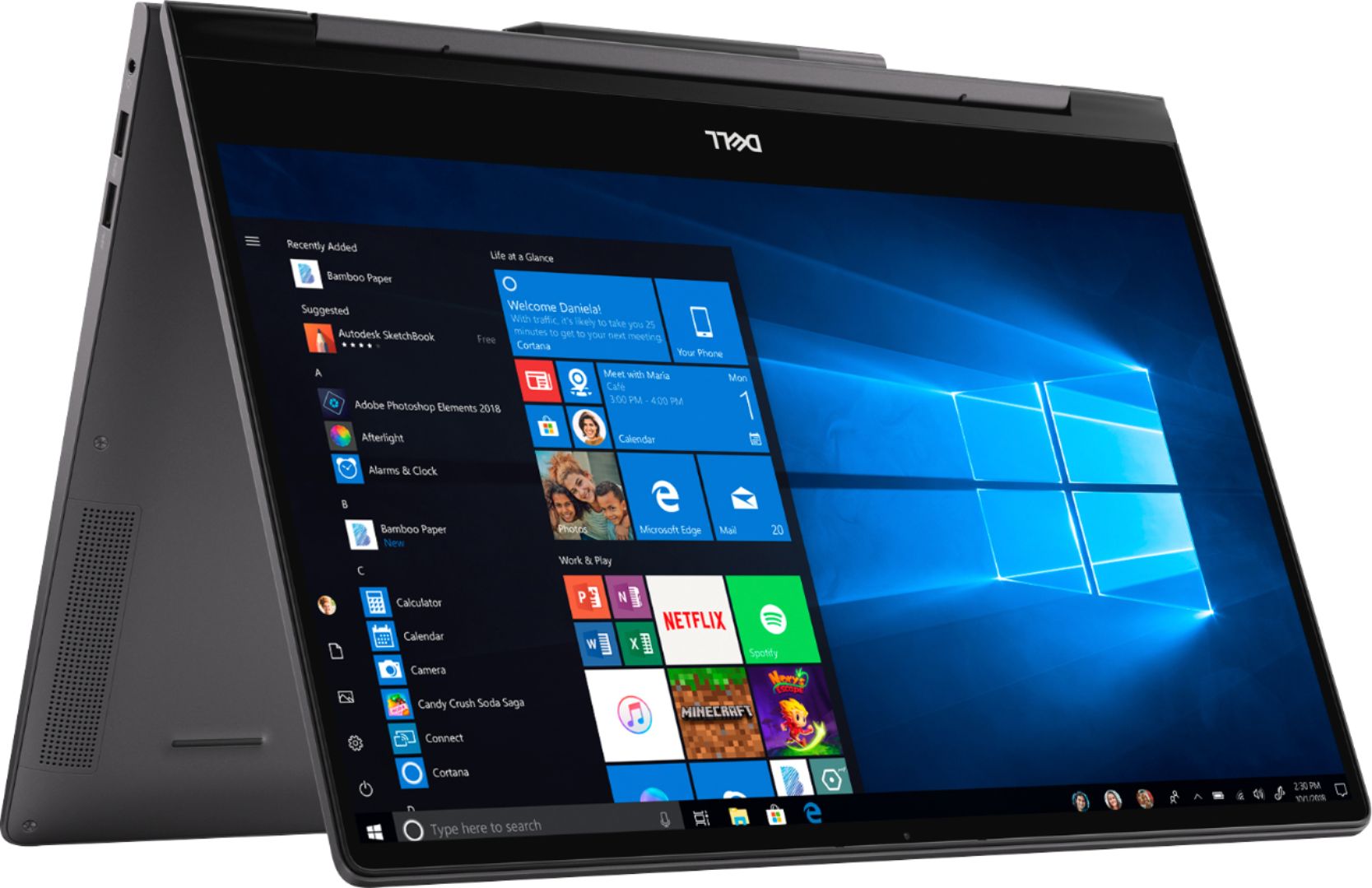
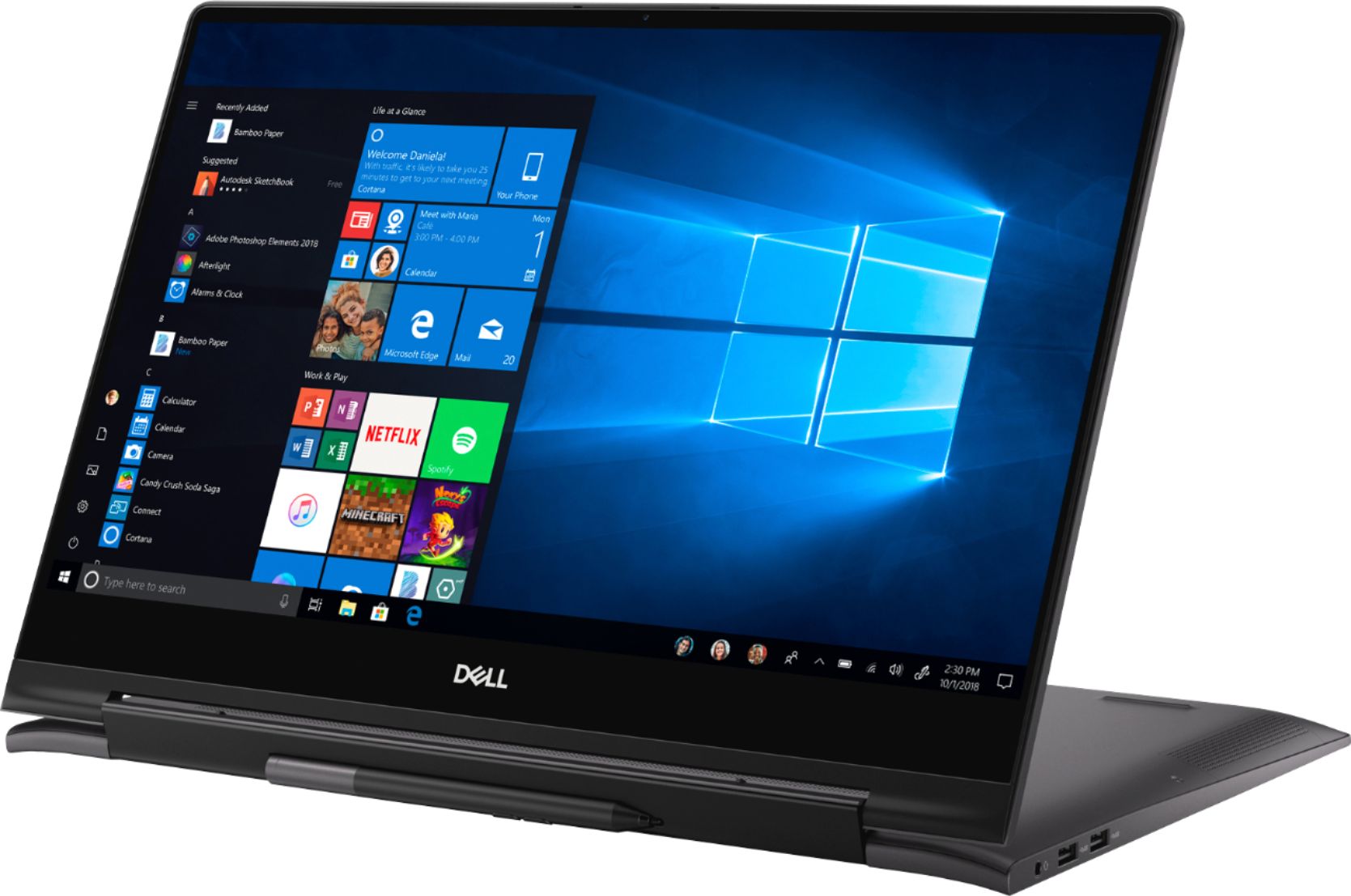
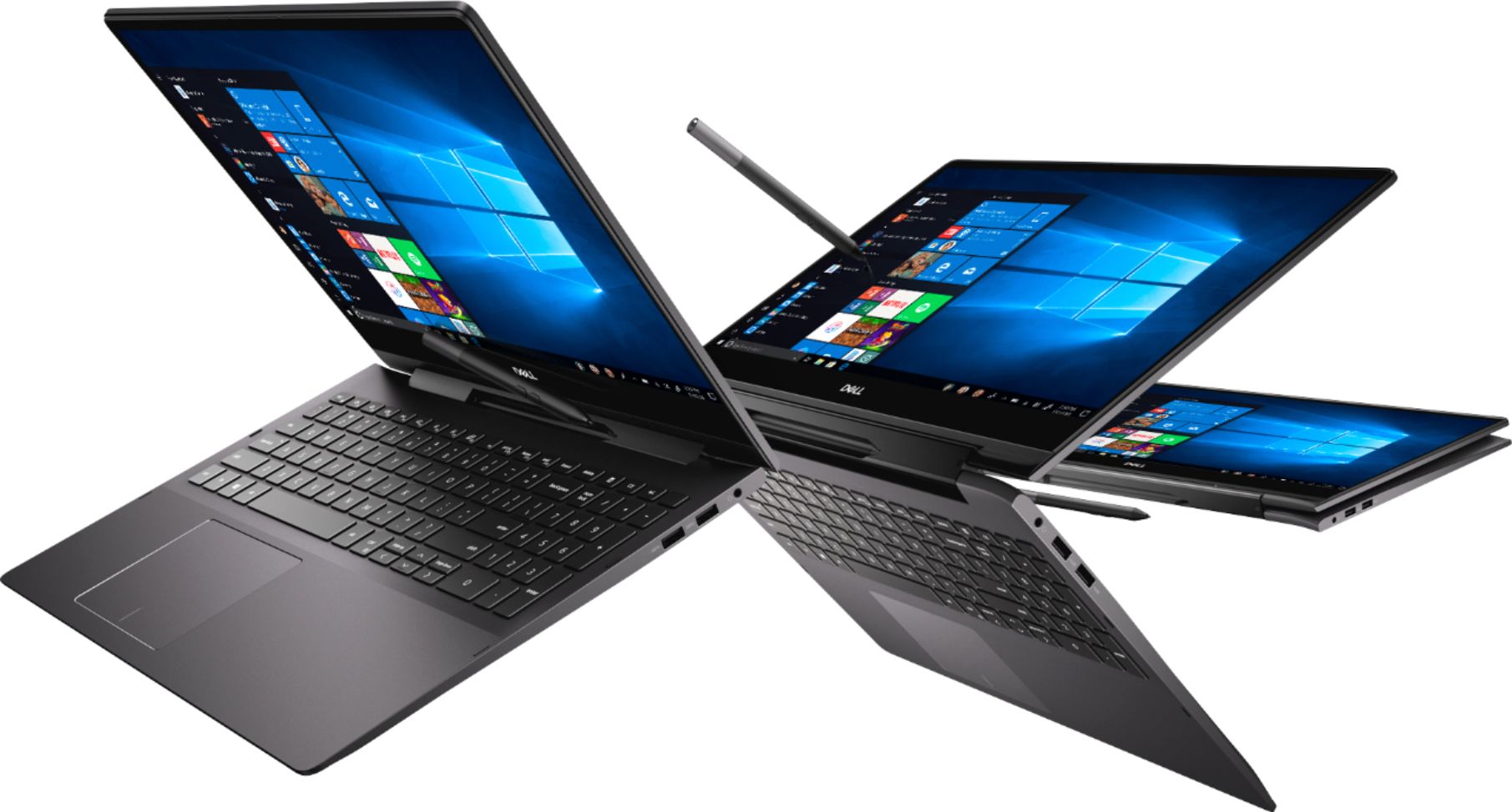
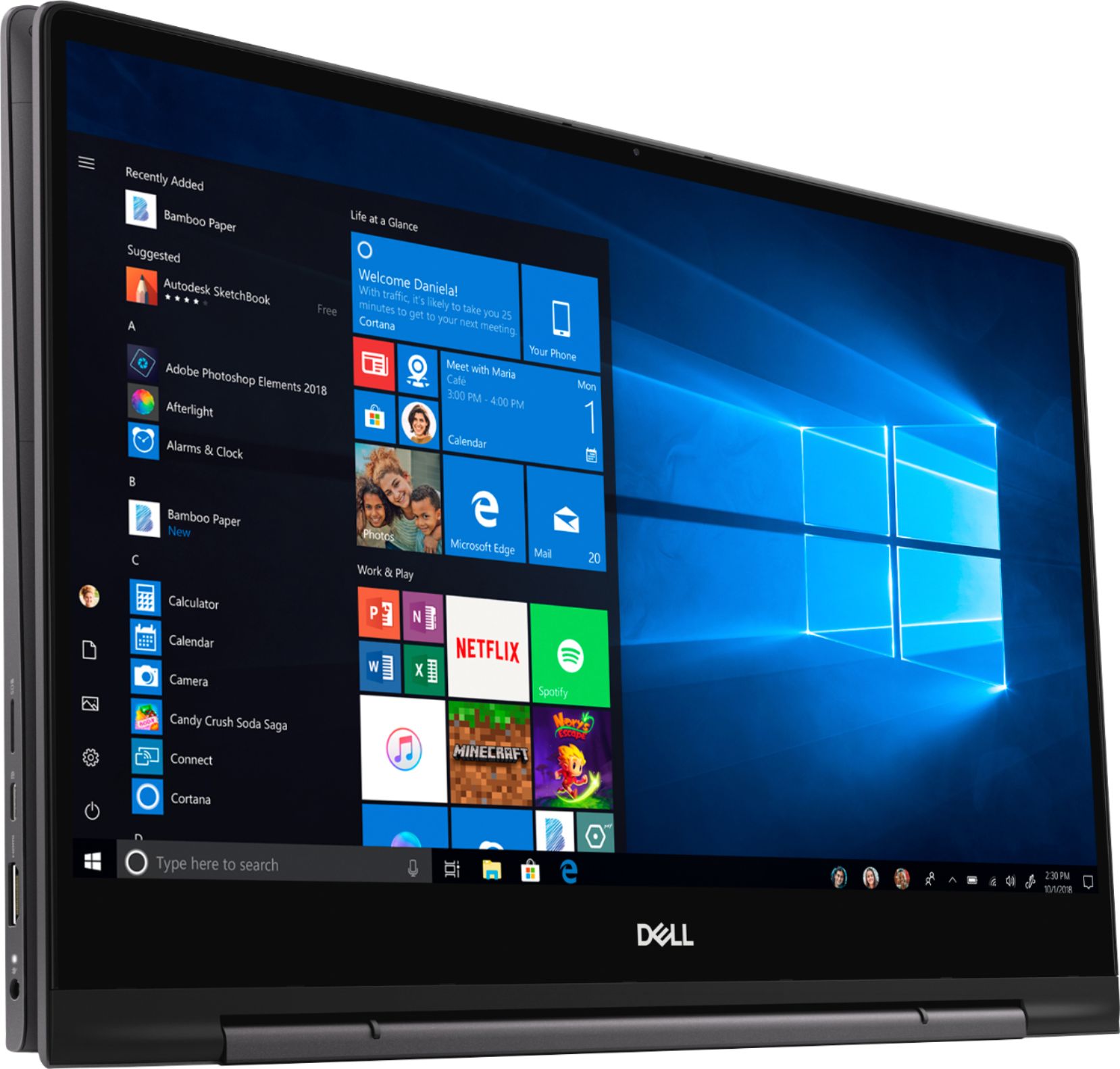
||Posted . Owned for 2 months when reviewed.This reviewer received promo considerations or sweepstakes entry for writing a review.Comes with an excellent stylus for drawing or just using it as a pointer alternative. Excellent for art work, specially when turning the screen all the way to its back, and becoming usable as a tablet. Computer is light for having a powerful GPU for playing games in 4k resolution. Keyboard is excellent for long typing sessions. Battery lasts almost a day after light use. And a good few hours of gaming. Highly recommend if you want a good all around device, well capable of mid-high end gaming, and for manual art work design/creation.
I would recommend this to a friend - Pros mentioned:Easy to use, Touch screen
A great computer for beginner digital artists!
||Posted .This reviewer received promo considerations or sweepstakes entry for writing a review.The touch screen and pen makes it easy to do art without having to buy additional tech. All applications are easy to find and use. For someone as technically challenged as I am, this is a very nice and easy to use laptop.
I would recommend this to a friend - Pros mentioned:Speed
Great Laptop For Students
||Posted . Owned for 3 months when reviewed.This reviewer received promo considerations or sweepstakes entry for writing a review.If you're a student who wants a fast and powerful laptop this one is almost perfect. I gave it 5 stars because overall it works perfect. I dont know much about computers, but I bought this laptop to have something that I can run a minimum amount of games on as well as for school work. I dont think I could play any high intensity games, but it definitely works for smaller less graphic intense games. Some cons are this laptop is quite big and heavy. I'm someone who walks to class and it does add a bit of strain. However the tablet mode allows me to carry less notebooks/binders because of the tablet pen that's included. Overall this is a laptop I would highly recommend for someone who is going to use it for more than just school work. There are definitely cheaper options if you're looking for something more minimalist, but if you need something more well rounded this is the laptop for you. On one more side note I've has this laptop for about 3 months now and I've had no issues with it at all.
I would recommend this to a friend - Cons mentioned:Weight
It is an amazing computer as good as the xps!
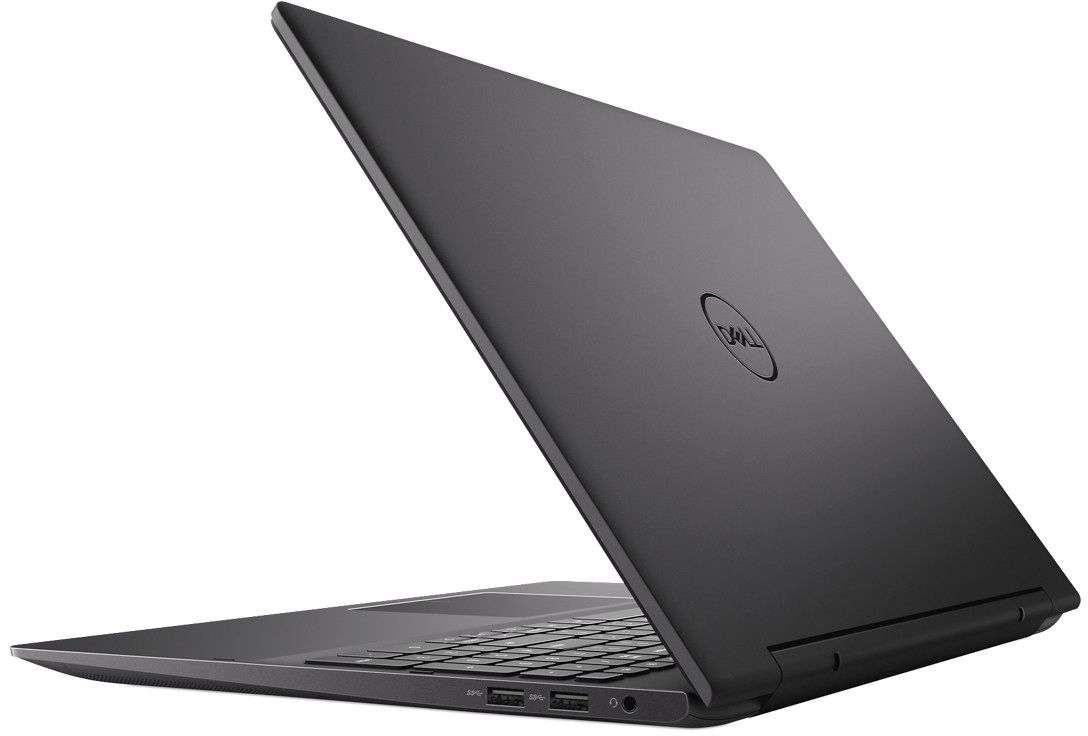
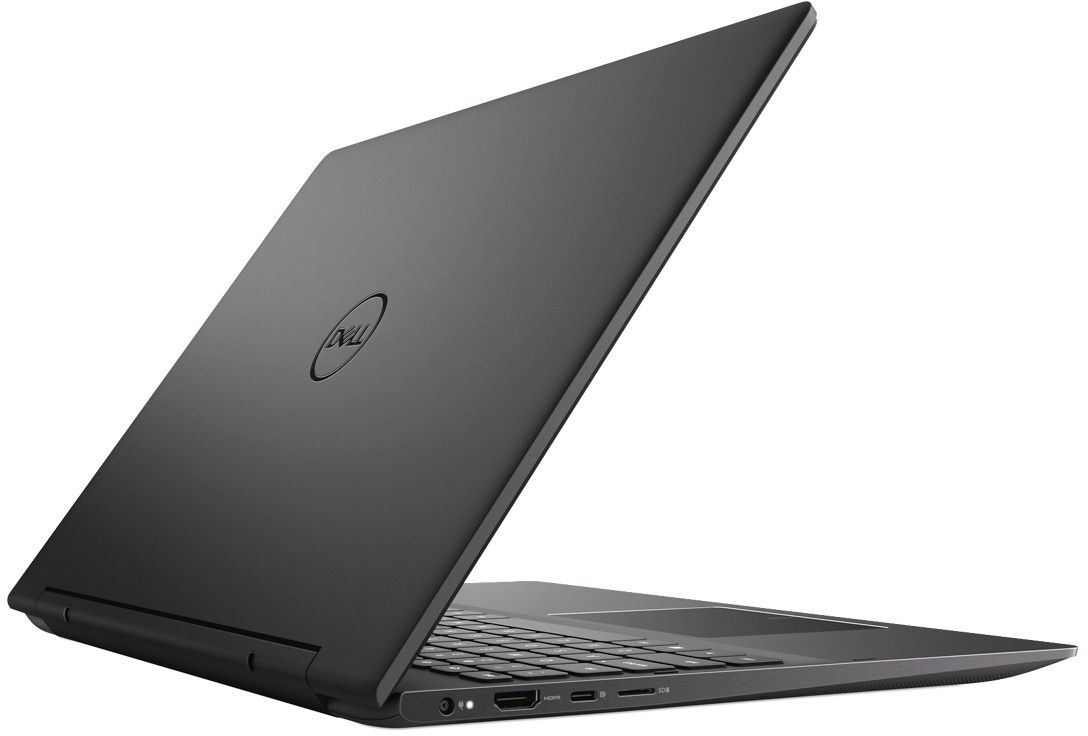
||Posted . Owned for 1 month when reviewed.This reviewer received promo considerations or sweepstakes entry for writing a review.The computer is heavy but very slim and feels well built besides the bit on the back where the pin is contained. I had a xps 13 and they are both amazing although I do feel this one is a bit more fragile and it does heat up when you charge it while using it and the fan Is pretty loud but it doesn't bother me. This computer specs are amazing especially for the price!... positives great graphics,VERY easy to use, the controls are very nice, just amazing specs overall
I would recommend this to a friend - Pros mentioned:4k display, Speed
Great Laptop
||Posted . Owned for 1 week when reviewed.This reviewer received promo considerations or sweepstakes entry for writing a review.I bought this laptop for my wife to do video editing of our trip to Disney World. This computer is super fast. It has everything that we were looking for in a machine to do the job. It has cut the time down immensely. The 4K display is amazing. I would highly recommend this Dell laptop.
I would recommend this to a friend - Cons mentioned:Overheating
Good laptop, useful features
||Posted . Owned for 1 year when reviewed.This reviewer received promo considerations or sweepstakes entry for writing a review.I've used this Laptop for about a year, and have had no problems, except with the fingerprint reader. It worked for about 2 weeks. And the charging plug gets loose easily. I wasn't sure I'd use the flip tablet option, but it has turned out to be extremely useful in my work as a music teacher since I've gone to online lessons. I flip the keyboard over and it fits perfectly on my piano's music stand. The laptop gets pretty hot after about an hour, and then the touch screen doesn't work so well, so I have to turn it off in-between lessons. I don't use the pen a lot, but it's nice to have. Overall I like it.
I would recommend this to a friend - Cons mentioned:Noise
Great laptop
||Posted . Owned for 3 months when reviewed.This reviewer received promo considerations or sweepstakes entry for writing a review.I put this laptop to the test, I use it for my cybersecurity course where I run 2-4 computer VM's at the same time and it takes it like a champ. The computer makes some noises but they don't bother me at all, the performance is what made me buy it.
I would recommend this to a friend - Pros mentioned:SpeedCons mentioned:Noise, Weight
Good Laptop but too much noise from fan
||Posted .This reviewer received promo considerations or sweepstakes entry for writing a review.It operates fast and is smoother but it generates too much heat and noise from fan and also the weight.
I would recommend this to a friend - Pros mentioned:4k display
Very impressed with this Dell Inspiron
||Posted . Owned for 1 week when reviewed.This reviewer received promo considerations or sweepstakes entry for writing a review.This laptop has everything we needed. So far it is kept up to its name and done everything that she has needed it to do. The Core i7 processor speeds up many tasks and the 16GB RAM is necessary to run Windows 10 comfortably. The 512GB SSD is fast but may run out of space quickly if you put a few modern games on it. I was blown away by the way it renders some images. With 4K display and the ability to show colors in high dynamic range, it will impress you. I noticed that the pre-loaded Dell software had a program for Dolby Vision installed and as I have Dolby Vision on a couple of my TVs, I was interested to compare it to the laptop screen. I fired up Netflix and streamed “Drive to Survive” which was filmed in both 4K and Dolby Vision and the picture was stunning for a computer screen.
I would recommend this to a friend - Pros mentioned:Touch screen
Perfect but:
||Posted . Owned for 11 months when reviewed.This reviewer received promo considerations or sweepstakes entry for writing a review.I LOVE this computer: I love how fast it is and the keys light up making it easier to type: I love the display and it's light and portable. My only gripe is the tablet mode: when it's in tablet mode I use it to draw - but my arm will pick up selections and tools etc / get me out of my programs. Also, the keys are on the other side and I always feel like I am missing them :( The device seems to heat up easily but I live in AZ w/o any airconditioning so its a hot environment. overall : LOVE it.
I would recommend this to a friend - Pros mentioned:Touch screen
This is The One
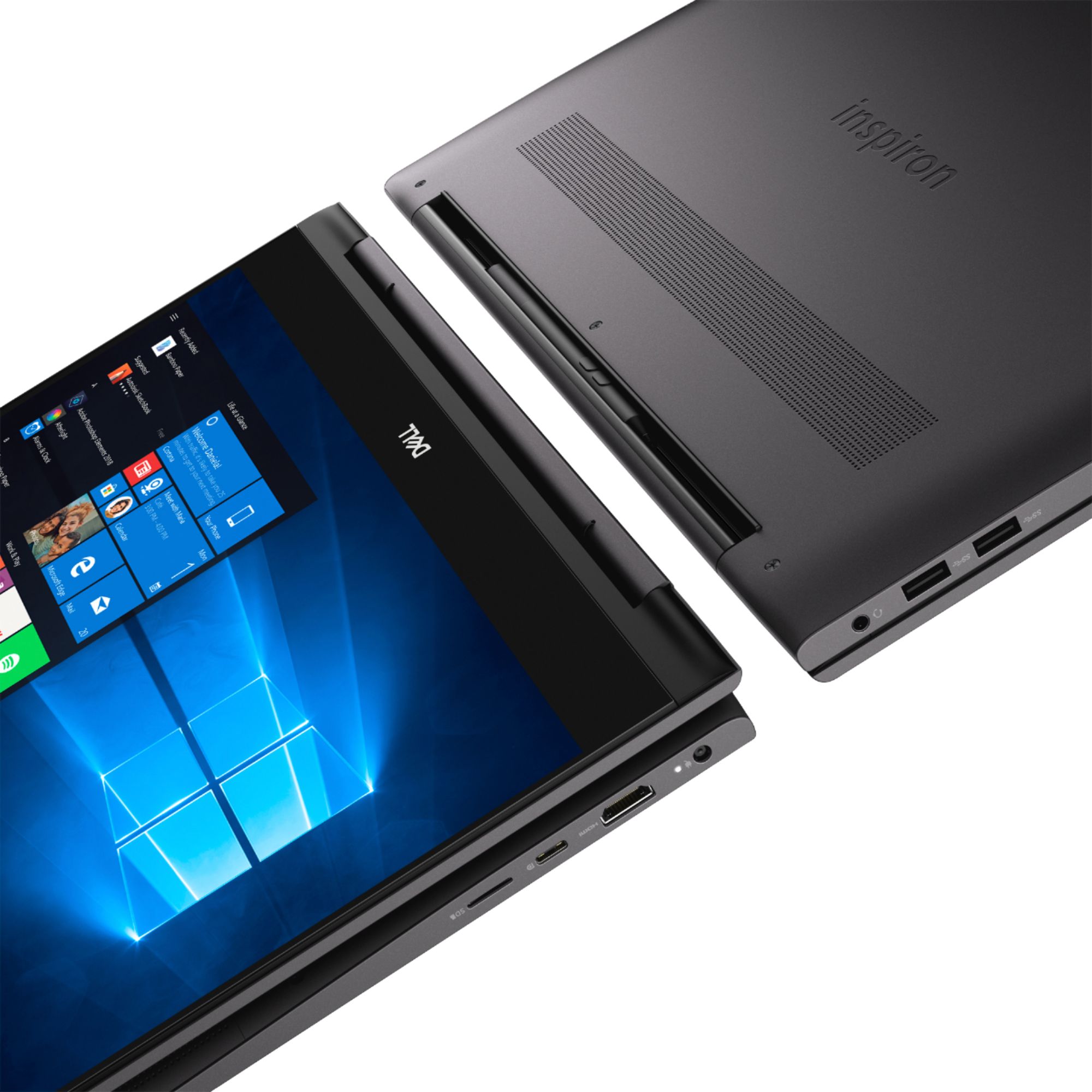
||Posted . Owned for 1 month when reviewed.This reviewer received promo considerations or sweepstakes entry for writing a review.This year was the year of buying computers. I purchased approximately 7 computers and returned each one in search for a good one, and then one day, I walked into Best Buy, and there it was shining like a gleaming diamond...the one I had been searching for. It had everything I needed, a full keyboard with a numeric keypad, a 4k gorgeous screen, backlit keyboard that dims automatically when not in use, a pen that docks right above the keyboard, 360 design, and more. It came with 1x16GB Ram instead of the usual 2x8GB, meaning I only had to purchase 1x16GB card to get the maximum 32 GB of Ram. It is fast and not quirky like my HP x360 Envy. In short, I love it and very happy and definitely will NOT be returning this one.
I would recommend this to a friend - Pros mentioned:Touch screen
Very nice
||Posted . Owned for 1 month when reviewed.This reviewer received promo considerations or sweepstakes entry for writing a review.Simply put, it’s nice. I was looking to upgrade my computer, and this checked all the boxes. It was a 2-in-1, worked with and included a stylus, and had a stand alone graphics card. All of this with a great display, good ram, and functional design makes this a great laptop. The only drawback is this is an older model with a slightly weaker processor compared to newer models. This hasn’t been a major issue as the graphics card has helped with processing, but something to consider.
I would recommend this to a friend - Pros mentioned:Touch screen
Item may not arrive as advertised
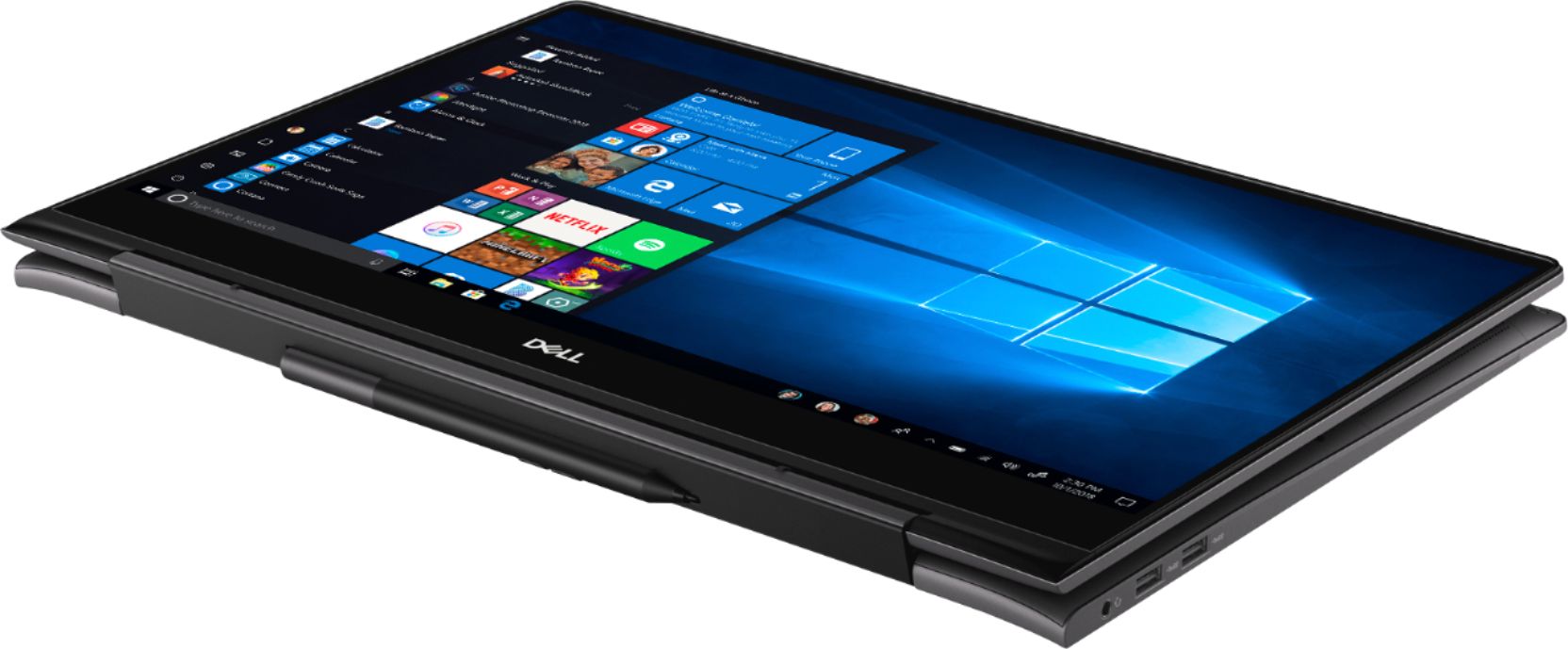
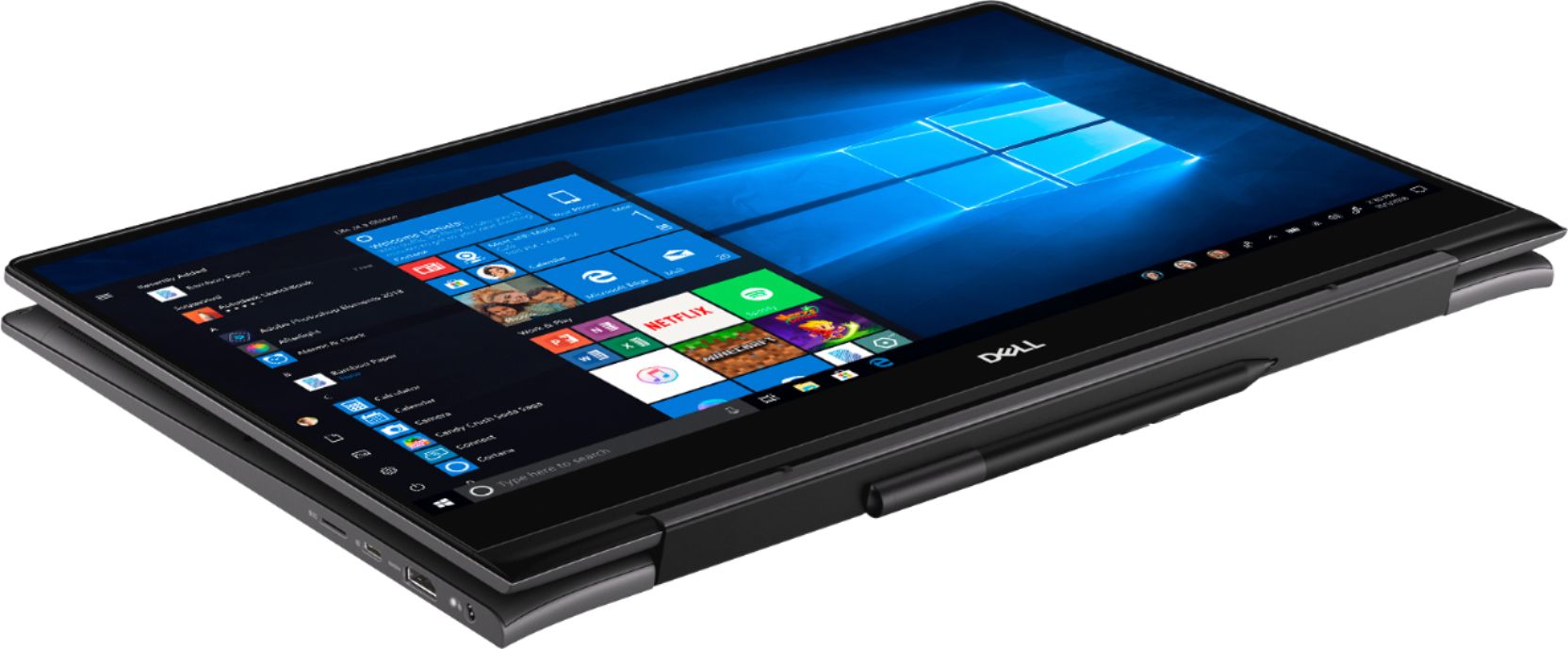
||Posted .This reviewer received promo considerations or sweepstakes entry for writing a review.Will run average editing software and picture quality has been great with images or a desktop backgrounds. Worked great when wireless connected to my Xbox with almost no input lag 60 seconds after connecting however PC games can’t run over 30fps. Don’t recommend 30fps due to the lag, this computer not designed for games don’t be fooled. Folding completely and holding the exposed feels awkward. Make sure to enable tablet mode to disable all keys and prevent inputs when the exposed keyboard touches the desk. There’s one key not disabled, the fingerprint/power button to make sure you get the best accidental shutdown experience with the possibility of unsaved data loss. Will stream 4K video/movies though underside became hot. Running additional processes including E-mail, internet browser, background security software, iTunes, troubleshooter, basic system functions, or literally ANYTHING felt like it was burning my leg. I bought open box advertised as excellent/like new with no visible defects and unboxed original accessories. After running diagnostics I discovered the computer received was missing the slot 1 SSD, couldn’t recognize the built in webcam, many software programs needed to operate fingerprint reader, and still registered to the previous owner.
No, I would not recommend this to a friend - Pros mentioned:Touch screen
Second Try is the charm!
||Posted . Owned for 2 weeks when reviewed.This reviewer received promo considerations or sweepstakes entry for writing a review.Upon setting up the first laptop, the laptop kept crashing. After a series of events in the store making the return, I received the second laptop. No freezing or blue screens of death received during setup. I’ve had the laptop for almost three weeks. The graphics on the screen are crisp. The touch screen works nicely. Still getting used to that feature. The speed is pretty good. Guess the second try was the charm!
I would recommend this to a friend - Pros mentioned:Speed, Touch screen
Love it!
||Posted . Owned for 1 month when reviewed.This reviewer received promo considerations or sweepstakes entry for writing a review.So glad the associate pointed me to this laptop. Love the touch screen and the speed is excellent!!! I bought two to upgrade for both me and my husband.
I would recommend this to a friend Great Computer
||Posted . Owned for 3 weeks when reviewed.This reviewer received promo considerations or sweepstakes entry for writing a review.I bought this computer because I am a college student majoring in Graphic Design who needed a lot of specific things in a computer and needed something a little bit cheaper than Apple. It is amazing for what I need... the Intel Core, system memory, solid state drive, graphics, RAM, and much more. The 2-in-1 makes drawing easier. It is lightweight and easy for on the go. Best Dell Inspiron computer I have bought so far. It is worth the money.
I would recommend this to a friendGreat laptop, amazing for work.
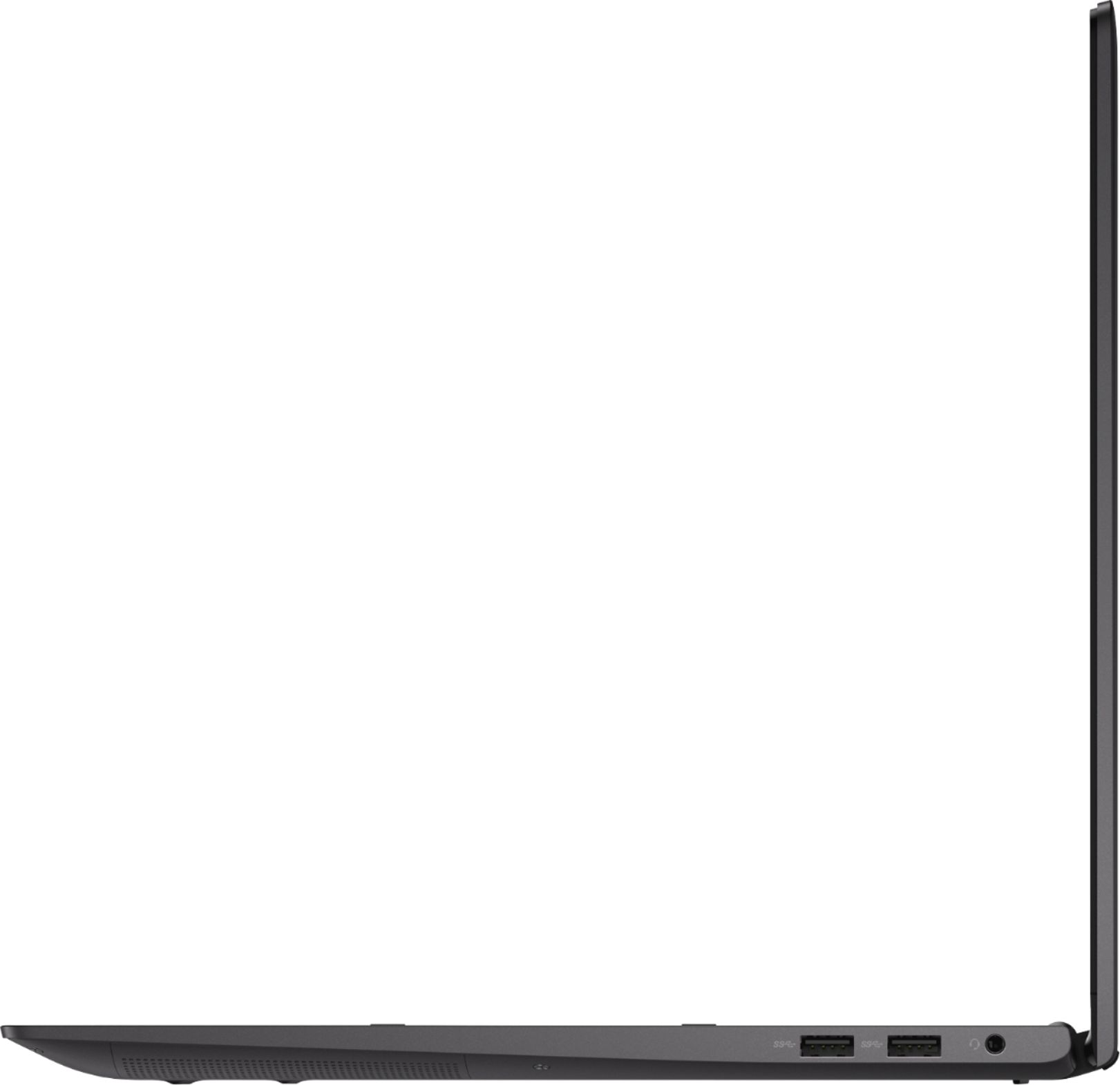
||Posted . Owned for 11 months when reviewed.This reviewer received promo considerations or sweepstakes entry for writing a review.Great laptop for the price, great specs without the XPS chasey, and price. Performance is great and Optane speeds up booting and loading times immensely plus that SATA 3 SSD. I do have 2 complaints, my laptop had a small depression in some of the keys in the top left side causing their functionality to not work sometimes. Dell has some quality control issues with their products, but not a big problem since it's covered in the warranty and Geek Squad repaired it, plus I use a separate mouse and keyboard anyway. Another thing I don't like about the laptop is the thermals, Intel Turboboost 3.0 does boost to 4.6 GHz on all cores, however since this is a notebook it's not recommended and Dell isn't always the best for heat dissipation, not unless it's an XPS or desktop model anyways. There is a quick fix for this, I just turned Turboboost off in the BIOS and thermals remained in the 40 to 55-degree great range. I still have snappy performance and quick bootups even without Turboboost and with about 8 to 11 Chrome tabs open and 3 other applications open. The only other complaint would be to have more IO, Thunderbolt 3, and better Pen compatibility with Windows Ink since they don't work that well if you want to switch tabs or applications using the Pen buttons, but still great for drawing.
I would recommend this to a friend- Pros mentioned:Touch screen
What a great deal!
||Posted . Owned for 1 month when reviewed.This reviewer received promo considerations or sweepstakes entry for writing a review.This has got to be one of the best tech buys that I've ever made. Great specs and the display is sharp. Particularly like the 2-in-1 design.
I would recommend this to a friend Excellent laptop!
||Posted . Owned for 2 weeks when reviewed.This reviewer received promo considerations or sweepstakes entry for writing a review.This laptop has everything you need, Love the keypad and the way the keyboard feels too. Lightweight and complete. Definitely Worth the price!
I would recommend this to a friendI'd give it none if I could
Posted .This reviewer received promo considerations or sweepstakes entry for writing a review.I was originally seduced by all of the amazing specs considering that I've previously adored all of my Dell products. The numeric pad on top of the 2-in-1 features is what really convinced me. I called Dell and tried to see what was wrong with it considering that it would continually crash, blue screen, and emit and obnoxious shrieking sound. Apparently, it just gave up this past Sunday and flat-lined by refusing to even get to the log-in screen. They had me factory reset it and I lost all of the homework I'd done thus far for a class because it was on an installed application. No problem, this wouldn't happen again, right so I'll try to re-do what I remember? Wrong. At least when it blue-screened, I could start where I left off once I booted it up again. After the reset, it constantly tried to "Automatic Repair" itself and suggested restarting the device. Then it got stuck in a loop of rebooting and prompting the same thing. On top of that, when I called Dell, they insisted the hard drives underwent amazing quality control and as a result that the next time I'd call, I'd be referred to the software time and subsequently charged as my warranty only covers hardware issues. I had them remotely access my laptop to triple-check that it was fine and it's still doing this. I'm returning this. I'm upset and as an engineering student, I think I've rationally spent enough tears on this and to continue putting up with it is insanity. It's not even 3 weeks old yet.
No, I would not recommend this to a friendBrand response from YourDellTeam
Posted .DellBanshee,
We're sorry to hear about the issues that your computer has been having so far. If you'd like to diagnose the Blue Screen Errors that you've been receiving you can follow these steps:
1. At the desktop, click the Search the web and Windows box and type "problem reports".
2. Select View all problem reports to view a list of errors that have occurred on your computer and possible solutions for them, such as updating drivers, flashing your system BIOS, or checking for updates to the software.
3. Under the Source column, look for Windows and under Summary, look for Shut down unexpectedly.
4. Right-click the line item and select Check for a solution.
We'd also suggest checking to make sure that your software and drivers are up to date on Dell's Product Page - https://dell.to/32pSHWu.
You can read the full article here - http://dell.to/2u98Cct.
If you continue to have issues with your computer not starting for you, we'd suggest these steps:
1. If the computer is displaying the Dell logo and does not move past that point, it has probably failed POST.
2. If the power indicator lights up and it is amber or orange, this is usually an indicator that it has failed POST.
3. If you see text on a black screen, the computer is currently performing the POST. If the computer stays in that condition and does not move past it, it has probably failed POST.
4. If the video screen displayed anything at all during the startup process but is now black, this probably indicates that the computer failed POST.
5. If the computer is beeping or if Caps/Num/Scroll Locks are flashing, note if there is a particular pattern in which it beeps or flashes.
6. If the computer is not beeping and caps/num/scroll locks are not flashing, unplug all connections and remove all media communication devices (e.g. external monitors); reconnect one at a time and check if the computer functions.
7. For a notebook, press and hold the Fn key and then press the power button. This starts the pre-boot testing and will launch ePSA. In case you have a Desktop at the Dell logo screen tap the F12 key to enter One Time Boot Menu and use the arrow keys to highlight Diagnostics and press enter.
You can read the full article here - http://dell.to/2uj1Sby.
Best,
Bryan
1-800-624-9896