Customer Ratings & Reviews







- Model:
- i7706-7821SLV-PUS
- SKU:
- 6432550
Rating by feature
- Battery Life
Rating 4.5 out of 5 stars
- Speed
Rating 4.6 out of 5 stars
- Display
Rating 4.7 out of 5 stars
Customers are saying
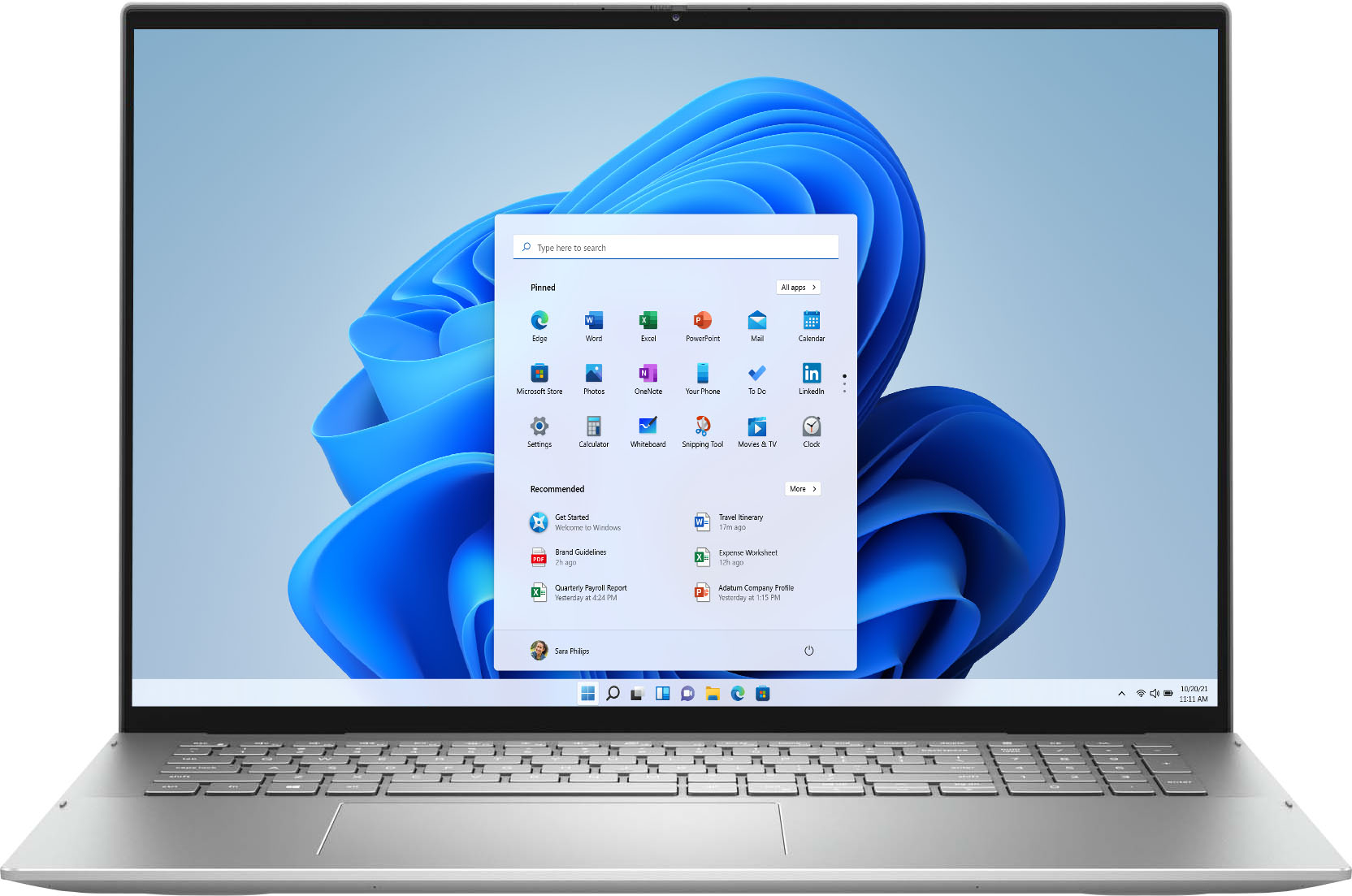
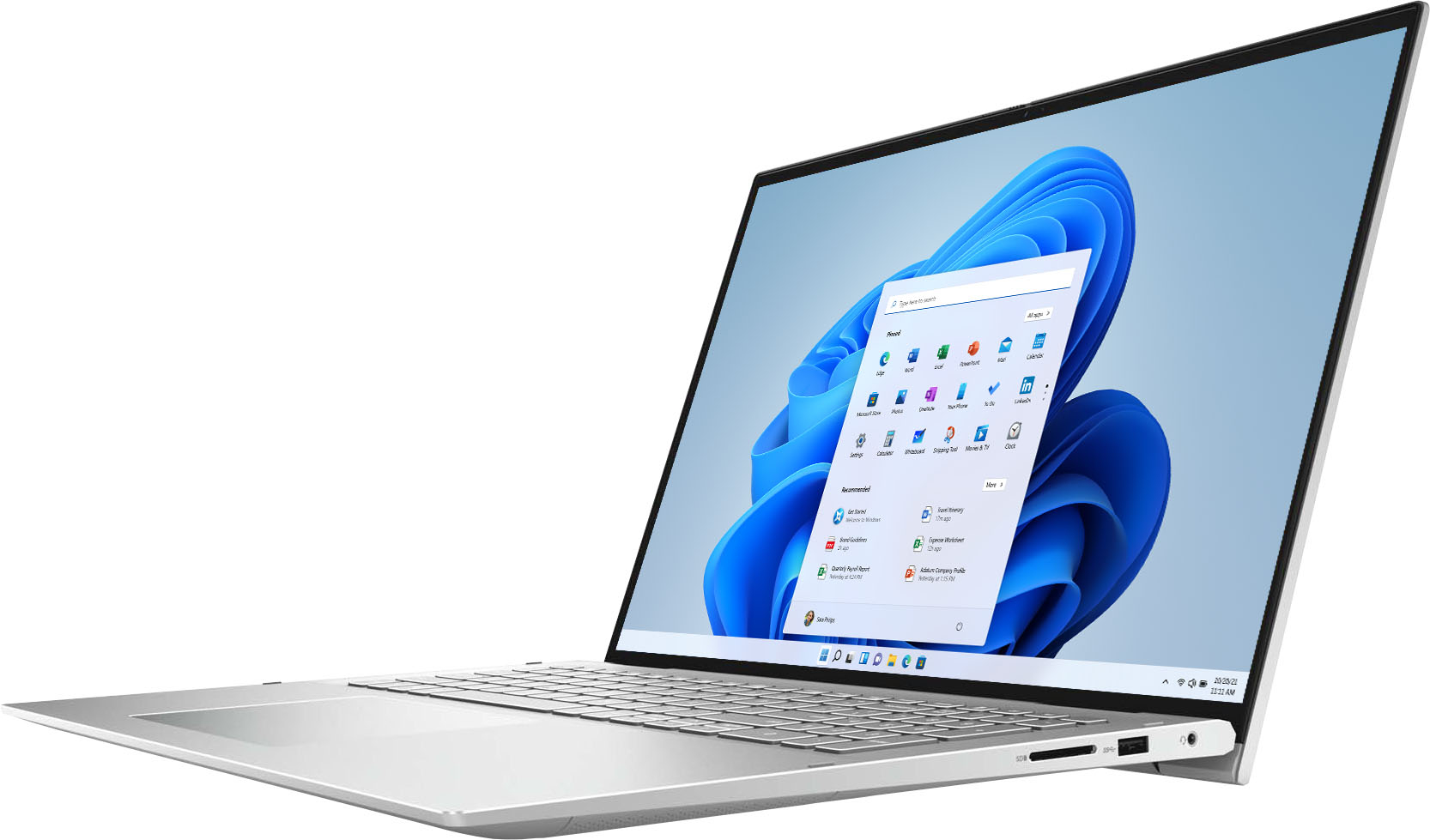
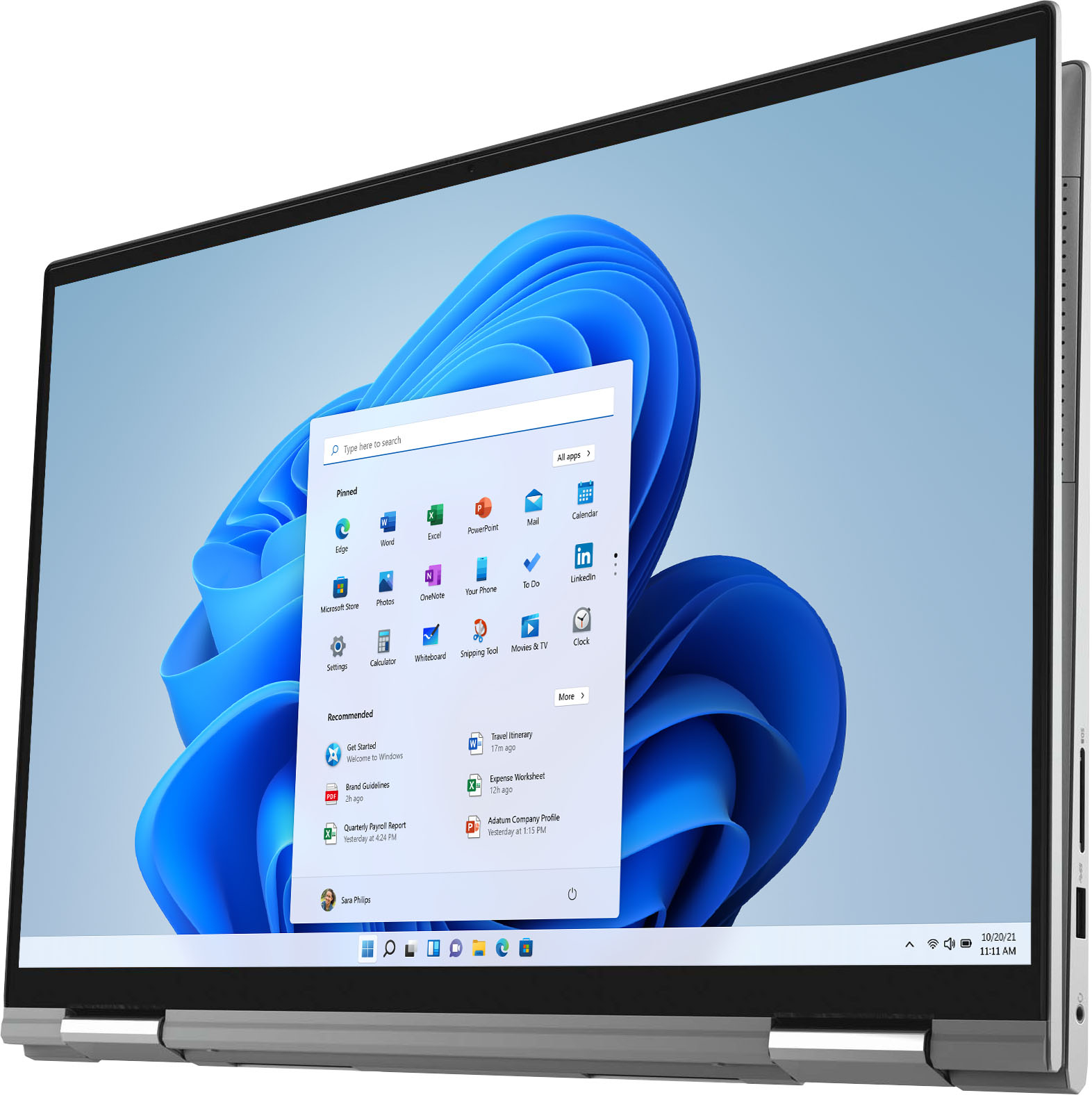
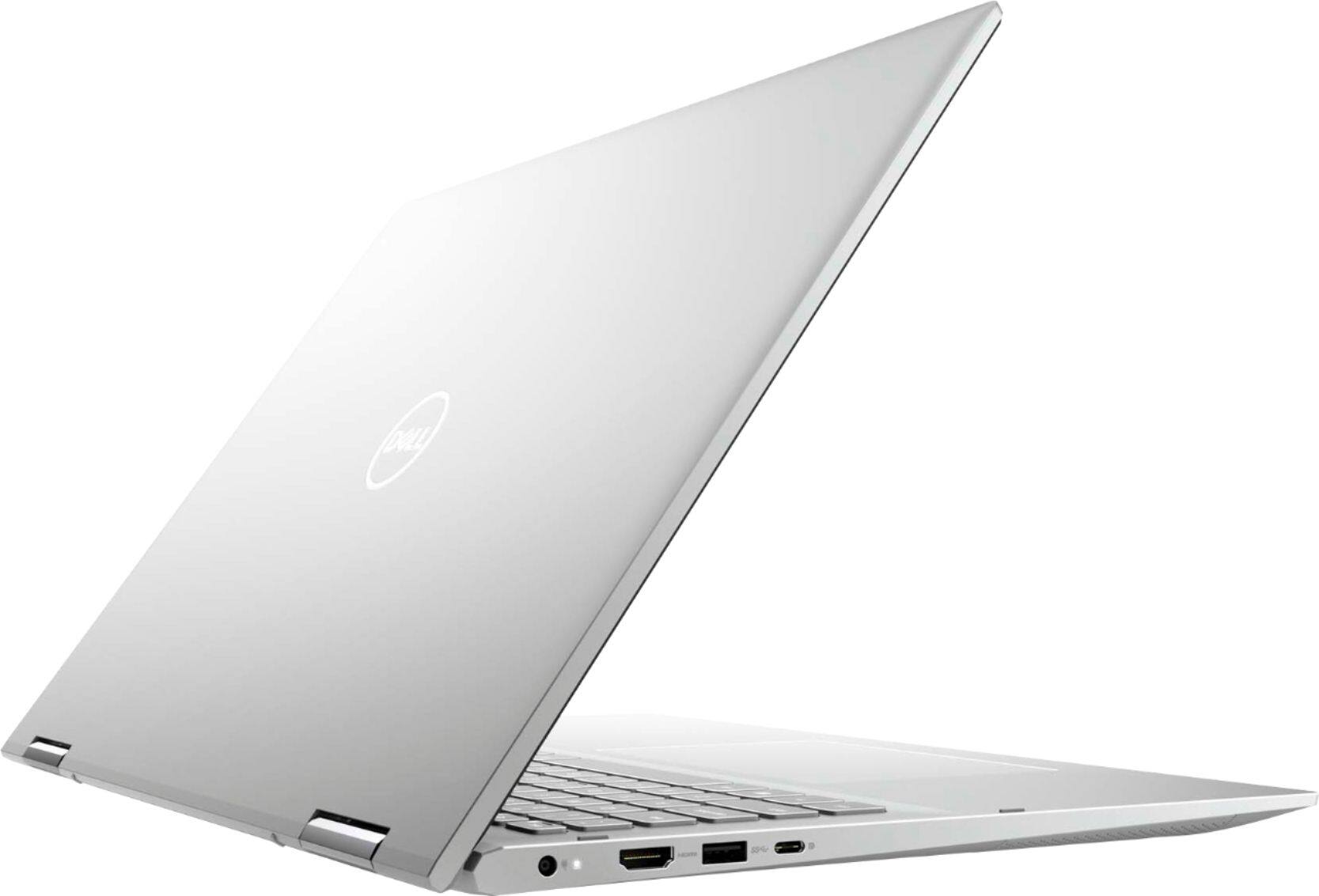
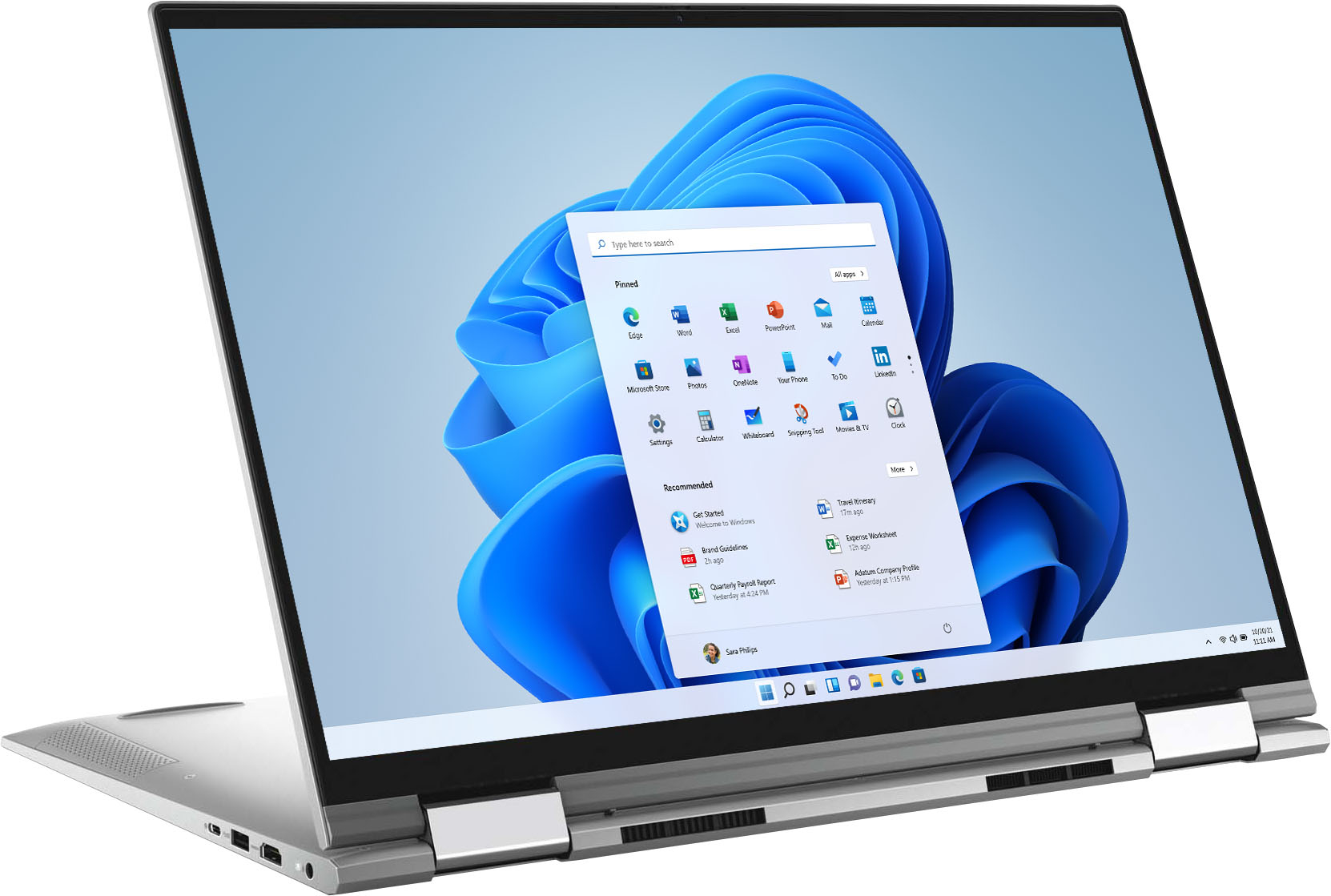
Customers often highlight the large screen size and ease of use of the Inspiron 7000 2-in-1 17" laptop. Positive feedback also frequently mentions its performance and battery life, with many describing it as lightweight. However, some users expressed a desire for more RAM, citing insufficient memory for their needs. A few also reported issues with the fingerprint sensor and pre-installed software.
This summary was generated by AI based on customer reviews.
- Pros mentioned:Screen size
DELL5
||Posted . Owned for 3 weeks when reviewed.This reviewer received promo considerations or sweepstakes entry for writing a review.GREAT!!!!!!!!!! It is our 5rd Dell computer. My family love it.
I would recommend this to a friend - Pros mentioned:Speed
A let-down.
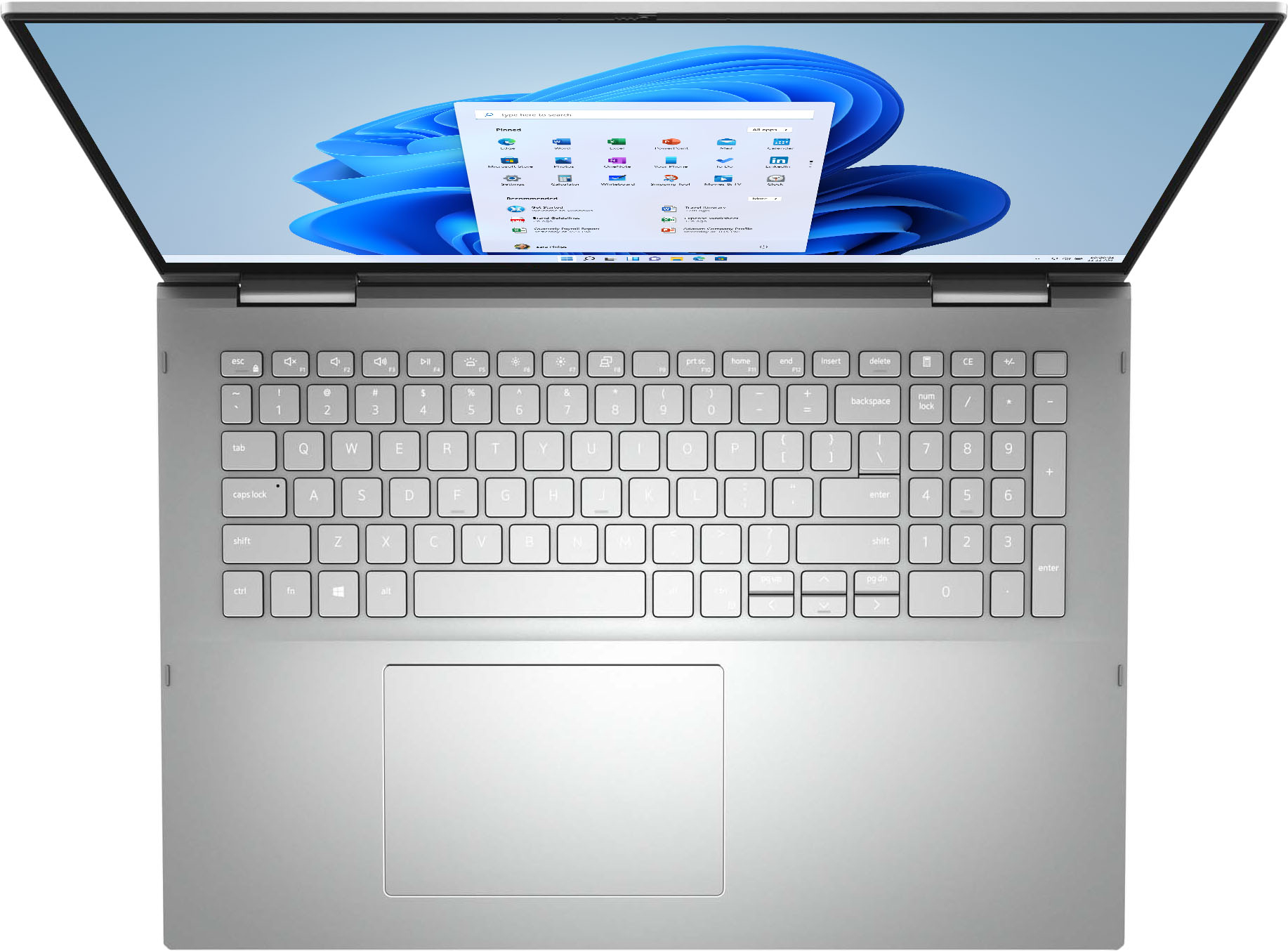
||Posted . Owned for 1 month when reviewed.This reviewer received promo considerations or sweepstakes entry for writing a review.It's hard to open the lid. Why didn't they put an indentation for fingers?!! Also, I can't see the keys. They do not light up, and it's very difficult to distinguish between the keys. I am happy with the speed.
No, I would not recommend this to a friendBrand response from YourDellTeam
Posted .Hello Notagoodbuy,
We want to thank you for your valued feedback. We apologize for the issues you have come across with the design and keyboard that have made your Inspiron 7706 2 in 1 less than enjoyable. To help with the keyboard lighting issue we suggest disabling the backlit keyboard when you are in lit areas. Below I have provided the steps to disable the backlighting and the full article link. We will share your comments with our quality team so improvements can be made now and in the future.
Backlit keyboard options in BIOS
1. Click the + sign next to System Configuration.
2. Click Keyboard Illumination.
3.* Disabled or Off - The keyboard illumination is off.
*Dim - The keyboard illumination is at half brightness.
*Bright - The keyboard illumination is at full brightness.
4. Click Apply, and then Exit.
How to turn off or on and troubleshoot backlit keyboard: https://dell.to/3tHbZ8X
After utilizing the troubleshooting options provided above, if the problem is not resolved, please feel free to contact our support team here at your earliest convenience: https://bit.ly/DellSupportTeam.
Best,
Ashley@Dell
If you should require further assistance, you can contact Dell directly with the information below.
Chat or call: https://bit.ly/DellSupportTeam
Phone number to Dell 1-800-624-9896
- Pros mentioned:Speed
Dell Inspiron laptop
||Posted . Owned for 2 weeks when reviewed.This reviewer received promo considerations or sweepstakes entry for writing a review.Love my new laptop very pretty and fast Would definitely recommend
I would recommend this to a friend This little old lady delighted by Windows11
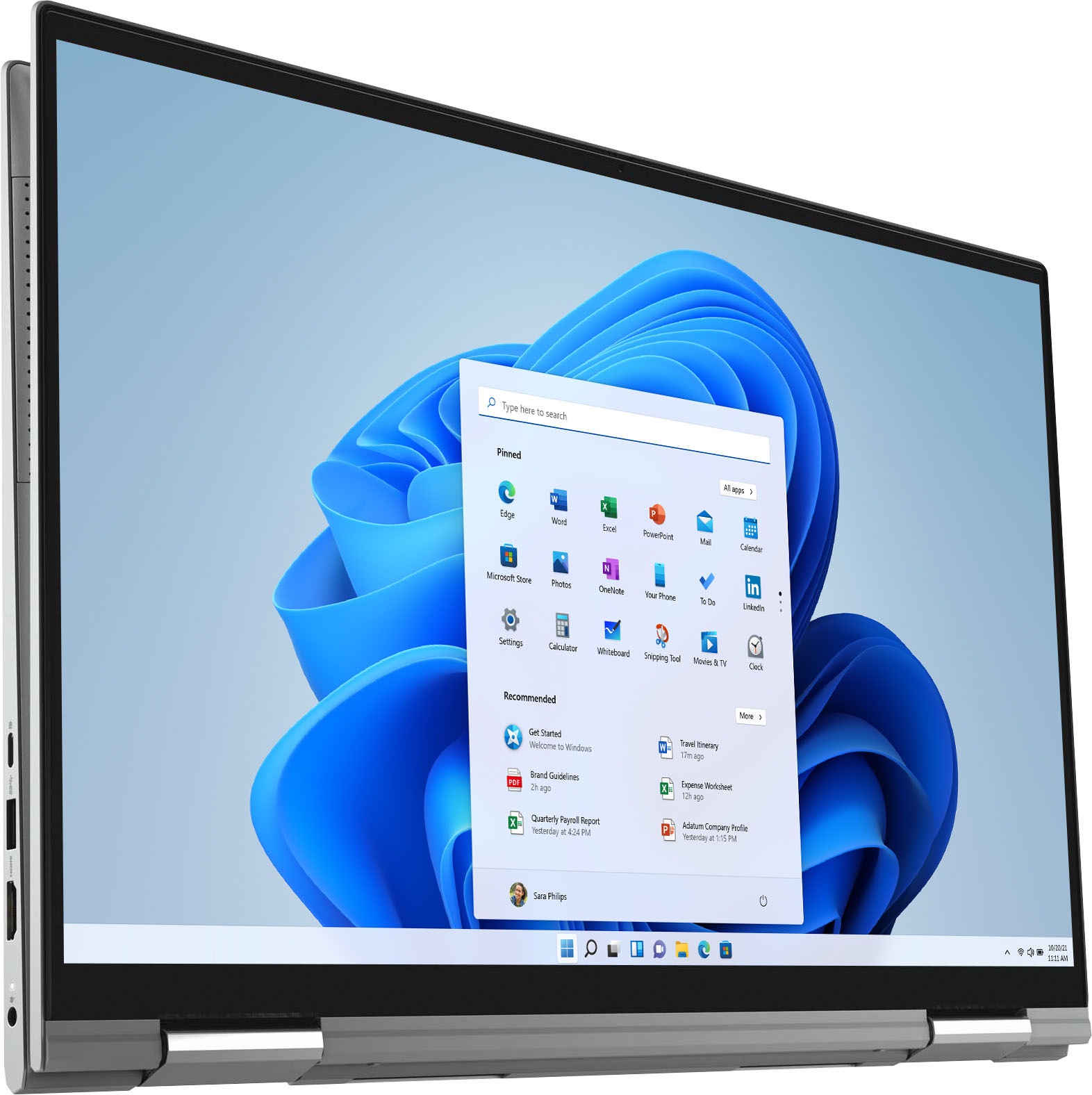
||Posted . Owned for 3 weeks when reviewed.This reviewer received promo considerations or sweepstakes entry for writing a review.I love my new laptop. Was concerned about going from Windows 7 to Windows 11 but the transition is going smoothly. The monitor is wonderful and bright. I won’t be using many of the folding and travel features, as this stays in place on my desk. Great price and friendly customer service. Very happy with the entire transaction.
I would recommend this to a friend- Pros mentioned:Performance
Great Buy
||Posted . Owned for 1 month when reviewed.This reviewer received promo considerations or sweepstakes entry for writing a review.Very powerful laptop. I strongly recommend buying this laptop.
I would recommend this to a friend - Pros mentioned:Screen size
Good machine for the price
||Posted . Owned for 1 month when reviewed.This reviewer received promo considerations or sweepstakes entry for writing a review.Great machine if you are looking for a touch screen PC
I would recommend this to a friend - Pros mentioned:Screen size
Love it
||Posted . Owned for 3 weeks when reviewed.This reviewer received promo considerations or sweepstakes entry for writing a review.The laptop has a fast start up and crisp screen. I am loving it.
I would recommend this to a friend - Pros mentioned:Screen size
Dell set the power limits on the 1165g7 too high
||Posted . Owned for 9 months when reviewed.This reviewer received promo considerations or sweepstakes entry for writing a review.This laptop overheats when running Windows updates because Dell decided to set the power limits for the 1165g7 too high. The CPU was throttling while decompressing update files, running Windows updates, and even when watching some videos. You can solve the issue by downloading and running Intel's XTU program and I think the issue can be address through the BIOS. As an example on how high Dell set the power limits for the i7-1165g7.... the i7-1167g7 in this laptop beats out the Core i7-7700k in benchmarks that are less than a minute long... Examples are Cinebench r15 and the CPU-Z benchmark. After 90 seconds of running a benchmark, the PL1 power-limts kick in and the CPU runs like normal. The CPU cooler that's used in the laptop is suitable for the old dual-core w/ Hyperthrading CPU's that Intel touted for years. Like the i7-6500u for example. Intel's 10nm processors aren't much better than their 14nm parts when it comes to power efficiency. So the cooler that's used in the laptop isn't suitable for a quad-core with Hyperthreading. Physically this laptop is really nice and the screen is to die for. So to sum this up.... I only recommend this laptop to people who understand desktop CPU overclocking.... but those people wouldn't want it because the i7-1165g7 is vastly inferior to the Ryzen 7 5700u. So I can't recommend this to anyone. I guess Intel and Dell still remain the best friends that money can buy.
No, I would not recommend this to a friendBrand response from YourDellTeam
Posted .Hi MikeP,
We want to thank you for taking the time to leave us your review. We apologize for the overheating trouble you are having Inspiron 7706 2 in 1. I have provided some tips to help resolve this issue, along with a link to the full article should you need more information. We also recommend making sure your BIOS is up to date. I have given you a link to the Drivers and Downloads page for your system so you can check for and do any applicable updates.
Tips for Proper Usage:
1. Dell does not recommend placing portable systems directly on your lap. Due to reductions in the thickness of modern portable systems, heat transfer can be an issue.
2. Using a portable system (Laptop) on a hard, flat, non-cloth surface will increase airflow and reduce heat from underneath and inside the system.
Using the portable system on a blanket, pillow, or other types of cloth will cover up the fan cause the computer to overheat, and can cause permanent damage.
3. It is recommended to use the portable system in a Room temperature of 0°C to 35°C (32°F to 95°F) with a Humidity level no greater than 90%.
4. Use compressed air to clean the vents on a regular basis.
5. Using a cooling pad can decrease heat and increase performance.
6. If you want to know the temperature limitations for your system, go to the Dell Support Website, look up your system model then open the user guide under the manuals link.
You can read the full article here - http://dell.to/2uJ8AdG.
Drivers and Downloads Page: https://dell.to/31o7eHY
If you still experience this issue after you have finished troubleshooting your system, please feel free to contact our support team here: 1-800-624-9896.
If you require further assistance, you can contact Dell directly with the information below.
Chat or call: https://bit.ly/DellSupportTeam
Phone number to Dell 1-800-624-9896
Best,
Ashley@Dell
- Pros mentioned:Performance
Dell Inspirion 7000
||Posted . Owned for 3 weeks when reviewed.This reviewer received promo considerations or sweepstakes entry for writing a review.worked great out of the box, and continues to operate flawlessly.
I would recommend this to a friend - Pros mentioned:Performance
lovely
||Posted .This reviewer received promo considerations or sweepstakes entry for writing a review.awesome laptop. It runs very smooth and good for work.
I would recommend this to a friend - Pros mentioned:Performance
Dell purchase
||Posted . Owned for 3 weeks when reviewed.This reviewer received promo considerations or sweepstakes entry for writing a review.Happy with my purchase so far.seems to do what i needed it for.
I would recommend this to a friend - Pros mentioned:Screen size
Great Upgrade
||Posted . Owned for 1 month when reviewed.This reviewer received promo considerations or sweepstakes entry for writing a review.Amazing Screen! Same size as my old 15.6" laptop.
I would recommend this to a friend - Pros mentioned:Speed
Dell Inspiron 7000 2 in 1 17 inch screen
||Posted . Owned for 1 month when reviewed.This reviewer received promo considerations or sweepstakes entry for writing a review.This is a great laptop computer. Ultra fast and reliable!
I would recommend this to a friend - Pros mentioned:Speed
Dell
||Posted . Owned for 2 months when reviewed.This reviewer received promo considerations or sweepstakes entry for writing a review.Runs Fast! Love the qualities and features it has.
I would recommend this to a friend - Pros mentioned:Ease of use
Laptop
||Posted . Owned for 3 weeks when reviewed.This reviewer received promo considerations or sweepstakes entry for writing a review.Excellent quality, ease of use, self contained. Do it again
I would recommend this to a friend - Pros mentioned:Screen size
HP
||Posted . Owned for 1 month when reviewed.This reviewer received promo considerations or sweepstakes entry for writing a review.Great product for the price and size of the screen
I would recommend this to a friend - Pros mentioned:Performance
Great laptop
||Posted . Owned for 1 week when reviewed.This reviewer received promo considerations or sweepstakes entry for writing a review.Excellent computer. It's everything I'd hoped it would be.
I would recommend this to a friend - Pros mentioned:Ease of use
Good laptop
||Posted . Owned for 1 week when reviewed.This reviewer received promo considerations or sweepstakes entry for writing a review.Very good picture Easy to use. Good storage Nice graphic
I would recommend this to a friend - Pros mentioned:Ease of use
Jeff
||Posted . Owned for 1 month when reviewed.This reviewer received promo considerations or sweepstakes entry for writing a review.Computer is easy to use and does everything I need.
I would recommend this to a friend great display
||Posted . Owned for 1 week when reviewed.This reviewer received promo considerations or sweepstakes entry for writing a review.This unit is the best unless you need a dedicated GPU. The integrated GPU works fairly well for most general use. The aspect ratio and resolution of the screen make this unit shine and dell quality in general is good
I would recommend this to a friend