Customer Ratings & Reviews
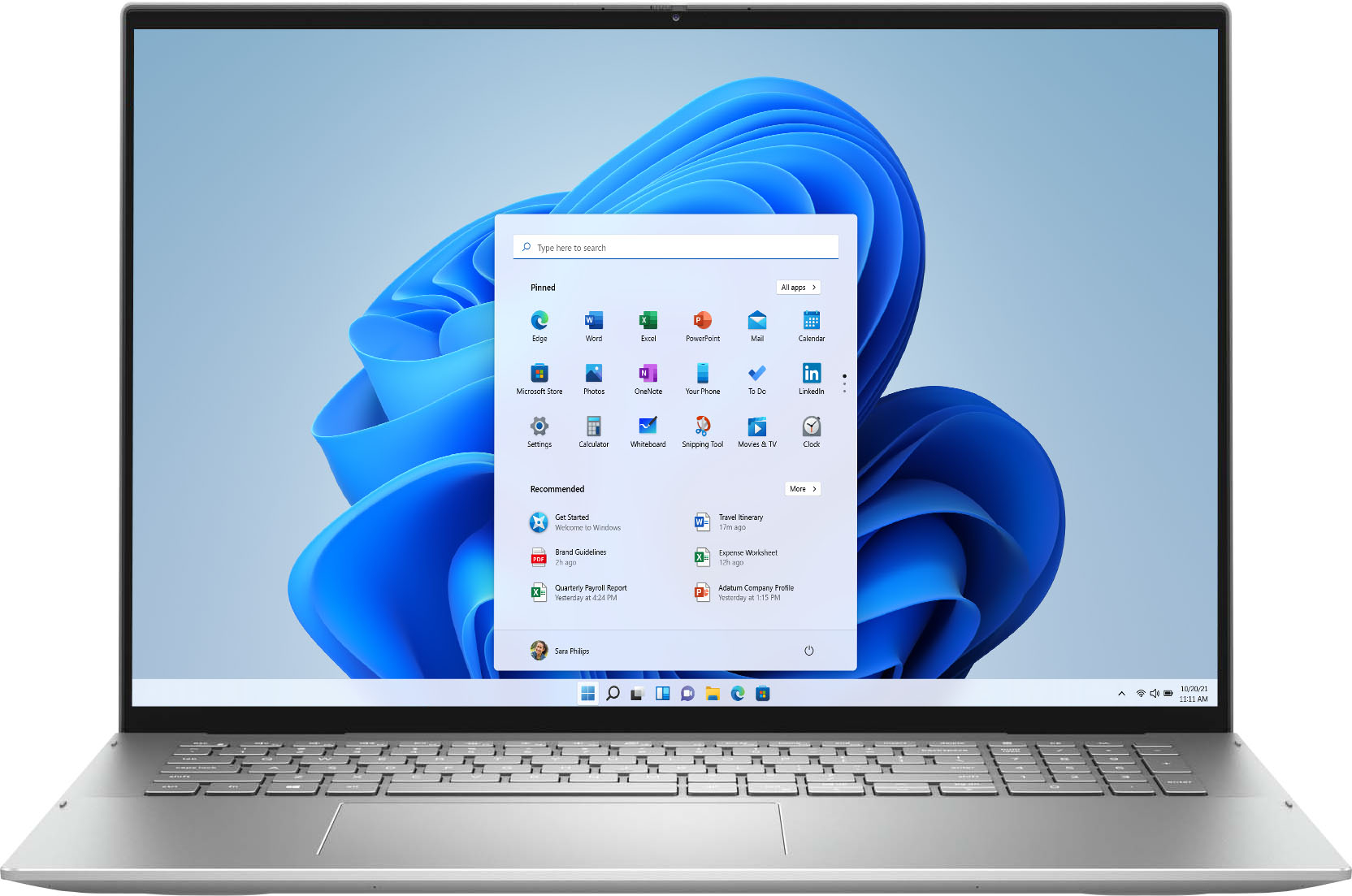

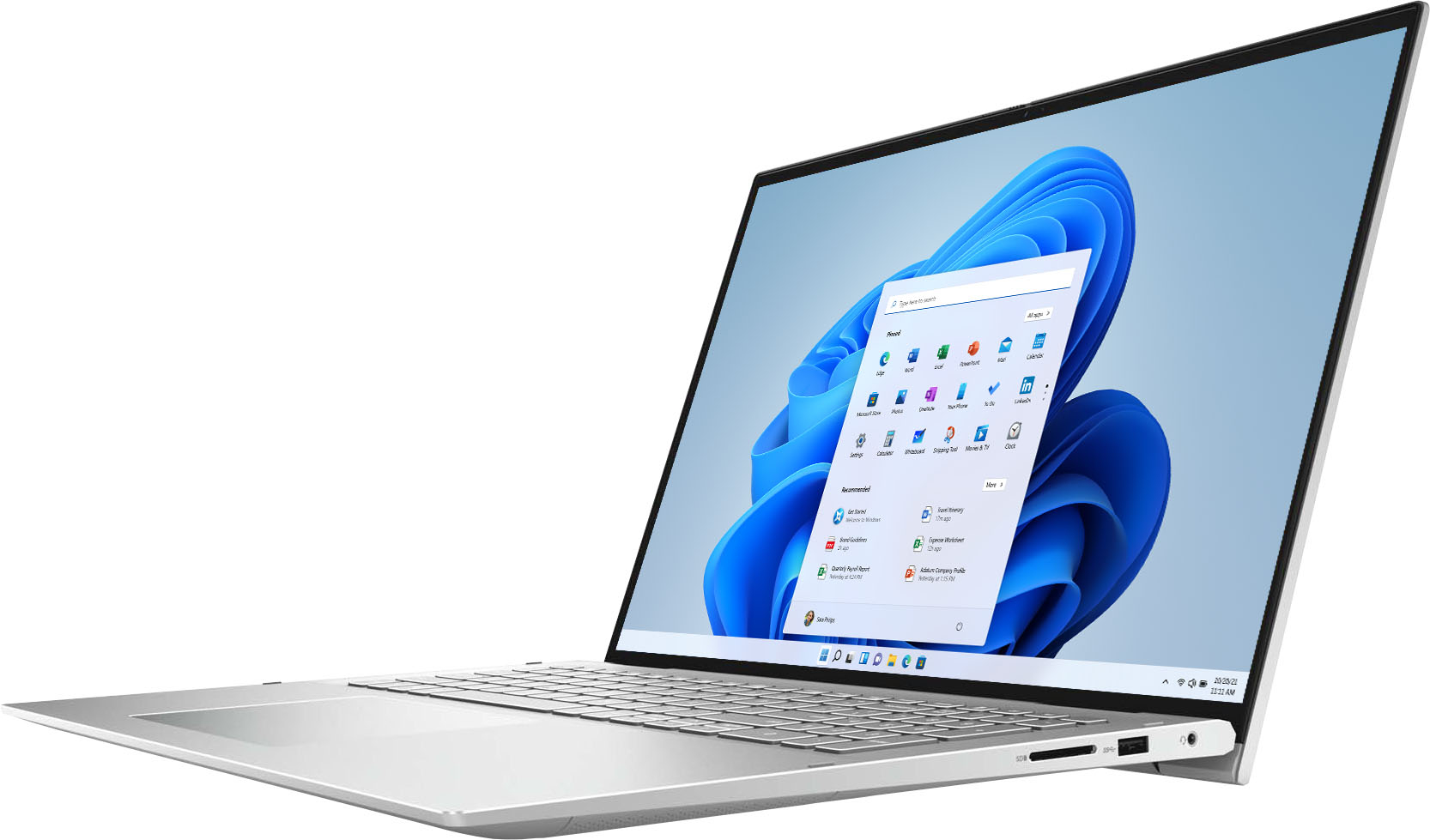
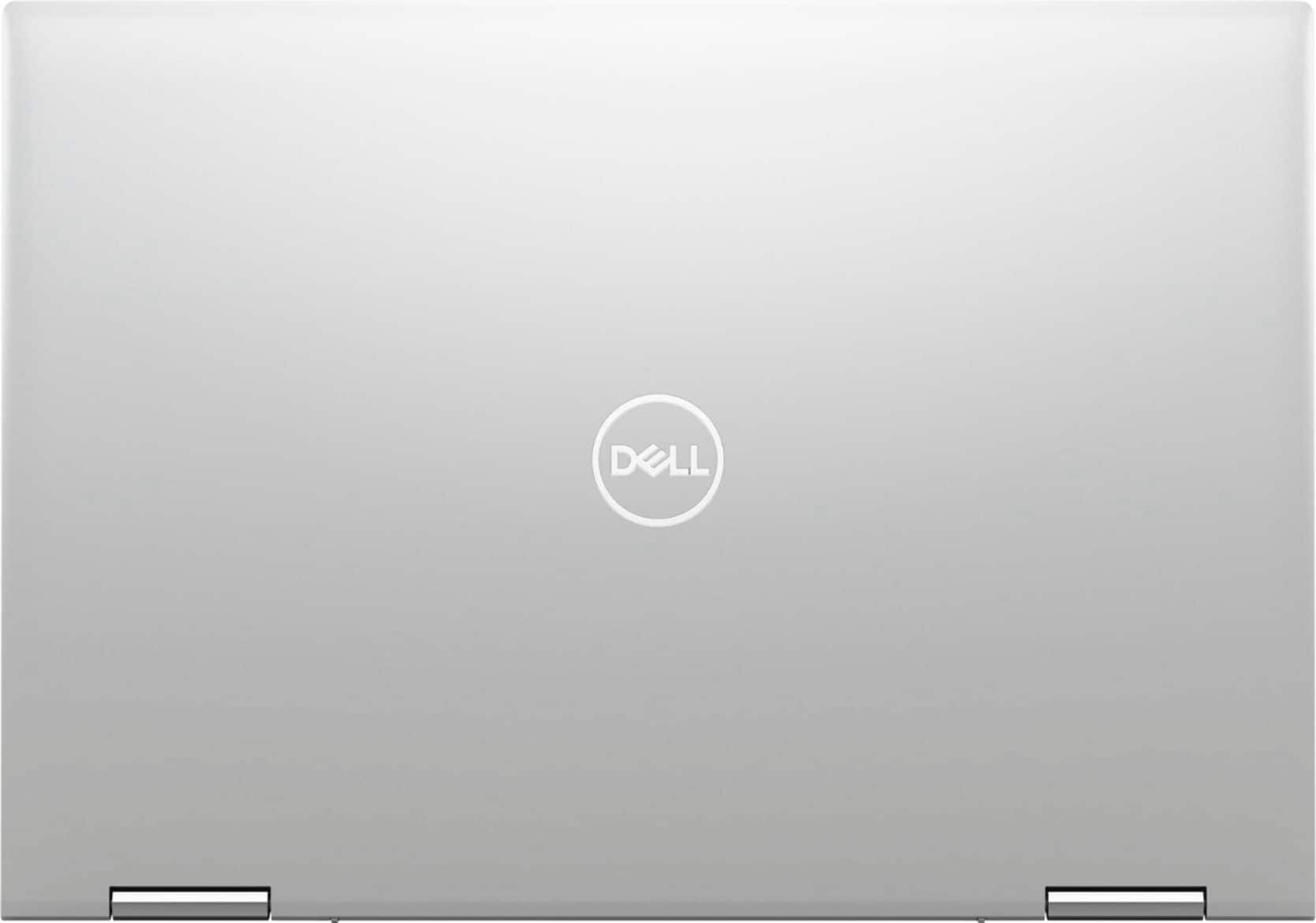
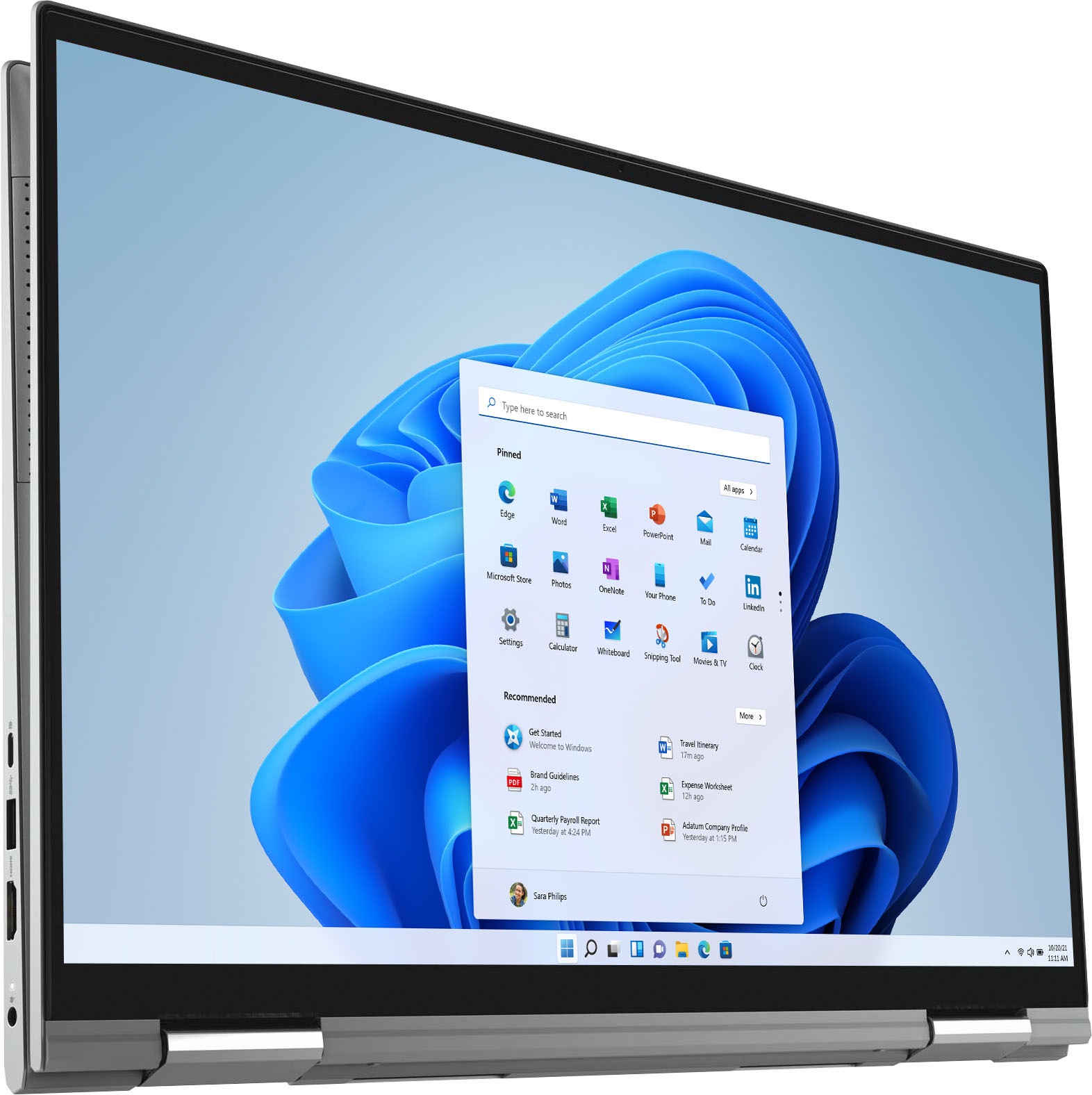
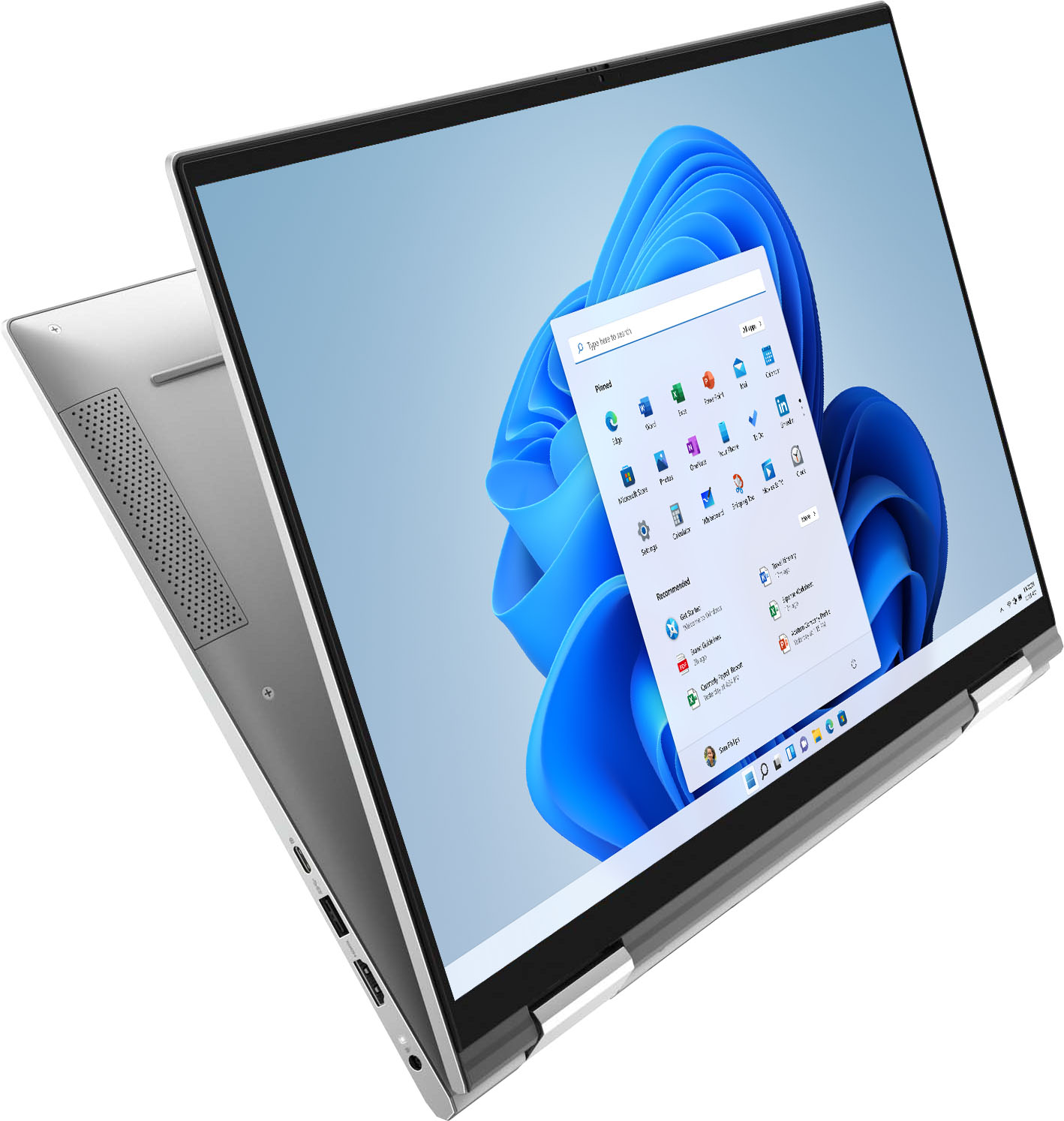

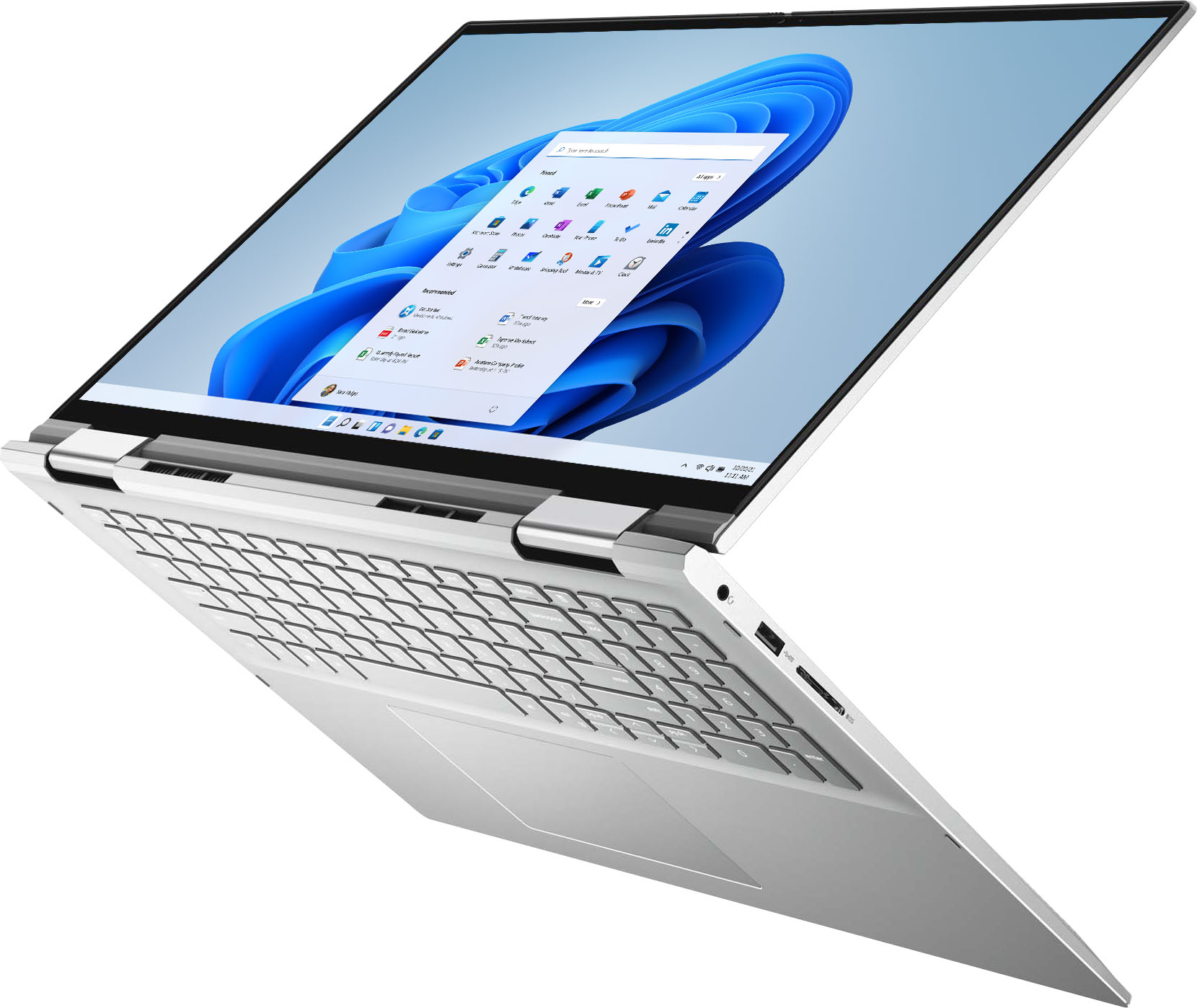





- Model:
- i7706-7821SLV-PUS
- SKU:
- 6432550
Rating by feature
- Battery Life
Rating 4.5 out of 5 stars
- Speed
Rating 4.6 out of 5 stars
- Display
Rating 4.7 out of 5 stars
Customers are saying
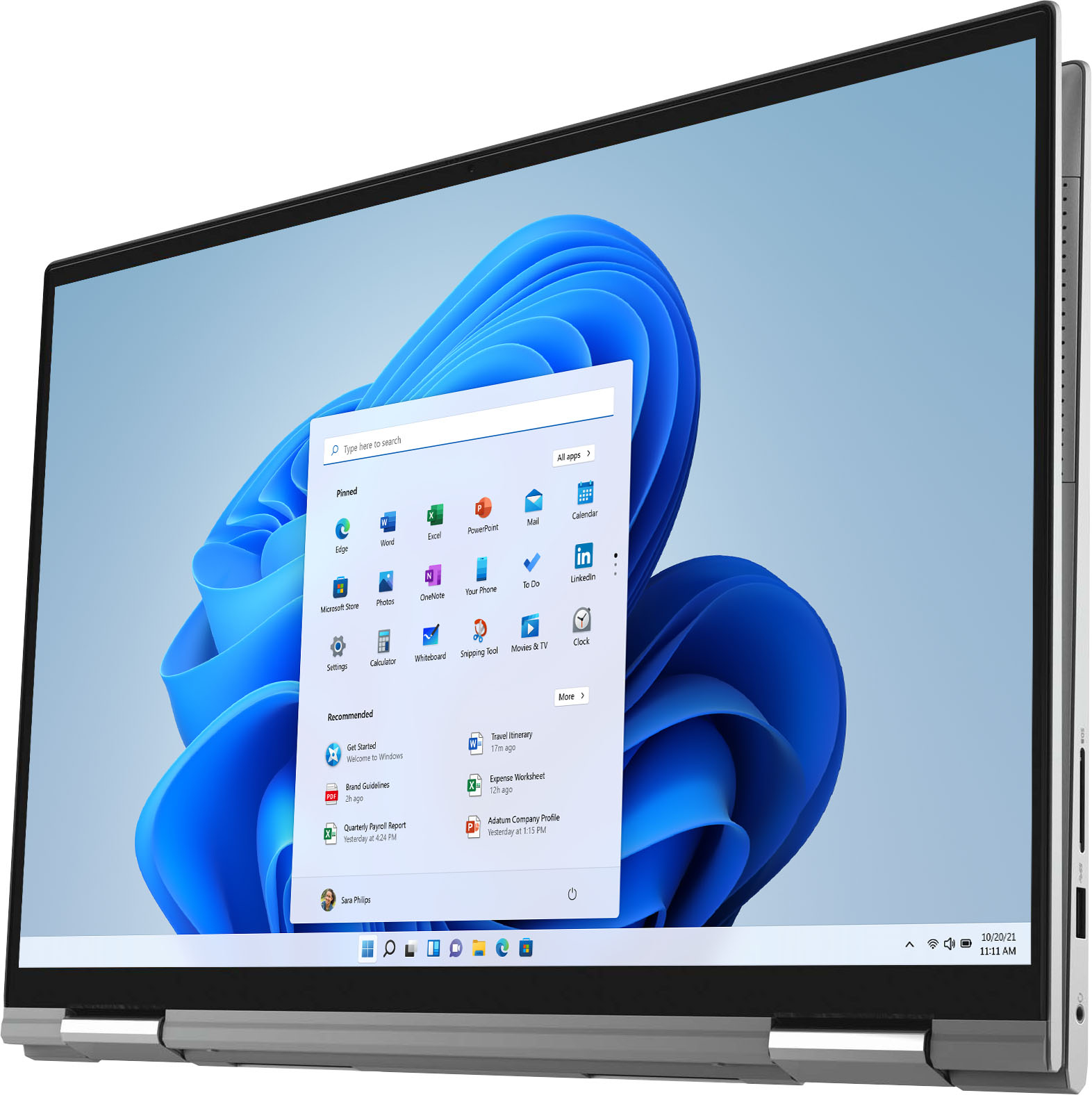
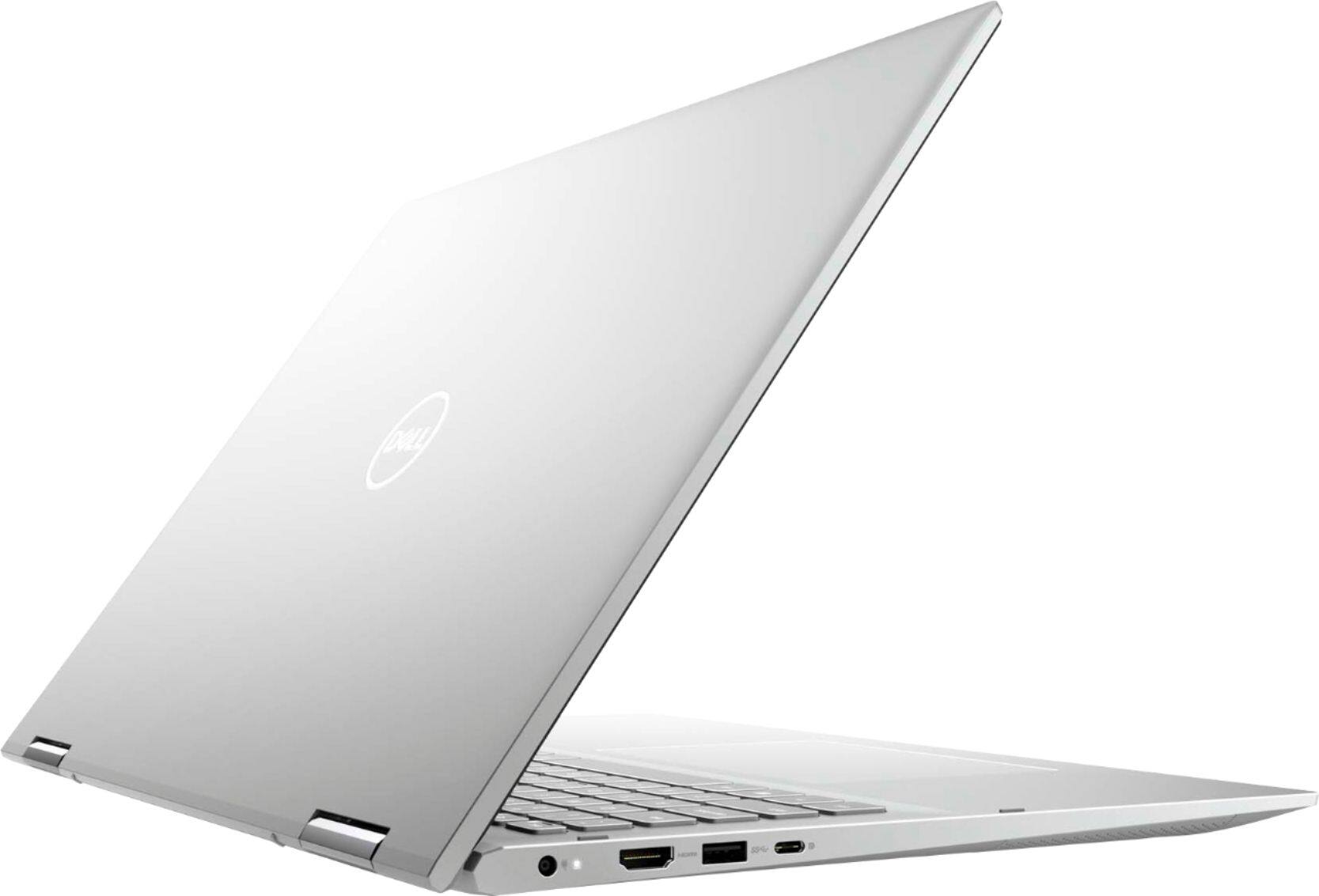
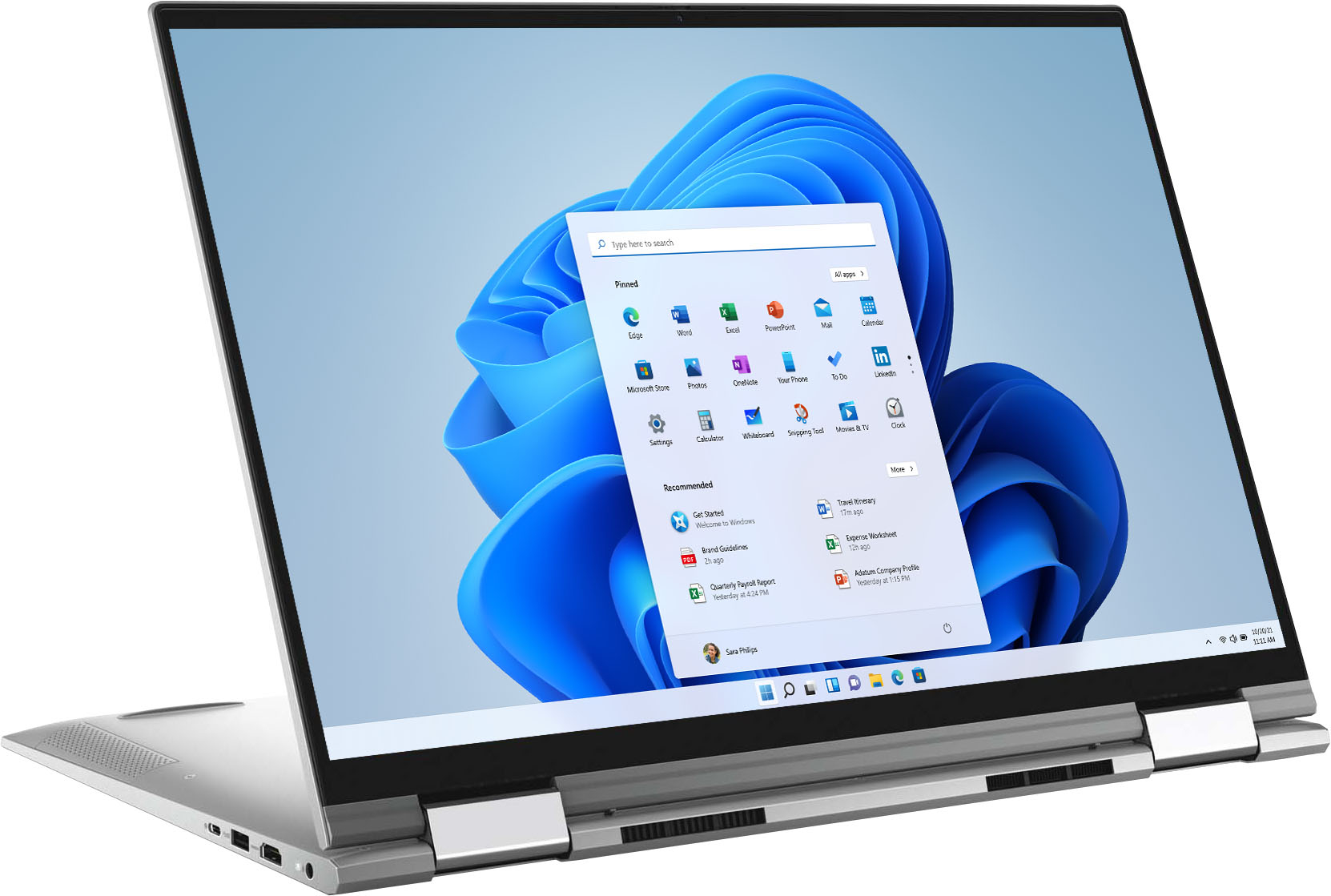
Customers often highlight the large screen size and ease of use of the Inspiron 7000 2-in-1 17" laptop. Positive feedback also frequently mentions its performance and battery life, with many describing it as lightweight. However, some users expressed a desire for more RAM, citing insufficient memory for their needs. A few also reported issues with the fingerprint sensor and pre-installed software.
This summary was generated by AI based on customer reviews.
Great Service and Products!!!!
||Posted . Owned for 1 week when reviewed.This reviewer received promo considerations or sweepstakes entry for writing a review.I was very satisfied with the entire experience of purchasing online and being able to pick up my new laptop at the Best Buy curbside pick up. They were fast, helpful, and friendly. As for my new laptop love it! No problems at all.
I would recommend this to a friendCrash and Burn
||Posted . Owned for 1 month when reviewed.This reviewer received promo considerations or sweepstakes entry for writing a review.I took it back in to Geek Squad, they tried ti help, but was unable to work the problem out. Anytime that I walk away from the keyboard, it closes and when I open it back up it states that it crashed. When I shut everything down and close it. It reports that Chrome did not close correctly. Offer to restore, but nothing was open. When I start up it will take 5- 10 minutes for Google Chrome to open after man clicks. I will have Geek Squad come to my house and trouble shoot all the problems.
No, I would not recommend this to a friendBrand response from YourDellTeam
Posted .Thank you for your feedback. We're sorry about the trouble you have encountered with the performance of your Inspiron. To make sure we can help in the future there are steps below that can be used to run a diagnostic and improve performance overall.
1. Restart your computer regularly
2. Run the automated tools provided in the SupportAssist tool
3. Run a complete hardware diagnostic test
4. Scan your computer for malware
5. Restore your Dell computer using Windows System Restore
6. Reinstall Microsoft Windows
Here is the link to the full article to assist with your performance issue: https://dell.to/32wo0Ss.
Best regards,
Wendy C.
For further assistance, you can contact Dell directly with the information below Chat or Call:
https://bit.ly/DellSupportTeam.
Phone number to Dell: 1-800-264-9896.
typed
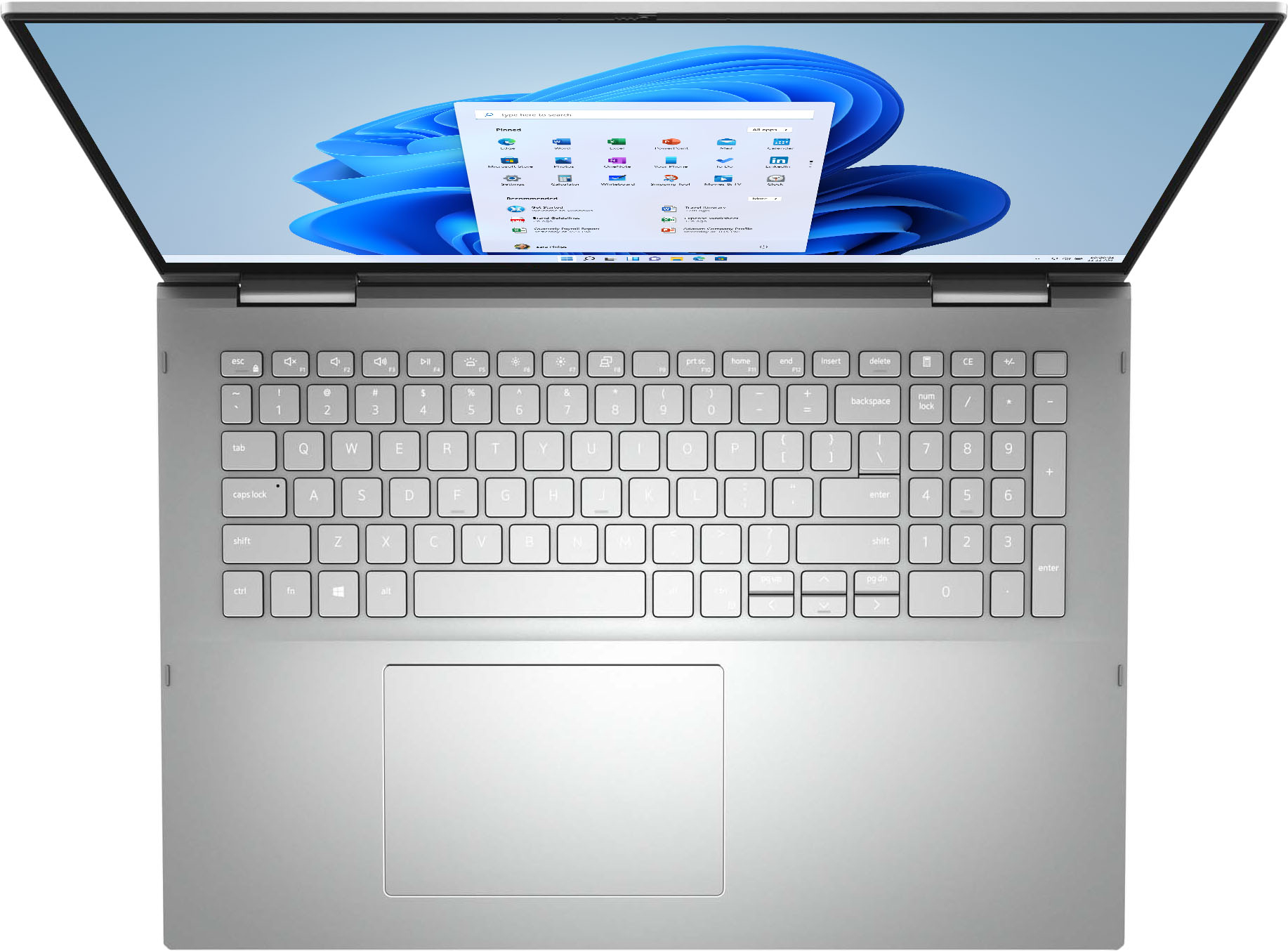
||Posted . Owned for 3 weeks when reviewed.This reviewer received promo considerations or sweepstakes entry for writing a review.It is not easy to see the figures of the keyboard because the lights that illuminate it are very clear, you have to improve that only so that it is perfect
I would recommend this to a friendGreat performance for the price!!
||Posted . Owned for 2 weeks when reviewed.This reviewer received promo considerations or sweepstakes entry for writing a review.I’ve only had this laptop for a couple weeks but it replaced a 6 year old unit with an i3 processor and this laptop is great!!! The SSD drive is so much faster and the screen clarity is awesome so far love this laptop!
I would recommend this to a friendGreat Laptop at a Good Price!
||Posted . Owned for 3 weeks when reviewed.This reviewer received promo considerations or sweepstakes entry for writing a review.Needed a Laptop in a pinch and Best-Buy had me covered. Great price on a Core i7 CPU with 8 GB of RAM and 256 GB SSD. Would definitely buy it again!
I would recommend this to a friendDon't get laptop with silver keyboard.
||Posted . Owned for 1 month when reviewed.This reviewer received promo considerations or sweepstakes entry for writing a review.Nice except for the silver keyboard. It's too hard to read unless the room is very dark but hen it's too dark to read my reference paperwork!!
No, I would not recommend this to a friendNice laptop
||Posted . Owned for 1 month when reviewed.This reviewer received promo considerations or sweepstakes entry for writing a review.Love the keyboard on the laptop. Not many laptops have the separate numbers keypad anymore like this one does
I would recommend this to a friendGreat computer
||Posted . Owned for 1 month when reviewed.This reviewer received promo considerations or sweepstakes entry for writing a review.Awesome computer with great graphics. It’s a huge computer for a laptop. Only thing I don’t like is the keyboard. It’s hard to see. Wish it was black keys that are backlit
I would recommend this to a friendLove my new laptop
||Posted . Owned for 1 month when reviewed.This reviewer received promo considerations or sweepstakes entry for writing a review.A good value and the upgrade to Windows 11 was automatically installed. I like the new features and the processing speed.
I would recommend this to a friendDell Inspiron 7000 2 in 1 17 in touchscreen - Good
||Posted . Owned for 1 month when reviewed.This reviewer received promo considerations or sweepstakes entry for writing a review.I like this laptop except: - first one they gave me wouldn't boot up - the keyboard is hard to read so I had to buy a keyboard cover
I would recommend this to a friendGreat for the older person switching computers
||Posted . Owned for 1 month when reviewed.This reviewer received promo considerations or sweepstakes entry for writing a review.Has been a great computer for me, the learning curve had not been bad. My old computer was 12 years old it only took a few minutes to figure out where everything was.
I would recommend this to a friendValue for money
||Posted . Owned for 2 months when reviewed.This reviewer received promo considerations or sweepstakes entry for writing a review.I bought this for my online business and i must say it was the best decision i ever made. Its flawless and fast. Sleek design and light weight. This is just a great laptop.
I would recommend this to a friendSound system
||Posted . Owned for 3 weeks when reviewed.This reviewer received promo considerations or sweepstakes entry for writing a review.Great sound, it sounds like you are in a movie theater. They came out and set it up for me. I had a sound system before and this one is 75% better than my old one
I would recommend this to a friendDell laptop
||Posted . Owned for 1 month when reviewed.This reviewer received promo considerations or sweepstakes entry for writing a review.I absolutely love my Dell laptop. The young lady that sold it to did her thing. She was very knowledgeable and courteous to my needs. I'm looking forward to my next purchase.
I would recommend this to a friendMr, Bob
||Posted . Owned for 2 months when reviewed.This reviewer received promo considerations or sweepstakes entry for writing a review.Computer is great overall, but unless you are using a remote keyboard the keys are hard to see.
No, I would not recommend this to a friendNice, but isn't pen compatible.
||Posted .This reviewer received promo considerations or sweepstakes entry for writing a review.Excellent computer, great in terms of size and features. I didn't use it for anything because it lacks a critical feature - it isn't compatible with a pressure sensitive pen.
I would recommend this to a friendIt's cool but that's about it.
||Posted . Owned for 1 month when reviewed.This reviewer received promo considerations or sweepstakes entry for writing a review.Cons For some reason it doesn't want to stay connected to the internet. It doesn't stay charged like I would expect. I can't find a pen for it. Not spill proof. Pros It has the capacity for latest drivers. Keyboard lights up for night use, very important feature. Screen flips all the way around for a tablet style use. Full keyboard
No, I would not recommend this to a friendBrand response from YourDellTeam
Posted .Dear Ashlyn,
We would like to thank you for taking the time to provide us with your feedback. We are glad you like some of the features of your Dell Inspiron 7706 2-in-1 laptop but we are sorry to hear that you are not 100% satisfied with it because its WIFI connection is not reliable, battery life is shorter than you expected, you are not able to find a compatible pen and it is not spill proof. We will share your comments about these issues with our quality team, so future improvements can be made.
Below I have provided some resolutions to WIFI issue. I have also provided the full article link, which has more options if they are needed. I have also included a link to the Drivers and Downloads page for your PC so you can check for applicable updates to the WIFI drivers.
1. Download and install the latest Wireless Card driver. (https://dell.to/2th3Tpe) After updating the driver, re-establish the connection with the Wireless Access Point and check the wireless performance.
2. If the issue persists, proceed to step 3.
3. Power-cycle the local network. Shut down the Dell system, the Wireless Access Point/Router, and the Modem. Wait a minimum of 60 seconds before powering up the components in the following order:
4. Power ON the Modem and wait for it to boot fully.
5. Power ON the Wireless Access Point/Router and wait for it to boot fully.
6. Power ON the Dell system.
7. Open Network and Sharing Center
8. In the left-side navigation pane, click on Change Adapter Settings
9. Right-click on the wireless connection icon and select Properties followed by the Configure button
10. Under Wireless Options, select the Wireless N mode
11. For Windows 8 or later systems click the Advanced tab and look for 802.11n Mode on the right you will be given the option to Enable or Disable. If the mode is not visible you may need to update your drivers and firmware.
12. From the drop-down menu, choose Disable followed by Ok
13. This should restore the wireless download and upload speed. Internet speed can be tested at http://speedtest.net
Full article link: https://dell.to/2RefLVN
Drivers and Downloads page: https://dell.to/3KzBq3z
To help with a battery performance issue, we recommend changing the Power Plan:
1. On the notification area of the taskbar, right-click the Battery icon.
2. On the options list, click Power Options.
3. Select a power plan on the battery meter, such as Power Saver or Balanced. Windows 10 has a built-in 'Battery Saver' mode that can be activated to extend your system's battery life. The Battery Saver mode will monitor and limit background activity and other features such as push notifications. You do have the option to enable or disable this mode within settings or within advanced Battery Saver settings, you can customize the mode to best suit your needs.
a) Click on the Action Center icon in the taskbar and select the tile for Battery Saver.
b) If running Cortana then type Battery Saver into the search box and select from the results.
Within the Battery Saver settings page, you will be able to turn on and off the feature and customize the feature to best meet your needs.
c) Turn the Battery Saver On or Off.
d) Additional settings are available via the Battery use and Battery saver settings links.
e) Battery use shows further info on apps and their power usage.
f) Battery Saver Settings screen allows you to customize further Battery Saver features.
You can read the full article here - http://dell.to/2vfXWf4
If the problems with your Inspiron computer are not resolved after applying the troubleshooting tips above, please reach out to our support team here for further guidance: 1-800-624-9896.
Best,
Katarina@Dell
Should you need further assistance, you can contact Dell directly with the information below.
Chat or call: https://bit.ly/DellSupportTeam
Phone number to Dell: 1-800-624-9896
Dell Computer
||Posted . Owned for 1 month when reviewed.This reviewer received promo considerations or sweepstakes entry for writing a review.I have been very happy with this computer. I took a little while to figure it out, I moved from a windows 7 computer to this one. So there is a learning curve!
I would recommend this to a friend- Cons mentioned:Ram
laptop
||Posted .This reviewer received promo considerations or sweepstakes entry for writing a review.when i purchased it rep says it was 16gb but when i got home it was 8gb not 16gb
I would recommend this to a friendBrand response from YourDellTeam
Posted .Hello Sweets,
Thank you for your review. We are extremely sorry for the misinformation. We really do appreciate your feedback and would love to help in getting this resolved as soon as possible. Please feel free to reach out to the seller directly for their return or exchange policy. We'd like to provide also this product page for the Inspiron 700 Series 2-in-1 16 GB version if you’d like to make an exchange for it - https://bit.ly/3dhDkbx.
Best regards,
Wendy C.
If you have any questions, you can contact Dell directly with the information below Chat or Call:
https://bit.ly/DellSupportTeam.
Phone number to Dell: 1-800-264-9896.
Leisure Laptop for Retired Father
||Posted . Owned for 5 months when reviewed.This reviewer received promo considerations or sweepstakes entry for writing a review.I bought this for my dad on his birthday. He is retired so he just used it for email and Internet. It is a good laptop for the price point.
I would recommend this to a friend