Customer Ratings & Reviews

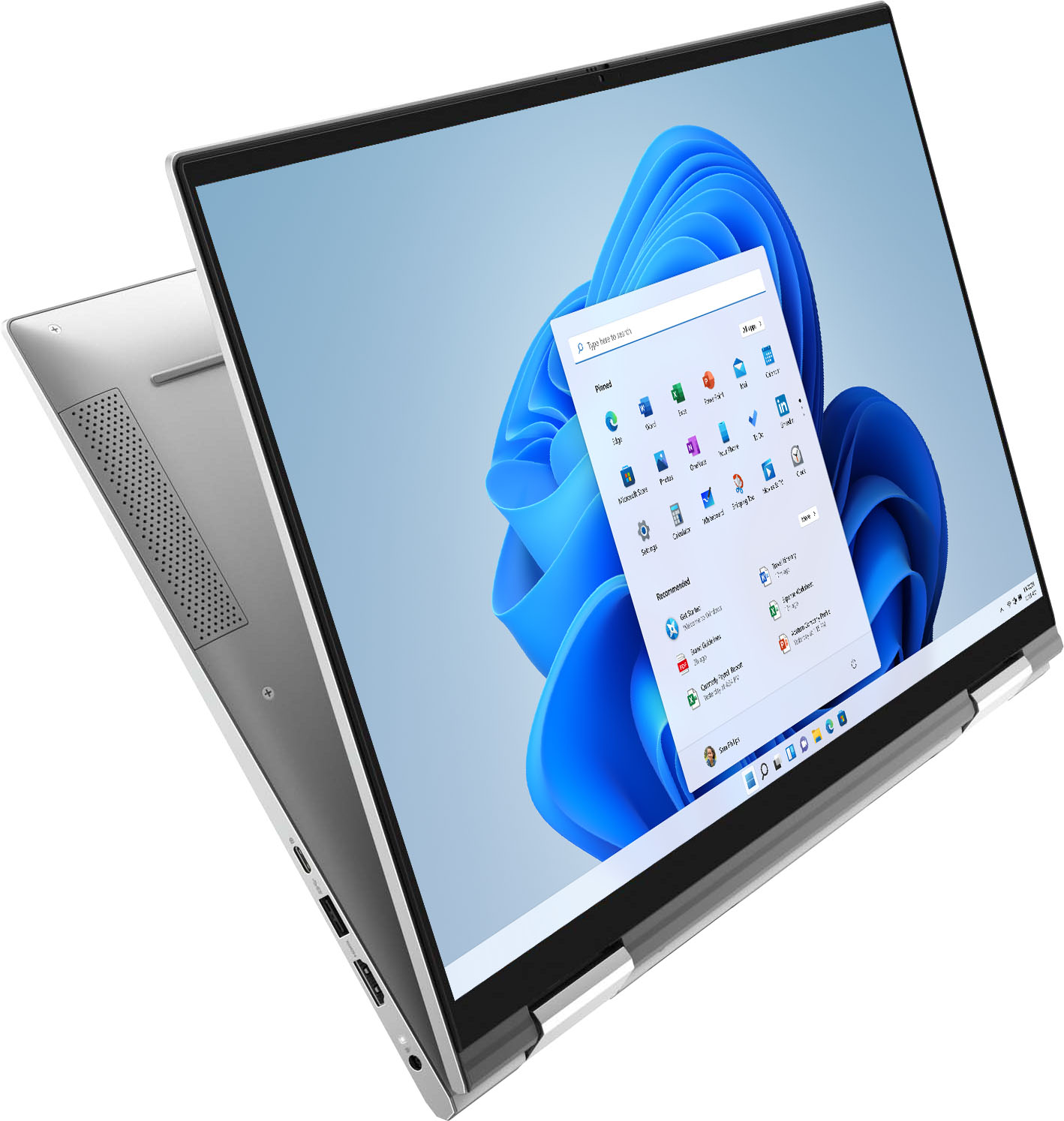

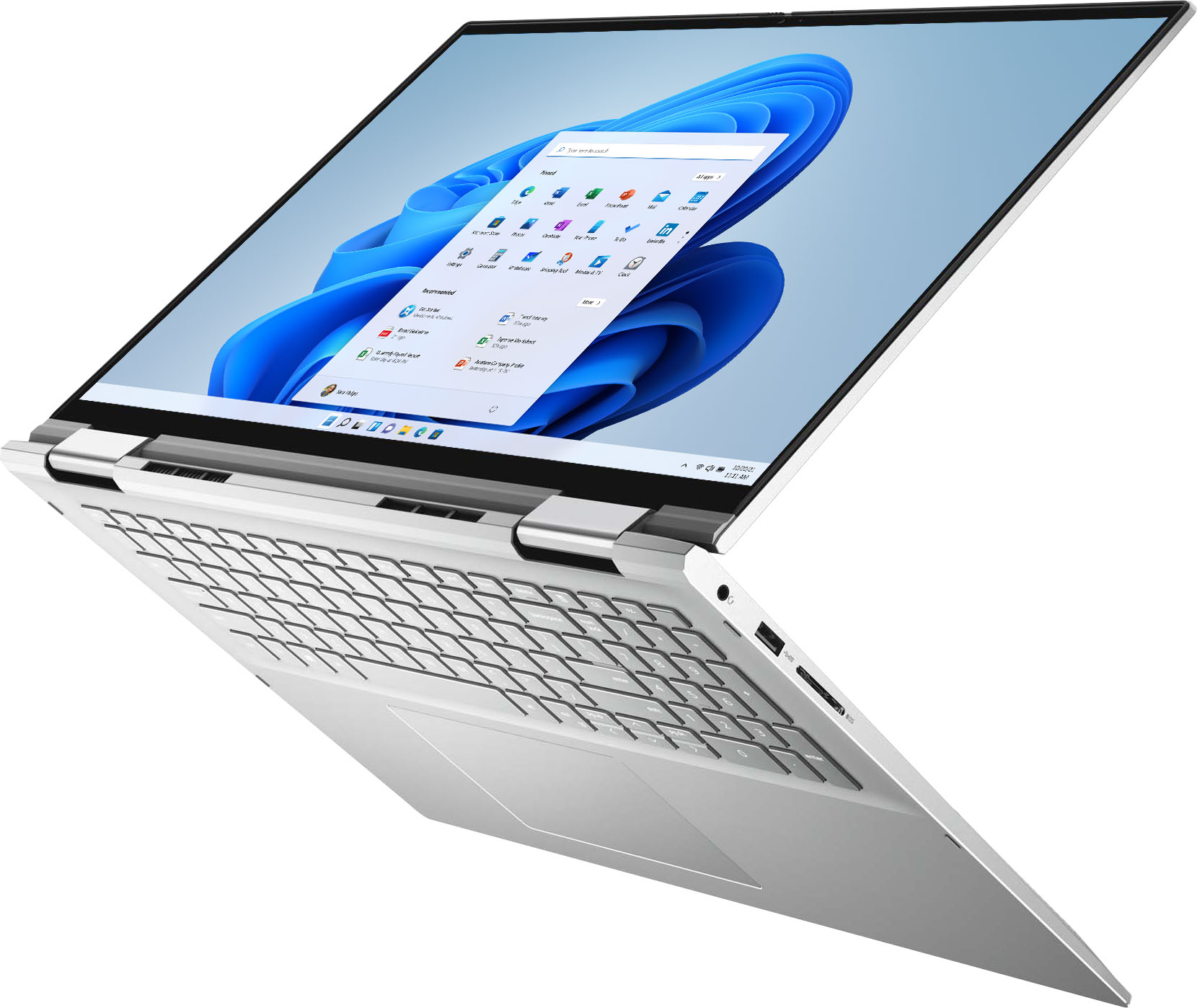





- Model:
- i7706-7821SLV-PUS
- SKU:
- 6432550
Rating by feature
- Battery Life
Rating 4.5 out of 5 stars
- Speed
Rating 4.6 out of 5 stars
- Display
Rating 4.7 out of 5 stars
Customers are saying
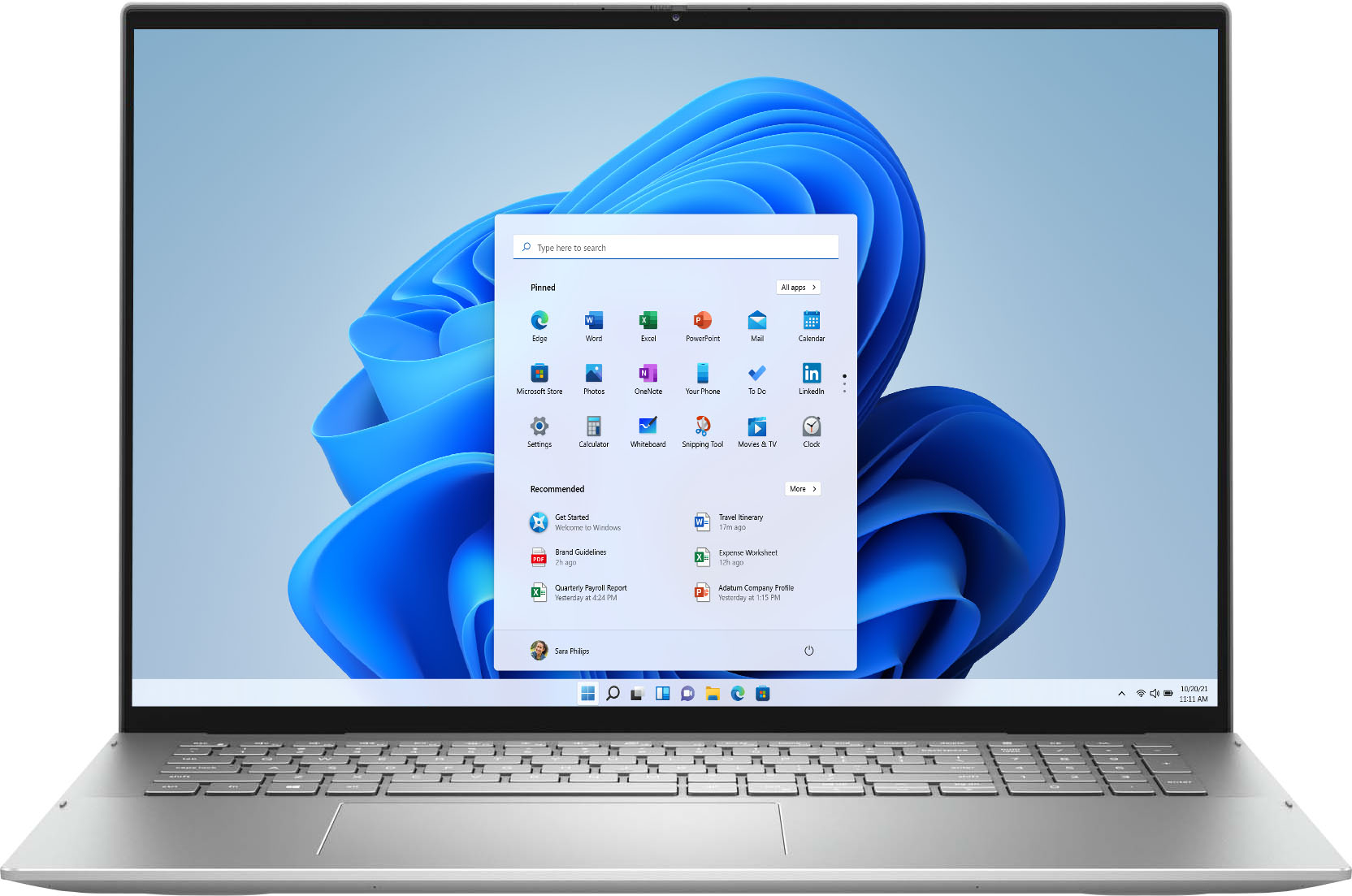
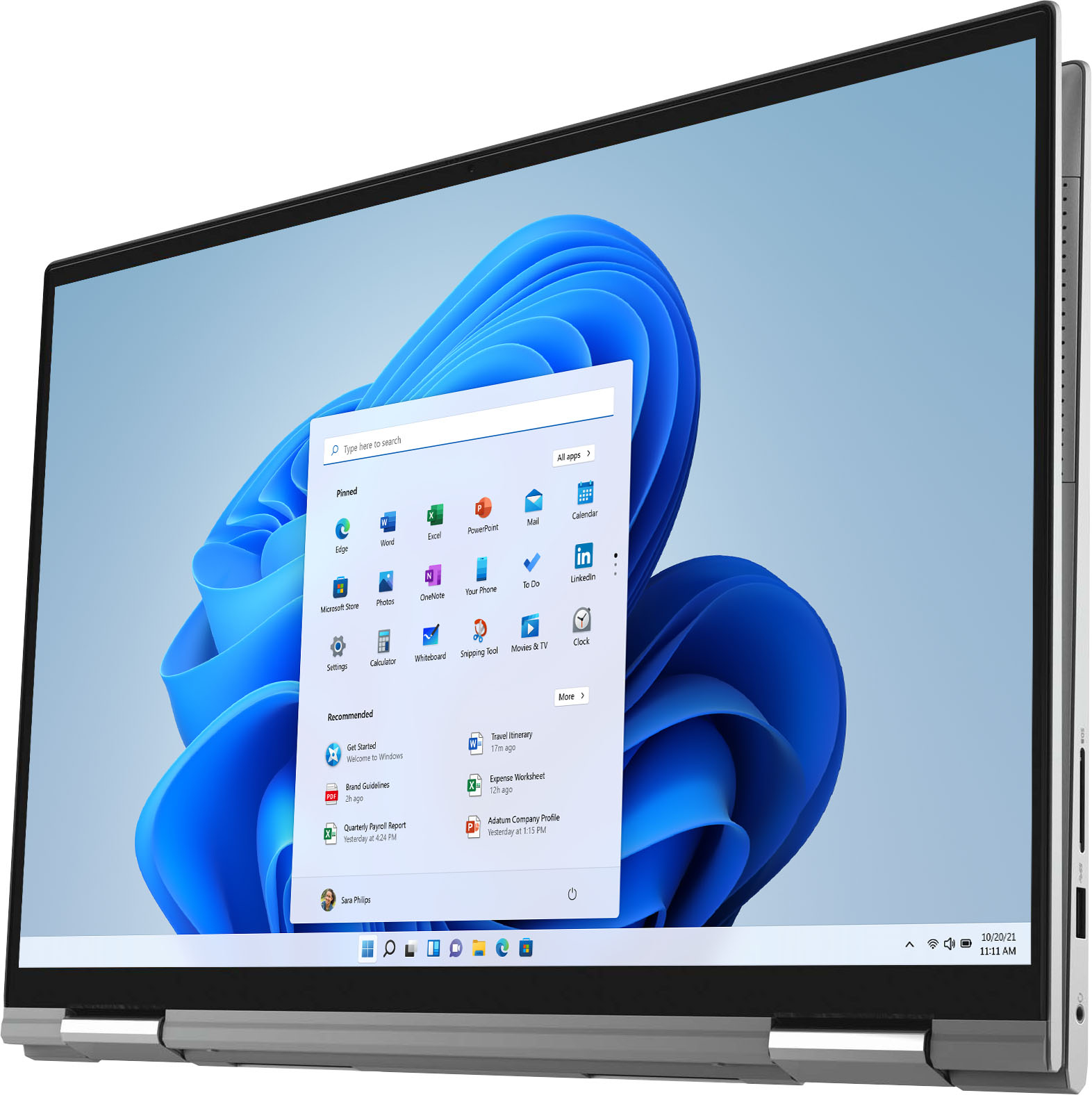
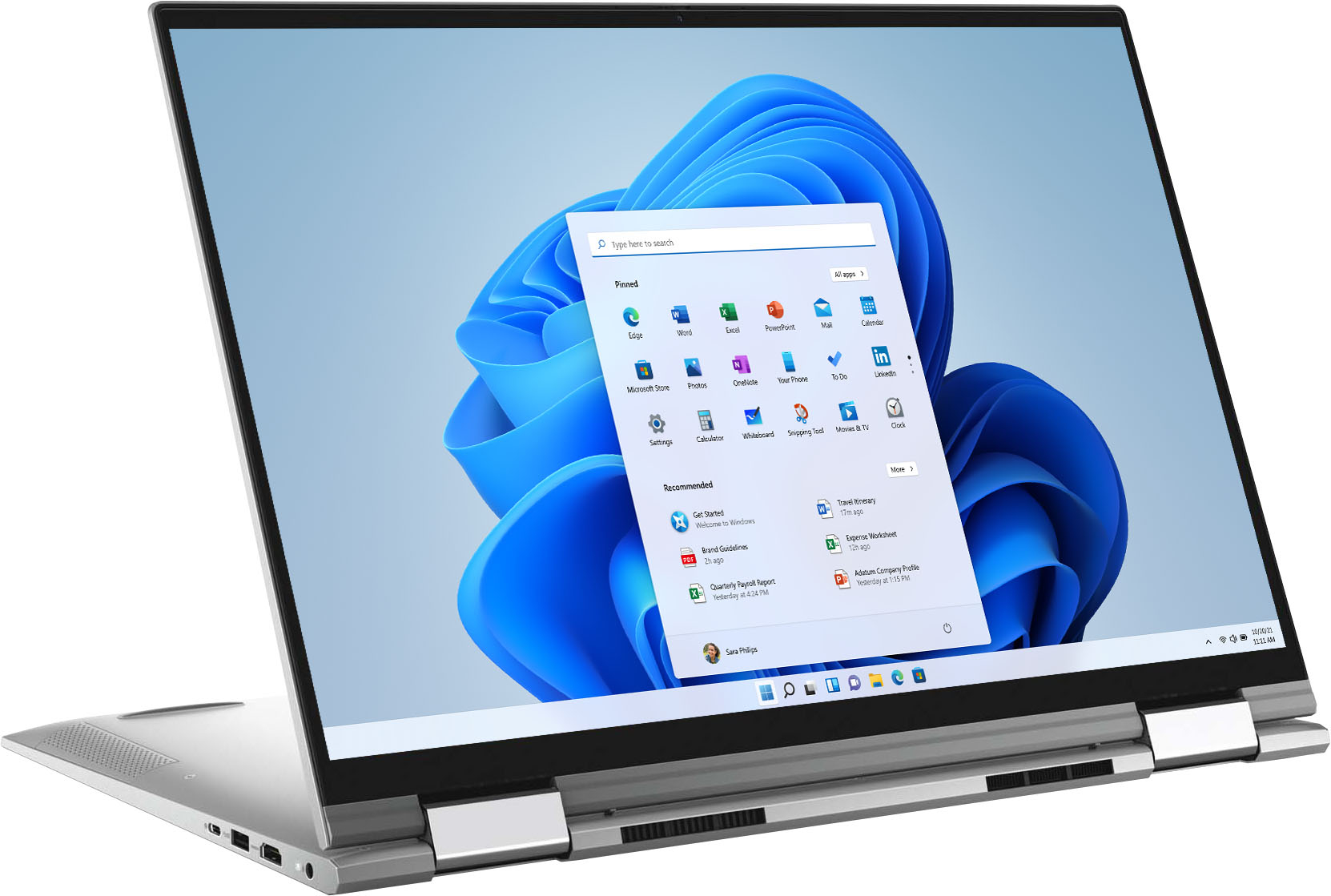
Customers often highlight the large screen size and ease of use of the Inspiron 7000 2-in-1 17" laptop. Positive feedback also frequently mentions its performance and battery life, with many describing it as lightweight. However, some users expressed a desire for more RAM, citing insufficient memory for their needs. A few also reported issues with the fingerprint sensor and pre-installed software.
This summary was generated by AI based on customer reviews.
Not good for recording
||Posted . Owned for 1.5 years when reviewed.This reviewer received promo considerations or sweepstakes entry for writing a review.Very loud fan. Not good to use around any recording all (podcasting) Battery does not hold long.
No, I would not recommend this to a friendNot the best
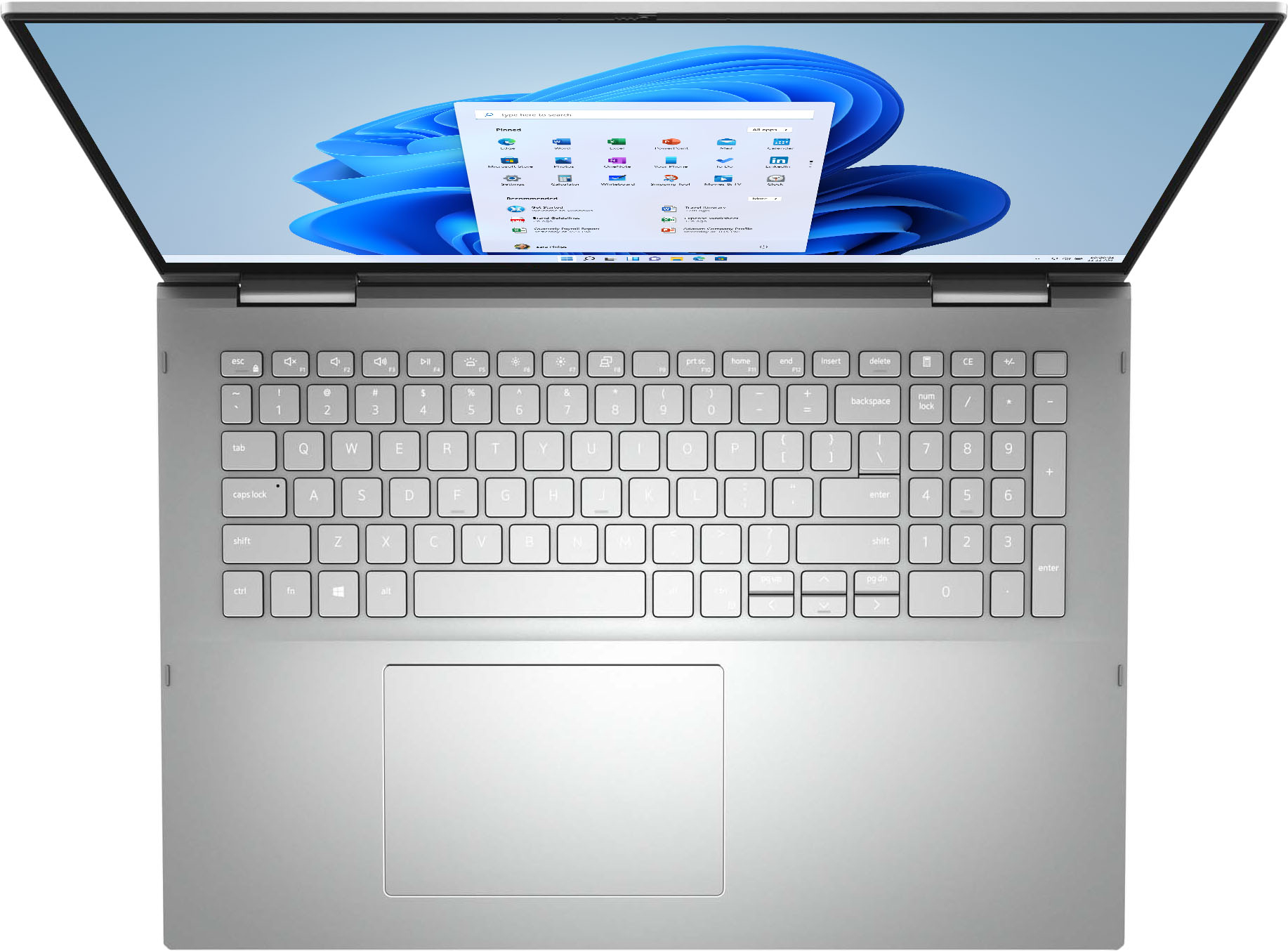
||Posted .This reviewer received promo considerations or sweepstakes entry for writing a review.Hated the silver keyboard. Couldn't read the keys in normal lighting. Also not as lightweight or fast as the samsung laptop I ended up buying.
No, I would not recommend this to a friendBrand response from YourDellTeam
Posted .Hi Chas,
Thank you very much for your valued feedback. We are sorry to hear that you are not too happy with your Dell Inspiron 7000 2-in-1 laptop because it is not performing as you expected, you don’t like its silver keyboard and it is quite heavy. We will share your comments with our quality team so improvements can be made now and in the future.
I have provided some steps you can take that should help with the performance issue.
There are several ways to help improve the performance of your computer if it is running slower than you expected it to. We'd recommend the following steps to help improve your computer's overall performance and speed:
1. Restart your computer regularly.
2. Run the automated tools provided in the SupportAssist Tool.
3. Run a complete hardware diagnostic test.
4. Scan your computer for malware.
5. Restore your Dell computer using Windows System Restore.
6. Reinstall Microsoft Windows.
You can read the full steps associated with each of these recommendations here: https://dell.to/3n29QjE.
To help to see keyboard letters better, we suggest disabling the backlit keyboard when you are in lit areas. Below I have provided the steps to disable the backlighting and the full article link.
Backlit keyboard options in BIOS
1. Click the + sign next to System Configuration.
2. Click Keyboard Illumination.
3.* Disabled or Off - The keyboard illumination is off.
*Dim - The keyboard illumination is at half brightness.
*Bright - The keyboard illumination is at full brightness.
4. Click Apply, and then Exit.
How to turn off or on and troubleshoot backlit keyboard: https://dell.to/3tHbZ8X
If the issues are still not resolved after applying the troubleshooting tips above, we recommend contacting the Dell Support Team at the information provided below for further guidance.
Best,
Katarina@Dell
Should you need further assistance, you can contact Dell directly with the information below.
Chat or call: https://bit.ly/DellSupportTeam
Phone number to Dell 1-800-624-9896
Frustrated
||Posted . Owned for 3 weeks when reviewed.This reviewer received promo considerations or sweepstakes entry for writing a review.Horrible, we got the computer and power cord and within 17 days it completley quit working, It would not powet on what so ever. After many hours of wait time for a return call, which never came and then on hold for I dont know how long I was told by Best Buy that I was just outside of the return/exchange policy and I was tough out of luck. I needed to reach Dell, which I did and now need to wait 4-5 days for a technician. That will be my last purchase from Best Buy and depending on how the repair goes it might be my last Dell purchase.
No, I would not recommend this to a friendBrand response from YourDellTeam
Posted .Hello Dave,
Thank you for taking the time to share your experience. We are extremely sorry to hear that your laptop has abruptly stopped working and we understand how upsetting this can be. We are glad to hear that you reported this issue to Dell Support and Technician was scheduled to fix your issue. We want to reassure you that you'll be taken care of. We will ensure that you receive the quality Dell always intends to deliver.
In the meantime, there are steps that can assist with troubleshooting your startup issue. Here are the recommended steps for troubleshooting this issue:
1. If the computer is displaying the Dell logo and does not move past that point, it has probably failed POST.
2. If the power indicator lights up and it is amber or orange, this is usually an indicator that it has failed POST.
3. If you see text on a black screen, the computer is currently performing the POST. If the computer stays in that condition and does not move past it, it has probably failed POST.
4. If the video screen displayed anything at all during the startup process but is now black, this probably indicates that the computer failed POST.
5. If the computer is beeping or if Caps/Num/Scroll Locks are flashing, note if there is a particular pattern in which it beeps or flashes.
6. If the computer is not beeping and caps/num/scroll locks are not flashing, unplug all connections and remove all media communication devices (e.g. external monitors); reconnect one at a time and check if the computer functions.
7. For a notebook, press and hold the Fn key and then press the power button. This starts the pre-boot testing and will launch ePSA. In case you have a Desktop at the Dell logo screen tap the F12 key to enter One Time Boot Menu and use the arrow keys to highlight Diagnostics and press enter.
8. You can read the full article here - http://dell.to/2uj1Sby.
We recommend following the steps above to resolve your issue. If the issue continues, please contact Dell Support at your earliest convenience at 1-800-264-9896.
Best regards,
Wendy C.
https://bit.ly/DellSupportTeam.
Phone number to Dell: 1-800-264-9896.
had to exchange it 2 hours later
||Posted .This reviewer received promo considerations or sweepstakes entry for writing a review.Once I got home the computer didn't work, so I had to drive back to the store, wait in line again to get help. the whole process took about hour and half. I just don't get it. the computer dept. wasn't even busy. Best Buy is never my first choice due to horrible customer service, but my brother loves Best Buy and talked me into buying it from this company.
I would recommend this to a friendBrand response from YourDellTeam
Posted .Hello,
Thank you for taking the time to share your experience. We are sorry to hear your computer didn't work and we greatly appreciate your feedback on the return process at the store. We will use your feedback to help with improvements. We would have been happy happy to help you troubleshoot this issue but would've needed more information. If you do come across any other issues, or questions, please use the information below to contact Dell Support at your earliest convenience.
Best regards,
Wendy C.
https://bit.ly/DellSupportTeam.
Phone number to Dell: 1-800-264-9896.
dell inspirion 7000 review 17 inch monitor
||Posted . Owned for 1 month when reviewed.This reviewer received promo considerations or sweepstakes entry for writing a review.in some lights, it is hard to see the keyboard. other than that, it is an average buy and works great
I would recommend this to a friendBrand response from YourDellTeam
Posted .Hello Dell,
Thank you for your review. We are sorry to hear you are experiencing issues with the keyboard lighting. To help with the keyboard lighting issue we suggest disabling the backlit keyboard when you are in lit areas. Below I have provided the steps to disable the backlighting and the full article link.
Backlit keyboard options in BIOS
1. Click the + sign next to System Configuration.
2. Click Keyboard Illumination.
3.* Disabled or Off - The keyboard illumination is off.
*Dim - The keyboard illumination is at half brightness.
*Bright - The keyboard illumination is at full brightness.
4. Click Apply, and then Exit.
How to turn off or on and troubleshoot backlit keyboard: https://dell.to/3tHbZ8X.
Best regards,
Wendy C.
Dell laptop
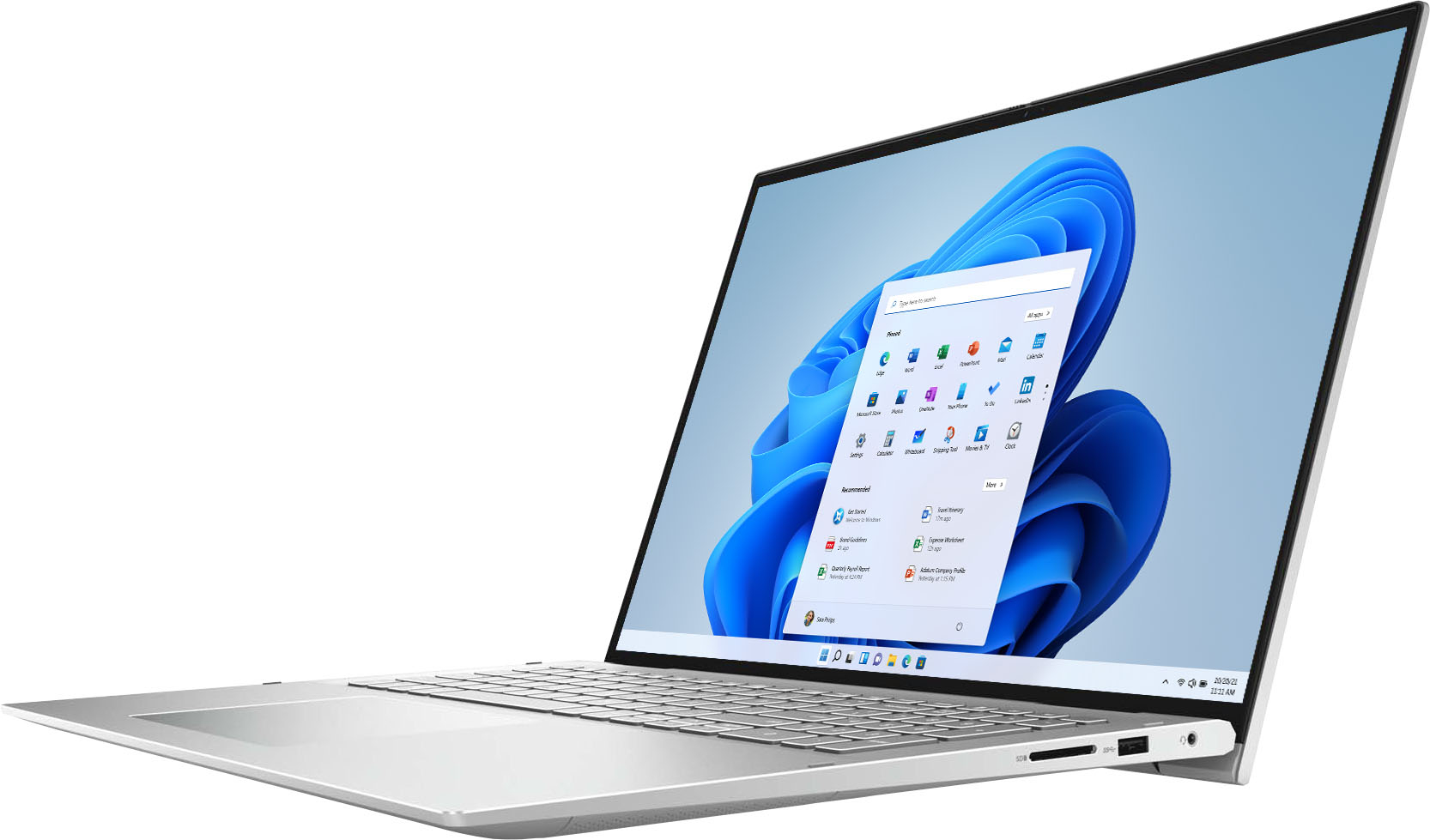
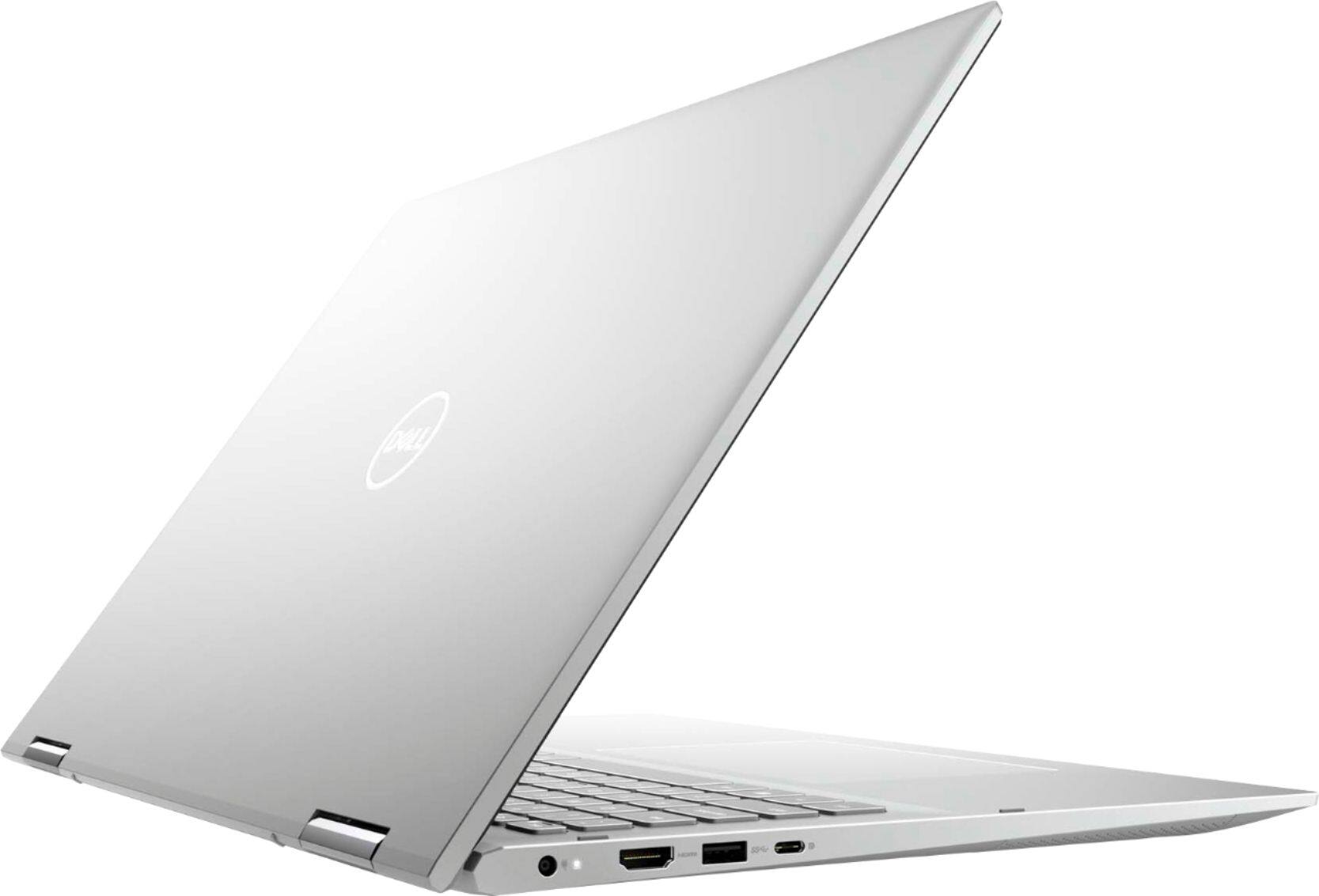
||Posted .This reviewer received promo considerations or sweepstakes entry for writing a review.I am disappointed that this laptop doesn’t have Microsoft Office installed and that there are only two USB ports. Also, there is no disc reader.
No, I would not recommend this to a friendBrand response from YourDellTeam
Posted .Hello Delllaptop,
Thank you for your feedback. We are sorry to hear your Inspiron did not quite meet expectations. Keep in mind that like any Windows 10 PC, Microsoft Office 365 is included as a trial. If you are interested in a license, one would have to be purchased separately.
In regards to the lack of an optical drive, this allows the system to remain compact and light in design. We think you will enjoy the added portability as a result. If you require to read and/or write media, you may still do so with the use of an external optical drive such as the Dell DW316.
Your feedback is sincerely appreciated and will surely be taken into consideration when designing future products otherwise. If you have any other questions, feel free to visit the support page for your Inspiron.
Best Regards,
Anthony P.
Worst laptop ever
||Posted . Owned for 5 months when reviewed.This reviewer received promo considerations or sweepstakes entry for writing a review.Do NOT buy! I bought this laptop in March and it stopped turning on in 3 months. I've tried having the geek squad do the repair and they could not do anything for me. NOW, I'm fighting with Dell to replace my laptop after 6 hours of troubleshooting on the phone and 3 technicians coming to my house to replace parts. It turns on now but now the system freezes within a minute of it turning on and Dell said its now a system issue!!
No, I would not recommend this to a friendBrand response from YourDellTeam
Posted .Hello,
Thank you for taking the time to share your experience. We are sorry to hear you have been experiencing a number of challenges with your laptop behaving abnormally. We understand how frustrating that can be. To ease your concerns, we recommend following the steps provided below to run the SupportAssist application. It is a set of tools that will clean junk files, install system updates and drivers, diagnose hardware and software, and optimize your system performance and network all with the press of a button. This will ensure you have the best experience your system offers to date.
1. Run the automated tools provided in the SupportAssist tool
2. Run a complete hardware diagnostic test
3. Scan your computer for malware
4. Restore your Dell computer using Windows System Restore
5. Reinstall Microsoft Windows
Here is the link to the full article to assist with your performance issue: https://dell.to/32wo0Ss. If the issue persists, we invite you to contact Dell Support at your earliest convenience at 1-800-264-9896.
Sincerely,
Wendy C.
https://bit.ly/DellSupportTeam.
Phone number to Dell: 1-800-264-9896.
Taking longer to get used to the quirks.
||Posted . Owned for 1 month when reviewed.This reviewer received promo considerations or sweepstakes entry for writing a review.Great screen and a good computer. It is just taking longer than it should to learn all the quirks.
I would recommend this to a friendBrand response from YourDellTeam
Posted .Hello Valued Customer,
We would like to thank you for taking the time to provide us with your feedback. We are glad to hear you like your Dell Inspiron 7706 2-in-1 laptop and trying to learn all the features it offers.
I have provided a link to Documentation for your computer, where you can refer to manuals and troubleshooting articles if needed.
Documentation - Inspiron 7706 2-in-1: https://dell.to/3NFKmWj
If you come across any questions or have concerns about this product, please don’t hesitate to contact Dell Support Team at the information provided below.
Best,
Katarina@Dell
Should you need further assistance, you can contact Dell directly with the information below.
Chat or call: https://bit.ly/DellSupportTeam
Phone number to Dell 1-800-624-9896
Very cool
||Posted . Owned for 4 months when reviewed.This reviewer received promo considerations or sweepstakes entry for writing a review.Very nice laptop i like it because it has a very nice display but the graphics card is not good at all.
I would recommend this to a friendBrand response from YourDellTeam
Posted .Hi Nice,
Thank you for your valued feedback. We apologize for the trouble you are having with the graphics card of your Inspiron 7706 2 in 1. We recommend reaching out to our support team at your earliest convenience so they can better understand the issues you are facing and further assist you.
You can contact Dell directly with the information below.
Chat or call: https://bit.ly/DellSupportTeam
Phone number to Dell 1-800-624-9896
Best,
Ashley@Dell
Looks/feels good but with constant bootloops
||Posted . Owned for 1 month when reviewed.This reviewer received promo considerations or sweepstakes entry for writing a review.It's a great looking item. Feels a little hefty, but not awkward. Suffering from random bootloops.
No, I would not recommend this to a friendBrand response from YourDellTeam
Posted .Hello Solaris,
Thank you for taking the time to share your feedback and review. We are glad to hear that you're please with the design of your Inspiron. We apologize for the reboot loops occurring and we would love to help right away. We recommend you follow the steps below to run the SupportAssist application. It is a set of tools that will clean junk files, install system updates and drivers, diagnose hardware and software, and optimize your system performance and network all with the press of a button. This will ensure you have the best experience your system offers to date.
Here are the recommended steps for troubleshooting the issue:
1. Restart your computer regularly
2. Run the automated tools provided in the SupportAssist tool
3. Run a complete hardware diagnostic test
4. Scan your computer for malware
5. Restore your Dell computer using Windows System Restore
6. Reinstall Microsoft Windows
7. Here is the link to the full article to assist with your performance issue: https://dell.to/32wo0Ss.
We recommend following the steps above to resolve the issue. If it persists, please contact Dell Support at your earliest convenience at 1-800-264-9896.
Best regards,
Wendy C.
https://bit.ly/DellSupportTeam.
Phone number to Dell: 1-800-264-9896.
Keyboard
||Posted . Owned for 3 weeks when reviewed.This reviewer received promo considerations or sweepstakes entry for writing a review.Keyboard hard to see and lighting angles make it hard to see the lighted keyboard.
No, I would not recommend this to a friendBrand response from YourDellTeam
Posted .Hi Raymond,
We would like to thank you for taking the time to provide us with your feedback. We are sorry to hear that you are not too happy with your Dell Inspiron 7706 2-in-1 computer because its keyboard keys are hard to see.
To help to see keyboard letters better, we suggest disabling the backlit keyboard when you are in lit areas. Below I have provided the steps to disable the backlighting and the full article link.
Backlit keyboard options in BIOS
1. Click the + sign next to System Configuration.
2. Click Keyboard Illumination.
3.* Disabled or Off - The keyboard illumination is off.
*Dim - The keyboard illumination is at half brightness.
*Bright - The keyboard illumination is at full brightness.
4. Click Apply, and then Exit.
How to turn off or on and troubleshoot the backlit keyboard: https://dell.to/3tHbZ8X
If you need further assistance please use the toll-free number or chat link below to contact Dell Support at your convenience.
Best,
Katarina@Dell
Should you need further assistance, you can contact Dell directly with the information below.
Chat or call: https://bit.ly/DellSupportTeam
Phone number to Dell 1-800-624-9896
- Cons mentioned:Fingerprint sensor
LOVE the style and type, not the problems it has
||Posted . Owned for less than 1 week when reviewed.This reviewer received promo considerations or sweepstakes entry for writing a review.HUGE issues with getting the initial set up done, Google chrome working on it, and the fingerprint sensor did not work. Returning it for a different computer
No, I would not recommend this to a friend Silver Bullet
||Posted .This reviewer received promo considerations or sweepstakes entry for writing a review.Too large, not what I expected. I can not carry the laptop in my bag.
No, I would not recommend this to a friendBrand response from YourDellTeam
Posted .Hi Schoollady,
Thank you very much for your valuable feedback. We are sorry to hear that you are not too happy with your Dell Inspiron 7706 2-in-1 laptop because it is much larger than you expected and you are not able to carry it in your backpack. We will share your comment with our quality team, so future improvements can be made.
If you come across any questions or have concerns about this product, please don’t hesitate to contact Dell Support Team at the information provided below.
Best,
Katarina@Dell
Should you need further assistance, you can contact Dell directly with the information below.
Chat or call: https://bit.ly/DellSupportTeam
Phone number to Dell 1-800-624-9896
Disappointed returning customer
||Posted . Owned for 2 weeks when reviewed.This reviewer received promo considerations or sweepstakes entry for writing a review.Extremely glitchy, speakers were muffled, and it overheated quite easily. I've had Inspirons since at least 2008, and I never had these kinds of problems with it before. Maybe it was just a lemon, a one off, but I returned it, and I've never returned a computer in my life.
No, I would not recommend this to a friendBrand response from YourDellTeam
Posted .Dear Valued Customer,
We appreciate you taking the time to leave us your review. We are sorry to hear that you were not too happy with your Dell Inspiron 7706 2-in-1 laptop because it was overheating, the speakers were not working and it was glitchy, and that you have ultimately decided to return this system. This is certainly not what we like to hear from our valued customers. We will share your comment with our quality team, so future improvements can be made. In the future, we would love the opportunity to help troubleshoot any problems you may be facing.
If you come across any questions about the Dell products, please don’t hesitate to contact Dell Support Team at the information provided below.
Best,
Katarina@Dell
Should you need further assistance, you can contact Dell directly with the information below.
Chat or call: https://bit.ly/DellSupportTeam
Phone number to Dell 1-800-624-9896
Dell Laptop
||Posted . Owned for 11 months when reviewed.This reviewer received promo considerations or sweepstakes entry for writing a review.Used for working from home, nice computer for decent price.
I would recommend this to a friendBrand response from YourDellTeam
Posted .Hello OrlandoOfficeManager,
We would like to thank you for taking the time to provide us with your feedback. We appreciate your kind words and are happy to know that your Dell Inspiron 7706 2-in-1 laptop performs for you as you expected.
If you come across any questions or have concerns about this product, please don’t hesitate to contact Dell Support Team at the information provided below.
Best,
Katarina@Dell
Should you need further assistance, you can contact Dell directly with the information below.
Chat or call: https://bit.ly/DellSupportTeam
Phone number to Dell 1-800-624-9896
terrible disk space
||Posted .This reviewer received promo considerations or sweepstakes entry for writing a review.horrible disk space for such a great machine......
No, I would not recommend this to a friendBrand response from YourDellTeam
Posted .Hello Laptopguy,
Thank you very much for your valuable feedback. We are glad you like your Dell Inspiron 7706 2-in-1 laptop but we are sorry to hear you are not 100% satisfied with it because it has insufficient hard drive storage. We will share your comment with our quality team, so future improvements can be made.
If you come across any questions or have concerns about this product, please don’t hesitate to contact Dell Support Team at the information provided below.
Best,
Katarina@Dell
Should you need further assistance, you can contact Dell directly with the information below.
Chat or call: https://bit.ly/DellSupportTeam
Phone number to Dell 1-800-624-9896
Silver keyboard is impossible to see
||Posted . Owned for 2 weeks when reviewed.This reviewer received promo considerations or sweepstakes entry for writing a review.I returned this laptop. The silver backlit keys are impossible to see in standard room light, even when the light intensity is on the high setting. Using this laptop requires having a bright light aimed directly at the keyboard.
No, I would not recommend this to a friendBrand response from YourDellTeam
Posted .Hello Warren,
We appreciate you taking the time to leave us your review. We are sorry to hear that you were not too happy with your Dell Inspiron 7000 2-in-1 laptop because of the color of the keyboard keys and that you have ultimately decided to return this system. We will share your comment with our quality team, so future improvements can be made. In the future, we would love the opportunity to help troubleshoot any problems you may be facing.
If you come across any questions about the Dell products, please don’t hesitate to contact Dell Support Team at the information provided below.
Best,
Katarina@Dell
Should you need further assistance, you can contact Dell directly with the information below.
Chat or call: https://bit.ly/DellSupportTeam
Phone number to Dell 1-800-624-9896
Stopped working after 1 year
||Posted .This reviewer received promo considerations or sweepstakes entry for writing a review.All of the sudden it just turned off and never turned back on. The motherboard was fried just after the 1 year warranty expired. Could have happened to anyone but for what this thing costs I expected more.
No, I would not recommend this to a friendBrand response from YourDellTeam
Posted .Dear EdgarM,
We value your feedback and want to thank you for taking the time to leave a review of your Inspiron 7000 touchscreen laptop. We are sorry to hear that your motherboard fried outside of the one-year warranty. That is not the type of product Dell intends to deliver. We would love to help you. We recommend reaching out to a member of our support team with the toll-free number or chat link below.
Should you need further assistance; we recommend that you contact Dell directly with the information below.
Chat or call: https://bit.ly/DellSupportTeam
Phone number to Dell: 1-800-624-9896.
Best,
Summer@Dell
Don't waste your money
||Posted . Owned for 2 months when reviewed.This reviewer received promo considerations or sweepstakes entry for writing a review.This laptop has given me nothing but issues from the moment I bought it. Sound settings not working, Mic is quiet, Blue Screen at least twice a week, programs are not opening properly. Can't return it because there's only a 15 day policy now, can't do anything with it because it's broken. This is a terrible product and the first time I've ever had a bad experience with Bestbuy customer service. What happened to BestBuy Elite status? We purchase so many products from this company.
No, I would not recommend this to a friendBrand response from YourDellTeam
Posted .Dear GHSI,
We appreciate you taking the time to leave us your review. We apologize for the troubles you have come across with your Dell Inspiron 7706 2-in-1 computer and for the bad customer service experience. This is certainly not what we like to hear from our valued customers. We will share your comments about these issues with our quality team, so future improvements can be made.
To help with audio issues, I have provided the steps to run the Microsoft Sound Troubleshooter. I have also included the full article link that has more options if they are needed. We also suggest making sure the audio drivers are up to date on your PC. I have given you a link to the Drivers and Downloads page for your computer below so you can check for and do any applicable updates.
How to run the Windows Sound Troubleshooter in Microsoft Windows 10
1. Click Start, and then select Settings (gear icon).
2. Click Update & Security and select Troubleshoot.
3. Click Playing Audio and then click Run the troubleshooter.
4. Follow the on-screen instructions to complete the troubleshooting process.
How to Troubleshoot Audio Issues or Sound Playback Issues: https://dell.to/3u4pzmX
Drivers and Downloads page: https://dell.to/3KzBq3z
I have also provided steps to help troubleshoot and resolve the blue screen errors issue and the full article link.
1. At the desktop, click the Search the web and Windows box and type ""problem reports"".
2. Select View all problem reports to view a list of errors that have occurred on your computer and possible solutions for them, such as updating drivers, flashing your system BIOS, or checking for updates to the software.
3. Under the Source column, look for Windows and under Summary, look for Shut down unexpectedly.
4. Right-click the line item and select Check for a solution.
We'd also suggest checking to make sure that your software and drivers are up to date. I have provided a link to the Drivers and Downloads Page here: https://dell.to/3LgH8sA
You can refer to the full article here:
How to Troubleshoot Blue Screen or STOP Error Code on a Dell Computer: https://dell.to/3gwFbd8
If the issues with your Inspiron are still not resolved after utilizing the troubleshooting options above, please contact the Dell Support Team at 1-800-624-9896 for further guidance.
Best,
Katarina@Dell
Should you need further assistance, you can contact Dell directly with the information below.
Chat or call: https://bit.ly/DellSupportTeam
Phone number to Dell: 1-800-624-9896
No Windows Ink!
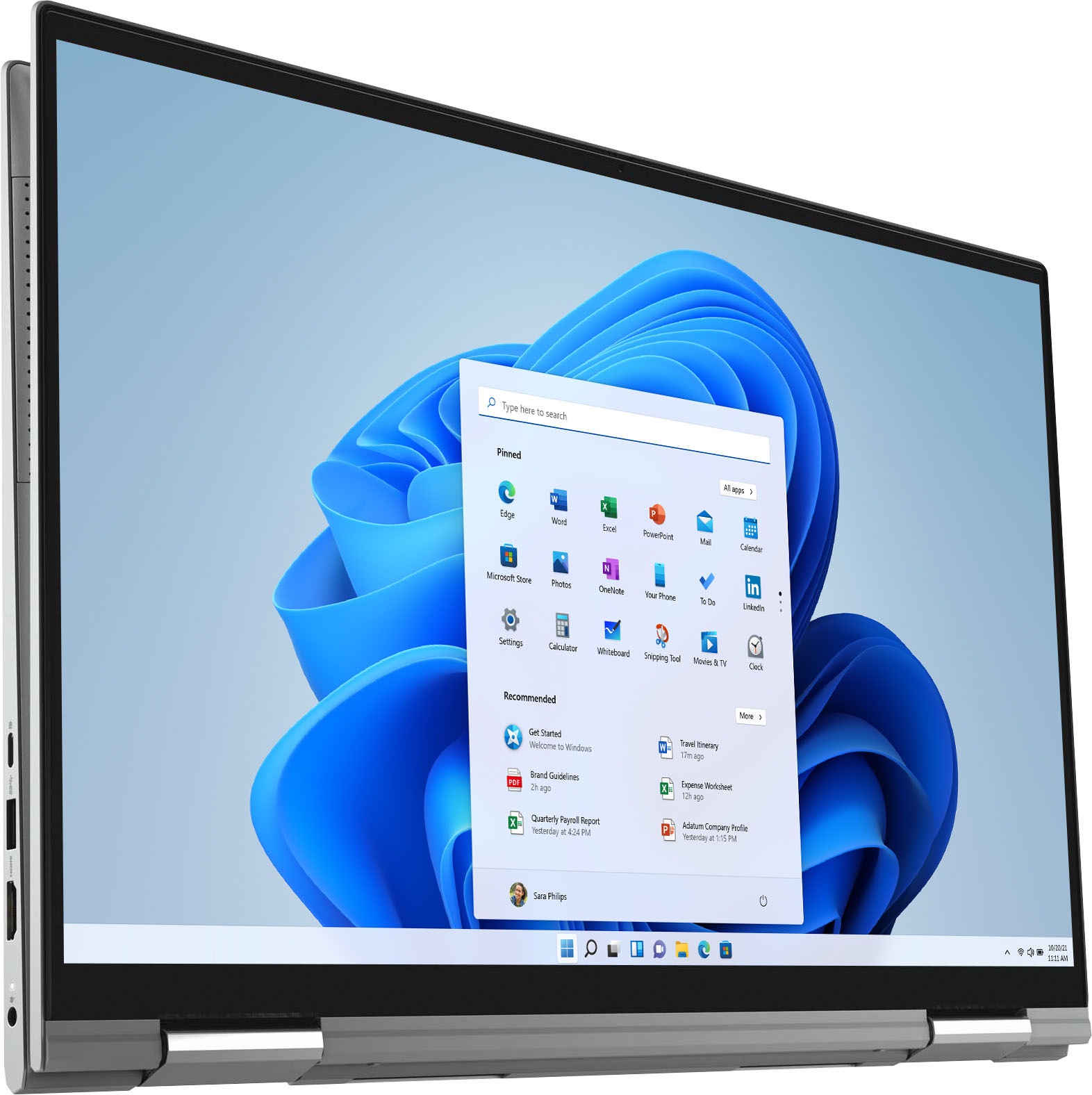
||Posted . Owned for 2 weeks when reviewed.This reviewer received promo considerations or sweepstakes entry for writing a review.Does not support Windows Ink! It is a touch screen but will not support any type of active pen. Only regular stylus. Otherwise, I am sure that it is a great machine, but we needed the pen.
No, I would not recommend this to a friendBrand response from YourDellTeam
Posted .Hello tfos07,
Thank you for your review. It is sincerely appreciated. We apologize for the issue you have come across with using the Windows Ink with your Inspiron. We suggest visiting the Support Page of your product for the list of compatible pens with your Inspiron:
https://dell.to/3uaQ5KS.
Best regards,
Wendy C.
For further assistance, you can contact Dell directly with the information below Chat or Call:
https://bit.ly/DellSupportTeam.
Phone number to Dell: 1-800-264-9896.