Customer Ratings & Reviews







- Model:
- i7706-7821SLV-PUS
- SKU:
- 6432550
Rating by feature
- Battery Life
Rating 4.5 out of 5 stars
- Speed
Rating 4.6 out of 5 stars
- Display
Rating 4.7 out of 5 stars
Customers are saying
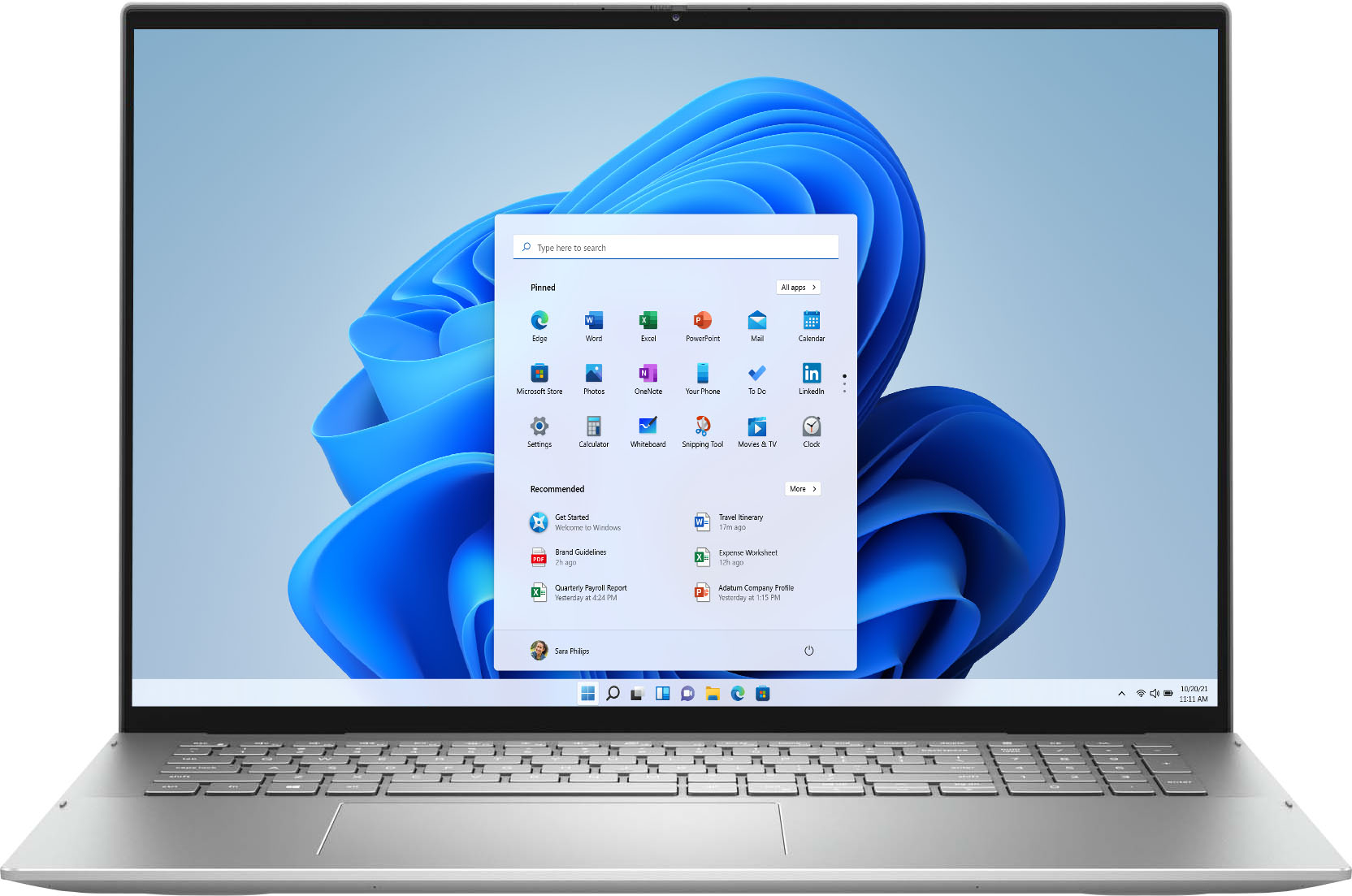
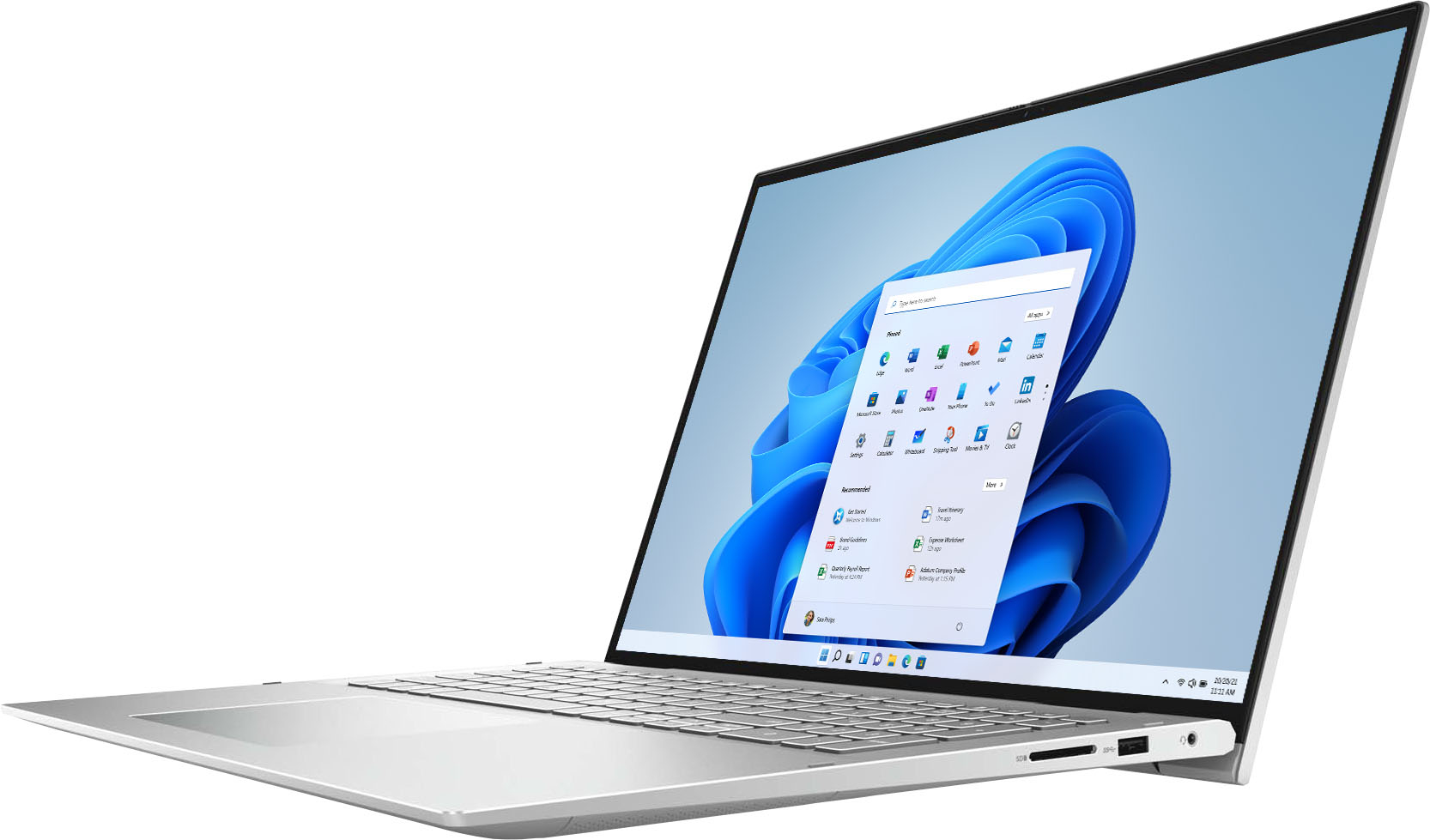
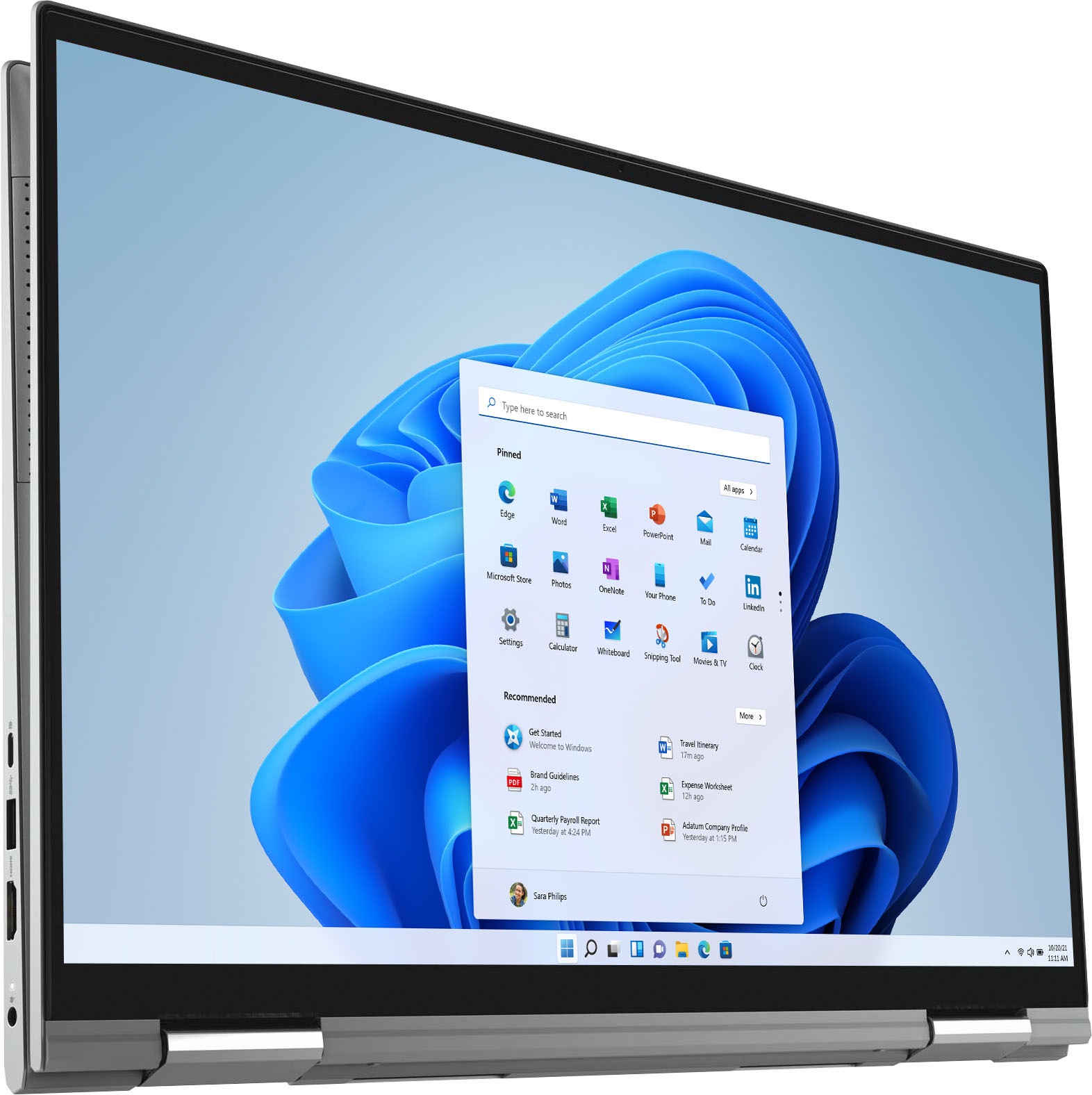
Customers often highlight the large screen size and ease of use of the Inspiron 7000 2-in-1 17" laptop. Positive feedback also frequently mentions its performance and battery life, with many describing it as lightweight. However, some users expressed a desire for more RAM, citing insufficient memory for their needs. A few also reported issues with the fingerprint sensor and pre-installed software.
This summary was generated by AI based on customer reviews.
Just bypass Best buy
||Posted . Owned for less than 1 week when reviewed.This reviewer received promo considerations or sweepstakes entry for writing a review.After two days, the touch screen just stopped working. Unfortunately, geek squad could not help as they’re not sure what happened but they were able to download Windows 11. Dell support could not offer a solution and Best buy out sources they’re calls overseas. Save yourself the headache and disappointment, use another company. Did i mention that you can never speak with someone directly ag the store either?
No, I would not recommend this to a friendWeak Hinges
||Posted . Owned for 2 months when reviewed.This reviewer received promo considerations or sweepstakes entry for writing a review.The hinges on this 2 in 1 are weak. Mine is starting to fail less than 90 days after purchase. Dell will not warranty it. I called Best Buy - their foreign guy gave me a non-working number to call for support. I don't use the computer as an ipad.
No, I would not recommend this to a friendBrand response from YourDellTeam
Posted .Hello ColonelDavis,
Thank you for finding the time to share your experience. We do sincerely apologize for the experience you have been having with your Inspiron. Your feedback is incredibly valuable as we take future products into consideration. We look forward to informing our engineers so as to explore what may be causing these issues and to address it appropriately.
Until then, we strongly encourage you get in contact with Dell Support directly to explore coverage options under your warranty.
Best regards,
Wendy C.
For further assistance, you can contact Dell directly with the information below Chat or Call:
https://bit.ly/DellSupportTeam.
Phone number to Dell: 1-800-264-9896.
Characters in keys should be blacker
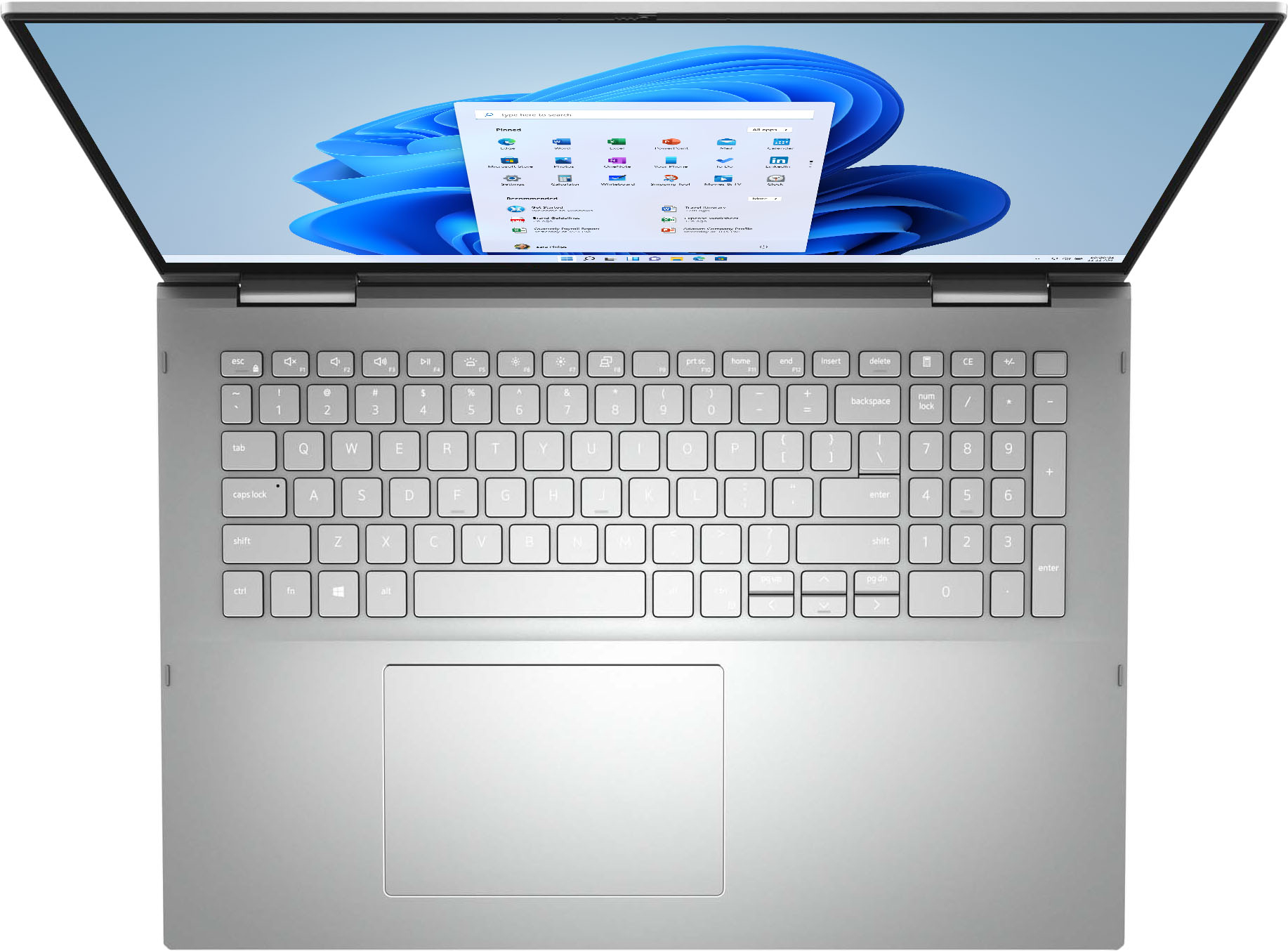
||Posted . Owned for 3 weeks when reviewed.This reviewer received promo considerations or sweepstakes entry for writing a review.There is not enough contrast between the silver and the characters on keys. Makes it difficult to see what you are typing.
No, I would not recommend this to a friendBrand response from YourDellTeam
Posted .Dear Silverbackground,
We want to thank you for your review and valued feedback. We are sorry to hear you are not completely satisfied with the keyboard of your Inspiron 7706 2 in 1. To help with the keyboard lighting issue we suggest disabling the backlit keyboard when you are in lit areas. Below I have provided the steps to disable the backlighting and the full article link.
Backlit keyboard options in BIOS
1. Click the + sign next to System Configuration.
2. Click Keyboard Illumination.
3.* Disabled or Off - The keyboard illumination is off.
*Dim - The keyboard illumination is at half brightness.
*Bright - The keyboard illumination is at full brightness.
4. Click Apply, and then Exit.
How to turn off or on and troubleshoot backlit keyboard: https://dell.to/3tHbZ8X
After utilizing the troubleshooting options provided above, if the problem is not resolved, please contact our support team here at your earliest convenience: https://bit.ly/DellSupportTeam.
Sincerely,
Ashley@Dell
Should you need further assistance, you can contact Dell directly with the information below.
Chat or call: https://bit.ly/DellSupportTeam
Phone number to Dell 1-800-624-9896
Worthless keyboard
||Posted . Owned for 1 week when reviewed.This reviewer received promo considerations or sweepstakes entry for writing a review.Silver keyboard, silver letters. Can't see the keys at all. Will have to rub a pencil or marker over keys or it is useless.
No, I would not recommend this to a friendBrand response from YourDellTeam
Posted .Hello,
Thank you for your review. We are sorry to hear you are experiencing issues with the keyboard lighting. To help with the keyboard lighting issue we suggest disabling the backlit keyboard when you are in lit areas. Below I have provided the steps to disable the backlighting and the full article link.
Backlit keyboard options in BIOS
1. Click the + sign next to System Configuration.
2. Click Keyboard Illumination.
3.* Disabled or Off - The keyboard illumination is off.
*Dim - The keyboard illumination is at half brightness.
*Bright - The keyboard illumination is at full brightness.
4. Click Apply, and then Exit.
How to turn off or on and troubleshoot backlit keyboard: https://dell.to/3tHbZ8X
For additional support, please call Dell directly at 1-800-624-9896
Best,
Lexy@Dell
Chat or Call:
https://bit.ly/DellSupportTeam
not worth it!
||Posted . Owned for 1 month when reviewed.This reviewer received promo considerations or sweepstakes entry for writing a review.laptop is not working after using for 30 days. not worth it!
No, I would not recommend this to a friendBrand response from YourDellTeam
Posted .Hi avinash,
Thank you for taking the time to leave us your review. We're sorry to hear about the difficulties you are having with your Dell Inspiron Laptop. This is certainly not the experience we like to hear from our customers. Please take a moment to call or chat with a Dell Support Representative at your earliest convenience so that they can help you with your concerns: https://bit.ly/DellSupportTeam.
Best,
Danielle@Dell
Laptop got too warm while being charged
||Posted . Owned for 3 weeks when reviewed.This reviewer received promo considerations or sweepstakes entry for writing a review.Had to return. This was a Geek Squad Certified Open Box item. When I opened it, it was filthy and it got hot while trying to charge.
No, I would not recommend this to a friendLaptop does not work
||Posted . Owned for 3 weeks when reviewed.This reviewer received promo considerations or sweepstakes entry for writing a review.The computer will not charge and the have to have a tech come replace the motherboard. Unfortunately I am out of the country for a few months and cannot get it repaired here. Very frustrated.
No, I would not recommend this to a friendBrand response from YourDellTeam
Posted .Dear DStein2,
Thank you for your valued feedback. We sincerely apologize for the trouble you have had with the motherboard of your Inspiron 7706 2 in 1. We hope once the repair is made it will be working to your satisfaction and ours.
If you require further assistance, you can contact Dell directly with the information below.
Chat or call: https://bit.ly/DellSupportTeam
Phone number to Dell 1-800-624-9896
Best,
Ashley@Dell
Do Not Buy
||Posted . Owned for 1 year when reviewed.This reviewer received promo considerations or sweepstakes entry for writing a review.Would not power on after 2 months, Dell sent tech to replace motherboard. Failed 2 months later. Replaced whole unit with a refurbished unit. Failed 8 days after warranty ended. Horrible laptop lemon!
No, I would not recommend this to a friendBrand response from YourDellTeam
Posted .Dear Cybermaninc,
We appreciate you taking the time to leave us your review. We are sorry to hear about the troubles you have come across with your Dell Inspiron 7706 2-in-1 computer and that even the replacement of the motherboard or the replacement of the whole unit did not help to solve these issues. This is certainly not the experience that we like to hear from our customers. We appreciate your feedback and will use it to help improve our current and future products.
Please take a moment to contact Dell Support Team at the information provided below at your earliest convenience so we can help you to resolve this issue to your satisfaction.
Best,
Katarina@Dell
Should you need further assistance, you can contact Dell directly with the information below.
Chat or call: https://bit.ly/DellSupportTeam
Phone number to Dell: 1-800-624-9896
Sound issueup
||Posted . Owned for 3 weeks when reviewed.This reviewer received promo considerations or sweepstakes entry for writing a review.Absolutely horrible. This laptop has no sound. I can barely hear any sound coming from videos. Tried all the settings. Wish i could return it back but i am over 14 days
No, I would not recommend this to a friendBrand response from YourDellTeam
Posted .Hello,
Thank you for taking a moment to share your response. We apologize for the issues you have encountered with your audio input and we would love to assist you as soon as possible. We have provided steps you can use to troubleshoot your audio.
Here are the recommended steps for troubleshooting the audio issue:
1. Click Start and select Settings (gear icon).
2. Click Update & Security and select Troubleshoot.
3. Click Recording Audio and then click Run the troubleshooter.
4. Follow the on-screen instructions to complete the troubleshooting process.
5. This link can also help when identifying your audio issues: http://bit.ly/3gnBhT3.
We recommend following the steps above to resolve your issue. If the issue continues, please contact our support team here: https://bit.ly/DellSupportTeam.
Sincerely,
Wendy C.
https://bit.ly/DellSupportTeam.
Phone number to Dell: 1-800-264-9896.
poor camera
||Posted . Owned for 10 months when reviewed.This reviewer received promo considerations or sweepstakes entry for writing a review.The camera, since I took it out of the box is putting a black bar down the left side of the screen when doing zoom calls. It is almost like there is something partially covering the lens
No, I would not recommend this to a friendBrand response from YourDellTeam
Posted .Hello Valued Customer,
Thank you very much for your feedback. We are sorry to hear about the issues with the camera you are experiencing on your Dell Inspiron 7706 2-in-1 computer.
I have included a link to an article, which includes troubleshooting tips that should help your camera to perform better.
Using, Troubleshooting and Resolving Driver Issues on your Dell Webcam: https://dell.to/32ccZIG
If the problem with your camera is not resolved after applying the troubleshooting tips above, please reach out to our support team here for further guidance: 1-800-624-9896.
Best,
Katarina@Dell
Should you need further assistance, you can contact Dell directly with the information below.
Chat or call: https://bit.ly/DellSupportTeam
Phone number to Dell 1-800-624-9896
My review
||Posted . Owned for 1 month when reviewed.This reviewer received promo considerations or sweepstakes entry for writing a review.Malfunctioning and restarting itself. Unless they can have this fix I don’t recommend this product.
No, I would not recommend this to a friendBrand response from YourDellTeam
Posted .Hello Porsha,
Thank you for your review. We are sorry to hear that you are experiencing difficulties with your Inspiron and apologize for the inconvenience. To resolve most common issues, we suggest running the suite of tools found within the 'SupportAssist' application.
1. Restart your computer regularly
2. Run the automated tools provided in the SupportAssist tool
3. Run a complete hardware diagnostic test
4. Scan your computer for malware
5. Restore your Dell computer using Windows System Restore
6. Reinstall Microsoft Windows
Here is the link to the full article to assist with your performance issue: https://dell.to/32wo0Ss.
Best regards,
Wendy C.
For further assistance, you can contact Dell directly with the information below Chat or Call:
https://bit.ly/DellSupportTeam.
Phone number to Dell: 1-800-264-9896.
Little upsetting
||Posted . Owned for 1 month when reviewed.This reviewer received promo considerations or sweepstakes entry for writing a review.It wasn’t returned correctly. So once I received it, I was unable to use due to the computer freezing up! Because it was an open box purchase I blame the person who wasn’t honest when returning it!
I would recommend this to a friendDell
||Posted . Owned for 1 week when reviewed.This reviewer received promo considerations or sweepstakes entry for writing a review.Had to be on phone with dell for over 2 1/2 hours. They said Best Buy should of done updates on computer when sold.
No, I would not recommend this to a friendBrand response from YourDellTeam
Posted .Hello Dellcomputer,
We are sorry to hear you are experiencing difficulties enjoying your new Inspiron and apologize for the inconvenience. Please keep in mind that all Windows PCs leave the factory with the latest firmware installed. As updates are regularly delivered overtime, your PC will download and install and updates that are available automatically during setup.
If you have any other questions, please refer to the support page for your product or contact Dell Support for further assistance.
Best Regards,
Anthony P.
Unreliable
||Posted . Owned for 2 weeks when reviewed.This reviewer received promo considerations or sweepstakes entry for writing a review.Looks nice and sleek but had issues from day one and completely stopped working after a wk. Geek squad couldnt get it to turn on so wnded up returning it.
No, I would not recommend this to a friendBrand response from YourDellTeam
Posted .Hello Computerguy,
Thank you for taking the time to leave us your review. We apologize for the issues you came across with your Inspiron 7706 2 in 1 and ultimately decided to return it. We do appreciate your feedback and will use it to help improve our current and future products. If you come across any further questions, issues, or concerns, please use the information below to contact Dell Support at your earliest convenience.
If you require further assistance, you can contact Dell directly with the information below.
Chat or call: https://bit.ly/DellSupportTeam
Phone number to Dell 1-800-624-9896
Best,
Ashley@Dell
dell laptop
||Posted .This reviewer received promo considerations or sweepstakes entry for writing a review.horrible product. It will never turn on. I will be returning it.
No, I would not recommend this to a friendBrand response from YourDellTeam
Posted .Hello Dell,
Thank you for your feedback and response. We apologize for your experience and have provided steps below that can assist with your startup issues if needed in the future.
1. At the desktop, click the Search the web and Windows box and type "problem reports".
2. Select View all problem reports to view a list of errors that have occurred on your computer and possible solutions for them, such as updating drivers, flashing your system BIOS, or checking for updates to the software.
3. Under the Source column, look for Windows and under Summary, look for Shut down unexpectedly.
4. Right-click the line item and select Check for a solution.
We'd also suggest checking to make sure that your software and drivers are up to date on Dell's Product Page - http://dell.to/3hmUpRy
This article contains more detail in regard to blue screen and performance issues - http://dell.to/2u98Cct.
If you still run into issues, please use the information below to contact Dell Support.
Best regards,
Wendy C.
For further assistance, you can contact Dell directly with the information below Chat or Call:
https://bit.ly/DellSupportTeam.
Phone number to Dell: 1-800-264-9896.
Piece of Junk.
||Posted . Owned for 2 months when reviewed.This reviewer received promo considerations or sweepstakes entry for writing a review.Harddrive wiped after two months of use. No longer returnable. All my work gone. If you do buy, backup to cloud.
No, I would not recommend this to a friendBrand response from YourDellTeam
Posted .Dear Kenneth,
Thank you for taking the time to leave us your review. We are sorry to hear you are having problems with the hard drive of your Inspiron 7706 2 in 1. I have provided a list of possible resolutions below to help resolve this issue, along with a link to the full article, should you need more information.
Resolution
*Perform a hard reset
*Run a hardware diagnostic test
*Disconnect external devices
*Update the BIOS and drivers
*Repair the missing or corrupted Windows system files
*Restore the computer using Windows System Restore
*Restore the computer to factory default settings
How to Resolve HDD Issues with your Dell Computer: https://dell.to/3JksWwL
After utilizing the troubleshooting options provided above, if the problem persists, please reach out to our support team here at your earliest convenience: https://bit.ly/DellSupportTeam.
Sincerely,
Ashley@Dell
Should you need further assistance, you can contact Dell directly with the information below.
Chat or call: https://bit.ly/DellSupportTeam
Phone number to Dell 1-800-624-9896
Too many typing errors
||Posted . Owned for 1 month when reviewed.This reviewer received promo considerations or sweepstakes entry for writing a review.liked the computer but I could not read the keyboard. You need more contrast
No, I would not recommend this to a friendBrand response from YourDellTeam
Posted .Hello,
Thank you for your taking a moment to share your response. We apologize for any trouble you are having with your keyboard legibility. To help with the keyboard lighting issue we suggest disabling the backlit keyboard when you are in lit areas. Below I have provided the steps to disable the backlighting and the full article link.
Backlit keyboard options in BIOS:
1. Click the + sign next to System Configuration.
2. Click Keyboard Illumination.
3.* Disabled or Off - The keyboard illumination is off.
*Dim - The keyboard illumination is at half brightness.
*Bright - The keyboard illumination is at full brightness.
4. Click Apply, and then Exit.
5. How to turn off or on and troubleshoot backlit keyboard: https://dell.to/3tHbZ8X.
We recommend following the steps above to resolve your issue. If the issue continues, please contact our support team here: https://bit.ly/DellSupportTeam.
Best regards,
Wendy C.
https://bit.ly/DellSupportTeam.
Phone number to Dell: 1-800-264-9896.
Would not recommend
||Posted . Owned for 7 months when reviewed.This reviewer received promo considerations or sweepstakes entry for writing a review.The mousepad stopped working within 4 months. Not happy.
No, I would not recommend this to a friendBrand response from YourDellTeam
Posted .Dear Leh383,
We would like to thank you for taking the time to provide us with your feedback. We apologize for the issues you have encountered with your Inspiron 7706 laptop because its touchpad stopped working.
Please try to resolve this by following these steps:
1. Ensure that the touchpad is turned on.
2. Ensure the touchpad and your finger do not have any dirt, grease, liquids, or food on them
3. Save any data, close any open programs, and restart the computer.
For more detailed troubleshooting please visit the link below:
https://dell.to/30AJ0t1
If the issue with your Inspiron is still not resolved after utilizing the troubleshooting options above, please contact the Dell Support Team at 1-800-624-9896 for further guidance.
Best,
Katarina@Dell
Should you need further assistance, you can contact Dell directly with the information below.
Chat or call: https://bit.ly/DellSupportTeam
Phone number to Dell
defective crap
||Posted . Owned for 2 weeks when reviewed.This reviewer received promo considerations or sweepstakes entry for writing a review.the L key is flat doesn't work correctly this lap top is defective
No, I would not recommend this to a friendBrand response from YourDellTeam
Posted .defectivecrap,
We're sorry that your computer's keyboard is not working properly. You can read about Dell's One Year Limited Warranty here: https://dell.to/39iwZuX.
Best,
Bryan
1-800-624-9896
- Pros mentioned:Performance
Great
Posted .This reviewer received promo considerations or sweepstakes entry for writing a review.It is really good laptop and also work for coding, and I love it
I would recommend this to a friend